Projects with an RFID reader
11 Mokxi projects use an MFRC522 RFID reader (1 beginner, 3 intermediate and 7 advanced). They run on Arduino Uno, Raspberry Pi Pico and Arduino Mega boards. Here are all of them, from “RC522 RFID reader (SS 10, RST 9)” to “RFID time clock with an LCD and a DS1307”. Each card says what the project does, the board and parts it needs and its level, and Open in the simulator runs it in your browser in one click, with no account.
How to pick your first one
- Start with “RC522 RFID reader (SS 10, RST 9)”, a beginner project that needs an RFID reader.
- Arduino Uno runs 6 of them, Raspberry Pi Pico 3 and Arduino Mega 1. Start on the board you have, or on an Arduino Uno if you are buying one.
- The parts used most here are the piezo speaker (4 projects), the I2C LCD (3) and the LED (3). With those on hand, most of this list is open to you.
- Before you build one on a real bench, read the MFRC522 RFID reader wiring guide for your board below. It gives every pin and the voltage notes.
11 projects ready to run
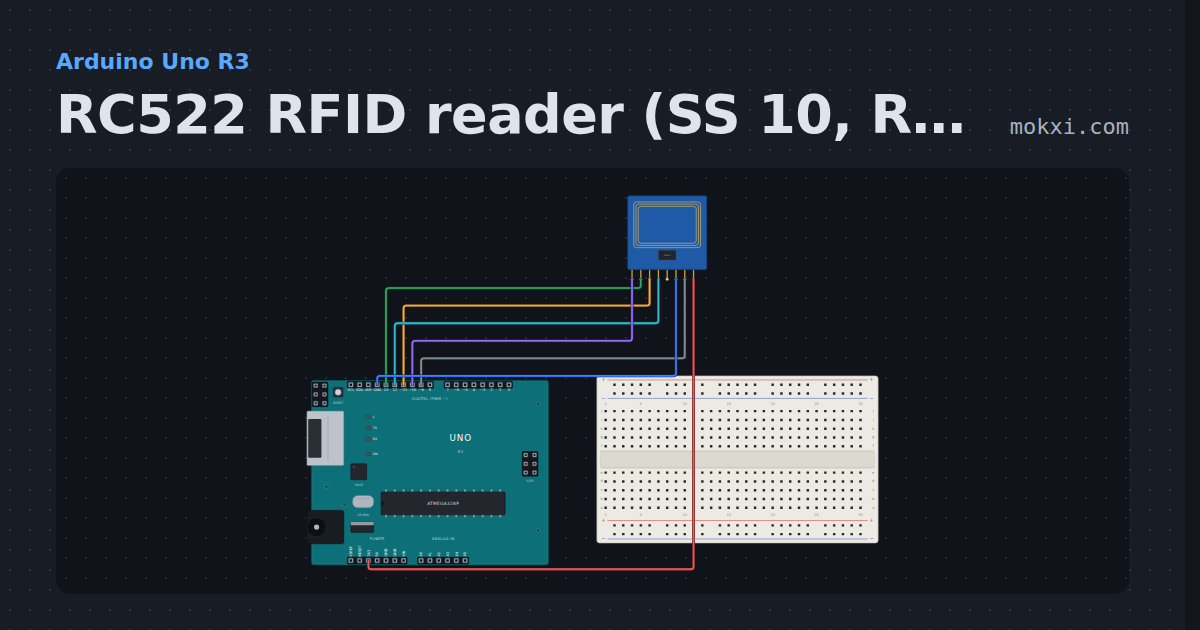
RC522 RFID reader (SS 10, RST 9)
An RC522 RFID reader on the SPI pins with SDA (SS) on pin 10 and RST on pin 9: hold a card to it and the MFRC522 library prints the card’s ID.
- Board
- Arduino Uno R3
- Parts
- MFRC522 RFID reader
- Level
- Beginner
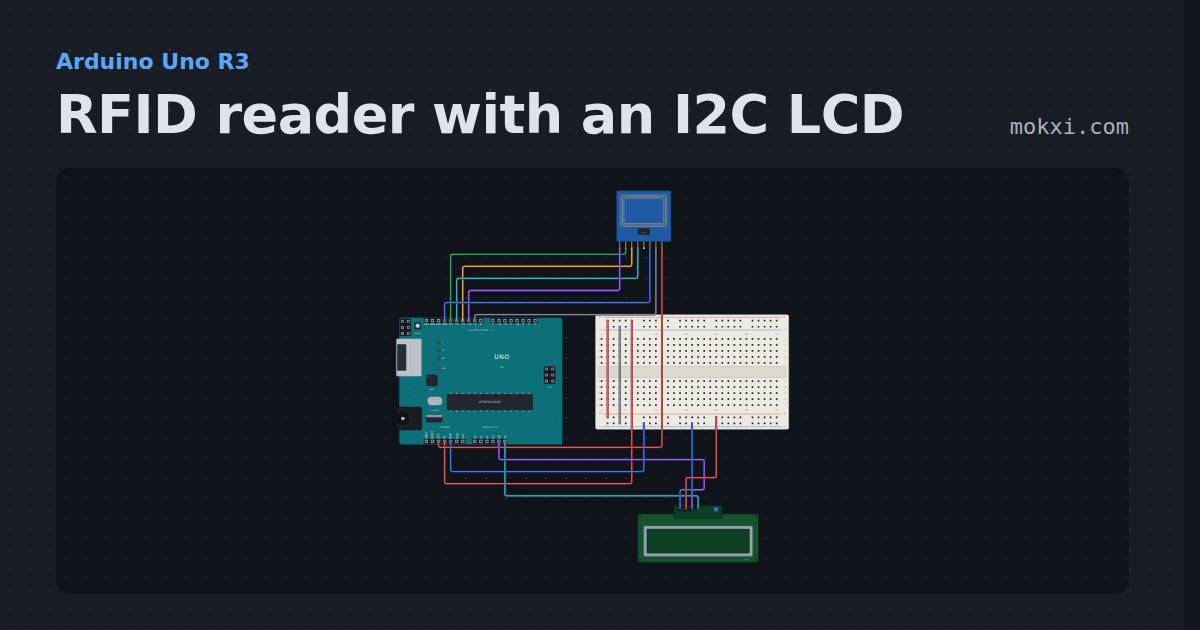
RFID reader with an I2C LCD
An RC522 reader on the SPI pins with SS on 10 and RST on 9 reads a card’s UID and shows it on an I2C LCD on A4 and A5.
- Board
- Arduino Uno R3
- Parts
- MFRC522 RFID reader, I2C LCD
- Level
- Intermediate
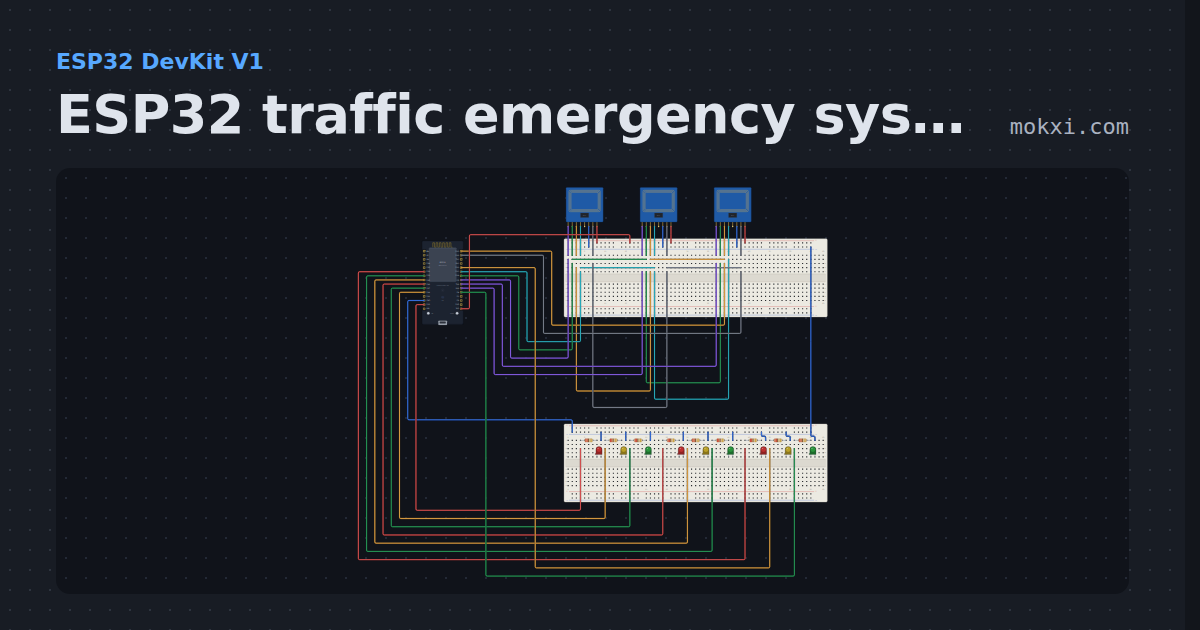
ESP32 traffic emergency system with RFID
Three roads’ lights take turns on an ESP32. Click the white card beside a road’s MFRC522 reader: that road gets green for 8 s and the others red.
- Board
- ESP32 DevKit V1
- Parts
- MFRC522 RFID reader, resistor, LED
- Level
- Intermediate
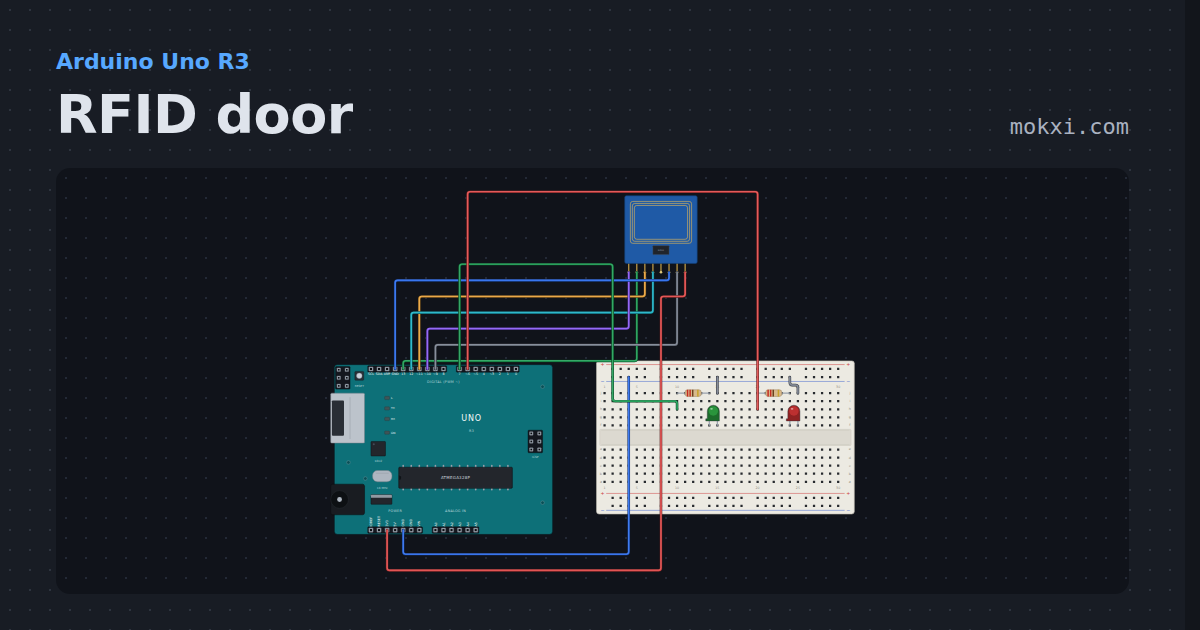
RFID door
An MFRC522 reader and four cards. Tap one: two are on the list and light the green lamp, the other two light the red.
- Board
- Arduino Uno R3
- Parts
- MFRC522 RFID reader, resistor, LED
- Level
- Intermediate
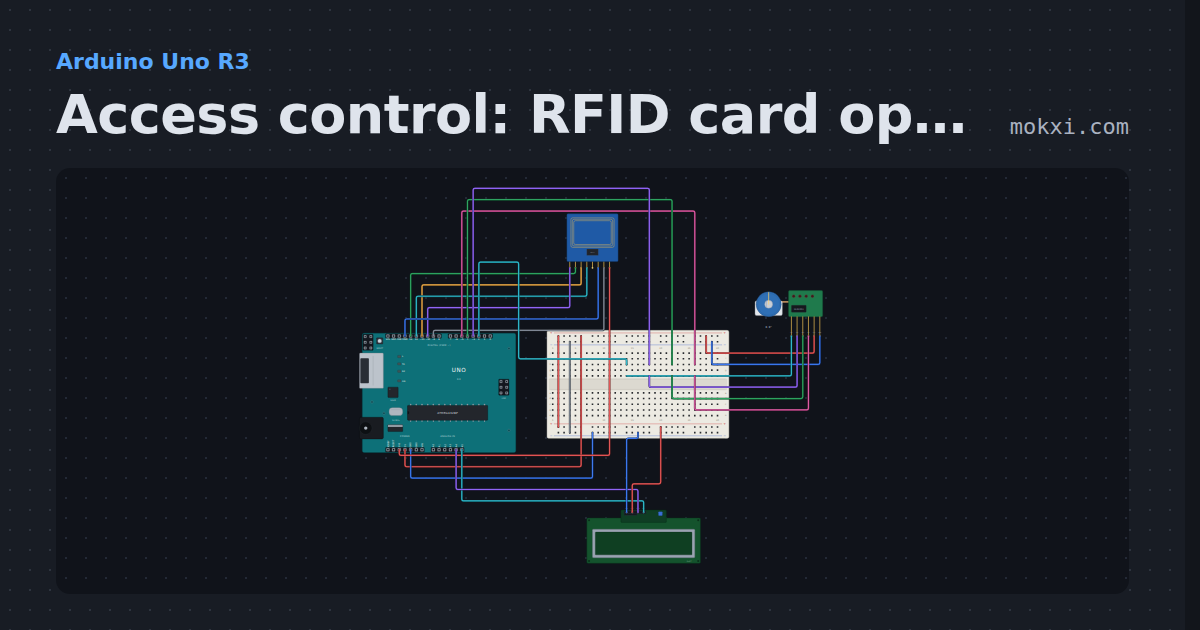
Access control: RFID card opens a stepper door
An RC522 reader (SS 10, RST 9) checks each card against the one it knows.
- Board
- Arduino Uno R3
- Parts
- MFRC522 RFID reader, 28BYJ-48 stepper and ULN2003, I2C LCD
- Level
- Advanced
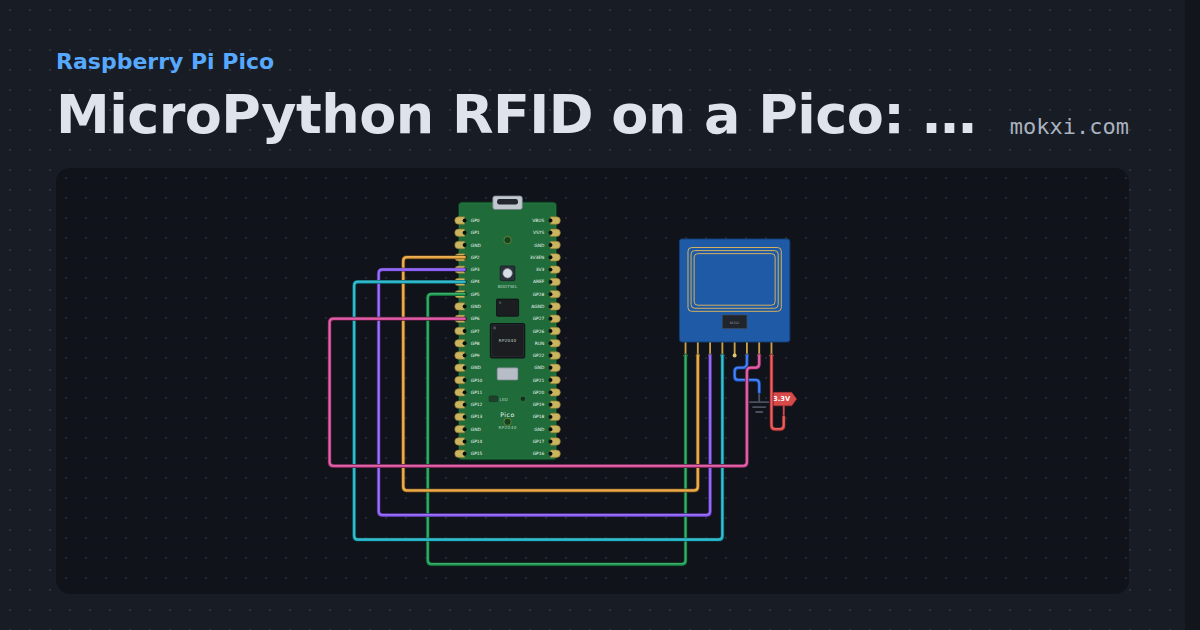
MicroPython RFID on a Pico: read a card’s UID, RC522
MicroPython on a Raspberry Pi Pico: an RC522 reader on SoftSPI (GP2 to GP5) prints a MIFARE card’s UID and reads block 8 with the factory key.
- Board
- Raspberry Pi Pico
- Parts
- MFRC522 RFID reader
- Level
- Advanced
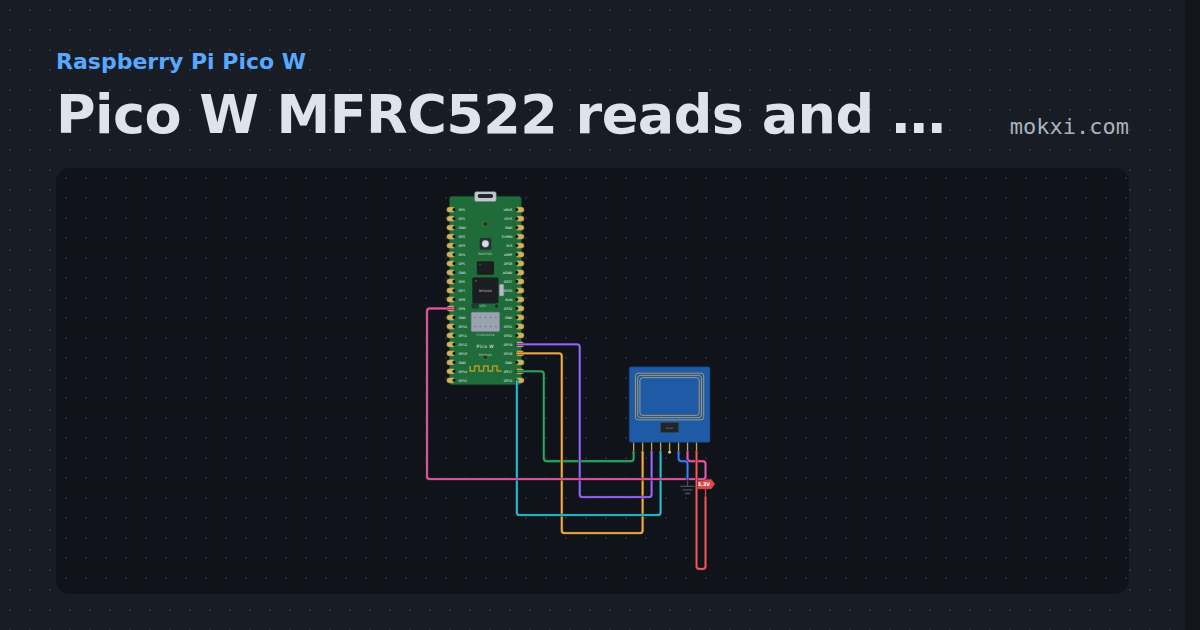
Pico W MFRC522 reads and writes RFID cards
MicroPython on a Pico W: an MFRC522 on SPI0 reads a card’s UID and the text stored on it, and writes text typed in the Serial Monitor to a card.
- Board
- Raspberry Pi Pico W
- Parts
- MFRC522 RFID reader
- Level
- Advanced
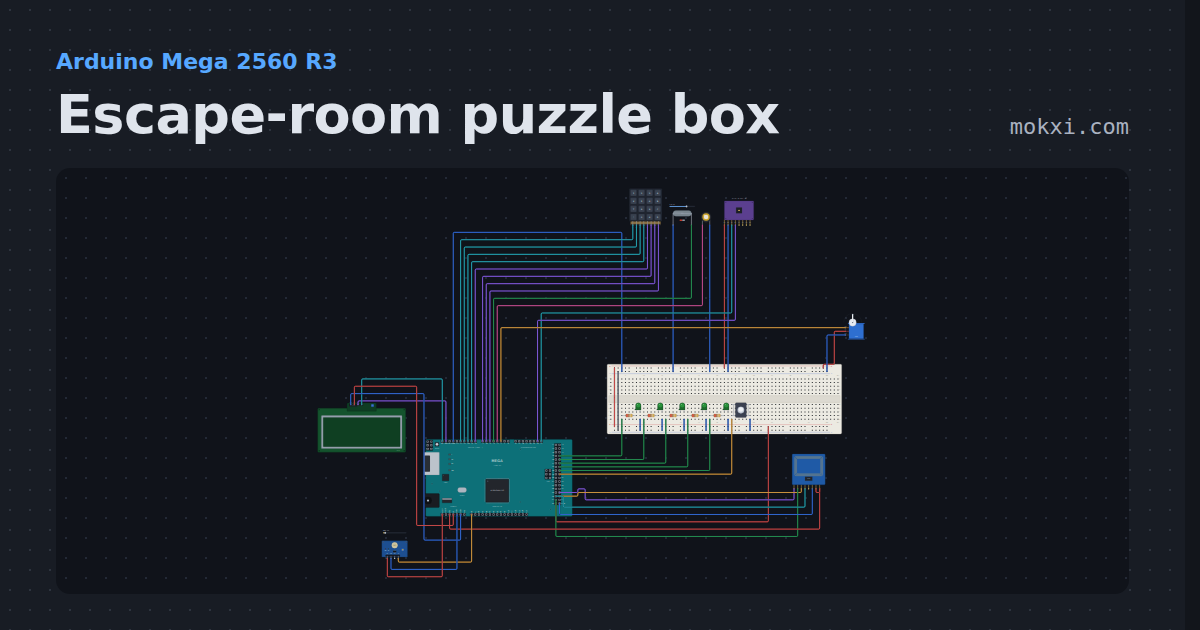
Escape-room puzzle box
Five puzzles in ten minutes: a keypad code, a magnet key, the right RFID card, a tilt sequence and three flashes of light.
- Board
- Arduino Mega 2560 R3
- Parts
- 4x4 keypad, reed switch, piezo speaker, MPU6050 accelerometer and gyro, servo motor, +6 more
- Level
- Advanced
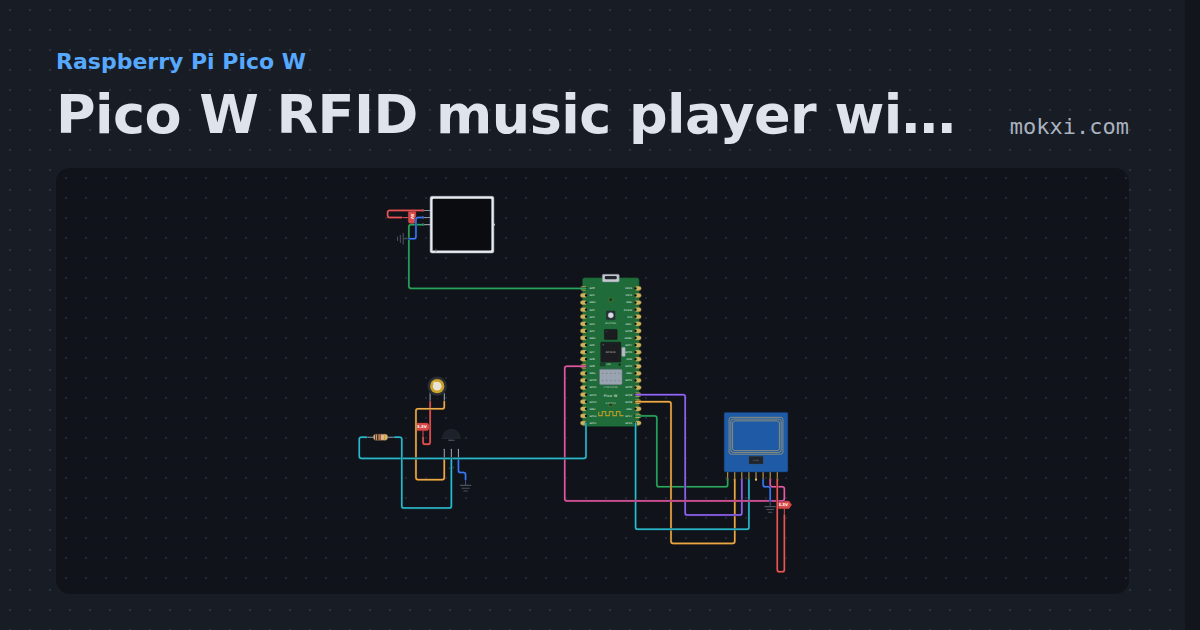
Pico W RFID music player with a WS2812 strip
MicroPython on a Pico W: lay an RFID card on an MFRC522 and the notes stored on it play on a passive buzzer while a WS2812 strip flashes a color per.
- Board
- Raspberry Pi Pico W
- Parts
- MFRC522 RFID reader, WS2812 NeoPixel LEDs, piezo speaker, transistor, resistor
- Level
- Advanced
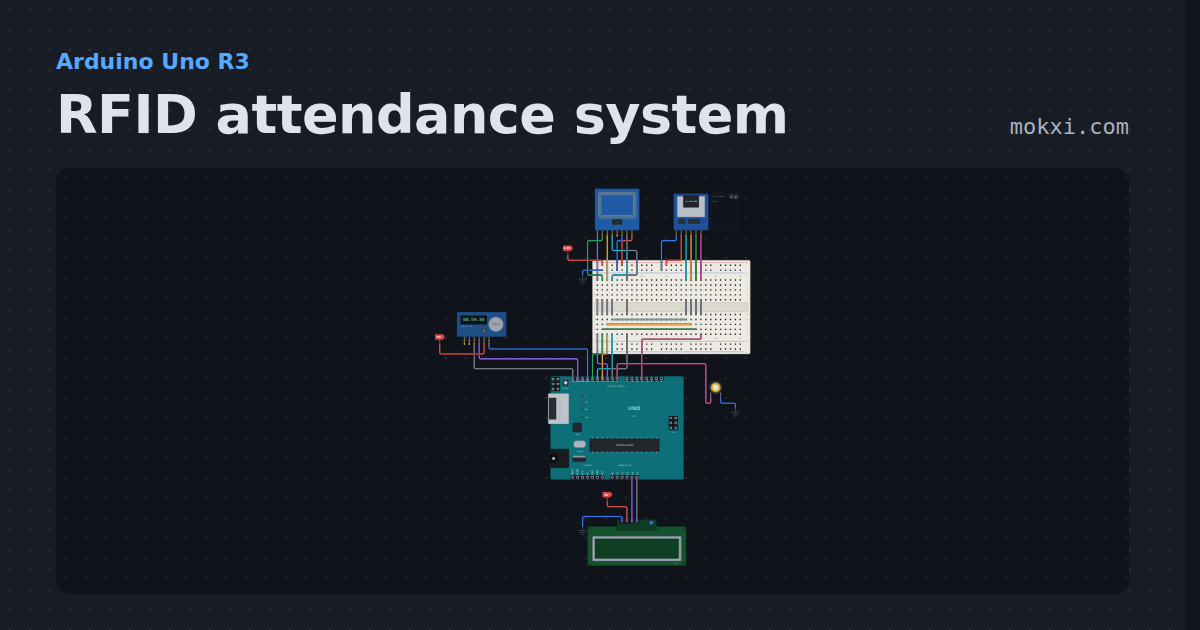
RFID attendance system
RFID attendance system on an Arduino: tap a card on an RC522, the LCD shows IN, LATE or OUT with the DS3231 time, and a CSV on the SD card logs it.
- Board
- Arduino Uno R3
- Parts
- MFRC522 RFID reader, microSD card module, DS3231 real-time clock, I2C LCD, piezo speaker
- Level
- Advanced
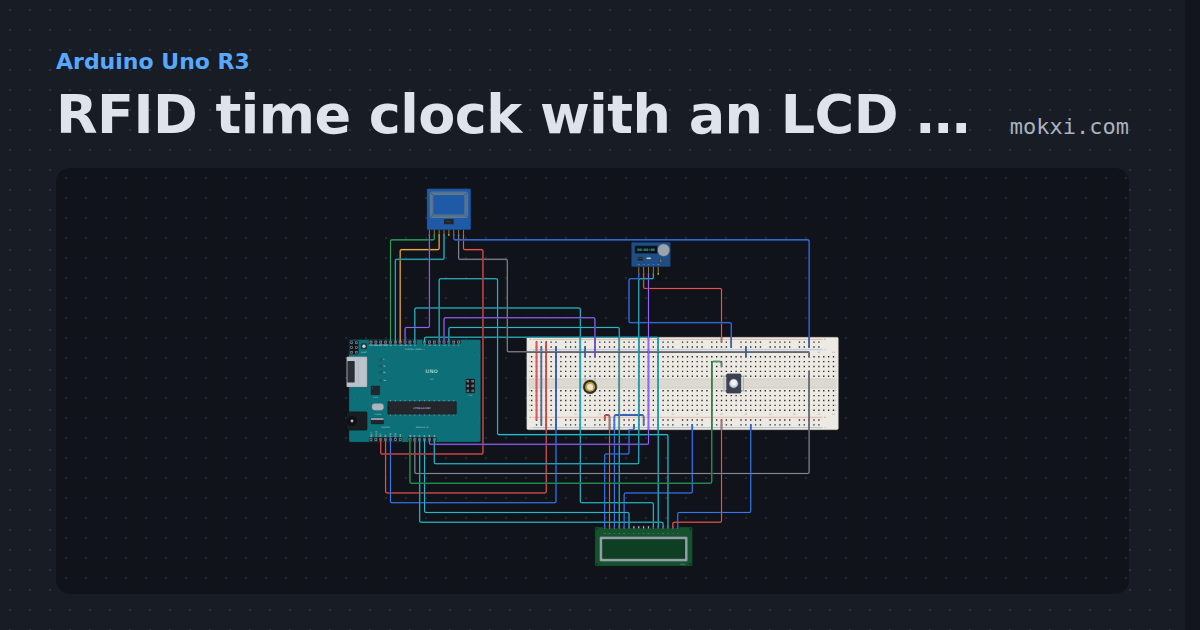
RFID time clock with an LCD and a DS1307
Swipe a card on an RC522 (SS 10, RST A1) to clock in: the LCD names the person, a DS1307 stamps the time, and a line goes to the serial monitor.
- Board
- Arduino Uno R3
- Parts
- 16x2 character LCD, MFRC522 RFID reader, DS1307 real-time clock, push button, piezo speaker
- Level
- Advanced
Wiring, libraries and more ideas
Wiring guides
Library pages
More project ideas
- Arduino Uno project ideas
- Raspberry Pi Pico project ideas
- Arduino Mega project ideas
- ESP32 project ideas
- Projects with a piezo speaker
- Projects with an I2C LCD
- LED projects for Arduino, ESP32 and Pico
- Projects with a push button
- Projects with a DS1307 real-time clock
- Projects with a DS3231 real-time clock
- Projects with a 4x4 keypad