Projects with a piezo speaker
107 Mokxi projects use a piezo speaker (29 beginner, 46 intermediate and 32 advanced). They run on Arduino Uno, Raspberry Pi Pico and ESP32 boards. Here are 24, from “Dreidel spinner” to “Desk buddy robot”. Each card says what the project does, the board and parts it needs and its level, and Open in the simulator runs it in your browser in one click, with no account.
How to pick your first one
- Start with “Passive buzzer on pin 8”, a beginner project that needs a piezo speaker.
- Arduino Uno runs 83 of them, Raspberry Pi Pico 7 and ESP32 6. Start on the board you have, or on an Arduino Uno if you are buying one.
- The parts used most here are the push button (52 projects), the LED (31) and the servo motor (18). With those on hand, most of this list is open to you.
- Before you build one on a real bench, read the piezo speaker wiring guide for your board below. It gives every pin and the voltage notes.
24 projects of 107
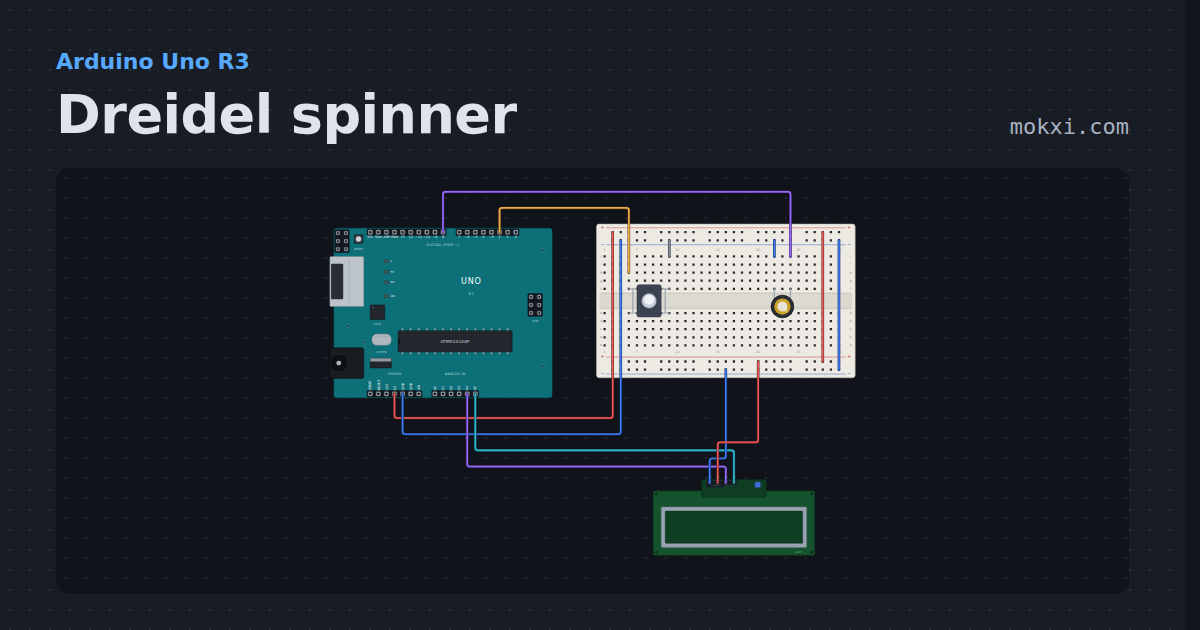
Dreidel spinner
Press the button to spin a dreidel on a 16x2 LCD: the letters whirl and slow with a piezo click each, land on nun, gimel, hei or shin.
- Board
- Arduino Uno R3
- Parts
- Push button, piezo speaker, I2C LCD
- Level
- Beginner
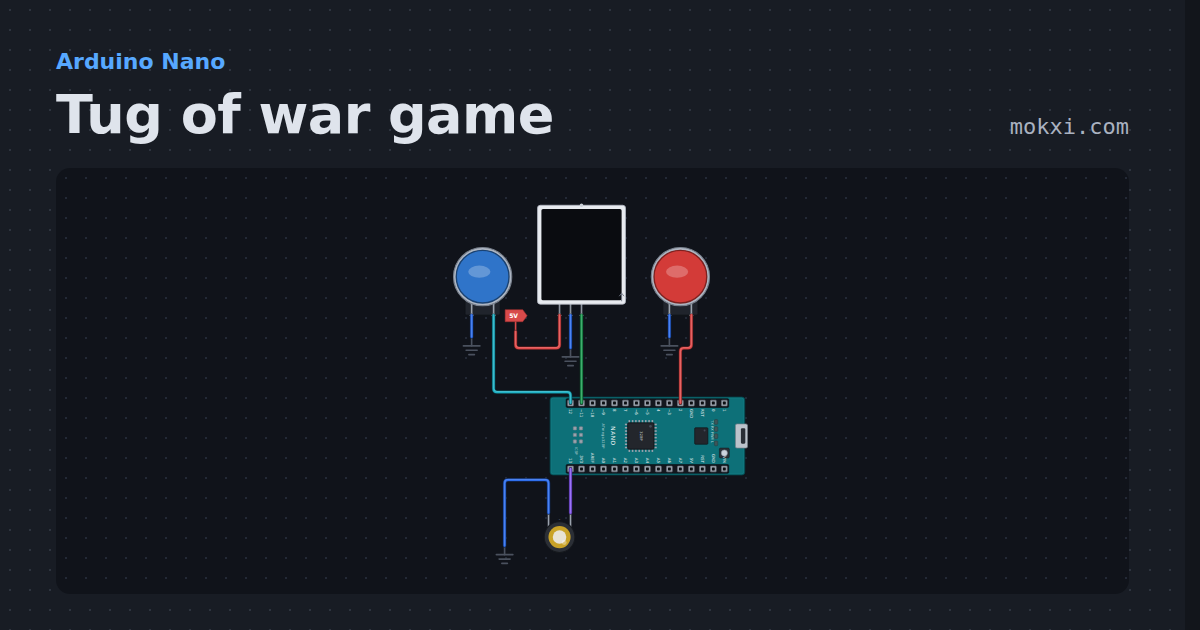
Tug of war game
Tug of war game for two players on a 15-LED NeoPixel strip: every button press pulls the light one LED your way, and the first to pull it off wins.
- Board
- Arduino Nano
- Parts
- Arcade button, WS2812 NeoPixel LEDs, piezo speaker
- Level
- Beginner
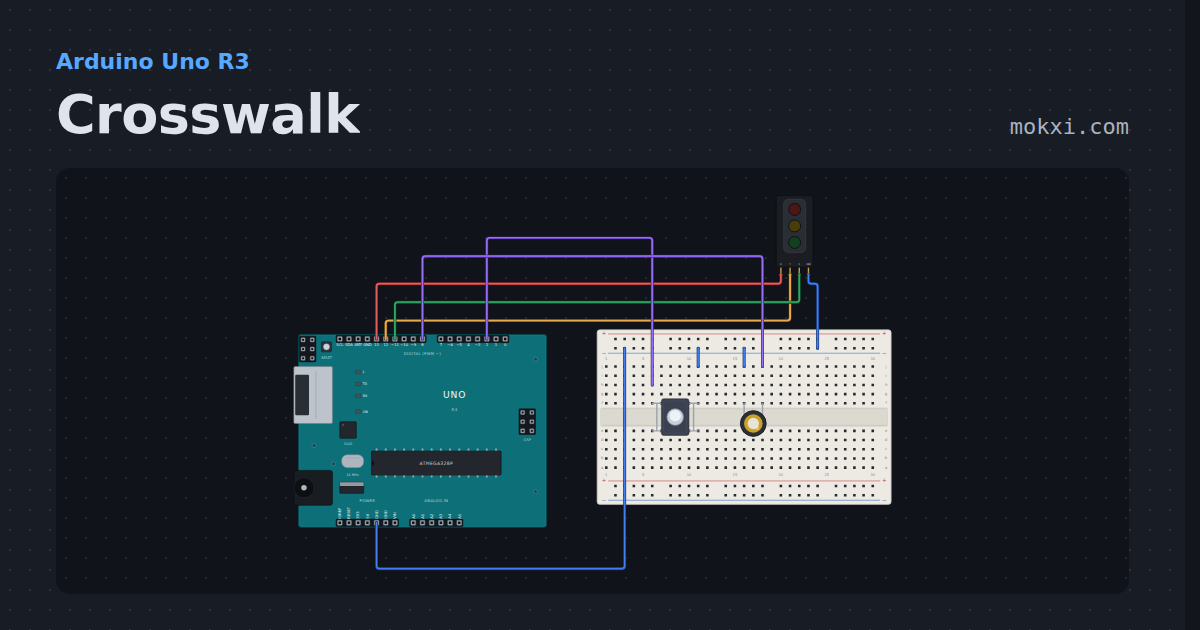
Crosswalk
A traffic light module runs green, yellow and red on its own, and a button asks for the walk signal sooner; a piezo beeps while it is safe to cross.
- Board
- Arduino Uno R3
- Parts
- Traffic light module, push button, piezo speaker
- Level
- Beginner
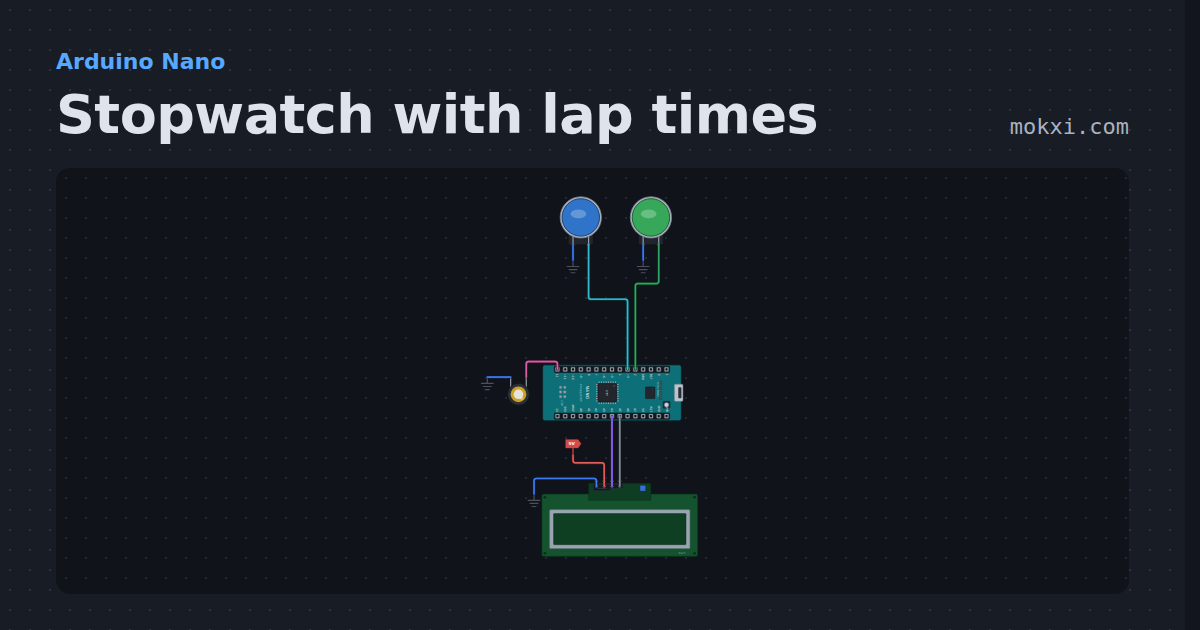
Stopwatch with lap times
Stopwatch with lap times on an Arduino Nano and a 16x2 LCD: one button starts, stops and carries on, the other takes laps or resets.
- Board
- Arduino Nano
- Parts
- Arcade button, piezo speaker, I2C LCD
- Level
- Beginner
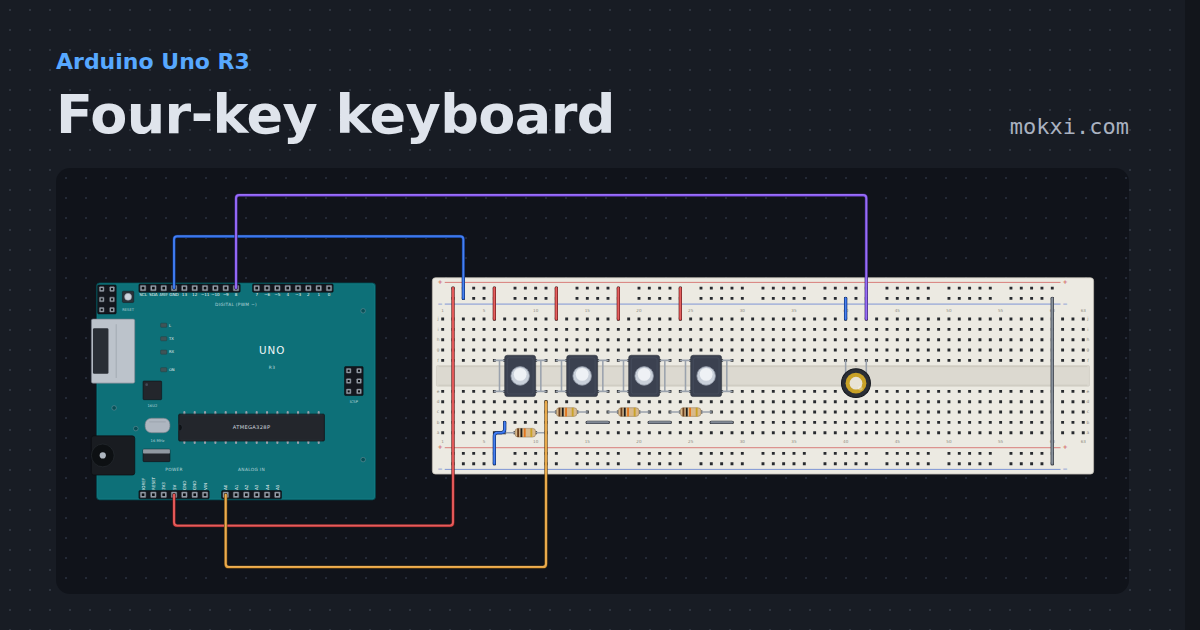
Four-key keyboard
Four buttons share A0 through a ladder of 10k resistors, so each key reads a different number, and a piezo plays C, D, E or F.
- Board
- Arduino Uno R3
- Parts
- Push button, resistor, piezo speaker
- Level
- Beginner
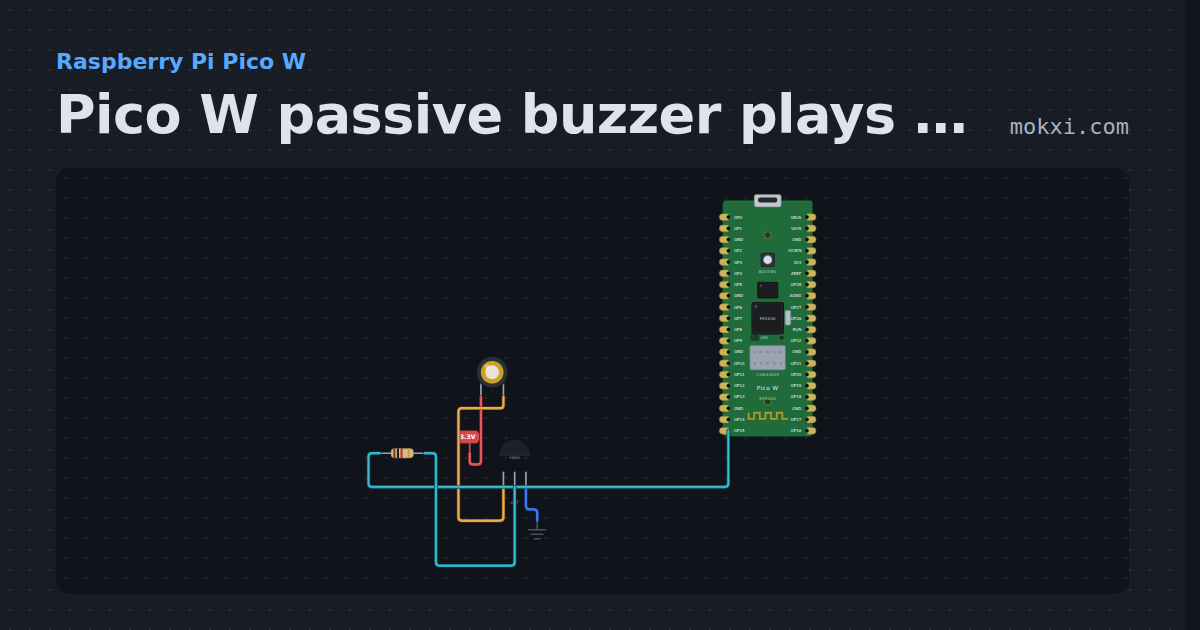
Pico W passive buzzer plays notes with PWM
MicroPython on a Pico W: PWM on GP15 drives a passive buzzer through an S8050 and plays 440, 494 and 523 Hz, a quarter second each.
- Board
- Raspberry Pi Pico W
- Parts
- Piezo speaker, transistor, resistor
- Level
- Beginner
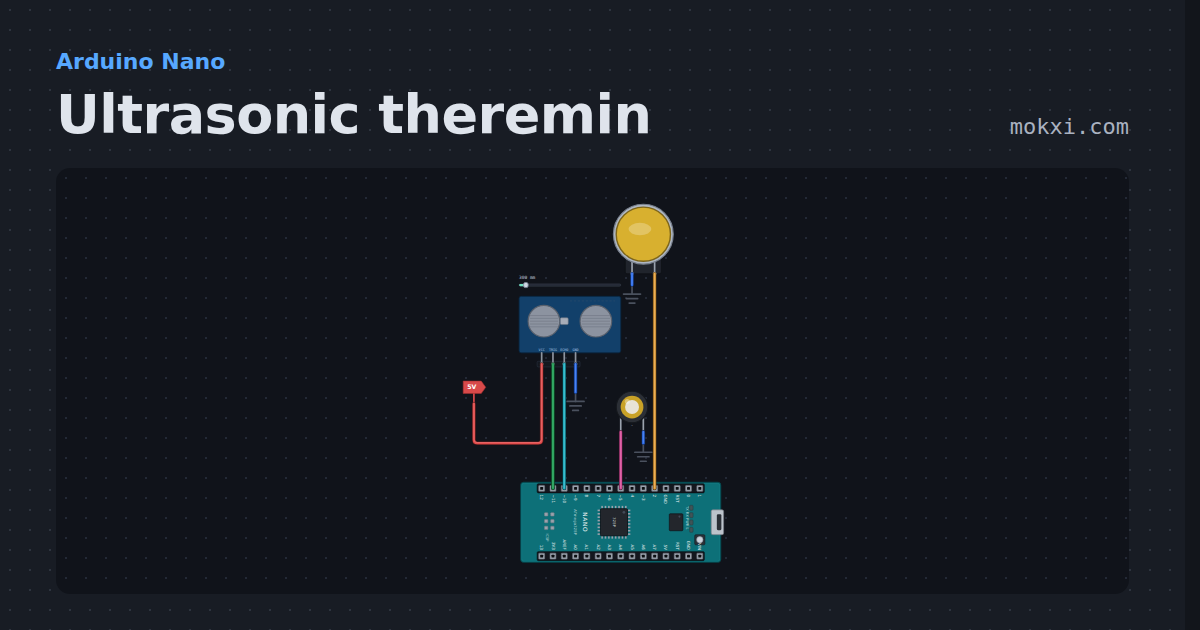
Ultrasonic theremin
Ultrasonic theremin on an Arduino Nano: wave a hand over an HC-SR04 to play notes of a pentatonic scale, or glide the pitch like a real theremin.
- Board
- Arduino Nano
- Parts
- HC-SR04 ultrasonic sensor, arcade button, piezo speaker
- Level
- Beginner
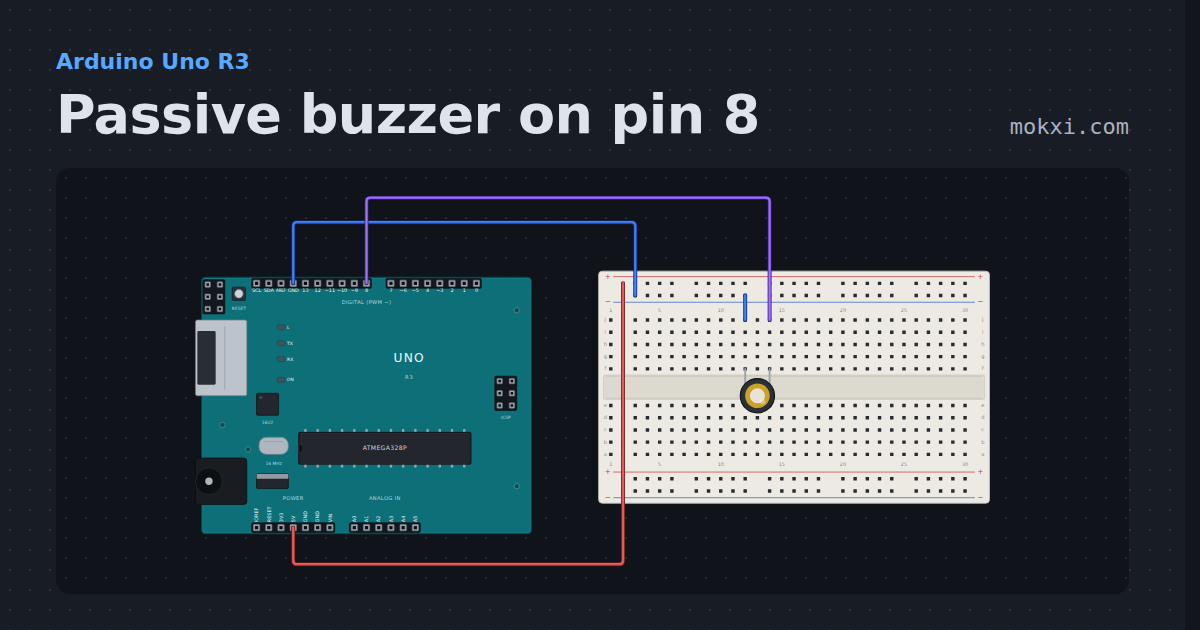
Passive buzzer on pin 8
A passive buzzer on pin 8 plays the eight notes of a C major scale with tone(), one every half second, and names each note as it plays.
- Board
- Arduino Uno R3
- Parts
- Piezo speaker
- Level
- Beginner
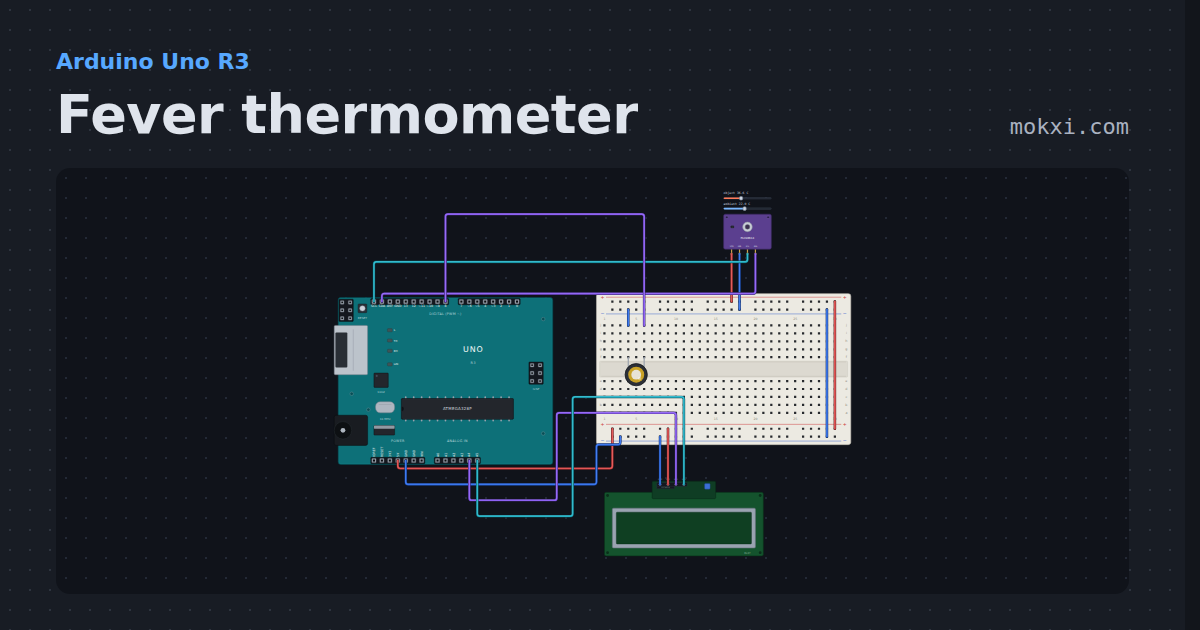
Fever thermometer
An MLX90614 reads a forehead without touching it; an I2C LCD shows the temperature, and over 38 C it says FEVER and beeps.
- Board
- Arduino Uno R3
- Parts
- IR thermometer, I2C LCD, piezo speaker
- Level
- Beginner
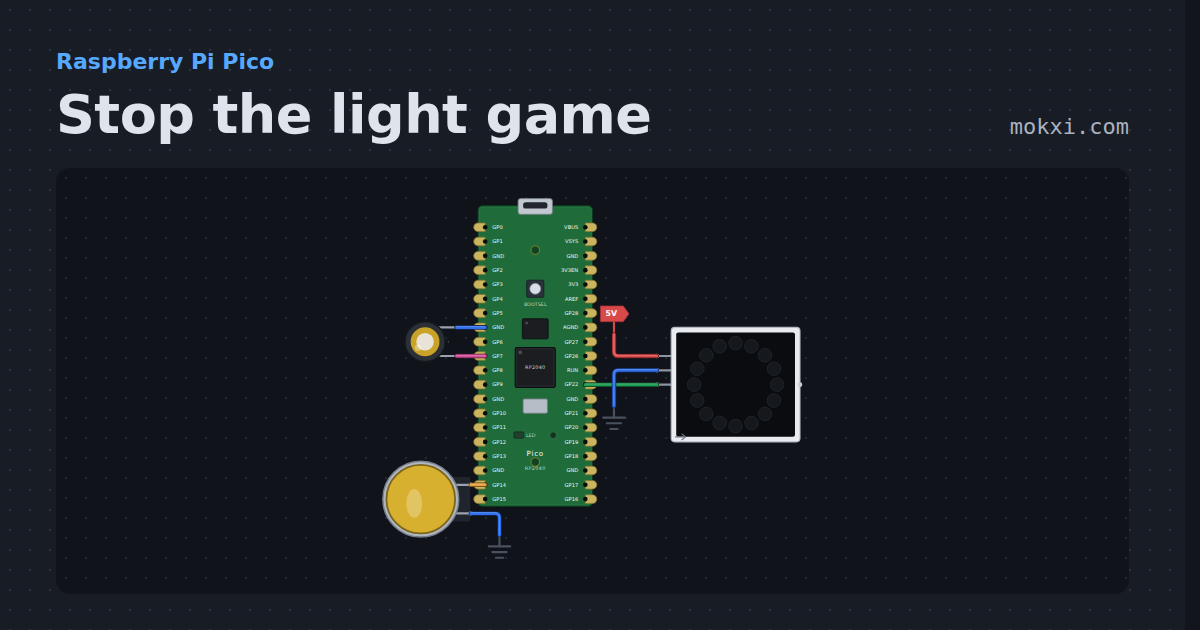
Stop the light game
Stop the light game on a Raspberry Pi Pico: press the button as a red light runs onto the green LED of a 16-LED NeoPixel ring, faster every level.
- Board
- Raspberry Pi Pico
- Parts
- WS2812 NeoPixel LEDs, arcade button, piezo speaker
- Level
- Beginner
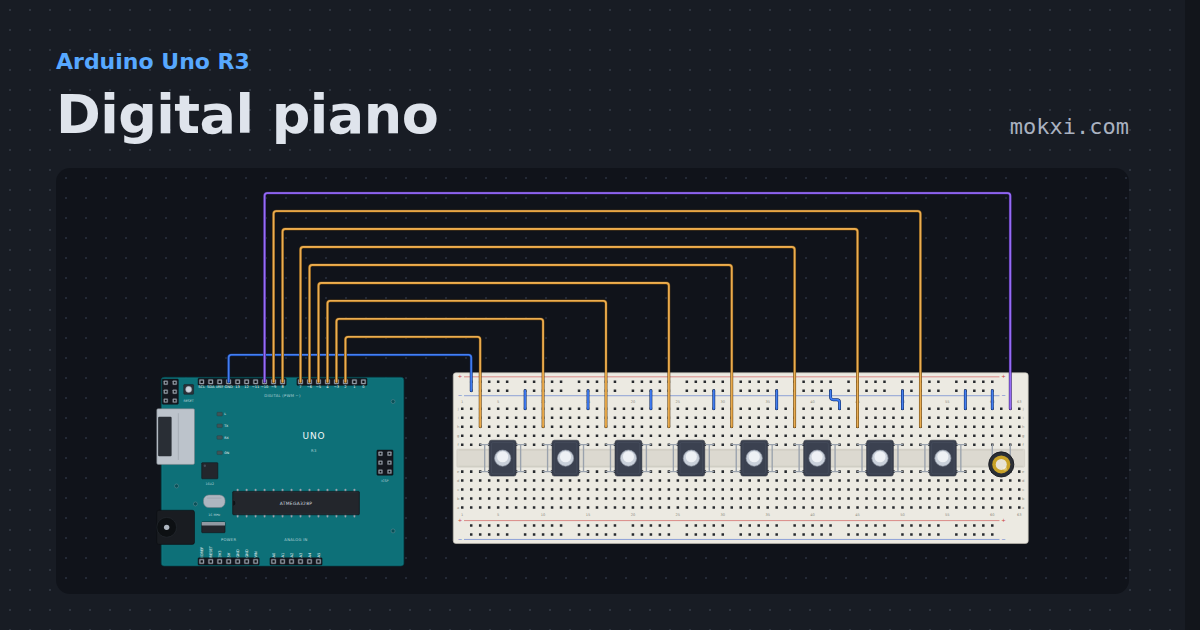
Digital piano
Eight keys and a piezo play an octave from middle C on an Uno.
- Board
- Arduino Uno R3
- Parts
- Push button, piezo speaker
- Level
- Beginner
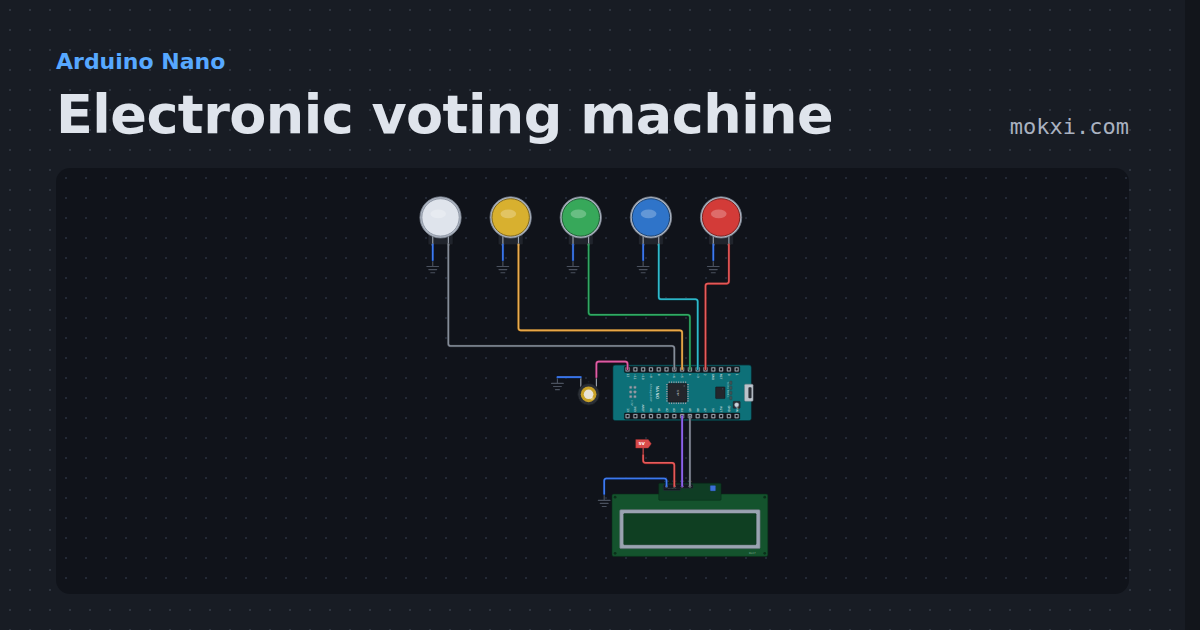
Electronic voting machine
Electronic voting machine on an Arduino Nano: four buttons to vote, a result button for every count and the winner on an LCD.
- Board
- Arduino Nano
- Parts
- Arcade button, piezo speaker, I2C LCD
- Level
- Beginner
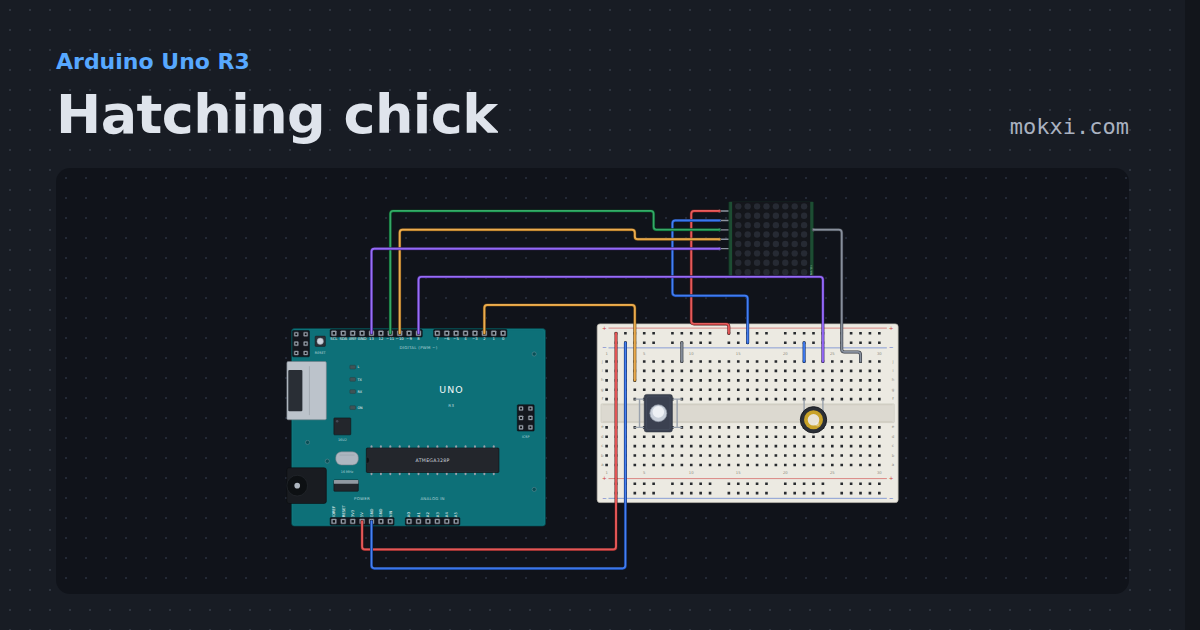
Hatching chick
An egg on an 8x8 MAX7219 matrix wobbles, cracks three times and hatches into a chick that blinks and peeps on a piezo.
- Board
- Arduino Uno R3
- Parts
- Push button, piezo speaker, MAX7219 8x8 LED matrix
- Level
- Beginner
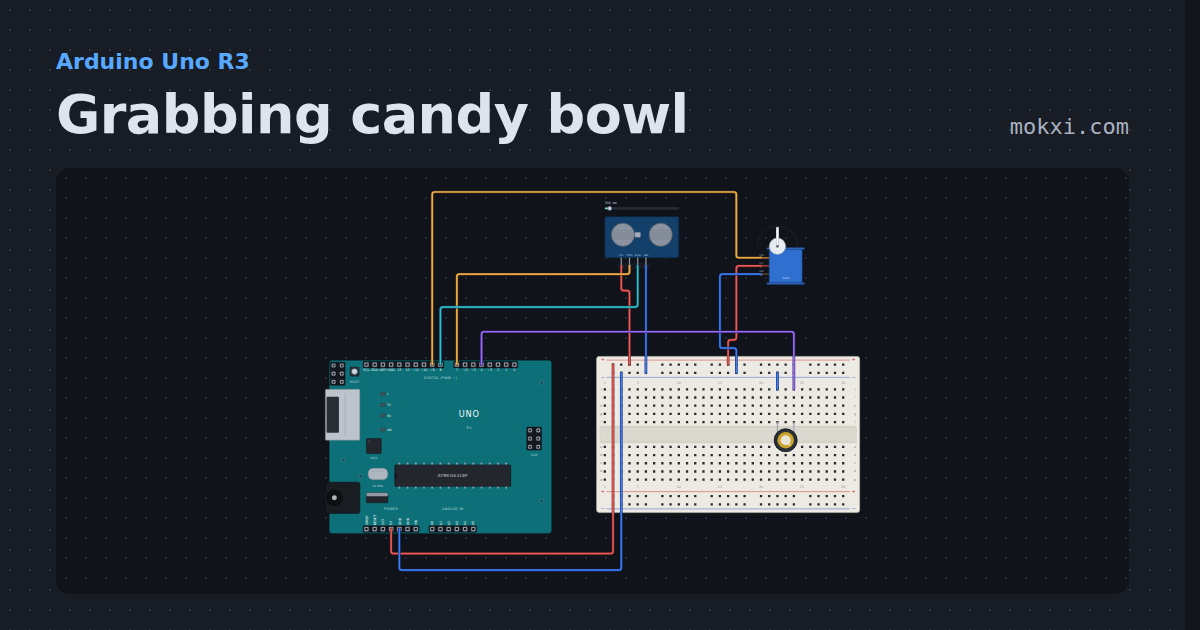
Grabbing candy bowl
An HC-SR04 watches across the top of a candy bowl: when a hand reaches in, a piezo cackles and a servo swings a rubber hand down to grab it.
- Board
- Arduino Uno R3
- Parts
- HC-SR04 ultrasonic sensor, servo motor, piezo speaker
- Level
- Beginner
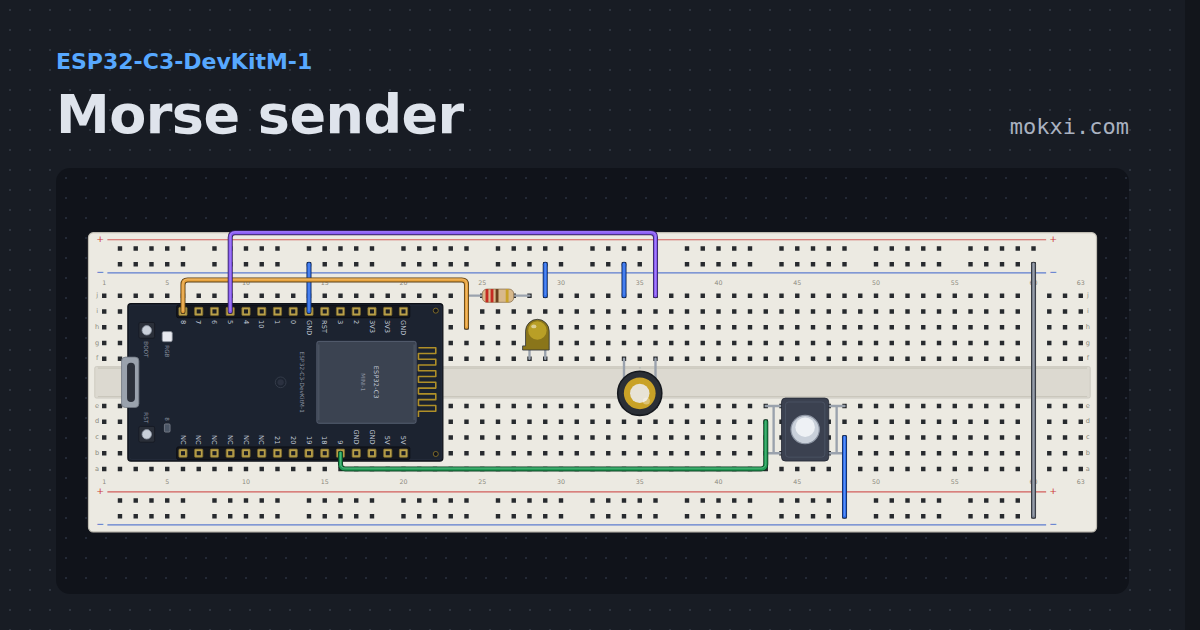
Morse sender
An ESP32-C3 sends a word in Morse on a lamp and a piezo at once, and a button picks the next message.
- Board
- ESP32-C3-DevKitM-1
- Parts
- Resistor, LED, piezo speaker, push button
- Level
- Beginner
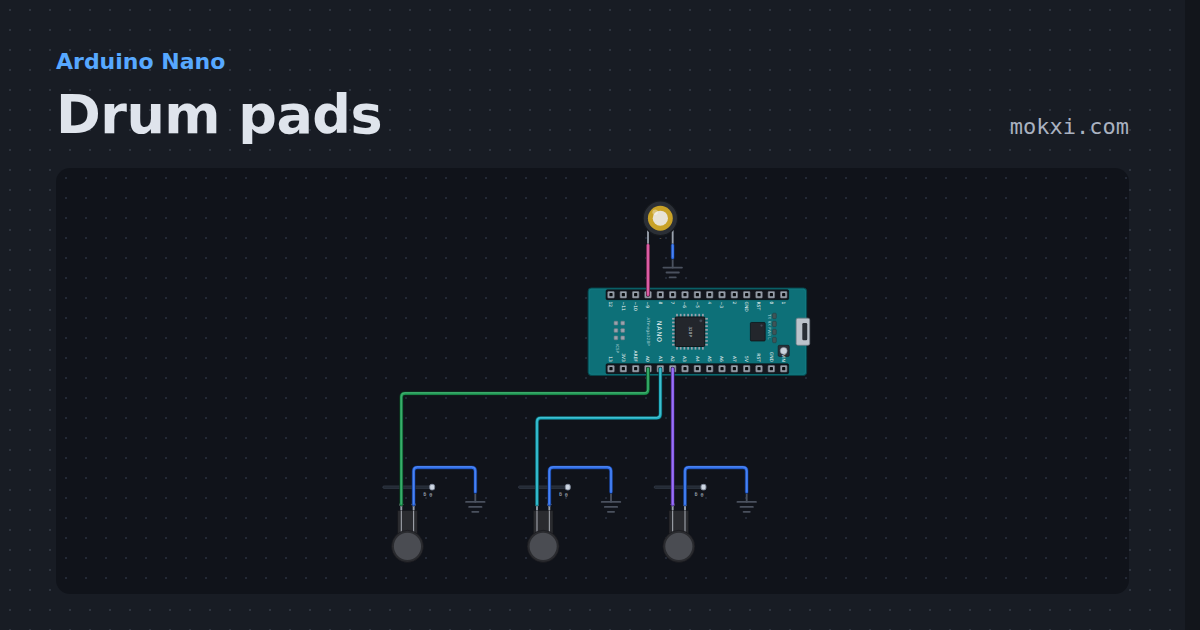
Drum pads
Arduino drum pads: three force-sensing resistors play a kick, a snare and a hi-hat on a piezo, harder hits longer.
- Board
- Arduino Nano
- Parts
- Force-sensing resistor, piezo speaker
- Level
- Intermediate
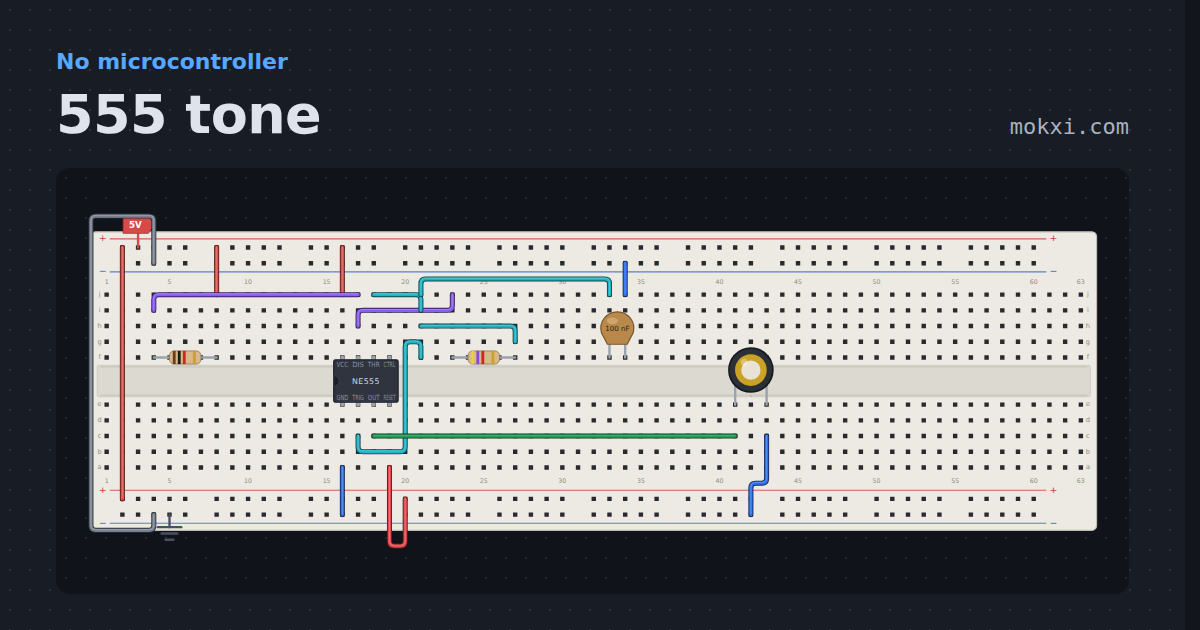
555 tone
A 555 astable drives a piezo straight from the output pin, no board and no button.
- Board
- No board
- Parts
- Resistor, NE555 timer, capacitor, piezo speaker
- Level
- Intermediate
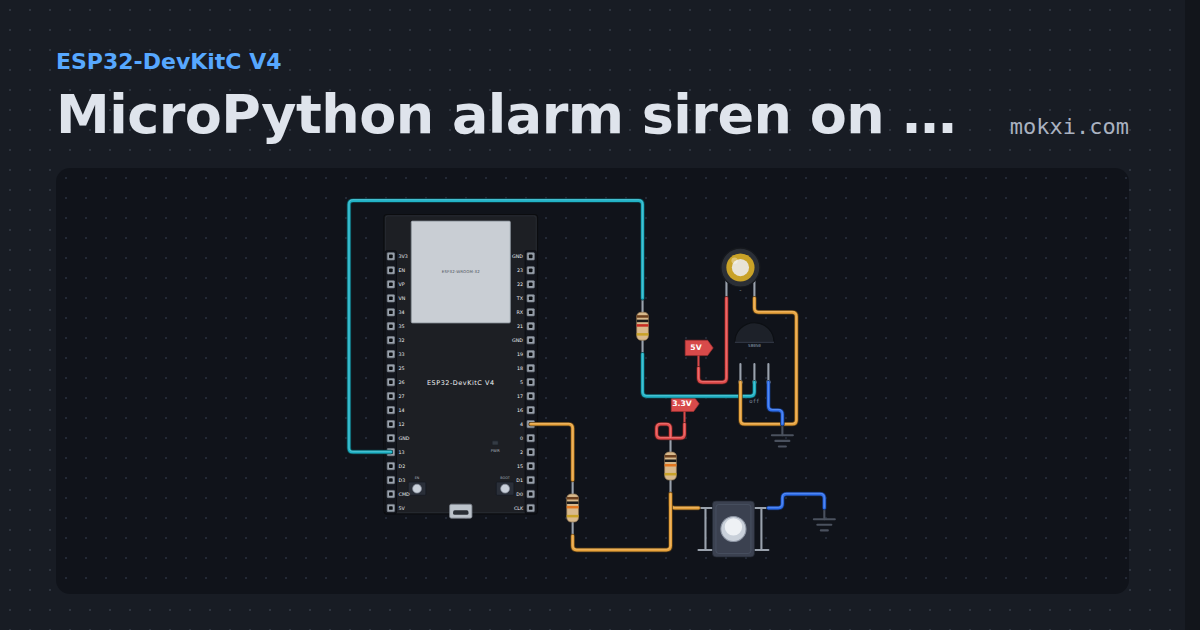
MicroPython alarm siren on a passive buzzer
MicroPython on an ESP32: while the button on GPIO 4 is held, a passive buzzer behind an S8050 on GPIO 13 wails between 1500 and 2500 Hz.
- Board
- ESP32-DevKitC V4
- Parts
- Piezo speaker, resistor, transistor, push button
- Level
- Intermediate
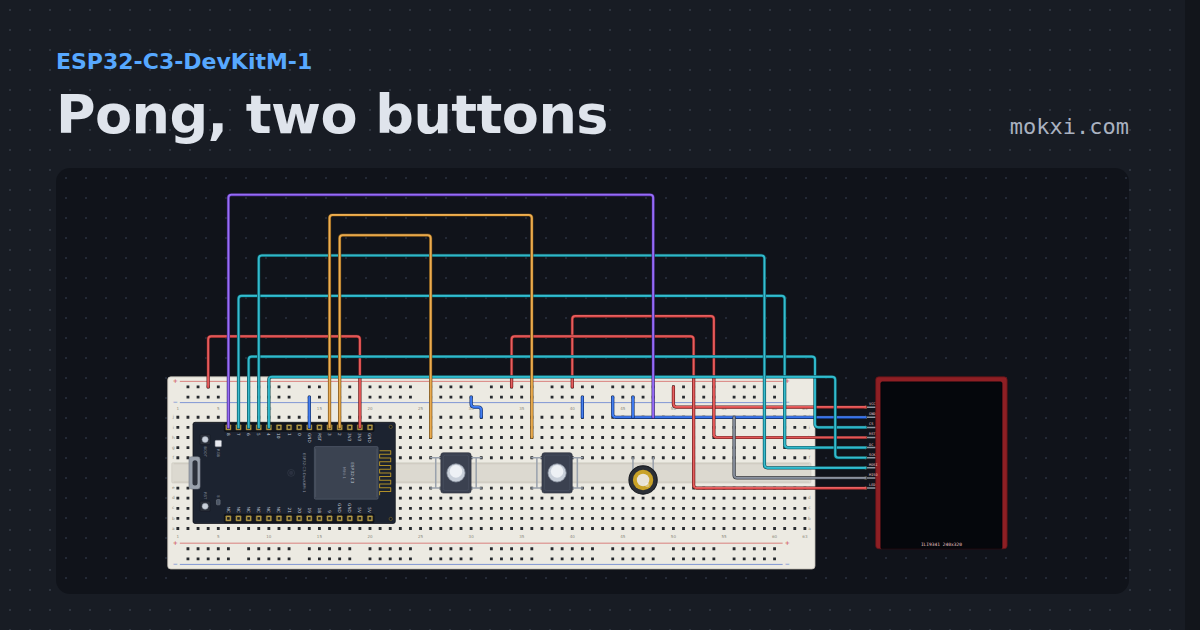
Pong, two buttons
A TFT paddle game on an ILI9341 screen, full screen at forty frames a second, played with two buttons.
- Board
- ESP32-C3-DevKitM-1
- Parts
- ILI9341 TFT display, push button, piezo speaker
- Level
- Advanced
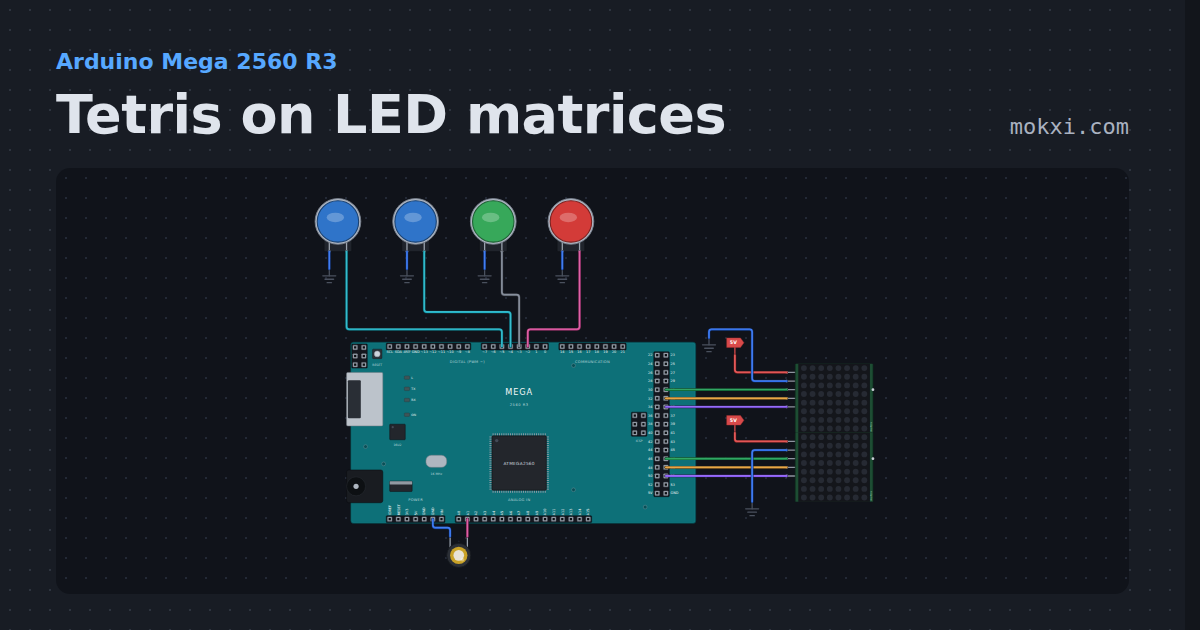
Tetris on LED matrices
Tetris on LED matrices with an Arduino Mega: two 8x8 MAX7219s make an 8 by 16 field, with four buttons, all seven pieces.
- Board
- Arduino Mega 2560 R3
- Parts
- MAX7219 8x8 LED matrix, arcade button, piezo speaker
- Level
- Advanced
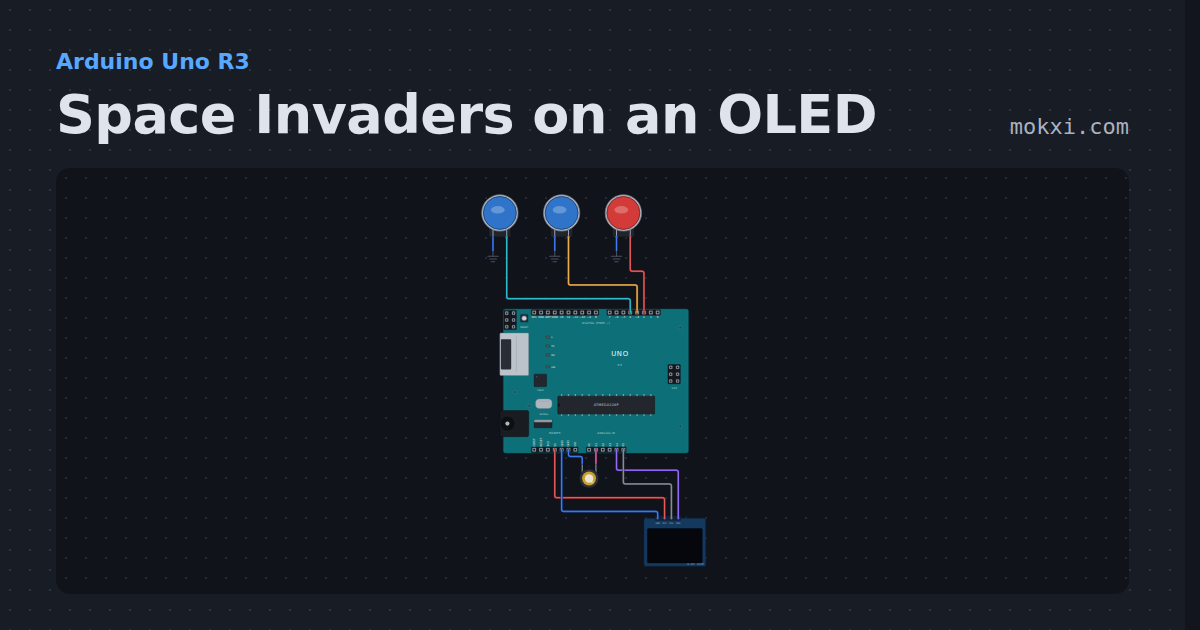
Space Invaders on an OLED
Space Invaders on an OLED with an Arduino: invaders that march faster as you shoot them, three buttons to move and fire, bombs.
- Board
- Arduino Uno R3
- Parts
- Arcade button, piezo speaker, SSD1306 OLED display
- Level
- Advanced
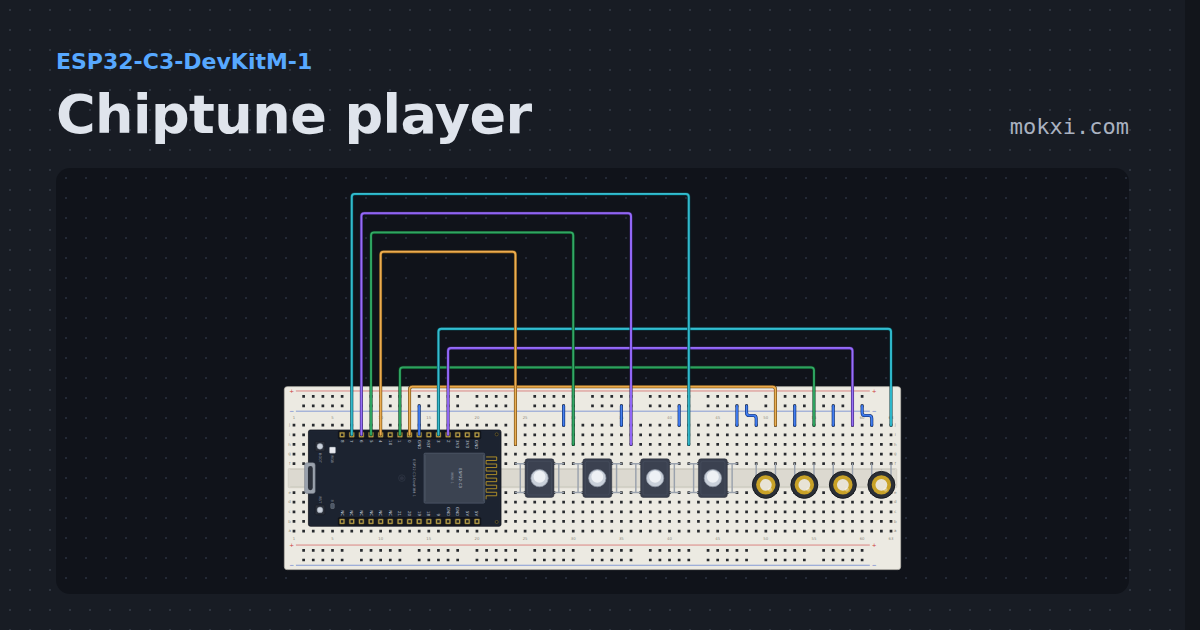
Chiptune player
A four-channel chiptune on an ESP32-C3: a lead, a harmony, a bass and a noise drum on four piezos, with mute buttons.
- Board
- ESP32-C3-DevKitM-1
- Parts
- Push button, piezo speaker
- Level
- Advanced
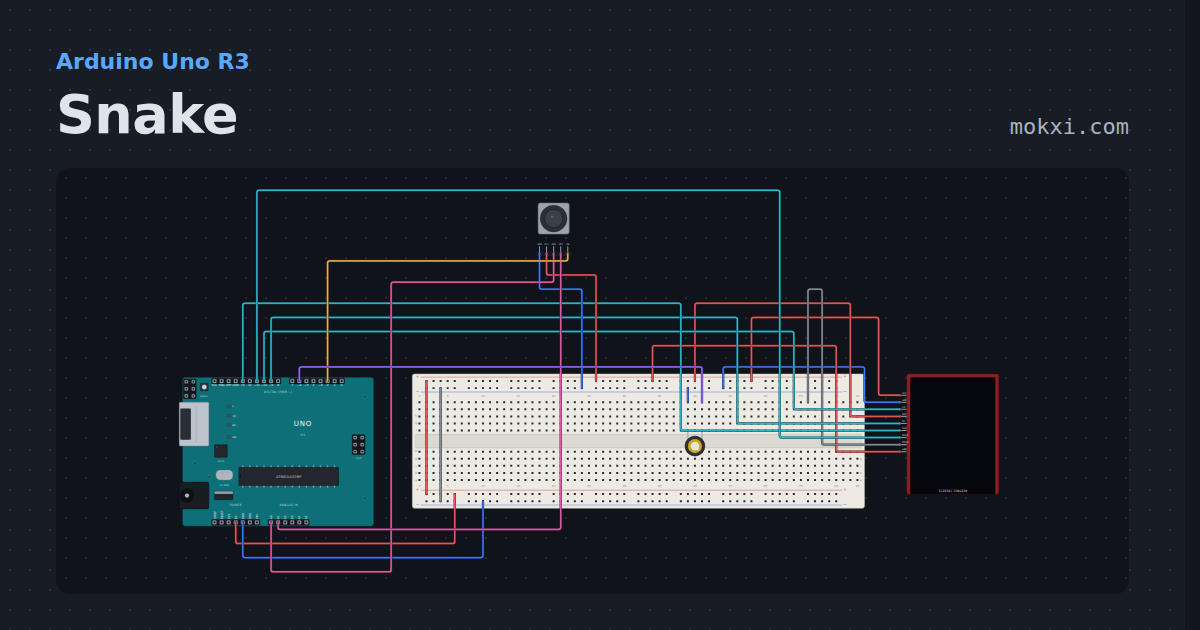
Snake
Snake on a 240x320 TFT with a thumb stick: eat the apple, grow, and repaint only the squares that moved.
- Board
- Arduino Uno R3
- Parts
- ILI9341 TFT display, joystick, piezo speaker
- Level
- Advanced
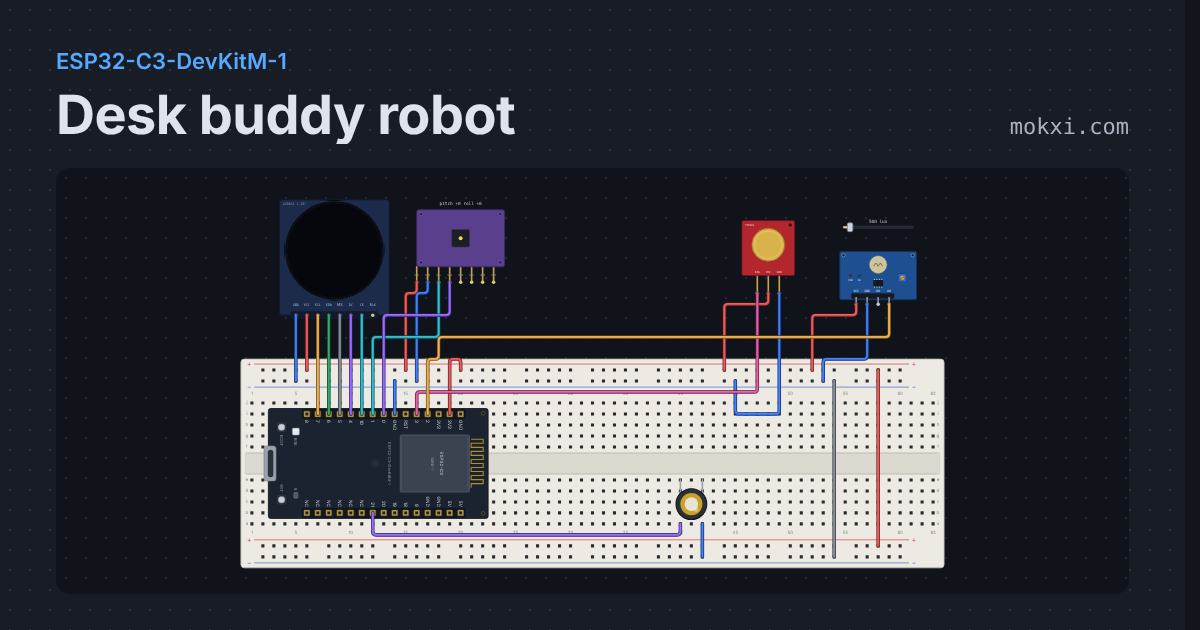
Desk buddy robot
Animated robot eyes on a round GC9A01: it blinks and glances about, beams when you stroke it, gets dizzy when rocked and lonely when ignored.
- Board
- ESP32-C3-DevKitM-1
- Parts
- GC9A01 round display, MPU6050 accelerometer and gyro, touch sensor, photoresistor module, piezo speaker
- Level
- Advanced
Wiring, libraries and more ideas
Library pages
More project ideas
- Arduino Uno project ideas
- Raspberry Pi Pico project ideas
- ESP32 project ideas
- Arduino Mega project ideas
- Projects with a push button
- LED projects for Arduino, ESP32 and Pico
- Servo motor projects
- Projects with a potentiometer
- Projects with an arcade button
- Projects with an ILI9341 TFT display
- Projects with an I2C LCD