

Mokxi and SimulIDE, compared fairly
SimulIDE is a free, open-source desktop application for simulating Arduino and other microcontroller circuits with breadboard-style wiring, on Windows, Linux and macOS. Mokxi does a similar job in a browser tab with no install. Here is where each one is the right answer.
- 192parts on the bench
- 25boards running now
- 1.00xreal time, on every board
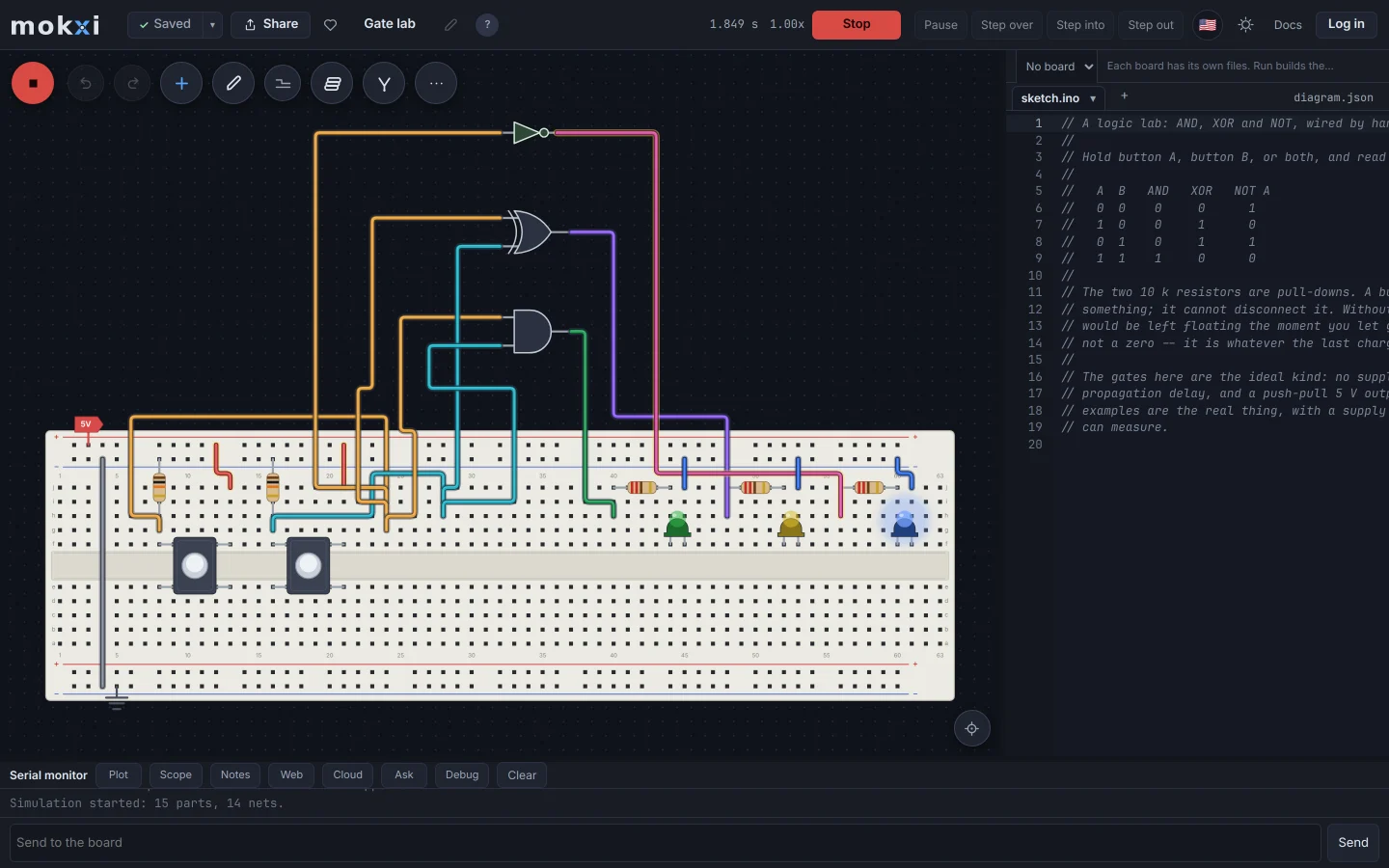
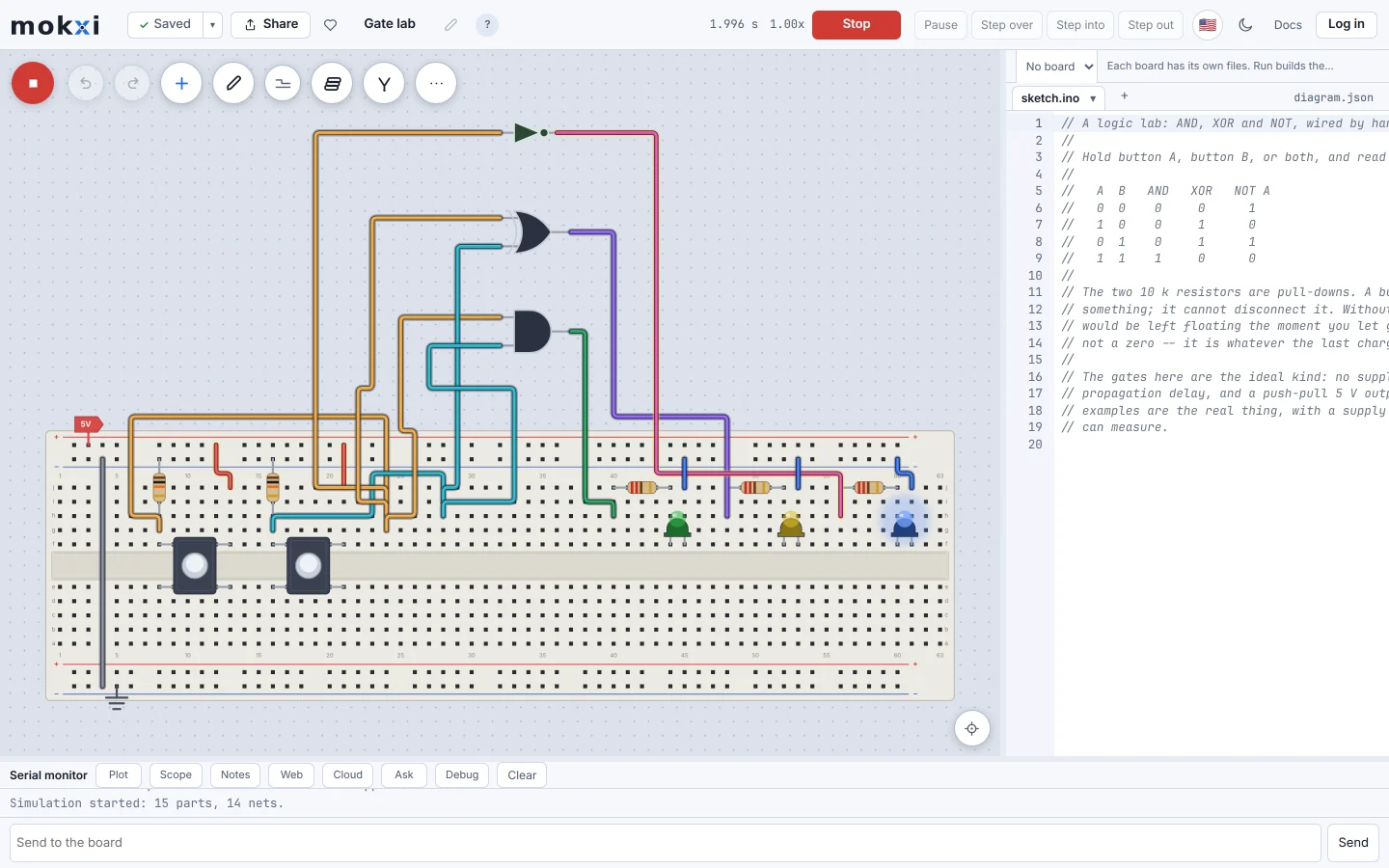
The Mokxi editor running a digital logic circuit: two buttons driving an AND, an XOR and a NOT gate.
Where SimulIDE leads
These are the strongest reasons to choose SimulIDE today.
- Free, open source, and a native desktop app, so it needs no internet connection to run once installed.
- A long-standing, focused tool built specifically around simulating AVR-based Arduino circuits alongside mixed analog and digital parts.
- No account, no cloud dependency and no browser required at all.
- An active open-source community maintaining and extending it.
Where Mokxi leads
These are working parts of Mokxi you can open and test for yourself.
- Runs in a browser tab with nothing to install, and works the same on a Chromebook that cannot install a desktop app at all.
- Your C++ is built by a real clang inside the tab; there is no separate compiler or toolchain to install and keep in sync.
- ESP32-C3 support with a real RISC-V core on the real memory map, alongside the Arduino Uno.
- Projects save to an account and share by link, rather than as a local file to move between machines by hand.
Side by side
Checked on 2026-09-16. If anything here has gone stale, that is our mistake and we want to know.
Which one should you use
Straight answers. Where the other one is the right call, we say so.
You are on a Chromebook or a locked-down school machine
Mokxi needs no install at all.
You want a native desktop app with no browser or account
SimulIDE.
You want an ESP32-C3
Mokxi. SimulIDE is focused on AVR-based Arduino boards.
You want to share a project by a link rather than a file
Mokxi.
Compare the other options
The same straight comparison for the tools teachers, students and makers also consider.
In short
Should I use Mokxi if you are on a chromebook or a locked-down school machine?
Mokxi needs no install at all.
Should I use Mokxi if you want a native desktop app with no browser or account?
SimulIDE.
Should I use Mokxi if you want an esp32-c3?
Mokxi. SimulIDE is focused on AVR-based Arduino boards.
Should I use Mokxi if you want to share a project by a link rather than a file?
Mokxi.
Try it yourself
A comparison page is somebody else’s opinion. Open the editor, press Run and make up your own mind.