

Mokxi and LTspice, compared fairly
Mokxi is a free LTspice alternative that runs online, in any browser, Chromebooks included. It runs SPICE netlists on an engine checked against ngspice and simulates breadboard circuits live, without LTspice’s library of manufacturers’ models. LTspice is a free SPICE simulator from Analog Devices, with schematic capture, a waveform viewer and a large library of device models, for Windows and macOS. Mokxi is a free circuit and firmware simulator that runs in a browser tab, reads, writes and runs SPICE netlists. Here is where each one is the right answer.
- 192parts on the bench
- 25boards running now
- 1.00xreal time, on every board
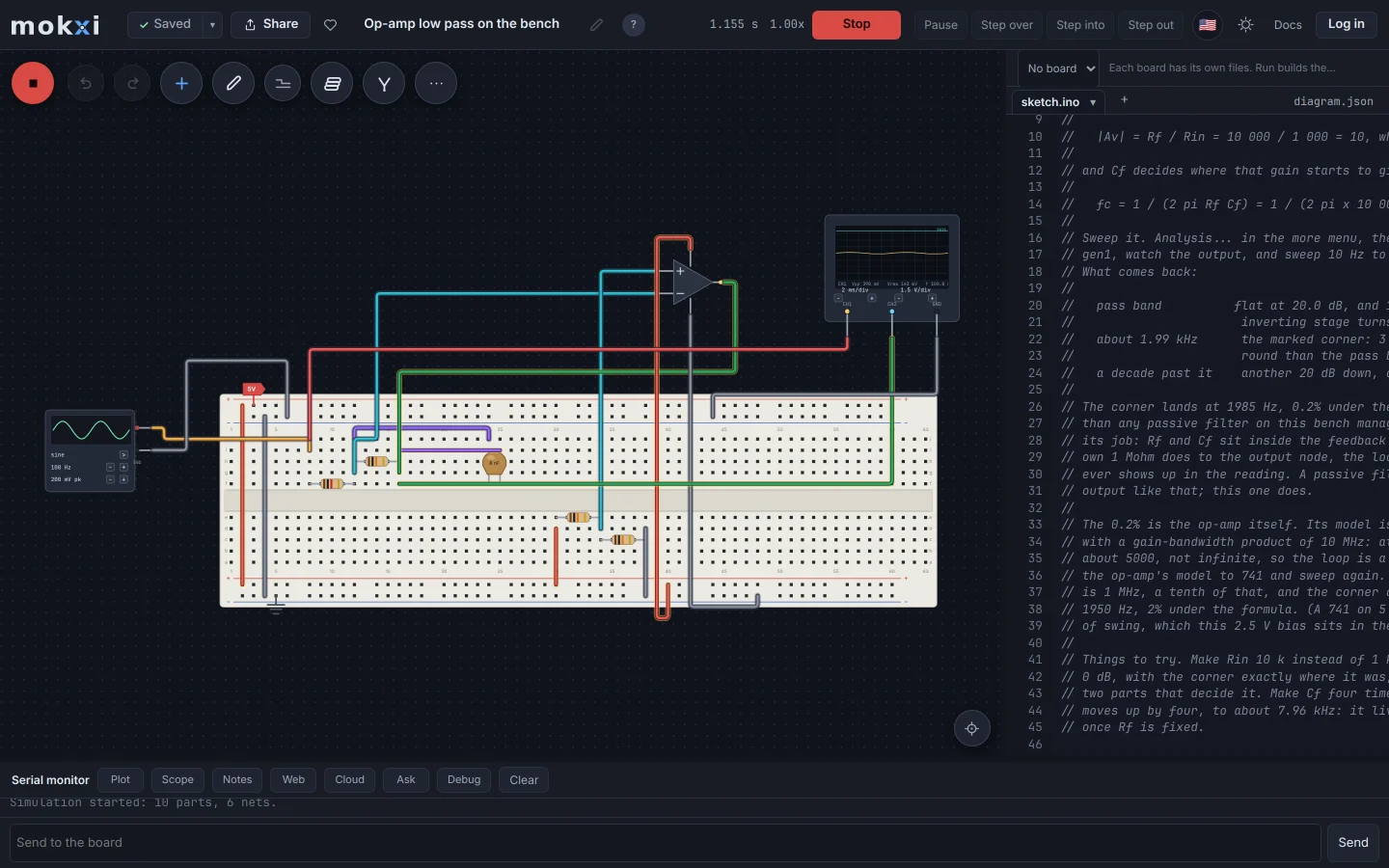
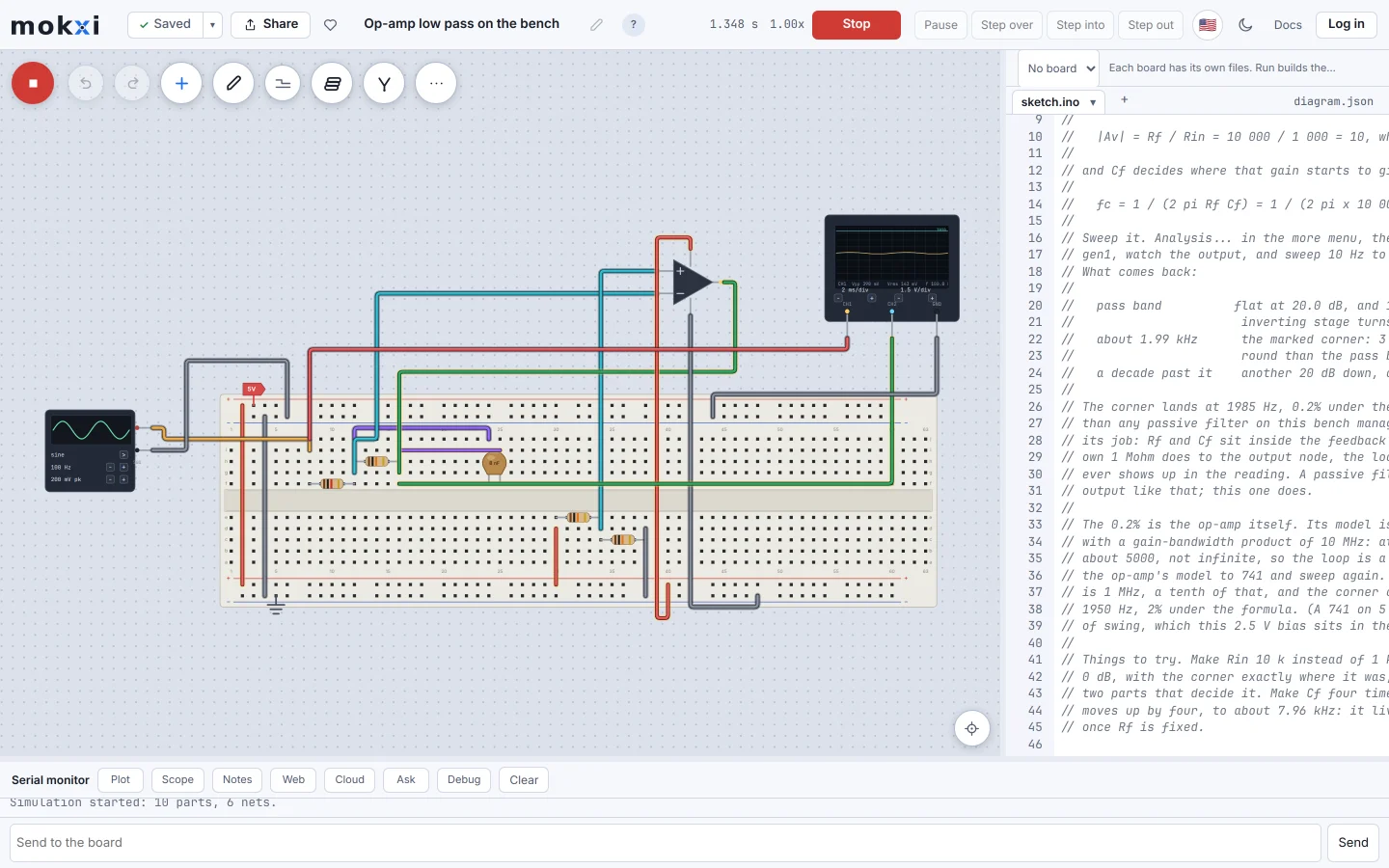
The Mokxi editor running an inverting op-amp low pass on the bench, with a signal generator driving it and an oscilloscope on the output.
Where LTspice leads
These are the strongest reasons to choose LTspice today.
- A mature SPICE with a large library of manufacturers’ models, and analyses Mokxi does not have, such as Monte Carlo and distortion.
- A very large library of manufacturer macromodels, including Analog Devices’ own regulators, amplifiers and converters.
- Free, fast, and one of the most widely used SPICE programs in industry and in college electrical engineering, so tutorials and forum answers are everywhere.
- It works offline once installed, on Windows and macOS.
Where Mokxi leads
These are working parts of Mokxi you can open and test for yourself.
- Runs in a browser tab with nothing to install, including on a school Chromebook, where a desktop SPICE usually cannot go.
- Imports core SPICE netlists (R, C, L, V sources, diodes, transistors, MOSFETs and .tran) as parts and wires, and exports the analog part of a circuit as an ngspice deck that runs as it is.
- The bench around the circuit: a signal generator, a two-channel oscilloscope, a multimeter and a bench supply wired in as parts, on a real breadboard.
- The same canvas runs an Arduino, an ESP32 or a Pico on real compiled firmware, so a circuit and the code that drives it are tested together.
Side by side
Checked on 2026-09-27. If anything here has gone stale, that is our mistake and we want to know.
Which one should you use
Straight answers. Where the other one is the right call, we say so.
You need distortion or Monte Carlo analysis, or a manufacturer’s model of a specific chip
LTspice.
Your class works on Chromebooks
Mokxi runs there with nothing to install. LTspice has no ChromeOS or browser version.
You want to see a circuit on a breadboard with a scope on it
Mokxi.
You are testing a microcontroller together with the circuit around it
Mokxi.
You design power supplies or analog front ends for a living
LTspice.
Looking for an LTspice alternative that runs online?
The usual reason is the machine, not the simulator. LTspice installs on Windows and macOS, and a school Chromebook, a locked-down lab PC or a borrowed laptop cannot run it. Mokxi runs in the browser, so a textbook RC filter, a transistor switch or an op-amp stage can be built, measured and changed anywhere Chrome runs.
Be clear about what you give up. A SPICE deck runs in Mokxi with transient, AC, DC, transfer function and noise analyses, Gummel-Poon transistors and MOSFET levels 1 to 3, checked against ngspice on 42 benchmark circuits, but there is no distortion or Monte Carlo analysis, no BSIM MOSFET model and no library of manufacturers’ models. On the canvas, where circuits run live beside a microcontroller, the op-amp is a single-pole macromodel and there are no current sources or controlled sources. For work that needs those, LTspice or ngspice is the right tool.
The two can meet. Export a netlist from LTspice and open it in Mokxi to get parts and wires, as long as it uses the elements the importer reads; anything it does not read is listed, never dropped silently. Going the other way, Mokxi writes an ngspice deck from the analog part of any circuit.
Compare the other options
The same straight comparison for the tools teachers, students and makers also consider.
In short
Is there a version of LTspice that runs in a browser?
Analog Devices publishes LTspice for Windows and macOS, and no browser or ChromeOS version. Mokxi runs in a browser and reads, writes and runs SPICE netlists, without LTspice’s library of manufacturers’ models.
Can Mokxi open my LTspice files?
Not the .asc schematic. Export the netlist from LTspice and open that; R, C, L, V sources, diodes, transistors and MOSFETs with their model cards come across, and LTspice’s own subcircuits and models do not.
Should I use Mokxi if you need distortion or monte carlo analysis, or a manufacturer’s model of a specific chip?
LTspice.
Should I use Mokxi if your class works on chromebooks?
Mokxi runs there with nothing to install. LTspice has no ChromeOS or browser version.
Should I use Mokxi if you want to see a circuit on a breadboard with a scope on it?
Mokxi.
Should I use Mokxi if you are testing a microcontroller together with the circuit around it?
Mokxi.
Should I use Mokxi if you design power supplies or analog front ends for a living?
LTspice.
Try it yourself
A comparison page is somebody else’s opinion. Open the editor, press Run and make up your own mind.