Projects with a push button
187 Mokxi projects use a push button (64 beginner, 81 intermediate and 42 advanced). They run on Arduino Uno, ESP32 and Raspberry Pi Pico boards. Here are 24, from “LOLIN32 Lite button” to “ESP32-C3 Simon”. Each card says what the project does, the board and parts it needs and its level, and Open in the simulator runs it in your browser in one click, with no account.
How to pick your first one
- Start with “CircuitPython button on a Pico”, a beginner project that needs a push button.
- Arduino Uno runs 140 of them, ESP32 19 and Raspberry Pi Pico 10. Start on the board you have, or on an Arduino Uno if you are buying one.
- The parts used most here are the LED (89 projects), the piezo speaker (52) and the potentiometer (29). With those on hand, most of this list is open to you.
- Before you build one on a real bench, read the push button wiring guide for your board below. It gives every pin and the voltage notes.
24 projects of 187
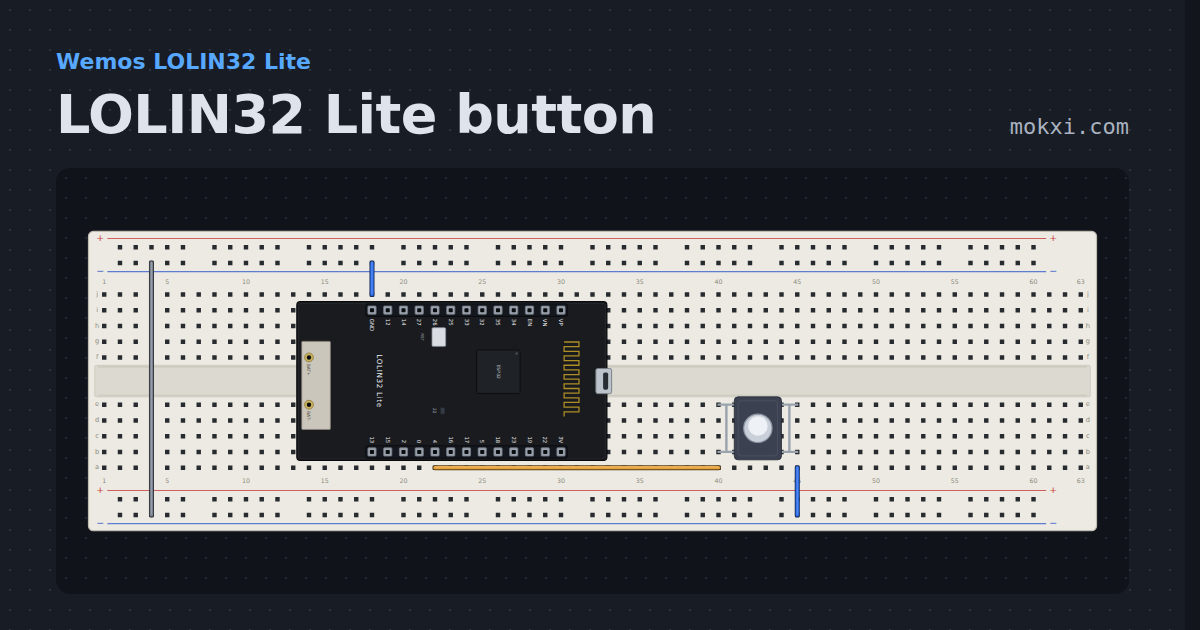
LOLIN32 Lite button
A pushbutton on GPIO 4 lights the LOLIN32 Lite’s blue LED on GPIO 22, which comes on when its pin is LOW.
- Board
- Wemos LOLIN32 Lite
- Parts
- Push button
- Level
- Beginner
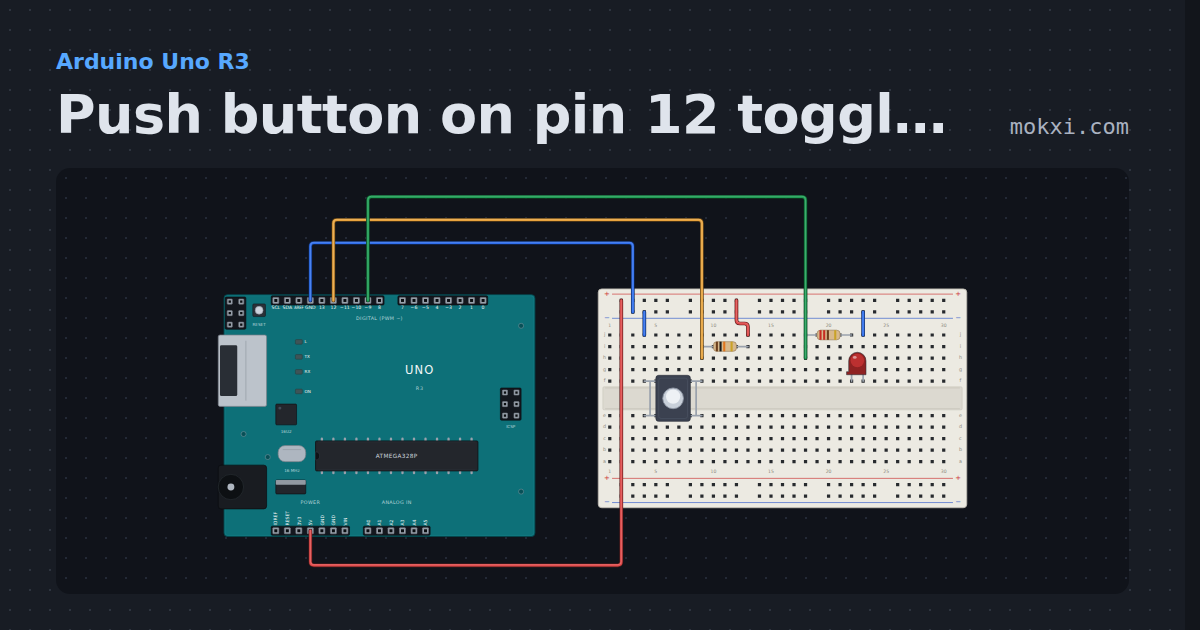
Push button on pin 12 toggles the LED on pin 9
Each press of the button on pin 12 (10k pull-up) flips the LED on pin 9: on, then off.
- Board
- Arduino Uno R3
- Parts
- Push button, resistor, LED
- Level
- Beginner
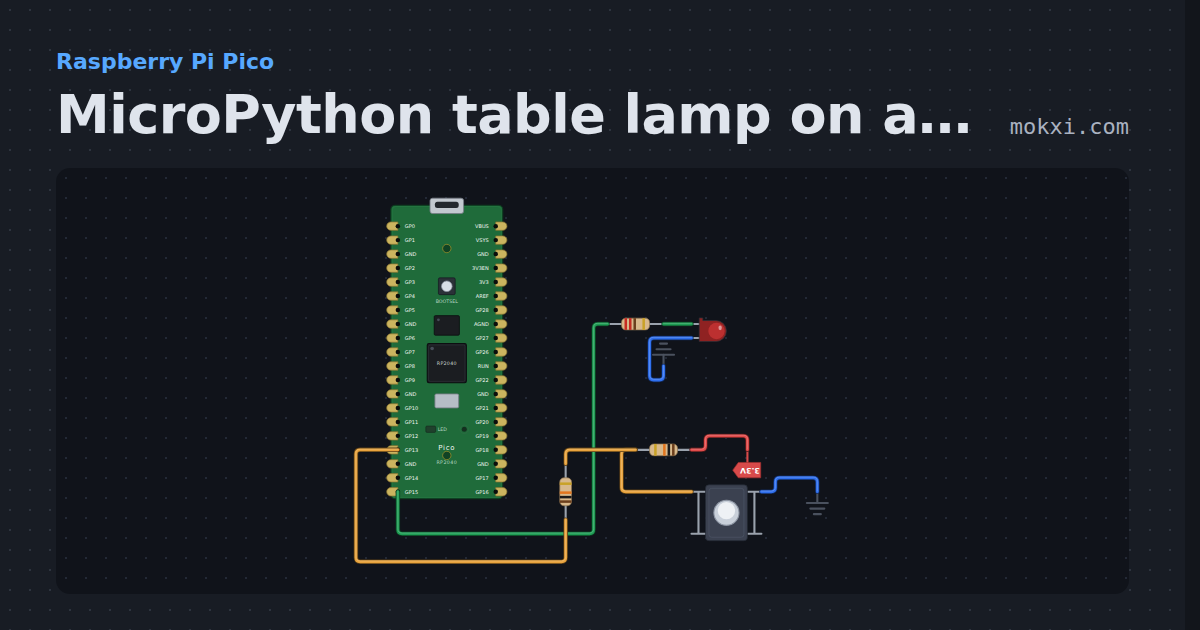
MicroPython table lamp on a Pico: a button toggles an LED
MicroPython on a Raspberry Pi Pico: each press of the button on GP13 turns the LED on GP15 on or off, with the contact bounce filtered out.
- Board
- Raspberry Pi Pico
- Parts
- Resistor, LED, push button
- Level
- Beginner
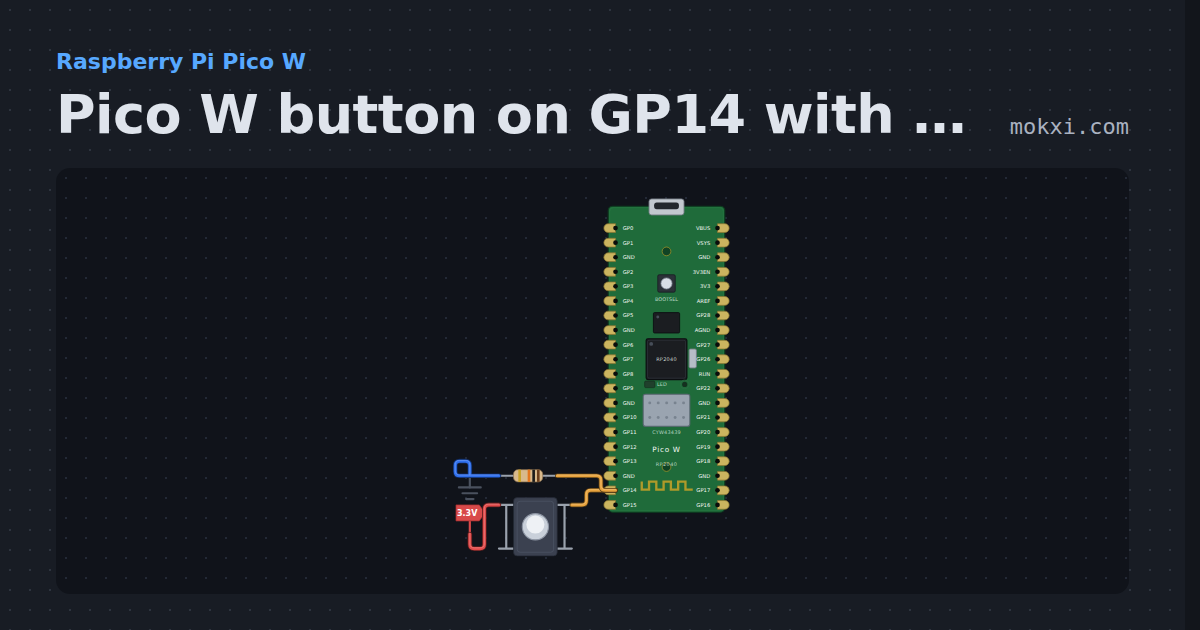
Pico W button on GP14 with a pull-down
MicroPython on a Pico W: a push button from 3.3 V to GP14, held low by a 10k pull-down, prints a line to the Serial Monitor at each press.
- Board
- Raspberry Pi Pico W
- Parts
- Push button, resistor
- Level
- Beginner
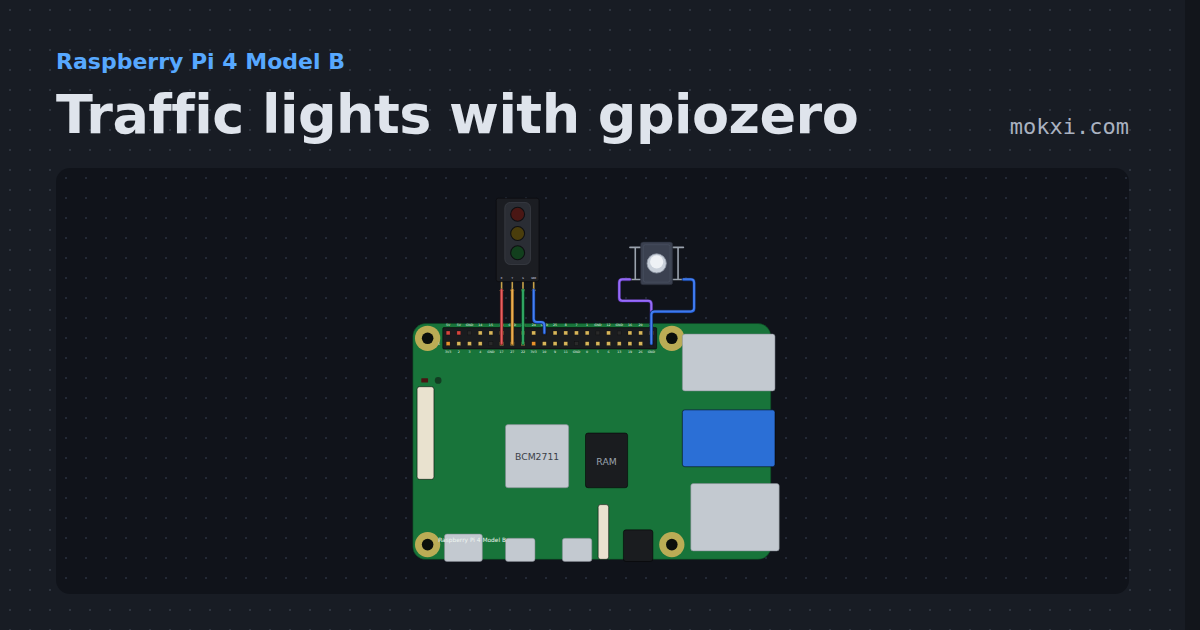
Traffic lights with gpiozero
gpiozero TrafficLights and a Button on a Raspberry Pi 4: press the button and the lights go amber, red for crossing, red and amber, then green again.
- Board
- Raspberry Pi 4 Model B
- Parts
- Traffic light module, push button
- Level
- Beginner
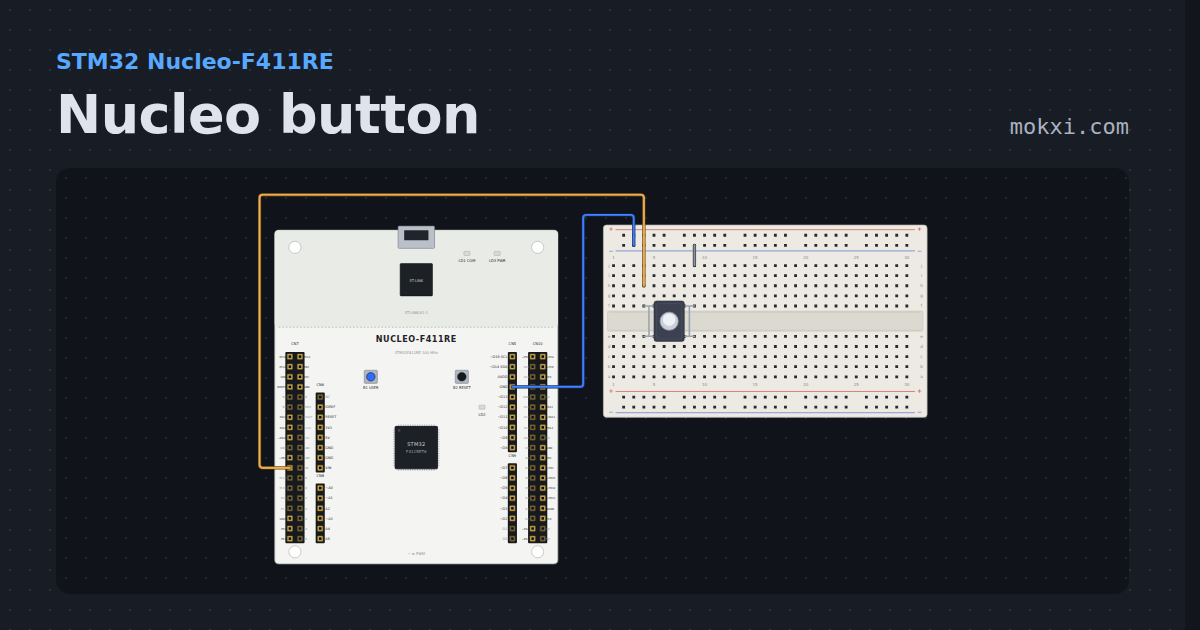
Nucleo button
A pushbutton from PC13 to GND is the Nucleo’s USER button: pressing it lights the green LED on D13.
- Board
- STM32 Nucleo-F411RE
- Parts
- Push button
- Level
- Beginner
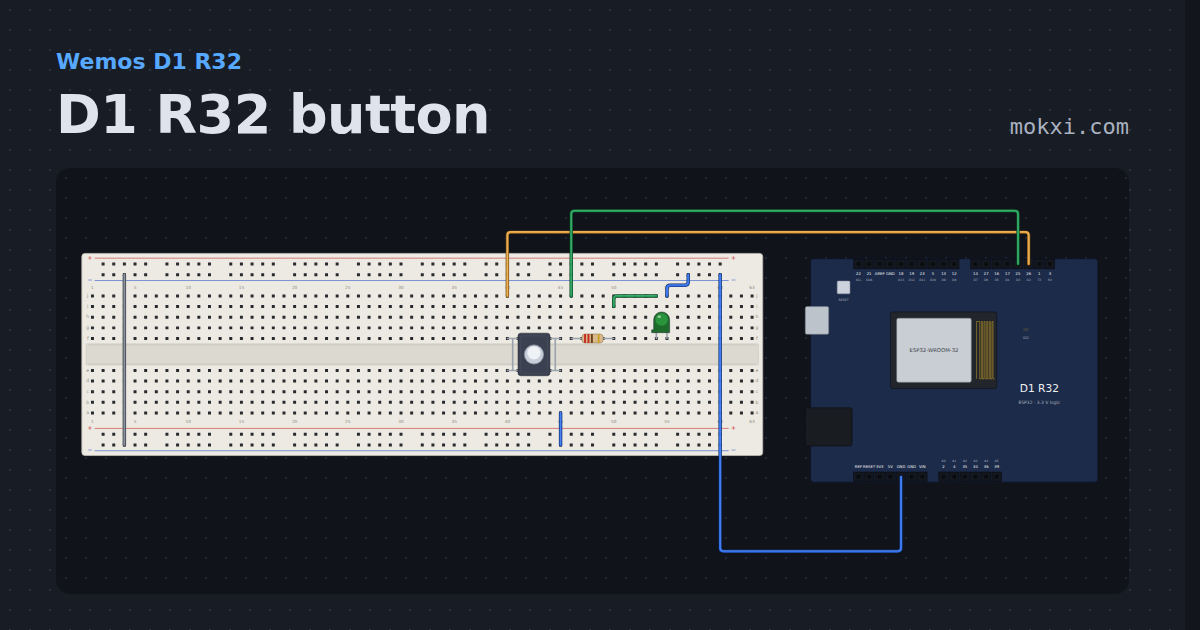
D1 R32 button
A button on the Wemos D1 R32’s D2 hole, which is GPIO 26, lights an LED on D3, GPIO 25, and the blue LED on GPIO 2.
- Board
- Wemos D1 R32
- Parts
- Push button, resistor, LED
- Level
- Beginner
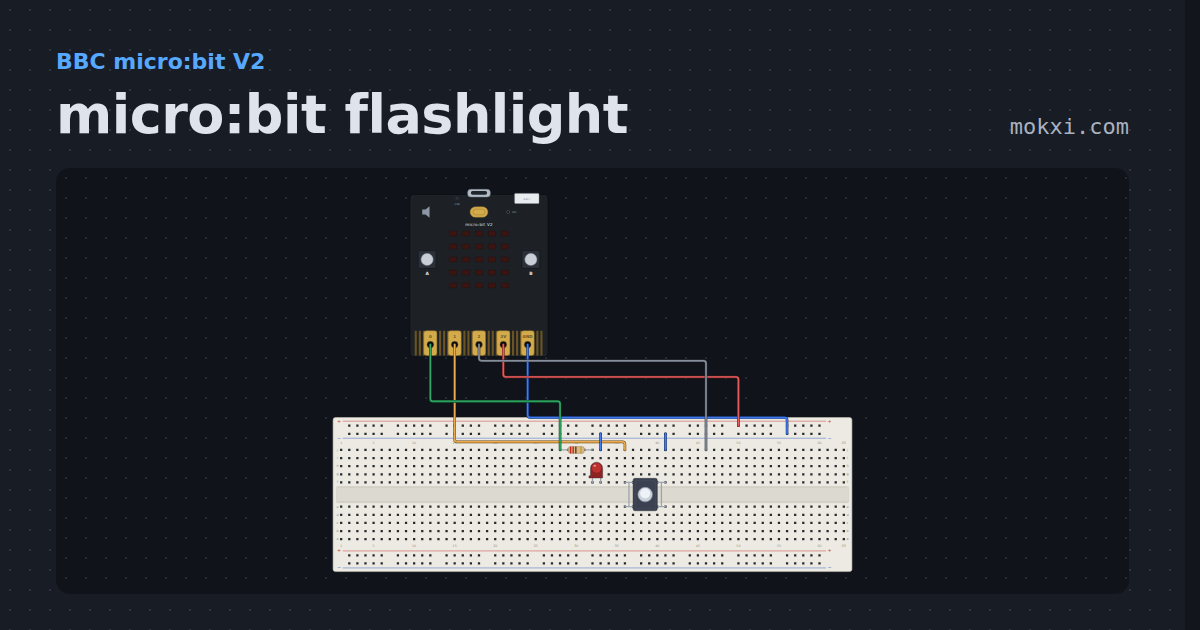
micro:bit flashlight
A pushbutton on ring 1 of a micro:bit lights a lamp on ring 0 and a heart on the LED matrix while it is held.
- Board
- BBC micro:bit V2
- Parts
- Resistor, LED, push button
- Level
- Beginner
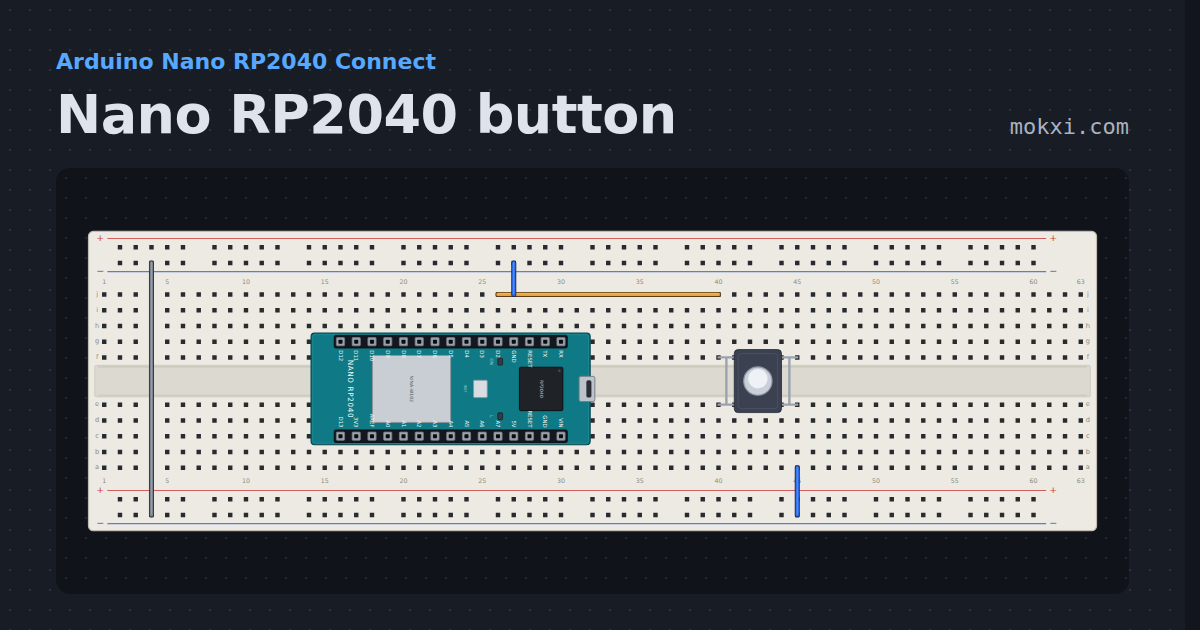
Nano RP2040 button
A pushbutton on D2 of the Nano RP2040 Connect lights the LED on D13, with the RP2040’s own pull-up and the Nano’s pin names.
- Board
- Arduino Nano RP2040 Connect
- Parts
- Push button
- Level
- Beginner
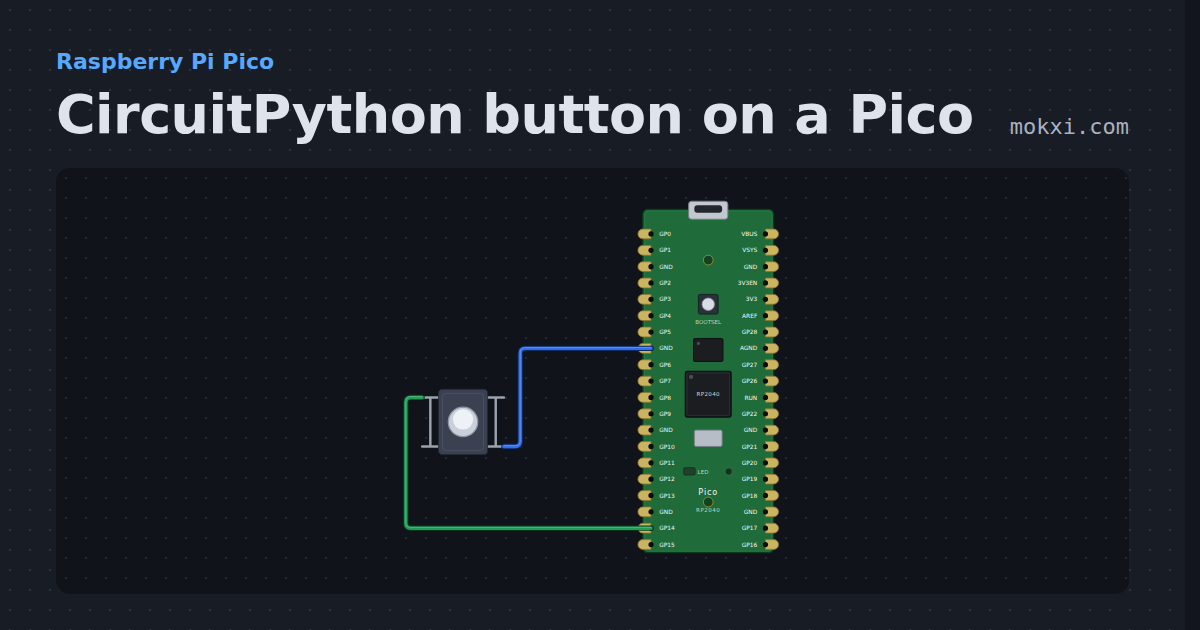
CircuitPython button on a Pico
CircuitPython on a Raspberry Pi Pico: a button on GP14 with the pin’s pull-up lights the board’s LED while it is held and counts each press.
- Board
- Raspberry Pi Pico
- Parts
- Push button
- Level
- Beginner
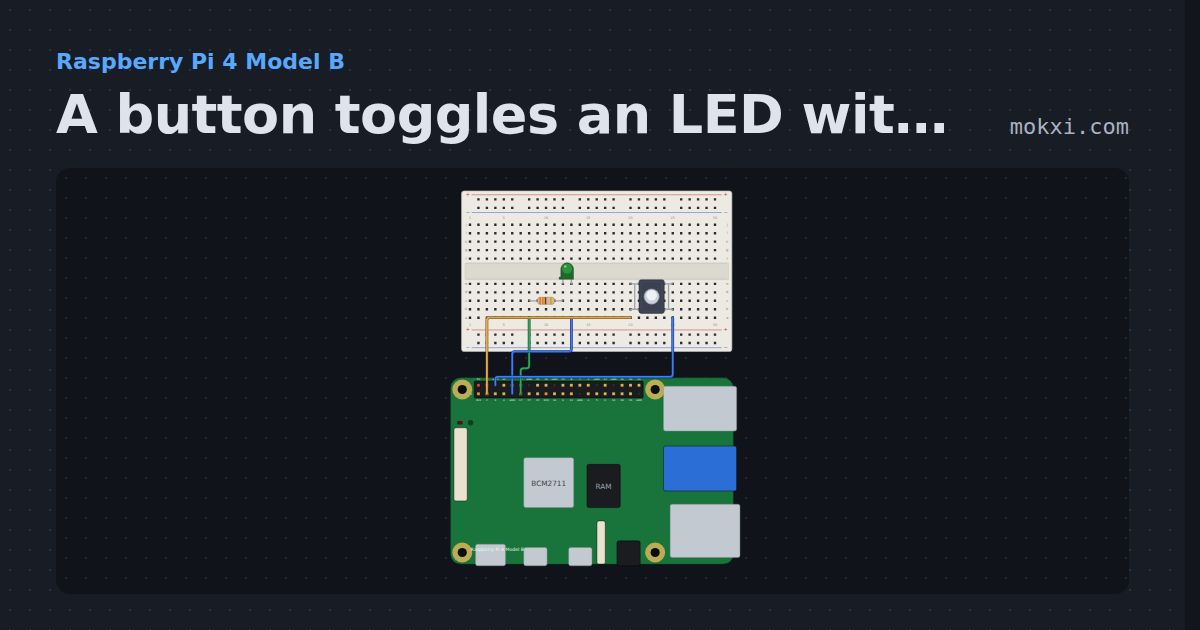
A button toggles an LED with gpiozero
gpiozero on a Raspberry Pi 4: each press of a button on GPIO2 turns the LED on GPIO17 on or off, with when_pressed and signal.pause().
- Board
- Raspberry Pi 4 Model B
- Parts
- Resistor, LED, push button
- Level
- Beginner
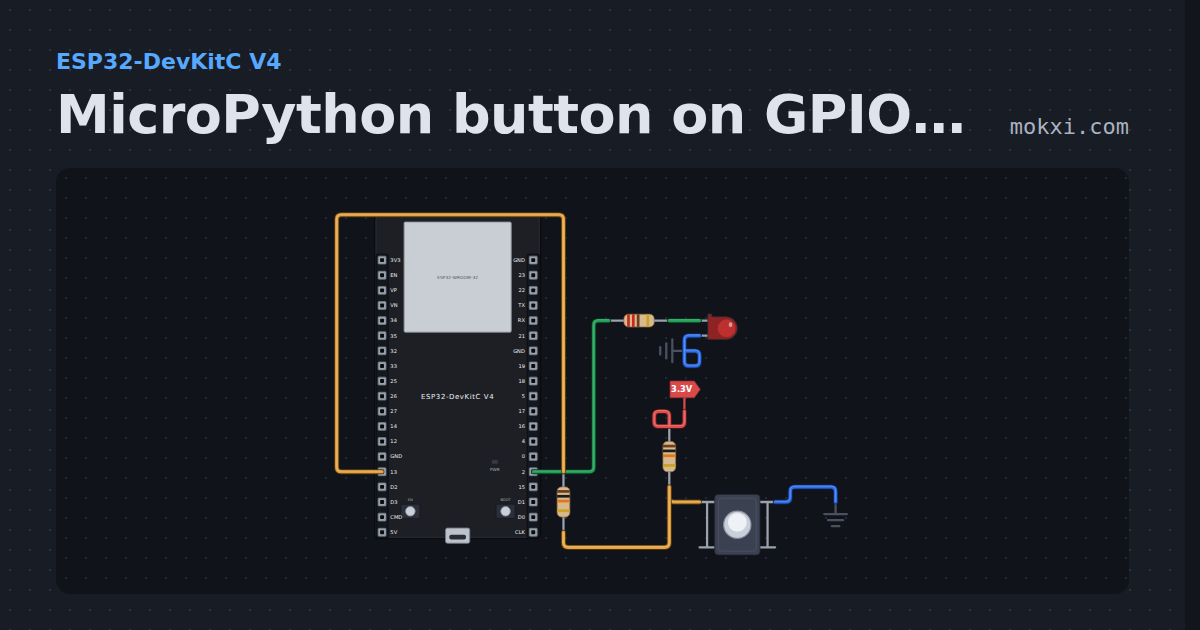
MicroPython button on GPIO 13 lights an LED
MicroPython on an ESP32: a push button on GPIO 13 with a 10k pull-up lights the LED on GPIO 2 for as long as it is held.
- Board
- ESP32-DevKitC V4
- Parts
- Resistor, LED, push button
- Level
- Beginner
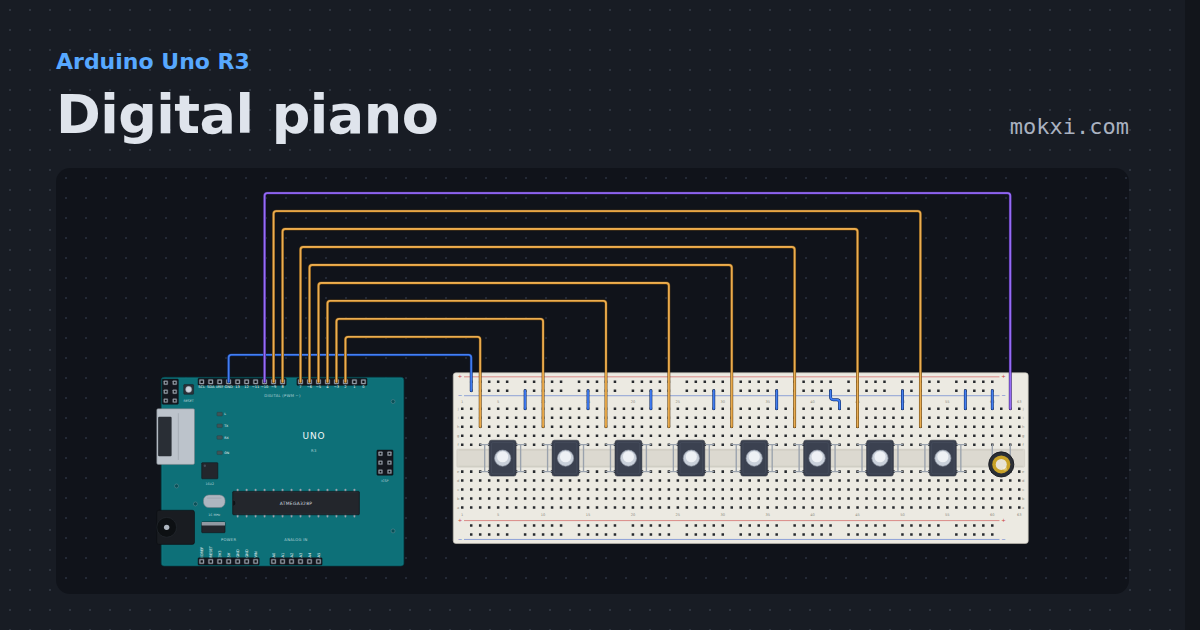
Digital piano
Eight keys and a piezo play an octave from middle C on an Uno.
- Board
- Arduino Uno R3
- Parts
- Push button, piezo speaker
- Level
- Beginner
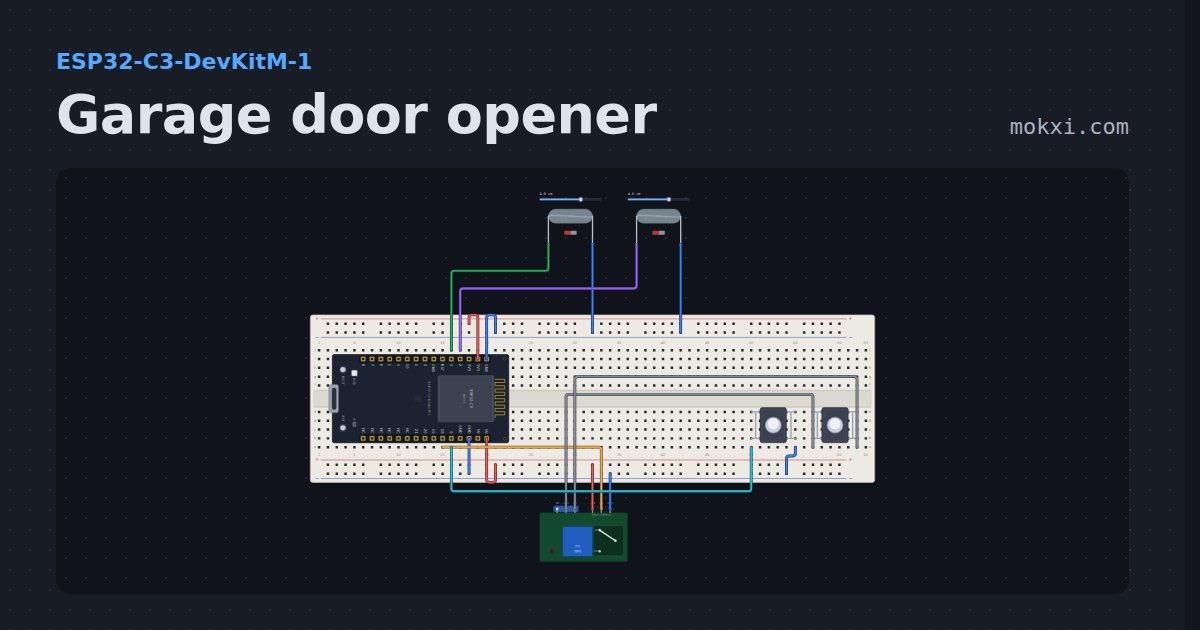
Garage door opener
A relay that presses the opener’s wall button for half a second and two reed switches that say closed, opening, open, closing or stopped.
- Board
- ESP32-C3-DevKitM-1
- Parts
- Reed switch, push button, relay module
- Level
- Intermediate
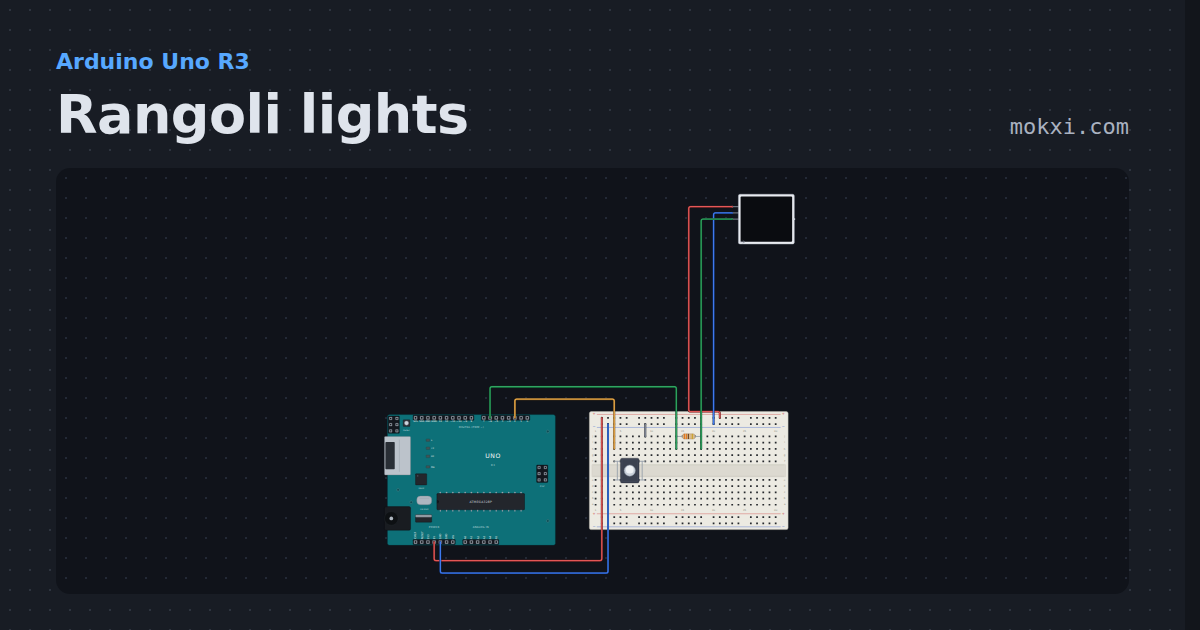
Rangoli lights
A 16x16 WS2812B panel draws glowing rangoli patterns for Diwali, each symmetric eight ways from the center.
- Board
- Arduino Uno R3
- Parts
- Push button, resistor, WS2812 NeoPixel LEDs
- Level
- Intermediate
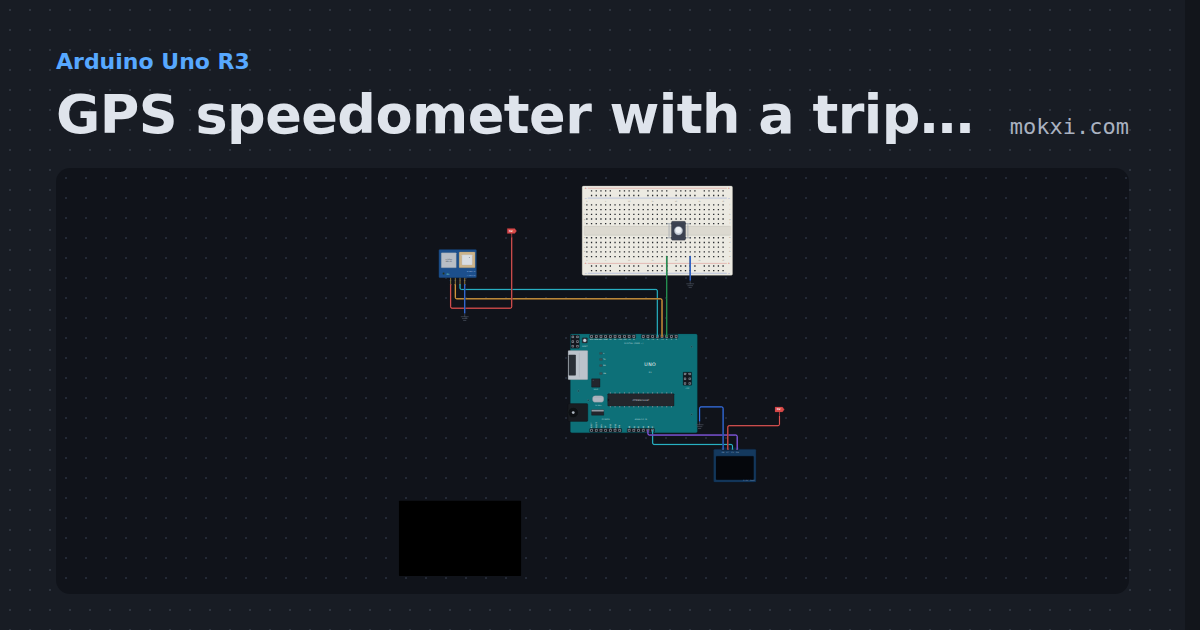
GPS speedometer with a trip odometer
A NEO-6M and NeoGPS show speed, heading and satellites on an OLED, and a trip and total distance saved in EEPROM survive a reset.
- Board
- Arduino Uno R3
- Parts
- GPS module, push button, SSD1306 OLED display
- Level
- Intermediate
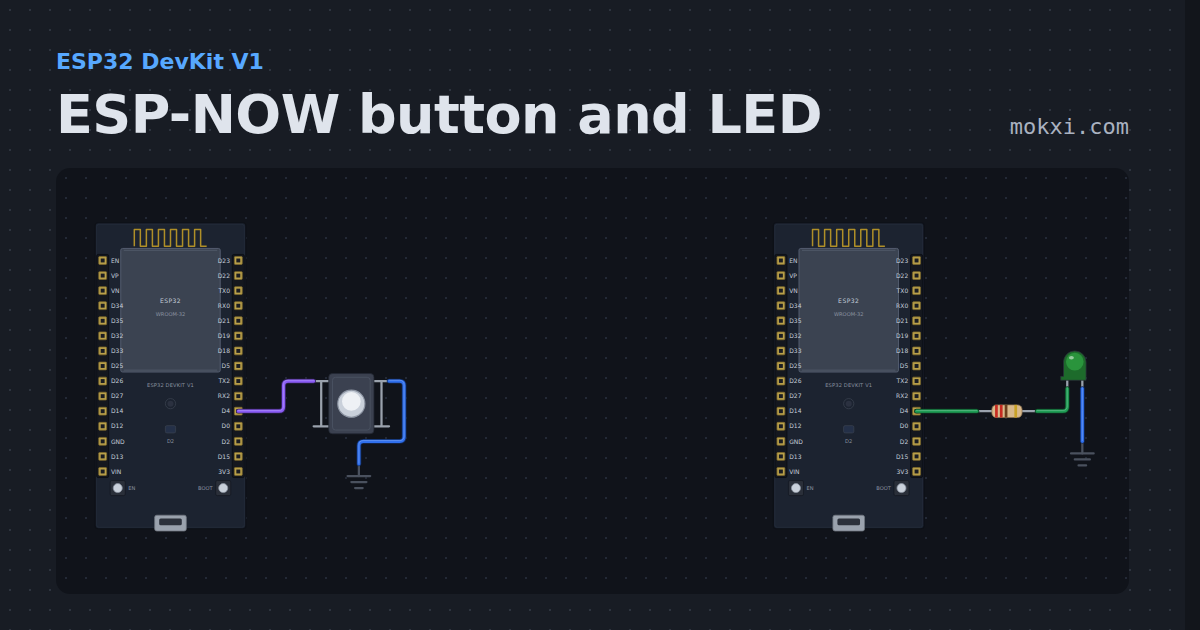
ESP-NOW button and LED
Two ESP32s and no wire between them: the button on one sends on or off over ESP-NOW, the other lights its LED and prints each message.
- Board
- ESP32 DevKit V1
- Parts
- Push button, resistor, LED
- Level
- Intermediate
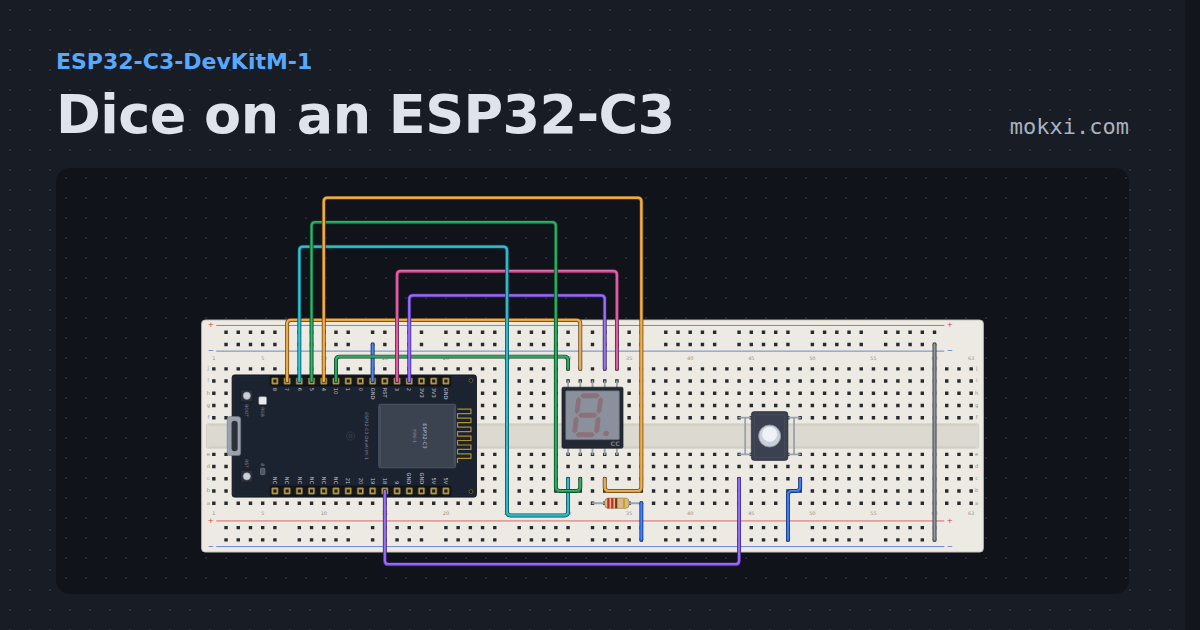
Dice on an ESP32-C3
A button rolls a die and an ESP32-C3 tumbles the number onto a seven-segment display.
- Board
- ESP32-C3-DevKitM-1
- Parts
- Seven-segment display, resistor, push button
- Level
- Intermediate
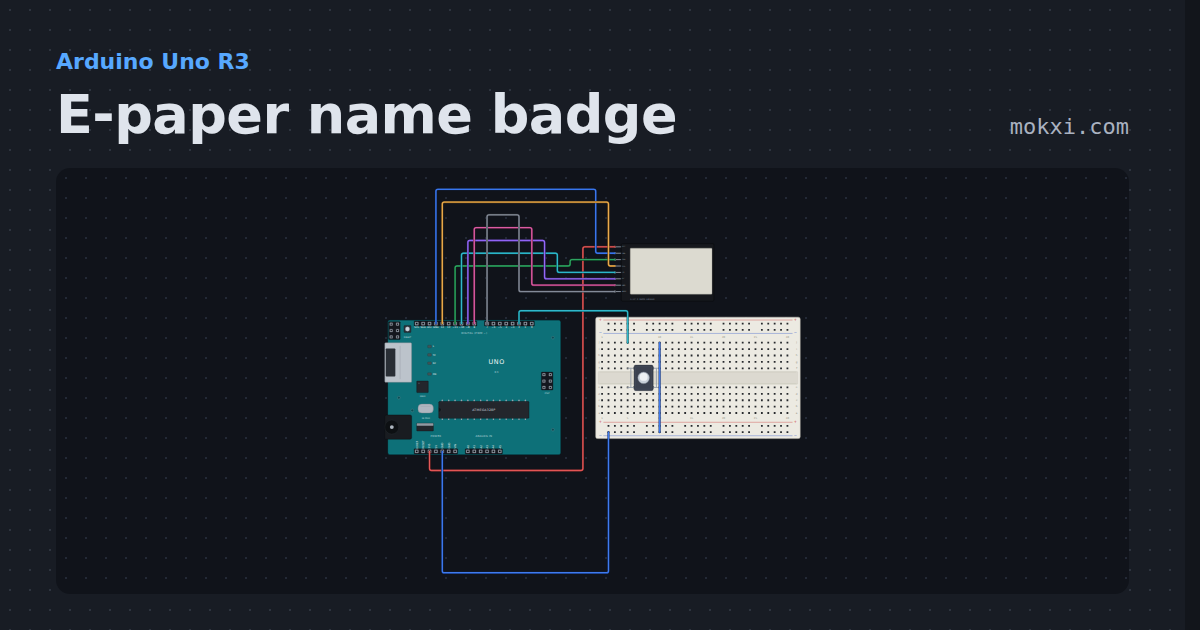
E-paper name badge
A 2.13 inch SSD1680 e-paper badge driven with GxEPD2: the name drawn once, a button that swaps the bottom line with a partial refresh.
- Board
- Arduino Uno R3
- Parts
- E-paper display, push button
- Level
- Intermediate
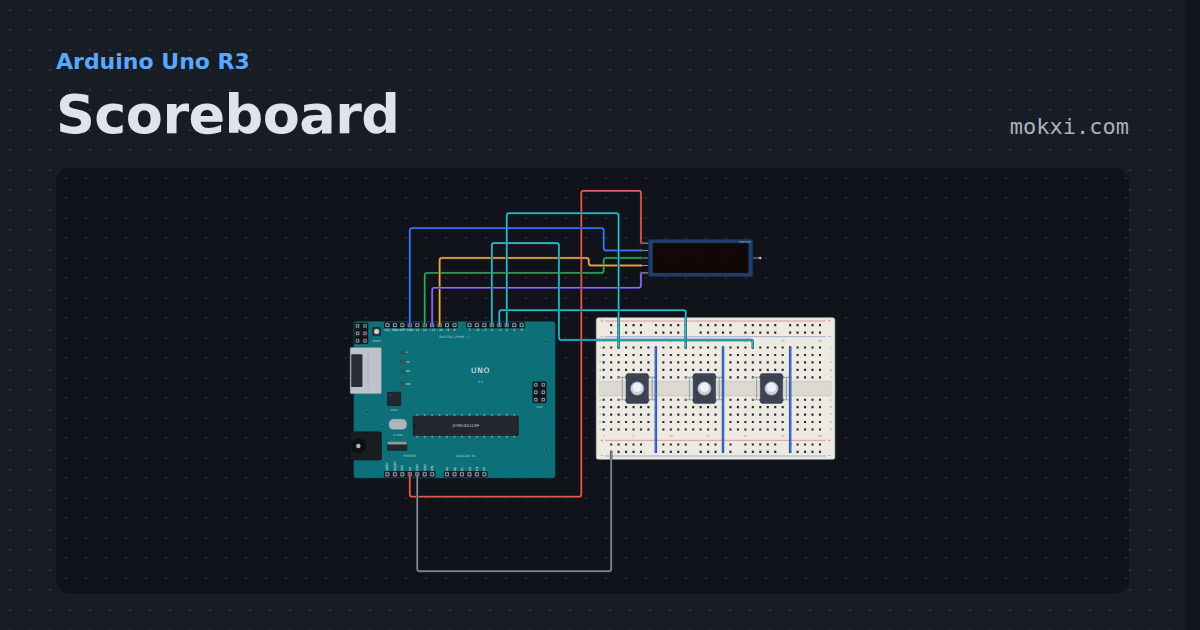
Scoreboard
A MAX7219 eight-digit display driven with LedControl: home score, a ten-minute game clock and the guest score.
- Board
- Arduino Uno R3
- Parts
- Eight-digit display, push button
- Level
- Intermediate
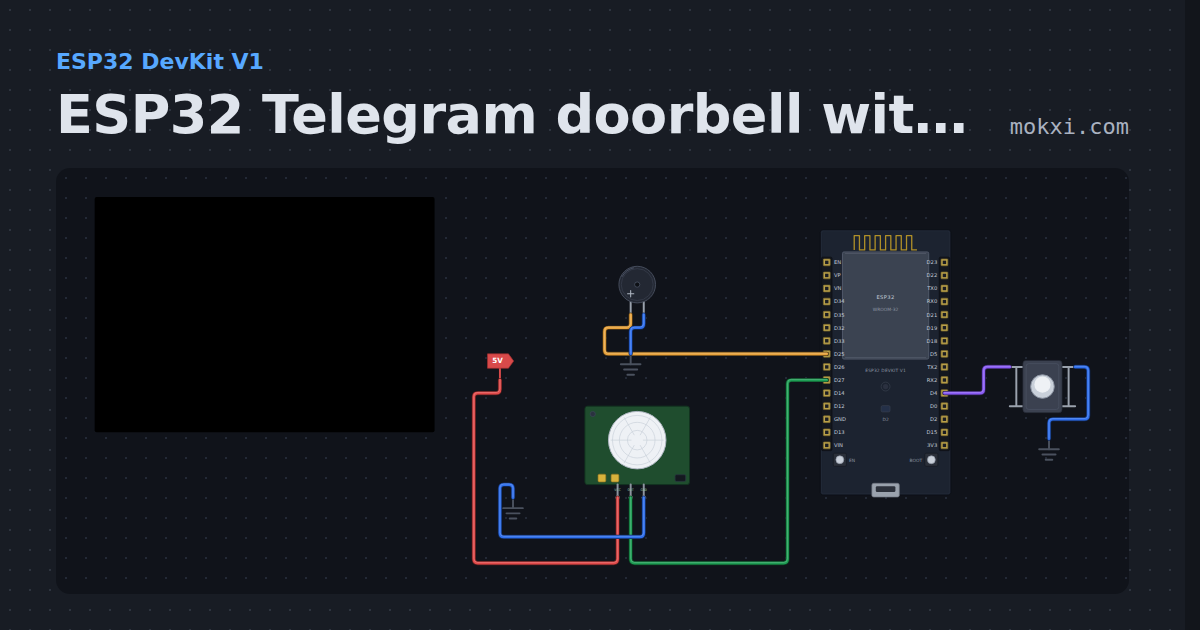
ESP32 Telegram doorbell with a PIR sensor
An ESP32 doorbell: the button rings a buzzer and sends you a Telegram message with UniversalTelegramBot, and a PIR sensor reports motion at the door.
- Board
- ESP32 DevKit V1
- Parts
- Push button, buzzer, PIR motion sensor
- Level
- Intermediate
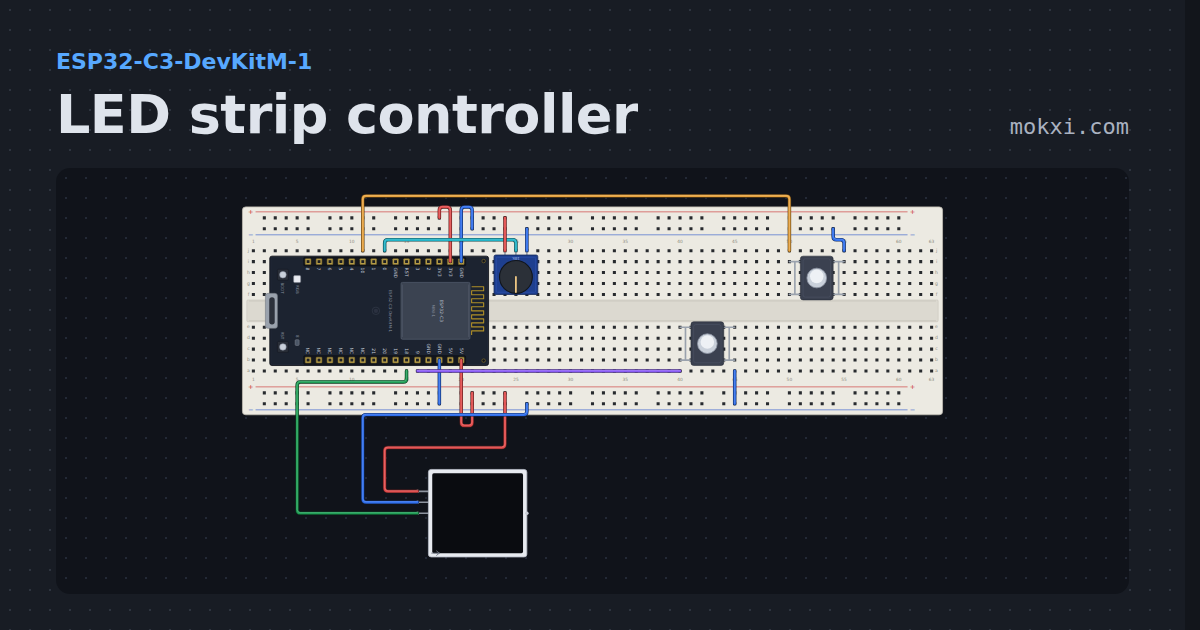
LED strip controller
Sixteen WS2812B pixels with on, off, brightness, color and two effects, faded between, from two buttons and a knob on the strip or from the Web tab.
- Board
- ESP32-C3-DevKitM-1
- Parts
- Potentiometer, push button, WS2812 NeoPixel LEDs
- Level
- Intermediate
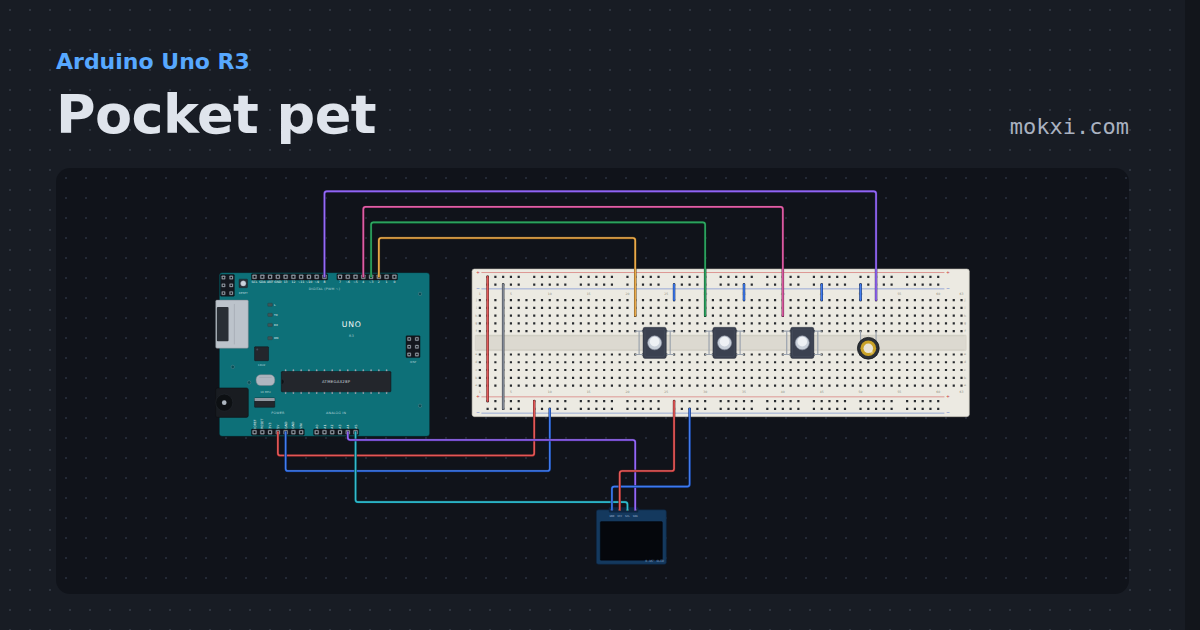
Pocket pet
A Tamagotchi-style pet on a 128x64 OLED: hatch it, feed it, play two mini-games, clean up, and it remembers you after a reset.
- Board
- Arduino Uno R3
- Parts
- SSD1306 OLED display, push button, piezo speaker
- Level
- Advanced
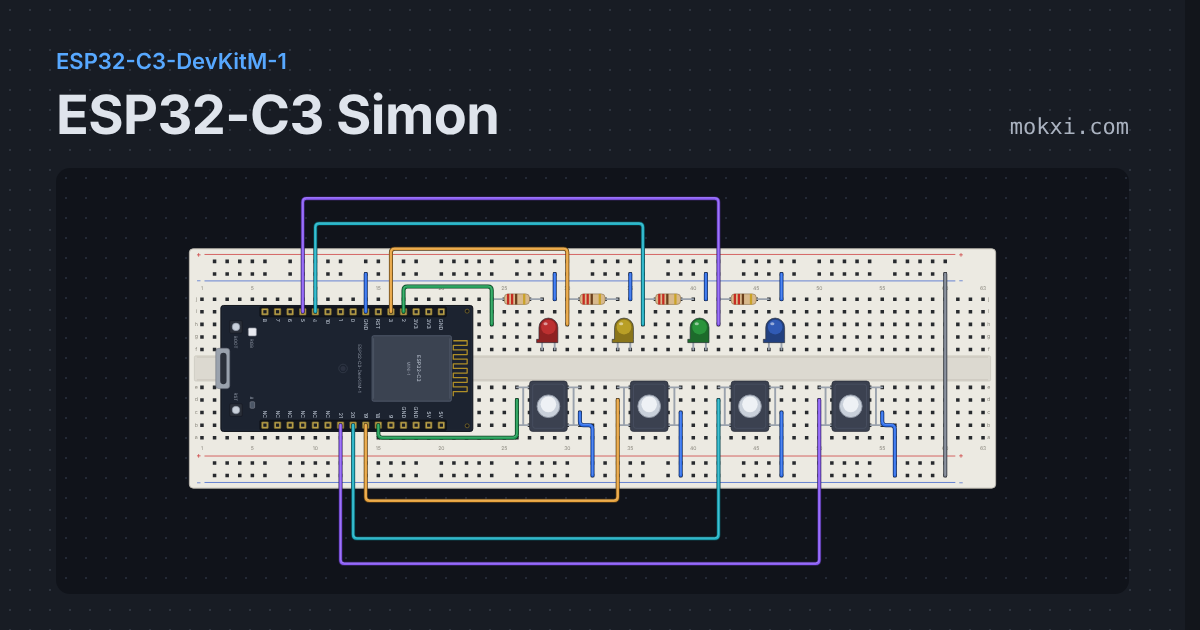
ESP32-C3 Simon
Four LEDs flash a growing sequence, four buttons play it back.
- Board
- ESP32-C3-DevKitM-1
- Parts
- Resistor, LED, push button
- Level
- Advanced