ESP32 project ideas
124 Mokxi projects run on an ESP32 (55 beginner, 50 intermediate and 19 advanced). Here are 24 to start with, from “MicroPython DHT sensor: temperature and humidity” to “Stacker”. Each card says what the project does, the board and parts it needs and its level, and Open in the simulator runs it in your browser in one click, with no account.
How to pick your first one
- Start with “LOLIN32 Lite button”, a beginner project that needs a push button.
- Most of them are beginner projects. Pick one a level below what you think you can do, finish it, then move up.
- The parts used most here are the LED (43 projects), the push button (19) and the potentiometer (11). With those on hand, most of this list is open to you.
- An ESP32 runs at 3.3 V. A 5 V sensor output needs a divider or a level shifter before it reaches a pin.
24 projects of 124
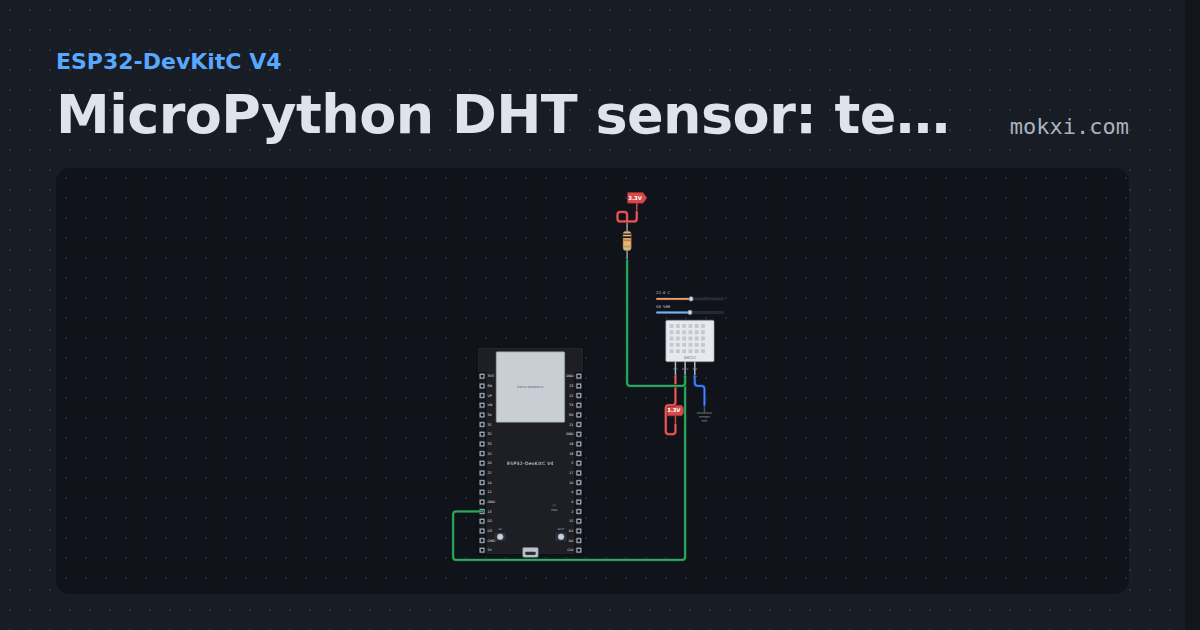
MicroPython DHT sensor: temperature and humidity
MicroPython on an ESP32: the dht module reads a DHT22 on GPIO 13, with a 10k pull-up, and prints temperature and humidity every two seconds.
- Board
- ESP32-DevKitC V4
- Parts
- DHT11 or DHT22 sensor, resistor
- Level
- Beginner
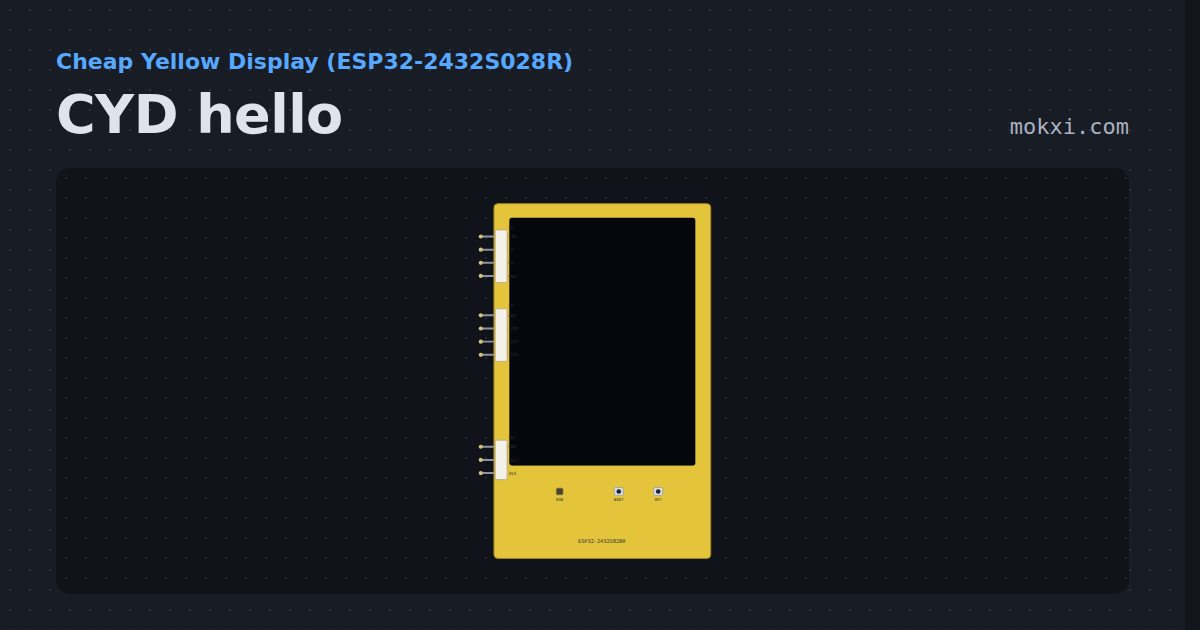
CYD hello
The Cheap Yellow Display writes on its own 2.8 inch screen with TFT_eSPI, set up as the board is wired, and cycles its RGB LED.
- Board
- Cheap Yellow Display (ESP32-2432S028R)
- Parts
- Just the board
- Level
- Beginner
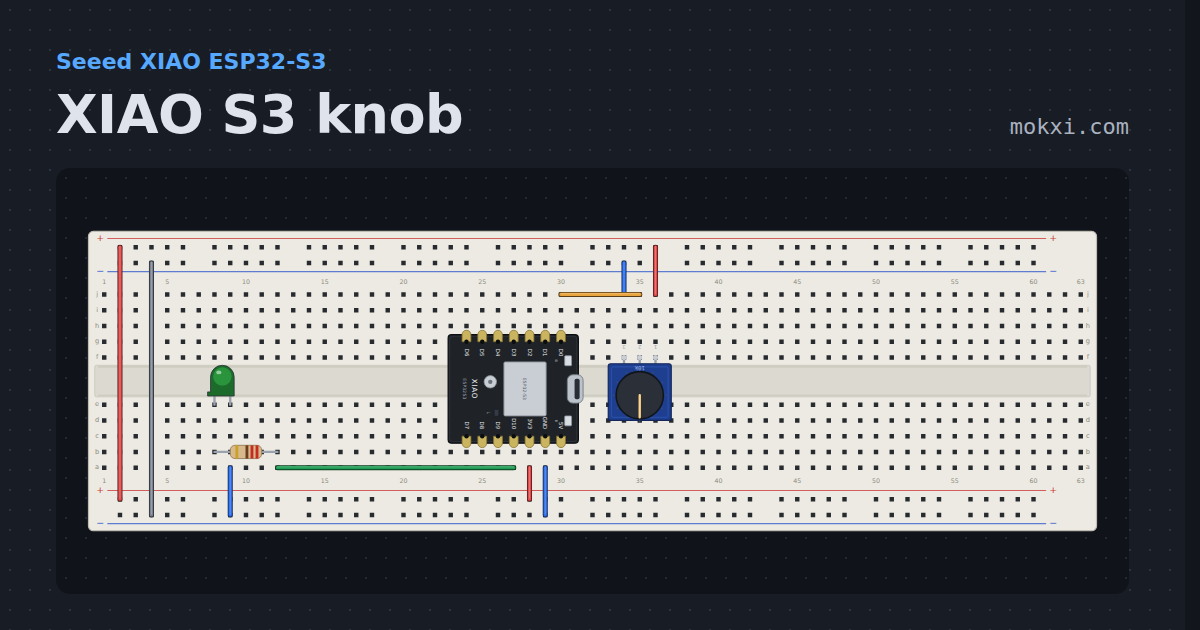
XIAO S3 knob
The XIAO knob circuit on the ESP32-S3: D0 is A0 on GPIO 1, and the count is printed as the converter gives it.
- Board
- Seeed XIAO ESP32-S3
- Parts
- Potentiometer, resistor, LED
- Level
- Beginner
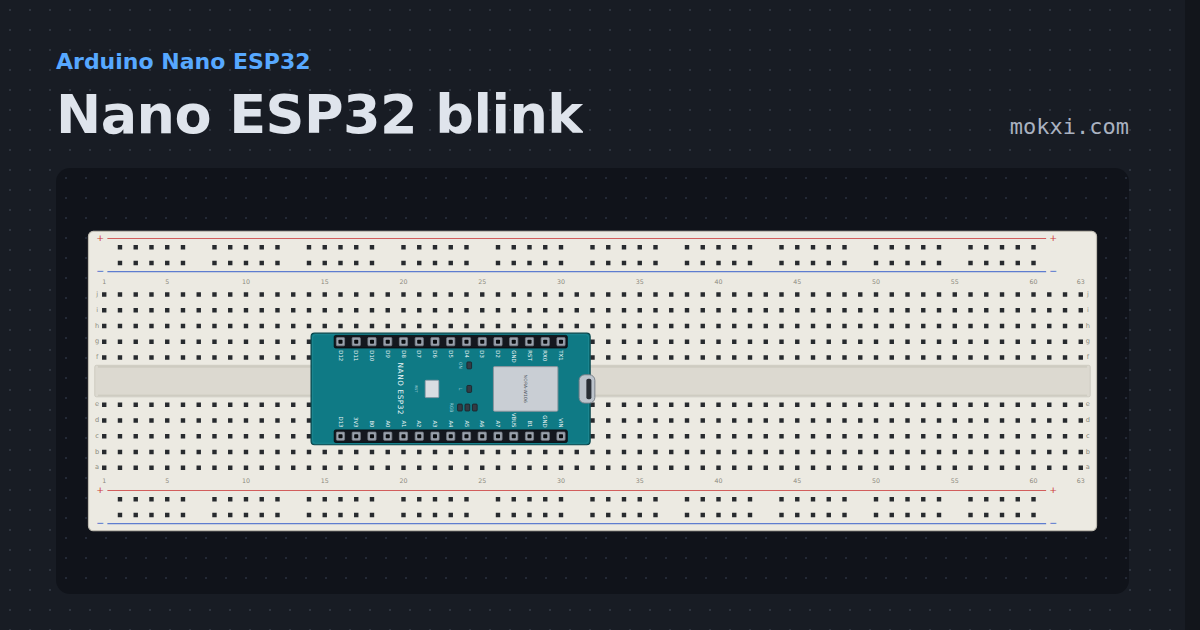
Nano ESP32 blink
The Nano ESP32’s orange LED on D13 and its RGB LED, whose red, green and blue light in turn when their pins go LOW.
- Board
- Arduino Nano ESP32
- Parts
- Just the board
- Level
- Beginner
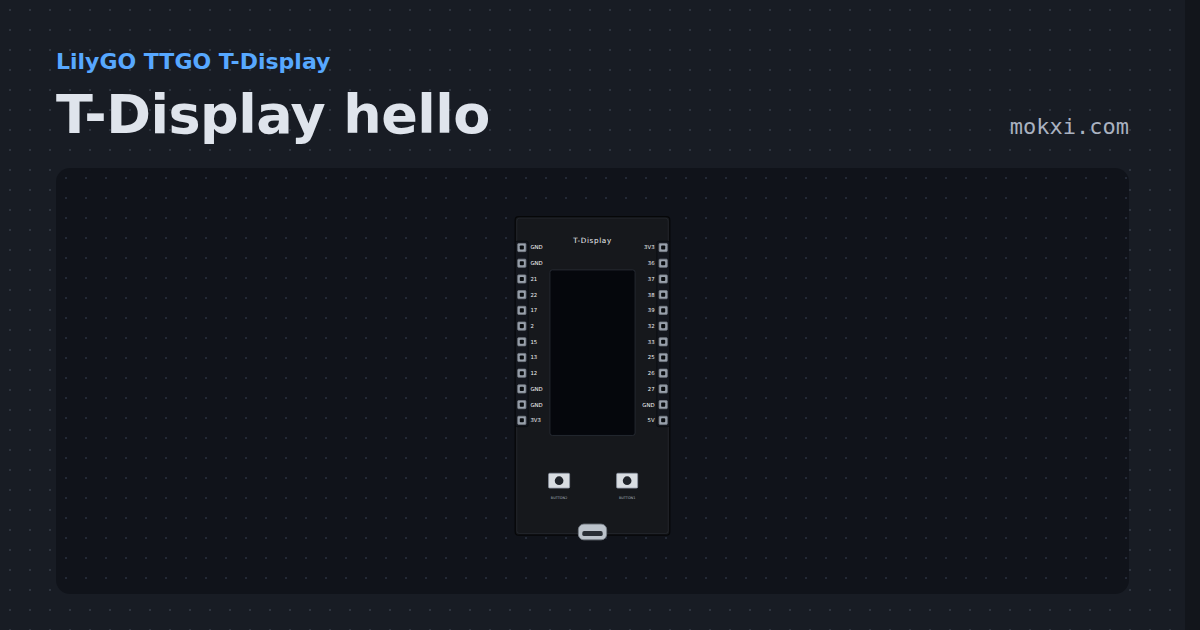
T-Display hello
The TTGO T-Display writes on its 135x240 screen with LilyGO’s TFT_eSPI setup and counts presses of its two buttons.
- Board
- LilyGO TTGO T-Display
- Parts
- Just the board
- Level
- Beginner
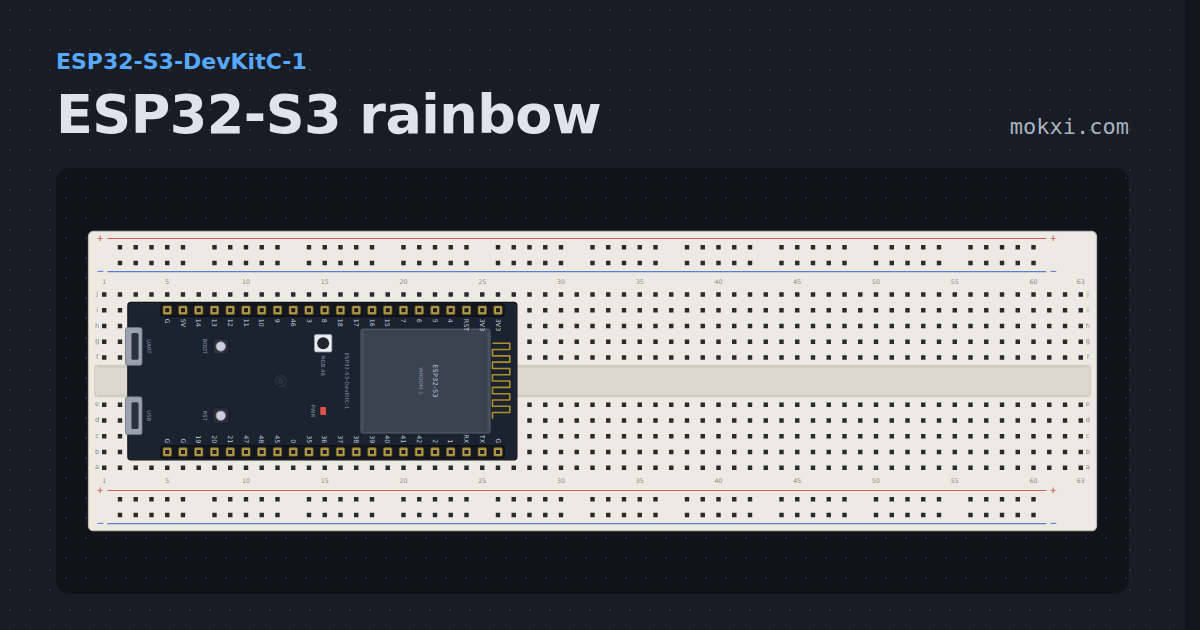
ESP32-S3 rainbow
The DevKitC-1’s own RGB LED walking around the color wheel, one WS2812 frame from the RMT every 20 ms.
- Board
- ESP32-S3-DevKitC-1
- Parts
- Just the board
- Level
- Beginner
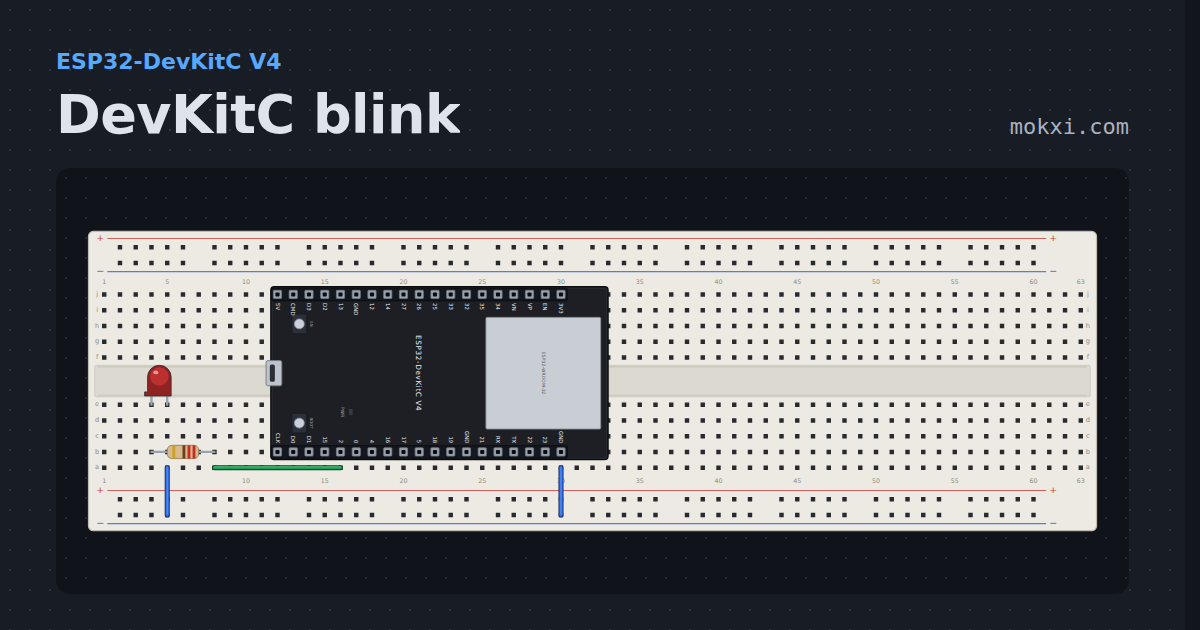
DevKitC blink
An LED on GPIO 2 of Espressif’s ESP32-DevKitC V4, which has no user LED of its own and covers the breadboard’s whole width.
- Board
- ESP32-DevKitC V4
- Parts
- Resistor, LED
- Level
- Beginner
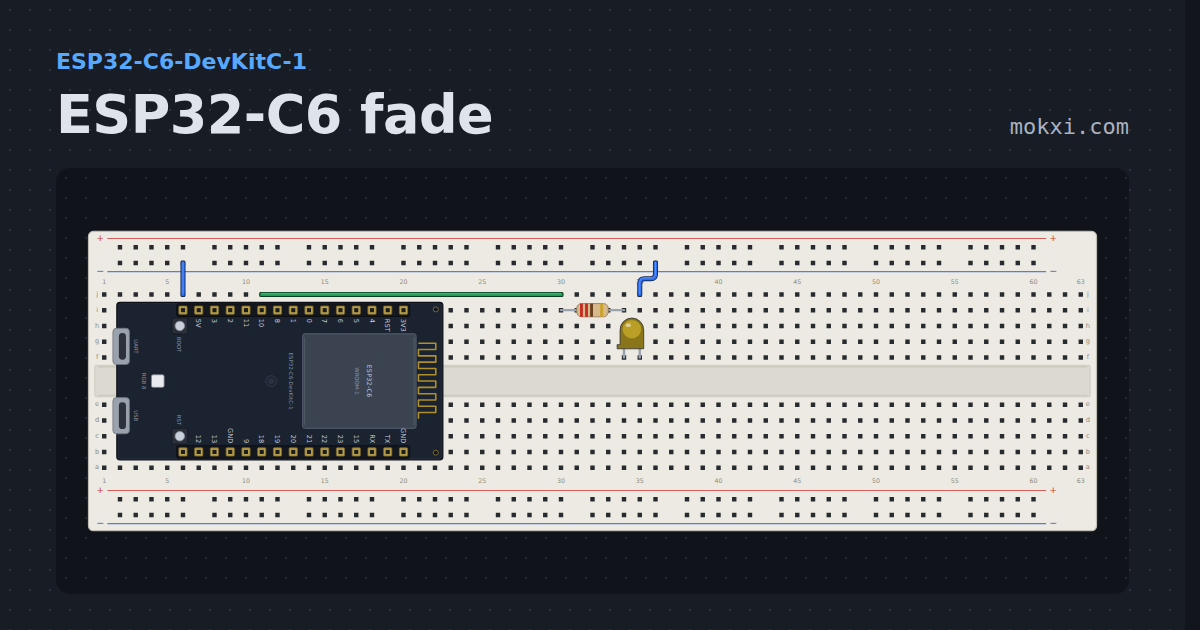
ESP32-C6 fade
Breathes an LED on GPIO 10 with analogWrite, so the waveform comes out of the LEDC hardware and the core sleeps between steps.
- Board
- ESP32-C6-DevKitC-1
- Parts
- Resistor, LED
- Level
- Beginner
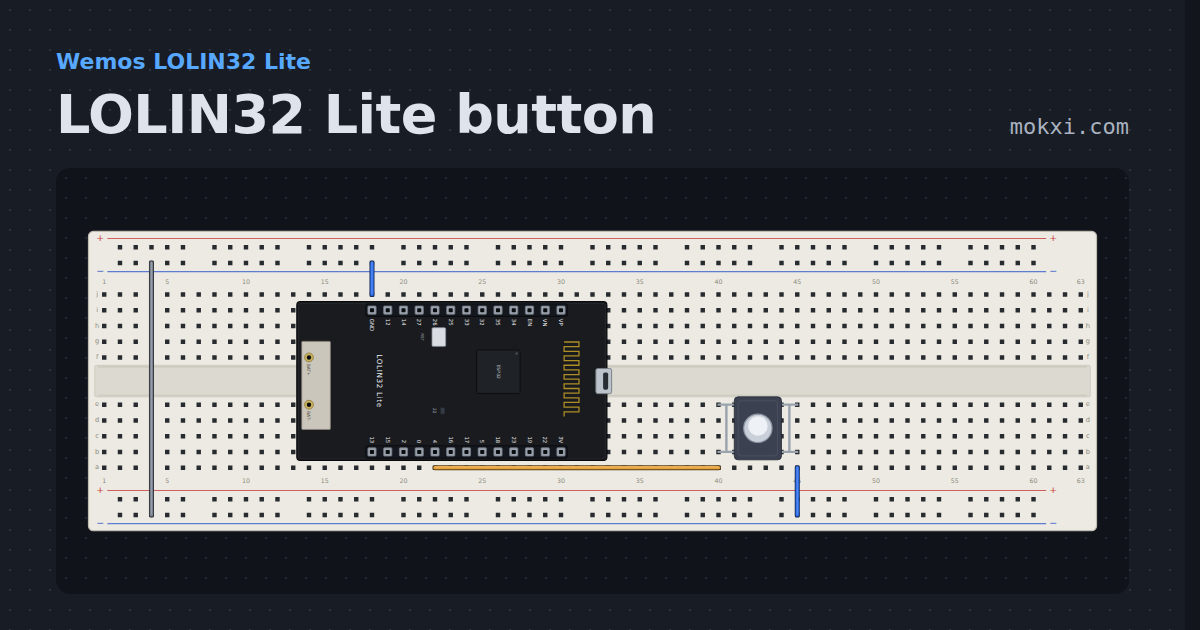
LOLIN32 Lite button
A pushbutton on GPIO 4 lights the LOLIN32 Lite’s blue LED on GPIO 22, which comes on when its pin is LOW.
- Board
- Wemos LOLIN32 Lite
- Parts
- Push button
- Level
- Beginner
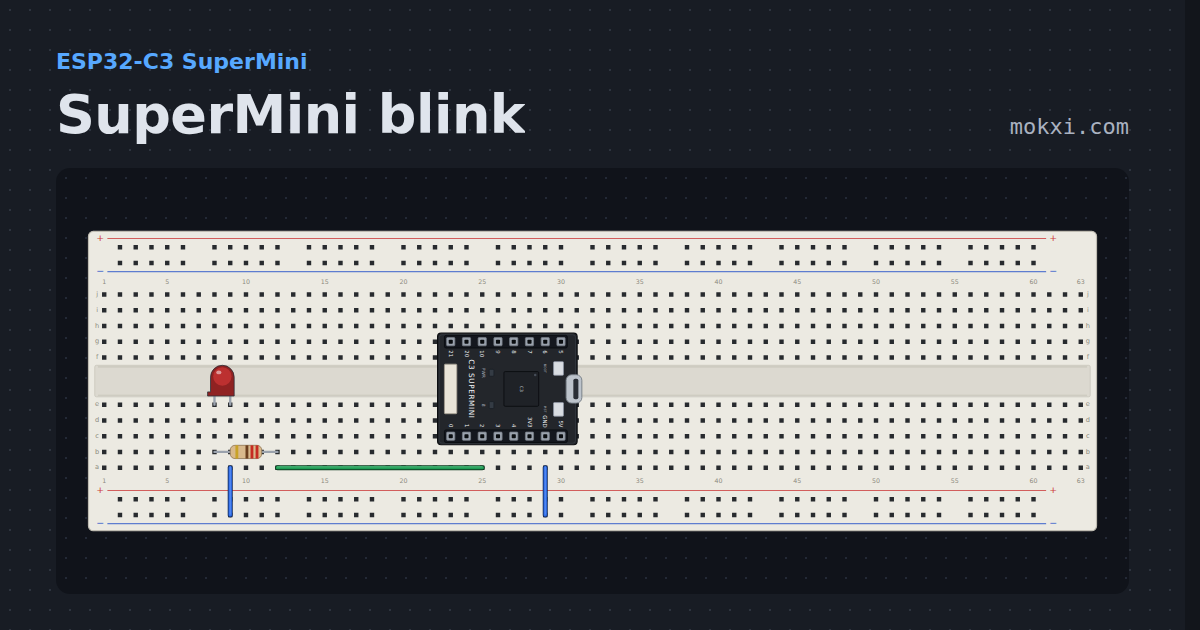
SuperMini blink
The blue LED on GPIO 8 lights when the pin is low and an LED on GPIO 2 when it is high, on the smallest ESP32-C3 board.
- Board
- ESP32-C3 SuperMini
- Parts
- Resistor, LED
- Level
- Beginner
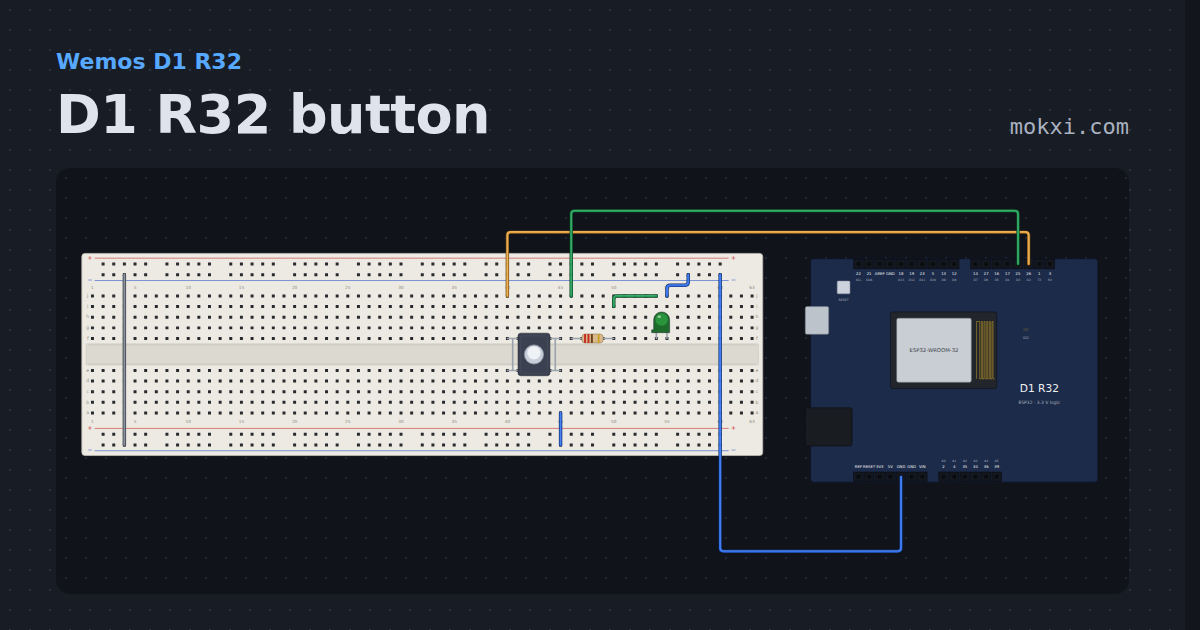
D1 R32 button
A button on the Wemos D1 R32’s D2 hole, which is GPIO 26, lights an LED on D3, GPIO 25, and the blue LED on GPIO 2.
- Board
- Wemos D1 R32
- Parts
- Push button, resistor, LED
- Level
- Beginner
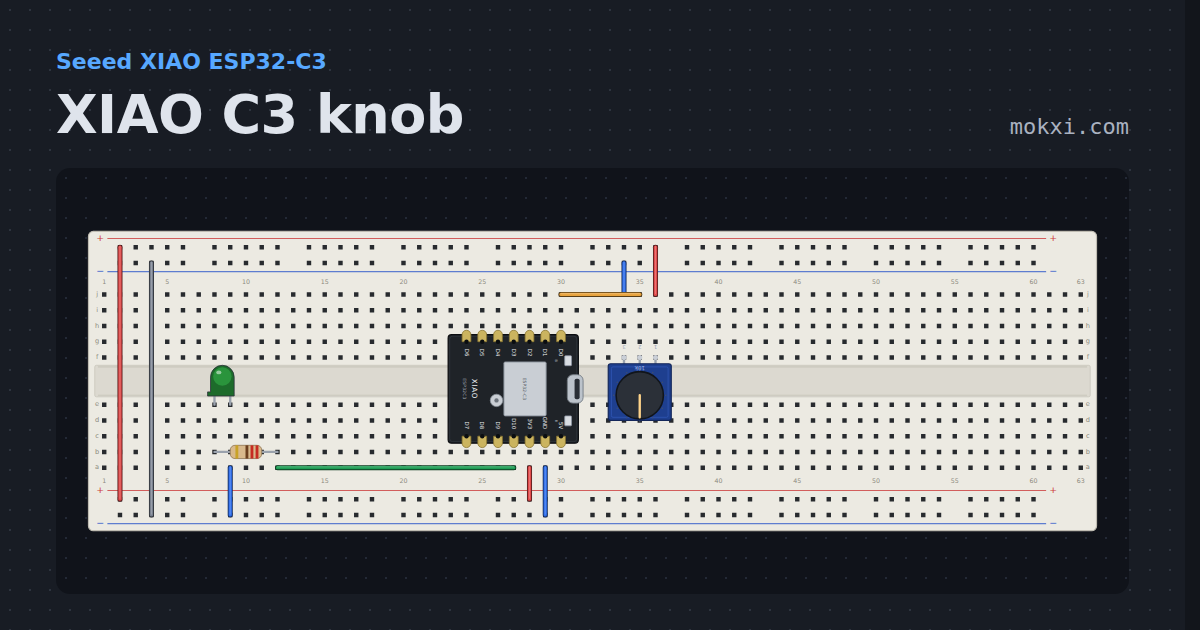
XIAO C3 knob
A potentiometer on D0 dims an LED on D10, using the XIAO’s own pin names rather than the chip’s GPIO numbers.
- Board
- Seeed XIAO ESP32-C3
- Parts
- Potentiometer, resistor, LED
- Level
- Beginner
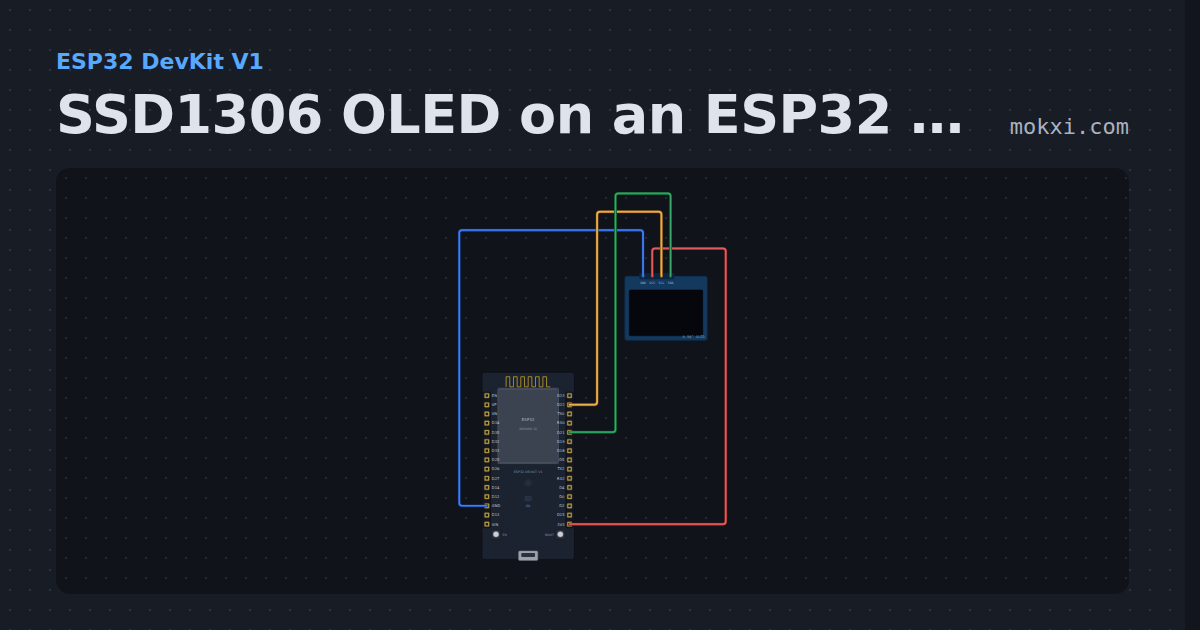
SSD1306 OLED on an ESP32 with MicroPython
MicroPython on an ESP32 DevKit: machine.I2C on D22 and D21 and micropython-lib’s ssd1306.py draw text and a counter on an SSD1306 OLED.
- Board
- ESP32 DevKit V1
- Parts
- SSD1306 OLED display
- Level
- Beginner
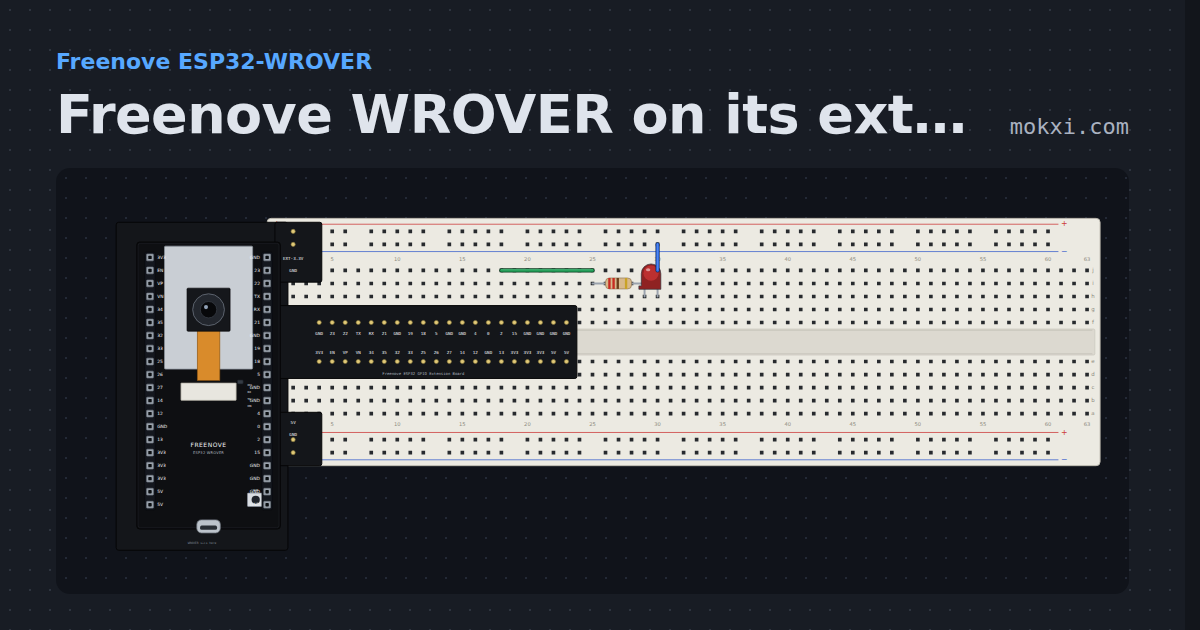
Freenove WROVER on its extension board
The Freenove ESP32-WROVER plugged into its GPIO extension board on a breadboard, blinking an LED from GPIO 2 through a resistor.
- Board
- Freenove ESP32-WROVER
- Parts
- Freenove ESP32 GPIO extension board, resistor, LED
- Level
- Beginner
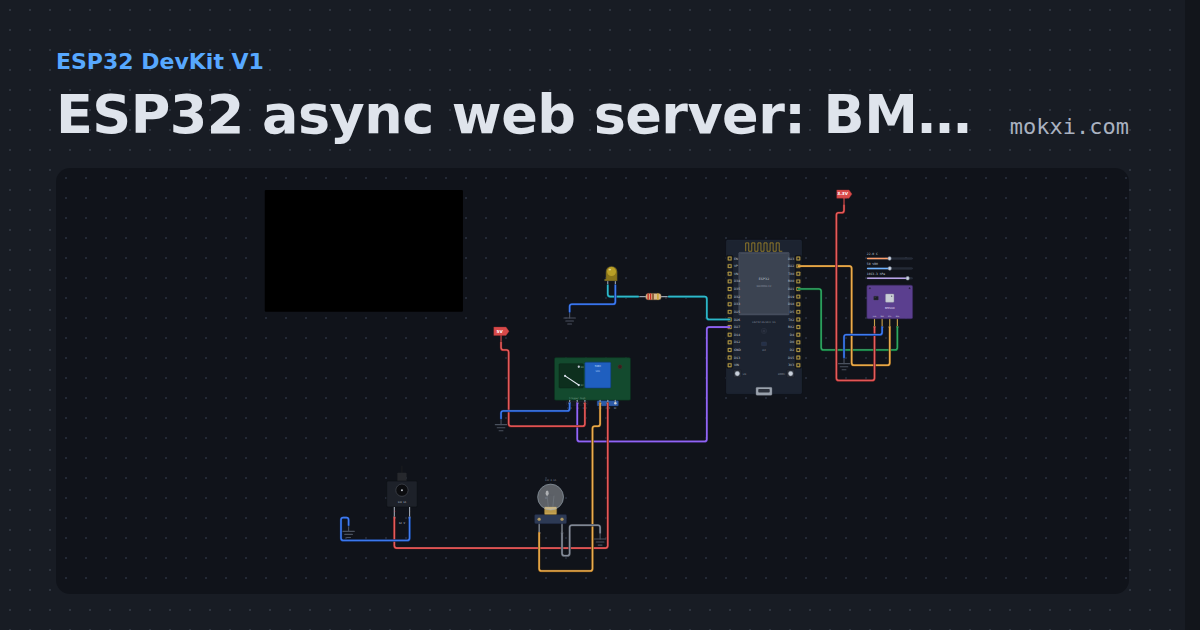
ESP32 async web server: BME280, slider and relay
ESPAsyncWebServer serves a page with BME280 temperature, humidity and pressure, a slider that dims an LED and a button that switches a relay.
- Board
- ESP32 DevKit V1
- Parts
- BME280 weather sensor, resistor, LED, relay module, DC jack and adapter, +1 more
- Level
- Intermediate
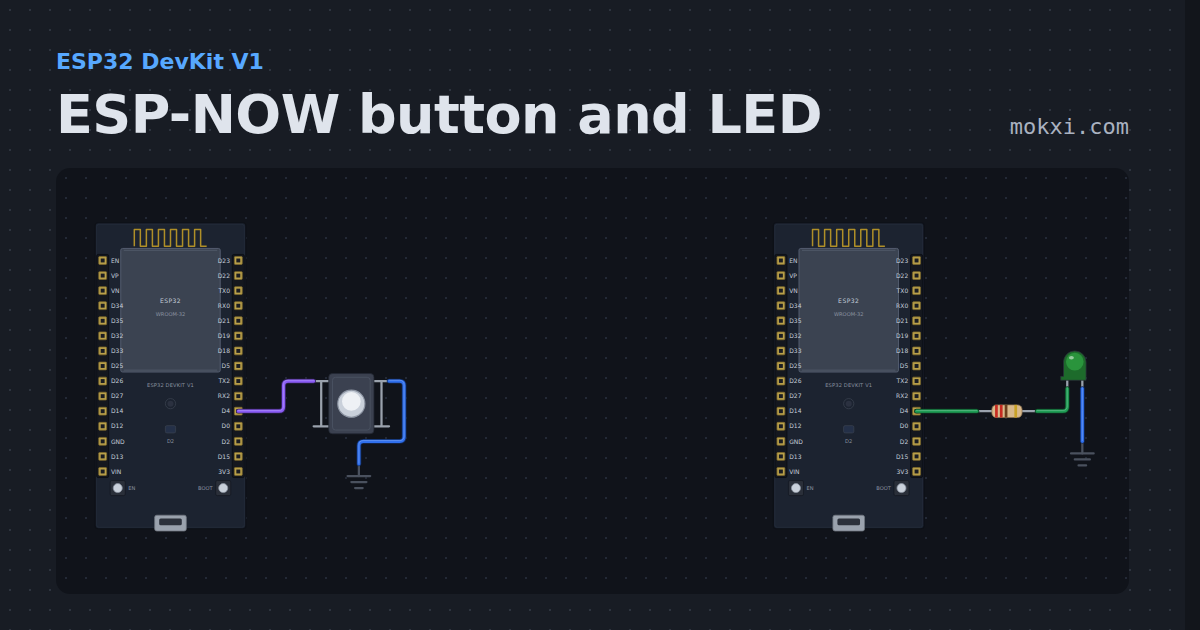
ESP-NOW button and LED
Two ESP32s and no wire between them: the button on one sends on or off over ESP-NOW, the other lights its LED and prints each message.
- Board
- ESP32 DevKit V1
- Parts
- Push button, resistor, LED
- Level
- Intermediate
WiFi: fetch the weather
HTTPClient against a simulated origin, with the numbers on a dial in the Cloud panel, and a request to the real internet that is refused.
- Board
- ESP32-C3-DevKitM-1
- Parts
- Just the board
- Level
- Intermediate
API lab: fetch JSON
Call an API with normal HTTPClient code, edit its JSON response in Cloud and inspect the complete request and response.
- Board
- ESP32-C3-DevKitM-1
- Parts
- Just the board
- Level
- Intermediate
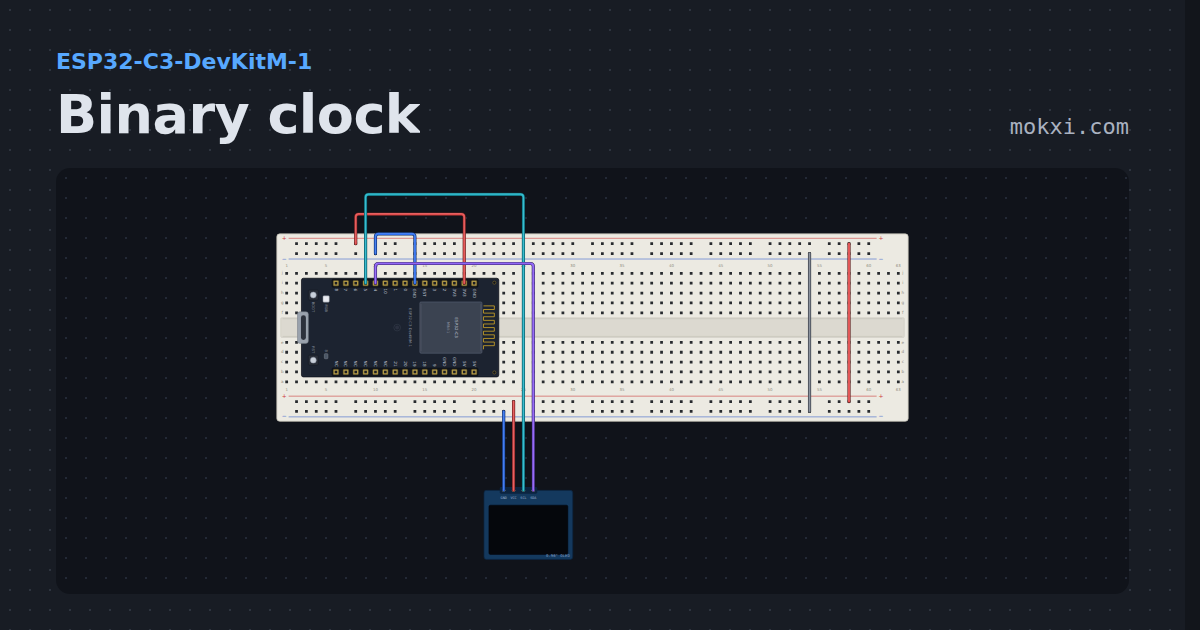
Binary clock
An ESP32-C3 writes the hours, minutes and seconds as three rows of binary lamps on a 128x64 OLED.
- Board
- ESP32-C3-DevKitM-1
- Parts
- SSD1306 OLED display
- Level
- Intermediate
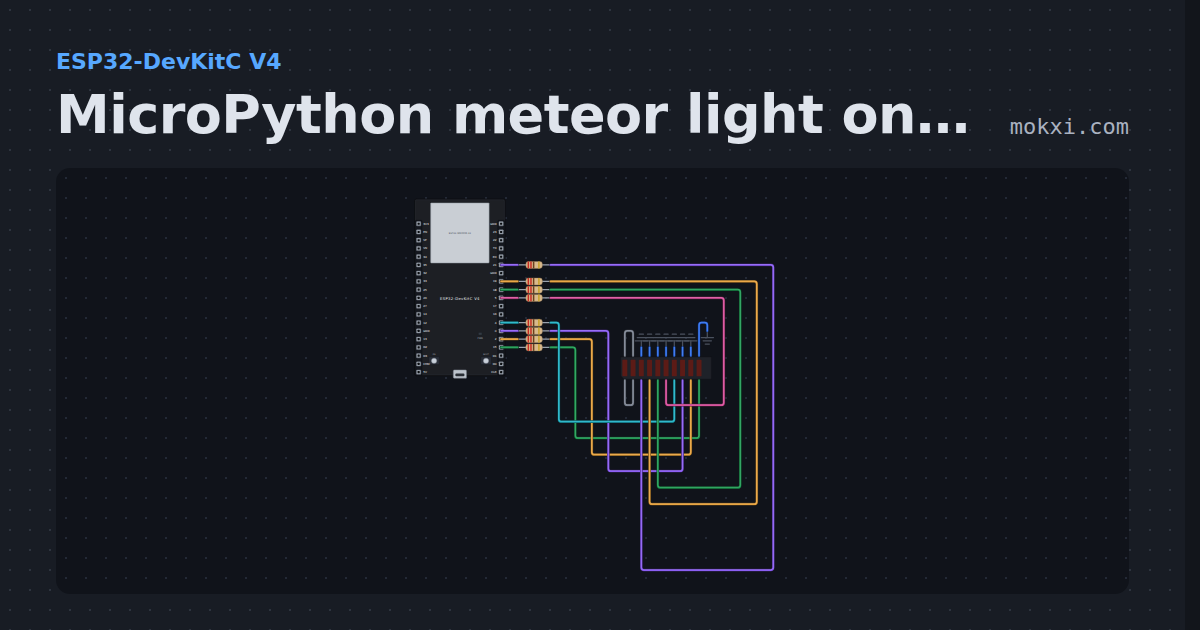
MicroPython meteor light on eight PWM bar segments
MicroPython on an ESP32: eight segments of an LED bar on PWM pins, a bright head with a fading tail that sweeps up the bar and back.
- Board
- ESP32-DevKitC V4
- Parts
- 10-segment LED bar graph, resistor
- Level
- Intermediate
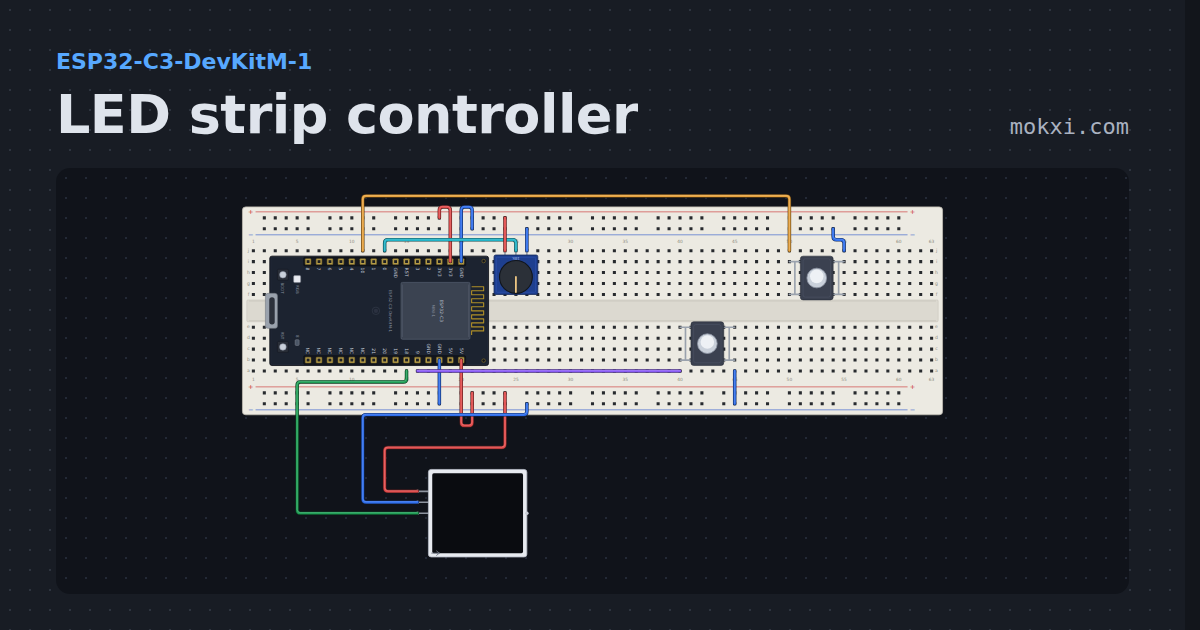
LED strip controller
Sixteen WS2812B pixels with on, off, brightness, color and two effects, faded between, from two buttons and a knob on the strip or from the Web tab.
- Board
- ESP32-C3-DevKitM-1
- Parts
- Potentiometer, push button, WS2812 NeoPixel LEDs
- Level
- Intermediate
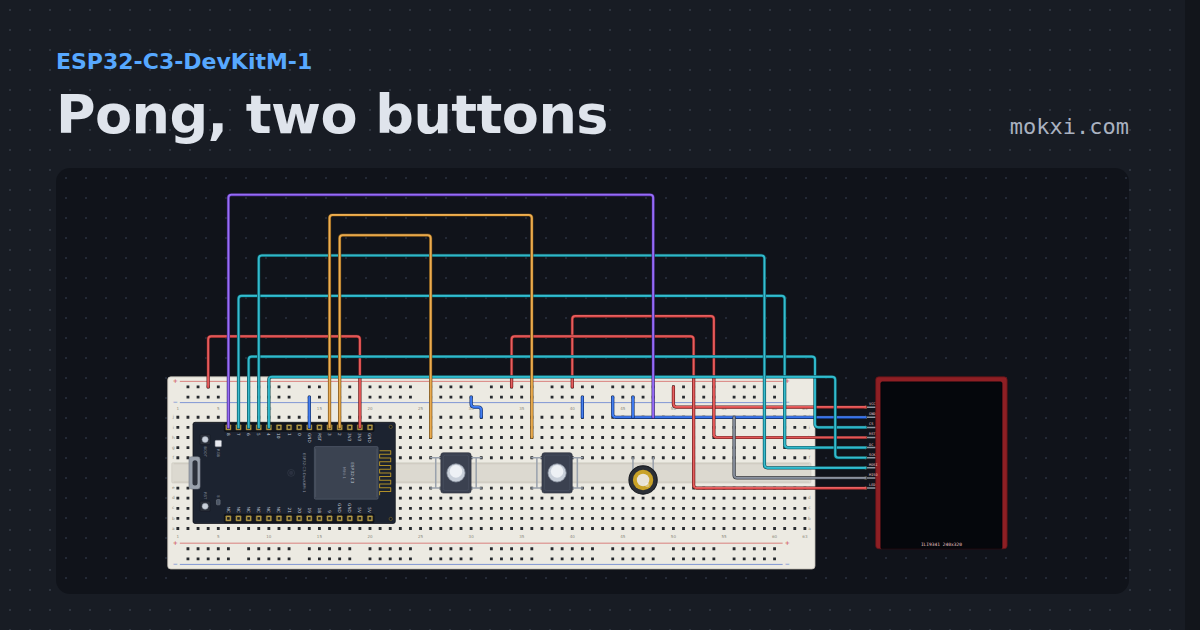
Pong, two buttons
A TFT paddle game on an ILI9341 screen, full screen at forty frames a second, played with two buttons.
- Board
- ESP32-C3-DevKitM-1
- Parts
- ILI9341 TFT display, push button, piezo speaker
- Level
- Advanced
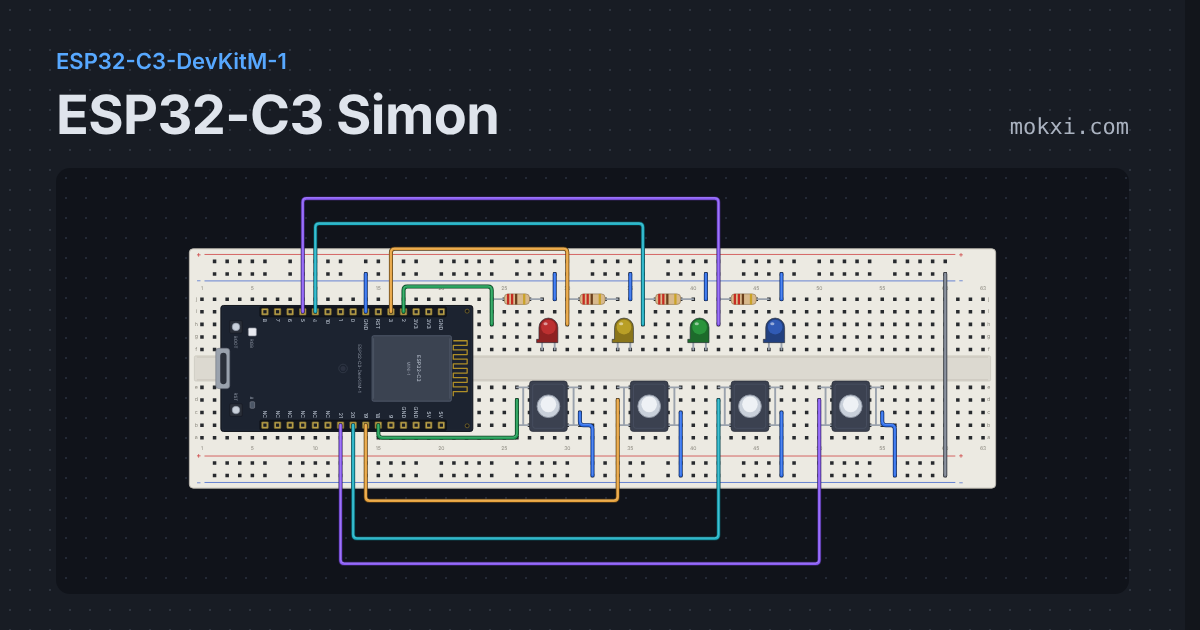
ESP32-C3 Simon
Four LEDs flash a growing sequence, four buttons play it back.
- Board
- ESP32-C3-DevKitM-1
- Parts
- Resistor, LED, push button
- Level
- Advanced
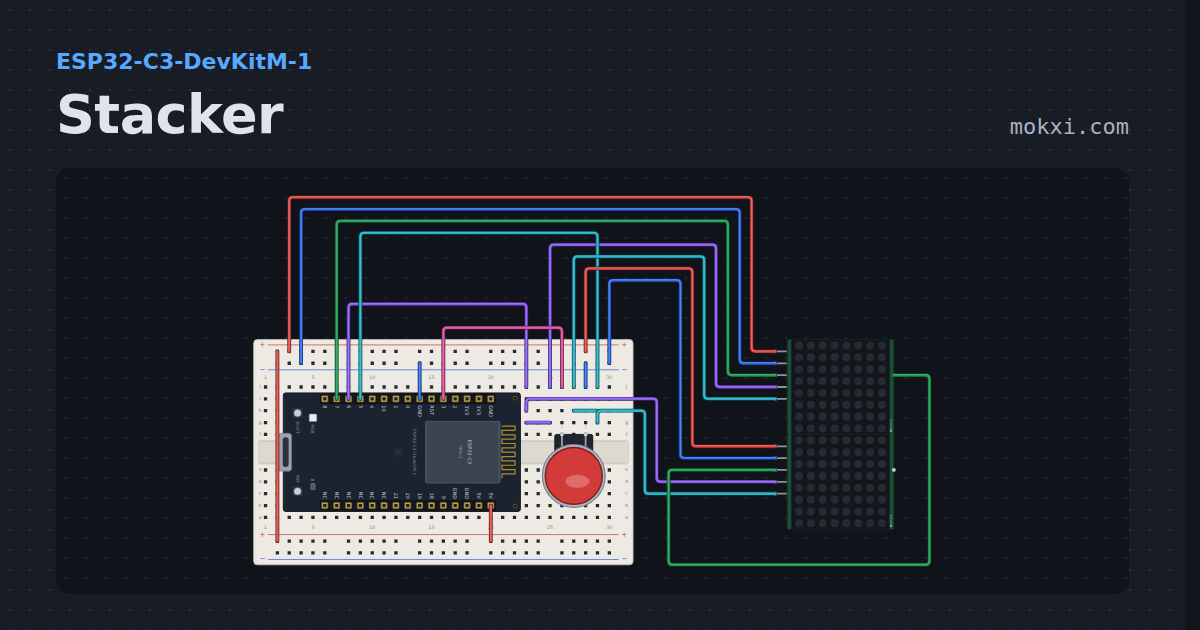
Stacker
The arcade stacker game on two cascaded MAX7219 matrices: the row slides, the button drops it, the overhang is cut off.
- Board
- ESP32-C3-DevKitM-1
- Parts
- Arcade button, MAX7219 8x8 LED matrix
- Level
- Advanced
Wiring, libraries and more ideas
Wiring guides
Library pages
More project ideas
- Arduino Uno project ideas
- LED projects for Arduino, ESP32 and Pico
- Projects with a push button
- Projects with a potentiometer
- NeoPixel projects
- Projects with a DHT11 or DHT22 sensor
- Projects with a piezo speaker
- OLED display projects
- Projects with a transistor
- Arduino game projects
- Robot projects for Arduino and ESP32
- Home automation projects with ESP32 and Arduino