Arduino Uno project ideas
566 Mokxi projects run on an Arduino Uno (221 beginner, 258 intermediate and 87 advanced). Here are 24 to start with, from “Button on pin 12 lights the LED on pin 13” to “Arduino quadruped robot”. Each card says what the project does, the board and parts it needs and its level, and Open in the simulator runs it in your browser in one click, with no account.
How to pick your first one
- Start with “Arcade lever”, a beginner project that needs an arcade joystick lever.
- Most of them are intermediate projects. Pick one a level below what you think you can do, finish it, then move up.
- The parts used most here are the LED (142 projects), the push button (140) and the piezo speaker (83). With those on hand, most of this list is open to you.
- The Uno is the board most tutorials assume, so whatever you learn here carries over to books, kits and forum answers.
24 projects of 566
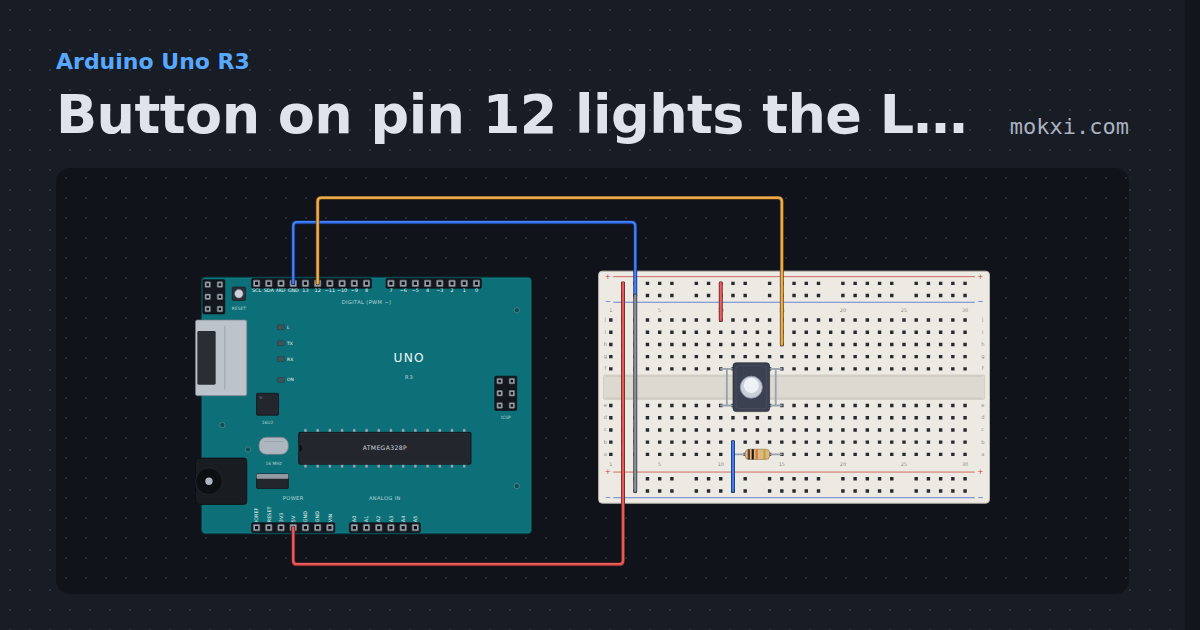
Button on pin 12 lights the LED on pin 13
A pushbutton from 5 V to pin 12, held low by a 10k pull-down, lights the Uno’s own LED on pin 13 while it is pressed.
- Board
- Arduino Uno R3
- Parts
- Push button, resistor
- Level
- Beginner
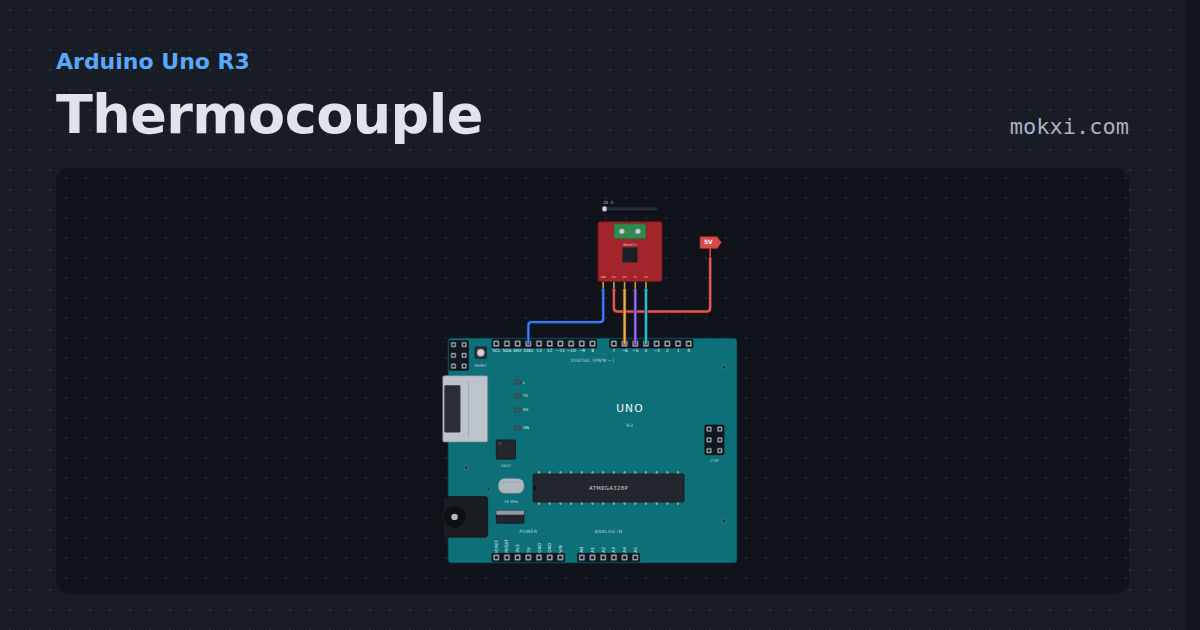
Thermocouple
A K-type thermocouple on a MAX6675 board, read twice a second with Adafruit’s max6675 library, in Celsius and Fahrenheit.
- Board
- Arduino Uno R3
- Parts
- Thermocouple converter
- Level
- Beginner
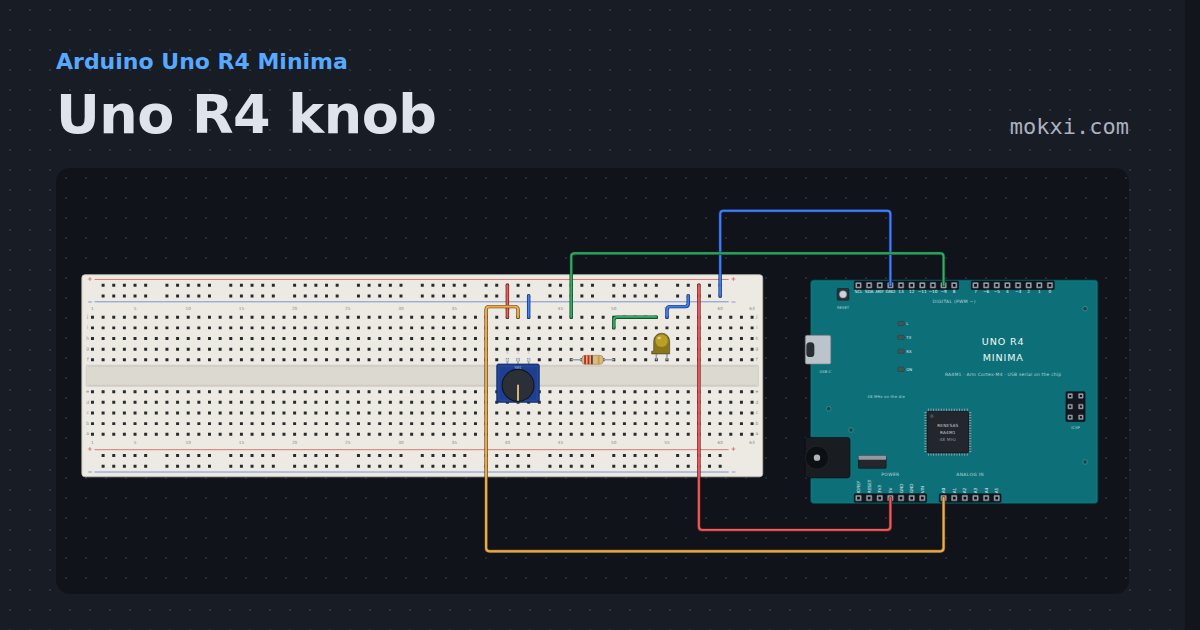
Uno R4 knob
A potentiometer on an Uno R4’s A0 fades an LED on pin 9, and the monitor prints the same pin in ten bits and in the converter’s own fourteen.
- Board
- Arduino Uno R4 Minima
- Parts
- Potentiometer, resistor, LED
- Level
- Beginner
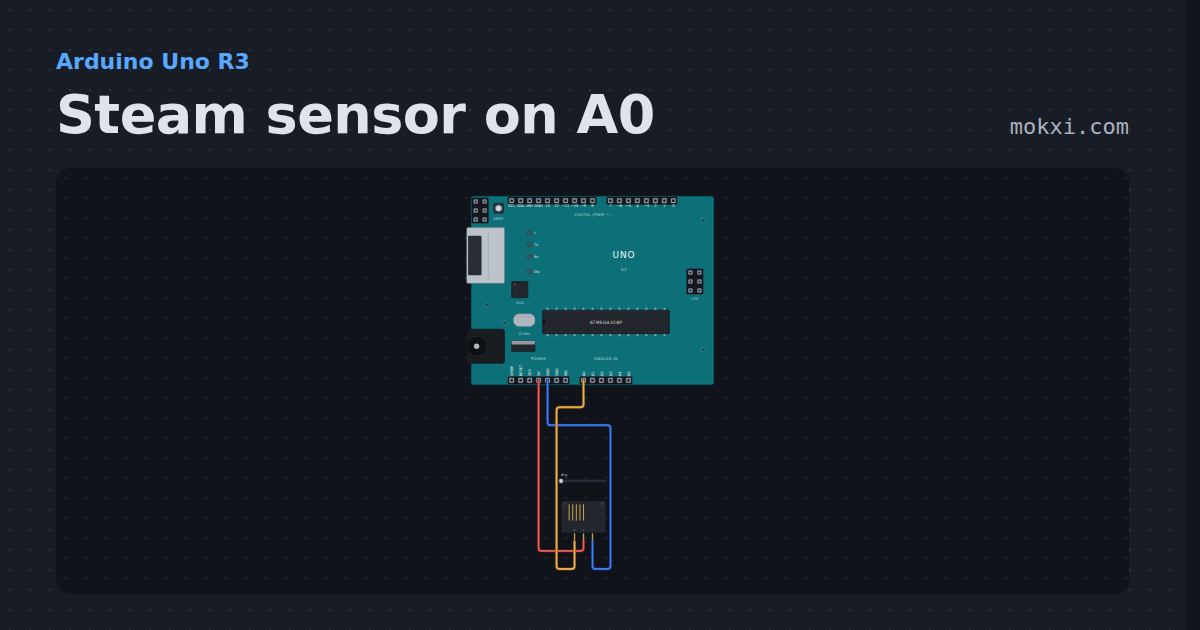
Steam sensor on A0
A steam sensor’s output on A0, printed twice a second: the reading rises as steam or a breath fogs its comb of bare traces.
- Board
- Arduino Uno R3
- Parts
- Steam sensor
- Level
- Beginner
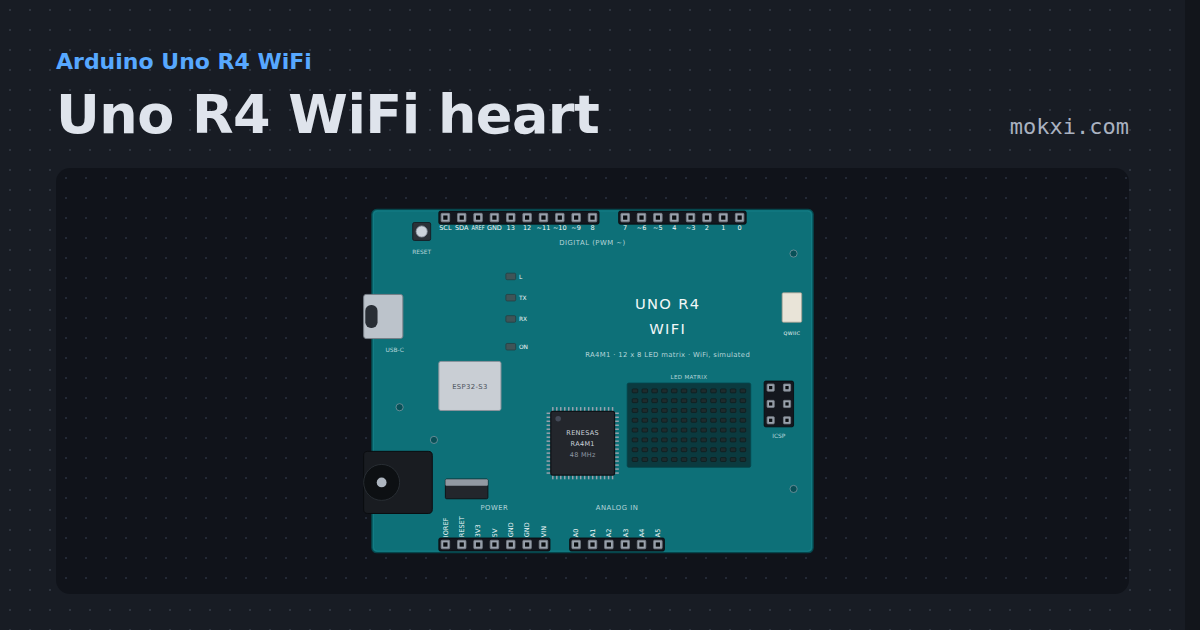
Uno R4 WiFi heart
A heart beating on the Uno R4 WiFi’s 12 x 8 LED matrix, drawn through Arduino_LED_Matrix.h with no parts to wire.
- Board
- Arduino Uno R4 WiFi
- Parts
- Just the board
- Level
- Beginner
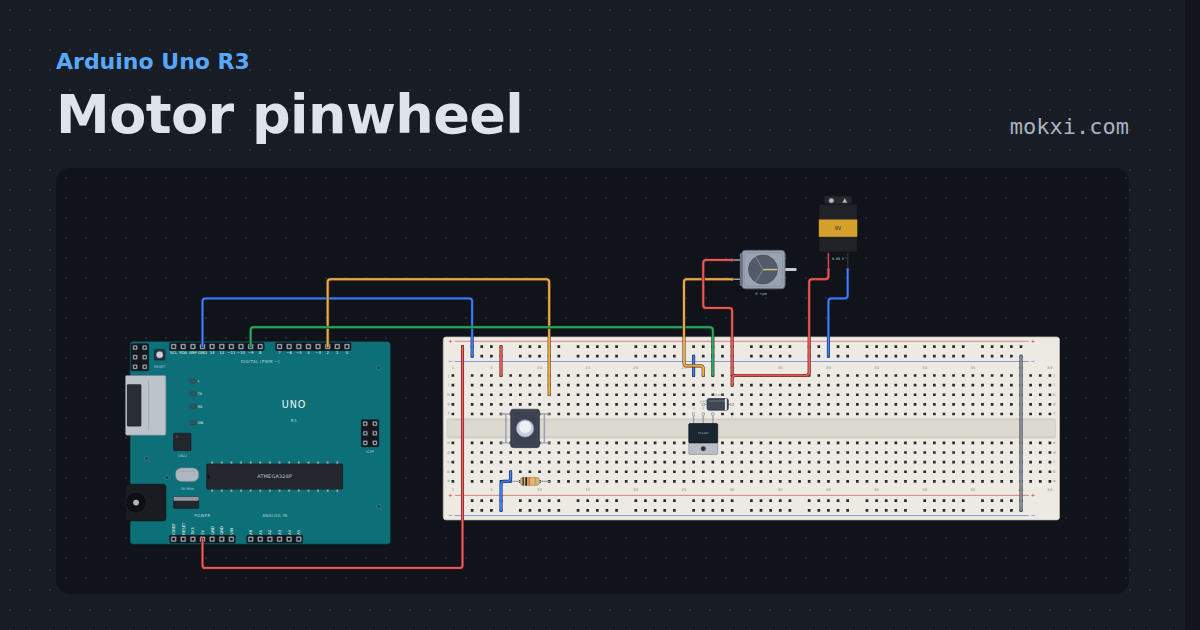
Motor pinwheel
Hold the button and an IRF520 MOSFET on pin 9 runs a DC motor from a 9 V battery, with a 1N4007 across the motor to catch its kick.
- Board
- Arduino Uno R3
- Parts
- Push button, resistor, MOSFET, diode, DC motor, +1 more
- Level
- Beginner
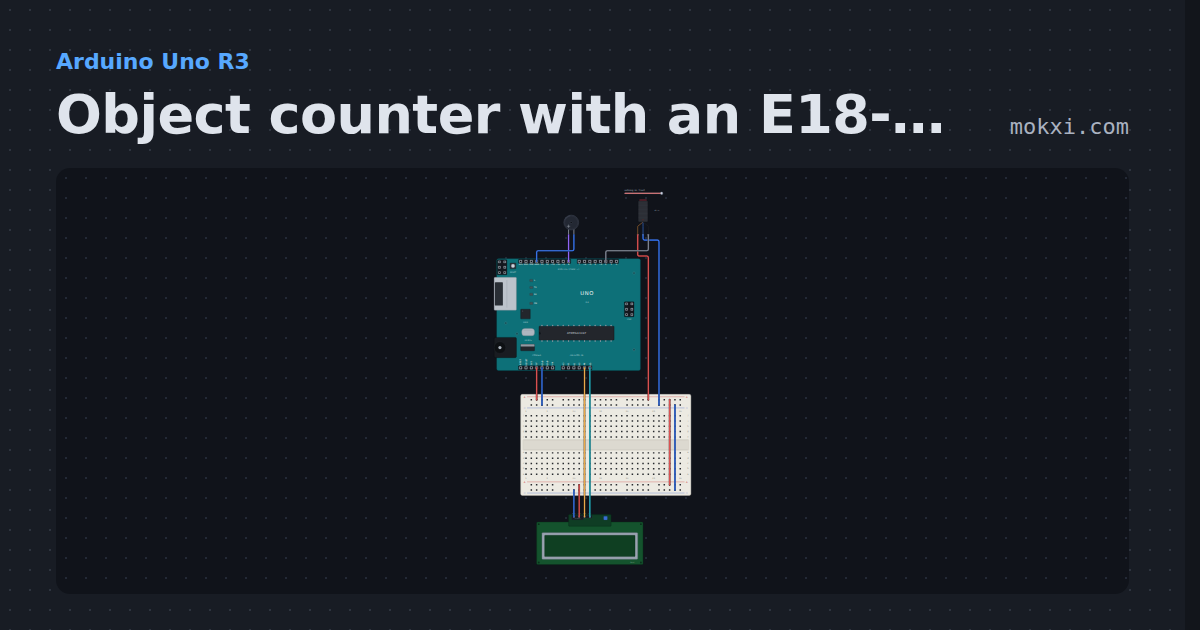
Object counter with an E18-D80NK
An E18-D80NK infrared sensor on pin 2 with the pin’s pull-up: each object that passes adds one to the count on a 16x2 I2C LCD, with a beep.
- Board
- Arduino Uno R3
- Parts
- E18-D80NK IR proximity switch, buzzer, I2C LCD
- Level
- Beginner
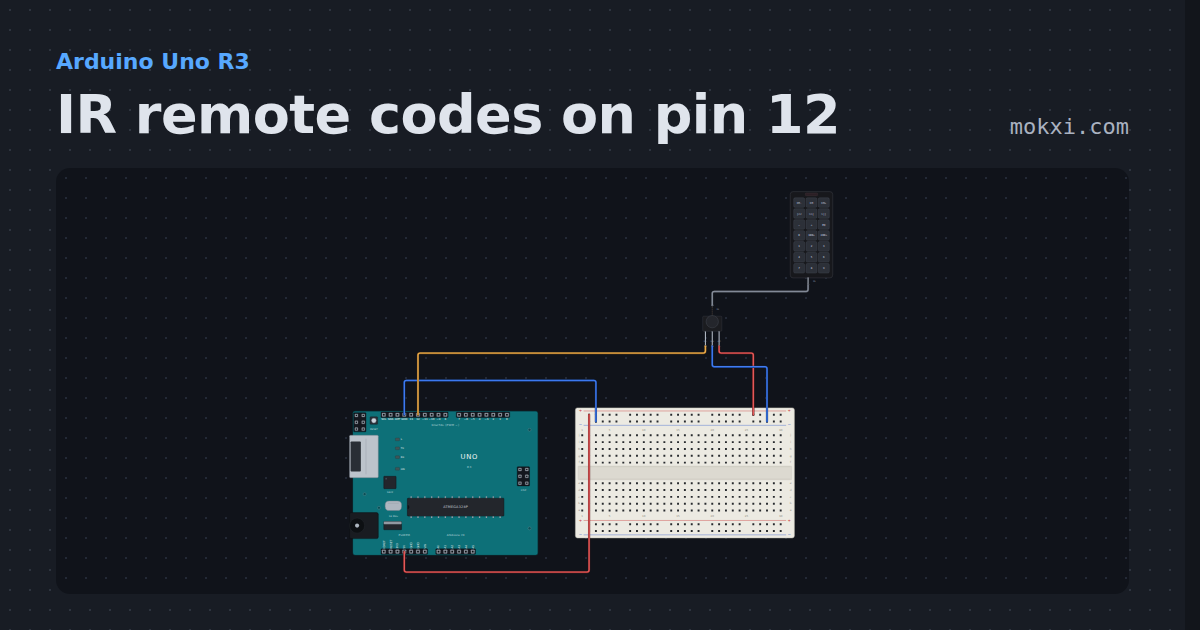
IR remote codes on pin 12
An infrared receiver on pin 12: press a button on the remote and the IRremote library prints the code it sends.
- Board
- Arduino Uno R3
- Parts
- IR receiver and remote, IR remote
- Level
- Beginner
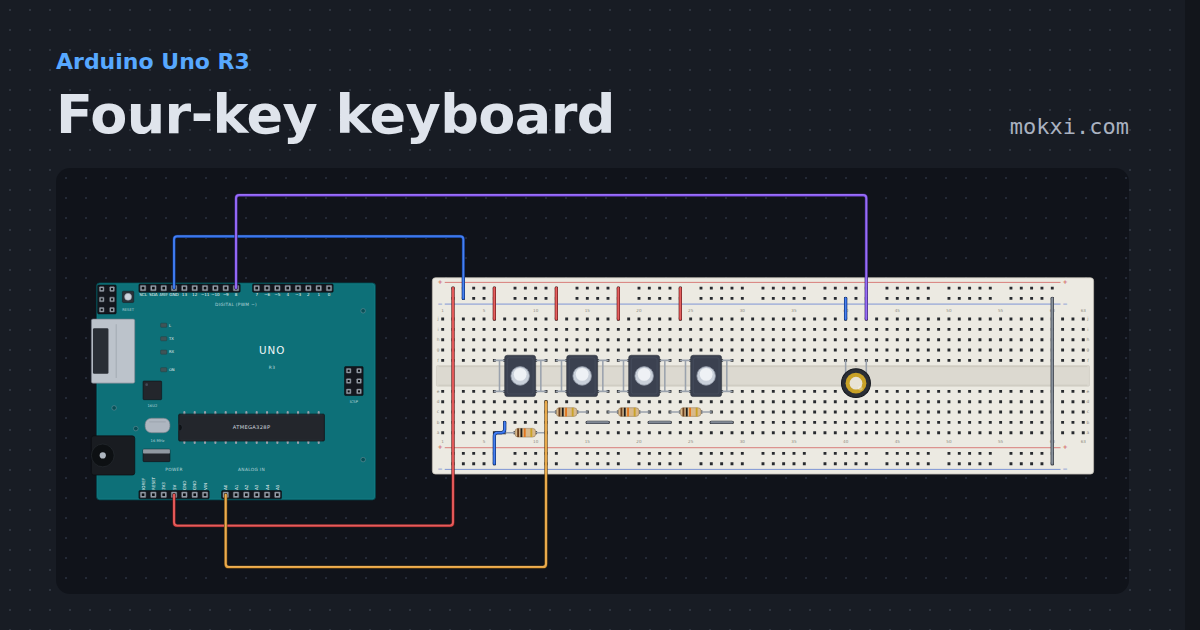
Four-key keyboard
Four buttons share A0 through a ladder of 10k resistors, so each key reads a different number, and a piezo plays C, D, E or F.
- Board
- Arduino Uno R3
- Parts
- Push button, resistor, piezo speaker
- Level
- Beginner
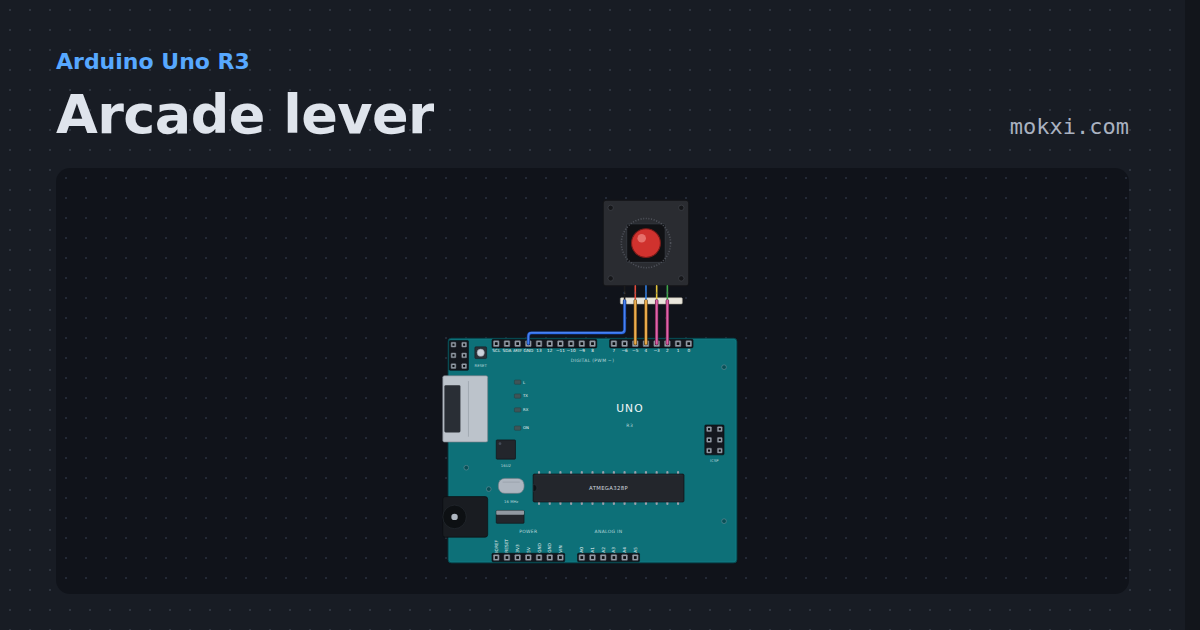
Arcade lever
A Sanwa-style arcade lever on four pins, debounced the way a stick board does it and printed in numpad notation: 5 neutral, 8 up, 9 up-right.
- Board
- Arduino Uno R3
- Parts
- Arcade joystick lever
- Level
- Beginner
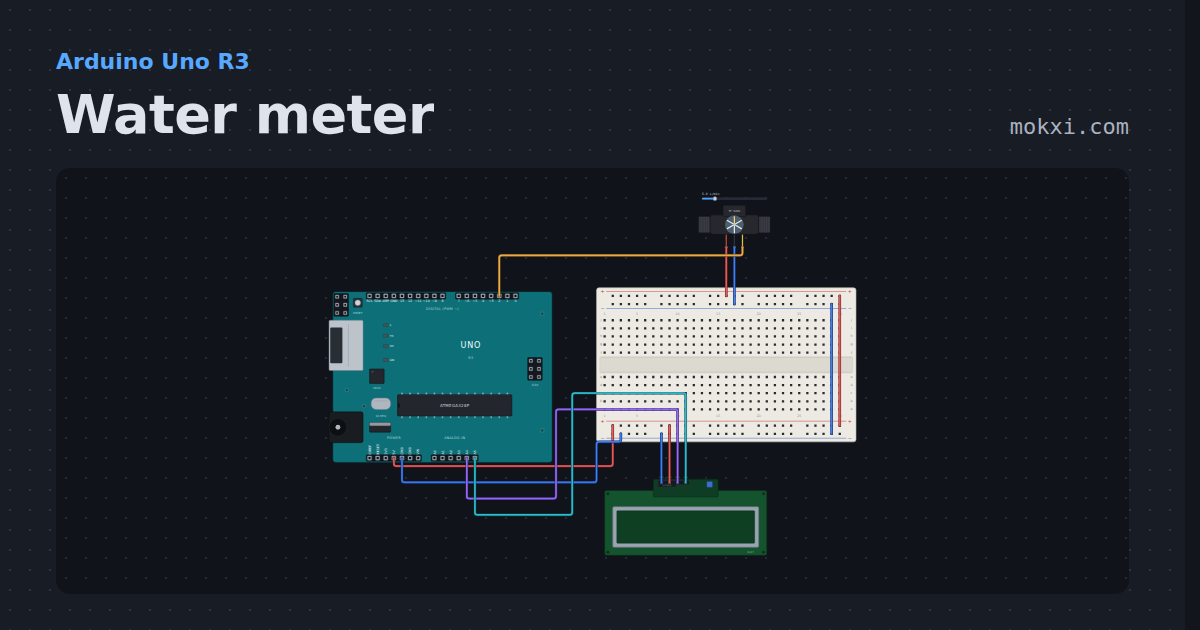
Water meter
A YF-S201 flow sensor’s pulses counted on an interrupt: 450 make a liter, and an I2C LCD shows the flow and the liters so far.
- Board
- Arduino Uno R3
- Parts
- Water flow sensor, I2C LCD
- Level
- Beginner
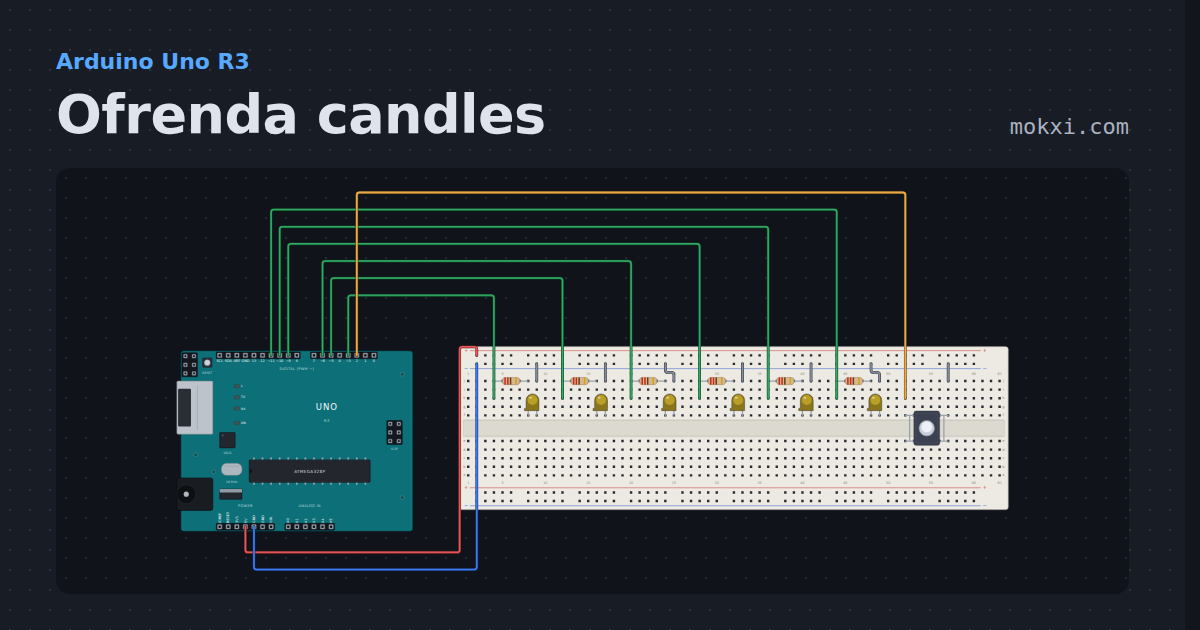
Ofrenda candles
Six LED candles for a Día de los Muertos ofrenda, one for each person remembered: a button lights one at a time.
- Board
- Arduino Uno R3
- Parts
- Resistor, LED, push button
- Level
- Beginner
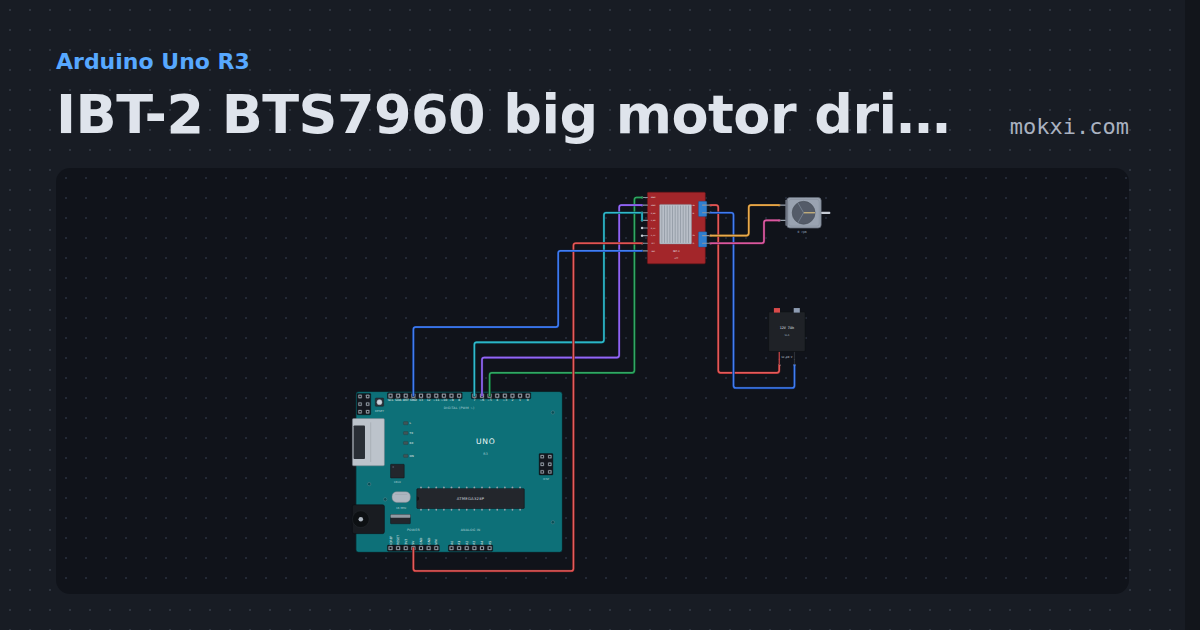
IBT-2 BTS7960 big motor driver
An IBT-2 on pins 5, 6 and 7 ramps a 12 V motor off a lead-acid battery forward and back with analogWrite, then lets it coast.
- Board
- Arduino Uno R3
- Parts
- IBT-2 BTS7960 motor driver, DC motor, battery: AA
- Level
- Intermediate
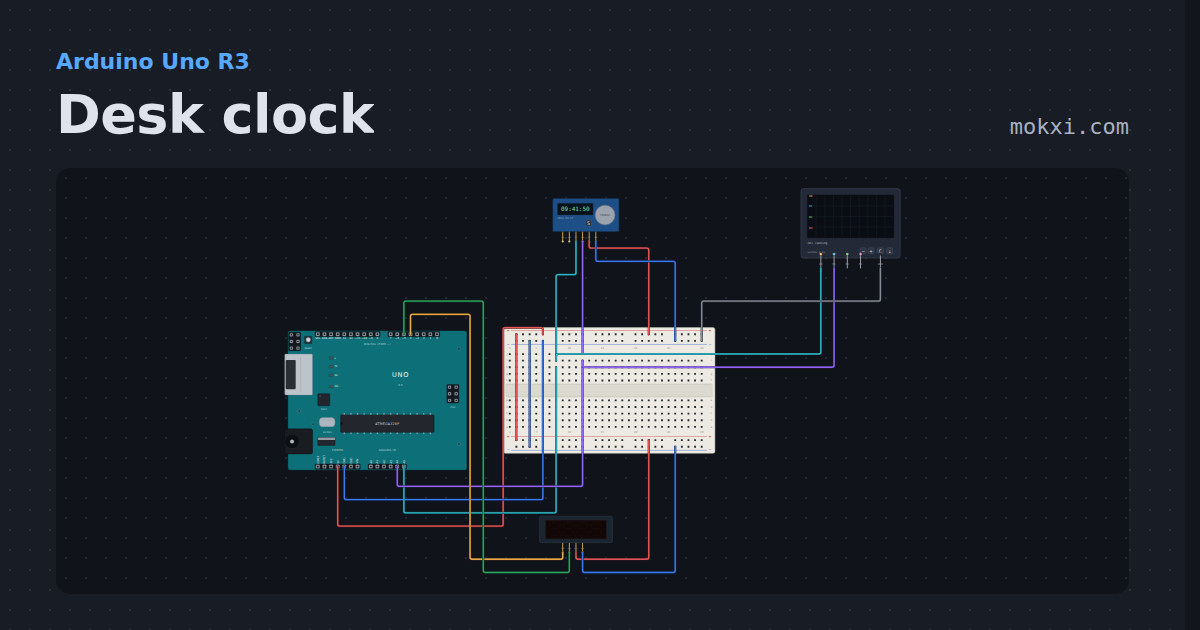
Desk clock
A DS3231 over I2C and a TM1637 on two wires that are not I2C.
- Board
- Arduino Uno R3
- Parts
- DS3231 real-time clock, TM1637 four-digit display, logic analyzer
- Level
- Intermediate
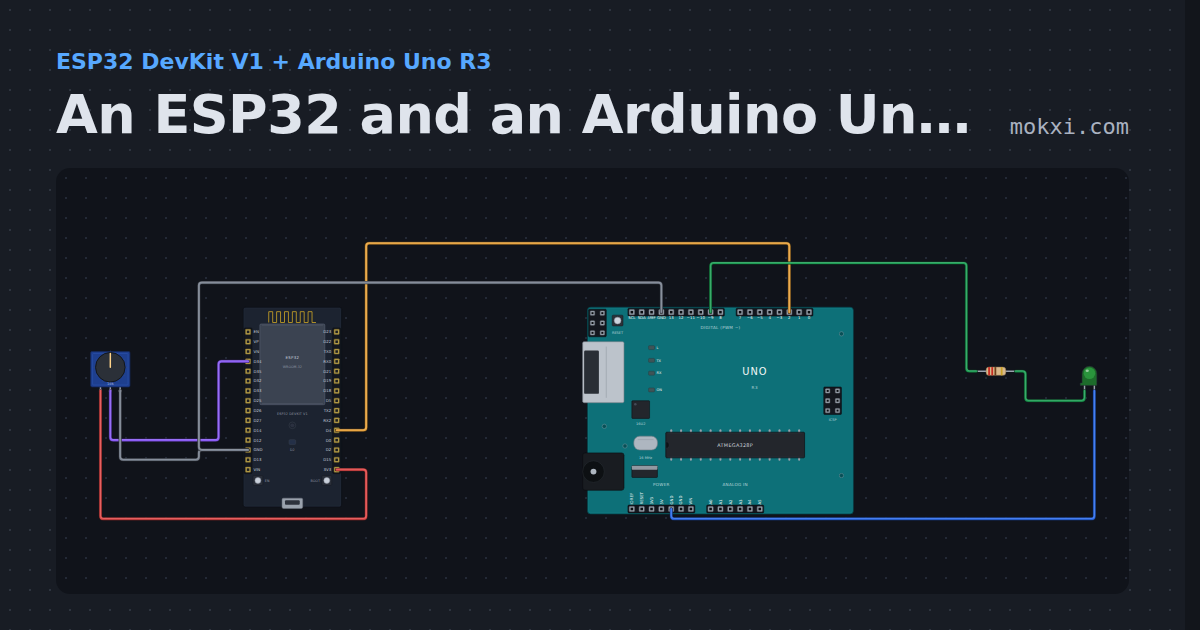
An ESP32 and an Arduino Uno talking over serial
An ESP32 reads a knob and sends the number to an Arduino Uno over a serial wire; the Uno sets an LED’s brightness from it.
- Board
- ESP32 DevKit V1 and Arduino Uno R3
- Parts
- Potentiometer, resistor, LED
- Level
- Intermediate
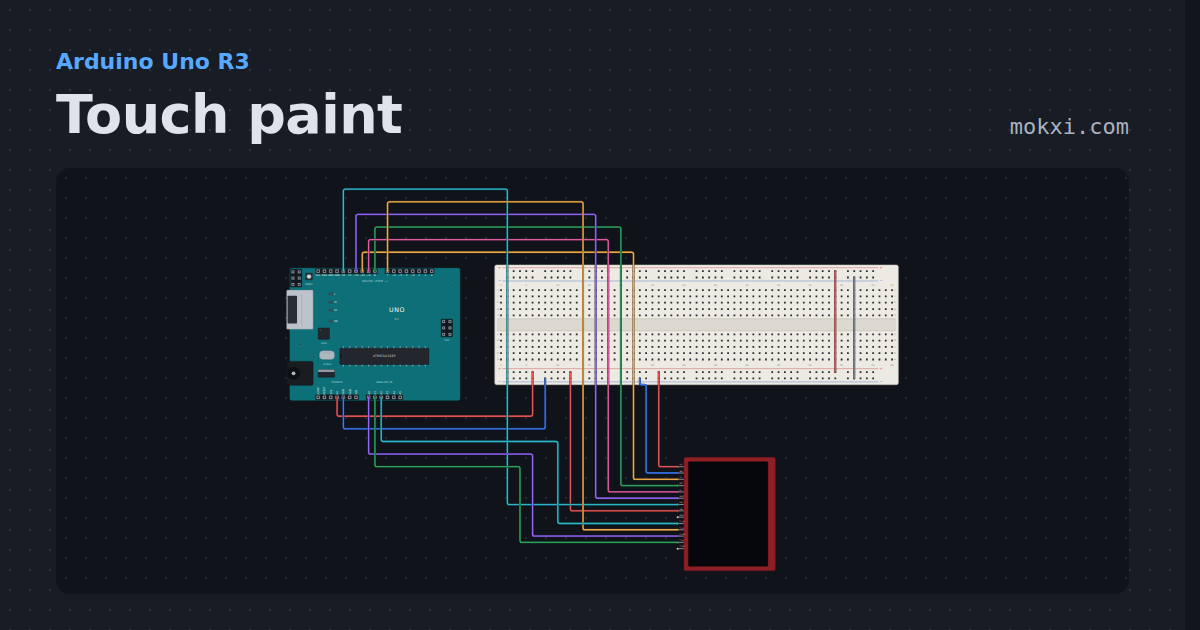
Touch paint
Draw on a 2.8 inch TFT with its resistive touch panel: two SPI chips on one module, and the raw touch counts mapped to pixels.
- Board
- Arduino Uno R3
- Parts
- Touch TFT
- Level
- Intermediate
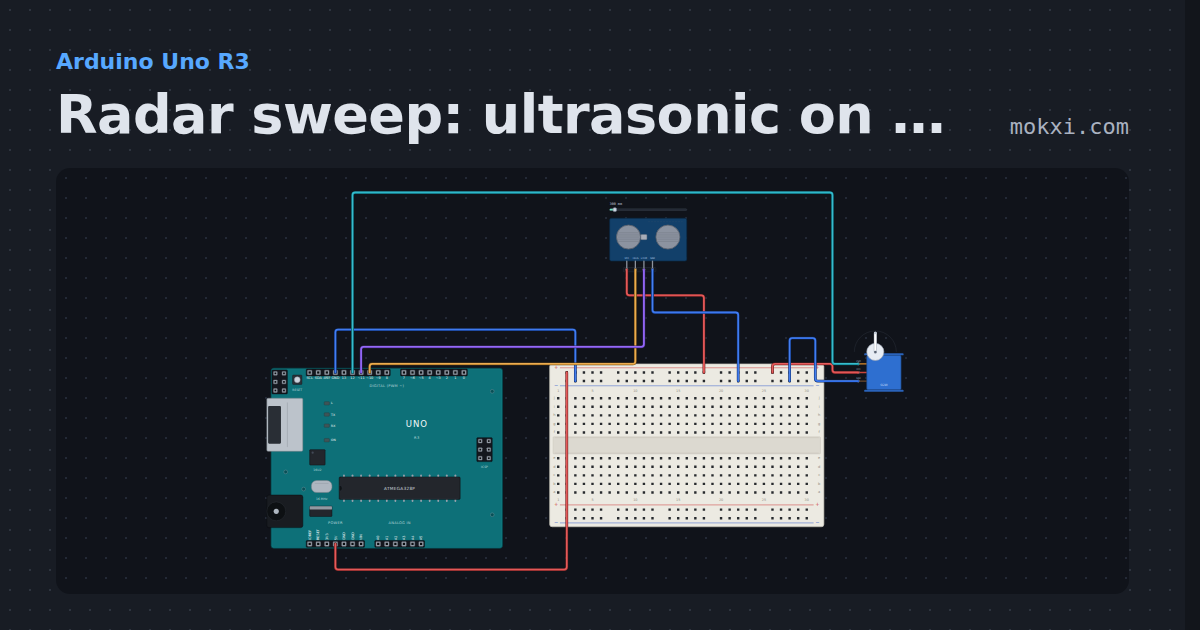
Radar sweep: ultrasonic on 10 and 11, servo on 12
An HC-SR04 (TRIG 10, ECHO 11) rides a servo on pin 12 that sweeps from 15 to 165 degrees and back.
- Board
- Arduino Uno R3
- Parts
- HC-SR04 ultrasonic sensor, servo motor
- Level
- Intermediate
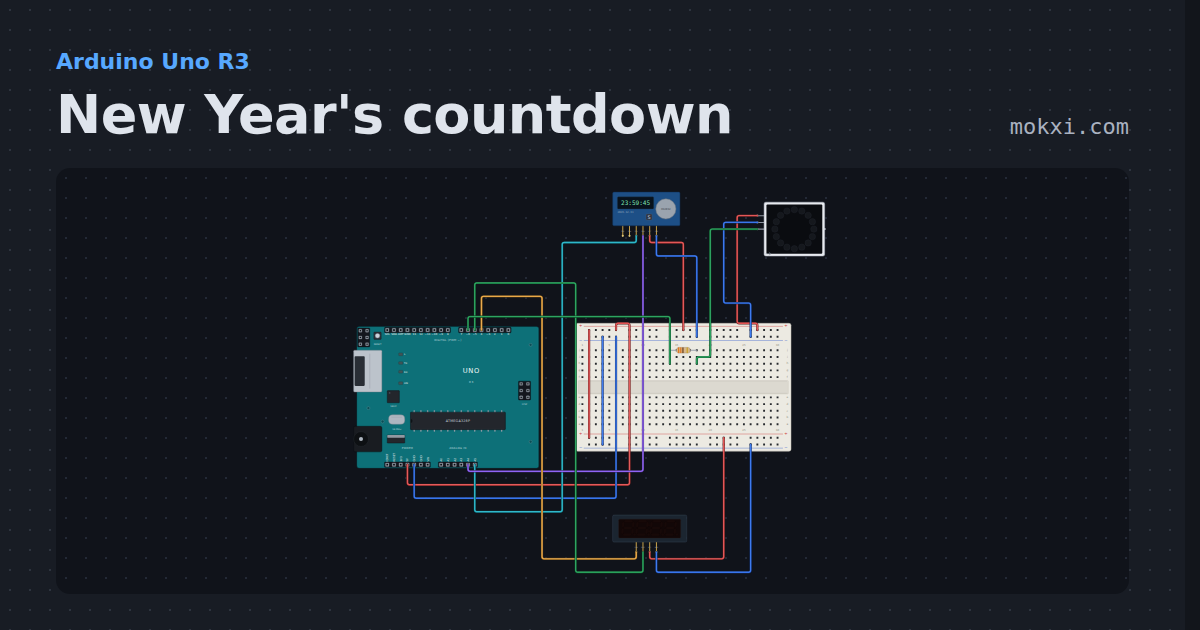
New Year's countdown
A DS3231 and a four-digit display count down to midnight on New Year’s Eve.
- Board
- Arduino Uno R3
- Parts
- DS3231 real-time clock, TM1637 four-digit display, resistor, WS2812 NeoPixel LEDs
- Level
- Intermediate
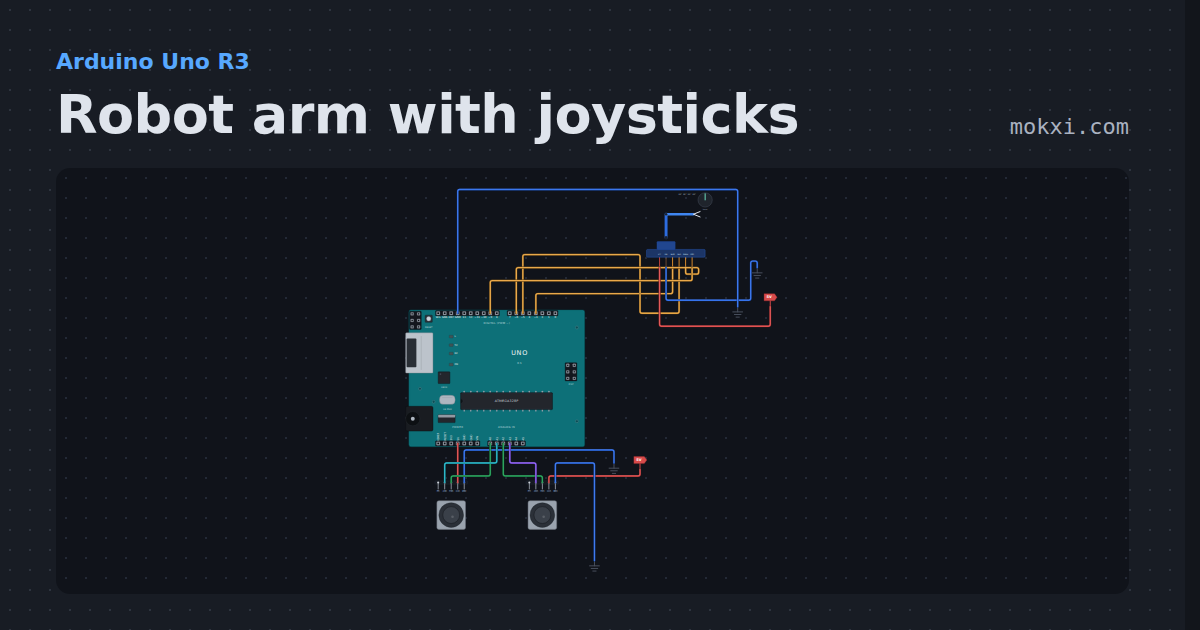
Robot arm with joysticks
A four-servo desktop arm on four Uno pins, steered by two joysticks with the Servo library: base and shoulder on one stick.
- Board
- Arduino Uno R3
- Parts
- Four-servo robot arm, joystick
- Level
- Intermediate
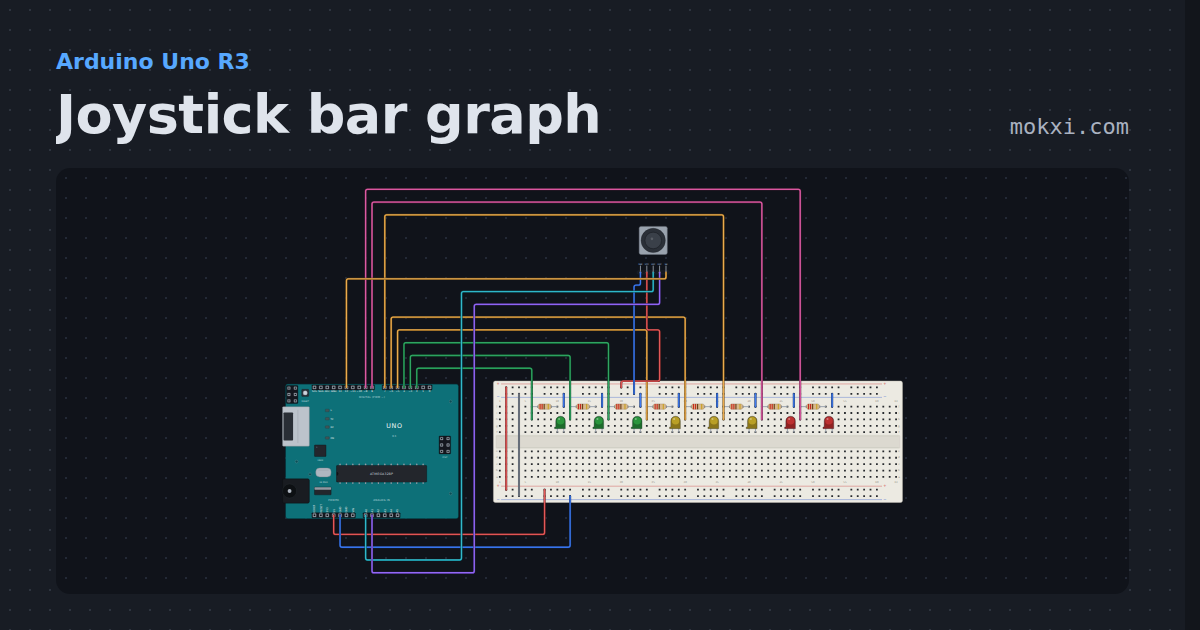
Joystick bar graph
A thumb stick moves a bar along eight LEDs, and pressing the stick swaps the bar to the other axis.
- Board
- Arduino Uno R3
- Parts
- Joystick, resistor, LED
- Level
- Intermediate
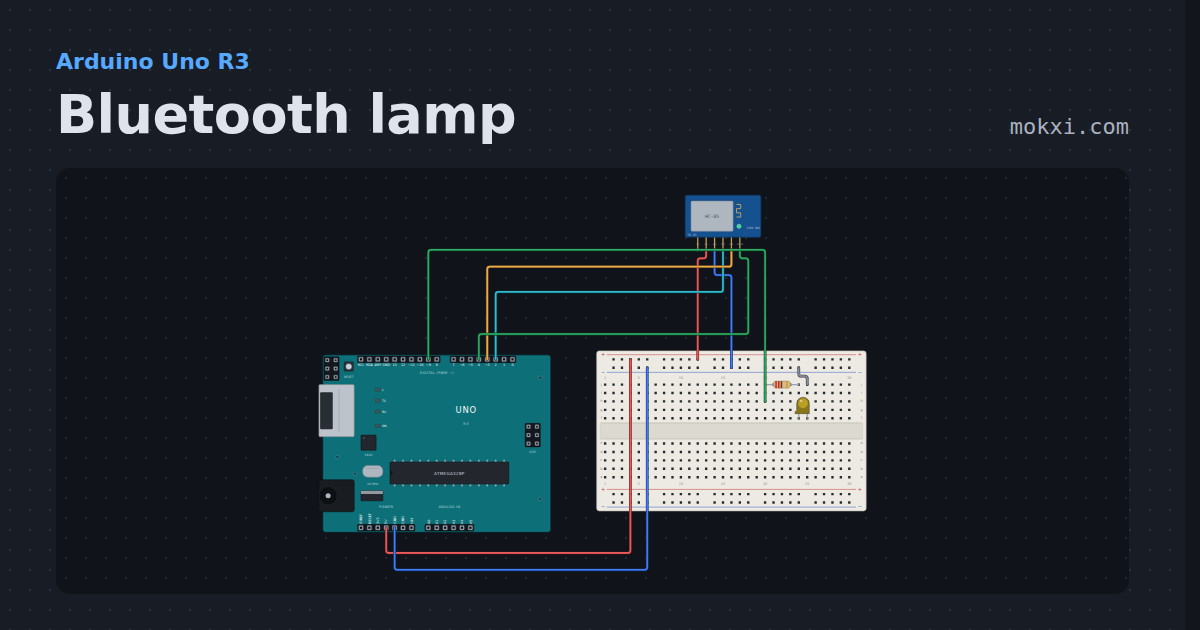
Bluetooth lamp
An HC-05 modeled as what it is to the board: a serial bridge whose far end is the serial monitor. Type on or off and the lamp answers.
- Board
- Arduino Uno R3
- Parts
- HC-05 Bluetooth module, resistor, LED
- Level
- Intermediate
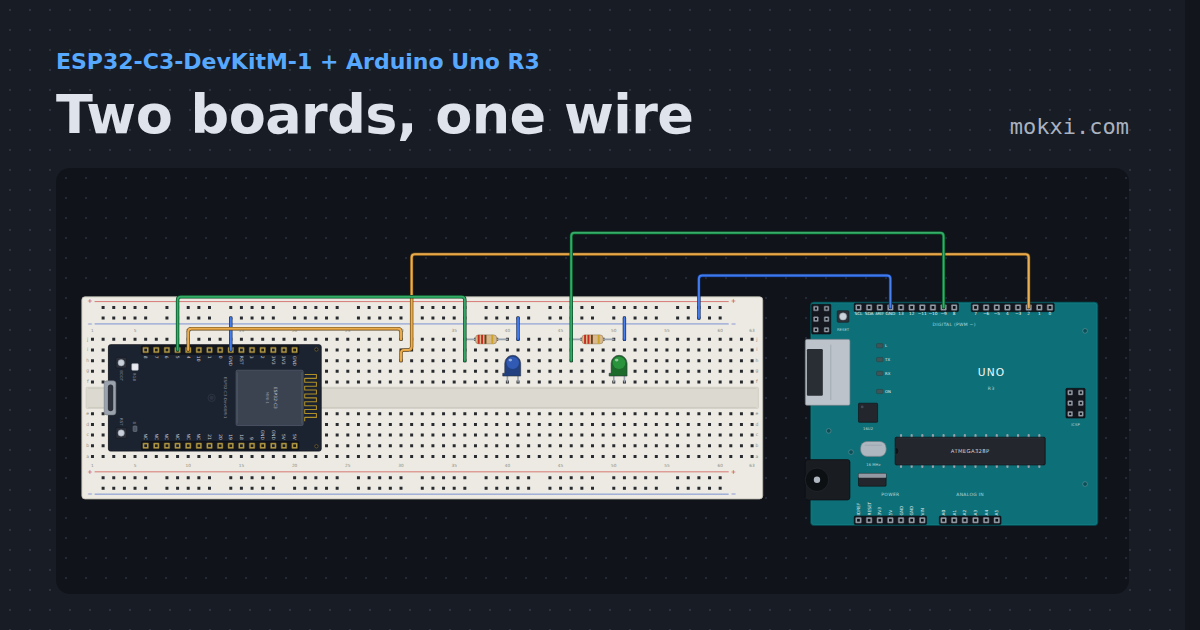
Two boards, one wire
An ESP32-C3 pulses a number down one wire and an Arduino Uno counts it back out on the serial monitor.
- Board
- ESP32-C3-DevKitM-1 and Arduino Uno R3
- Parts
- Resistor, LED
- Level
- Advanced
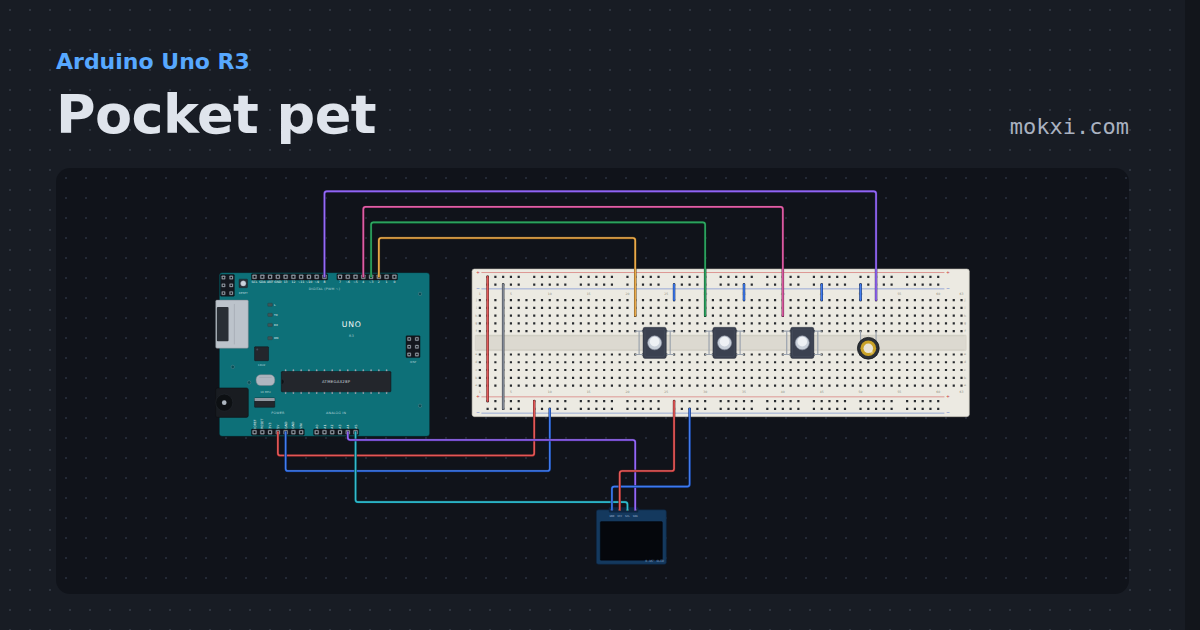
Pocket pet
A Tamagotchi-style pet on a 128x64 OLED: hatch it, feed it, play two mini-games, clean up, and it remembers you after a reset.
- Board
- Arduino Uno R3
- Parts
- SSD1306 OLED display, push button, piezo speaker
- Level
- Advanced
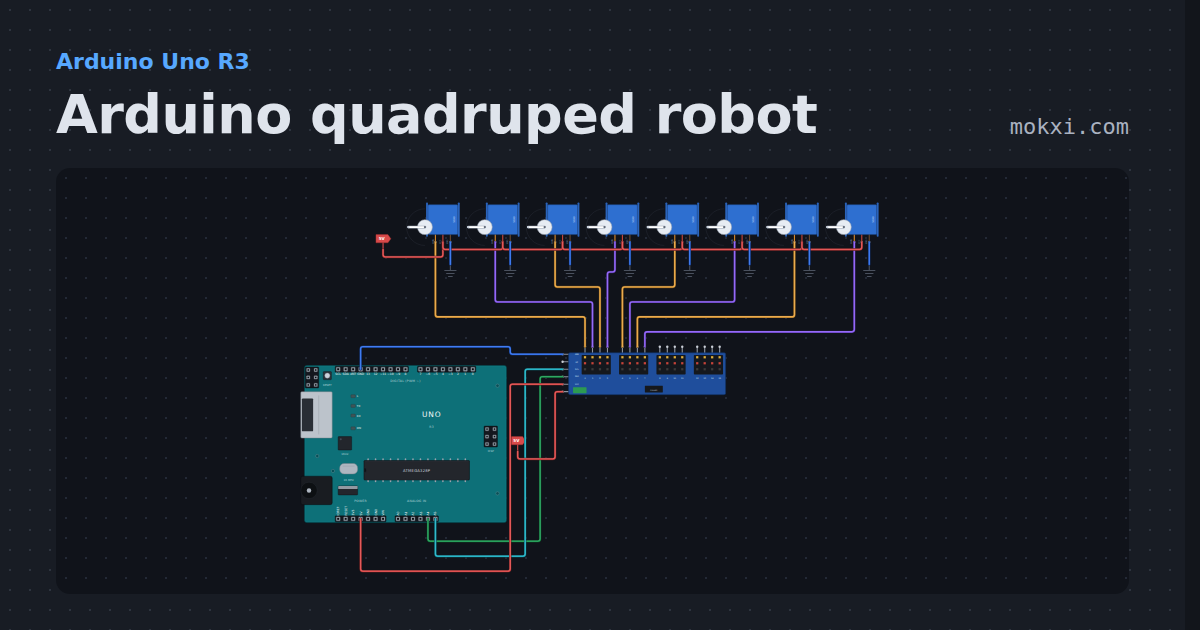
Arduino quadruped robot
Eight servos on a PCA9685 walk a four-legged robot through a creep gait: one foot lifts and swings forward at a time while the other three hold it up.
- Board
- Arduino Uno R3
- Parts
- Servo driver, servo motor
- Level
- Advanced
Wiring, libraries and more ideas
Wiring guides
Library pages
More project ideas
- ESP32 project ideas
- LED projects for Arduino, ESP32 and Pico
- Projects with a push button
- Projects with a piezo speaker
- Projects with an I2C LCD
- Projects with a potentiometer
- Servo motor projects
- Projects with a buzzer
- Projects with a DC motor
- Arduino game projects
- Robot projects for Arduino and ESP32
- Home automation projects with ESP32 and Arduino