Raspberry Pi Pico project ideas
116 Mokxi projects run on a Raspberry Pi Pico or another RP2040 board (65 beginner, 38 intermediate and 13 advanced). Here are 24 to start with, from “MicroPython joystick on a Pico: X, Y and the press” to “Fight stick on a Pico”. Each card says what the project does, the board and parts it needs and its level, and Open in the simulator runs it in your browser in one click, with no account.
How to pick your first one
- Start with “CircuitPython button on a Pico”, a beginner project that needs a push button.
- Most of them are beginner projects. Pick one a level below what you think you can do, finish it, then move up.
- The parts used most here are the LED (26 projects), the transistor (14) and the push button (10). With those on hand, most of this list is open to you.
- Many Pico projects here are MicroPython or CircuitPython, so you can change a line and run it again with nothing to compile.
24 projects of 116
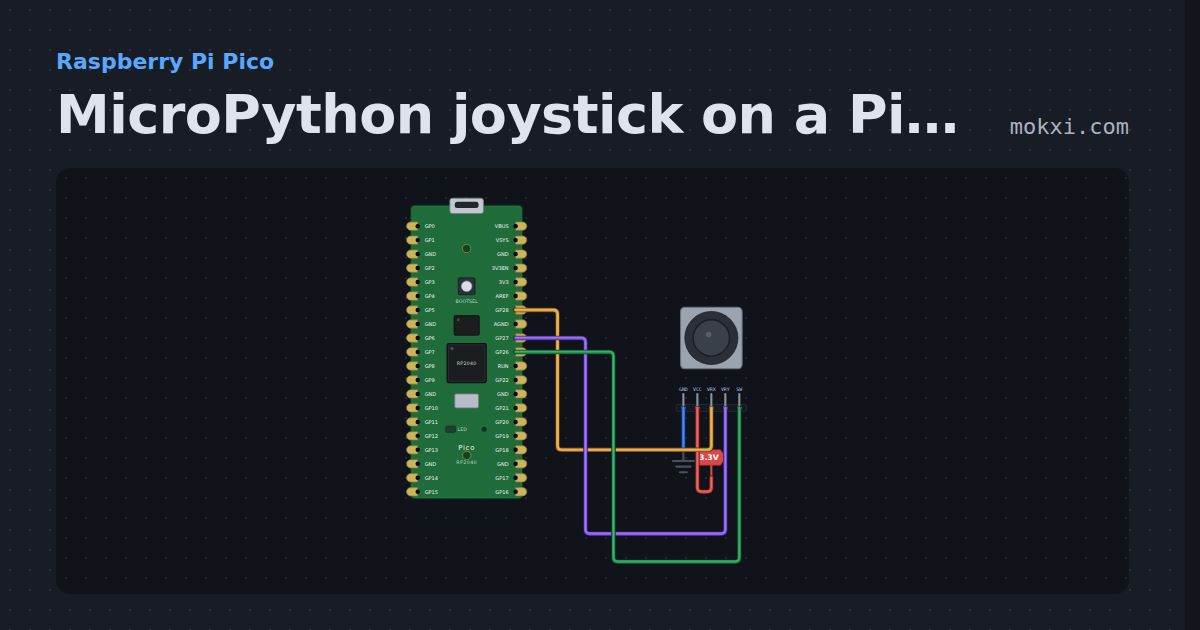
MicroPython joystick on a Pico: X, Y and the press
MicroPython on a Raspberry Pi Pico: a joystick’s X on GP28 and Y on GP27 read as analog, and its switch on GP26, printed ten times a second.
- Board
- Raspberry Pi Pico
- Parts
- Joystick
- Level
- Beginner
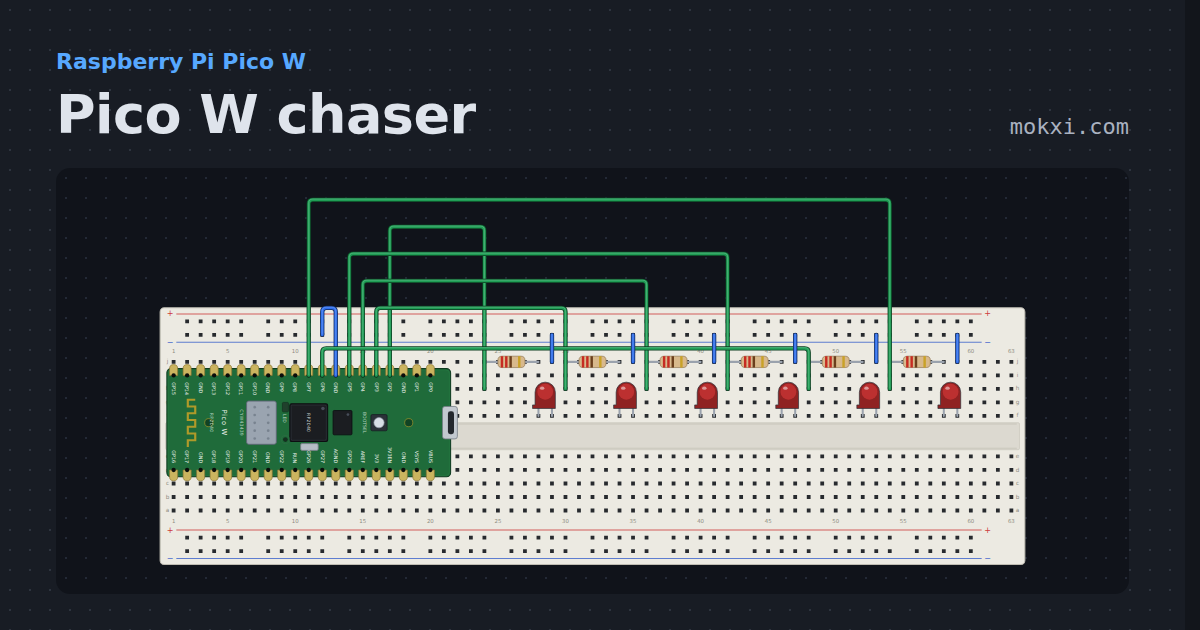
Pico W chaser
Six lamps sweeping on the breadboard, on the same pins as the Pico’s chaser.
- Board
- Raspberry Pi Pico W
- Parts
- Resistor, LED
- Level
- Beginner
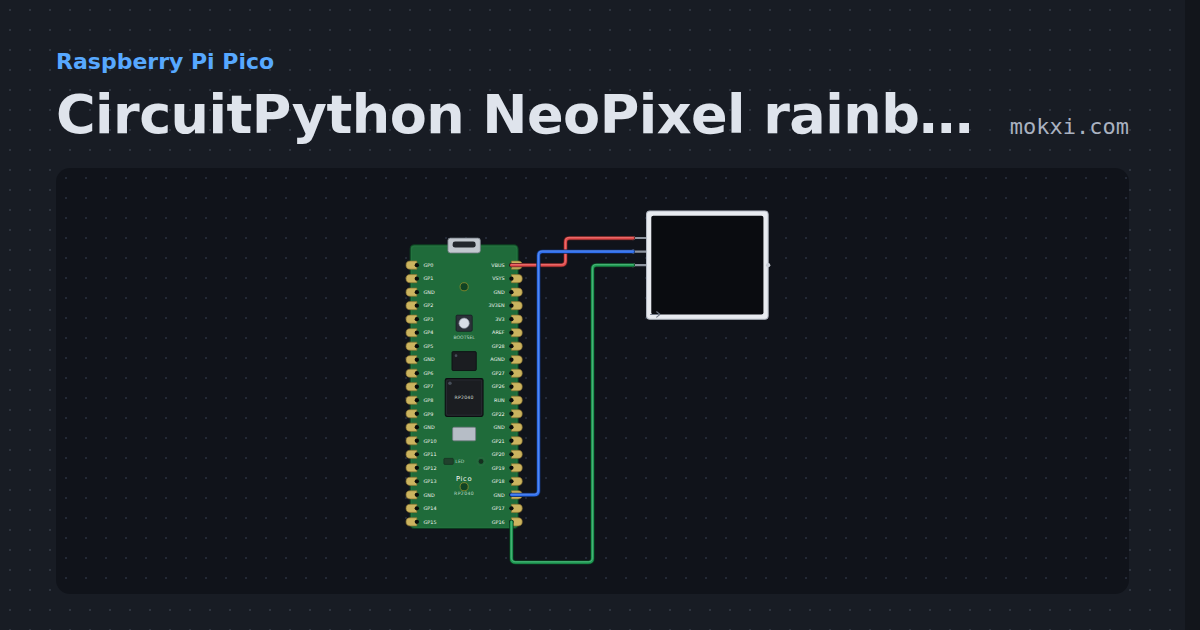
CircuitPython NeoPixel rainbow on a Pico
CircuitPython on a Raspberry Pi Pico: Adafruit’s neopixel library turns a rainbow around eight WS2812 LEDs on GP16, sent by the Pico’s PIO.
- Board
- Raspberry Pi Pico
- Parts
- WS2812 NeoPixel LEDs
- Level
- Beginner
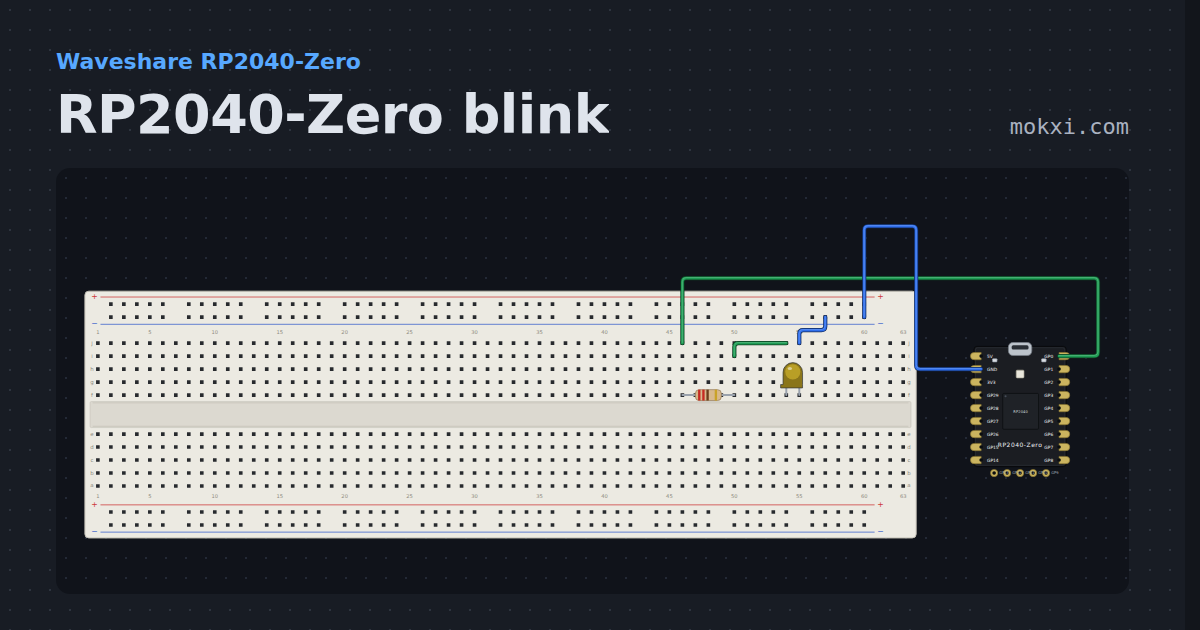
RP2040-Zero blink
An LED on GP0 of the RP2040-Zero, which has no plain LED of its own, with the board beside the breadboard.
- Board
- Waveshare RP2040-Zero
- Parts
- Resistor, LED
- Level
- Beginner
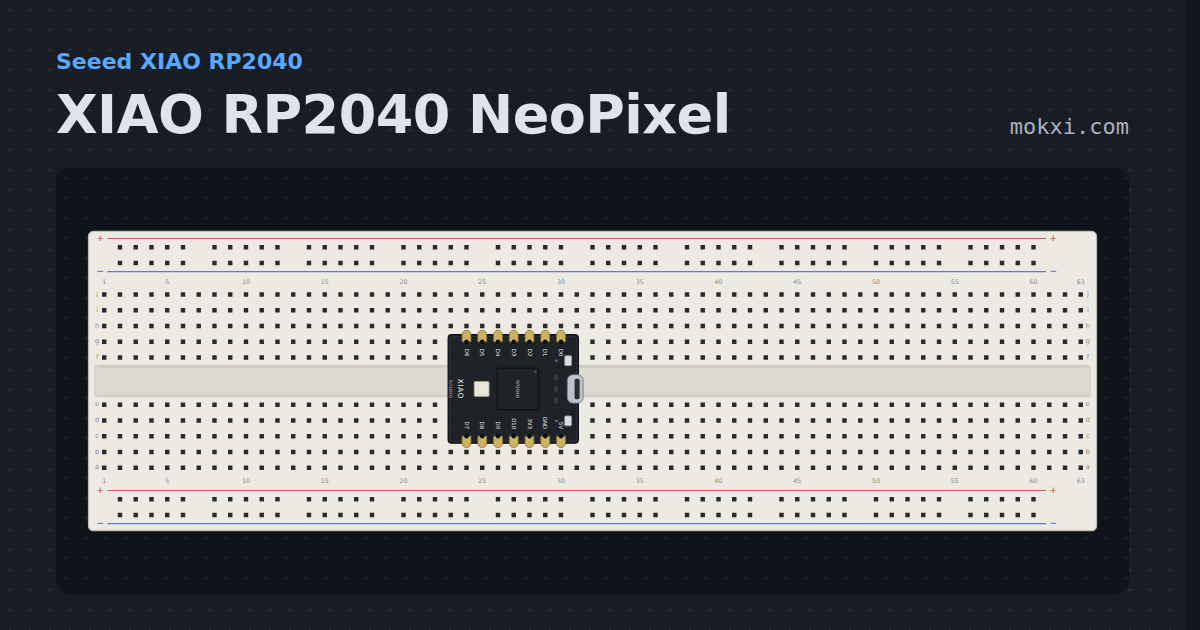
XIAO RP2040 NeoPixel
The XIAO RP2040 powers its own NeoPixel from GPIO 11 and fades it around the color wheel on GPIO 12.
- Board
- Seeed XIAO RP2040
- Parts
- Just the board
- Level
- Beginner
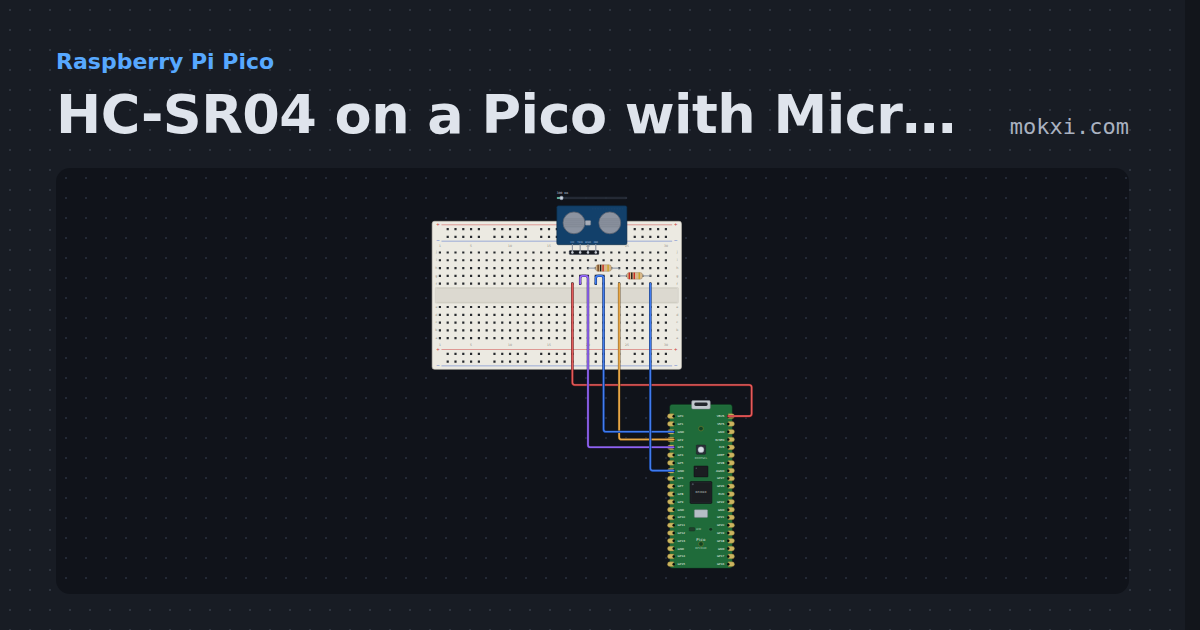
HC-SR04 on a Pico with MicroPython
MicroPython on a Raspberry Pi Pico: machine.time_pulse_us() times an HC-SR04’s echo, divided down to 3.3 V, and prints the distance twice a second.
- Board
- Raspberry Pi Pico
- Parts
- HC-SR04 ultrasonic sensor, resistor
- Level
- Beginner
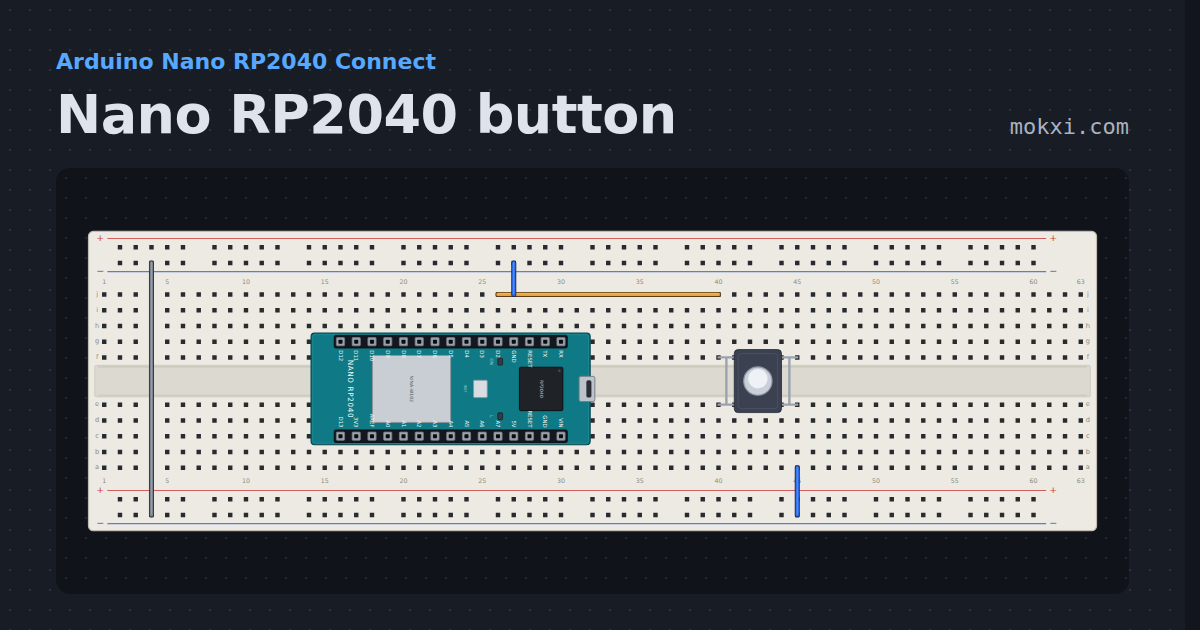
Nano RP2040 button
A pushbutton on D2 of the Nano RP2040 Connect lights the LED on D13, with the RP2040’s own pull-up and the Nano’s pin names.
- Board
- Arduino Nano RP2040 Connect
- Parts
- Push button
- Level
- Beginner
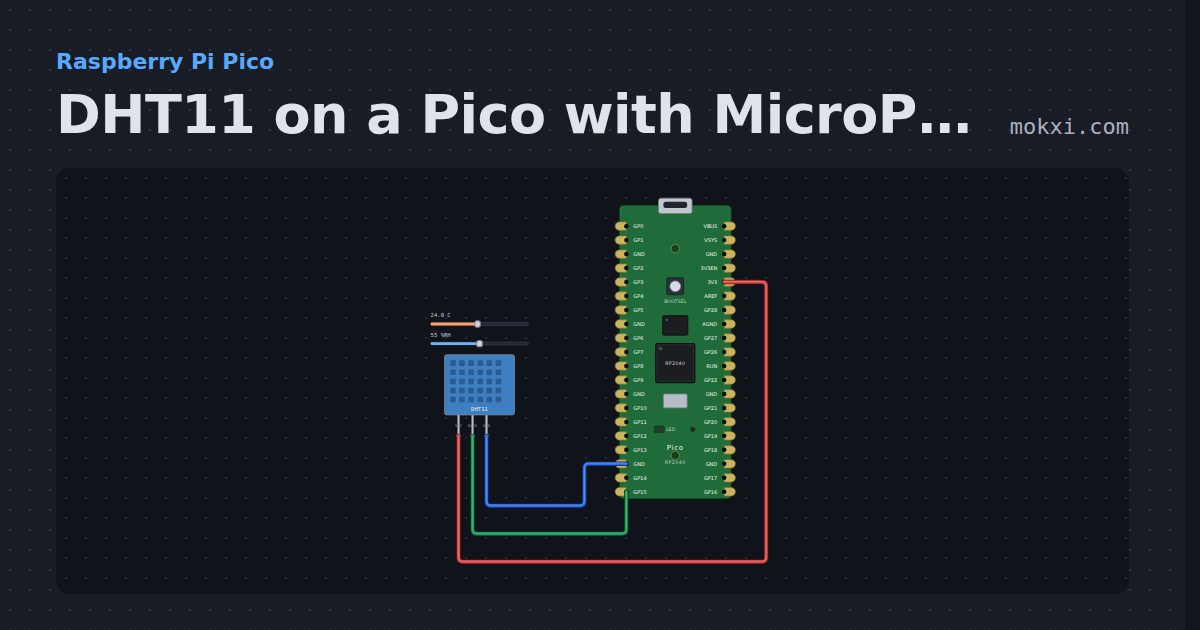
DHT11 on a Pico with MicroPython
MicroPython’s built-in dht module on a Raspberry Pi Pico: a DHT11 on GP15 prints the temperature and humidity every two seconds.
- Board
- Raspberry Pi Pico
- Parts
- DHT11 or DHT22 sensor
- Level
- Beginner
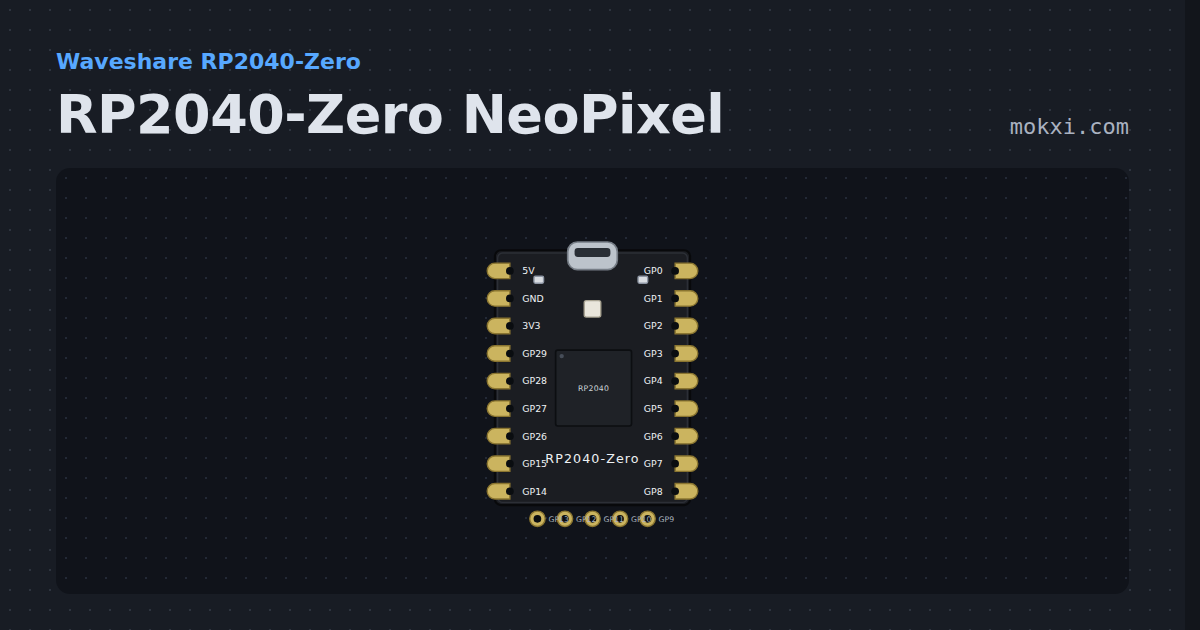
RP2040-Zero NeoPixel
The Waveshare RP2040-Zero fades its own NeoPixel on GP16 around the color wheel.
- Board
- Waveshare RP2040-Zero
- Parts
- Just the board
- Level
- Beginner
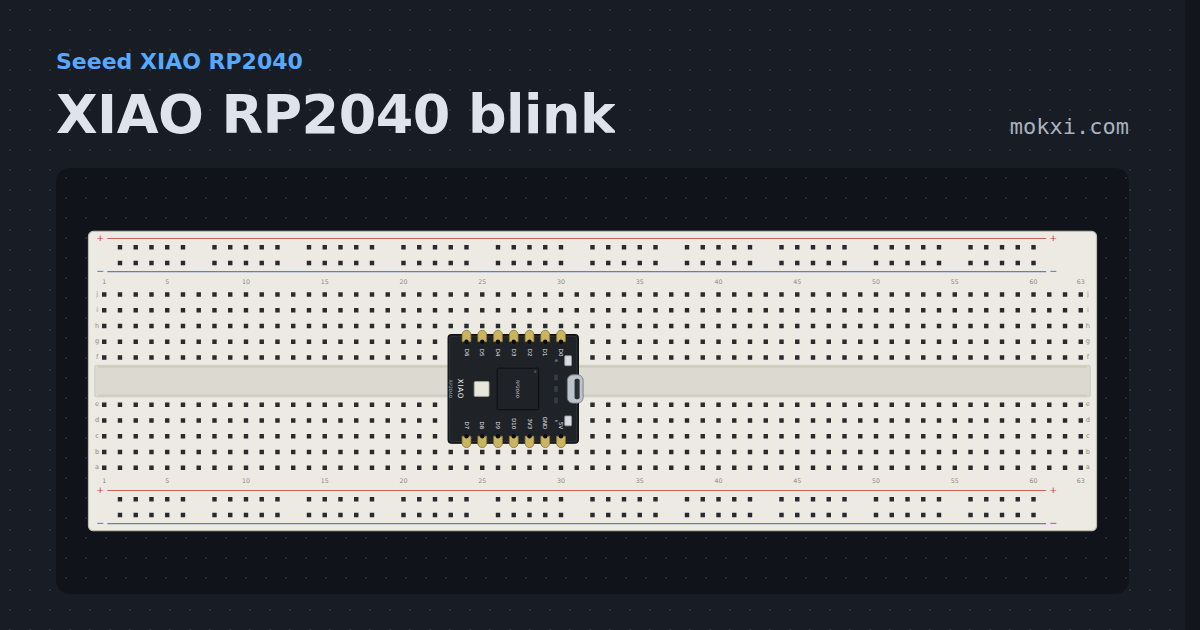
XIAO RP2040 blink
The red user LED of the XIAO RP2040, on GPIO 17, which lights when the pin is LOW.
- Board
- Seeed XIAO RP2040
- Parts
- Just the board
- Level
- Beginner
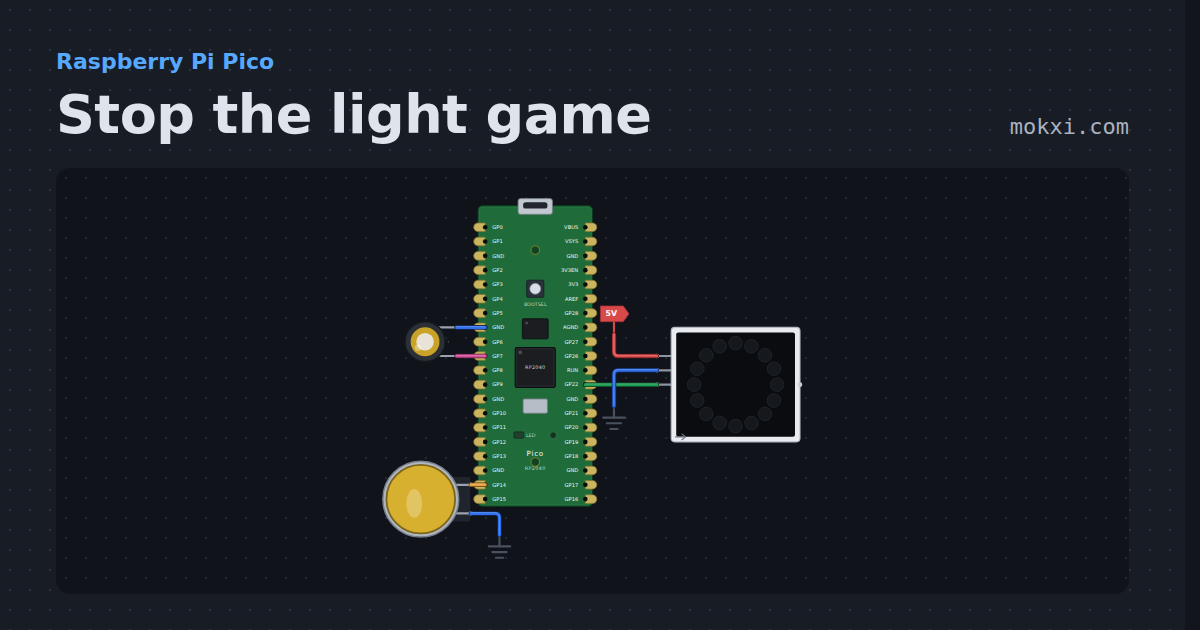
Stop the light game
Stop the light game on a Raspberry Pi Pico: press the button as a red light runs onto the green LED of a 16-LED NeoPixel ring, faster every level.
- Board
- Raspberry Pi Pico
- Parts
- WS2812 NeoPixel LEDs, arcade button, piezo speaker
- Level
- Beginner
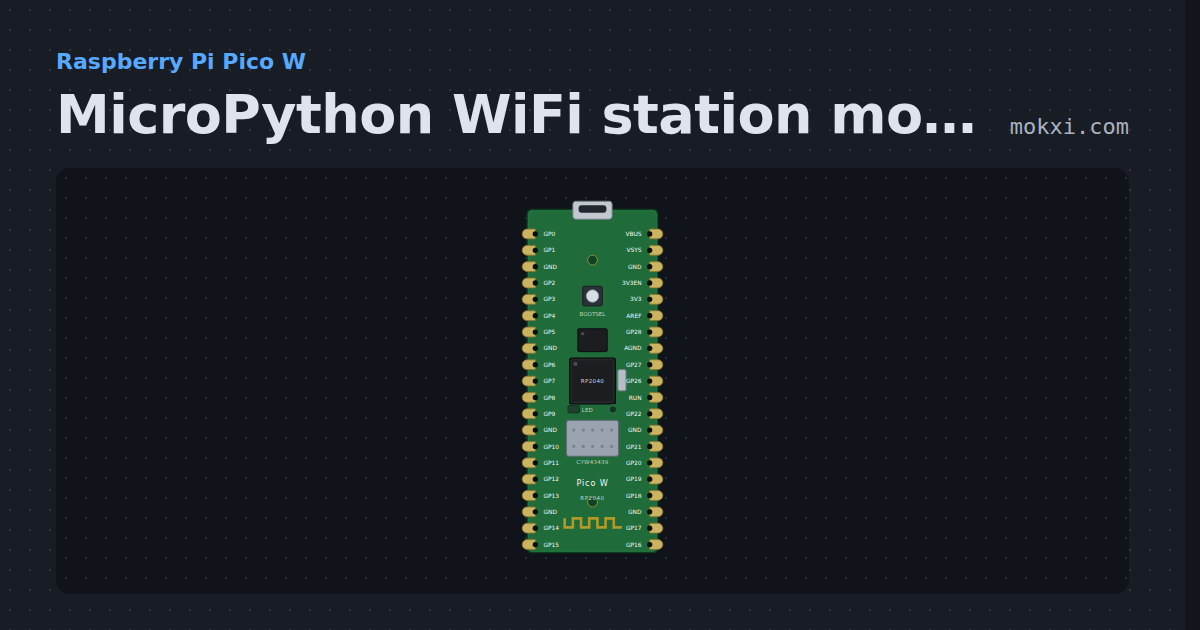
MicroPython WiFi station mode on a Pico W
MicroPython on a Raspberry Pi Pico W: network.WLAN joins Mokxi’s simulated access point and prints the IP address, mask and gateway it was given.
- Board
- Raspberry Pi Pico W
- Parts
- Just the board
- Level
- Beginner
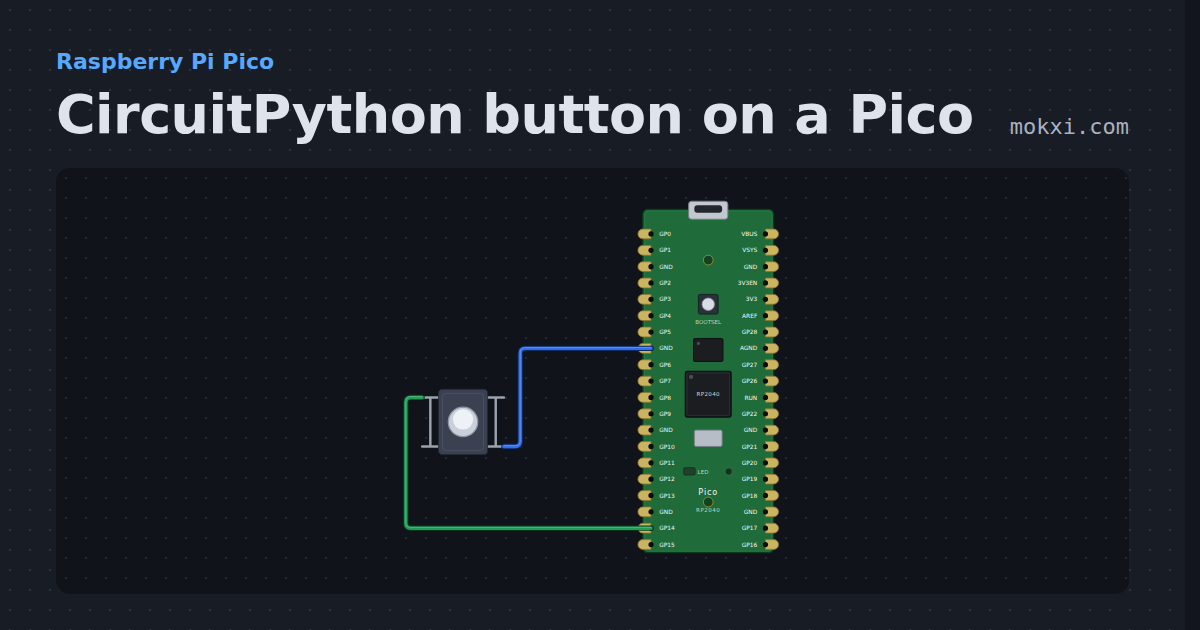
CircuitPython button on a Pico
CircuitPython on a Raspberry Pi Pico: a button on GP14 with the pin’s pull-up lights the board’s LED while it is held and counts each press.
- Board
- Raspberry Pi Pico
- Parts
- Push button
- Level
- Beginner
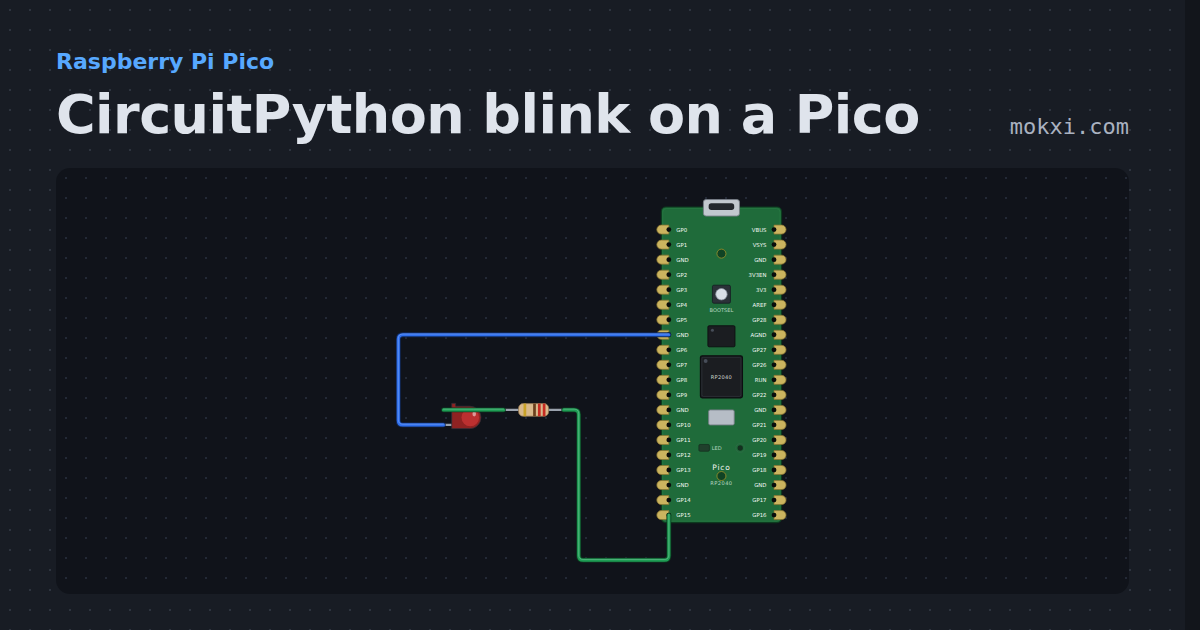
CircuitPython blink on a Pico
CircuitPython on a Raspberry Pi Pico: digitalio blinks the board’s own LED and a red LED on GP15, once a second, and print() says on and off.
- Board
- Raspberry Pi Pico
- Parts
- Resistor, LED
- Level
- Beginner
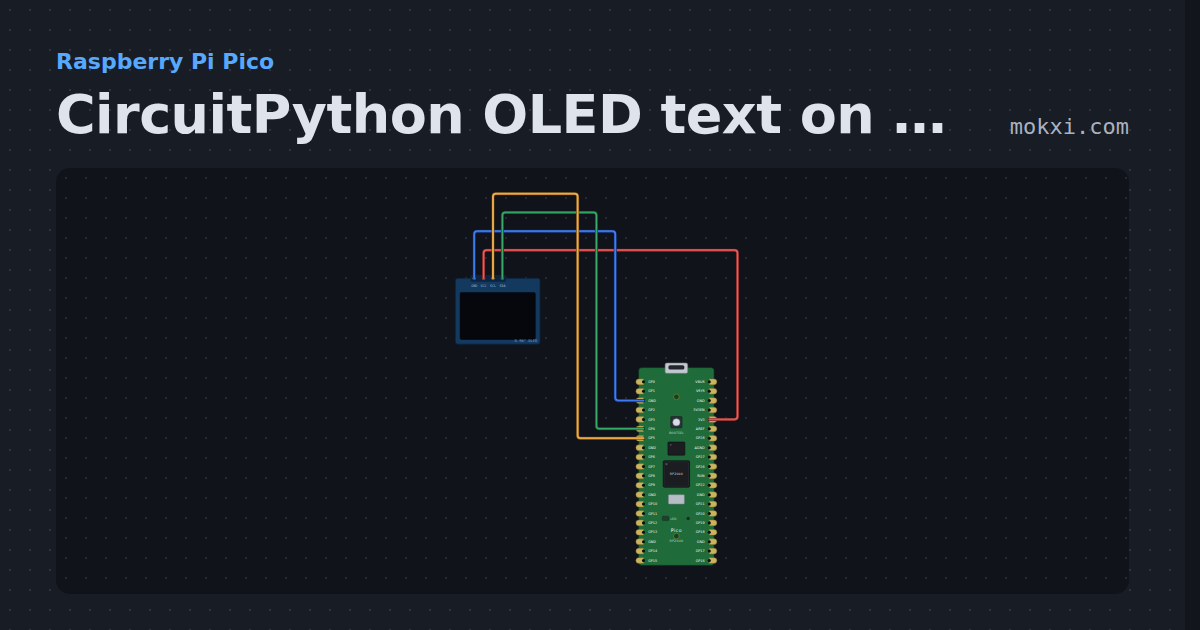
CircuitPython OLED text on a Pico
CircuitPython on a Raspberry Pi Pico: displayio and Adafruit’s display_text draw a title and a counter on an SSD1306 OLED over I2C.
- Board
- Raspberry Pi Pico
- Parts
- SSD1306 OLED display
- Level
- Beginner
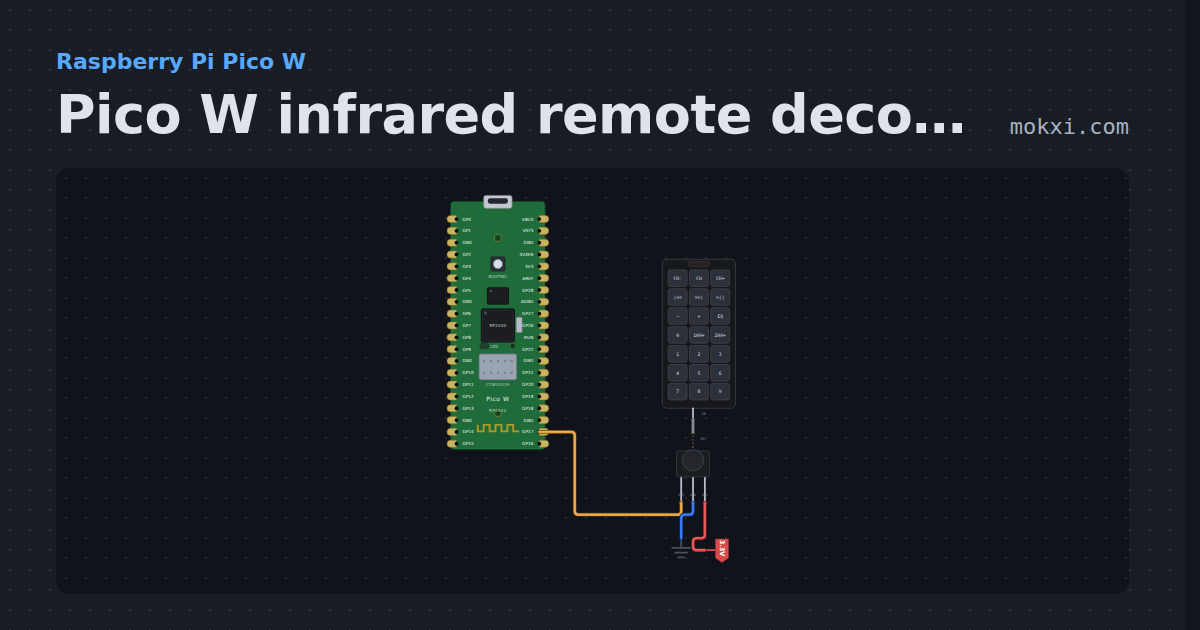
Pico W infrared remote decoder on GP17
MicroPython on a Pico W: an IR receiver on GP17 and a small NEC decoder timed from pin interrupts print the name of each remote button pressed.
- Board
- Raspberry Pi Pico W
- Parts
- IR receiver and remote, IR remote
- Level
- Intermediate
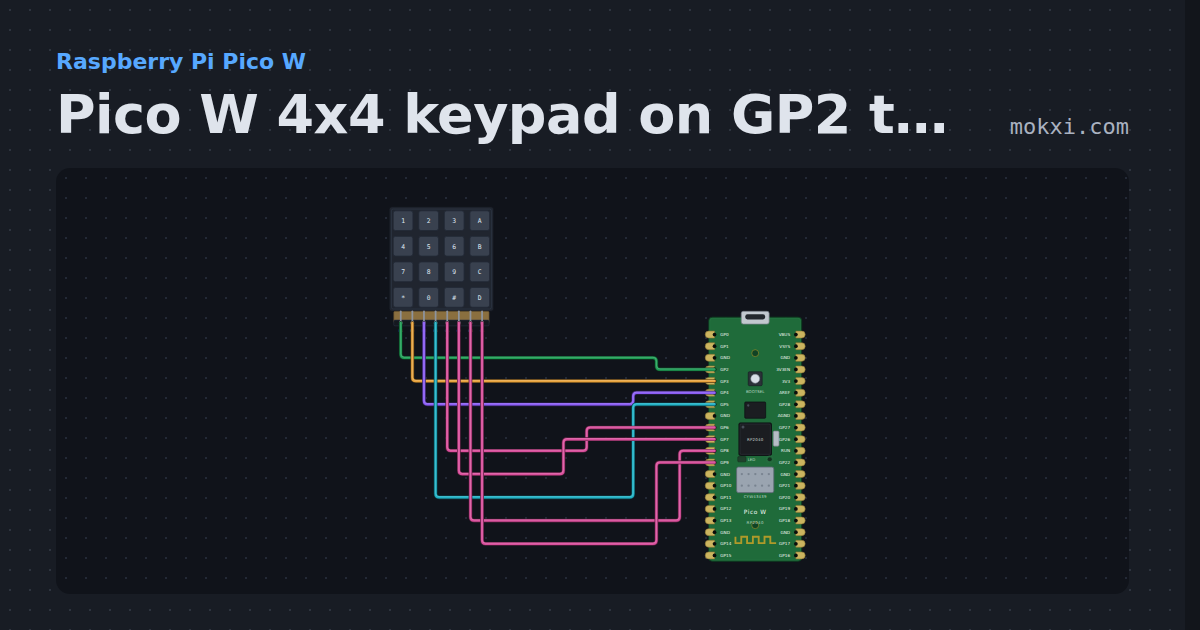
Pico W 4x4 keypad on GP2 to GP9
MicroPython on a Pico W: a 4x4 keypad with rows on GP2 to GP5 and columns on GP6 to GP9 with pull-downs, scanned row by row, prints each key.
- Board
- Raspberry Pi Pico W
- Parts
- 4x4 keypad
- Level
- Intermediate
MicroPython WiFi AP and station at once on a Pico W
MicroPython on a Raspberry Pi Pico W: the board starts its own access point and joins Mokxi’s simulated network at the same time, printing both.
- Board
- Raspberry Pi Pico W
- Parts
- Just the board
- Level
- Intermediate
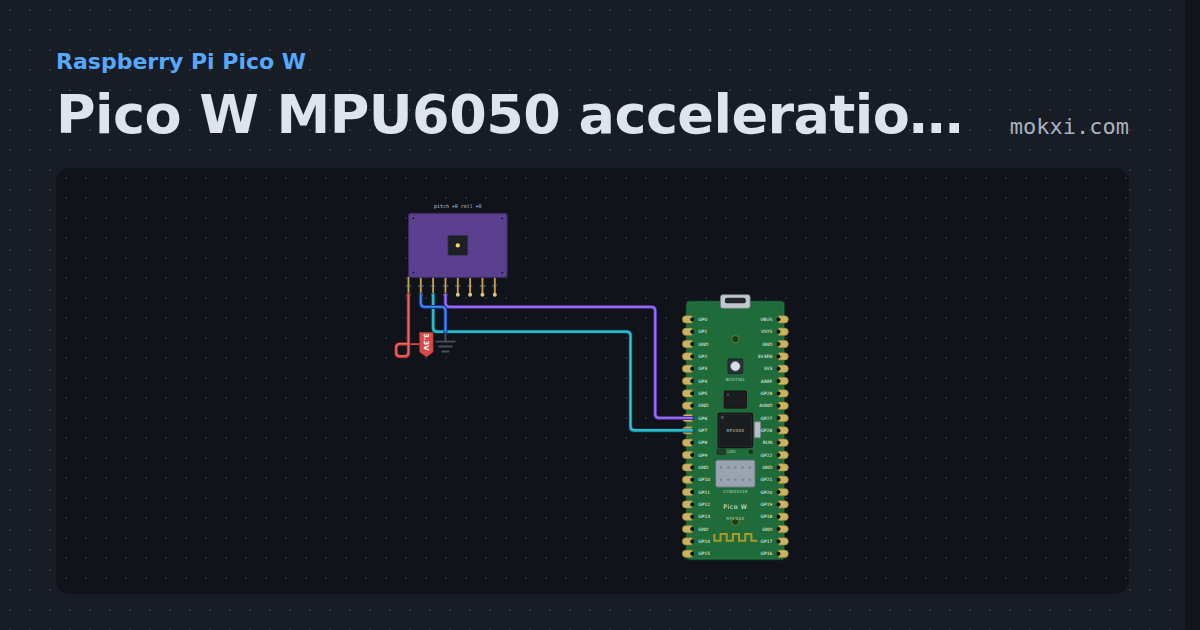
Pico W MPU6050 acceleration and rotation
MicroPython on a Pico W: an MPU6050 on I2C1 (SDA GP6, SCL GP7) prints its acceleration in g and its rotation in degrees a second.
- Board
- Raspberry Pi Pico W
- Parts
- MPU6050 accelerometer and gyro
- Level
- Intermediate
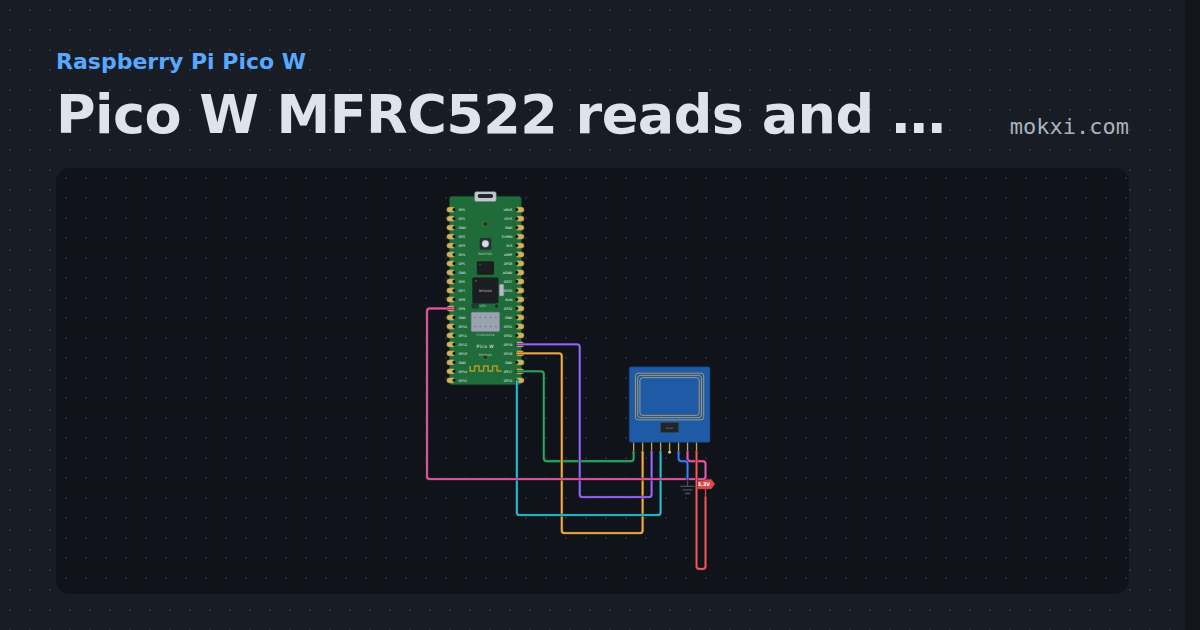
Pico W MFRC522 reads and writes RFID cards
MicroPython on a Pico W: an MFRC522 on SPI0 reads a card’s UID and the text stored on it, and writes text typed in the Serial Monitor to a card.
- Board
- Raspberry Pi Pico W
- Parts
- MFRC522 RFID reader
- Level
- Advanced
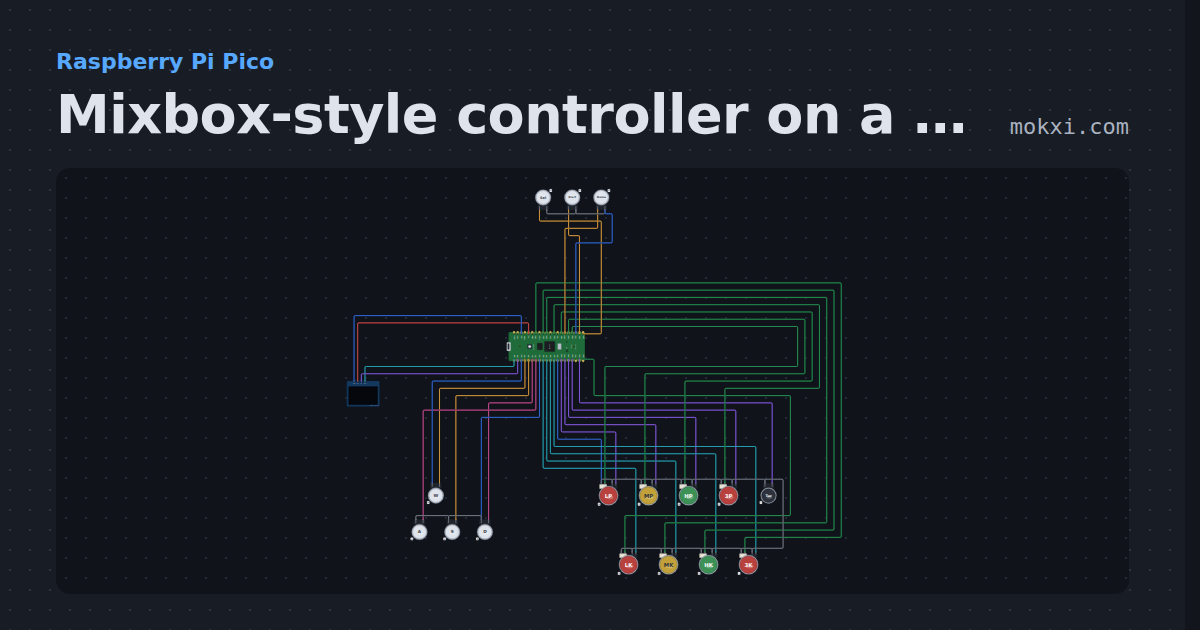
Mixbox-style controller on a Pico
W A S D directions for the left hand and eight lit buttons for the right, on GP2040-CE’s Pico pins, with SOCD modes, turbo and an OLED input display.
- Board
- Raspberry Pi Pico
- Parts
- SSD1306 OLED display, arcade button, LED arcade button
- Level
- Advanced
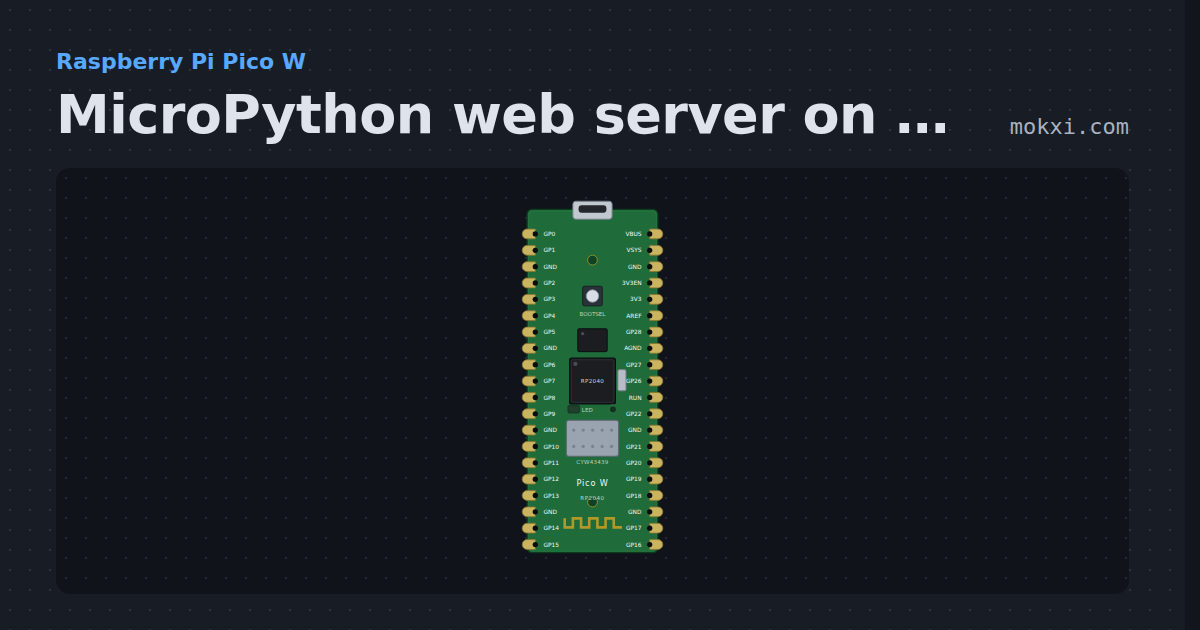
MicroPython web server on a Pico W: switch the LED
MicroPython on a Raspberry Pi Pico W: a socket server on port 80 serves a page with ON and OFF links that switch the board’s own LED.
- Board
- Raspberry Pi Pico W
- Parts
- Just the board
- Level
- Advanced
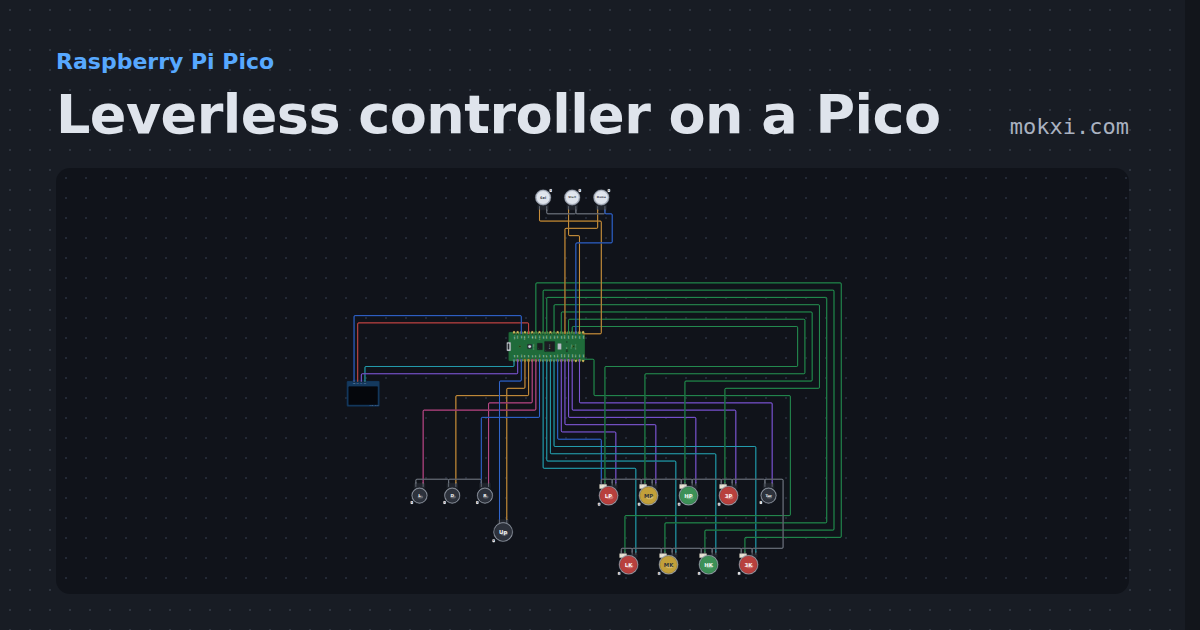
Leverless controller on a Pico
A full leverless build on GP2040-CE’s Pico pins: SOCD and D-pad or stick modes on button combos, turbo.
- Board
- Raspberry Pi Pico
- Parts
- SSD1306 OLED display, arcade button, LED arcade button
- Level
- Advanced
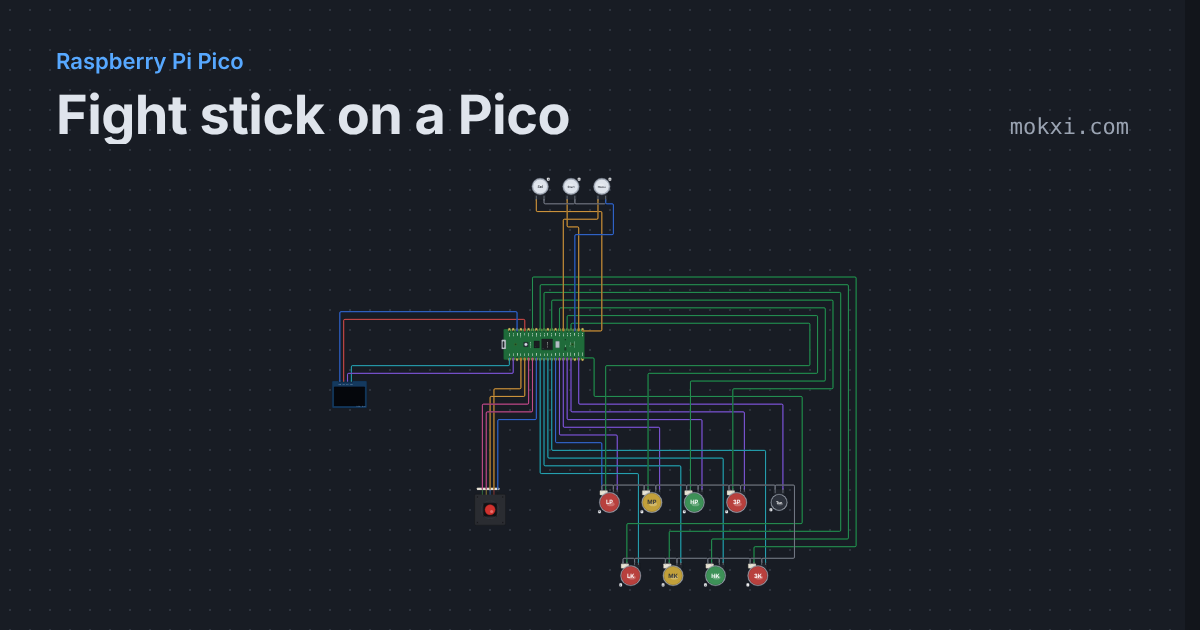
Fight stick on a Pico
A Sanwa-style lever and eight lit buttons on GP2040-CE’s Pico pins, with SOCD and stick modes on button combos.
- Board
- Raspberry Pi Pico
- Parts
- SSD1306 OLED display, arcade joystick lever, LED arcade button, arcade button
- Level
- Advanced
See all 116 Raspberry Pi Pico projects on the templates page
Wiring, libraries and more ideas
Wiring guides
Library pages
More project ideas
- LED projects for Arduino, ESP32 and Pico
- Projects with a transistor
- Projects with a push button
- Projects with a 74HC595 shift register
- Projects with a potentiometer
- Projects with a piezo speaker
- NeoPixel projects
- Projects with an RGB LED
- Arduino game projects
- Home automation projects with ESP32 and Arduino
- IoT project ideas for ESP32 and Pico W
- Weather station projects