Projects with a 4x4 keypad
14 Mokxi projects use a 4x4 keypad (1 beginner, 6 intermediate and 7 advanced). They run on Arduino Uno, Raspberry Pi Pico and ESP32 boards. Here are all of them, from “Membrane keypad on pins 9 to 2” to “MicroPython keypad door lock with a servo”. Each card says what the project does, the board and parts it needs and its level, and Open in the simulator runs it in your browser in one click, with no account.
How to pick your first one
- Start with “Membrane keypad on pins 9 to 2”, a beginner project that needs a 4x4 keypad.
- Arduino Uno runs 7 of them, Raspberry Pi Pico 4 and ESP32 2. Start on the board you have, or on an Arduino Uno if you are buying one.
- The parts used most here are the servo motor (6 projects), the piezo speaker (4) and the buzzer (3). With those on hand, most of this list is open to you.
- Before you build one on a real bench, read the 4x4 keypad wiring guide for your board below. It gives every pin and the voltage notes.
14 projects ready to run
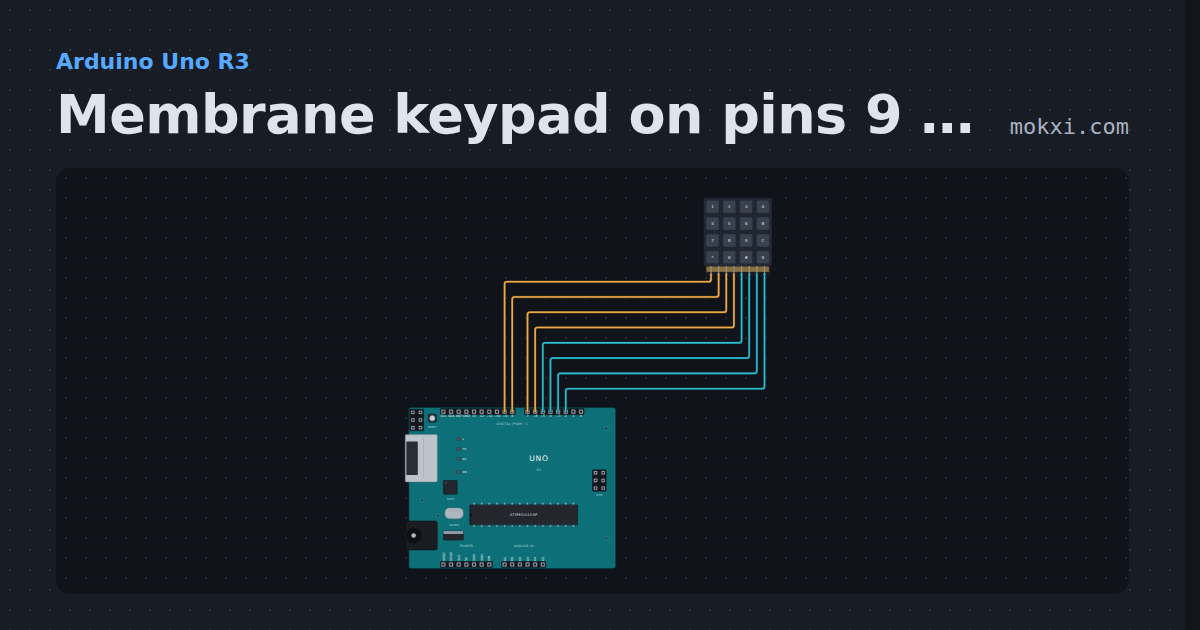
Membrane keypad on pins 9 to 2
A 4x4 membrane keypad with its rows on pins 9, 8, 7 and 6 and its columns on 5, 4, 3 and 2: the Keypad library prints every key that is pressed.
- Board
- Arduino Uno R3
- Parts
- 4x4 keypad
- Level
- Beginner
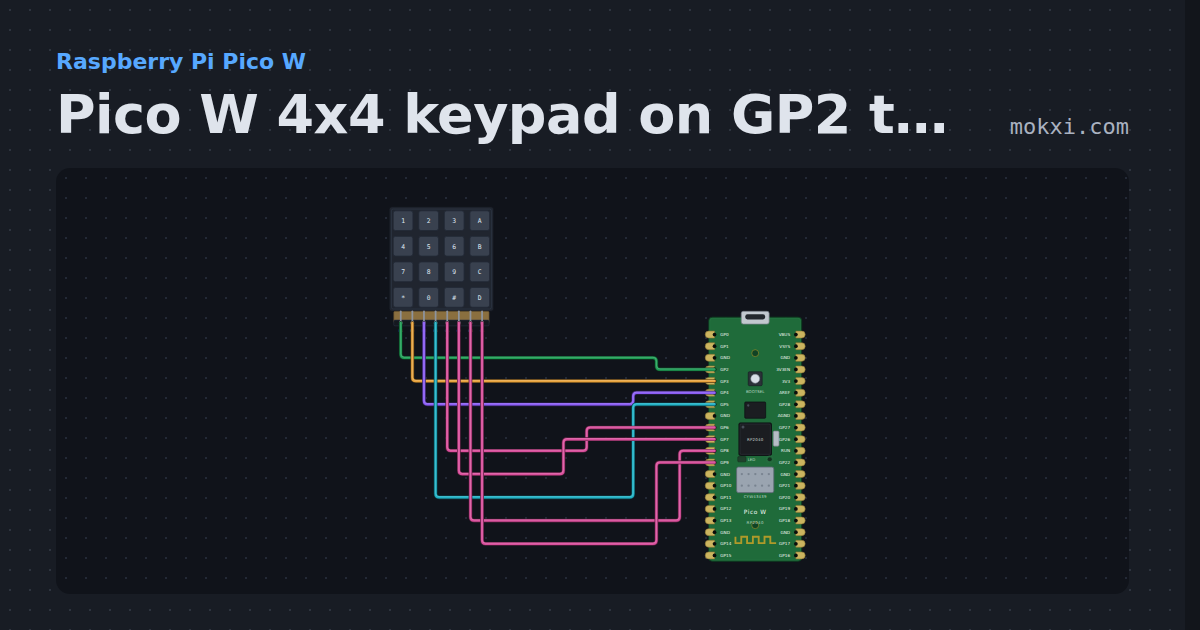
Pico W 4x4 keypad on GP2 to GP9
MicroPython on a Pico W: a 4x4 keypad with rows on GP2 to GP5 and columns on GP6 to GP9 with pull-downs, scanned row by row, prints each key.
- Board
- Raspberry Pi Pico W
- Parts
- 4x4 keypad
- Level
- Intermediate
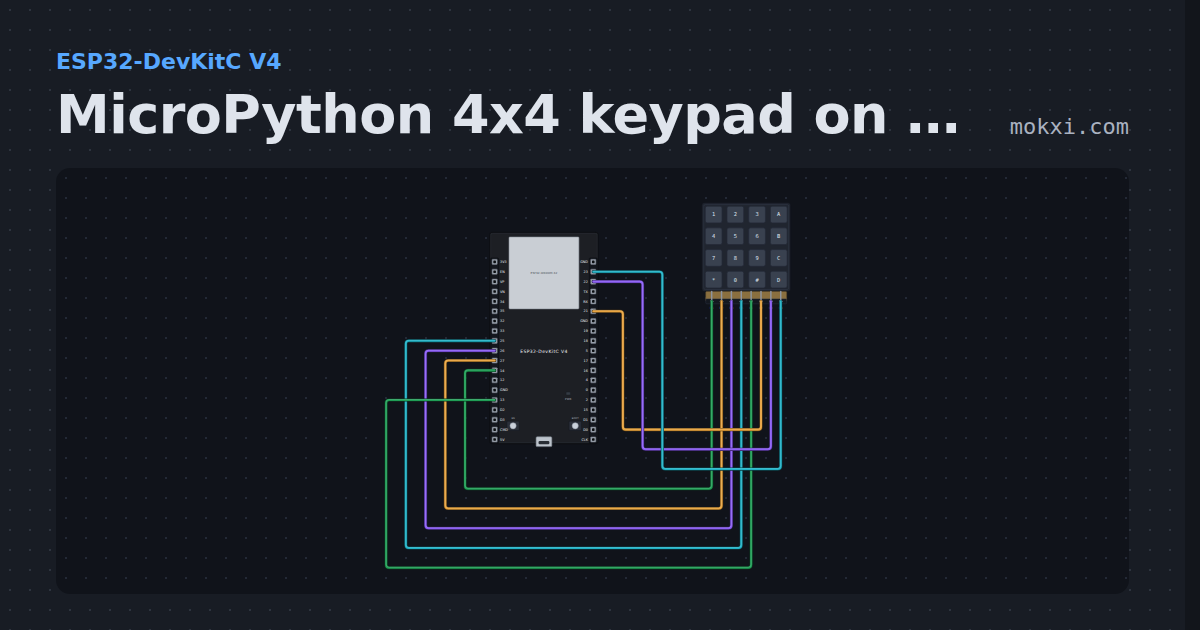
MicroPython 4x4 keypad on an ESP32
MicroPython on an ESP32: a 4x4 matrix keypad with rows on GPIO 14, 27, 26, 25 and columns on 13, 21, 22, 23 prints each key you press.
- Board
- ESP32-DevKitC V4
- Parts
- 4x4 keypad
- Level
- Intermediate
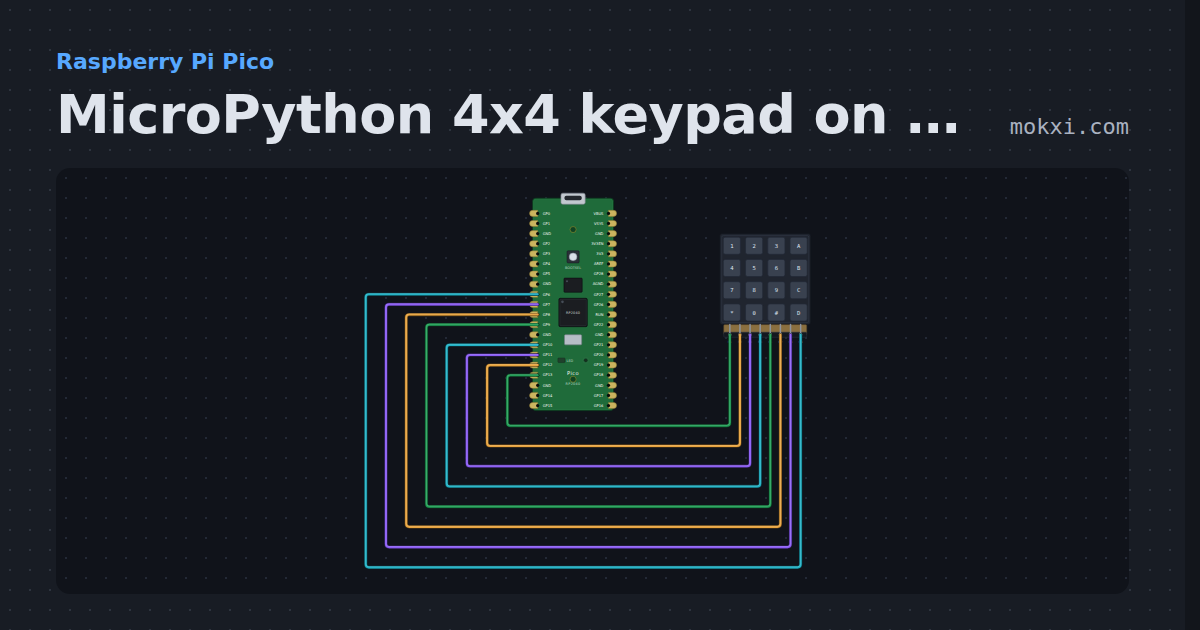
MicroPython 4x4 keypad on a Pico, GP13 to GP6
MicroPython on a Raspberry Pi Pico: a 4x4 keypad with its rows on GP13 to GP10 and columns on GP9 to GP6 prints each key as it is pressed.
- Board
- Raspberry Pi Pico
- Parts
- 4x4 keypad
- Level
- Intermediate
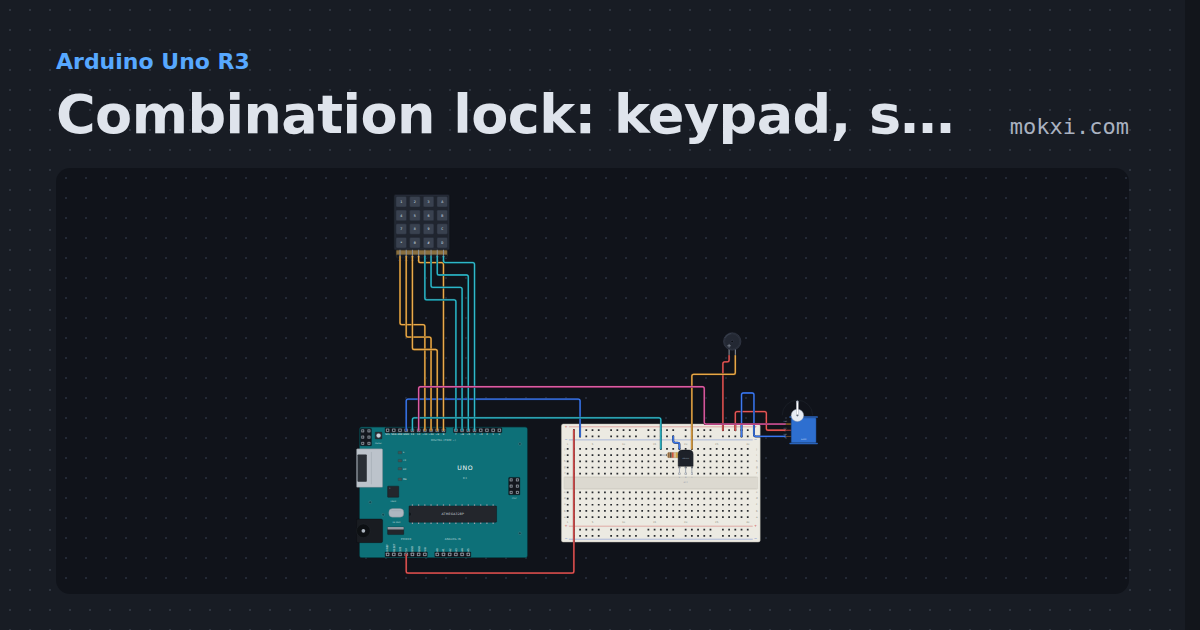
Combination lock: keypad, servo bolt and buzzer
Type 1234 on a keypad (rows 11 to 8, columns 7 to 4) and a servo on pin 12 draws the bolt for two seconds; each key clicks a buzzer on pin 13.
- Board
- Arduino Uno R3
- Parts
- 4x4 keypad, resistor, transistor, buzzer, servo motor
- Level
- Intermediate
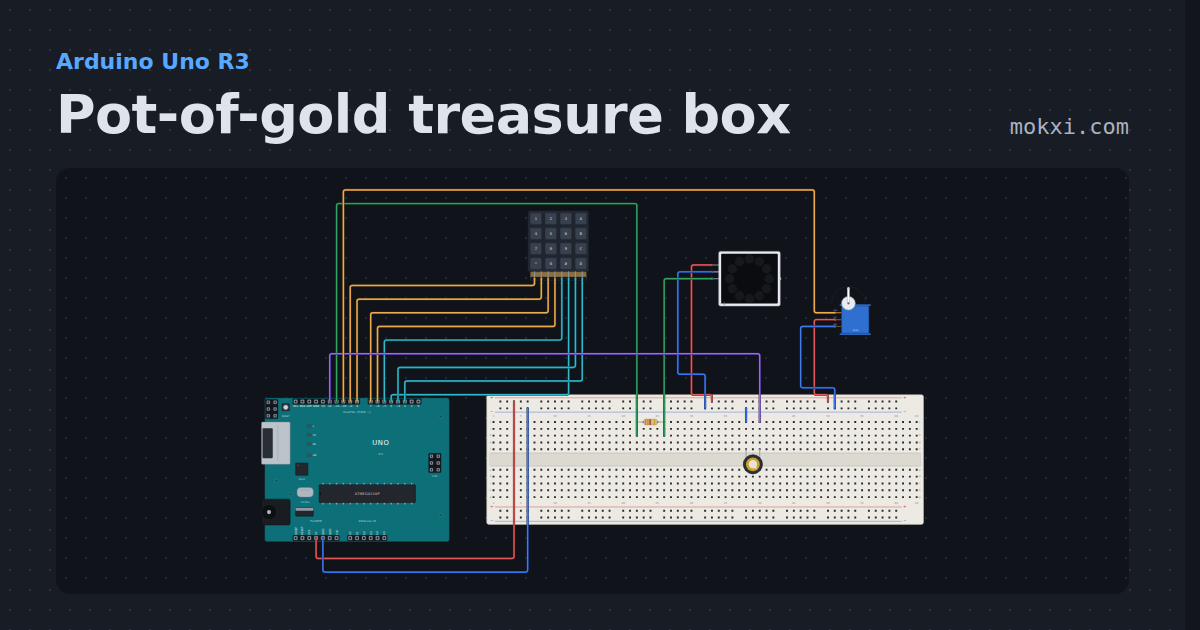
Pot-of-gold treasure box
Type the lucky code on a 4x4 keypad and a servo unlocks the treasure box, a ring of LEDs shimmers gold inside and a piezo plays a tune.
- Board
- Arduino Uno R3
- Parts
- 4x4 keypad, resistor, WS2812 NeoPixel LEDs, piezo speaker, servo motor
- Level
- Intermediate
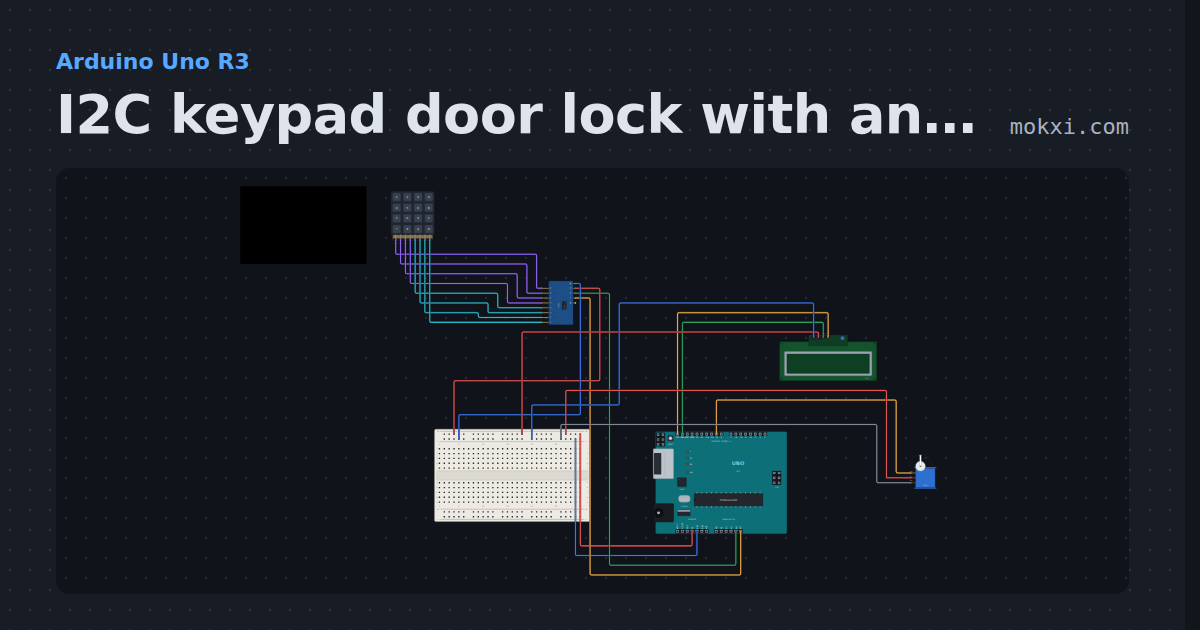
I2C keypad door lock with an LCD
A 4x4 keypad on a PCF8574 and an I2C LCD share A4 and A5: the right code and # open a servo bolt, and three wrong codes lock the keypad for 30 s.
- Board
- Arduino Uno R3
- Parts
- I/O expander, 4x4 keypad, I2C LCD, servo motor
- Level
- Intermediate
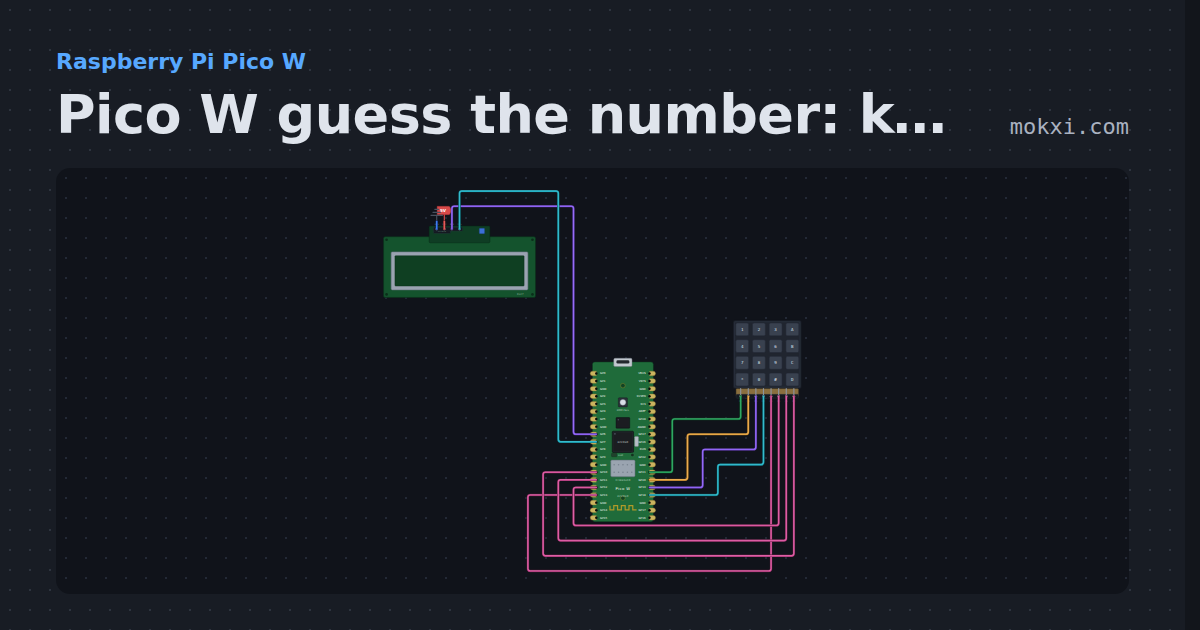
Pico W guess the number: keypad and LCD
MicroPython on a Pico W: a number game on a 4x4 keypad (rows GP21 to GP18.
- Board
- Raspberry Pi Pico W
- Parts
- I2C LCD, 4x4 keypad
- Level
- Advanced
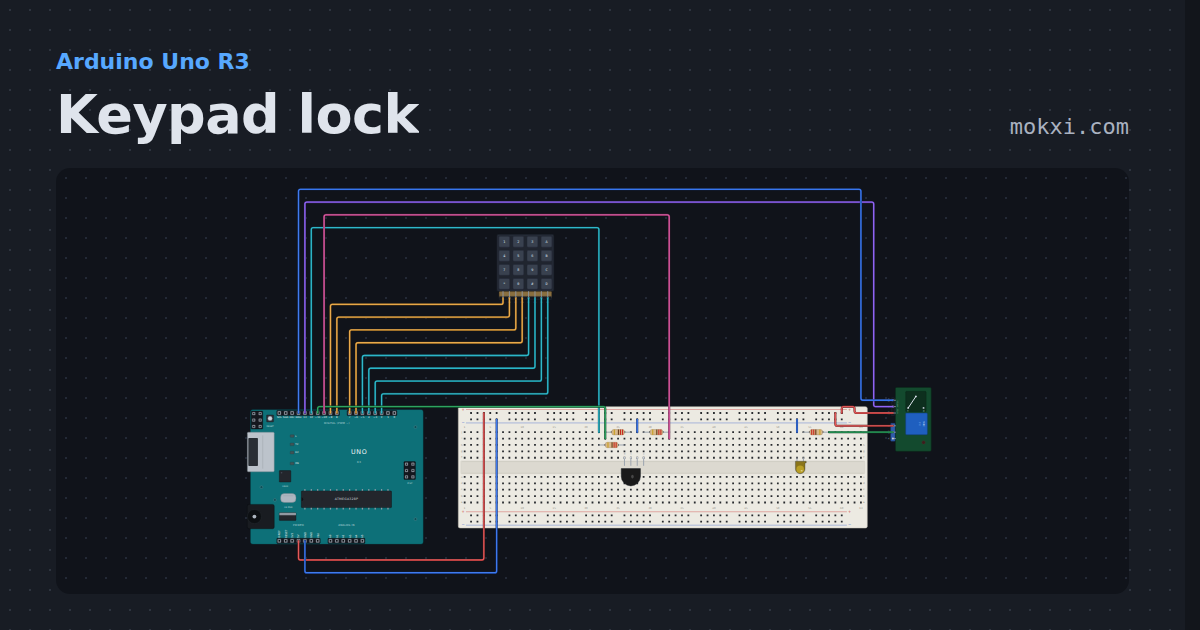
Keypad lock
A 4x4 keypad, a relay and an RGB LED on an Uno: type 1234 then # and the relay clicks the door lamp on.
- Board
- Arduino Uno R3
- Parts
- 4x4 keypad, RGB LED, resistor, relay module, LED
- Level
- Advanced
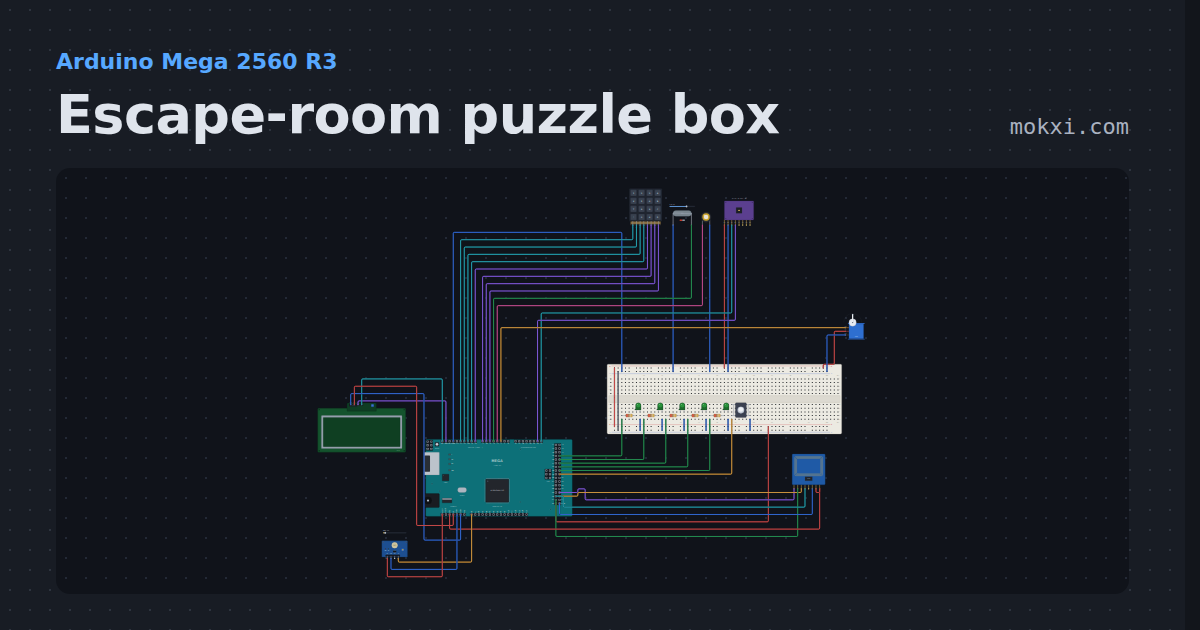
Escape-room puzzle box
Five puzzles in ten minutes: a keypad code, a magnet key, the right RFID card, a tilt sequence and three flashes of light.
- Board
- Arduino Mega 2560 R3
- Parts
- 4x4 keypad, reed switch, piezo speaker, MPU6050 accelerometer and gyro, servo motor, +6 more
- Level
- Advanced
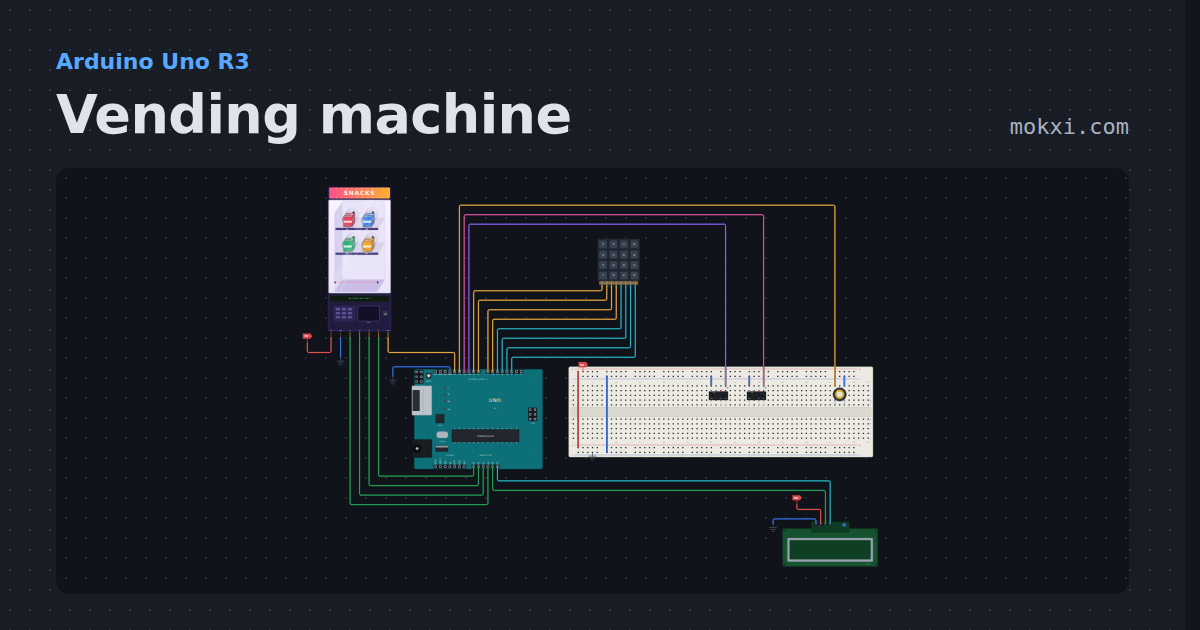
Vending machine
Four spiral slots on continuous servos, a keypad, coins and exact change, an LCD price list, a drop sensor that refunds a failed vend.
- Board
- Arduino Uno R3
- Parts
- 4x4 keypad, I2C LCD, limit switch, vending machine cabinet, piezo speaker
- Level
- Advanced
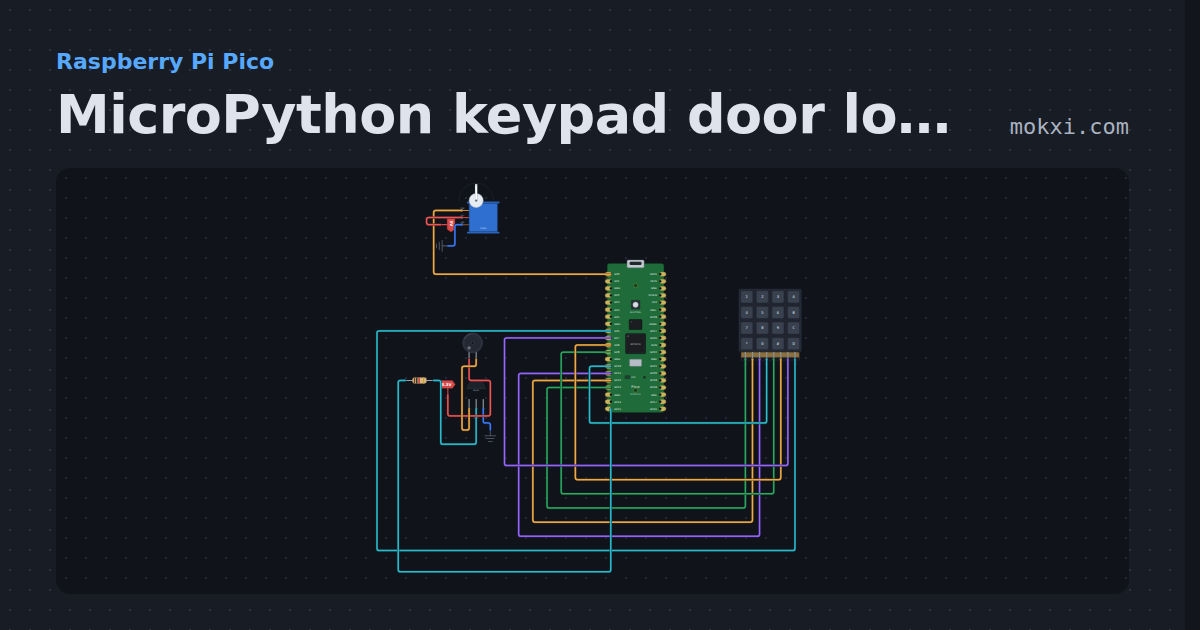
MicroPython keypad door lock on a Pico: servo and buzzer
MicroPython on a Raspberry Pi Pico: type 1234 on a 4x4 keypad and a servo on GP0 opens the bolt; each key beeps a buzzer on GP15.
- Board
- Raspberry Pi Pico
- Parts
- 4x4 keypad, servo motor, resistor, transistor, buzzer
- Level
- Advanced
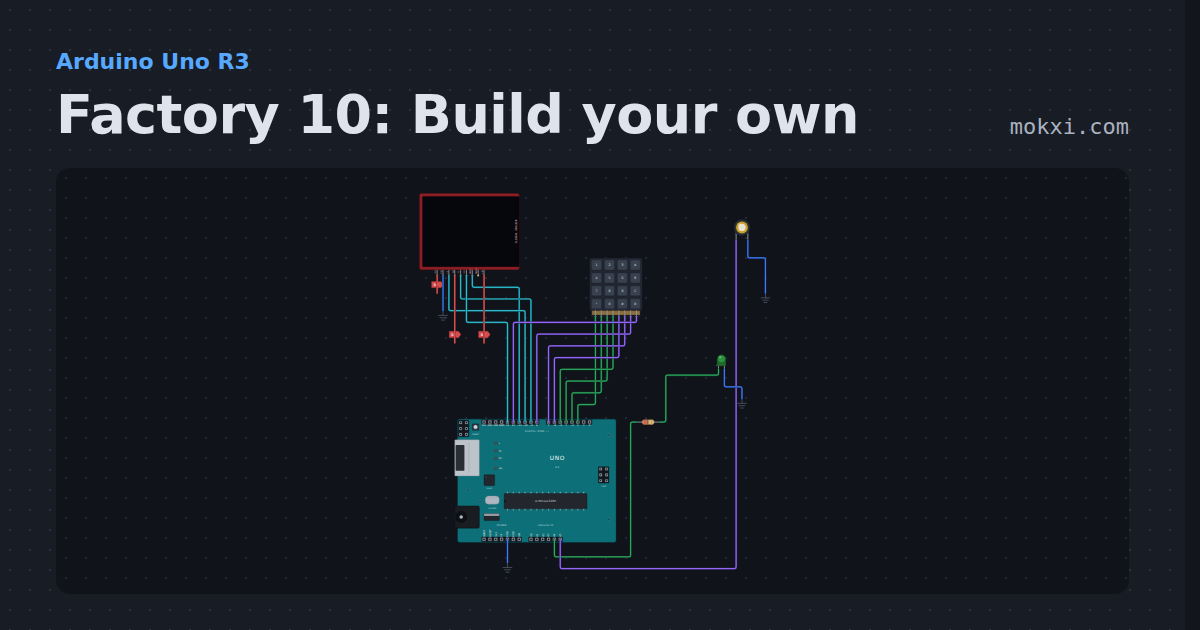
Factory 10: Build your own
Design your own factory with a keypad: type two-digit codes to place belts, drills, presses and chests, then run it and watch ore turn into plates.
- Board
- Arduino Uno R3
- Parts
- ILI9341 TFT display, 4x4 keypad, resistor, LED, piezo speaker
- Level
- Advanced
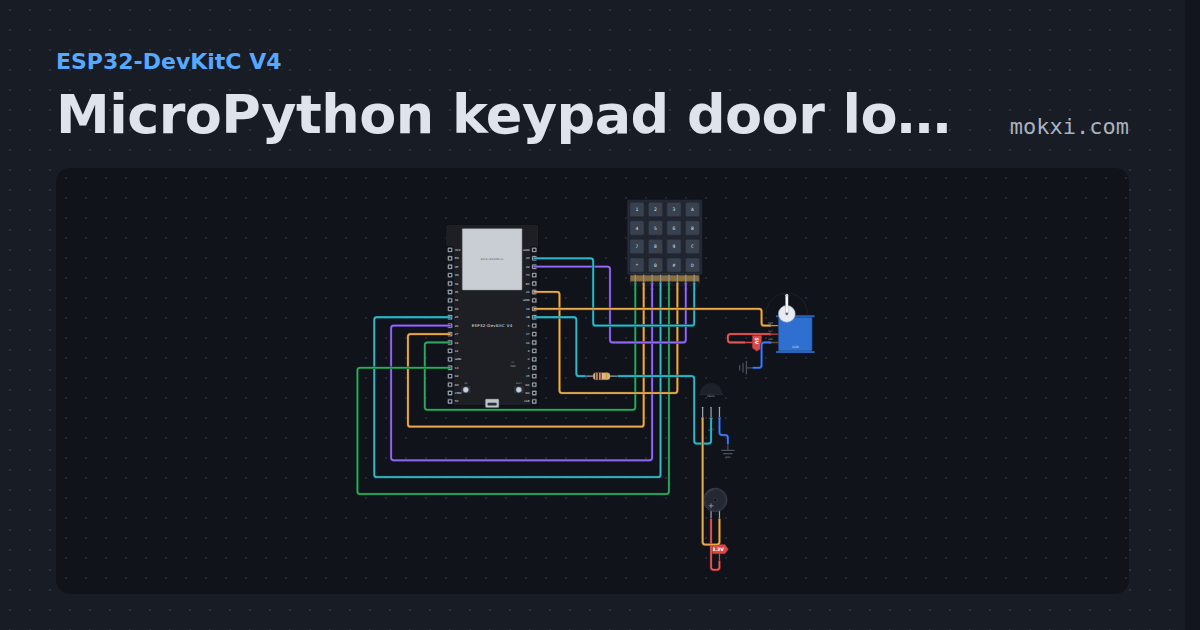
MicroPython keypad door lock with a servo
MicroPython on an ESP32: type 1234 on a 4x4 keypad to swing the servo on GPIO 19 open; every key beeps a buzzer behind an S8050 on GPIO 18.
- Board
- ESP32-DevKitC V4
- Parts
- 4x4 keypad, buzzer, resistor, transistor, servo motor
- Level
- Advanced