Projects with a DS1307 real-time clock
4 Mokxi projects use a DS1307 real-time clock (1 beginner, 1 intermediate and 2 advanced). They run on Arduino Uno boards. Here are all of them, from “Real-time clock” to “Alarm clock with a timer on a four-digit display”. Each card says what the project does, the board and parts it needs and its level, and Open in the simulator runs it in your browser in one click, with no account.
How to pick your first one
- Start with “Real-time clock”, a beginner project that needs a DS1307 real-time clock.
- All of them run on an Arduino Uno, so that is the one board you need.
- The parts used most here are the push button (2 projects), the 74HC595 shift register (1) and the buzzer (1). With those on hand, most of this list is open to you.
- Before you build one on a real bench, open the DS1307 real-time clock part page for its pins and what each one does.
4 projects ready to run
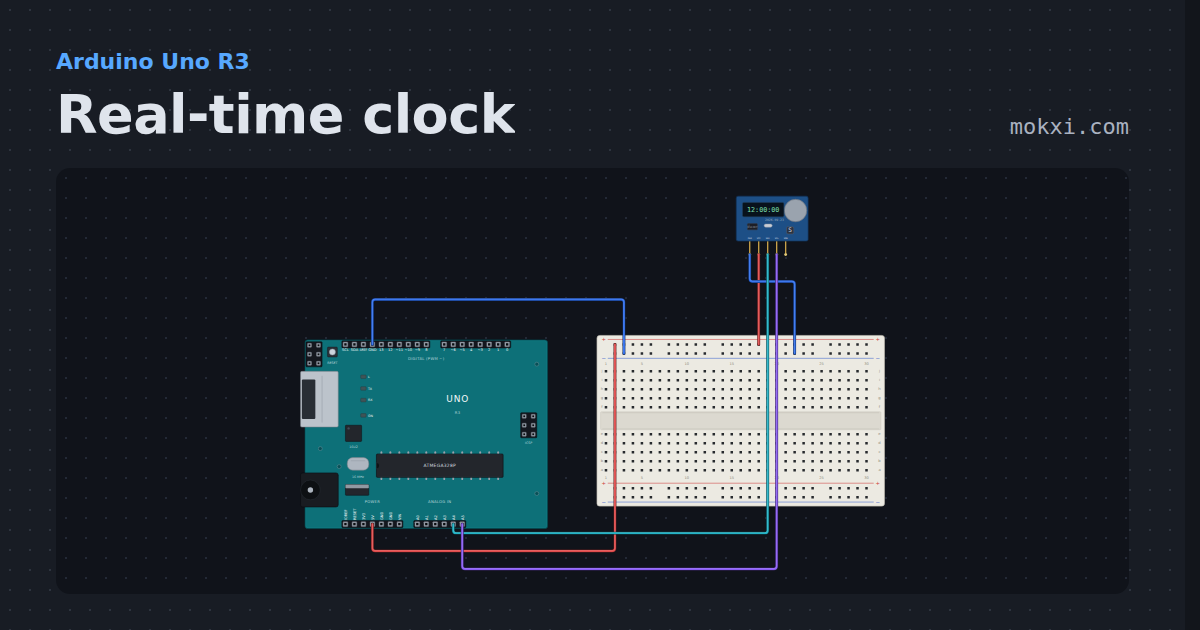
Real-time clock
A DS1307 clock module on A4 and A5 keeps the date and time, and RTClib reads it back once a second.
- Board
- Arduino Uno R3
- Parts
- DS1307 real-time clock
- Level
- Beginner
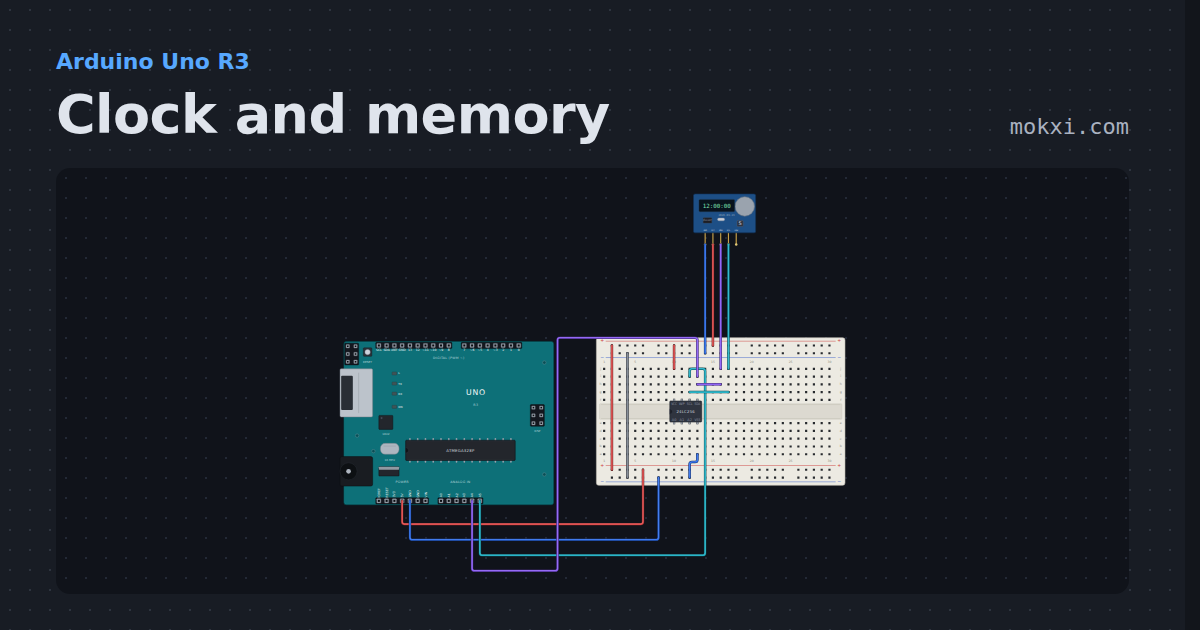
Clock and memory
A DS1307 and a 24LC256 on one I2C bus: the time written to EEPROM once a second, acknowledge polling through every write cycle, and the log read back.
- Board
- Arduino Uno R3
- Parts
- I2C EEPROM, DS1307 real-time clock
- Level
- Intermediate
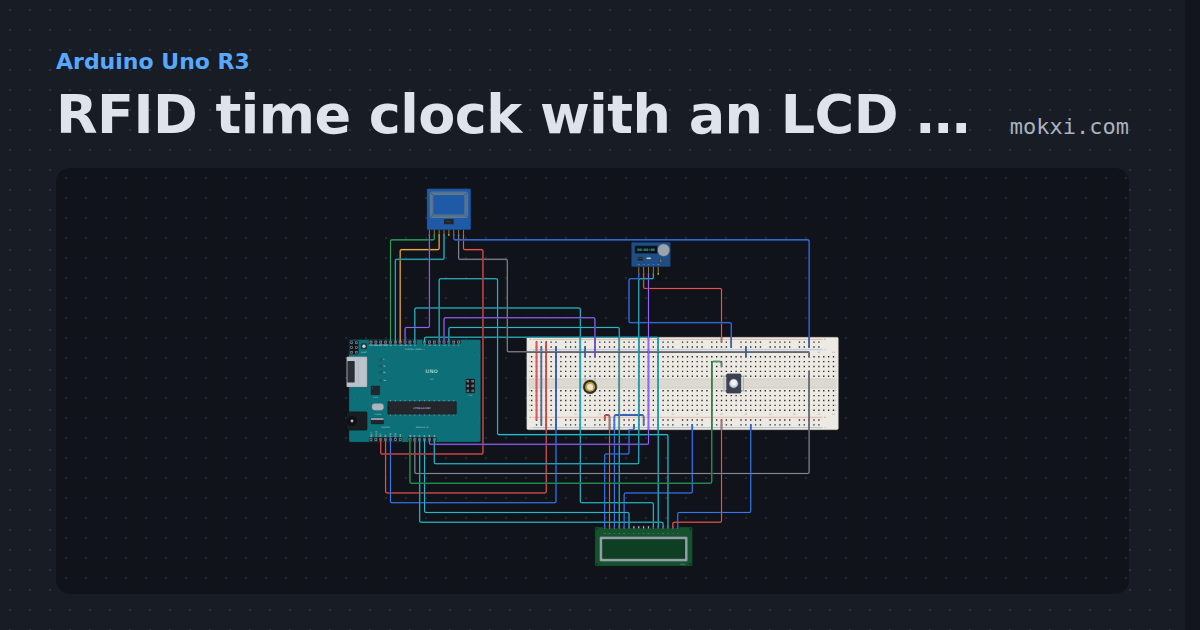
RFID time clock with an LCD and a DS1307
Swipe a card on an RC522 (SS 10, RST A1) to clock in: the LCD names the person, a DS1307 stamps the time, and a line goes to the serial monitor.
- Board
- Arduino Uno R3
- Parts
- 16x2 character LCD, MFRC522 RFID reader, DS1307 real-time clock, push button, piezo speaker
- Level
- Advanced
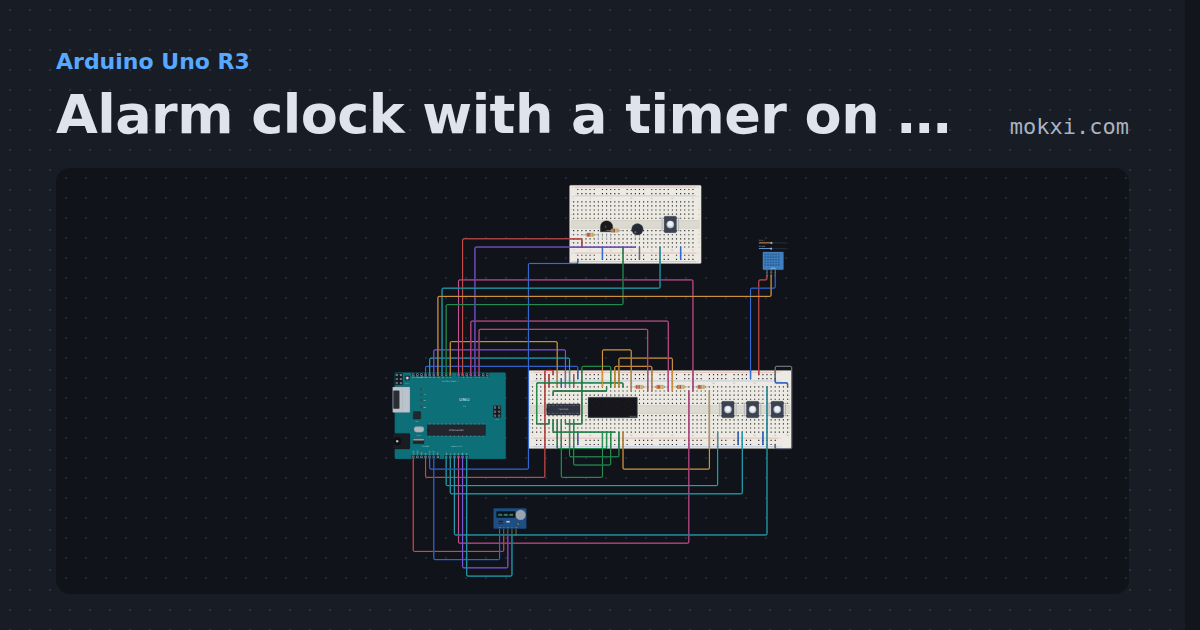
Alarm clock with a timer on a four-digit display
A DS1307 keeps the time on a four-digit display driven by a 74HC595 (8, 13, 12).
- Board
- Arduino Uno R3
- Parts
- 74HC595 shift register, four-digit seven-segment display, resistor, push button, RGB LED, +3 more
- Level
- Advanced