Beginner electronics projects
A beginner project has one board, a few parts and a sketch short enough to read in one sitting. Mokxi has 425 projects at this level. Here are 24, picked across boards and topics. Each card says what the project does, the board and parts it needs and its level, and Open in the simulator runs it in your browser in one click, with no account.
How to pick your first one
- Start with “CircuitPython NeoPixel rainbow on a Pico”, a beginner project that needs NeoPixel LEDs.
- Arduino Uno runs 221 of them, Raspberry Pi Pico 65 and ESP32 55. Start on the board you have, or on an Arduino Uno if you are buying one.
- The parts used most here are the LED (141 projects), the push button (64) and the potentiometer (31). With those on hand, most of this list is open to you.
- Do one project end to end, then change one thing in it (a pin, a delay, a color) and run it again before you move on.
24 projects of 425
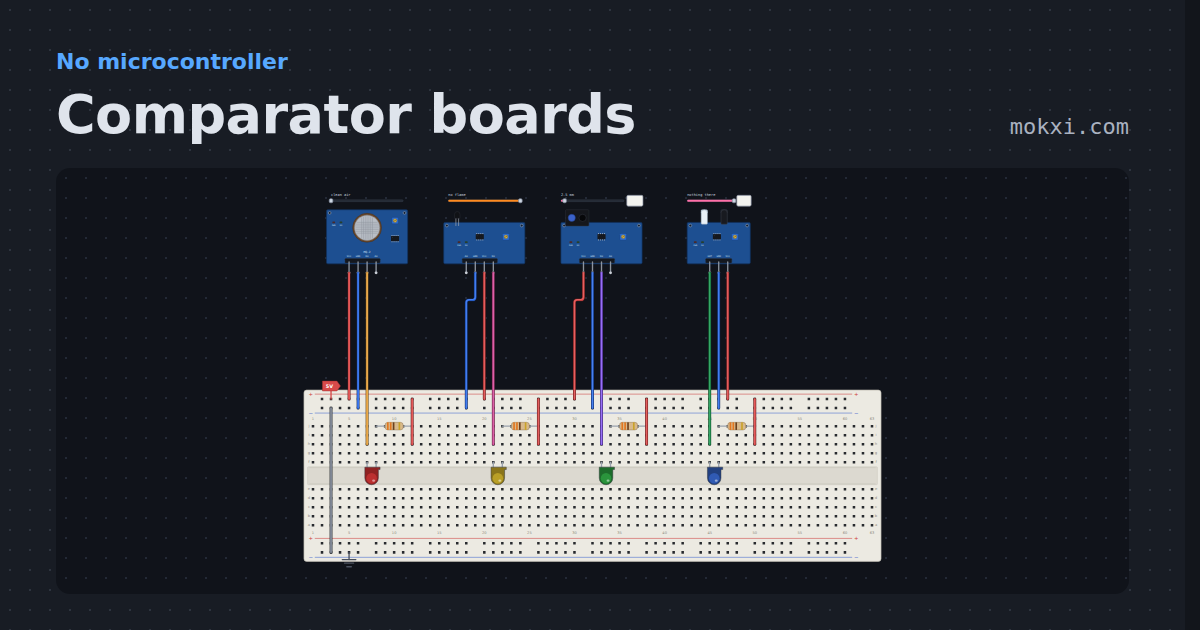
Comparator boards
An MQ-2, a flame sensor, a TCRT5000 and an FC-51, each lighting a lamp from DO with no board. The same LM393 under four sensors, and DO goes low.
- Board
- No board
- Parts
- MQ-2 gas sensor, flame sensor, TCRT5000 line sensor, FC-51 IR obstacle sensor, LED, +1 more
- Level
- Beginner
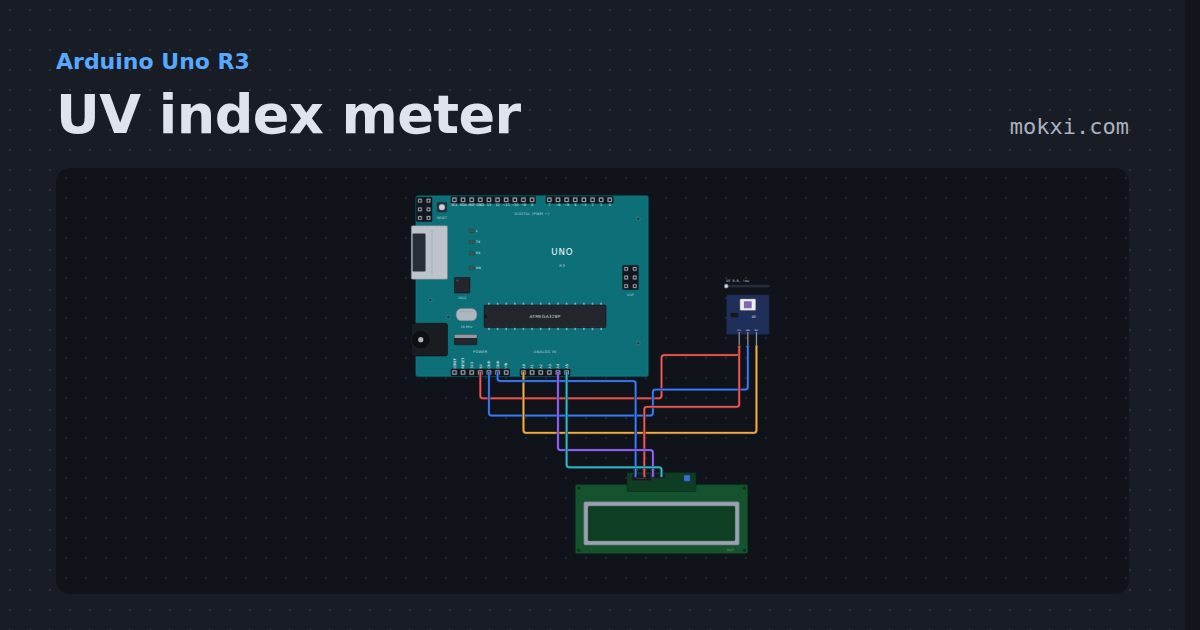
UV index meter
A GUVA-S12SD UV sensor and a 16x2 I2C LCD: the UV index and how risky it is, from low to extreme. Drag the sunshine.
- Board
- Arduino Uno R3
- Parts
- UV sensor, I2C LCD
- Level
- Beginner
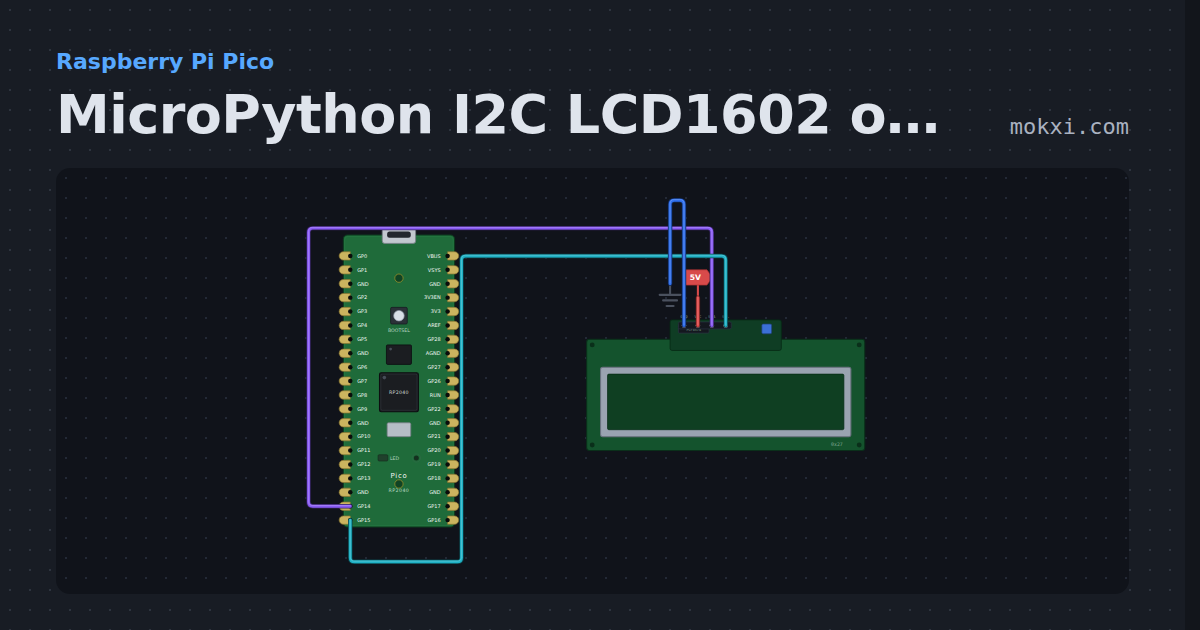
MicroPython I2C LCD1602 on a Pico, GP14 and GP15
MicroPython on a Raspberry Pi Pico: an I2C LCD1602 on GP14 and GP15 shows a greeting on its first line and a counter that ticks every second.
- Board
- Raspberry Pi Pico
- Parts
- I2C LCD
- Level
- Beginner
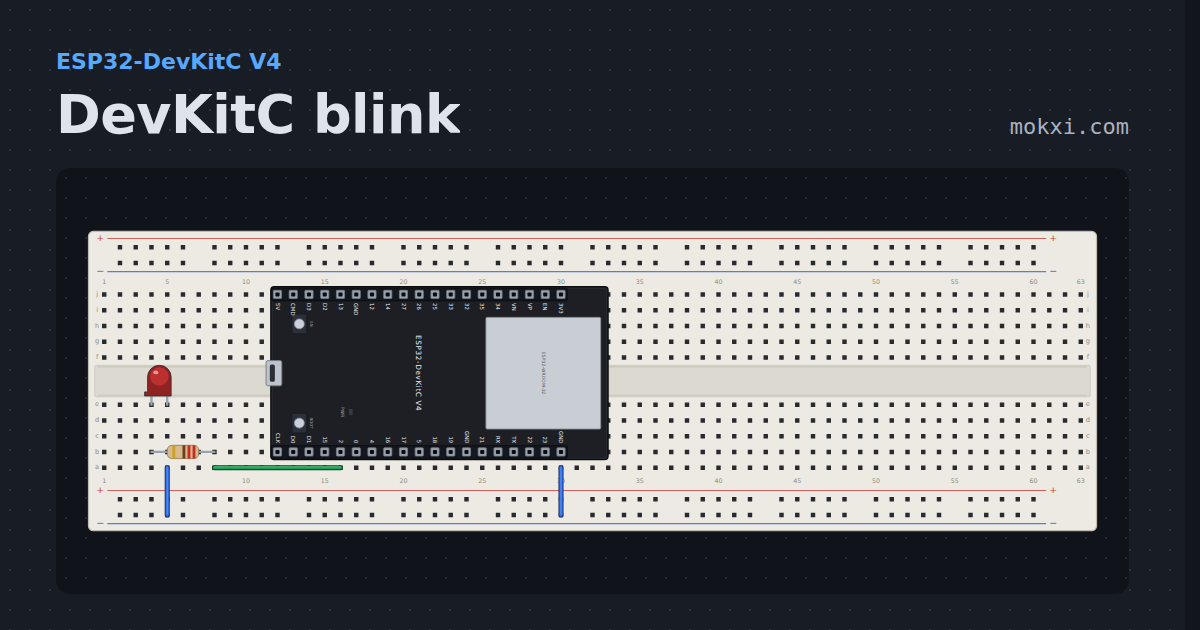
DevKitC blink
An LED on GPIO 2 of Espressif’s ESP32-DevKitC V4, which has no user LED of its own and covers the breadboard’s whole width.
- Board
- ESP32-DevKitC V4
- Parts
- Resistor, LED
- Level
- Beginner
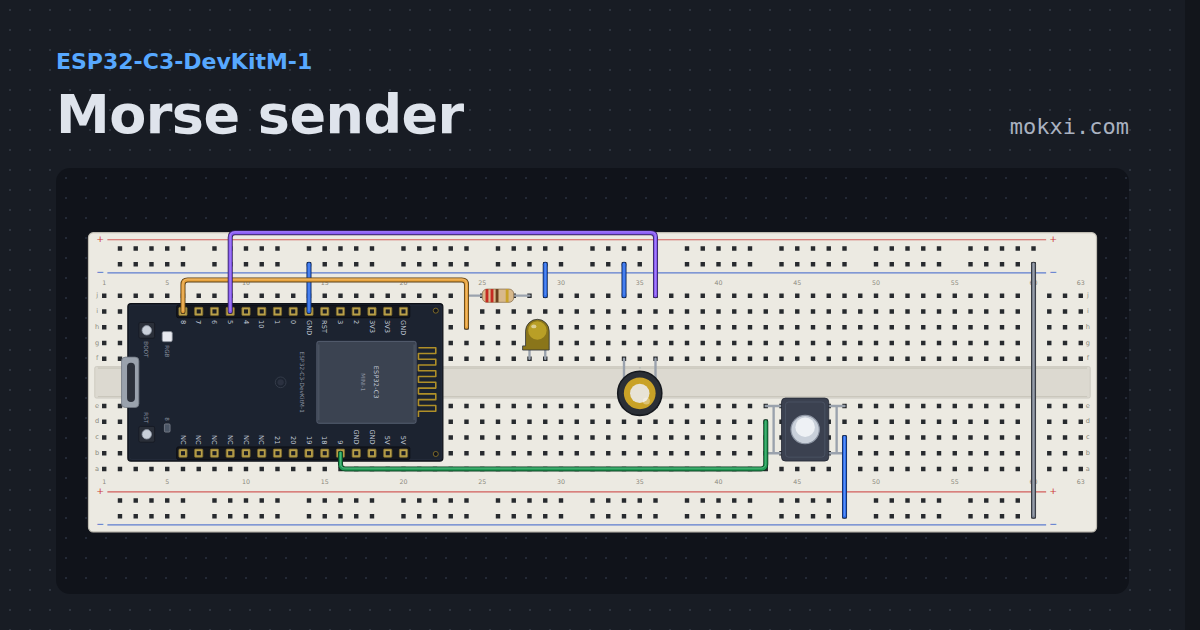
Morse sender
An ESP32-C3 sends a word in Morse on a lamp and a piezo at once, and a button picks the next message.
- Board
- ESP32-C3-DevKitM-1
- Parts
- Resistor, LED, piezo speaker, push button
- Level
- Beginner
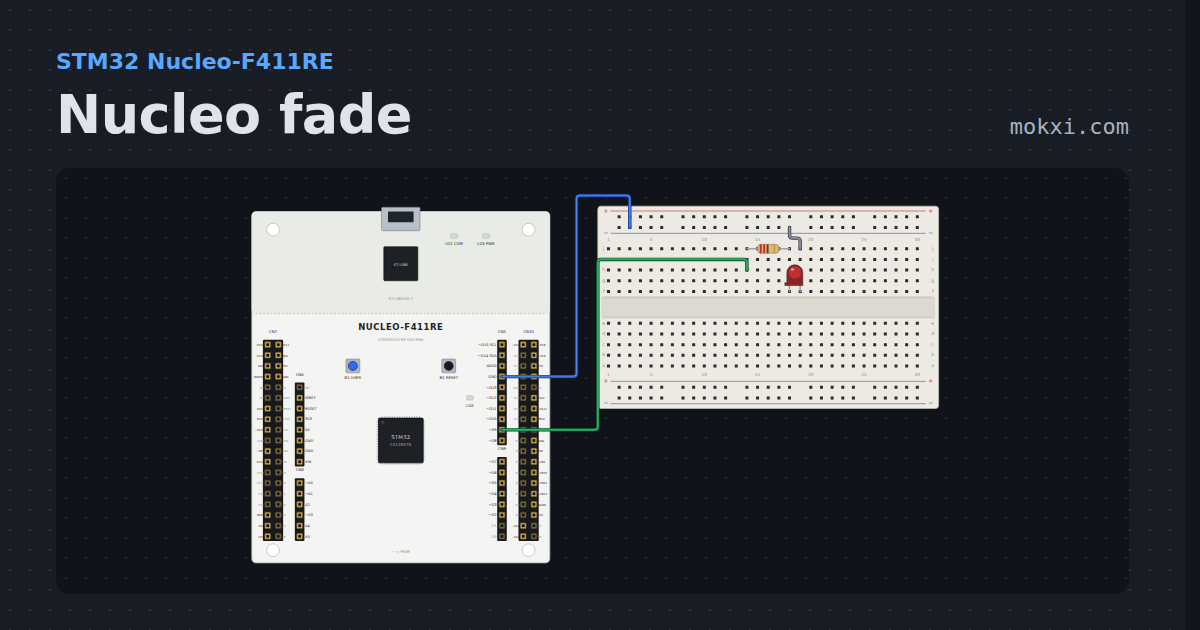
Nucleo fade
analogWrite breathes an LED on D9 of an STM32 Nucleo-F411RE, at STM32duino’s 1 kHz PWM.
- Board
- STM32 Nucleo-F411RE
- Parts
- Resistor, LED
- Level
- Beginner
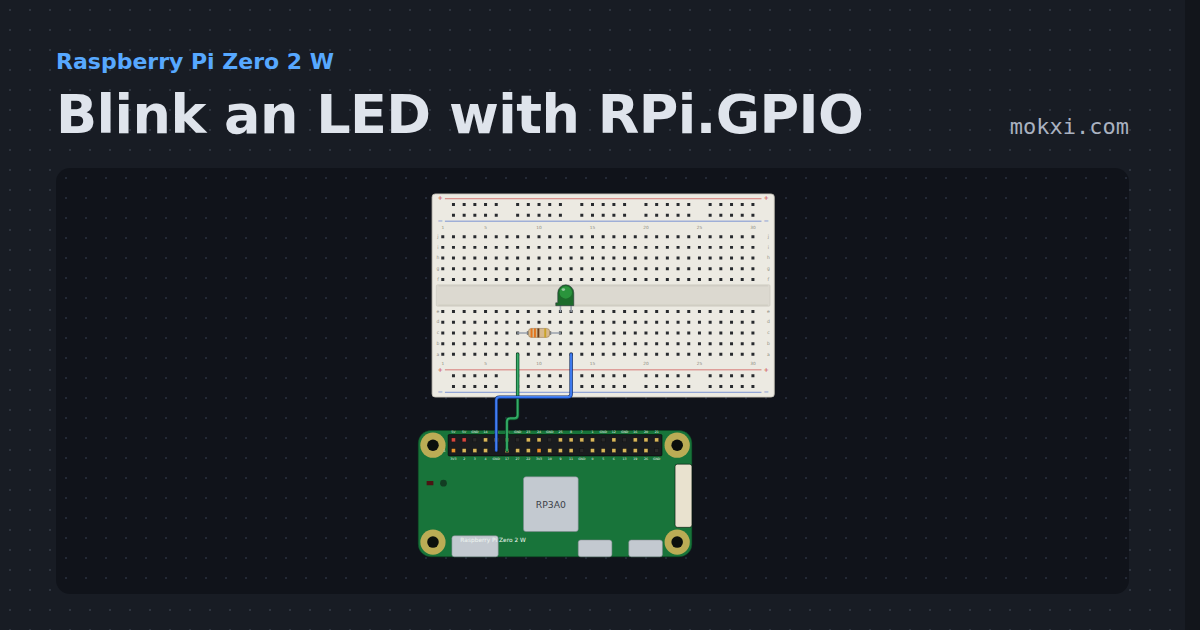
Blink an LED with RPi.GPIO
RPi.GPIO on a Raspberry Pi Zero 2 W: an LED on GPIO17 blinks twice a second, and the Serial Monitor counts every four blinks.
- Board
- Raspberry Pi Zero 2 W
- Parts
- Resistor, LED
- Level
- Beginner
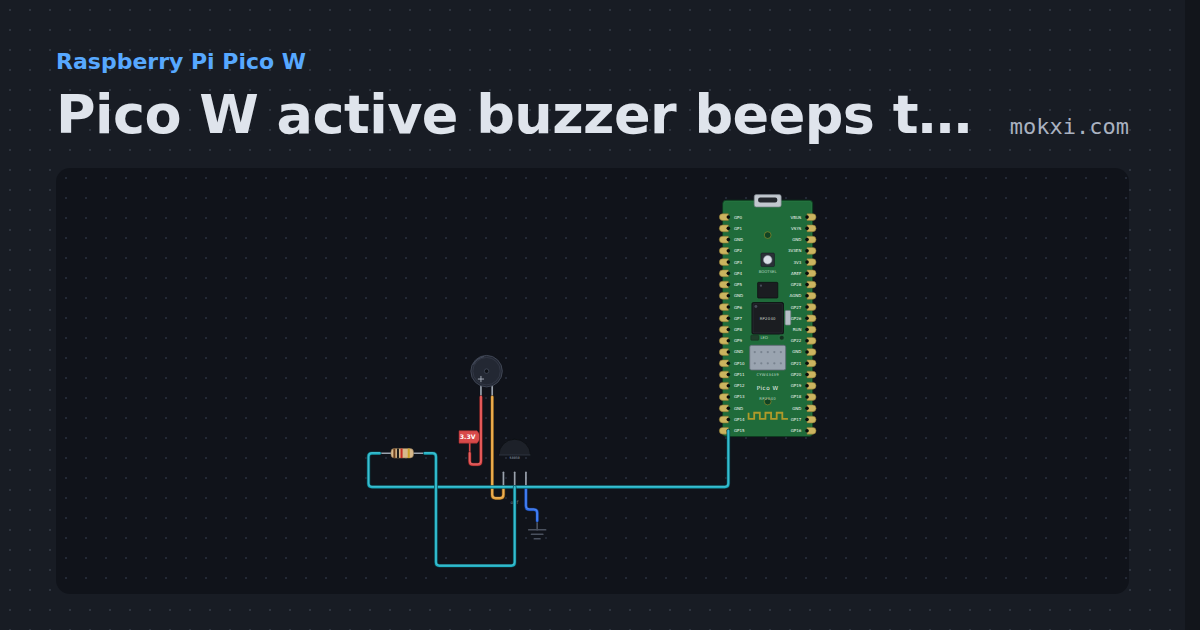
Pico W active buzzer beeps through an S8050
MicroPython on a Pico W: GP15 switches an S8050 that sounds an active buzzer: four short beeps, a pause of a second, and again.
- Board
- Raspberry Pi Pico W
- Parts
- Buzzer, transistor, resistor
- Level
- Beginner
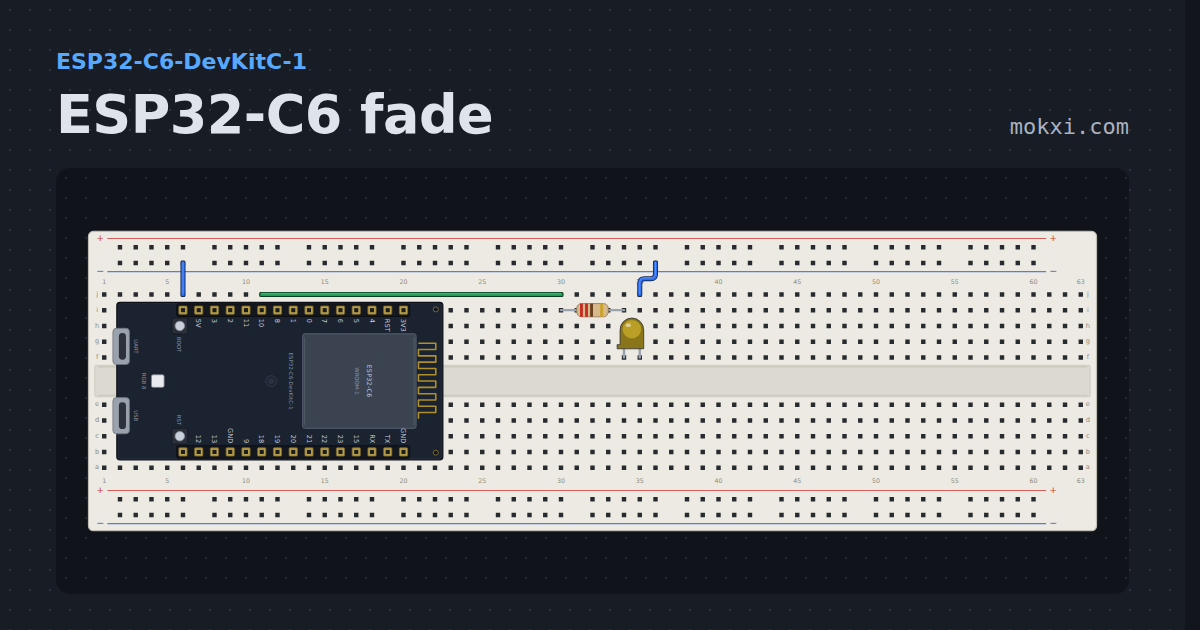
ESP32-C6 fade
Breathes an LED on GPIO 10 with analogWrite, so the waveform comes out of the LEDC hardware and the core sleeps between steps.
- Board
- ESP32-C6-DevKitC-1
- Parts
- Resistor, LED
- Level
- Beginner
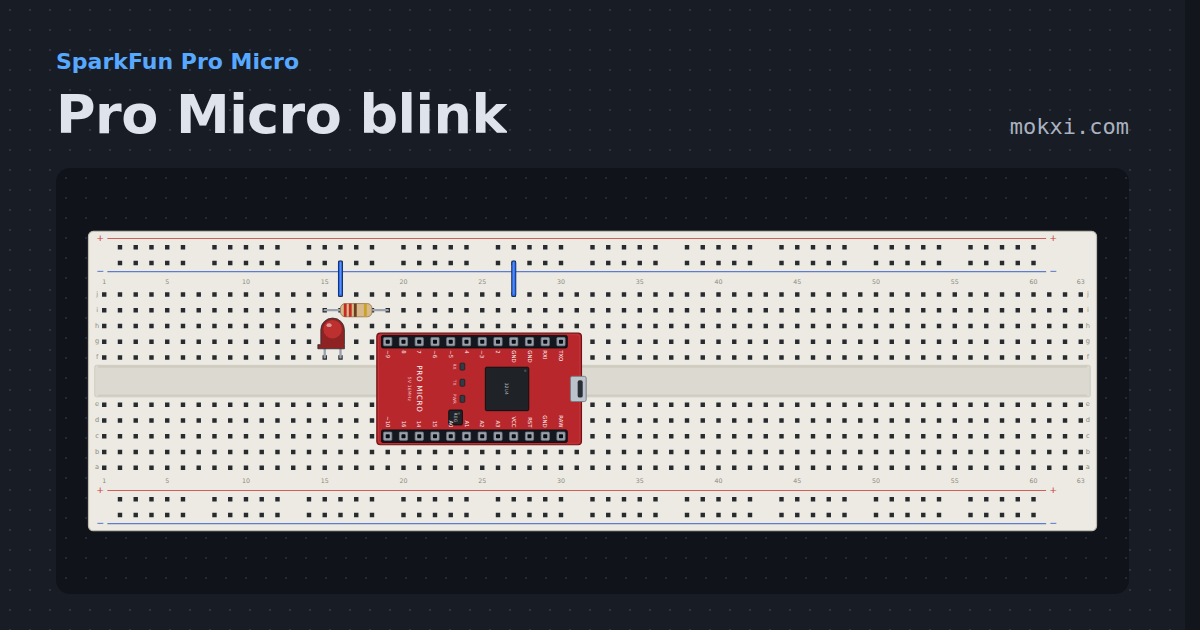
Pro Micro blink
A board with no LED on pin 13 blinks its RX lamp instead, with an LED on pin 9 beside it wired the ordinary way around.
- Board
- SparkFun Pro Micro
- Parts
- Resistor, LED
- Level
- Beginner
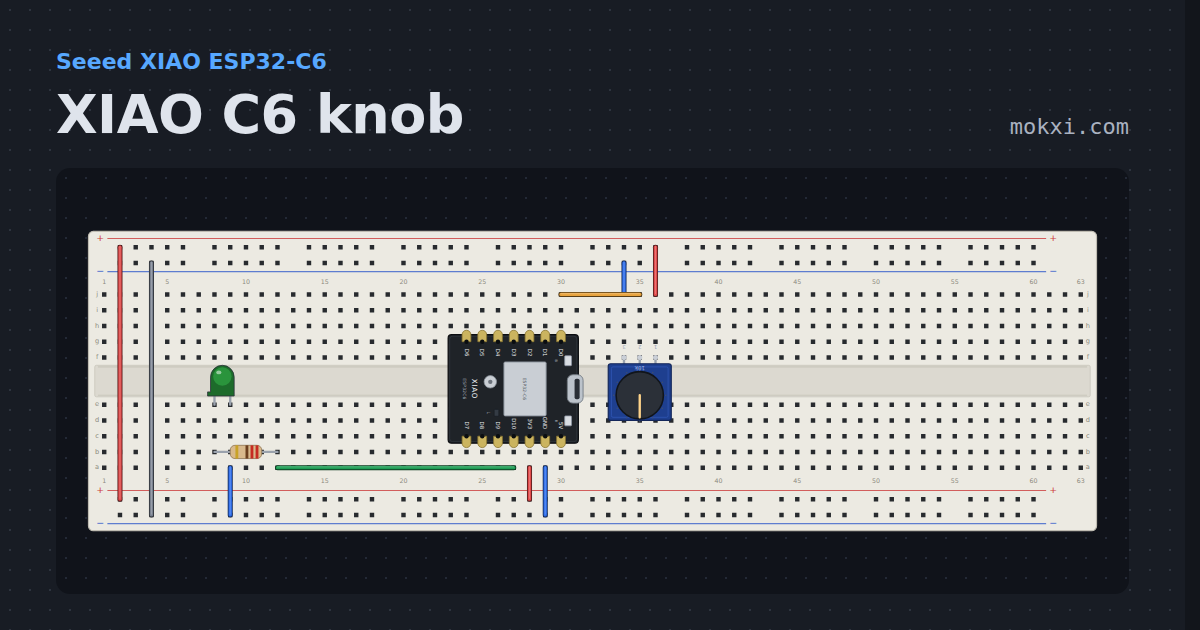
XIAO C6 knob
The XIAO ESP32-C3’s knob circuit, pad for pad, on the ESP32-C6: D0 is still A0, though the GPIO under it has changed.
- Board
- Seeed XIAO ESP32-C6
- Parts
- Potentiometer, resistor, LED
- Level
- Beginner
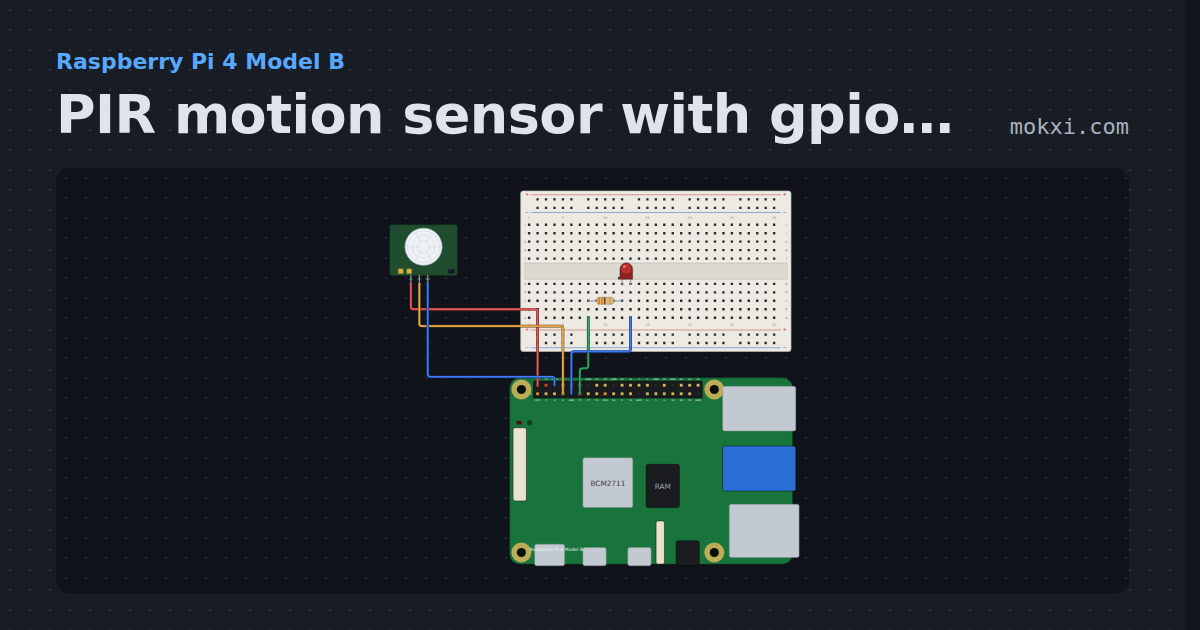
PIR motion sensor with gpiozero
gpiozero MotionSensor on a Raspberry Pi 4: an HC-SR501 PIR on GPIO4 lights an LED on GPIO17 while something moves, and counts each movement.
- Board
- Raspberry Pi 4 Model B
- Parts
- Resistor, LED, PIR motion sensor
- Level
- Beginner
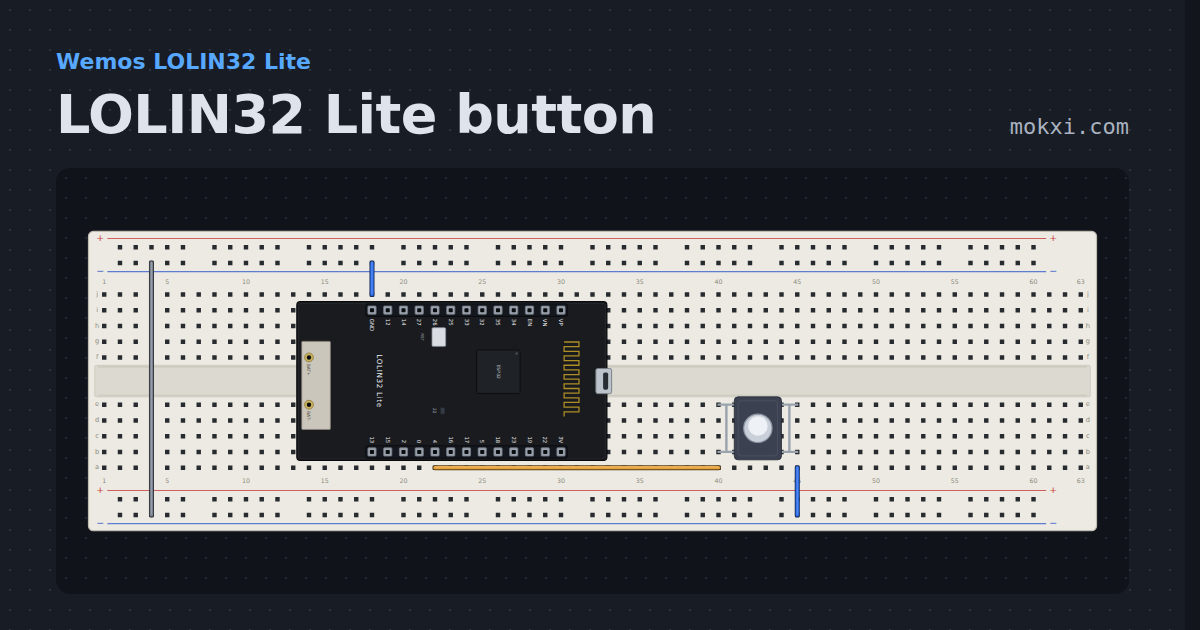
LOLIN32 Lite button
A pushbutton on GPIO 4 lights the LOLIN32 Lite’s blue LED on GPIO 22, which comes on when its pin is LOW.
- Board
- Wemos LOLIN32 Lite
- Parts
- Push button
- Level
- Beginner
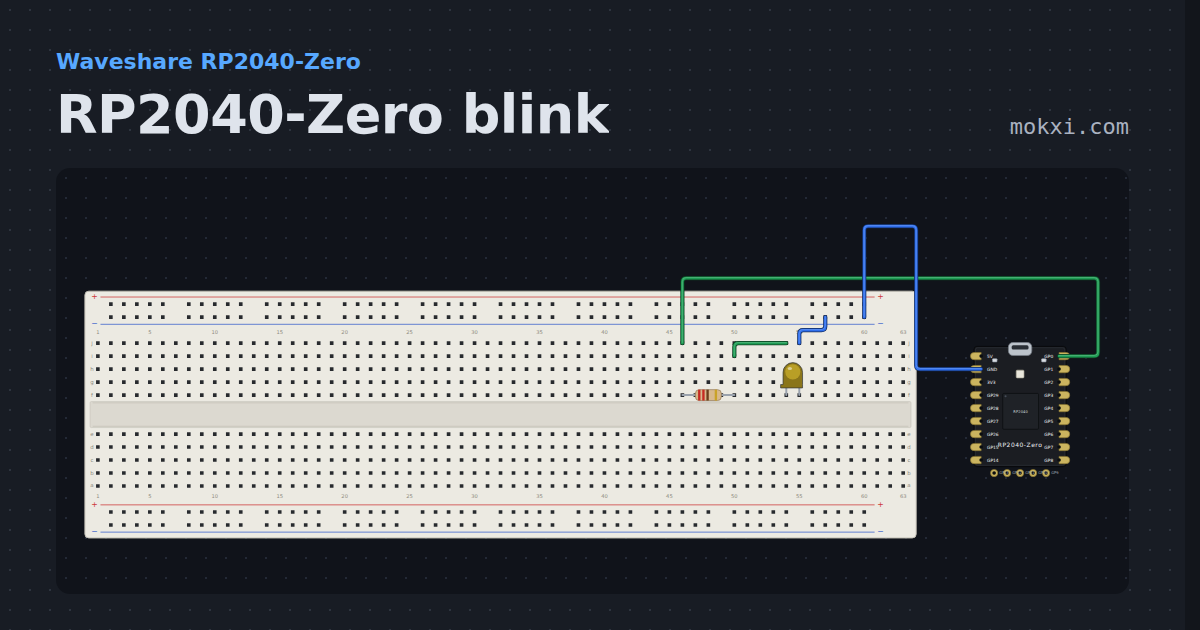
RP2040-Zero blink
An LED on GP0 of the RP2040-Zero, which has no plain LED of its own, with the board beside the breadboard.
- Board
- Waveshare RP2040-Zero
- Parts
- Resistor, LED
- Level
- Beginner
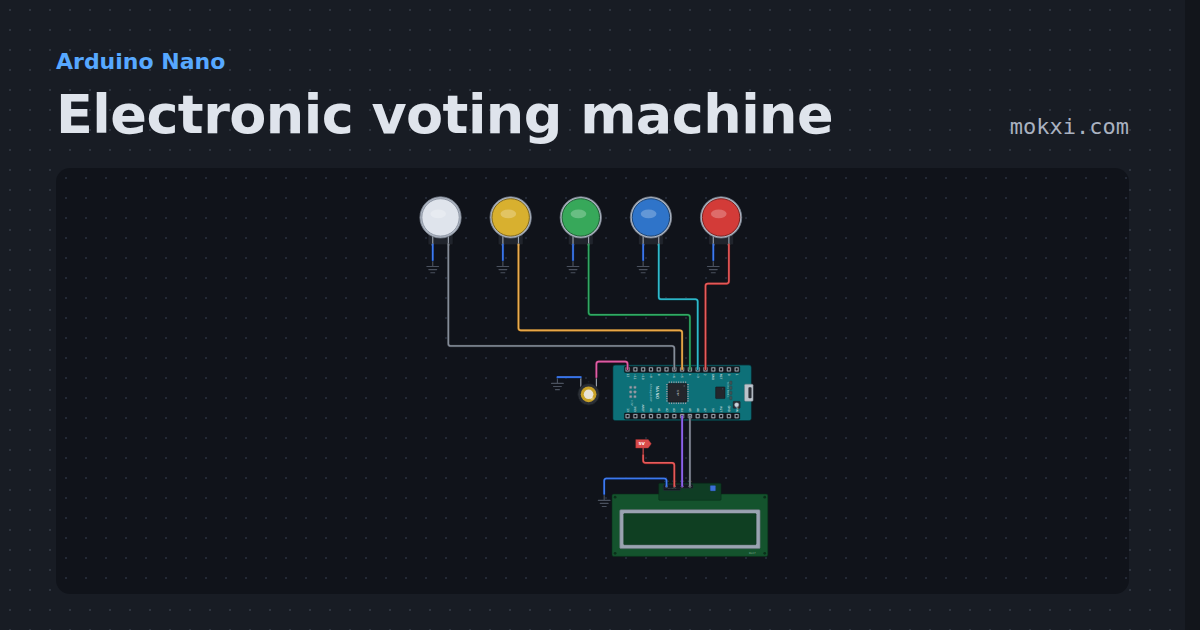
Electronic voting machine
Electronic voting machine on an Arduino Nano: four buttons to vote, a result button for every count and the winner on an LCD.
- Board
- Arduino Nano
- Parts
- Arcade button, piezo speaker, I2C LCD
- Level
- Beginner
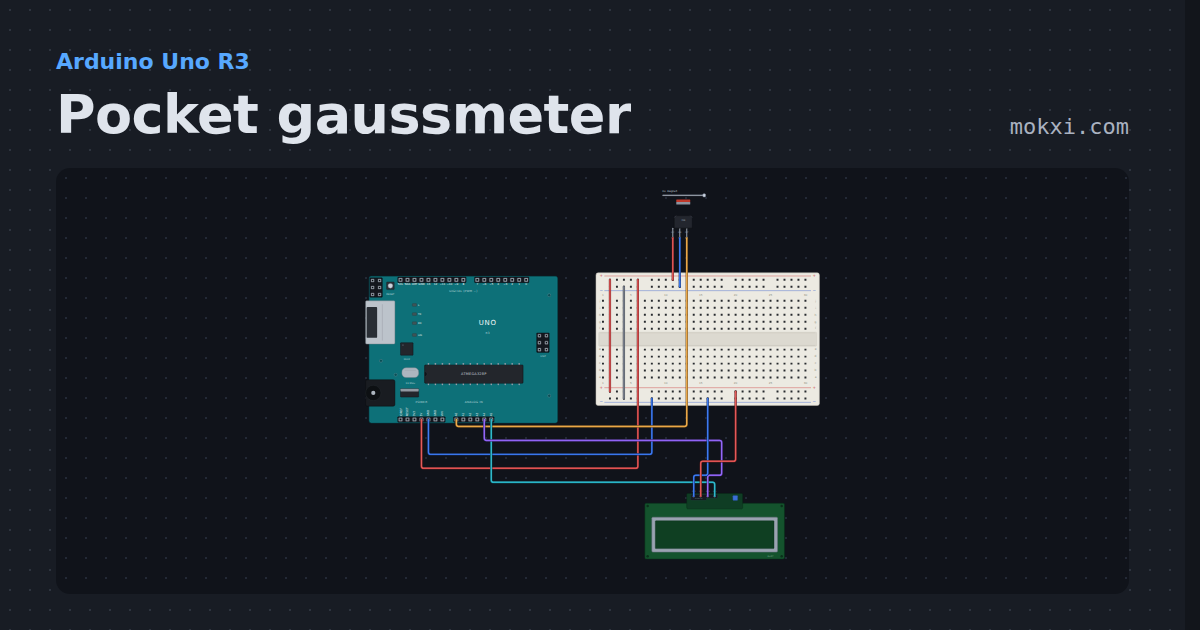
Pocket gaussmeter
A 49E linear Hall sensor on A0 and a 16x2 I2C LCD: the field in gauss, which pole it is, and the strongest seen since power on.
- Board
- Arduino Uno R3
- Parts
- 49E linear hall sensor, I2C LCD
- Level
- Beginner
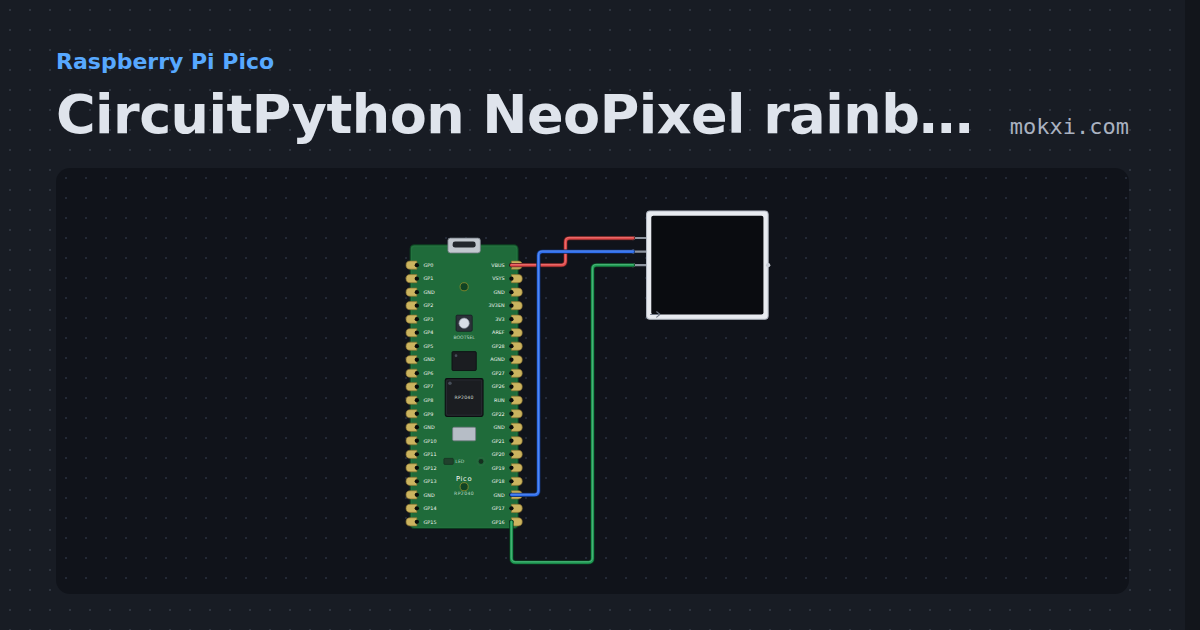
CircuitPython NeoPixel rainbow on a Pico
CircuitPython on a Raspberry Pi Pico: Adafruit’s neopixel library turns a rainbow around eight WS2812 LEDs on GP16, sent by the Pico’s PIO.
- Board
- Raspberry Pi Pico
- Parts
- WS2812 NeoPixel LEDs
- Level
- Beginner
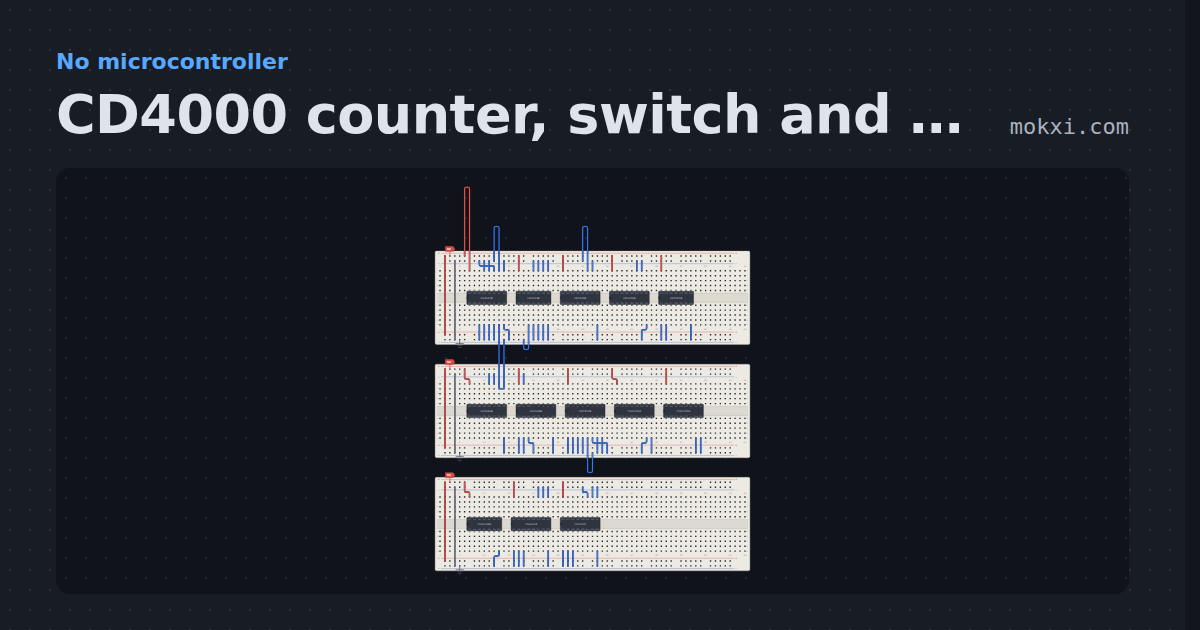
CD4000 counter, switch and one-shot drawer
13 chips on breadboards, powered, every input tied low and ready to rewire.
- Board
- No board
- Parts
- CD4027 dual JK flip-flop, CD4013 dual D flip-flop, CD4020 14-stage counter, CD4040 12-stage counter, CD4024 7-stage counter, +8 more
- Level
- Beginner
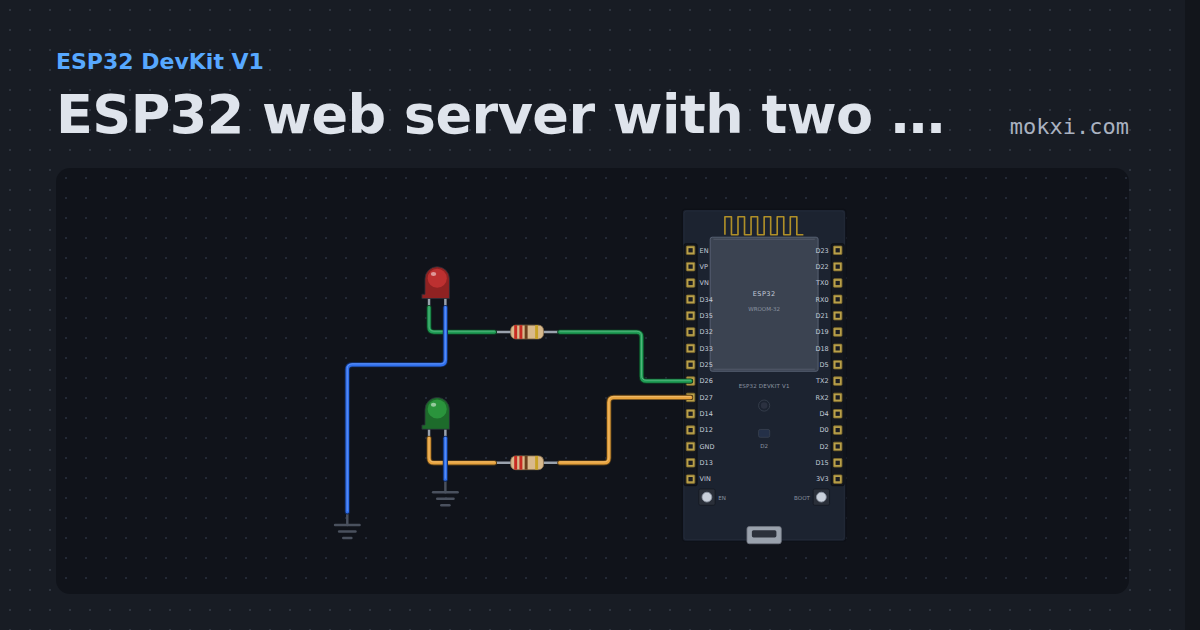
ESP32 web server with two LEDs
The Random Nerd Tutorials ESP32 web server: press Run, open the Web panel, and its ON and OFF buttons switch the LEDs on GPIO 26 and 27.
- Board
- ESP32 DevKit V1
- Parts
- Resistor, LED
- Level
- Beginner
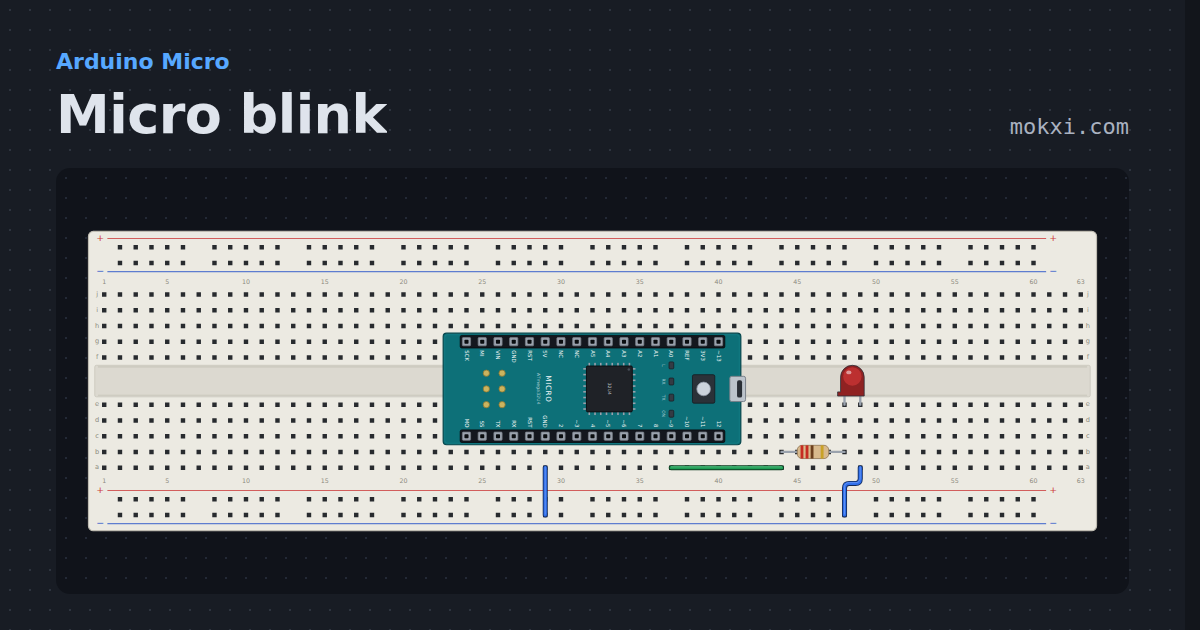
Micro blink
The Arduino Micro’s RX lamp, which lights when its pin goes low, blinking beside an LED on pin 9 that lights when it goes high.
- Board
- Arduino Micro
- Parts
- Resistor, LED
- Level
- Beginner
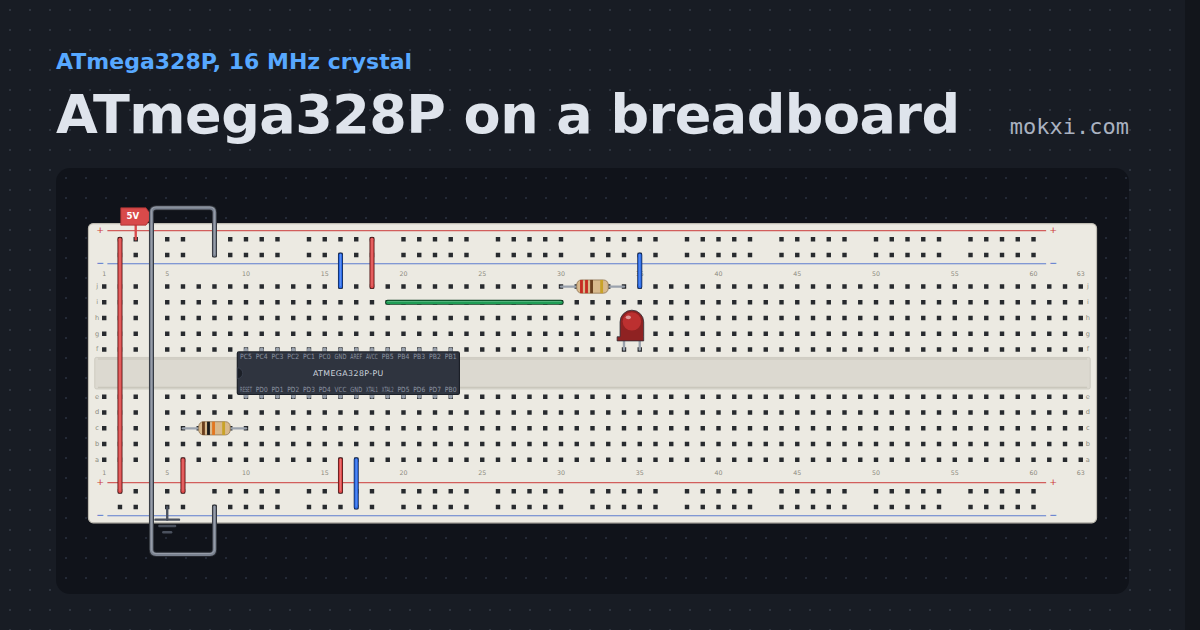
ATmega328P on a breadboard
The Uno’s chip on its own in a breadboard, wired as the tutorial wires it: 5 V on VCC and AVCC, both grounds, RESET held high, and an LED on PB5.
- Board
- ATmega328P, 16 MHz crystal
- Parts
- ATmega328P, resistor, LED
- Level
- Beginner
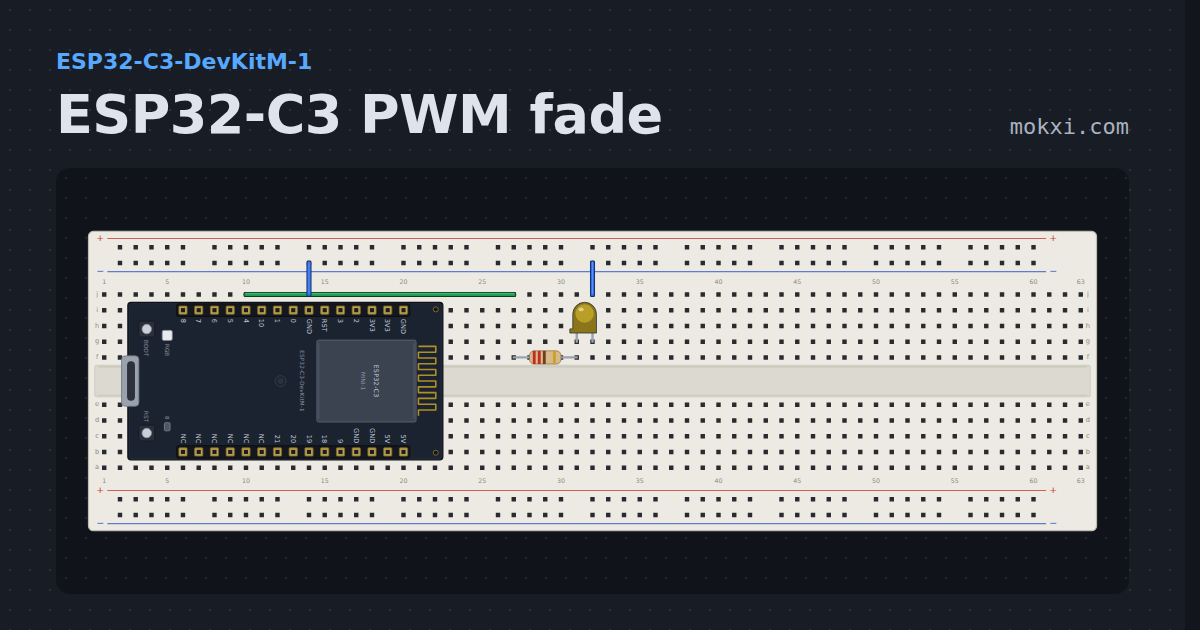
ESP32-C3 PWM fade
Breathes an LED on GPIO 4 and the on-board one on GPIO 8 with analogWrite.
- Board
- ESP32-C3-DevKitM-1
- Parts
- Resistor, LED
- Level
- Beginner
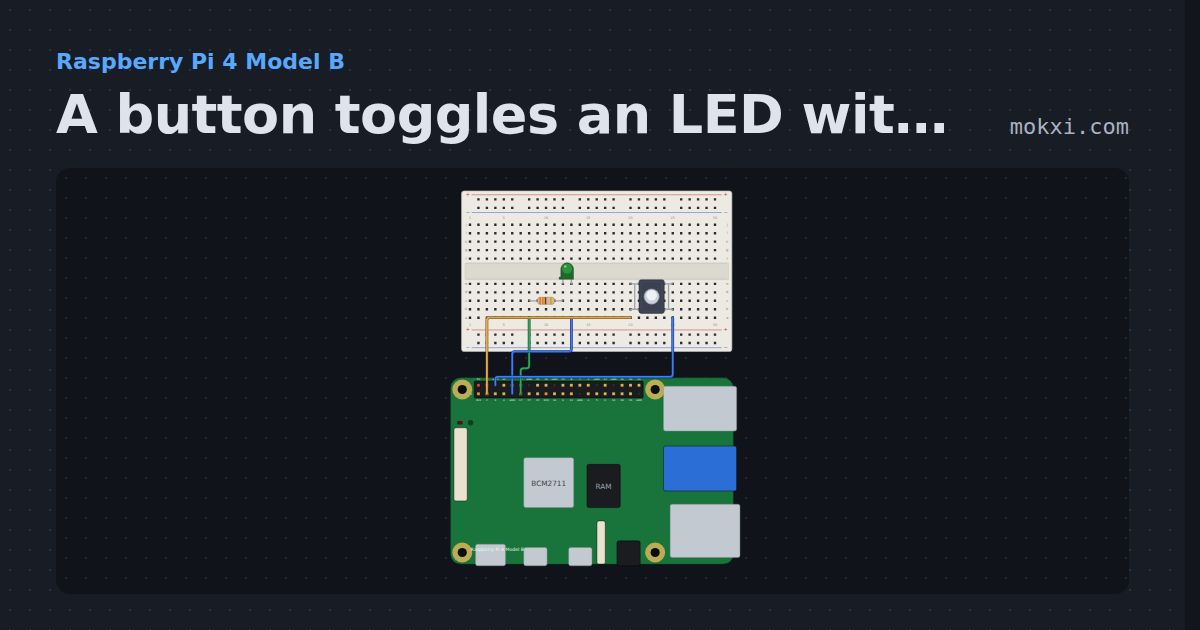
A button toggles an LED with gpiozero
gpiozero on a Raspberry Pi 4: each press of a button on GPIO2 turns the LED on GPIO17 on or off, with when_pressed and signal.pause().
- Board
- Raspberry Pi 4 Model B
- Parts
- Resistor, LED, push button
- Level
- Beginner
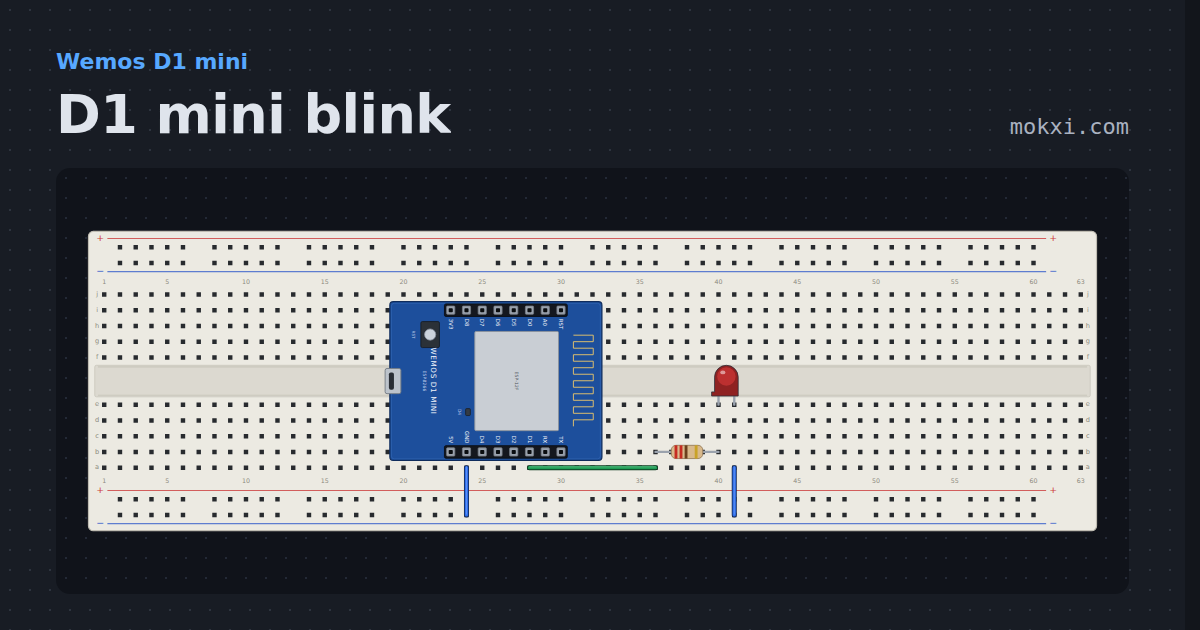
D1 mini blink
The module’s blue LED on D4 lights when the pin is low and an LED on D1 when it is high, so the two are always opposite.
- Board
- Wemos D1 mini
- Parts
- Resistor, LED
- Level
- Beginner
Wiring, libraries and more ideas
Wiring guides
Library pages
More project ideas
- Arduino Uno project ideas
- Raspberry Pi Pico project ideas
- ESP32 project ideas
- Electronics projects with no code
- LED projects for Arduino, ESP32 and Pico
- Projects with an I2C LCD
- Projects with a push button
- Projects with a piezo speaker
- Arduino game projects
- Robot projects for Arduino and ESP32
- Home automation projects with ESP32 and Arduino
- IoT project ideas for ESP32 and Pico W