Arduino game projects
Games are the quickest way to learn input, timing and a display, because you know at once when something is off. Mokxi has 77 of them (6 beginner, 34 intermediate and 37 advanced). Here are 24, from “Arcade lever” to “Rhythm game”. Each card says what the project does, the board and parts it needs and its level, and Open in the simulator runs it in your browser in one click, with no account.
How to pick your first one
- Start with “Arcade lever”, a beginner project that needs an arcade joystick lever.
- Most of them are advanced projects. Pick one a level below what you think you can do, finish it, then move up.
- The parts used most here are the piezo speaker (35 projects), the arcade button (25) and the push button (24). With those on hand, most of this list is open to you.
- Pick a game you already know the rules of, like Simon or Pong, so the code is the only new thing.
24 projects of 77
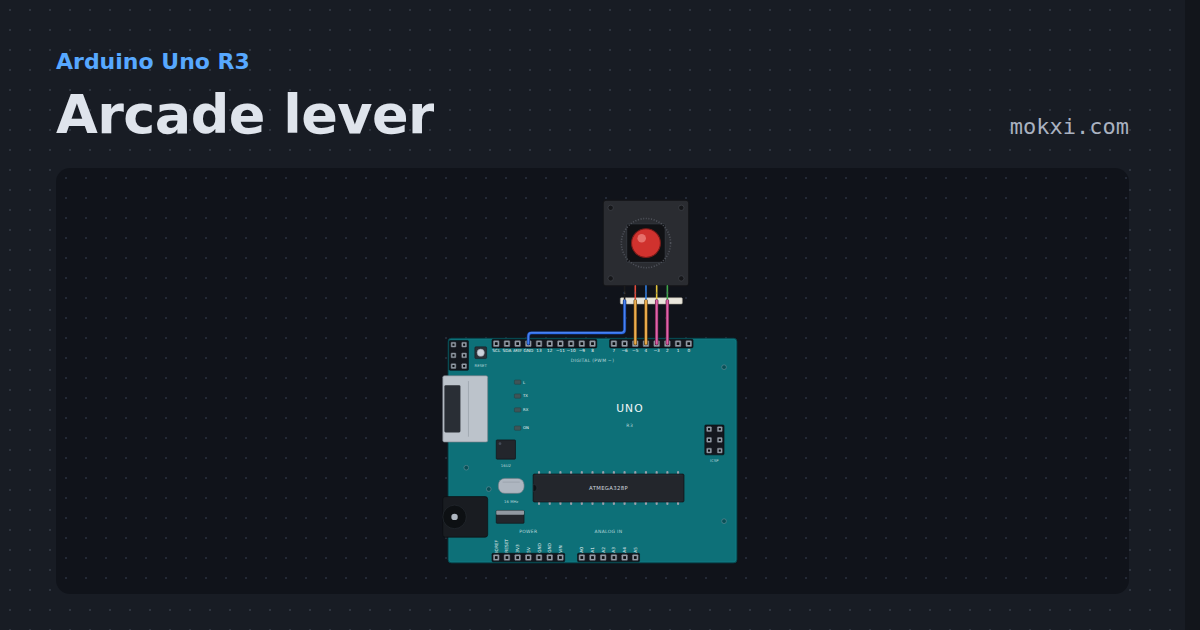
Arcade lever
A Sanwa-style arcade lever on four pins, debounced the way a stick board does it and printed in numpad notation: 5 neutral, 8 up, 9 up-right.
- Board
- Arduino Uno R3
- Parts
- Arcade joystick lever
- Level
- Beginner
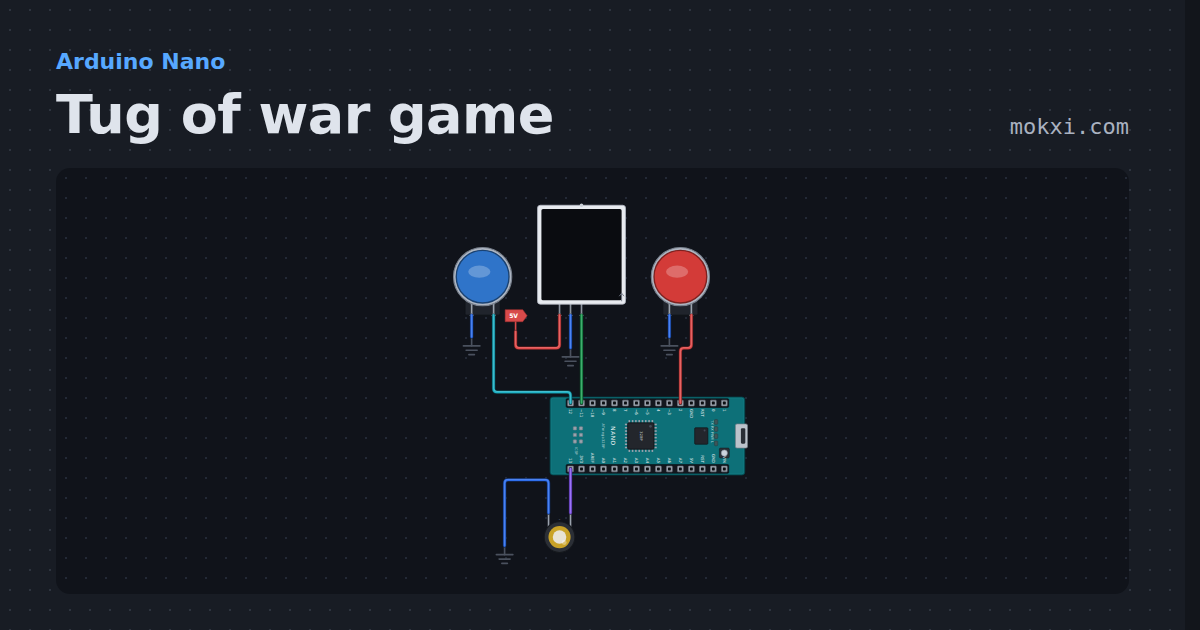
Tug of war game
Tug of war game for two players on a 15-LED NeoPixel strip: every button press pulls the light one LED your way, and the first to pull it off wins.
- Board
- Arduino Nano
- Parts
- Arcade button, WS2812 NeoPixel LEDs, piezo speaker
- Level
- Beginner
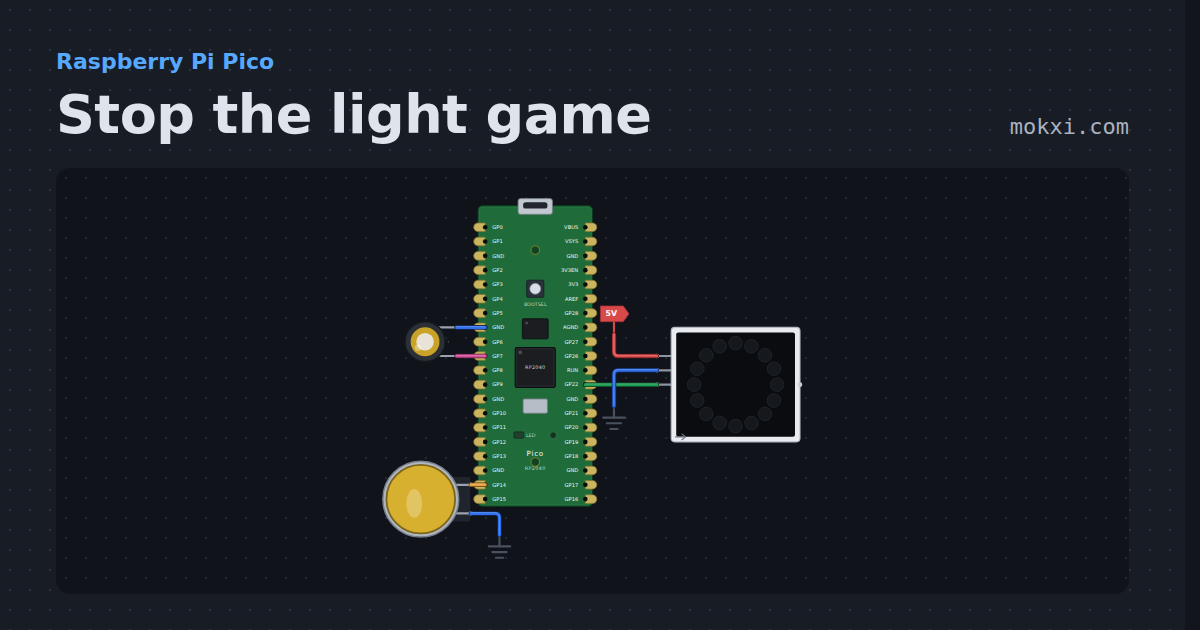
Stop the light game
Stop the light game on a Raspberry Pi Pico: press the button as a red light runs onto the green LED of a 16-LED NeoPixel ring, faster every level.
- Board
- Raspberry Pi Pico
- Parts
- WS2812 NeoPixel LEDs, arcade button, piezo speaker
- Level
- Beginner
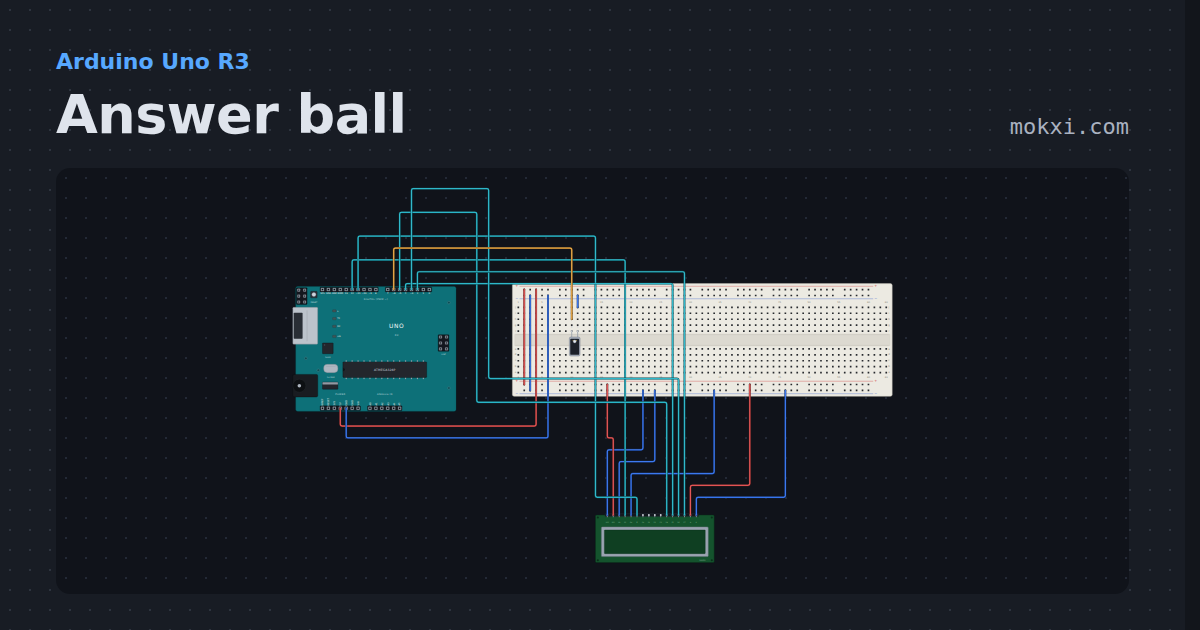
Answer ball
Ask a question and tip the tilt switch: the 16x2 LCD shows one of eight answers, picked with random().
- Board
- Arduino Uno R3
- Parts
- Tilt switch, 16x2 character LCD
- Level
- Beginner
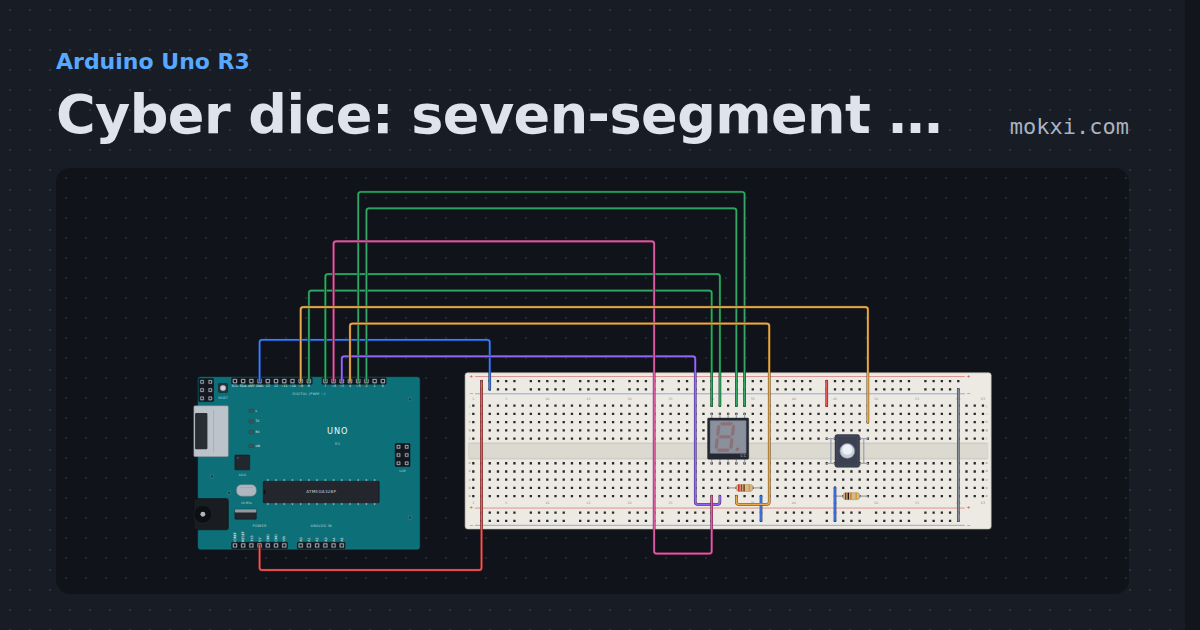
Cyber dice: seven-segment on pins 2 to 8, button on 9
A common-cathode seven-segment digit with segments a to g on pins 2 to 8 spins through 1 to 6 while the button on pin 9 is held.
- Board
- Arduino Uno R3
- Parts
- Seven-segment display, resistor, push button
- Level
- Intermediate
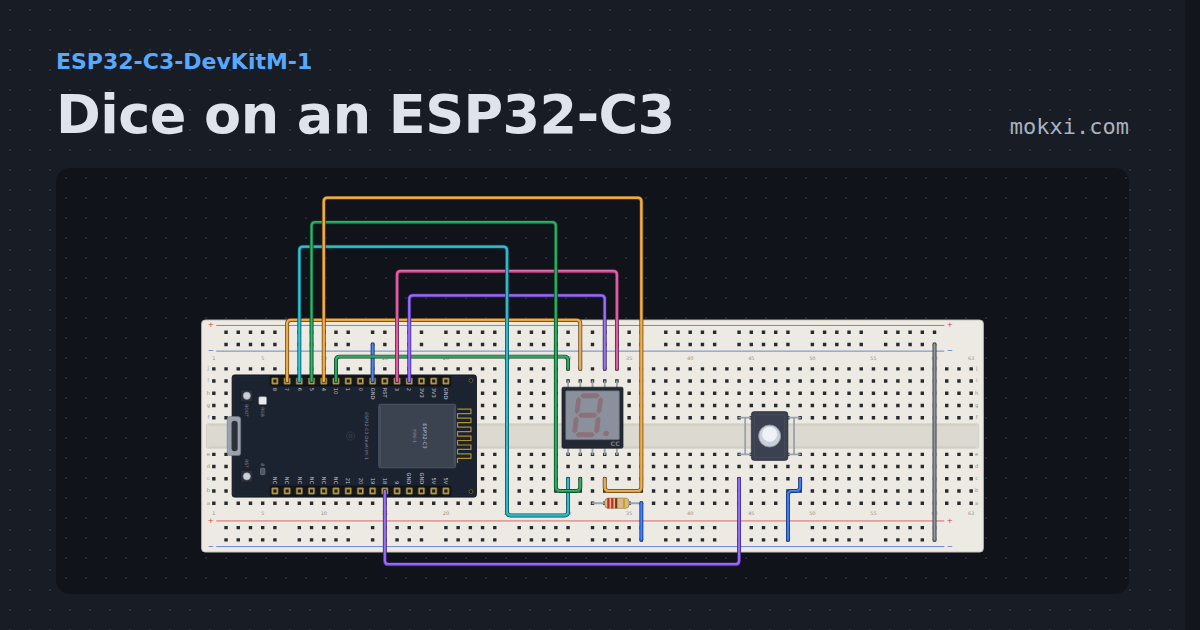
Dice on an ESP32-C3
A button rolls a die and an ESP32-C3 tumbles the number onto a seven-segment display.
- Board
- ESP32-C3-DevKitM-1
- Parts
- Seven-segment display, resistor, push button
- Level
- Intermediate
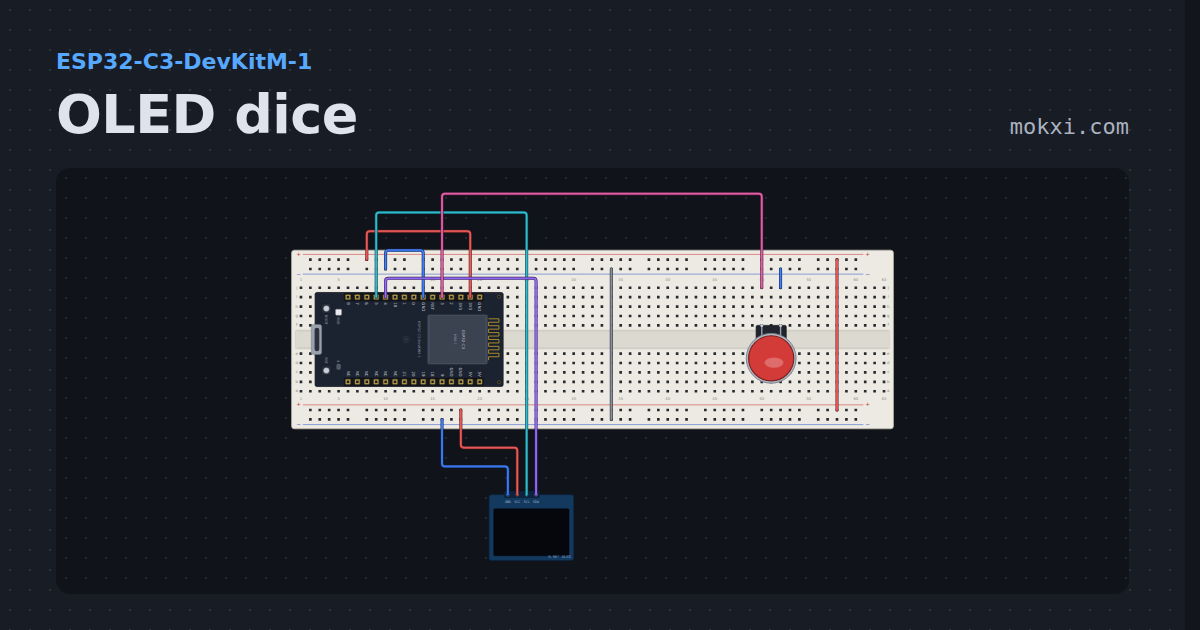
OLED dice
A die tumbling on a 128x64 OLED, thrown by holding an arcade button and slowing to a stop when you let go.
- Board
- ESP32-C3-DevKitM-1
- Parts
- SSD1306 OLED display, arcade button
- Level
- Intermediate
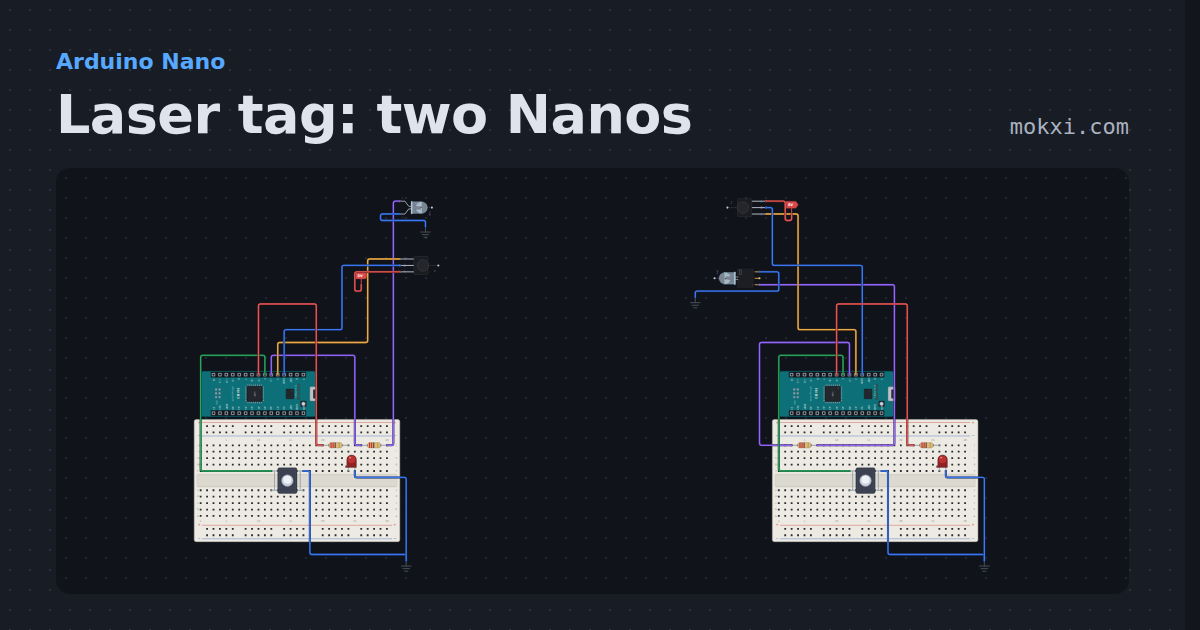
Laser tag: two Nanos
Infrared laser tag for two Arduino Nanos: each button fires an NEC code through an IR LED, and the other player’s VS1838B counts the hit.
- Board
- Arduino Nano
- Parts
- Infrared LED, IR receiver and remote, resistor, push button, LED, +1 more
- Level
- Intermediate
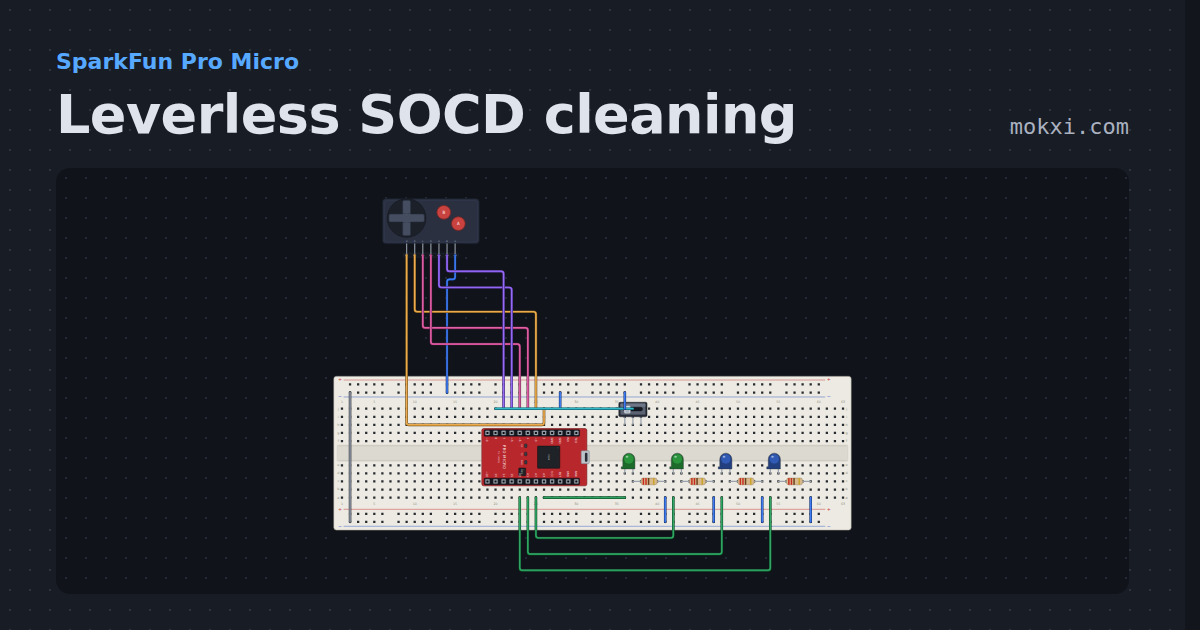
Leverless SOCD cleaning
Four direction buttons that can be held two at a time, cleaned by the neutral or last-input rule a slide switch picks.
- Board
- SparkFun Pro Micro
- Parts
- Game console buttons, slide switch, LED, resistor
- Level
- Intermediate
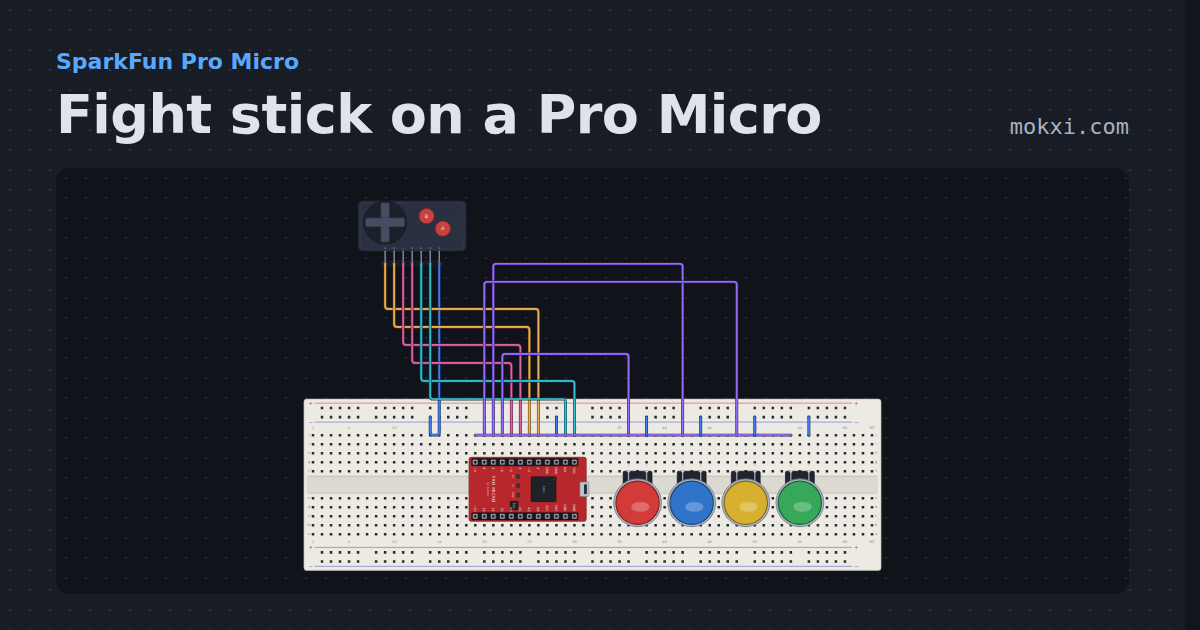
Fight stick on a Pro Micro
A four-way lever and six buttons on a Pro Micro, debounced with no added delay and reported as a numpad direction plus the buttons held.
- Board
- SparkFun Pro Micro
- Parts
- Game console buttons, arcade button
- Level
- Intermediate
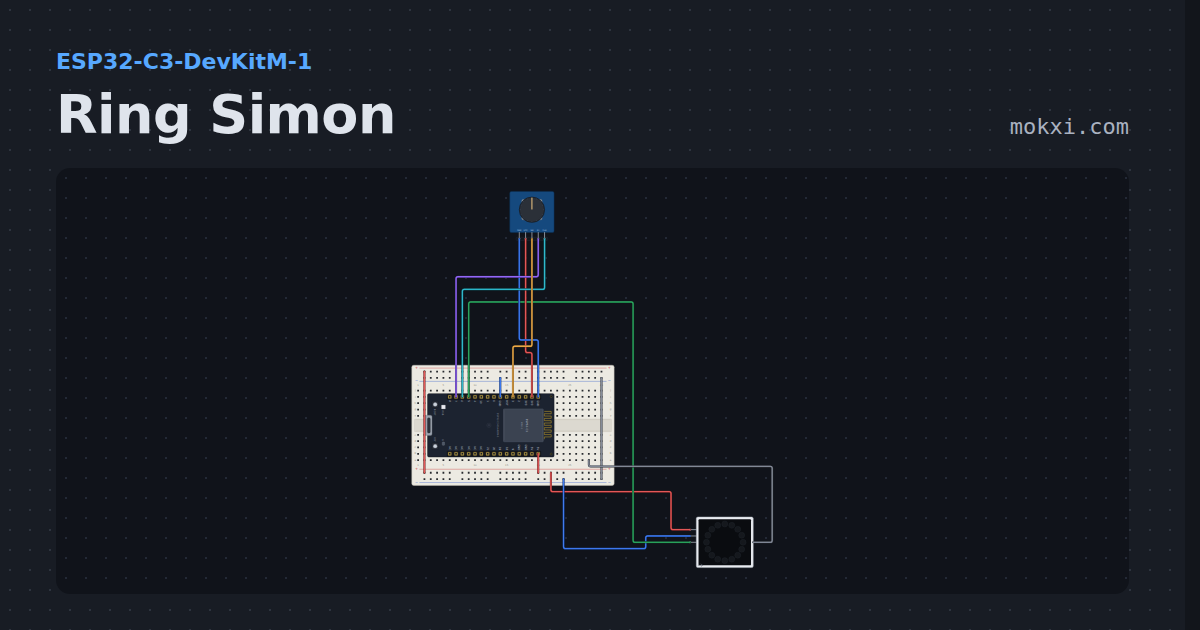
Ring Simon
Simon on a sixteen-LED ring with a rotary encoder: turn the knob to the color you were shown and press the shaft.
- Board
- ESP32-C3-DevKitM-1
- Parts
- WS2812 NeoPixel LEDs, KY-040 rotary encoder
- Level
- Advanced
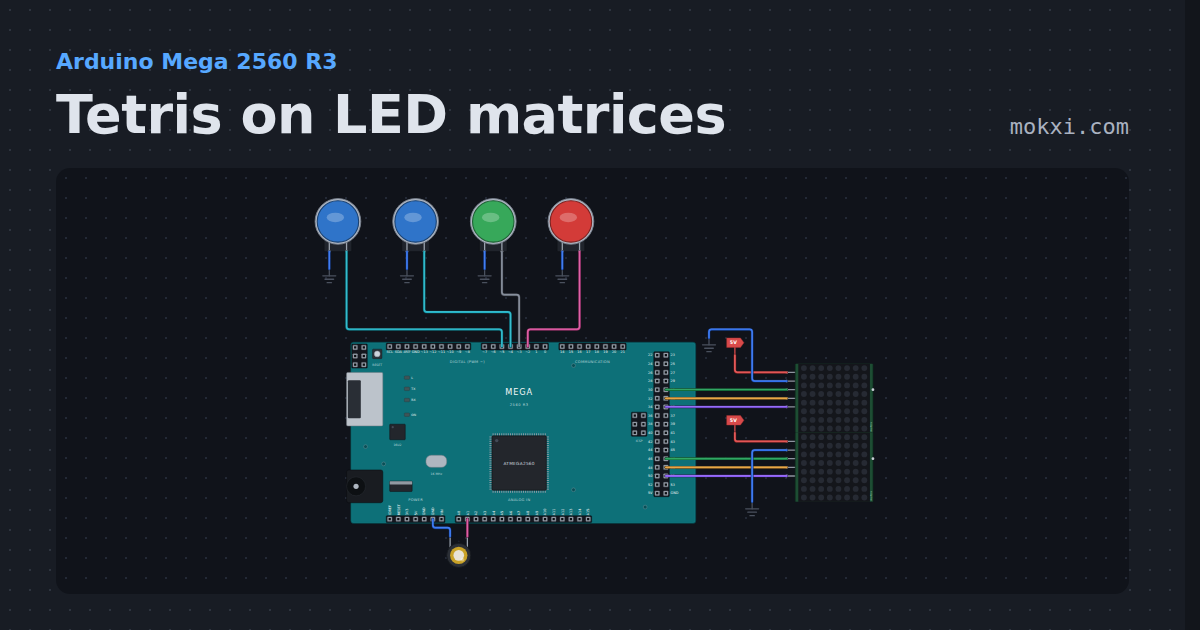
Tetris on LED matrices
Tetris on LED matrices with an Arduino Mega: two 8x8 MAX7219s make an 8 by 16 field, with four buttons, all seven pieces.
- Board
- Arduino Mega 2560 R3
- Parts
- MAX7219 8x8 LED matrix, arcade button, piezo speaker
- Level
- Advanced
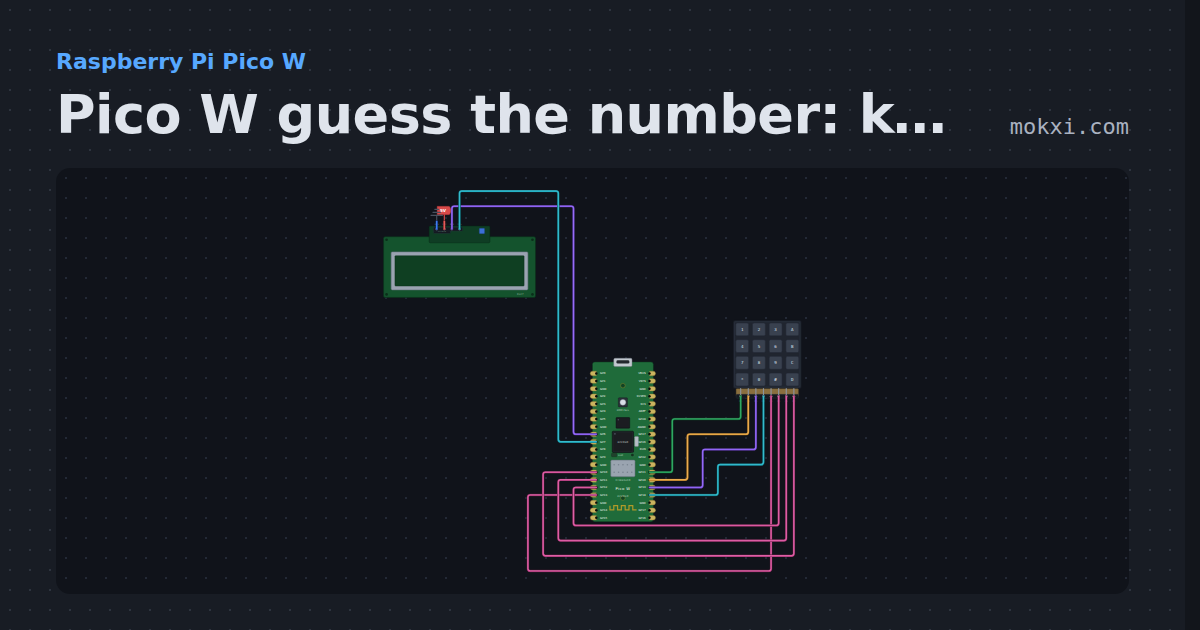
Pico W guess the number: keypad and LCD
MicroPython on a Pico W: a number game on a 4x4 keypad (rows GP21 to GP18.
- Board
- Raspberry Pi Pico W
- Parts
- I2C LCD, 4x4 keypad
- Level
- Advanced
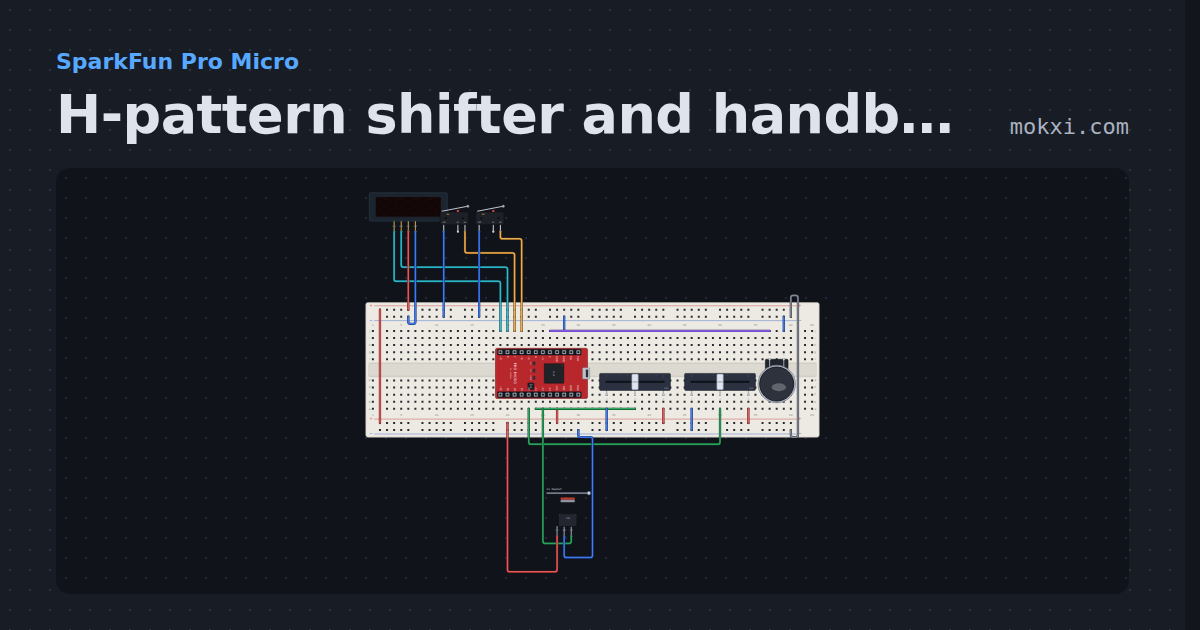
H-pattern shifter and handbrake
Two pots read an H-pattern gate with hysteresis and push-down reverse, two microswitches make sequential paddles and a hall sensor is the handbrake.
- Board
- SparkFun Pro Micro
- Parts
- TM1637 four-digit display, limit switch, slide potentiometer, arcade button, 49E linear hall sensor
- Level
- Advanced
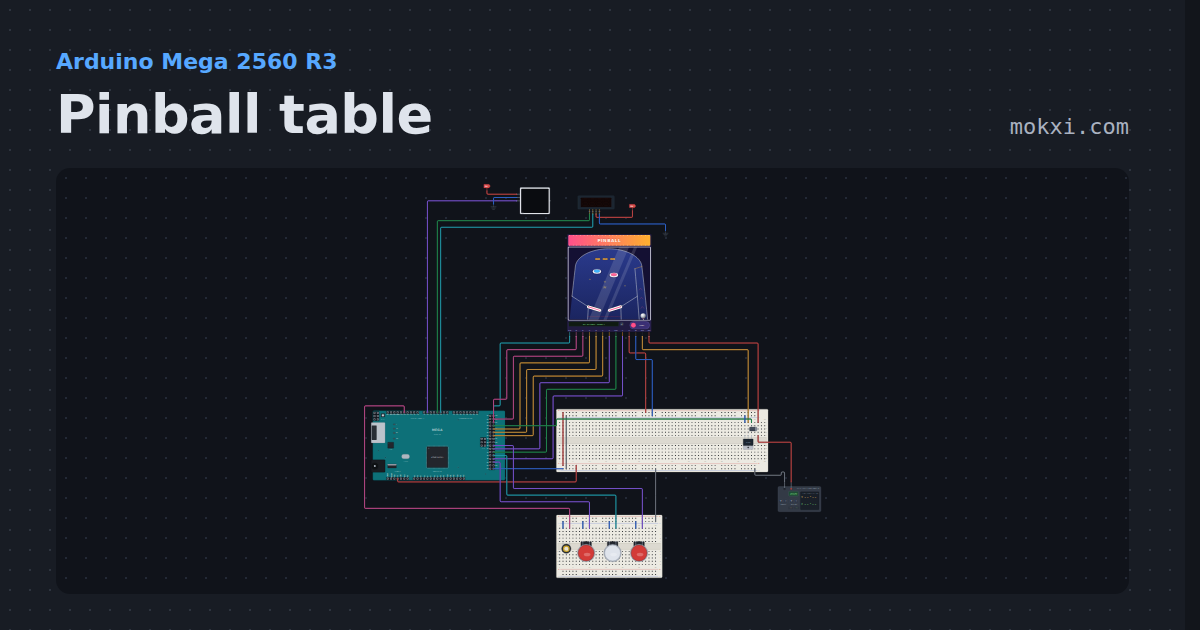
Pinball table
A table you can play on a Mega: flippers, pop bumpers on a kicker solenoid, targets, a drain beam and a plunger, with a four-digit score.
- Board
- Arduino Mega 2560 R3
- Parts
- TM1637 four-digit display, WS2812 NeoPixel LEDs, pinball table, MOSFET, diode, +3 more
- Level
- Advanced
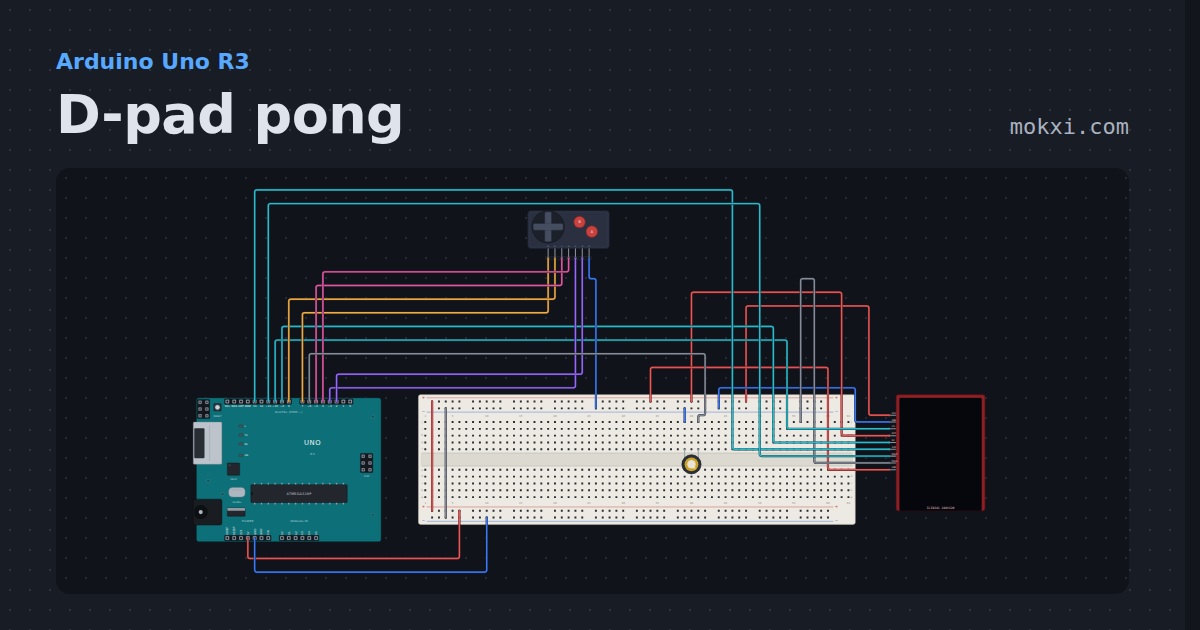
D-pad pong
A TFT, a console pad and a piezo on an Uno: paddle game, arrow keys or clicks, A to serve.
- Board
- Arduino Uno R3
- Parts
- ILI9341 TFT display, game console buttons, piezo speaker
- Level
- Advanced
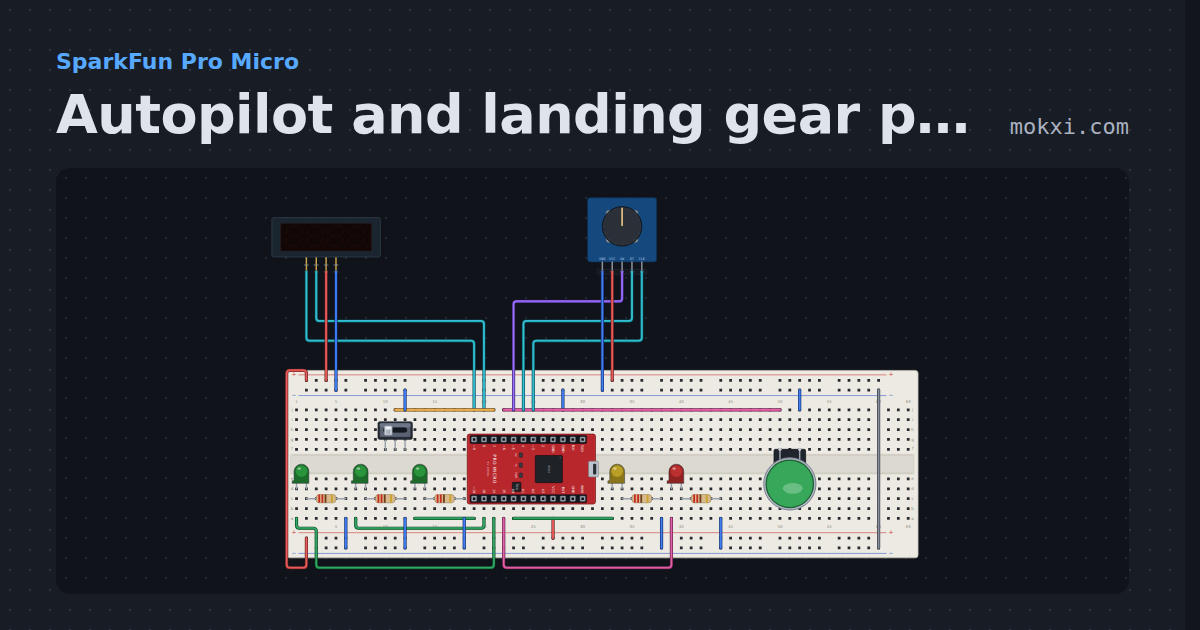
Autopilot and landing gear panel
An autopilot knob for heading, altitude and vertical speed on a four-digit display, an AP button.
- Board
- SparkFun Pro Micro
- Parts
- TM1637 four-digit display, KY-040 rotary encoder, slide switch, arcade button, LED, +1 more
- Level
- Advanced
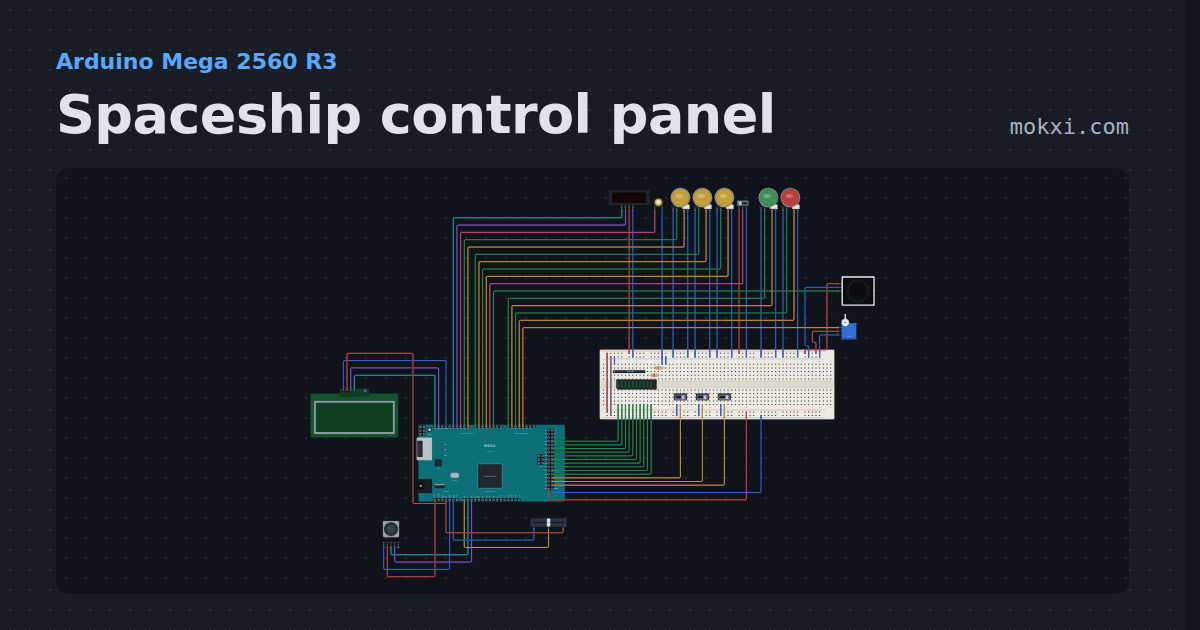
Spaceship control panel
Arm three systems, pass the go/no-go poll, lift the safety and launch.
- Board
- Arduino Mega 2560 R3
- Parts
- Slide switch, LED arcade button, TM1637 four-digit display, piezo speaker, WS2812 NeoPixel LEDs, +7 more
- Level
- Advanced
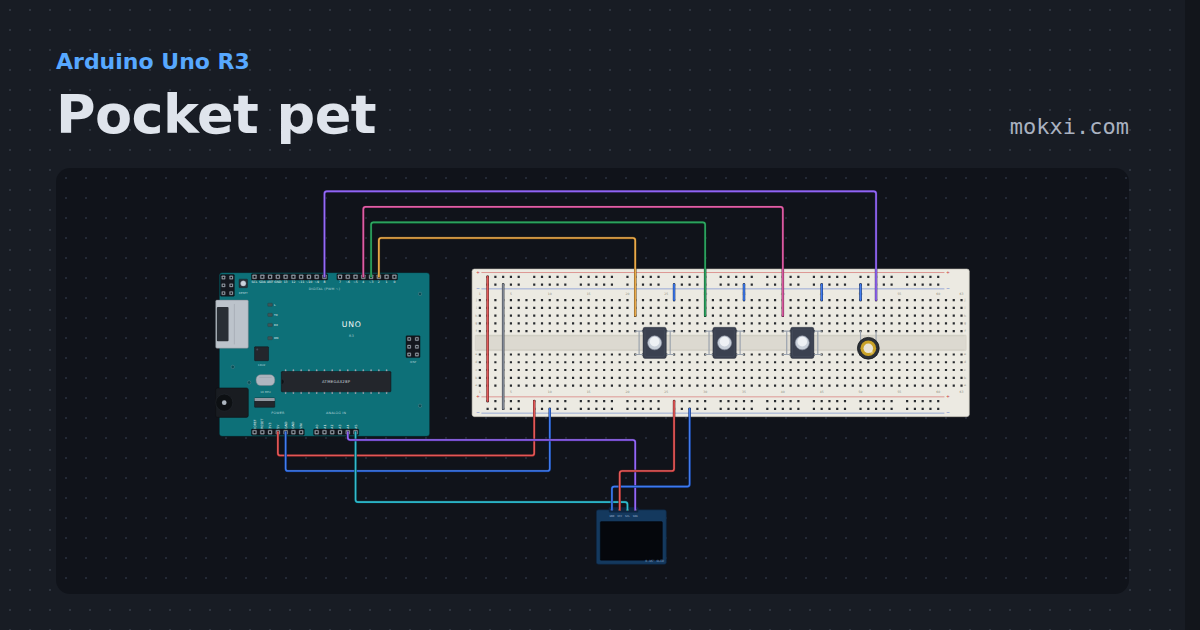
Pocket pet
A Tamagotchi-style pet on a 128x64 OLED: hatch it, feed it, play two mini-games, clean up, and it remembers you after a reset.
- Board
- Arduino Uno R3
- Parts
- SSD1306 OLED display, push button, piezo speaker
- Level
- Advanced
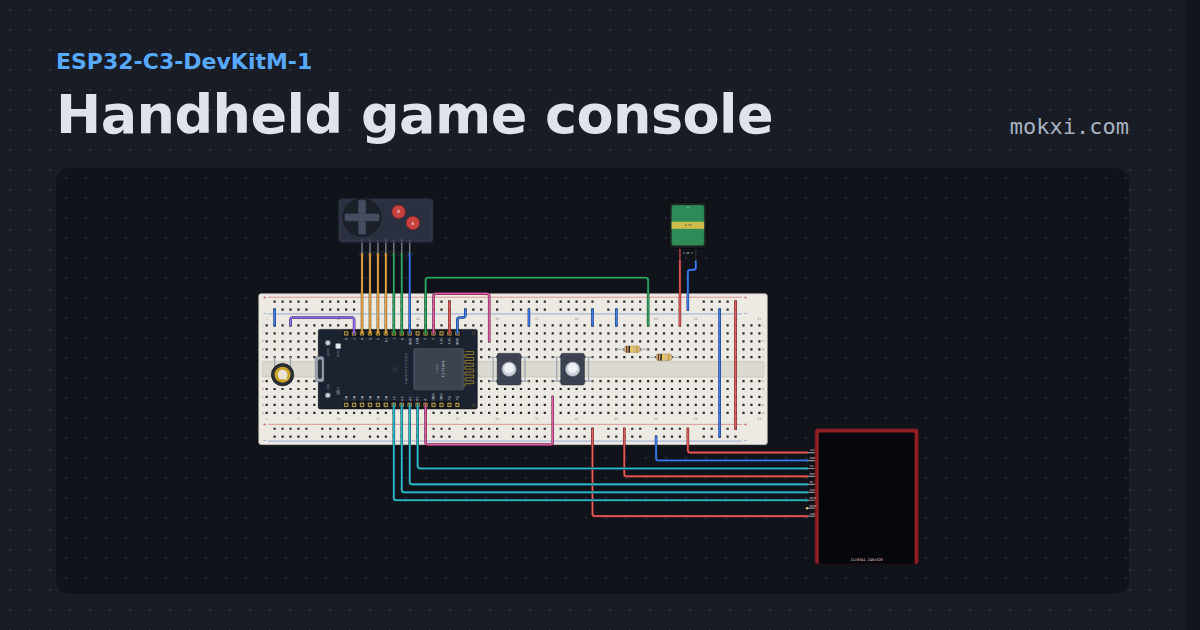
Handheld game console
A pocket console you can build: an ESP32-C3, a color TFT, a D-pad, A, B, Start and Select, chiptune on a piezo and a battery gauge.
- Board
- ESP32-C3-DevKitM-1
- Parts
- ILI9341 TFT display, game console buttons, piezo speaker, push button, battery: AA, +1 more
- Level
- Advanced
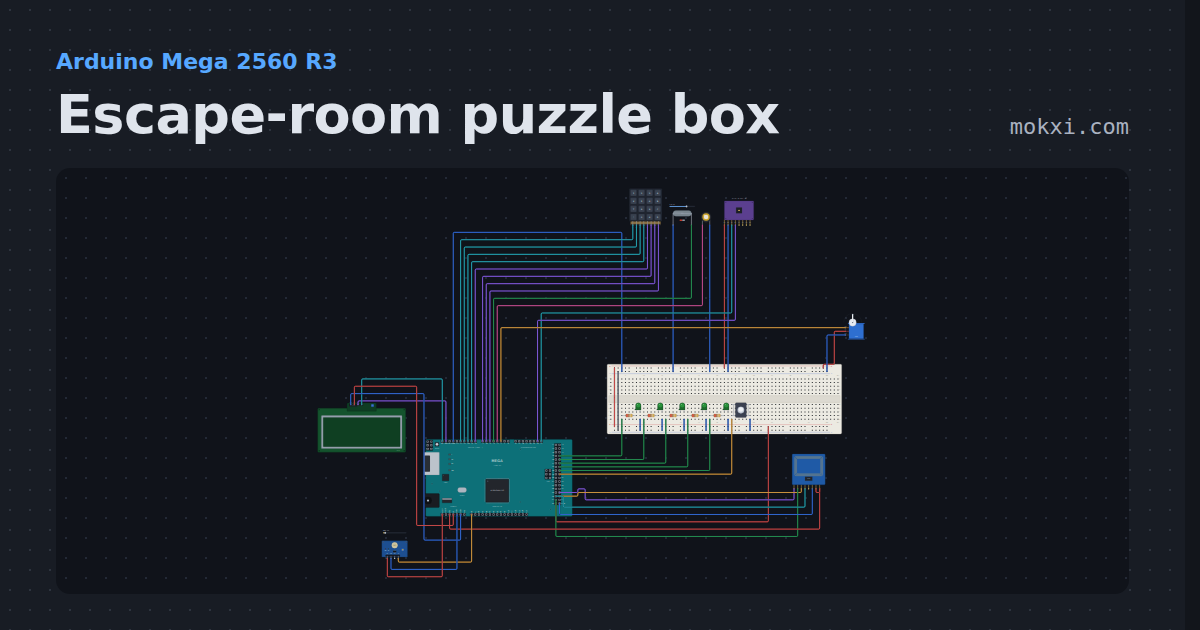
Escape-room puzzle box
Five puzzles in ten minutes: a keypad code, a magnet key, the right RFID card, a tilt sequence and three flashes of light.
- Board
- Arduino Mega 2560 R3
- Parts
- 4x4 keypad, reed switch, piezo speaker, MPU6050 accelerometer and gyro, servo motor, +6 more
- Level
- Advanced
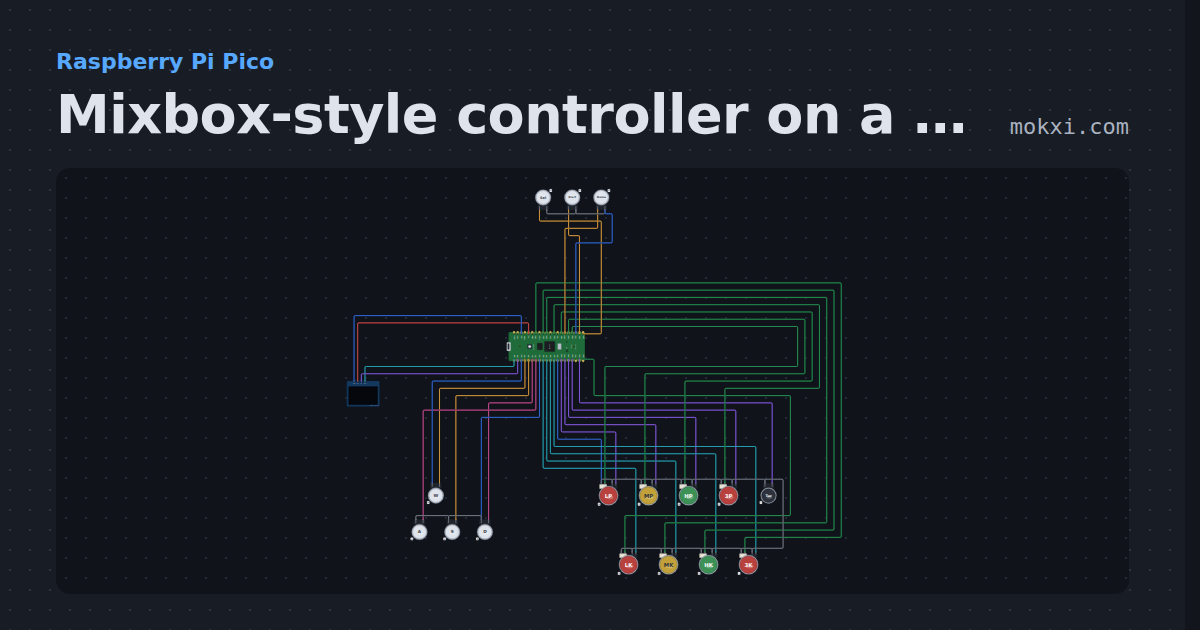
Mixbox-style controller on a Pico
W A S D directions for the left hand and eight lit buttons for the right, on GP2040-CE’s Pico pins, with SOCD modes, turbo and an OLED input display.
- Board
- Raspberry Pi Pico
- Parts
- SSD1306 OLED display, arcade button, LED arcade button
- Level
- Advanced
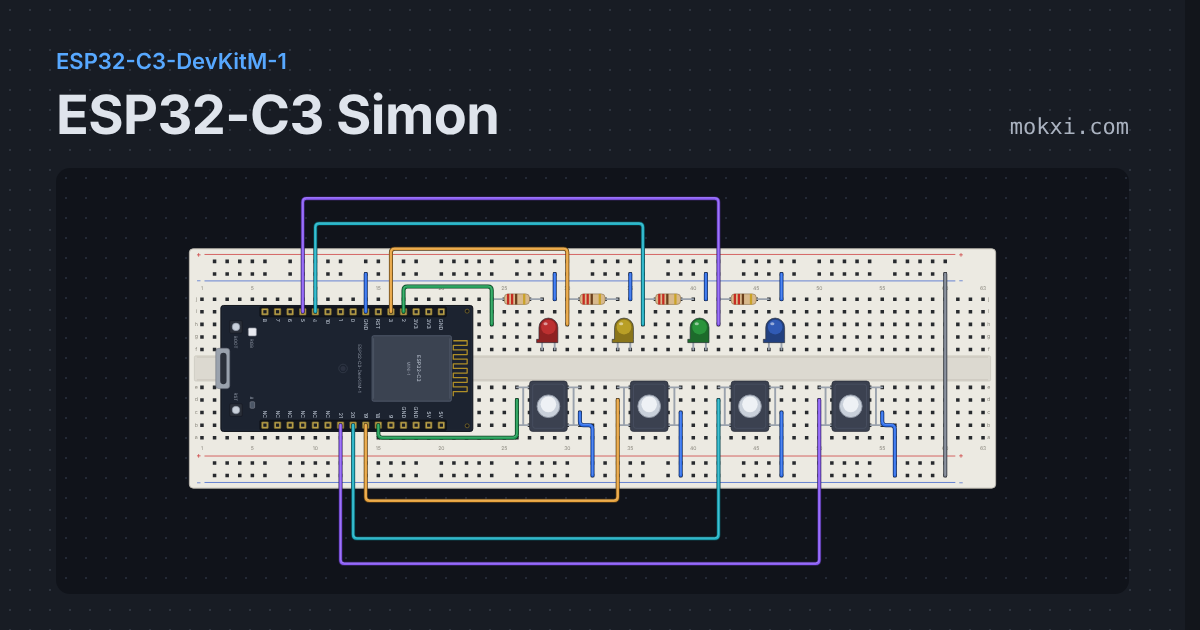
ESP32-C3 Simon
Four LEDs flash a growing sequence, four buttons play it back.
- Board
- ESP32-C3-DevKitM-1
- Parts
- Resistor, LED, push button
- Level
- Advanced
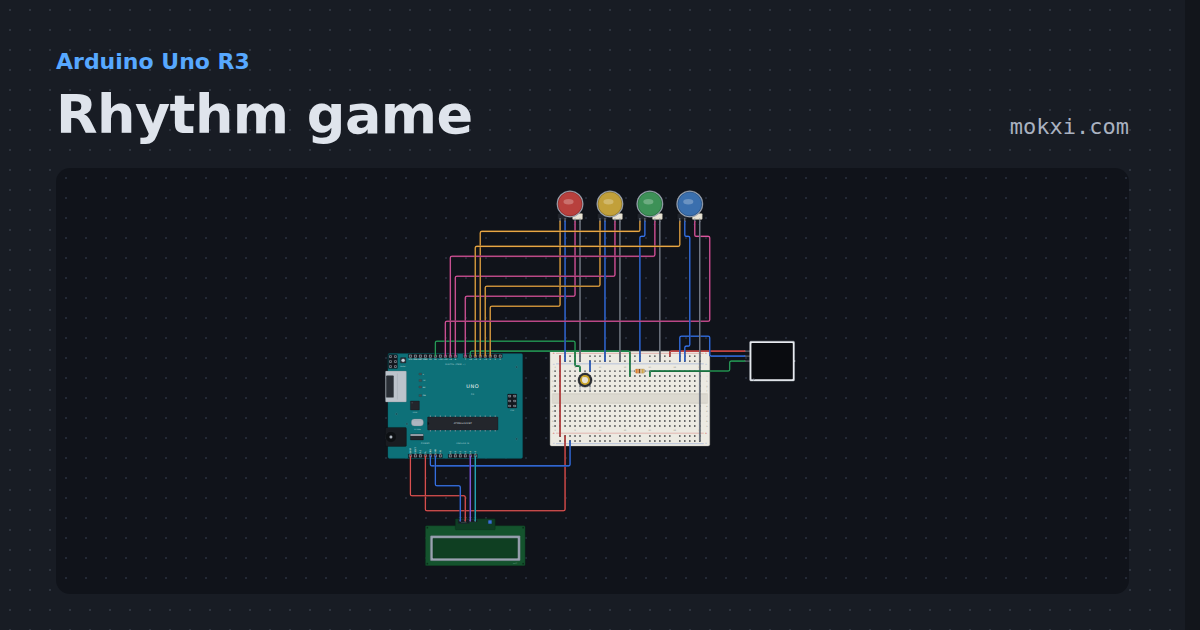
Rhythm game
Notes fall down four lanes of a WS2812 panel to Ode to Joy.
- Board
- Arduino Uno R3
- Parts
- WS2812 NeoPixel LEDs, I2C LCD, piezo speaker, resistor, LED arcade button
- Level
- Advanced
Wiring, libraries and more ideas
Wiring guides
Library pages
More project ideas
- Arduino Uno project ideas
- ESP32 project ideas
- Pro Micro and Leonardo project ideas
- Raspberry Pi Pico project ideas
- Projects with a piezo speaker
- Projects with an arcade button
- Projects with a push button
- LED projects for Arduino, ESP32 and Pico
- OLED display projects
- Projects with an ILI9341 TFT display
- Projects with a joystick
- NeoPixel projects