Home automation projects with ESP32 and Arduino
These are the projects named for the home (doorbells, door locks, thermostats, curtains) and the IoT projects that switch a relay. Mokxi has 34 of them (12 beginner, 14 intermediate and 8 advanced). Here are 24, from “MicroPython doorbell: a button sounds a buzzer” to “Radio doorbell”. Each card says what the project does, the board and parts it needs and its level, and Open in the simulator runs it in your browser in one click, with no account.
How to pick your first one
- Start with “16-channel relay board chaser”, a beginner project that needs a 16-channel relay board and a DC voltage source.
- Most of them are intermediate projects. Pick one a level below what you think you can do, finish it, then move up.
- The parts used most here are the LED (13 projects), the push button (13) and the buzzer (11). With those on hand, most of this list is open to you.
- Test anything that switches mains power with a lamp symbol in the simulator first; on a real bench, use a relay module rated for the load and keep the high-voltage side covered.
24 projects of 34
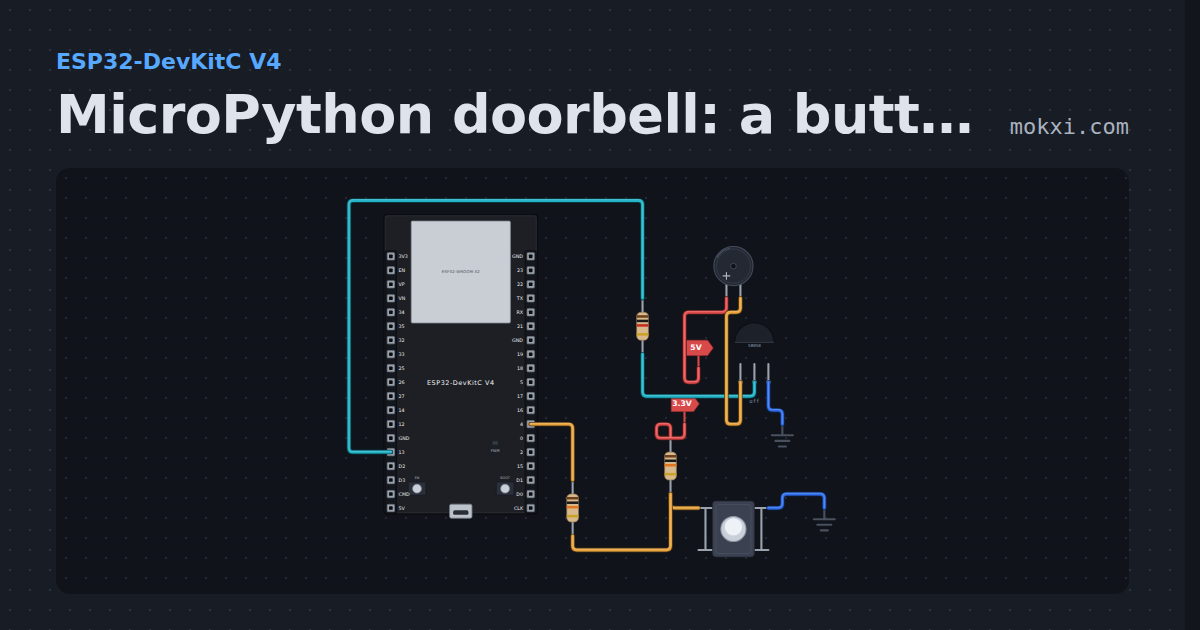
MicroPython doorbell: a button sounds a buzzer
MicroPython on an ESP32: hold the button on GPIO 4 and an active buzzer, switched through an S8050 transistor from GPIO 13, sounds.
- Board
- ESP32-DevKitC V4
- Parts
- Buzzer, resistor, transistor, push button
- Level
- Beginner
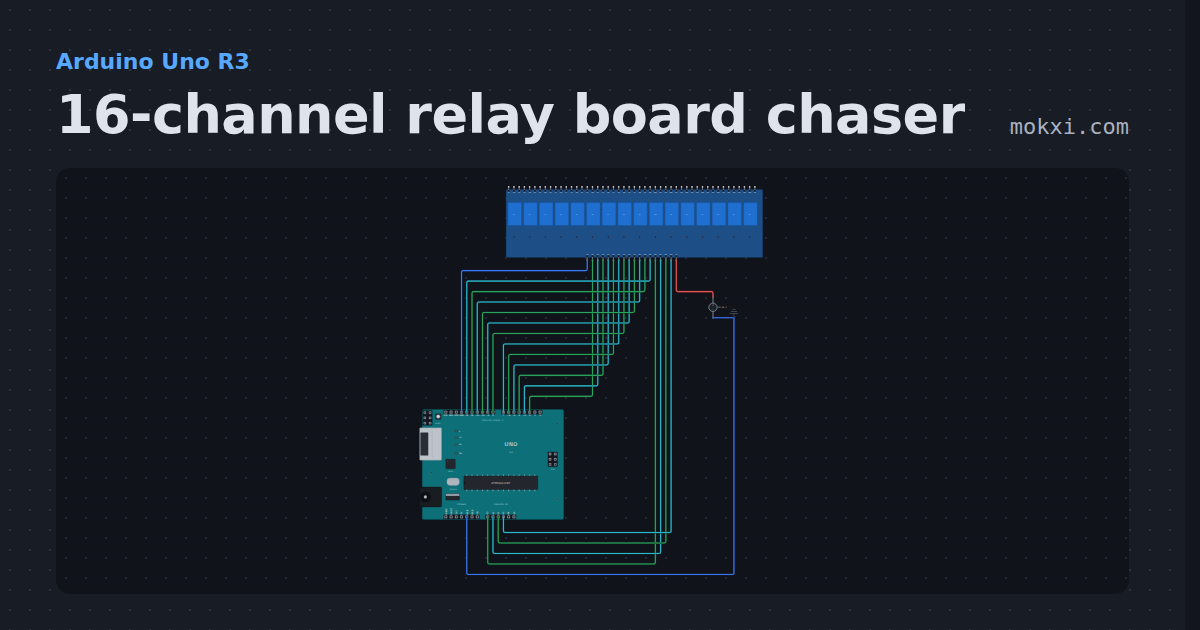
16-channel relay board chaser
Sixteen relays on one board from sixteen Uno pins: they click on one after another and off again, each lamp on the board following its relay.
- Board
- Arduino Uno R3
- Parts
- 16-channel relay board, DC voltage source
- Level
- Beginner
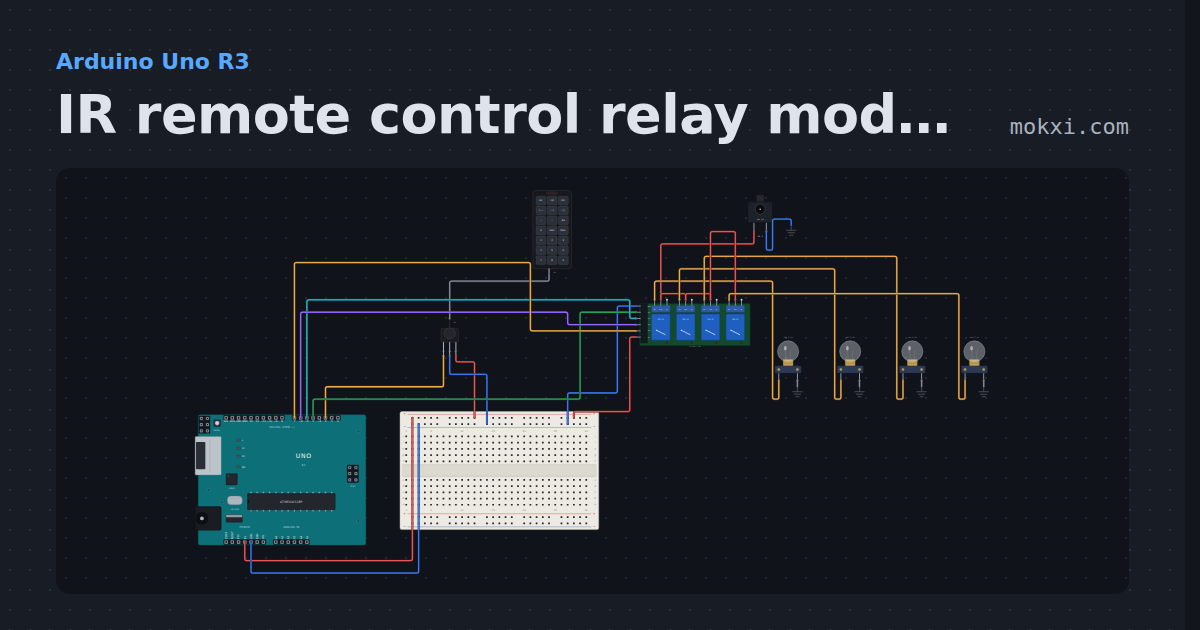
IR remote control relay module
IRremote and a 21-key handset: keys 1 to 4 toggle the four channels of a relay board, each switching a 12 V lamp, and 0 turns them all off.
- Board
- Arduino Uno R3
- Parts
- IR remote, IR receiver and remote, four-channel relay board, DC jack and adapter, filament lamp
- Level
- Beginner
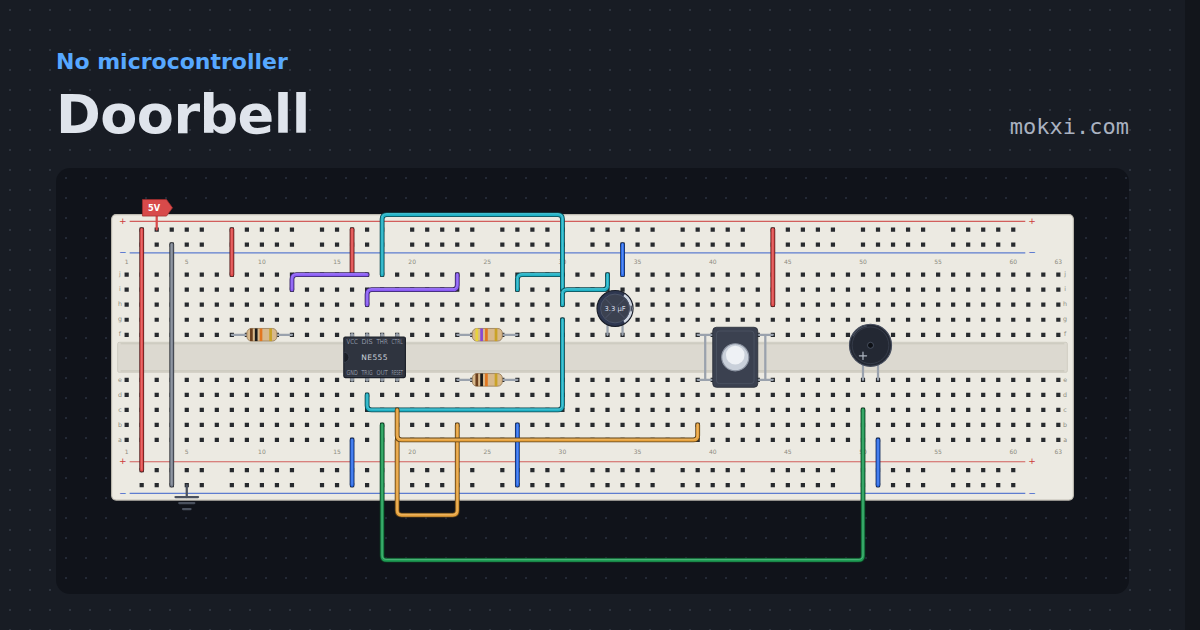
Doorbell
A pushbutton lifts the 555 out of reset and a 4 Hz astable beeps the buzzer.
- Board
- No board
- Parts
- Resistor, NE555 timer, capacitor, push button, buzzer
- Level
- Beginner
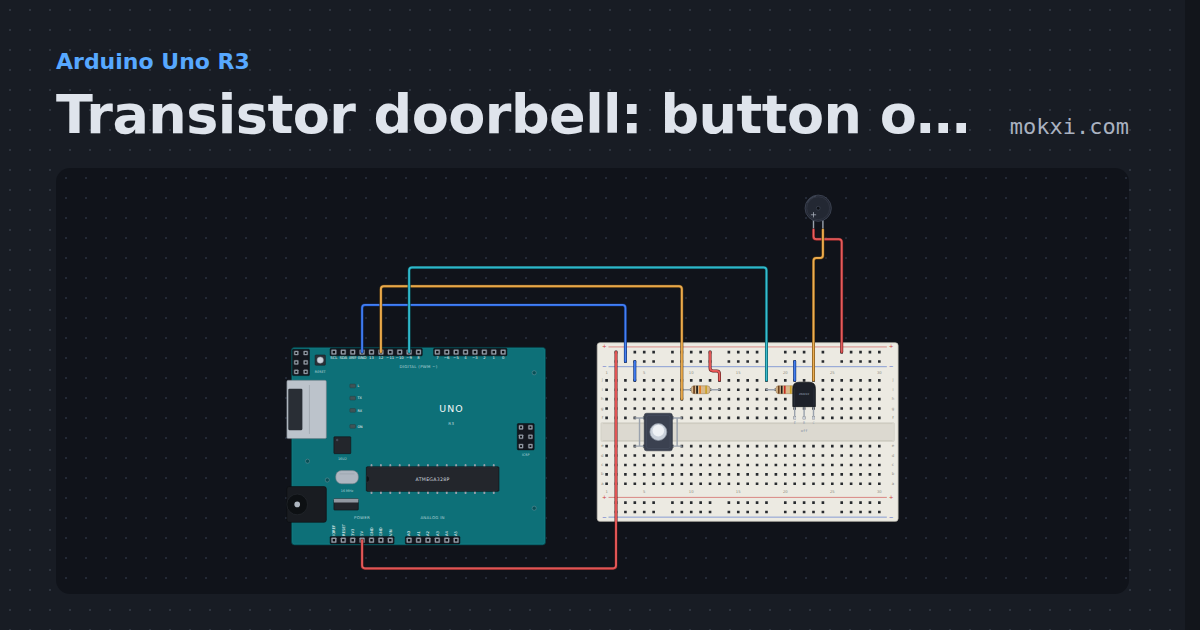
Transistor doorbell: button on 12, buzzer on 9
Hold the push button on pin 12 (10k pull-up) and an active buzzer sounds, switched by an NPN transistor whose base is driven from pin 9.
- Board
- Arduino Uno R3
- Parts
- Push button, resistor, transistor, buzzer
- Level
- Beginner
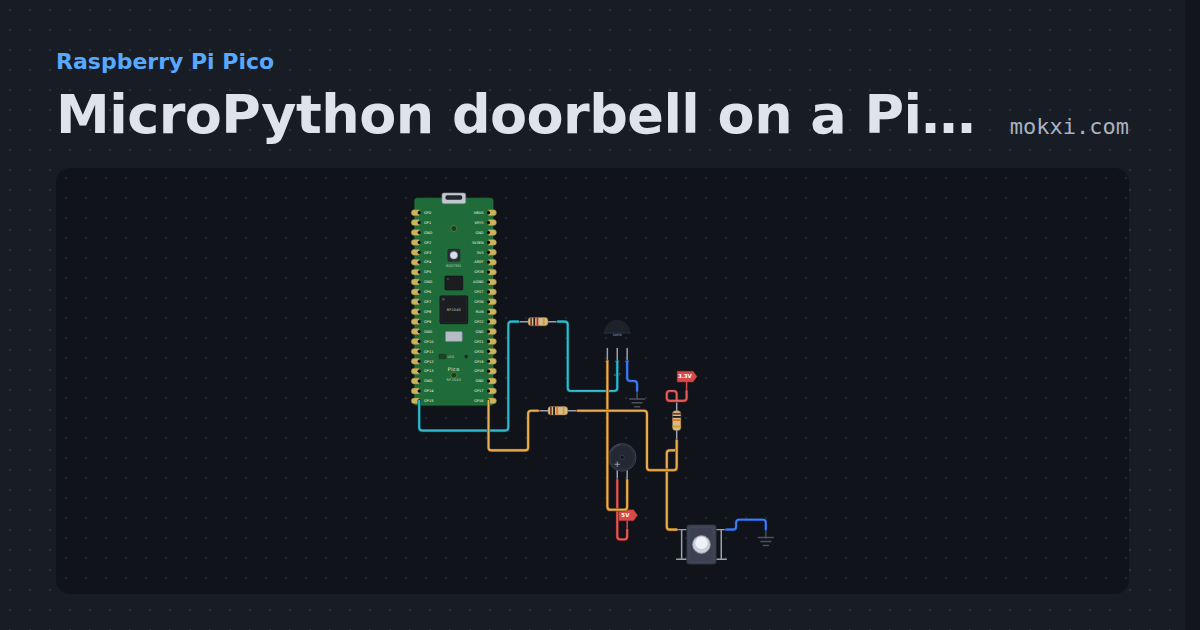
MicroPython doorbell on a Pico: button and buzzer
MicroPython on a Raspberry Pi Pico: while the button on GP16 is held, GP15 turns on an S8050 transistor and an active buzzer on 5 V sounds.
- Board
- Raspberry Pi Pico
- Parts
- Resistor, transistor, buzzer, push button
- Level
- Beginner
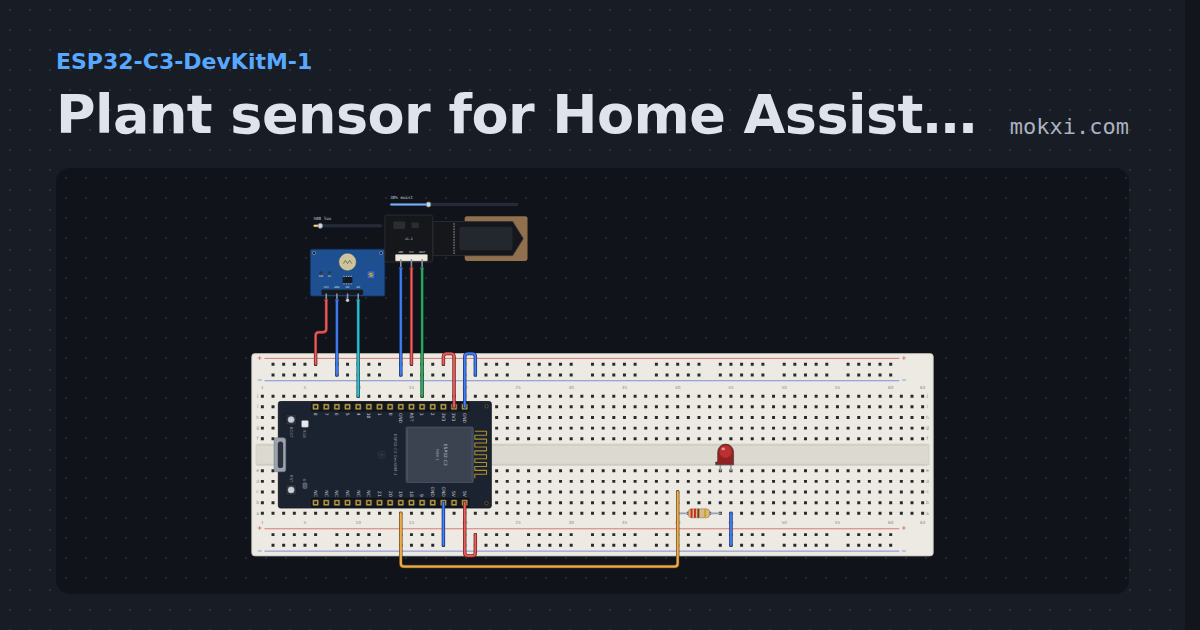
Plant sensor for Home Assistant
A capacitive soil sensor mapped between two calibration readings, a light level, and a thirsty LED with two thresholds so it does not flicker.
- Board
- ESP32-C3-DevKitM-1
- Parts
- Photoresistor module, capacitive soil moisture sensor, resistor, LED
- Level
- Beginner
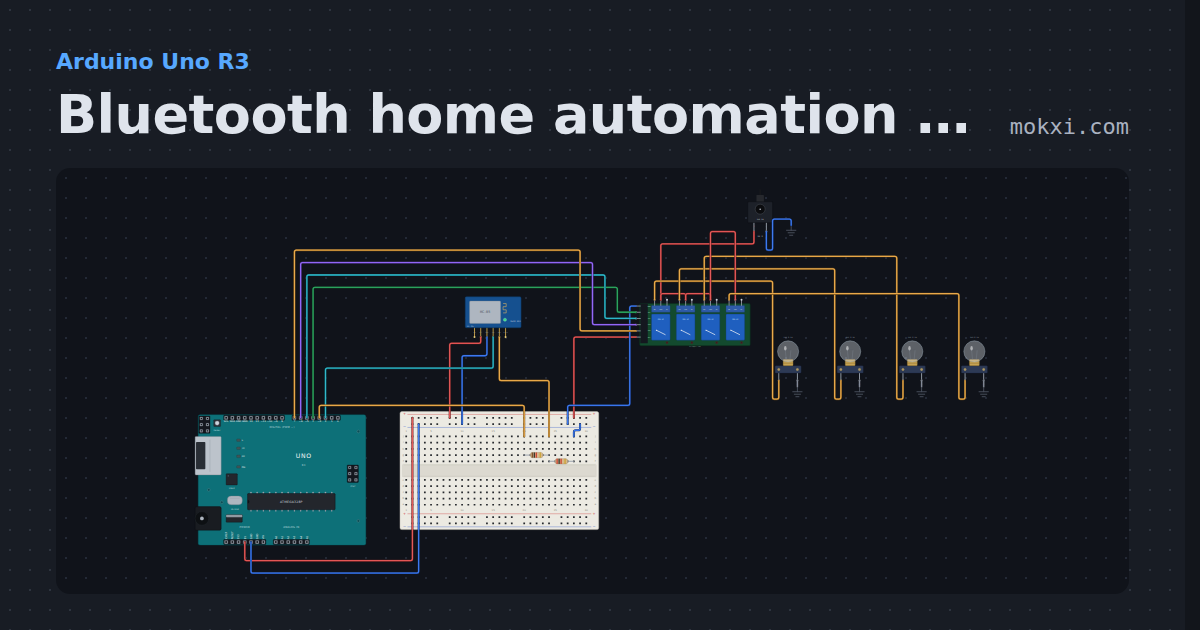
Bluetooth home automation with relays
An HC-05 and a four-relay board: send 1 to 4 from the module’s box, as a phone app does, and that lamp toggles; A and a switch them all, ?
- Board
- Arduino Uno R3
- Parts
- HC-05 Bluetooth module, resistor, four-channel relay board, DC jack and adapter, filament lamp
- Level
- Beginner
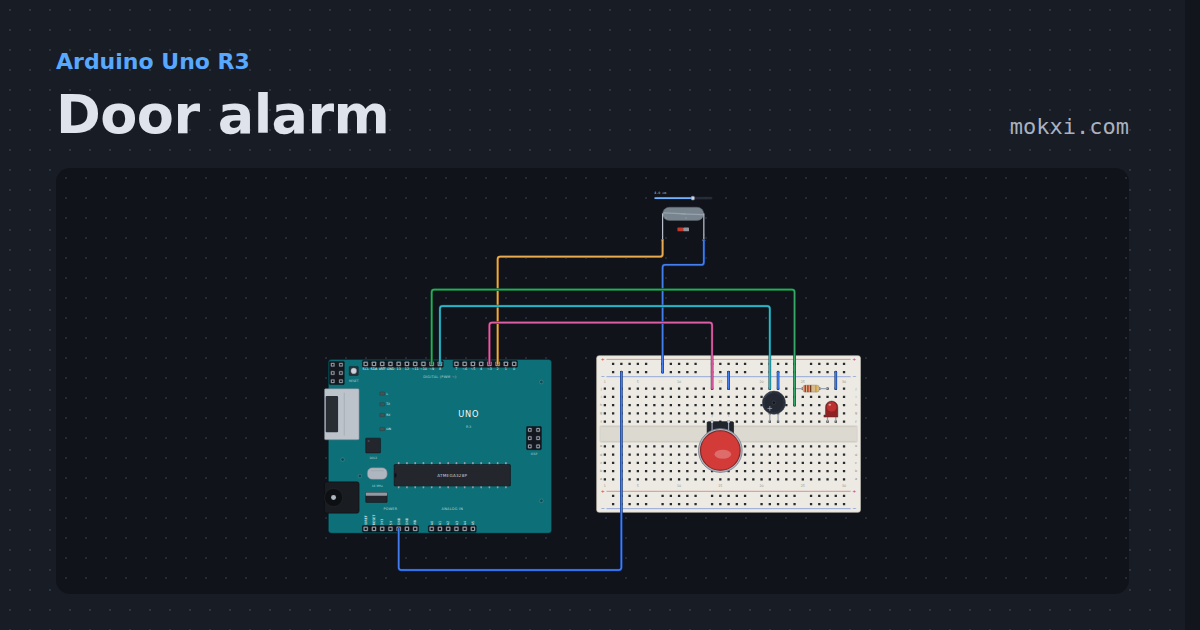
Door alarm
A reed switch and a magnet on pin 2: open the door and a buzzer and a lamp latch on until the arcade button resets them. Half-size board.
- Board
- Arduino Uno R3
- Parts
- Reed switch, arcade button, buzzer, resistor, LED
- Level
- Beginner
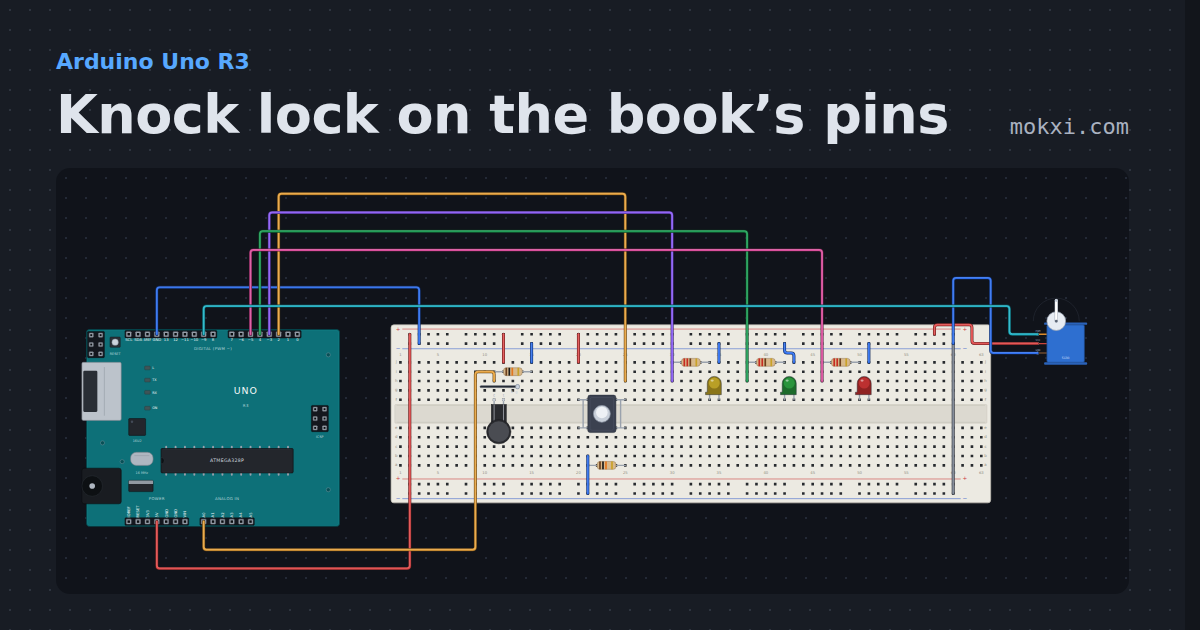
Knock lock on the book’s pins
A servo bolt on pin 9, a lock button on pin 2 and LEDs on pins 3, 4 and 5. Three presses of the knock sensor on A0 open the lock again.
- Board
- Arduino Uno R3
- Parts
- Force-sensing resistor, resistor, servo motor, push button, LED
- Level
- Intermediate
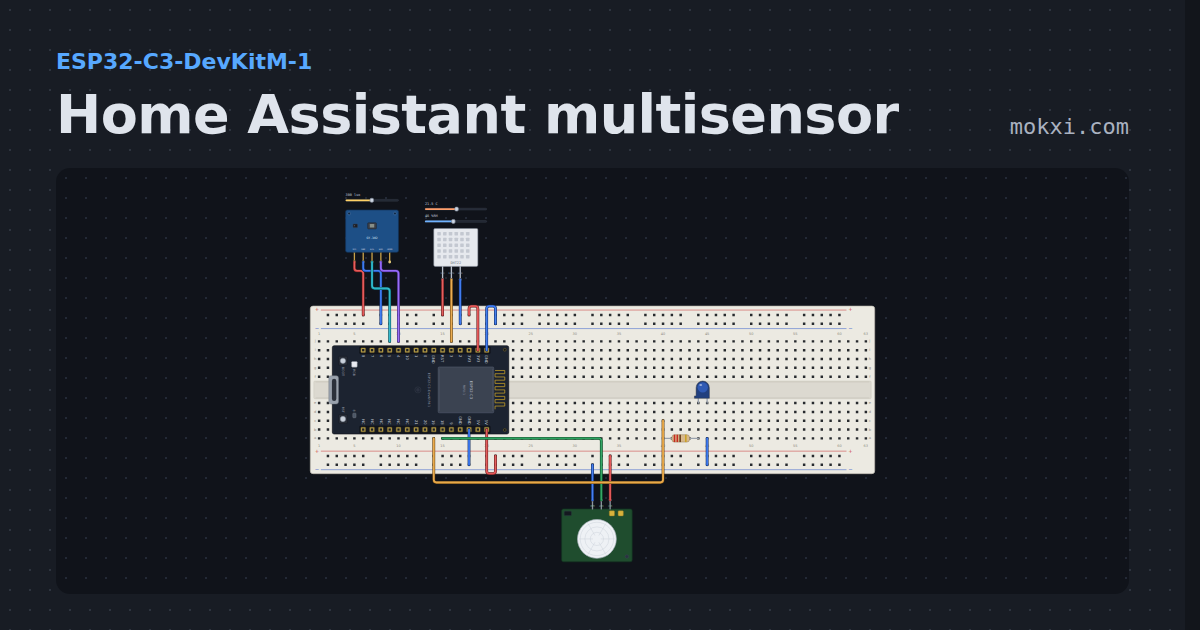
Home Assistant multisensor
Temperature, humidity, light and motion on one ESP32-C3, the room sensor Home Assistant users build first.
- Board
- ESP32-C3-DevKitM-1
- Parts
- Light sensor, DHT11 or DHT22 sensor, PIR motion sensor, resistor, LED
- Level
- Intermediate
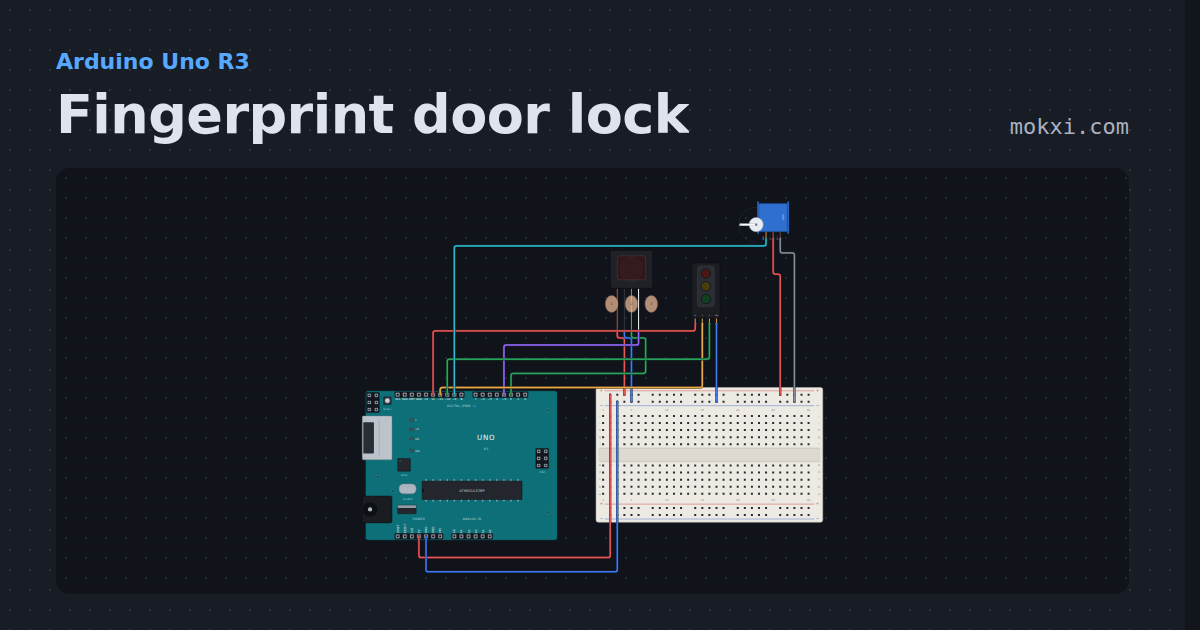
Fingerprint door lock
An optical fingerprint sensor checks the finger on its glass: an enrolled one swings a servo latch open for three seconds.
- Board
- Arduino Uno R3
- Parts
- Fingerprint sensor, traffic light module, servo motor
- Level
- Intermediate
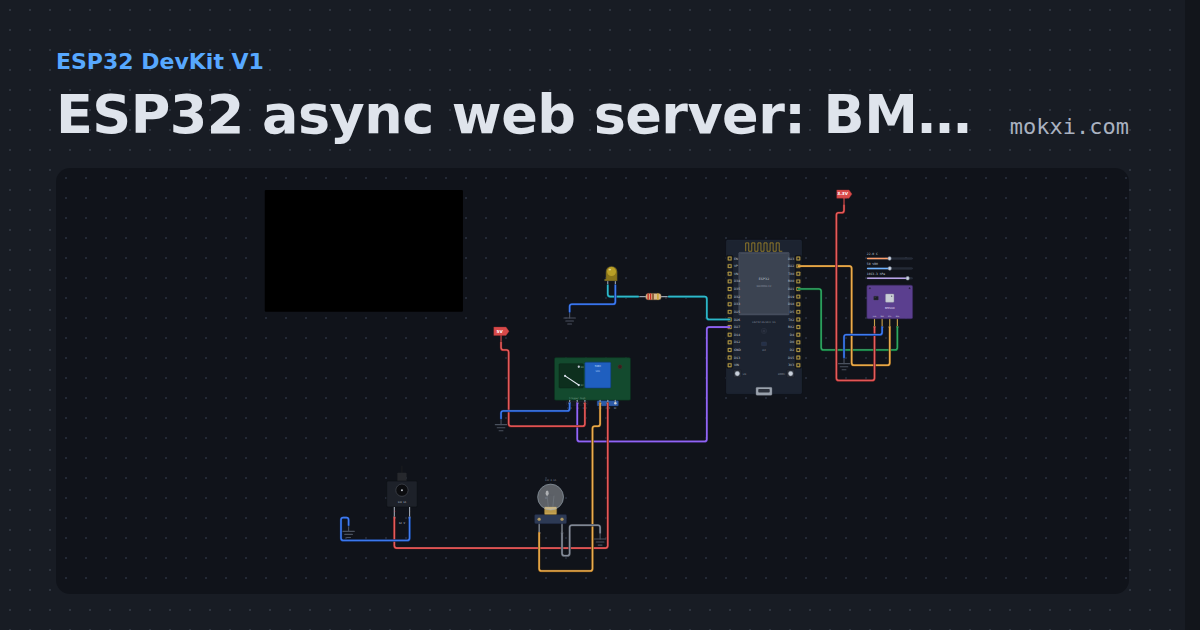
ESP32 async web server: BME280, slider and relay
ESPAsyncWebServer serves a page with BME280 temperature, humidity and pressure, a slider that dims an LED and a button that switches a relay.
- Board
- ESP32 DevKit V1
- Parts
- BME280 weather sensor, resistor, LED, relay module, DC jack and adapter, +1 more
- Level
- Intermediate
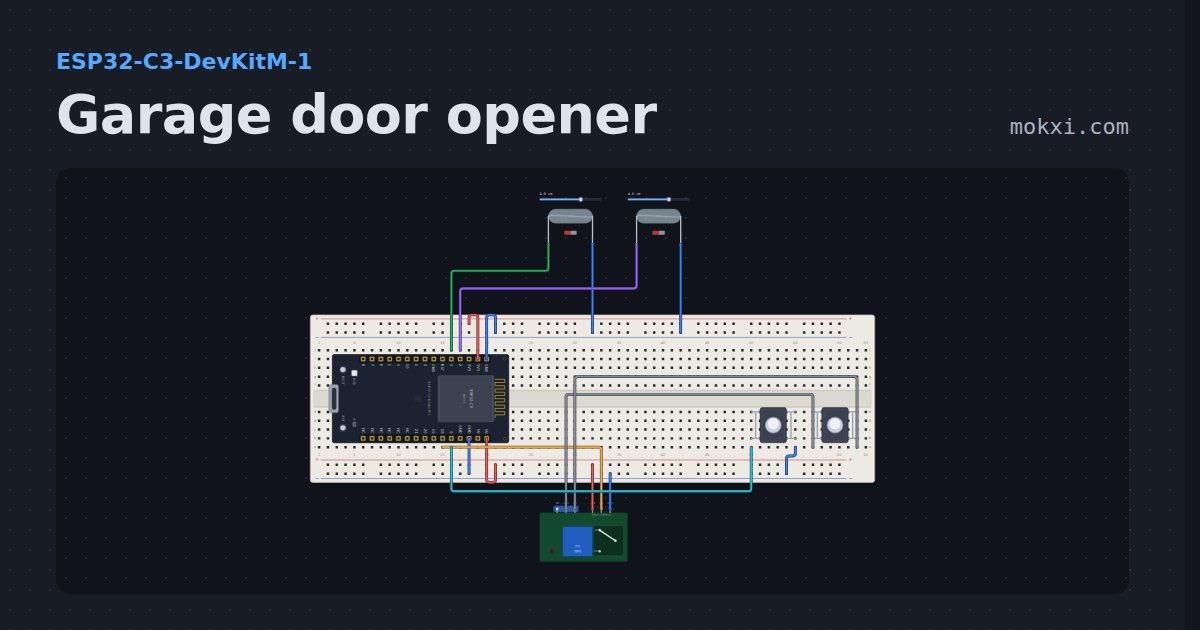
Garage door opener
A relay that presses the opener’s wall button for half a second and two reed switches that say closed, opening, open, closing or stopped.
- Board
- ESP32-C3-DevKitM-1
- Parts
- Reed switch, push button, relay module
- Level
- Intermediate
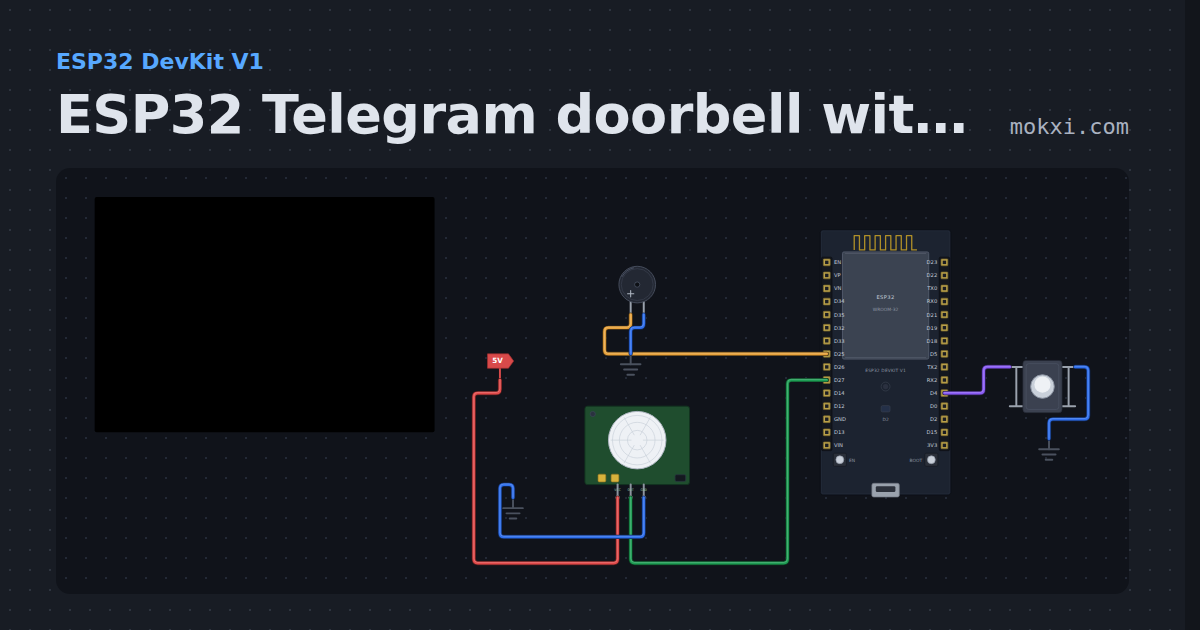
ESP32 Telegram doorbell with a PIR sensor
An ESP32 doorbell: the button rings a buzzer and sends you a Telegram message with UniversalTelegramBot, and a PIR sensor reports motion at the door.
- Board
- ESP32 DevKit V1
- Parts
- Push button, buzzer, PIR motion sensor
- Level
- Intermediate
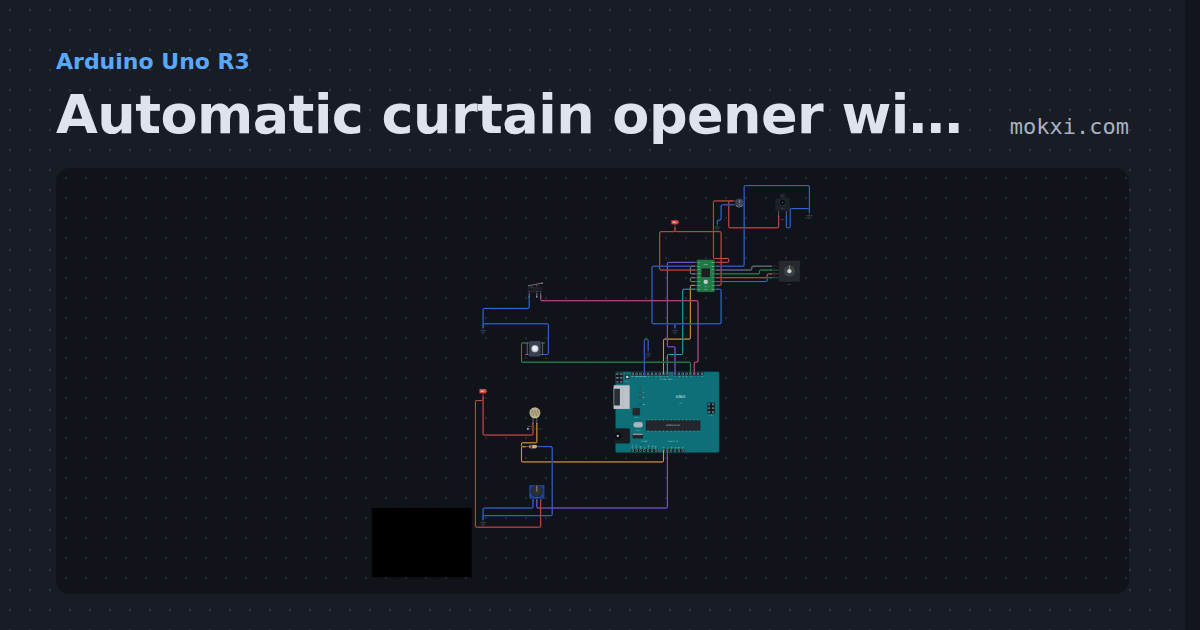
Automatic curtain opener with a stepper motor
A NEMA 17 on an A4988 homes to an end switch, opens the curtain at dawn and closes it at dusk, with a button to open, close or stop and a speed knob.
- Board
- Arduino Uno R3
- Parts
- A4988 stepper driver, NEMA 17 stepper motor, DC jack and adapter, capacitor, limit switch, +4 more
- Level
- Intermediate
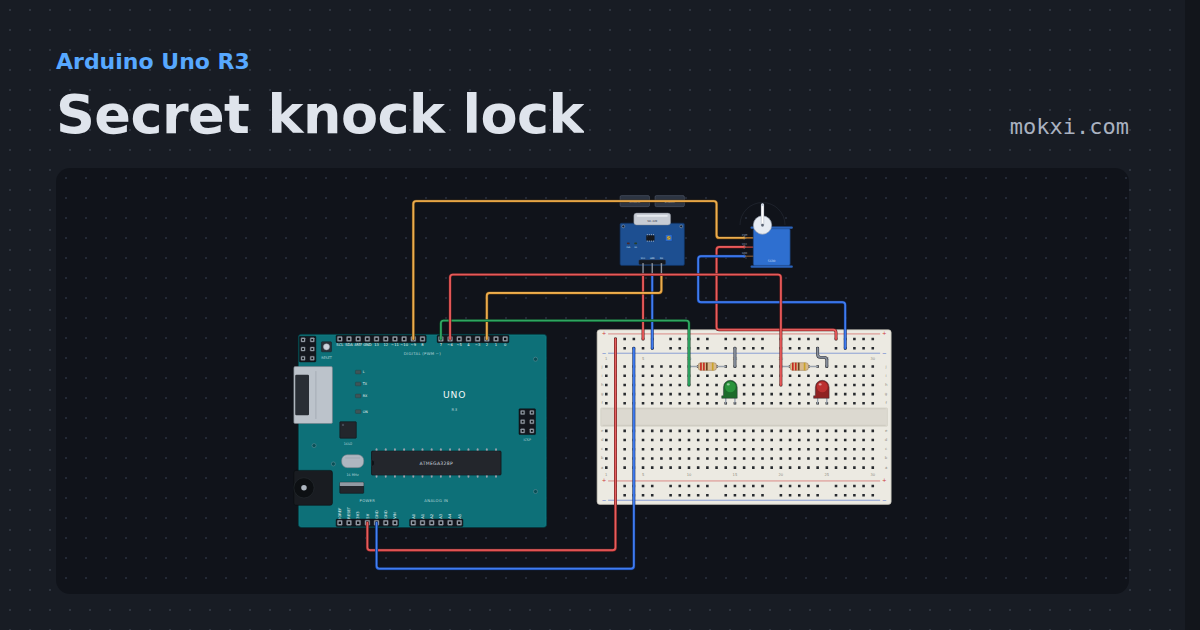
Secret knock lock
An SW-420 vibration sensor on the door listens for a secret rhythm, three quick knocks and one after a pause: the right one opens the servo bolt.
- Board
- Arduino Uno R3
- Parts
- Vibration sensor, servo motor, resistor, LED
- Level
- Intermediate
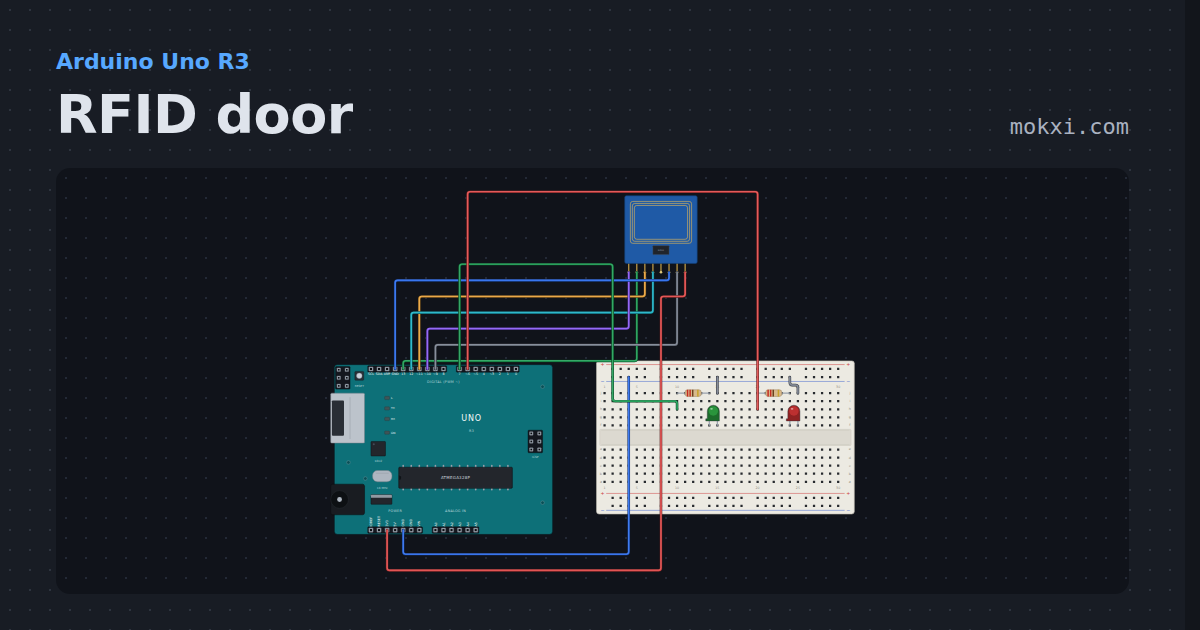
RFID door
An MFRC522 reader and four cards. Tap one: two are on the list and light the green lamp, the other two light the red.
- Board
- Arduino Uno R3
- Parts
- MFRC522 RFID reader, resistor, LED
- Level
- Intermediate
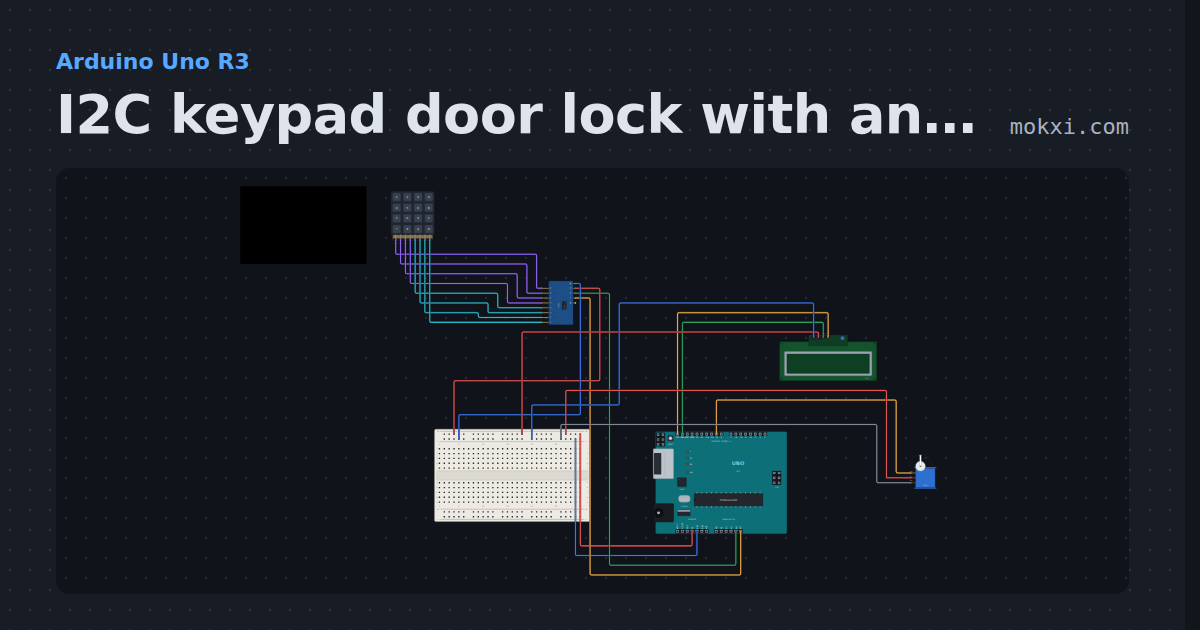
I2C keypad door lock with an LCD
A 4x4 keypad on a PCF8574 and an I2C LCD share A4 and A5: the right code and # open a servo bolt, and three wrong codes lock the keypad for 30 s.
- Board
- Arduino Uno R3
- Parts
- I/O expander, 4x4 keypad, I2C LCD, servo motor
- Level
- Intermediate
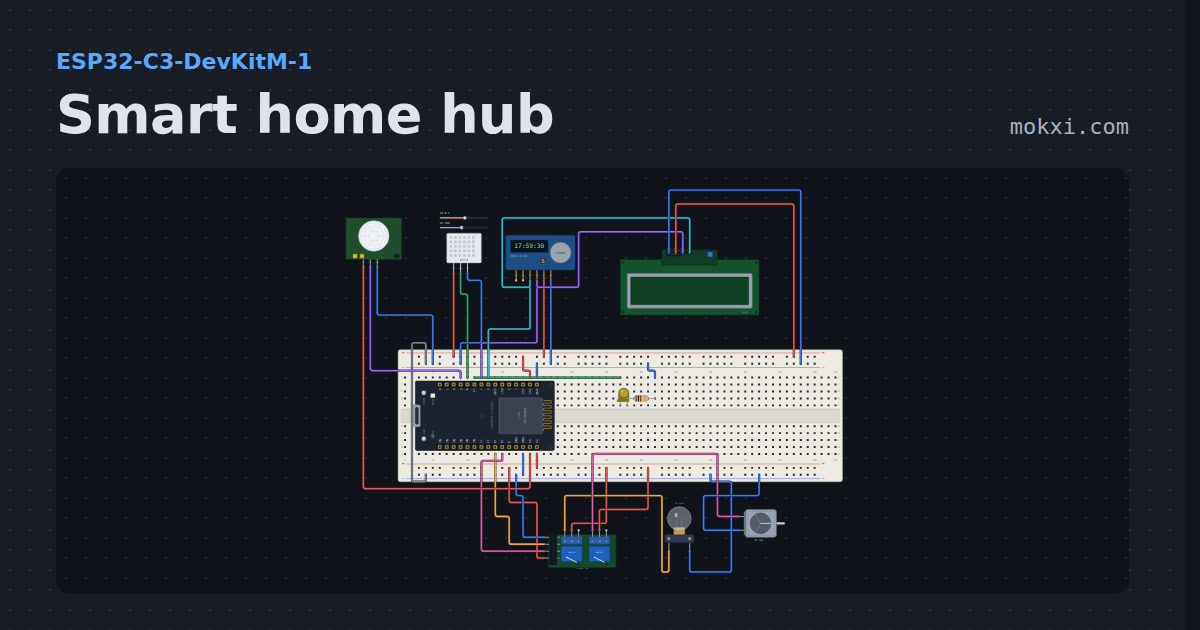
Smart home hub
An ESP32-C3 web dashboard that switches a lamp and a fan through relays, dims a porch light, reads temperature, humidity and motion.
- Board
- ESP32-C3-DevKitM-1
- Parts
- Two-channel relay board, filament lamp, DC motor, LED, resistor, +4 more
- Level
- Advanced
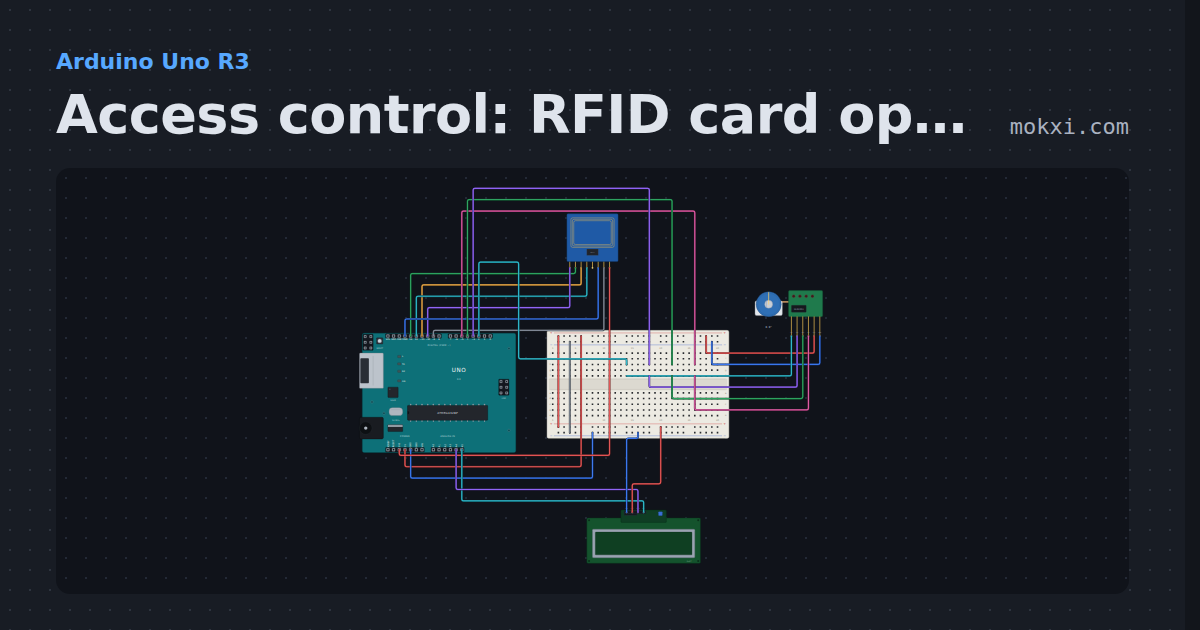
Access control: RFID card opens a stepper door
An RC522 reader (SS 10, RST 9) checks each card against the one it knows.
- Board
- Arduino Uno R3
- Parts
- MFRC522 RFID reader, 28BYJ-48 stepper and ULN2003, I2C LCD
- Level
- Advanced
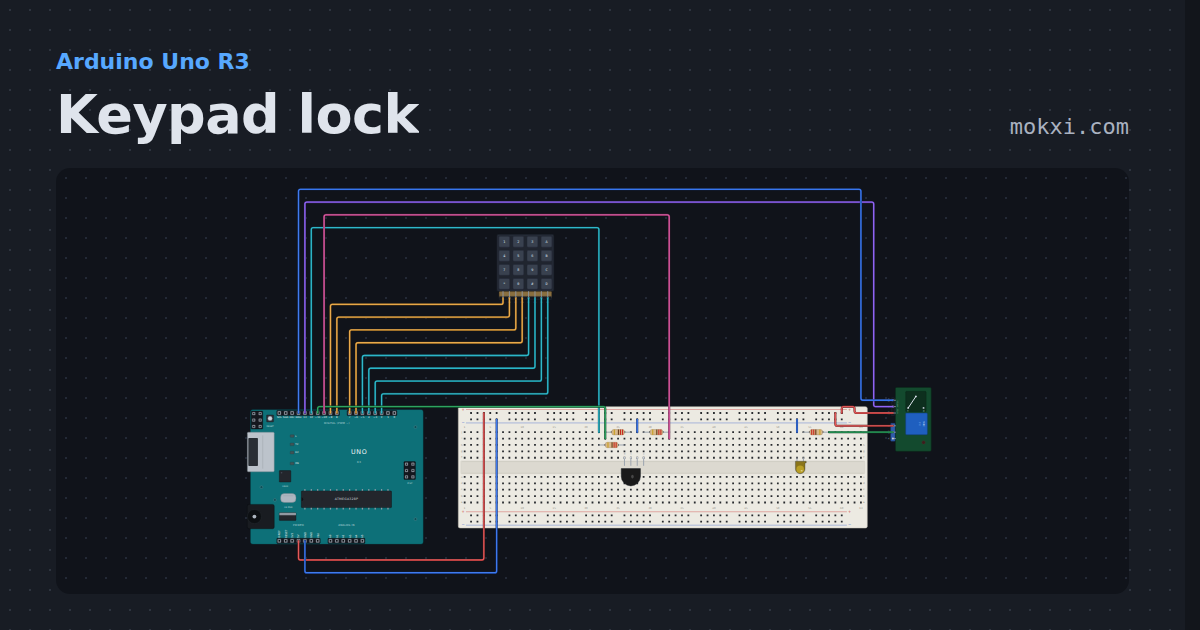
Keypad lock
A 4x4 keypad, a relay and an RGB LED on an Uno: type 1234 then # and the relay clicks the door lamp on.
- Board
- Arduino Uno R3
- Parts
- 4x4 keypad, RGB LED, resistor, relay module, LED
- Level
- Advanced
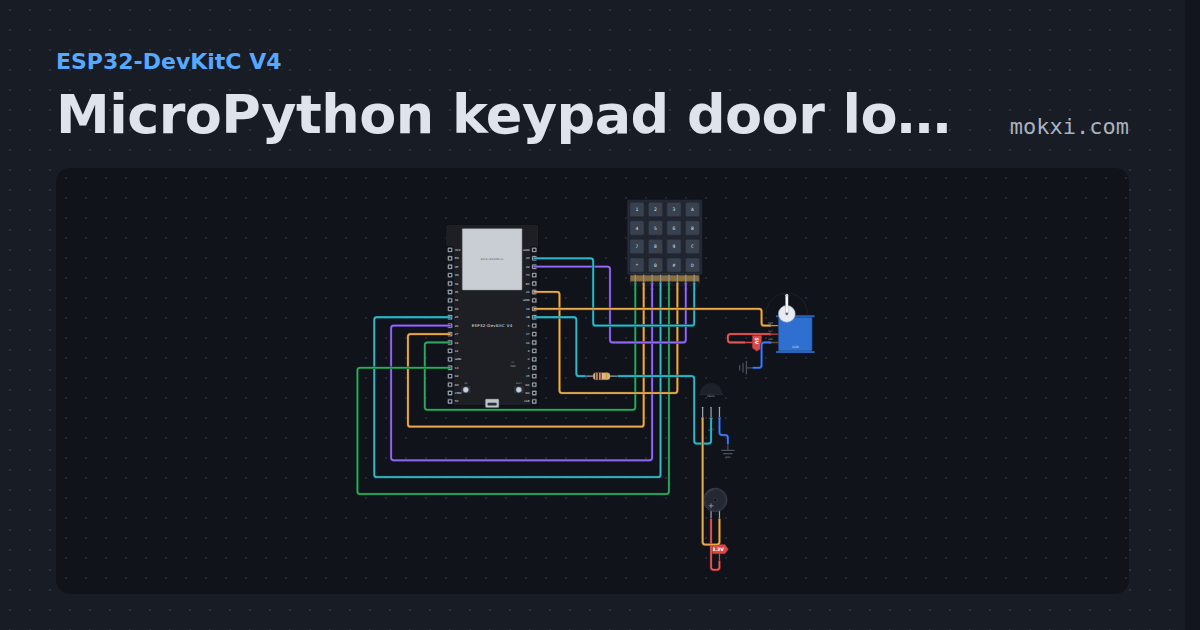
MicroPython keypad door lock with a servo
MicroPython on an ESP32: type 1234 on a 4x4 keypad to swing the servo on GPIO 19 open; every key beeps a buzzer behind an S8050 on GPIO 18.
- Board
- ESP32-DevKitC V4
- Parts
- 4x4 keypad, buzzer, resistor, transistor, servo motor
- Level
- Advanced
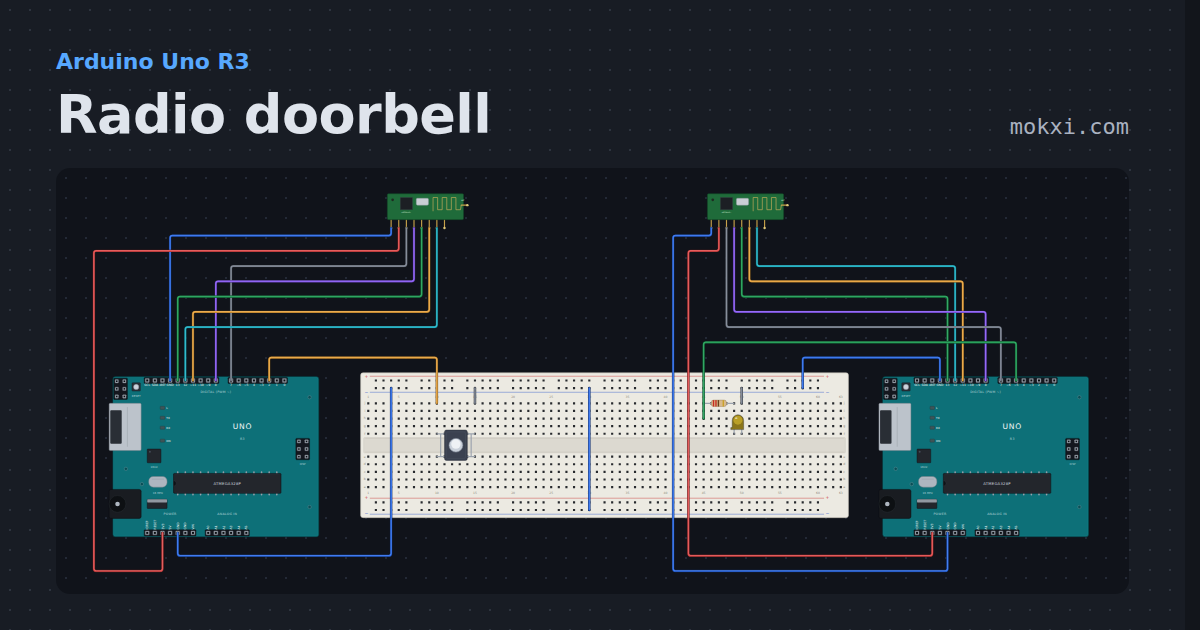
Radio doorbell
Two Unos, an nRF24L01 radio each and no wire between them: the button on one rings the lamp on the other, and the sender knows it arrived.
- Board
- Arduino Uno R3
- Parts
- NRF24L01+ 2.4 GHz radio, push button, resistor, LED
- Level
- Advanced
Wiring, libraries and more ideas
Wiring guides
Library pages
More project ideas
- Arduino Uno project ideas
- ESP32 project ideas
- Raspberry Pi Pico project ideas
- Electronics projects with no code
- LED projects for Arduino, ESP32 and Pico
- Projects with a push button
- Projects with a buzzer
- Servo motor projects
- Projects with a lamp
- Projects with a transistor
- Projects with a 4x4 keypad
- Projects with an I2C LCD