Projects with a DC motor
44 Mokxi projects use a DC motor (6 beginner, 32 intermediate and 6 advanced). They run on Arduino Uno and ESP32 boards, and 3 need no board at all. Here are 24, from “MX1508 two-motor drive” to “Smart home hub”. Each card says what the project does, the board and parts it needs and its level, and Open in the simulator runs it in your browser in one click, with no account.
How to pick your first one
- Start with “DRV8871 motor driver”, a beginner project that needs a DRV8871 motor driver, a DC motor and a battery: AA.
- Arduino Uno runs 35 of them, ESP32 3 and 3 need no board at all. Start on the board you have, or on an Arduino Uno if you are buying one.
- The parts used most here are the push button (19 projects), the I2C LCD (13) and the L293D motor driver (9). With those on hand, most of this list is open to you.
- Before you build one on a real bench, open the DC motor part page for its pins and what each one does.
24 projects of 44
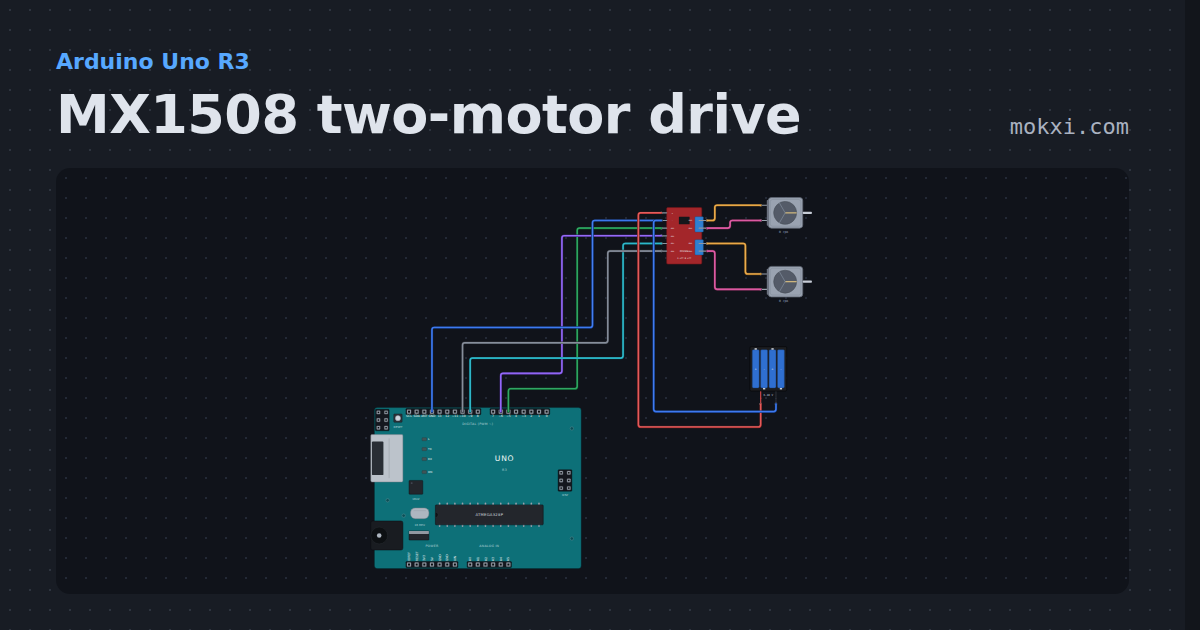
MX1508 two-motor drive
An MX1508 module on pins 5, 6, 9 and 10 drives two gear motors off four AA cells: forward, a turn, back and a coast.
- Board
- Arduino Uno R3
- Parts
- MX1508 dual motor driver, DC motor, battery: AA
- Level
- Beginner
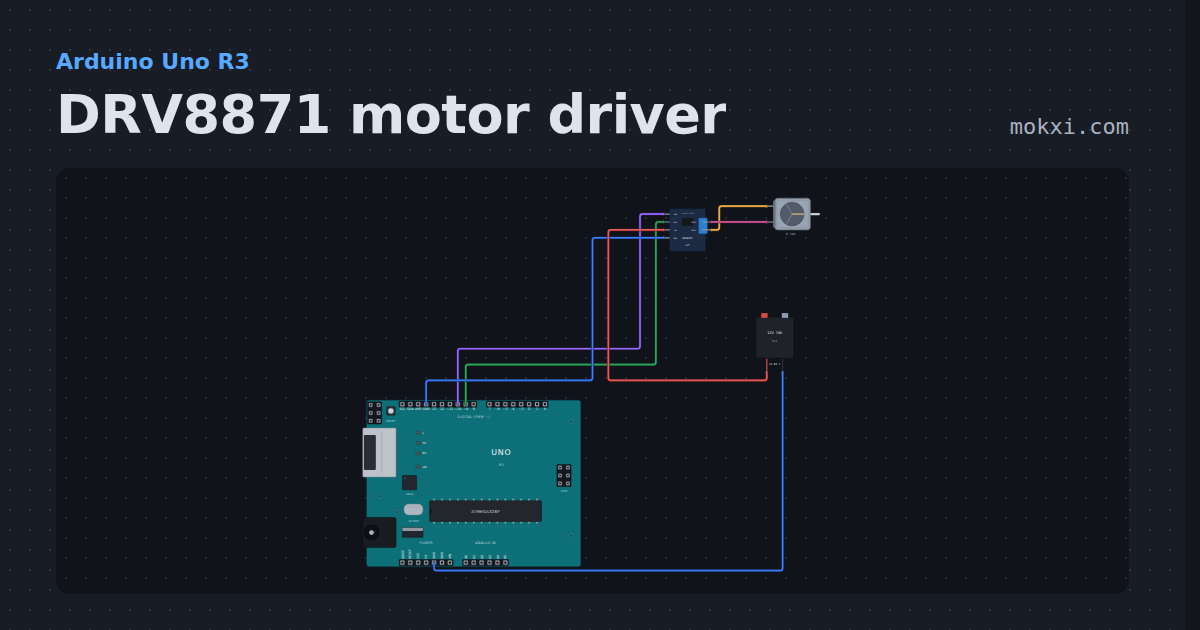
DRV8871 motor driver
An Adafruit DRV8871 on pins 9 and 10 runs a 12 V motor through its table: forward with PWM, brake, reverse and coast.
- Board
- Arduino Uno R3
- Parts
- DRV8871 motor driver, DC motor, battery: AA
- Level
- Beginner
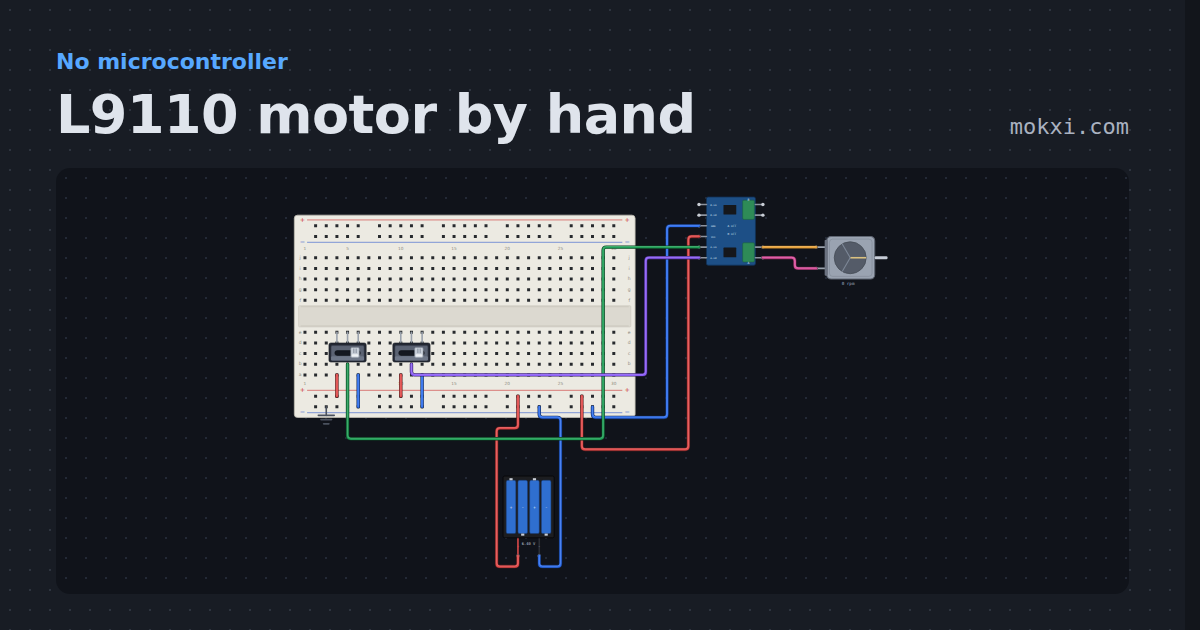
L9110 motor by hand
An L9110S module, a motor, a four-AA pack and two switches, no board: each output follows its input, and equal inputs brake.
- Board
- No board
- Parts
- Slide switch, L9110S motor driver, DC motor, battery: AA
- Level
- Beginner
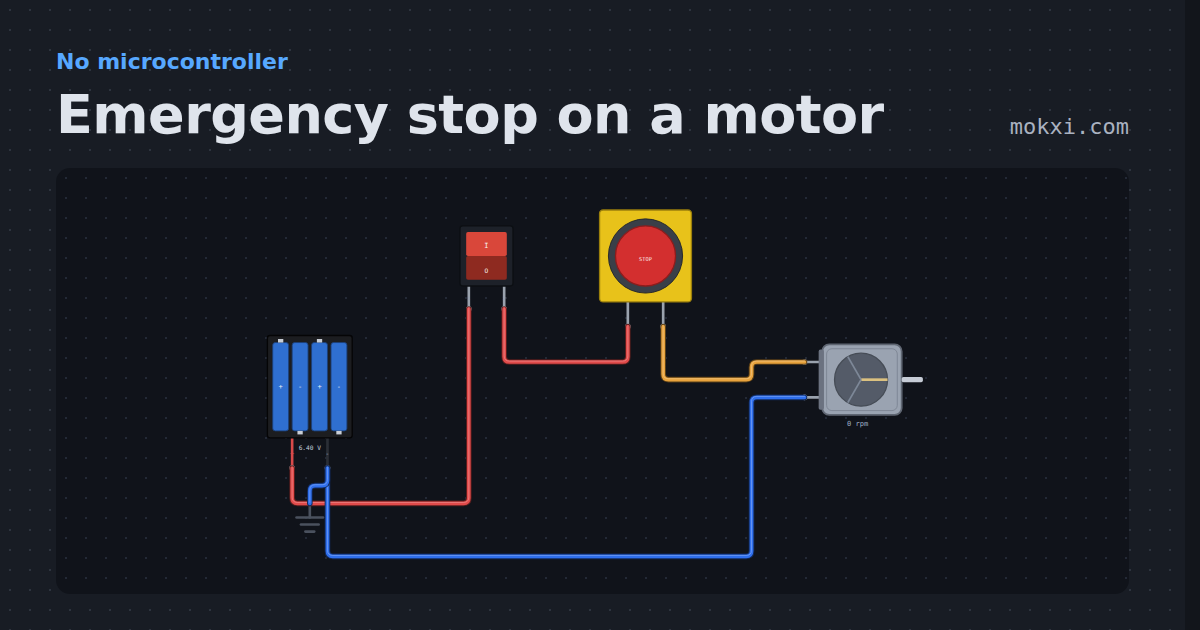
Emergency stop on a motor
A TT motor on four AA cells behind a rocker switch and a latching emergency stop: the rocker runs it, the red button cuts it.
- Board
- No board
- Parts
- Battery: AA, rocker switch, emergency stop button, DC motor
- Level
- Beginner
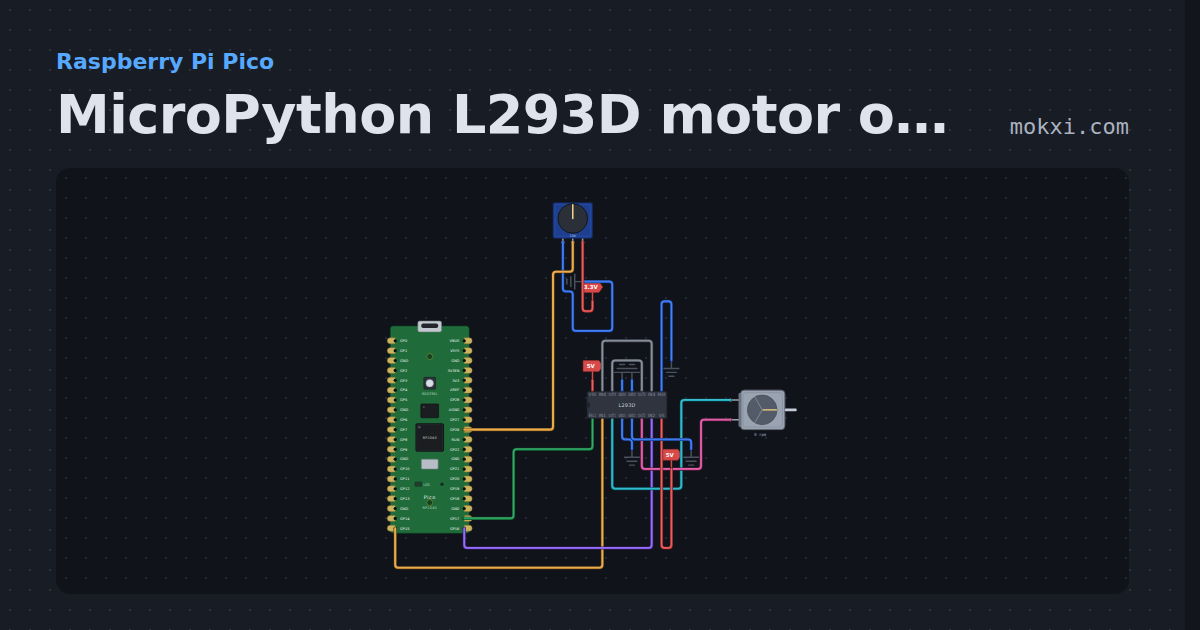
MicroPython L293D motor on a Pico: a knob sets speed
MicroPython on a Raspberry Pi Pico: a knob on GP26 drives a DC motor both ways on an L293D, IN1 and IN2 on GP15 and GP16 and PWM enable on GP17.
- Board
- Raspberry Pi Pico
- Parts
- Potentiometer, L293D motor driver, DC motor
- Level
- Intermediate
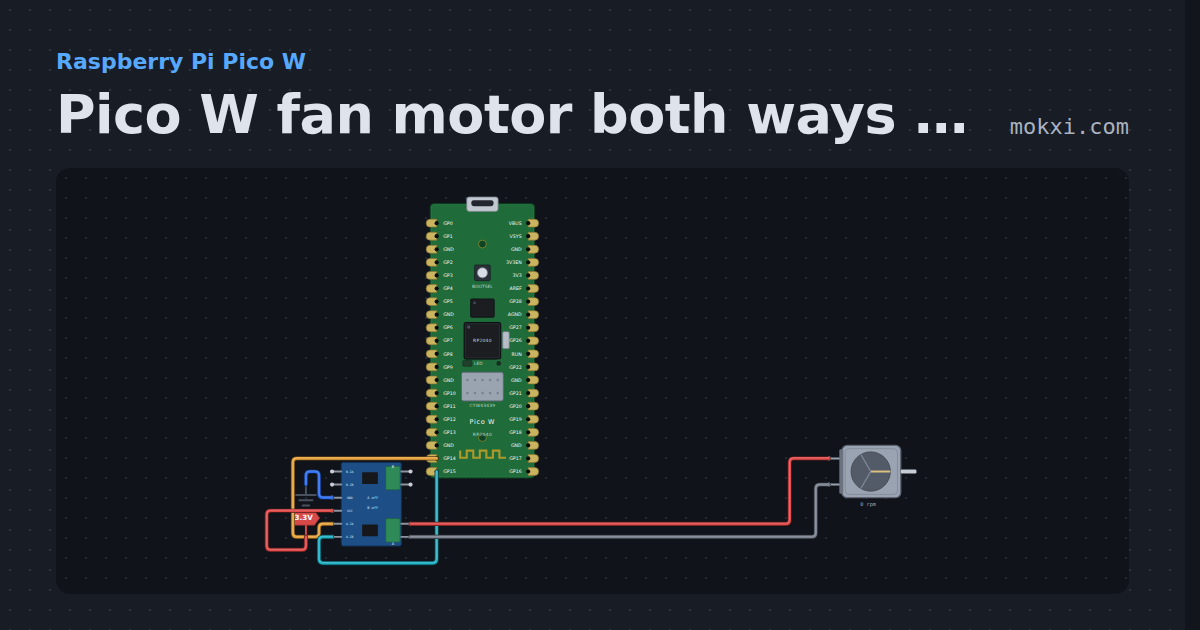
Pico W fan motor both ways on a motor driver
MicroPython on a Pico W: GP14 and GP15 drive a DC motor through a two-input motor driver, a second forward, a stop, a second backward.
- Board
- Raspberry Pi Pico W
- Parts
- L9110S motor driver, DC motor
- Level
- Intermediate
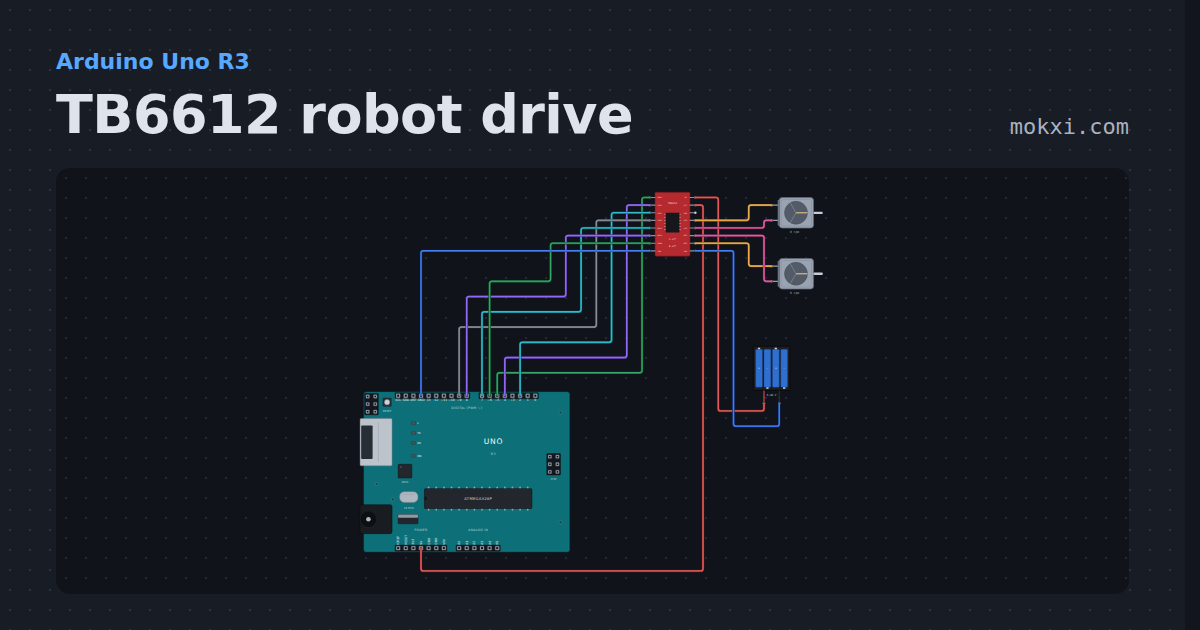
TB6612 robot drive
Two gearbox motors on a TB6612FNG from a four-AA pack, with the SparkFun library: forward, half speed, a spin, reverse, a brake and standby.
- Board
- Arduino Uno R3
- Parts
- TB6612FNG motor driver, DC motor, battery: AA
- Level
- Intermediate
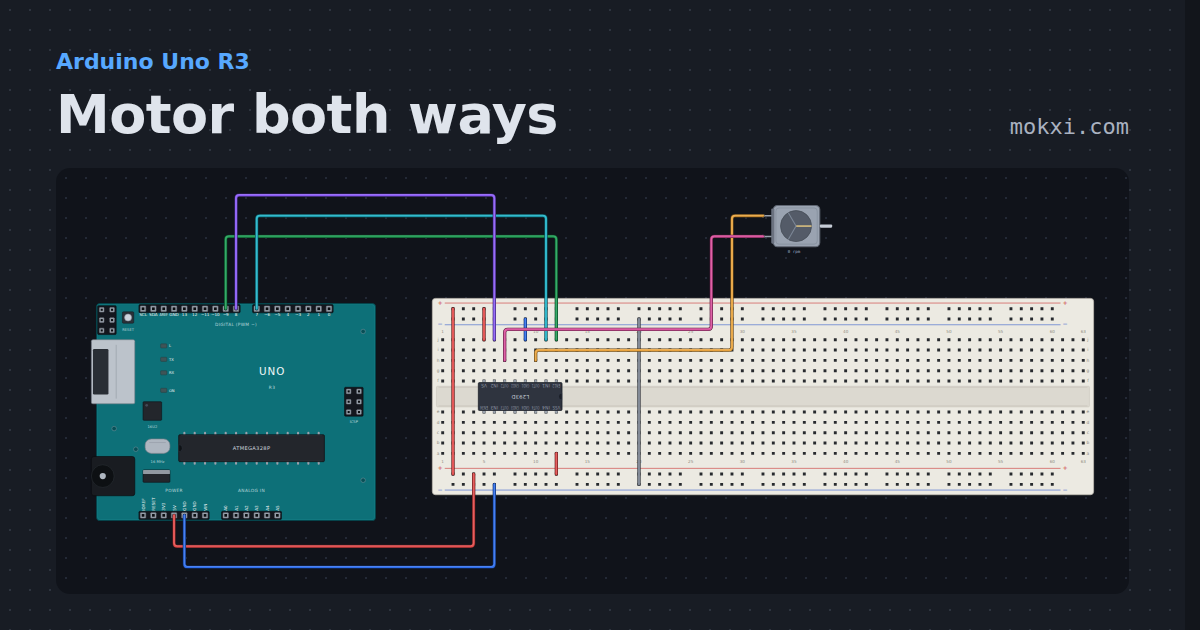
Motor both ways
An L293D H bridge turns a DC motor forward and back from three Uno pins, and shows what braking does that coasting does not.
- Board
- Arduino Uno R3
- Parts
- L293D motor driver, DC motor
- Level
- Intermediate
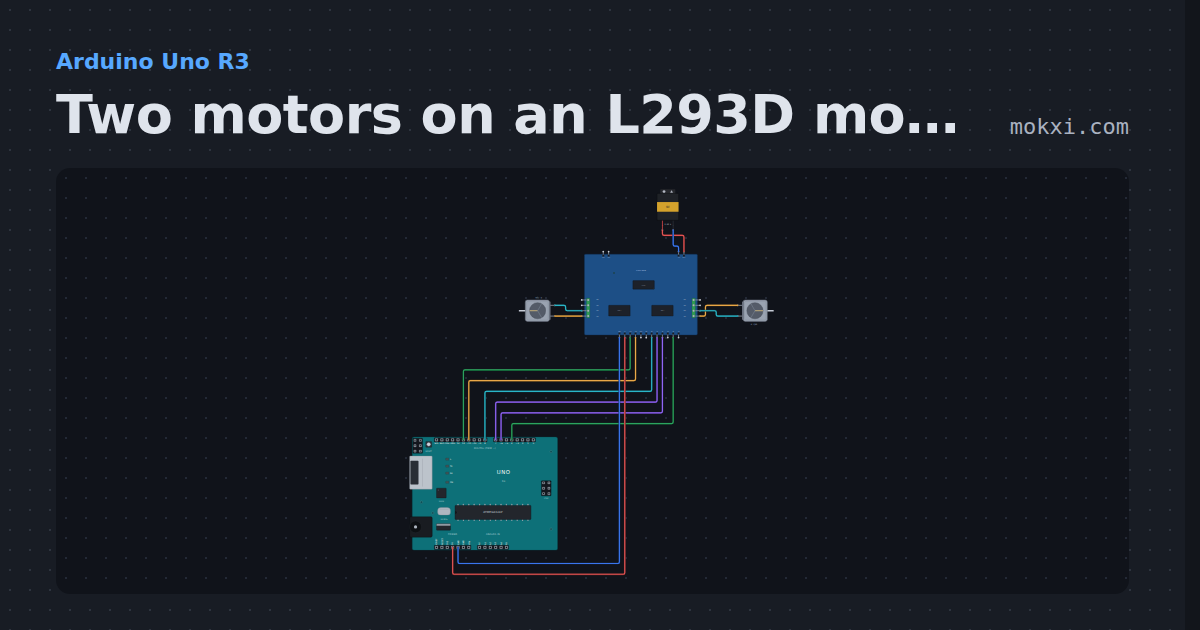
Two motors on an L293D motor shield
The L293D motor shield on an Uno runs two DC motors with the AFMotor library: M1 ramps up and down forward while M3 runs backward, from a 9 V battery.
- Board
- Arduino Uno R3
- Parts
- L293D motor shield, DC motor, battery: AA
- Level
- Intermediate
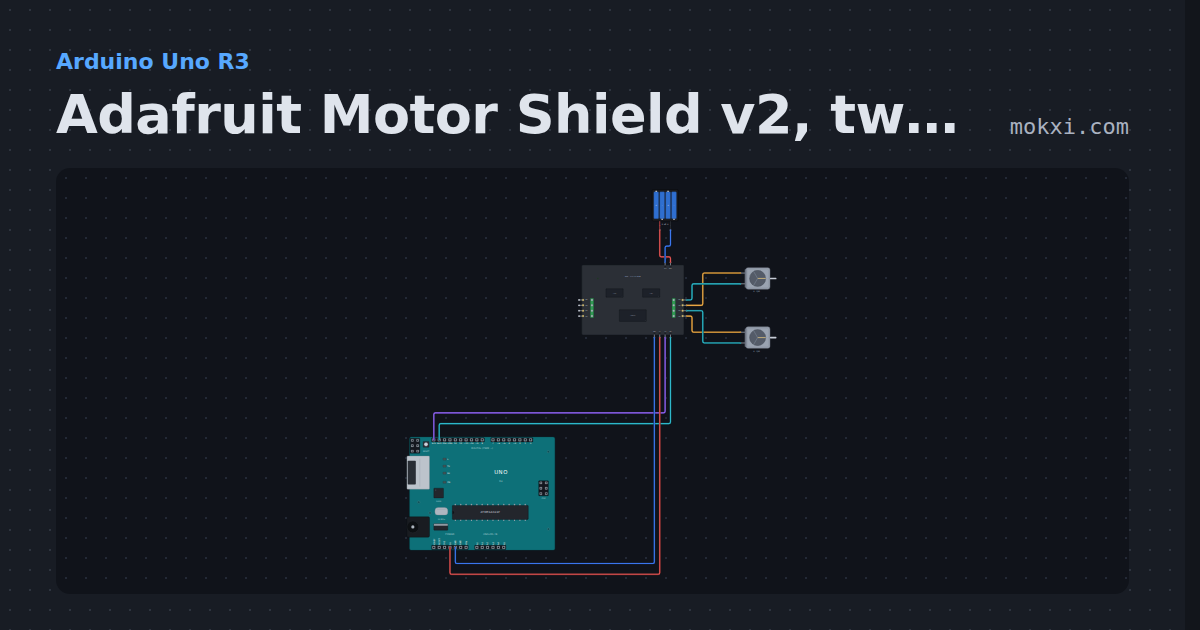
Adafruit Motor Shield v2, two motors
An Adafruit Motor Shield v2 on an Uno: its PCA9685 at 0x60 drives two TB6612s, and M1 and M2 take turns forward and backward, all over SDA and SCL.
- Board
- Arduino Uno R3
- Parts
- Adafruit Motor Shield v2, DC motor, battery: AA
- Level
- Intermediate
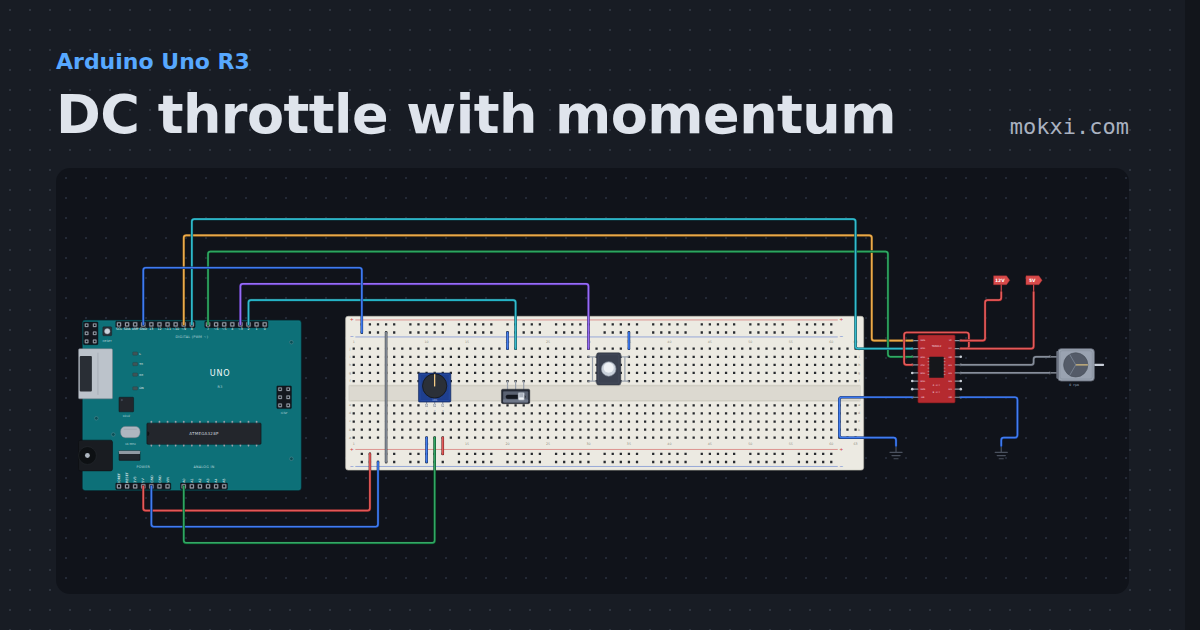
DC throttle with momentum
A knob, a direction switch and a brake button drive a DC motor through a TB6612, easing up to speed and down again like a heavy train.
- Board
- Arduino Uno R3
- Parts
- Slide switch, push button, potentiometer, TB6612FNG motor driver, DC motor
- Level
- Intermediate
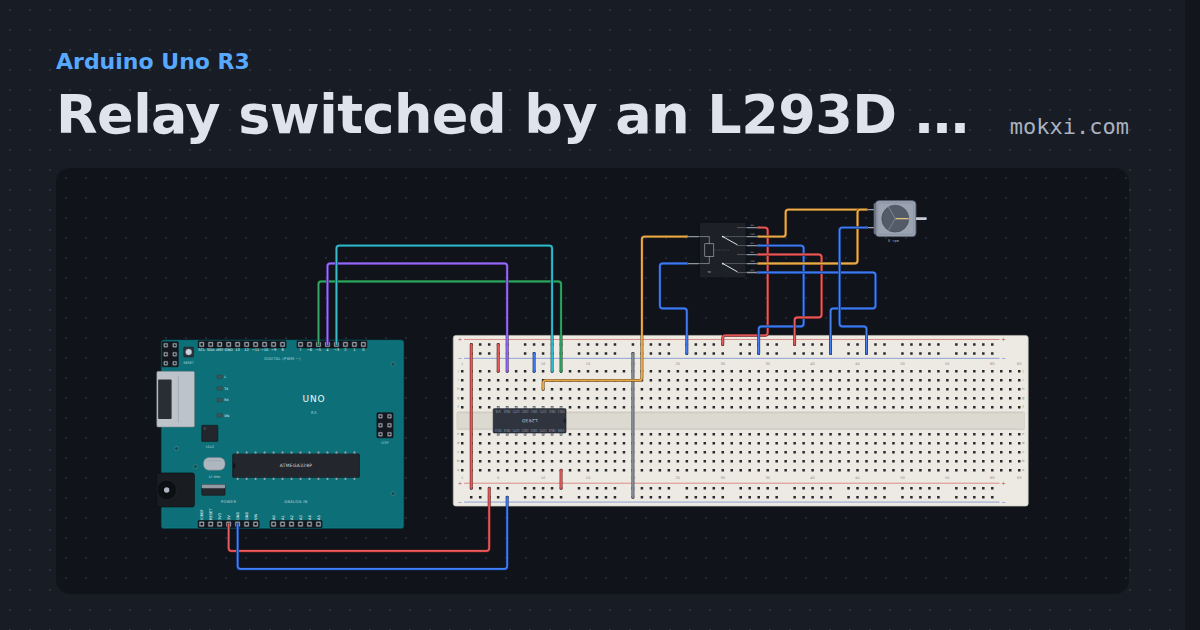
Relay switched by an L293D (pins 5, 3 and 4)
An L293D drives the coil of a 5 V relay from pins 5, 3 and 4, and the relay’s contacts switch a DC motor on and off every two seconds.
- Board
- Arduino Uno R3
- Parts
- L293D motor driver, DPDT relay, DC motor
- Level
- Intermediate
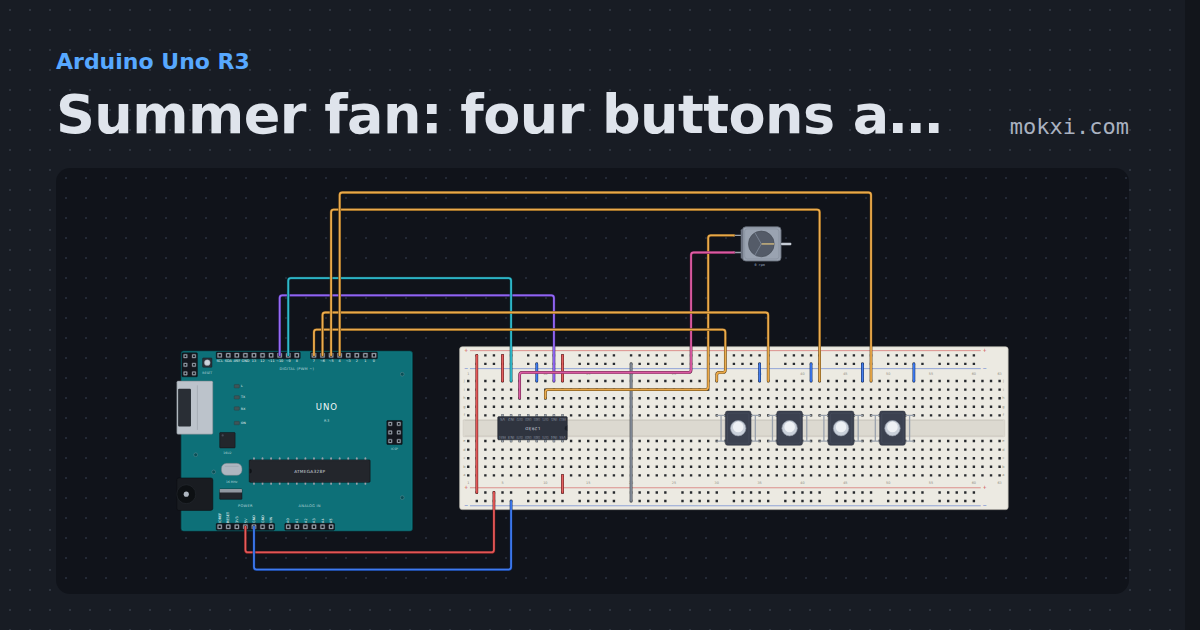
Summer fan: four buttons and an L293D (pins 9 and 10)
A DC motor on an L293D with 1A on pin 10 and 2A on pin 9, and four buttons on pins 4 to 7: three speeds and off, chosen with analogWrite.
- Board
- Arduino Uno R3
- Parts
- L293D motor driver, DC motor, push button
- Level
- Intermediate
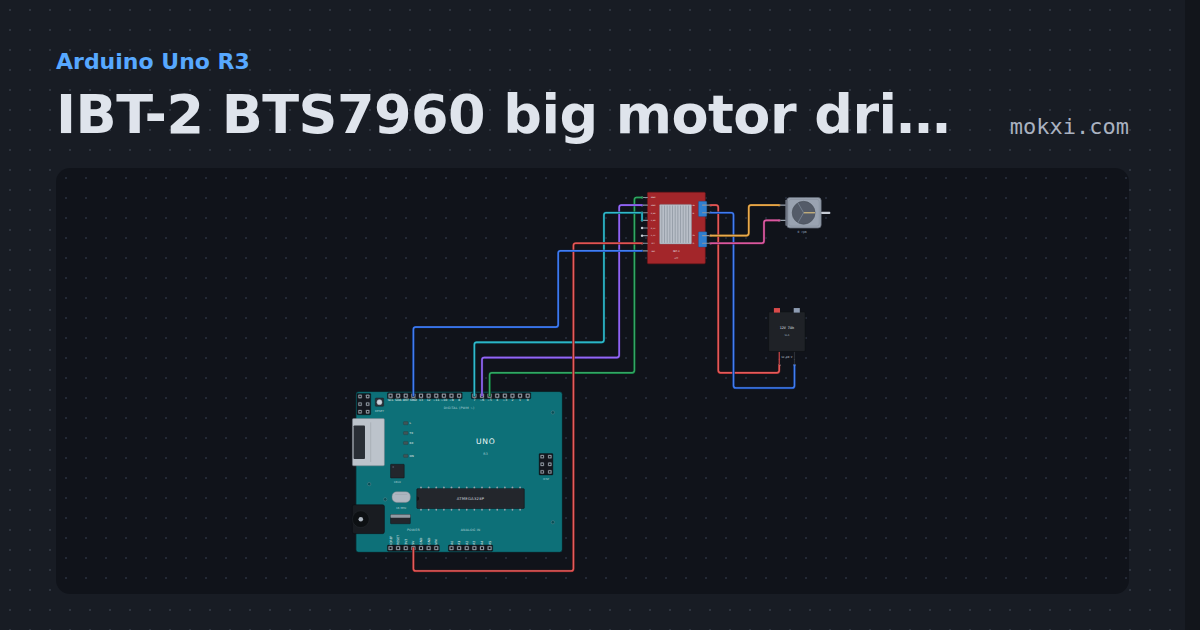
IBT-2 BTS7960 big motor driver
An IBT-2 on pins 5, 6 and 7 ramps a 12 V motor off a lead-acid battery forward and back with analogWrite, then lets it coast.
- Board
- Arduino Uno R3
- Parts
- IBT-2 BTS7960 motor driver, DC motor, battery: AA
- Level
- Intermediate
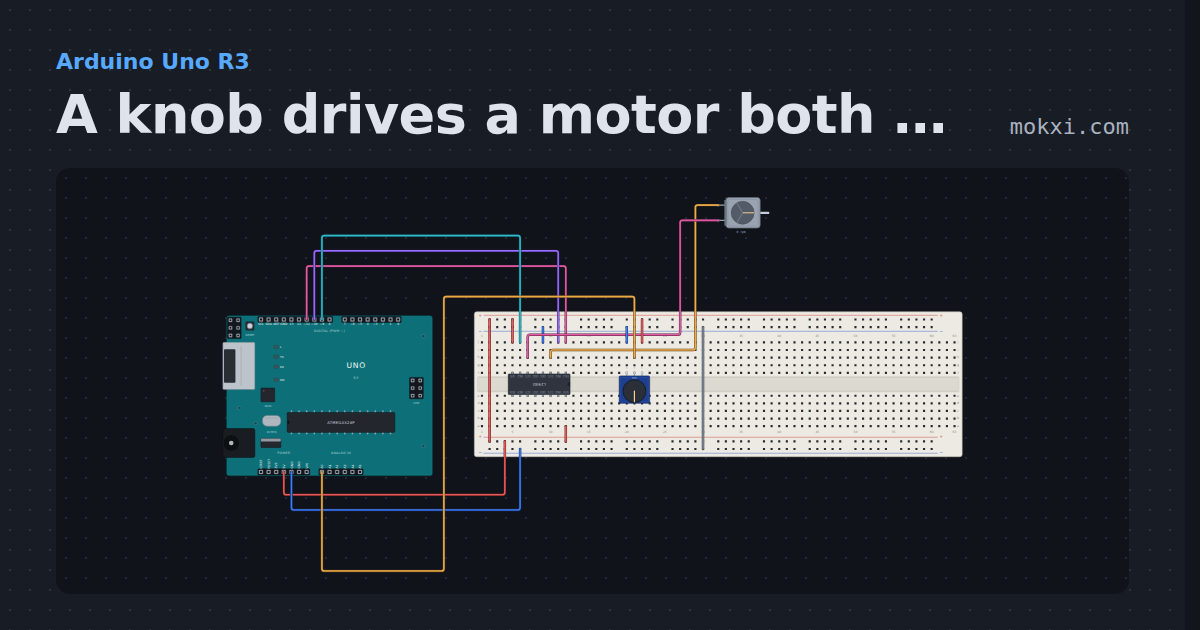
A knob drives a motor both ways through an L293D
A potentiometer on A0 runs a DC motor on an L293D (inputs on pins 10 and 9, enable on 11): turn it left of the middle to go one way.
- Board
- Arduino Uno R3
- Parts
- L293D motor driver, DC motor, potentiometer
- Level
- Intermediate
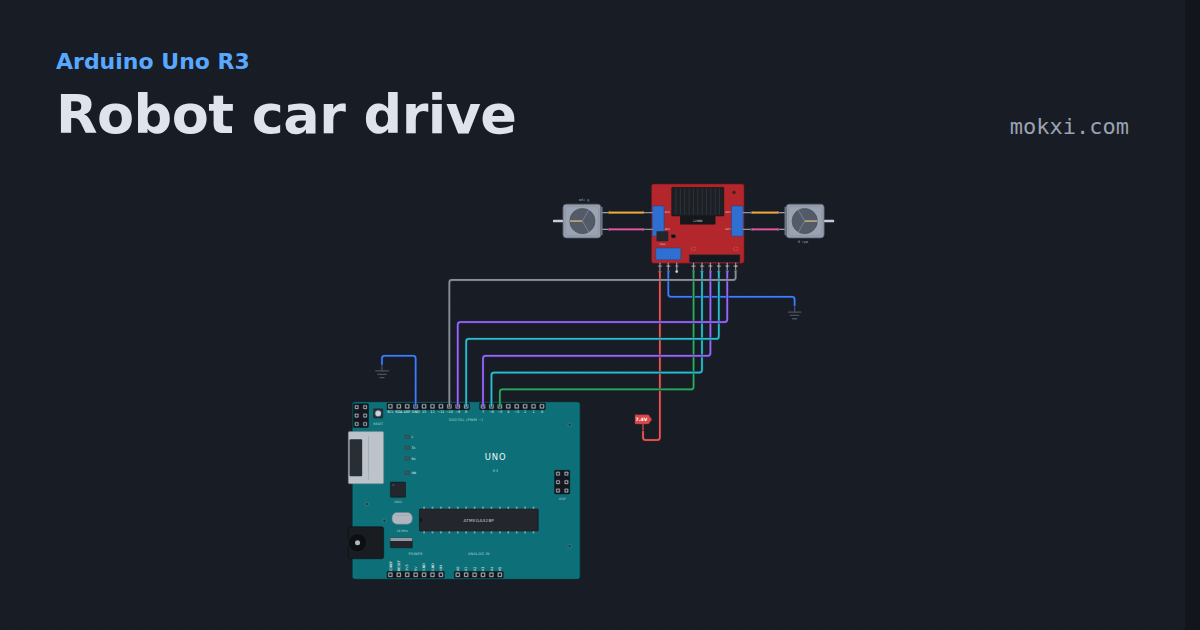
Robot car drive
Two gearbox motors on an L298N module from six Uno pins: forward, a turn, a spin on the spot and reverse, with the speed on ENA and ENB.
- Board
- Arduino Uno R3
- Parts
- L298N motor driver, DC motor
- Level
- Intermediate
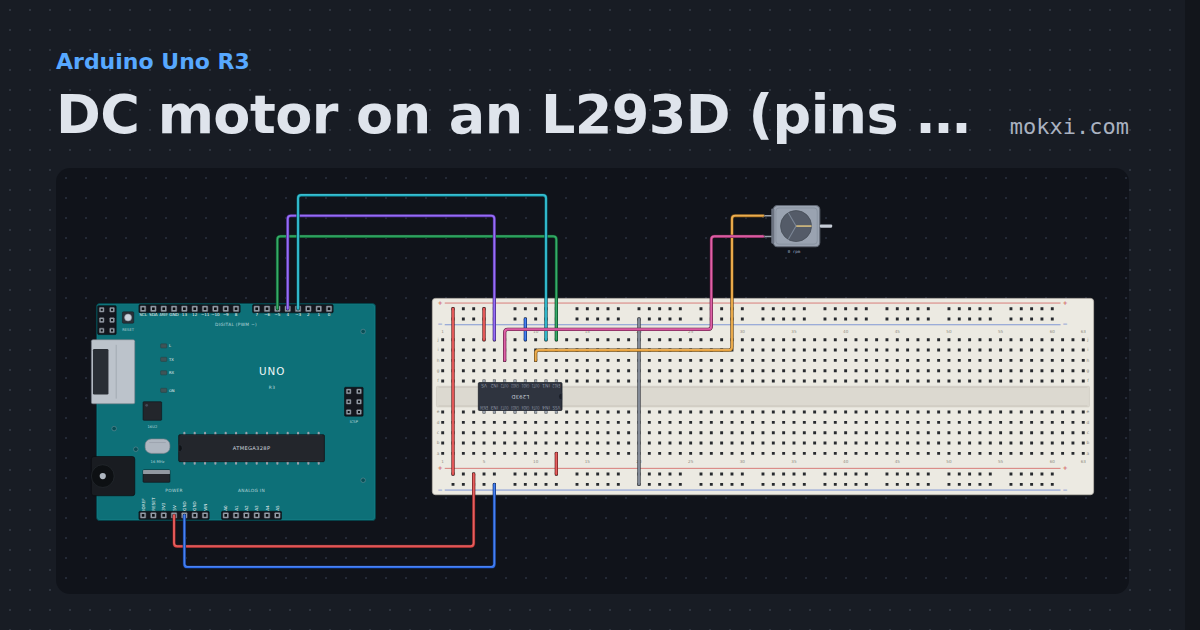
DC motor on an L293D (pins 5, 3 and 4)
An L293D runs a DC motor: enable on pin 5 sets the speed with PWM, and pins 3 and 4 set the direction.
- Board
- Arduino Uno R3
- Parts
- L293D motor driver, DC motor
- Level
- Intermediate
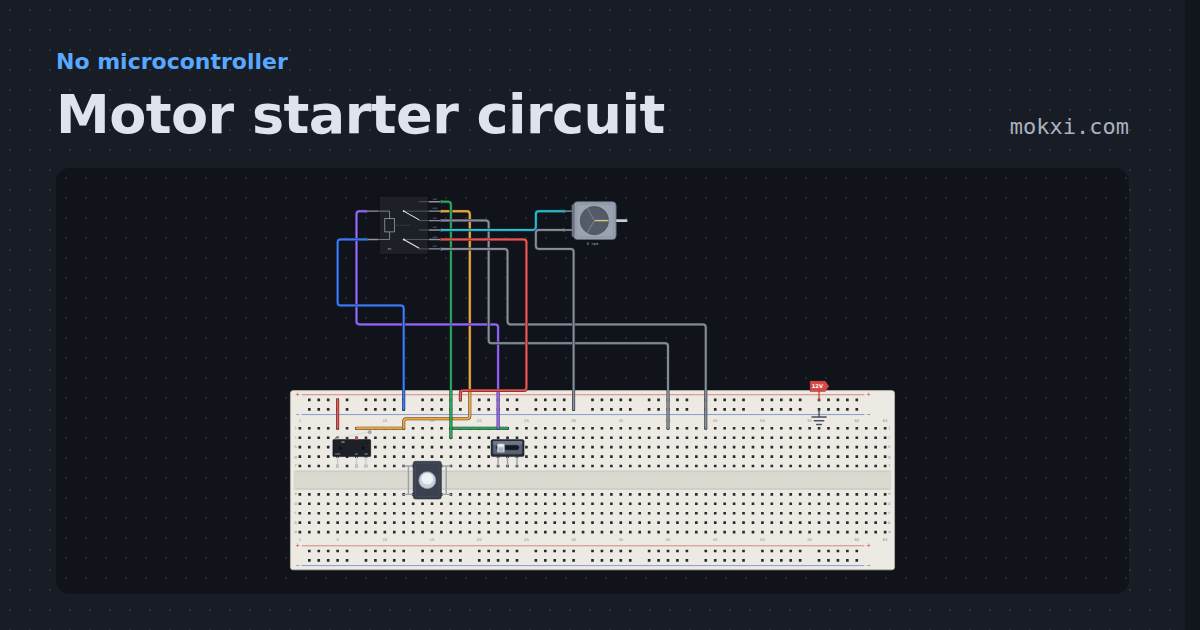
Motor starter circuit
The classic 3-wire motor control circuit on a 12 V DC stand-in: a relay as the contactor, a normally closed STOP.
- Board
- No board
- Parts
- Limit switch, push button, slide switch, DPDT relay, DC motor
- Level
- Intermediate
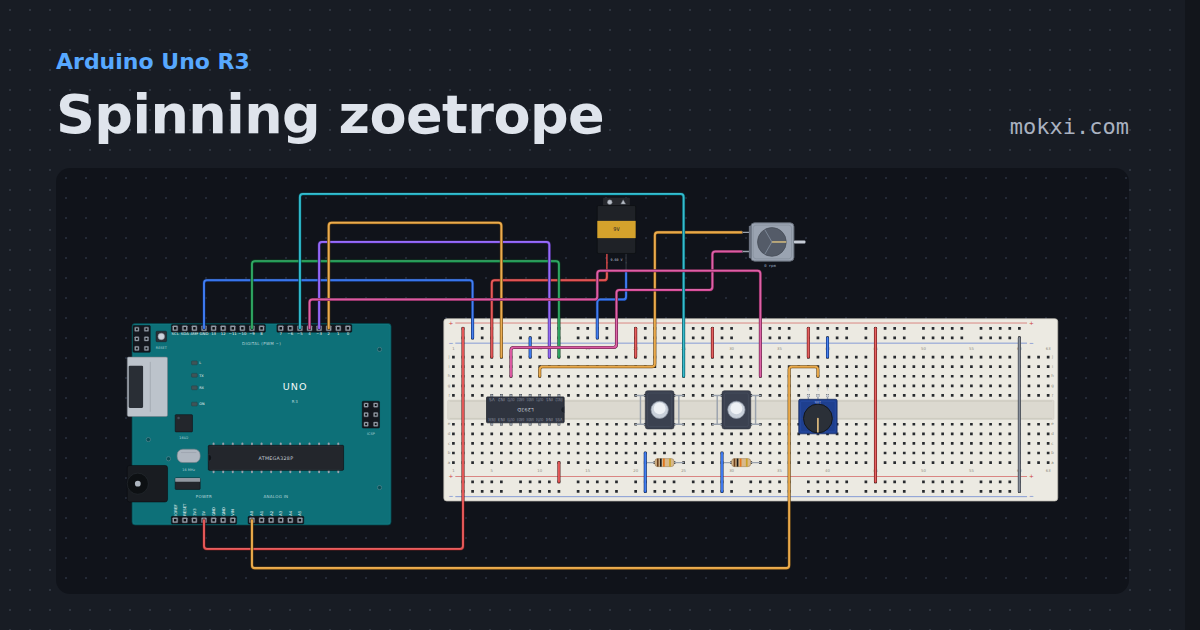
Spinning zoetrope
An L293D runs a DC motor from a 9 V battery: one button starts and stops it, one reverses it, and a potentiometer sets its speed.
- Board
- Arduino Uno R3
- Parts
- L293D motor driver, push button, resistor, potentiometer, DC motor, +1 more
- Level
- Intermediate
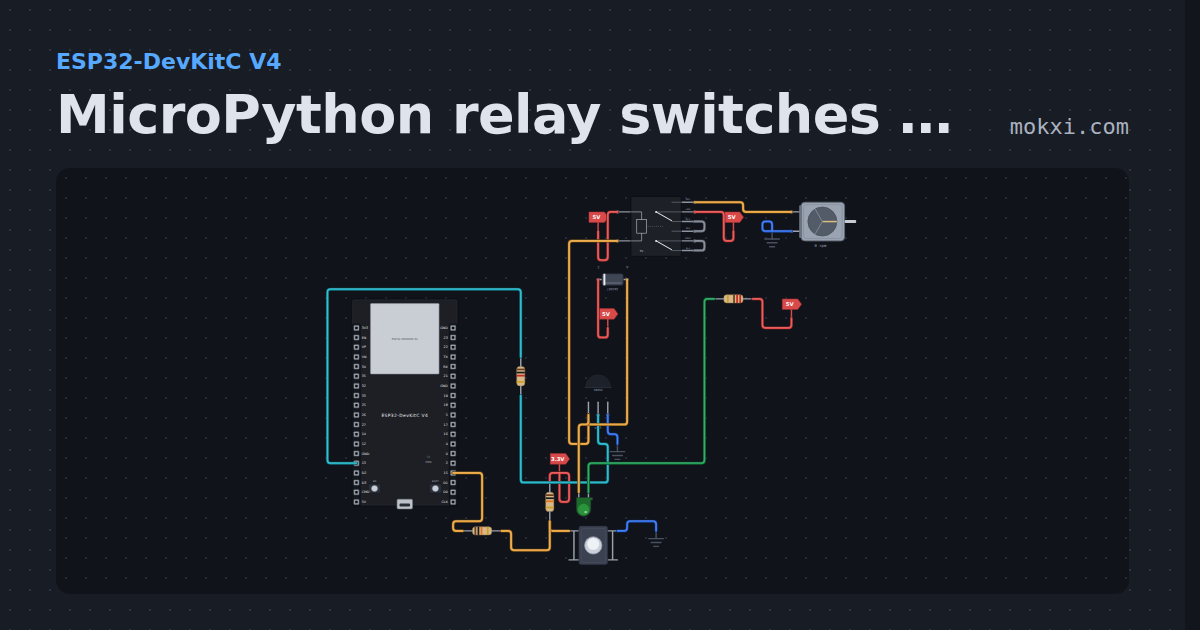
MicroPython relay switches a motor: button on 15
MicroPython on an ESP32: each press of the button on GPIO 15 flips a relay driven through an S8050 from GPIO 13, and the relay runs a DC motor.
- Board
- ESP32-DevKitC V4
- Parts
- Resistor, push button, transistor, DPDT relay, diode, +2 more
- Level
- Intermediate
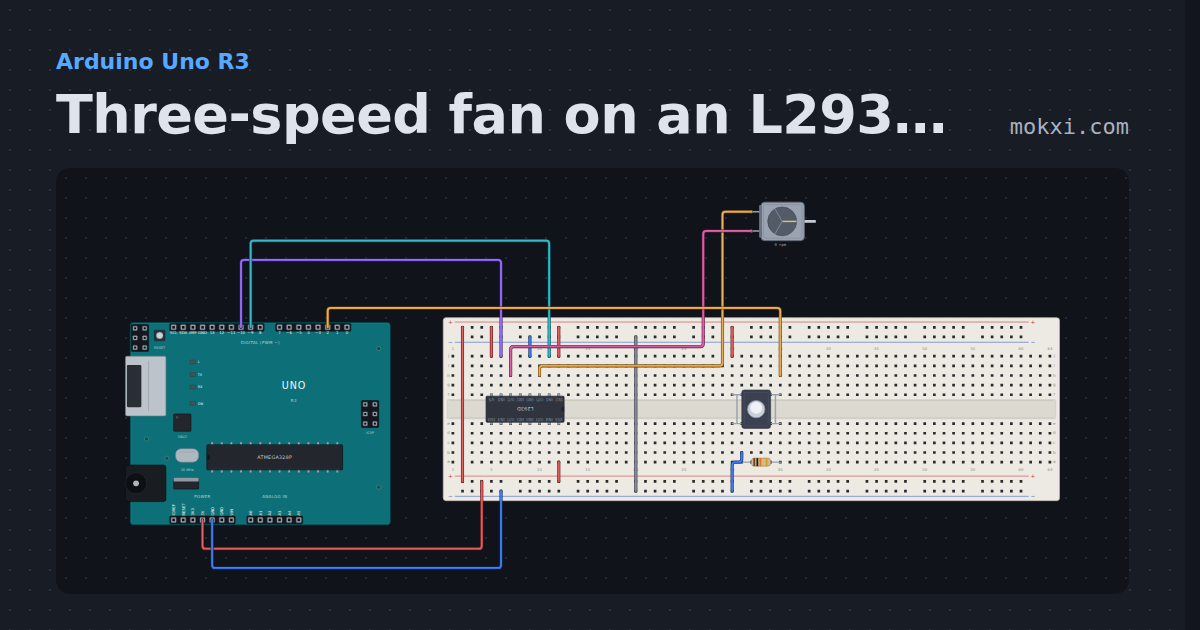
Three-speed fan on an L293D (pins 9 and 10)
Each press of the button on pin 2 steps a DC motor on an L293D (inputs on pins 9 and 10) through off, slow, medium and fast.
- Board
- Arduino Uno R3
- Parts
- L293D motor driver, DC motor, push button, resistor
- Level
- Intermediate
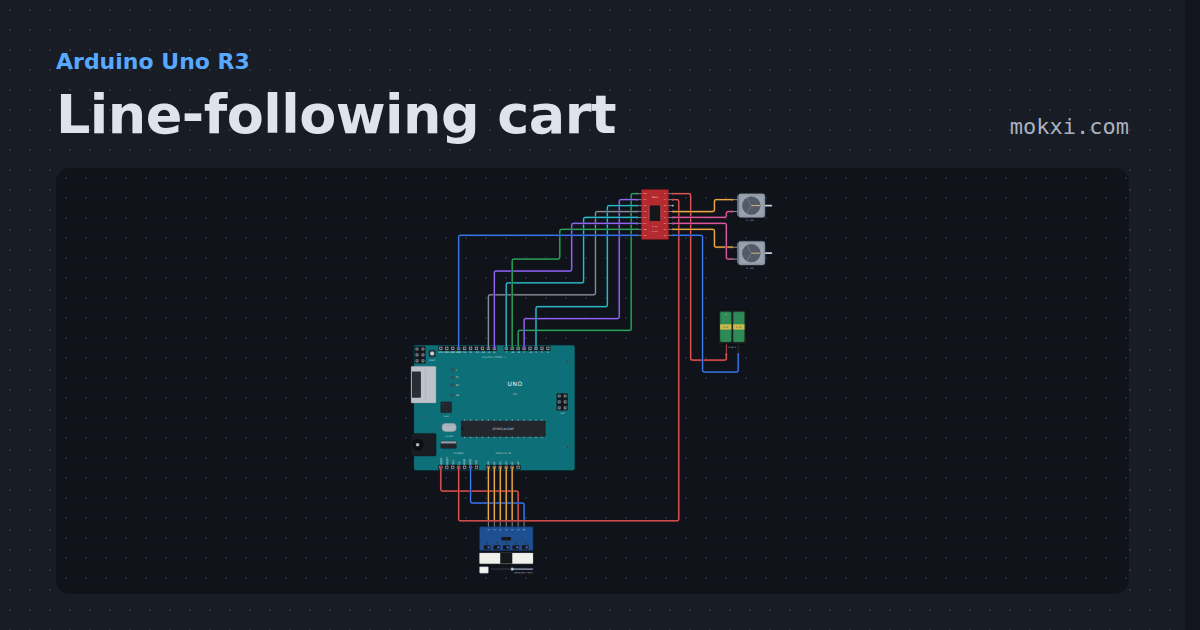
Line-following cart
A five-channel line tracker, a TB6612FNG and two gearbox motors on a 2S 18650 pack.
- Board
- Arduino Uno R3
- Parts
- Line tracker, TB6612FNG motor driver, DC motor, battery: AA
- Level
- Intermediate
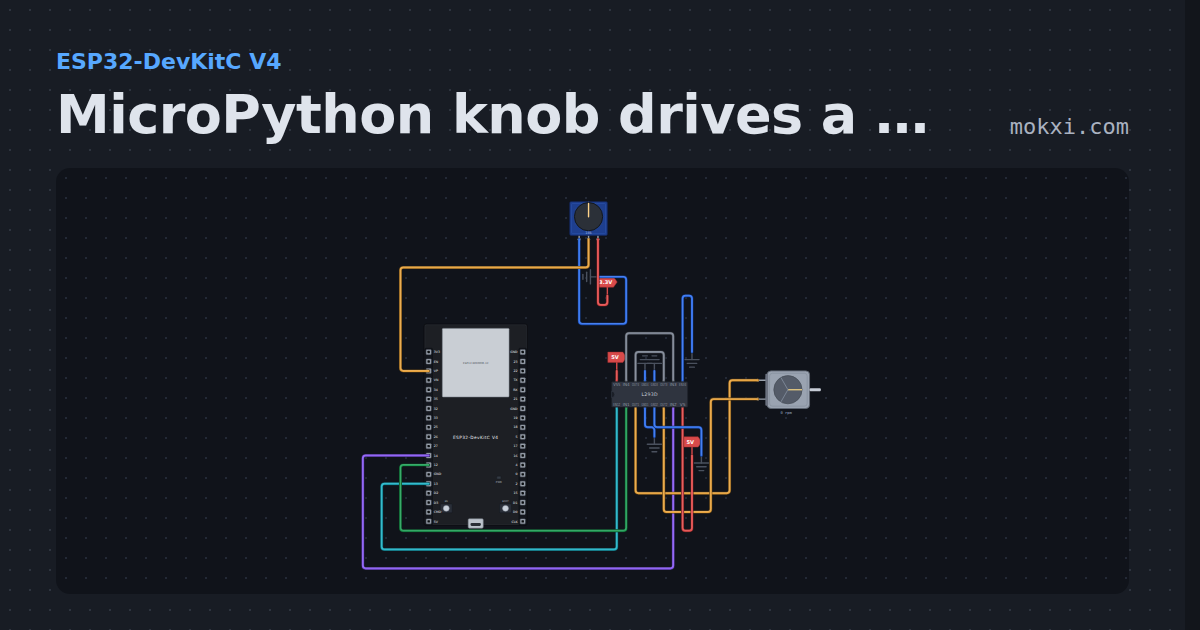
MicroPython knob drives a motor both ways, L293D
MicroPython on an ESP32: a knob on GPIO 36 sets the speed and the direction of a DC motor on an L293D: enable on 13, inputs on 12 and 14.
- Board
- ESP32-DevKitC V4
- Parts
- Potentiometer, L293D motor driver, DC motor
- Level
- Advanced
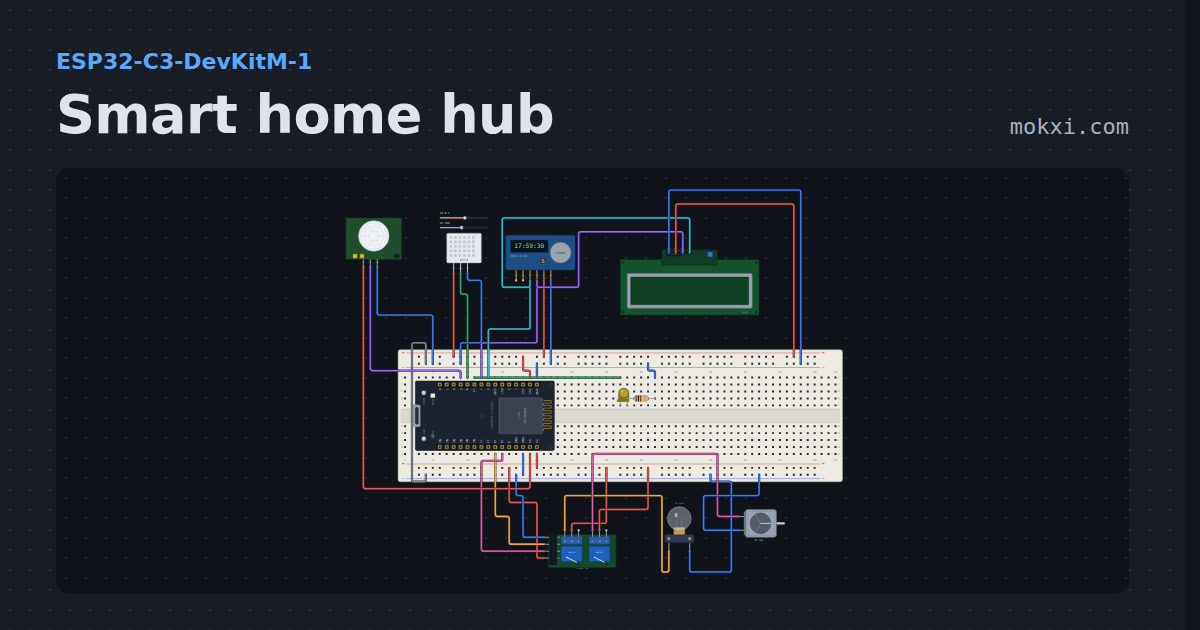
Smart home hub
An ESP32-C3 web dashboard that switches a lamp and a fan through relays, dims a porch light, reads temperature, humidity and motion.
- Board
- ESP32-C3-DevKitM-1
- Parts
- Two-channel relay board, filament lamp, DC motor, LED, resistor, +4 more
- Level
- Advanced
Wiring, libraries and more ideas
Library pages
More project ideas
- Arduino Uno project ideas
- ESP32 project ideas
- Electronics projects with no code
- Raspberry Pi Pico project ideas
- Projects with a push button
- Projects with an I2C LCD
- Projects with an L293D motor driver
- Projects with a potentiometer
- Projects with a two-channel relay board
- Projects with a diode
- Projects with a DPDT relay