Projects with a potentiometer
99 Mokxi projects use a potentiometer (31 beginner, 48 intermediate and 20 advanced). They run on Arduino Uno and ESP32 boards, and 9 need no board at all. Here are 24, from “XIAO S3 knob” to “Load cell pedals on a Pro Micro”. Each card says what the project does, the board and parts it needs and its level, and Open in the simulator runs it in your browser in one click, with no account.
How to pick your first one
- Start with “Nucleo analog read”, a beginner project that needs a potentiometer.
- Arduino Uno runs 59 of them, ESP32 11 and 9 need no board at all. Start on the board you have, or on an Arduino Uno if you are buying one.
- The parts used most here are the LED (38 projects), the push button (29) and the piezo speaker (17). With those on hand, most of this list is open to you.
- Before you build one on a real bench, read the potentiometer wiring guide for your board below. It gives every pin and the voltage notes.
24 projects of 99
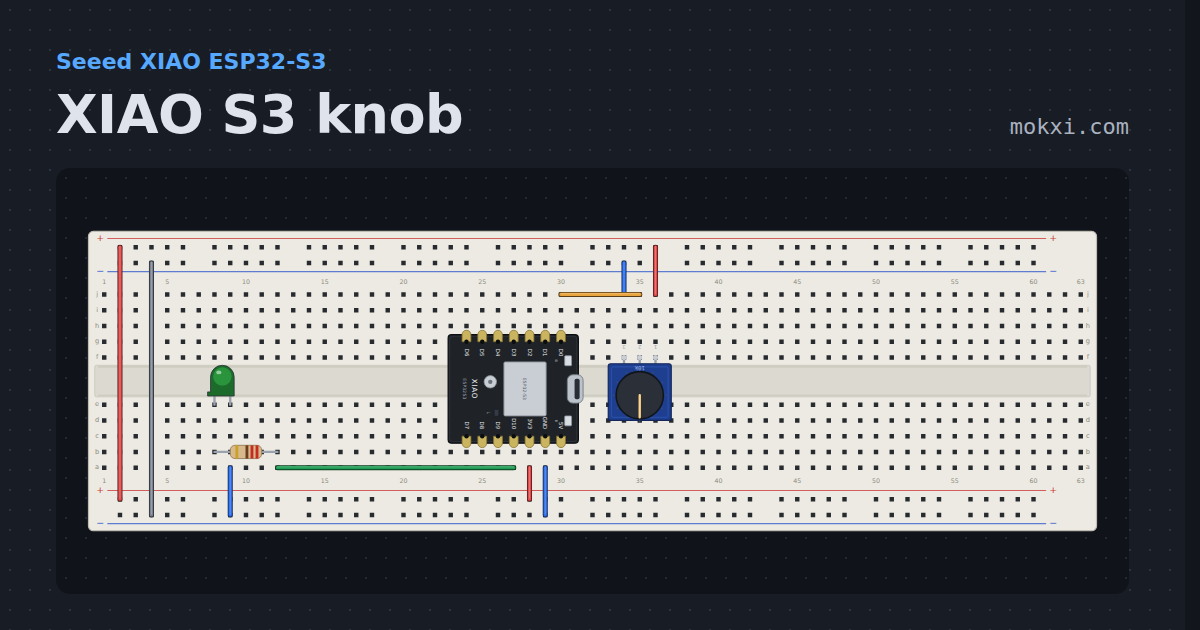
XIAO S3 knob
The XIAO knob circuit on the ESP32-S3: D0 is A0 on GPIO 1, and the count is printed as the converter gives it.
- Board
- Seeed XIAO ESP32-S3
- Parts
- Potentiometer, resistor, LED
- Level
- Beginner
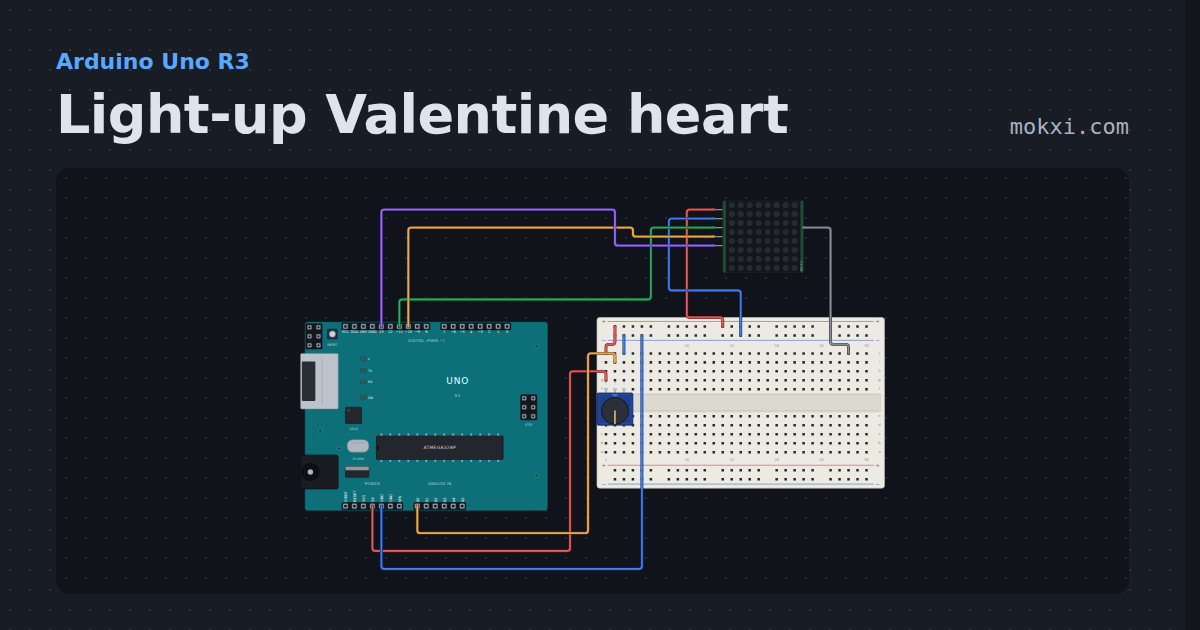
Light-up Valentine heart
A heart on an 8x8 MAX7219 LED matrix beats lub-dub, a big heart and a small one, at a pace you set with a knob.
- Board
- Arduino Uno R3
- Parts
- Potentiometer, MAX7219 8x8 LED matrix
- Level
- Beginner
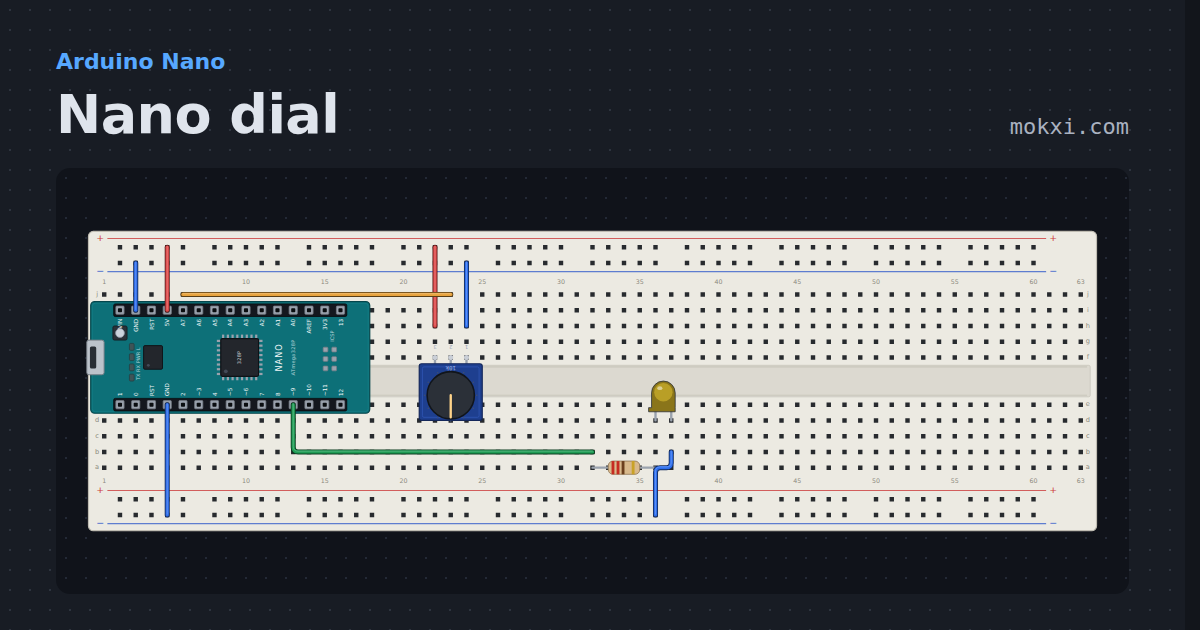
Nano dial
A potentiometer on the Nano's A7, the analog-only pin an Uno does not have, fades an LED on pin 9.
- Board
- Arduino Nano
- Parts
- Potentiometer, resistor, LED
- Level
- Beginner
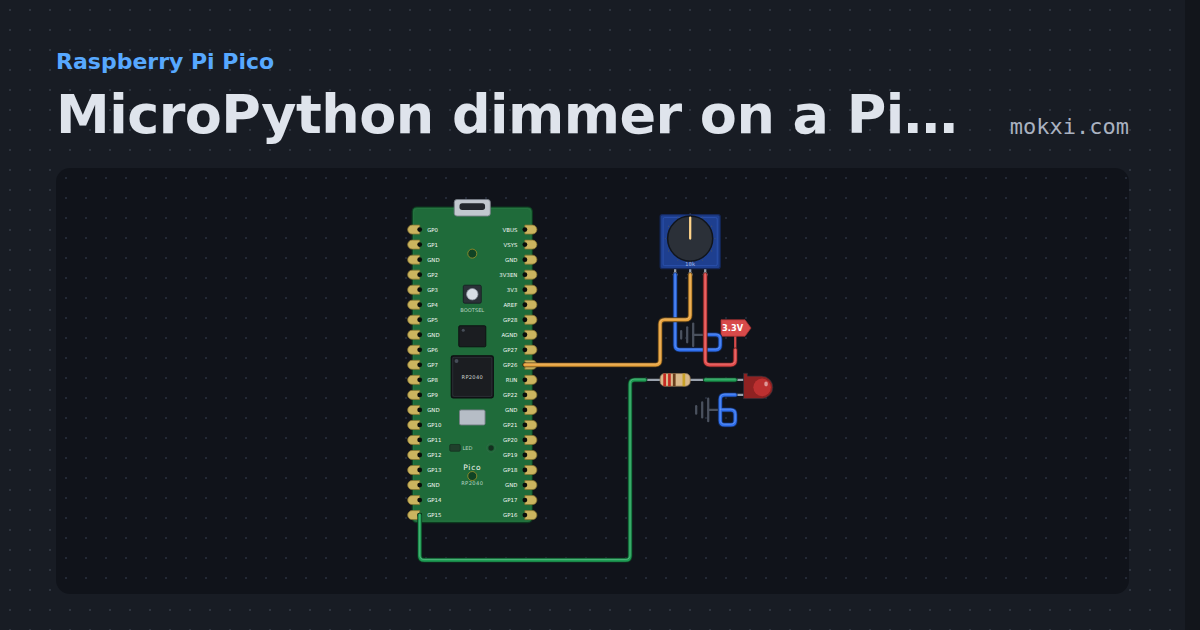
MicroPython dimmer on a Pico: a knob sets an LED
MicroPython on a Raspberry Pi Pico: a potentiometer on GP26 sets the PWM duty, and so the brightness, of the LED on GP15.
- Board
- Raspberry Pi Pico
- Parts
- Potentiometer, resistor, LED
- Level
- Beginner
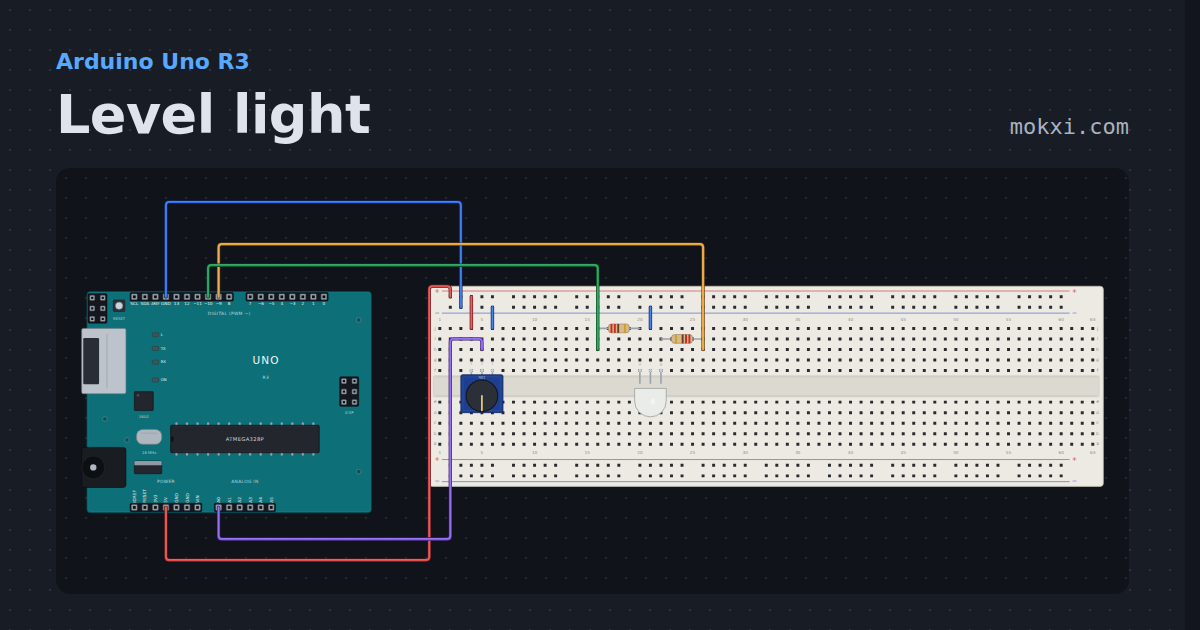
Level light
A potentiometer sets a level and a two-color LED shows it: red when low, through orange and yellow, to green when full.
- Board
- Arduino Uno R3
- Parts
- Potentiometer, two-color LED, resistor
- Level
- Beginner
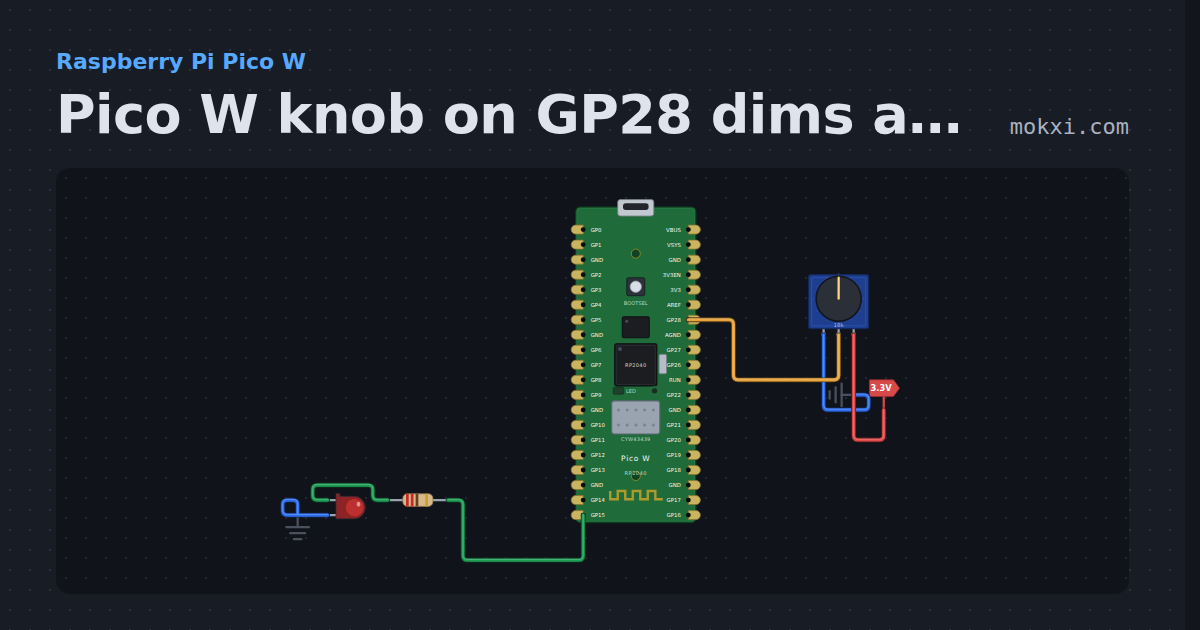
Pico W knob on GP28 dims an LED on GP15
MicroPython on a Pico W: a potentiometer on GP28, read with ADC(28), sets the PWM duty of an LED on GP15, and the reading is printed.
- Board
- Raspberry Pi Pico W
- Parts
- Resistor, LED, potentiometer
- Level
- Beginner
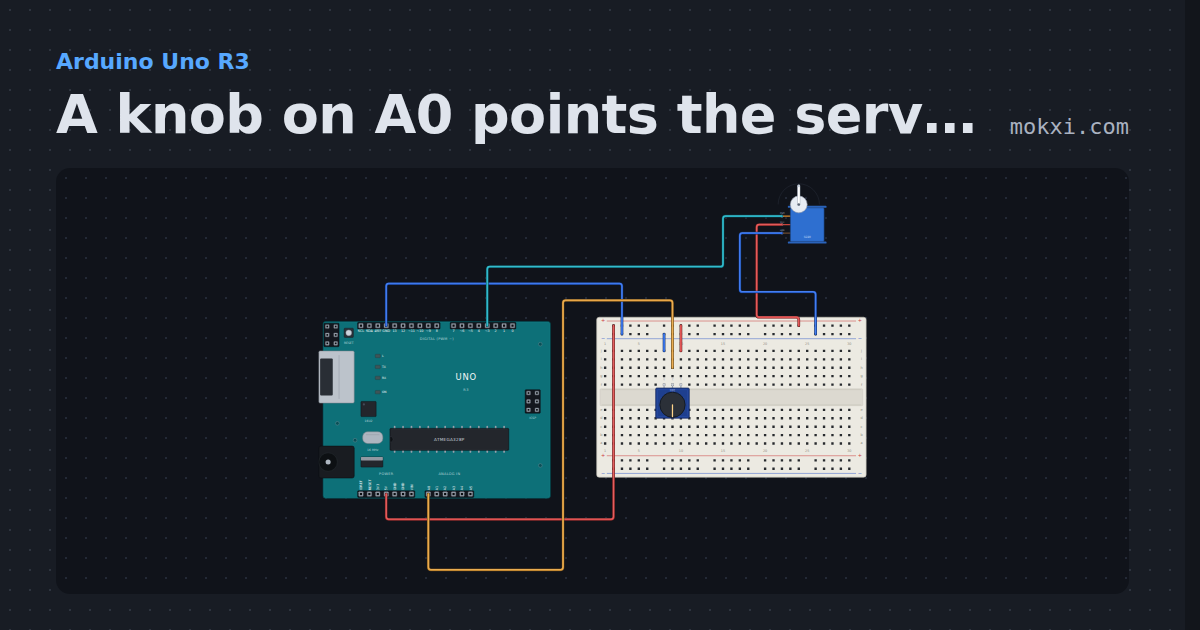
A knob on A0 points the servo on pin 3
A potentiometer on A0 sets the angle of a servo on pin 3: the reading from 0 to 1023 becomes an angle from 0 to 180 degrees.
- Board
- Arduino Uno R3
- Parts
- Potentiometer, servo motor
- Level
- Beginner
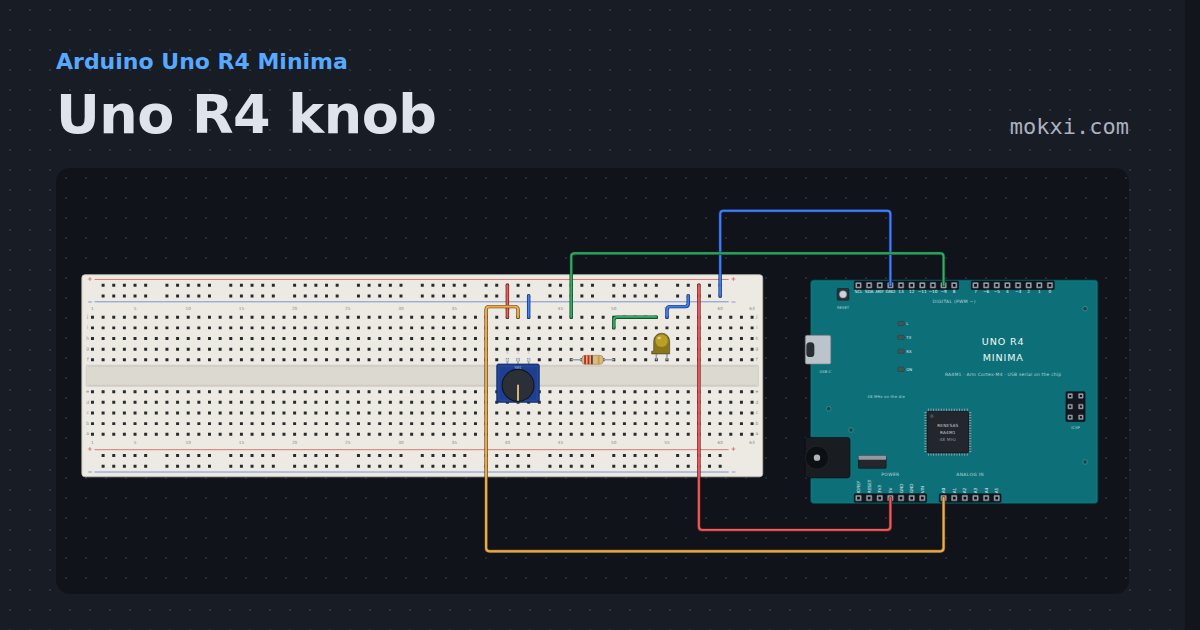
Uno R4 knob
A potentiometer on an Uno R4’s A0 fades an LED on pin 9, and the monitor prints the same pin in ten bits and in the converter’s own fourteen.
- Board
- Arduino Uno R4 Minima
- Parts
- Potentiometer, resistor, LED
- Level
- Beginner
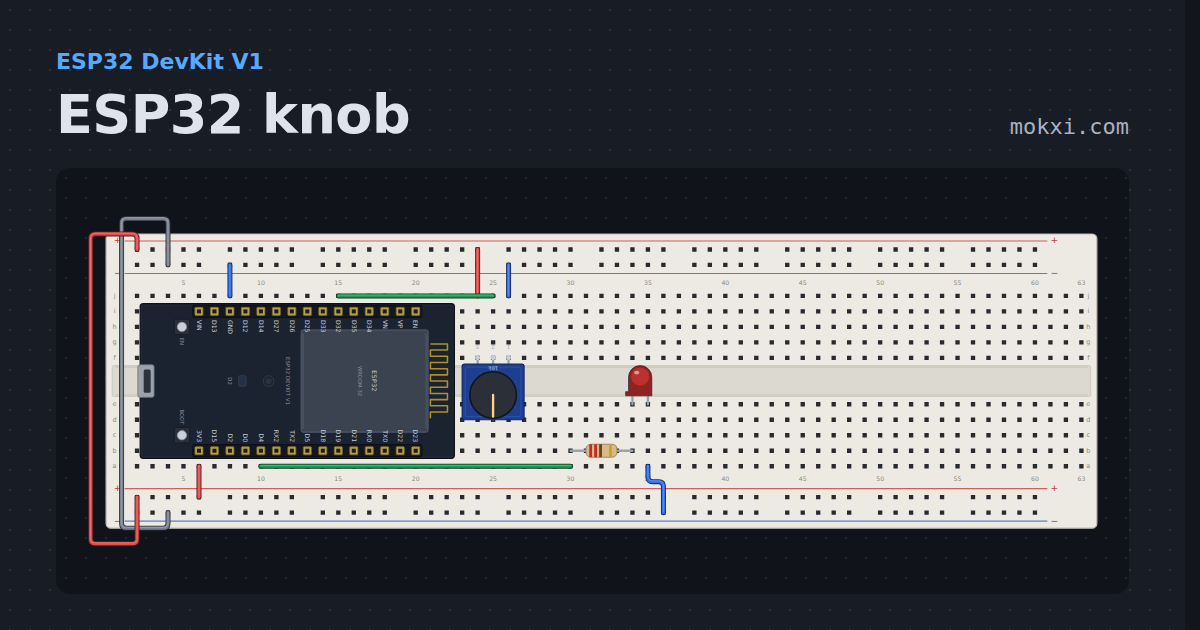
ESP32 knob
A pot on GPIO 32 dimming an LED, with the raw reading printed: at 11 dB a real ESP32 reads about 1890 at half the rail and 4095 from about 3.1 V.
- Board
- ESP32 DevKit V1
- Parts
- Potentiometer, resistor, LED
- Level
- Beginner
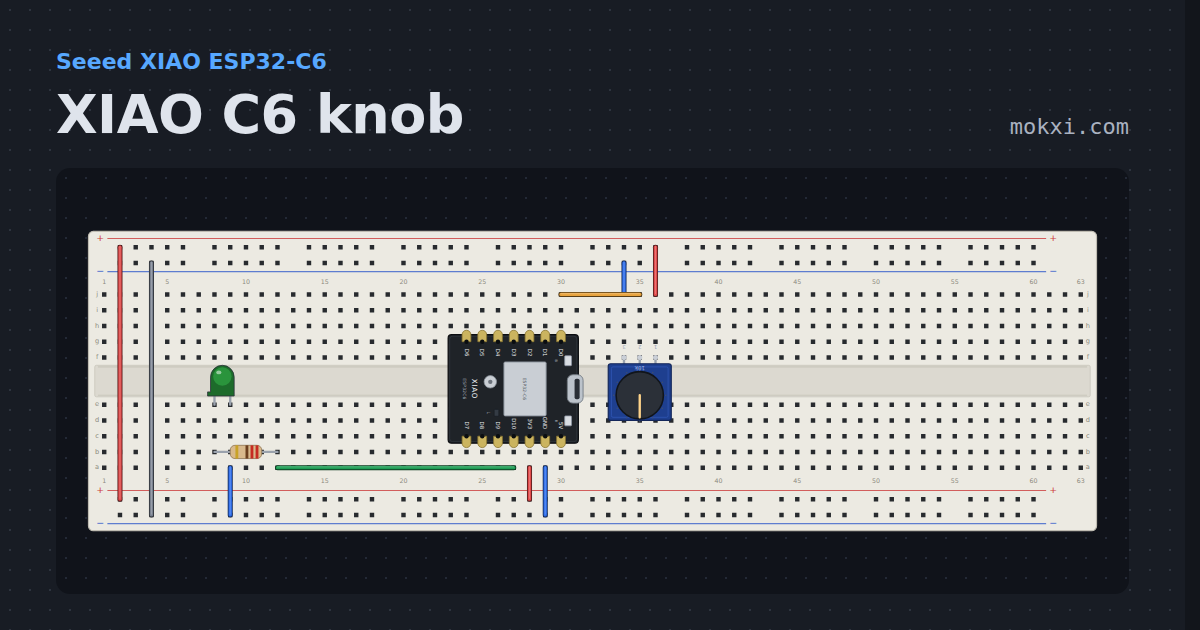
XIAO C6 knob
The XIAO ESP32-C3’s knob circuit, pad for pad, on the ESP32-C6: D0 is still A0, though the GPIO under it has changed.
- Board
- Seeed XIAO ESP32-C6
- Parts
- Potentiometer, resistor, LED
- Level
- Beginner
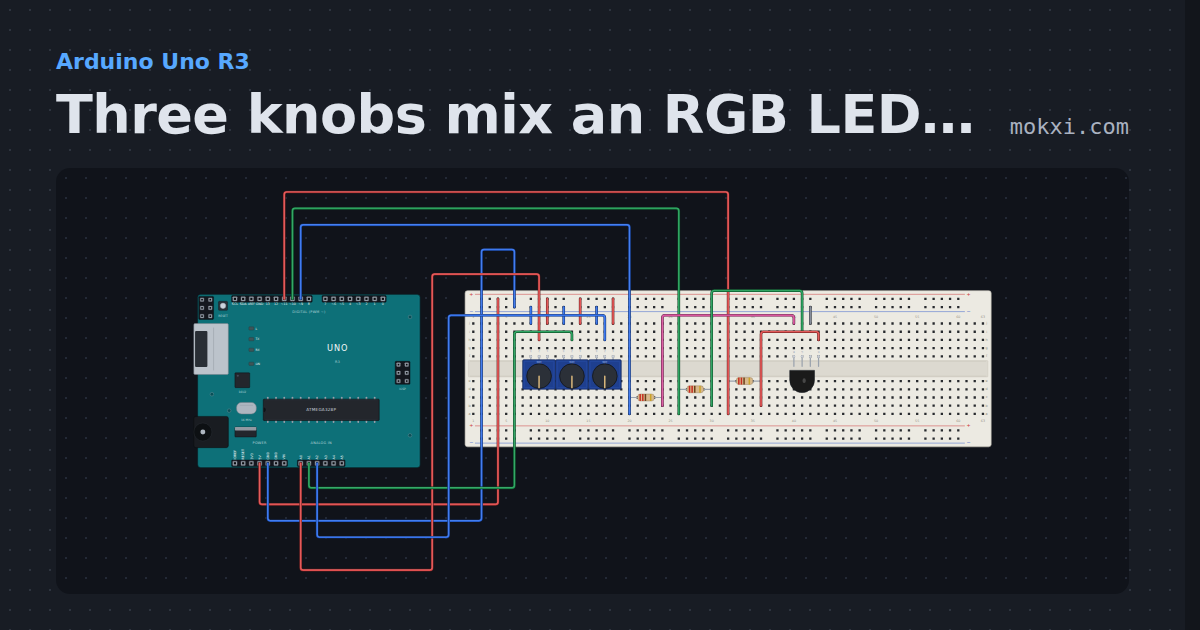
Three knobs mix an RGB LED (pins 11, 10 and 9)
Three potentiometers on A0, A1 and A2 set the red, green and blue of an RGB LED on pins 11, 10 and 9: mix any color by hand.
- Board
- Arduino Uno R3
- Parts
- RGB LED, resistor, potentiometer
- Level
- Beginner
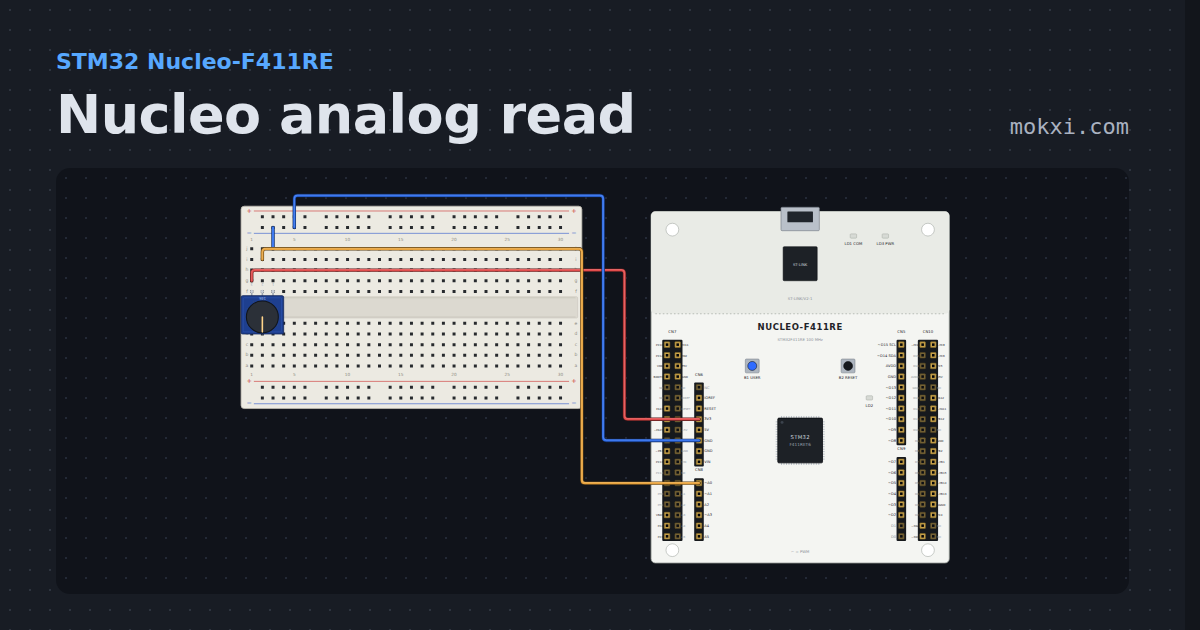
Nucleo analog read
A potentiometer on A0 of an STM32 Nucleo-F411RE, read in ten bits and printed with its voltage.
- Board
- STM32 Nucleo-F411RE
- Parts
- Potentiometer
- Level
- Beginner
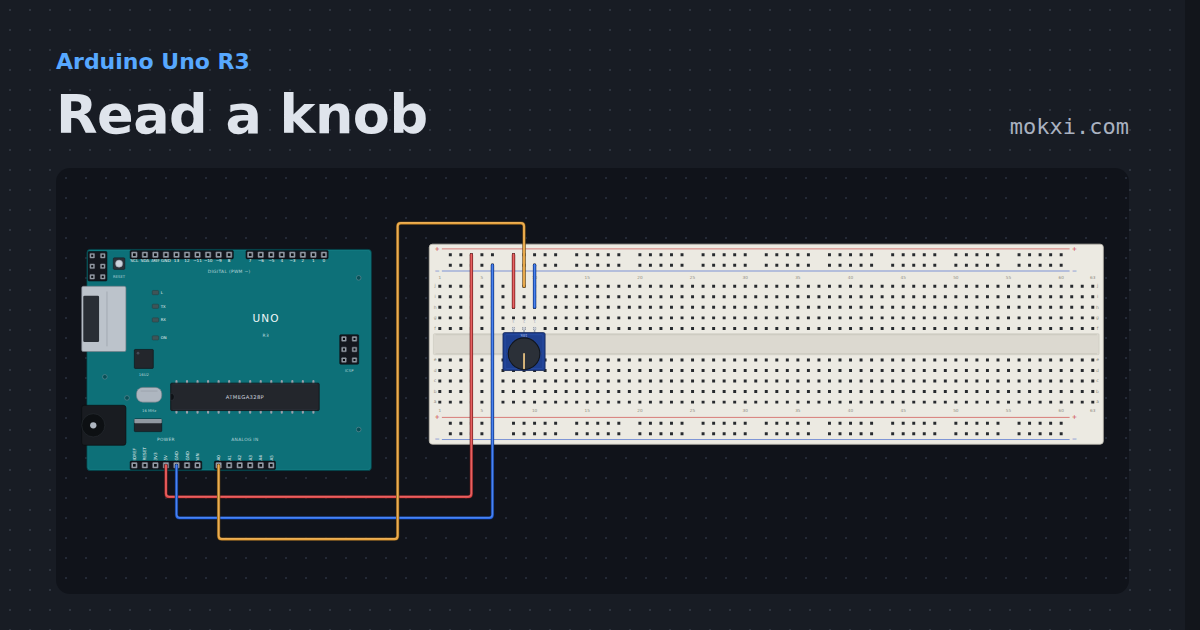
Read a knob
A potentiometer’s wiper on A0, read with analogRead five times a second and printed on the serial monitor as a count from 0 to 1023 and in millivolts.
- Board
- Arduino Uno R3
- Parts
- Potentiometer
- Level
- Beginner
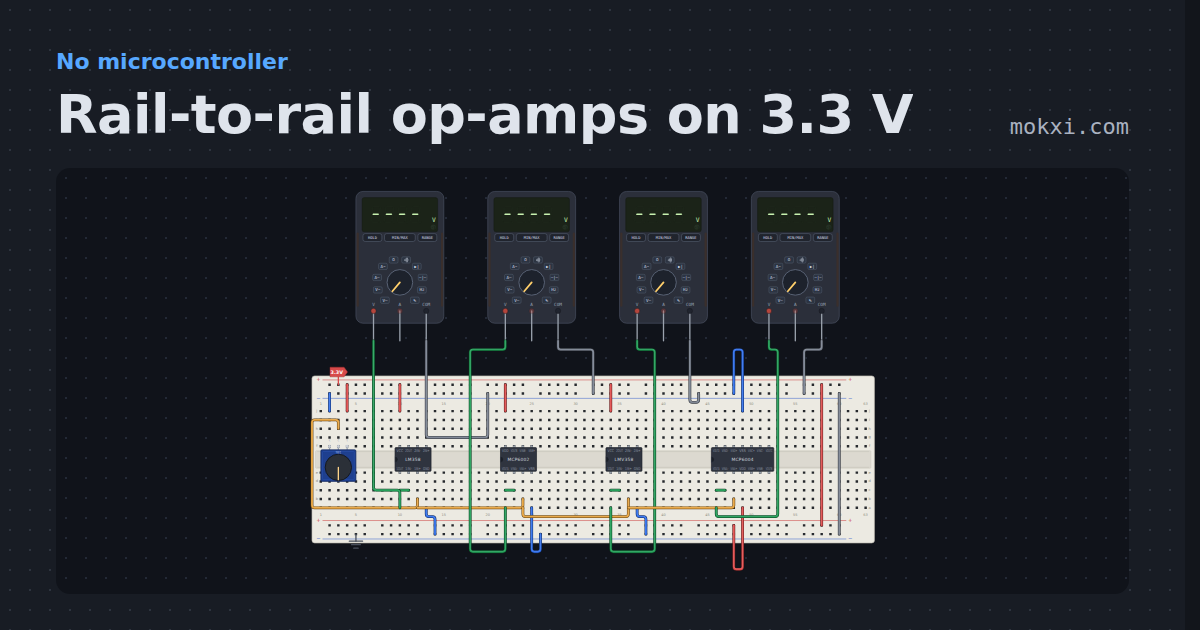
Rail-to-rail op-amps on 3.3 V
An LM358, an MCP6002, an LMV358 and an MCP6004 follow one knob on 3.3 V.
- Board
- No board
- Parts
- Potentiometer, LM358 dual op-amp, multimeter, MCP6002 dual rail-to-rail op-amp, LMV358 dual rail-to-rail op-amp, +1 more
- Level
- Beginner
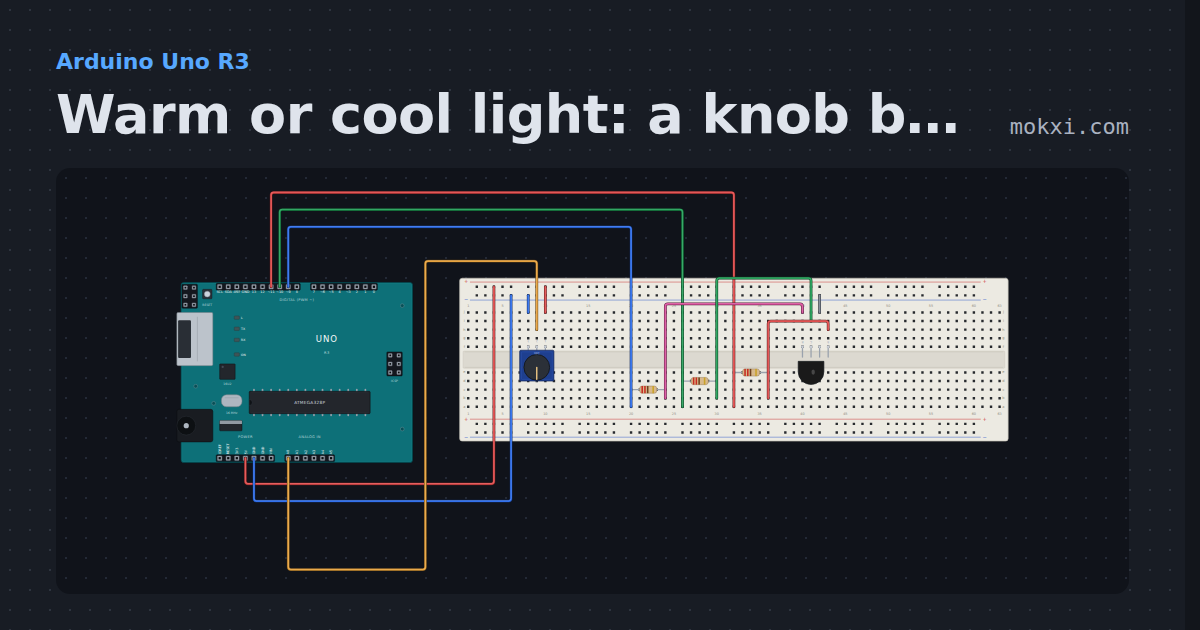
Warm or cool light: a knob blends an RGB LED
A potentiometer on A0 slides an RGB LED (red 11, green 10, blue 9) from a warm orange to a cool blue, mixing the two colors with map() on the way.
- Board
- Arduino Uno R3
- Parts
- RGB LED, resistor, potentiometer
- Level
- Beginner
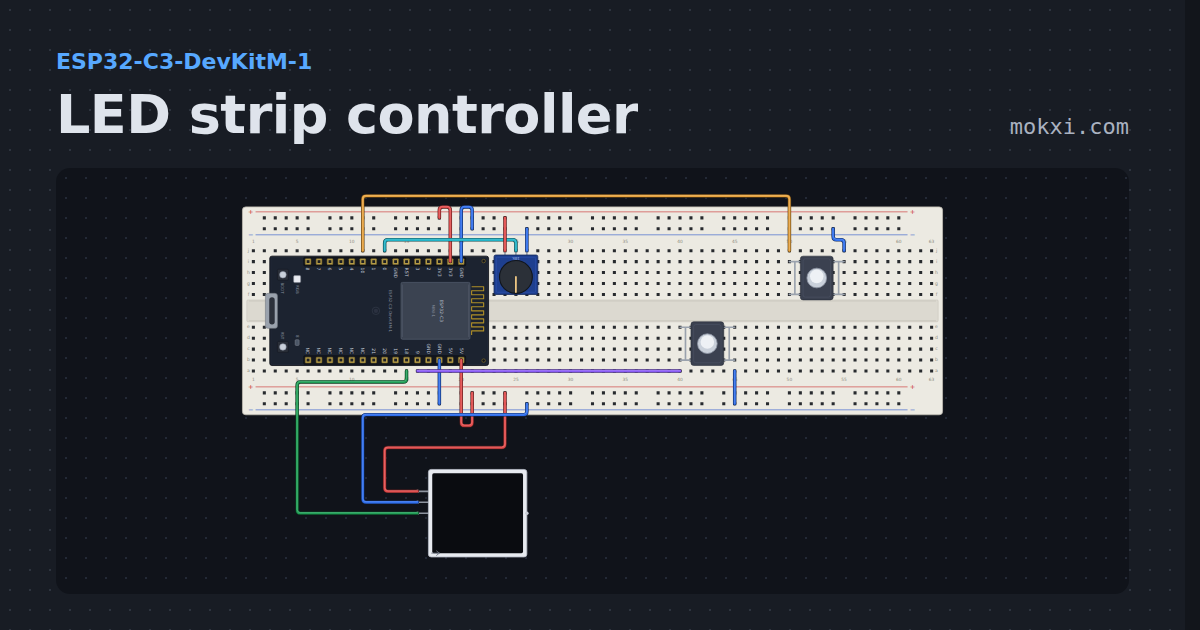
LED strip controller
Sixteen WS2812B pixels with on, off, brightness, color and two effects, faded between, from two buttons and a knob on the strip or from the Web tab.
- Board
- ESP32-C3-DevKitM-1
- Parts
- Potentiometer, push button, WS2812 NeoPixel LEDs
- Level
- Intermediate
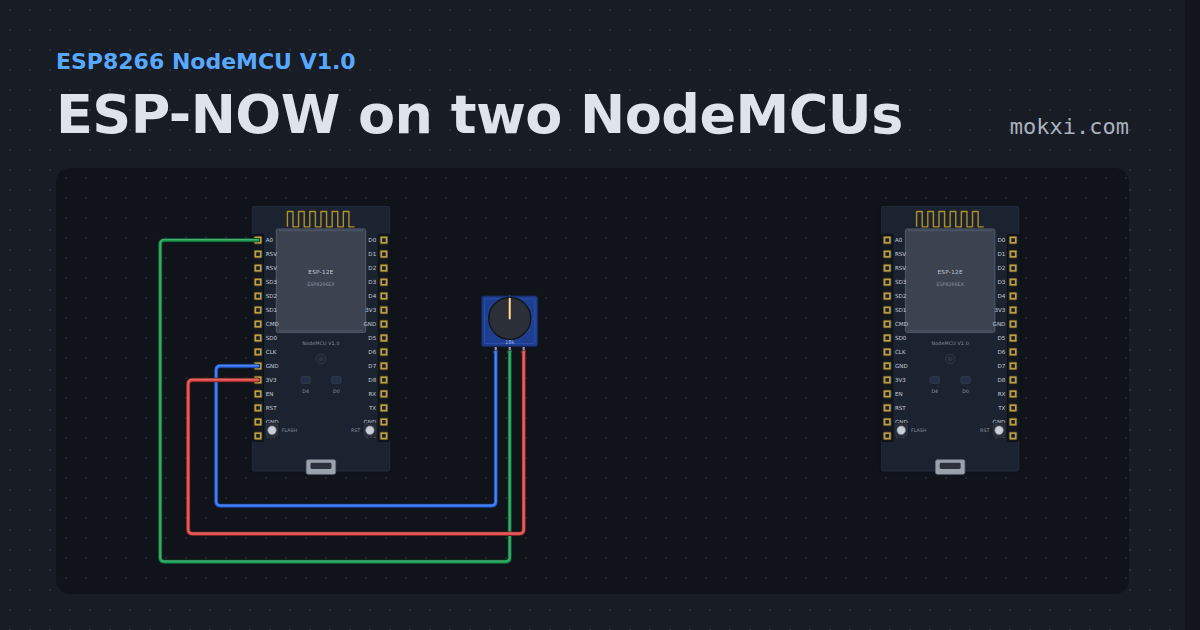
ESP-NOW on two NodeMCUs
Two ESP8266 boards talking ESP-NOW with the ESP8266 core’s espnow.h: one sends a count and a knob reading every two seconds.
- Board
- ESP8266 NodeMCU V1.0
- Parts
- Potentiometer
- Level
- Intermediate
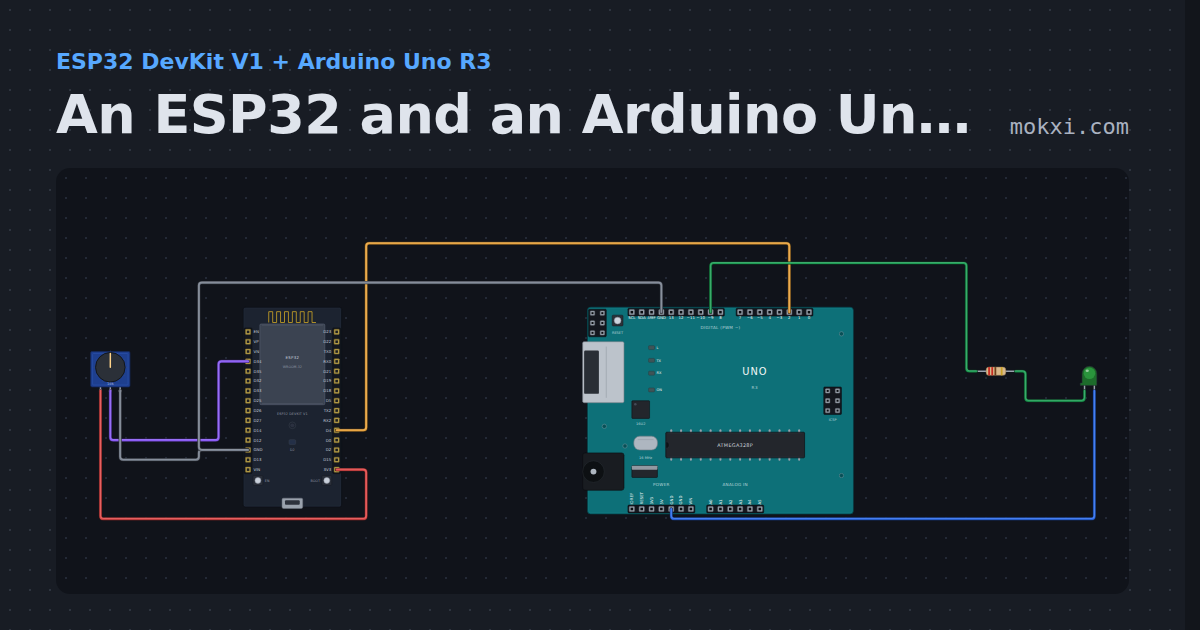
An ESP32 and an Arduino Uno talking over serial
An ESP32 reads a knob and sends the number to an Arduino Uno over a serial wire; the Uno sets an LED’s brightness from it.
- Board
- ESP32 DevKit V1 and Arduino Uno R3
- Parts
- Potentiometer, resistor, LED
- Level
- Intermediate
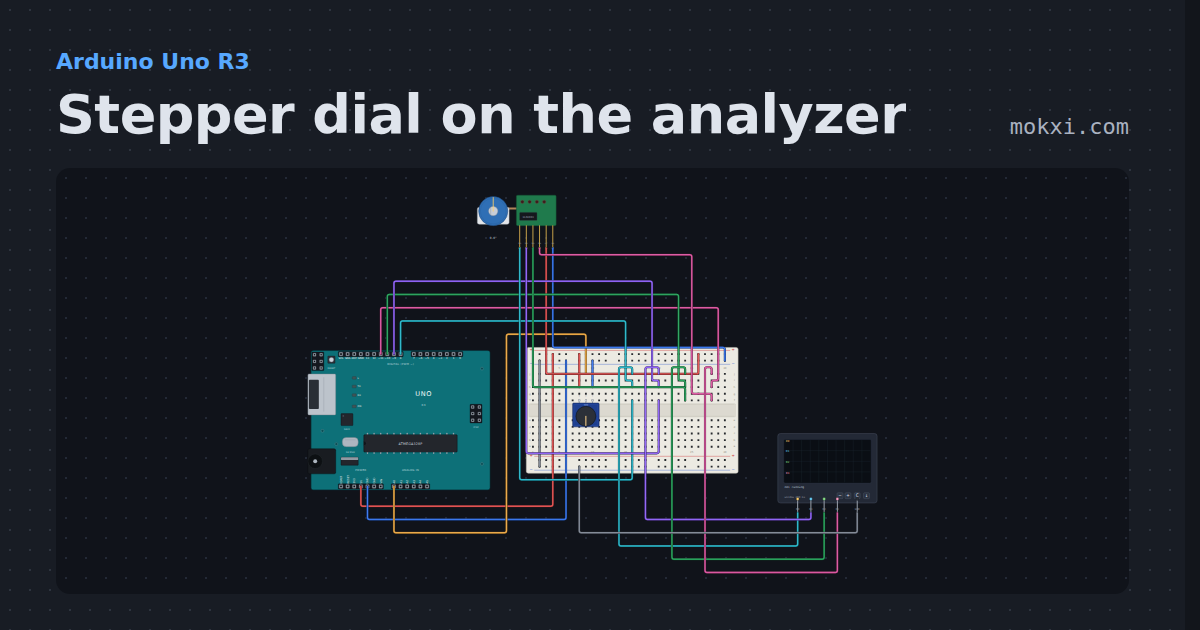
Stepper dial on the analyzer
A 28BYJ-48 following a knob, with a logic analyzer on its four coil lines: the half-step sequence walking, and the capture as CSV.
- Board
- Arduino Uno R3
- Parts
- 28BYJ-48 stepper and ULN2003, potentiometer, logic analyzer
- Level
- Intermediate
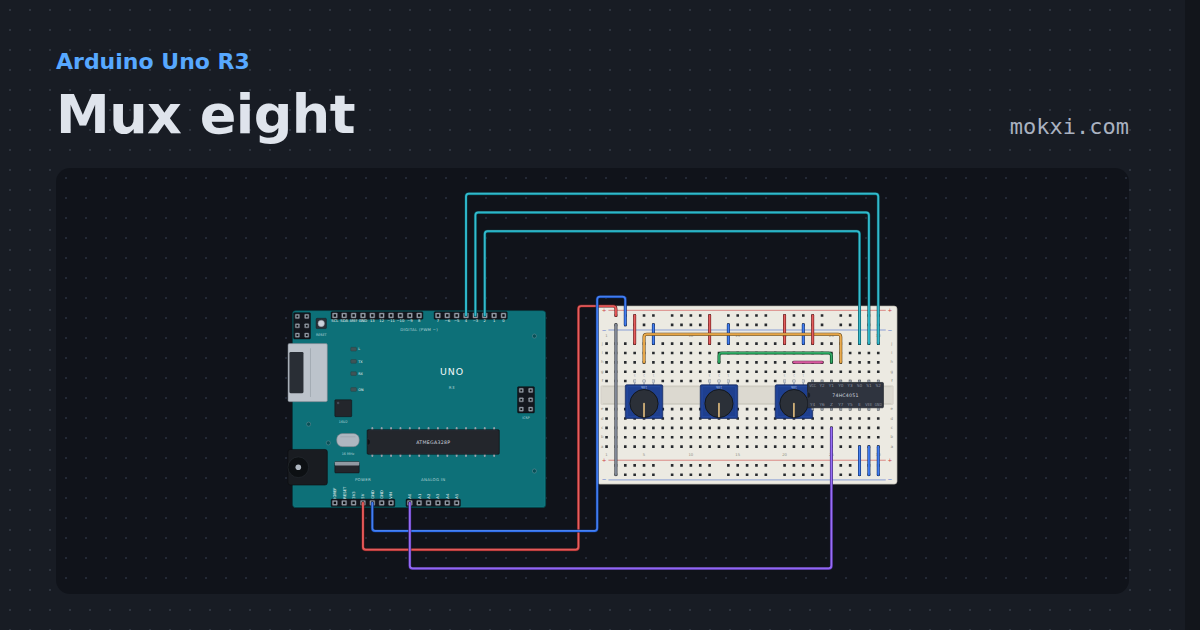
Mux eight
Three knobs read on one analog pin through a 74HC4051: three address lines pick which of its eight channels reaches A0.
- Board
- Arduino Uno R3
- Parts
- Potentiometer, 74HC4051 analog multiplexer
- Level
- Intermediate
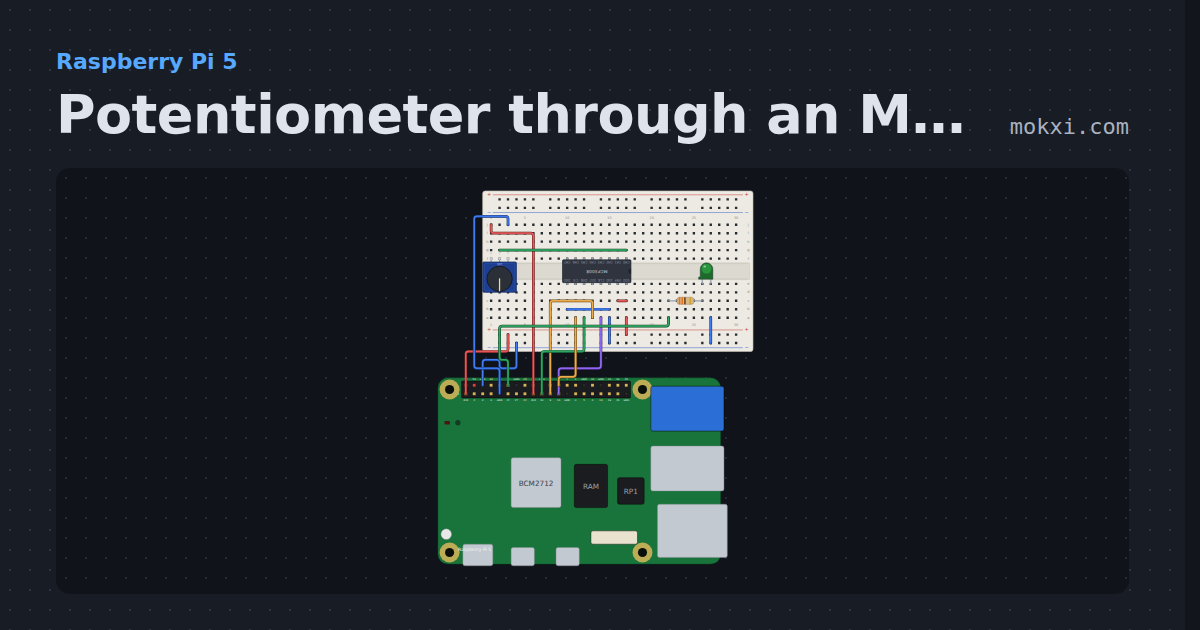
Potentiometer through an MCP3008 on a Pi
gpiozero MCP3008 on a Raspberry Pi 5: a knob read through the ADC on SPI0 sets the brightness of an LED on GPIO18.
- Board
- Raspberry Pi 5
- Parts
- Eight-channel ADC, potentiometer, resistor, LED
- Level
- Intermediate
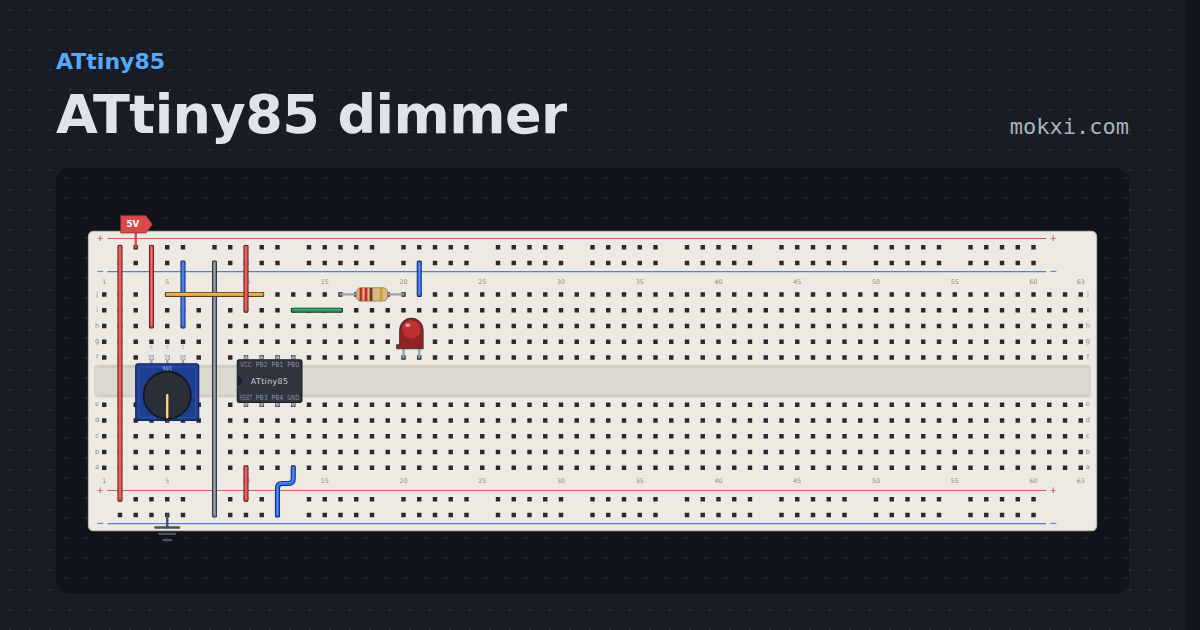
ATtiny85 dimmer
A knob on PB2 dims an LED on PB0, out of an eight-pin chip in the breadboard. No board, no USB, just the chip and its two rails.
- Board
- ATtiny85
- Parts
- Potentiometer, resistor, LED
- Level
- Intermediate
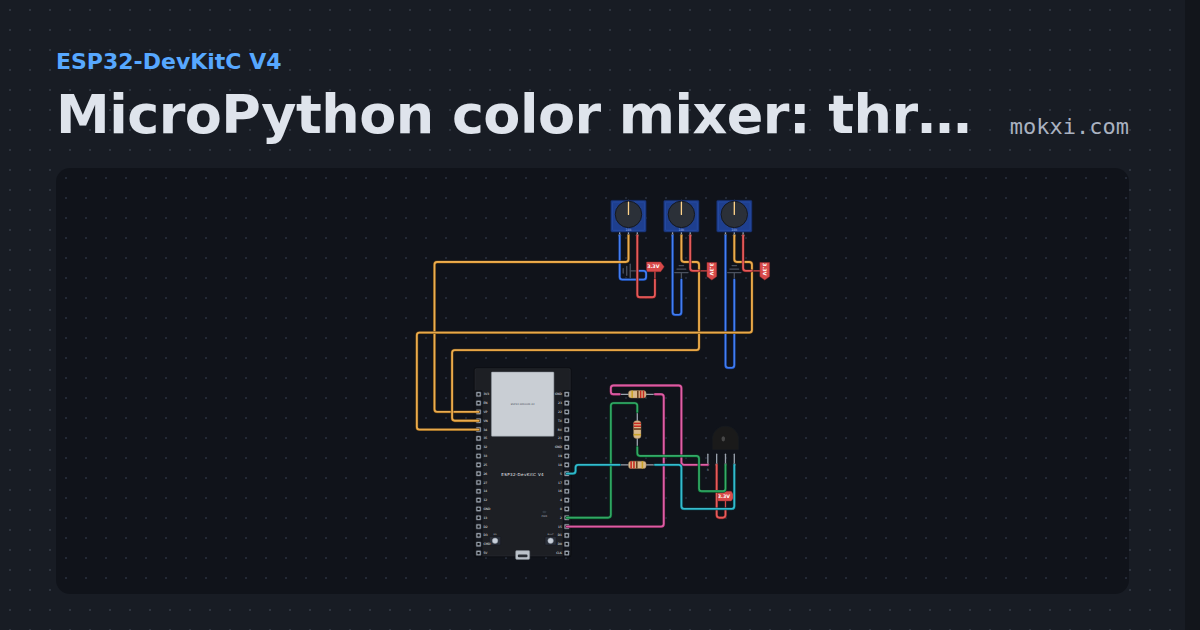
MicroPython color mixer: three knobs, one RGB LED
MicroPython on an ESP32: knobs on GPIO 36, 39 and 34 set the red, green and blue of a common-anode RGB LED on GPIO 15, 2 and 5.
- Board
- ESP32-DevKitC V4
- Parts
- Potentiometer, RGB LED, resistor
- Level
- Intermediate
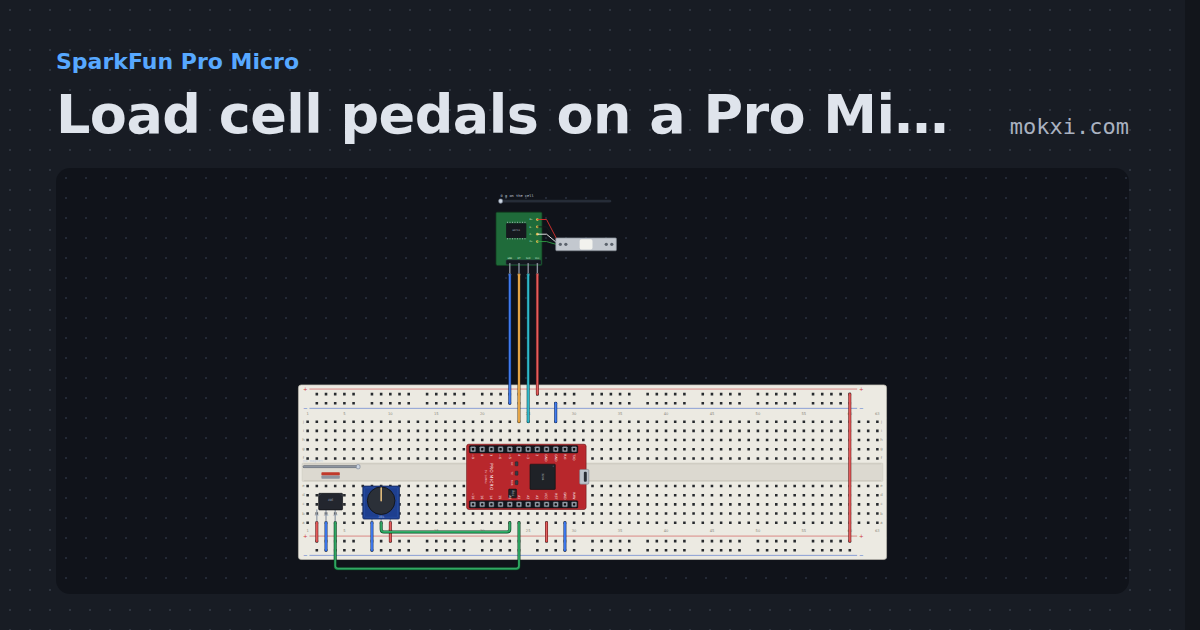
Load cell pedals on a Pro Micro
A load cell brake on an HX711 that responds to force, a hall sensor throttle and a pot clutch, each calibrated and sent as one Joystick.h report.
- Board
- SparkFun Pro Micro
- Parts
- Load cell with HX711, 49E linear hall sensor, potentiometer
- Level
- Advanced
Wiring, libraries and more ideas
Wiring guides
Library pages
More project ideas
- Arduino Uno project ideas
- ESP32 project ideas
- Electronics projects with no code
- Raspberry Pi Pico project ideas
- LED projects for Arduino, ESP32 and Pico
- Projects with a push button
- Projects with a piezo speaker
- Servo motor projects
- Projects with a DC motor
- Projects with an ILI9341 TFT display
- NeoPixel projects