Projects with a buzzer
48 Mokxi projects use a buzzer (15 beginner, 24 intermediate and 9 advanced). They run on Arduino Uno, Raspberry Pi Pico and ESP32 boards. Here are 24, from “Pico W active buzzer beeps through an S8050” to “Rocket flight computer”. Each card says what the project does, the board and parts it needs and its level, and Open in the simulator runs it in your browser in one click, with no account.
How to pick your first one
- Start with “Active buzzer”, a beginner project that needs a buzzer.
- Arduino Uno runs 38 of them, Raspberry Pi Pico 5 and ESP32 4. Start on the board you have, or on an Arduino Uno if you are buying one.
- The parts used most here are the push button (22 projects), the LED (21) and the I2C LCD (15). With those on hand, most of this list is open to you.
- Before you build one on a real bench, open the buzzer part page for its pins and what each one does.
24 projects of 48
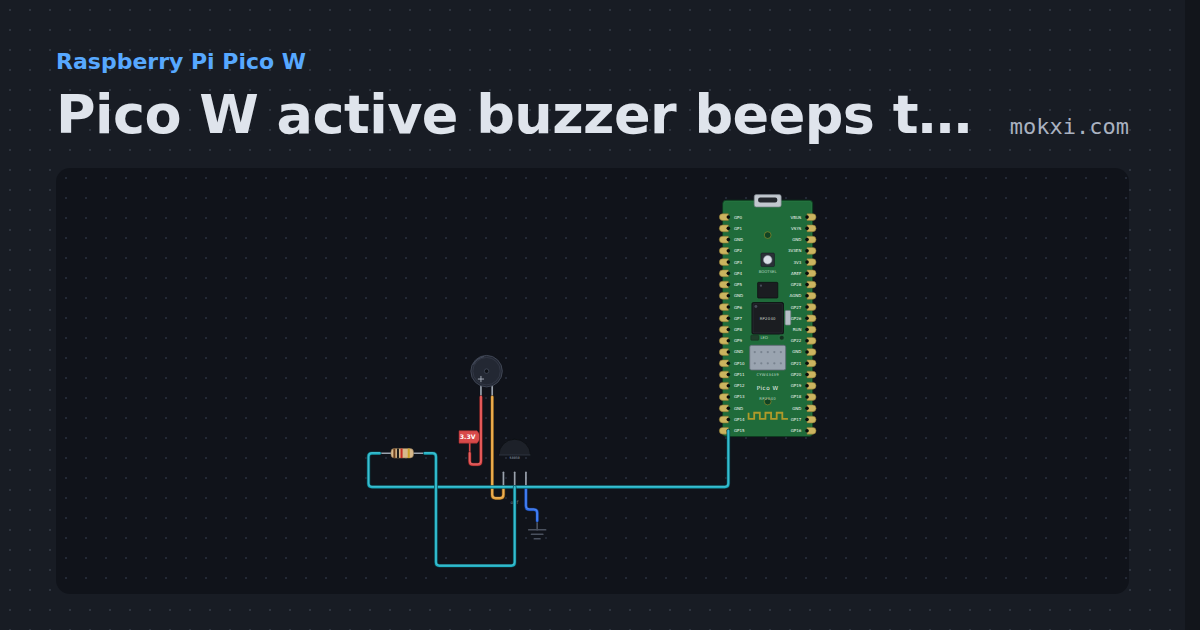
Pico W active buzzer beeps through an S8050
MicroPython on a Pico W: GP15 switches an S8050 that sounds an active buzzer: four short beeps, a pause of a second, and again.
- Board
- Raspberry Pi Pico W
- Parts
- Buzzer, transistor, resistor
- Level
- Beginner
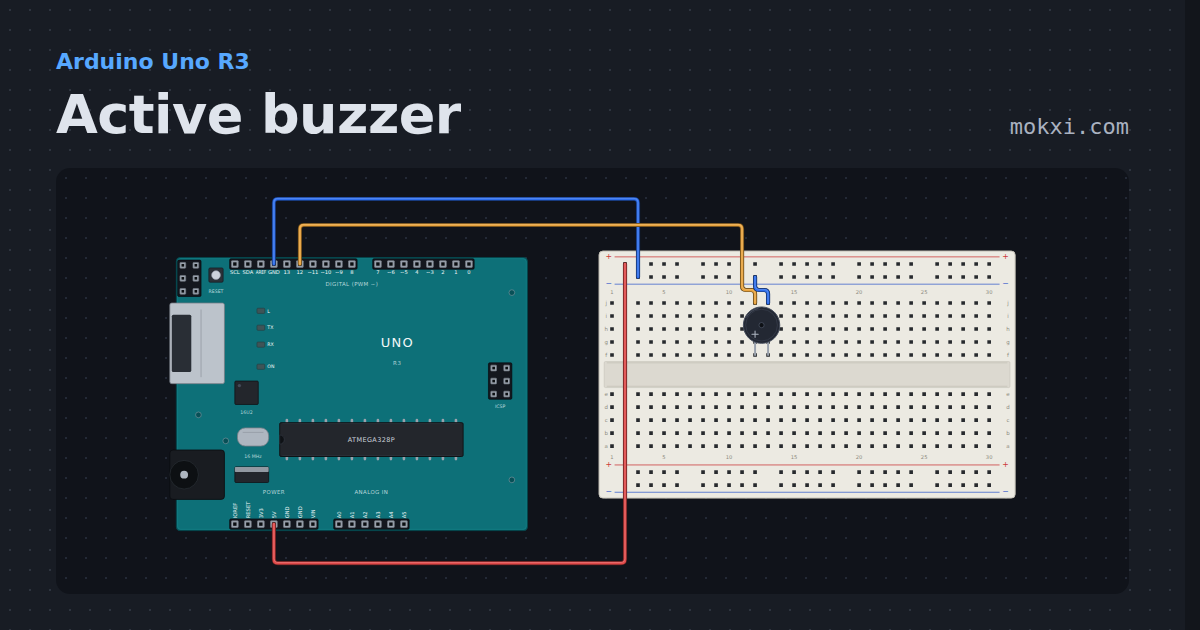
Active buzzer
An active buzzer on pin 12 sounds whenever the pin is HIGH, so the sketch only decides when: quick beeps, then slow ones.
- Board
- Arduino Uno R3
- Parts
- Buzzer
- Level
- Beginner
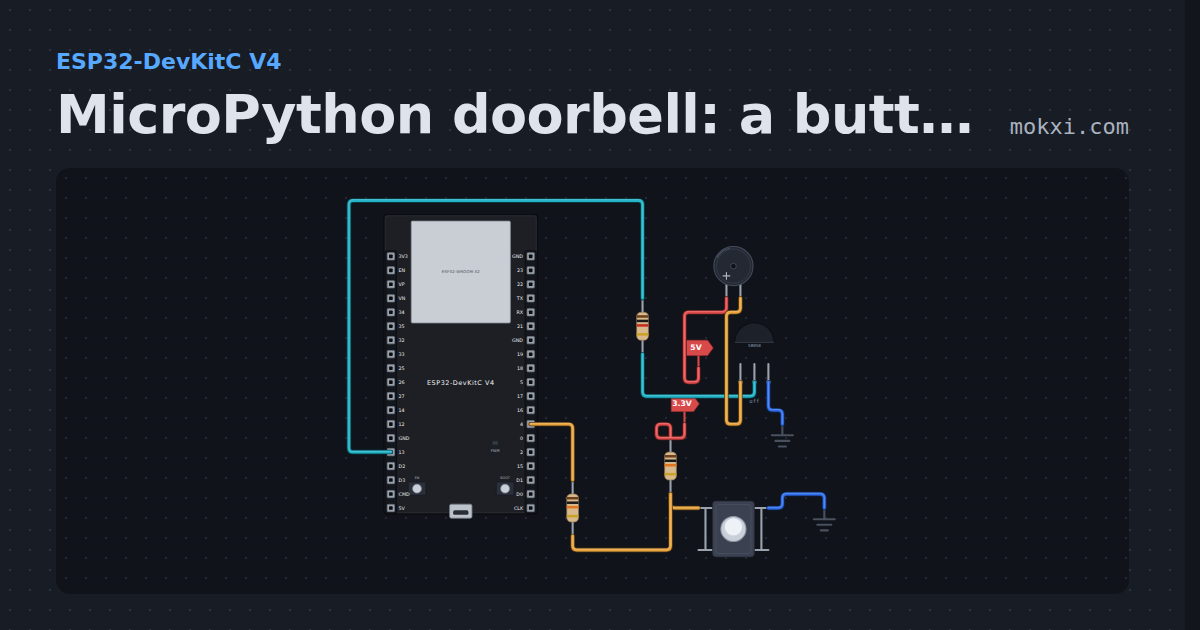
MicroPython doorbell: a button sounds a buzzer
MicroPython on an ESP32: hold the button on GPIO 4 and an active buzzer, switched through an S8050 transistor from GPIO 13, sounds.
- Board
- ESP32-DevKitC V4
- Parts
- Buzzer, resistor, transistor, push button
- Level
- Beginner
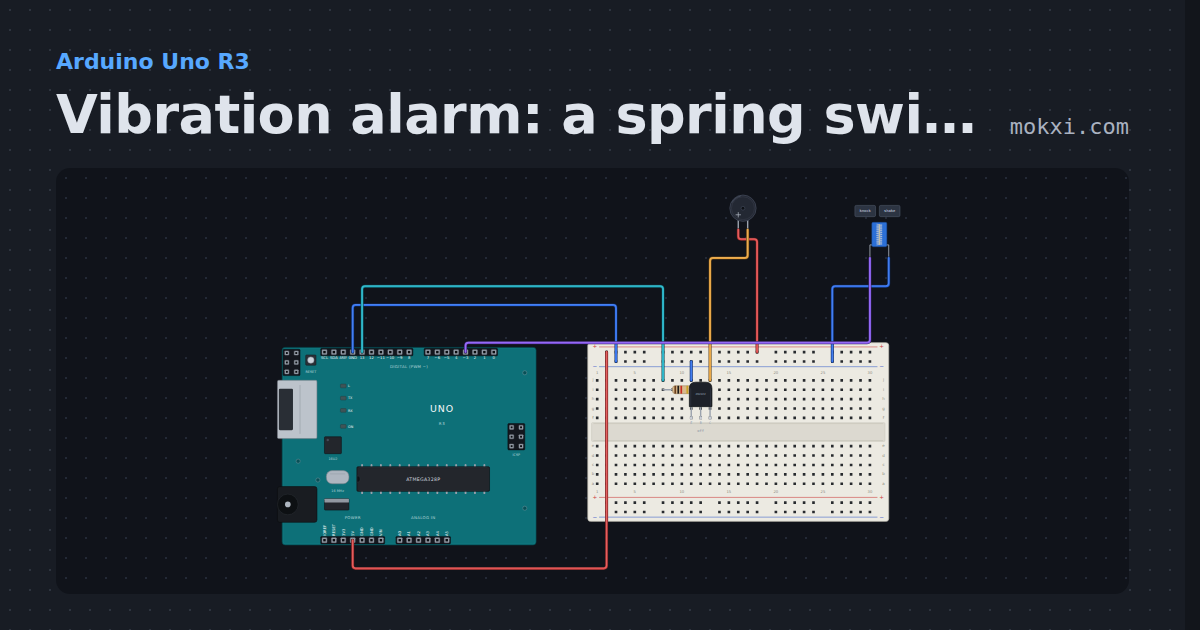
Vibration alarm: a spring switch on pin 3, a buzzer on 13
A spring vibration switch from pin 3 to ground fires an interrupt the moment it is shaken, and an active buzzer on pin 13.
- Board
- Arduino Uno R3
- Parts
- Resistor, transistor, buzzer, spring vibration switch
- Level
- Beginner
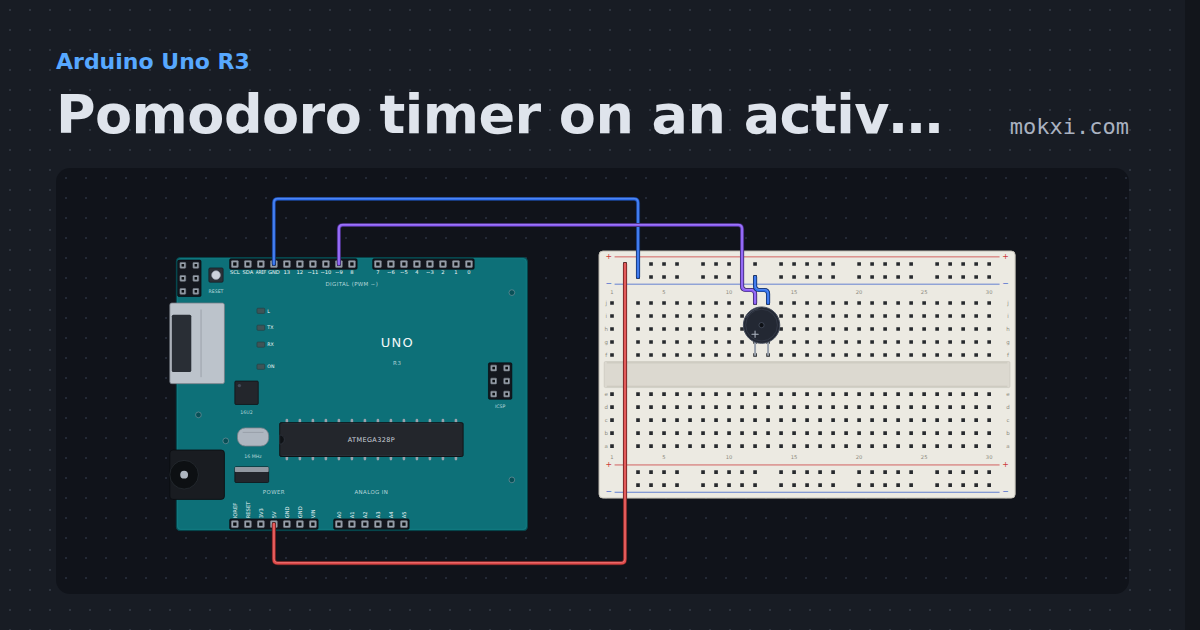
Pomodoro timer on an active buzzer (pin 9)
An active buzzer on pin 9 times 25 minutes of work and 5 minutes of rest with millis(): one long beep to start work.
- Board
- Arduino Uno R3
- Parts
- Buzzer
- Level
- Beginner
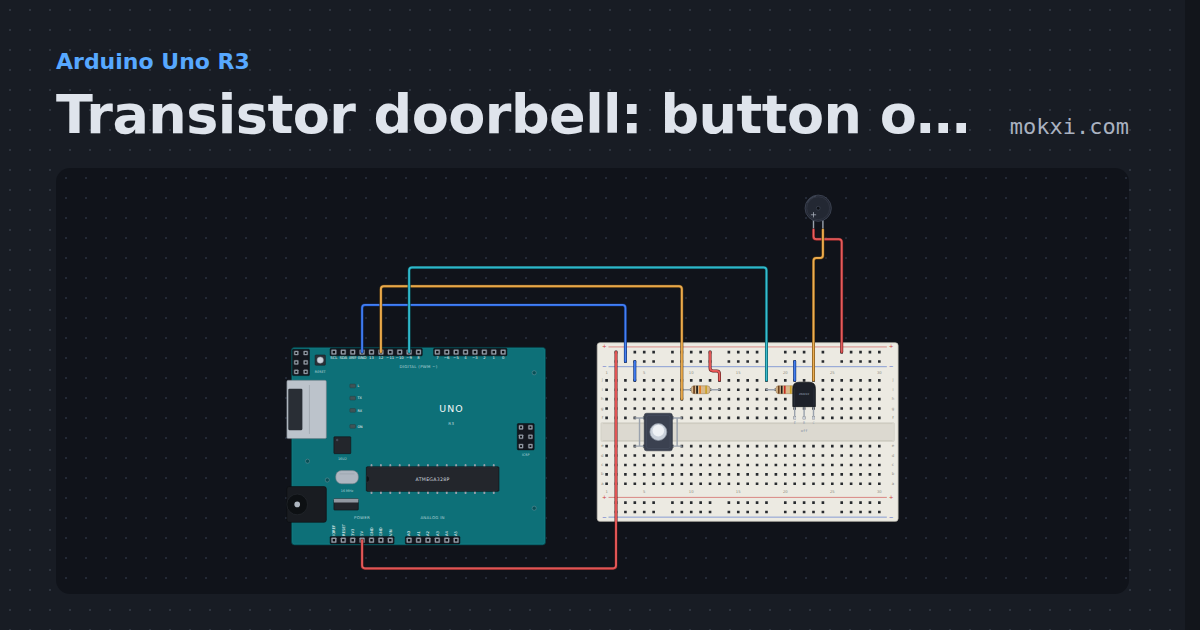
Transistor doorbell: button on 12, buzzer on 9
Hold the push button on pin 12 (10k pull-up) and an active buzzer sounds, switched by an NPN transistor whose base is driven from pin 9.
- Board
- Arduino Uno R3
- Parts
- Push button, resistor, transistor, buzzer
- Level
- Beginner
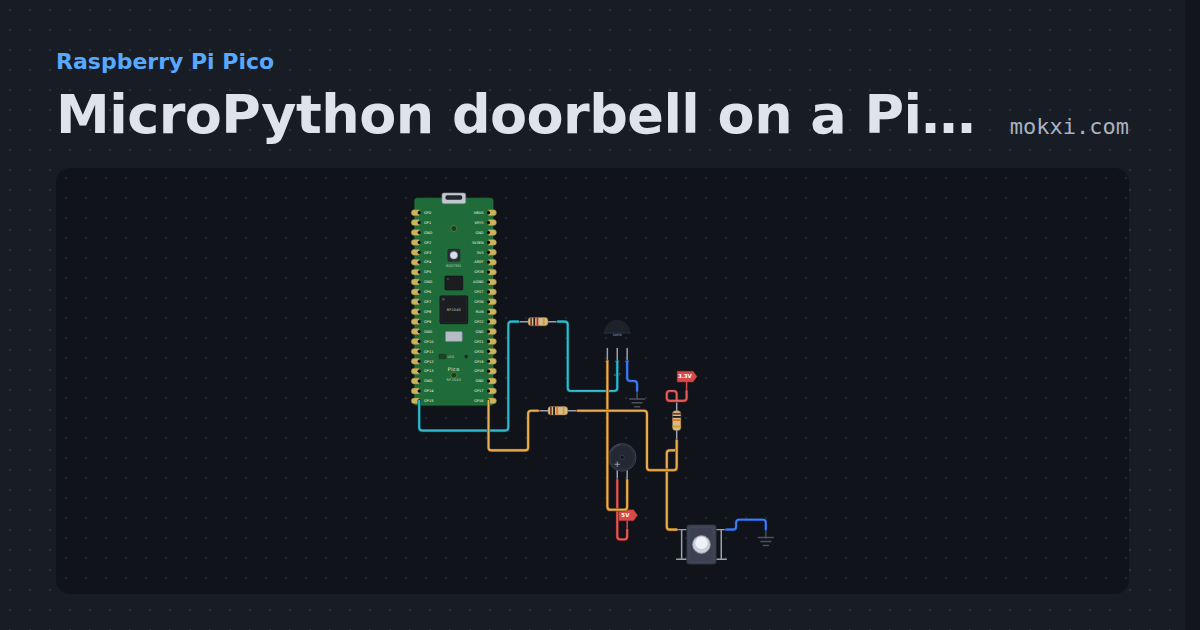
MicroPython doorbell on a Pico: button and buzzer
MicroPython on a Raspberry Pi Pico: while the button on GP16 is held, GP15 turns on an S8050 transistor and an active buzzer on 5 V sounds.
- Board
- Raspberry Pi Pico
- Parts
- Resistor, transistor, buzzer, push button
- Level
- Beginner
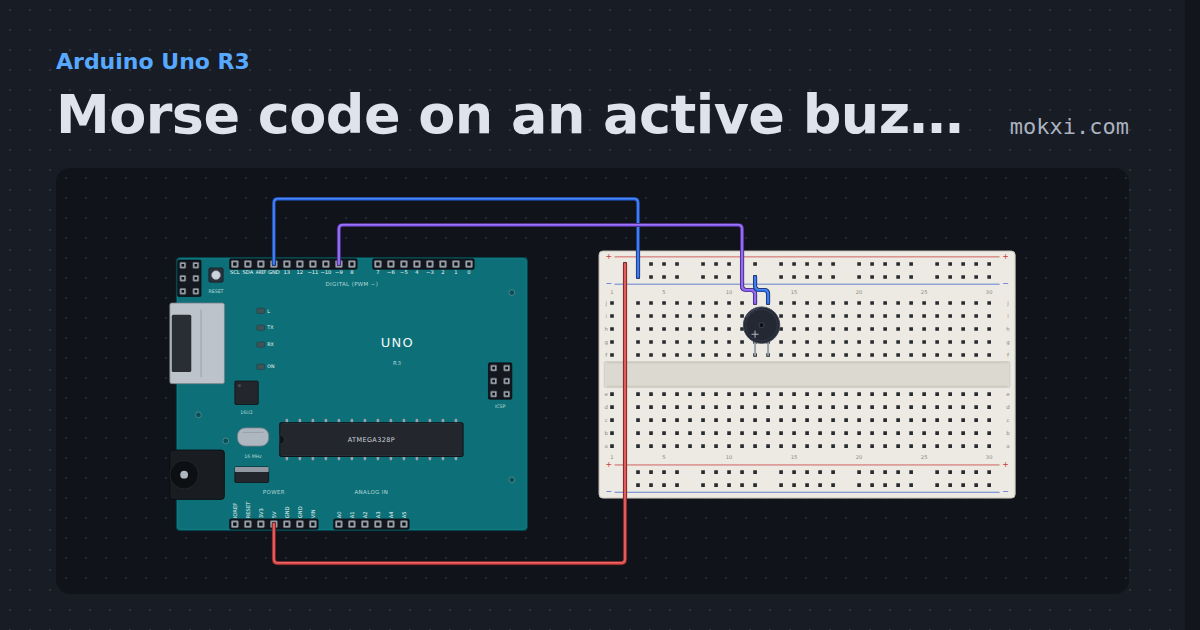
Morse code on an active buzzer (pin 9)
An active buzzer on pin 9 beeps SOS in Morse code, three short, three long and three short, with a dot and a dash written as functions.
- Board
- Arduino Uno R3
- Parts
- Buzzer
- Level
- Beginner
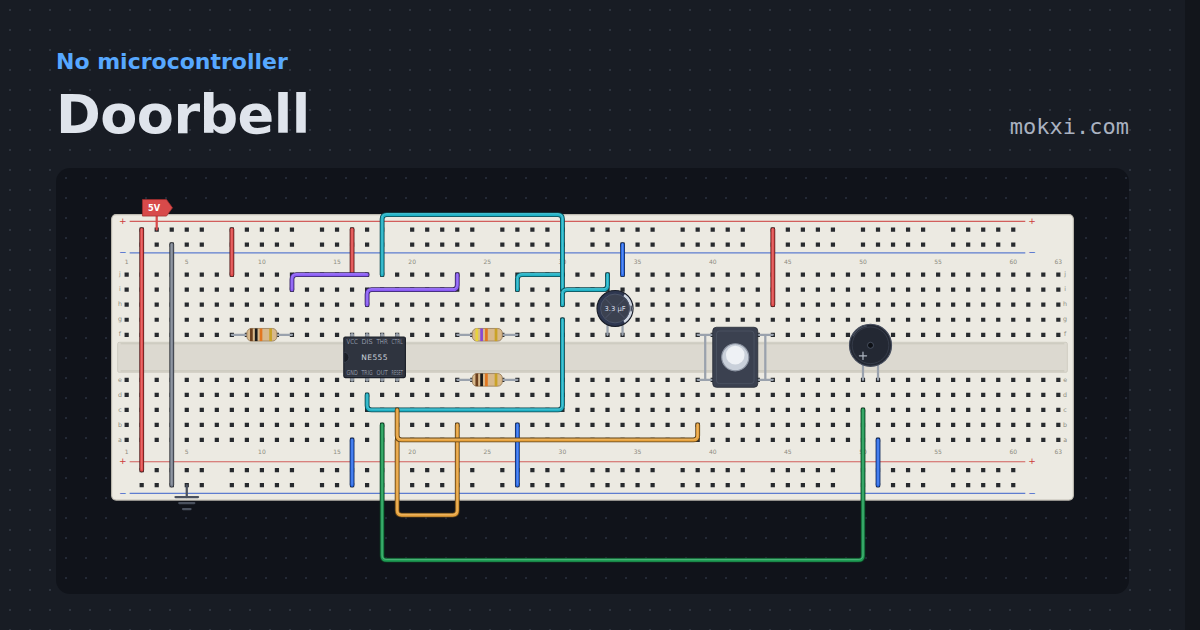
Doorbell
A pushbutton lifts the 555 out of reset and a 4 Hz astable beeps the buzzer.
- Board
- No board
- Parts
- Resistor, NE555 timer, capacitor, push button, buzzer
- Level
- Beginner
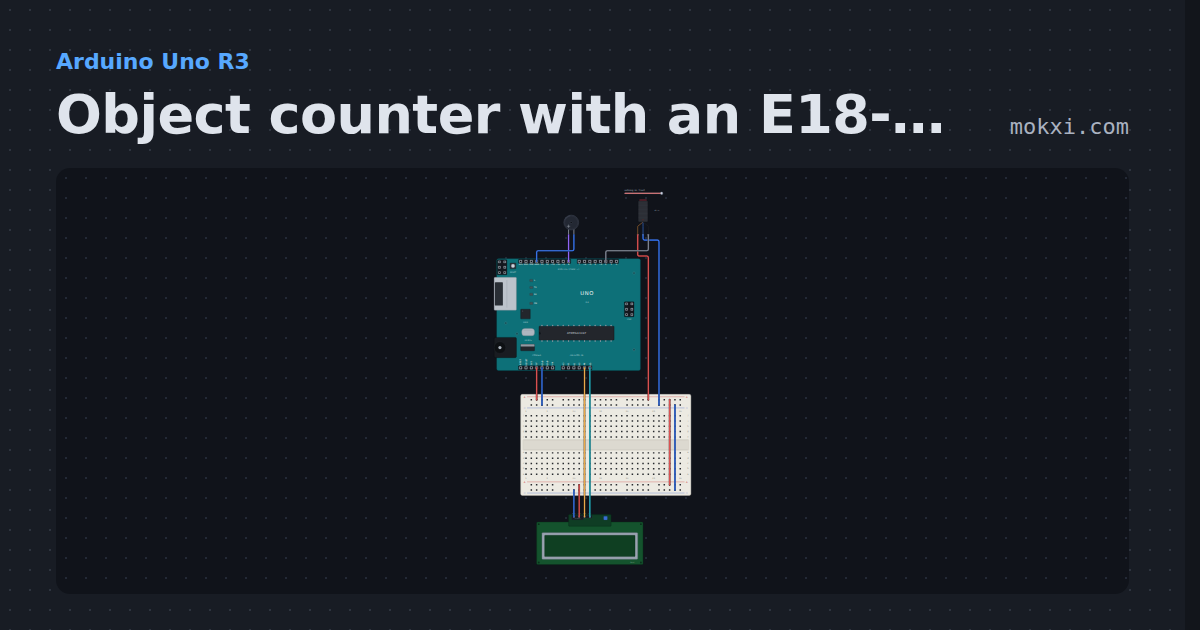
Object counter with an E18-D80NK
An E18-D80NK infrared sensor on pin 2 with the pin’s pull-up: each object that passes adds one to the count on a 16x2 I2C LCD, with a beep.
- Board
- Arduino Uno R3
- Parts
- E18-D80NK IR proximity switch, buzzer, I2C LCD
- Level
- Beginner
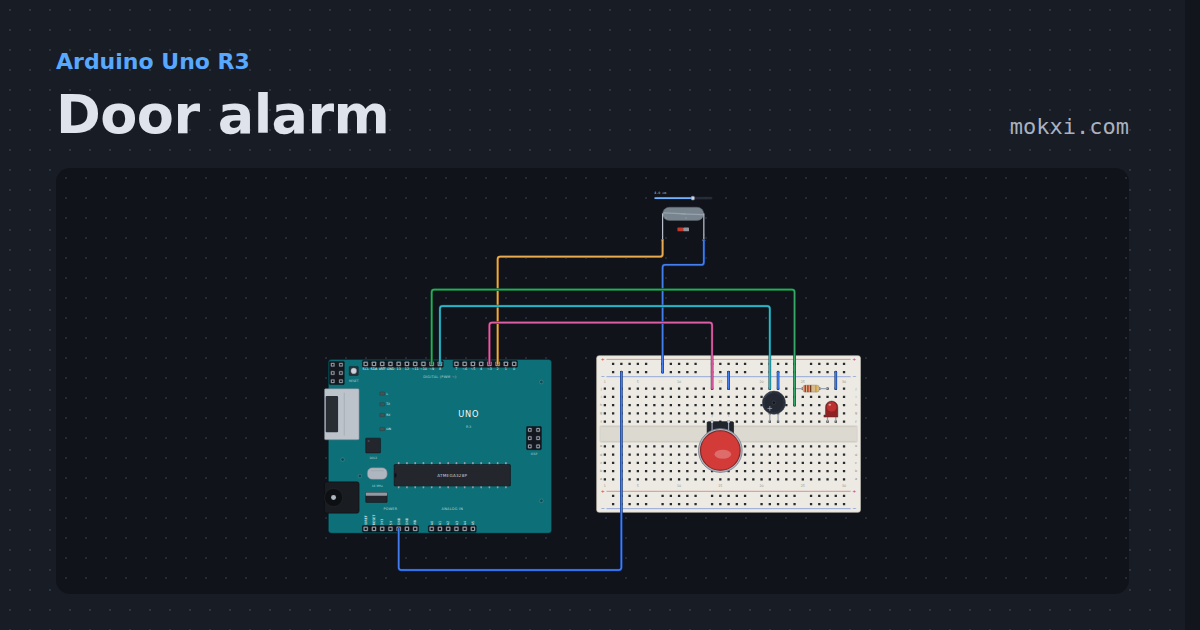
Door alarm
A reed switch and a magnet on pin 2: open the door and a buzzer and a lamp latch on until the arcade button resets them. Half-size board.
- Board
- Arduino Uno R3
- Parts
- Reed switch, arcade button, buzzer, resistor, LED
- Level
- Beginner
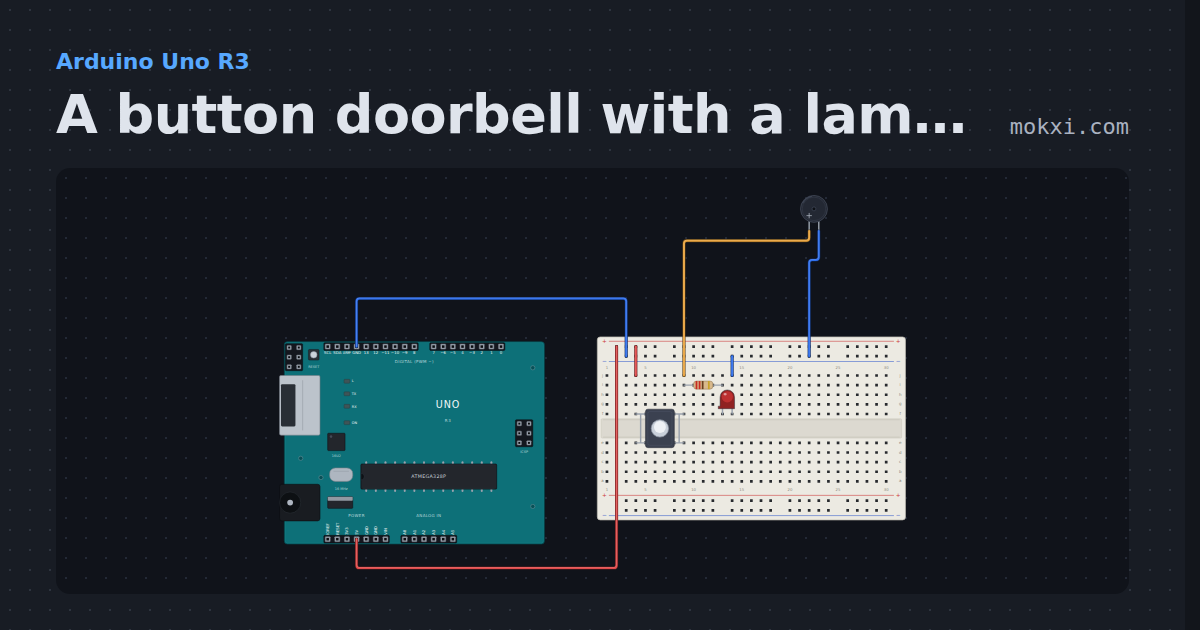
A button doorbell with a lamp, no code
A push button, an active buzzer and an LED with its 220 ohm resistor wired to the Uno’s 5 V.
- Board
- Arduino Uno R3
- Parts
- Push button, resistor, LED, buzzer
- Level
- Beginner
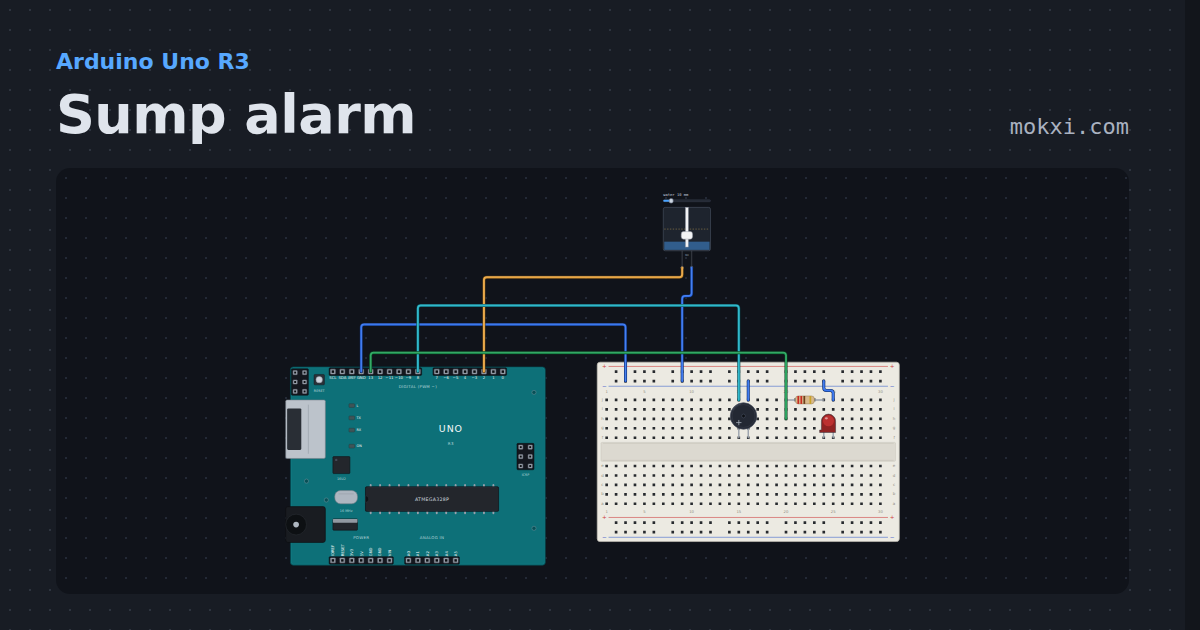
Sump alarm
A float switch in the sump on an Uno: when the water lifts the float, a buzzer sounds a siren and a red LED lights until the water has gone back down.
- Board
- Arduino Uno R3
- Parts
- Float switch, buzzer, resistor, LED
- Level
- Beginner
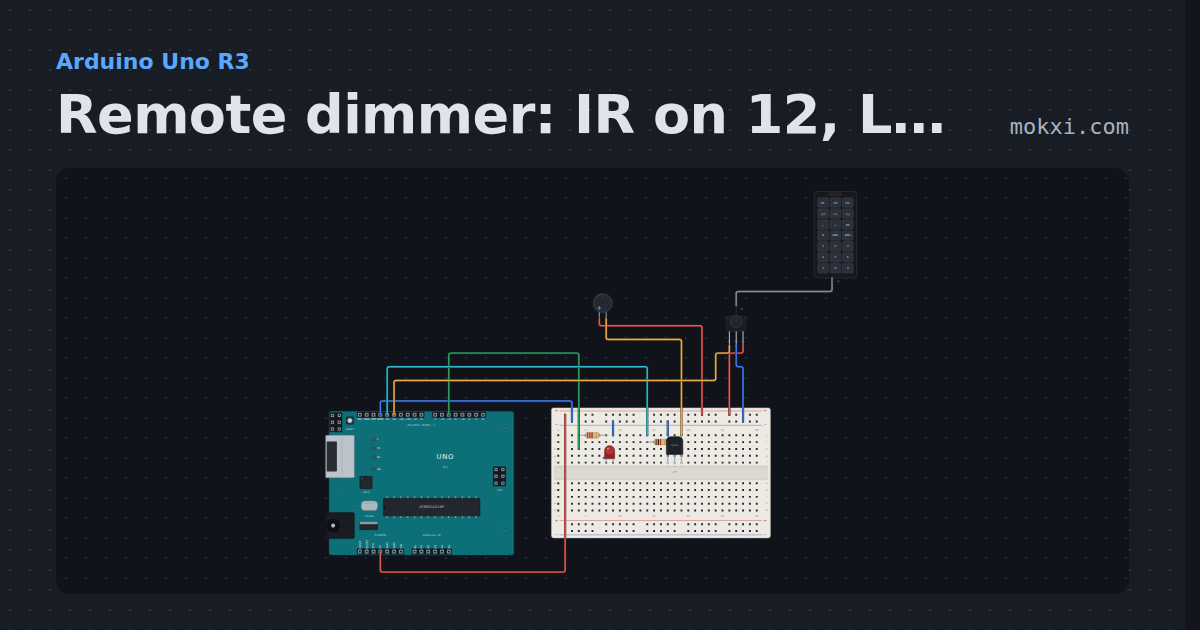
Remote dimmer: IR on 12, LED on 5, buzzer on 13
Buttons 0 to 3 on the remote set the LED on pin 5 to off, dim, medium and full; an active buzzer on pin 13, switched by an NPN transistor.
- Board
- Arduino Uno R3
- Parts
- Resistor, LED, transistor, buzzer, IR receiver and remote, +1 more
- Level
- Intermediate
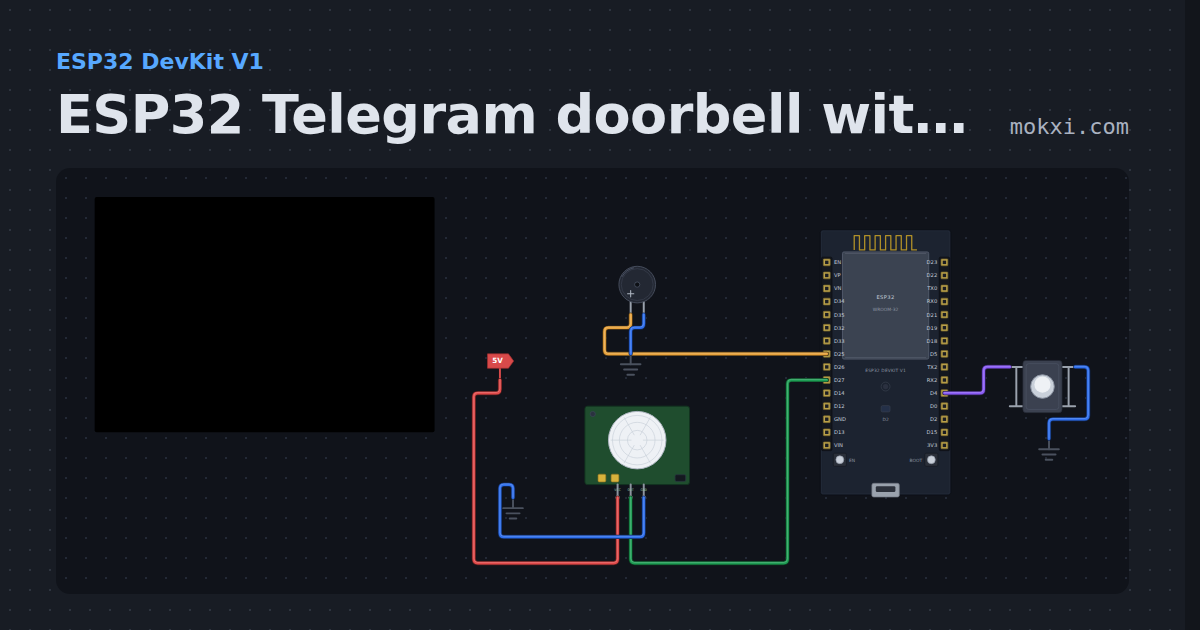
ESP32 Telegram doorbell with a PIR sensor
An ESP32 doorbell: the button rings a buzzer and sends you a Telegram message with UniversalTelegramBot, and a PIR sensor reports motion at the door.
- Board
- ESP32 DevKit V1
- Parts
- Push button, buzzer, PIR motion sensor
- Level
- Intermediate
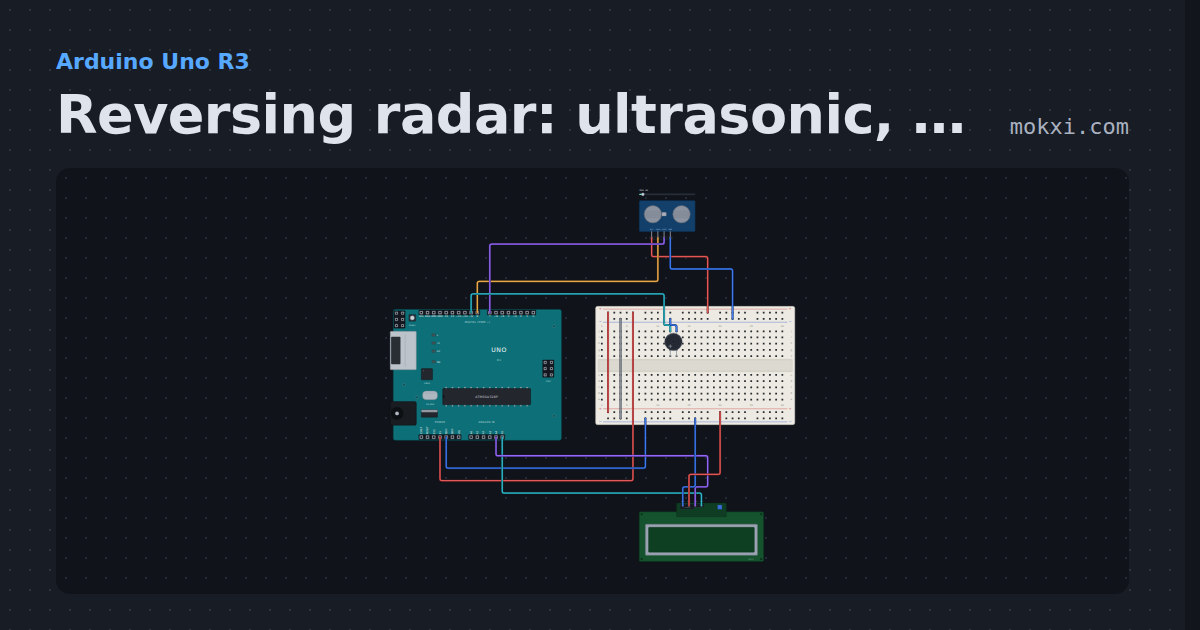
Reversing radar: ultrasonic, buzzer and I2C LCD
An HC-SR04 (TRIG 8, ECHO 7) measures the gap behind the car; an active buzzer on pin 9 beeps faster as it closes.
- Board
- Arduino Uno R3
- Parts
- HC-SR04 ultrasonic sensor, buzzer, I2C LCD
- Level
- Intermediate
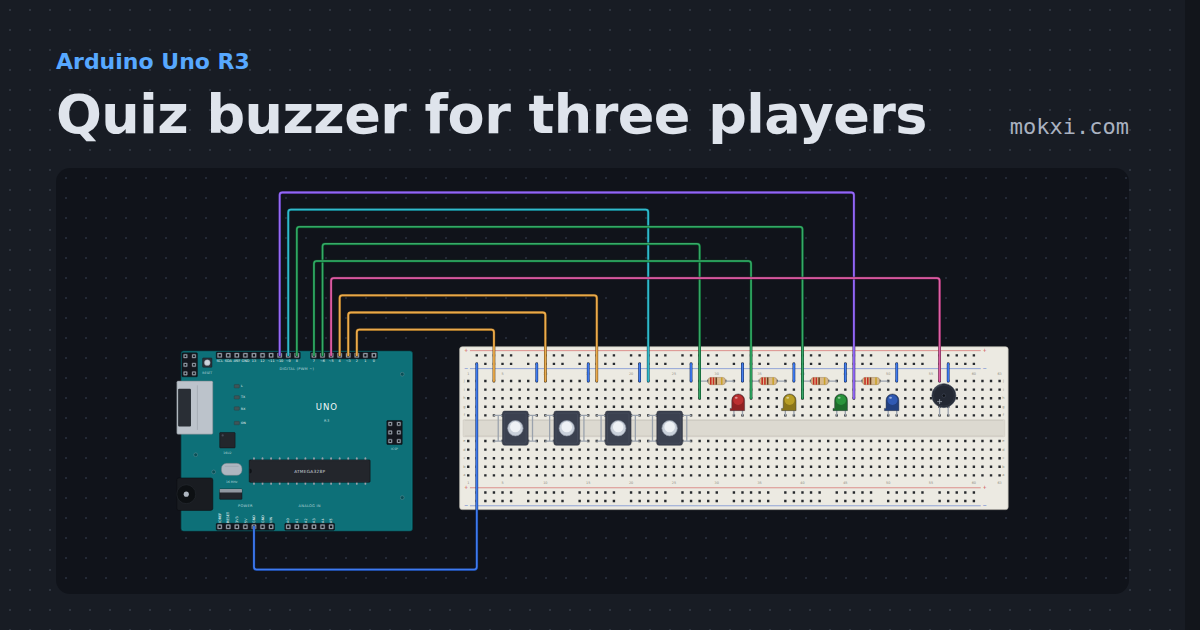
Quiz buzzer for three players
Three answer buttons on pins 2, 3 and 4 and a reset button on 9: the first to press lights their LED (pins 6.
- Board
- Arduino Uno R3
- Parts
- Push button, resistor, LED, buzzer
- Level
- Intermediate
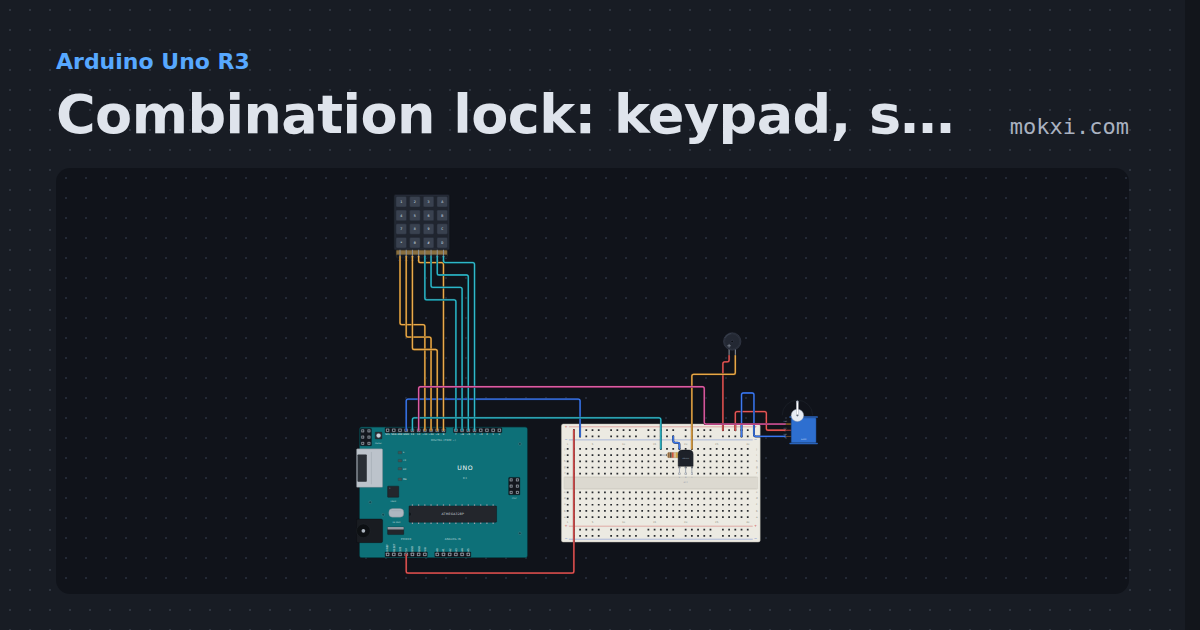
Combination lock: keypad, servo bolt and buzzer
Type 1234 on a keypad (rows 11 to 8, columns 7 to 4) and a servo on pin 12 draws the bolt for two seconds; each key clicks a buzzer on pin 13.
- Board
- Arduino Uno R3
- Parts
- 4x4 keypad, resistor, transistor, buzzer, servo motor
- Level
- Intermediate
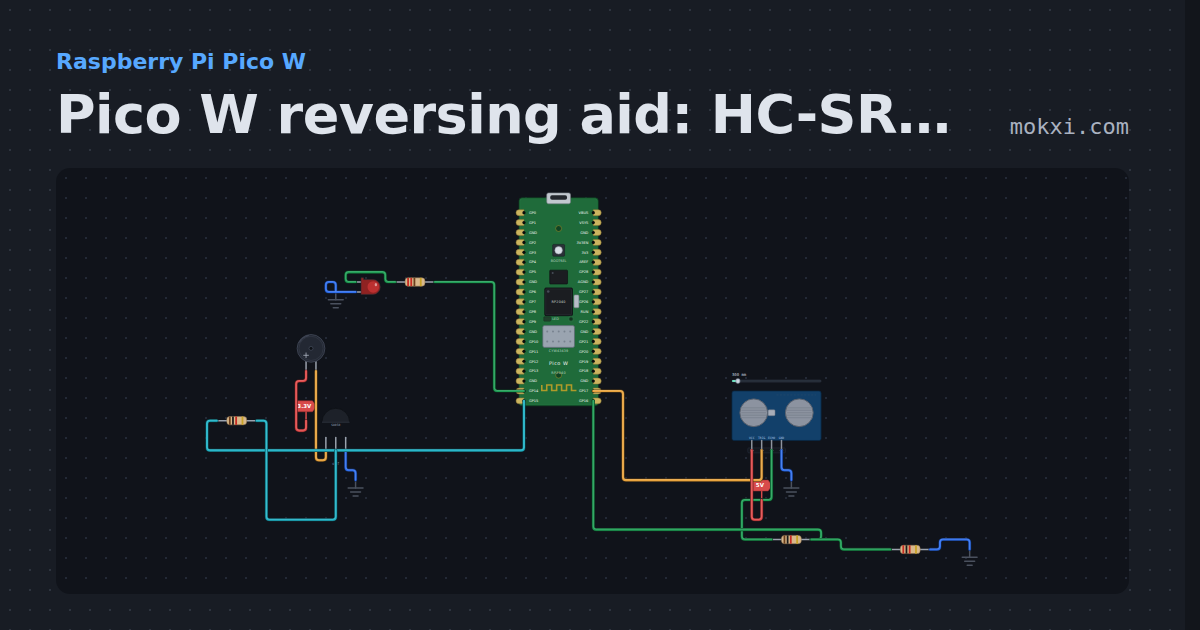
Pico W reversing aid: HC-SR04 and a beeper
MicroPython on a Pico W: an HC-SR04 on GP17 and GP16 measures the gap, and an active buzzer and an LED beep faster as an obstacle gets closer.
- Board
- Raspberry Pi Pico W
- Parts
- HC-SR04 ultrasonic sensor, resistor, buzzer, transistor, LED
- Level
- Intermediate
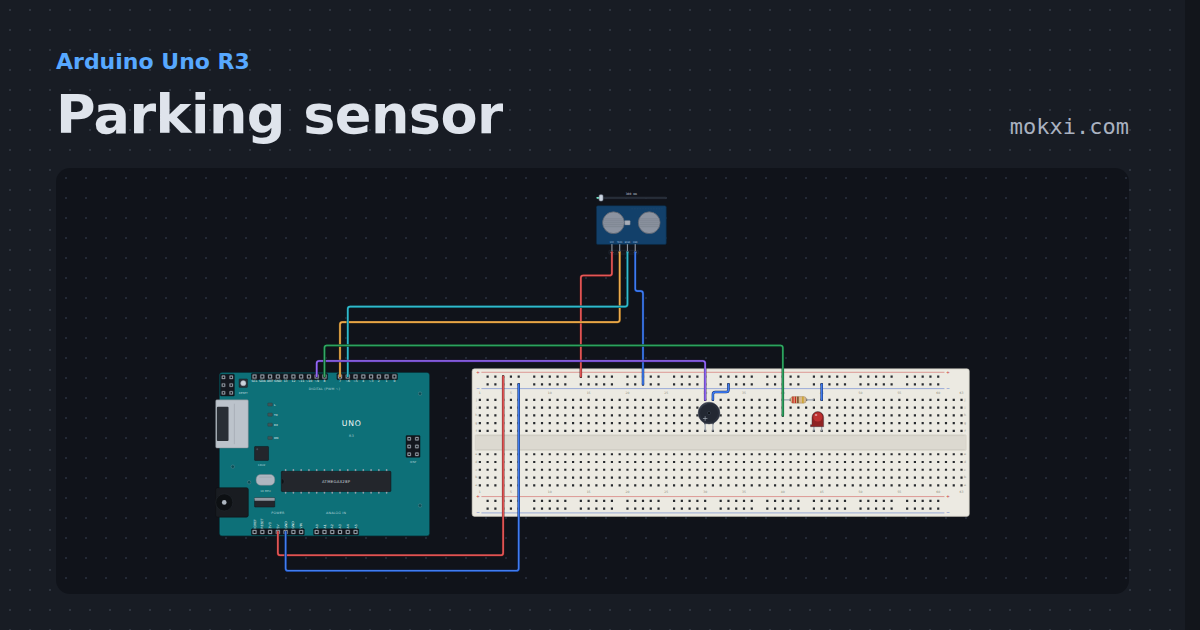
Parking sensor
An ultrasonic ranger and a buzzer that beeps faster as the wall gets closer. Drag the slider to move the wall.
- Board
- Arduino Uno R3
- Parts
- HC-SR04 ultrasonic sensor, buzzer, resistor, LED
- Level
- Intermediate
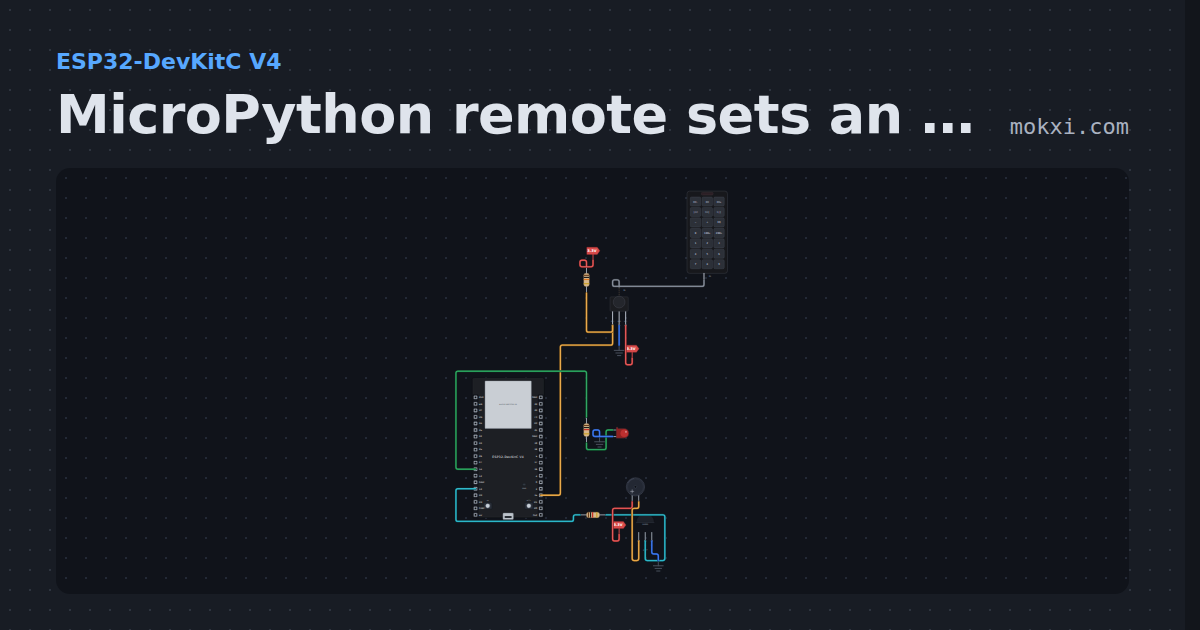
MicroPython remote sets an LED’s brightness
MicroPython on an ESP32: keys 0 to 3 on an IR remote set the PWM brightness of the LED on GPIO 14, and a buzzer beeps on each key.
- Board
- ESP32-DevKitC V4
- Parts
- IR remote, IR receiver and remote, resistor, LED, buzzer, +1 more
- Level
- Intermediate
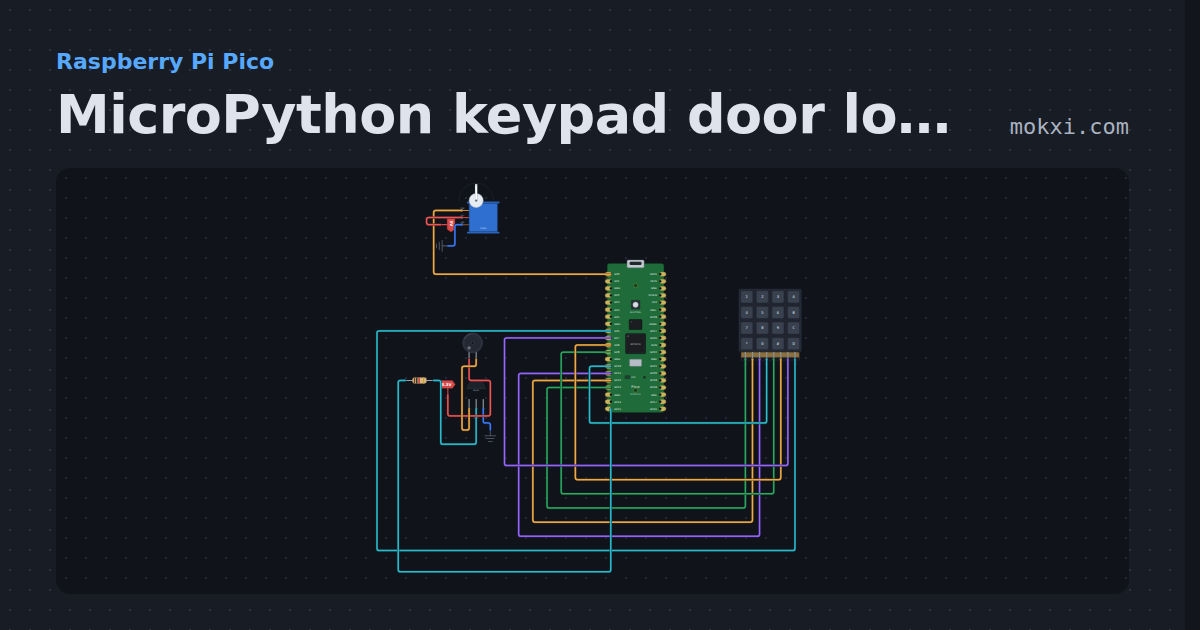
MicroPython keypad door lock on a Pico: servo and buzzer
MicroPython on a Raspberry Pi Pico: type 1234 on a 4x4 keypad and a servo on GP0 opens the bolt; each key beeps a buzzer on GP15.
- Board
- Raspberry Pi Pico
- Parts
- 4x4 keypad, servo motor, resistor, transistor, buzzer
- Level
- Advanced
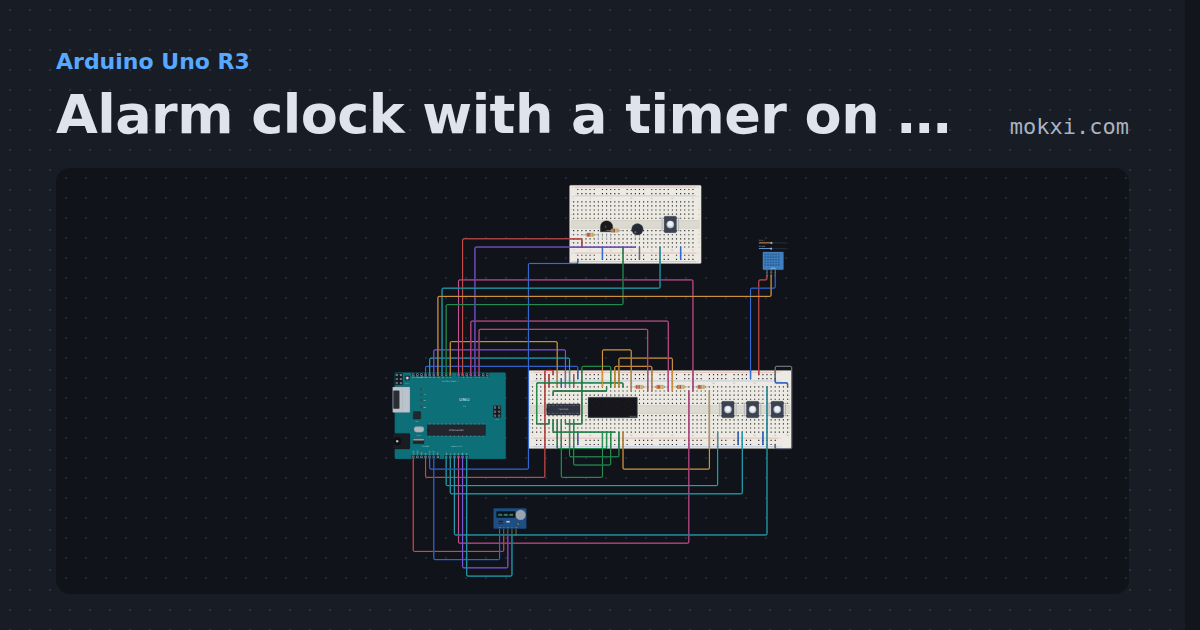
Alarm clock with a timer on a four-digit display
A DS1307 keeps the time on a four-digit display driven by a 74HC595 (8, 13, 12).
- Board
- Arduino Uno R3
- Parts
- 74HC595 shift register, four-digit seven-segment display, resistor, push button, RGB LED, +3 more
- Level
- Advanced
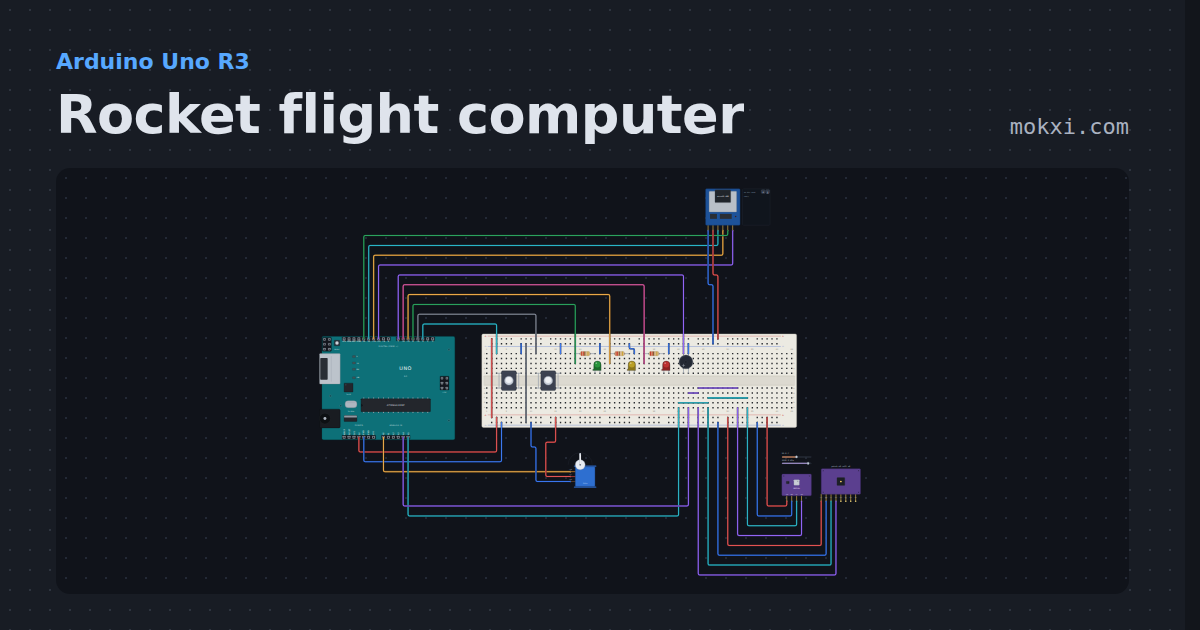
Rocket flight computer
A model rocket flight computer: launch, burnout and a filtered apogee that fires the parachute servo, with a self-test.
- Board
- Arduino Uno R3
- Parts
- MicroSD card module, servo motor, pressure and temperature, MPU6050 accelerometer and gyro, push button, +3 more
- Level
- Advanced
Wiring, libraries and more ideas
Library pages
More project ideas
- Arduino Uno project ideas
- Raspberry Pi Pico project ideas
- ESP32 project ideas
- Electronics projects with no code
- Projects with a push button
- LED projects for Arduino, ESP32 and Pico
- Projects with an I2C LCD
- Projects with a transistor
- Servo motor projects
- Projects with an ultrasonic sensor
- Projects with an arcade button