Arduino projects for kids
These are the projects tagged family games and the beginner games. Dice, reaction timers, Simon and whack-a-mole are made to be played with someone. Mokxi has 17 of them (8 beginner, 8 intermediate and 1 advanced). Here are all of them, from “Answer ball” to “Ring Simon”. Each card says what the project does, the board and parts it needs and its level, and Open in the simulator runs it in your browser in one click, with no account.
How to pick your first one
- Start with “Arcade lever”, a beginner project that needs an arcade joystick lever.
- Most of them are beginner projects. Pick one a level below what you think you can do, finish it, then move up.
- The parts used most here are the piezo speaker (10 projects), the push button (8) and the LED (5). With those on hand, most of this list is open to you.
- Let a child press Run first and play, then change one number together (a delay, a score to win) and see what it does.
17 projects ready to run
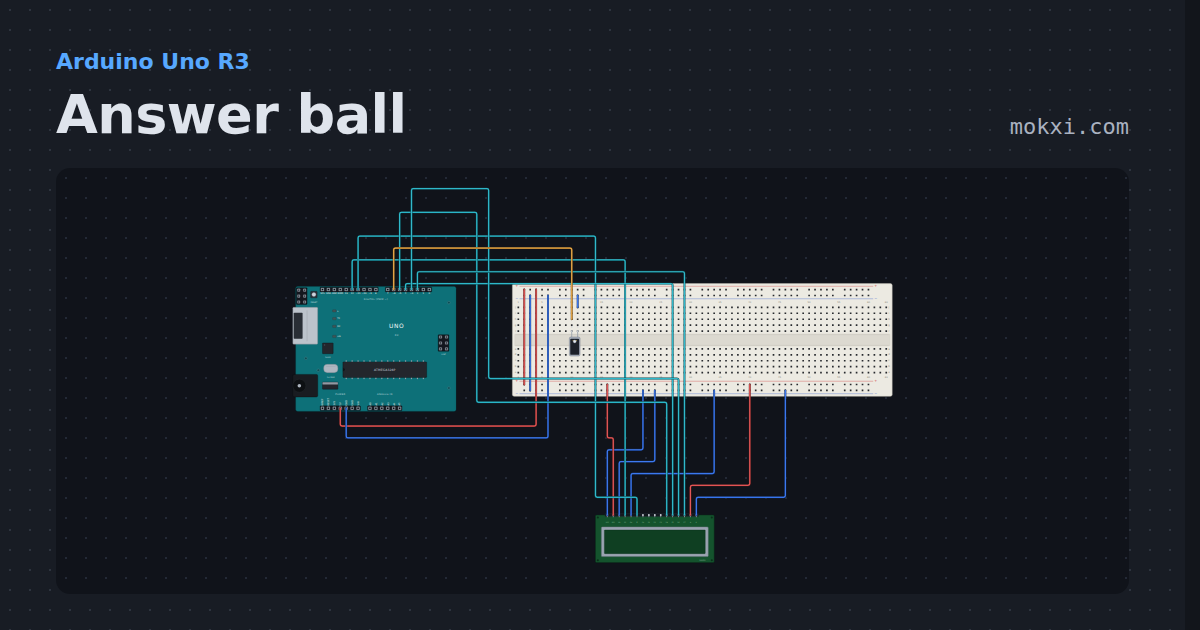
Answer ball
Ask a question and tip the tilt switch: the 16x2 LCD shows one of eight answers, picked with random().
- Board
- Arduino Uno R3
- Parts
- Tilt switch, 16x2 character LCD
- Level
- Beginner
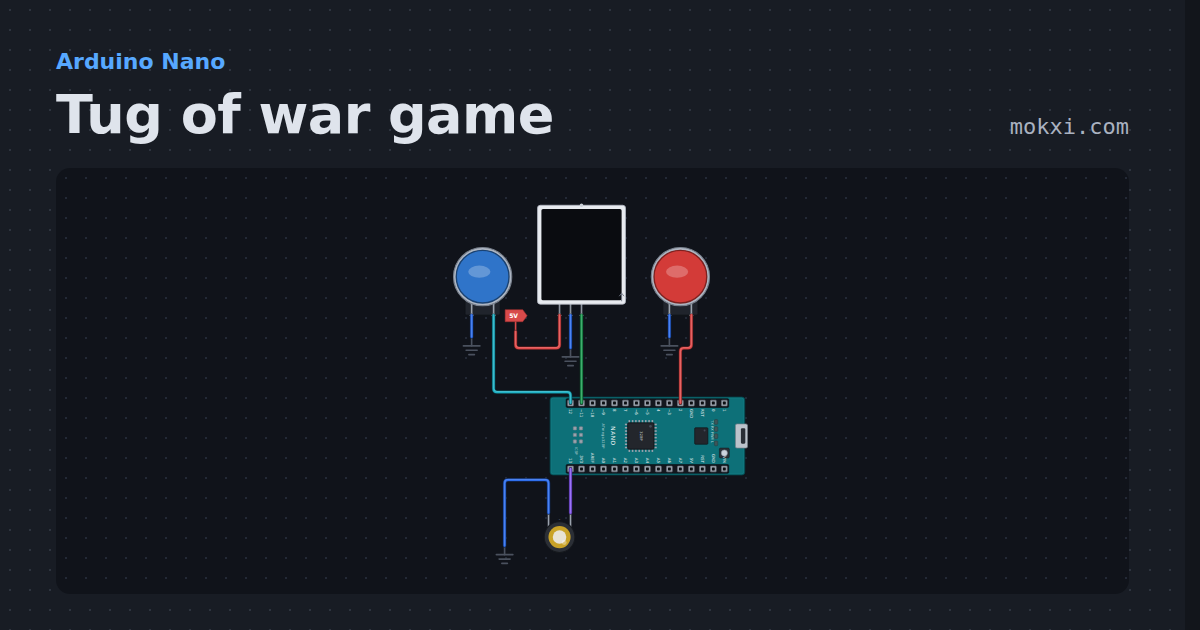
Tug of war game
Tug of war game for two players on a 15-LED NeoPixel strip: every button press pulls the light one LED your way, and the first to pull it off wins.
- Board
- Arduino Nano
- Parts
- Arcade button, WS2812 NeoPixel LEDs, piezo speaker
- Level
- Beginner
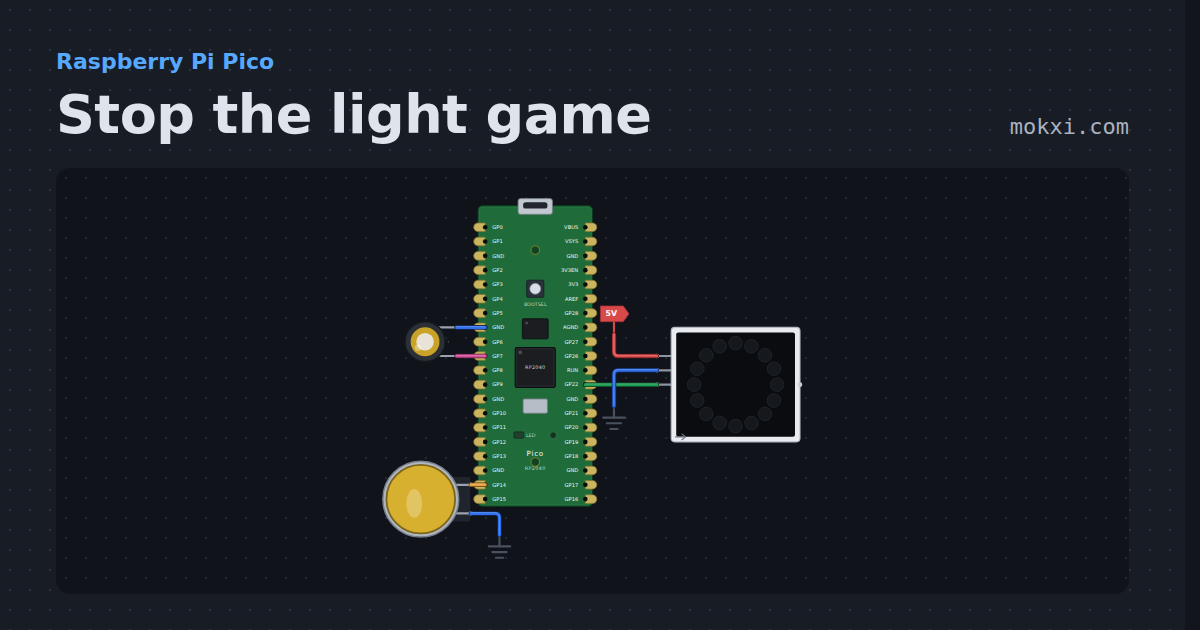
Stop the light game
Stop the light game on a Raspberry Pi Pico: press the button as a red light runs onto the green LED of a 16-LED NeoPixel ring, faster every level.
- Board
- Raspberry Pi Pico
- Parts
- WS2812 NeoPixel LEDs, arcade button, piezo speaker
- Level
- Beginner
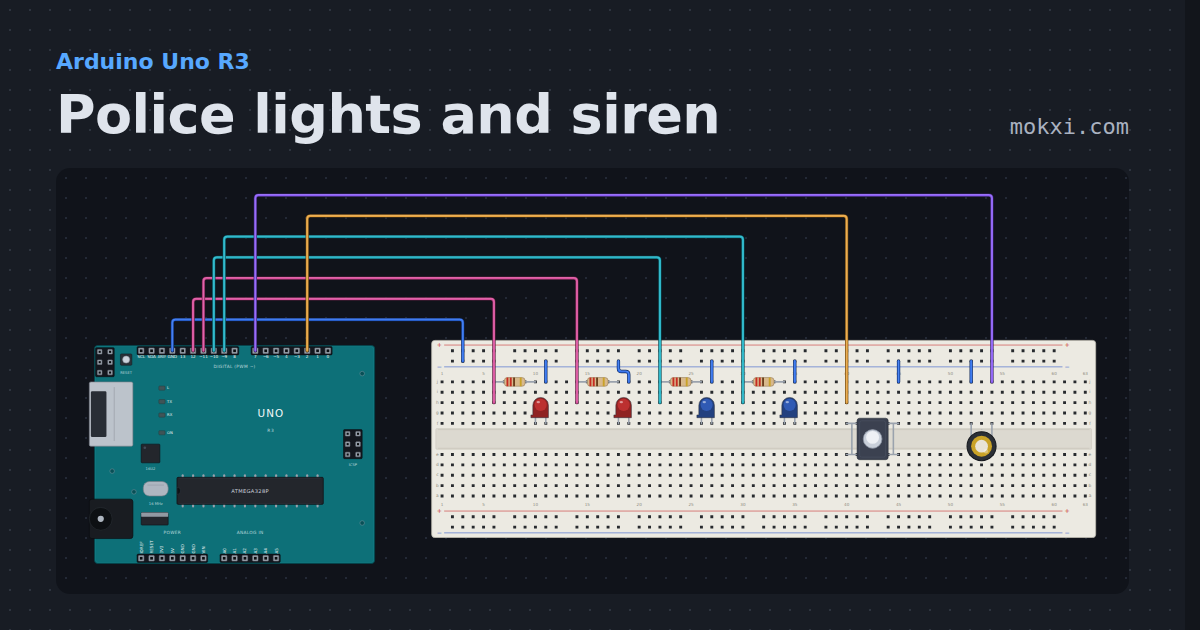
Police lights and siren
Police lights and siren on an Arduino: red and blue LEDs flash in turn while a piezo wails or yelps, and a button changes the mode, all with millis().
- Board
- Arduino Uno R3
- Parts
- Resistor, LED, push button, piezo speaker
- Level
- Beginner
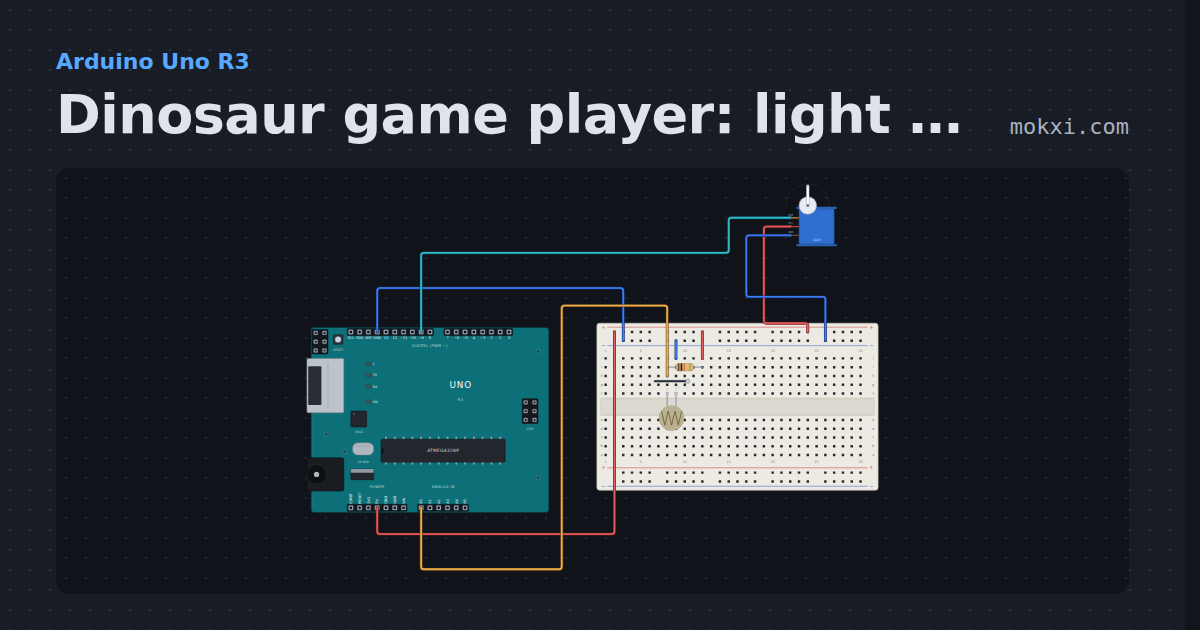
Dinosaur game player: light sensor on A0, servo on 9
A photoresistor on A0 watches the screen of the browser’s dinosaur game; when a dark cactus passes over it.
- Board
- Arduino Uno R3
- Parts
- Photoresistor, resistor, servo motor
- Level
- Beginner
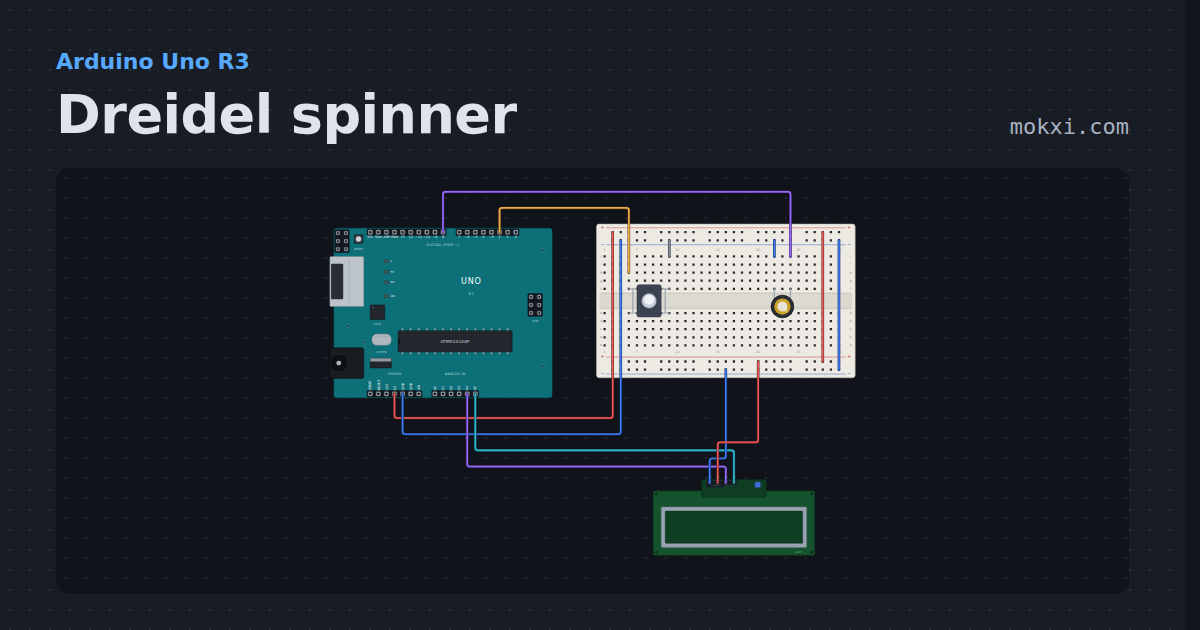
Dreidel spinner
Press the button to spin a dreidel on a 16x2 LCD: the letters whirl and slow with a piezo click each, land on nun, gimel, hei or shin.
- Board
- Arduino Uno R3
- Parts
- Push button, piezo speaker, I2C LCD
- Level
- Beginner
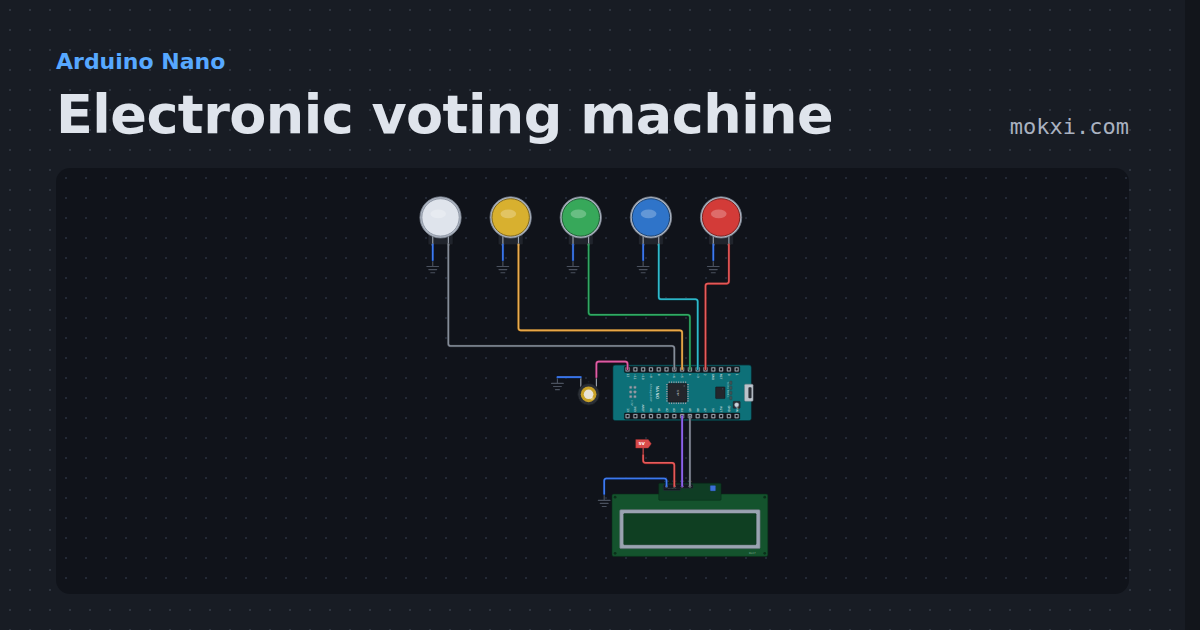
Electronic voting machine
Electronic voting machine on an Arduino Nano: four buttons to vote, a result button for every count and the winner on an LCD.
- Board
- Arduino Nano
- Parts
- Arcade button, piezo speaker, I2C LCD
- Level
- Beginner
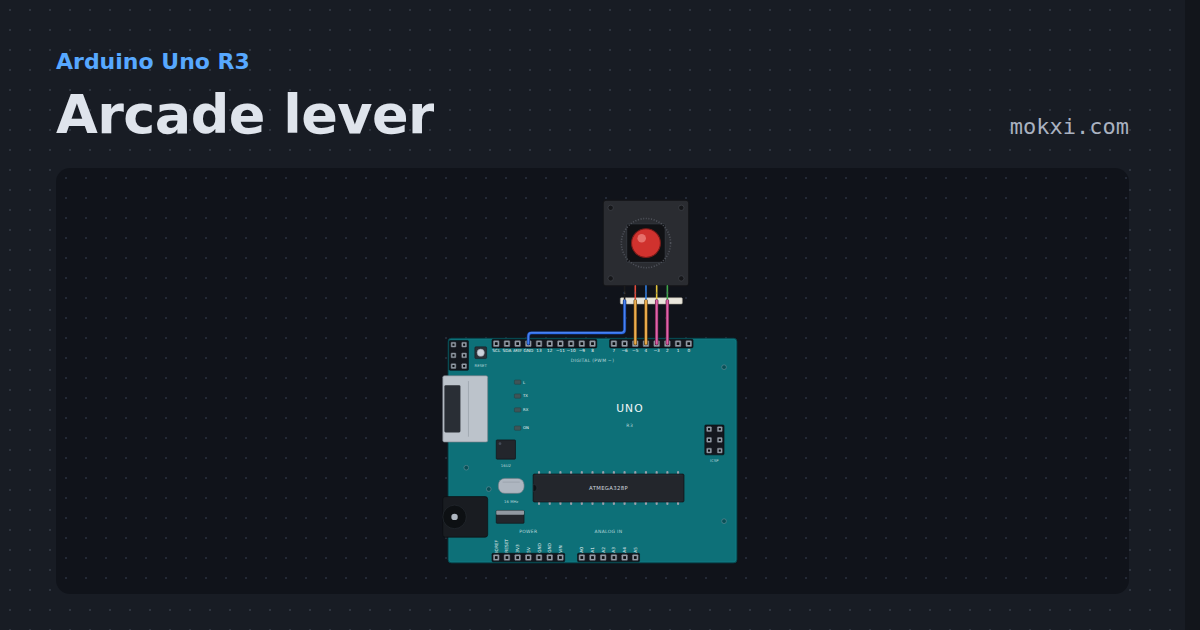
Arcade lever
A Sanwa-style arcade lever on four pins, debounced the way a stick board does it and printed in numpad notation: 5 neutral, 8 up, 9 up-right.
- Board
- Arduino Uno R3
- Parts
- Arcade joystick lever
- Level
- Beginner
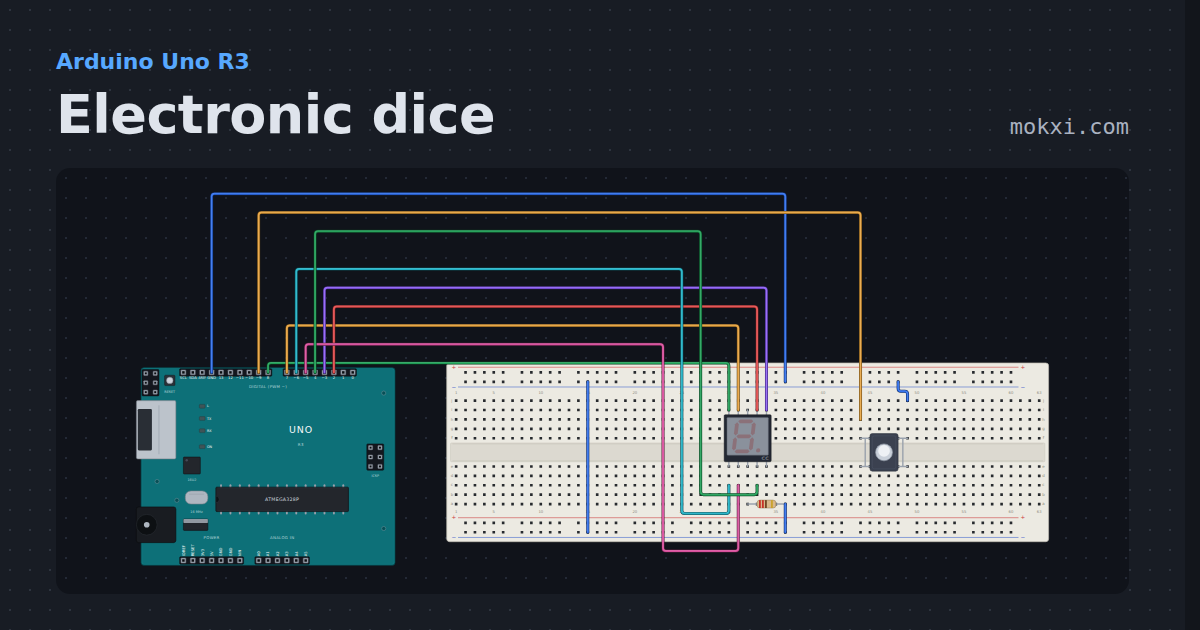
Electronic dice
A button rolls a die and an Uno tumbles the number onto a seven-segment display.
- Board
- Arduino Uno R3
- Parts
- Seven-segment display, resistor, push button
- Level
- Intermediate
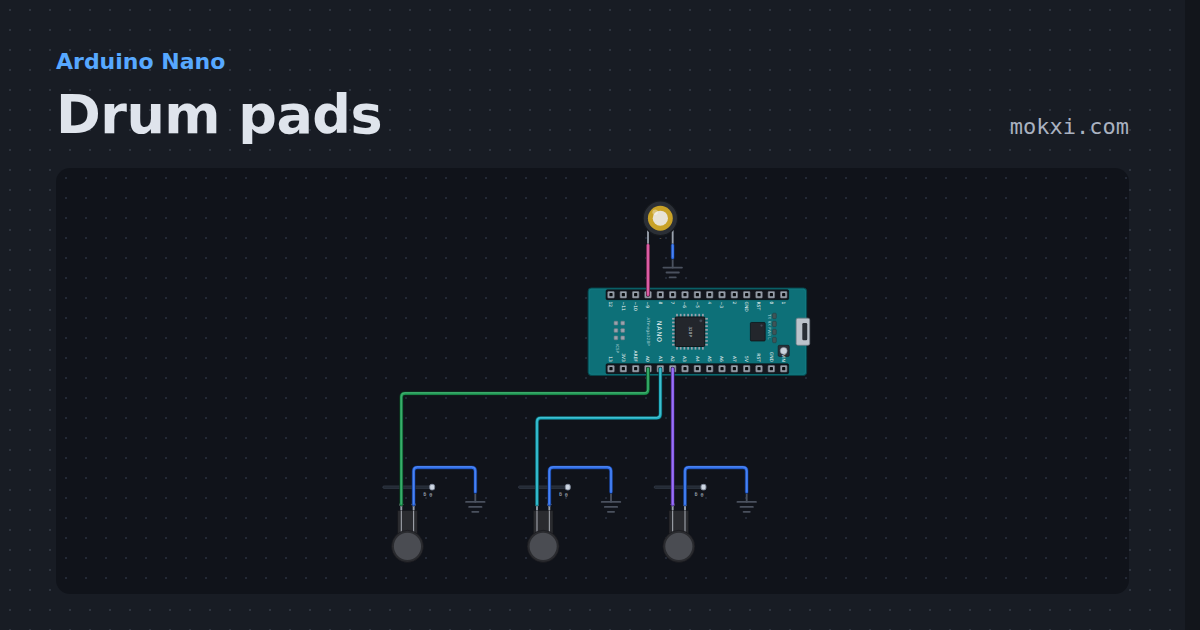
Drum pads
Arduino drum pads: three force-sensing resistors play a kick, a snare and a hi-hat on a piezo, harder hits longer.
- Board
- Arduino Nano
- Parts
- Force-sensing resistor, piezo speaker
- Level
- Intermediate
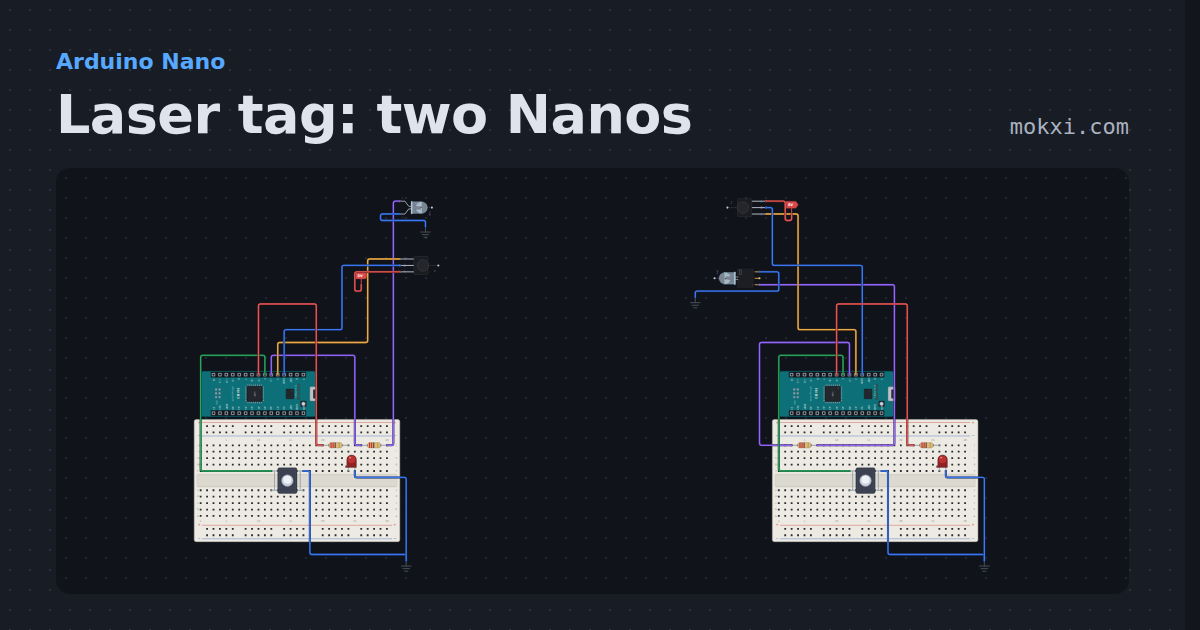
Laser tag: two Nanos
Infrared laser tag for two Arduino Nanos: each button fires an NEC code through an IR LED, and the other player’s VS1838B counts the hit.
- Board
- Arduino Nano
- Parts
- Infrared LED, IR receiver and remote, resistor, push button, LED, +1 more
- Level
- Intermediate
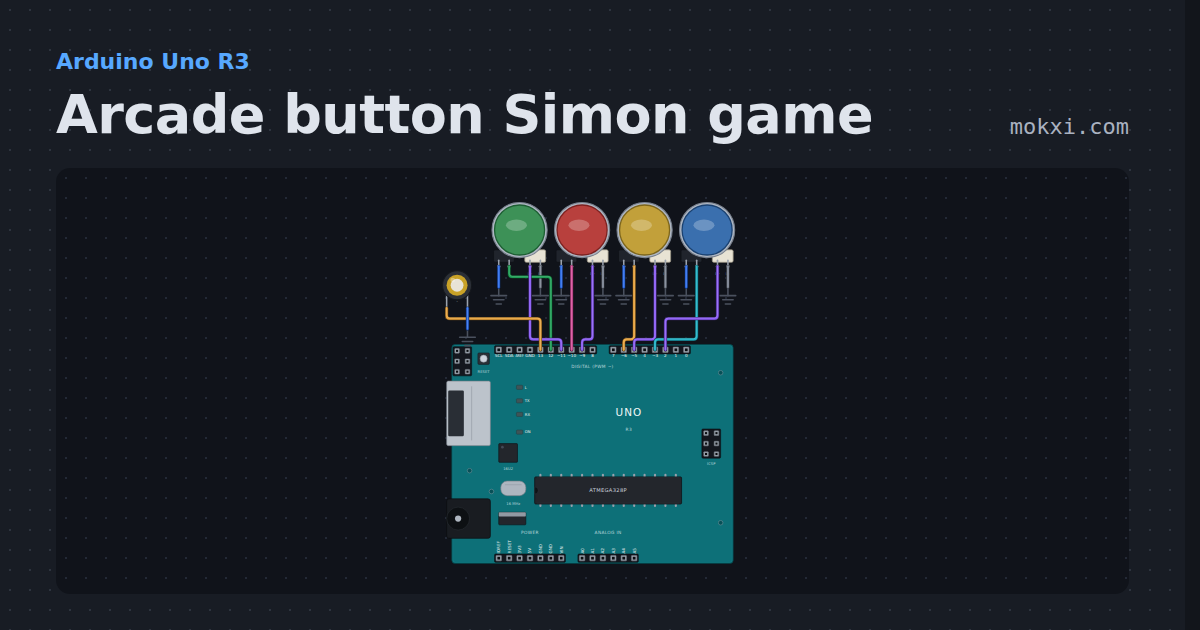
Arcade button Simon game
An arcade button Simon game: four lit buttons and a piezo, a sequence that grows one color a round.
- Board
- Arduino Uno R3
- Parts
- LED arcade button, piezo speaker
- Level
- Intermediate
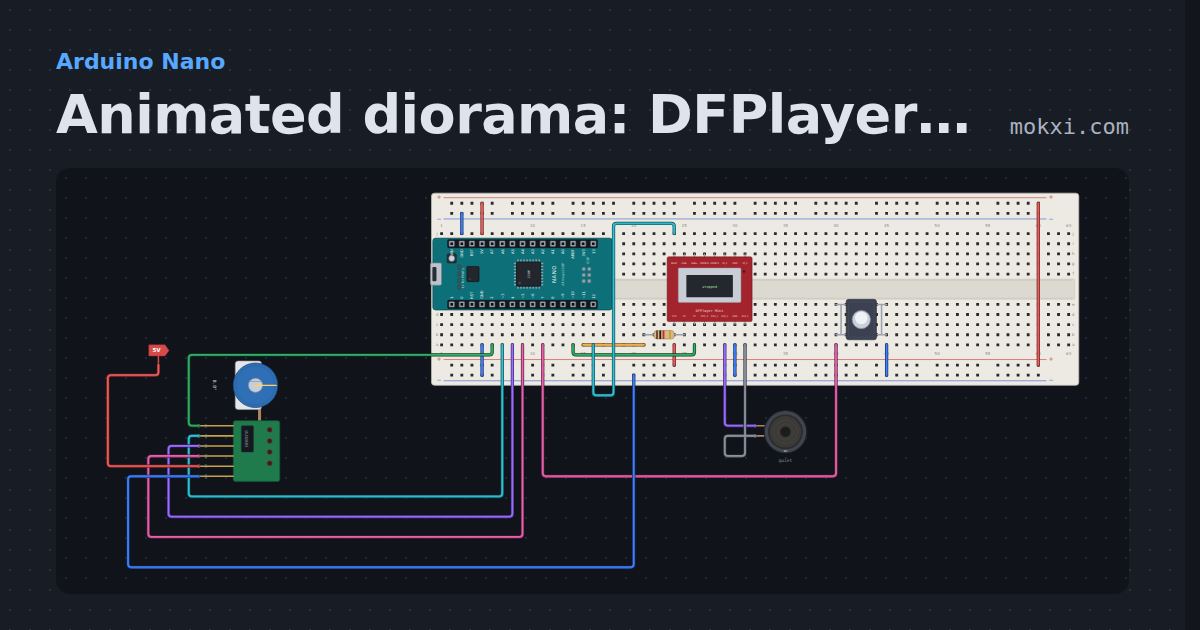
Animated diorama: DFPlayer sound + stepper
A button plays a C-3PO line on a DFPlayer Mini while a 28BYJ-48 turns R2-D2’s dome.
- Board
- Arduino Nano
- Parts
- DFPlayer Mini MP3 module, resistor, push button, 8 ohm speaker, 28BYJ-48 stepper and ULN2003
- Level
- Intermediate
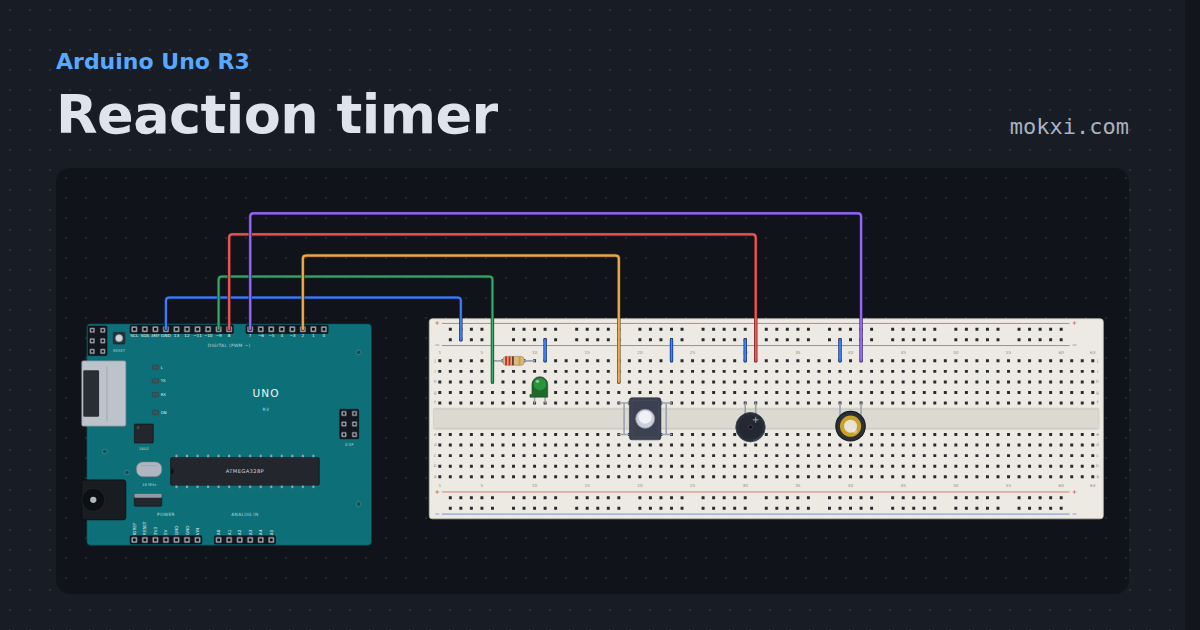
Reaction timer
The Uno lights a lamp at a random moment and prints how many milliseconds you took.
- Board
- Arduino Uno R3
- Parts
- Resistor, LED, push button, buzzer, piezo speaker
- Level
- Intermediate
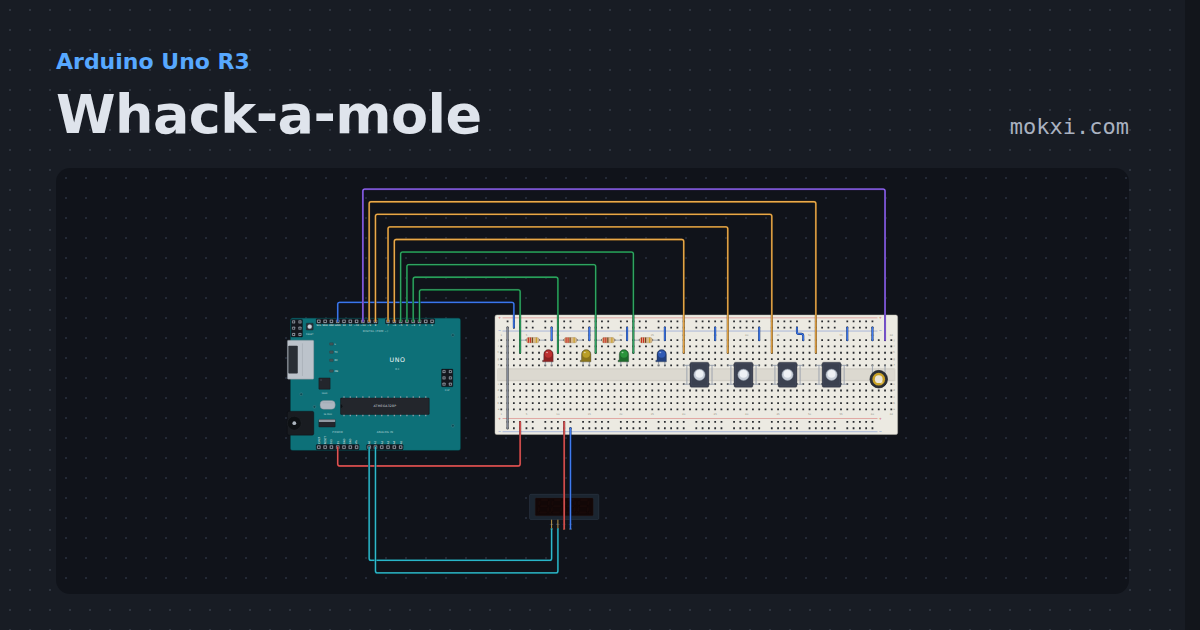
Whack-a-mole
Four lamps, four buttons, a piezo and a score display on an Uno: hit each mole before it ducks in a thirty-second round that speeds up as you score.
- Board
- Arduino Uno R3
- Parts
- Resistor, LED, push button, piezo speaker, TM1637 four-digit display
- Level
- Intermediate
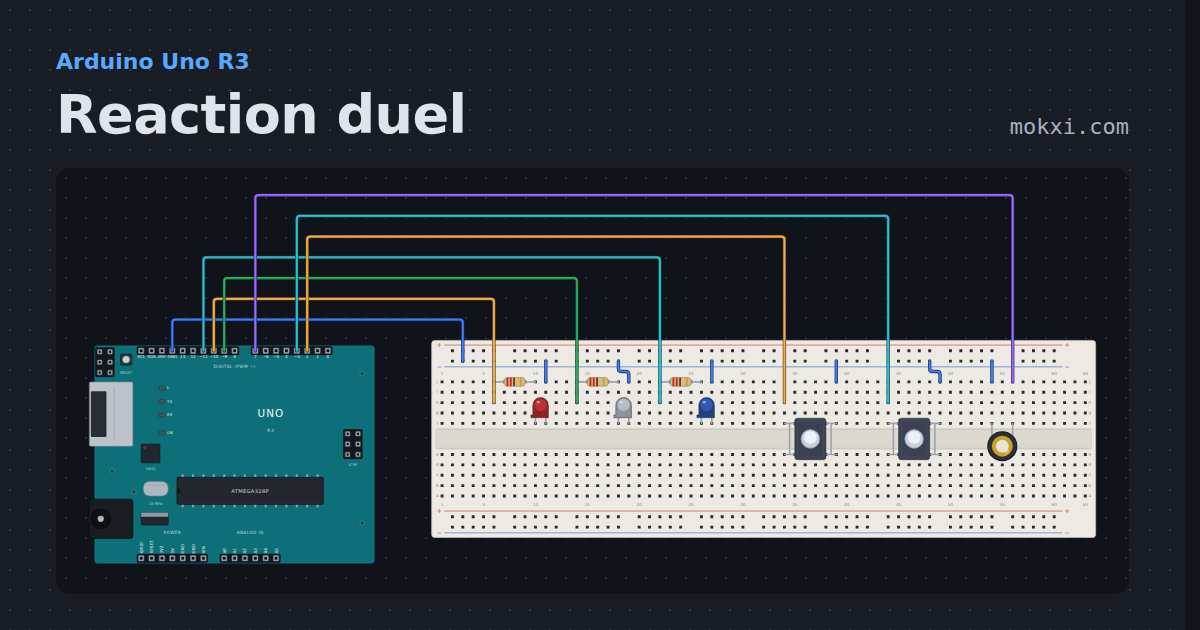
Reaction duel
Two buttons, three lamps and a piezo: the Uno lights the middle lamp and the first press wins.
- Board
- Arduino Uno R3
- Parts
- Resistor, LED, push button, piezo speaker
- Level
- Intermediate
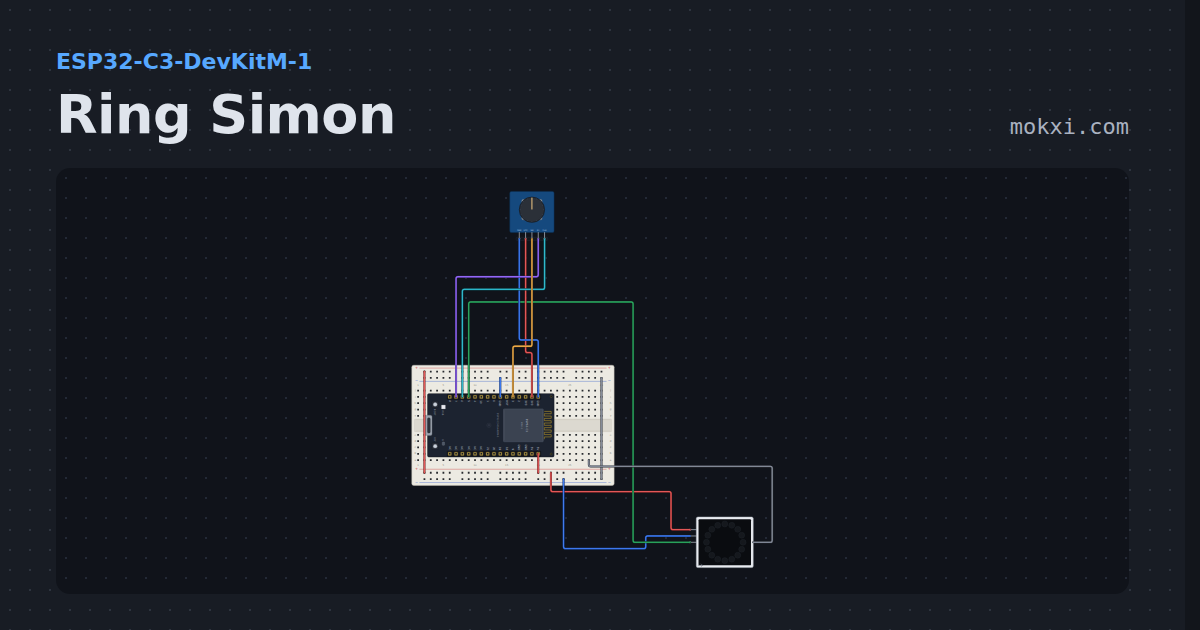
Ring Simon
Simon on a sixteen-LED ring with a rotary encoder: turn the knob to the color you were shown and press the shaft.
- Board
- ESP32-C3-DevKitM-1
- Parts
- WS2812 NeoPixel LEDs, KY-040 rotary encoder
- Level
- Advanced
Wiring, libraries and more ideas
Wiring guides
Library pages
More project ideas
- Arduino Uno project ideas
- Arduino Nano project ideas
- ESP32 project ideas
- Raspberry Pi Pico project ideas
- Projects with a piezo speaker
- Projects with a push button
- LED projects for Arduino, ESP32 and Pico
- Projects with an arcade button
- NeoPixel projects
- Projects with an I2C LCD
- Projects with a lit arcade button