Projects with an arcade button
33 Mokxi projects use an arcade button (8 beginner, 10 intermediate and 15 advanced). They run on Arduino Uno, Pro Micro and Raspberry Pi Pico boards. Here are 24, from “Ultrasonic theremin” to “Lunar Lander”. Each card says what the project does, the board and parts it needs and its level, and Open in the simulator runs it in your browser in one click, with no account.
How to pick your first one
- Start with “Electronic voting machine”, a beginner project that needs an arcade button, a piezo speaker and an I2C LCD.
- Arduino Uno runs 12 of them, Pro Micro 6 and Raspberry Pi Pico 5. Start on the board you have, or on an Arduino Uno if you are buying one.
- The parts used most here are the piezo speaker (15 projects), the SSD1306 OLED display (10) and the WS2812 NeoPixel LEDs (7). With those on hand, most of this list is open to you.
- Before you build one on a real bench, open the arcade button part page for its pins and what each one does.
24 projects of 33
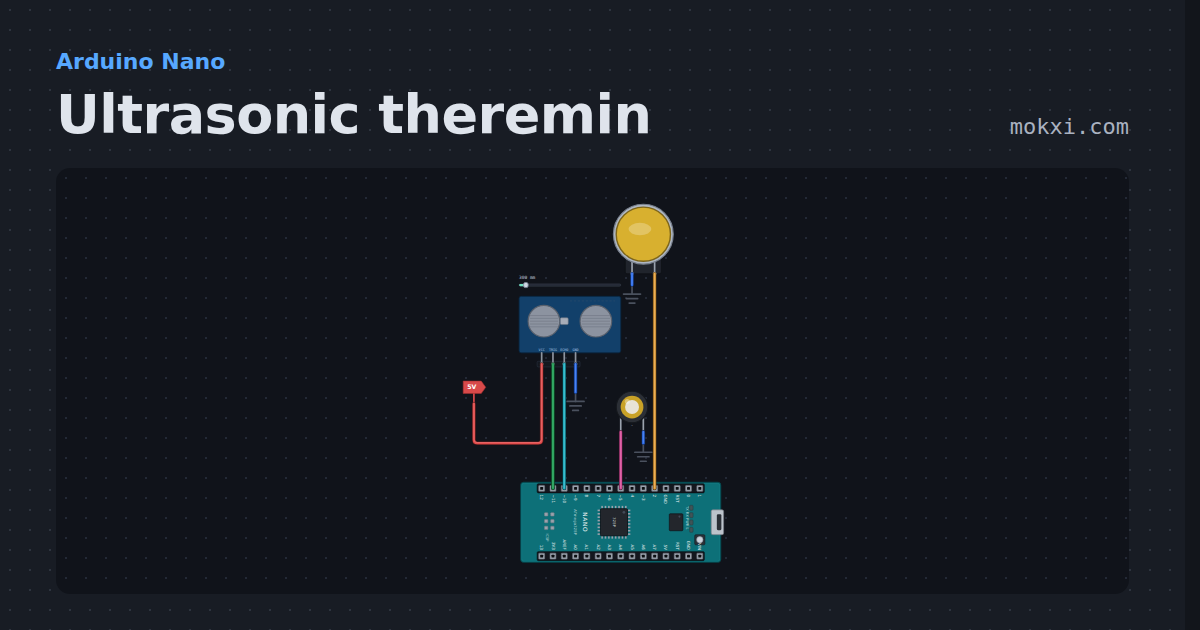
Ultrasonic theremin
Ultrasonic theremin on an Arduino Nano: wave a hand over an HC-SR04 to play notes of a pentatonic scale, or glide the pitch like a real theremin.
- Board
- Arduino Nano
- Parts
- HC-SR04 ultrasonic sensor, arcade button, piezo speaker
- Level
- Beginner
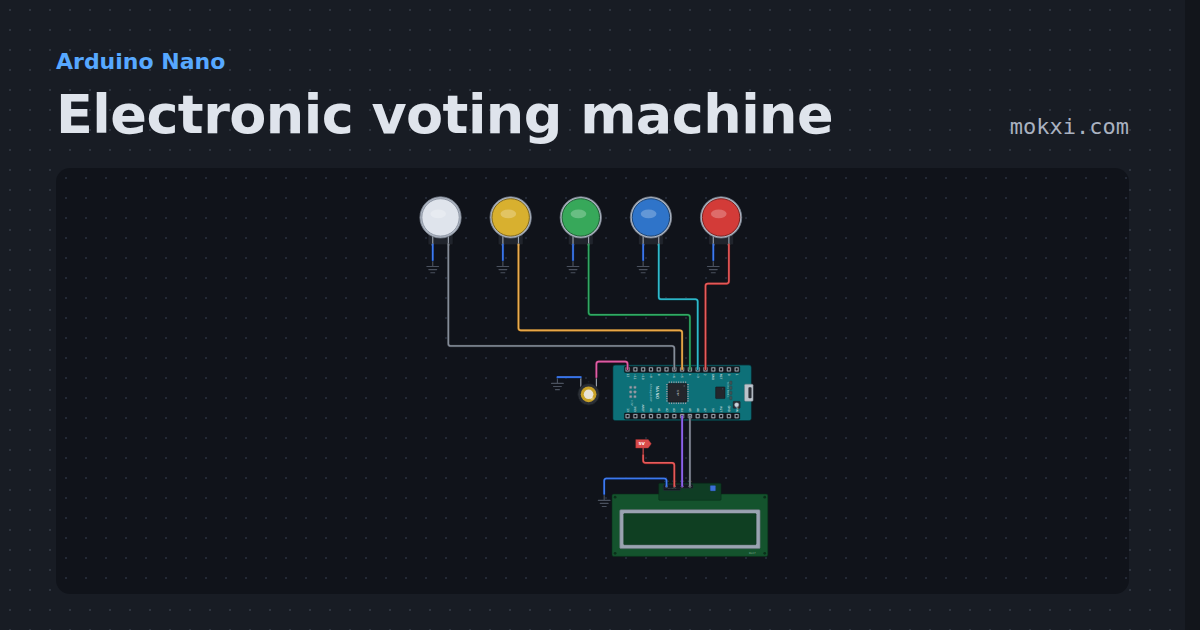
Electronic voting machine
Electronic voting machine on an Arduino Nano: four buttons to vote, a result button for every count and the winner on an LCD.
- Board
- Arduino Nano
- Parts
- Arcade button, piezo speaker, I2C LCD
- Level
- Beginner
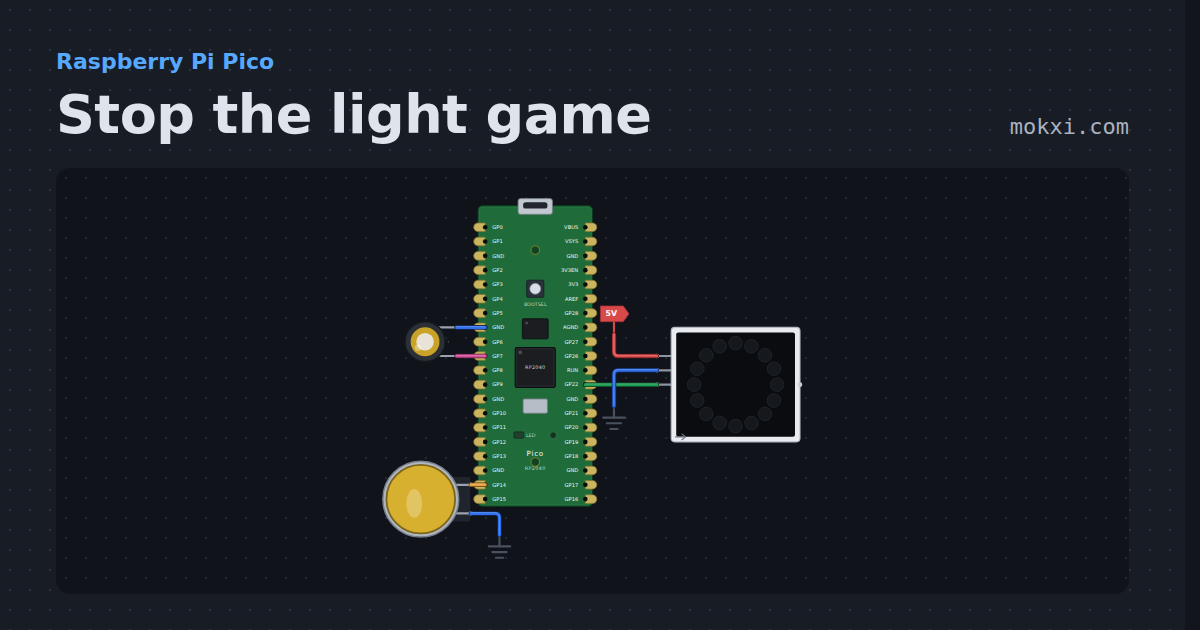
Stop the light game
Stop the light game on a Raspberry Pi Pico: press the button as a red light runs onto the green LED of a 16-LED NeoPixel ring, faster every level.
- Board
- Raspberry Pi Pico
- Parts
- WS2812 NeoPixel LEDs, arcade button, piezo speaker
- Level
- Beginner
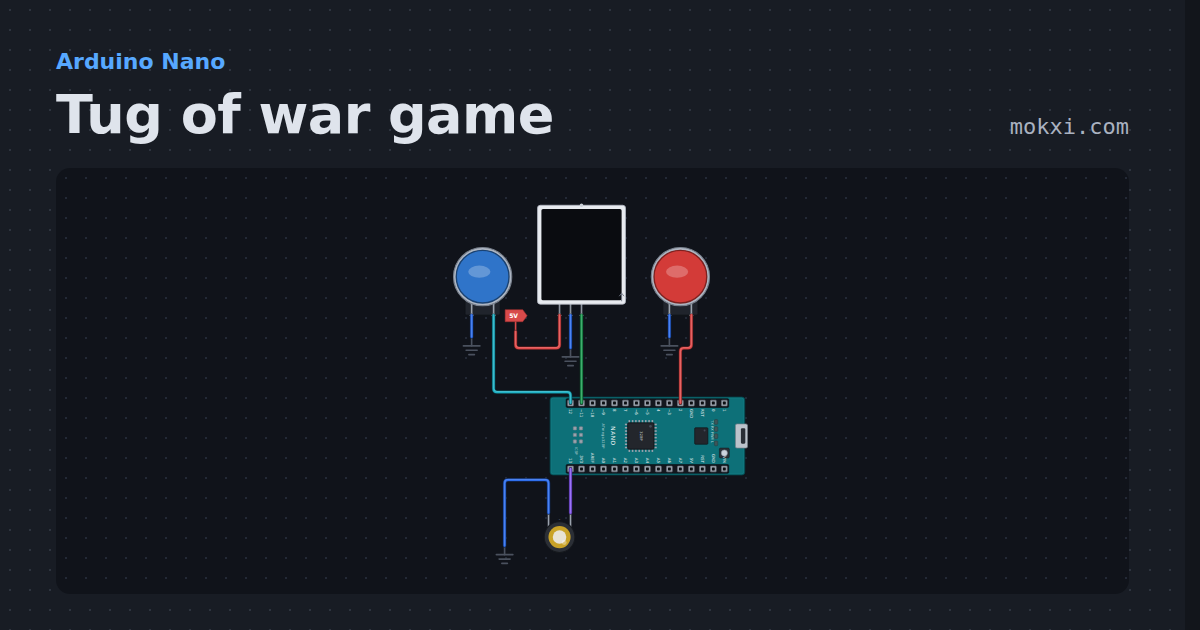
Tug of war game
Tug of war game for two players on a 15-LED NeoPixel strip: every button press pulls the light one LED your way, and the first to pull it off wins.
- Board
- Arduino Nano
- Parts
- Arcade button, WS2812 NeoPixel LEDs, piezo speaker
- Level
- Beginner
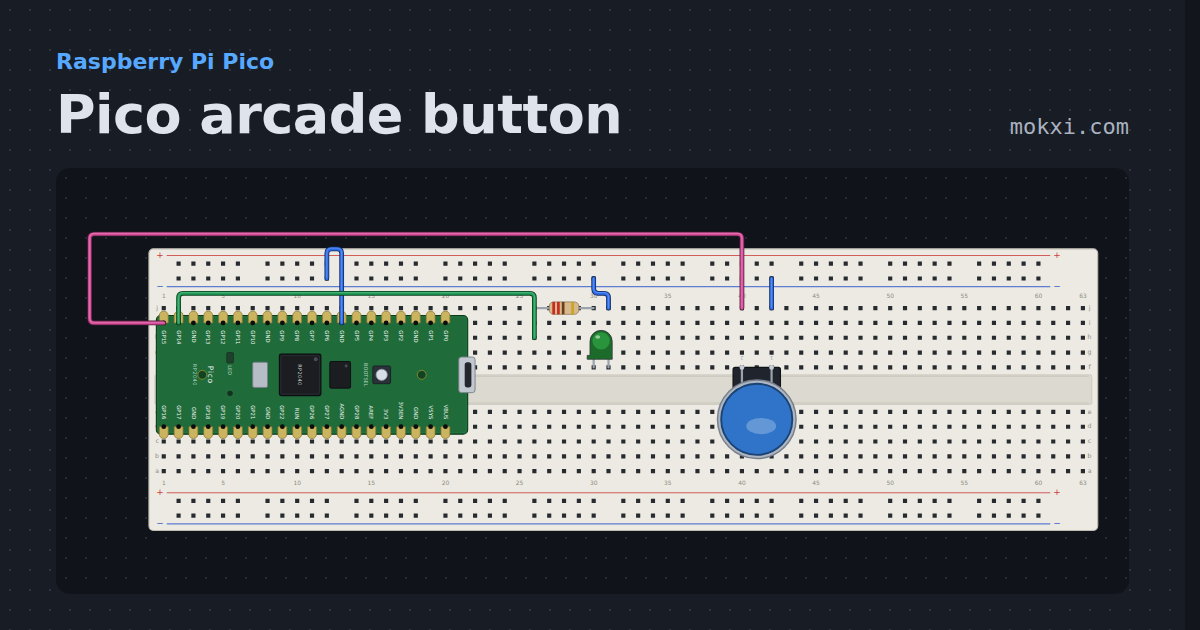
Pico arcade button
A 30 mm arcade button on GP15 lights a lamp on GP14 and the Pico's own LED while it is held.
- Board
- Raspberry Pi Pico
- Parts
- Resistor, LED, arcade button
- Level
- Beginner
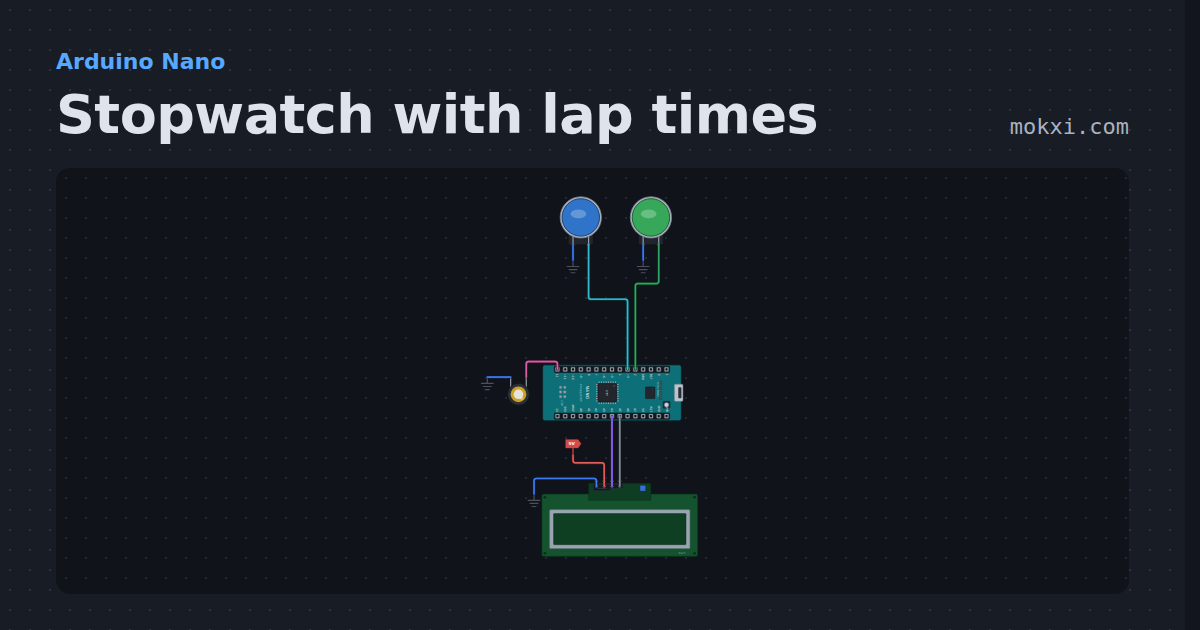
Stopwatch with lap times
Stopwatch with lap times on an Arduino Nano and a 16x2 LCD: one button starts, stops and carries on, the other takes laps or resets.
- Board
- Arduino Nano
- Parts
- Arcade button, piezo speaker, I2C LCD
- Level
- Beginner
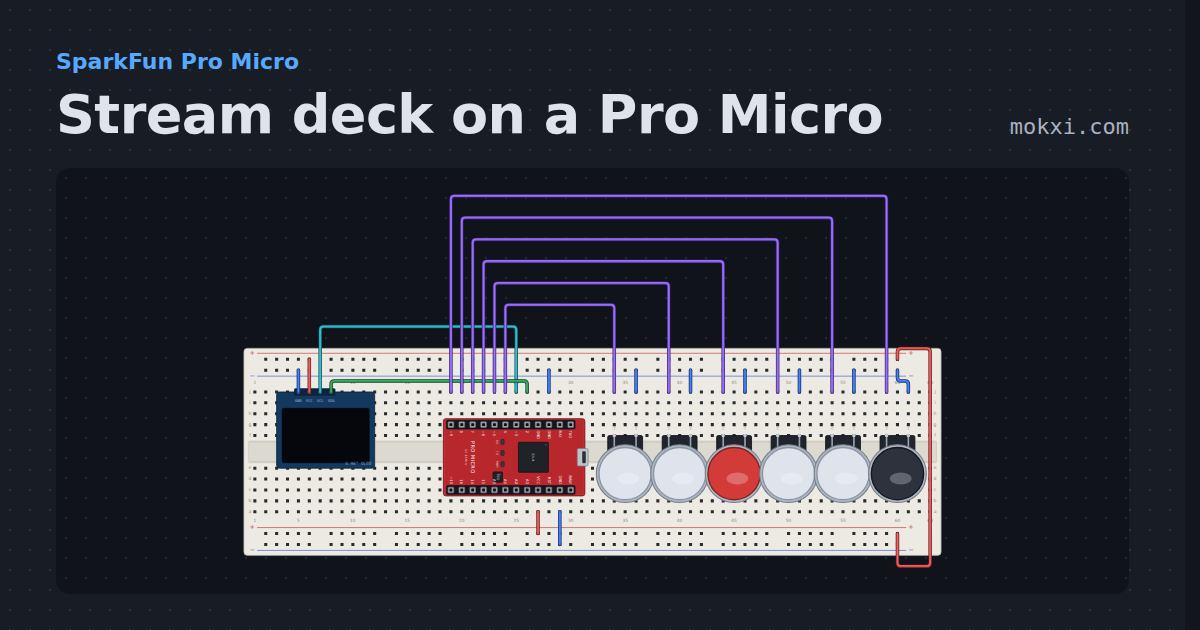
Stream deck on a Pro Micro
Six keys with their labels drawn on an SSD1306 OLED, a second page on the sixth key, and a Ctrl+Shift+F-key hotkey for each press through Keyboard.h.
- Board
- SparkFun Pro Micro
- Parts
- SSD1306 OLED display, arcade button
- Level
- Intermediate
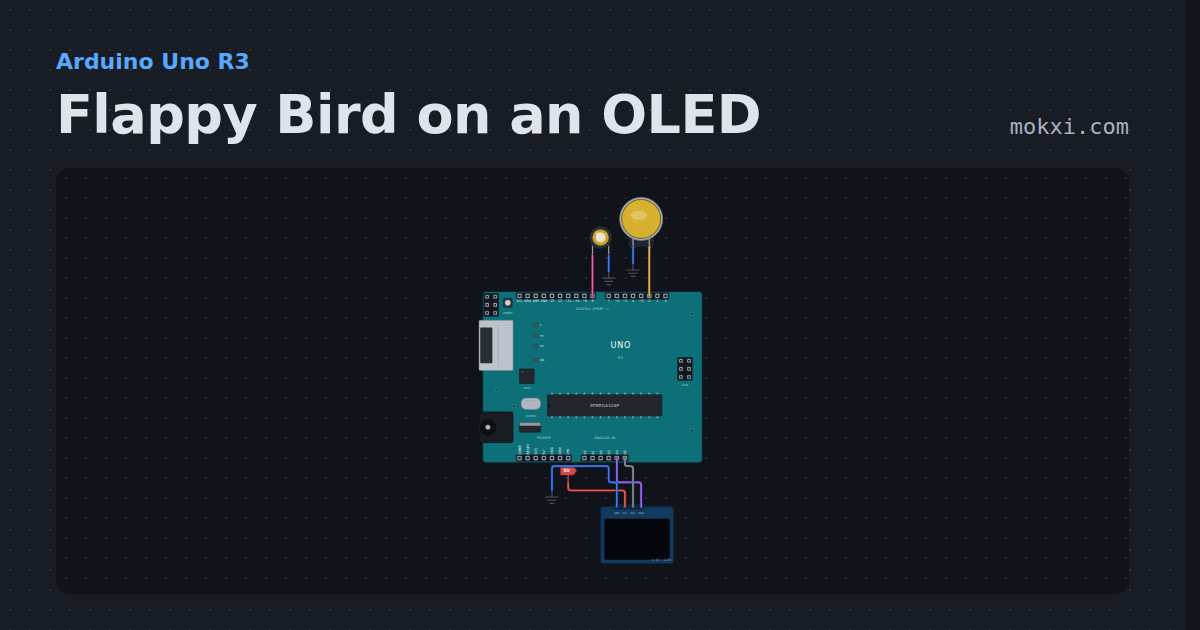
Flappy Bird on an OLED
Flappy Bird on an OLED with an Arduino: one button to flap through the pipes, gravity in whole numbers, sound on a piezo and the best score in EEPROM.
- Board
- Arduino Uno R3
- Parts
- Arcade button, piezo speaker, SSD1306 OLED display
- Level
- Intermediate
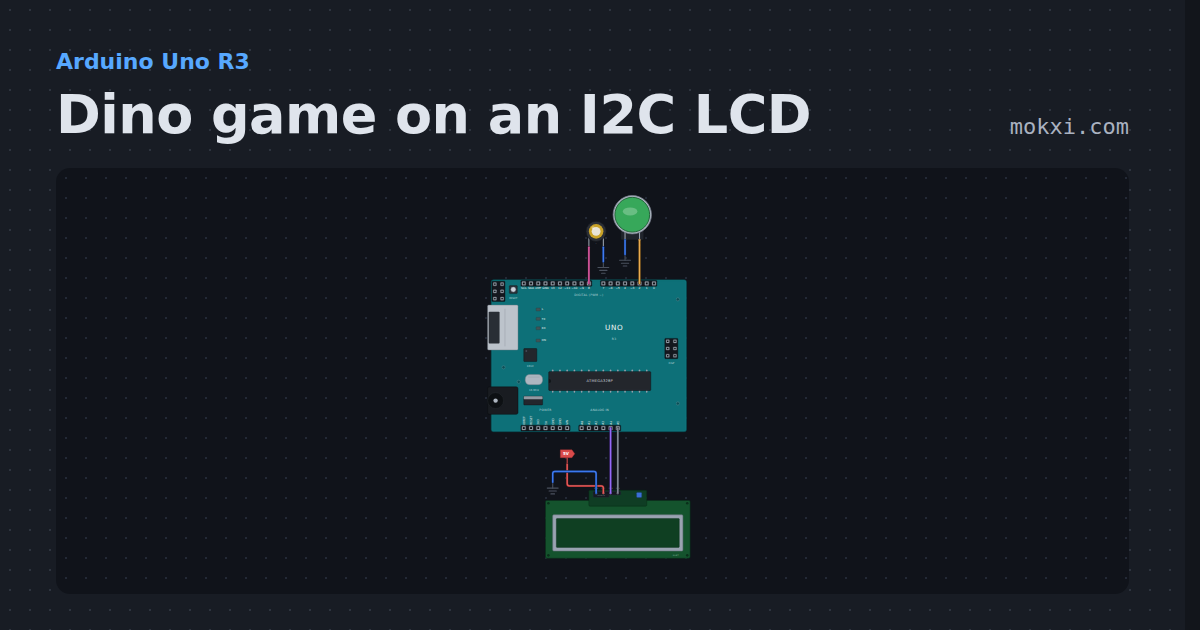
Dino game on an I2C LCD
Dino game on an I2C LCD: the browser's offline dinosaur game on a 16x2 screen, with custom characters, one jump button and a faster pace as you score.
- Board
- Arduino Uno R3
- Parts
- I2C LCD, arcade button, piezo speaker
- Level
- Intermediate
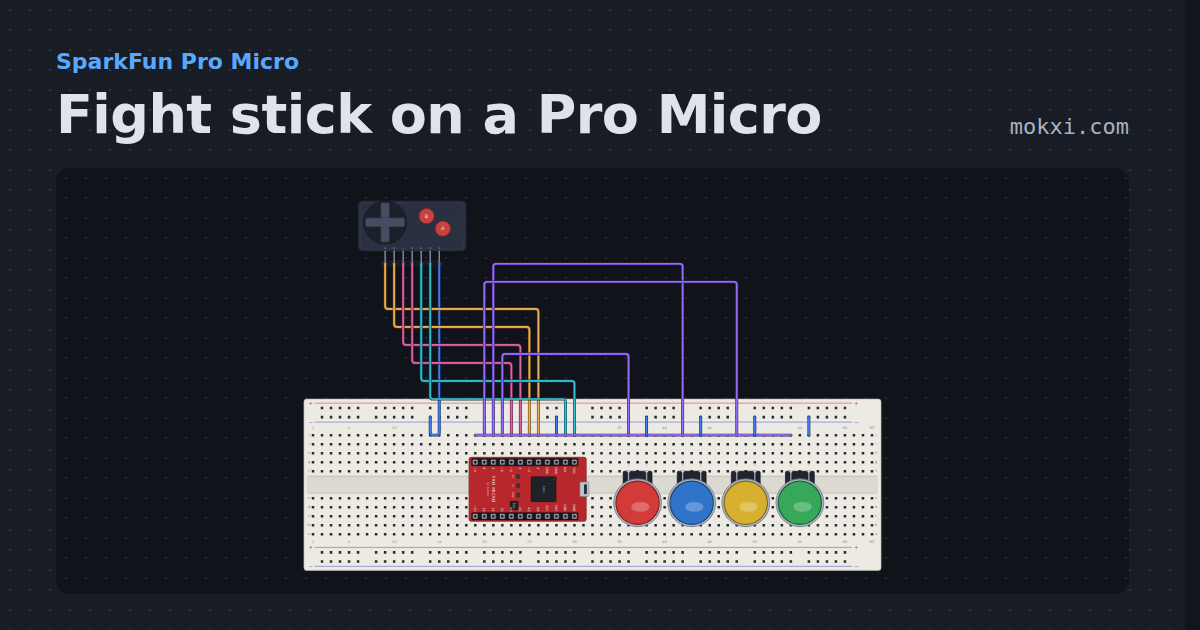
Fight stick on a Pro Micro
A four-way lever and six buttons on a Pro Micro, debounced with no added delay and reported as a numpad direction plus the buttons held.
- Board
- SparkFun Pro Micro
- Parts
- Game console buttons, arcade button
- Level
- Intermediate
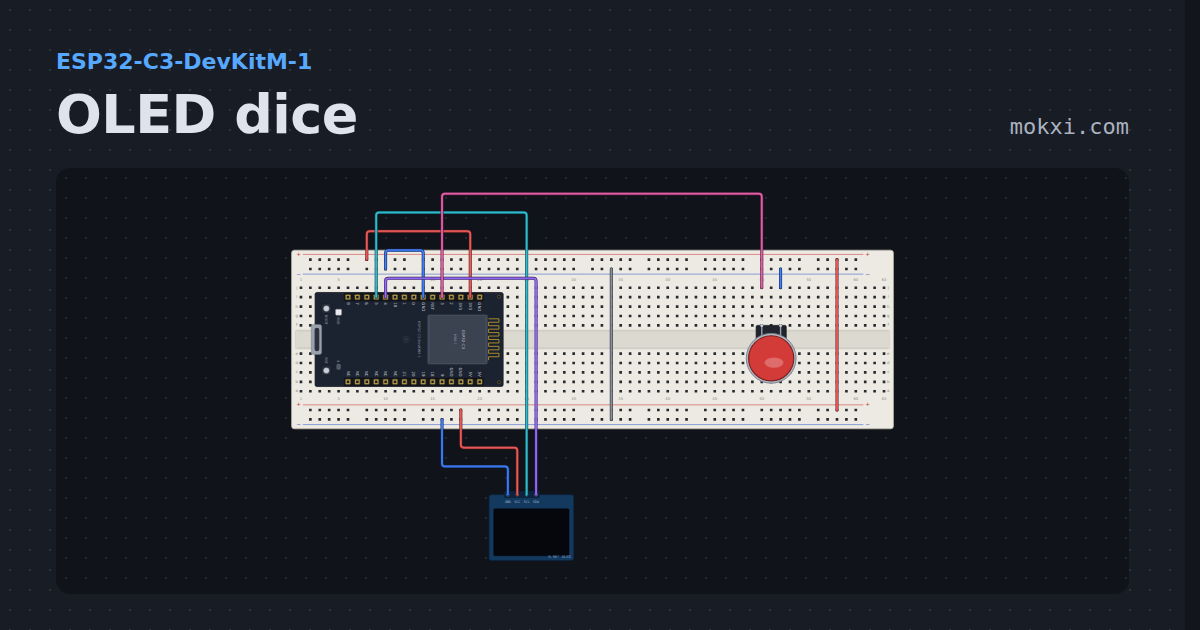
OLED dice
A die tumbling on a 128x64 OLED, thrown by holding an arcade button and slowing to a stop when you let go.
- Board
- ESP32-C3-DevKitM-1
- Parts
- SSD1306 OLED display, arcade button
- Level
- Intermediate
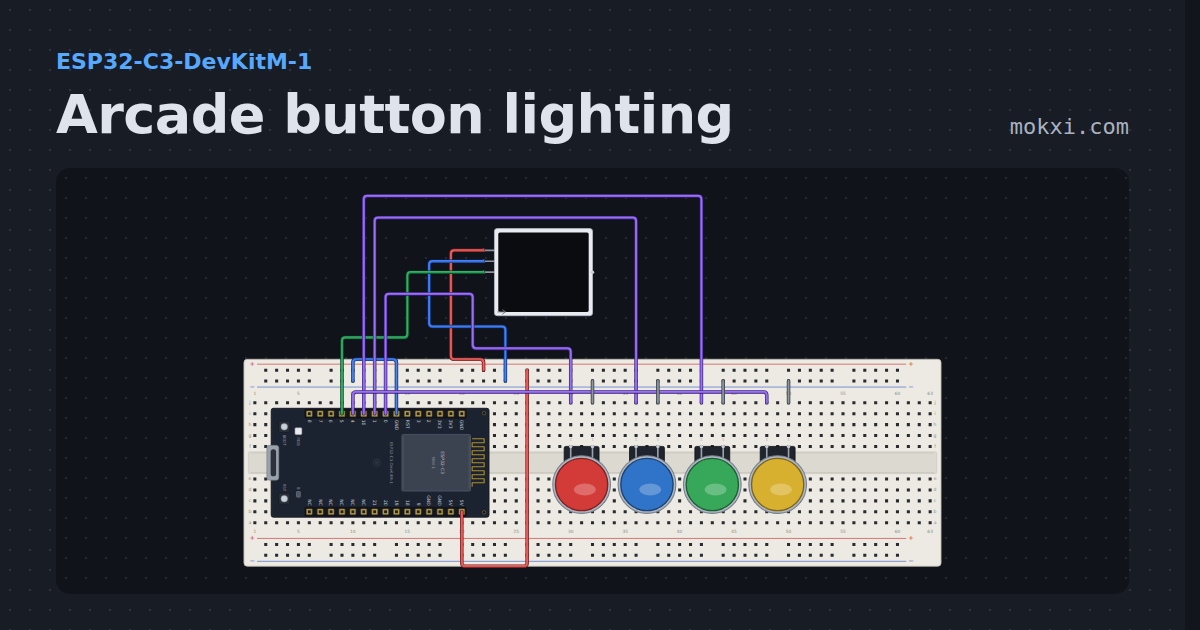
Arcade button lighting
Four arcade buttons on an ESP32-C3, each lighting its own pair of WS2812B LEDs the moment it is pressed and fading out when it is let go.
- Board
- ESP32-C3-DevKitM-1
- Parts
- WS2812 NeoPixel LEDs, arcade button
- Level
- Intermediate
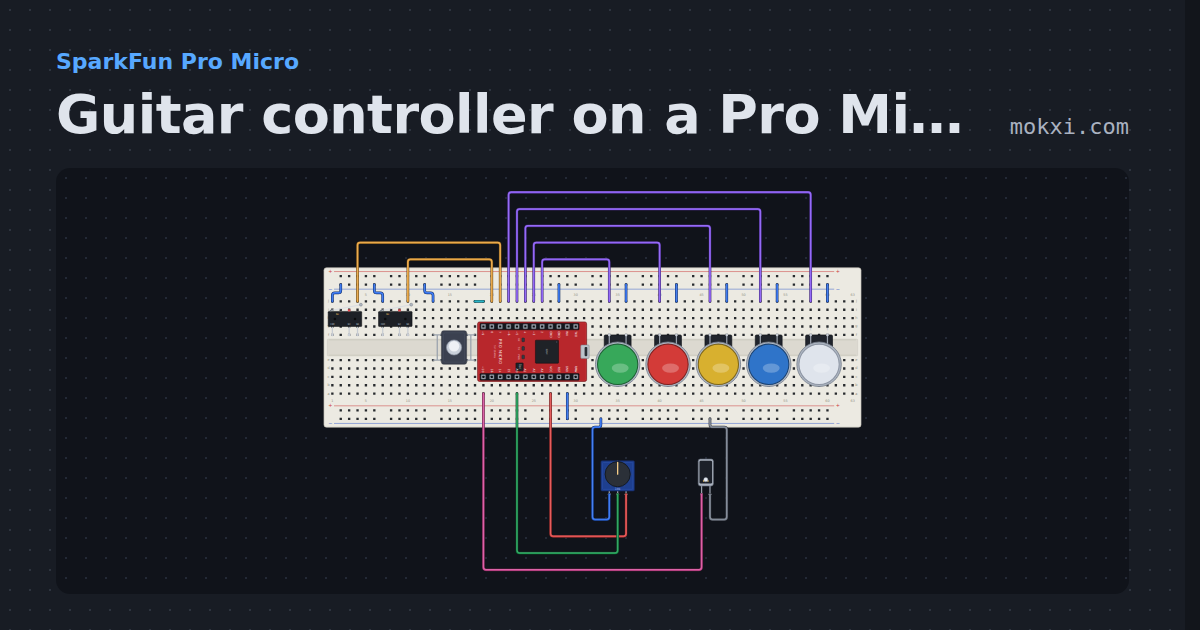
Guitar controller on a Pro Micro
Five fret buttons, a two-switch strum bar, a whammy knob and a tilt switch for star power, sent as a gamepad report through Joystick.h.
- Board
- SparkFun Pro Micro
- Parts
- Limit switch, push button, arcade button, potentiometer, tilt switch
- Level
- Intermediate
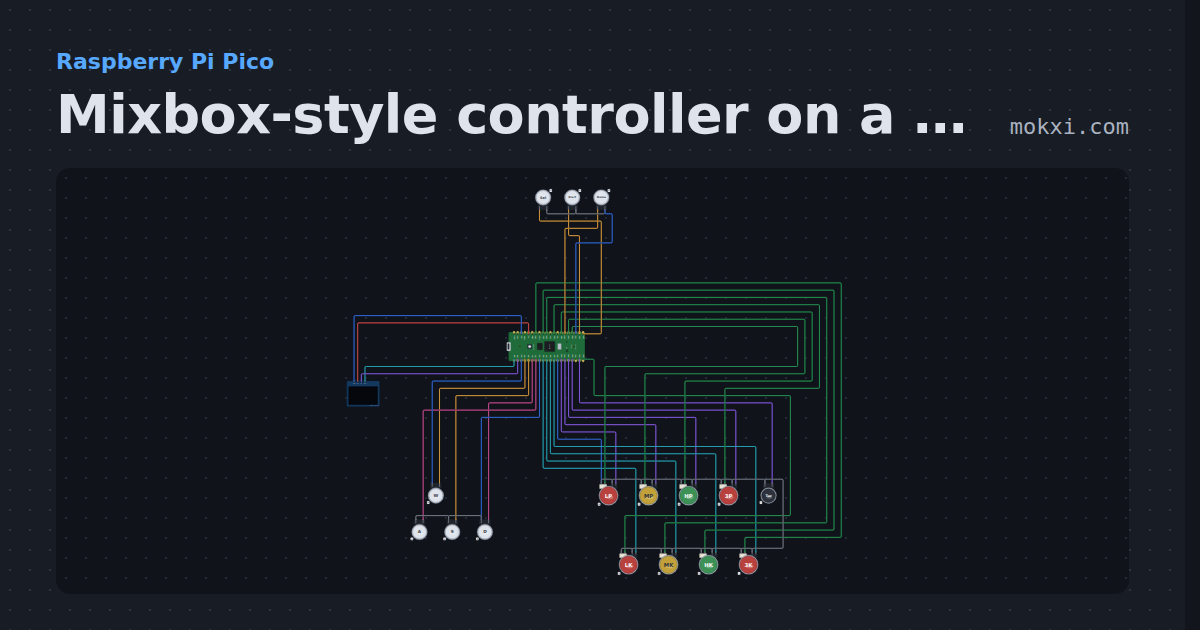
Mixbox-style controller on a Pico
W A S D directions for the left hand and eight lit buttons for the right, on GP2040-CE’s Pico pins, with SOCD modes, turbo and an OLED input display.
- Board
- Raspberry Pi Pico
- Parts
- SSD1306 OLED display, arcade button, LED arcade button
- Level
- Advanced
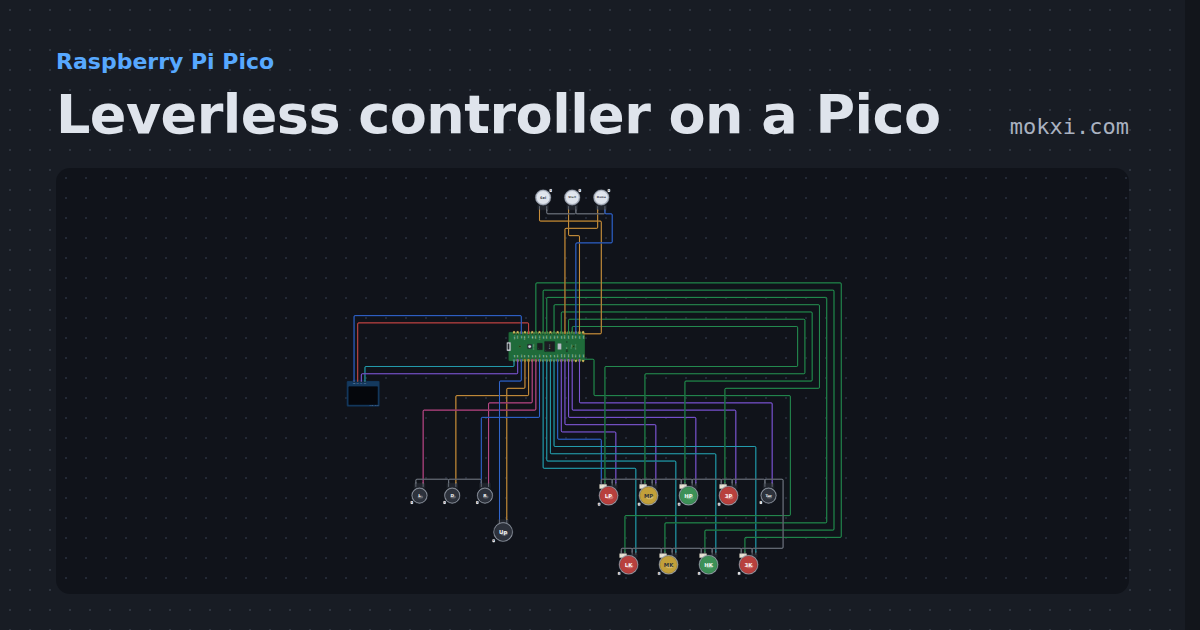
Leverless controller on a Pico
A full leverless build on GP2040-CE’s Pico pins: SOCD and D-pad or stick modes on button combos, turbo.
- Board
- Raspberry Pi Pico
- Parts
- SSD1306 OLED display, arcade button, LED arcade button
- Level
- Advanced
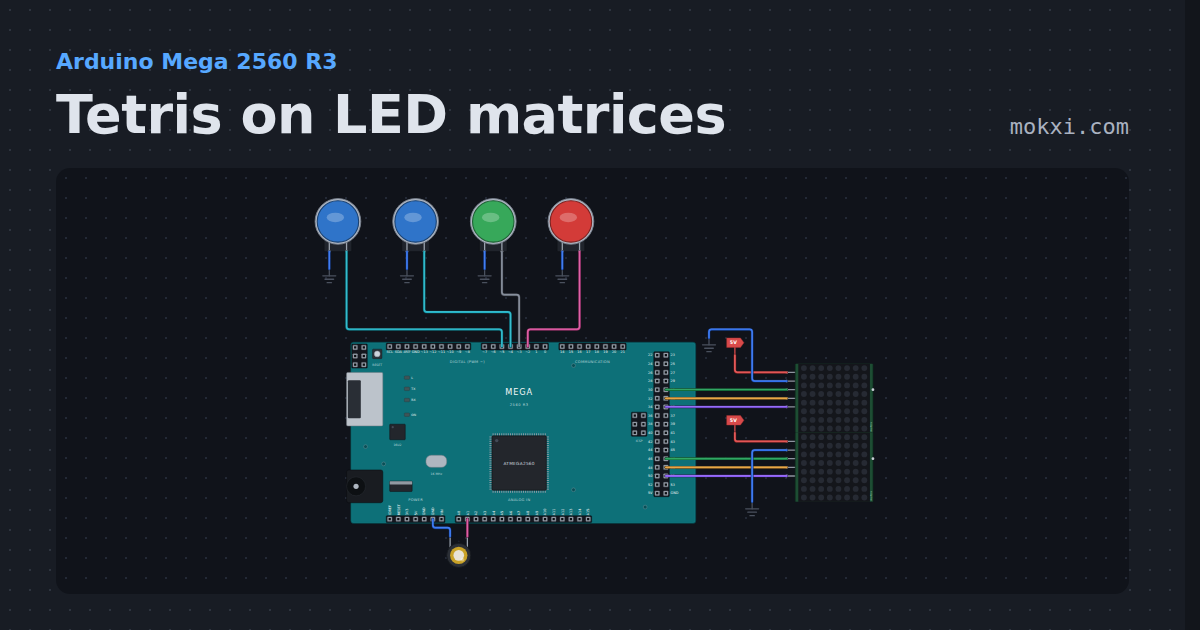
Tetris on LED matrices
Tetris on LED matrices with an Arduino Mega: two 8x8 MAX7219s make an 8 by 16 field, with four buttons, all seven pieces.
- Board
- Arduino Mega 2560 R3
- Parts
- MAX7219 8x8 LED matrix, arcade button, piezo speaker
- Level
- Advanced
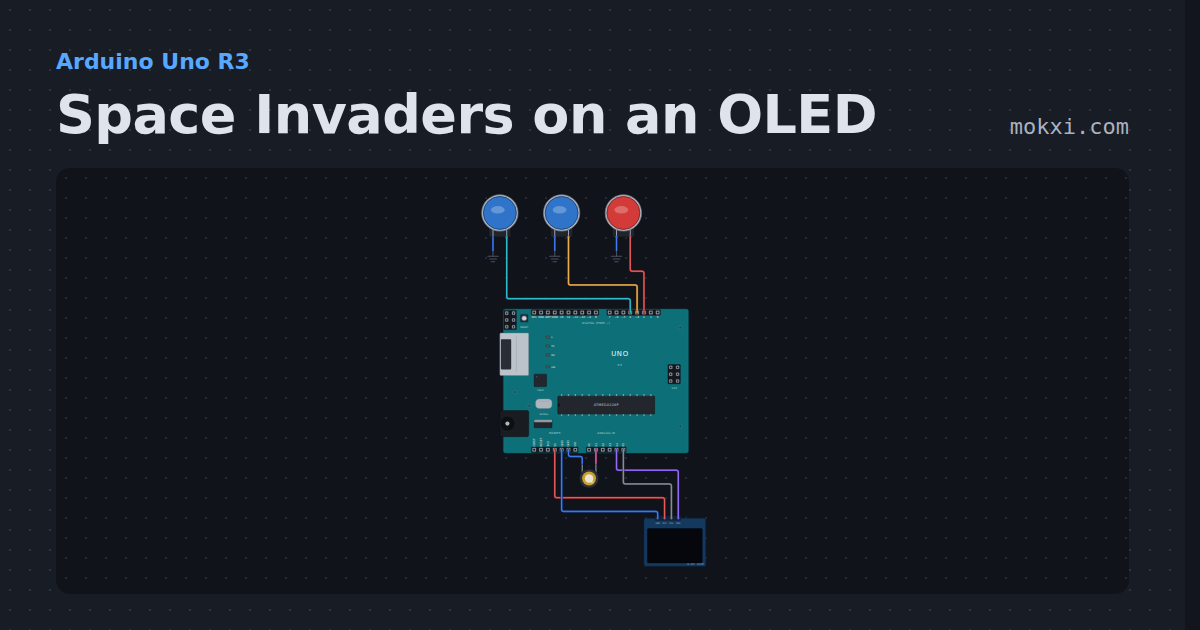
Space Invaders on an OLED
Space Invaders on an OLED with an Arduino: invaders that march faster as you shoot them, three buttons to move and fire, bombs.
- Board
- Arduino Uno R3
- Parts
- Arcade button, piezo speaker, SSD1306 OLED display
- Level
- Advanced
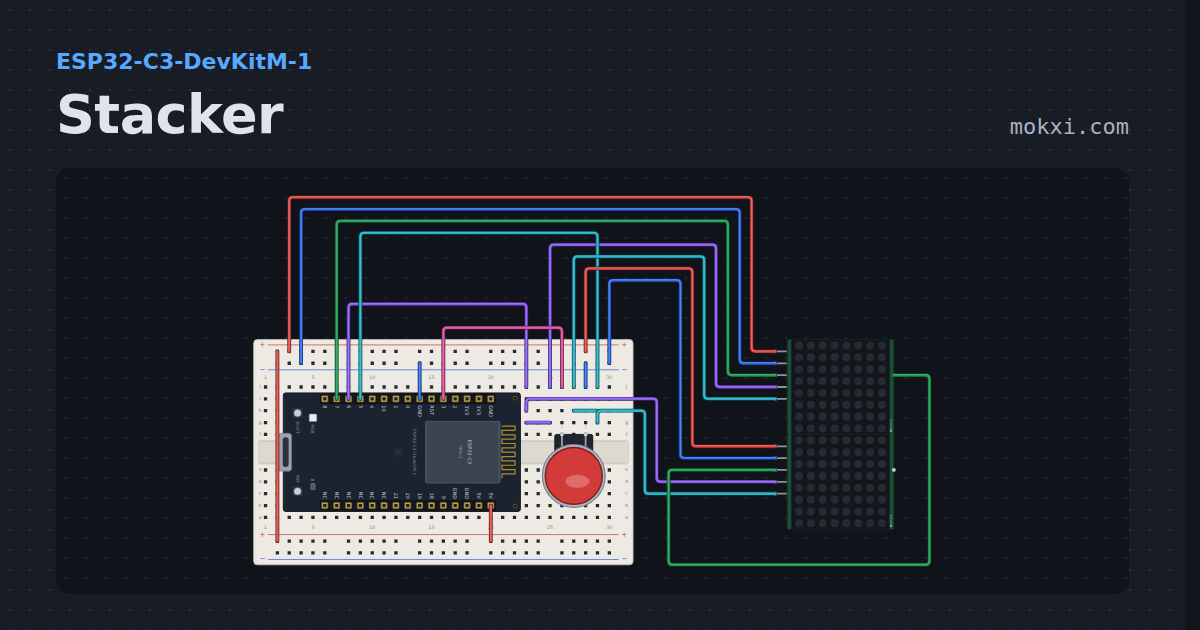
Stacker
The arcade stacker game on two cascaded MAX7219 matrices: the row slides, the button drops it, the overhang is cut off.
- Board
- ESP32-C3-DevKitM-1
- Parts
- Arcade button, MAX7219 8x8 LED matrix
- Level
- Advanced
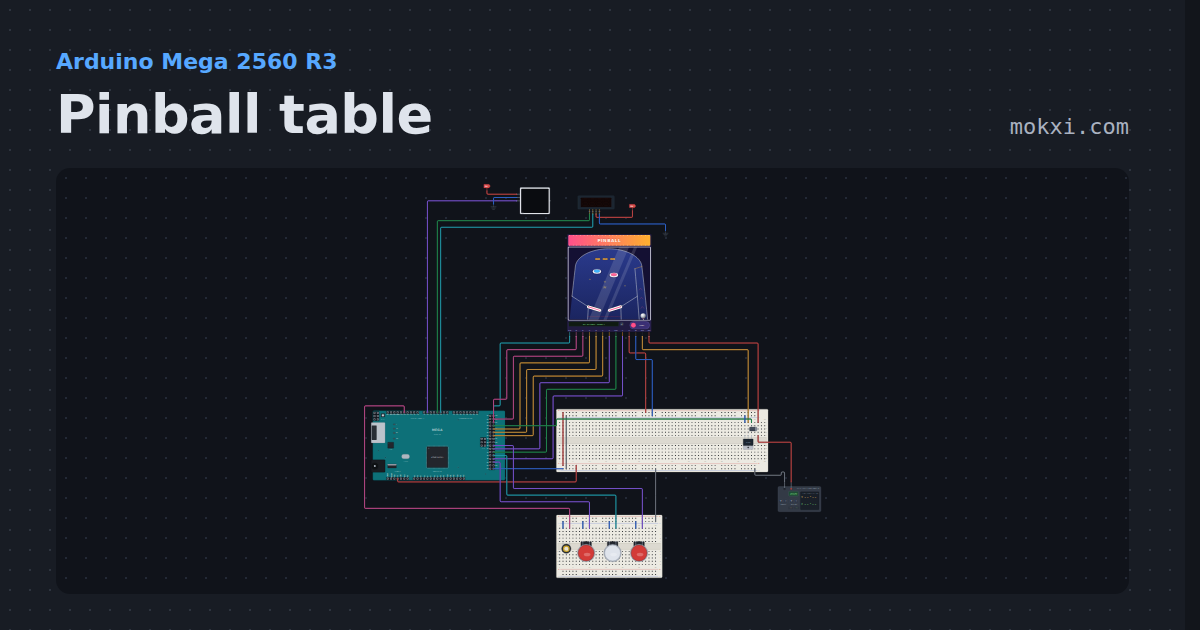
Pinball table
A table you can play on a Mega: flippers, pop bumpers on a kicker solenoid, targets, a drain beam and a plunger, with a four-digit score.
- Board
- Arduino Mega 2560 R3
- Parts
- TM1637 four-digit display, WS2812 NeoPixel LEDs, pinball table, MOSFET, diode, +3 more
- Level
- Advanced
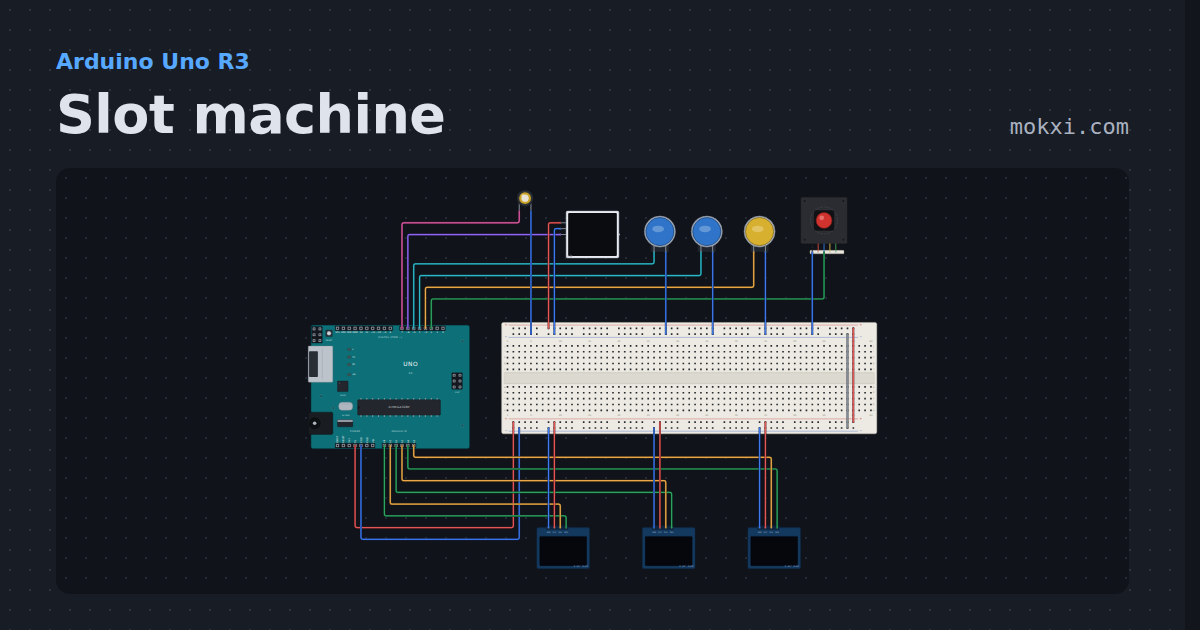
Slot machine
Pull a real arcade lever to spin three OLED reels that stop one by one. Coins, a bet, win lights and a pay table with odds you can check.
- Board
- Arduino Uno R3
- Parts
- Piezo speaker, WS2812 NeoPixel LEDs, arcade button, arcade joystick lever, SSD1306 OLED display
- Level
- Advanced
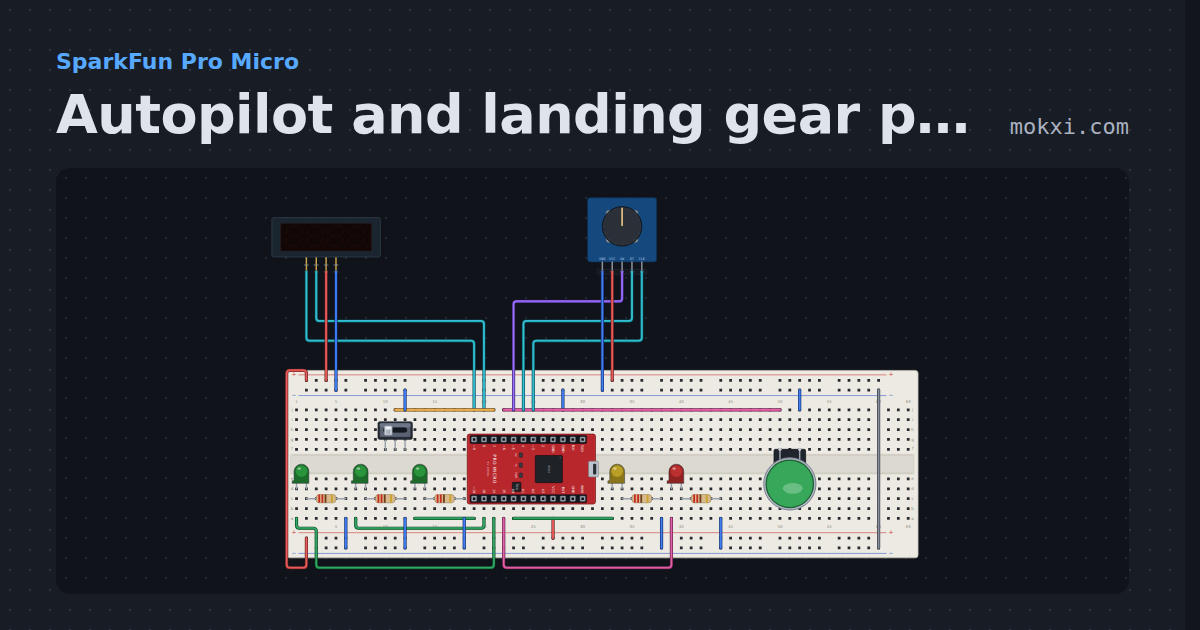
Autopilot and landing gear panel
An autopilot knob for heading, altitude and vertical speed on a four-digit display, an AP button.
- Board
- SparkFun Pro Micro
- Parts
- TM1637 four-digit display, KY-040 rotary encoder, slide switch, arcade button, LED, +1 more
- Level
- Advanced
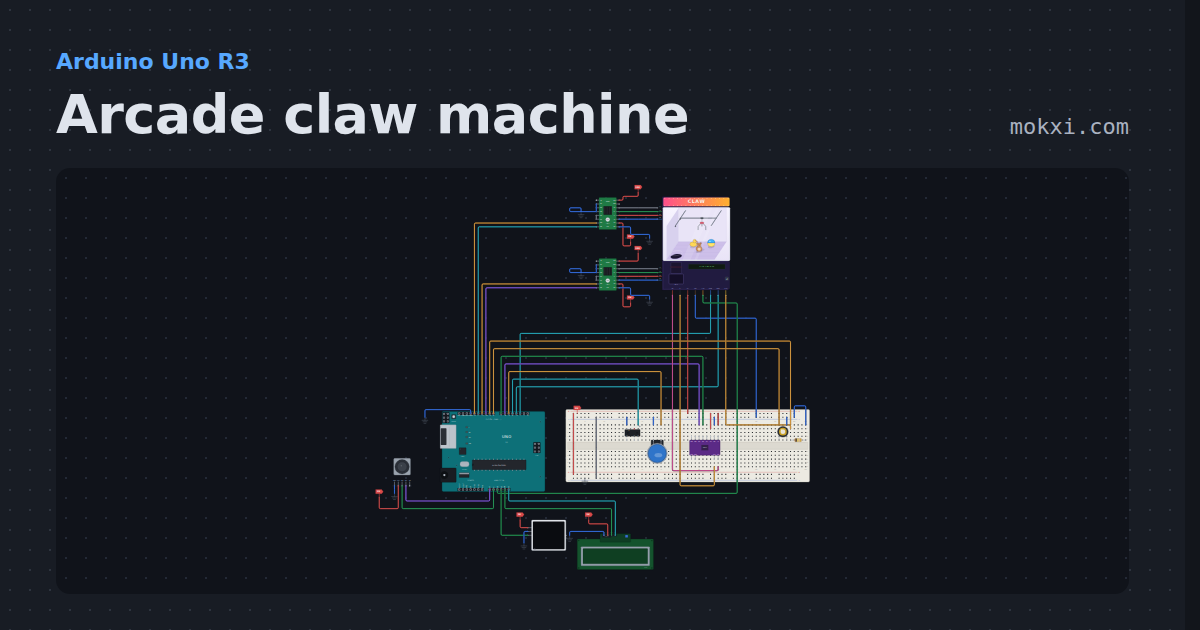
Arcade claw machine
A complete claw machine you can watch: a stepper gantry with home switches, winch, servo claw and prizes in the cabinet, a coin switch.
- Board
- Arduino Uno R3
- Parts
- A4988 stepper driver, joystick, claw machine cabinet, arcade button, DRV8833 motor driver, +5 more
- Level
- Advanced
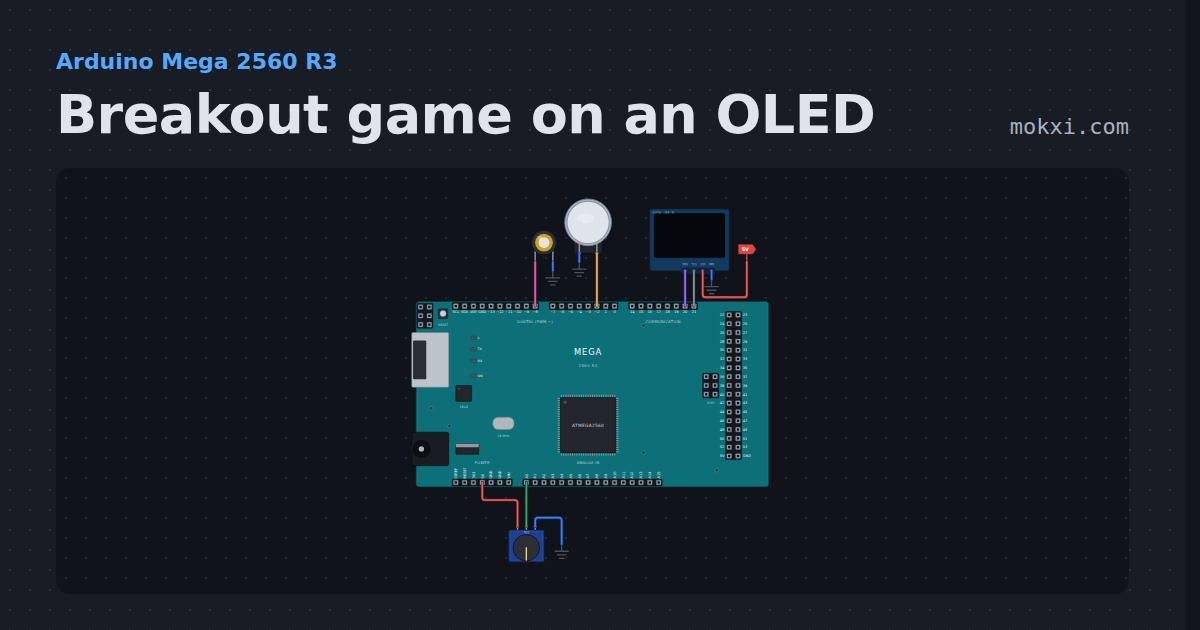
Breakout game on an OLED
Breakout game on an OLED with a knob for the paddle: 32 bricks, three lives, a faster ball for every wall you clear, and sound on a piezo.
- Board
- Arduino Mega 2560 R3
- Parts
- SSD1306 OLED display, arcade button, piezo speaker, potentiometer
- Level
- Advanced
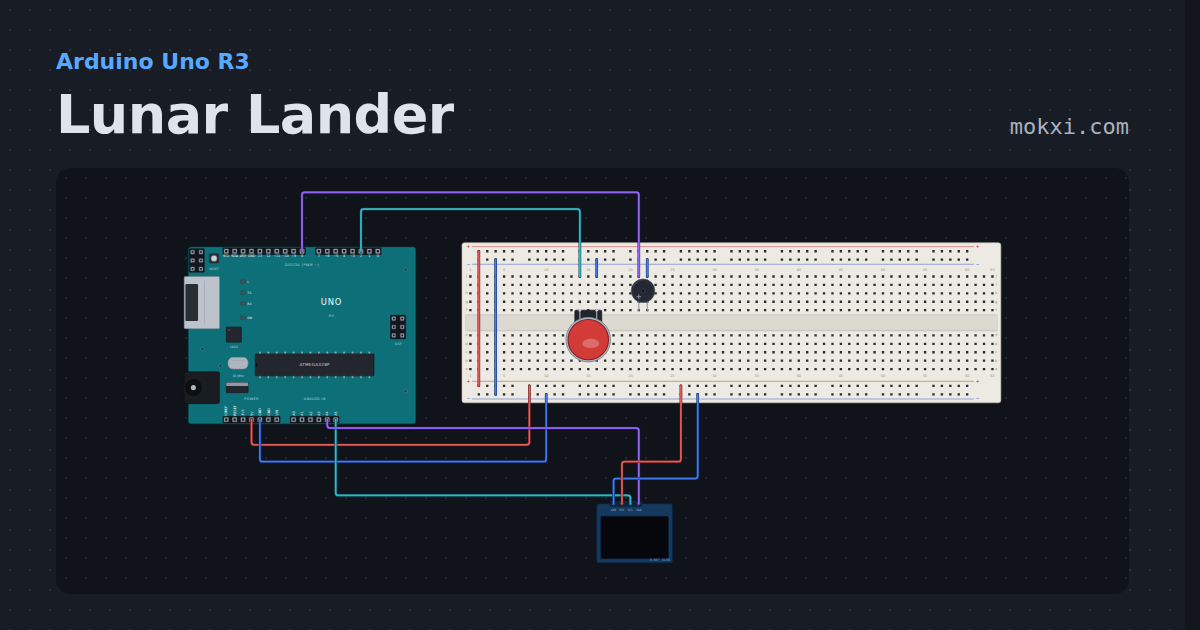
Lunar Lander
Land a rocket on the Moon with one button on a 128x64 OLED: thrust against gravity, mind the fuel gauge and the speed.
- Board
- Arduino Uno R3
- Parts
- SSD1306 OLED display, arcade button, buzzer
- Level
- Advanced