Projects with a lit arcade button
7 Mokxi projects use a lit arcade button (1 beginner, 1 intermediate and 5 advanced). They run on Arduino Uno, Raspberry Pi Pico and Arduino Mega boards. Here are all of them, from “Lit button” to “Fight stick on a Pico”. Each card says what the project does, the board and parts it needs and its level, and Open in the simulator runs it in your browser in one click, with no account.
How to pick your first one
- Start with “Lit button”, a beginner project that needs a lit arcade button.
- Arduino Uno runs 3 of them, Raspberry Pi Pico 3 and Arduino Mega 1. Start on the board you have, or on an Arduino Uno if you are buying one.
- The parts used most here are the arcade button (3 projects), the piezo speaker (3) and the SSD1306 OLED display (3). With those on hand, most of this list is open to you.
- Before you build one on a real bench, open the LED arcade button part page for its pins and what each one does.
7 projects ready to run
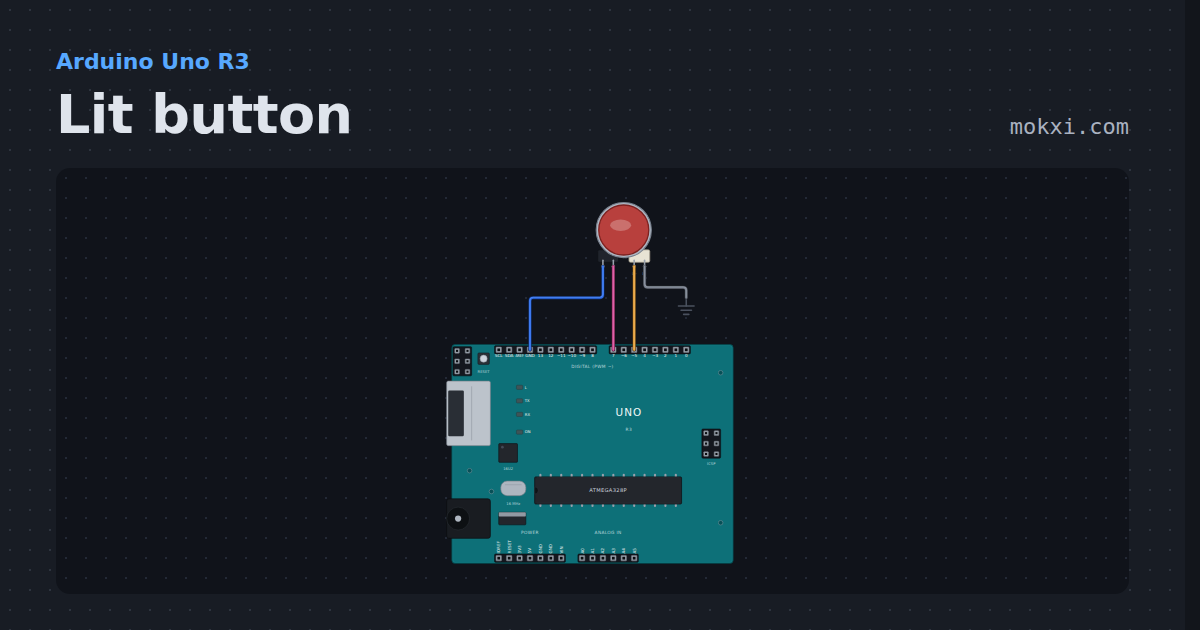
Lit button
A 30 mm arcade button with an LED inside: the lamp breathes while it waits, goes full bright while held, and every press is counted.
- Board
- Arduino Uno R3
- Parts
- LED arcade button
- Level
- Beginner
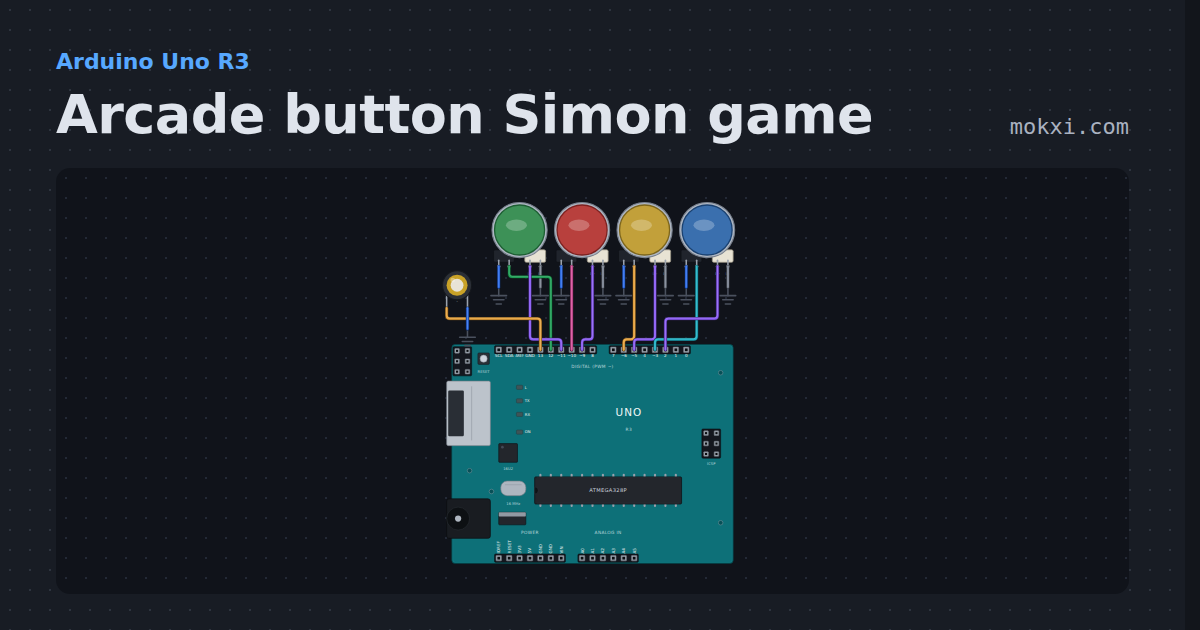
Arcade button Simon game
An arcade button Simon game: four lit buttons and a piezo, a sequence that grows one color a round.
- Board
- Arduino Uno R3
- Parts
- LED arcade button, piezo speaker
- Level
- Intermediate
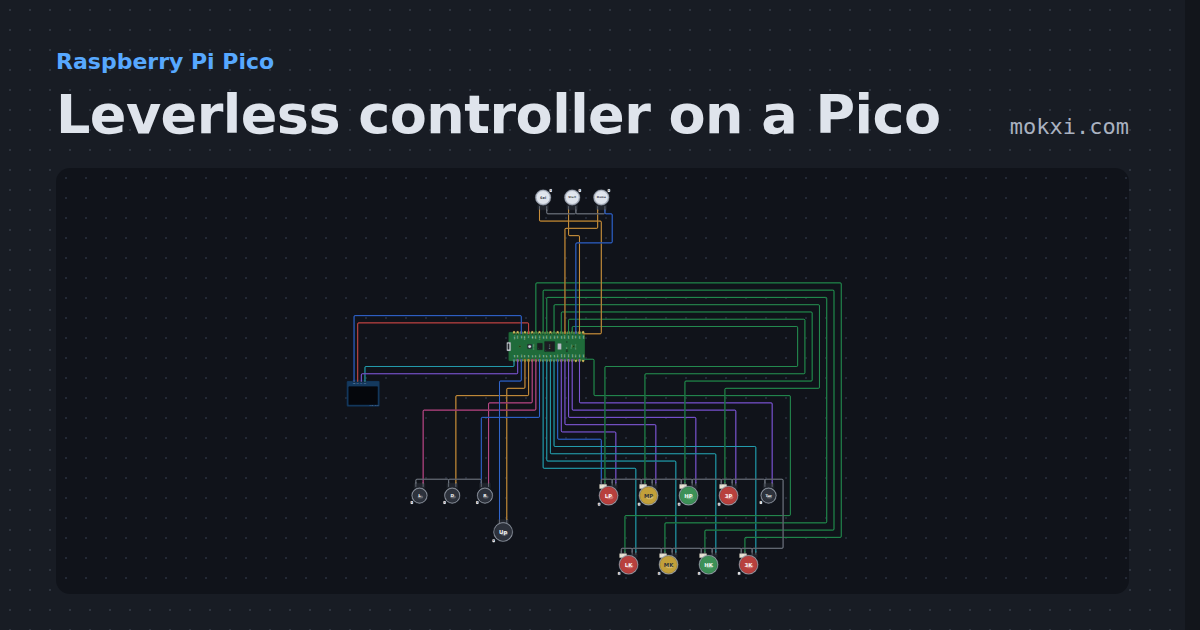
Leverless controller on a Pico
A full leverless build on GP2040-CE’s Pico pins: SOCD and D-pad or stick modes on button combos, turbo.
- Board
- Raspberry Pi Pico
- Parts
- SSD1306 OLED display, arcade button, LED arcade button
- Level
- Advanced
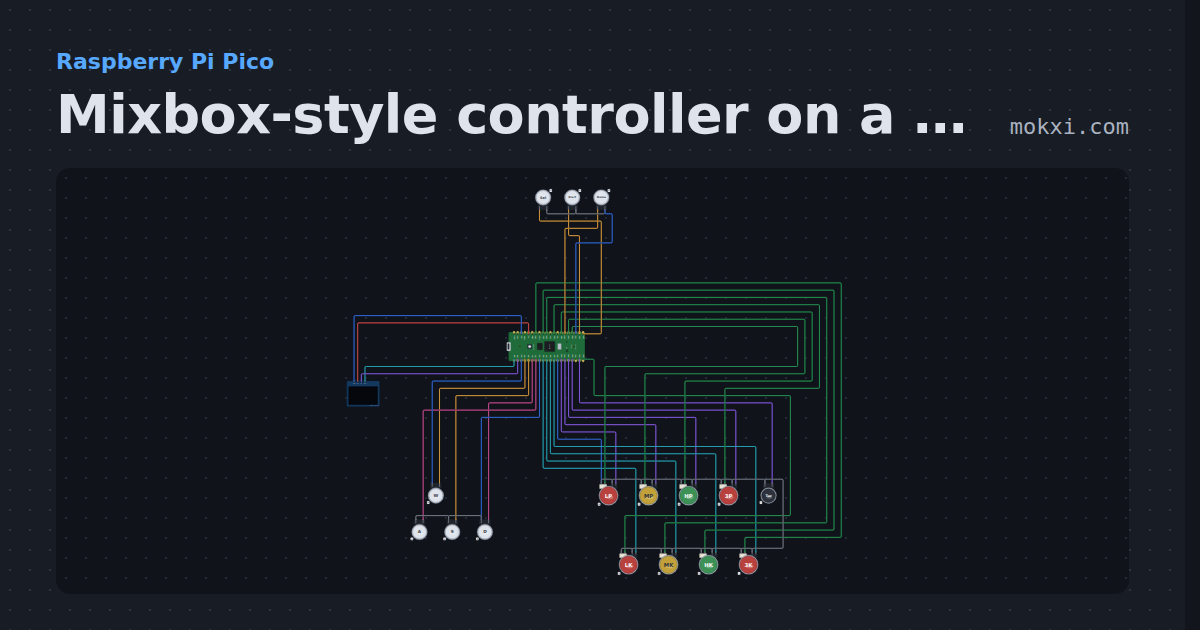
Mixbox-style controller on a Pico
W A S D directions for the left hand and eight lit buttons for the right, on GP2040-CE’s Pico pins, with SOCD modes, turbo and an OLED input display.
- Board
- Raspberry Pi Pico
- Parts
- SSD1306 OLED display, arcade button, LED arcade button
- Level
- Advanced
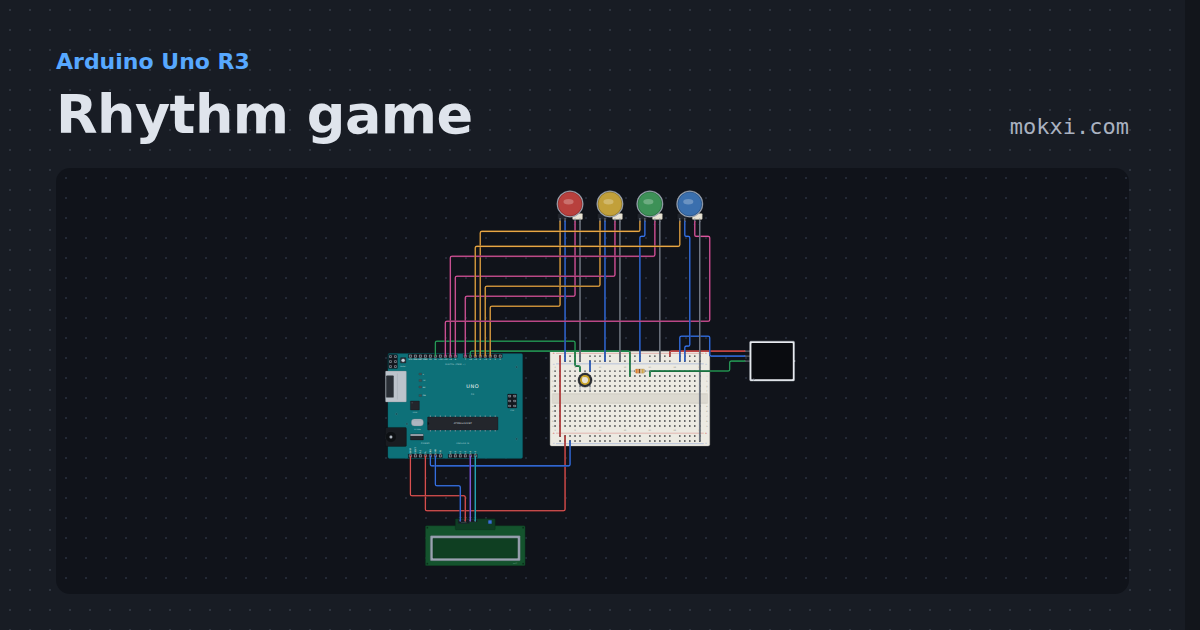
Rhythm game
Notes fall down four lanes of a WS2812 panel to Ode to Joy.
- Board
- Arduino Uno R3
- Parts
- WS2812 NeoPixel LEDs, I2C LCD, piezo speaker, resistor, LED arcade button
- Level
- Advanced
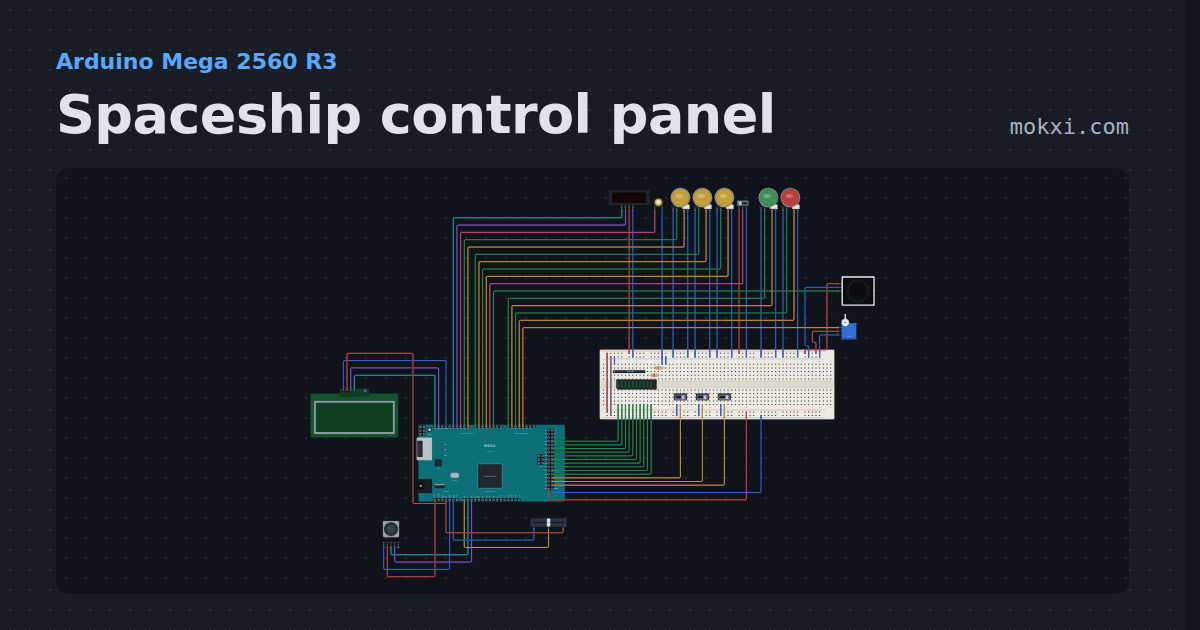
Spaceship control panel
Arm three systems, pass the go/no-go poll, lift the safety and launch.
- Board
- Arduino Mega 2560 R3
- Parts
- Slide switch, LED arcade button, TM1637 four-digit display, piezo speaker, WS2812 NeoPixel LEDs, +7 more
- Level
- Advanced
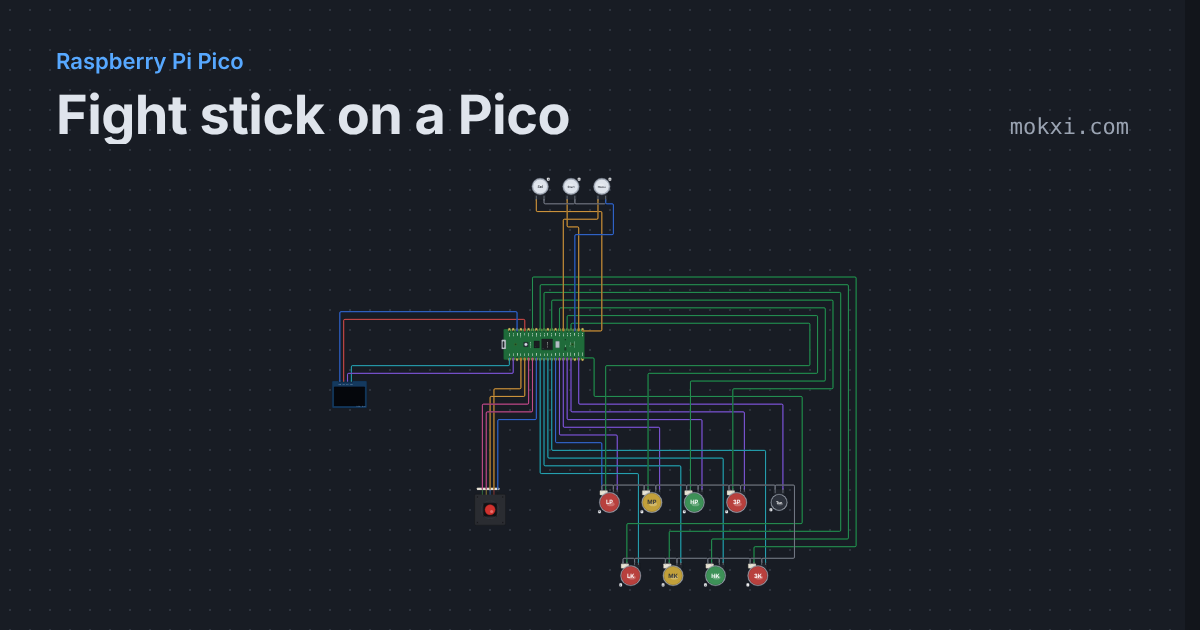
Fight stick on a Pico
A Sanwa-style lever and eight lit buttons on GP2040-CE’s Pico pins, with SOCD and stick modes on button combos.
- Board
- Raspberry Pi Pico
- Parts
- SSD1306 OLED display, arcade joystick lever, LED arcade button, arcade button
- Level
- Advanced