Projects with a transistor
37 Mokxi projects use a transistor (12 beginner, 18 intermediate and 7 advanced). They run on Arduino Uno, Raspberry Pi Pico and ESP32 boards. Here are 24, from “What is this part?” to “4x4x4 LED cube”. Each card says what the project does, the board and parts it needs and its level, and Open in the simulator runs it in your browser in one click, with no account.
How to pick your first one
- Start with “Passive buzzer alarm on pin 9, through a transistor”, a beginner project that needs a resistor, a transistor and a piezo speaker.
- Arduino Uno runs 15 of them, Raspberry Pi Pico 14 and ESP32 5. Start on the board you have, or on an Arduino Uno if you are buying one.
- The parts used most here are the LED (18 projects), the buzzer (14) and the push button (12). With those on hand, most of this list is open to you.
- Before you build one on a real bench, open the transistor part page for its pins and what each one does.
24 projects of 37
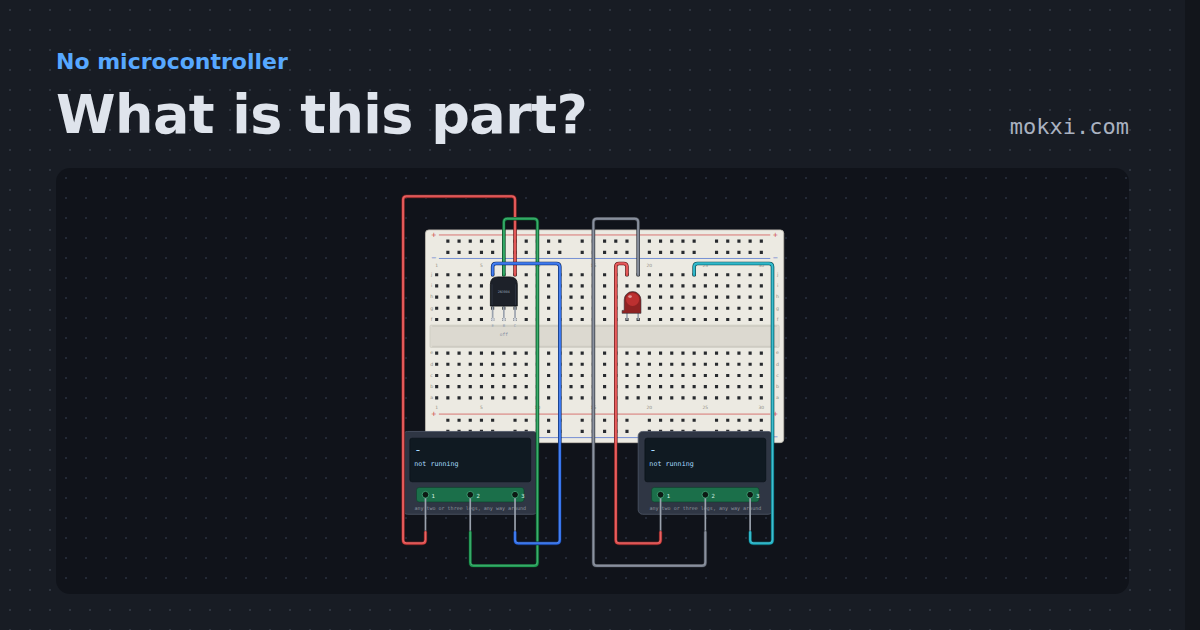
What is this part?
Two component testers with unknown parts in the sockets: one names a transistor and finds its base, collector and emitter.
- Board
- No board
- Parts
- Transistor, LED, component tester
- Level
- Beginner
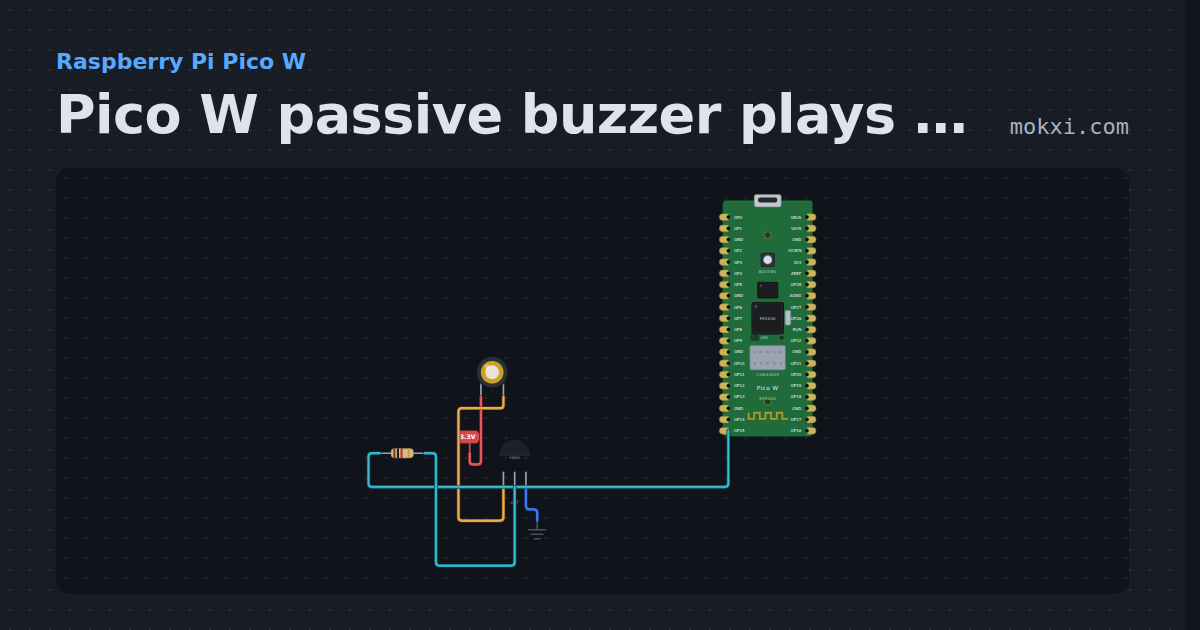
Pico W passive buzzer plays notes with PWM
MicroPython on a Pico W: PWM on GP15 drives a passive buzzer through an S8050 and plays 440, 494 and 523 Hz, a quarter second each.
- Board
- Raspberry Pi Pico W
- Parts
- Piezo speaker, transistor, resistor
- Level
- Beginner
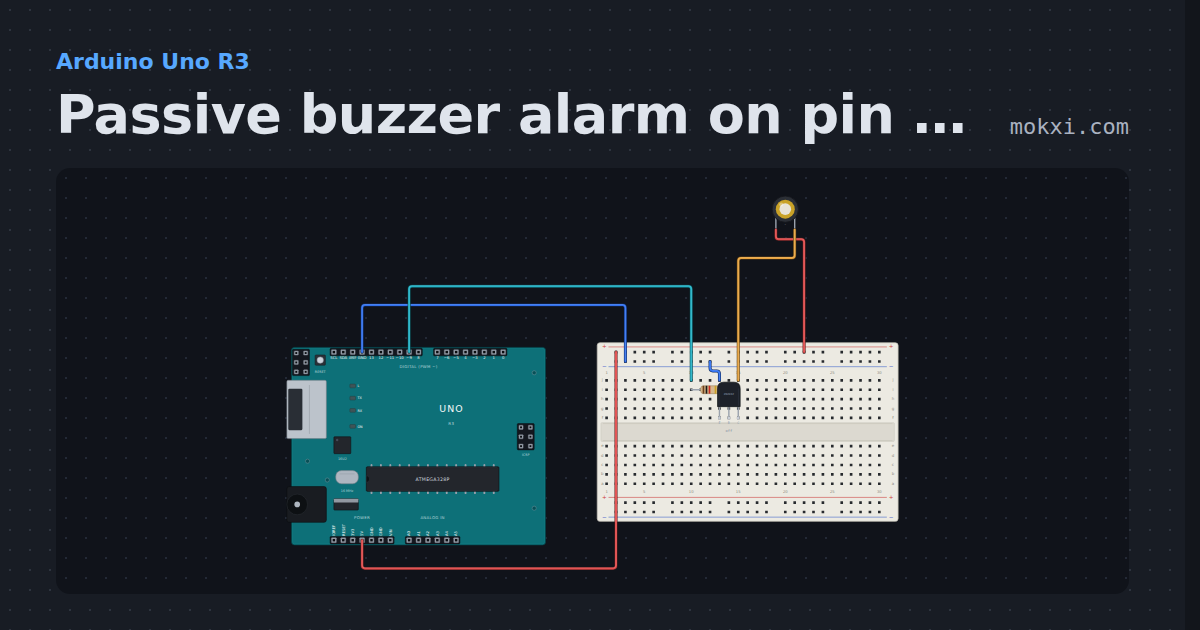
Passive buzzer alarm on pin 9, through a transistor
A passive buzzer, switched by an NPN transistor from pin 9, wails like an alarm: the pitch rises and falls along a sine wave around 2 kHz.
- Board
- Arduino Uno R3
- Parts
- Resistor, transistor, piezo speaker
- Level
- Beginner
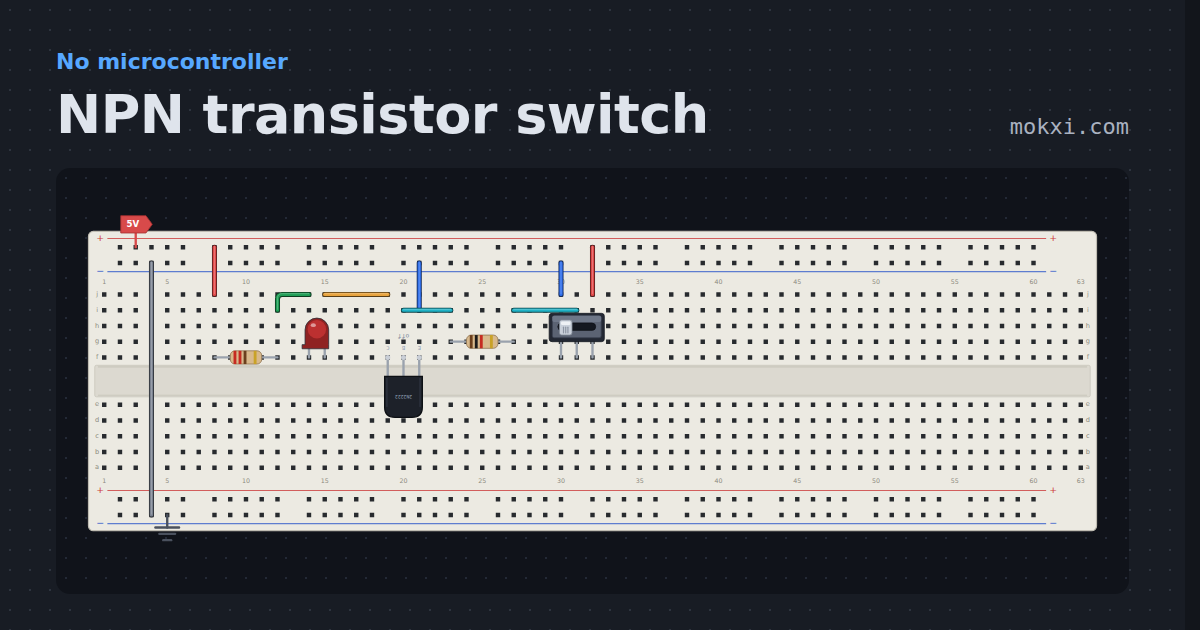
NPN transistor switch
A 2N2222 switching an LED from a slide switch through a 1 k base resistor, with real Gummel-Poon currents in the base and collector.
- Board
- No board
- Parts
- Resistor, LED, transistor, slide switch
- Level
- Beginner
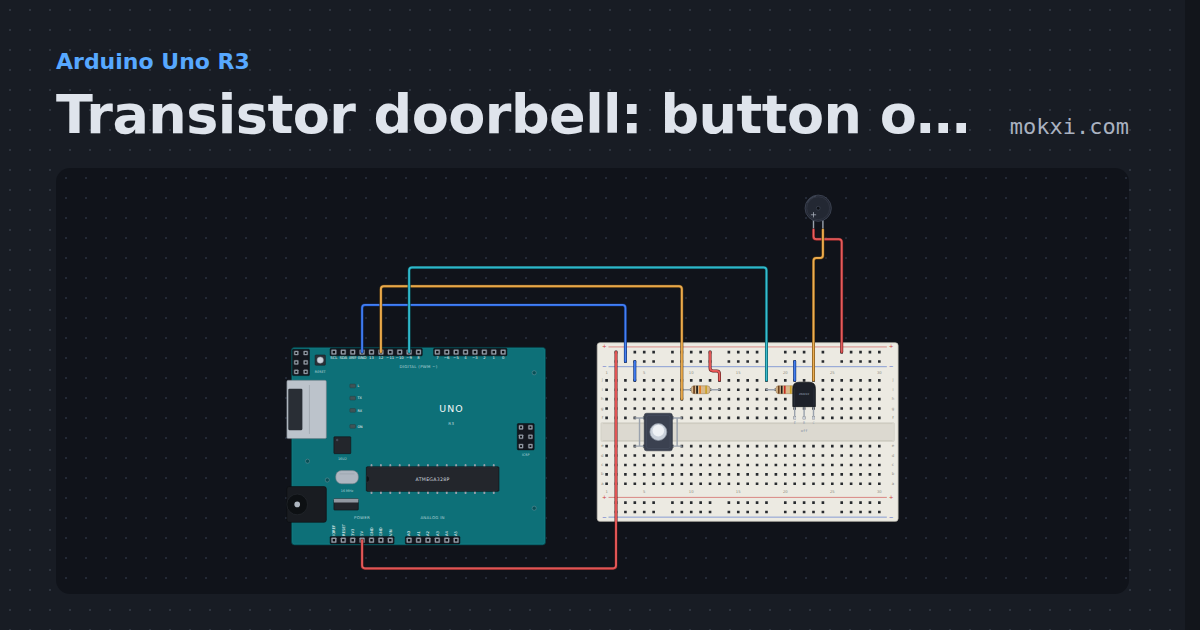
Transistor doorbell: button on 12, buzzer on 9
Hold the push button on pin 12 (10k pull-up) and an active buzzer sounds, switched by an NPN transistor whose base is driven from pin 9.
- Board
- Arduino Uno R3
- Parts
- Push button, resistor, transistor, buzzer
- Level
- Beginner
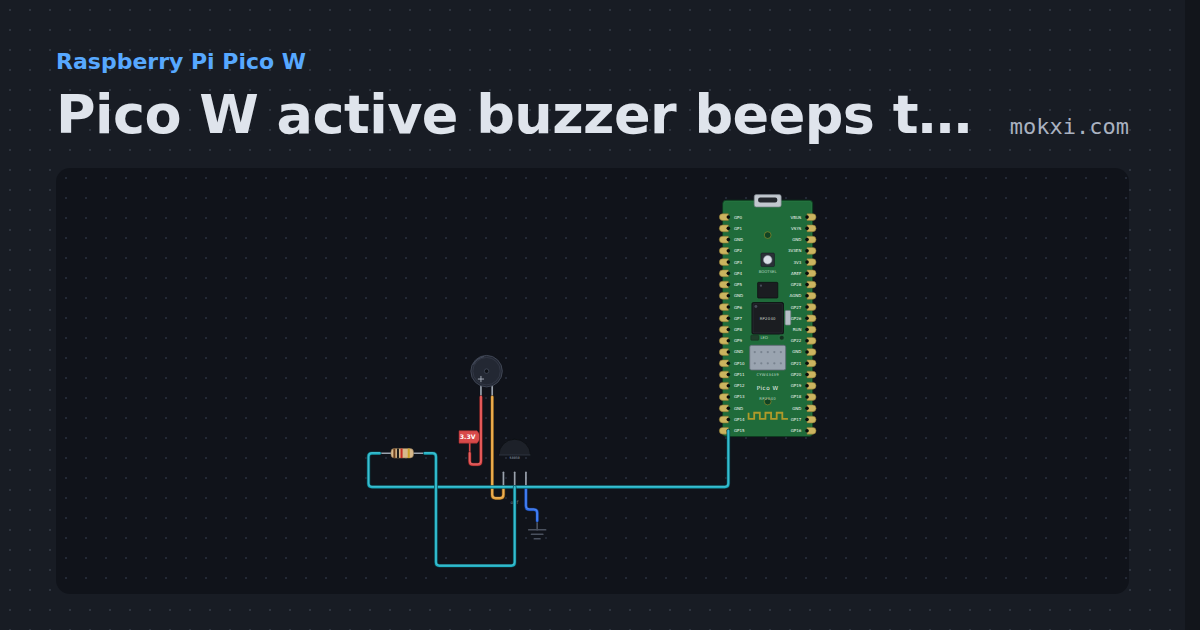
Pico W active buzzer beeps through an S8050
MicroPython on a Pico W: GP15 switches an S8050 that sounds an active buzzer: four short beeps, a pause of a second, and again.
- Board
- Raspberry Pi Pico W
- Parts
- Buzzer, transistor, resistor
- Level
- Beginner
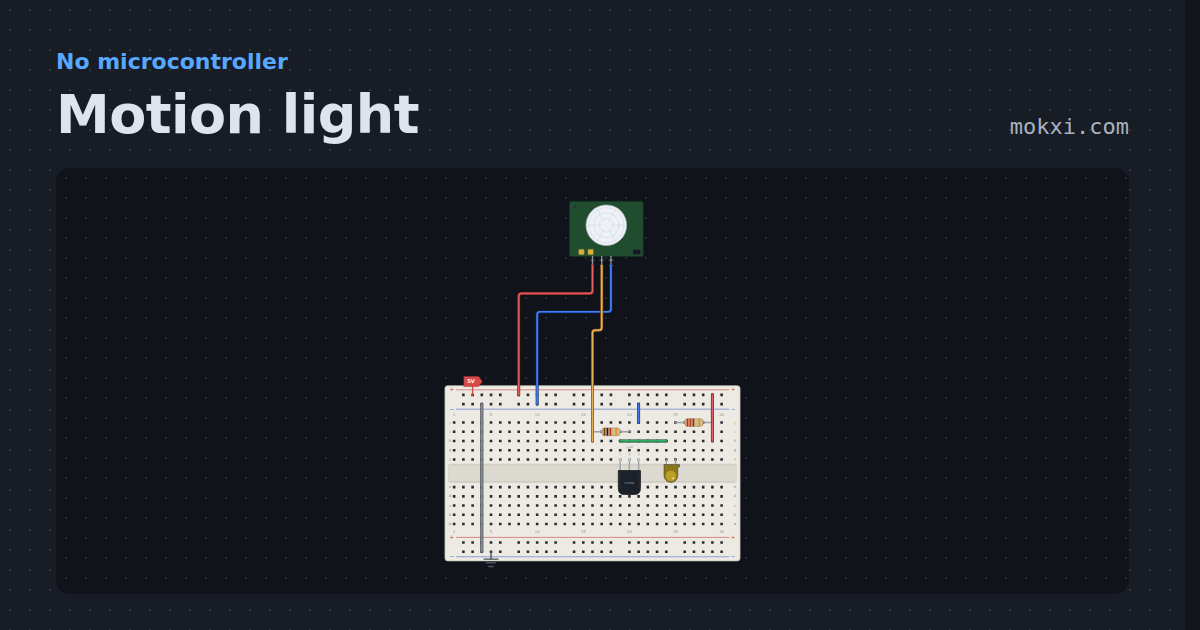
Motion light
A PIR module, a transistor and a lamp, no board. Click the dome and the light holds for two seconds after the movement stops.
- Board
- No board
- Parts
- PIR motion sensor, transistor, resistor, LED
- Level
- Beginner
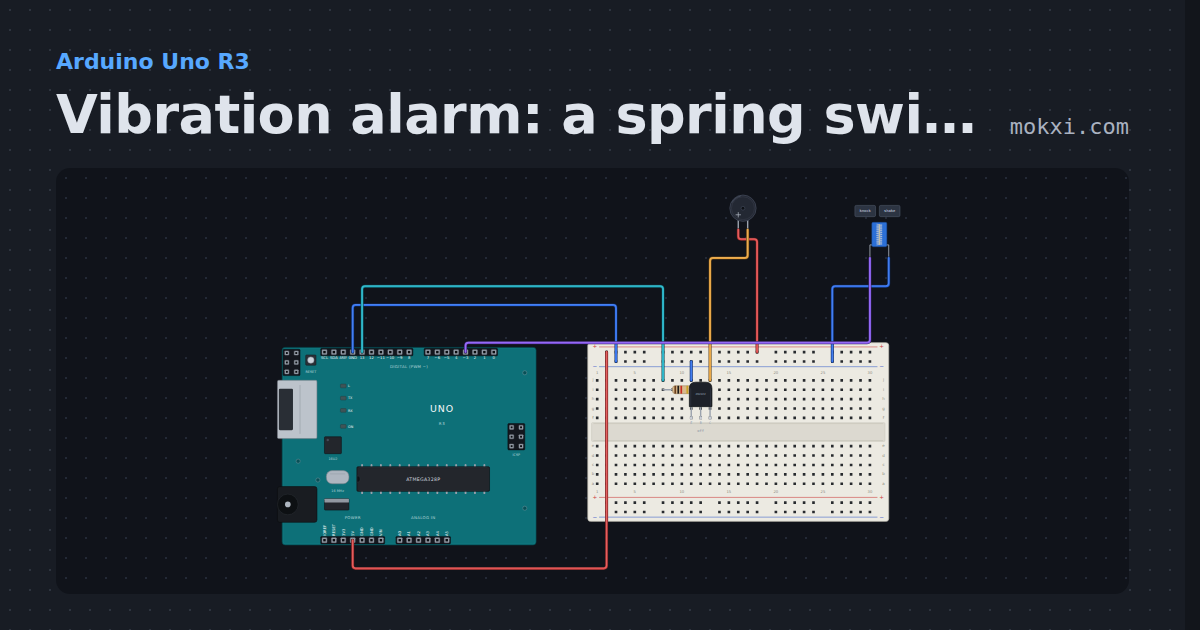
Vibration alarm: a spring switch on pin 3, a buzzer on 13
A spring vibration switch from pin 3 to ground fires an interrupt the moment it is shaken, and an active buzzer on pin 13.
- Board
- Arduino Uno R3
- Parts
- Resistor, transistor, buzzer, spring vibration switch
- Level
- Beginner
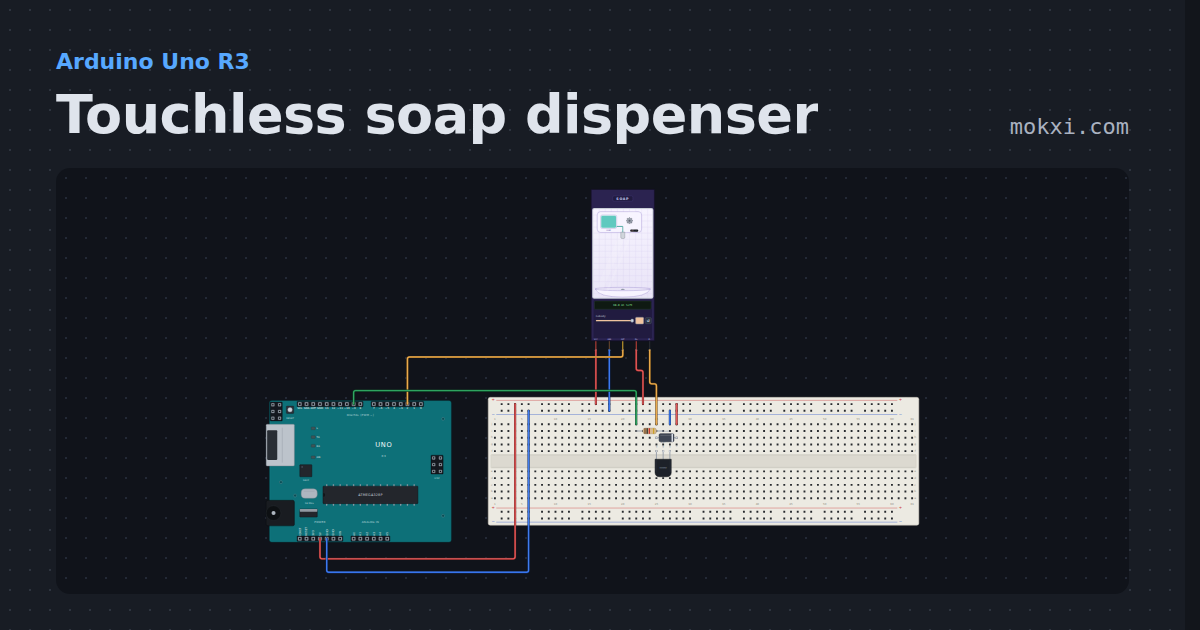
Touchless soap dispenser
An FC-51 infrared obstacle sensor and a pump on a transistor: hold a hand under the spout and it pumps one dose, then waits for the hand to go away.
- Board
- Arduino Uno R3
- Parts
- Touchless soap dispenser, transistor, resistor, diode
- Level
- Beginner
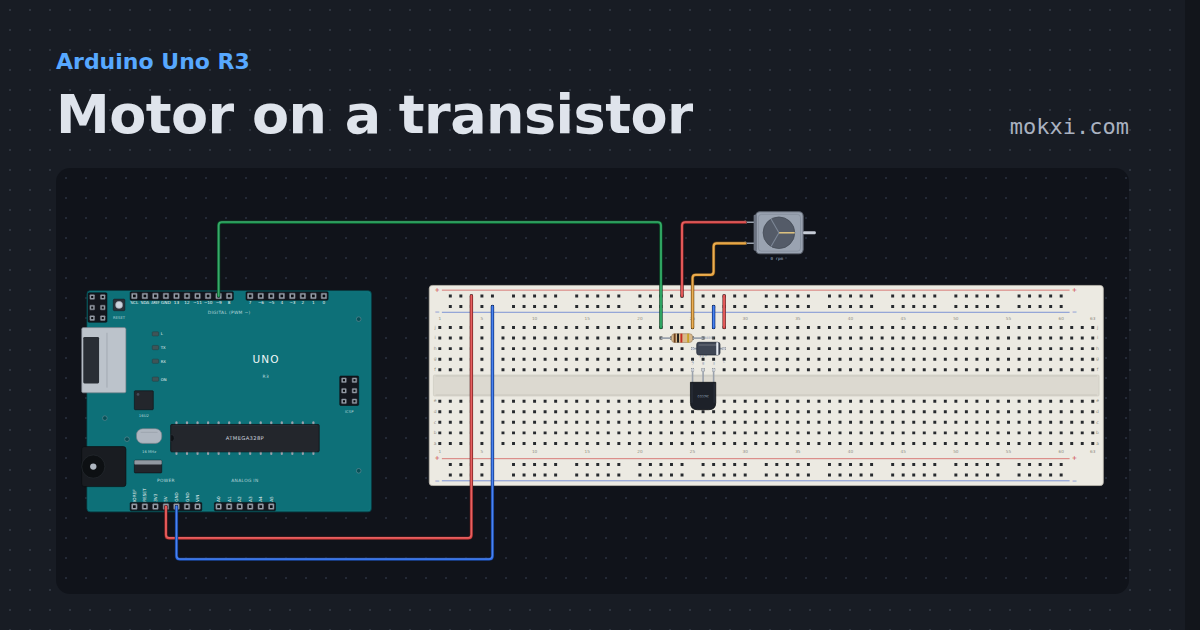
Motor on a transistor
A DC motor driven from pin 9 through a 2N2222, with a flyback diode across it. The PWM ramps up and down and the shaft follows.
- Board
- Arduino Uno R3
- Parts
- Transistor, resistor, diode, DC motor
- Level
- Intermediate
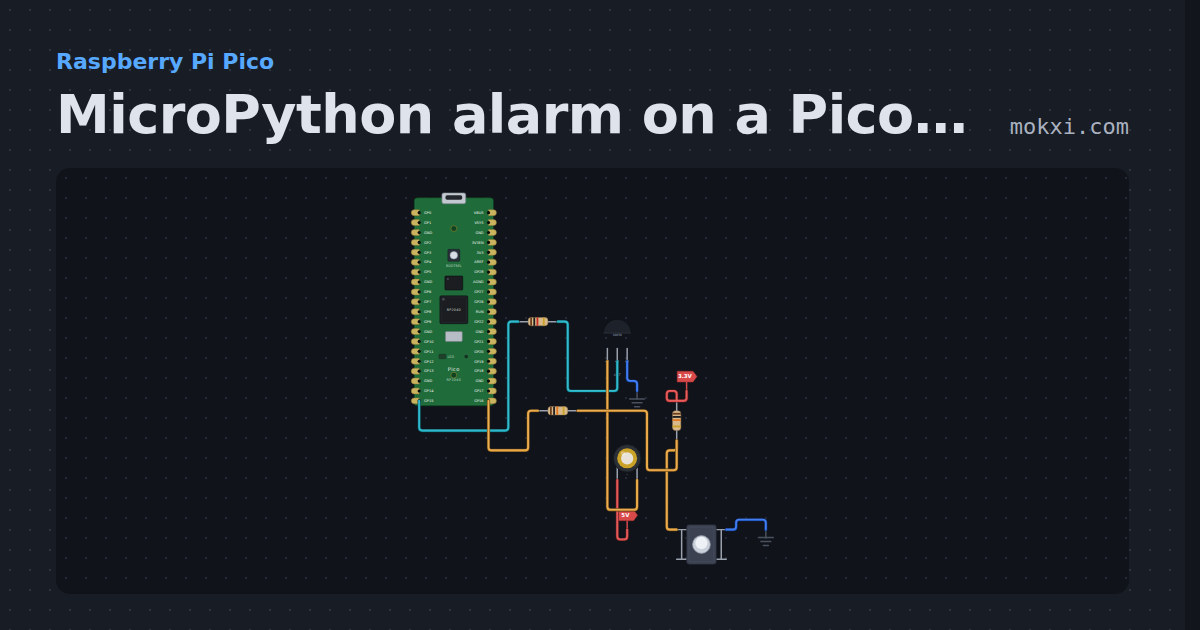
MicroPython alarm on a Pico: a siren on a passive buzzer
MicroPython on a Raspberry Pi Pico: while the button on GP16 is held, PWM on GP15 sweeps a passive buzzer between 1 and 2 kHz like a siren.
- Board
- Raspberry Pi Pico
- Parts
- Resistor, transistor, piezo speaker, push button
- Level
- Intermediate
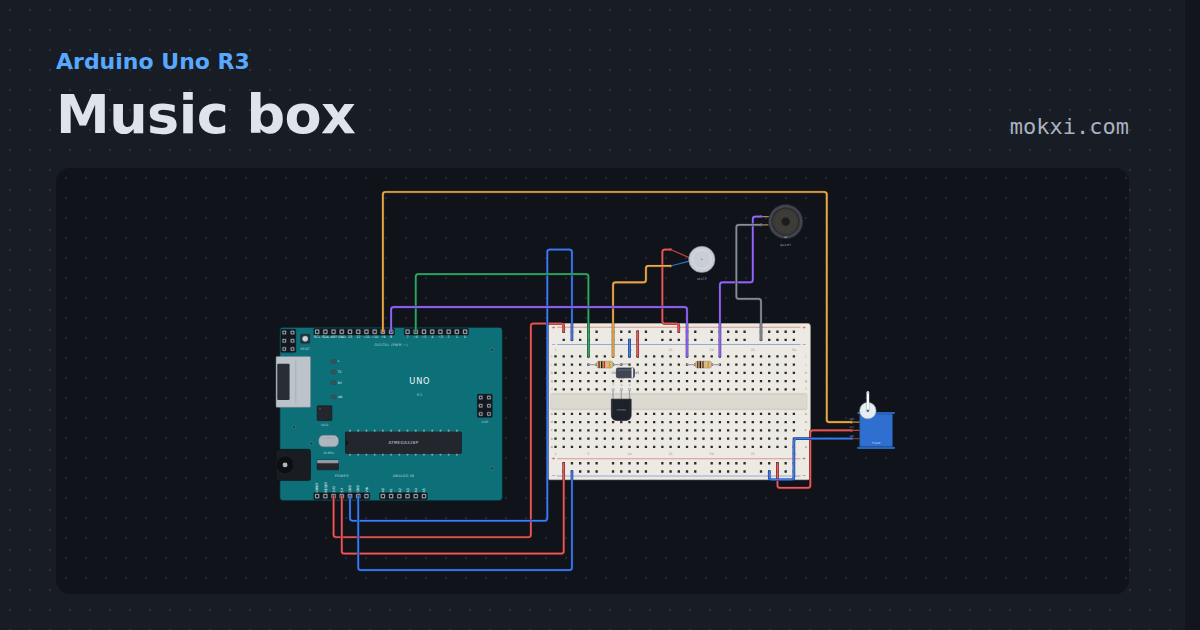
Music box
A tune on an 8 ohm speaker through 100 ohms, a continuous-rotation servo turning the drum.
- Board
- Arduino Uno R3
- Parts
- Transistor, resistor, diode, vibration motor, 8 ohm speaker, +1 more
- Level
- Intermediate
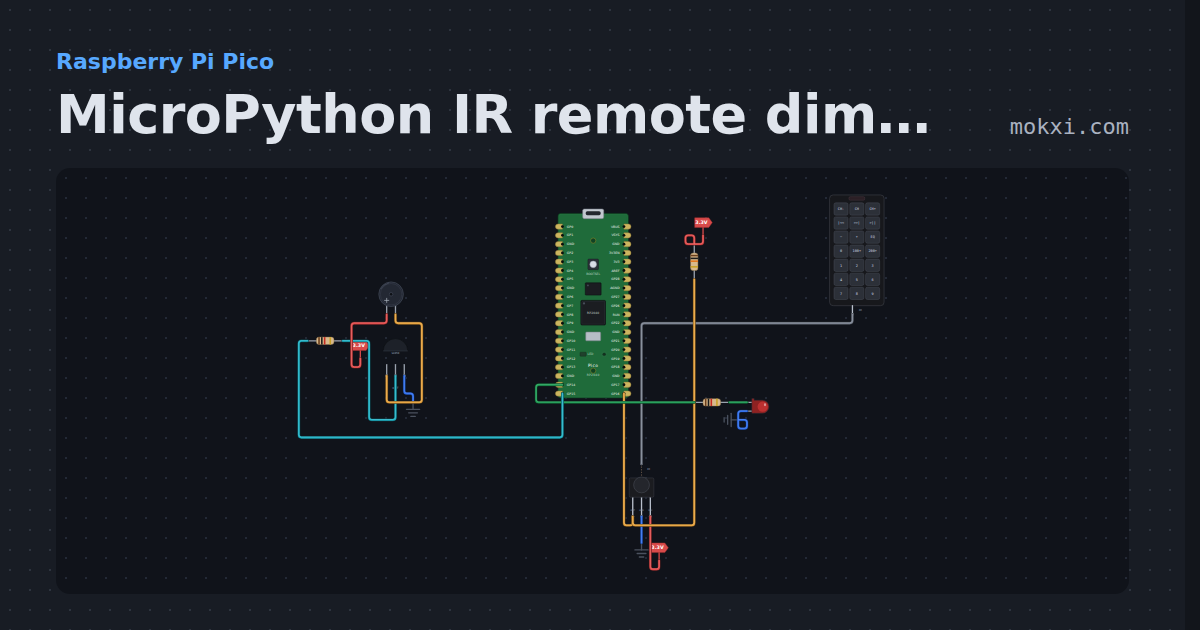
MicroPython IR remote dimmer on a Pico: keys 0 to 3
MicroPython on a Raspberry Pi Pico: remote keys 0 to 3, read by an IR receiver on GP16, set four levels for the LED on GP14 and beep a buzzer.
- Board
- Raspberry Pi Pico
- Parts
- IR receiver and remote, resistor, IR remote, LED, transistor, +1 more
- Level
- Intermediate
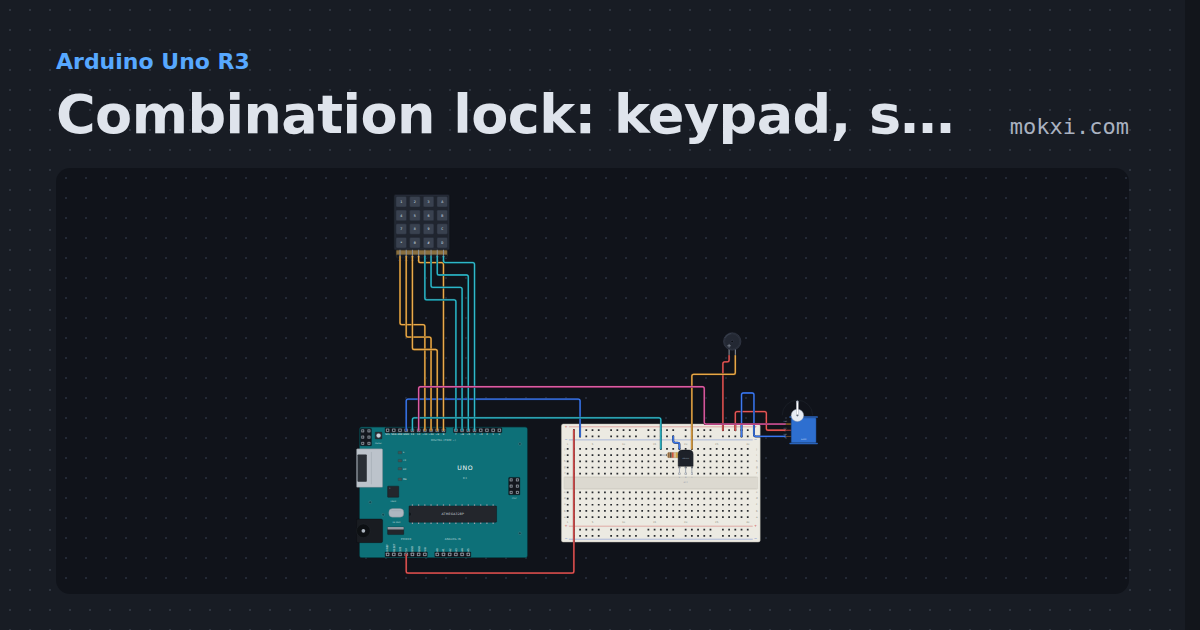
Combination lock: keypad, servo bolt and buzzer
Type 1234 on a keypad (rows 11 to 8, columns 7 to 4) and a servo on pin 12 draws the bolt for two seconds; each key clicks a buzzer on pin 13.
- Board
- Arduino Uno R3
- Parts
- 4x4 keypad, resistor, transistor, buzzer, servo motor
- Level
- Intermediate
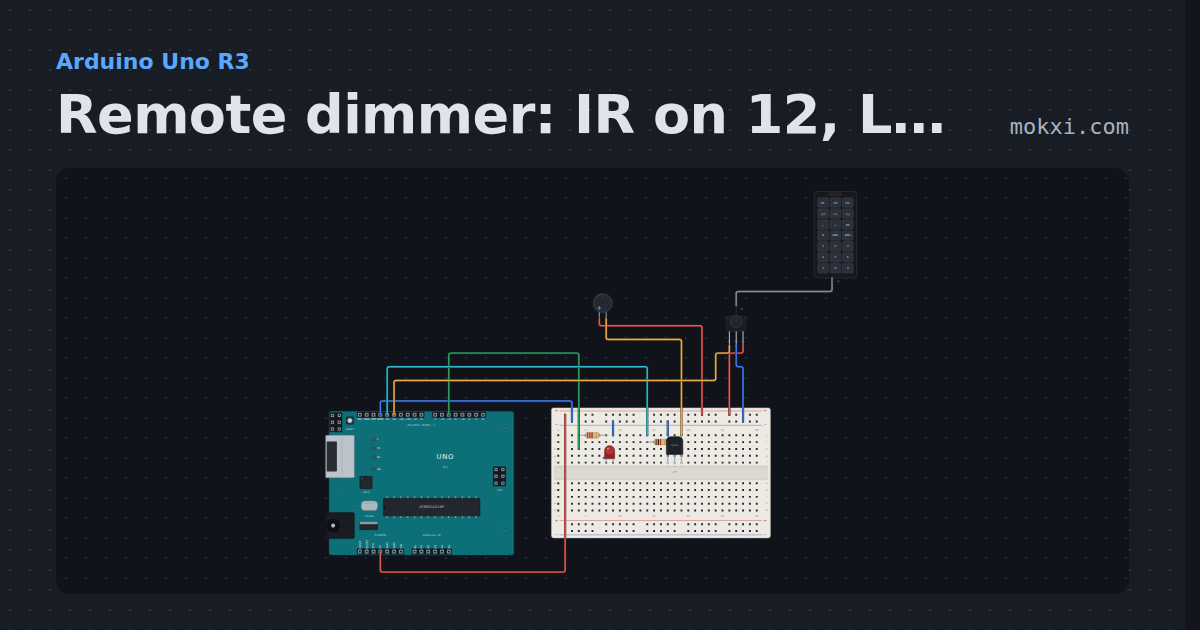
Remote dimmer: IR on 12, LED on 5, buzzer on 13
Buttons 0 to 3 on the remote set the LED on pin 5 to off, dim, medium and full; an active buzzer on pin 13, switched by an NPN transistor.
- Board
- Arduino Uno R3
- Parts
- Resistor, LED, transistor, buzzer, IR receiver and remote, +1 more
- Level
- Intermediate
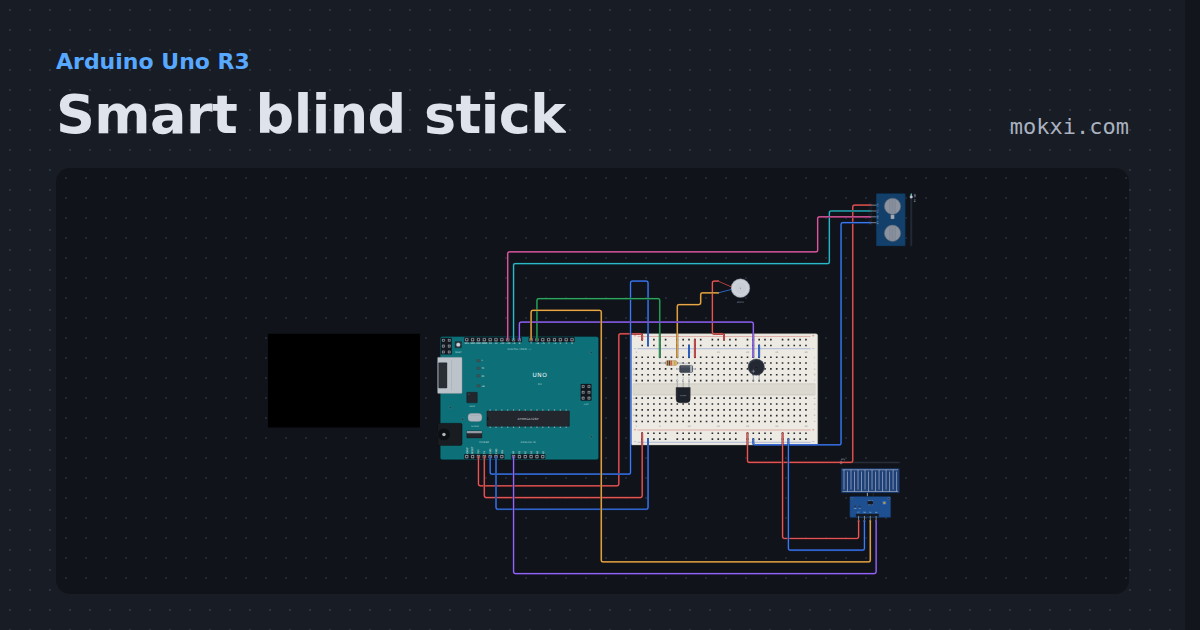
Smart blind stick
An HC-SR04 sets a buzzer and a vibration motor pulsing faster as an obstacle gets closer, and a water sensor at the tip chirps for a puddle.
- Board
- Arduino Uno R3
- Parts
- Transistor, resistor, diode, vibration motor, buzzer, +2 more
- Level
- Intermediate
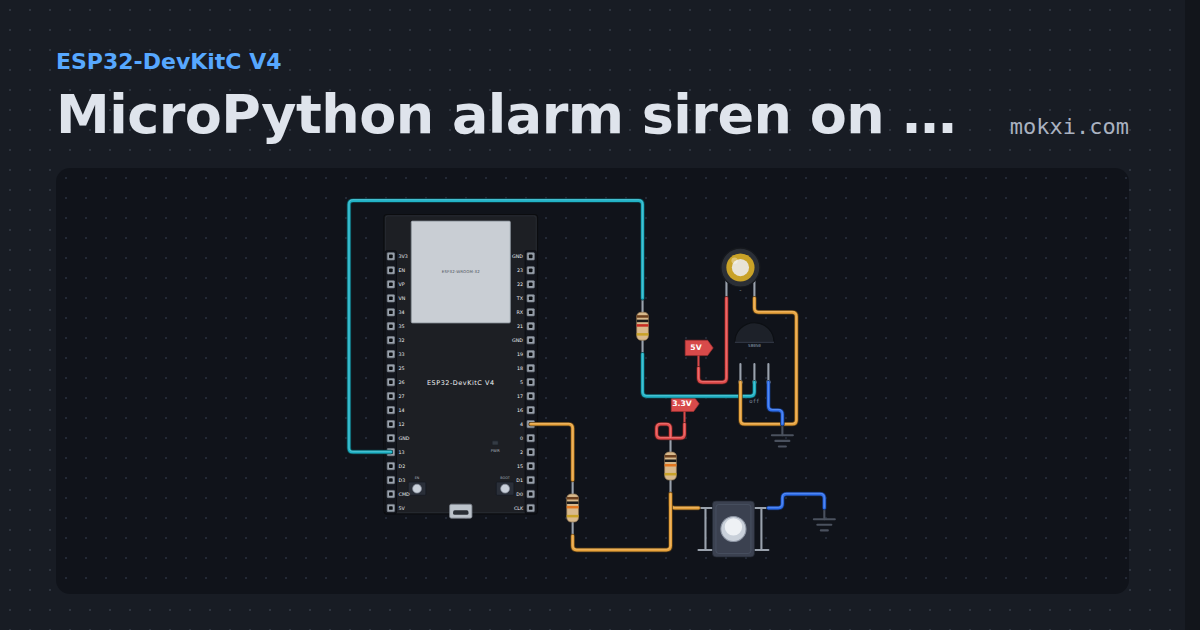
MicroPython alarm siren on a passive buzzer
MicroPython on an ESP32: while the button on GPIO 4 is held, a passive buzzer behind an S8050 on GPIO 13 wails between 1500 and 2500 Hz.
- Board
- ESP32-DevKitC V4
- Parts
- Piezo speaker, resistor, transistor, push button
- Level
- Intermediate
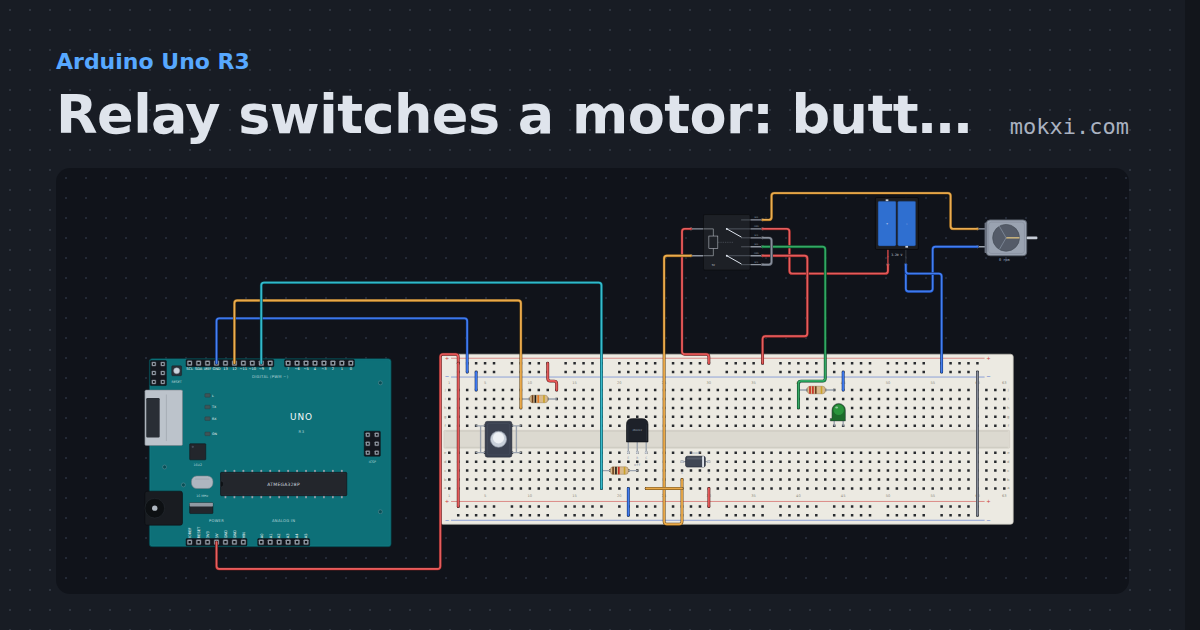
Relay switches a motor: button on 12, relay on 9
Each press of the button on pin 12 flips a relay, driven from pin 9 through an NPN transistor with a diode across its coil.
- Board
- Arduino Uno R3
- Parts
- Push button, resistor, transistor, DPDT relay, diode, +3 more
- Level
- Intermediate
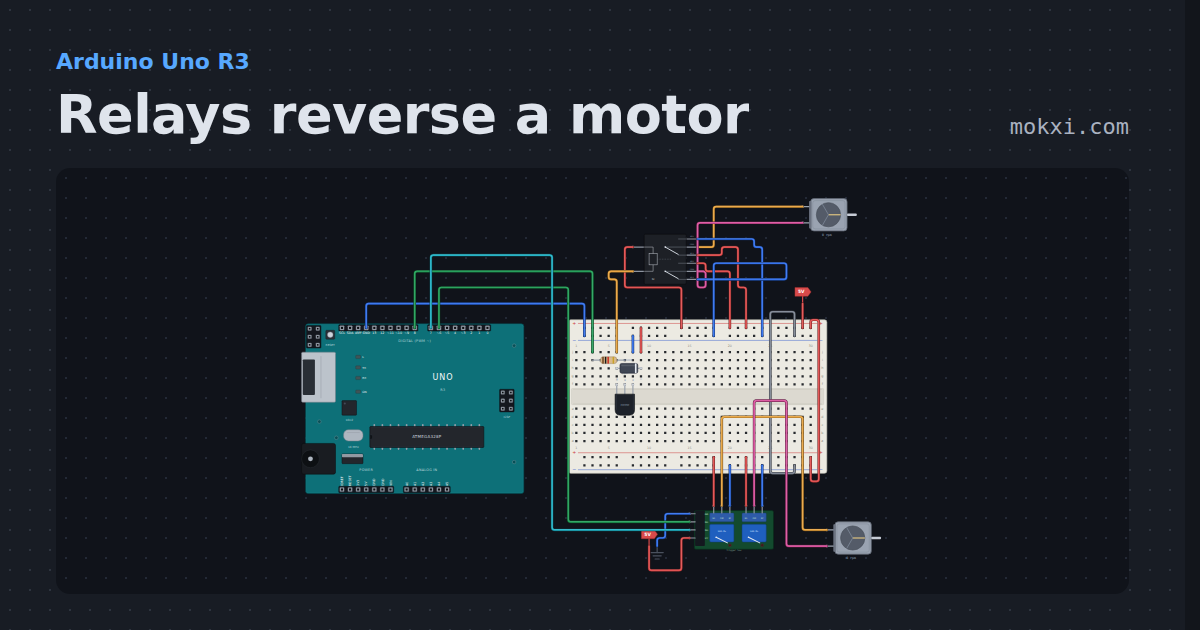
Relays reverse a motor
Two motors turned both ways by relays: one on a two-channel board wired as an H bridge, one on a bare DPDT relay switched by a transistor.
- Board
- Arduino Uno R3
- Parts
- Resistor, transistor, diode, DPDT relay, DC motor, +1 more
- Level
- Intermediate
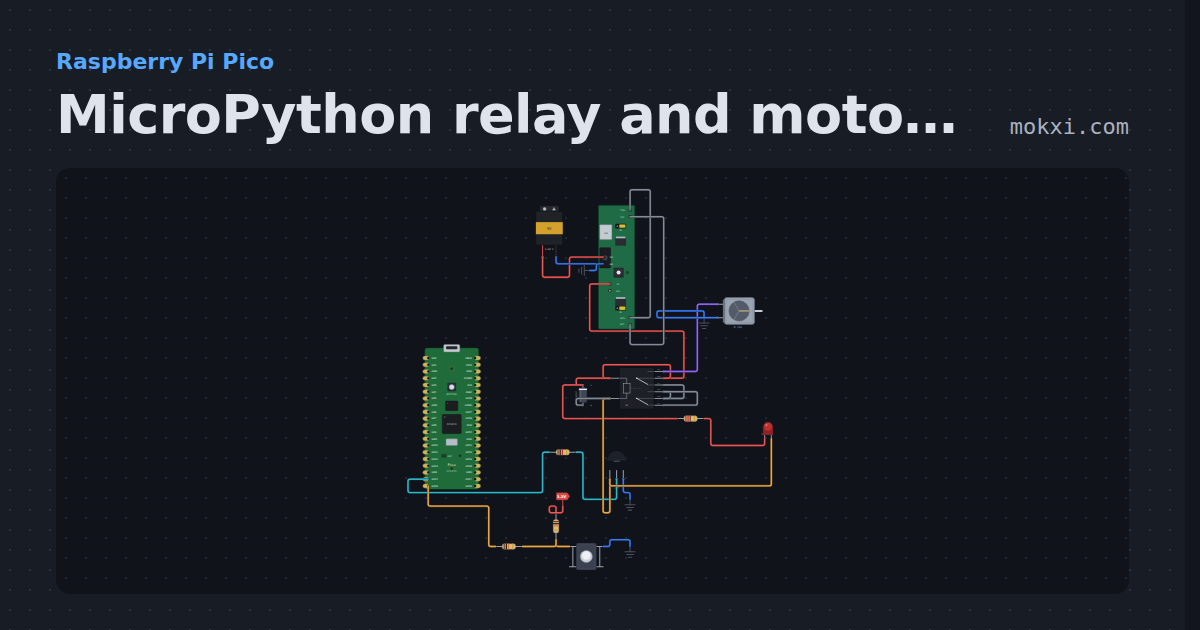
MicroPython relay and motor on a Pico: a button toggles it
MicroPython on a Raspberry Pi Pico: each press of the button on GP15 flips a relay through a transistor on GP14, and the relay runs a DC motor.
- Board
- Raspberry Pi Pico
- Parts
- Resistor, transistor, push button, battery: AA, DPDT relay, +3 more
- Level
- Intermediate
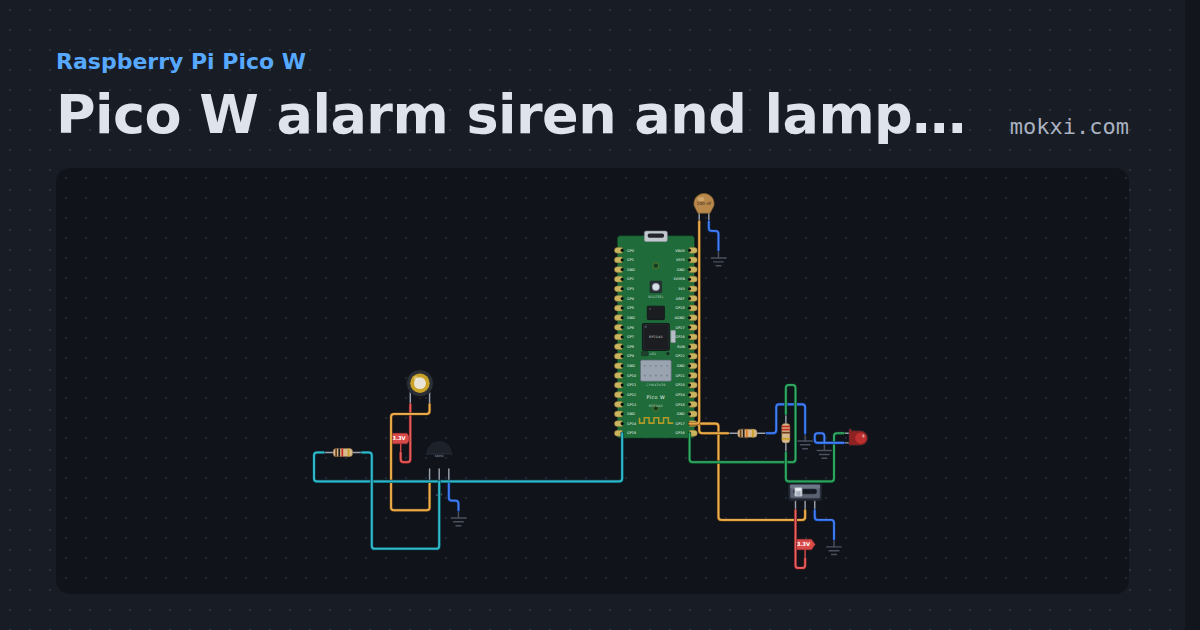
Pico W alarm siren and lamp on a slide switch
MicroPython on a Pico W: a slide switch on GP17 turns on a siren, a passive buzzer on GP15 sweeping 130 to 800 Hz with an LED on GP16 pulsing in step.
- Board
- Raspberry Pi Pico W
- Parts
- Piezo speaker, transistor, resistor, slide switch, capacitor, +1 more
- Level
- Intermediate
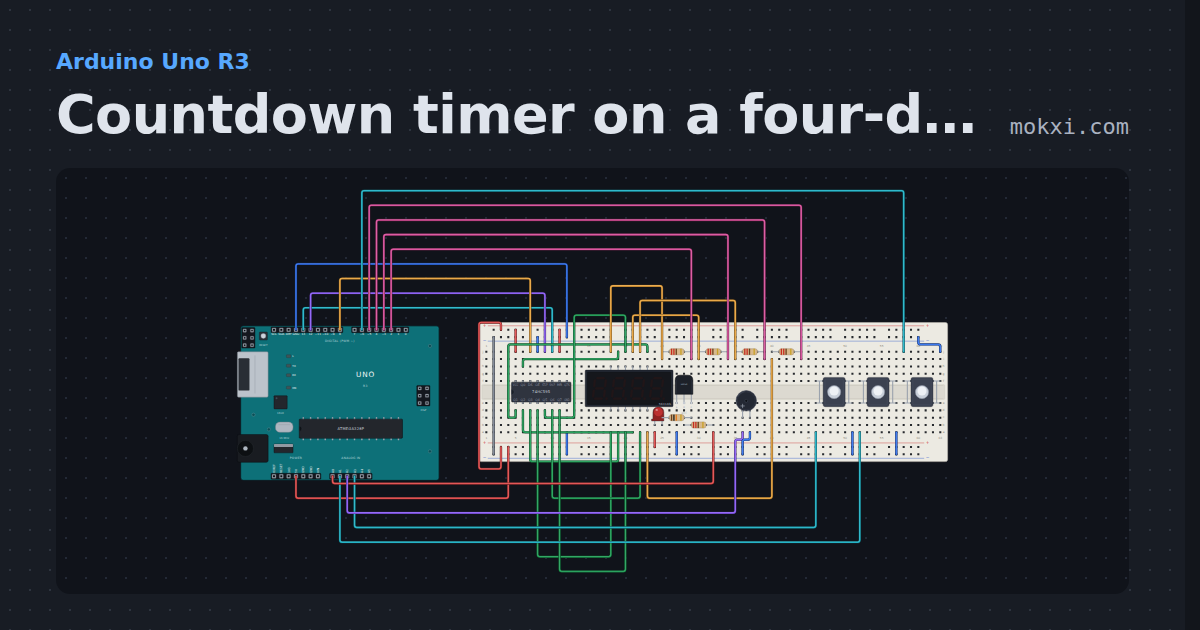
Countdown timer on a four-digit display
A kitchen timer: a 74HC595 (pins 8, 13 and 12) and four digit lines on pins 2 to 5 show minutes and seconds.
- Board
- Arduino Uno R3
- Parts
- 74HC595 shift register, four-digit seven-segment display, resistor, push button, LED, +2 more
- Level
- Advanced
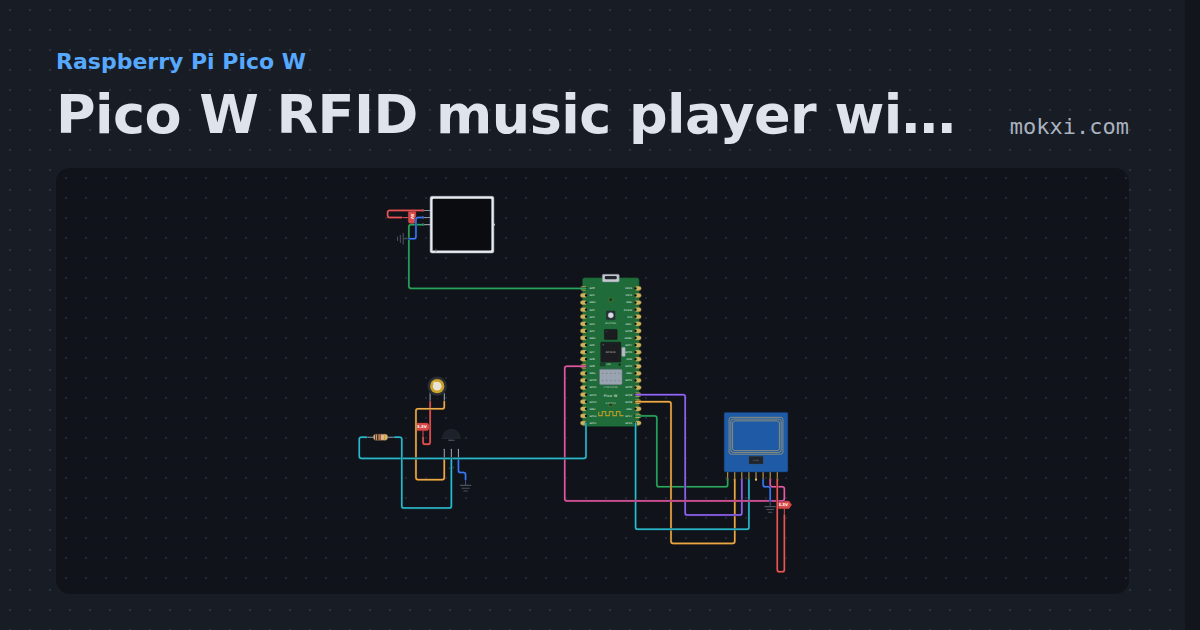
Pico W RFID music player with a WS2812 strip
MicroPython on a Pico W: lay an RFID card on an MFRC522 and the notes stored on it play on a passive buzzer while a WS2812 strip flashes a color per.
- Board
- Raspberry Pi Pico W
- Parts
- MFRC522 RFID reader, WS2812 NeoPixel LEDs, piezo speaker, transistor, resistor
- Level
- Advanced
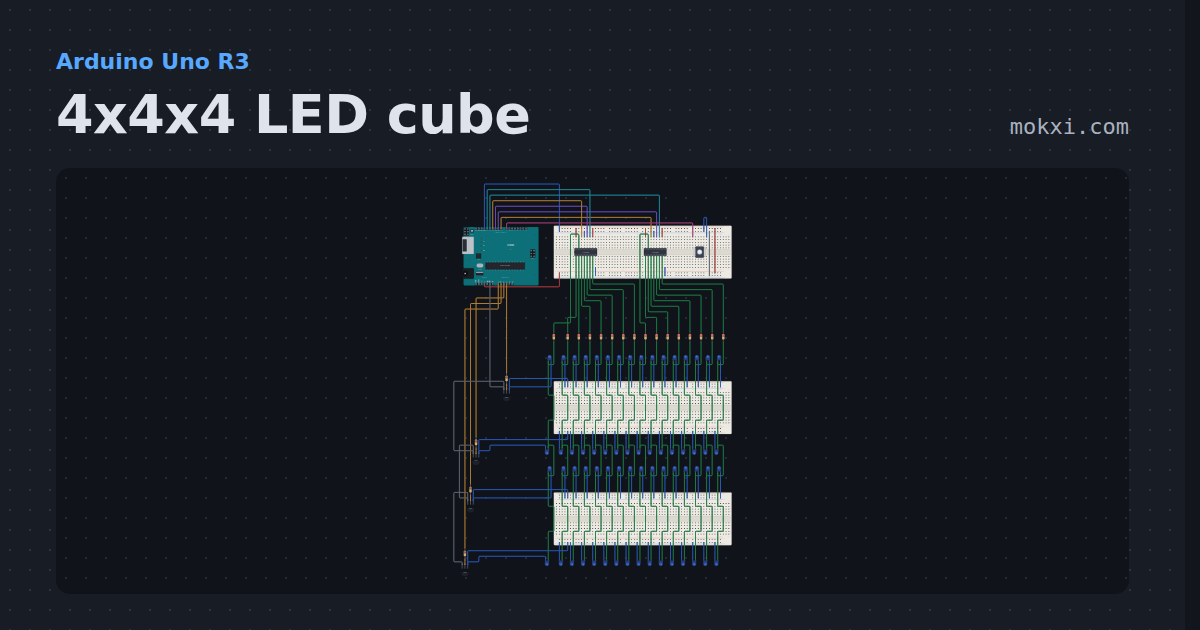
4x4x4 LED cube
A 64 LED cube drawn as four labeled layers: two 74HC595s drive sixteen columns, four transistors switch the layers, and the Uno multiplexes rain.
- Board
- Arduino Uno R3
- Parts
- 74HC595 shift register, push button, resistor, LED, transistor
- Level
- Advanced