Projects with a joystick
25 Mokxi projects use a joystick (5 beginner, 6 intermediate and 14 advanced). They run on Arduino Uno, ESP32 and Raspberry Pi Pico boards. Here are 24, from “Pico W joystick on GP27, GP26 and GP22” to “Bop-It reaction game”. Each card says what the project does, the board and parts it needs and its level, and Open in the simulator runs it in your browser in one click, with no account.
How to pick your first one
- Start with “Joystick on A0, A1 and pin 2”, a beginner project that needs a joystick.
- Arduino Uno runs 17 of them, ESP32 4 and Raspberry Pi Pico 2. Start on the board you have, or on an Arduino Uno if you are buying one.
- The parts used most here are the piezo speaker (6 projects), the LED (4) and the ILI9341 TFT display (3). With those on hand, most of this list is open to you.
- Before you build one on a real bench, read the joystick wiring guide for your board below. It gives every pin and the voltage notes.
24 projects of 25
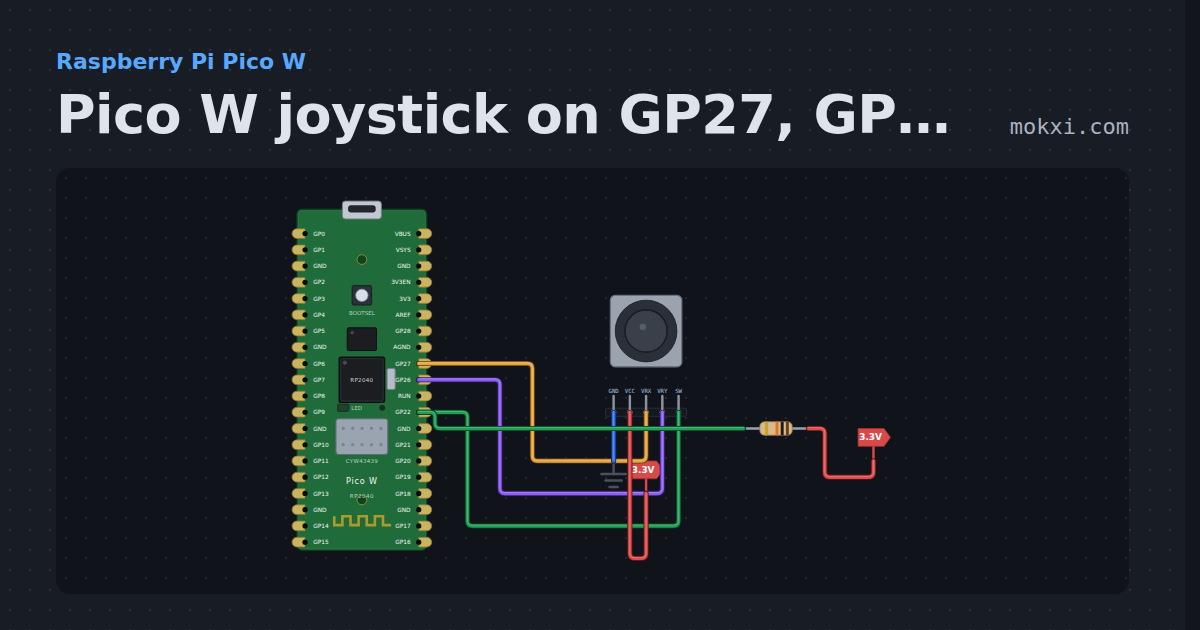
Pico W joystick on GP27, GP26 and GP22
MicroPython on a Pico W: a joystick with X on GP27, Y on GP26 and its press switch on GP22 with a 10k pull-up, printed five times a second.
- Board
- Raspberry Pi Pico W
- Parts
- Joystick, resistor
- Level
- Beginner
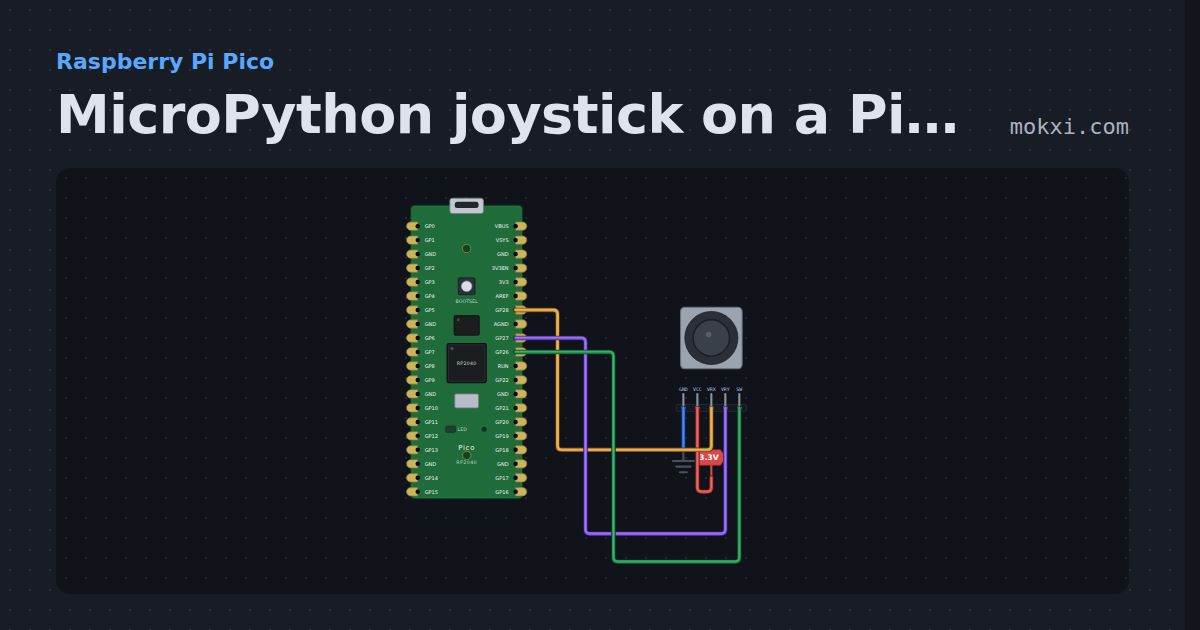
MicroPython joystick on a Pico: X, Y and the press
MicroPython on a Raspberry Pi Pico: a joystick’s X on GP28 and Y on GP27 read as analog, and its switch on GP26, printed ten times a second.
- Board
- Raspberry Pi Pico
- Parts
- Joystick
- Level
- Beginner
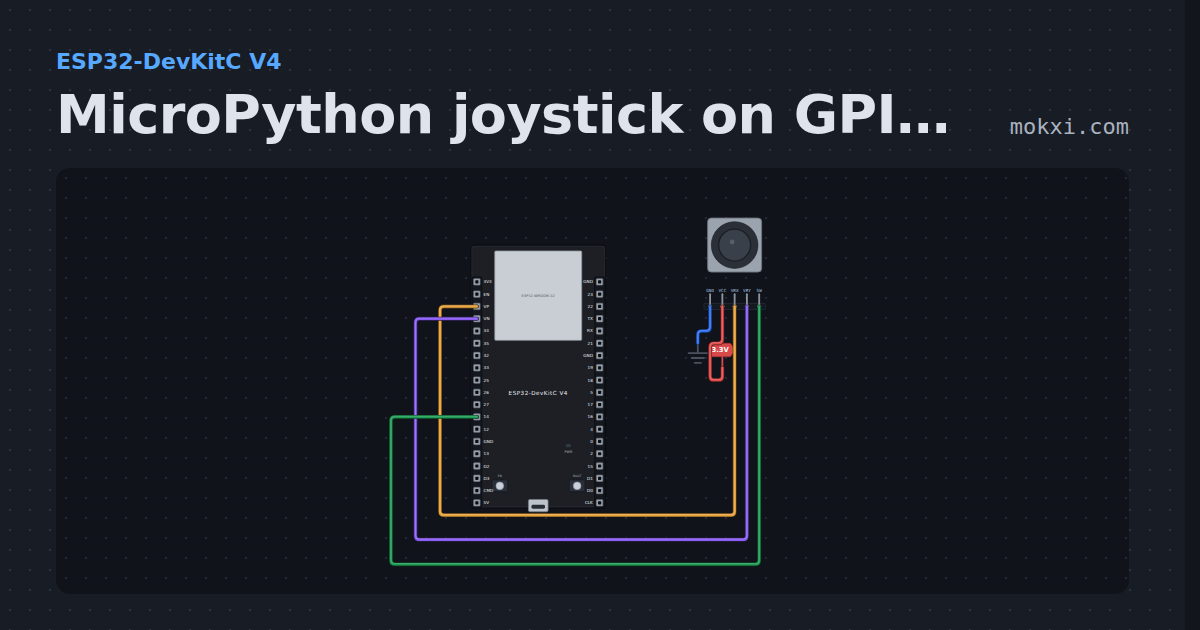
MicroPython joystick on GPIO 36, 39 and 14
MicroPython on an ESP32: a joystick module with X on GPIO 36, Y on GPIO 39 and its switch on GPIO 14, printed once a second.
- Board
- ESP32-DevKitC V4
- Parts
- Joystick
- Level
- Beginner
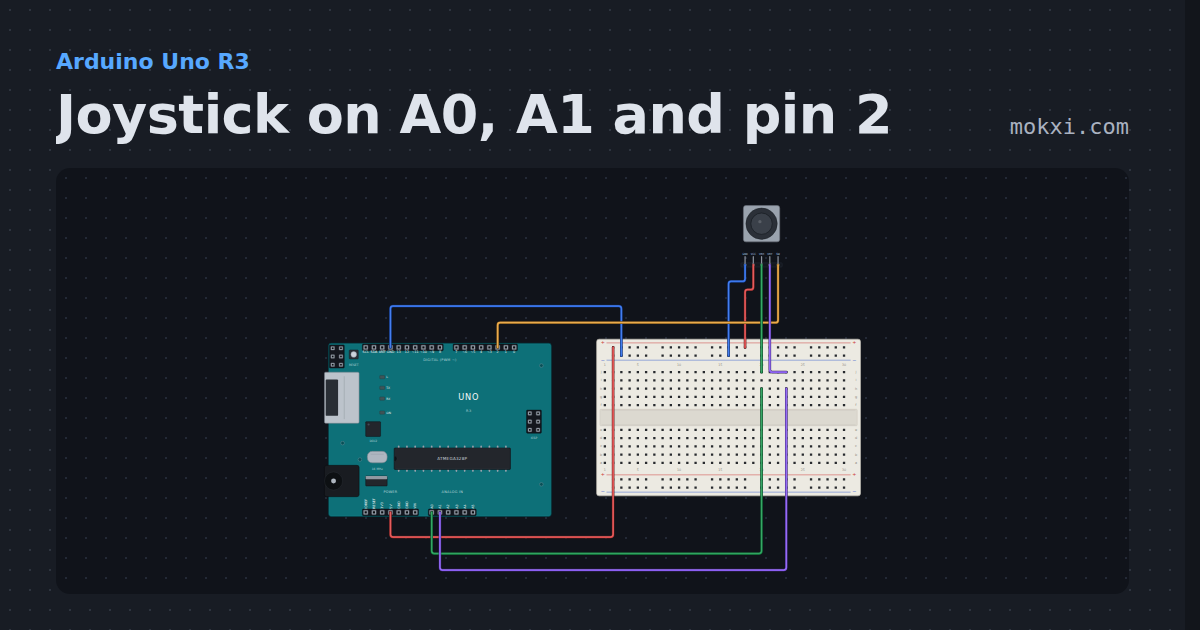
Joystick on A0, A1 and pin 2
A thumb joystick module with X on A0, Y on A1 and its press switch on pin 2: the sketch prints both axes and the switch, and names the direction.
- Board
- Arduino Uno R3
- Parts
- Joystick
- Level
- Beginner
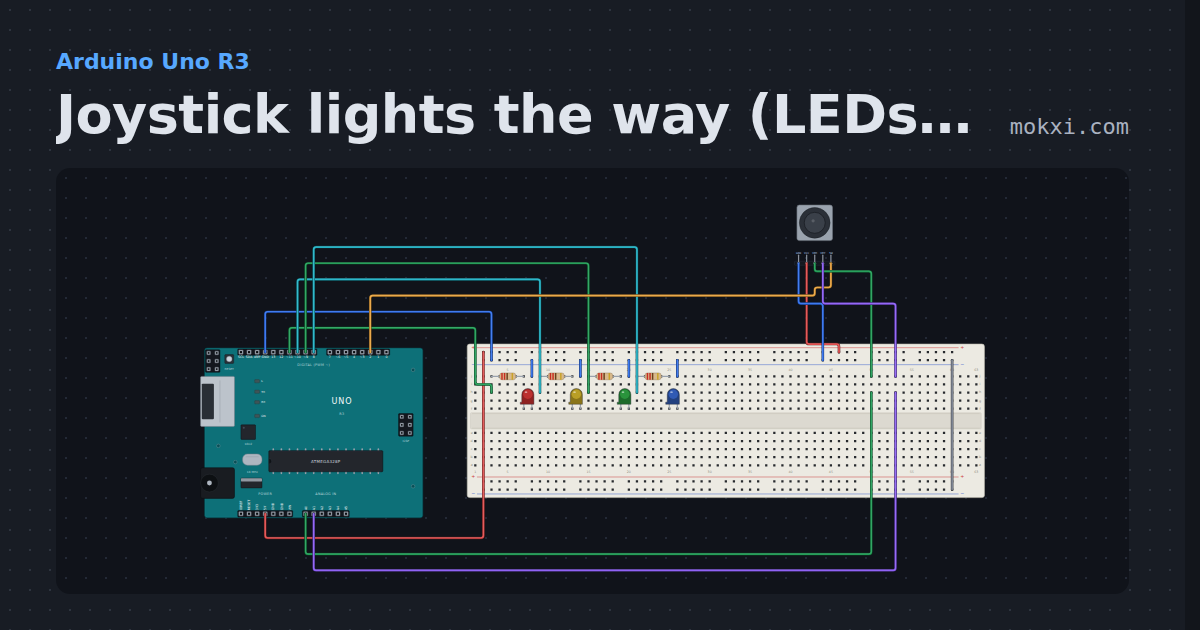
Joystick lights the way (LEDs on 8 to 11)
A joystick on A0, A1 and pin 2 lights one of four LEDs: left on 11, right on 8, up on 10 and down on 9. Press the stick and all four flash.
- Board
- Arduino Uno R3
- Parts
- Resistor, LED, joystick
- Level
- Beginner
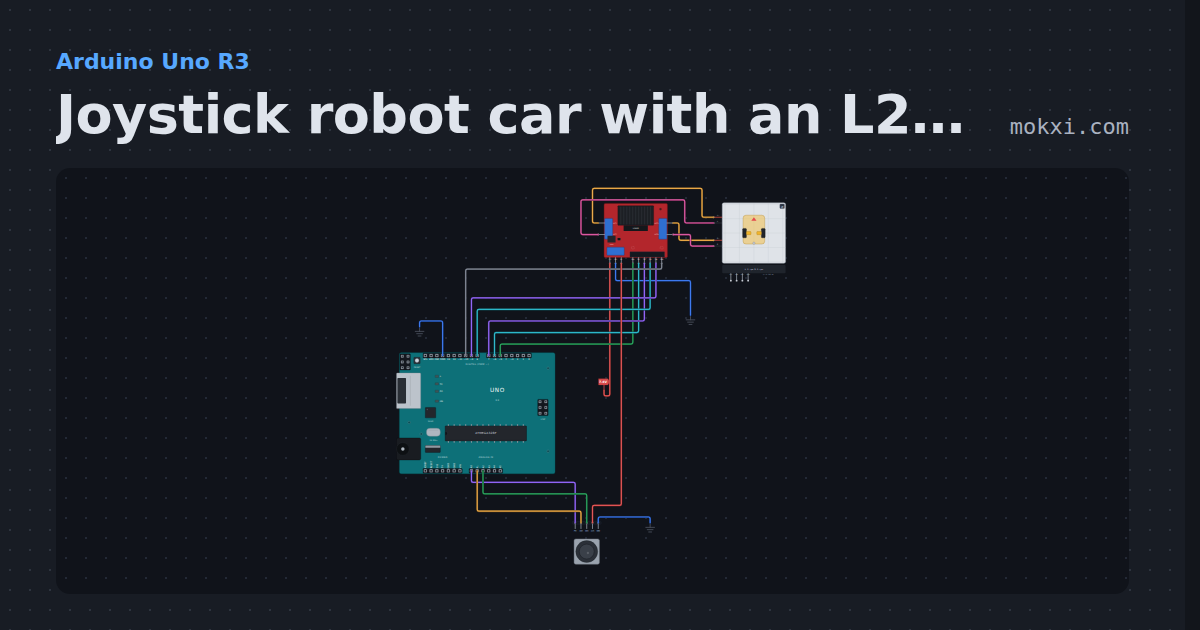
Joystick robot car with an L298N
A thumb stick on A1 and A2 drives a 2WD car on an L298N like a tank: throttle plus steer on one wheel, minus on the other, and a press for slow mode.
- Board
- Arduino Uno R3
- Parts
- L298N motor driver, 2WD robot car chassis, joystick
- Level
- Intermediate
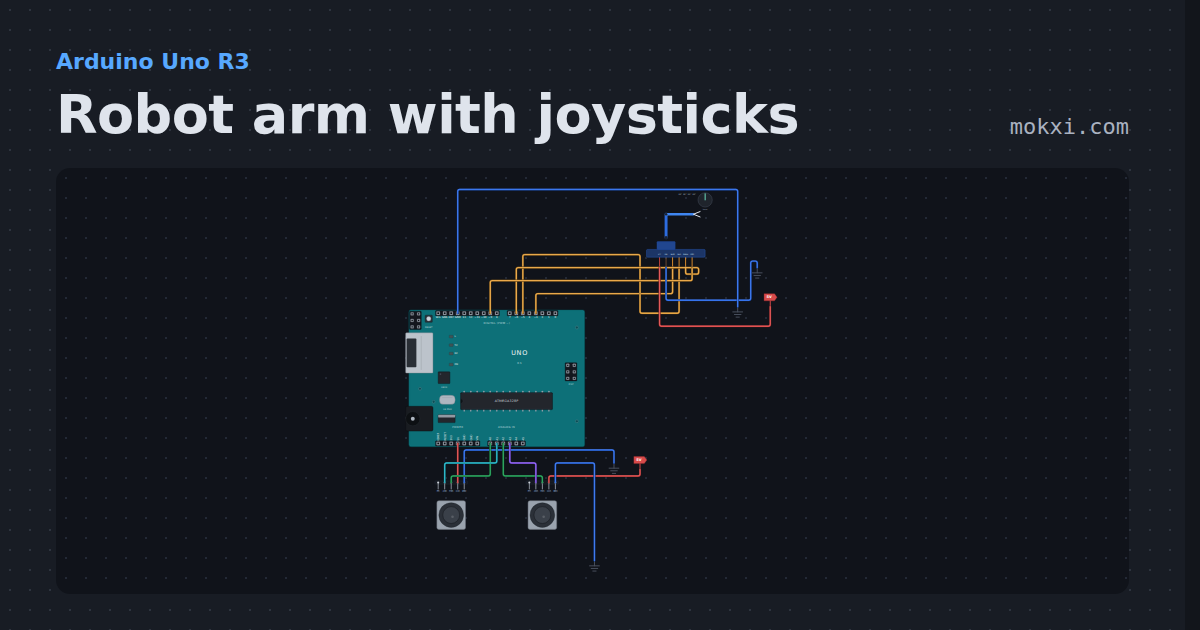
Robot arm with joysticks
A four-servo desktop arm on four Uno pins, steered by two joysticks with the Servo library: base and shoulder on one stick.
- Board
- Arduino Uno R3
- Parts
- Four-servo robot arm, joystick
- Level
- Intermediate
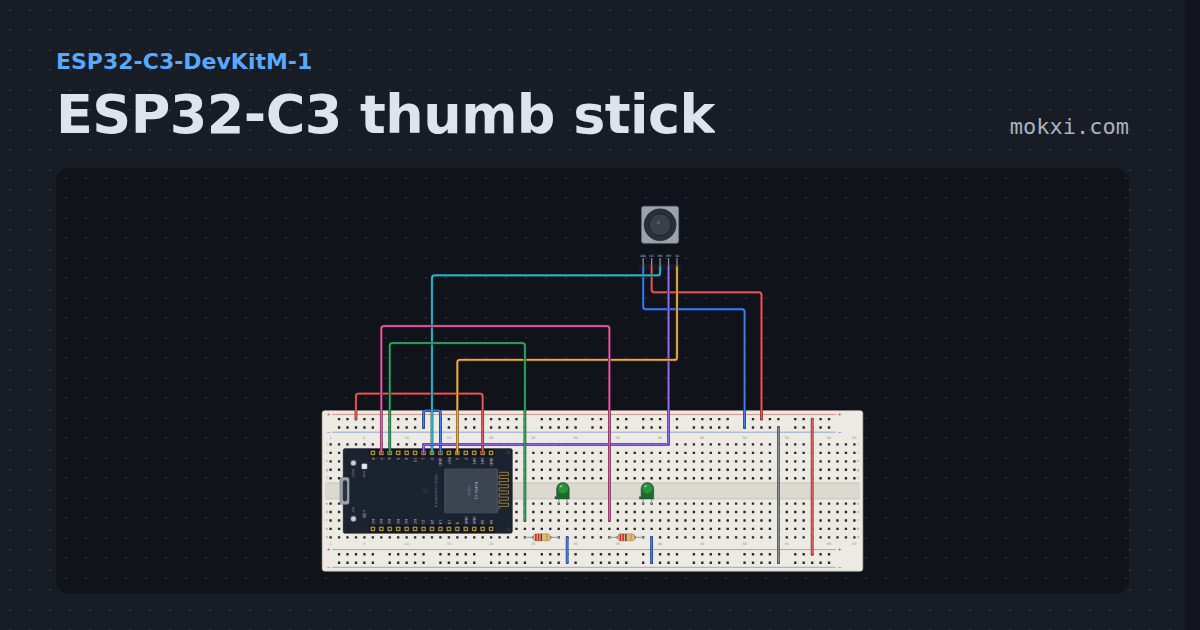
ESP32-C3 thumb stick
A thumb stick on the ESP32-C3 ADC: the raw axes go to the serial monitor and how far the stick is pushed sets how brightly the LED on that side is.
- Board
- ESP32-C3-DevKitM-1
- Parts
- Joystick, resistor, LED
- Level
- Intermediate
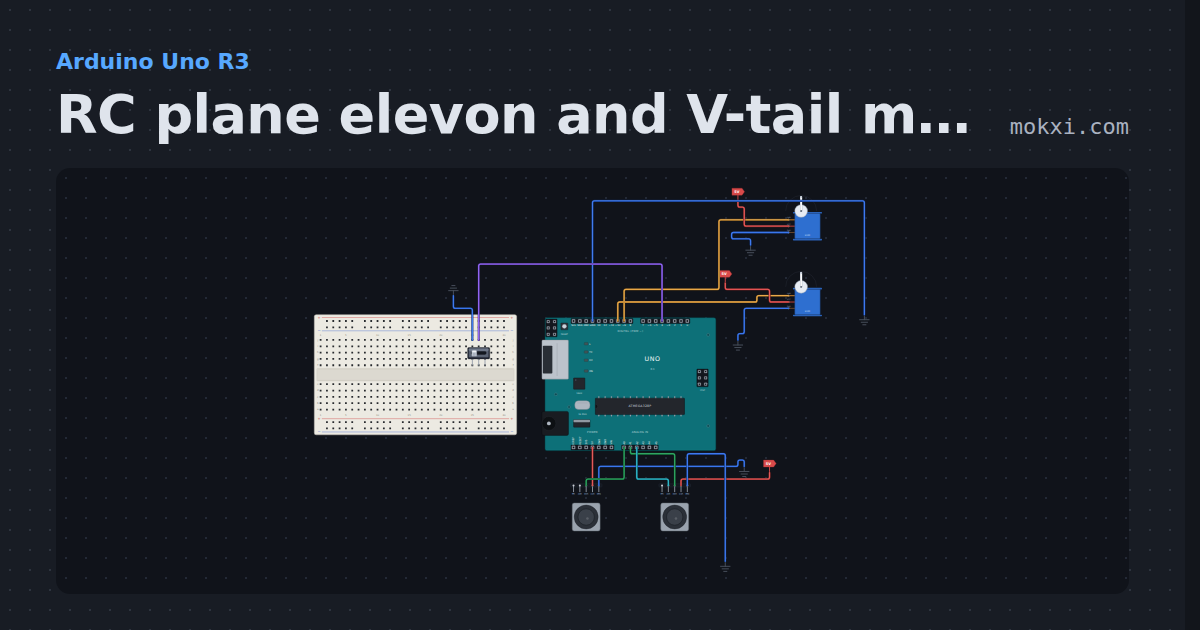
RC plane elevon and V-tail mixer
An Arduino flight mixer: two joysticks stand in for the sticks, and two servos move as a flying wing’s elevons or a V-tail, picked by a switch.
- Board
- Arduino Uno R3
- Parts
- Servo motor, slide switch, joystick
- Level
- Intermediate
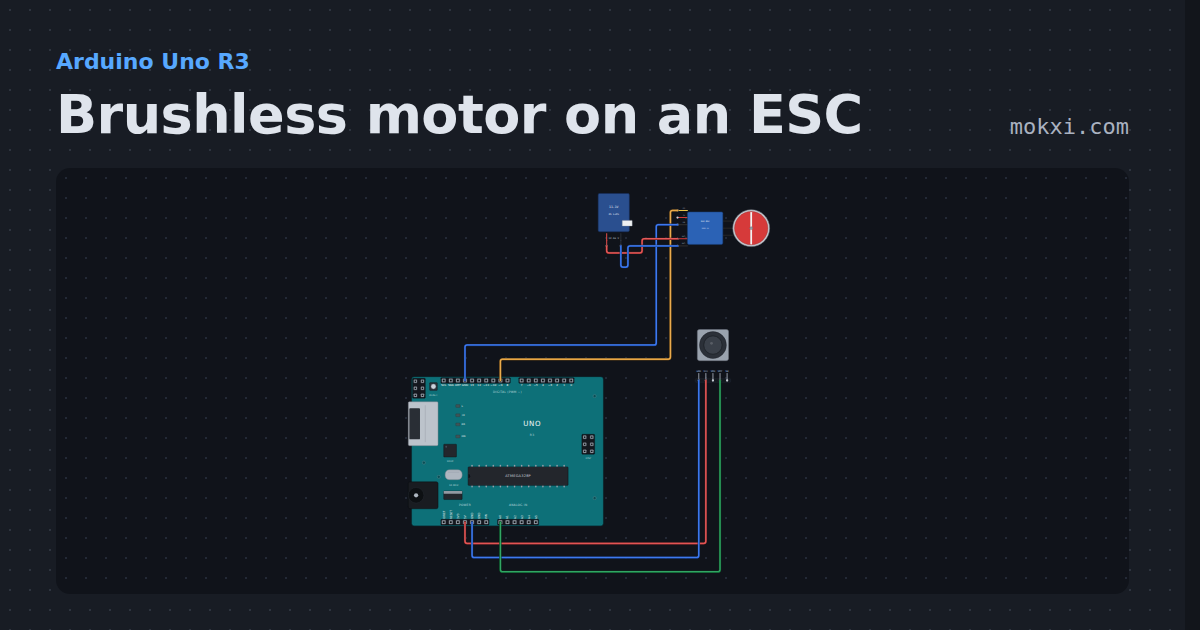
Brushless motor on an ESC
An A2212 1000KV on a 30 A ESC from pin 9: setup() arms it at 1000 us, then a thumb stick on A0 opens the throttle up to 11,100 rpm on 3S.
- Board
- Arduino Uno R3
- Parts
- Brushless motor and 30 A ESC, battery: AA, joystick
- Level
- Intermediate
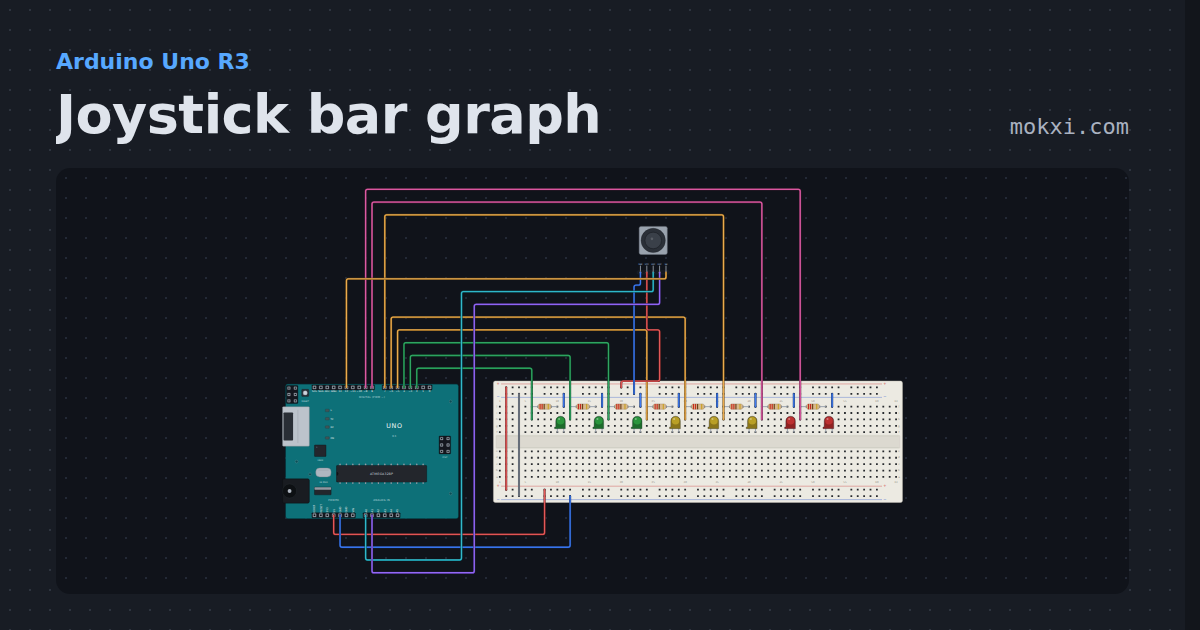
Joystick bar graph
A thumb stick moves a bar along eight LEDs, and pressing the stick swaps the bar to the other axis.
- Board
- Arduino Uno R3
- Parts
- Joystick, resistor, LED
- Level
- Intermediate
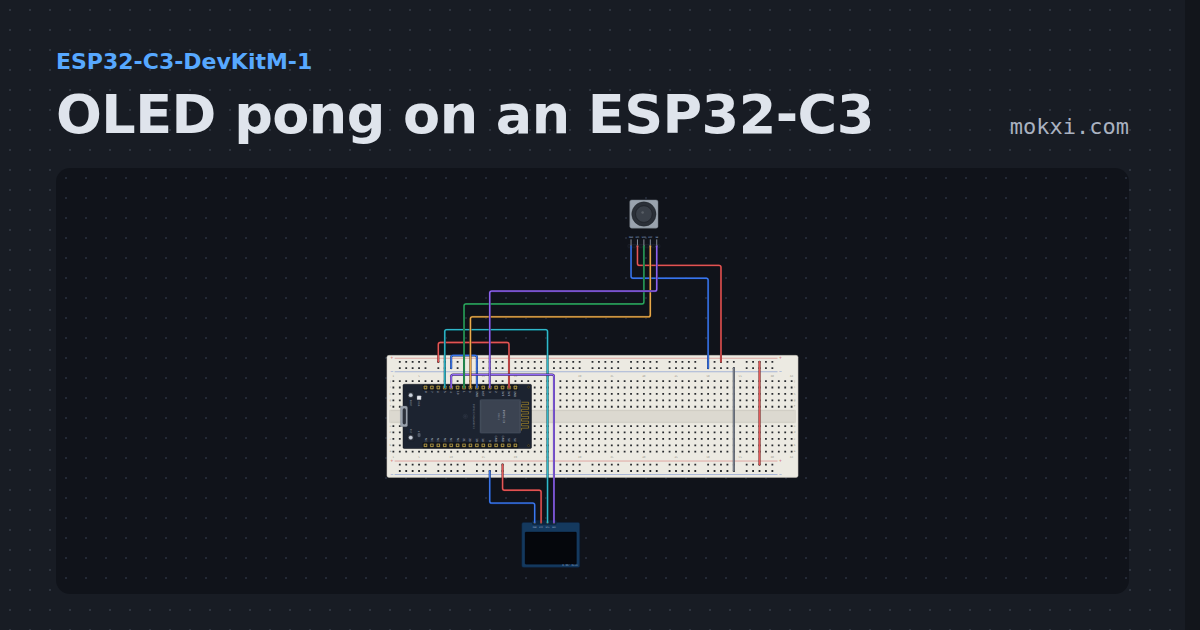
OLED pong on an ESP32-C3
Thumb-stick pong on an ESP32-C3 and an OLED: a twelve-bit ADC moves the paddle and the score is drawn in digits.
- Board
- ESP32-C3-DevKitM-1
- Parts
- SSD1306 OLED display, joystick
- Level
- Advanced
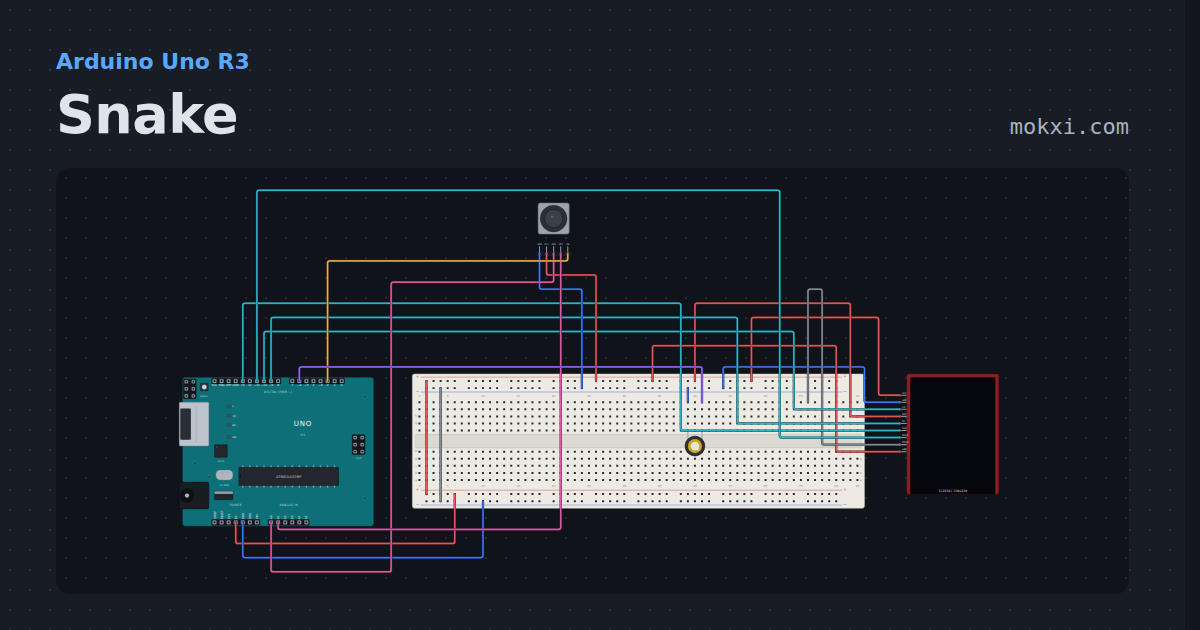
Snake
Snake on a 240x320 TFT with a thumb stick: eat the apple, grow, and repaint only the squares that moved.
- Board
- Arduino Uno R3
- Parts
- ILI9341 TFT display, joystick, piezo speaker
- Level
- Advanced
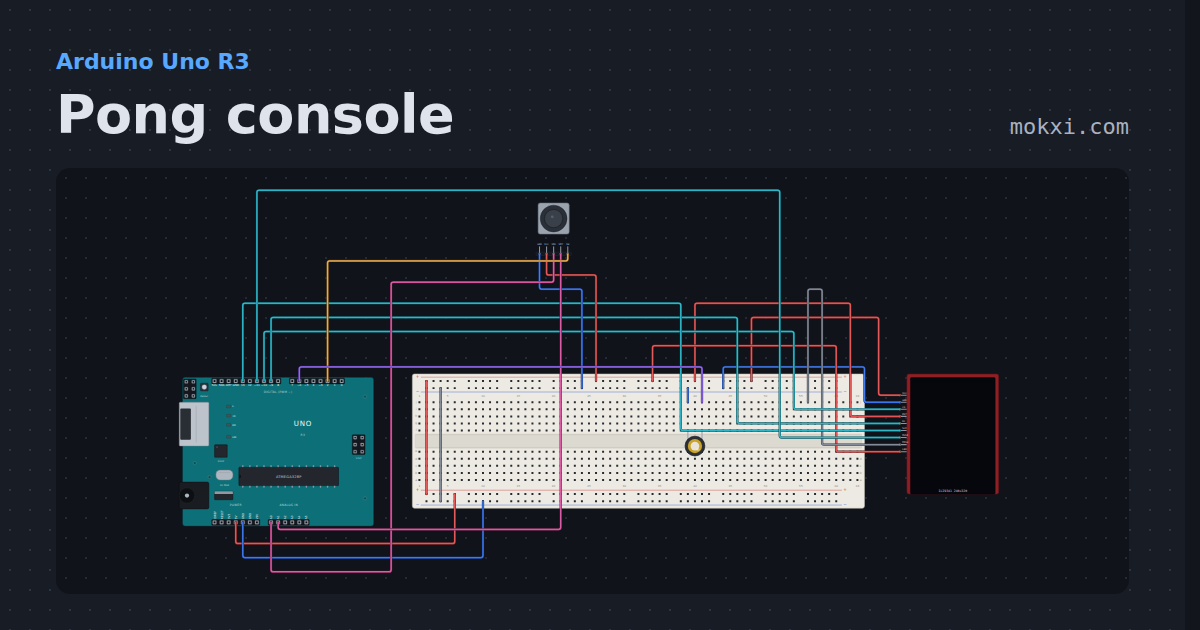
Pong console
An Uno, a 240x320 TFT, a thumb stick and a piezo: a paddle game in the window an Uno can repaint.
- Board
- Arduino Uno R3
- Parts
- ILI9341 TFT display, joystick, piezo speaker
- Level
- Advanced
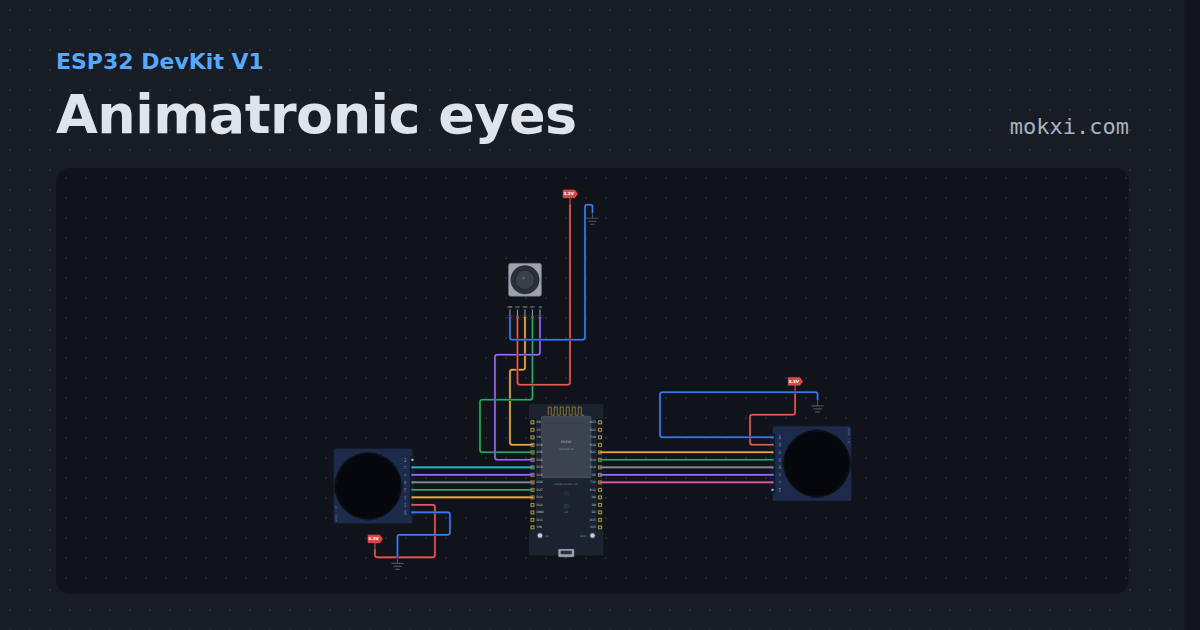
Animatronic eyes
Two GC9A01 round displays, one on each side of an ESP32: eyes that glide to follow a joystick, blink on their own or when it is pressed.
- Board
- ESP32 DevKit V1
- Parts
- GC9A01 round display, joystick
- Level
- Advanced
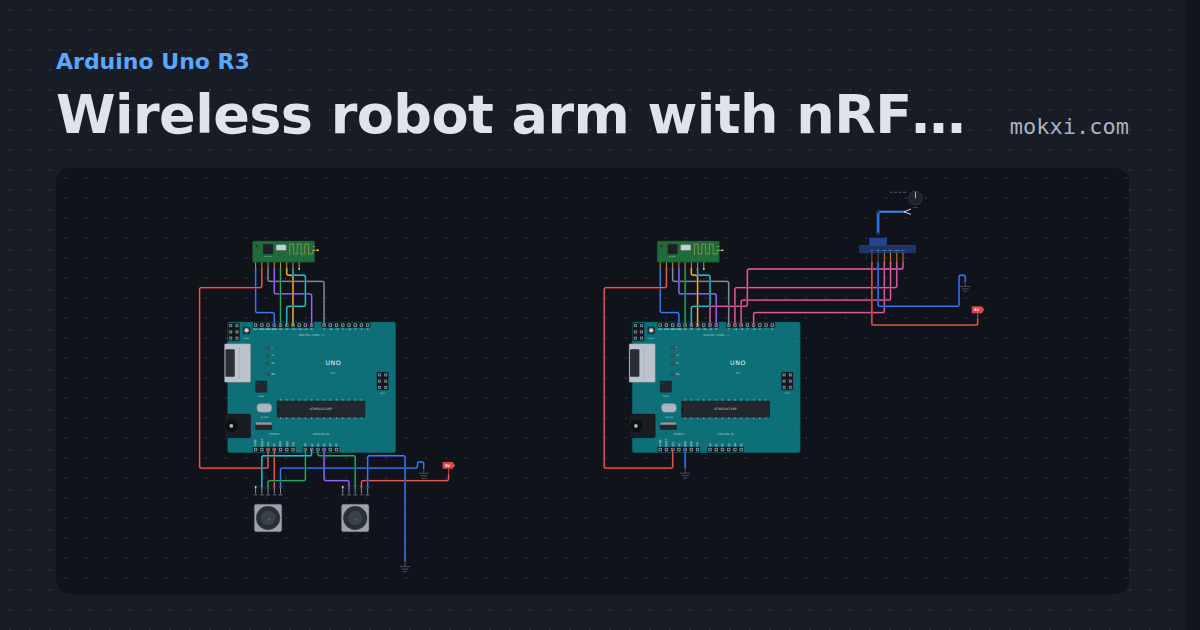
Wireless robot arm with nRF24L01
Two Unos and two nRF24L01 radios: joysticks on one board steer a four-servo arm on the other, with a failsafe that holds the arm when the link drops.
- Board
- Arduino Uno R3
- Parts
- NRF24L01+ 2.4 GHz radio, four-servo robot arm, joystick
- Level
- Advanced
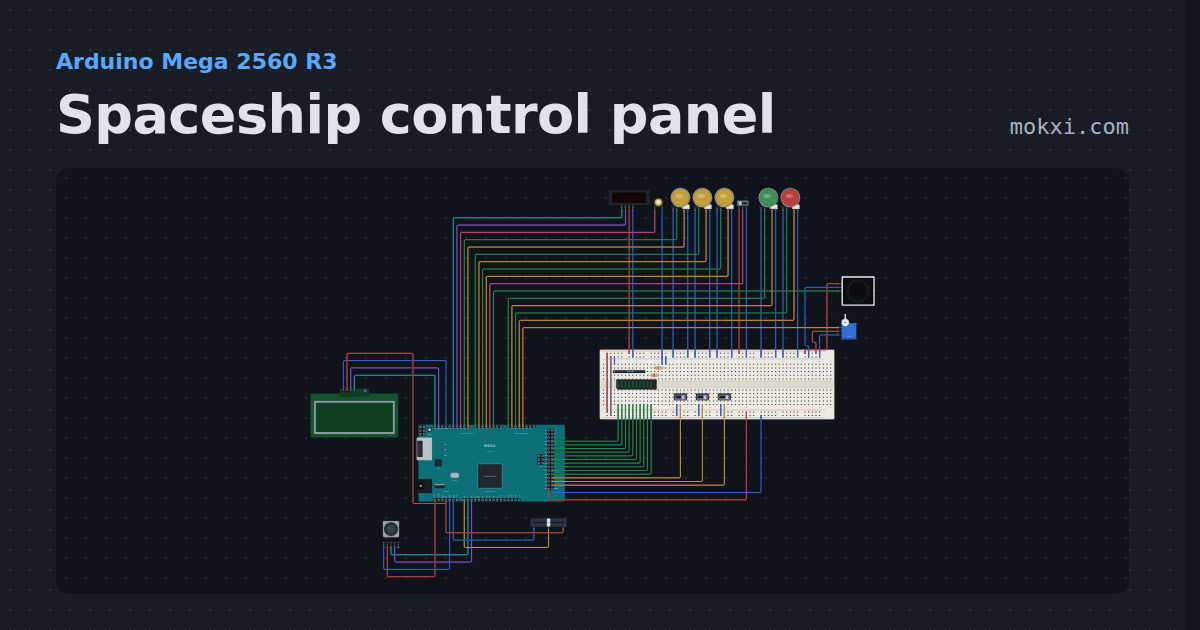
Spaceship control panel
Arm three systems, pass the go/no-go poll, lift the safety and launch.
- Board
- Arduino Mega 2560 R3
- Parts
- Slide switch, LED arcade button, TM1637 four-digit display, piezo speaker, WS2812 NeoPixel LEDs, +7 more
- Level
- Advanced
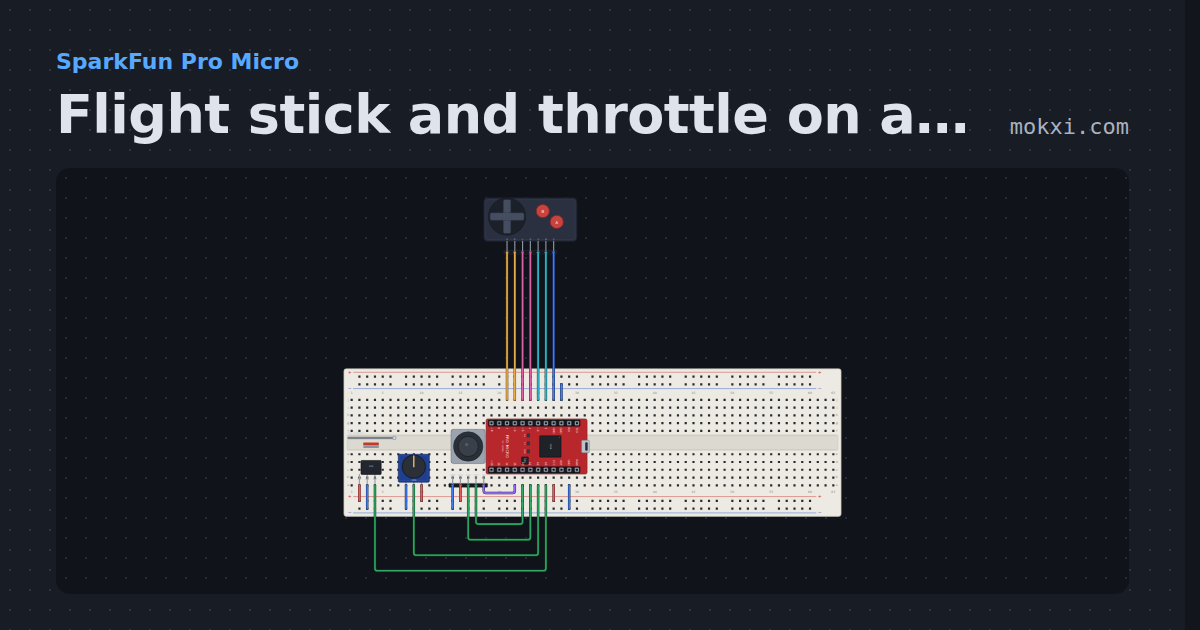
Flight stick and throttle on a Pro Micro
A two-axis stick with a center deadzone and an expo curve, a twist rudder, a hall sensor throttle, a hat switch and two buttons.
- Board
- SparkFun Pro Micro
- Parts
- Game console buttons, 49E linear hall sensor, potentiometer, joystick
- Level
- Advanced
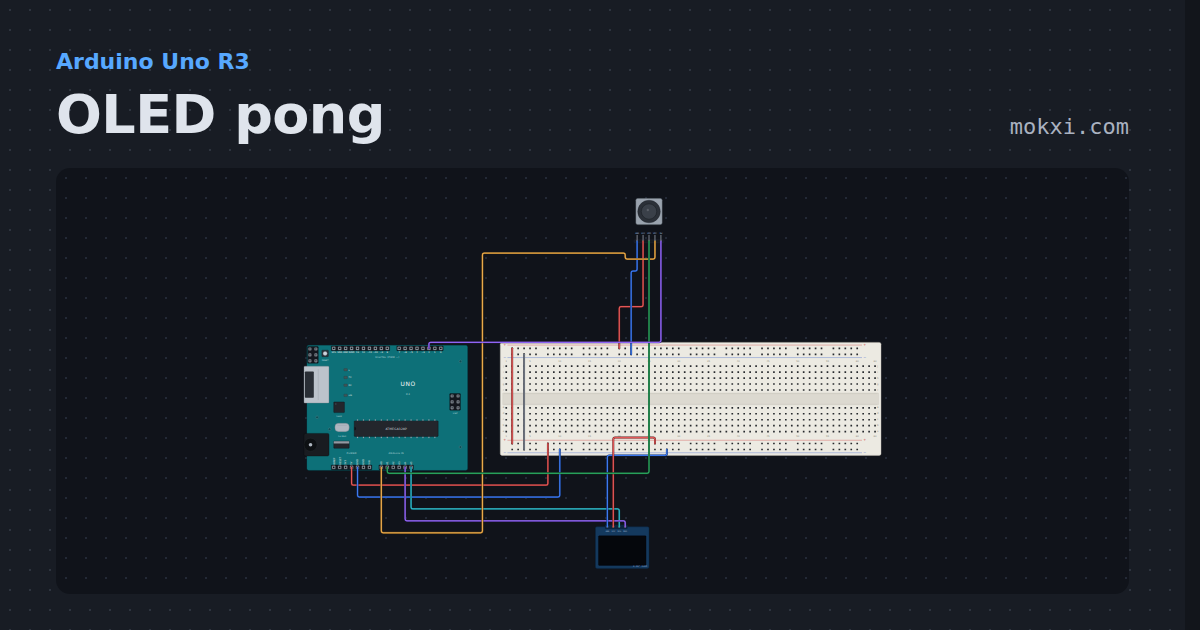
OLED pong
Pong on a 128x64 OLED with a thumb stick for the paddle: where the ball strikes sets the angle it leaves at.
- Board
- Arduino Uno R3
- Parts
- SSD1306 OLED display, joystick
- Level
- Advanced
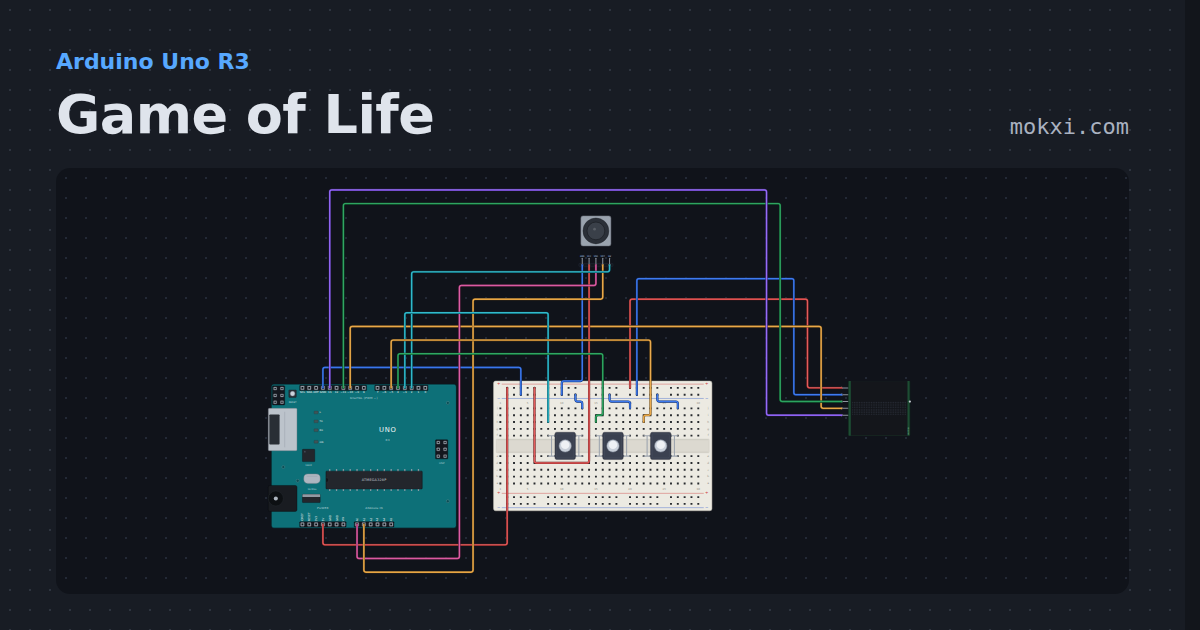
Game of Life
Conway's Game of Life on a 32x8 LED sign that wraps round at the edges: draw cells with a thumb stick, run or pause, pour in a random soup.
- Board
- Arduino Uno R3
- Parts
- MAX7219 8x8 LED matrix, joystick, push button
- Level
- Advanced
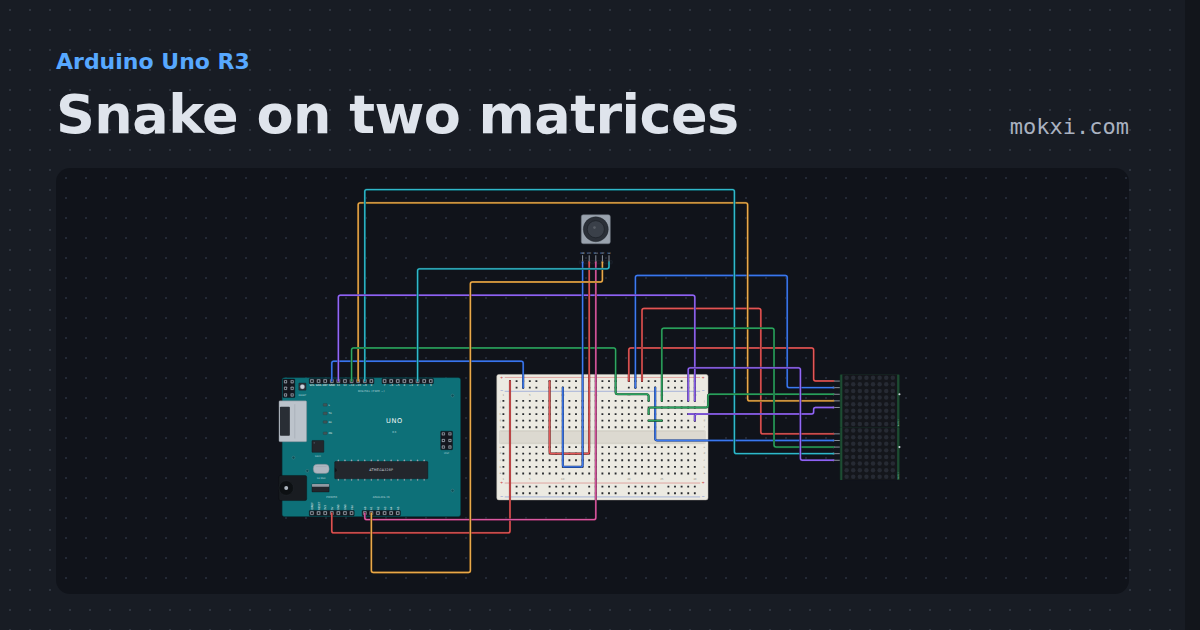
Snake on two matrices
An 8x16 play field on two MAX7219 modules, steered with a thumb stick: eat the apple, grow, and do not hit a wall or yourself.
- Board
- Arduino Uno R3
- Parts
- MAX7219 8x8 LED matrix, joystick
- Level
- Advanced
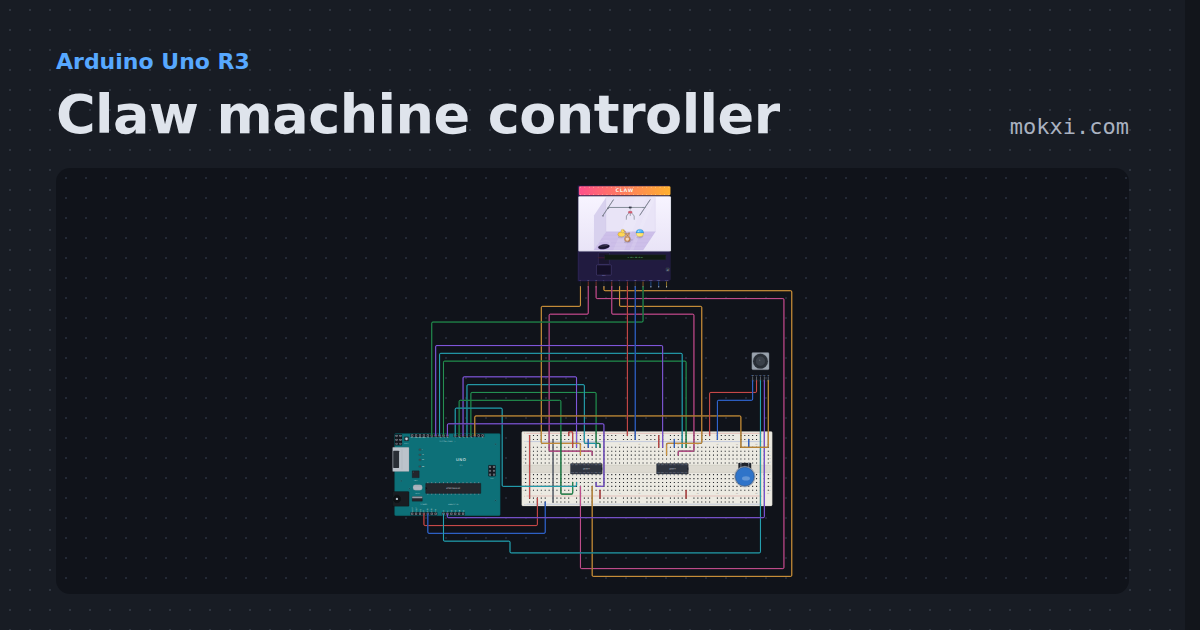
Claw machine controller
Steer the claw over a prize in the cabinet with the joystick, then press Drop: the winch lowers it, the servo claw grabs.
- Board
- Arduino Uno R3
- Parts
- L293D motor driver, arcade button, claw machine cabinet, joystick
- Level
- Advanced
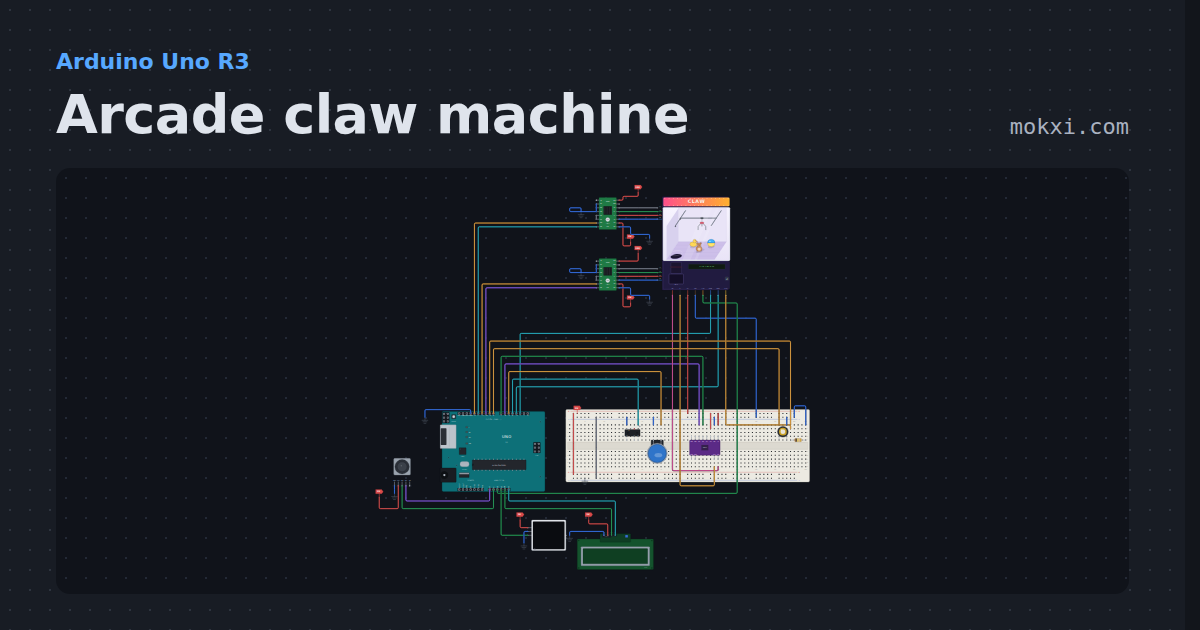
Arcade claw machine
A complete claw machine you can watch: a stepper gantry with home switches, winch, servo claw and prizes in the cabinet, a coin switch.
- Board
- Arduino Uno R3
- Parts
- A4988 stepper driver, joystick, claw machine cabinet, arcade button, DRV8833 motor driver, +5 more
- Level
- Advanced
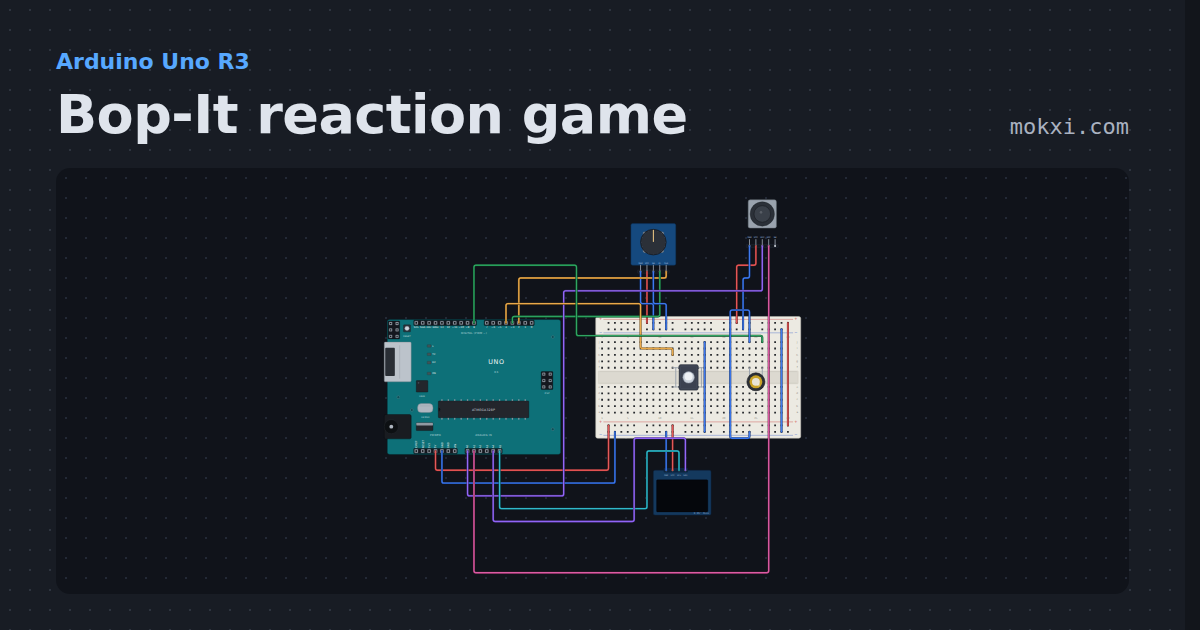
Bop-It reaction game
BOP the button, TWIST the knob or FLICK the stick before the time bar runs out.
- Board
- Arduino Uno R3
- Parts
- KY-040 rotary encoder, joystick, SSD1306 OLED display, push button, piezo speaker
- Level
- Advanced
Wiring, libraries and more ideas
Library pages
More project ideas
- Arduino Uno project ideas
- ESP32 project ideas
- Raspberry Pi Pico project ideas
- Arduino Mega project ideas
- Projects with a piezo speaker
- LED projects for Arduino, ESP32 and Pico
- Projects with an ILI9341 TFT display
- Projects with a push button
- Servo motor projects
- OLED display projects
- Projects with an arcade button