Pro Micro and Leonardo project ideas
16 Mokxi projects run on a Pro Micro, Leonardo or Micro (3 beginner, 5 intermediate and 8 advanced). Here are all of them, from “Leonardo fade” to “Macro pad for streamers and coders”. Each card says what the project does, the board and parts it needs and its level, and Open in the simulator runs it in your browser in one click, with no account.
How to pick your first one
- Start with “Leonardo fade”, a beginner project that needs a resistor and an LED.
- Most of them are advanced projects. Pick one a level below what you think you can do, finish it, then move up.
- The parts used most here are the LED (9 projects), the arcade button (6) and the KY-040 rotary encoder (5). With those on hand, most of this list is open to you.
- These boards have USB on the chip itself, which is why they can act as a keyboard, a mouse or a game controller.
16 projects ready to run
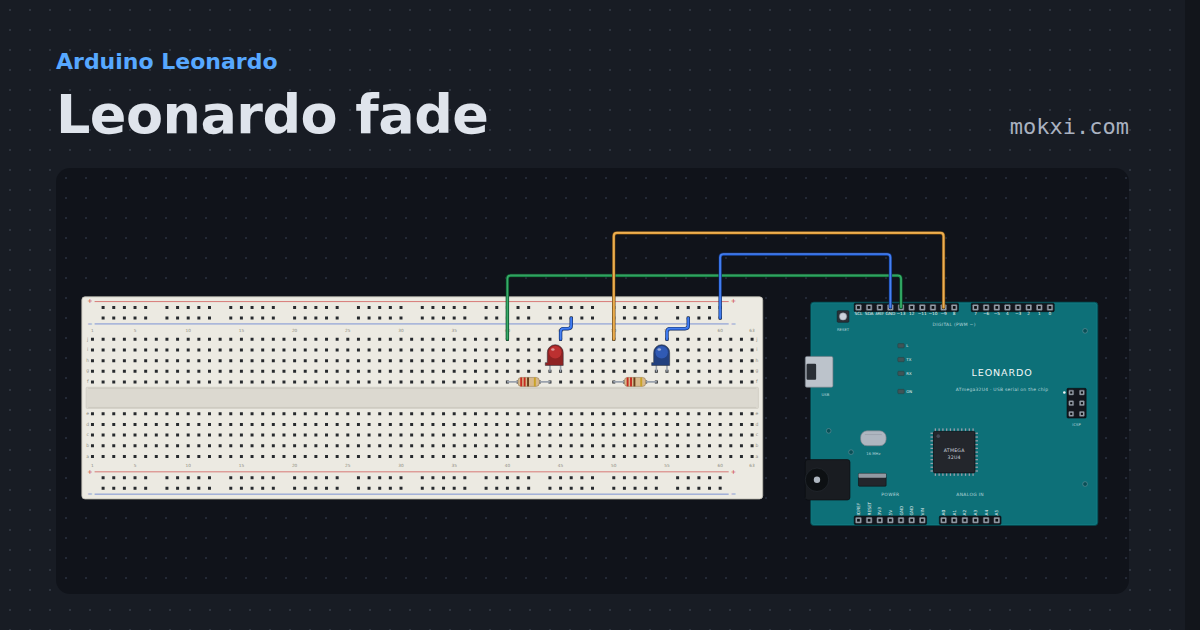
Leonardo fade
Two LEDs off two different kinds of timer: the ten-bit one on pin 13 and an ordinary 16-bit one on pin 9.
- Board
- Arduino Leonardo
- Parts
- Resistor, LED
- Level
- Beginner
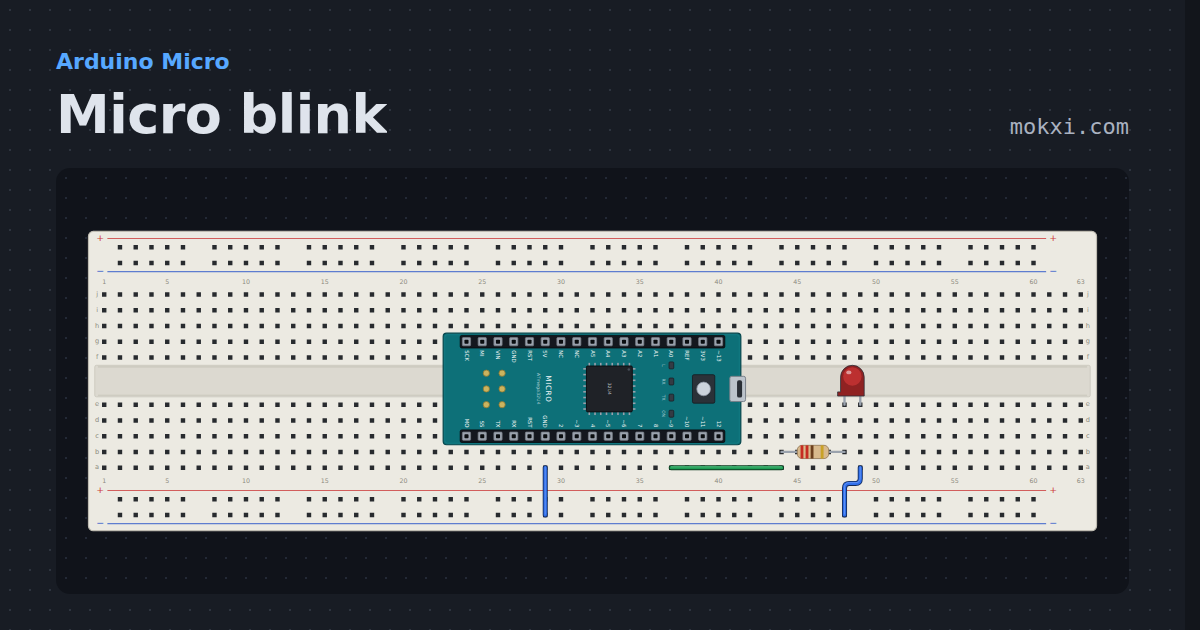
Micro blink
The Arduino Micro’s RX lamp, which lights when its pin goes low, blinking beside an LED on pin 9 that lights when it goes high.
- Board
- Arduino Micro
- Parts
- Resistor, LED
- Level
- Beginner
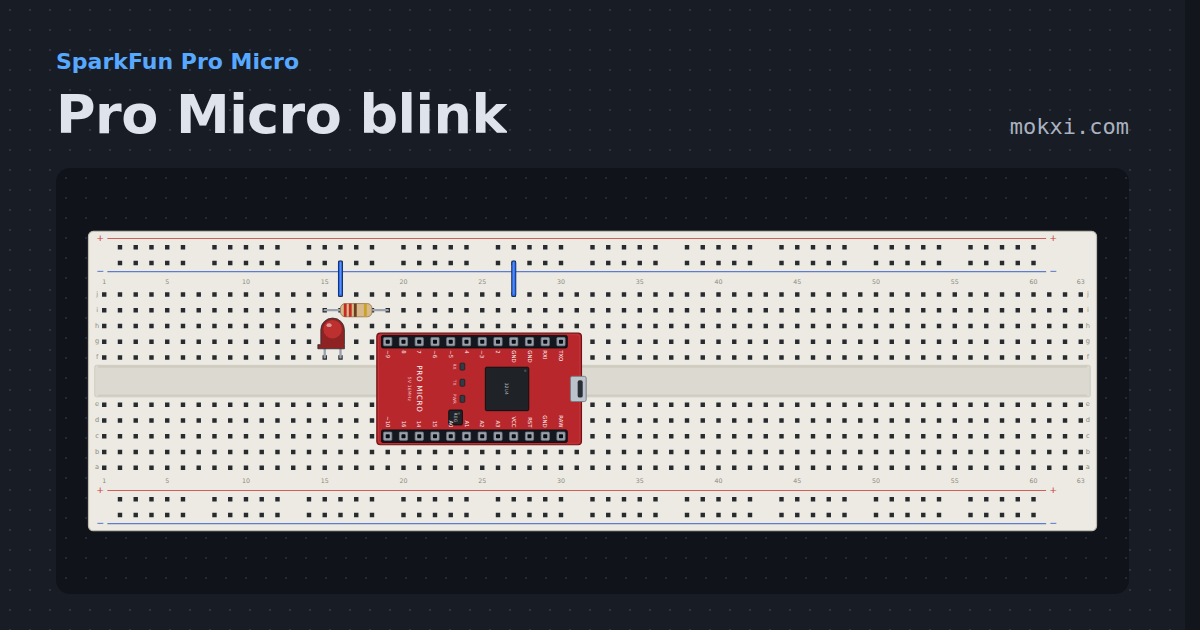
Pro Micro blink
A board with no LED on pin 13 blinks its RX lamp instead, with an LED on pin 9 beside it wired the ordinary way around.
- Board
- SparkFun Pro Micro
- Parts
- Resistor, LED
- Level
- Beginner
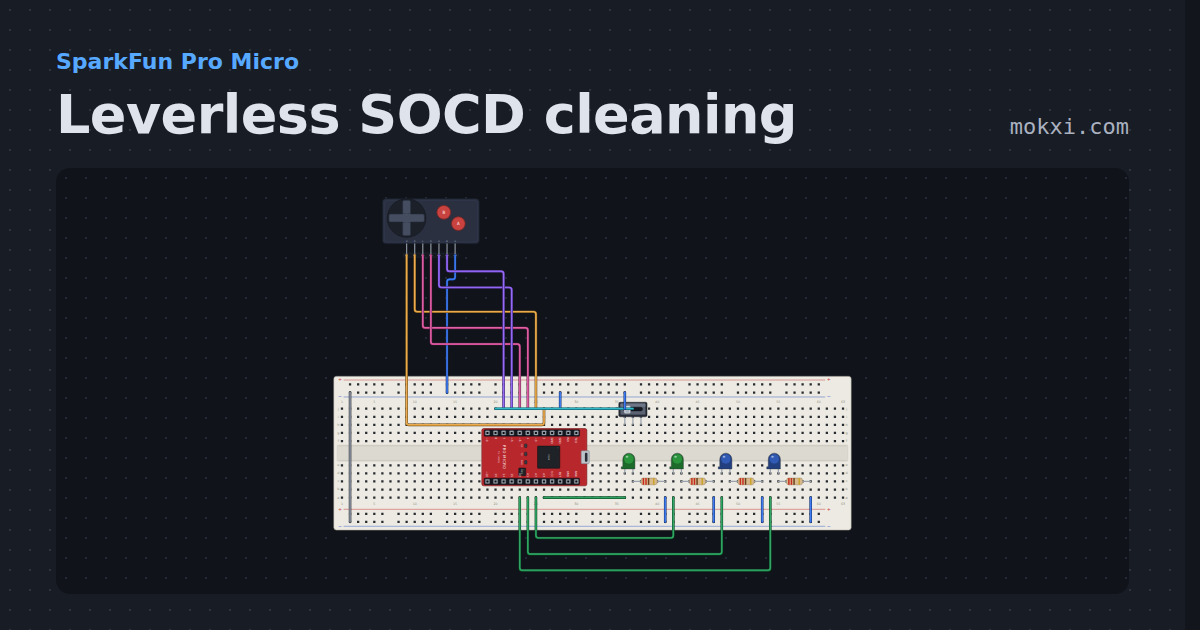
Leverless SOCD cleaning
Four direction buttons that can be held two at a time, cleaned by the neutral or last-input rule a slide switch picks.
- Board
- SparkFun Pro Micro
- Parts
- Game console buttons, slide switch, LED, resistor
- Level
- Intermediate
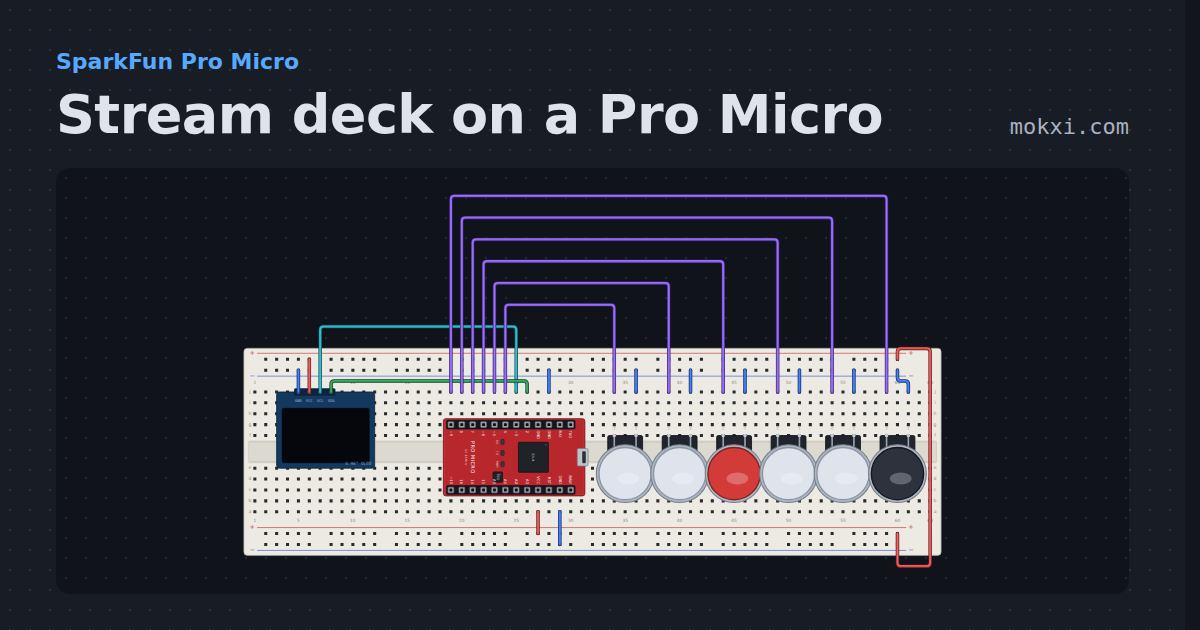
Stream deck on a Pro Micro
Six keys with their labels drawn on an SSD1306 OLED, a second page on the sixth key, and a Ctrl+Shift+F-key hotkey for each press through Keyboard.h.
- Board
- SparkFun Pro Micro
- Parts
- SSD1306 OLED display, arcade button
- Level
- Intermediate
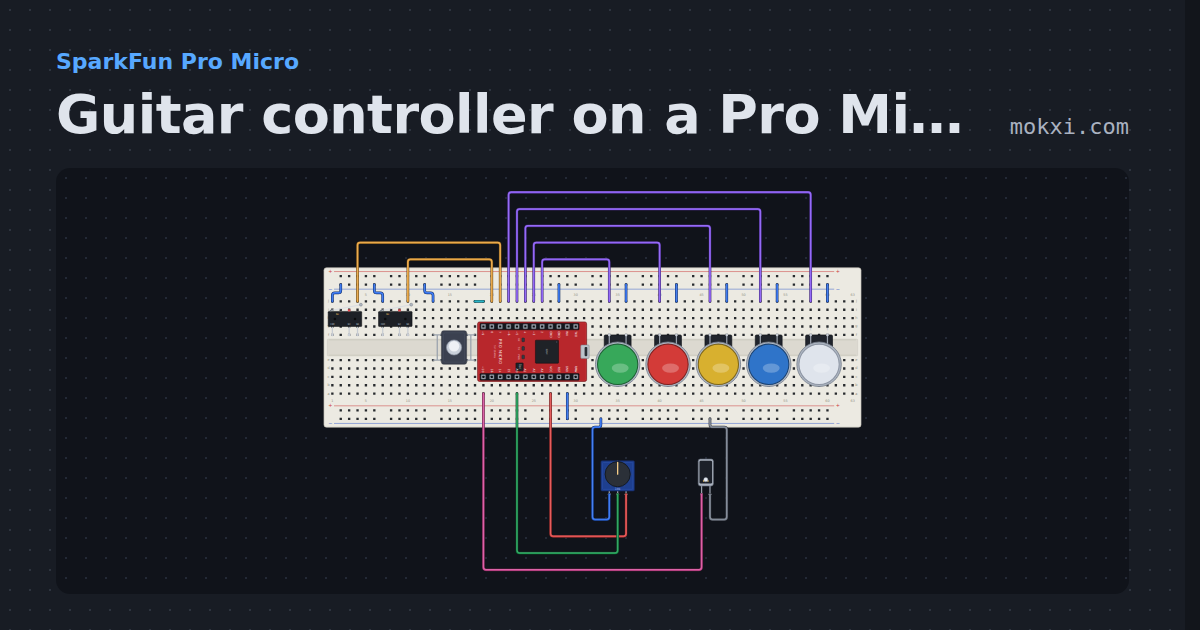
Guitar controller on a Pro Micro
Five fret buttons, a two-switch strum bar, a whammy knob and a tilt switch for star power, sent as a gamepad report through Joystick.h.
- Board
- SparkFun Pro Micro
- Parts
- Limit switch, push button, arcade button, potentiometer, tilt switch
- Level
- Intermediate
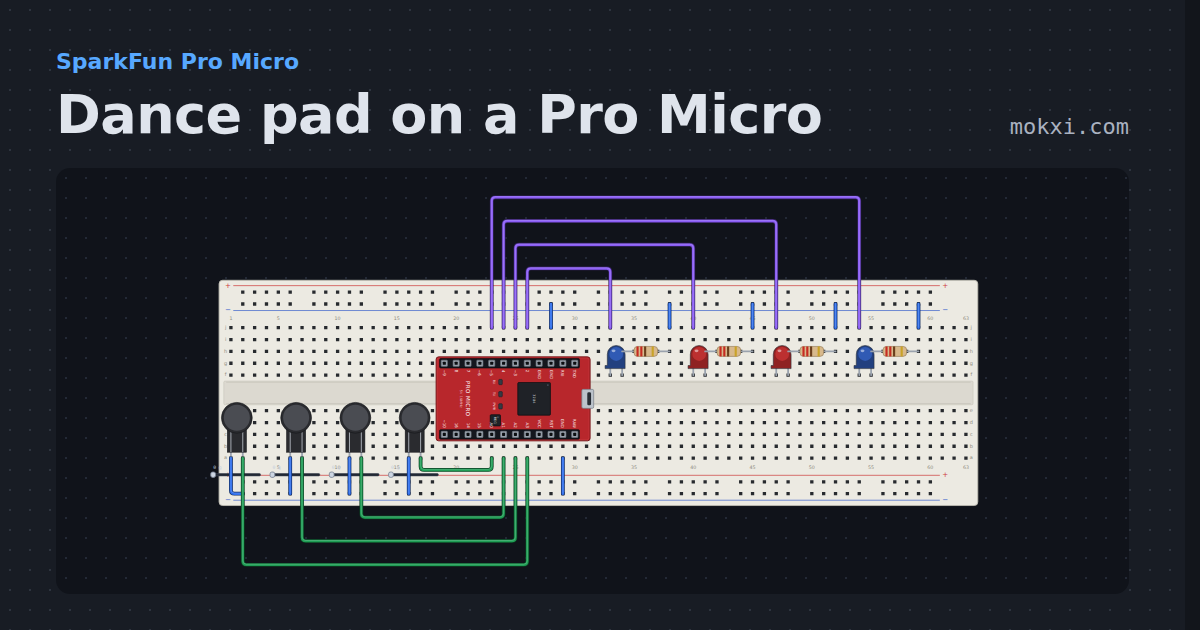
Dance pad on a Pro Micro
Four FSR panels on A0 to A3 with a press and a release threshold each, lighting a panel lamp and sent as four gamepad buttons through Joystick.h.
- Board
- SparkFun Pro Micro
- Parts
- Force-sensing resistor, LED, resistor
- Level
- Intermediate
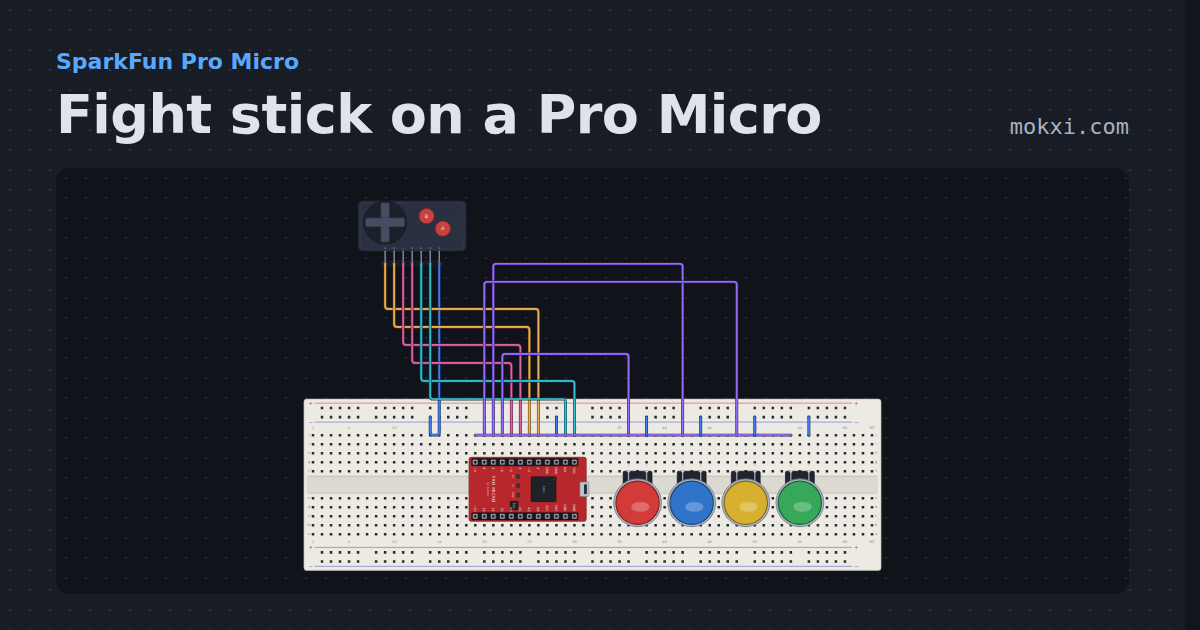
Fight stick on a Pro Micro
A four-way lever and six buttons on a Pro Micro, debounced with no added delay and reported as a numpad direction plus the buttons held.
- Board
- SparkFun Pro Micro
- Parts
- Game console buttons, arcade button
- Level
- Intermediate
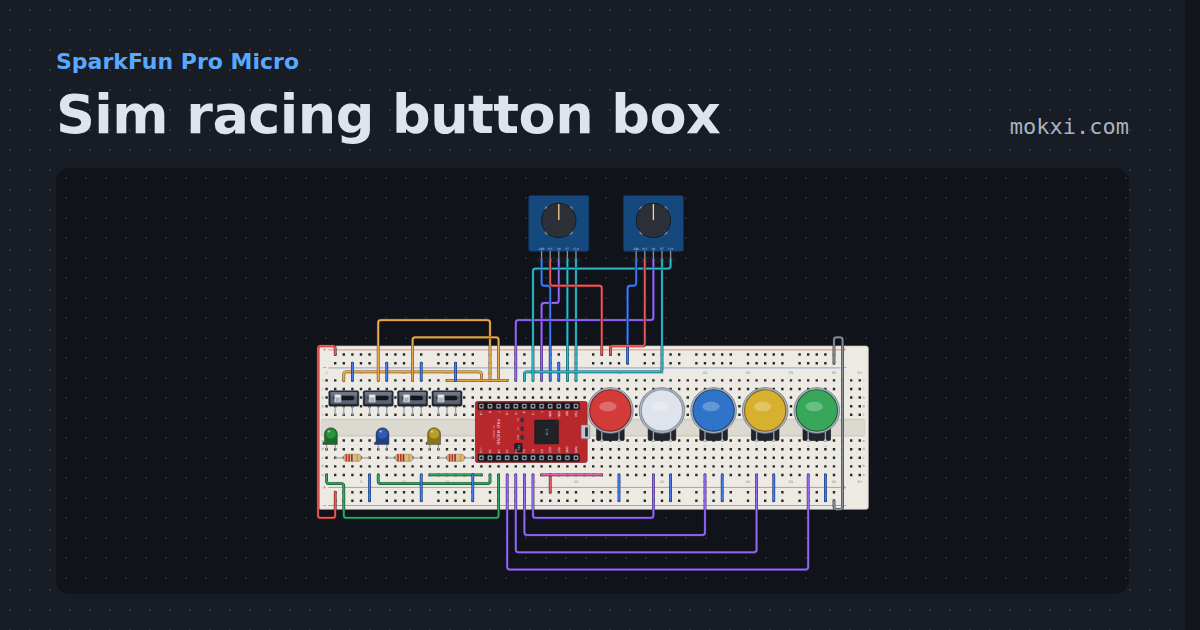
Sim racing button box
Two encoders, an ignition key with a start button, three toggles, four buttons and three LEDs on a Pro Micro, sent to the game as one USB controller.
- Board
- SparkFun Pro Micro
- Parts
- Slide switch, arcade button, KY-040 rotary encoder, LED, resistor
- Level
- Advanced
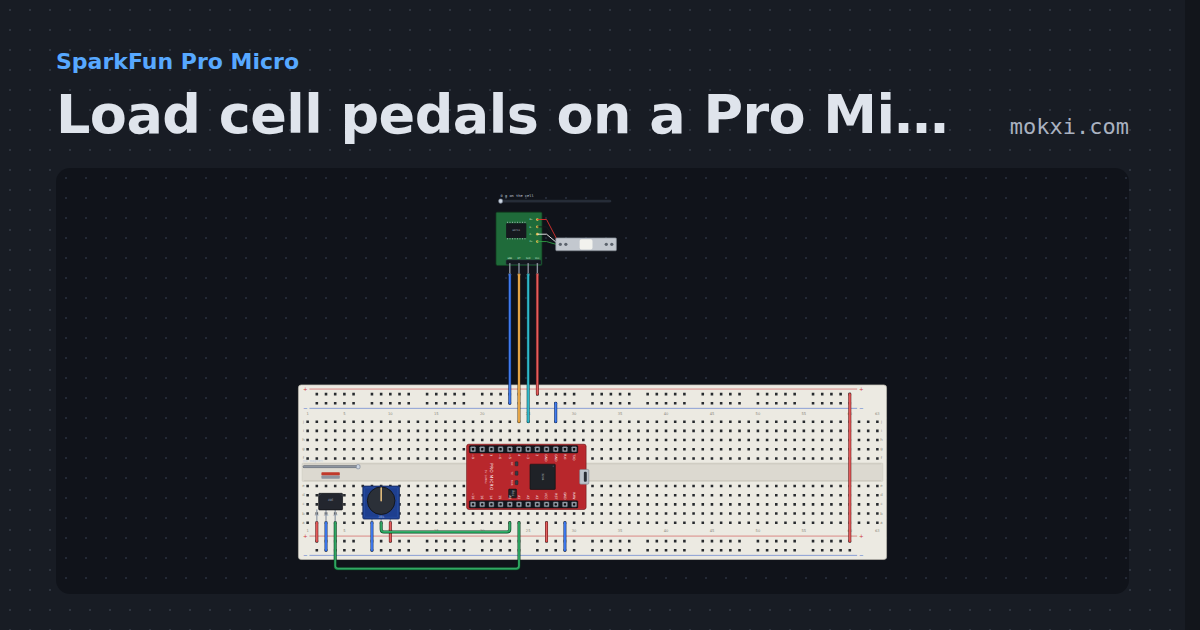
Load cell pedals on a Pro Micro
A load cell brake on an HX711 that responds to force, a hall sensor throttle and a pot clutch, each calibrated and sent as one Joystick.h report.
- Board
- SparkFun Pro Micro
- Parts
- Load cell with HX711, 49E linear hall sensor, potentiometer
- Level
- Advanced
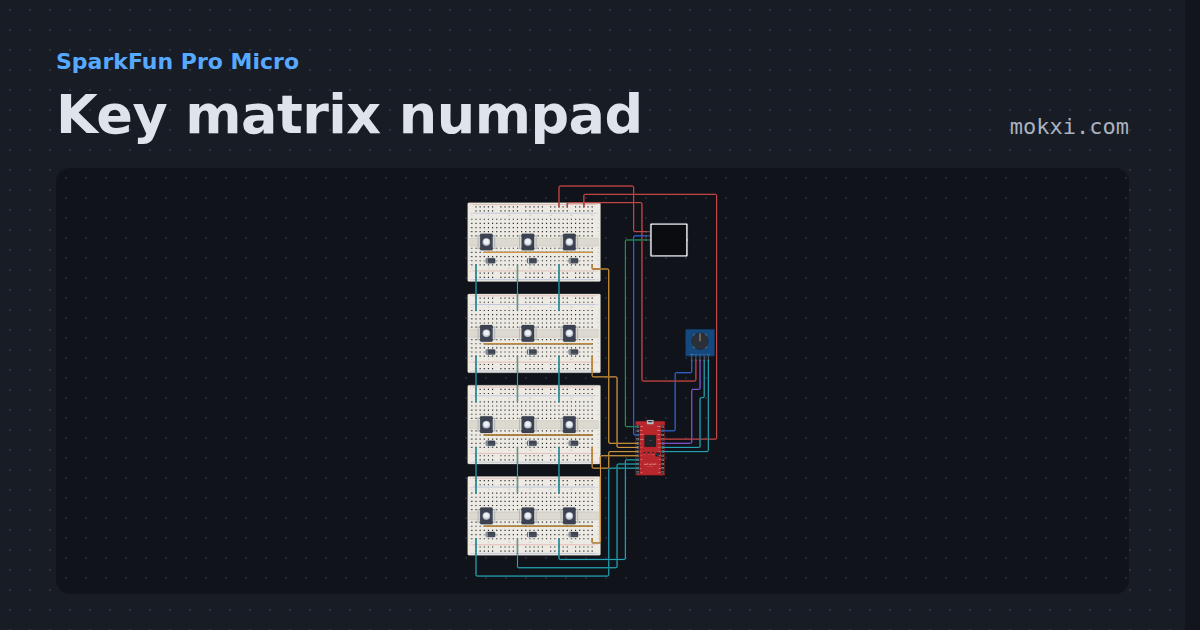
Key matrix numpad
Twelve switches in a 4 x 3 matrix with a diode on every key, three layers, an encoder and per-key RGB on a Pro Micro, typed as a USB keyboard.
- Board
- SparkFun Pro Micro
- Parts
- Push button, diode, KY-040 rotary encoder, WS2812 NeoPixel LEDs
- Level
- Advanced
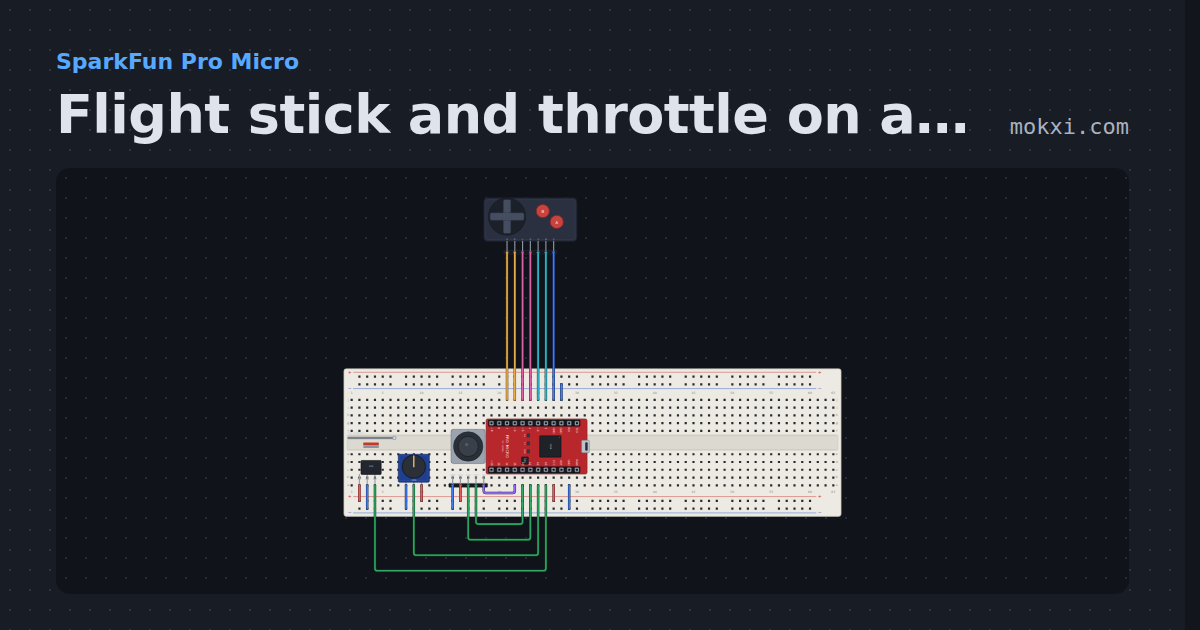
Flight stick and throttle on a Pro Micro
A two-axis stick with a center deadzone and an expo curve, a twist rudder, a hall sensor throttle, a hat switch and two buttons.
- Board
- SparkFun Pro Micro
- Parts
- Game console buttons, 49E linear hall sensor, potentiometer, joystick
- Level
- Advanced
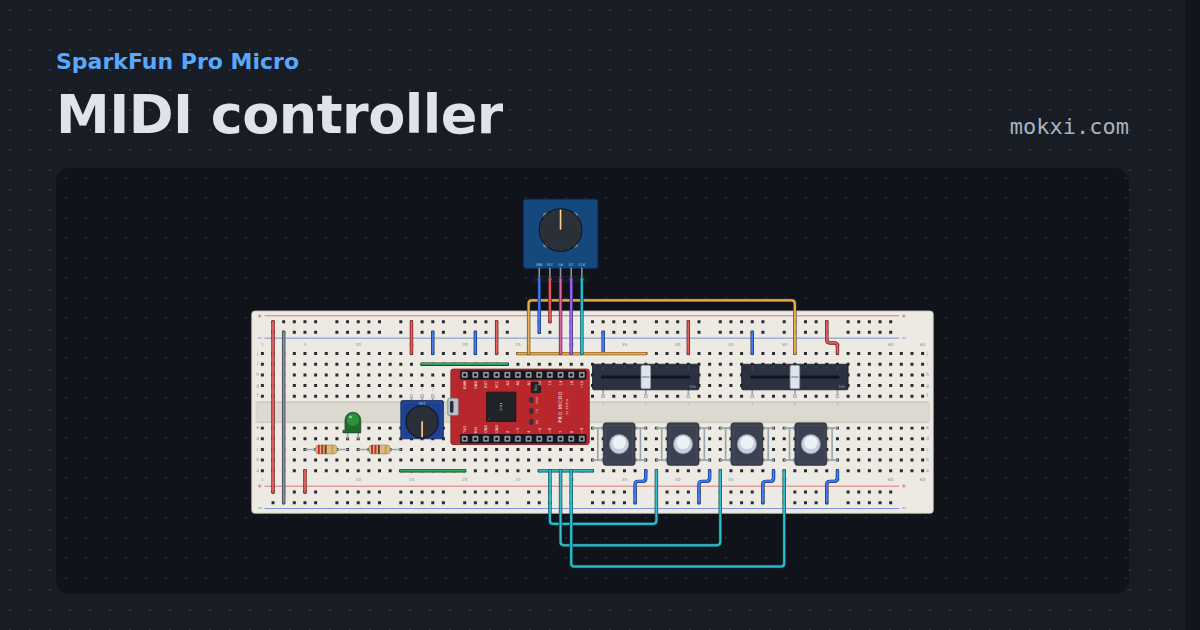
MIDI controller
Two faders, a knob, four drum pads and an encoder on a Pro Micro, sending real MIDI bytes the 5-pin way.
- Board
- SparkFun Pro Micro
- Parts
- Resistor, LED, slide potentiometer, push button, potentiometer, +1 more
- Level
- Advanced
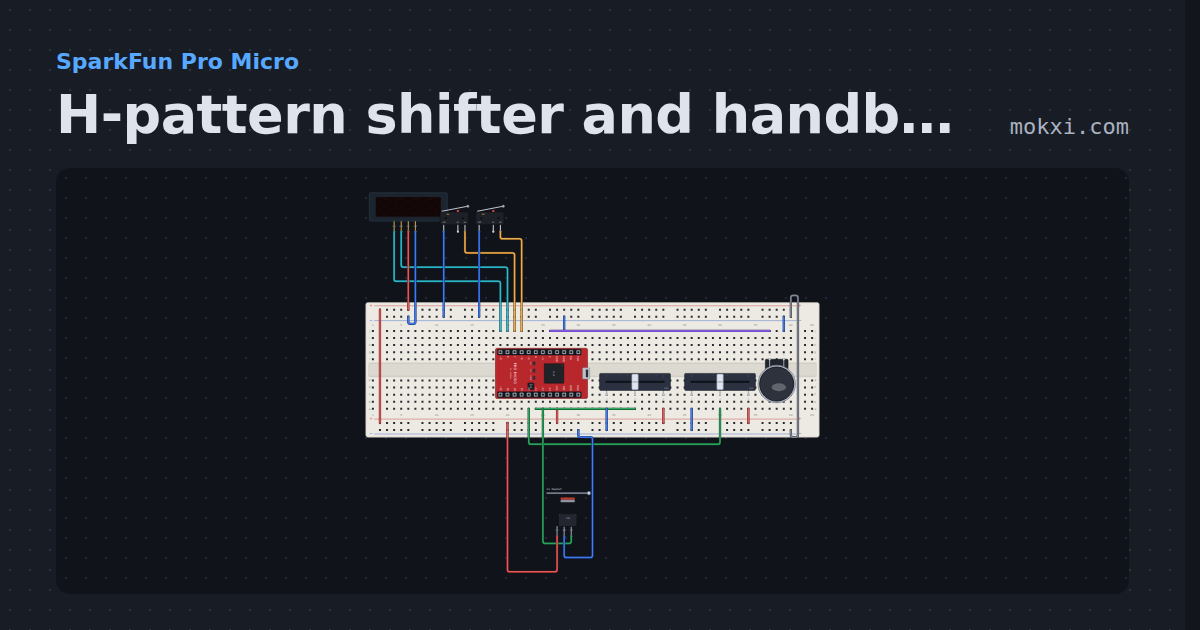
H-pattern shifter and handbrake
Two pots read an H-pattern gate with hysteresis and push-down reverse, two microswitches make sequential paddles and a hall sensor is the handbrake.
- Board
- SparkFun Pro Micro
- Parts
- TM1637 four-digit display, limit switch, slide potentiometer, arcade button, 49E linear hall sensor
- Level
- Advanced
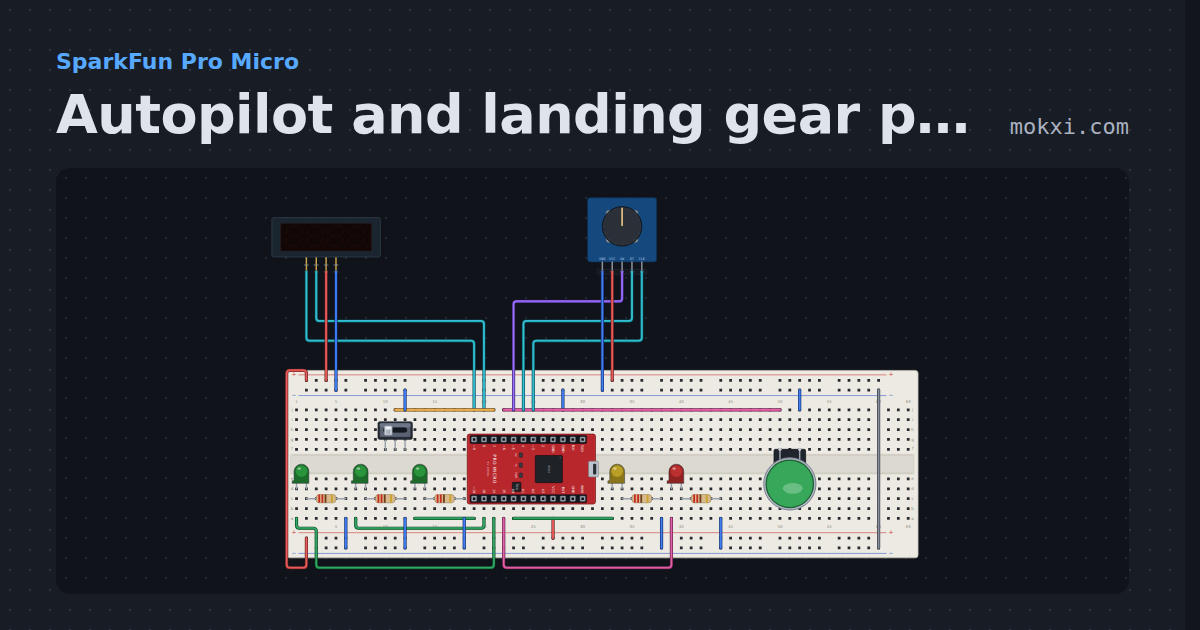
Autopilot and landing gear panel
An autopilot knob for heading, altitude and vertical speed on a four-digit display, an AP button.
- Board
- SparkFun Pro Micro
- Parts
- TM1637 four-digit display, KY-040 rotary encoder, slide switch, arcade button, LED, +1 more
- Level
- Advanced
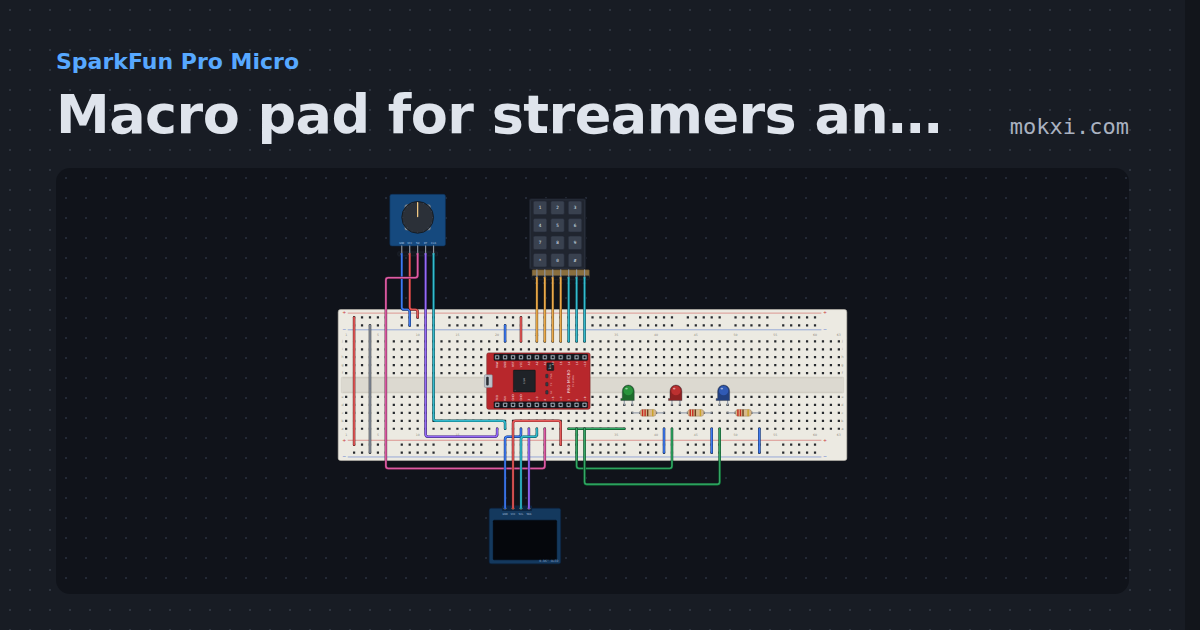
Macro pad for streamers and coders
A Pro Micro that plugs in as a keyboard: twelve keys of shortcuts, a volume knob, three layers with a lamp each and an OLED.
- Board
- SparkFun Pro Micro
- Parts
- 4x3 telephone keypad, KY-040 rotary encoder, SSD1306 OLED display, LED, resistor
- Level
- Advanced
Wiring, libraries and more ideas
Library pages
More project ideas
- LED projects for Arduino, ESP32 and Pico
- Projects with an arcade button
- Projects with a rotary encoder
- Projects with a potentiometer
- Projects with game console buttons
- Projects with a push button
- Projects with a slide switch
- Projects with a hall effect sensor
- Arduino game projects
- Arduino music and sound projects