Projects with a DHT11 or DHT22 sensor
15 Mokxi projects use a DHT11 or DHT22 sensor (6 beginner, 7 intermediate and 2 advanced). They run on ESP32, Arduino Uno and Raspberry Pi Pico boards. Here are all of them, from “Pico W DHT11 temperature and humidity on GP16” to “Alarm clock with a timer on a four-digit display”. Each card says what the project does, the board and parts it needs and its level, and Open in the simulator runs it in your browser in one click, with no account.
How to pick your first one
- Start with “DHT11 on a Pico with MicroPython”, a beginner project that needs a DHT11 or DHT22 sensor.
- ESP32 runs 6 of them, Arduino Uno 5 and Raspberry Pi Pico 4. Start on the board you have, or on an ESP32 if you are buying one.
- The parts used most here are the I2C LCD (4 projects), the LED (2) and the PIR motion sensor (2). With those on hand, most of this list is open to you.
- Before you build one on a real bench, read the DHT11 or DHT22 sensor wiring guide for your board below. It gives every pin and the voltage notes.
15 projects ready to run
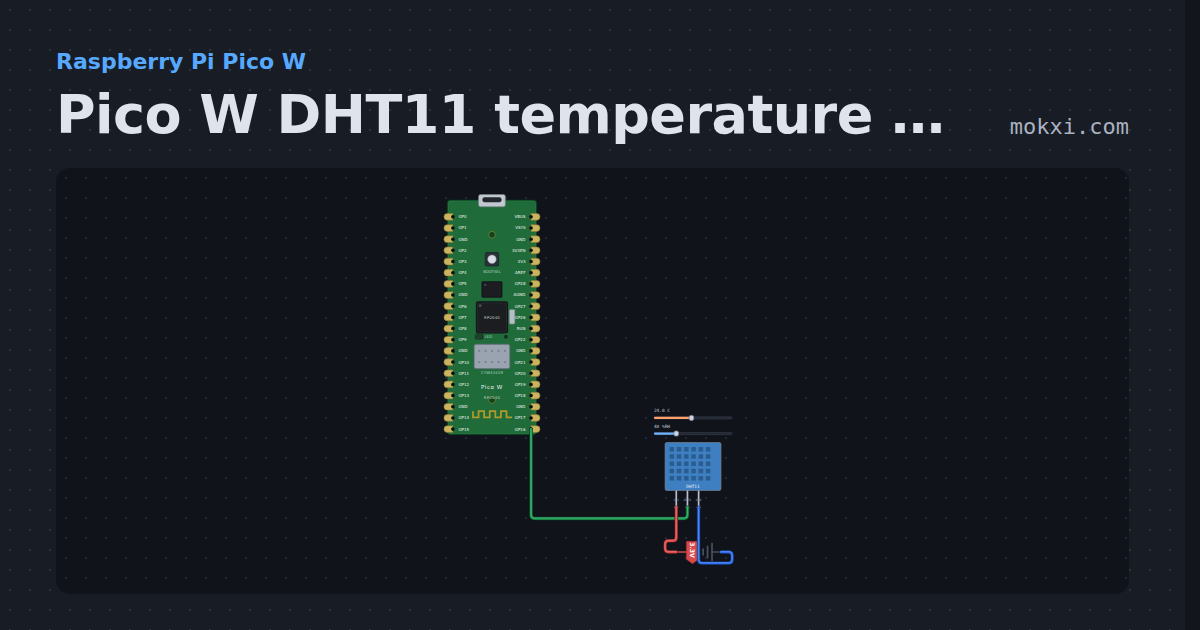
Pico W DHT11 temperature and humidity on GP16
MicroPython on a Pico W: the dht module reads a DHT11 on GP16 and prints the temperature and humidity every two seconds, retrying a failed read.
- Board
- Raspberry Pi Pico W
- Parts
- DHT11 or DHT22 sensor
- Level
- Beginner
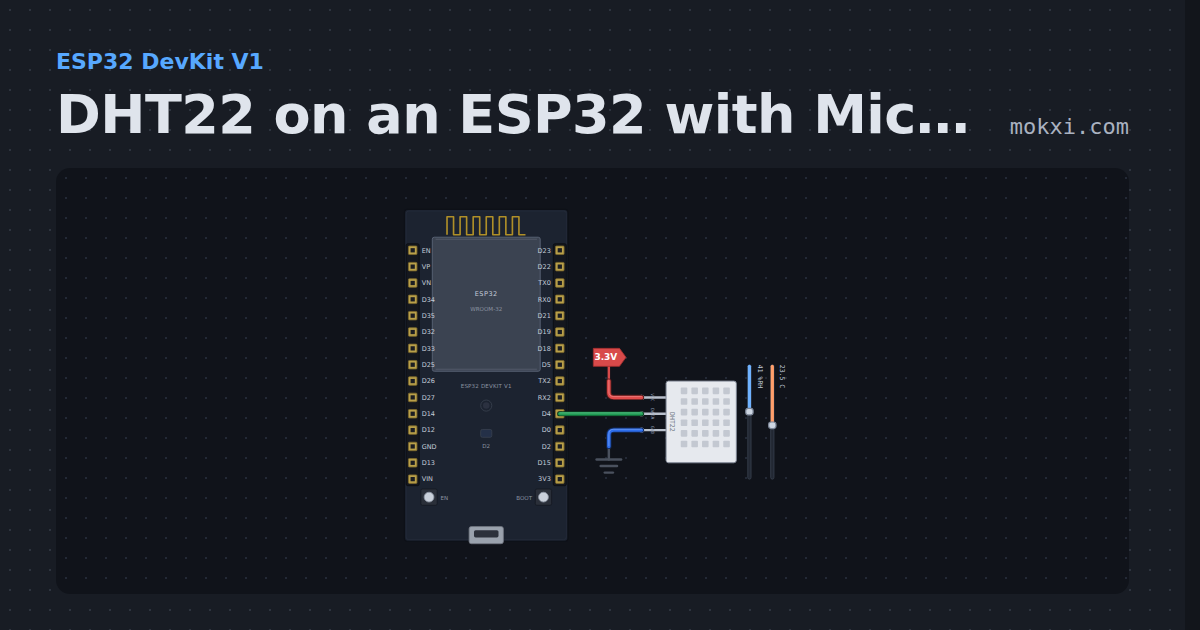
DHT22 on an ESP32 with MicroPython
MicroPython’s built-in dht module on an ESP32 DevKit: a DHT22 on D4 prints the temperature and humidity every two seconds in the Serial Monitor.
- Board
- ESP32 DevKit V1
- Parts
- DHT11 or DHT22 sensor
- Level
- Beginner
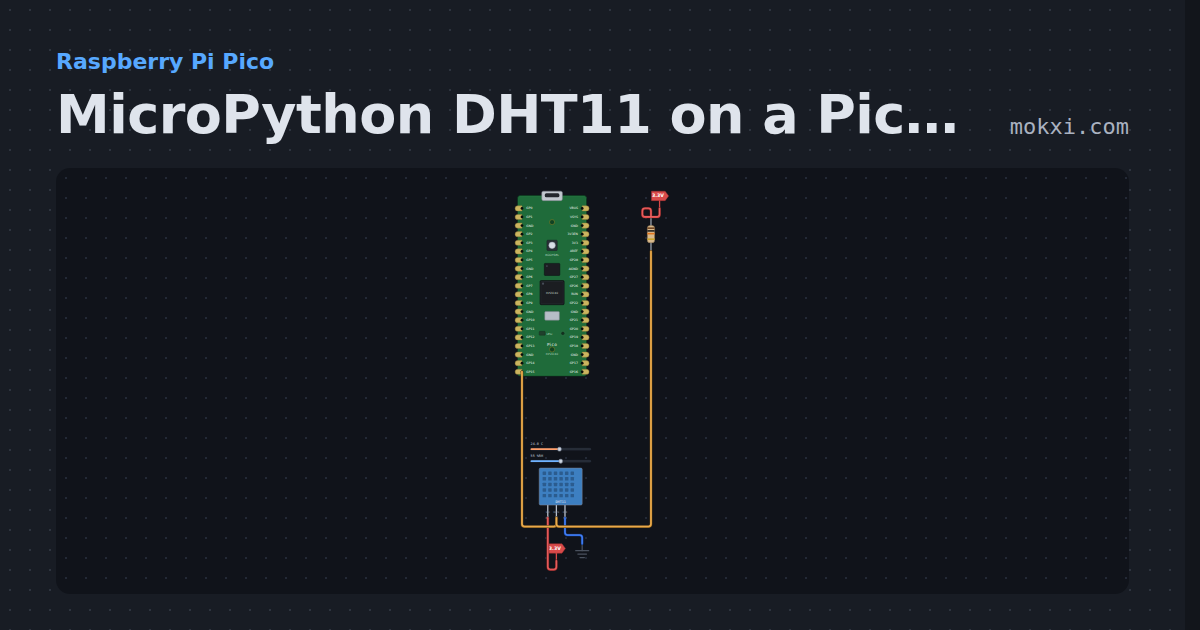
MicroPython DHT11 on a Pico: temperature and humidity
MicroPython on a Raspberry Pi Pico: a DHT11 on GP15 with a 10k pull-up reports temperature and humidity every two seconds through the dht module.
- Board
- Raspberry Pi Pico
- Parts
- DHT11 or DHT22 sensor, resistor
- Level
- Beginner
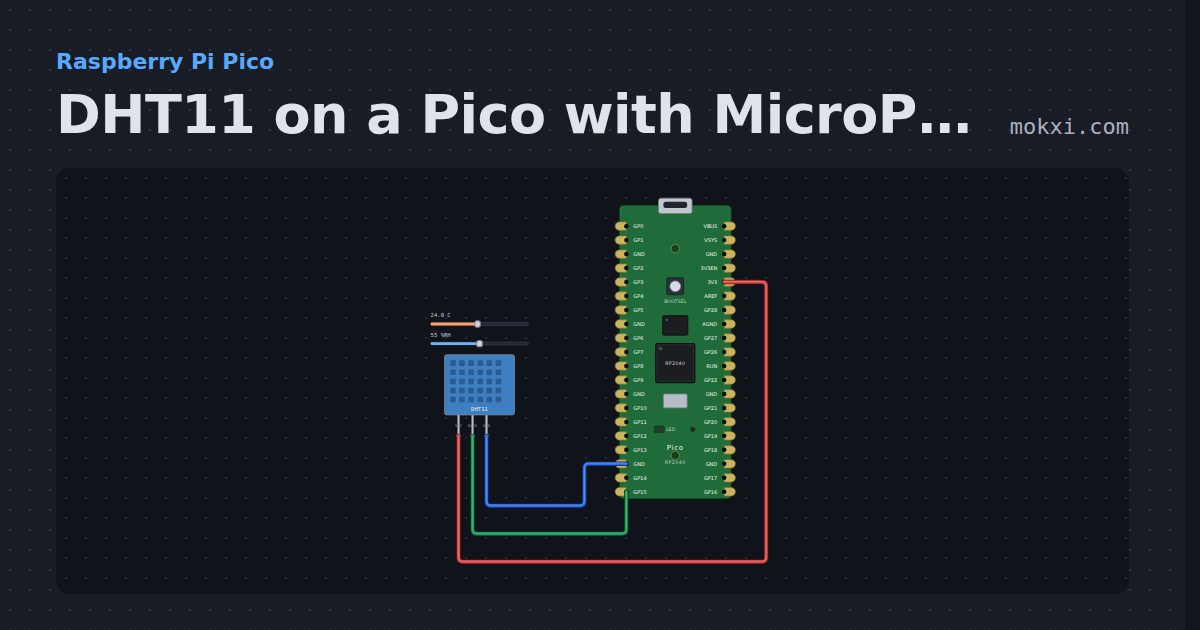
DHT11 on a Pico with MicroPython
MicroPython’s built-in dht module on a Raspberry Pi Pico: a DHT11 on GP15 prints the temperature and humidity every two seconds.
- Board
- Raspberry Pi Pico
- Parts
- DHT11 or DHT22 sensor
- Level
- Beginner
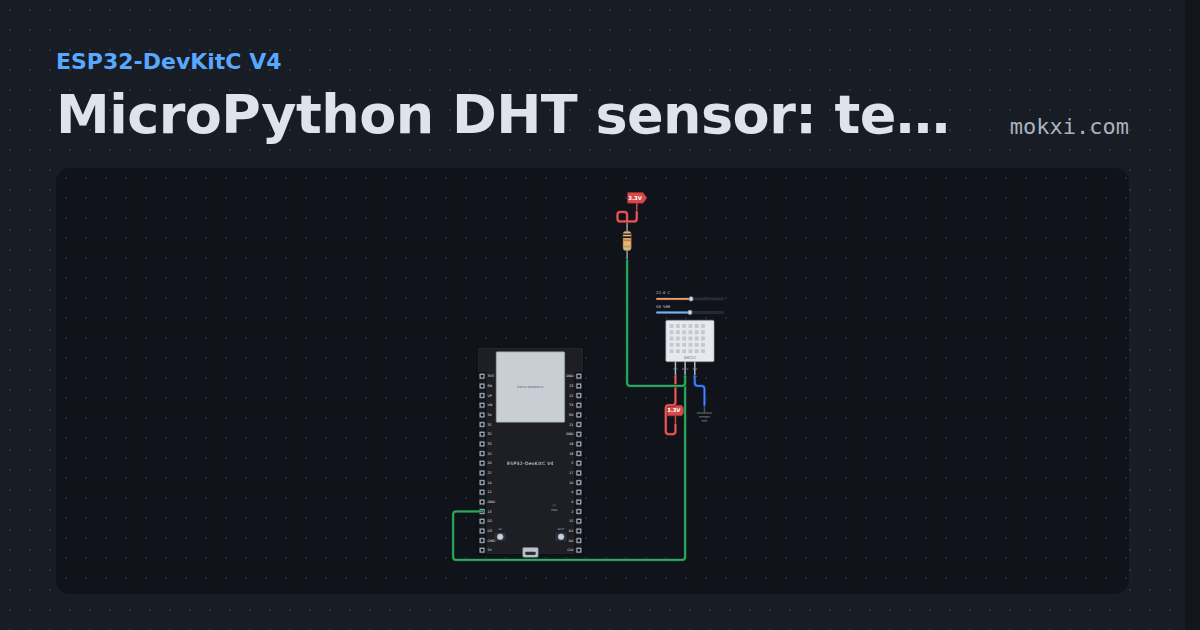
MicroPython DHT sensor: temperature and humidity
MicroPython on an ESP32: the dht module reads a DHT22 on GPIO 13, with a 10k pull-up, and prints temperature and humidity every two seconds.
- Board
- ESP32-DevKitC V4
- Parts
- DHT11 or DHT22 sensor, resistor
- Level
- Beginner
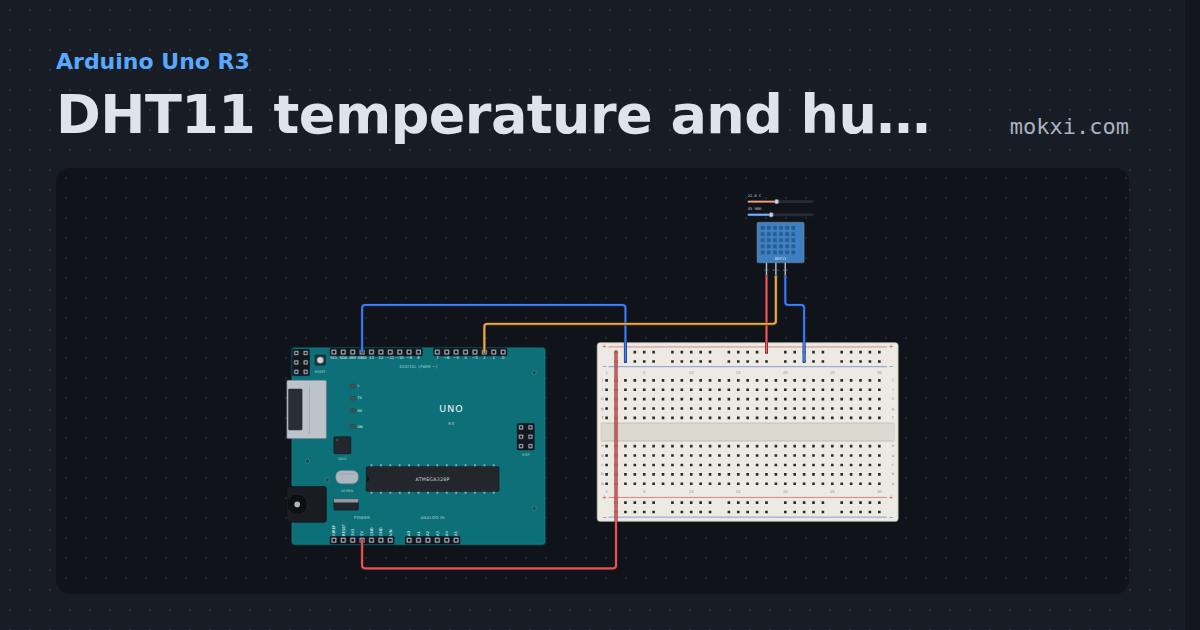
DHT11 temperature and humidity
A DHT11 module on pin 2: the DHT library reads the temperature and humidity every two seconds and prints both.
- Board
- Arduino Uno R3
- Parts
- DHT11 or DHT22 sensor
- Level
- Beginner
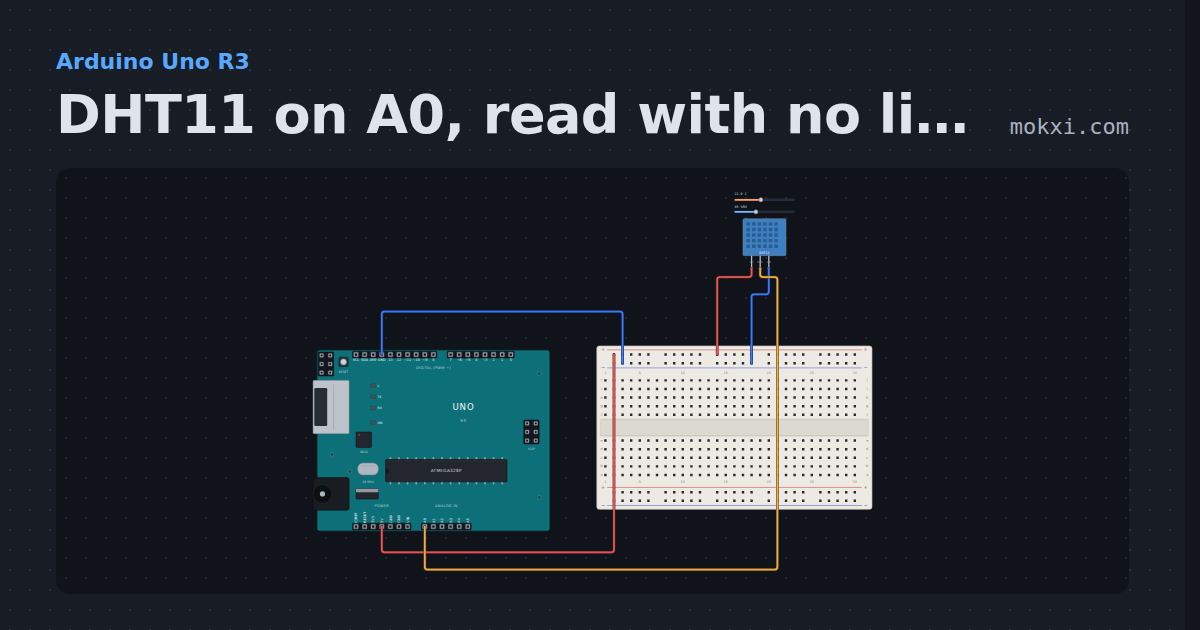
DHT11 on A0, read with no library
A DHT11 module on A0, read by hand: the sketch wakes the sensor, times each of its 40 bits, checks the sum and prints the humidity and temperature.
- Board
- Arduino Uno R3
- Parts
- DHT11 or DHT22 sensor
- Level
- Intermediate
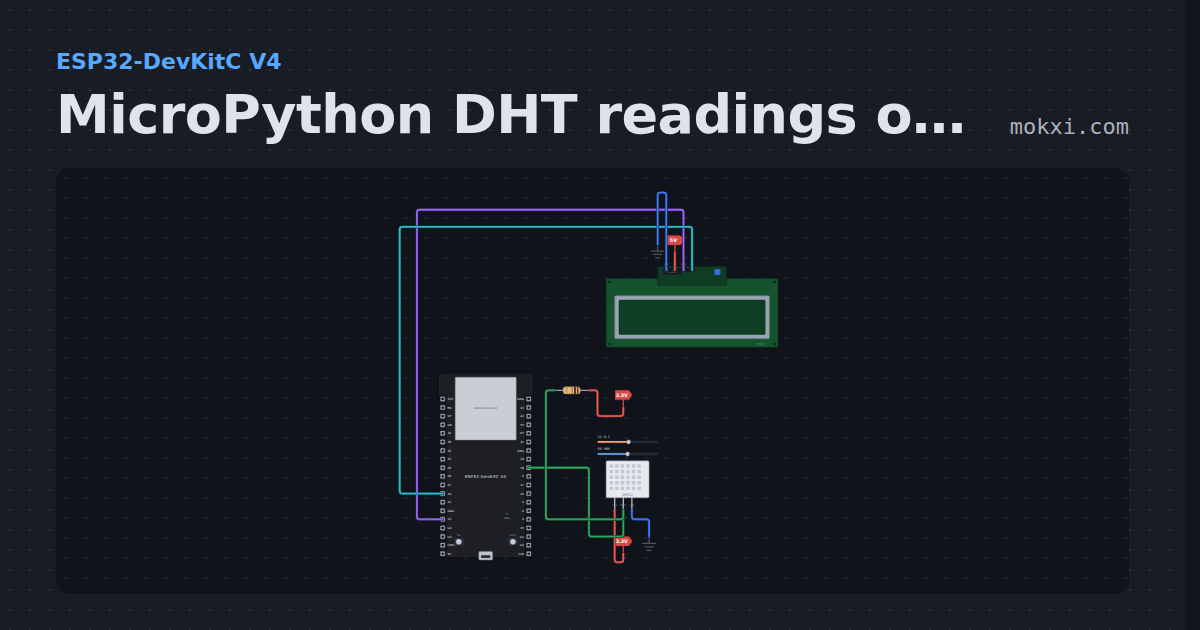
MicroPython DHT readings on an I2C LCD
MicroPython on an ESP32: a DHT22 on GPIO 18 shows temperature and humidity on an I2C LCD1602 (SDA 13, SCL 14), every two seconds.
- Board
- ESP32-DevKitC V4
- Parts
- DHT11 or DHT22 sensor, resistor, I2C LCD
- Level
- Intermediate
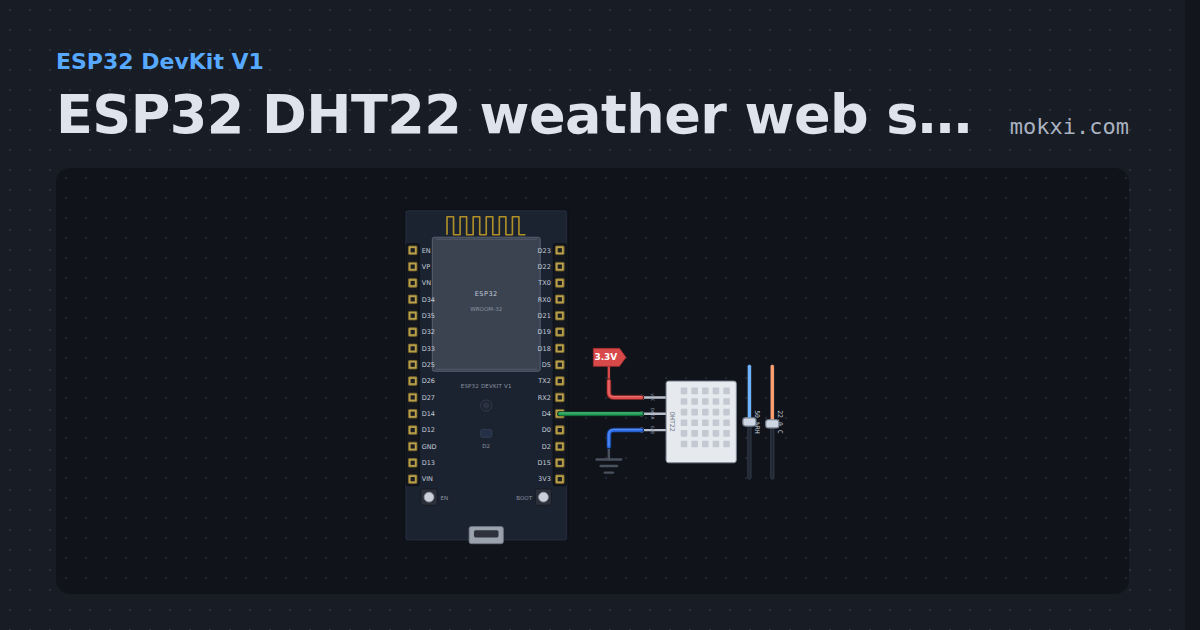
ESP32 DHT22 weather web server
ESP32 DHT22 weather web server: the board serves its own page with the temperature in C and F and the humidity, plus the same reading as JSON.
- Board
- ESP32 DevKit V1
- Parts
- DHT11 or DHT22 sensor
- Level
- Intermediate
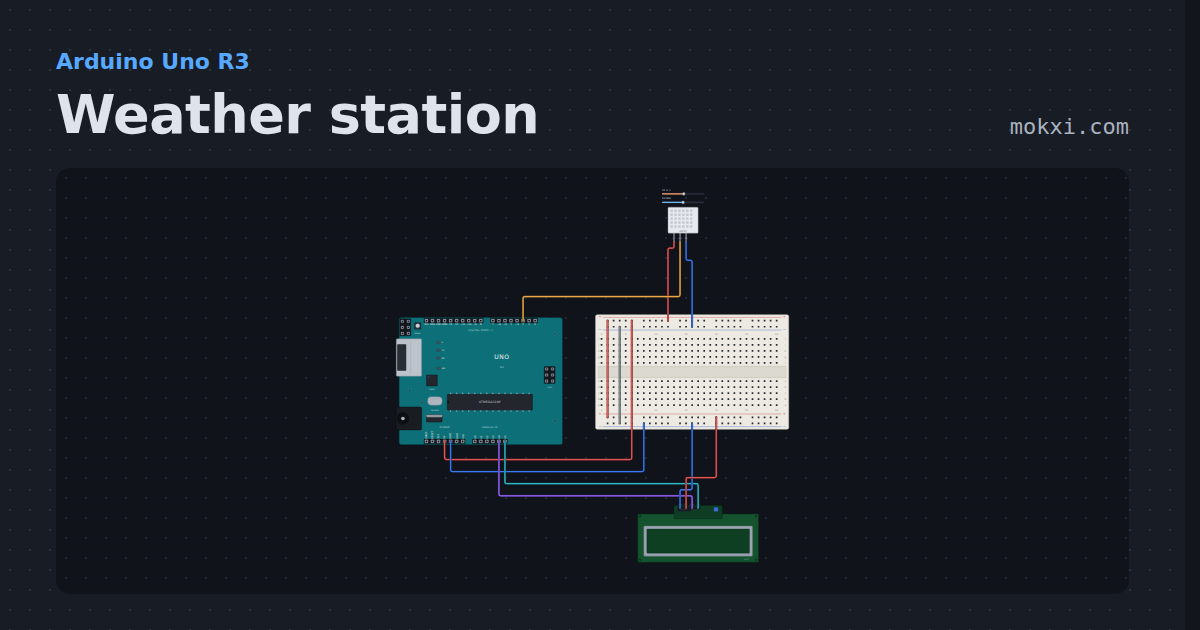
Weather station
A DHT22 on one wire and a 16x2 I2C display on two. Forty bits and a checksum, a first reading that fails, and a sensor that will not be hurried.
- Board
- Arduino Uno R3
- Parts
- DHT11 or DHT22 sensor, I2C LCD
- Level
- Intermediate
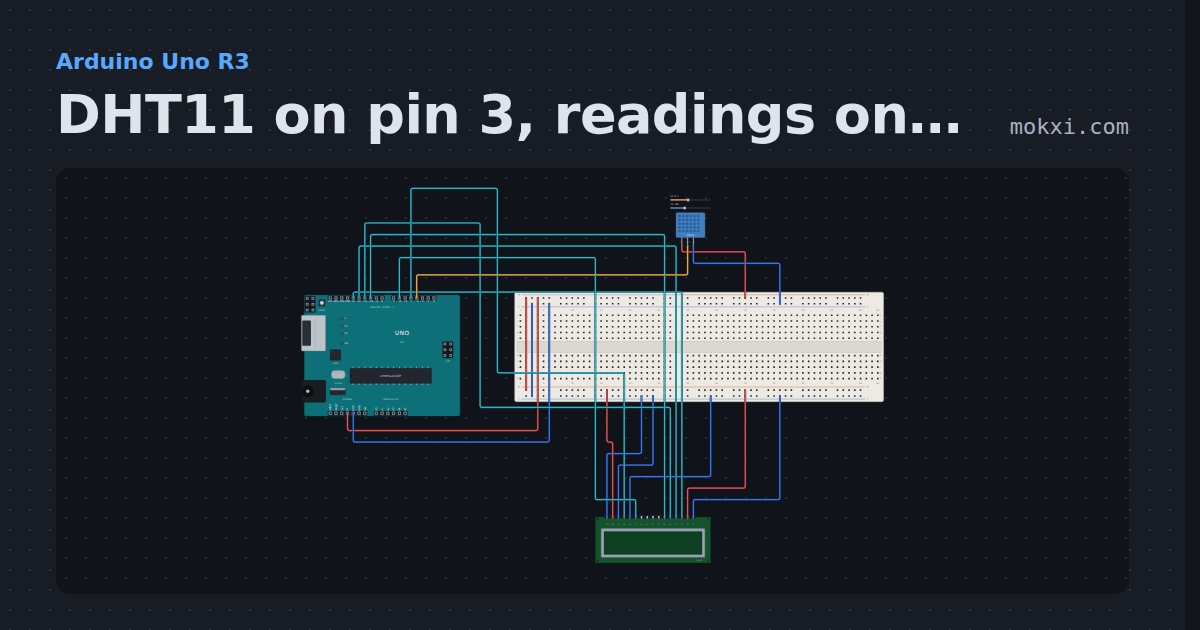
DHT11 on pin 3, readings on an LCD
A DHT11 module on pin 3 measures temperature and humidity; the DHT library reads it every two seconds and a 16x2 LCD on pins 4.
- Board
- Arduino Uno R3
- Parts
- 16x2 character LCD, DHT11 or DHT22 sensor
- Level
- Intermediate
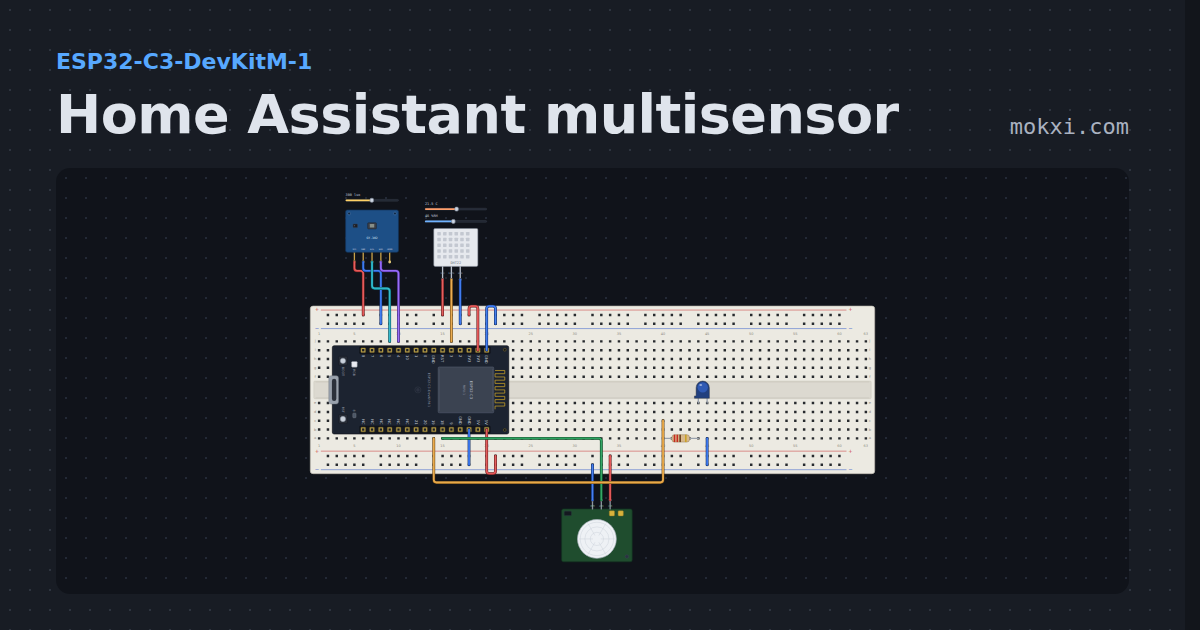
Home Assistant multisensor
Temperature, humidity, light and motion on one ESP32-C3, the room sensor Home Assistant users build first.
- Board
- ESP32-C3-DevKitM-1
- Parts
- Light sensor, DHT11 or DHT22 sensor, PIR motion sensor, resistor, LED
- Level
- Intermediate
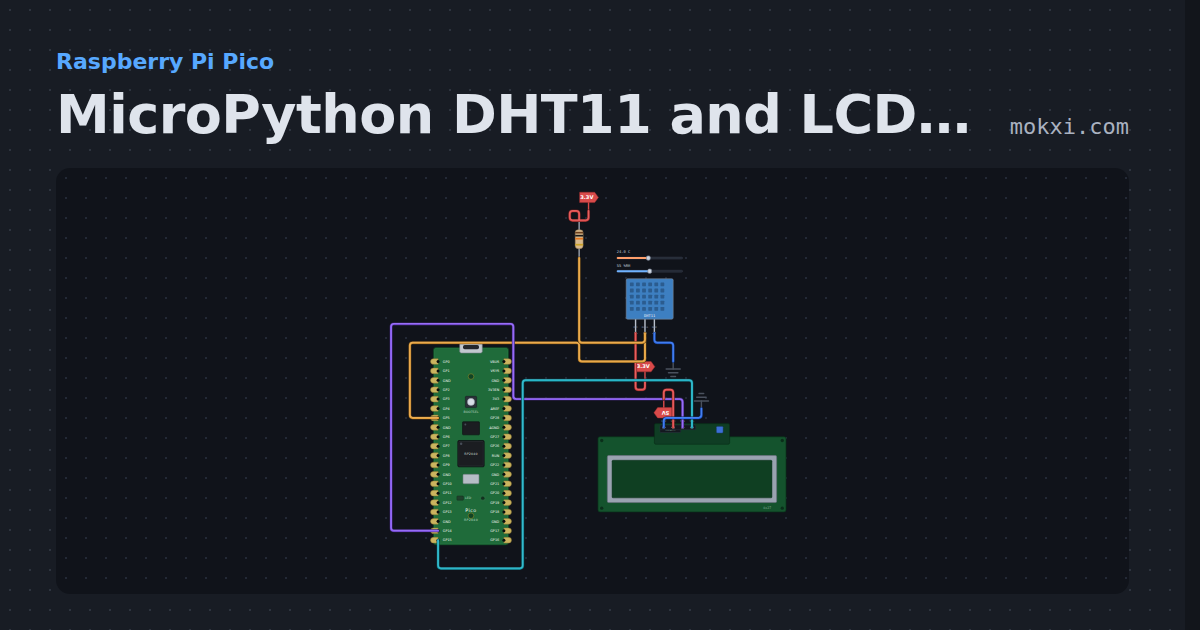
MicroPython DHT11 and LCD1602 on a Pico
MicroPython on a Raspberry Pi Pico: a DHT11 on GP5 and an I2C LCD1602 on GP14 and GP15 show the temperature and humidity, refreshed every two seconds.
- Board
- Raspberry Pi Pico
- Parts
- DHT11 or DHT22 sensor, resistor, I2C LCD
- Level
- Intermediate
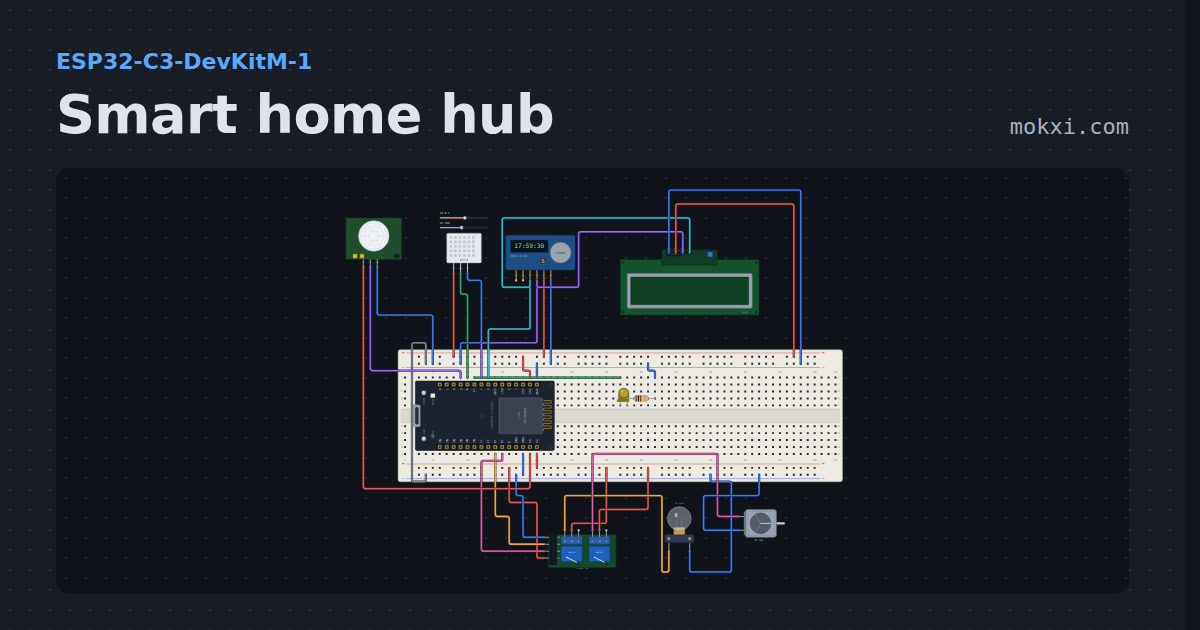
Smart home hub
An ESP32-C3 web dashboard that switches a lamp and a fan through relays, dims a porch light, reads temperature, humidity and motion.
- Board
- ESP32-C3-DevKitM-1
- Parts
- Two-channel relay board, filament lamp, DC motor, LED, resistor, +4 more
- Level
- Advanced
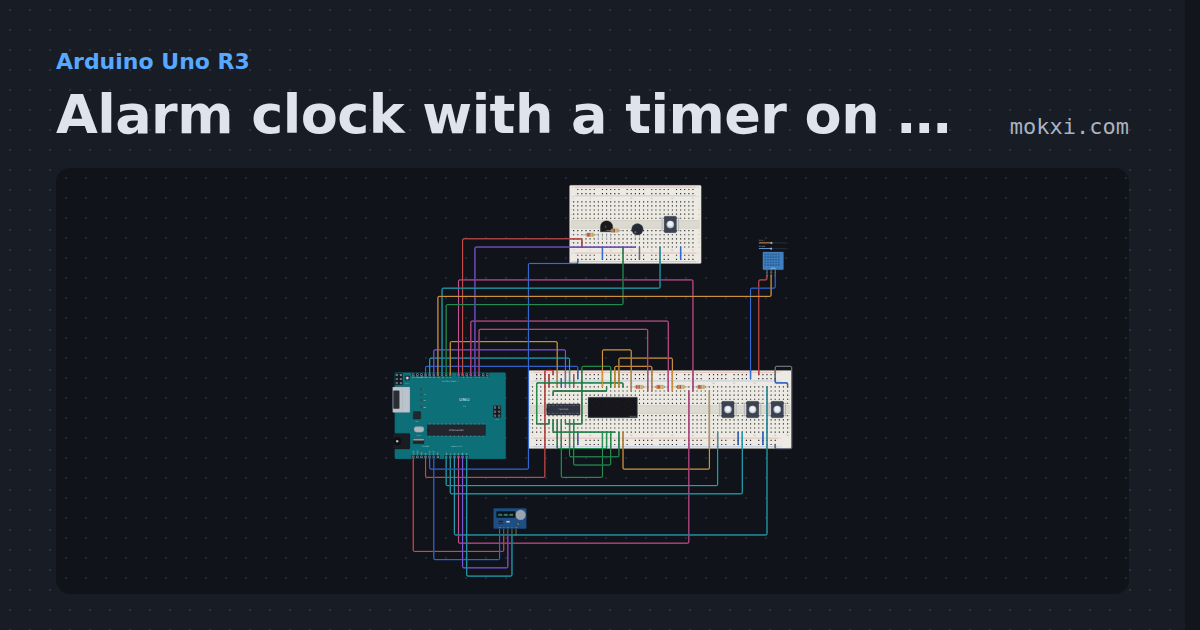
Alarm clock with a timer on a four-digit display
A DS1307 keeps the time on a four-digit display driven by a 74HC595 (8, 13, 12).
- Board
- Arduino Uno R3
- Parts
- 74HC595 shift register, four-digit seven-segment display, resistor, push button, RGB LED, +3 more
- Level
- Advanced