Arduino projects for beginners
These are the beginner projects on an Arduino Uno, Nano or Mega, with LEDs, buttons, buzzers, a knob and a first display. There are 228. Here are 24, from “Night light with a light sensor” to “Crosswalk”. Each card says what the project does, the board and parts it needs and its level, and Open in the simulator runs it in your browser in one click, with no account.
How to pick your first one
- Start with “8-channel relay board”, a beginner project that needs an 8-channel relay board.
- Arduino Uno runs 221 of them, Arduino Nano 5 and Arduino Mega 2. Start on the board you have, or on an Arduino Uno if you are buying one.
- The parts used most here are the LED (55 projects), the push button (40) and the piezo speaker (26). With those on hand, most of this list is open to you.
- You do not need to own a board to start. Every one of these runs in the simulator, and the same sketch uploads to a real Uno later.
24 projects of 228
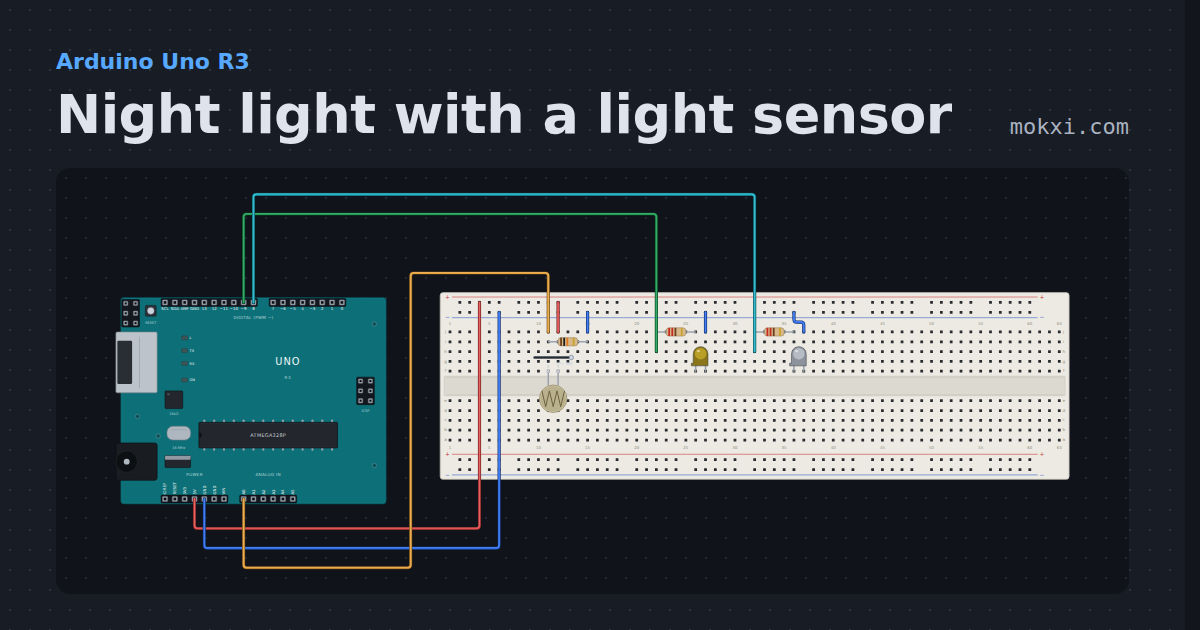
Night light with a light sensor
A light-dependent resistor in a divider fades a lamp up when the room goes dark. Drag the slider on the sensor.
- Board
- Arduino Uno R3
- Parts
- Photoresistor, resistor, LED
- Level
- Beginner
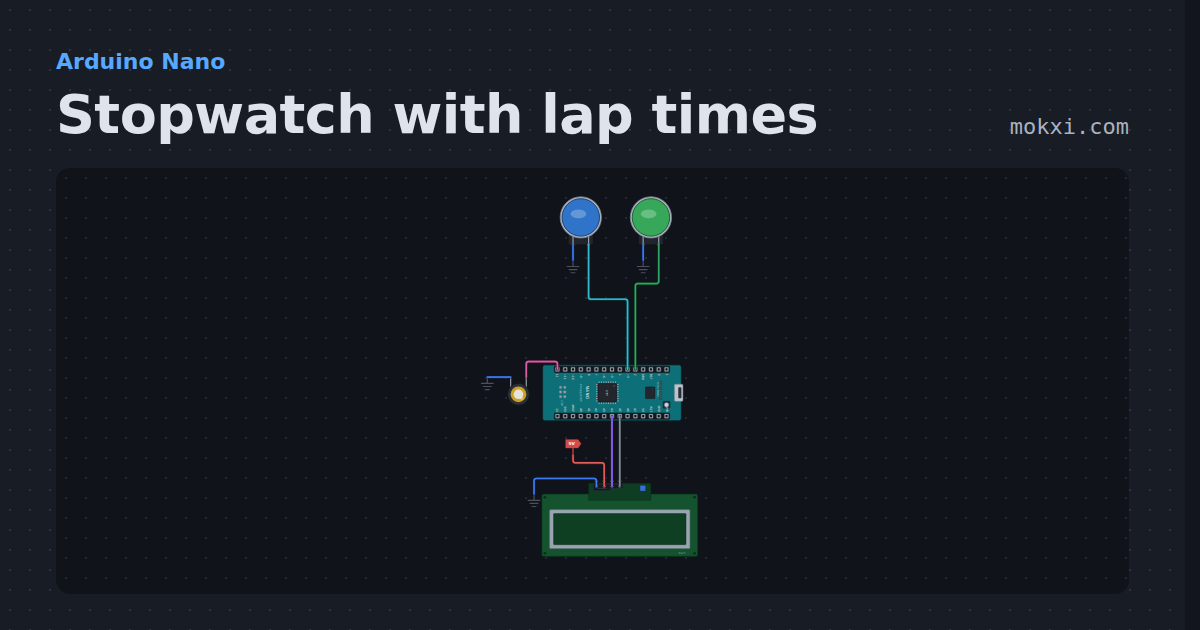
Stopwatch with lap times
Stopwatch with lap times on an Arduino Nano and a 16x2 LCD: one button starts, stops and carries on, the other takes laps or resets.
- Board
- Arduino Nano
- Parts
- Arcade button, piezo speaker, I2C LCD
- Level
- Beginner
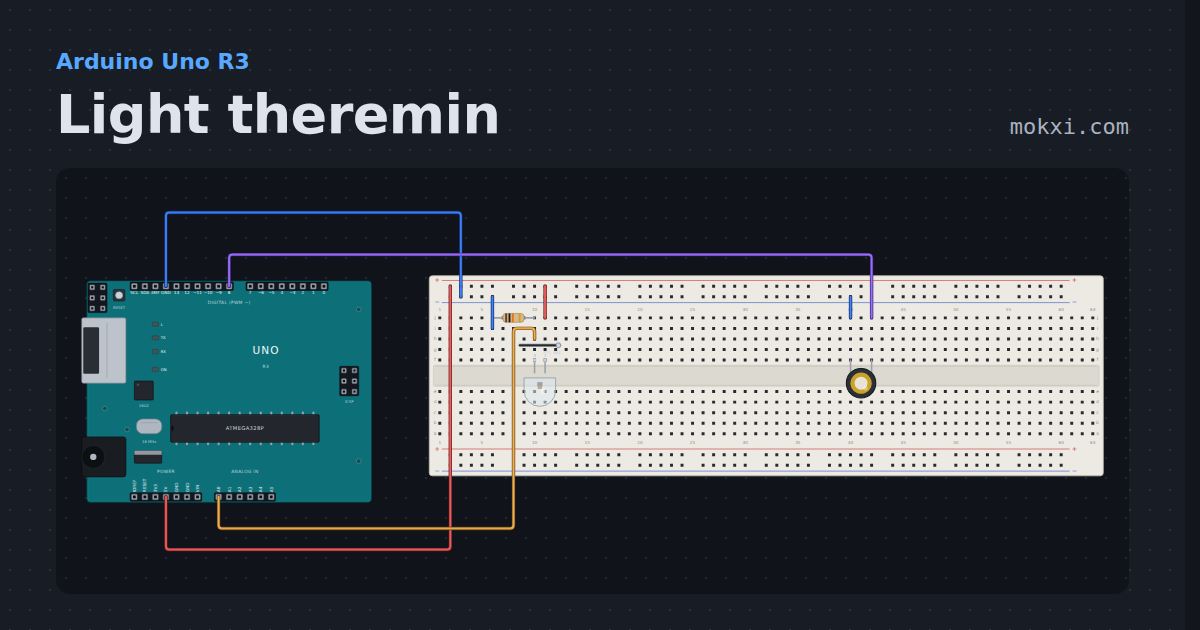
Light theremin
A phototransistor reads the light and a piezo plays it as a pitch, higher for more light: the Arduino Starter Kit theremin.
- Board
- Arduino Uno R3
- Parts
- Phototransistor, resistor, piezo speaker
- Level
- Beginner
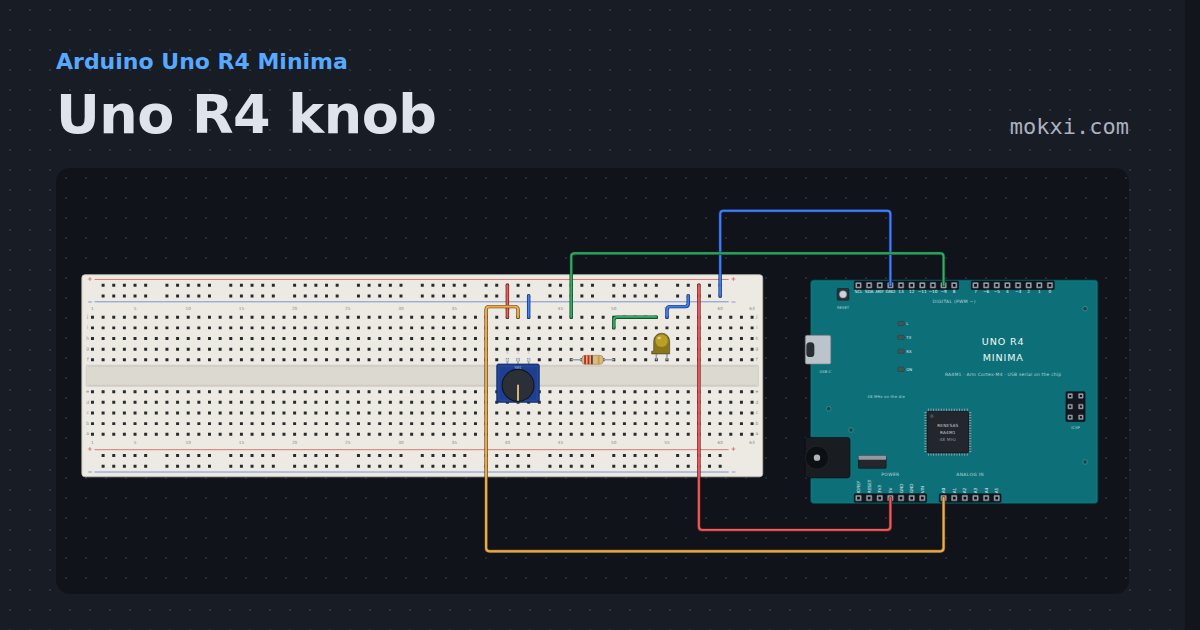
Uno R4 knob
A potentiometer on an Uno R4’s A0 fades an LED on pin 9, and the monitor prints the same pin in ten bits and in the converter’s own fourteen.
- Board
- Arduino Uno R4 Minima
- Parts
- Potentiometer, resistor, LED
- Level
- Beginner
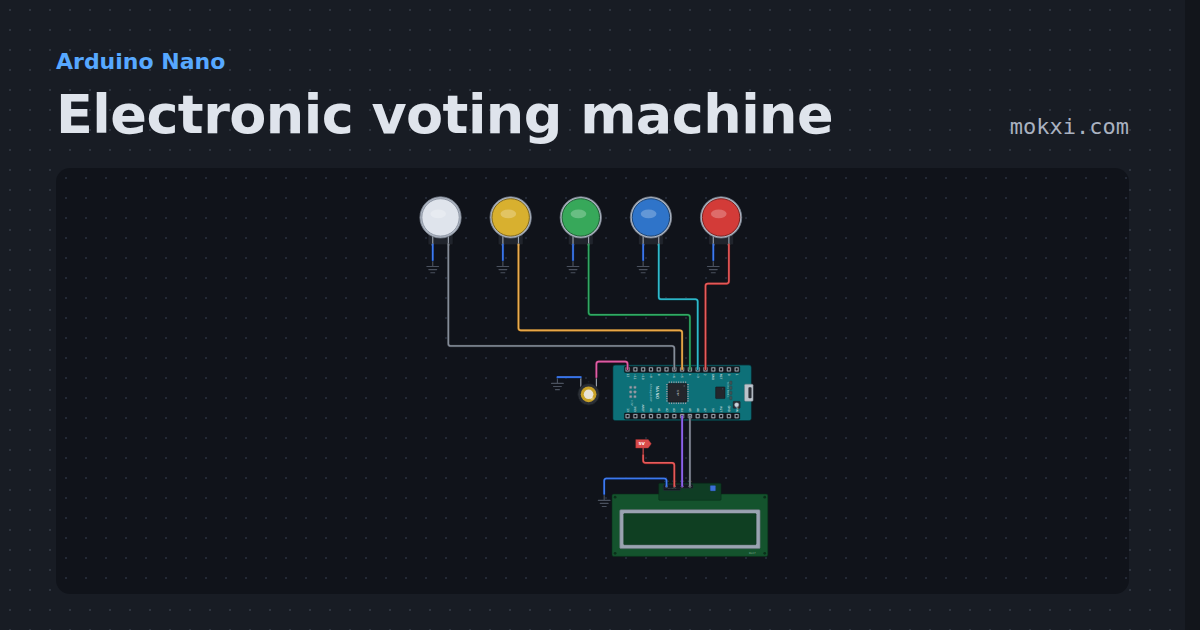
Electronic voting machine
Electronic voting machine on an Arduino Nano: four buttons to vote, a result button for every count and the winner on an LCD.
- Board
- Arduino Nano
- Parts
- Arcade button, piezo speaker, I2C LCD
- Level
- Beginner
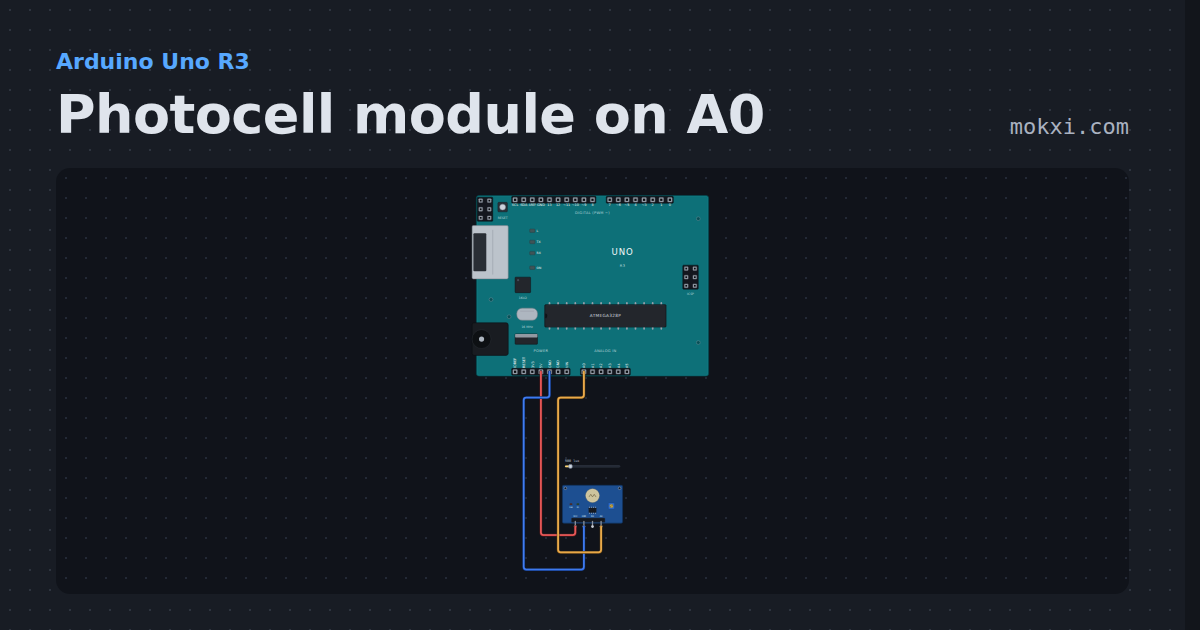
Photocell module on A0
A photoresistor module’s analog output on A0, printed twice a second: more light, a different number. Drag the light level and watch it change.
- Board
- Arduino Uno R3
- Parts
- Photoresistor module
- Level
- Beginner
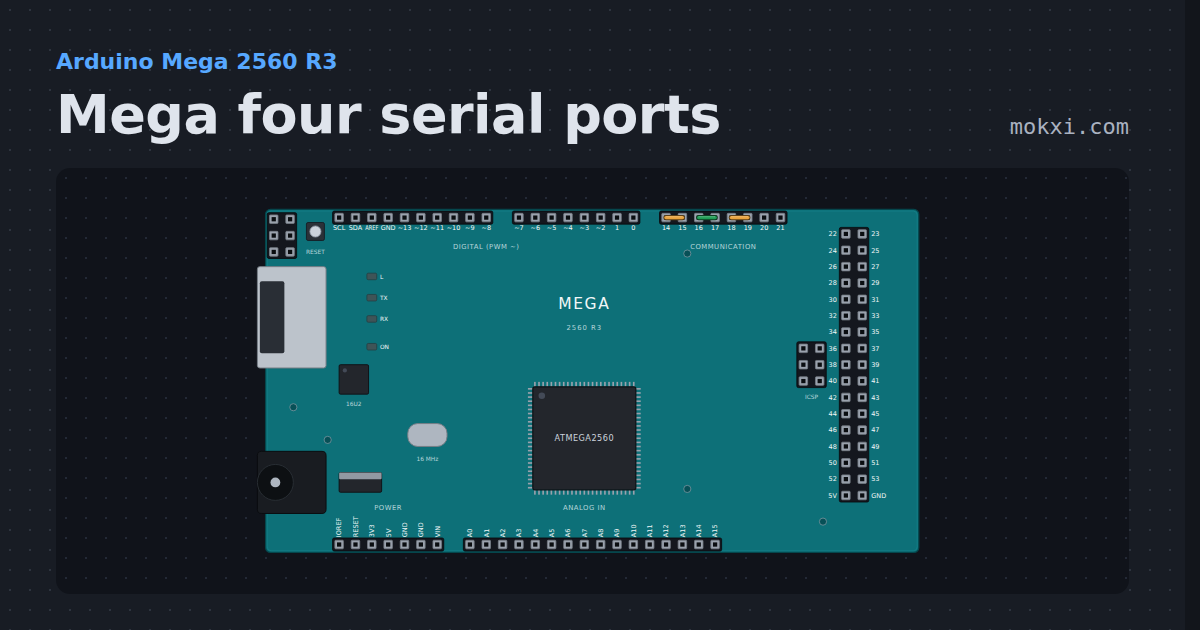
Mega four serial ports
Three of the Mega's four USARTs, each with its TX jumpered back to its own RX, reporting on the fourth.
- Board
- Arduino Mega 2560 R3
- Parts
- Just the board
- Level
- Beginner
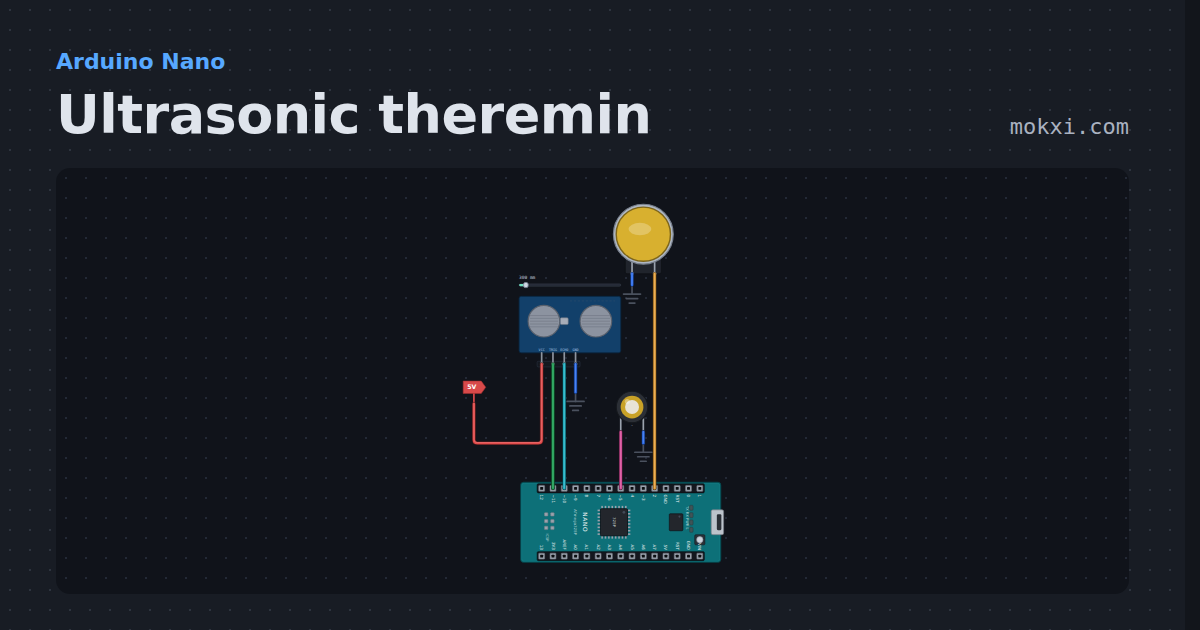
Ultrasonic theremin
Ultrasonic theremin on an Arduino Nano: wave a hand over an HC-SR04 to play notes of a pentatonic scale, or glide the pitch like a real theremin.
- Board
- Arduino Nano
- Parts
- HC-SR04 ultrasonic sensor, arcade button, piezo speaker
- Level
- Beginner
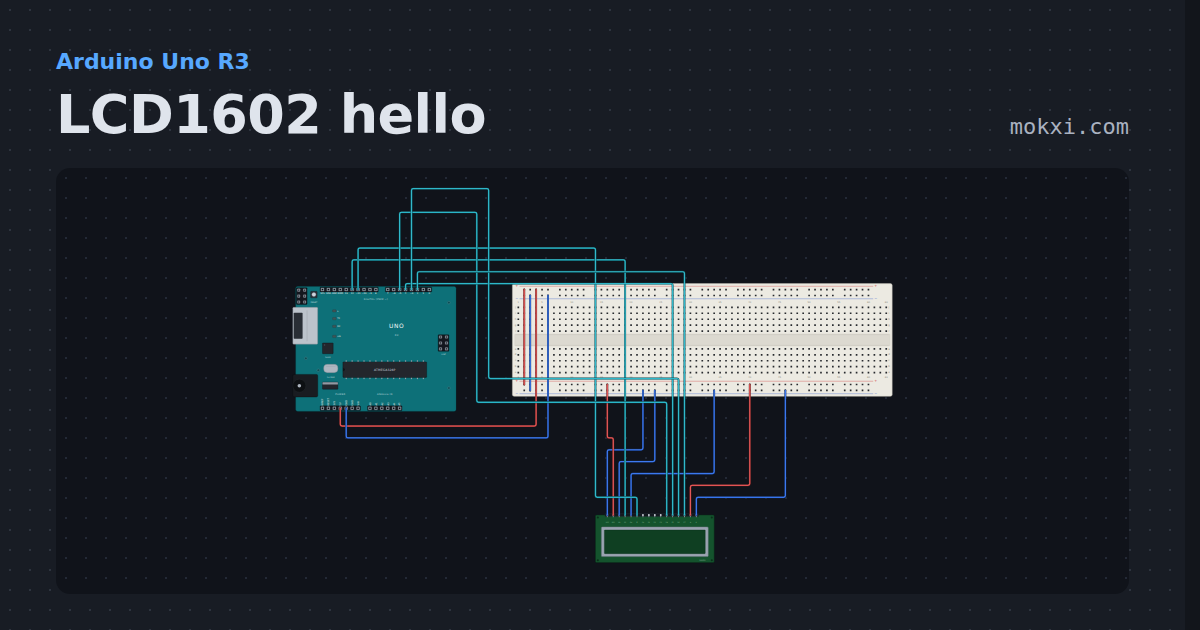
LCD1602 hello
A 16x2 character LCD on six pins with the LiquidCrystal library: a greeting on the top line and the seconds since reset under it.
- Board
- Arduino Uno R3
- Parts
- 16x2 character LCD
- Level
- Beginner
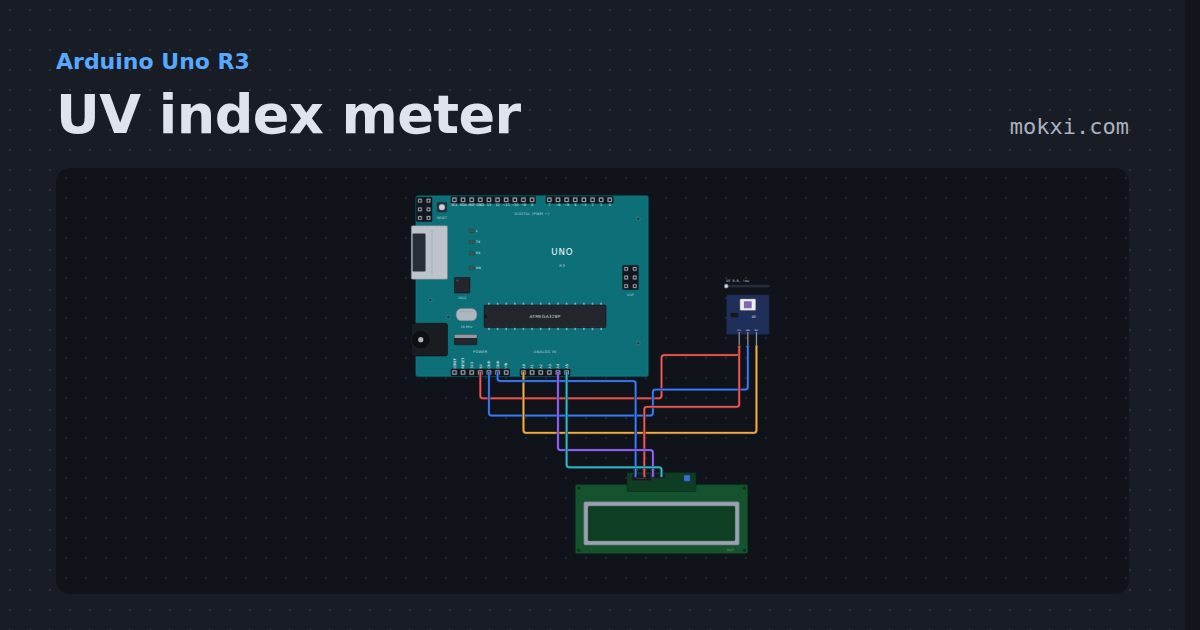
UV index meter
A GUVA-S12SD UV sensor and a 16x2 I2C LCD: the UV index and how risky it is, from low to extreme. Drag the sunshine.
- Board
- Arduino Uno R3
- Parts
- UV sensor, I2C LCD
- Level
- Beginner
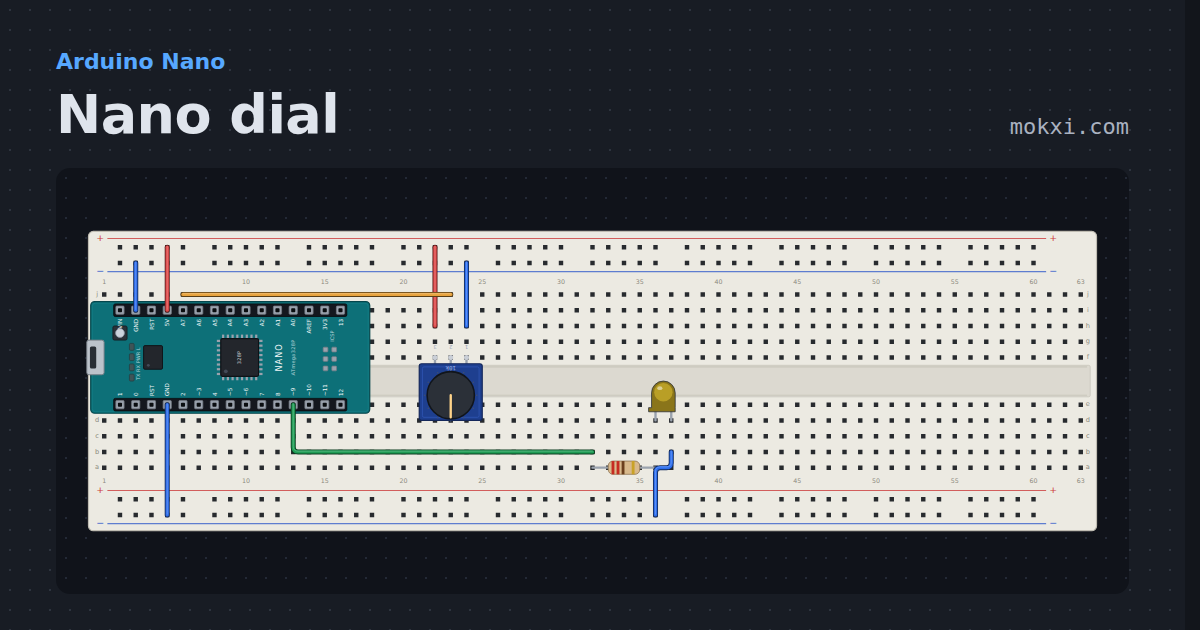
Nano dial
A potentiometer on the Nano's A7, the analog-only pin an Uno does not have, fades an LED on pin 9.
- Board
- Arduino Nano
- Parts
- Potentiometer, resistor, LED
- Level
- Beginner
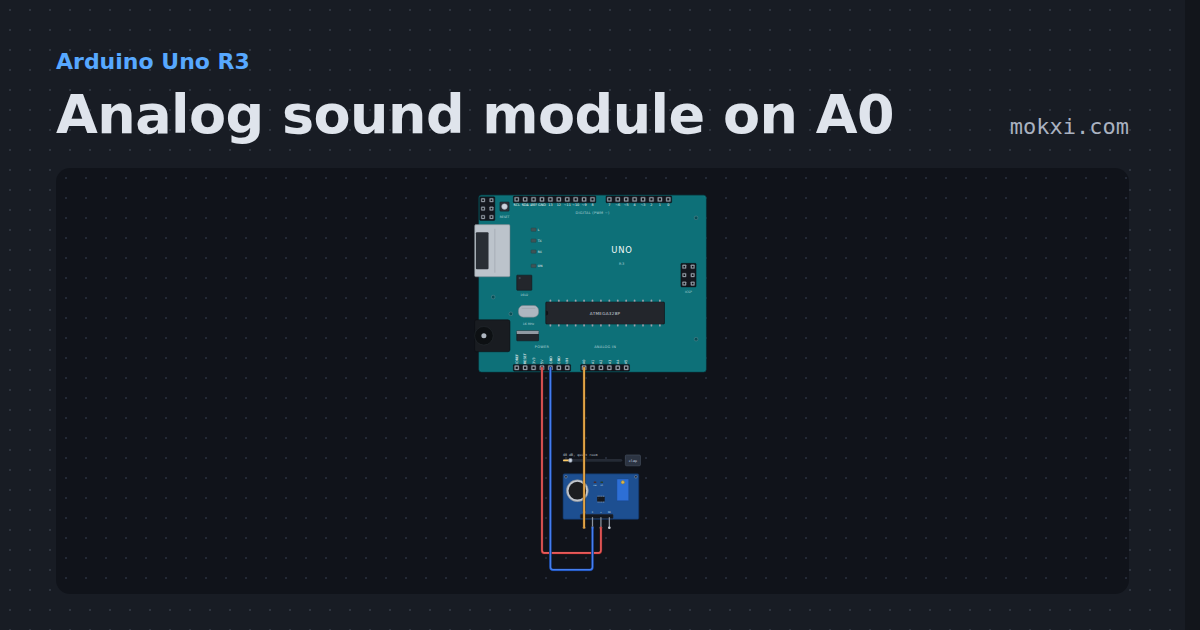
Analog sound module on A0
A microphone module’s analog output on A0, printed twice a second: clap and the number jumps.
- Board
- Arduino Uno R3
- Parts
- Sound sensor
- Level
- Beginner
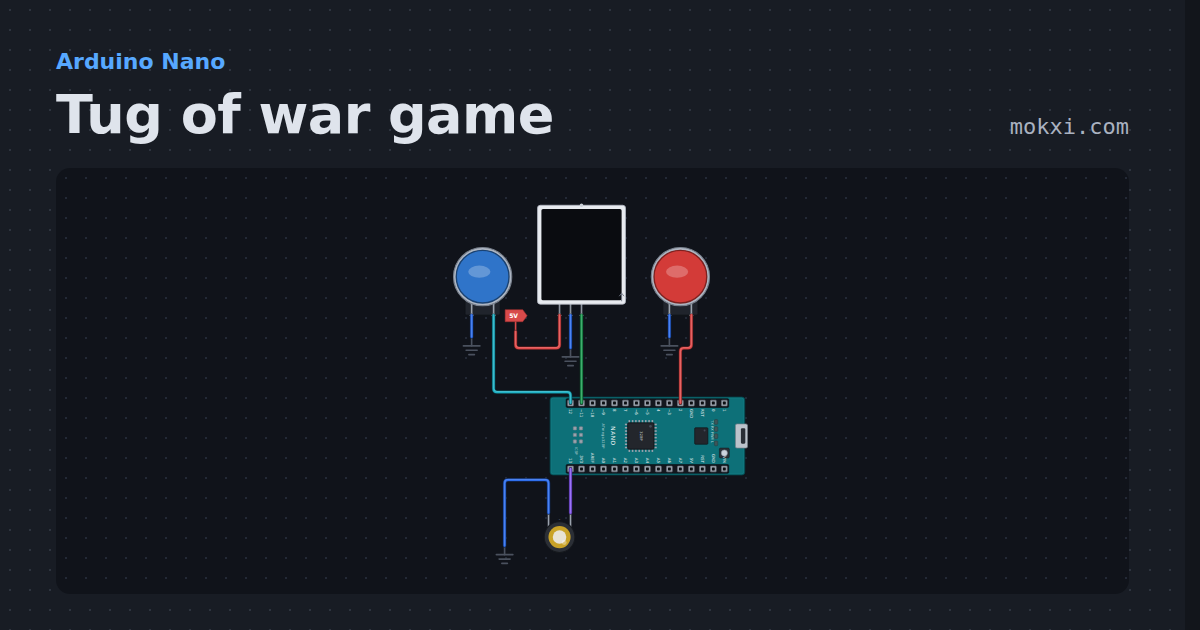
Tug of war game
Tug of war game for two players on a 15-LED NeoPixel strip: every button press pulls the light one LED your way, and the first to pull it off wins.
- Board
- Arduino Nano
- Parts
- Arcade button, WS2812 NeoPixel LEDs, piezo speaker
- Level
- Beginner
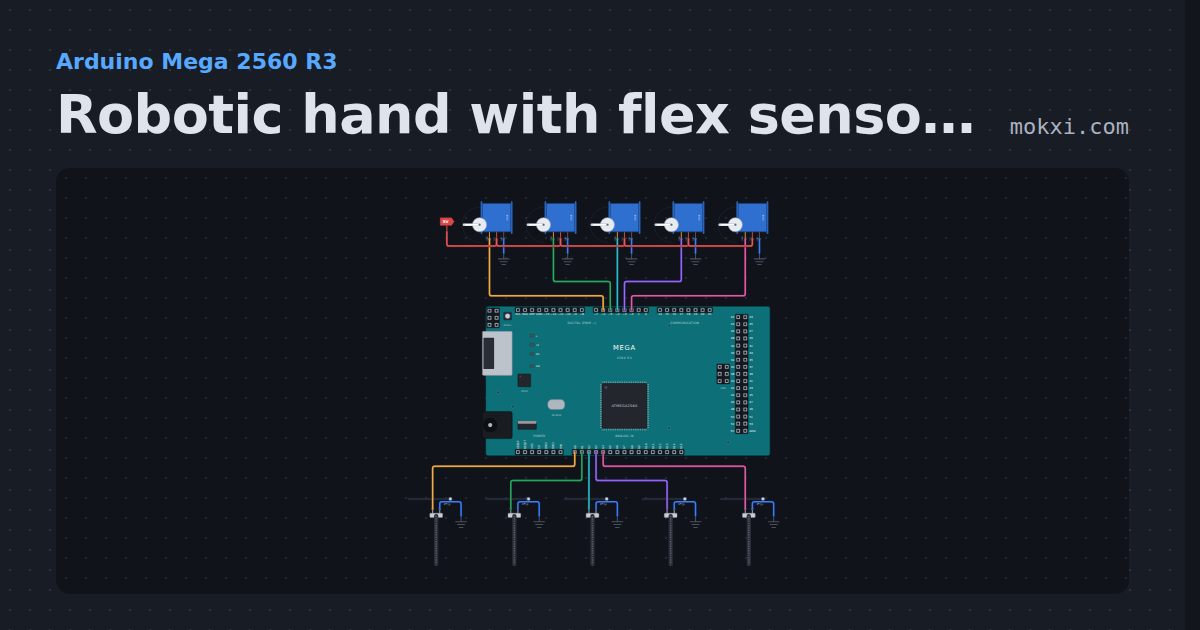
Robotic hand with flex sensors
Robotic hand with flex sensors on an Arduino Mega: five flex sensors on a glove move five servo fingers, and the Serial Monitor names the gesture.
- Board
- Arduino Mega 2560 R3
- Parts
- Servo motor, flex sensor
- Level
- Beginner
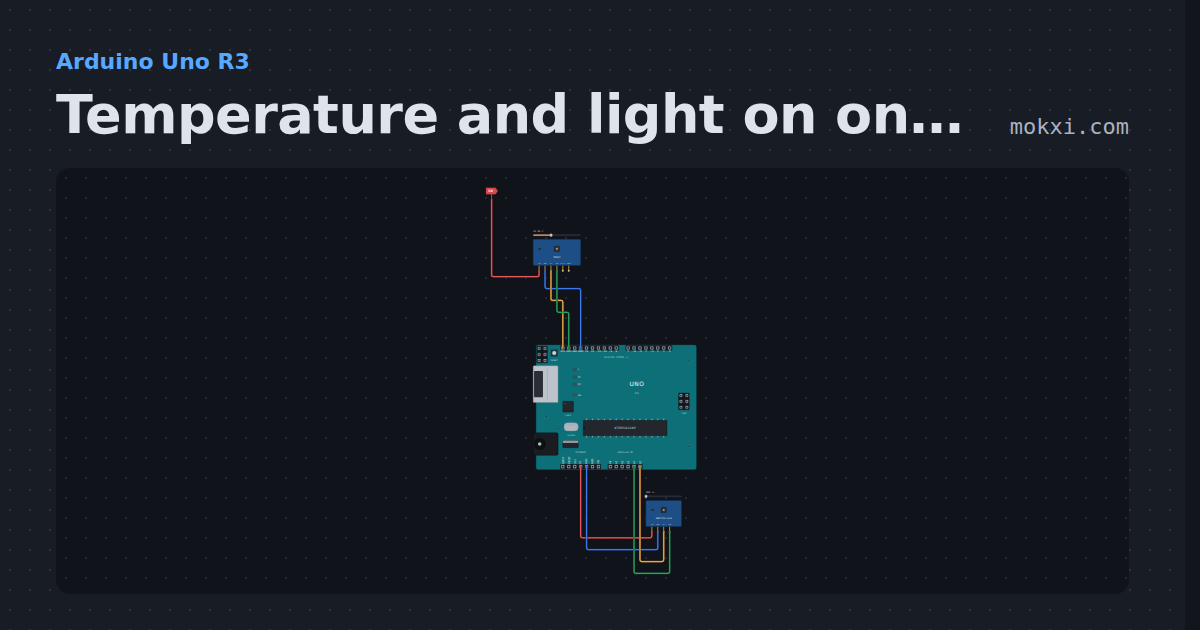
Temperature and light on one I2C bus
A TMP117 temperature sensor and a VEML7700 light sensor share the Uno’s SDA and SCL at their own addresses.
- Board
- Arduino Uno R3
- Parts
- Temperature sensor, ambient light
- Level
- Beginner
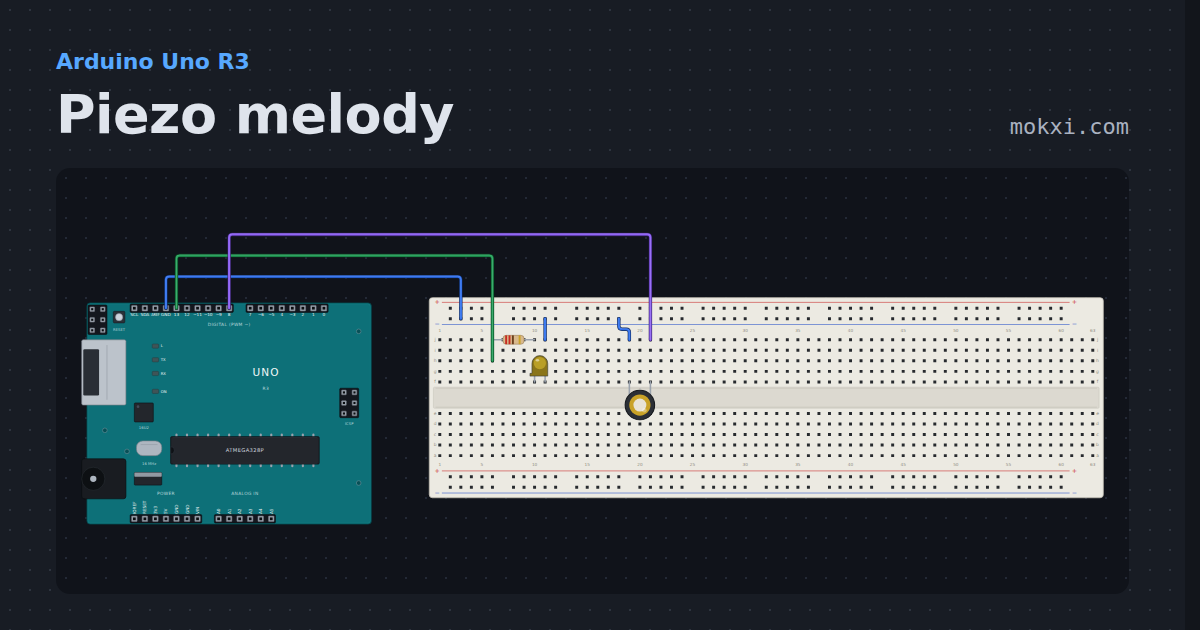
Piezo melody
The Uno plays the opening of Ode to Joy on a piezo with tone() and noTone().
- Board
- Arduino Uno R3
- Parts
- Resistor, LED, piezo speaker
- Level
- Beginner
Uno R4 WiFi heart
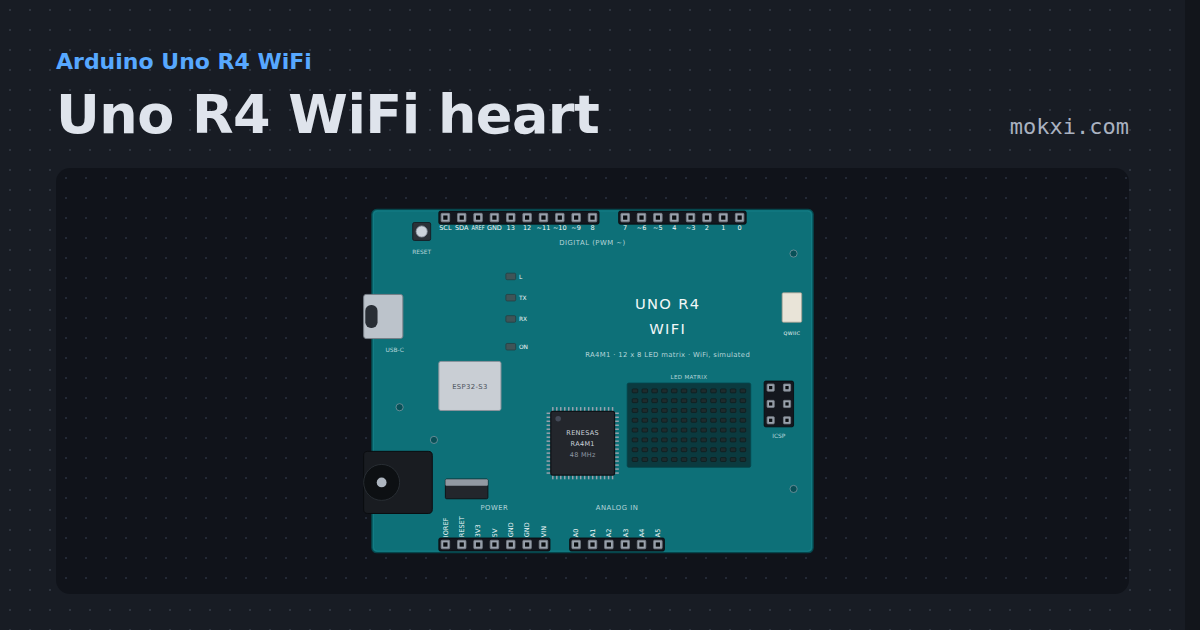
A heart beating on the Uno R4 WiFi’s 12 x 8 LED matrix, drawn through Arduino_LED_Matrix.h with no parts to wire.
- Board
- Arduino Uno R4 WiFi
- Parts
- Just the board
- Level
- Beginner
Stepper motor on pins 8 to 11
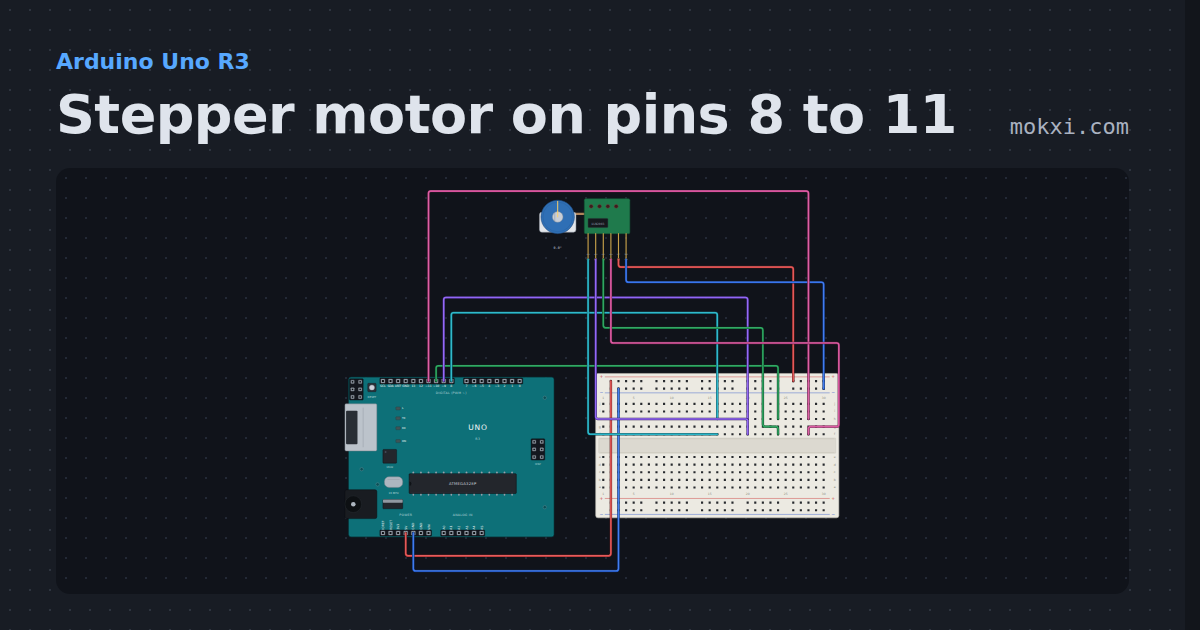
A 28BYJ-48 on its ULN2003 board with IN1 to IN4 on pins 8 to 11: the Stepper library turns the shaft one full turn one way, then back.
- Board
- Arduino Uno R3
- Parts
- 28BYJ-48 stepper and ULN2003
- Level
- Beginner
8-channel relay board
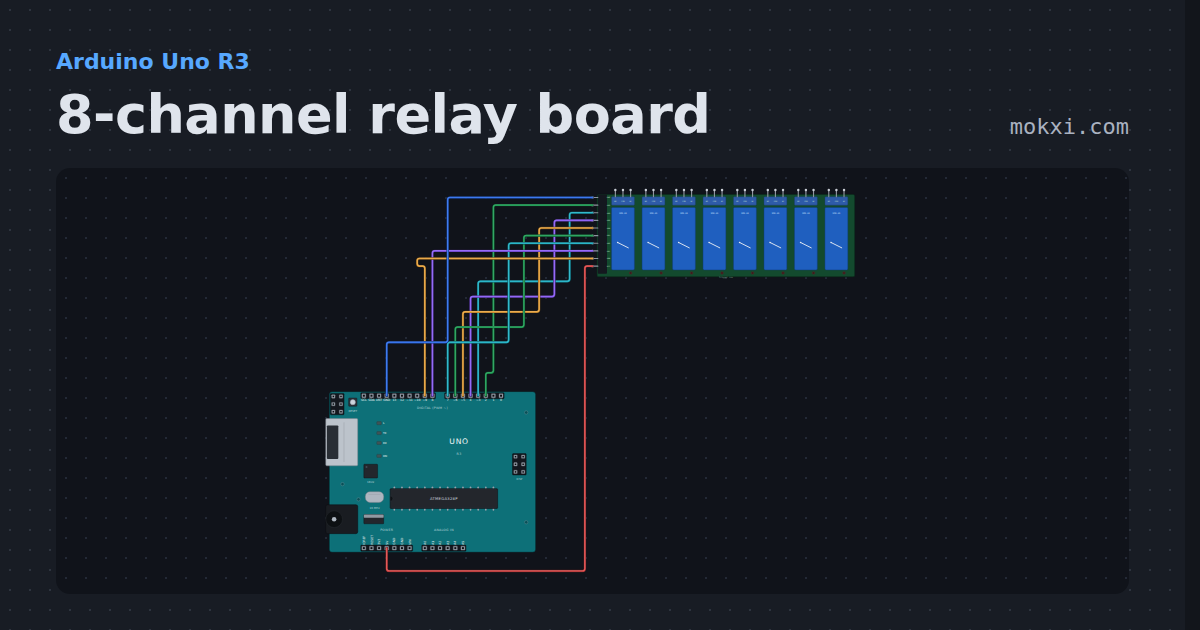
An eight-channel relay board on pins 2 to 9 clicks through its channels one at a time. Active low, and every pin is written HIGH first.
- Board
- Arduino Uno R3
- Parts
- 8-channel relay board
- Level
- Beginner
Cat laser toy
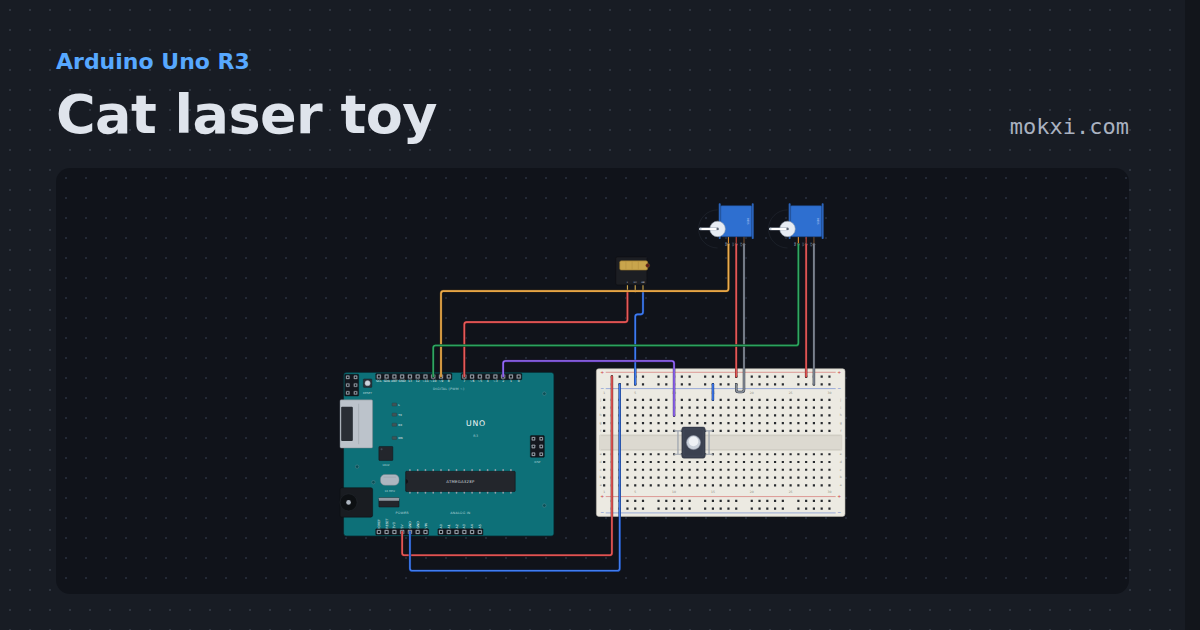
A KY-008 laser on a pan and tilt pair of servos wanders its dot around the floor for a minute, then rests until the button is pressed.
- Board
- Arduino Uno R3
- Parts
- Laser module, servo motor, push button
- Level
- Beginner
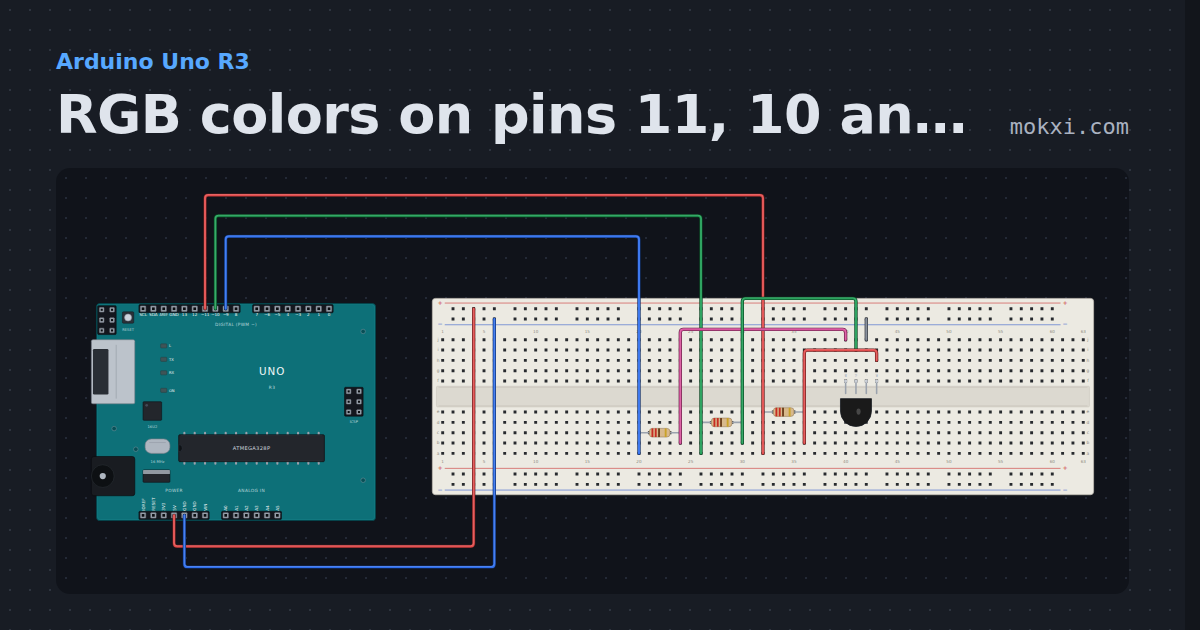
RGB colors on pins 11, 10 and 9
An RGB LED with red on pin 11, green on 10 and blue on 9, each through 220 ohm: analogWrite shows seven colors in turn and names each one.
- Board
- Arduino Uno R3
- Parts
- RGB LED, resistor
- Level
- Beginner
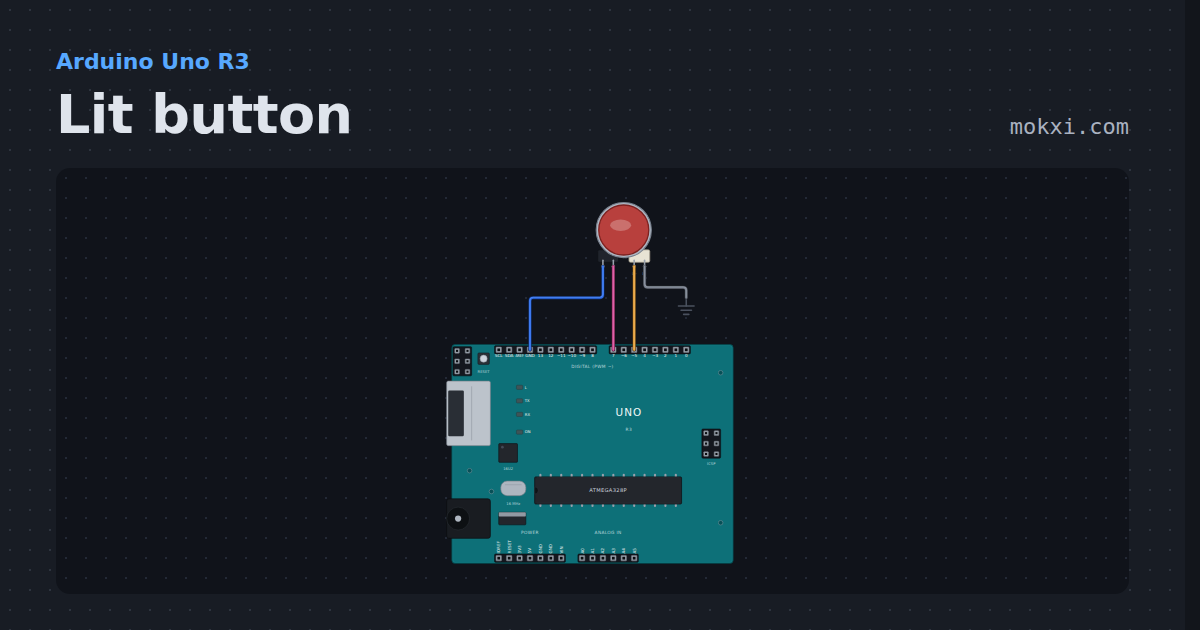
Lit button
A 30 mm arcade button with an LED inside: the lamp breathes while it waits, goes full bright while held, and every press is counted.
- Board
- Arduino Uno R3
- Parts
- LED arcade button
- Level
- Beginner
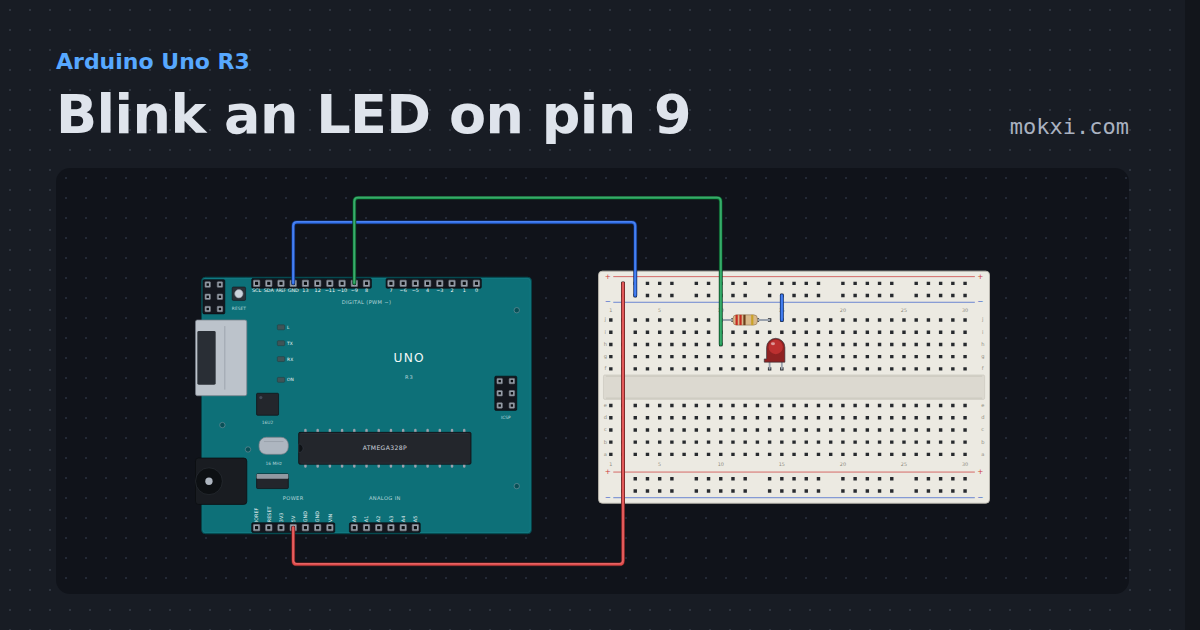
Blink an LED on pin 9
An LED and a 220 ohm resistor on pin 9, switched on and off once a second: the first sketch, on a pin you wire yourself.
- Board
- Arduino Uno R3
- Parts
- Resistor, LED
- Level
- Beginner
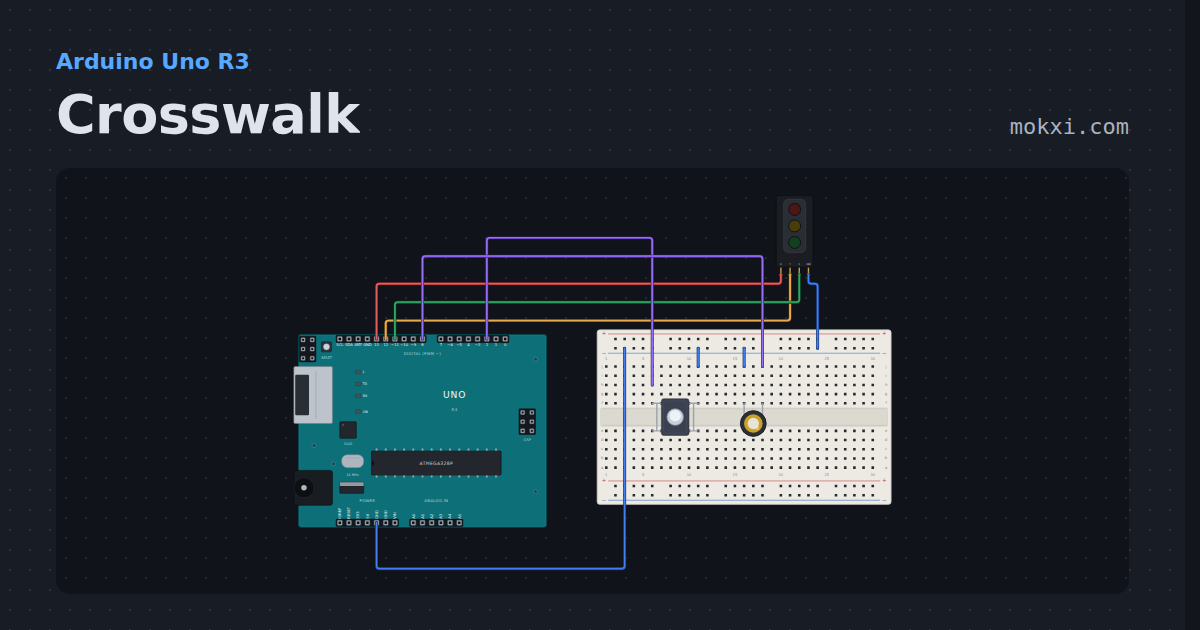
Crosswalk
A traffic light module runs green, yellow and red on its own, and a button asks for the walk signal sooner; a piezo beeps while it is safe to cross.
- Board
- Arduino Uno R3
- Parts
- Traffic light module, push button, piezo speaker
- Level
- Beginner
Wiring, libraries and more ideas
Wiring guides
Library pages
More project ideas
- Arduino Uno project ideas
- Arduino Nano project ideas
- Arduino Mega project ideas
- LED projects for Arduino, ESP32 and Pico
- Projects with a push button
- Projects with a piezo speaker
- Projects with an I2C LCD
- NeoPixel projects
- Projects with a potentiometer
- Servo motor projects
- Projects with a buzzer
- Arduino game projects