Projects with an RGB LED
25 Mokxi projects use an RGB LED (13 beginner, 8 intermediate and 4 advanced). They run on Arduino Uno, Raspberry Pi Pico and ESP32 boards. Here are 24, from “Motion night light (PIR on 12, RGB on 5, 6 and 9)” to “Keypad lock”. Each card says what the project does, the board and parts it needs and its level, and Open in the simulator runs it in your browser in one click, with no account.
How to pick your first one
- Start with “MicroPython color wheel on a common-anode RGB LED”, a beginner project that needs an RGB LED and a resistor.
- Arduino Uno runs 16 of them, Raspberry Pi Pico 6 and ESP32 3. Start on the board you have, or on an Arduino Uno if you are buying one.
- The parts used most here are the potentiometer (4 projects), the piezo speaker (3) and the IR receiver and remote (2). With those on hand, most of this list is open to you.
- Before you build one on a real bench, read the RGB LED wiring guide for your board below. It gives every pin and the voltage notes.
24 projects of 25
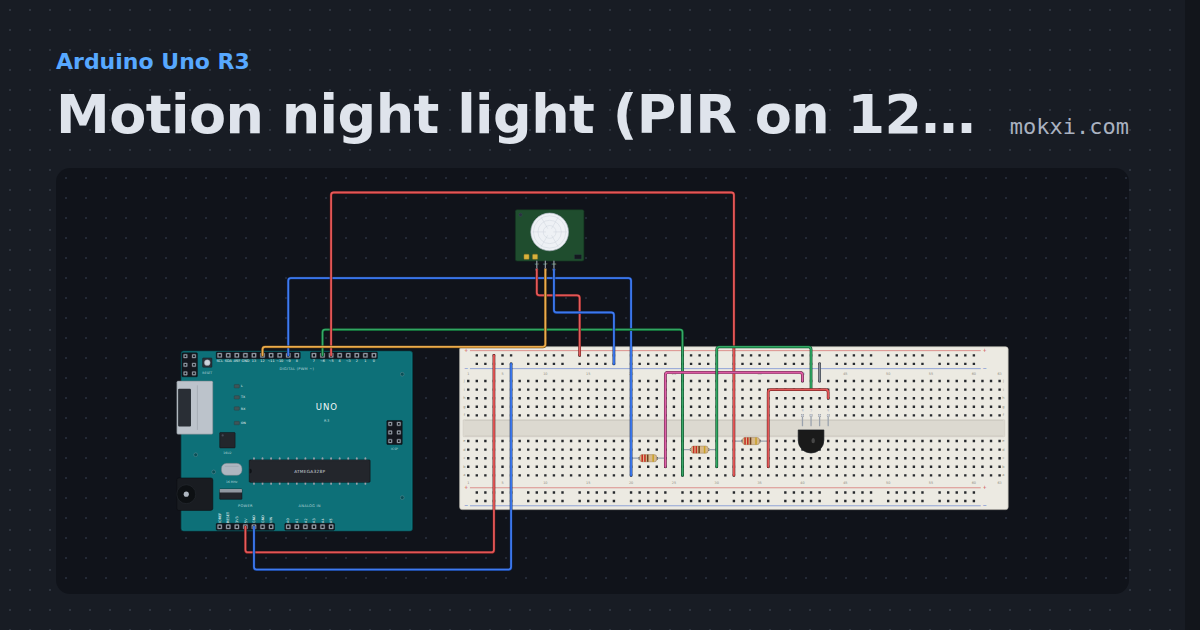
Motion night light (PIR on 12, RGB on 5, 6 and 9)
An HC-SR501 on pin 12 turns on an RGB LED (red 5, green 6, blue 9) when someone moves, keeps it on for 20 seconds.
- Board
- Arduino Uno R3
- Parts
- RGB LED, resistor, PIR motion sensor
- Level
- Beginner
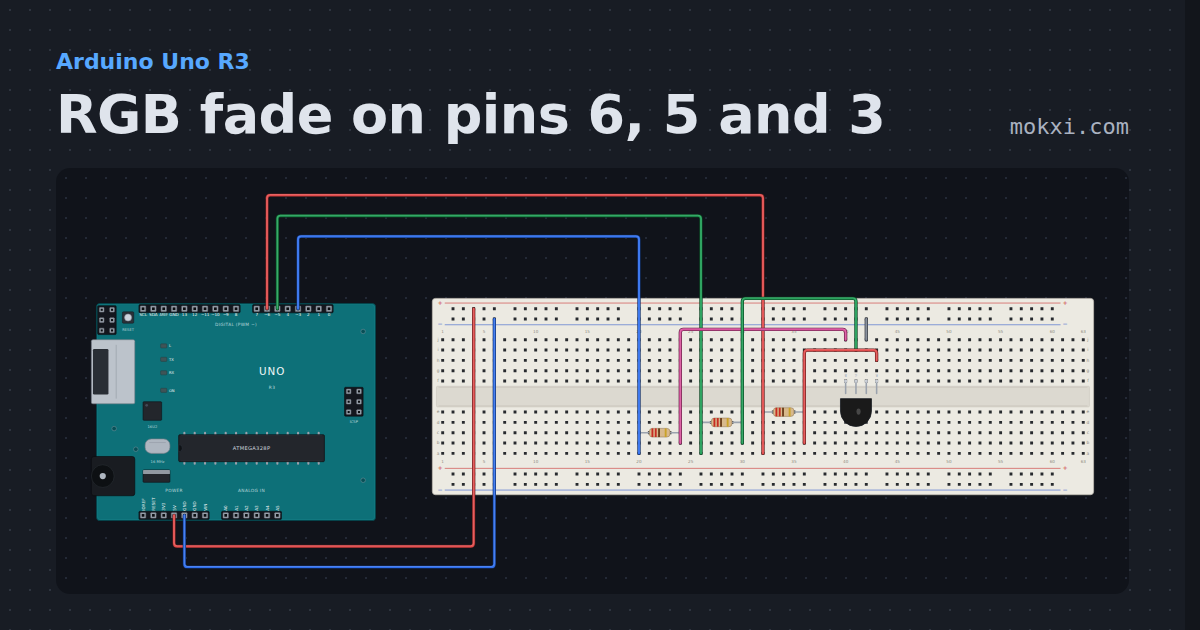
RGB fade on pins 6, 5 and 3
A common-cathode RGB LED with red on pin 6, green on 5 and blue on 3, each through 220 ohm: analogWrite hands the light from one color to the next.
- Board
- Arduino Uno R3
- Parts
- RGB LED, resistor
- Level
- Beginner
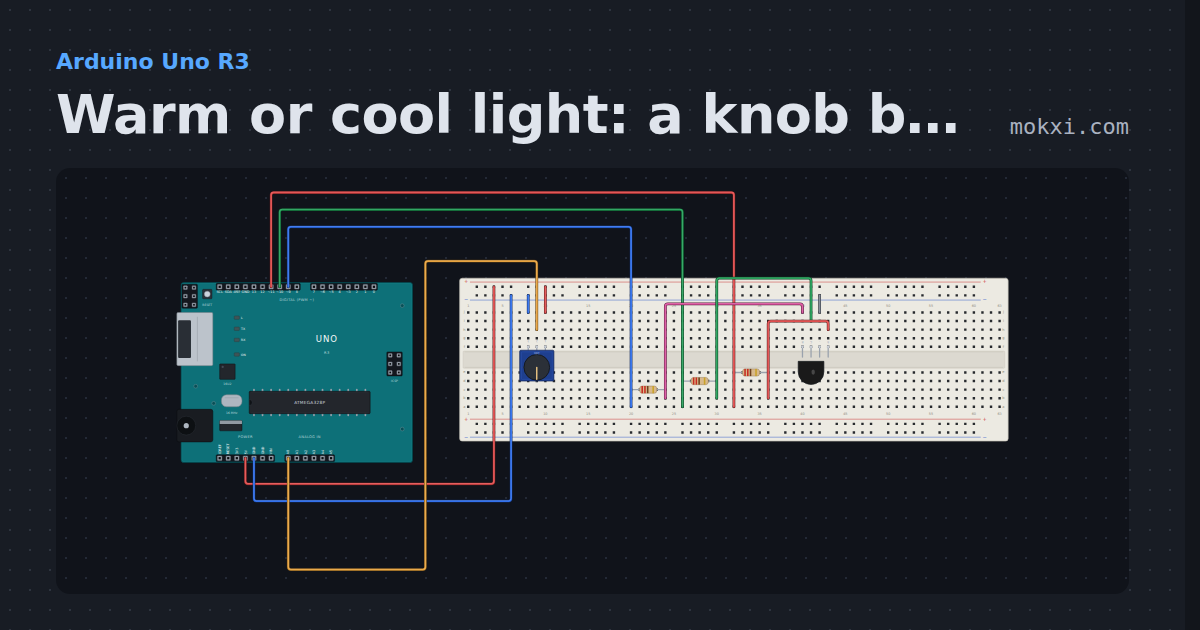
Warm or cool light: a knob blends an RGB LED
A potentiometer on A0 slides an RGB LED (red 11, green 10, blue 9) from a warm orange to a cool blue, mixing the two colors with map() on the way.
- Board
- Arduino Uno R3
- Parts
- RGB LED, resistor, potentiometer
- Level
- Beginner
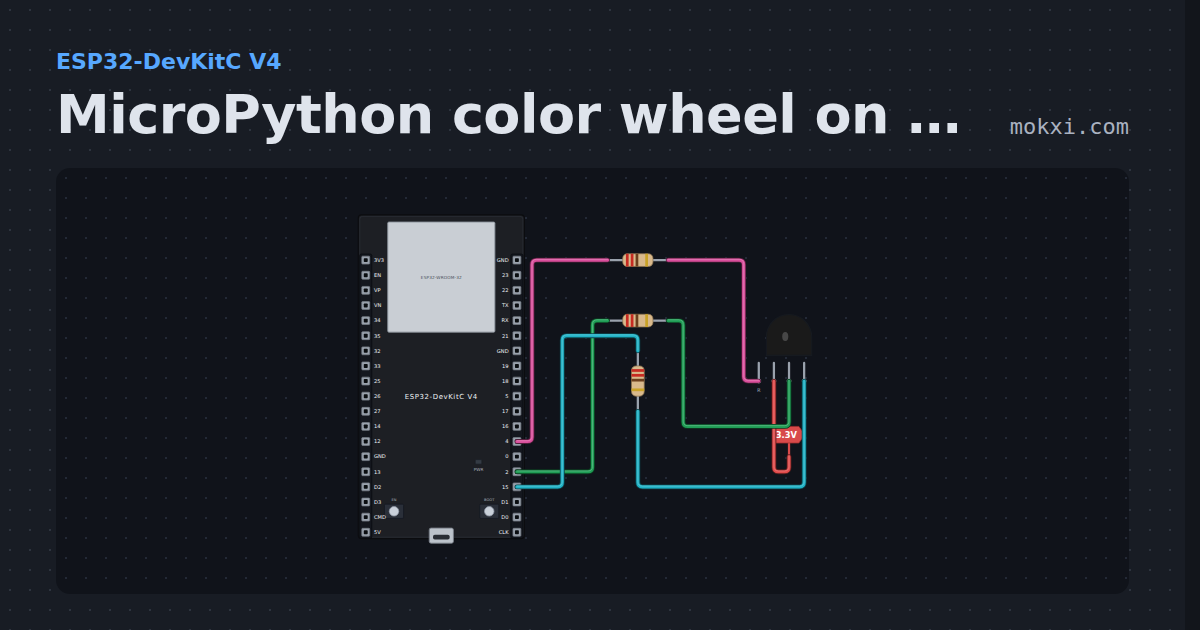
MicroPython color wheel on a common-anode RGB LED
MicroPython on an ESP32: PWM on GPIO 4, 2 and 15 walks a common-anode RGB LED smoothly around the color wheel, red to green to blue.
- Board
- ESP32-DevKitC V4
- Parts
- RGB LED, resistor
- Level
- Beginner
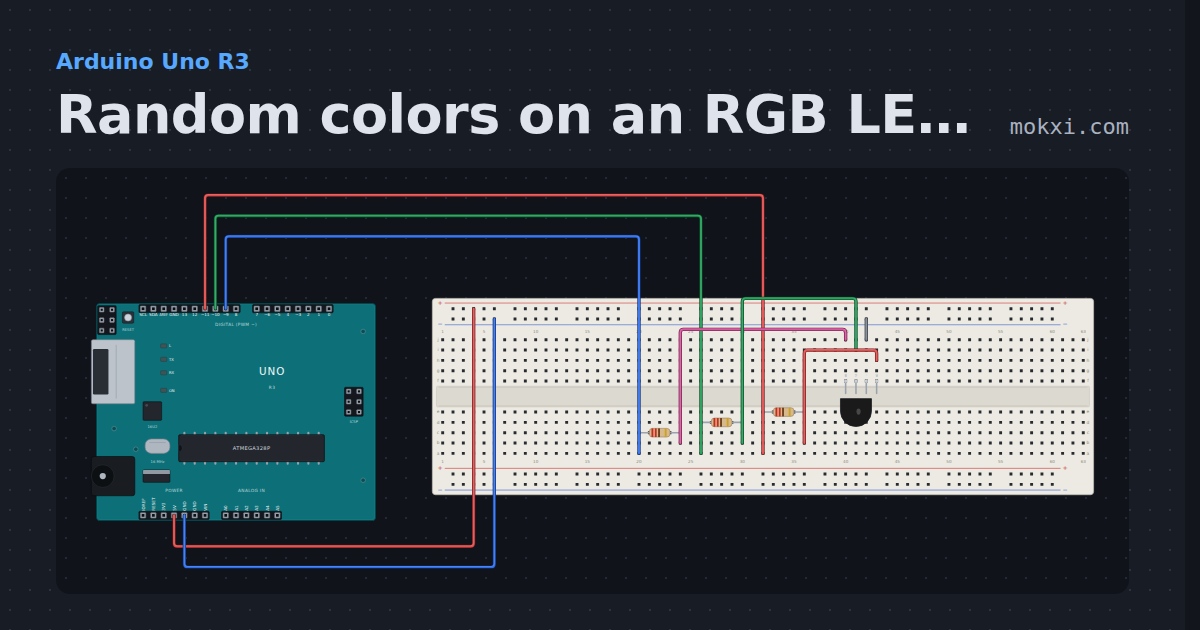
Random colors on an RGB LED (pins 11, 10 and 9)
An RGB LED on pins 11, 10 and 9 changes to a random color twice a second, three random numbers from 0 to 255 at a time.
- Board
- Arduino Uno R3
- Parts
- RGB LED, resistor
- Level
- Beginner
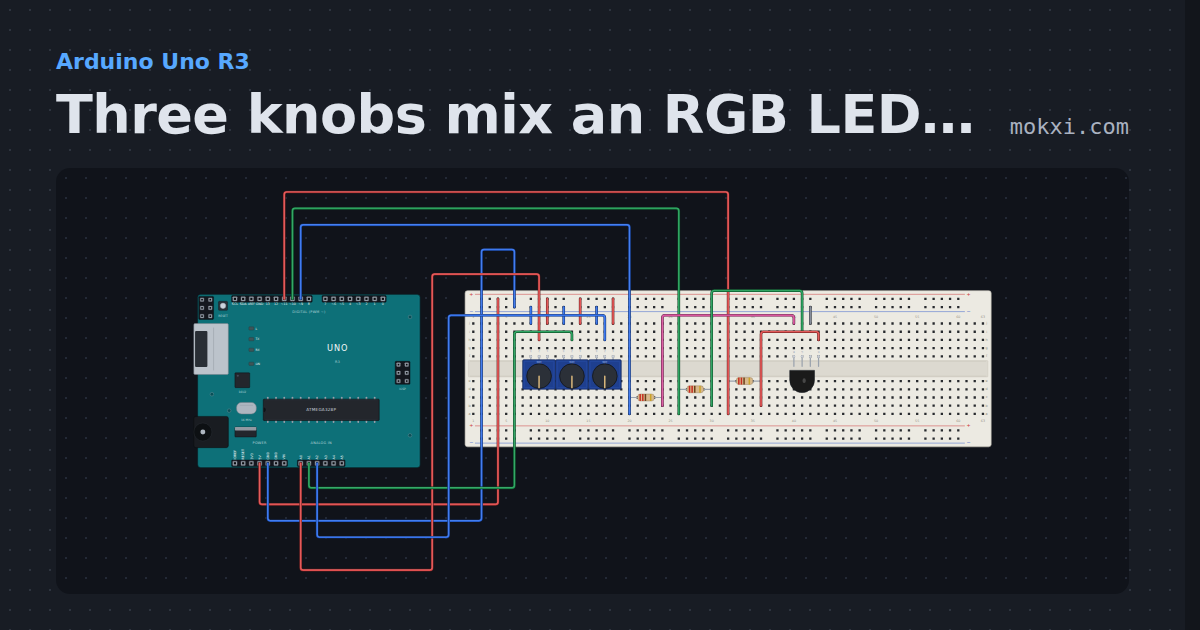
Three knobs mix an RGB LED (pins 11, 10 and 9)
Three potentiometers on A0, A1 and A2 set the red, green and blue of an RGB LED on pins 11, 10 and 9: mix any color by hand.
- Board
- Arduino Uno R3
- Parts
- RGB LED, resistor, potentiometer
- Level
- Beginner
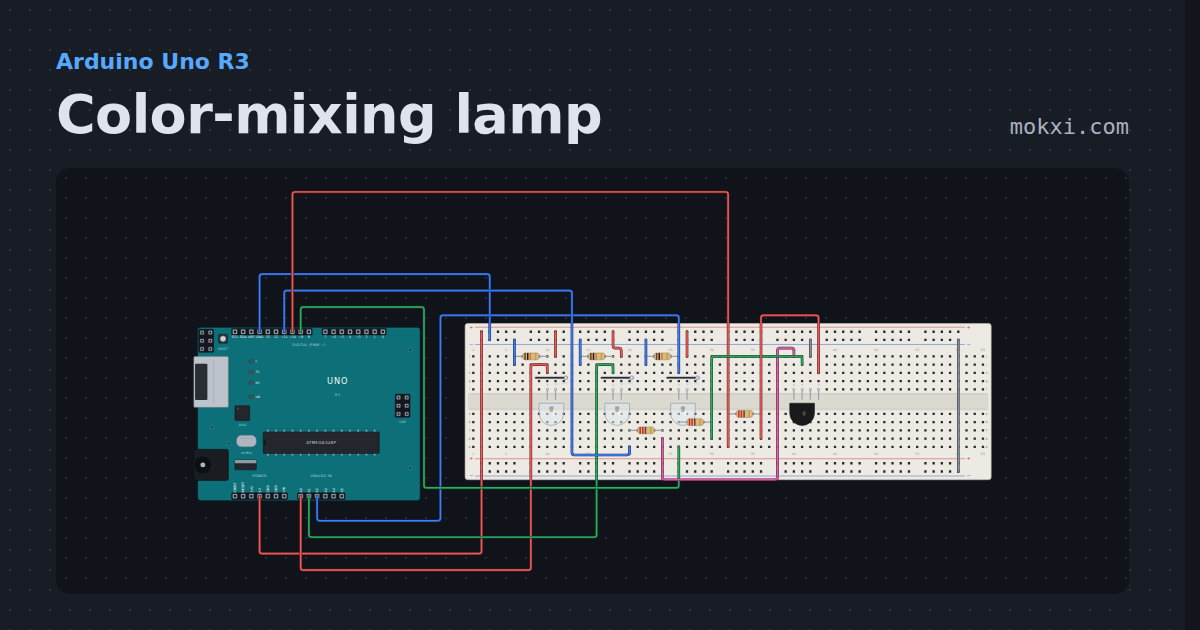
Color-mixing lamp
Three phototransistors on A0, A1 and A2, one for each color, set the red, green and blue of an RGB LED with analogWrite.
- Board
- Arduino Uno R3
- Parts
- Phototransistor, resistor, RGB LED
- Level
- Beginner
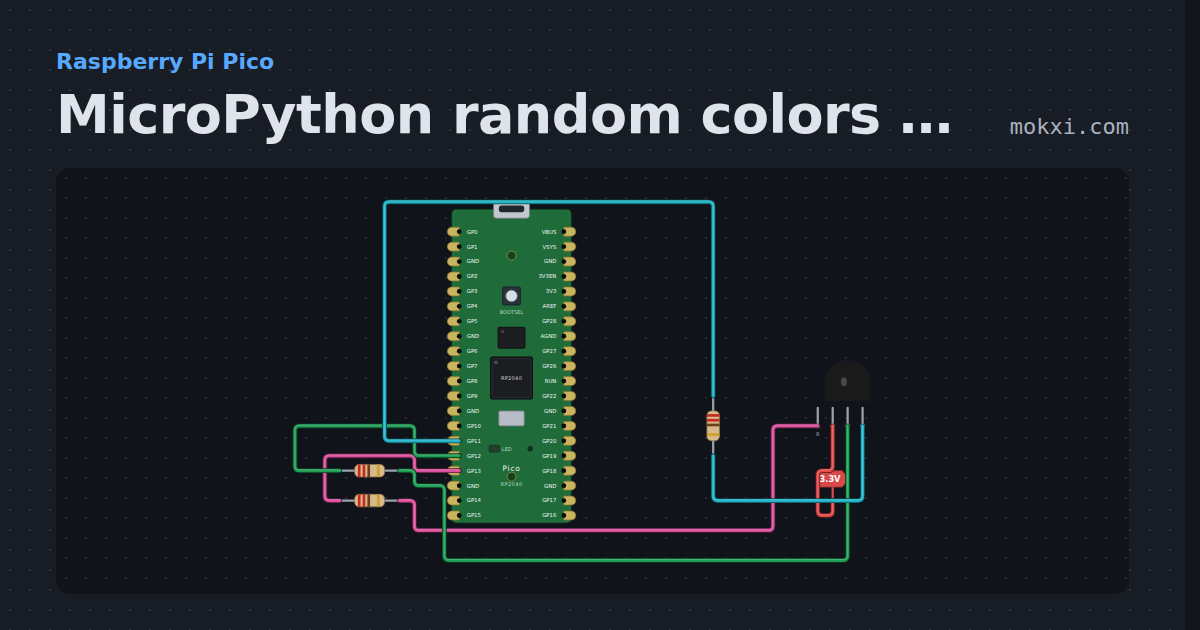
MicroPython random colors on a Pico’s RGB LED
MicroPython on a Raspberry Pi Pico: PWM on GP13, GP12 and GP11 gives a common-anode RGB LED a random color five times a second.
- Board
- Raspberry Pi Pico
- Parts
- RGB LED, resistor
- Level
- Beginner
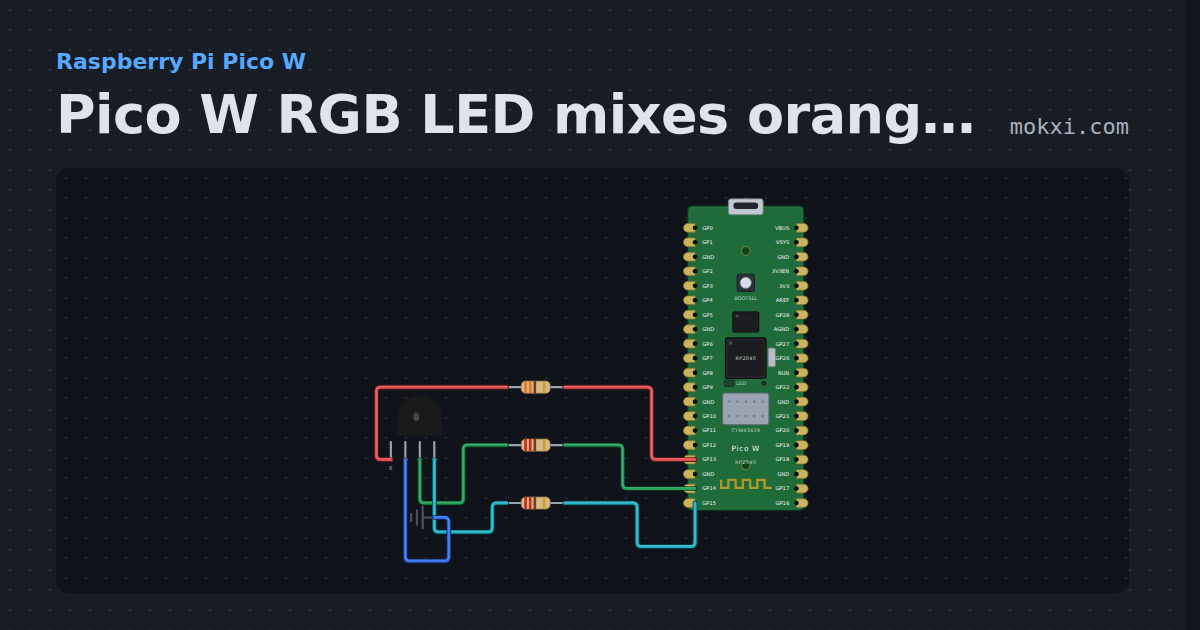
Pico W RGB LED mixes orange with PWM
MicroPython on a Pico W: an RGB LED with red on GP13, green on GP14 and blue on GP15 mixes orange from PWM levels given as 0 to 255.
- Board
- Raspberry Pi Pico W
- Parts
- RGB LED, resistor
- Level
- Beginner
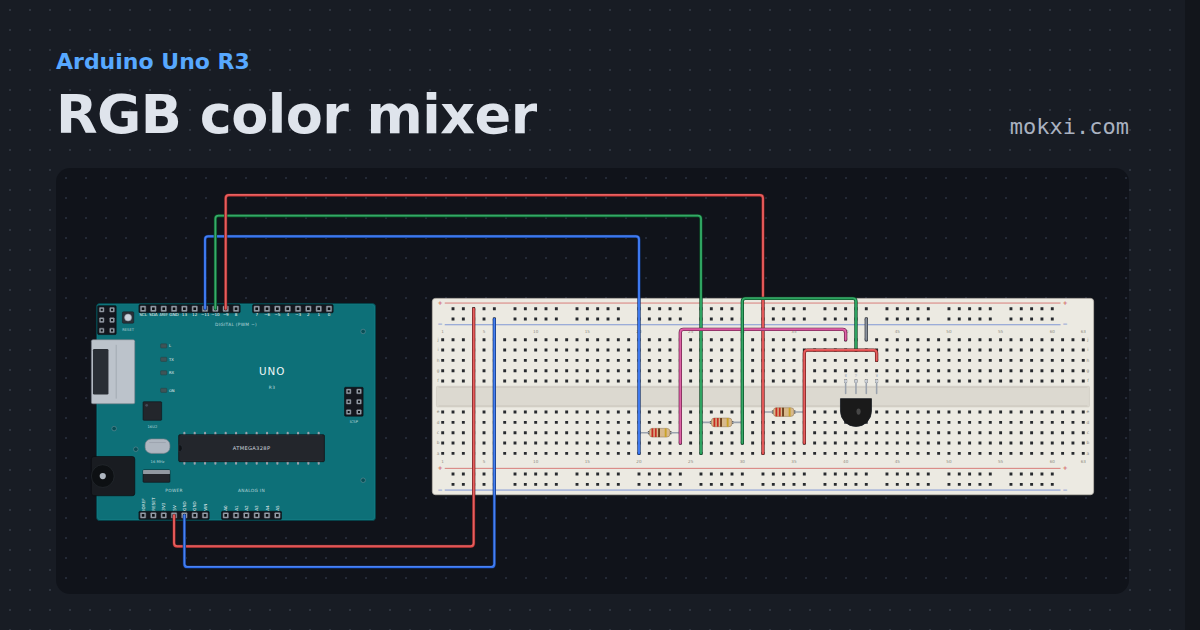
RGB color mixer
An RGB LED on three PWM pins, each through its own resistor: analogWrite fades it through ten named colors.
- Board
- Arduino Uno R3
- Parts
- RGB LED, resistor
- Level
- Beginner
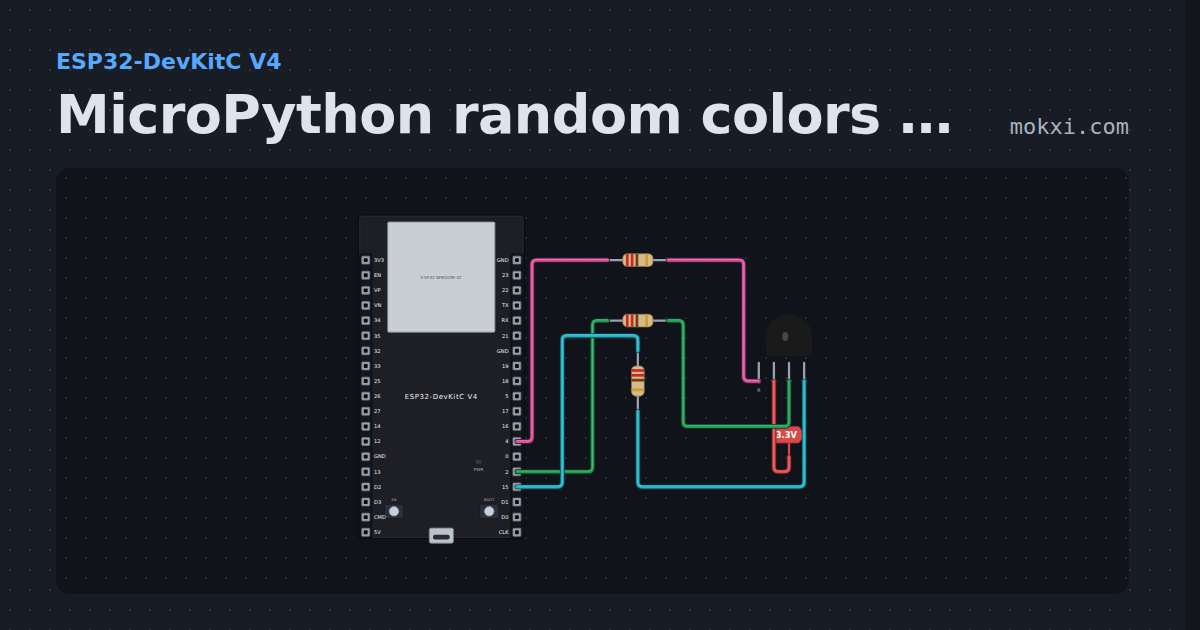
MicroPython random colors on a common-anode RGB LED
MicroPython on an ESP32: a common-anode RGB LED on GPIO 4, 2 and 15 through 220 ohm each jumps to a random color five times a second.
- Board
- ESP32-DevKitC V4
- Parts
- RGB LED, resistor
- Level
- Beginner
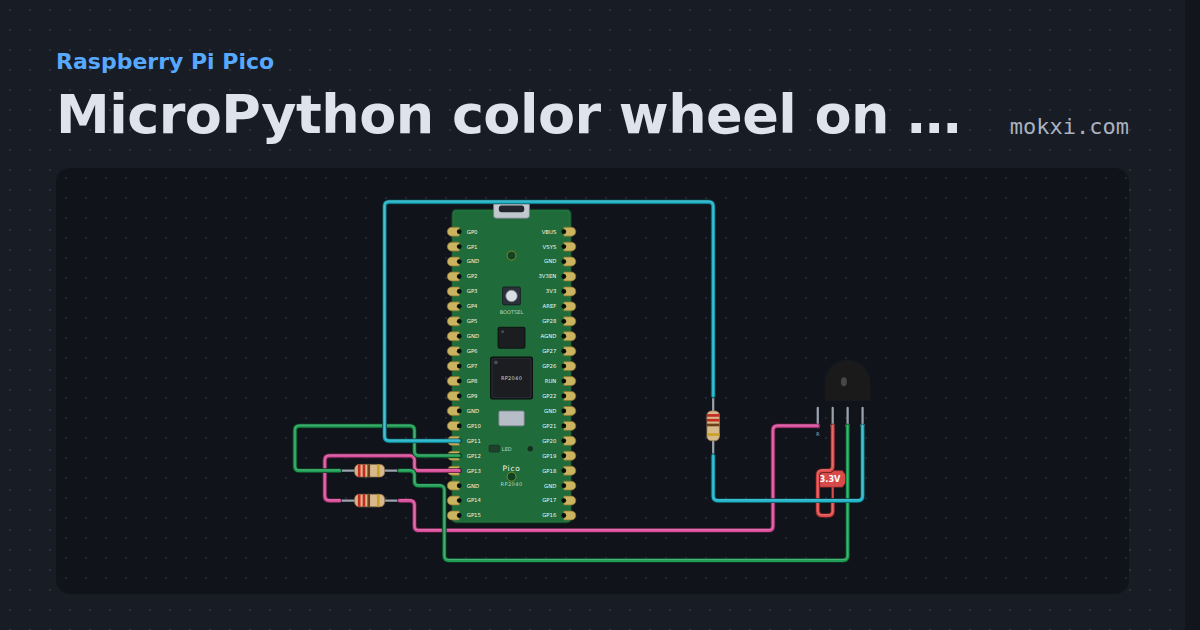
MicroPython color wheel on a Pico’s RGB LED
MicroPython on a Raspberry Pi Pico: a common-anode RGB LED on GP13, GP12 and GP11 drifts through a color wheel, red to green to blue.
- Board
- Raspberry Pi Pico
- Parts
- RGB LED, resistor
- Level
- Beginner
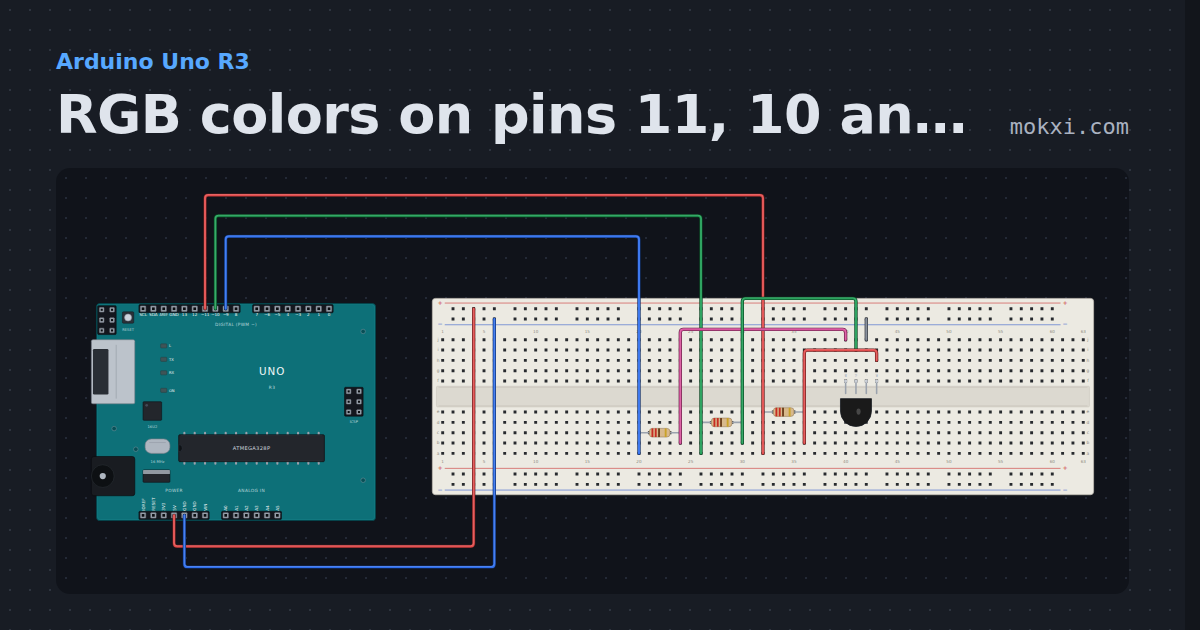
RGB colors on pins 11, 10 and 9
An RGB LED with red on pin 11, green on 10 and blue on 9, each through 220 ohm: analogWrite shows seven colors in turn and names each one.
- Board
- Arduino Uno R3
- Parts
- RGB LED, resistor
- Level
- Beginner
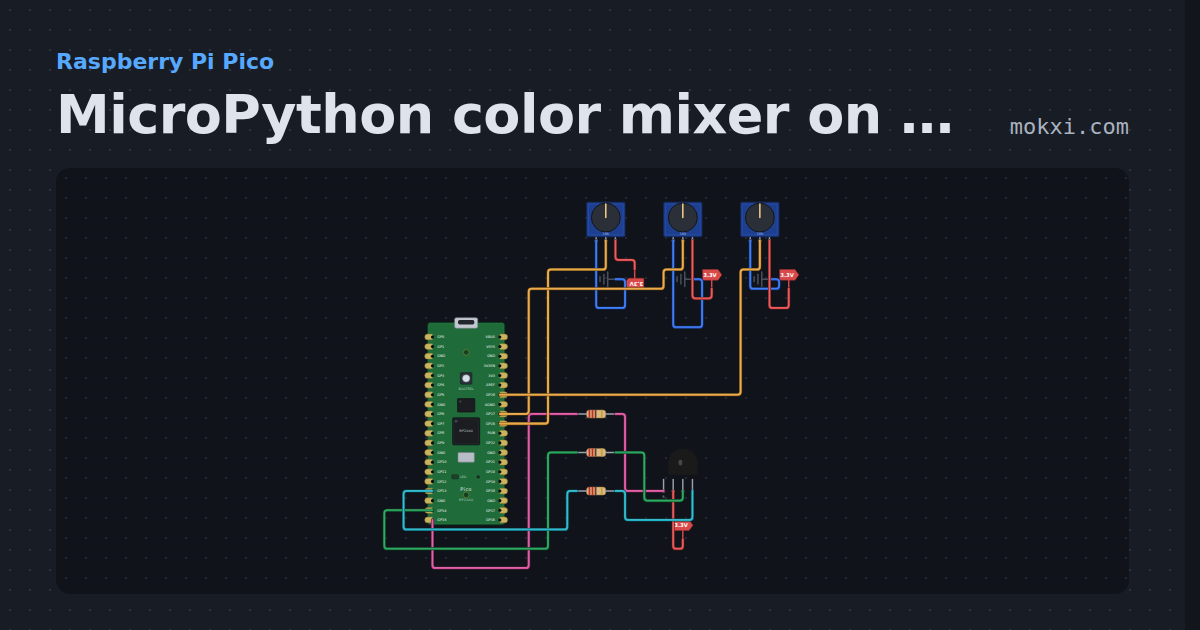
MicroPython color mixer on a Pico: three knobs, RGB LED
MicroPython on a Raspberry Pi Pico: knobs on GP26, GP27 and GP28 set the blue, green and red of a common-anode RGB LED on GP13 to GP15.
- Board
- Raspberry Pi Pico
- Parts
- RGB LED, resistor, potentiometer
- Level
- Intermediate
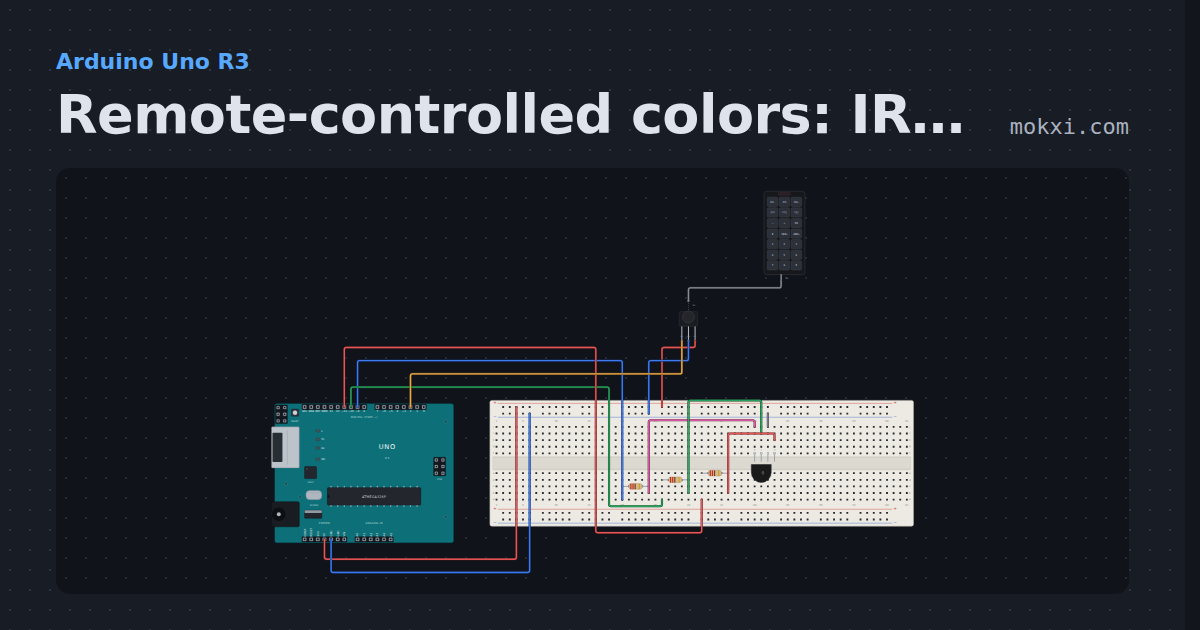
Remote-controlled colors: IR on pin 2, RGB on 11, 10 and 9
An IR receiver on pin 2 and an RGB LED with red on 11, green on 10 and blue on 9.
- Board
- Arduino Uno R3
- Parts
- RGB LED, resistor, IR receiver and remote, IR remote
- Level
- Intermediate
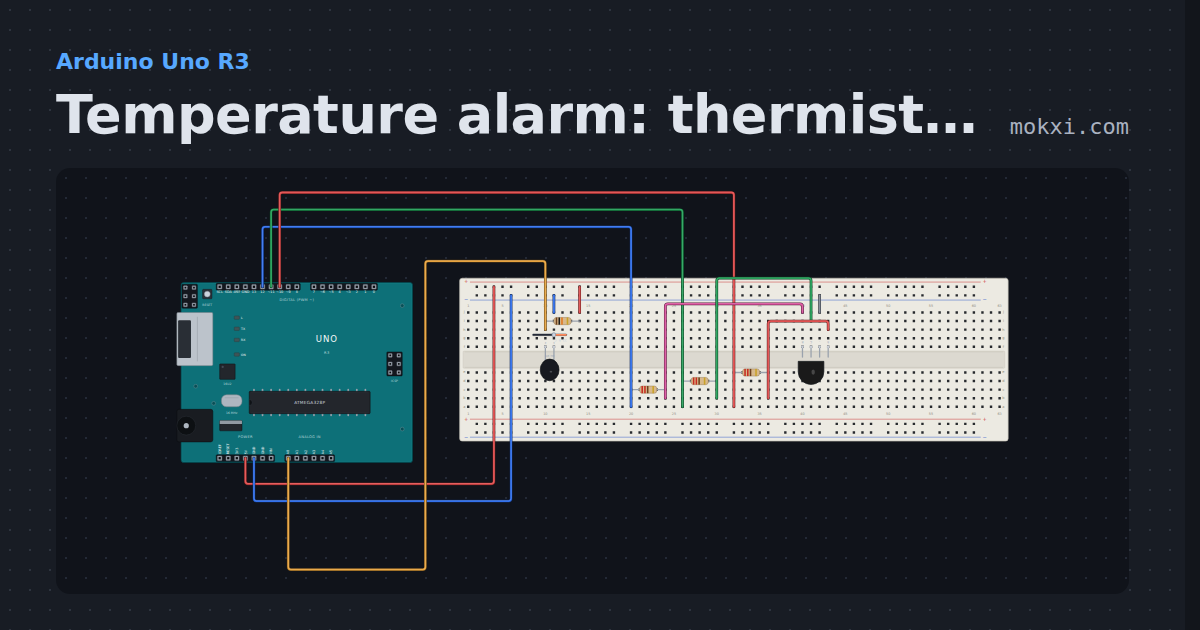
Temperature alarm: thermistor on A0, RGB on 10, 11 and 12
A thermistor in a divider on A0 reads the temperature; an RGB LED (red 10, green 11, blue 12) shows blue when it is cold.
- Board
- Arduino Uno R3
- Parts
- RGB LED, resistor, 10k NTC thermistor
- Level
- Intermediate
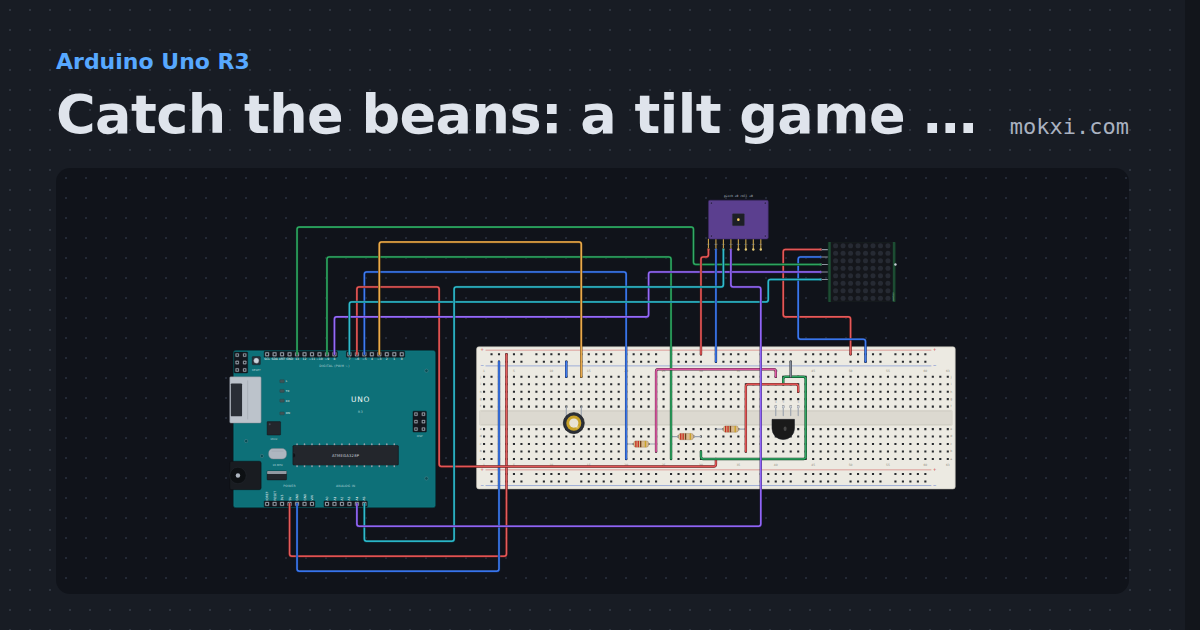
Catch the beans: a tilt game on an 8x8 matrix
Tip an MPU-6050 to slide a cup along a MAX7219 matrix (DIN 13, CLK 7, CS 8) and catch the falling beans.
- Board
- Arduino Uno R3
- Parts
- RGB LED, resistor, MAX7219 8x8 LED matrix, MPU6050 accelerometer and gyro, piezo speaker
- Level
- Intermediate
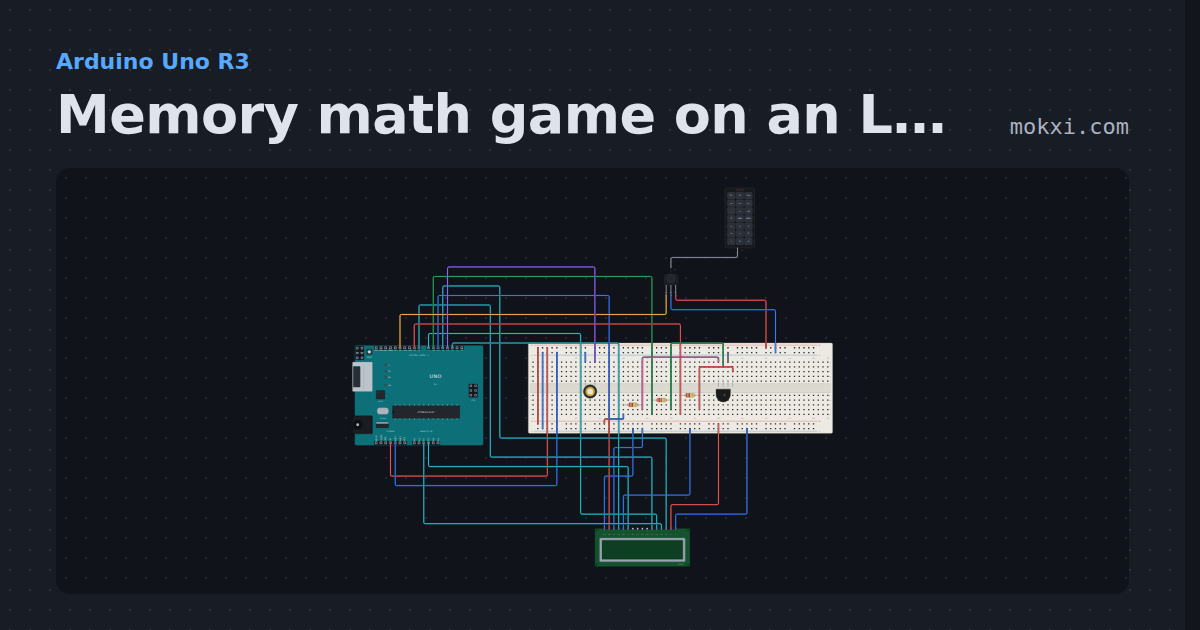
Memory math game on an LCD and an IR remote
A sum flashes on a 16x2 LCD for two seconds, then you key the answer in on an IR remote (receiver on 12).
- Board
- Arduino Uno R3
- Parts
- 16x2 character LCD, RGB LED, resistor, IR receiver and remote, IR remote, +1 more
- Level
- Intermediate
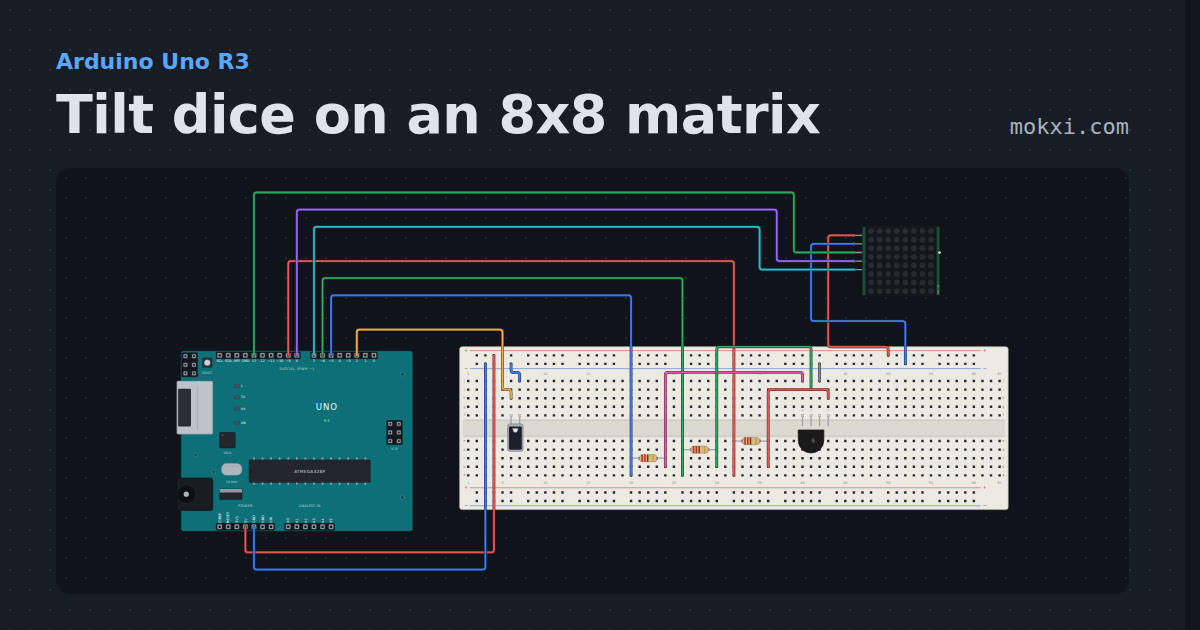
Tilt dice on an 8x8 matrix
Shake the tilt switch on pin 2 and an 8x8 MAX7219 matrix (DIN 13, CLK 7, CS 8) rolls a die and settles on a number, while an RGB LED on pins 9.
- Board
- Arduino Uno R3
- Parts
- RGB LED, resistor, tilt switch, MAX7219 8x8 LED matrix
- Level
- Intermediate
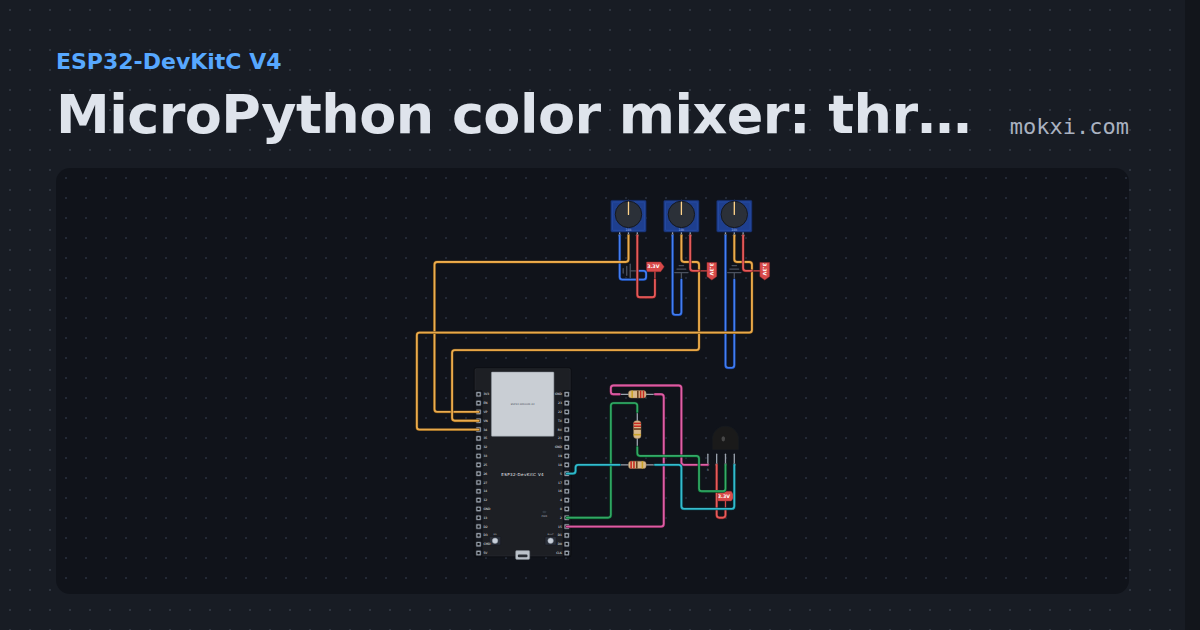
MicroPython color mixer: three knobs, one RGB LED
MicroPython on an ESP32: knobs on GPIO 36, 39 and 34 set the red, green and blue of a common-anode RGB LED on GPIO 15, 2 and 5.
- Board
- ESP32-DevKitC V4
- Parts
- Potentiometer, RGB LED, resistor
- Level
- Intermediate
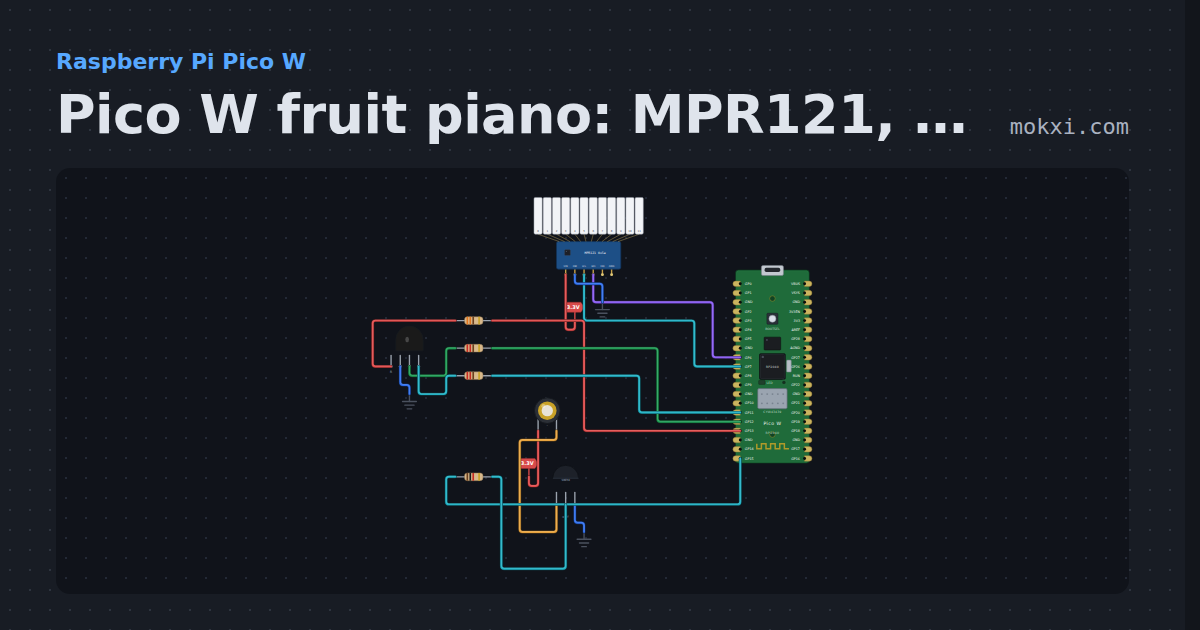
Pico W fruit piano: MPR121, buzzer and RGB LED
MicroPython on a Pico W: each of the twelve MPR121 electrodes plays its own note on a passive buzzer while an RGB LED flashes a random color.
- Board
- Raspberry Pi Pico W
- Parts
- Capacitive touch, piezo speaker, transistor, resistor, RGB LED
- Level
- Advanced
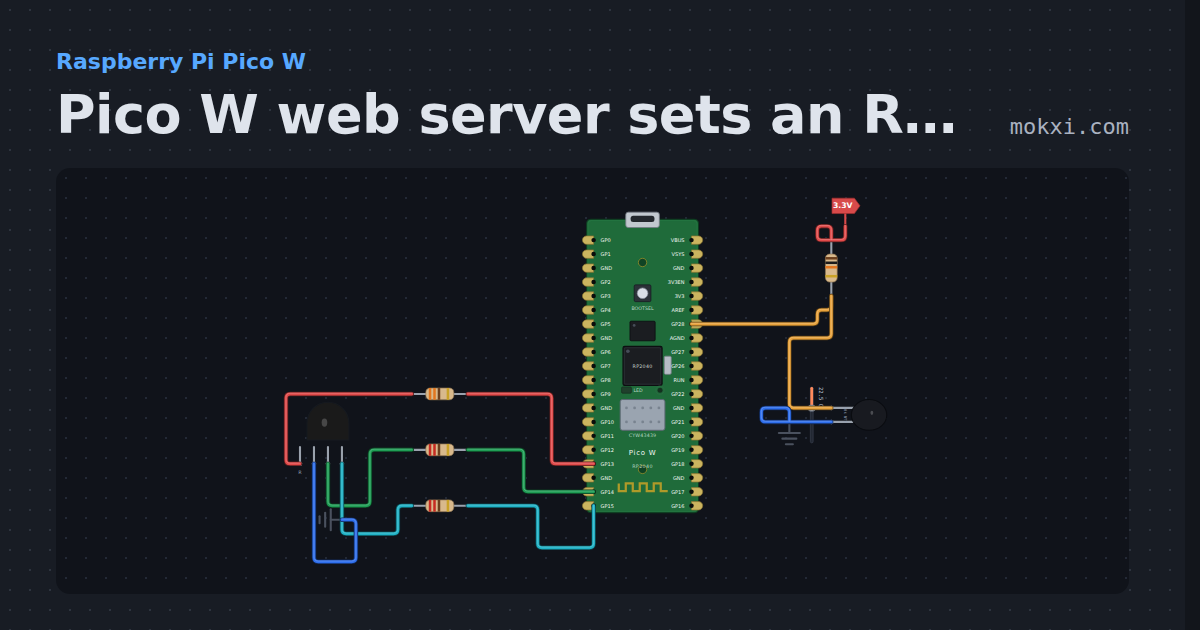
Pico W web server sets an RGB LED
MicroPython on a Pico W: a socket server on port 80 serves a page whose links set an RGB LED on GP13 to GP15 and that shows a thermistor’s.
- Board
- Raspberry Pi Pico W
- Parts
- Resistor, 10k NTC thermistor, RGB LED
- Level
- Advanced
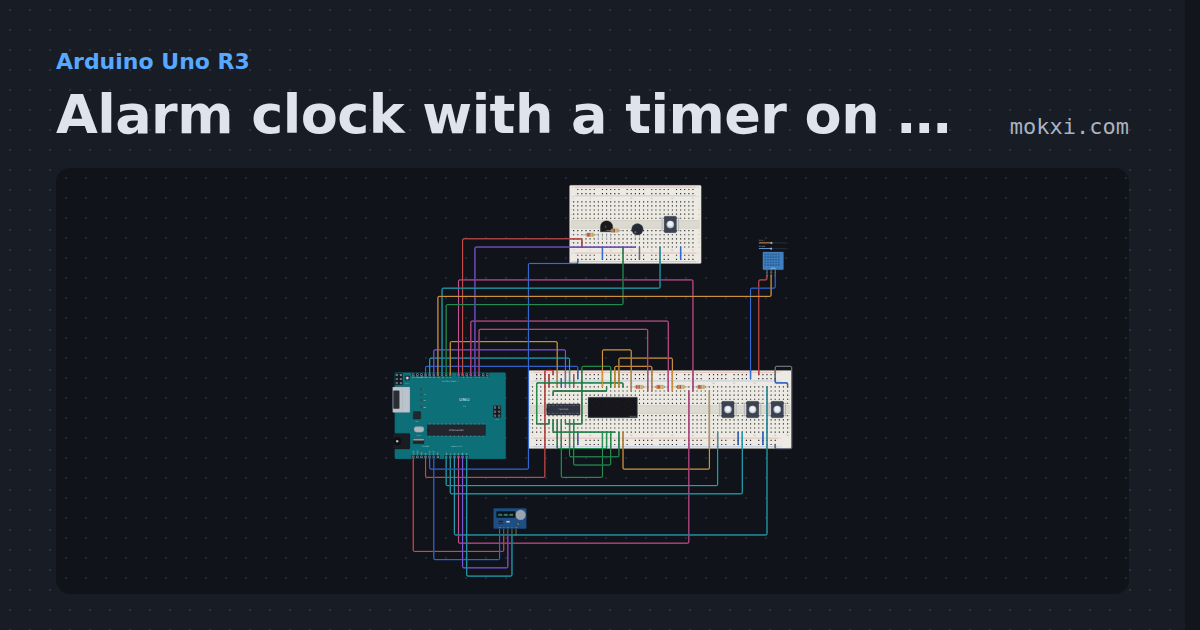
Alarm clock with a timer on a four-digit display
A DS1307 keeps the time on a four-digit display driven by a 74HC595 (8, 13, 12).
- Board
- Arduino Uno R3
- Parts
- 74HC595 shift register, four-digit seven-segment display, resistor, push button, RGB LED, +3 more
- Level
- Advanced
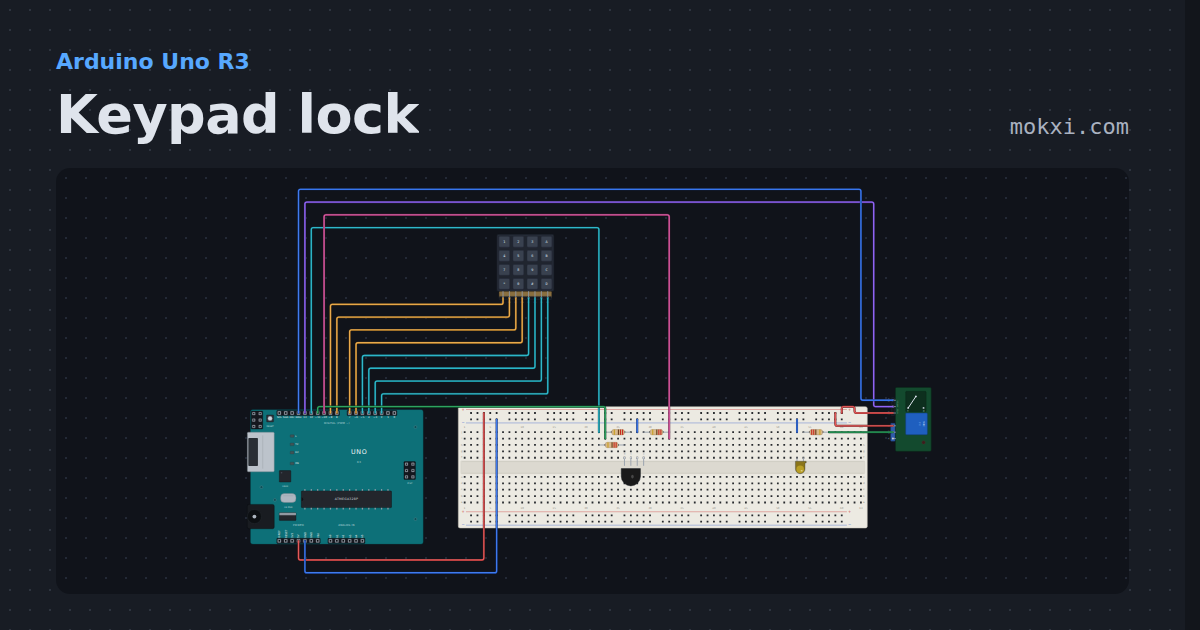
Keypad lock
A 4x4 keypad, a relay and an RGB LED on an Uno: type 1234 then # and the relay clicks the door lamp on.
- Board
- Arduino Uno R3
- Parts
- 4x4 keypad, RGB LED, resistor, relay module, LED
- Level
- Advanced