Projects with an MPU6050
18 Mokxi projects use an MPU6050 accelerometer and gyro (1 beginner, 8 intermediate and 9 advanced). They run on Arduino Uno, Raspberry Pi Pico and ESP32 boards. Here are all of them, from “MPU-6050 readings over I2C” to “Tilt sand”. Each card says what the project does, the board and parts it needs and its level, and Open in the simulator runs it in your browser in one click, with no account.
How to pick your first one
- Start with “MPU-6050 readings over I2C”, a beginner project that needs an MPU6050.
- Arduino Uno runs 12 of them, Raspberry Pi Pico 3 and ESP32 2. Start on the board you have, or on an Arduino Uno if you are buying one.
- The parts used most here are the LED (6 projects), the push button (5) and the servo motor (4). With those on hand, most of this list is open to you.
- Before you build one on a real bench, read the MPU6050 accelerometer and gyro wiring guide for your board below. It gives every pin and the voltage notes.
18 projects ready to run
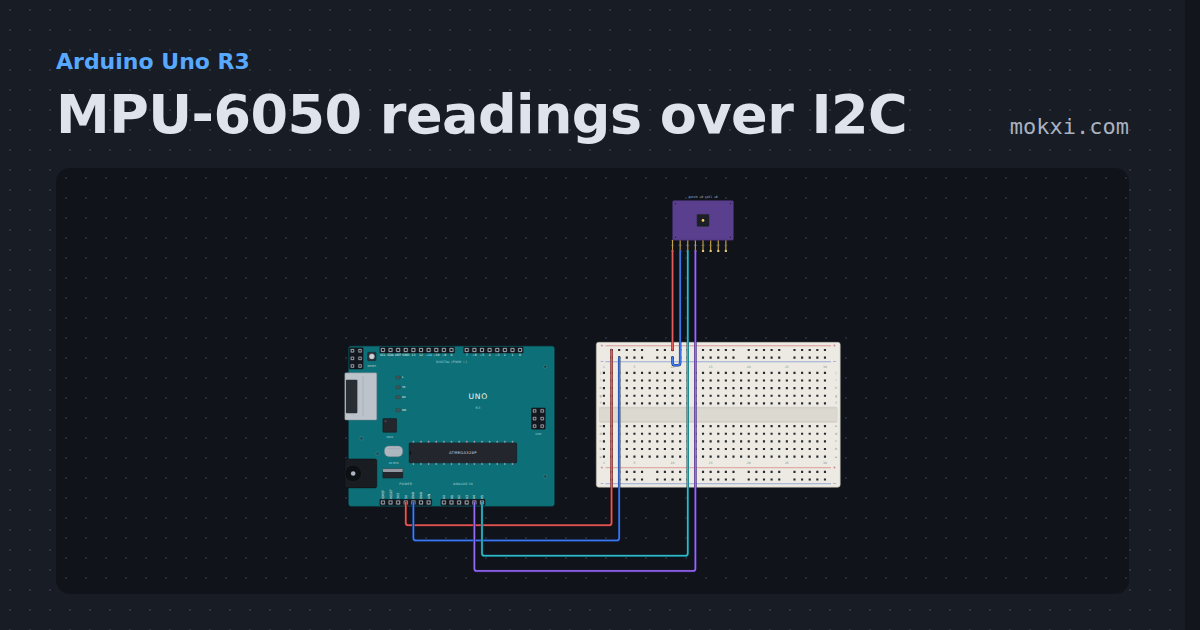
MPU-6050 readings over I2C
A GY-521 board with an MPU-6050 on A4 and A5: the sketch wakes the chip and prints its raw accelerometer.
- Board
- Arduino Uno R3
- Parts
- MPU6050 accelerometer and gyro
- Level
- Beginner
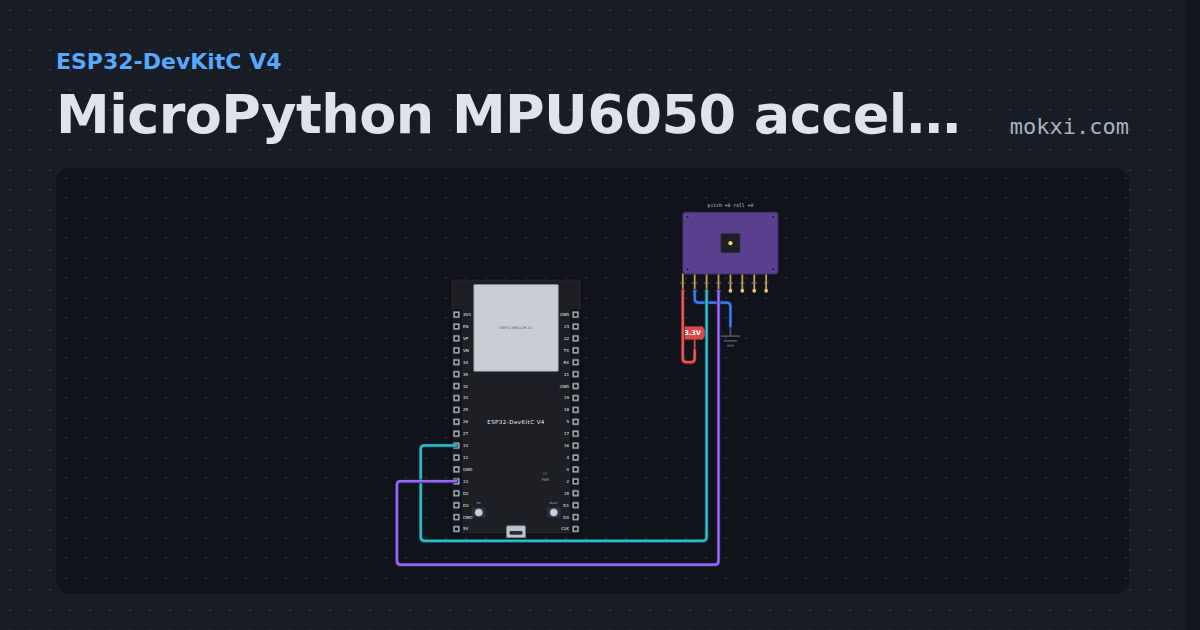
MicroPython MPU6050 accelerometer and gyroscope
MicroPython on an ESP32: machine.I2C on GPIO 14 and 13 reads an MPU6050’s acceleration and rotation, raw and in g and degrees per second.
- Board
- ESP32-DevKitC V4
- Parts
- MPU6050 accelerometer and gyro
- Level
- Intermediate
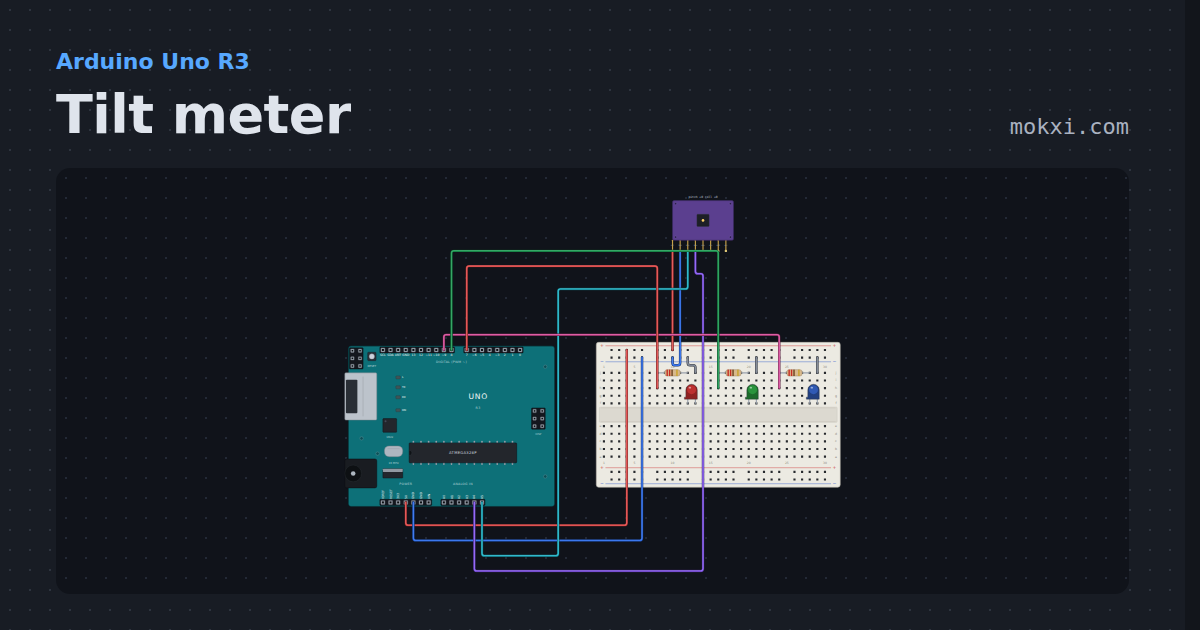
Tilt meter
An MPU6050 over I2C and three lamps. Drag the board to tip it: the accelerometer reads gravity, and the gyroscope reads how fast you moved.
- Board
- Arduino Uno R3
- Parts
- MPU6050 accelerometer and gyro, resistor, LED
- Level
- Intermediate
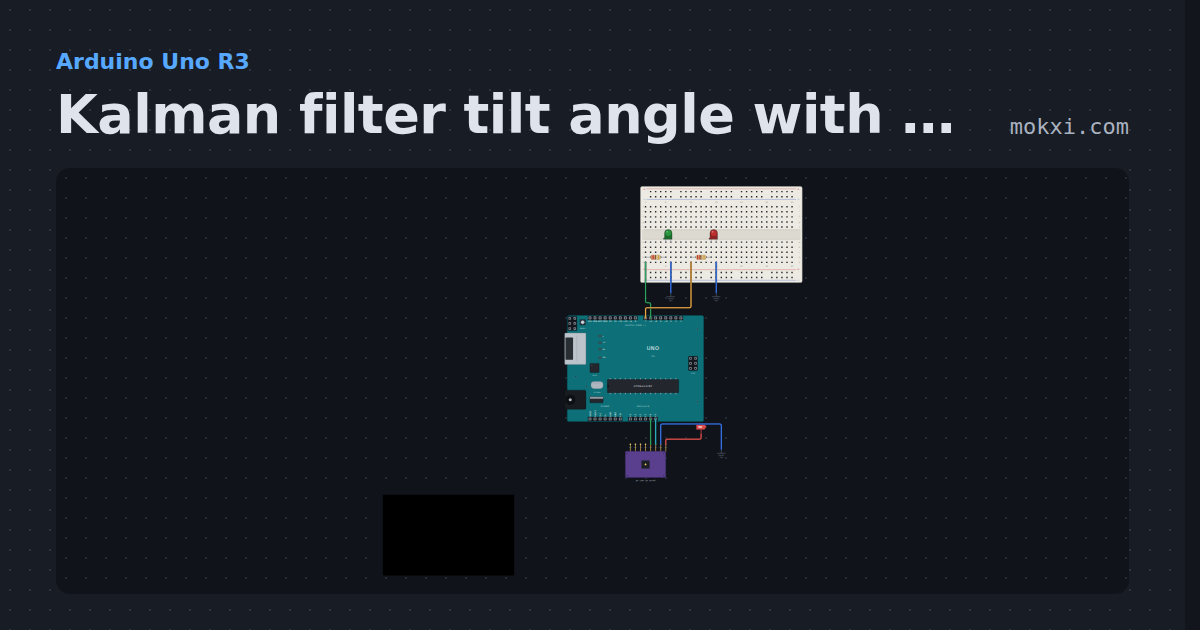
Kalman filter tilt angle with an MPU6050
An MPU6050’s accelerometer and gyro fused by a Kalman filter into roll and pitch, plotted beside the raw angles, with a level LED.
- Board
- Arduino Uno R3
- Parts
- Resistor, LED, MPU6050 accelerometer and gyro
- Level
- Intermediate
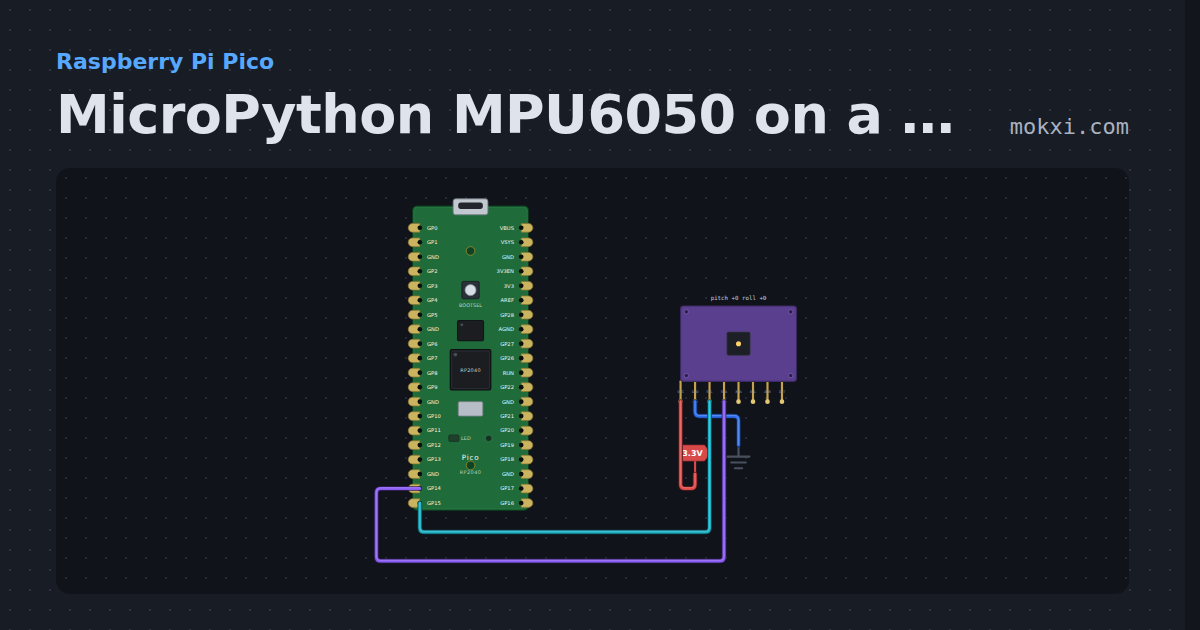
MicroPython MPU6050 on a Pico: acceleration and rotation
MicroPython on a Raspberry Pi Pico: an MPU6050 on I2C bus 1 (SCL GP15, SDA GP14) prints raw and scaled acceleration and rotation once a second.
- Board
- Raspberry Pi Pico
- Parts
- MPU6050 accelerometer and gyro
- Level
- Intermediate
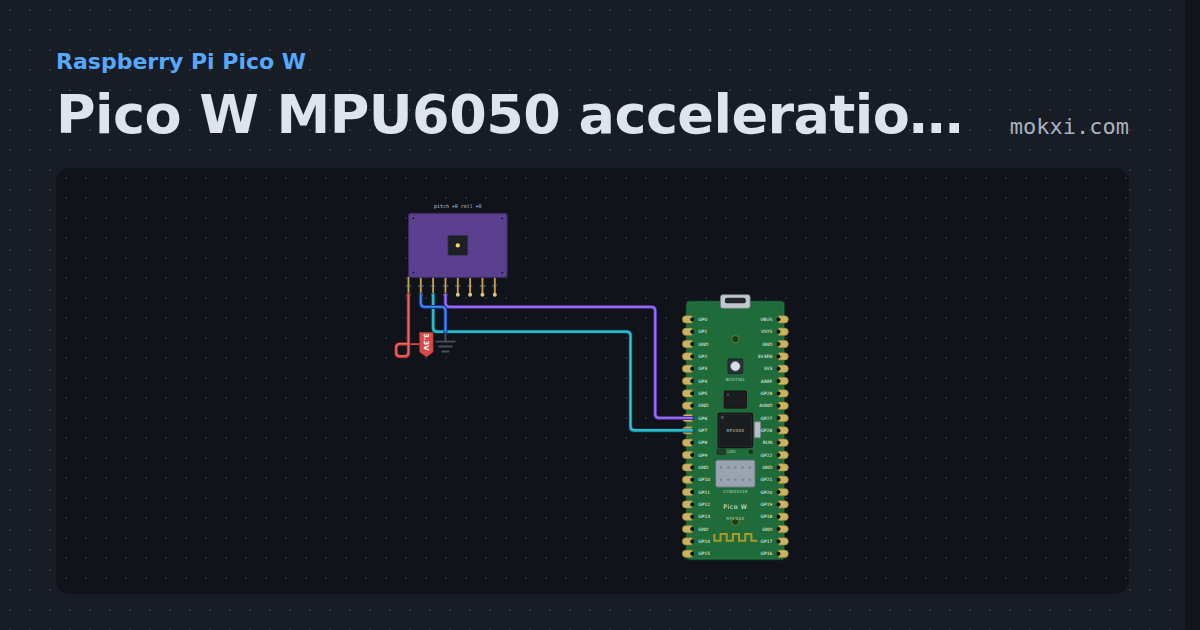
Pico W MPU6050 acceleration and rotation
MicroPython on a Pico W: an MPU6050 on I2C1 (SDA GP6, SCL GP7) prints its acceleration in g and its rotation in degrees a second.
- Board
- Raspberry Pi Pico W
- Parts
- MPU6050 accelerometer and gyro
- Level
- Intermediate
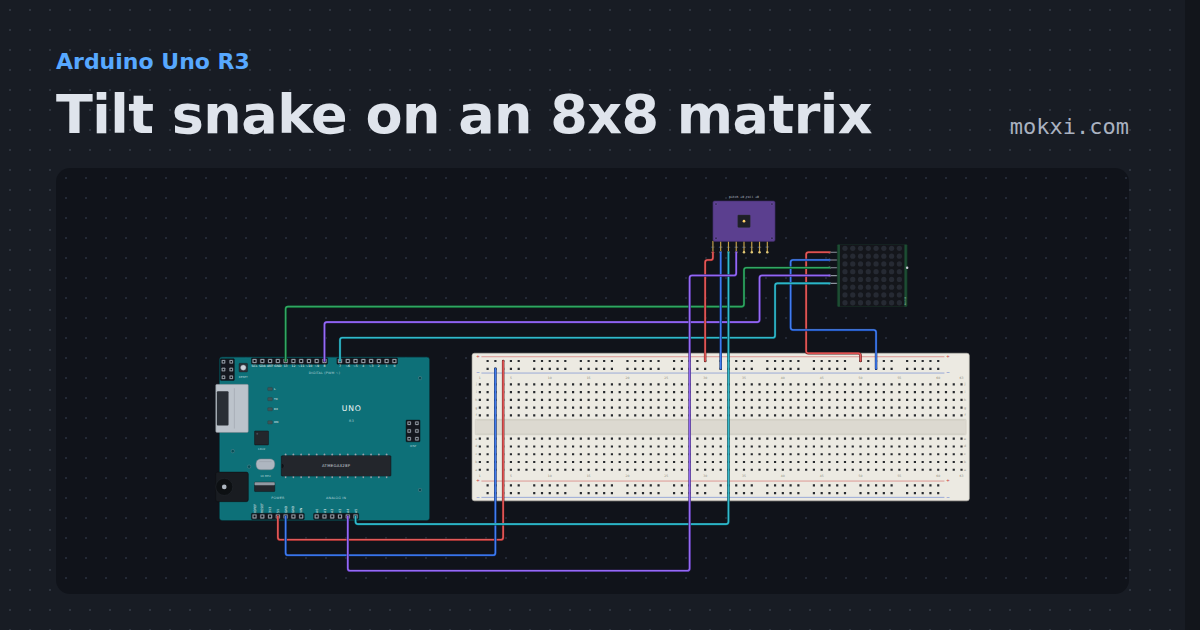
Tilt snake on an 8x8 matrix
Tip an MPU-6050 on A4 and A5 to steer a snake round an 8x8 MAX7219 matrix (DIN 13, CLK 7, CS 8): eat the blinking dot to grow.
- Board
- Arduino Uno R3
- Parts
- MAX7219 8x8 LED matrix, MPU6050 accelerometer and gyro
- Level
- Intermediate
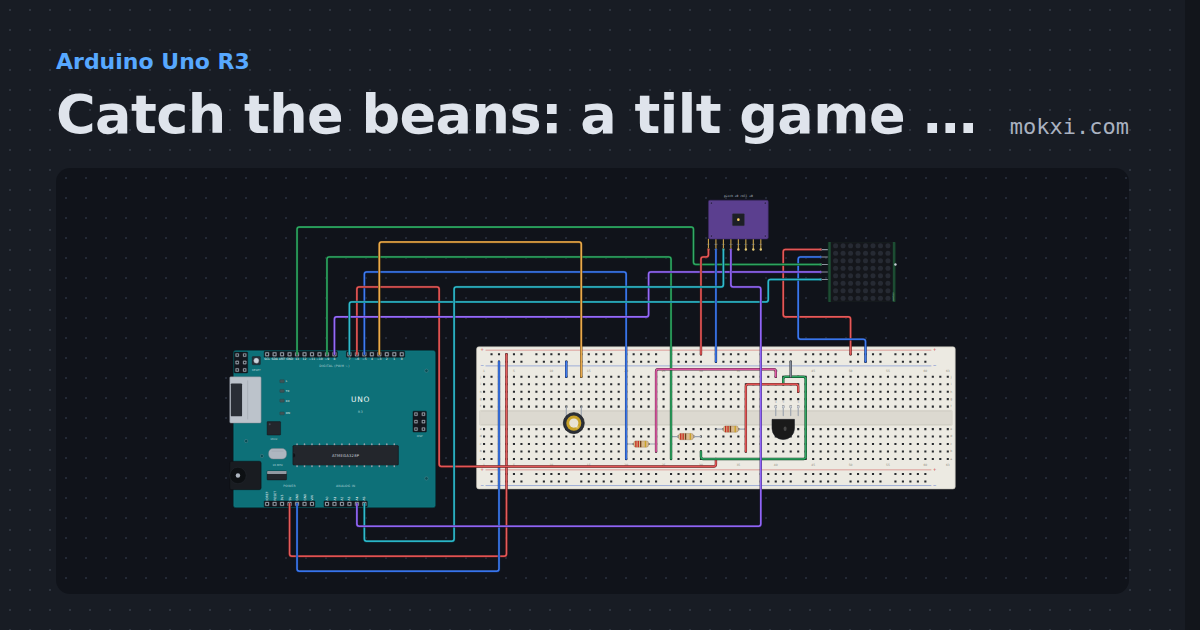
Catch the beans: a tilt game on an 8x8 matrix
Tip an MPU-6050 to slide a cup along a MAX7219 matrix (DIN 13, CLK 7, CS 8) and catch the falling beans.
- Board
- Arduino Uno R3
- Parts
- RGB LED, resistor, MAX7219 8x8 LED matrix, MPU6050 accelerometer and gyro, piezo speaker
- Level
- Intermediate
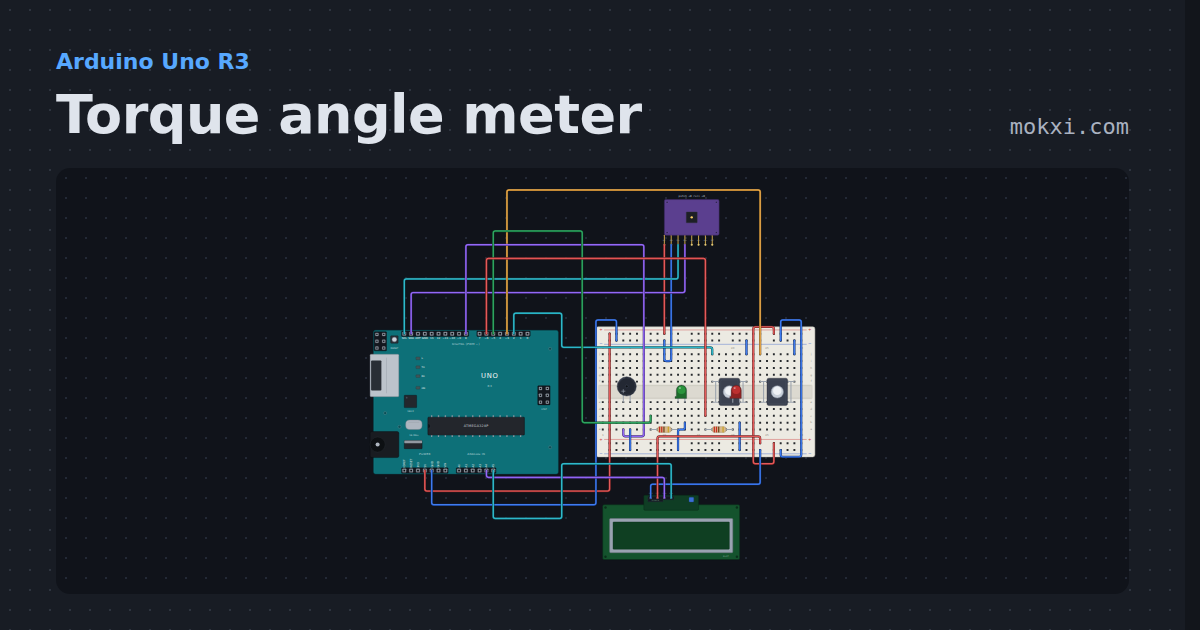
Torque angle meter
An MPU6050 gyro integrated into the angle a wrench turns a torque-to-yield bolt past snug, on a 16x2 I2C LCD with a target, a beeper that speeds up.
- Board
- Arduino Uno R3
- Parts
- MPU6050 accelerometer and gyro, push button, buzzer, resistor, LED, +1 more
- Level
- Intermediate
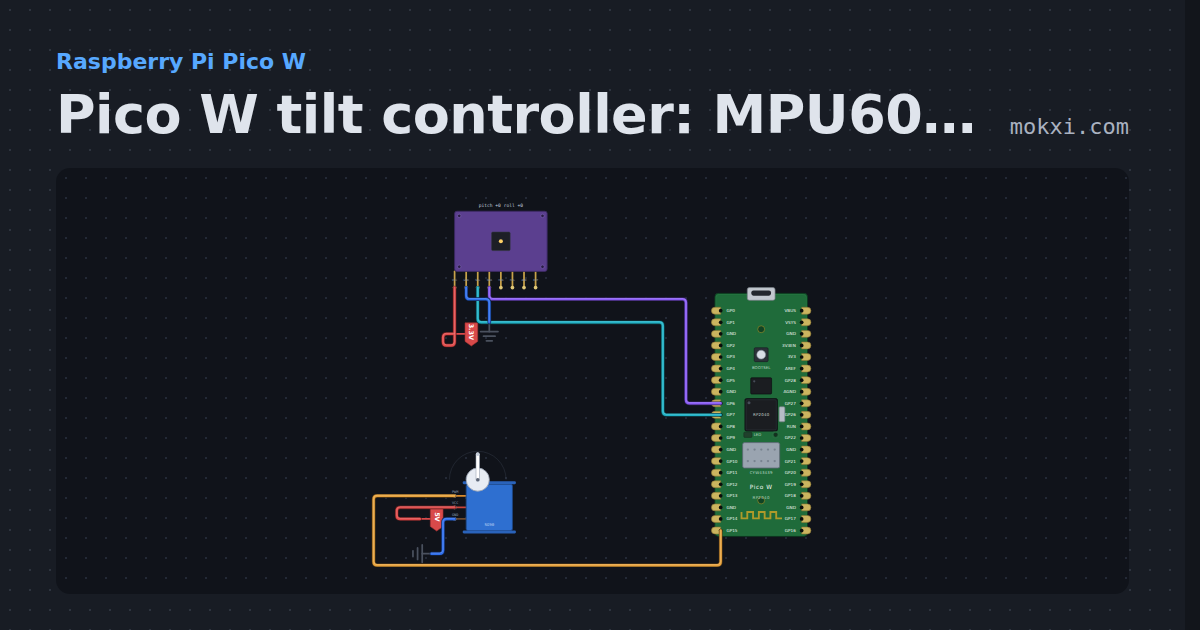
Pico W tilt controller: MPU6050 points a servo
MicroPython on a Pico W: the tilt of an MPU6050 on I2C1, worked out from gravity and averaged, turns a servo on GP15 to follow it.
- Board
- Raspberry Pi Pico W
- Parts
- MPU6050 accelerometer and gyro, servo motor
- Level
- Advanced
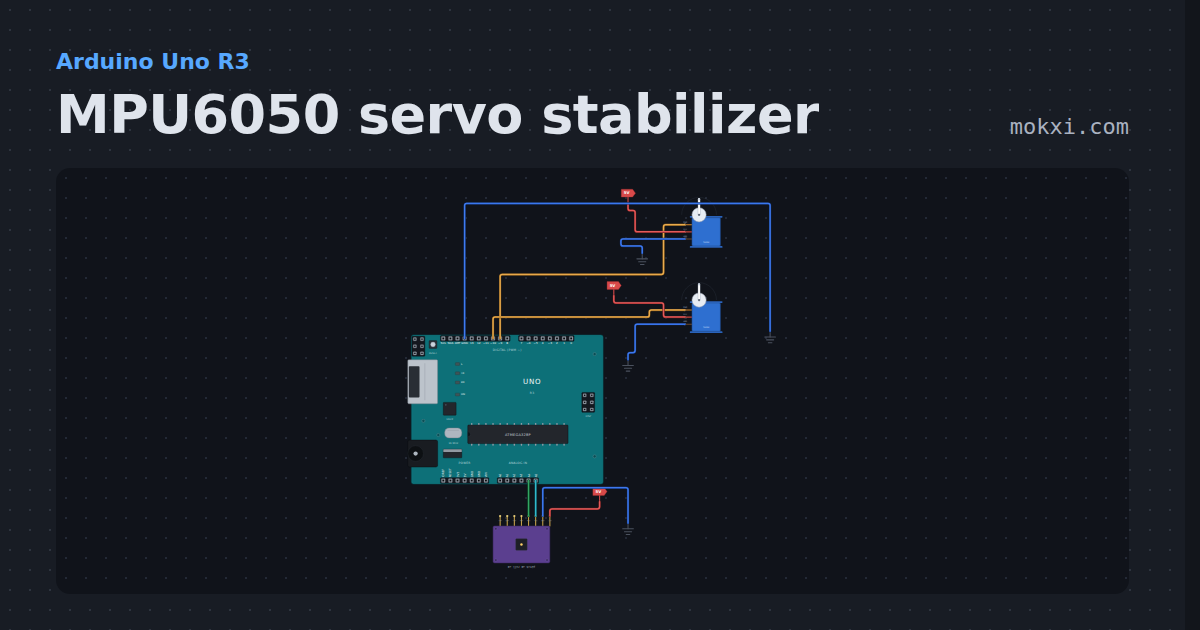
MPU6050 servo stabilizer
A self-leveling gimbal on an Uno: tilt the MPU6050 and two servos turn the other way to hold a platform level, through a complementary filter.
- Board
- Arduino Uno R3
- Parts
- Servo motor, MPU6050 accelerometer and gyro
- Level
- Advanced
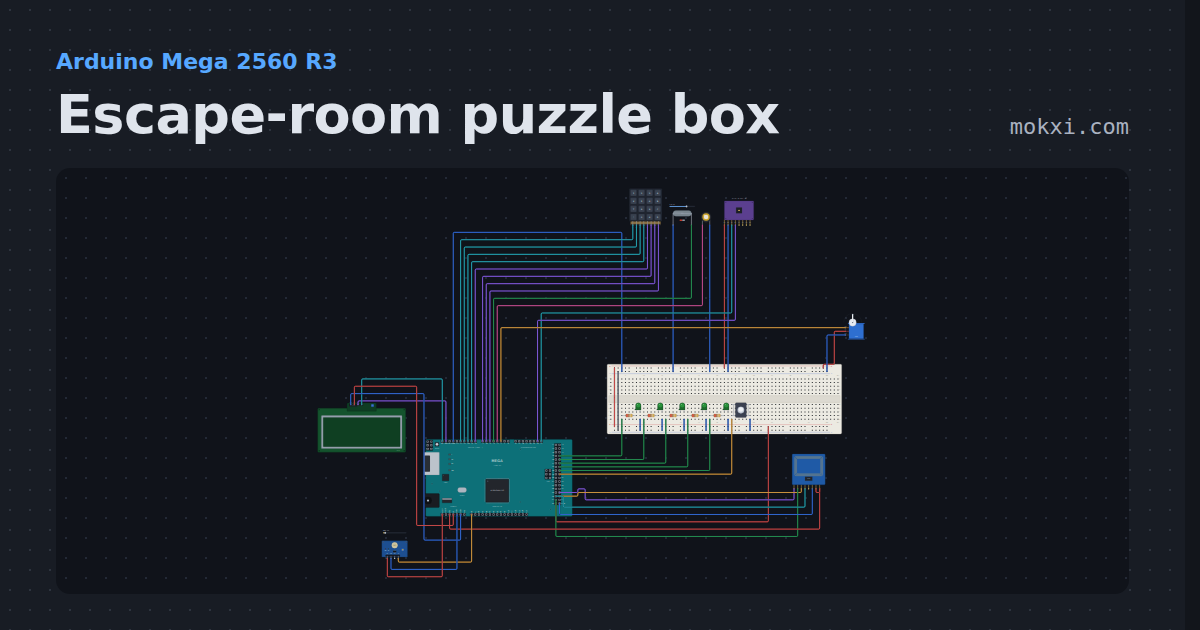
Escape-room puzzle box
Five puzzles in ten minutes: a keypad code, a magnet key, the right RFID card, a tilt sequence and three flashes of light.
- Board
- Arduino Mega 2560 R3
- Parts
- 4x4 keypad, reed switch, piezo speaker, MPU6050 accelerometer and gyro, servo motor, +6 more
- Level
- Advanced
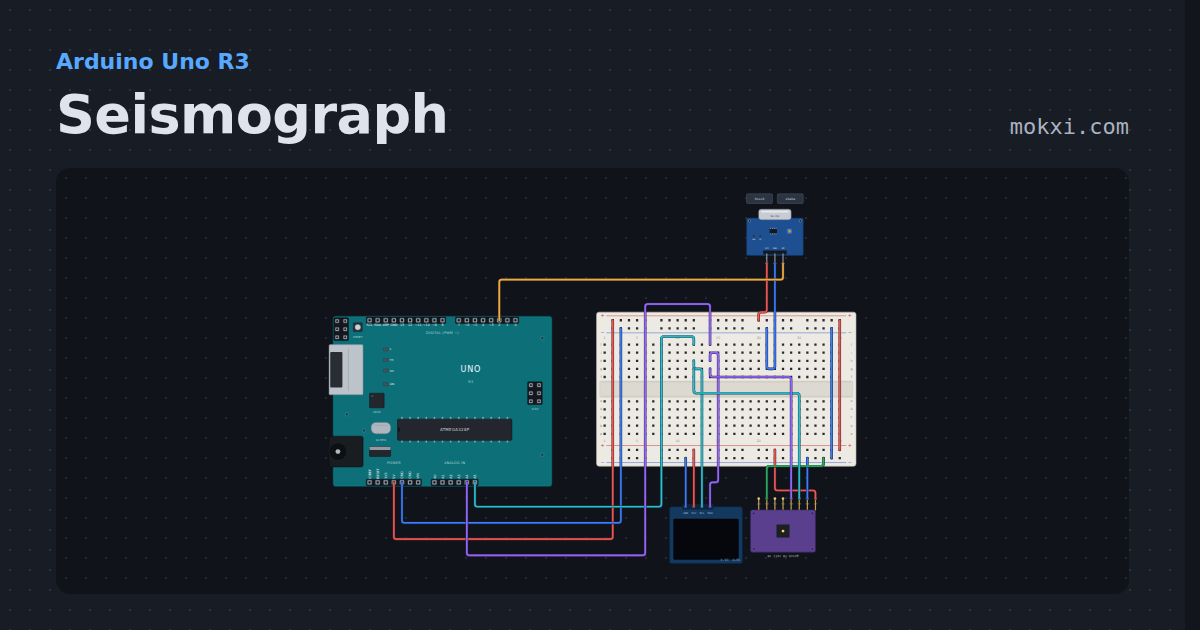
Seismograph
An MPU6050 with gravity filtered out and a SW-420 vibration switch.
- Board
- Arduino Uno R3
- Parts
- MPU6050 accelerometer and gyro, vibration sensor, SSD1306 OLED display
- Level
- Advanced
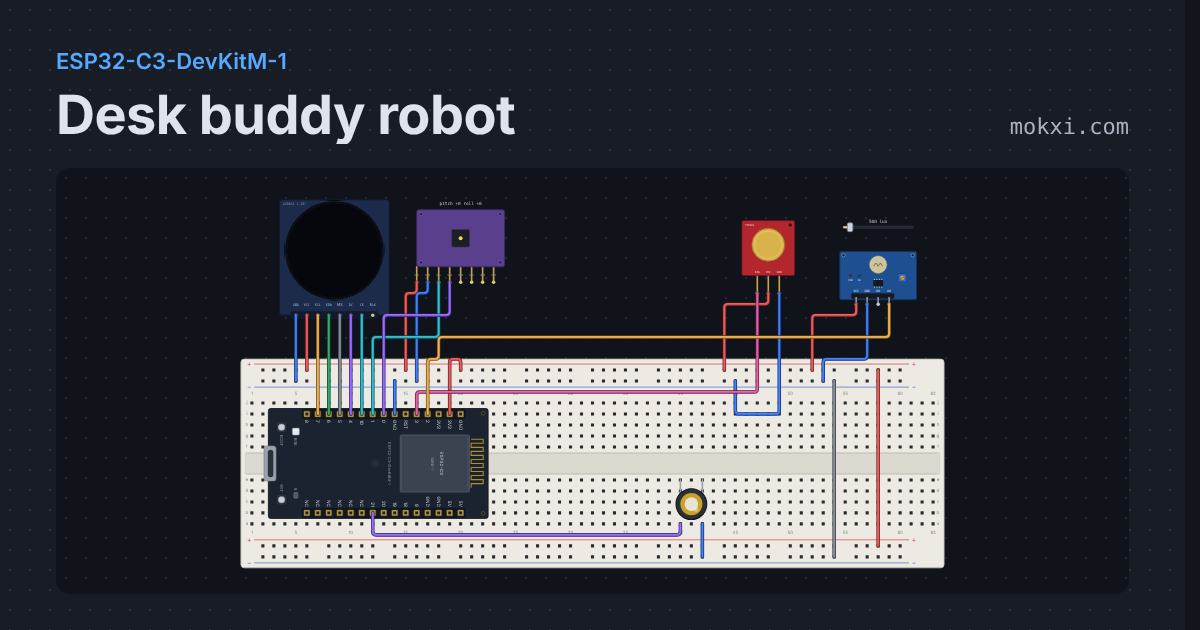
Desk buddy robot
Animated robot eyes on a round GC9A01: it blinks and glances about, beams when you stroke it, gets dizzy when rocked and lonely when ignored.
- Board
- ESP32-C3-DevKitM-1
- Parts
- GC9A01 round display, MPU6050 accelerometer and gyro, touch sensor, photoresistor module, piezo speaker
- Level
- Advanced
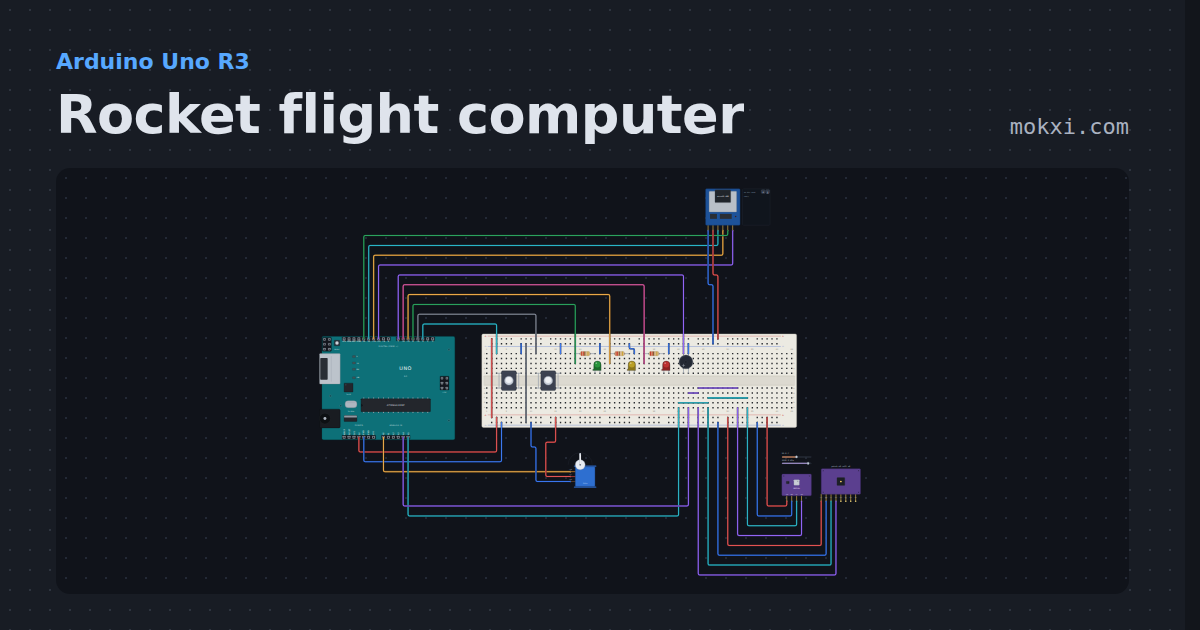
Rocket flight computer
A model rocket flight computer: launch, burnout and a filtered apogee that fires the parachute servo, with a self-test.
- Board
- Arduino Uno R3
- Parts
- MicroSD card module, servo motor, pressure and temperature, MPU6050 accelerometer and gyro, push button, +3 more
- Level
- Advanced
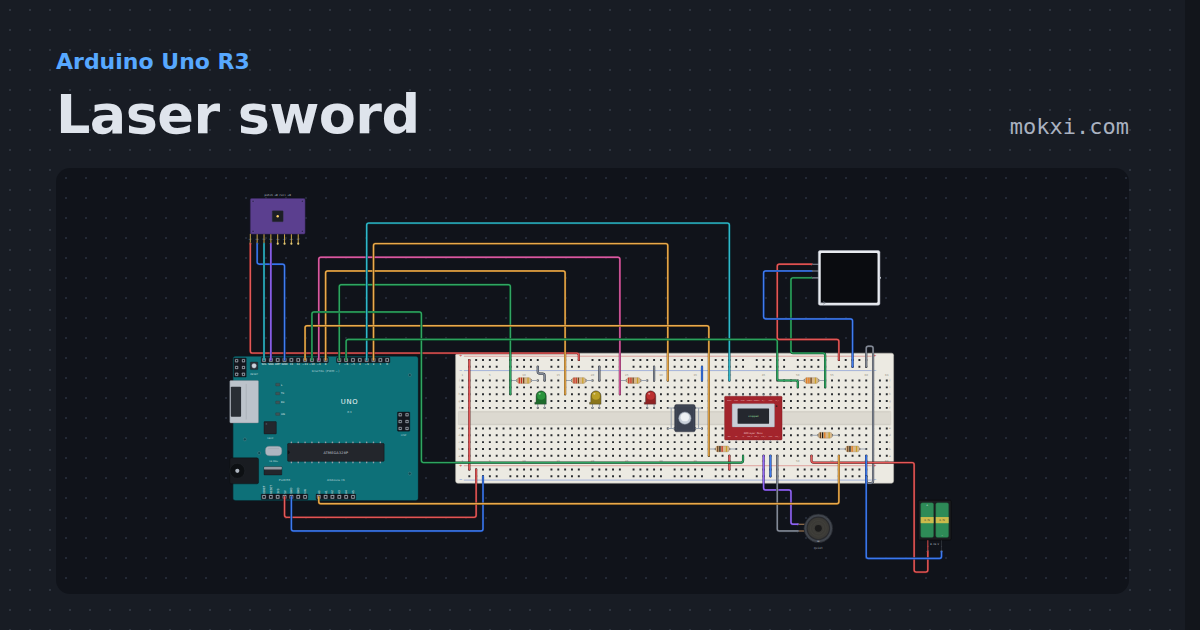
Laser sword
A light saber style sword on an Uno: a WS2812 blade that ignites and retracts, swing and clash from an MPU6050.
- Board
- Arduino Uno R3
- Parts
- WS2812 NeoPixel LEDs, MPU6050 accelerometer and gyro, resistor, LED, push button, +3 more
- Level
- Advanced
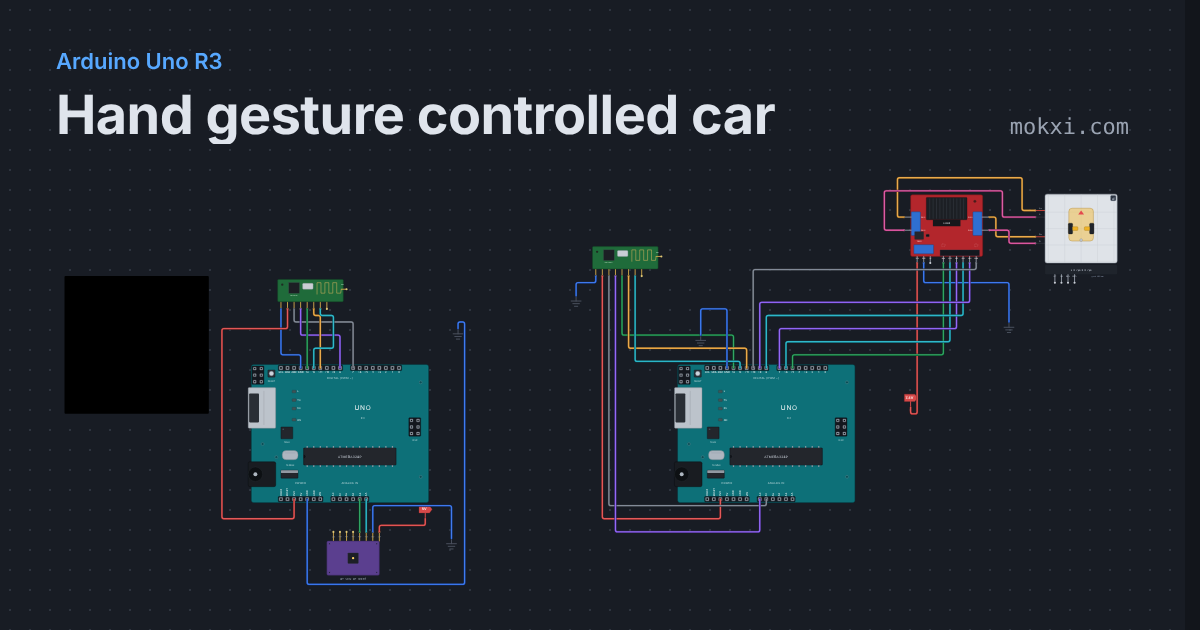
Hand gesture controlled car
Tilt an MPU6050 on your hand and a 2WD car follows over nRF24L01 radios: forward, reverse, left, right, and it stops when the signal is lost.
- Board
- Arduino Uno R3
- Parts
- NRF24L01+ 2.4 GHz radio, MPU6050 accelerometer and gyro, L298N motor driver, 2WD robot car chassis
- Level
- Advanced
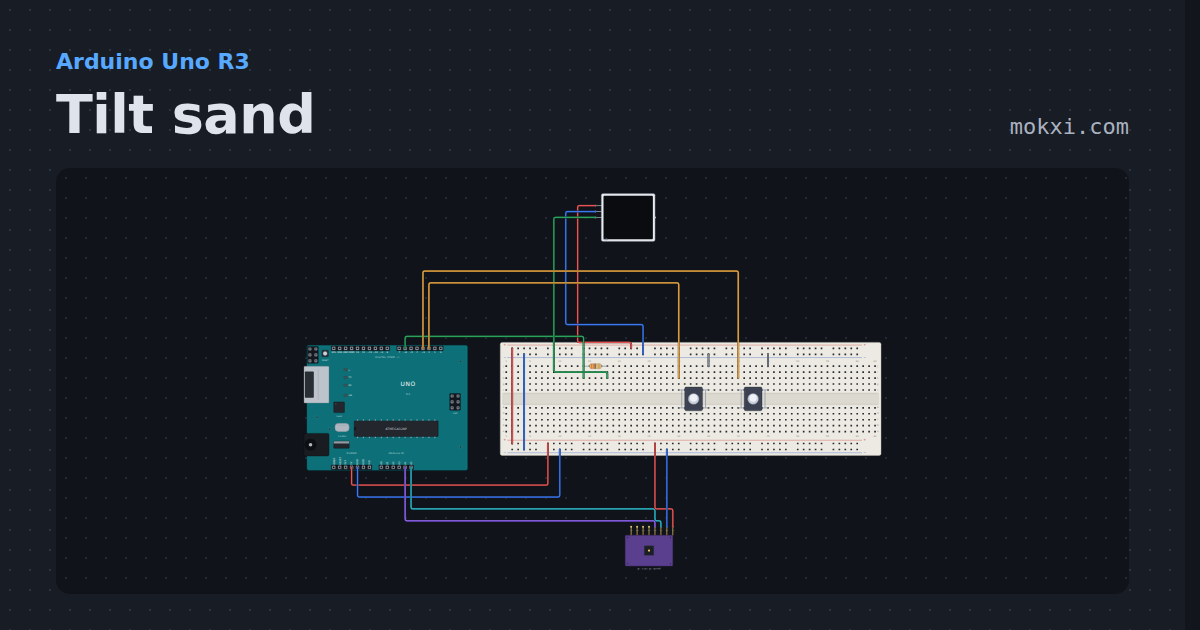
Tilt sand
A tray of glowing sand on a 16x8 LED matrix: tip an MPU6050 and the grains pour downhill, pile against the edge and settle.
- Board
- Arduino Uno R3
- Parts
- WS2812 NeoPixel LEDs, MPU6050 accelerometer and gyro, resistor, push button
- Level
- Advanced
Wiring, libraries and more ideas
Wiring guides
Library pages
More project ideas
- Arduino Uno project ideas
- Raspberry Pi Pico project ideas
- ESP32 project ideas
- Arduino Mega project ideas
- LED projects for Arduino, ESP32 and Pico
- Projects with a push button
- Servo motor projects
- Projects with a piezo speaker
- Projects with a buzzer
- Projects with a light sensor module
- Projects with a MAX7219 LED matrix