Projects with a PIR motion sensor
16 Mokxi projects use a PIR motion sensor (11 beginner, 4 intermediate and 1 advanced). They run on Arduino Uno, ESP32 and Raspberry Pi Pico boards. Here are all of them, from “MicroPython motion sensor lights an LED” to “Smart home hub”. Each card says what the project does, the board and parts it needs and its level, and Open in the simulator runs it in your browser in one click, with no account.
How to pick your first one
- Start with “Pico W PIR motion sensor on GP14”, a beginner project that needs a PIR motion sensor.
- Arduino Uno runs 7 of them, ESP32 4 and Raspberry Pi Pico 3. Start on the board you have, or on an Arduino Uno if you are buying one.
- The parts used most here are the LED (10 projects), the DHT11 or DHT22 sensor (2) and the filament lamp (2). With those on hand, most of this list is open to you.
- Before you build one on a real bench, read the PIR motion sensor wiring guide for your board below. It gives every pin and the voltage notes.
16 projects ready to run
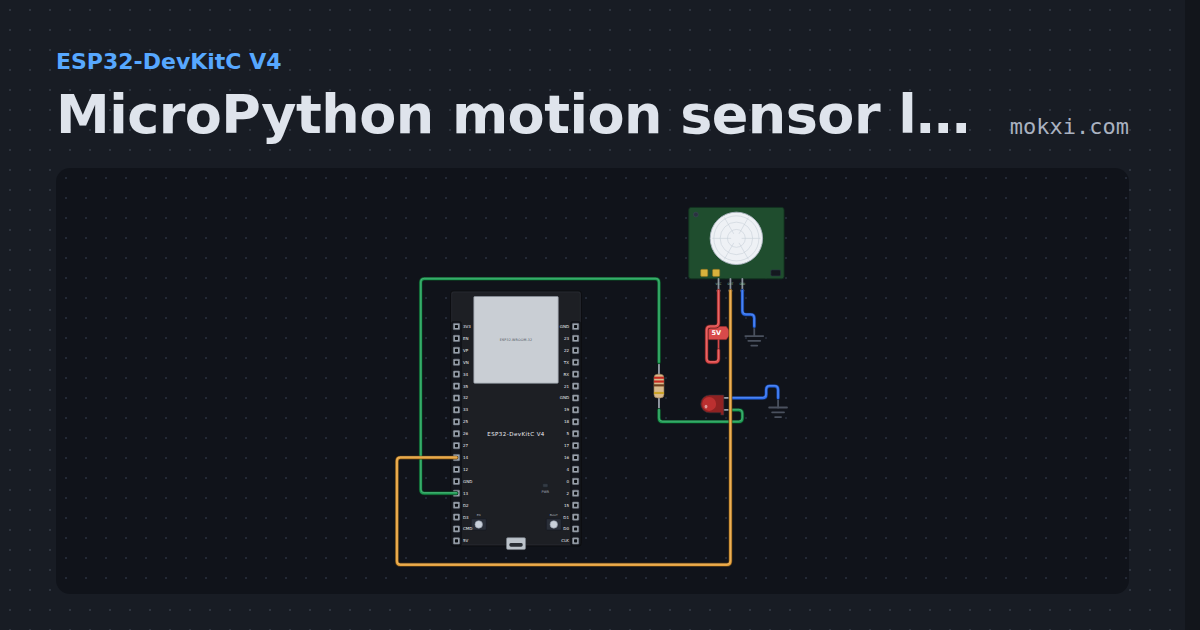
MicroPython motion sensor lights an LED
MicroPython on an ESP32: an HC-SR501 motion sensor on GPIO 14, powered from 5 V, lights the LED on GPIO 13 while it sees movement.
- Board
- ESP32-DevKitC V4
- Parts
- Resistor, LED, PIR motion sensor
- Level
- Beginner
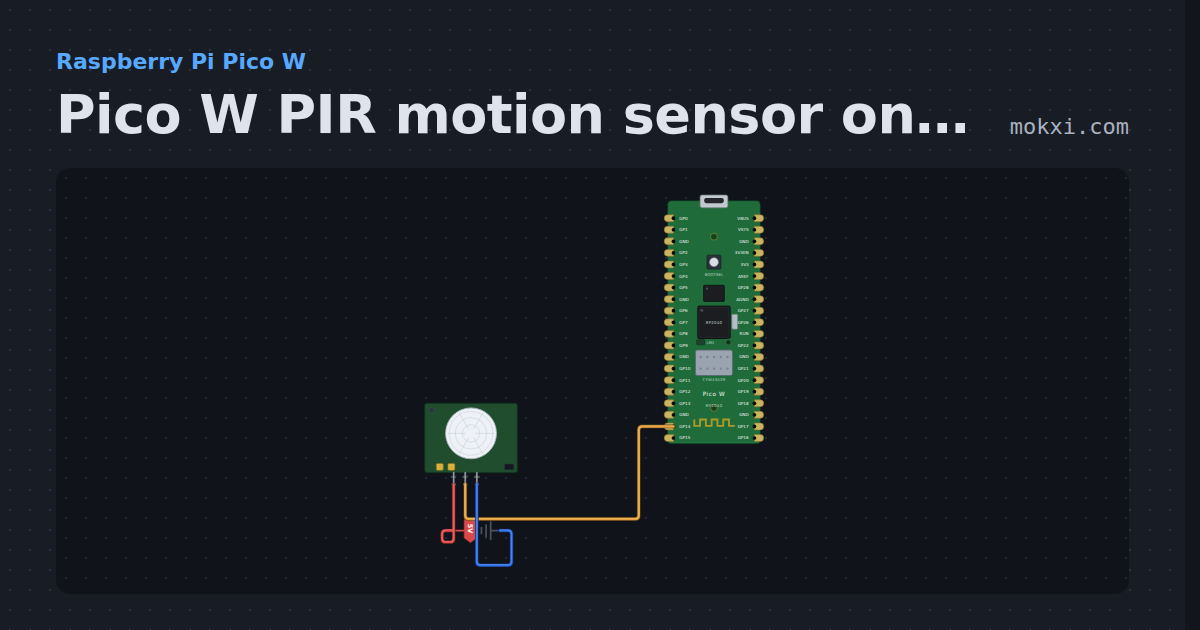
Pico W PIR motion sensor on GP14
MicroPython on a Pico W: a PIR motion sensor on GP14 raises an interrupt when someone moves, and the program times how long each spell lasts.
- Board
- Raspberry Pi Pico W
- Parts
- PIR motion sensor
- Level
- Beginner
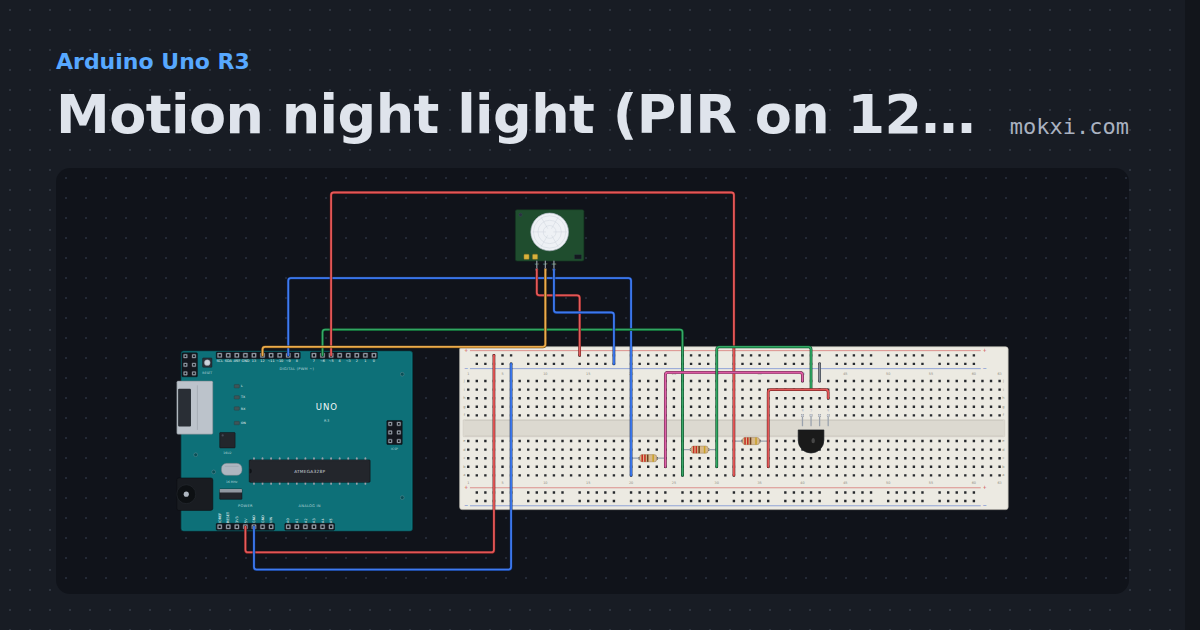
Motion night light (PIR on 12, RGB on 5, 6 and 9)
An HC-SR501 on pin 12 turns on an RGB LED (red 5, green 6, blue 9) when someone moves, keeps it on for 20 seconds.
- Board
- Arduino Uno R3
- Parts
- RGB LED, resistor, PIR motion sensor
- Level
- Beginner
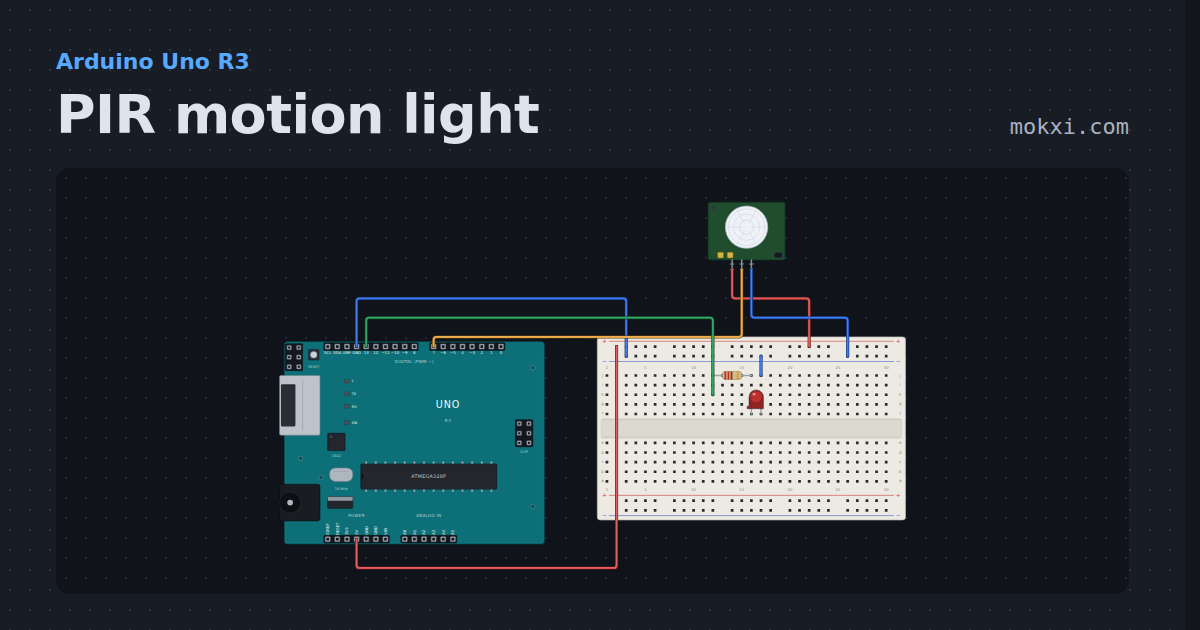
PIR motion light
An HC-SR501 motion sensor on pin 7 lights the LED on pin 13 while something warm moves in front of it.
- Board
- Arduino Uno R3
- Parts
- PIR motion sensor, resistor, LED
- Level
- Beginner
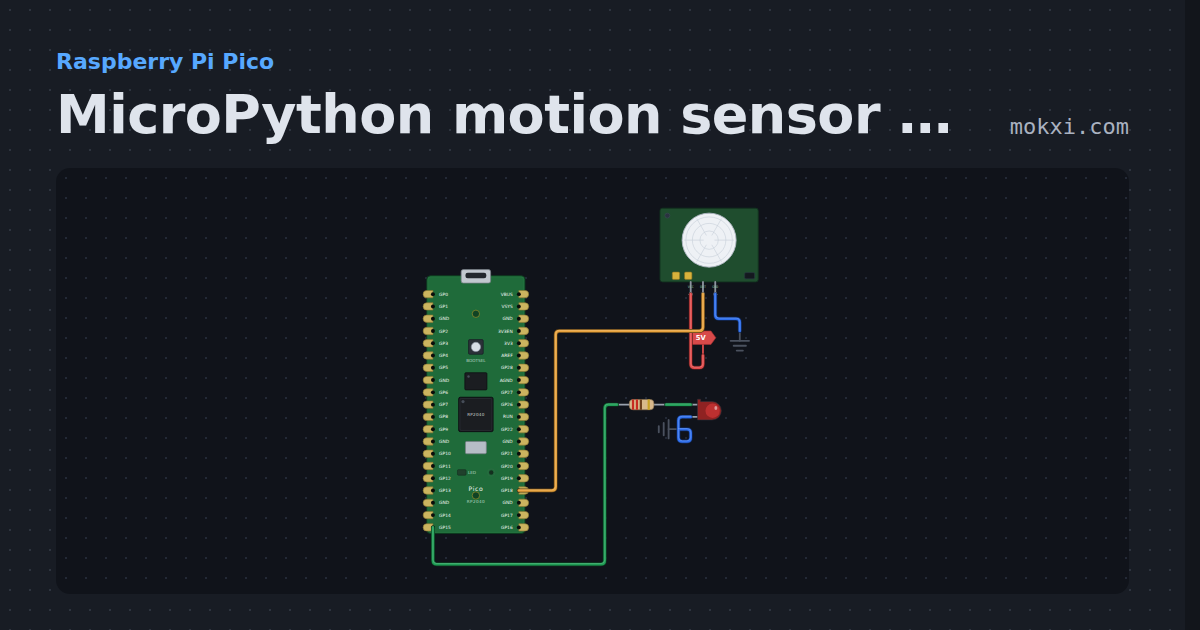
MicroPython motion sensor on a Pico: PIR on GP18, LED
MicroPython on a Raspberry Pi Pico: an HC-SR501 motion sensor on GP18 lights the LED on GP15 for as long as its output says something moved.
- Board
- Raspberry Pi Pico
- Parts
- PIR motion sensor, resistor, LED
- Level
- Beginner
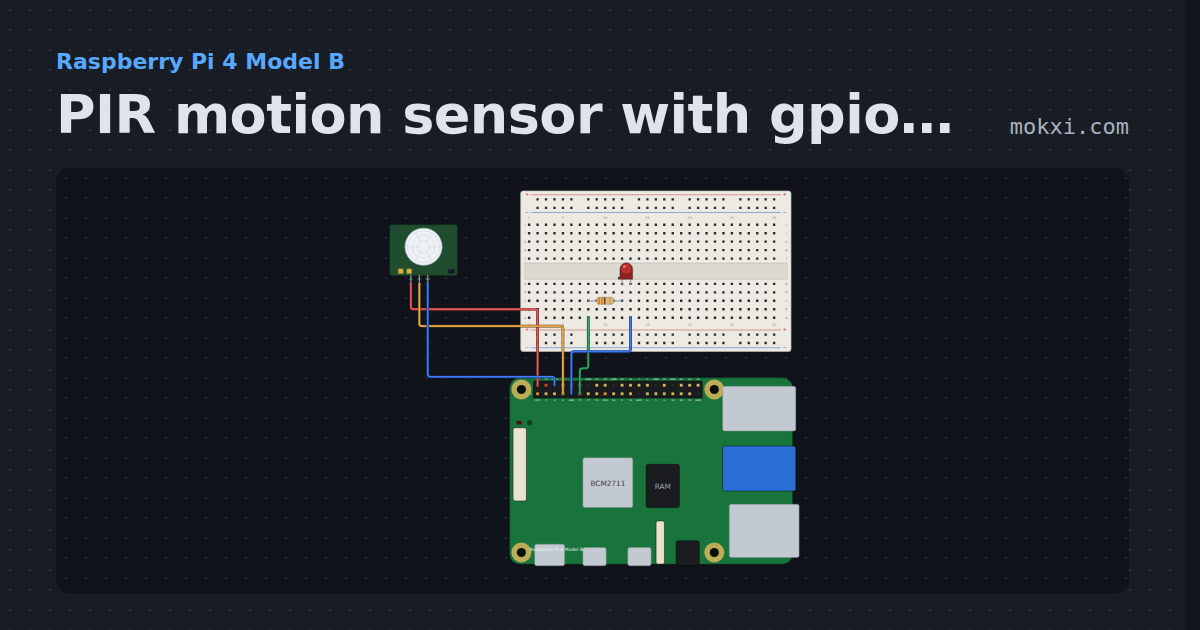
PIR motion sensor with gpiozero
gpiozero MotionSensor on a Raspberry Pi 4: an HC-SR501 PIR on GPIO4 lights an LED on GPIO17 while something moves, and counts each movement.
- Board
- Raspberry Pi 4 Model B
- Parts
- Resistor, LED, PIR motion sensor
- Level
- Beginner
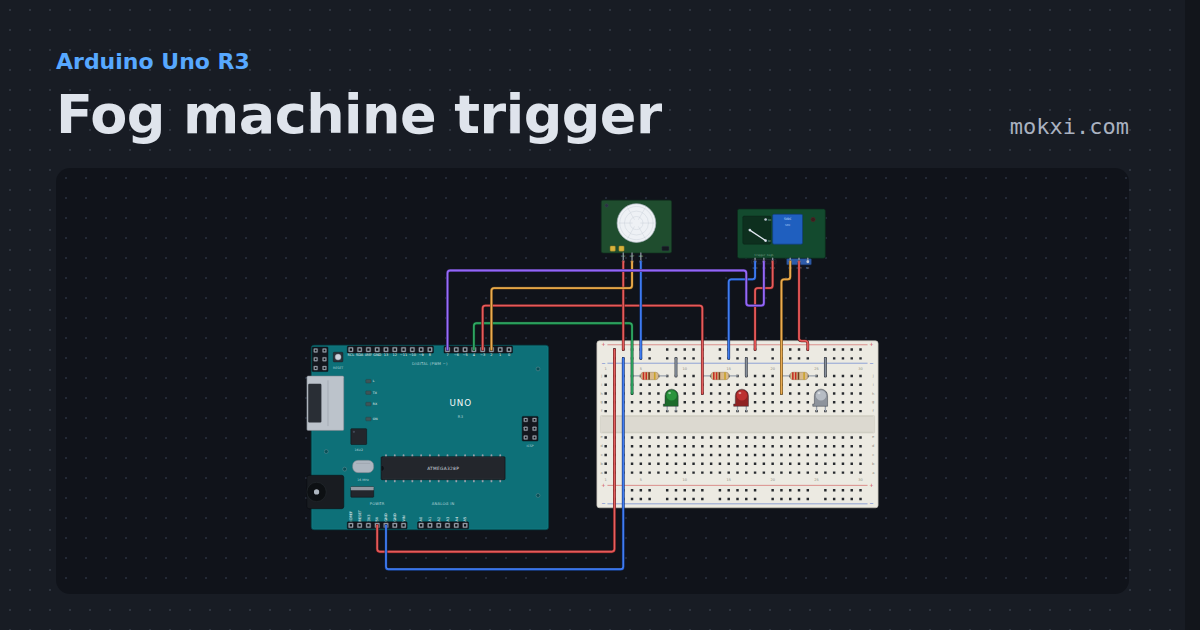
Fog machine trigger
A PIR fires a relay across a fog machine’s remote button for a short burst, then a cooldown with a red lamp lets the fog drift and the heater recover.
- Board
- Arduino Uno R3
- Parts
- Resistor, LED, PIR motion sensor, relay module
- Level
- Beginner
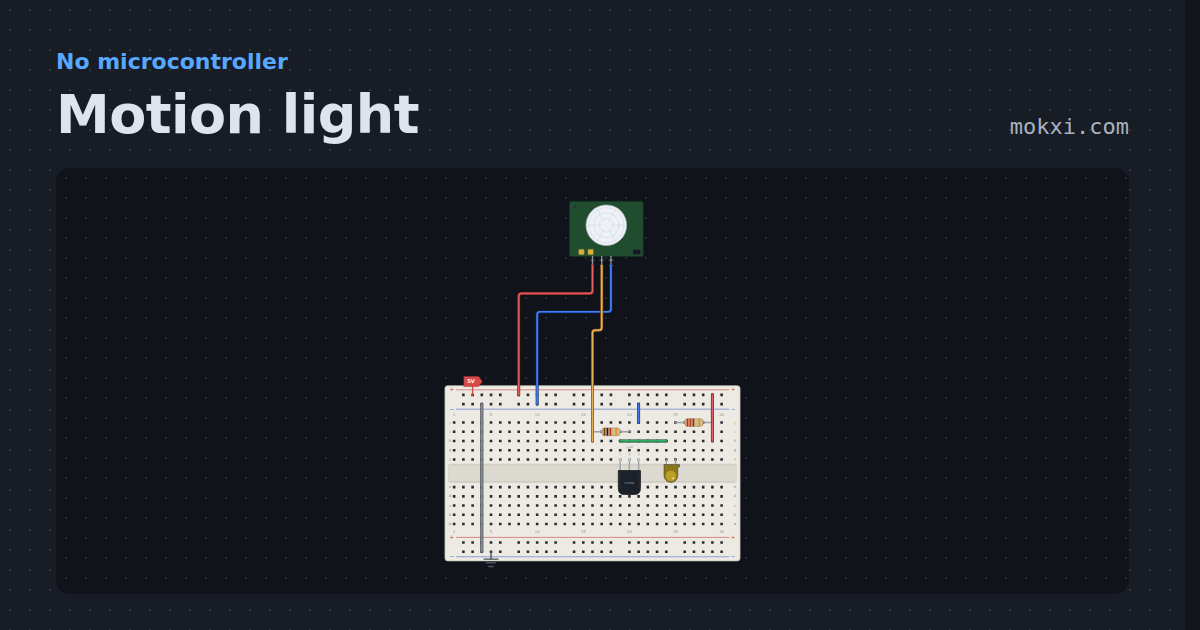
Motion light
A PIR module, a transistor and a lamp, no board. Click the dome and the light holds for two seconds after the movement stops.
- Board
- No board
- Parts
- PIR motion sensor, transistor, resistor, LED
- Level
- Beginner
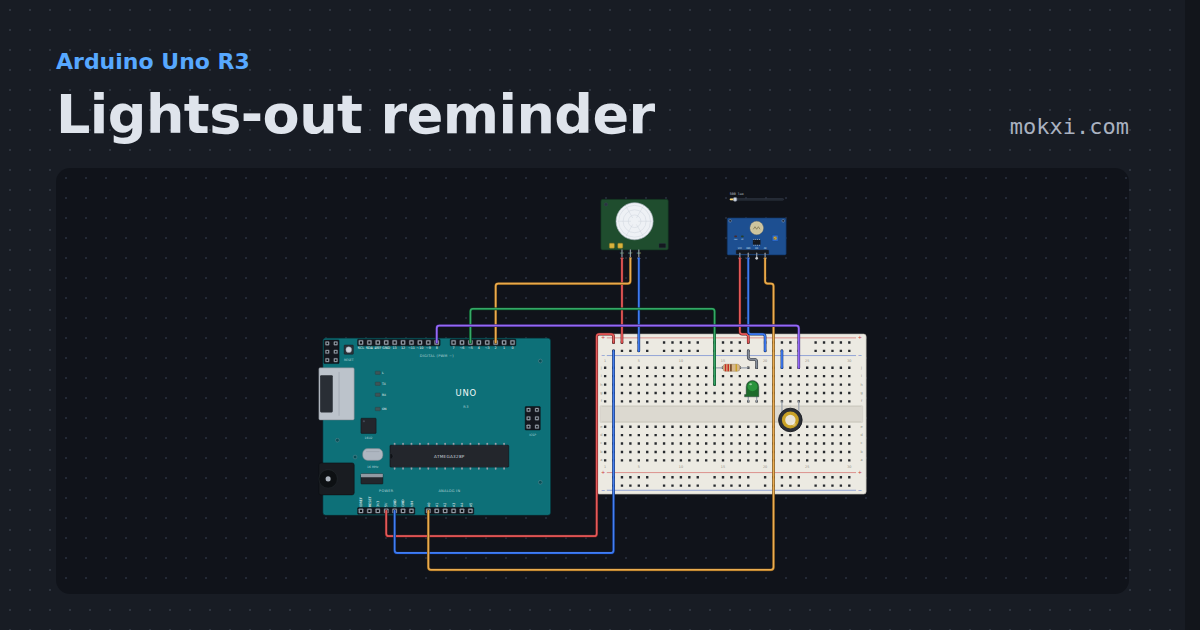
Lights-out reminder
A PIR and a light sensor notice when a room is lit and nobody has moved for a while.
- Board
- Arduino Uno R3
- Parts
- PIR motion sensor, photoresistor module, resistor, LED, piezo speaker
- Level
- Beginner
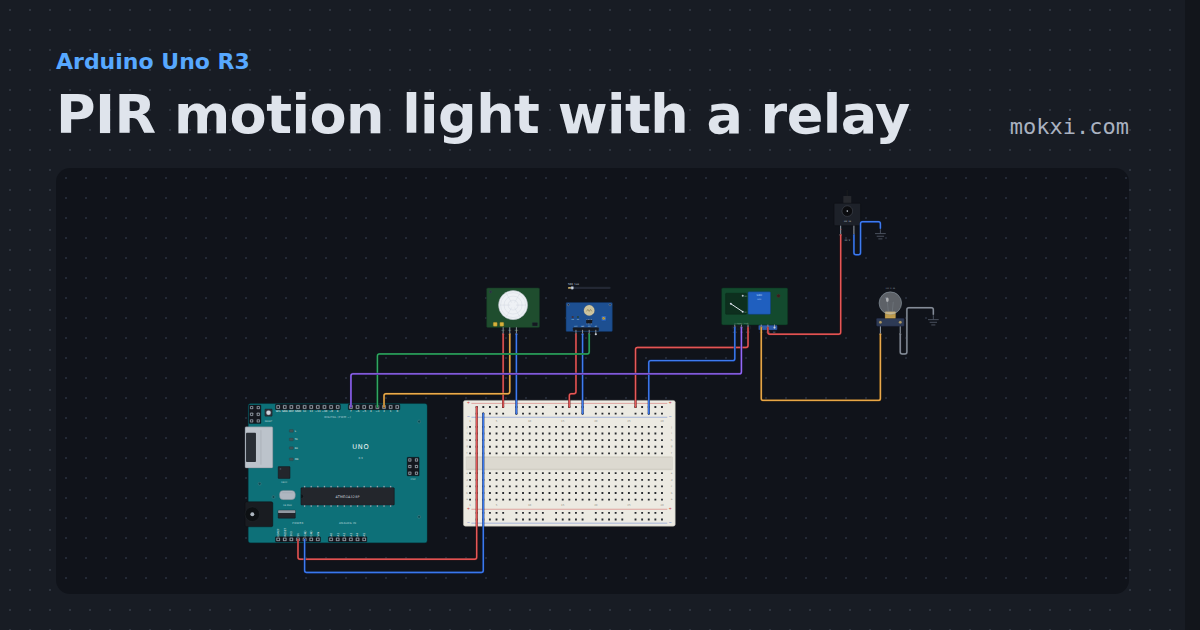
PIR motion light with a relay
After dark, an HC-SR501 PIR switches a 12 V lamp on through a relay, and it goes off 20 s after the last movement; a light sensor keeps it off by day.
- Board
- Arduino Uno R3
- Parts
- PIR motion sensor, photoresistor module, relay module, DC jack and adapter, filament lamp
- Level
- Beginner
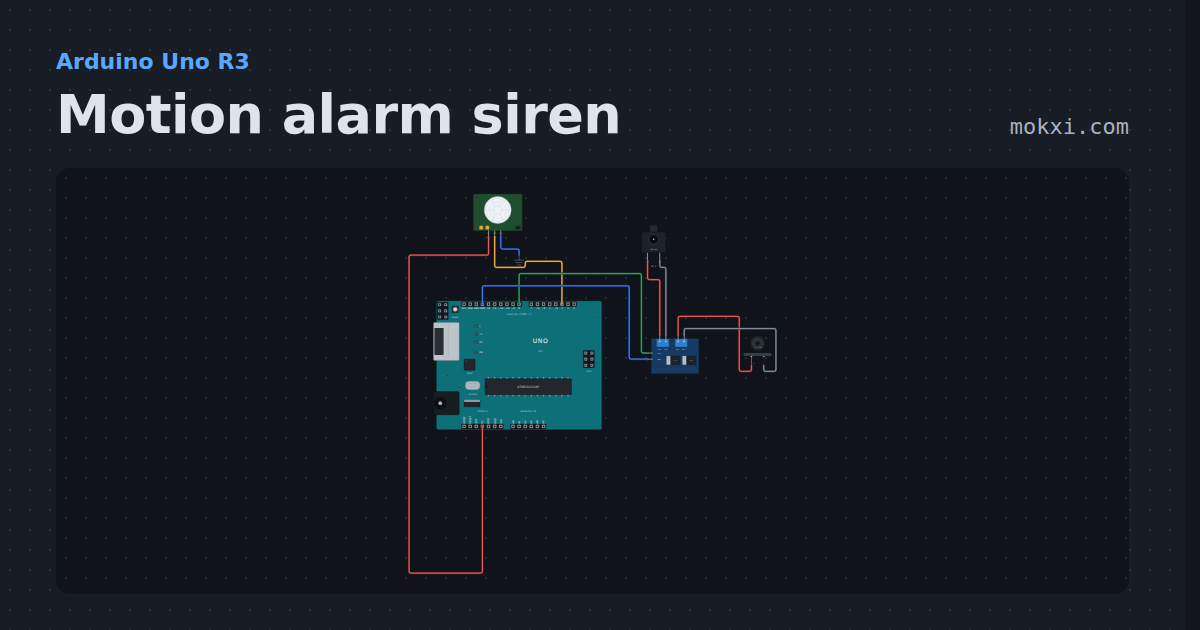
Motion alarm siren
A PIR on pin 2 trips a 12 V alarm siren on a D4184 MOSFET module for ten seconds, then the alarm waits for quiet and re-arms.
- Board
- Arduino Uno R3
- Parts
- PIR motion sensor, D4184 MOSFET module, alarm siren, DC jack and adapter
- Level
- Beginner
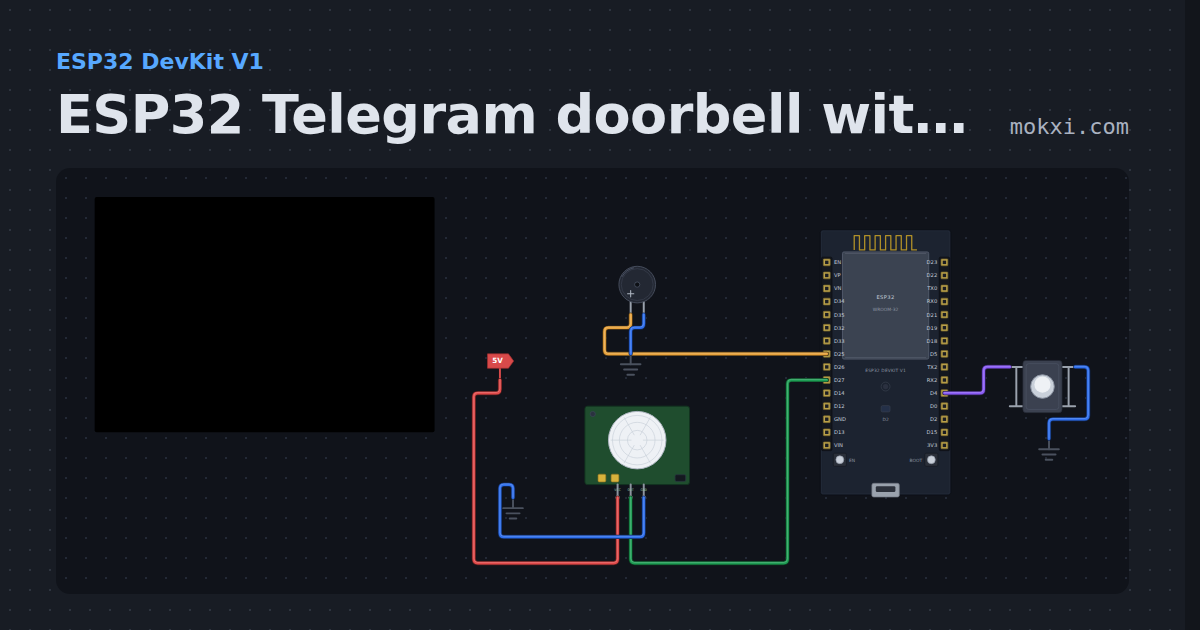
ESP32 Telegram doorbell with a PIR sensor
An ESP32 doorbell: the button rings a buzzer and sends you a Telegram message with UniversalTelegramBot, and a PIR sensor reports motion at the door.
- Board
- ESP32 DevKit V1
- Parts
- Push button, buzzer, PIR motion sensor
- Level
- Intermediate
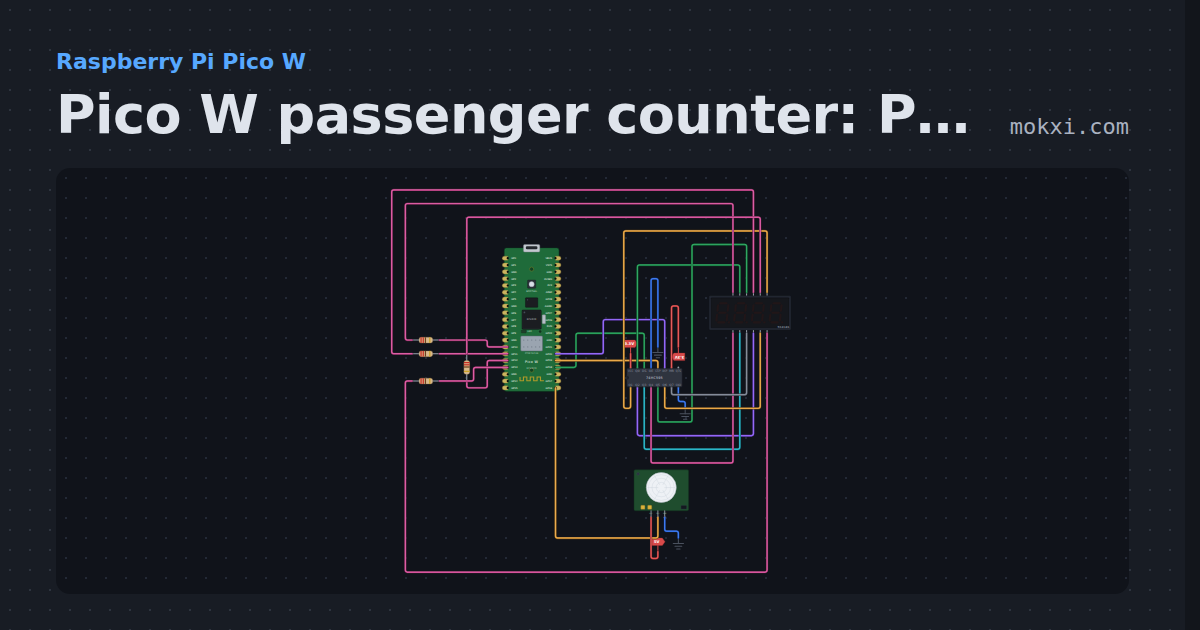
Pico W passenger counter: PIR and four digits
MicroPython on a Pico W: each time a PIR sensor on GP16 sees someone, a pin interrupt adds one to the count on a four-digit display.
- Board
- Raspberry Pi Pico W
- Parts
- 74HC595 shift register, four-digit seven-segment display, resistor, PIR motion sensor
- Level
- Intermediate
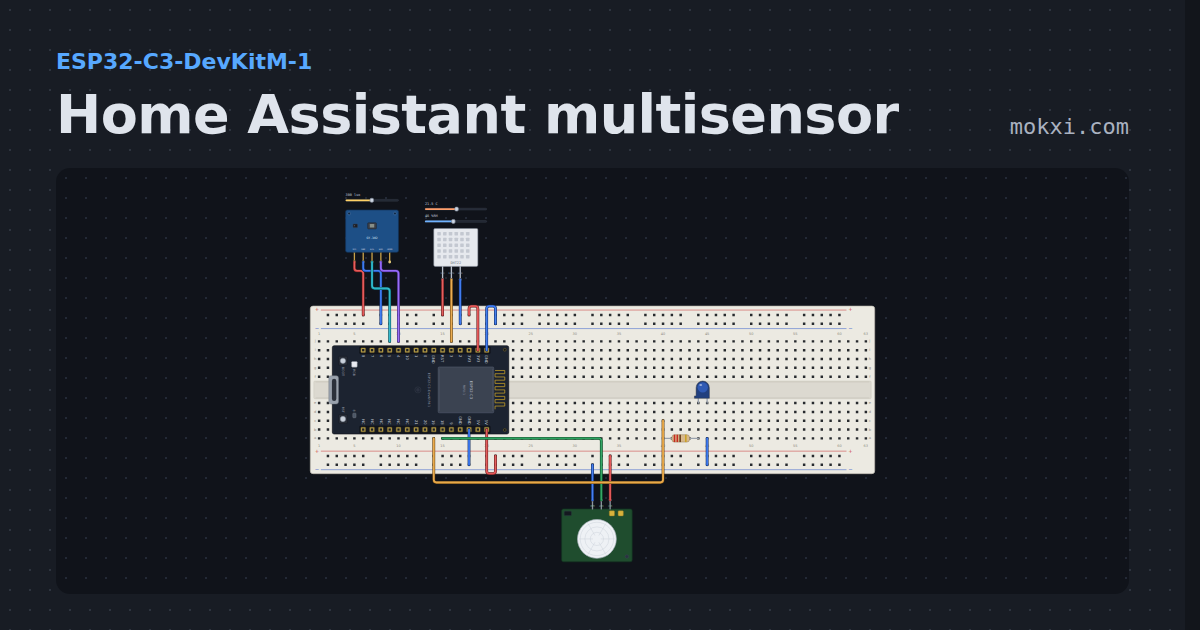
Home Assistant multisensor
Temperature, humidity, light and motion on one ESP32-C3, the room sensor Home Assistant users build first.
- Board
- ESP32-C3-DevKitM-1
- Parts
- Light sensor, DHT11 or DHT22 sensor, PIR motion sensor, resistor, LED
- Level
- Intermediate
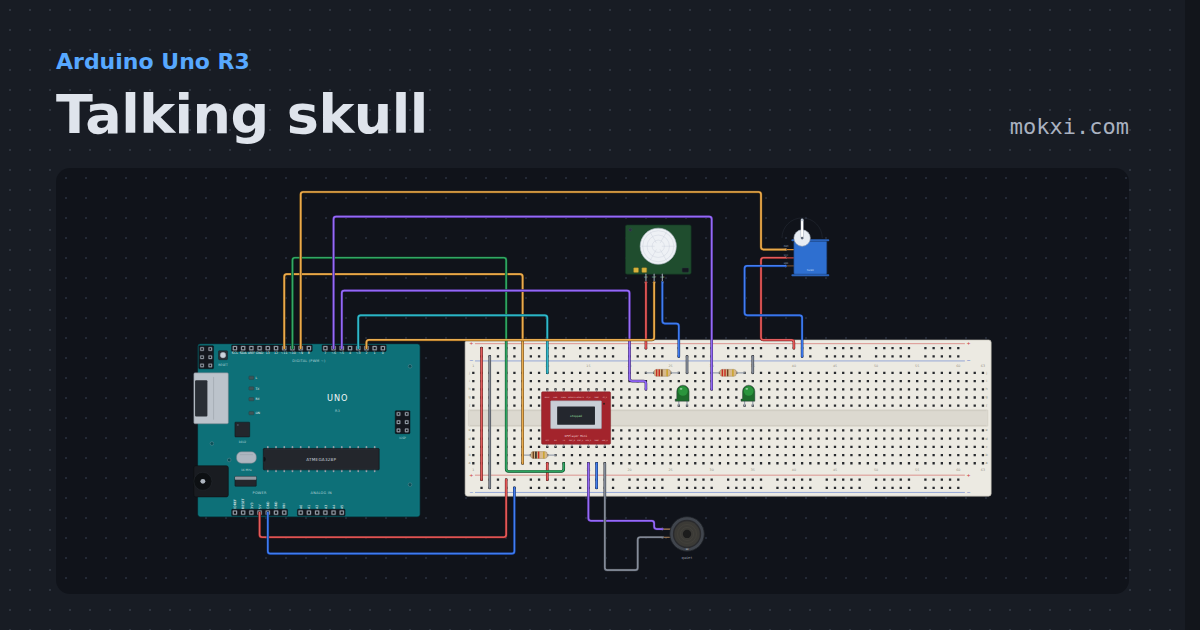
Talking skull
A PIR wakes a skull: its eyes light and a servo jaw follows a hand-timed cue list in step with a DFPlayer track, until BUSY says the line is over.
- Board
- Arduino Uno R3
- Parts
- DFPlayer Mini MP3 module, resistor, LED, PIR motion sensor, servo motor, +1 more
- Level
- Intermediate
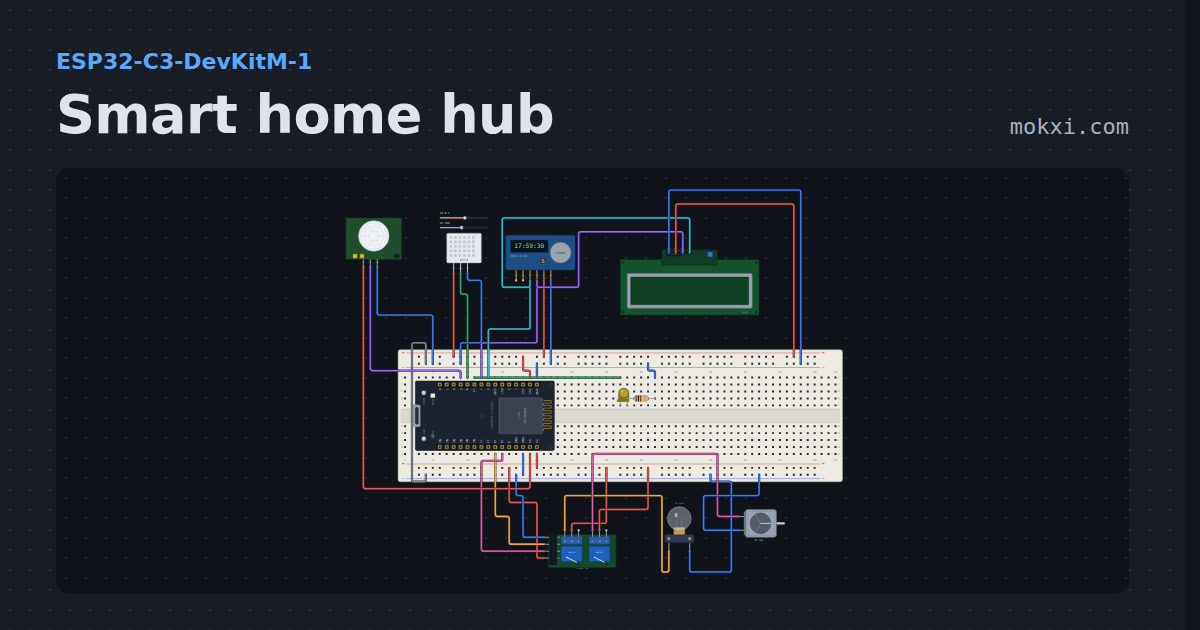
Smart home hub
An ESP32-C3 web dashboard that switches a lamp and a fan through relays, dims a porch light, reads temperature, humidity and motion.
- Board
- ESP32-C3-DevKitM-1
- Parts
- Two-channel relay board, filament lamp, DC motor, LED, resistor, +4 more
- Level
- Advanced
Wiring, libraries and more ideas
Wiring guides
Library pages
More project ideas
- Arduino Uno project ideas
- ESP32 project ideas
- Raspberry Pi Pico project ideas
- Electronics projects with no code
- LED projects for Arduino, ESP32 and Pico
- Projects with a DHT11 or DHT22 sensor
- Projects with a lamp
- Projects with a light sensor module
- Projects with a relay module
- Projects with a 74HC595 shift register