Projects with game console buttons
5 Mokxi projects use game console buttons (2 intermediate and 3 advanced). They run on Pro Micro, Arduino Uno and ESP32 boards. Here are all of them, from “Fight stick on a Pro Micro” to “Flight stick and throttle on a Pro Micro”. Each card says what the project does, the board and parts it needs and its level, and Open in the simulator runs it in your browser in one click, with no account.
How to pick your first one
- Start with “Fight stick on a Pro Micro”, an intermediate project that needs game console buttons and an arcade button.
- Pro Micro runs 3 of them, Arduino Uno 1 and ESP32 1. Start on the board you have, or on a Pro Micro if you are buying one.
- The parts used most here are the ILI9341 TFT display (2 projects), the piezo speaker (2) and the arcade button (1). With those on hand, most of this list is open to you.
- Before you build one on a real bench, open the game console buttons part page for its pins and what each one does.
5 projects ready to run
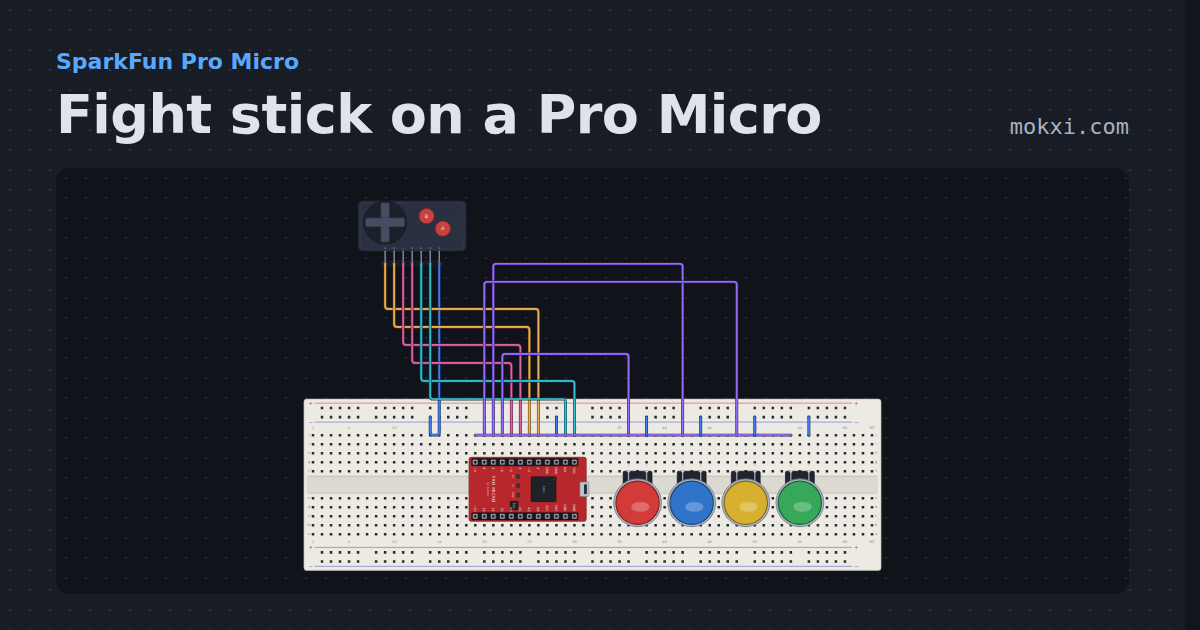
Fight stick on a Pro Micro
A four-way lever and six buttons on a Pro Micro, debounced with no added delay and reported as a numpad direction plus the buttons held.
- Board
- SparkFun Pro Micro
- Parts
- Game console buttons, arcade button
- Level
- Intermediate
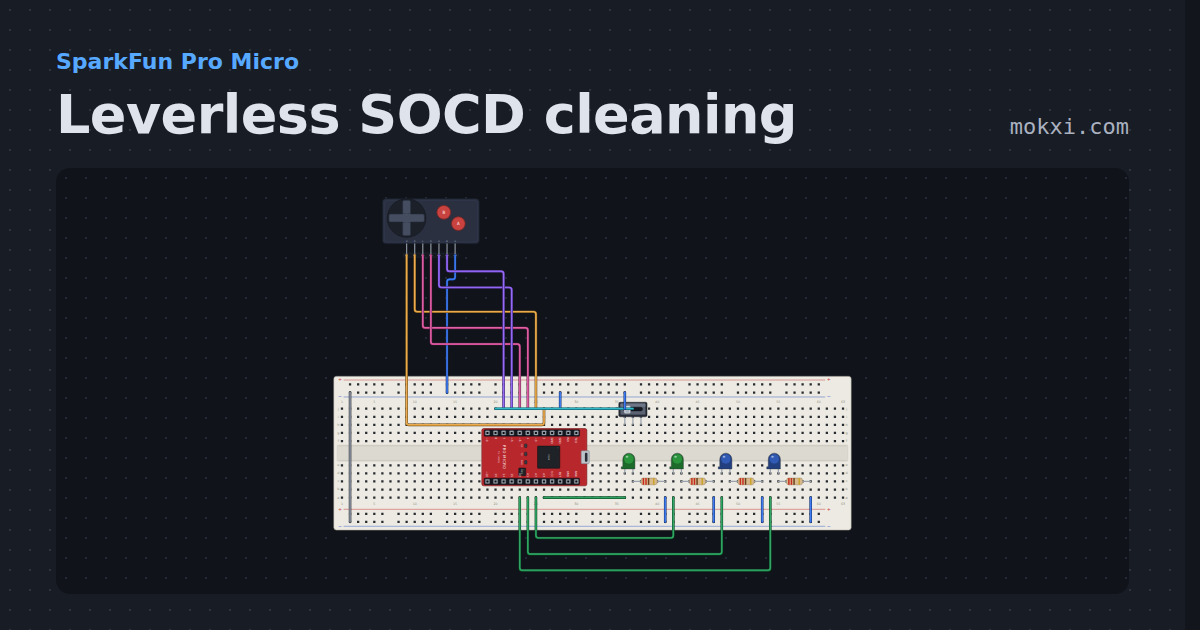
Leverless SOCD cleaning
Four direction buttons that can be held two at a time, cleaned by the neutral or last-input rule a slide switch picks.
- Board
- SparkFun Pro Micro
- Parts
- Game console buttons, slide switch, LED, resistor
- Level
- Intermediate
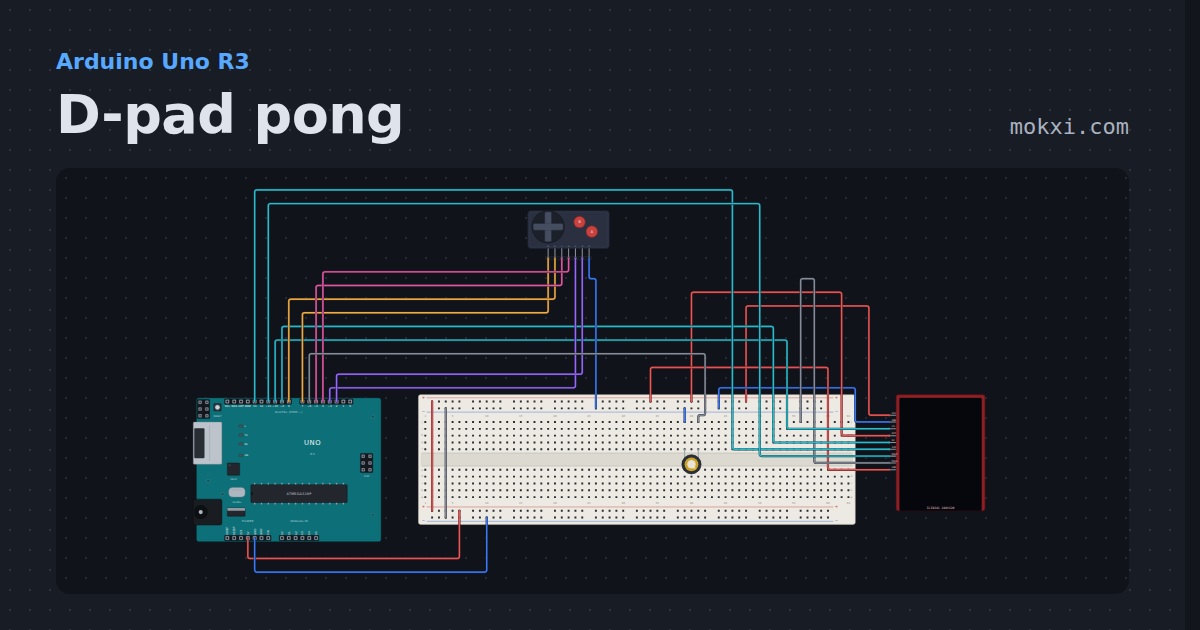
D-pad pong
A TFT, a console pad and a piezo on an Uno: paddle game, arrow keys or clicks, A to serve.
- Board
- Arduino Uno R3
- Parts
- ILI9341 TFT display, game console buttons, piezo speaker
- Level
- Advanced
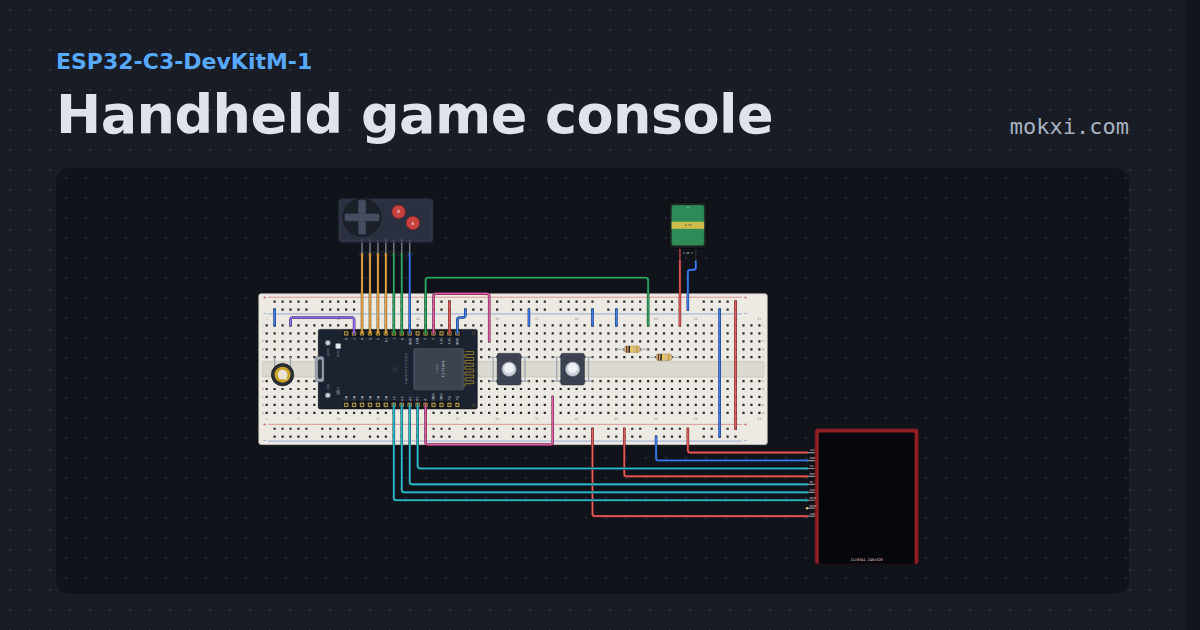
Handheld game console
A pocket console you can build: an ESP32-C3, a color TFT, a D-pad, A, B, Start and Select, chiptune on a piezo and a battery gauge.
- Board
- ESP32-C3-DevKitM-1
- Parts
- ILI9341 TFT display, game console buttons, piezo speaker, push button, battery: AA, +1 more
- Level
- Advanced
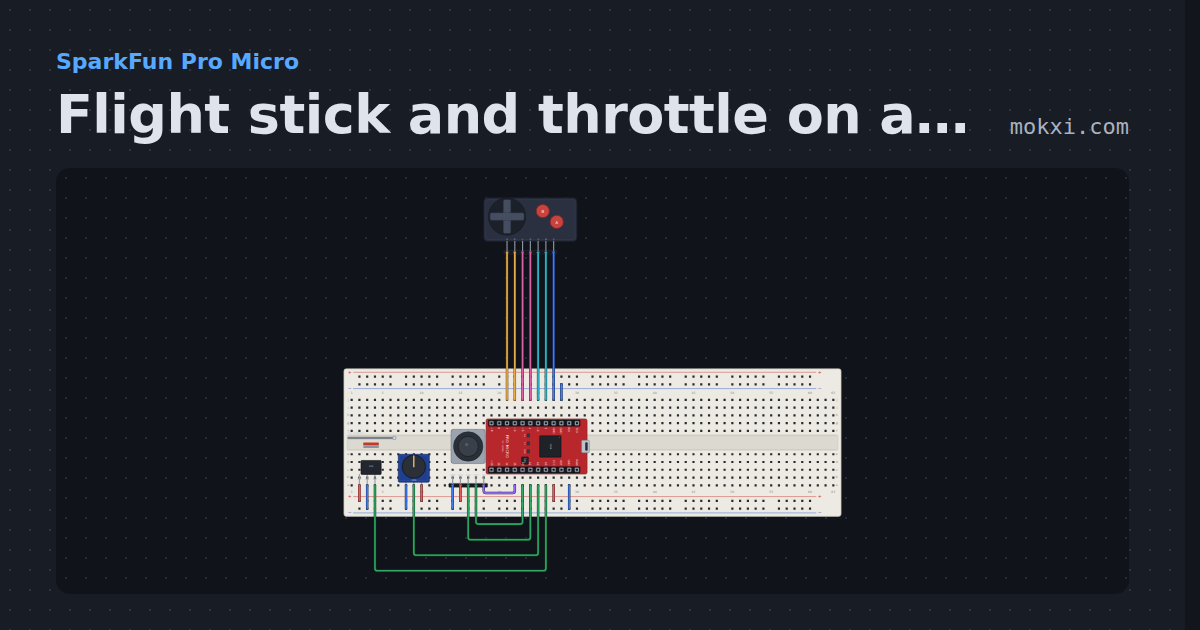
Flight stick and throttle on a Pro Micro
A two-axis stick with a center deadzone and an expo curve, a twist rudder, a hall sensor throttle, a hat switch and two buttons.
- Board
- SparkFun Pro Micro
- Parts
- Game console buttons, 49E linear hall sensor, potentiometer, joystick
- Level
- Advanced