Projects with a slide potentiometer
5 Mokxi projects use a slide potentiometer (2 beginner and 3 advanced). They run on Arduino Uno, Pro Micro and Arduino Mega boards. Here are all of them, from “Big servo” to “MIDI controller”. Each card says what the project does, the board and parts it needs and its level, and Open in the simulator runs it in your browser in one click, with no account.
How to pick your first one
- Start with “Servo fader”, a beginner project that needs a slide potentiometer and a servo motor.
- Arduino Uno runs 2 of them, Pro Micro 2 and Arduino Mega 1. Start on the board you have, or on an Arduino Uno if you are buying one.
- The parts used most here are the servo motor (2 projects), the TM1637 four-digit display (2) and the arcade button (1). With those on hand, most of this list is open to you.
- Before you build one on a real bench, open the slide potentiometer part page for its pins and what each one does.
5 projects ready to run
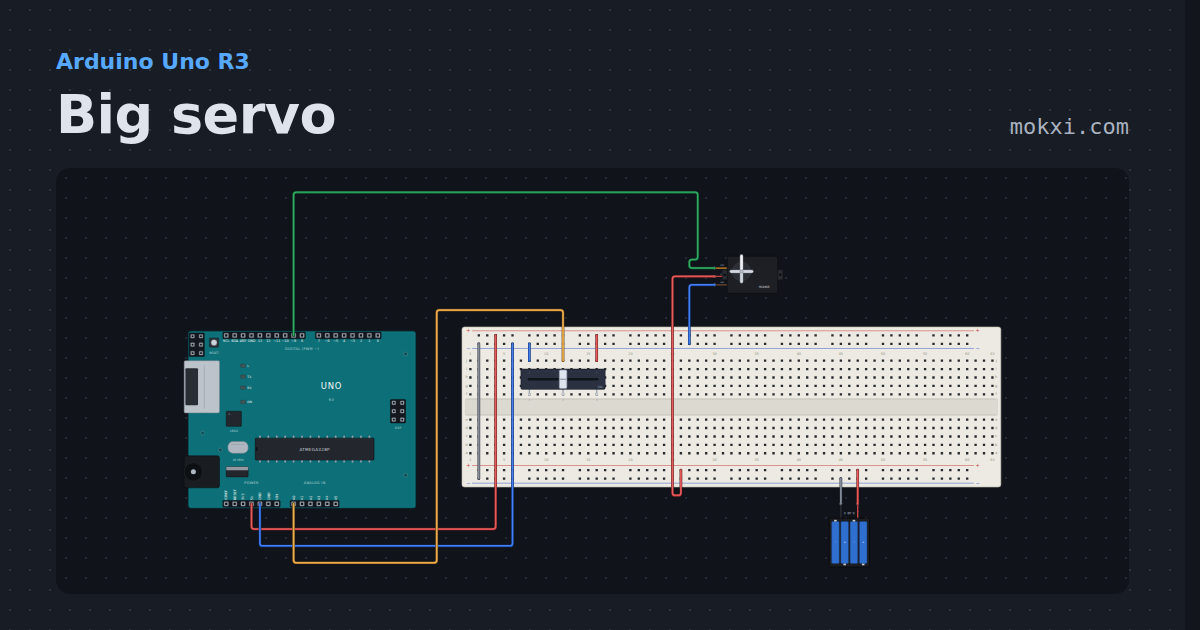
Big servo
An MG996R metal-gear servo on pin 9 follows a slide potentiometer on A0, powered from its own 6 V battery pack with only the ground shared.
- Board
- Arduino Uno R3
- Parts
- Slide potentiometer, servo, battery: AA
- Level
- Beginner
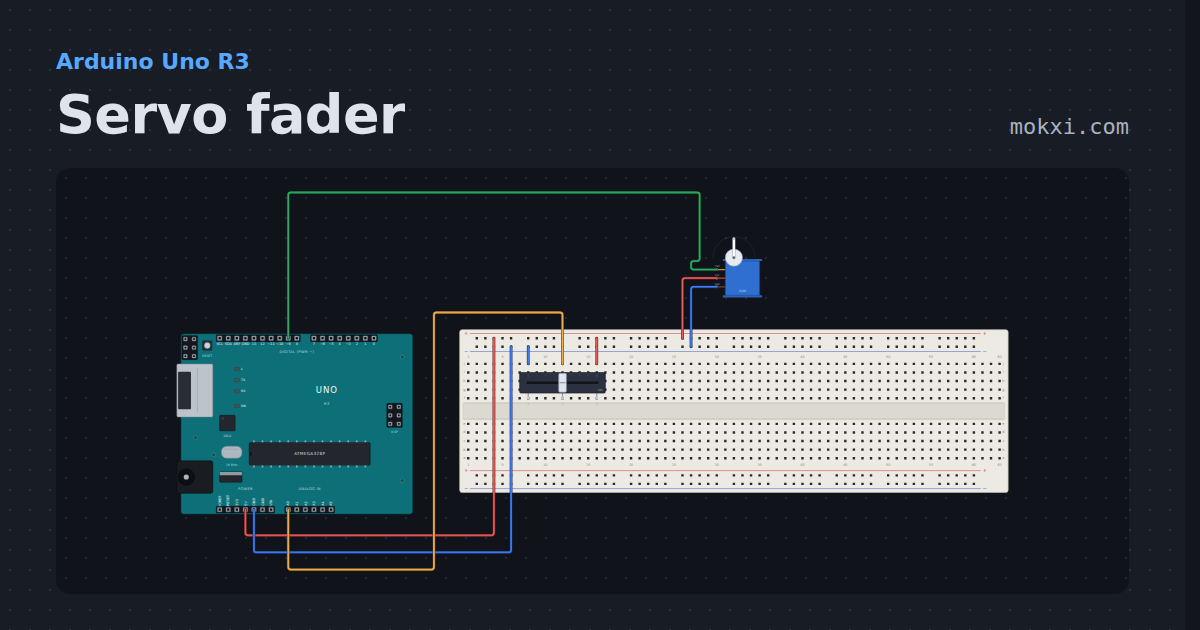
Servo fader
A slide potentiometer on A0 sets the angle of a servo on pin 9. Push the fader and the horn follows.
- Board
- Arduino Uno R3
- Parts
- Slide potentiometer, servo motor
- Level
- Beginner
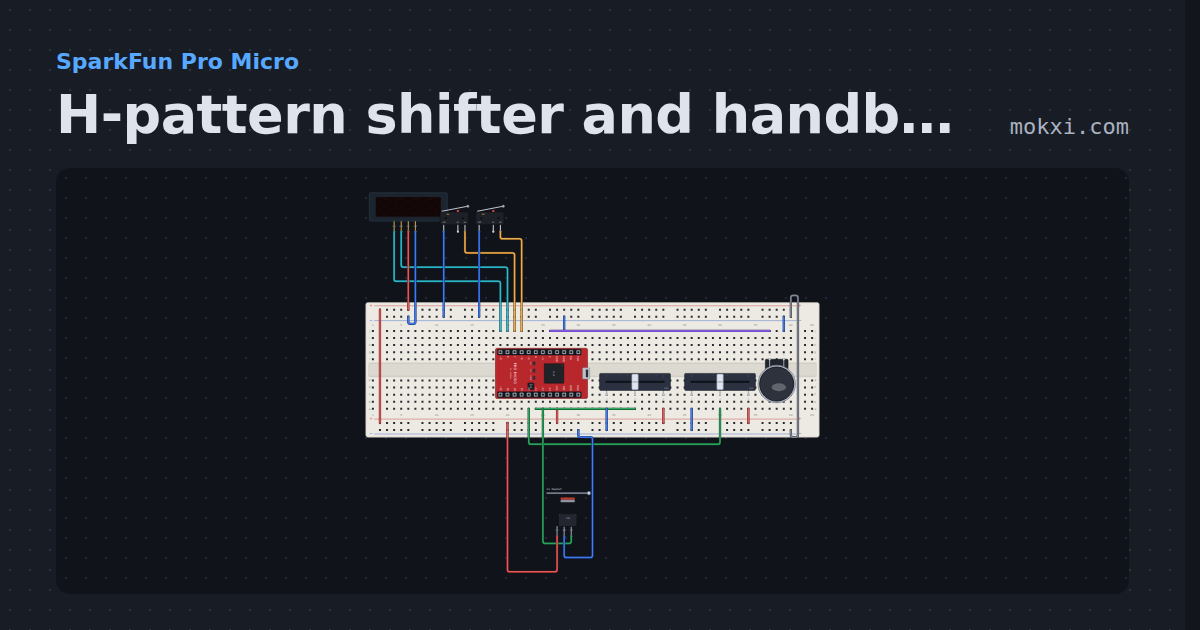
H-pattern shifter and handbrake
Two pots read an H-pattern gate with hysteresis and push-down reverse, two microswitches make sequential paddles and a hall sensor is the handbrake.
- Board
- SparkFun Pro Micro
- Parts
- TM1637 four-digit display, limit switch, slide potentiometer, arcade button, 49E linear hall sensor
- Level
- Advanced
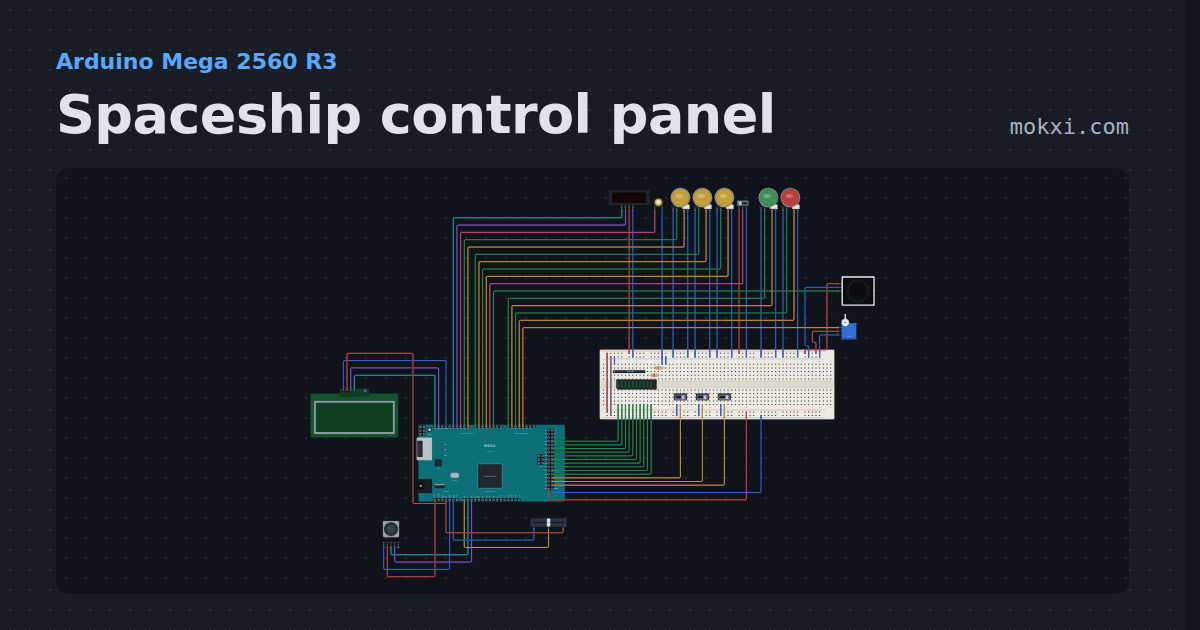
Spaceship control panel
Arm three systems, pass the go/no-go poll, lift the safety and launch.
- Board
- Arduino Mega 2560 R3
- Parts
- Slide switch, LED arcade button, TM1637 four-digit display, piezo speaker, WS2812 NeoPixel LEDs, +7 more
- Level
- Advanced
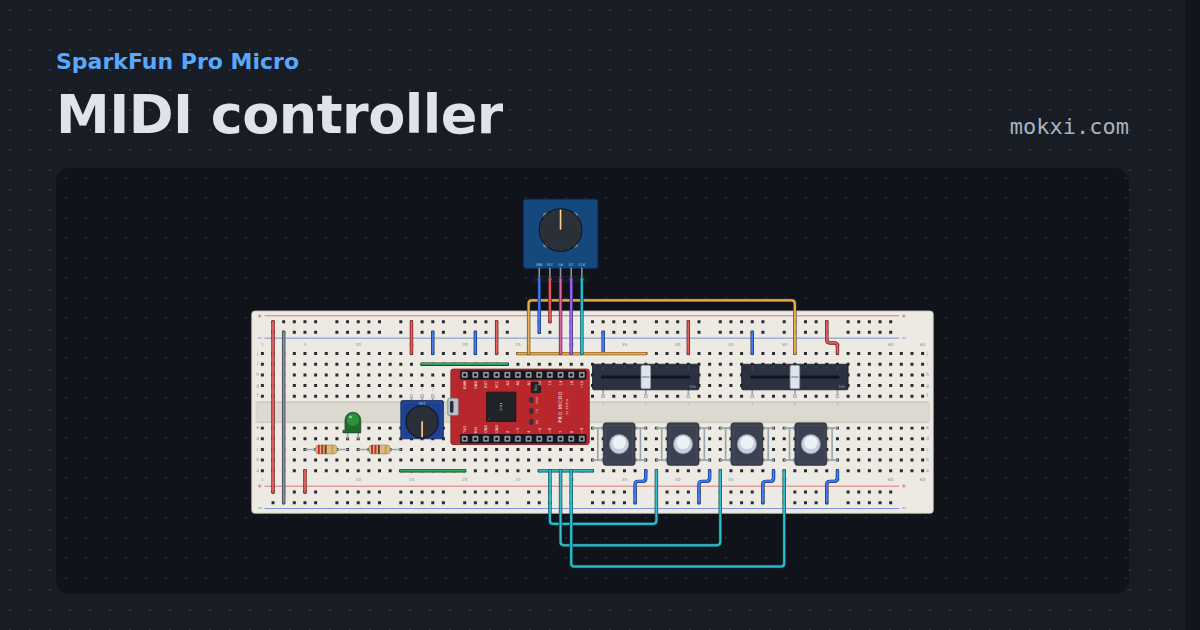
MIDI controller
Two faders, a knob, four drum pads and an encoder on a Pro Micro, sending real MIDI bytes the 5-pin way.
- Board
- SparkFun Pro Micro
- Parts
- Resistor, LED, slide potentiometer, push button, potentiometer, +1 more
- Level
- Advanced