Projects with a 20x4 I2C LCD
7 Mokxi projects use a 20x4 I2C LCD (5 intermediate and 2 advanced). They run on Arduino Uno and Arduino Mega boards. Here are all of them, from “Twenty by four” to “Escape-room puzzle box”. Each card says what the project does, the board and parts it needs and its level, and Open in the simulator runs it in your browser in one click, with no account.
How to pick your first one
- Start with “Twenty by four”, an intermediate project that needs a character LCD.
- Arduino Uno runs 5 of them and Arduino Mega 2. Start on the board you have, or on an Arduino Uno if you are buying one.
- The parts used most here are the push button (4 projects), the buzzer (2) and the LED (2). With those on hand, most of this list is open to you.
- Before you build one on a real bench, open the 20x4 I2C LCD part page for its pins and what each one does.
7 projects ready to run
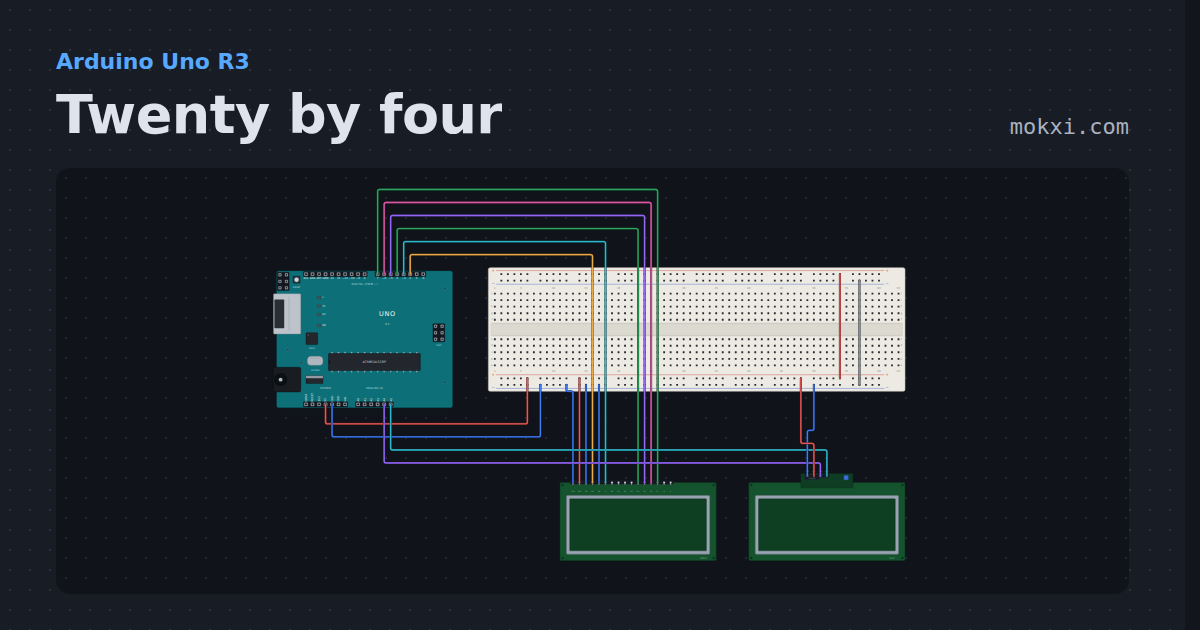
Twenty by four
Two 20x4 character LCDs, one on six wires and one on its I2C backpack. A long line runs off row 0 and carries on in row 2.
- Board
- Arduino Uno R3
- Parts
- Character LCD
- Level
- Intermediate
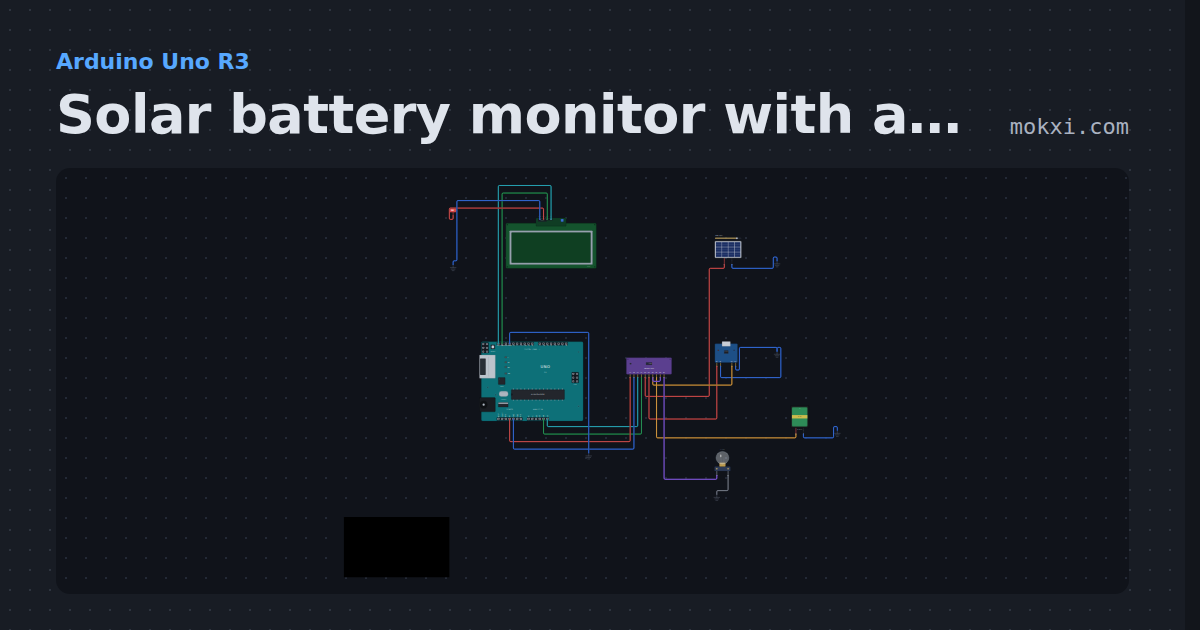
Solar battery monitor with an INA3221
One INA3221 reads a solar panel, an 18650 and its load on three channels, and a 20x4 LCD shows volts, currents and whether the cell is charging.
- Board
- Arduino Uno R3
- Parts
- Three-channel current monitor, solar panel, li-ion charger, battery: AA, filament lamp, +1 more
- Level
- Intermediate
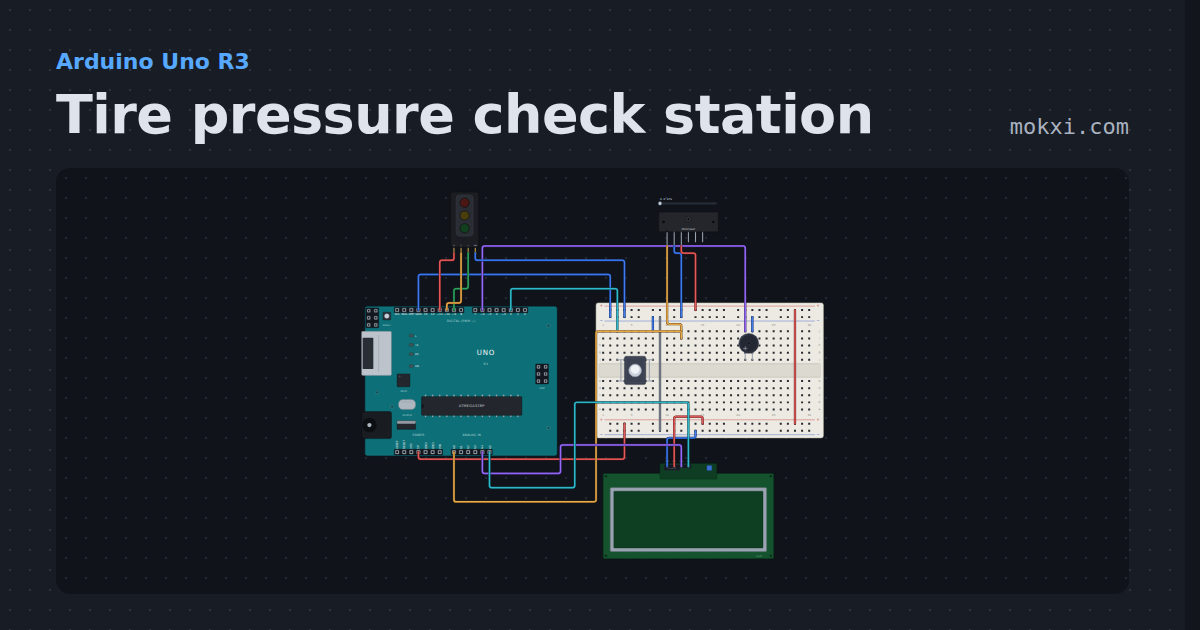
Tire pressure check station
An MPX5700 gauge pressure sensor on a shop air chuck, auto-zeroed at power up: the tire in psi, kPa and bar on a 20x4 LCD.
- Board
- Arduino Uno R3
- Parts
- Traffic light module, pressure sensor, push button, buzzer, 20x4 I2C LCD
- Level
- Intermediate
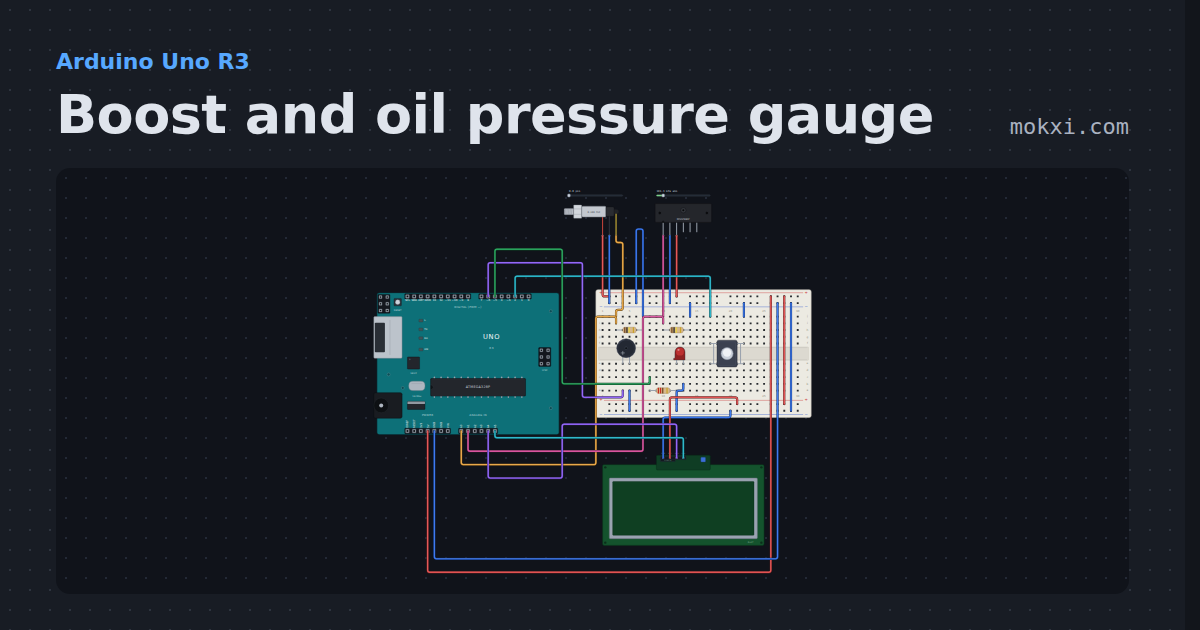
Boost and oil pressure gauge
Oil pressure from a 0.5 to 4.5 V sender and boost or vacuum from an absolute MAP sensor on a 20x4 LCD, with a resettable peak boost.
- Board
- Arduino Uno R3
- Parts
- 0.5 to 4.5 V pressure sender, pressure sensor, resistor, push button, buzzer, +2 more
- Level
- Intermediate
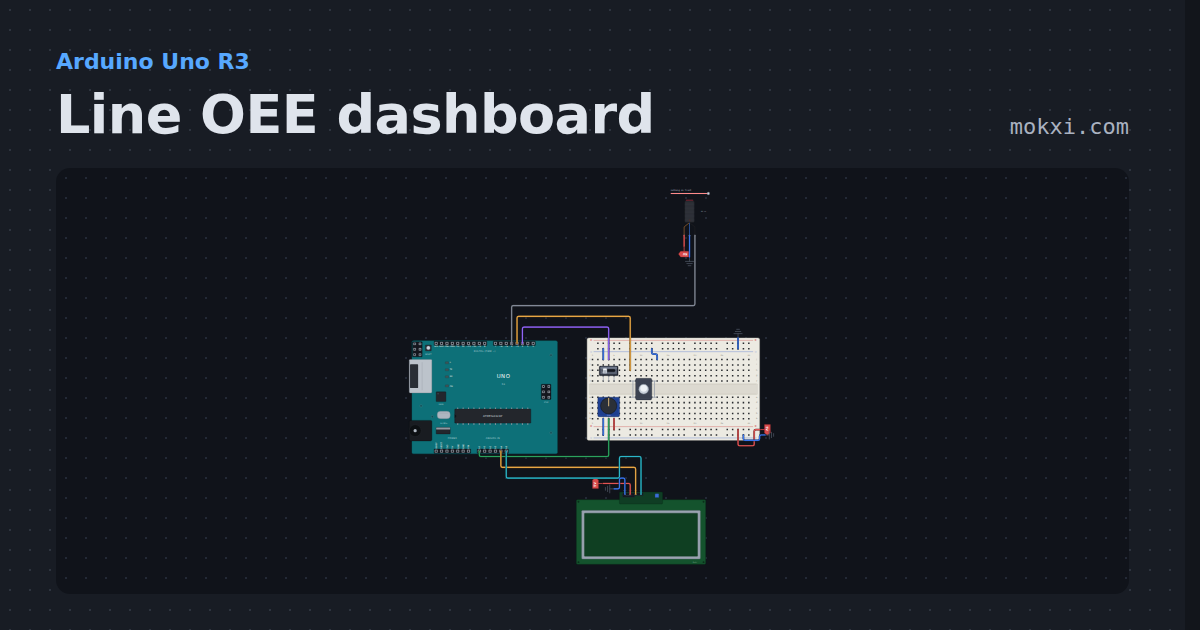
Line OEE dashboard
A 20x4 LCD shows how well a machine is doing as one number: availability, performance and quality from a part counter.
- Board
- Arduino Uno R3
- Parts
- Slide switch, push button, E18-D80NK IR proximity switch, potentiometer, 20x4 I2C LCD
- Level
- Intermediate
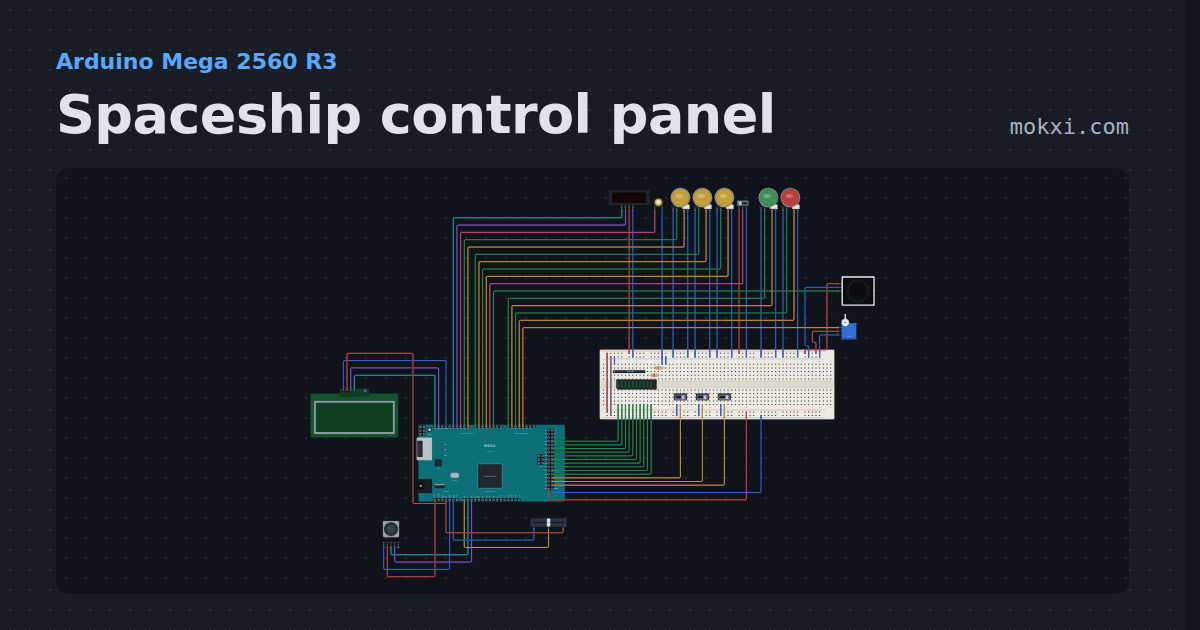
Spaceship control panel
Arm three systems, pass the go/no-go poll, lift the safety and launch.
- Board
- Arduino Mega 2560 R3
- Parts
- Slide switch, LED arcade button, TM1637 four-digit display, piezo speaker, WS2812 NeoPixel LEDs, +7 more
- Level
- Advanced
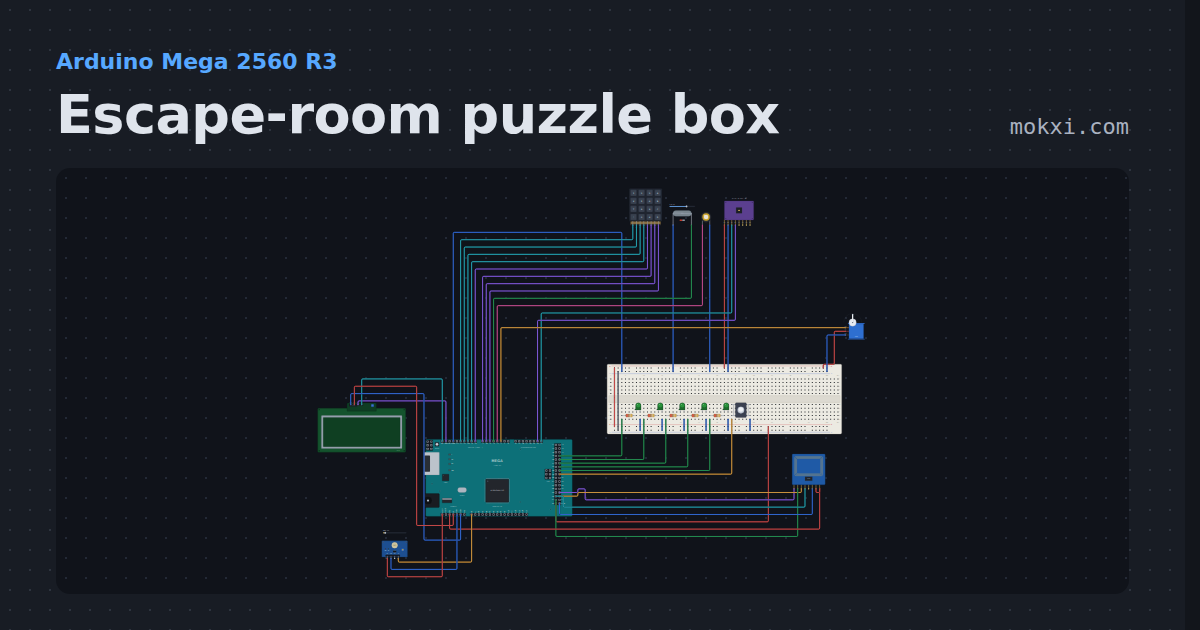
Escape-room puzzle box
Five puzzles in ten minutes: a keypad code, a magnet key, the right RFID card, a tilt sequence and three flashes of light.
- Board
- Arduino Mega 2560 R3
- Parts
- 4x4 keypad, reed switch, piezo speaker, MPU6050 accelerometer and gyro, servo motor, +6 more
- Level
- Advanced