Projects with a rotary encoder
11 Mokxi projects use a KY-040 rotary encoder (1 beginner, 2 intermediate and 8 advanced). They run on Arduino Uno, Pro Micro and ESP32 boards. Here are all of them, from “Rotary encoder” to “Bop-It reaction game”. Each card says what the project does, the board and parts it needs and its level, and Open in the simulator runs it in your browser in one click, with no account.
How to pick your first one
- Start with “Rotary encoder”, a beginner project that needs a rotary encoder, a resistor and an LED.
- Arduino Uno runs 5 of them, Pro Micro 5 and ESP32 1. Start on the board you have, or on an Arduino Uno if you are buying one.
- The parts used most here are the LED (6 projects), the push button (3) and the SSD1306 OLED display (3). With those on hand, most of this list is open to you.
- Before you build one on a real bench, open the KY-040 rotary encoder part page for its pins and what each one does.
11 projects ready to run
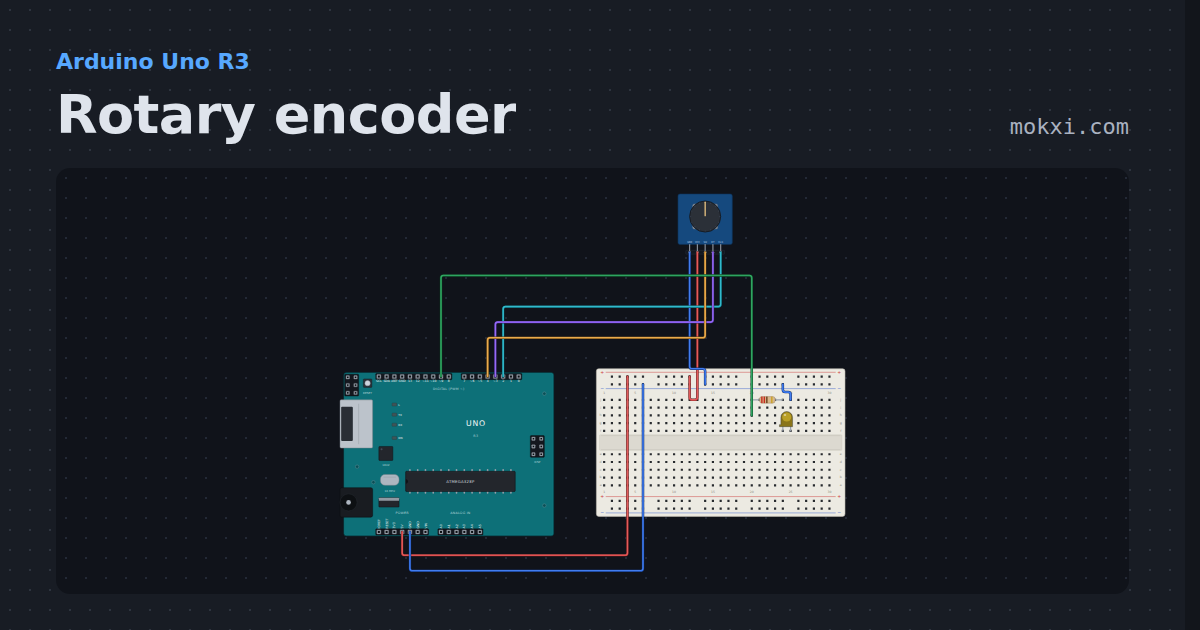
Rotary encoder
A KY-040 on an Uno counts clicks both ways and sets a lamp.
- Board
- Arduino Uno R3
- Parts
- KY-040 rotary encoder, resistor, LED
- Level
- Beginner
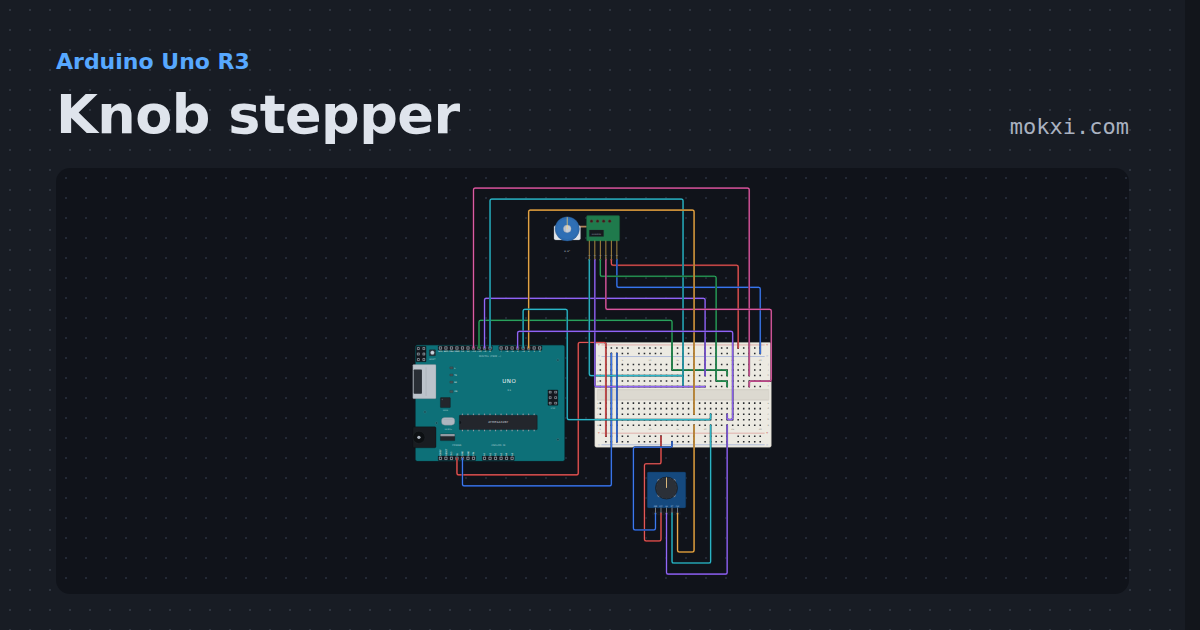
Knob stepper
A rotary encoder on pins 2, 3 and 4 steers a 28BYJ-48 click for click; press the knob and the shaft goes home.
- Board
- Arduino Uno R3
- Parts
- 28BYJ-48 stepper and ULN2003, KY-040 rotary encoder
- Level
- Intermediate
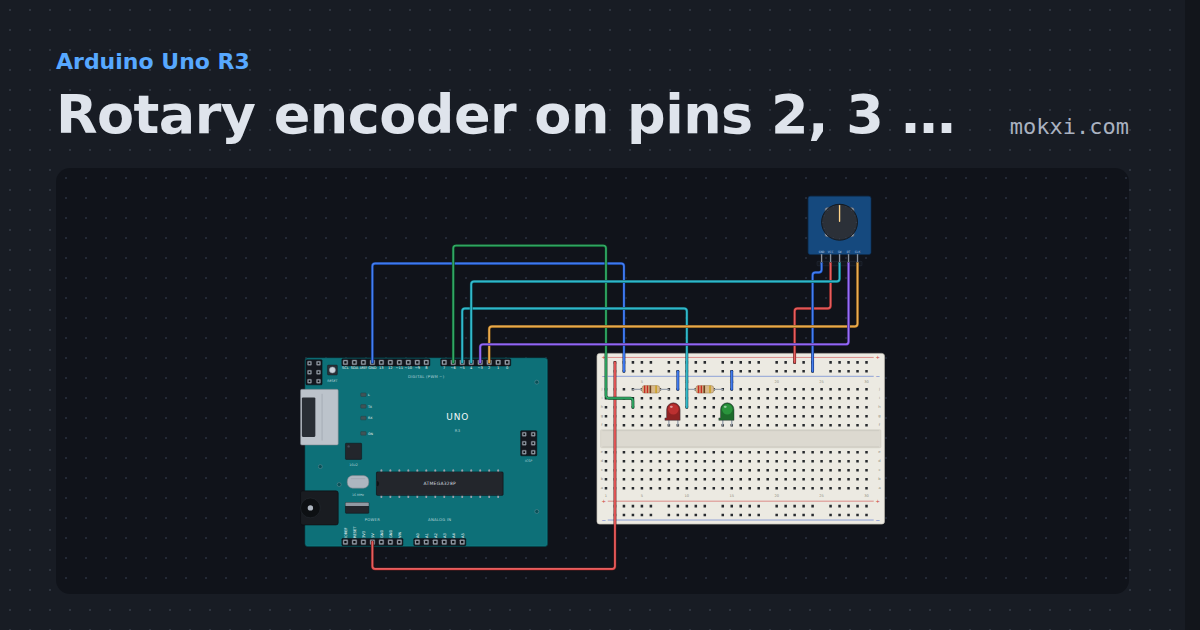
Rotary encoder on pins 2, 3 and 4, LEDs on 5 and 6
A rotary encoder with CLK on pin 2, DT on 3 and the switch on 4 counts its clicks.
- Board
- Arduino Uno R3
- Parts
- Resistor, LED, KY-040 rotary encoder
- Level
- Intermediate
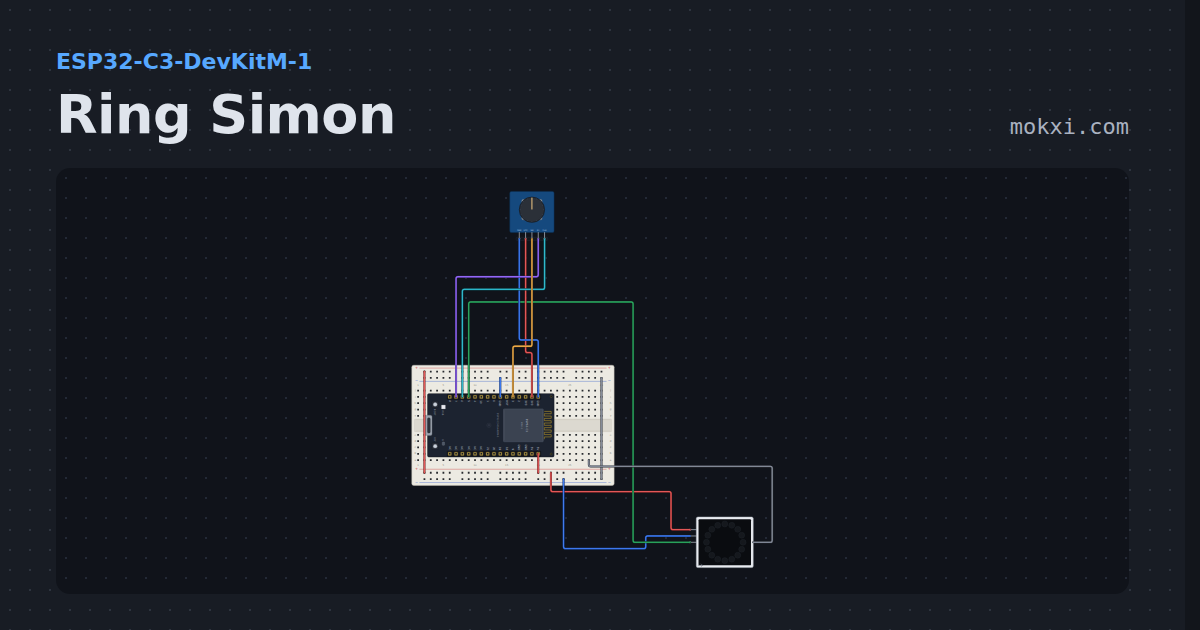
Ring Simon
Simon on a sixteen-LED ring with a rotary encoder: turn the knob to the color you were shown and press the shaft.
- Board
- ESP32-C3-DevKitM-1
- Parts
- WS2812 NeoPixel LEDs, KY-040 rotary encoder
- Level
- Advanced
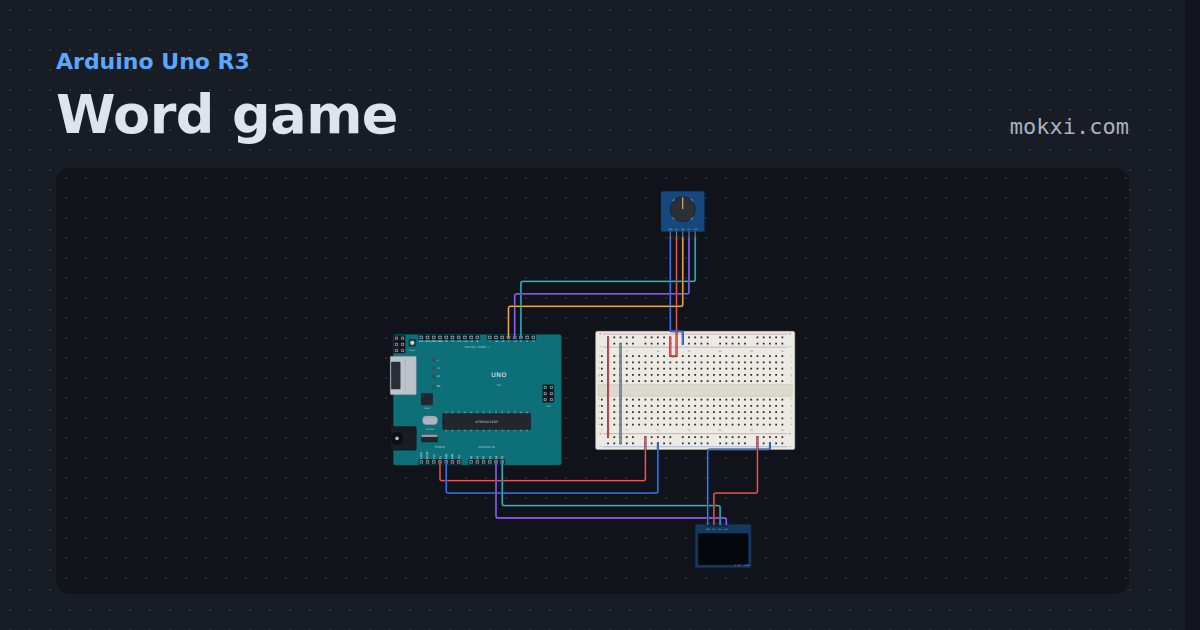
Word game
Guess the five-letter word in six tries on an OLED, picking letters with a rotary knob.
- Board
- Arduino Uno R3
- Parts
- KY-040 rotary encoder, SSD1306 OLED display
- Level
- Advanced
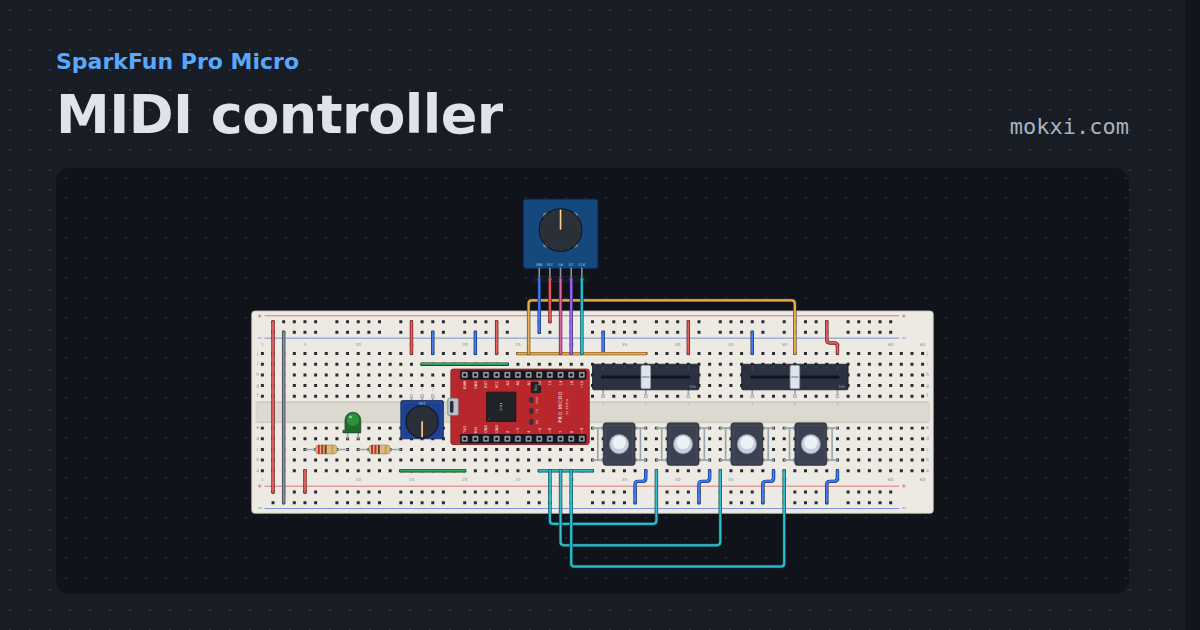
MIDI controller
Two faders, a knob, four drum pads and an encoder on a Pro Micro, sending real MIDI bytes the 5-pin way.
- Board
- SparkFun Pro Micro
- Parts
- Resistor, LED, slide potentiometer, push button, potentiometer, +1 more
- Level
- Advanced
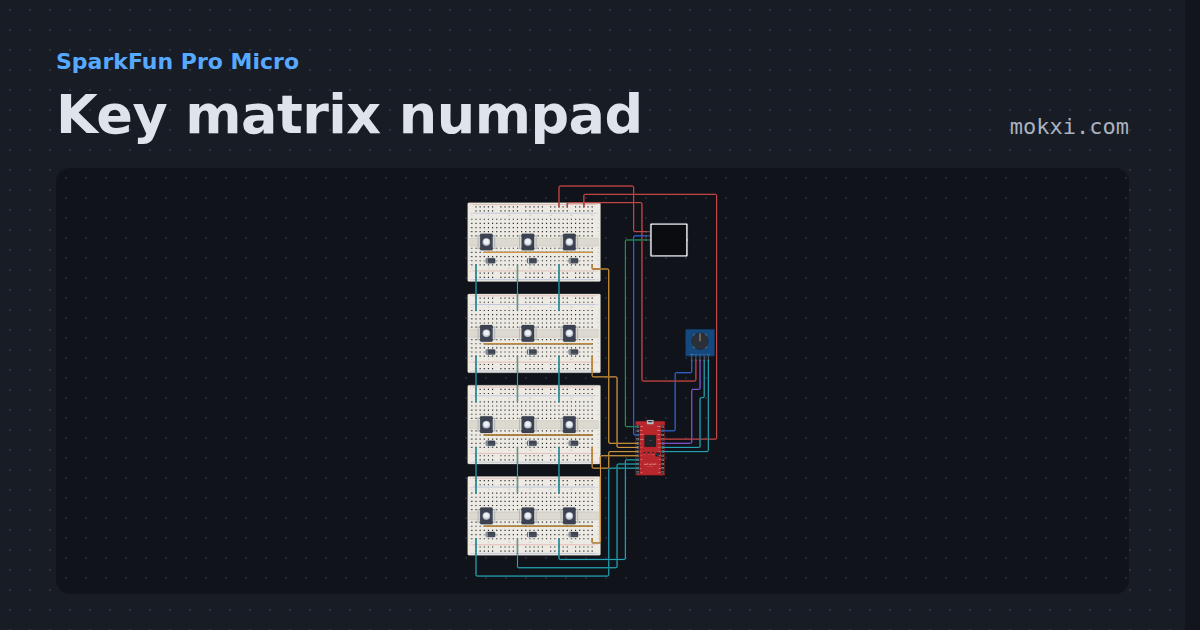
Key matrix numpad
Twelve switches in a 4 x 3 matrix with a diode on every key, three layers, an encoder and per-key RGB on a Pro Micro, typed as a USB keyboard.
- Board
- SparkFun Pro Micro
- Parts
- Push button, diode, KY-040 rotary encoder, WS2812 NeoPixel LEDs
- Level
- Advanced
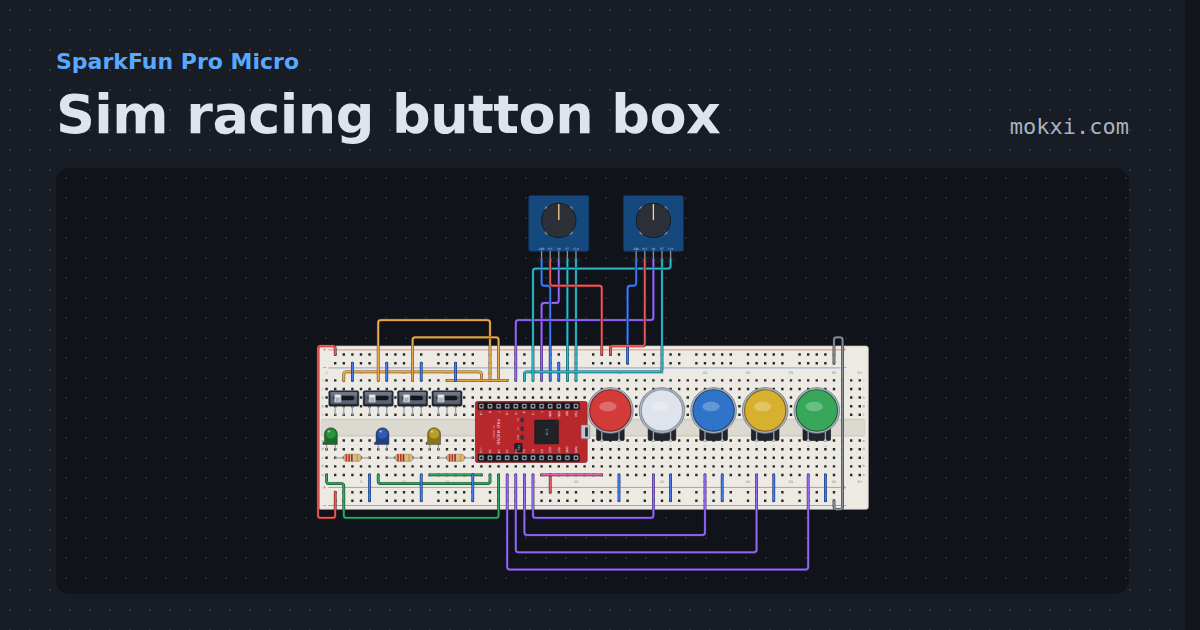
Sim racing button box
Two encoders, an ignition key with a start button, three toggles, four buttons and three LEDs on a Pro Micro, sent to the game as one USB controller.
- Board
- SparkFun Pro Micro
- Parts
- Slide switch, arcade button, KY-040 rotary encoder, LED, resistor
- Level
- Advanced
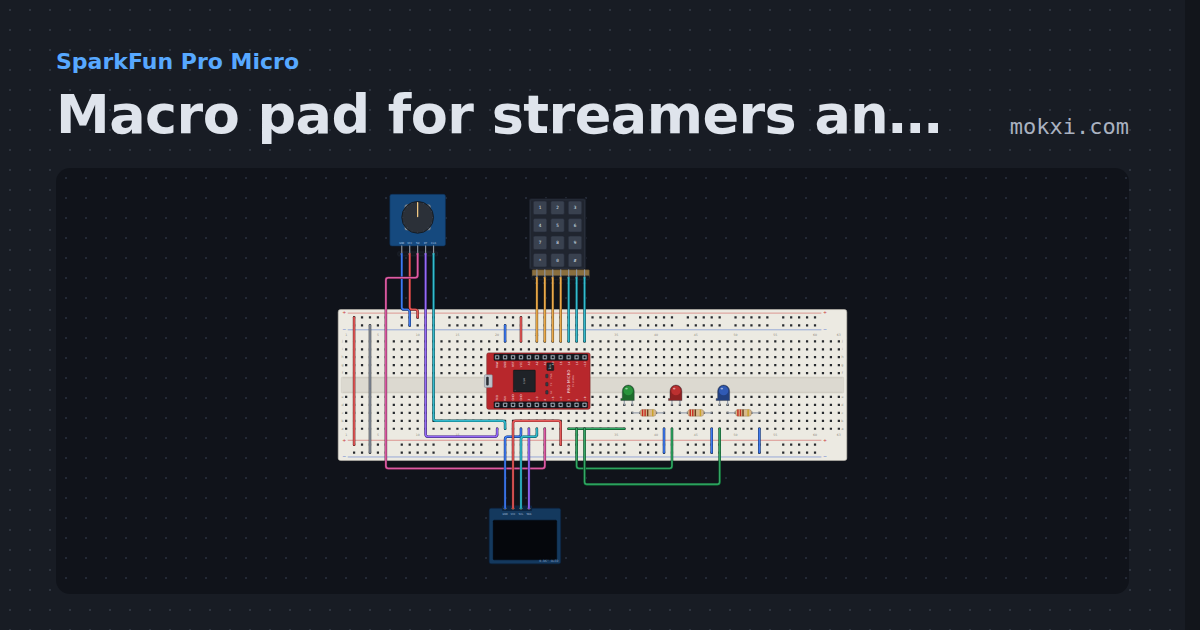
Macro pad for streamers and coders
A Pro Micro that plugs in as a keyboard: twelve keys of shortcuts, a volume knob, three layers with a lamp each and an OLED.
- Board
- SparkFun Pro Micro
- Parts
- 4x3 telephone keypad, KY-040 rotary encoder, SSD1306 OLED display, LED, resistor
- Level
- Advanced
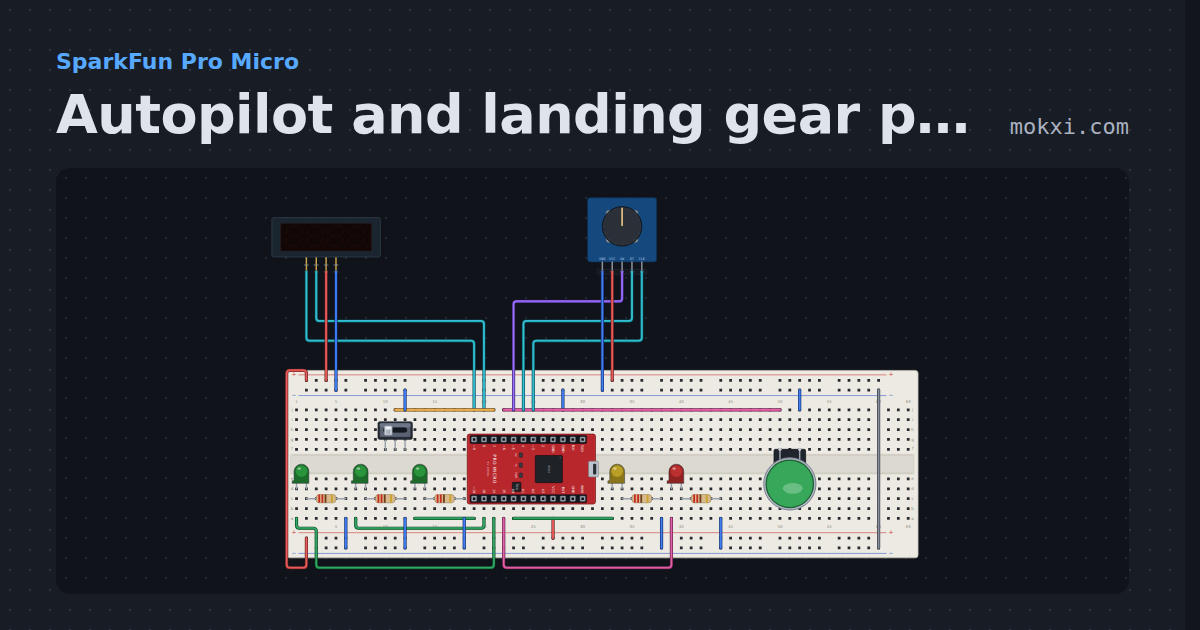
Autopilot and landing gear panel
An autopilot knob for heading, altitude and vertical speed on a four-digit display, an AP button.
- Board
- SparkFun Pro Micro
- Parts
- TM1637 four-digit display, KY-040 rotary encoder, slide switch, arcade button, LED, +1 more
- Level
- Advanced
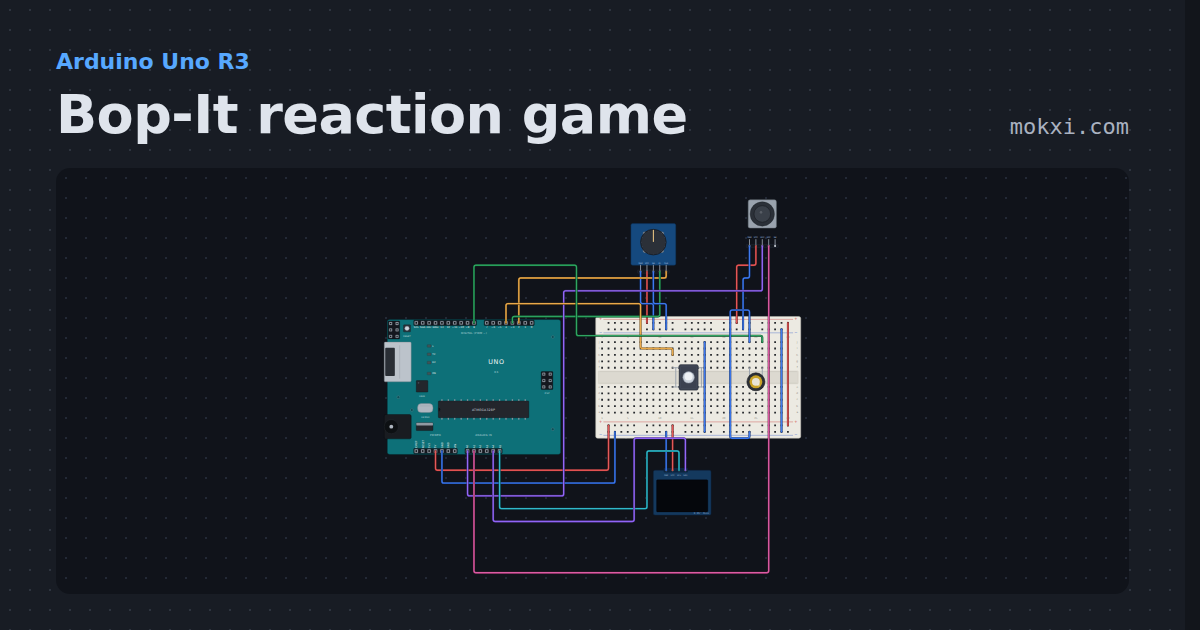
Bop-It reaction game
BOP the button, TWIST the knob or FLICK the stick before the time bar runs out.
- Board
- Arduino Uno R3
- Parts
- KY-040 rotary encoder, joystick, SSD1306 OLED display, push button, piezo speaker
- Level
- Advanced