Projects with a tilt switch
10 Mokxi projects use a tilt switch (7 beginner and 3 intermediate). They run on Arduino Uno, Raspberry Pi Pico and Pro Micro boards. Here are all of them, from “Tilt switch on A5 lights the LED on pin 8” to “Tilt dice on an 8x8 matrix”. Each card says what the project does, the board and parts it needs and its level, and Open in the simulator runs it in your browser in one click, with no account.
How to pick your first one
- Start with “Answer ball”, a beginner project that needs a tilt switch and a 16x2 LCD.
- Arduino Uno runs 6 of them, Raspberry Pi Pico 2 and Pro Micro 1. Start on the board you have, or on an Arduino Uno if you are buying one.
- The parts used most here are the LED (5 projects), the arcade button (2) and the 74HC595 shift register (1). With those on hand, most of this list is open to you.
- Before you build one on a real bench, open the tilt switch part page for its pins and what each one does.
10 projects ready to run
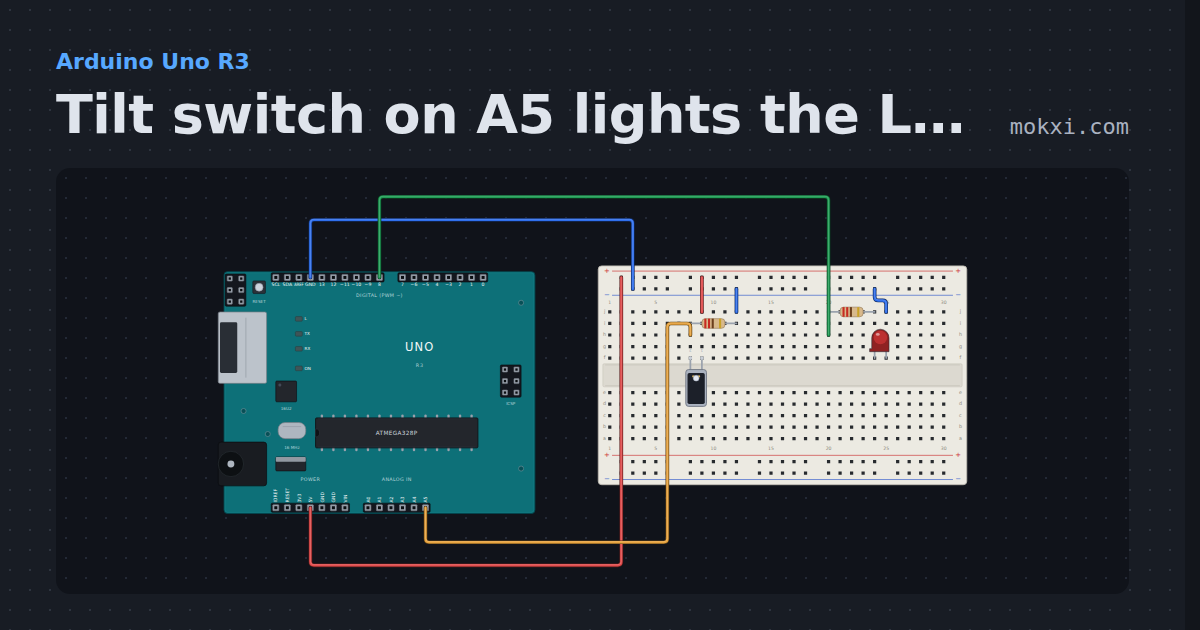
Tilt switch on A5 lights the LED on pin 8
A tilt ball switch from 5 V to A5, with 220 ohm down to ground: analogRead sees about 1023 while it stands upright, and the LED on pin 8 lights.
- Board
- Arduino Uno R3
- Parts
- Tilt switch, resistor, LED
- Level
- Beginner
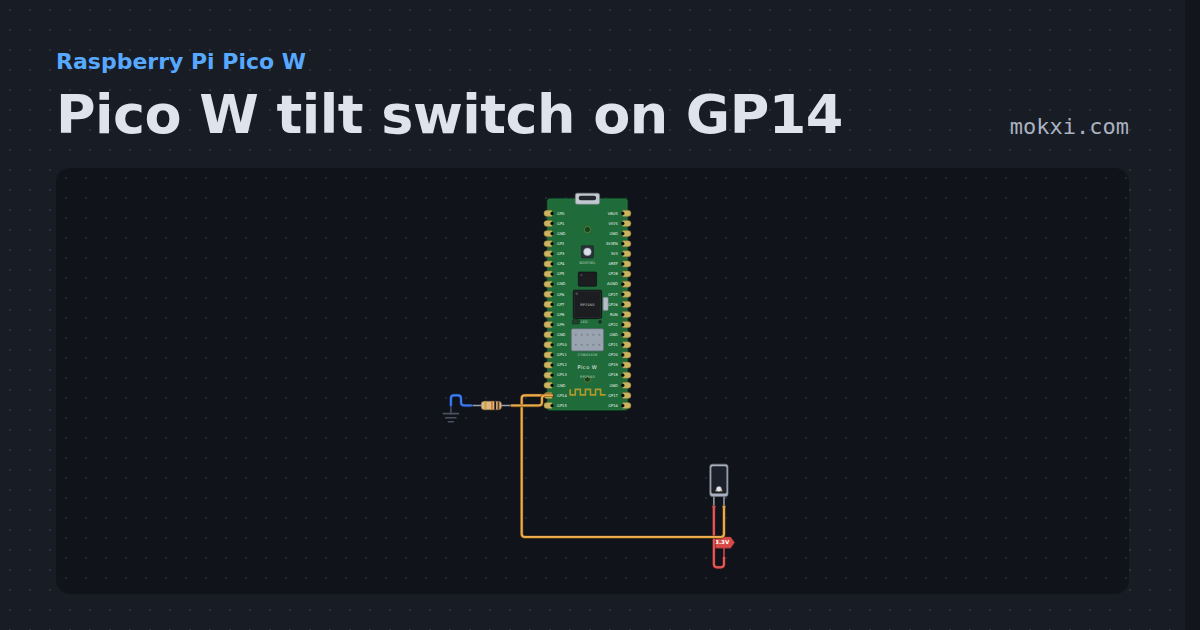
Pico W tilt switch on GP14
MicroPython on a Pico W: a ball tilt switch from 3.3 V to GP14 with a 10k pull-down. Tip it over and the program prints that it opened.
- Board
- Raspberry Pi Pico W
- Parts
- Tilt switch, resistor
- Level
- Beginner
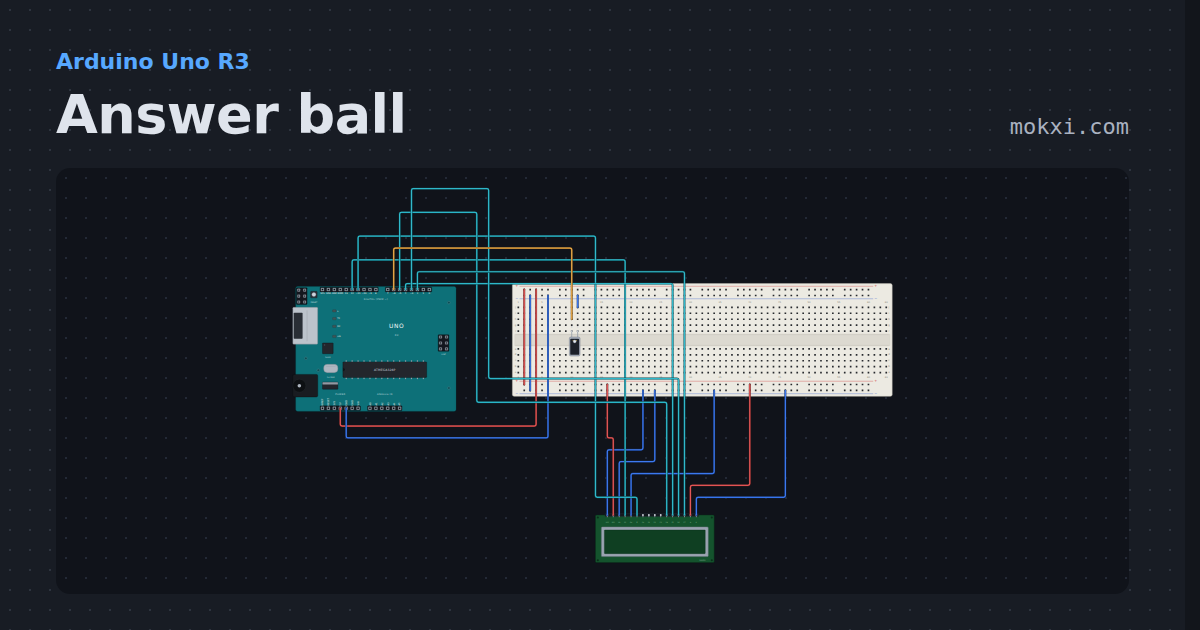
Answer ball
Ask a question and tip the tilt switch: the 16x2 LCD shows one of eight answers, picked with random().
- Board
- Arduino Uno R3
- Parts
- Tilt switch, 16x2 character LCD
- Level
- Beginner
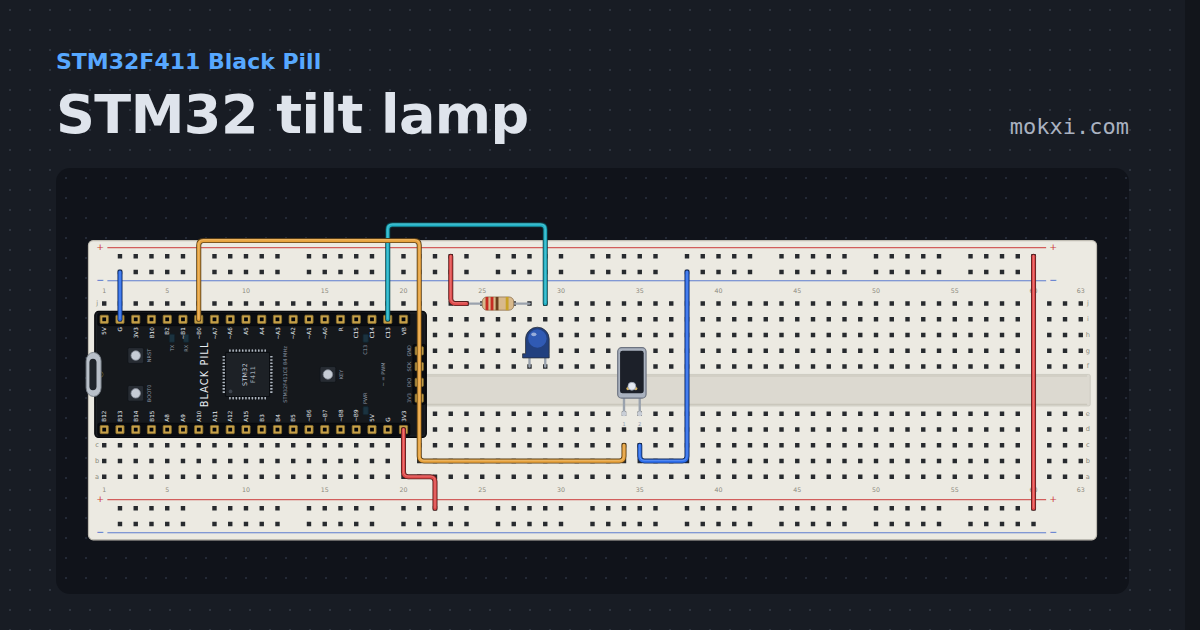
STM32 tilt lamp
A tilt switch on PB0 of a Black Pill lights a lamp on PC13 while it stands upright. Tip it and the lamp goes dark.
- Board
- STM32F411 Black Pill
- Parts
- Resistor, LED, tilt switch
- Level
- Beginner
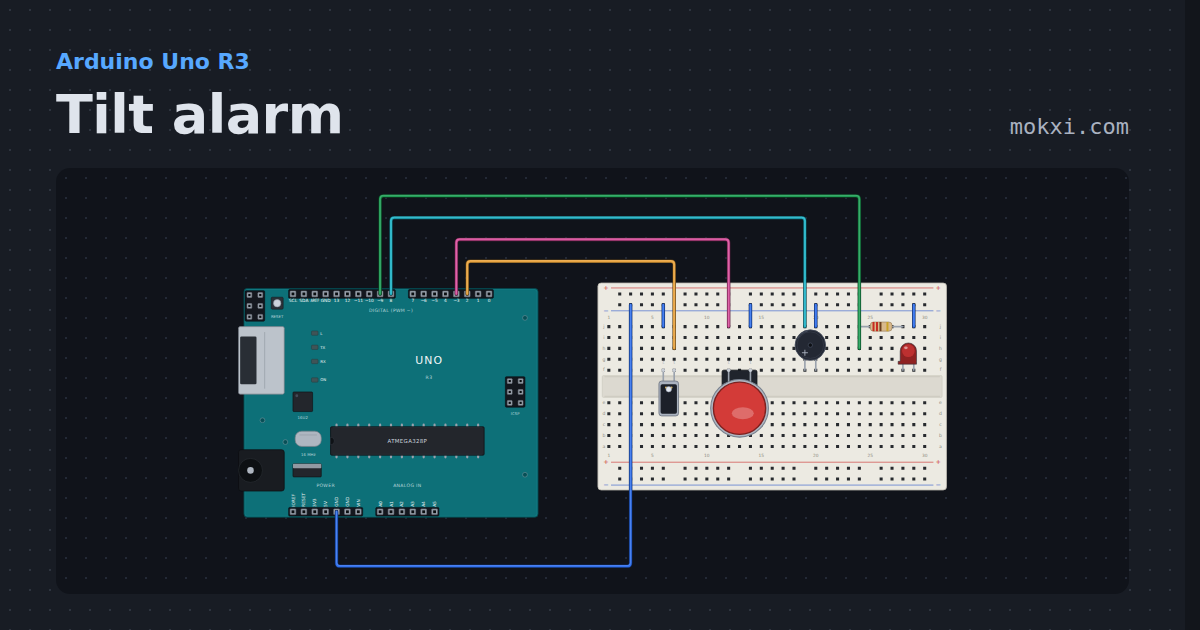
Tilt alarm
Tip the tilt switch and a buzzer and a lamp sound off until the arcade button on pin 3 resets them. Half-size board.
- Board
- Arduino Uno R3
- Parts
- Tilt switch, arcade button, buzzer, resistor, LED
- Level
- Beginner
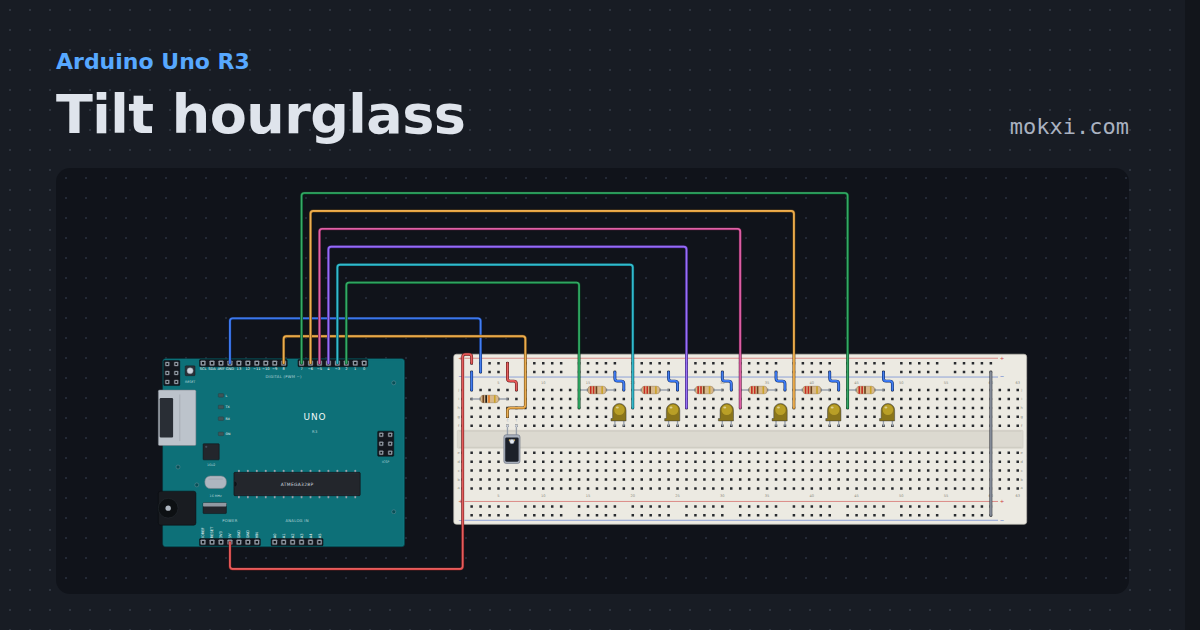
Tilt hourglass
Six LEDs light one by one on a millis() timer, and tipping the tilt switch on pin 8 clears them and starts again.
- Board
- Arduino Uno R3
- Parts
- Tilt switch, resistor, LED
- Level
- Beginner
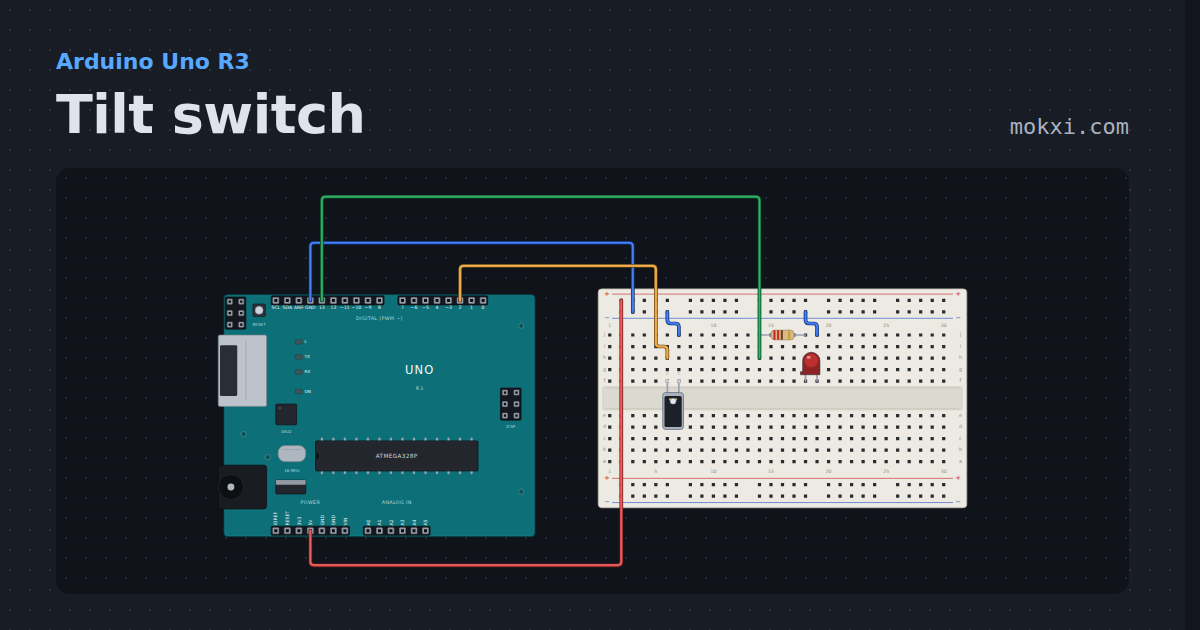
Tilt switch
A ball tilt switch on pin 2 with the internal pull-up: tip it over and the LED on pin 13 lights, with the ball’s bounce filtered out.
- Board
- Arduino Uno R3
- Parts
- Tilt switch, resistor, LED
- Level
- Beginner
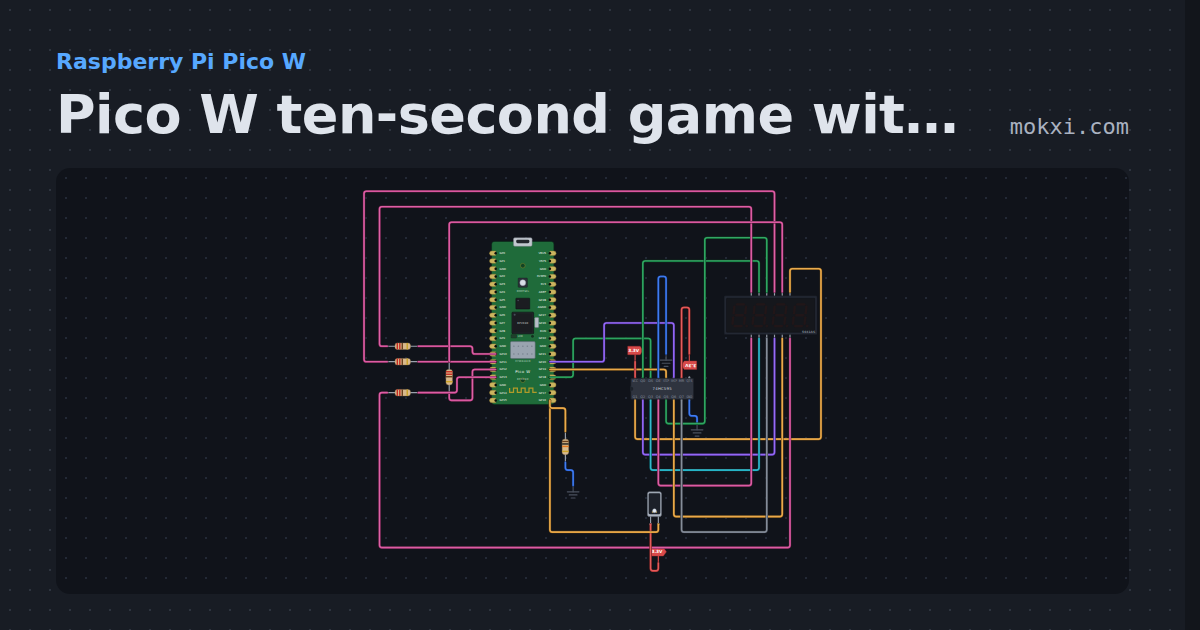
Pico W ten-second game with a tilt switch
MicroPython on a Pico W: shake a tilt switch on GP16 to start and stop a stopwatch on a four-digit display; stop it on exactly 10.00 to win.
- Board
- Raspberry Pi Pico W
- Parts
- 74HC595 shift register, four-digit seven-segment display, resistor, tilt switch
- Level
- Intermediate
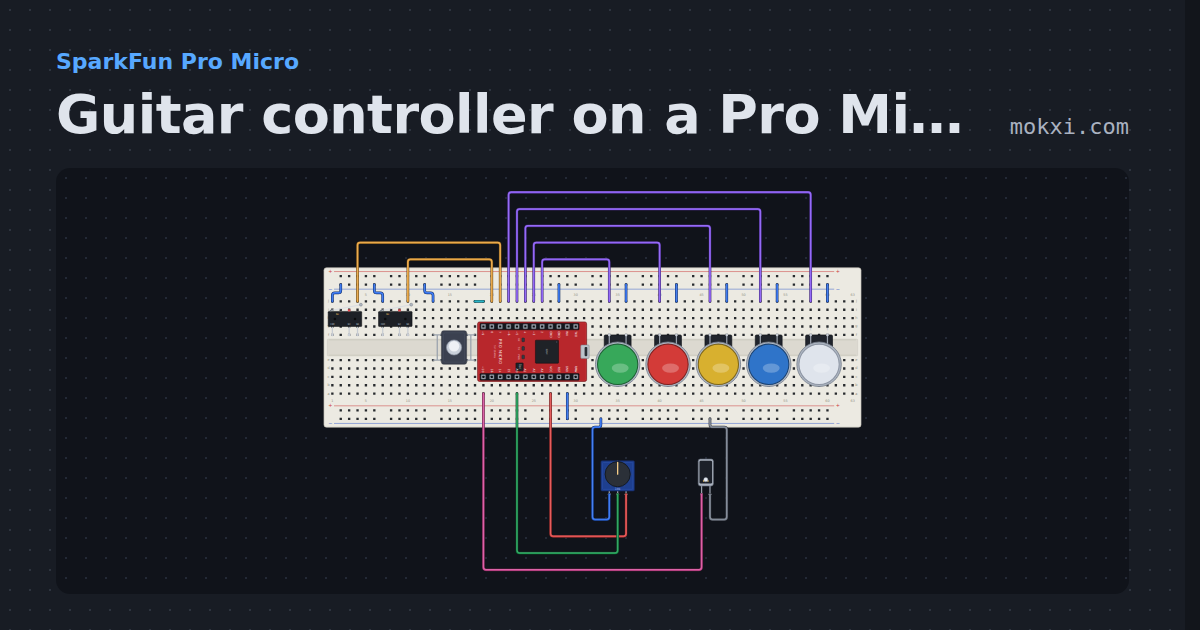
Guitar controller on a Pro Micro
Five fret buttons, a two-switch strum bar, a whammy knob and a tilt switch for star power, sent as a gamepad report through Joystick.h.
- Board
- SparkFun Pro Micro
- Parts
- Limit switch, push button, arcade button, potentiometer, tilt switch
- Level
- Intermediate
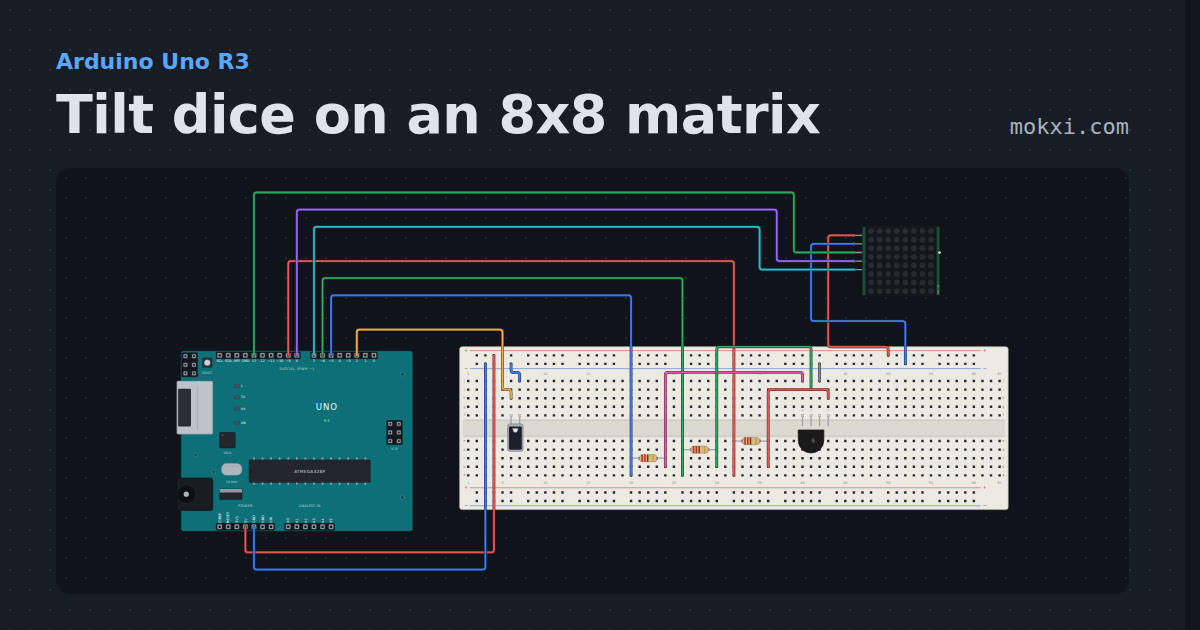
Tilt dice on an 8x8 matrix
Shake the tilt switch on pin 2 and an 8x8 MAX7219 matrix (DIN 13, CLK 7, CS 8) rolls a die and settles on a number, while an RGB LED on pins 9.
- Board
- Arduino Uno R3
- Parts
- RGB LED, resistor, tilt switch, MAX7219 8x8 LED matrix
- Level
- Intermediate
Wiring, libraries and more ideas
More project ideas
- Arduino Uno project ideas
- Raspberry Pi Pico project ideas
- Pro Micro and Leonardo project ideas
- STM32 project ideas
- LED projects for Arduino, ESP32 and Pico
- Projects with an arcade button
- Projects with a 74HC595 shift register
- Projects with a buzzer
- Projects with a 16x2 LCD
- Projects with a MAX7219 LED matrix
- Projects with a limit switch