Projects with a 16x2 LCD
13 Mokxi projects use a 16x2 LCD (3 beginner, 8 intermediate and 2 advanced). They run on Arduino Uno boards. Here are all of them, from “Answer ball” to “RFID time clock with an LCD and a DS1307”. Each card says what the project does, the board and parts it needs and its level, and Open in the simulator runs it in your browser in one click, with no account.
How to pick your first one
- Start with “LCD1602 hello”, a beginner project that needs a 16x2 LCD.
- All of them run on an Arduino Uno, so that is the one board you need.
- The parts used most here are the HC-SR04 ultrasonic sensor (2 projects), the piezo speaker (2) and the push button (2). With those on hand, most of this list is open to you.
- Before you build one on a real bench, open the 16x2 character LCD part page for its pins and what each one does.
13 projects ready to run
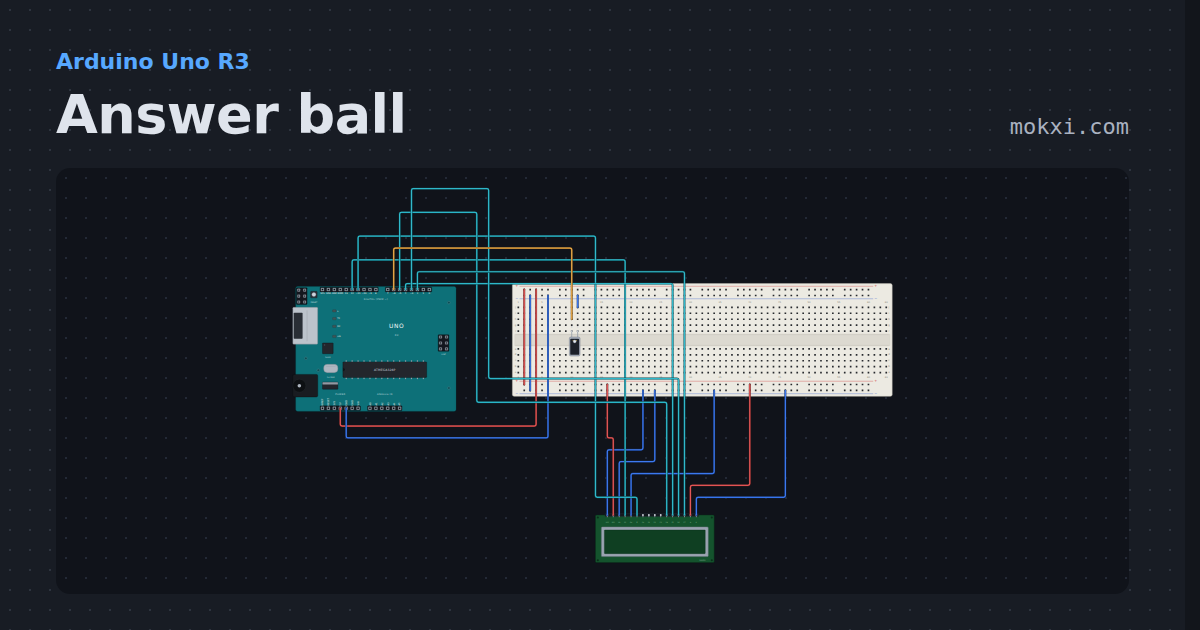
Answer ball
Ask a question and tip the tilt switch: the 16x2 LCD shows one of eight answers, picked with random().
- Board
- Arduino Uno R3
- Parts
- Tilt switch, 16x2 character LCD
- Level
- Beginner
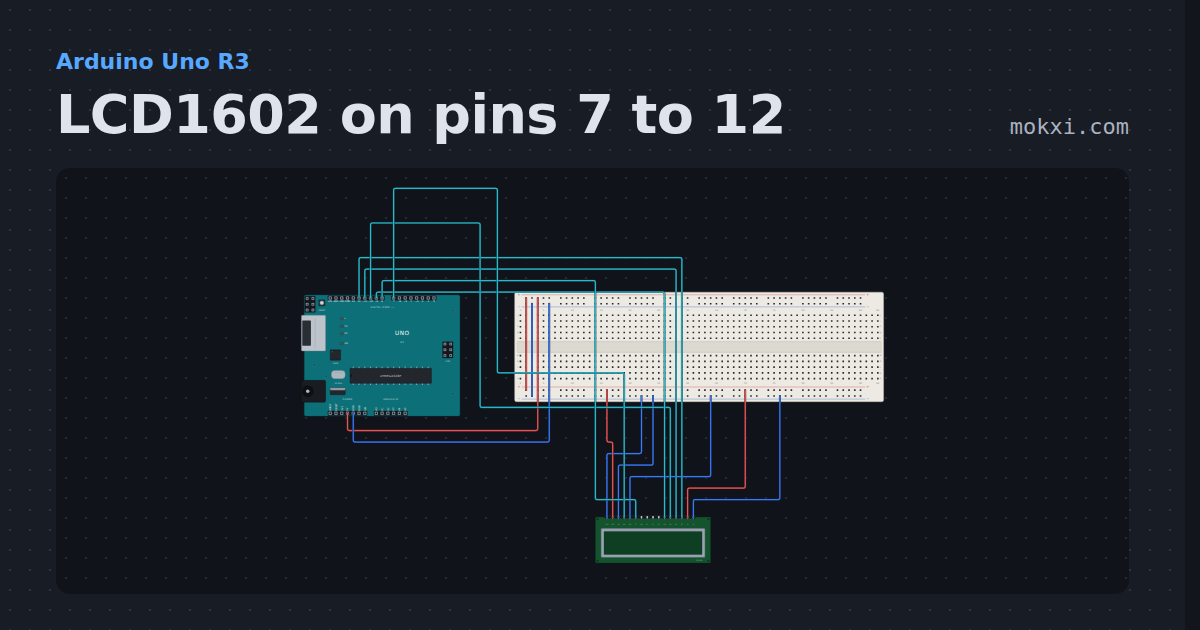
LCD1602 on pins 7 to 12
A 16x2 LCD with RS on pin 7, E on 8 and D4 to D7 on pins 9 to 12: a greeting on the top line and the seconds since reset under it.
- Board
- Arduino Uno R3
- Parts
- 16x2 character LCD
- Level
- Beginner
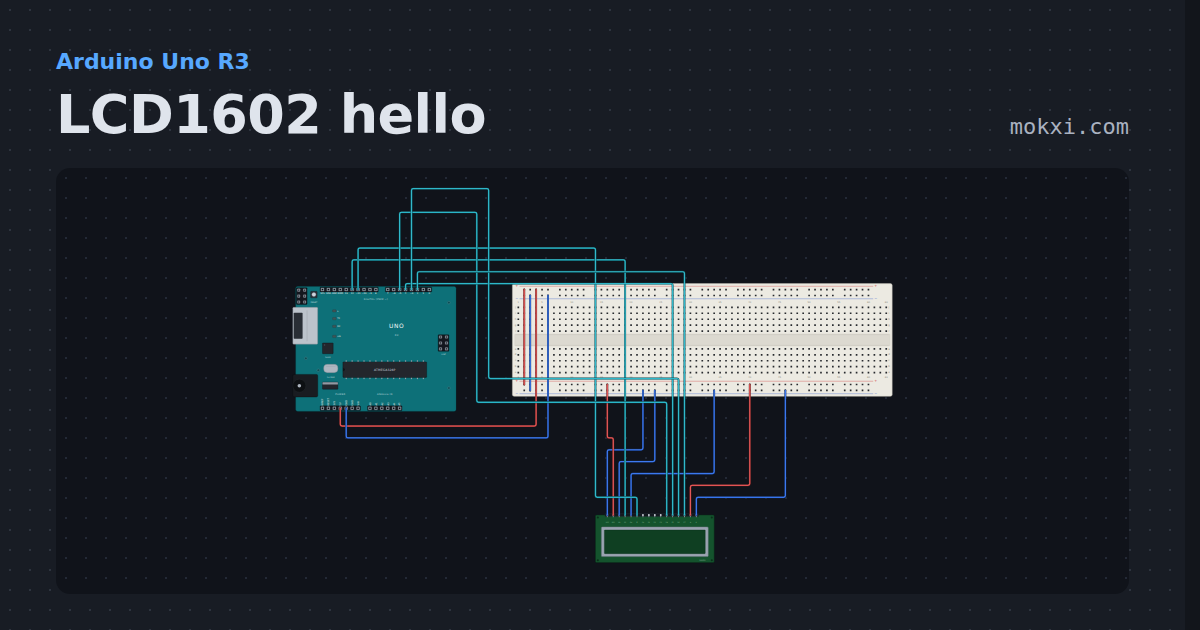
LCD1602 hello
A 16x2 character LCD on six pins with the LiquidCrystal library: a greeting on the top line and the seconds since reset under it.
- Board
- Arduino Uno R3
- Parts
- 16x2 character LCD
- Level
- Beginner
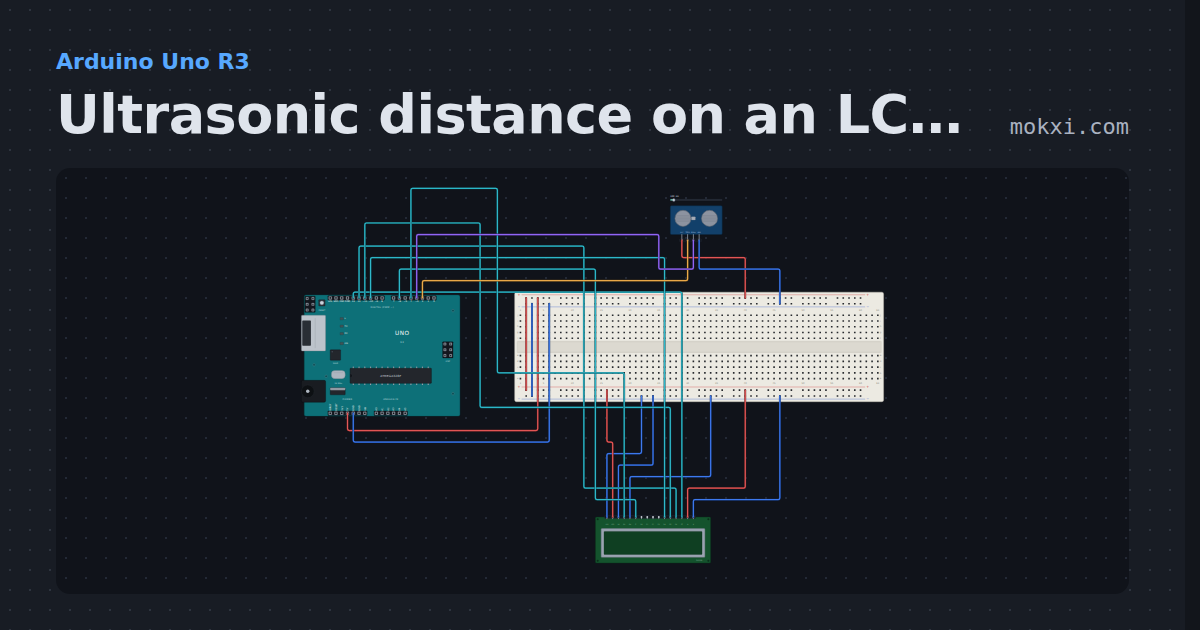
Ultrasonic distance on an LCD (TRIG 2, ECHO 3)
An HC-SR04 with TRIG on pin 2 and ECHO on pin 3 measures the distance in front of it, shown on a 16x2 LCD wired to pins 4, 6 and 10 to 13.
- Board
- Arduino Uno R3
- Parts
- 16x2 character LCD, HC-SR04 ultrasonic sensor
- Level
- Intermediate
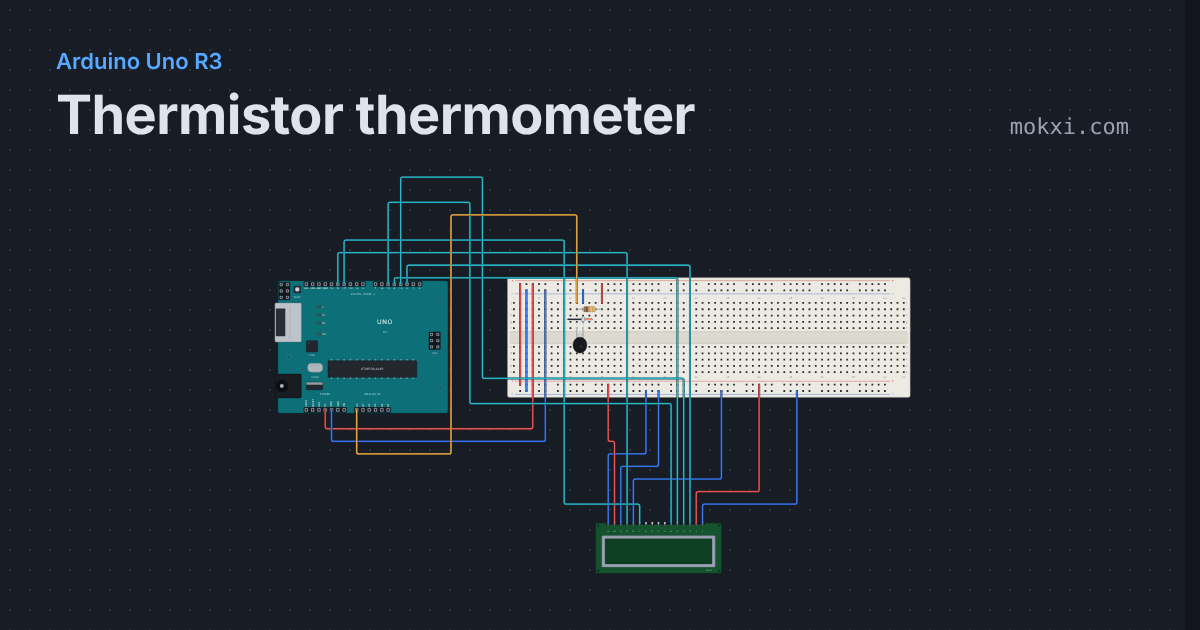
Thermistor thermometer
A 10k thermistor and a 10k resistor make a divider on A0, and the beta equation turns the reading into degrees on a 16x2 LCD.
- Board
- Arduino Uno R3
- Parts
- 10k NTC thermistor, resistor, 16x2 character LCD
- Level
- Intermediate
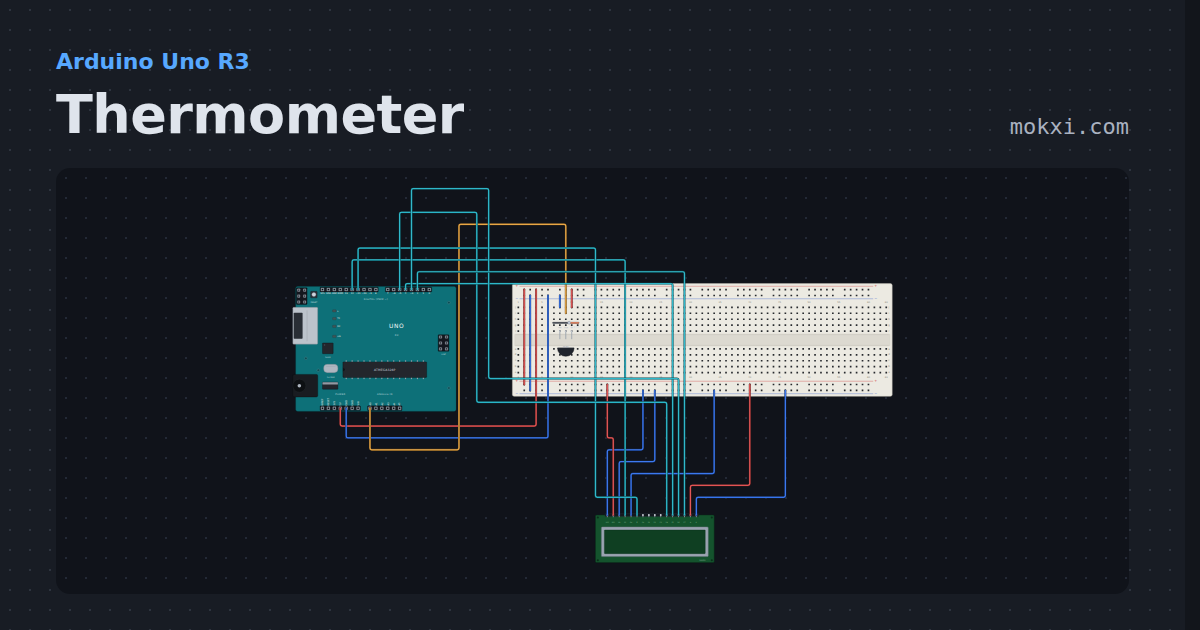
Thermometer
A TMP36 on A0 and the temperature on a 16x2 LCD in four-bit mode, with the high and low on the second row.
- Board
- Arduino Uno R3
- Parts
- TMP36 temperature sensor, 16x2 character LCD
- Level
- Intermediate
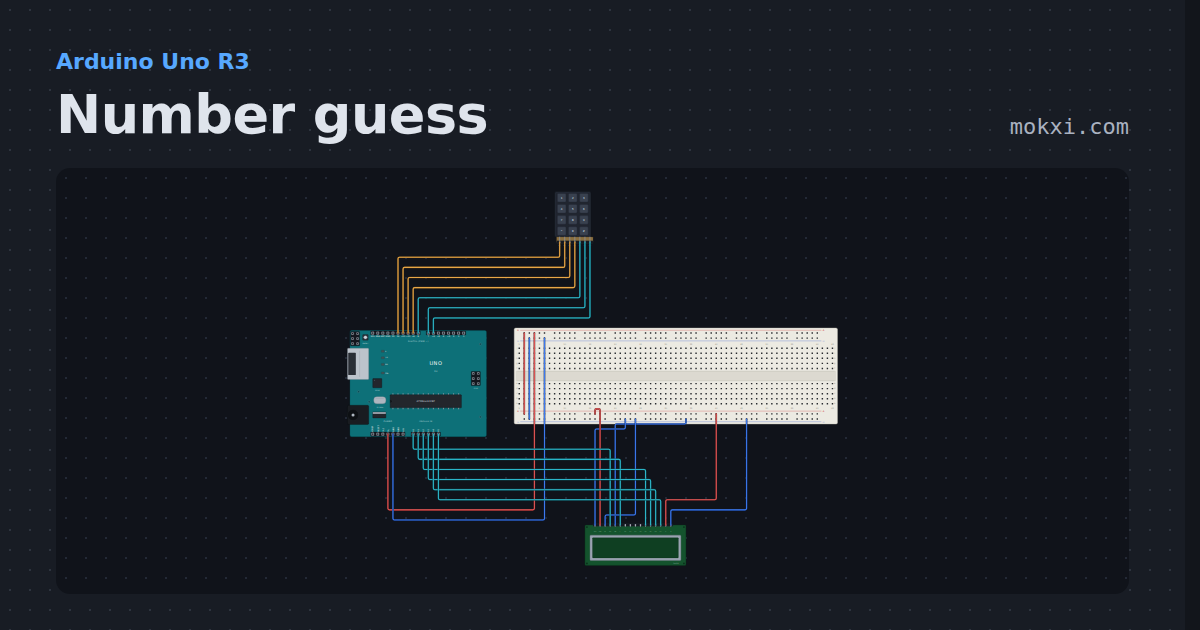
Number guess
A 4x3 telephone keypad and a 16x2 LCD on an Uno: guess the number, and the display says higher or lower.
- Board
- Arduino Uno R3
- Parts
- 4x3 telephone keypad, 16x2 character LCD
- Level
- Intermediate
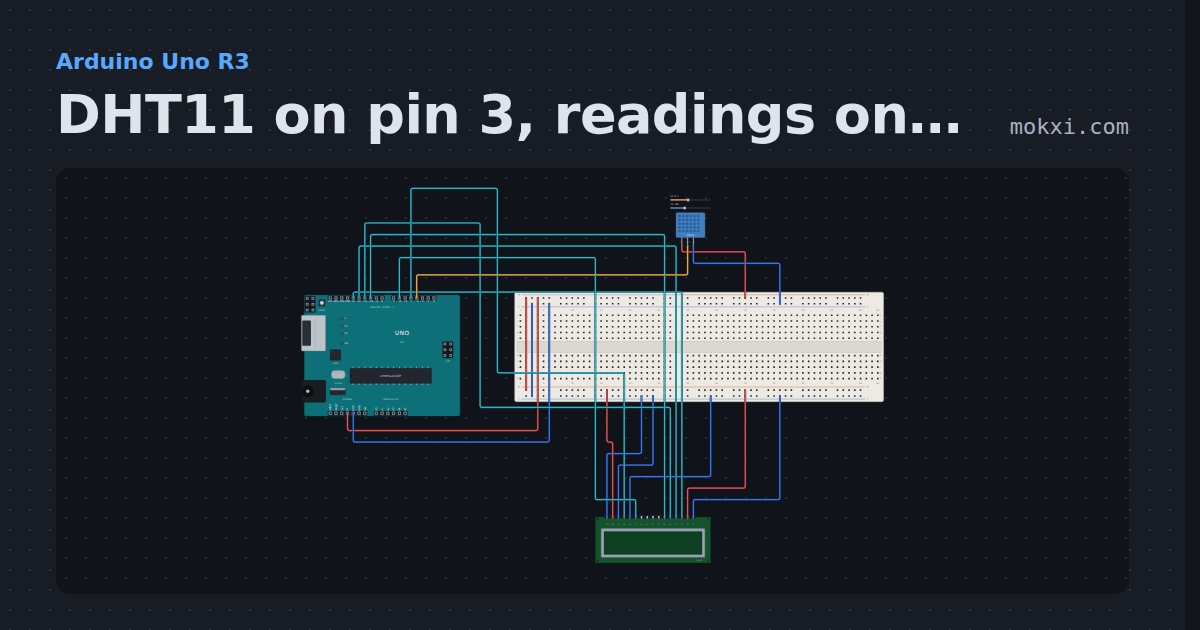
DHT11 on pin 3, readings on an LCD
A DHT11 module on pin 3 measures temperature and humidity; the DHT library reads it every two seconds and a 16x2 LCD on pins 4.
- Board
- Arduino Uno R3
- Parts
- 16x2 character LCD, DHT11 or DHT22 sensor
- Level
- Intermediate
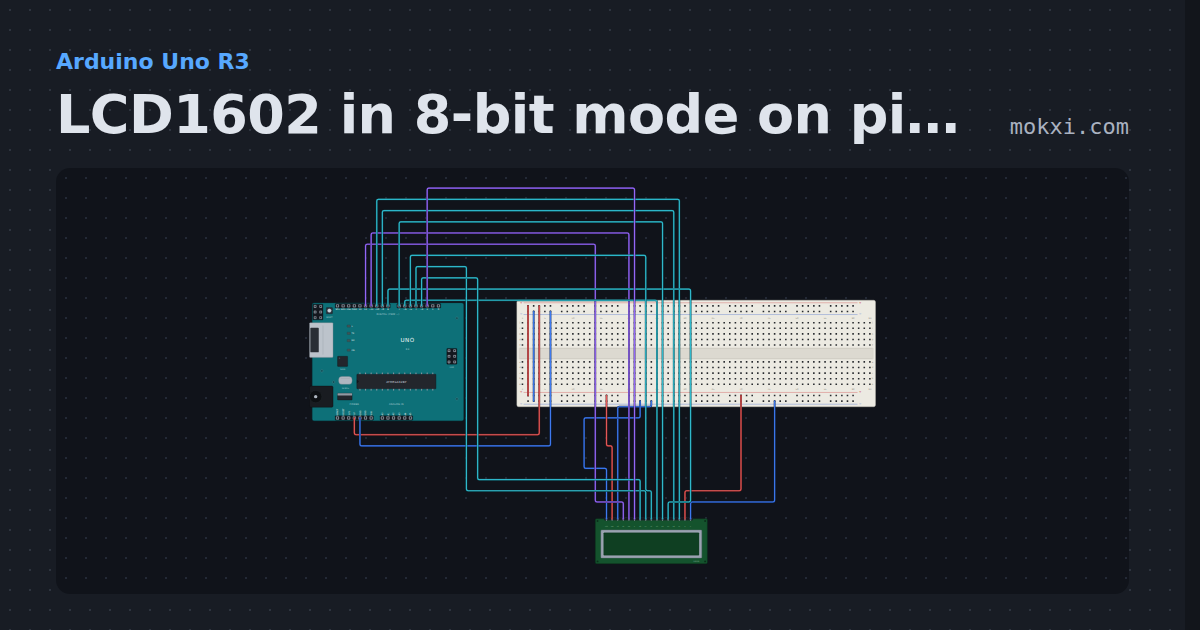
LCD1602 in 8-bit mode on pins 2 to 12
A 16x2 LCD with RS on 12, RW on 11, E on 2 and all eight data lines on pins 3 to 10, driven byte by byte with no LiquidCrystal library.
- Board
- Arduino Uno R3
- Parts
- 16x2 character LCD
- Level
- Intermediate
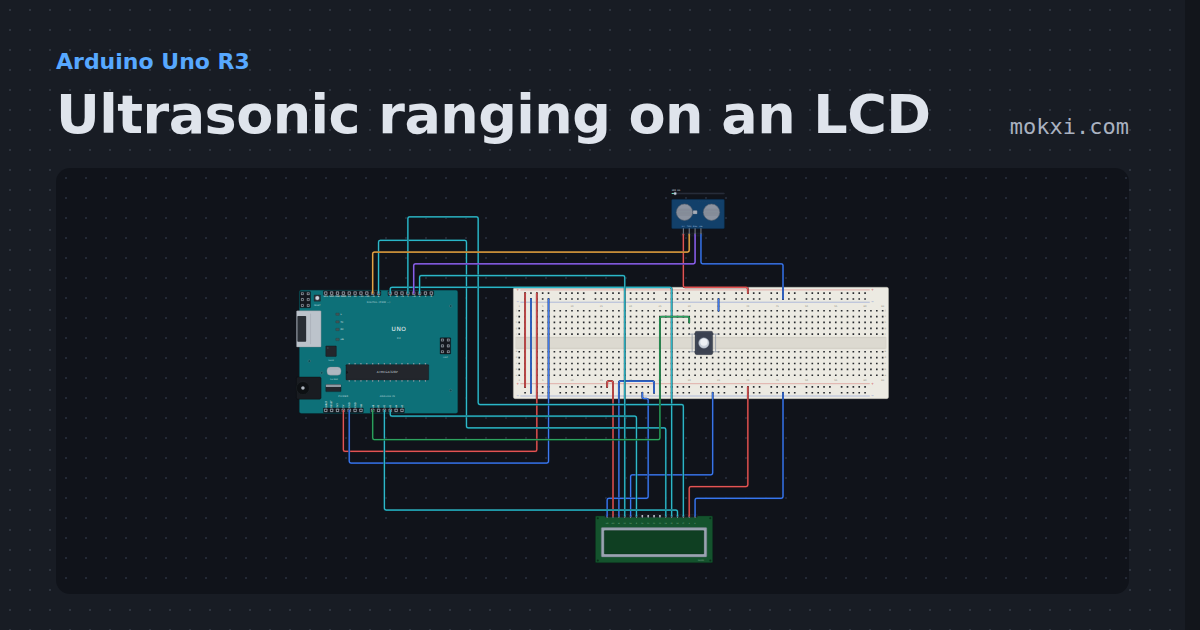
Ultrasonic ranging on an LCD
Hold the button on A0 and an HC-SR04 (TRIG on pin 9, ECHO on 3) measures the distance in front of it, shown on a 16x2 LCD wired to pins 2, A3, 8, 7.
- Board
- Arduino Uno R3
- Parts
- 16x2 character LCD, HC-SR04 ultrasonic sensor, push button
- Level
- Intermediate
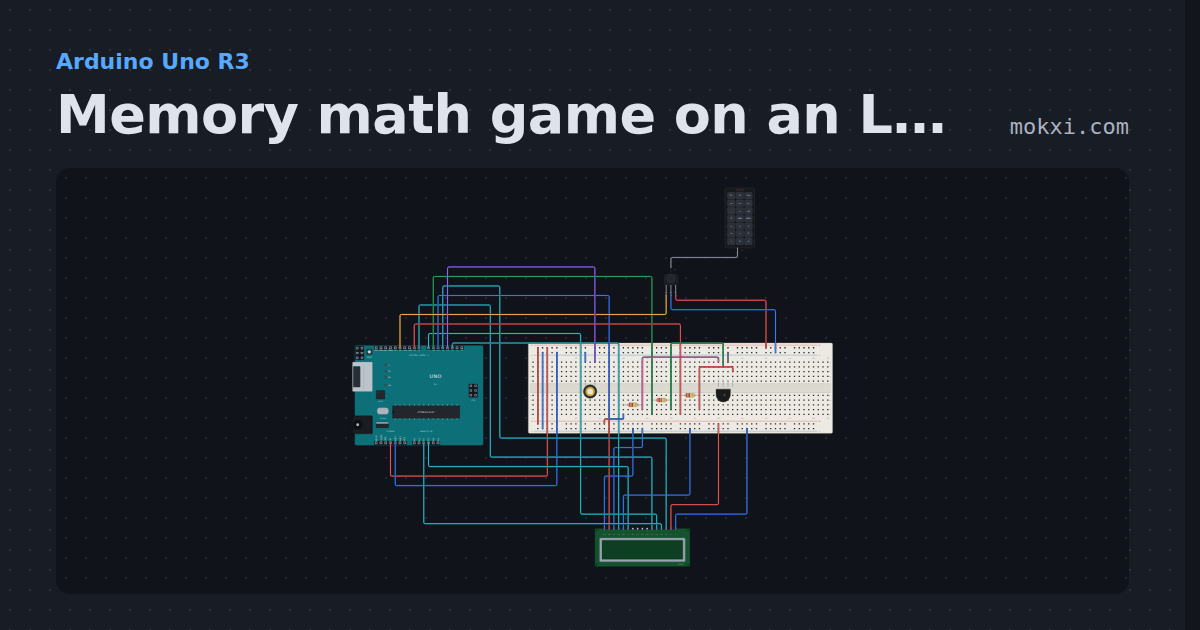
Memory math game on an LCD and an IR remote
A sum flashes on a 16x2 LCD for two seconds, then you key the answer in on an IR remote (receiver on 12).
- Board
- Arduino Uno R3
- Parts
- 16x2 character LCD, RGB LED, resistor, IR receiver and remote, IR remote, +1 more
- Level
- Intermediate
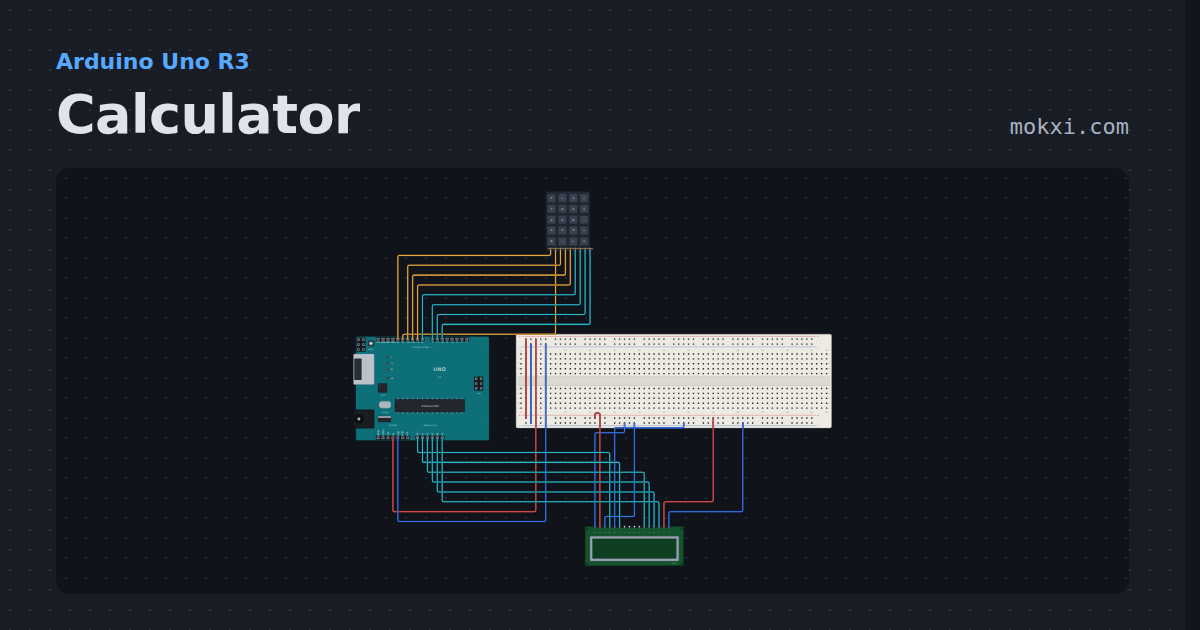
Calculator
A 5x4 calculator keypad and a 16x2 LCD on an Uno: four functions in hundredths, and Err when you divide by zero.
- Board
- Arduino Uno R3
- Parts
- Keypad, 16x2 character LCD
- Level
- Advanced
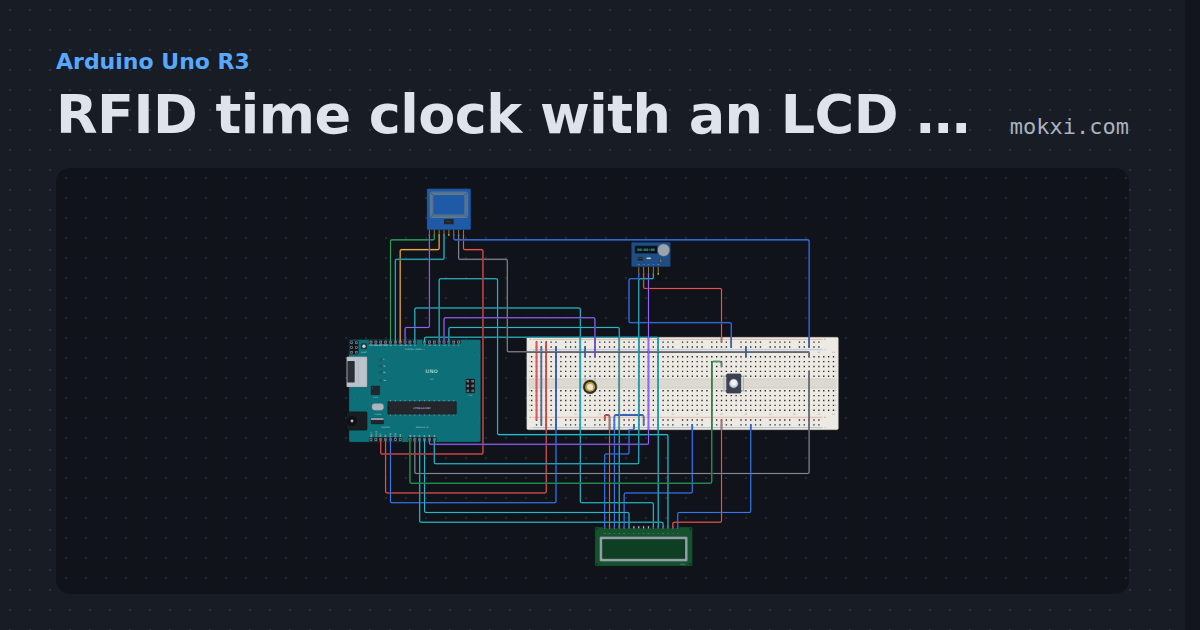
RFID time clock with an LCD and a DS1307
Swipe a card on an RC522 (SS 10, RST A1) to clock in: the LCD names the person, a DS1307 stamps the time, and a line goes to the serial monitor.
- Board
- Arduino Uno R3
- Parts
- 16x2 character LCD, MFRC522 RFID reader, DS1307 real-time clock, push button, piezo speaker
- Level
- Advanced