Raspberry Pi project ideas
12 Mokxi projects run on a Raspberry Pi computer (7 beginner and 5 intermediate). Here are all of them, from “Servo sweep with RPi.GPIO PWM” to “SSD1306 OLED on a Pi with smbus2”. Each card says what the project does, the board and parts it needs and its level, and Open in the simulator runs it in your browser in one click, with no account.
How to pick your first one
- Start with “Servo sweep with RPi.GPIO PWM”, a beginner project that needs a servo motor.
- Most of them are beginner projects. Pick one a level below what you think you can do, finish it, then move up.
- The parts used most here are the LED (8 projects), the push button (2) and the BME280 weather sensor (1). With those on hand, most of this list is open to you.
- A Raspberry Pi runs Linux and Python, and its GPIO pins are 3.3 V only. Never wire 5 V straight to one.
12 projects ready to run
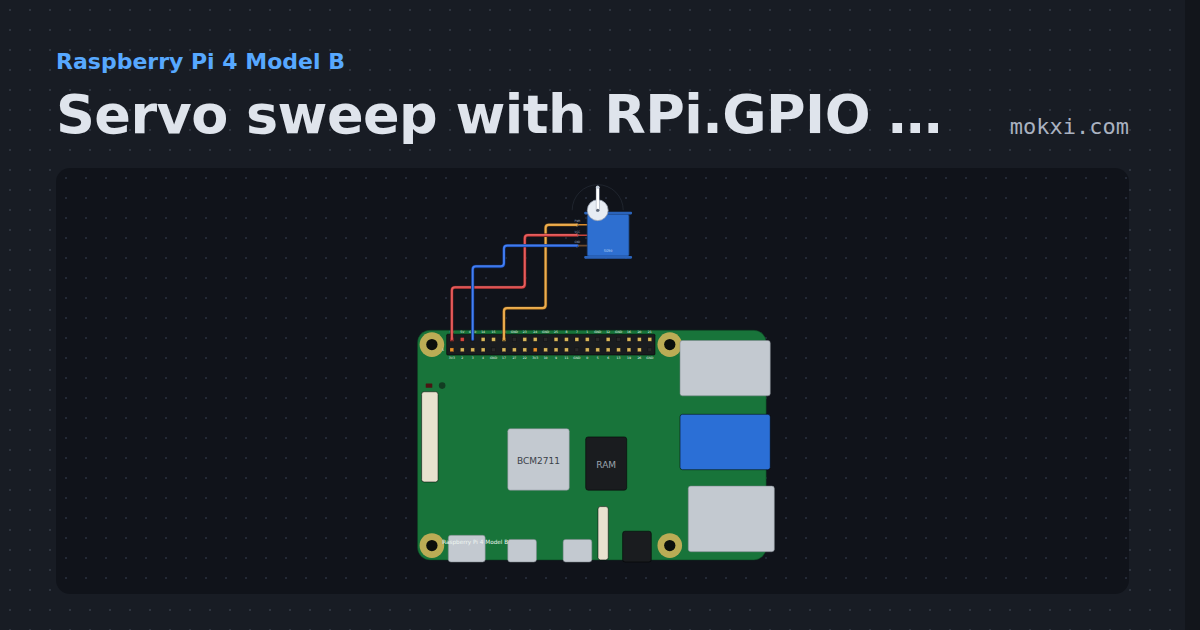
Servo sweep with RPi.GPIO PWM
RPi.GPIO software PWM at 50 Hz on a Raspberry Pi 4: a servo on GPIO18 steps from 0 to 180 degrees and back, one position a second.
- Board
- Raspberry Pi 4 Model B
- Parts
- Servo motor
- Level
- Beginner
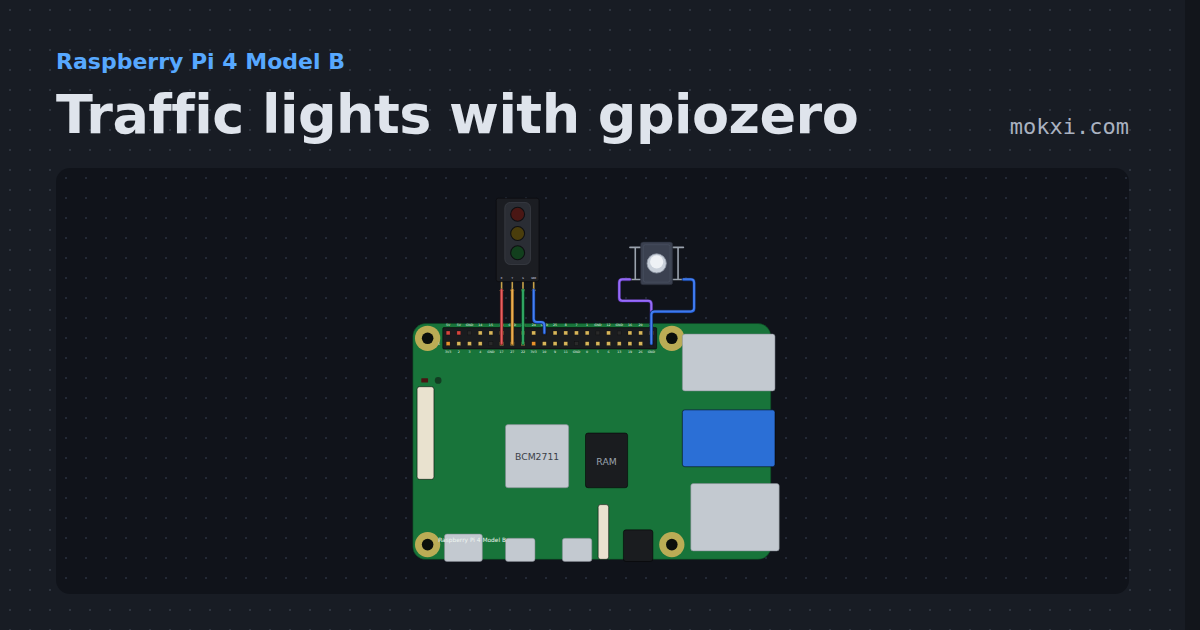
Traffic lights with gpiozero
gpiozero TrafficLights and a Button on a Raspberry Pi 4: press the button and the lights go amber, red for crossing, red and amber, then green again.
- Board
- Raspberry Pi 4 Model B
- Parts
- Traffic light module, push button
- Level
- Beginner
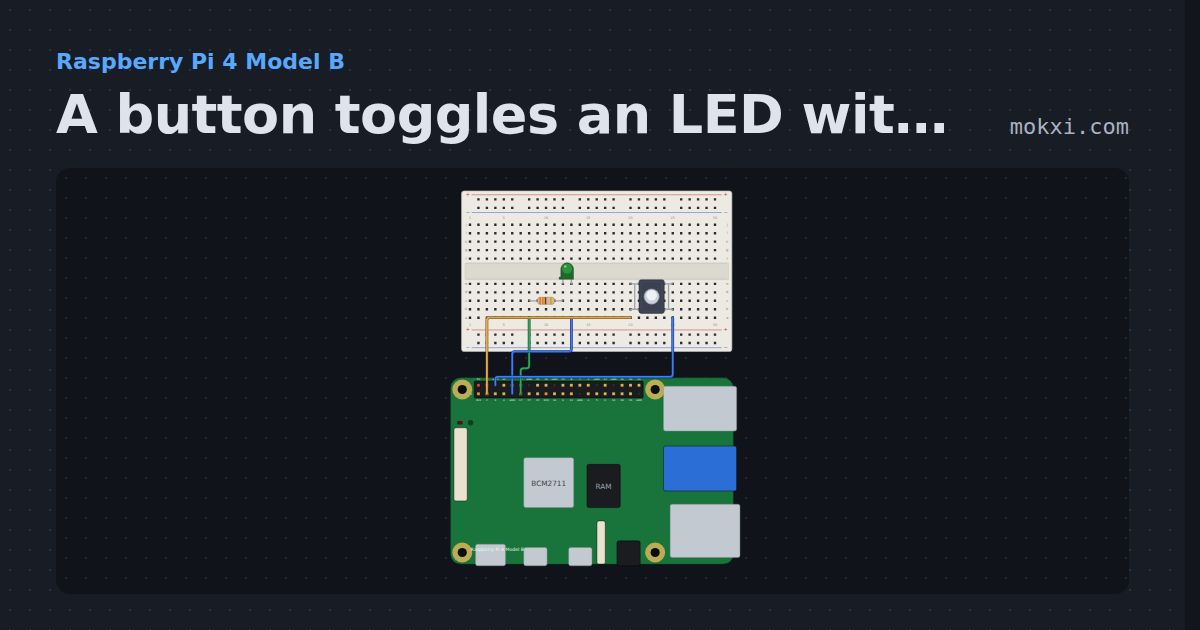
A button toggles an LED with gpiozero
gpiozero on a Raspberry Pi 4: each press of a button on GPIO2 turns the LED on GPIO17 on or off, with when_pressed and signal.pause().
- Board
- Raspberry Pi 4 Model B
- Parts
- Resistor, LED, push button
- Level
- Beginner
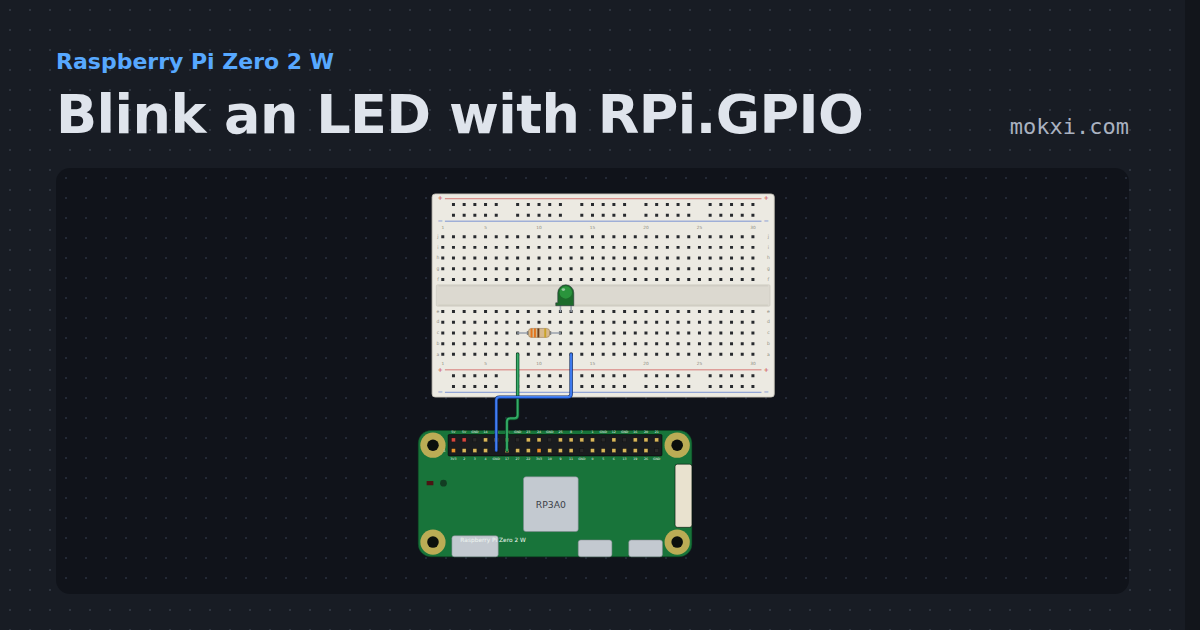
Blink an LED with RPi.GPIO
RPi.GPIO on a Raspberry Pi Zero 2 W: an LED on GPIO17 blinks twice a second, and the Serial Monitor counts every four blinks.
- Board
- Raspberry Pi Zero 2 W
- Parts
- Resistor, LED
- Level
- Beginner
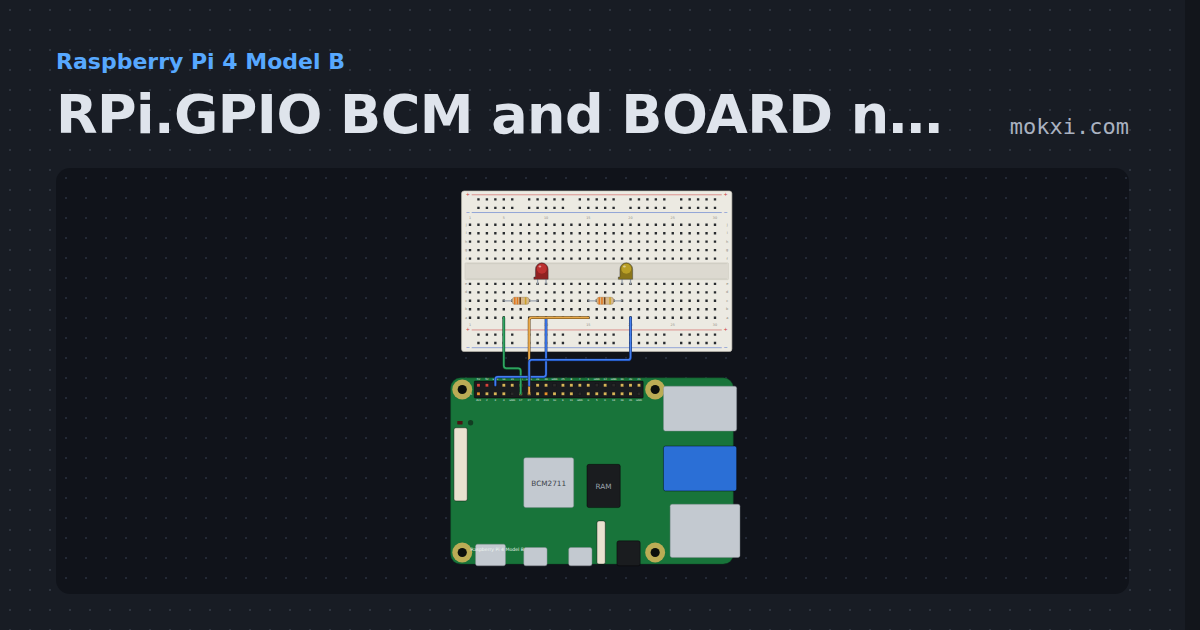
RPi.GPIO BCM and BOARD numbering
RPi.GPIO on a Raspberry Pi 4 with GPIO.setmode(GPIO.BOARD): two LEDs on header pins 11 and 13, which are GPIO17 and GPIO27 in BCM numbers.
- Board
- Raspberry Pi 4 Model B
- Parts
- Resistor, LED
- Level
- Beginner
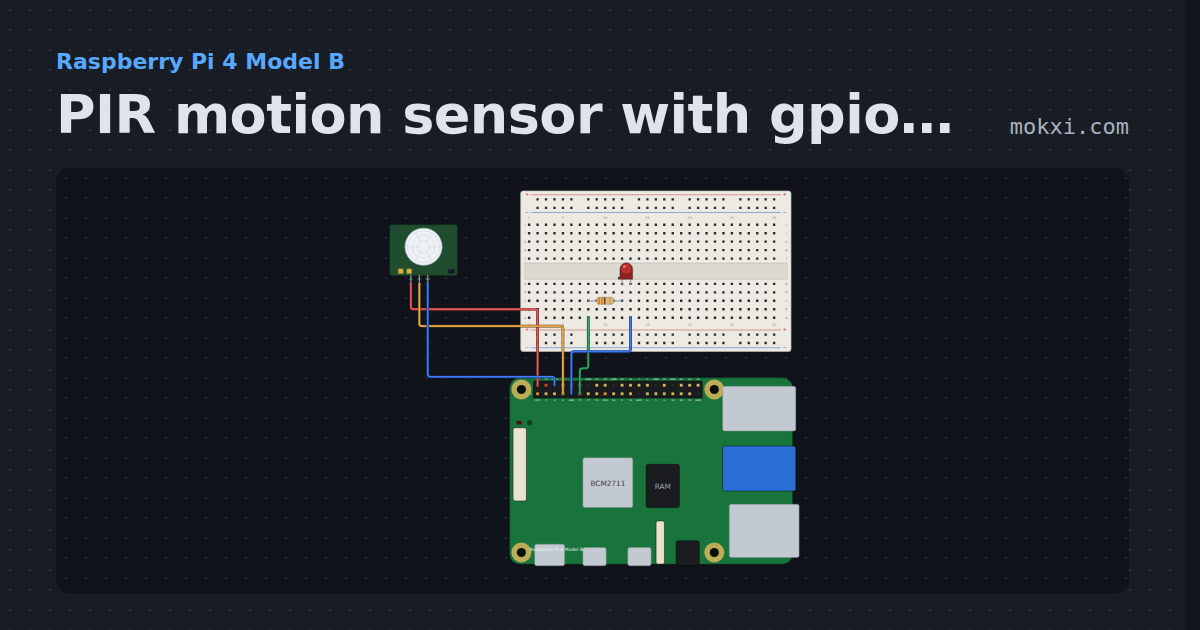
PIR motion sensor with gpiozero
gpiozero MotionSensor on a Raspberry Pi 4: an HC-SR501 PIR on GPIO4 lights an LED on GPIO17 while something moves, and counts each movement.
- Board
- Raspberry Pi 4 Model B
- Parts
- Resistor, LED, PIR motion sensor
- Level
- Beginner
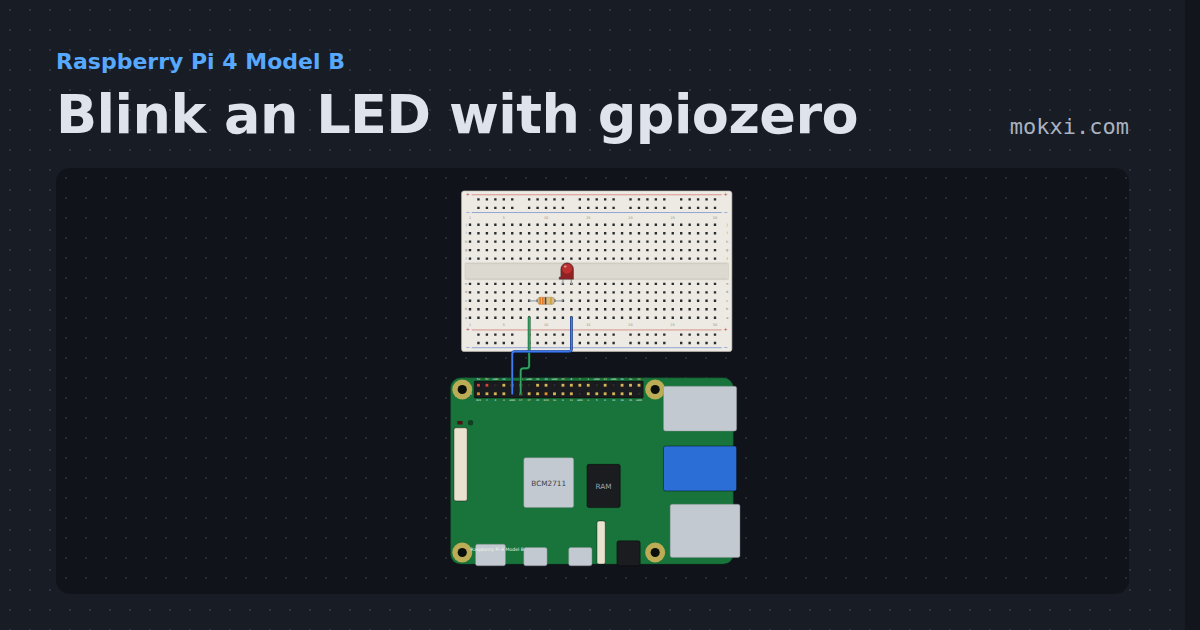
Blink an LED with gpiozero
The first program on a Raspberry Pi 4: an LED on GPIO17 blinks once a second, in Python with gpiozero, and print() shows each change.
- Board
- Raspberry Pi 4 Model B
- Parts
- Resistor, LED
- Level
- Beginner
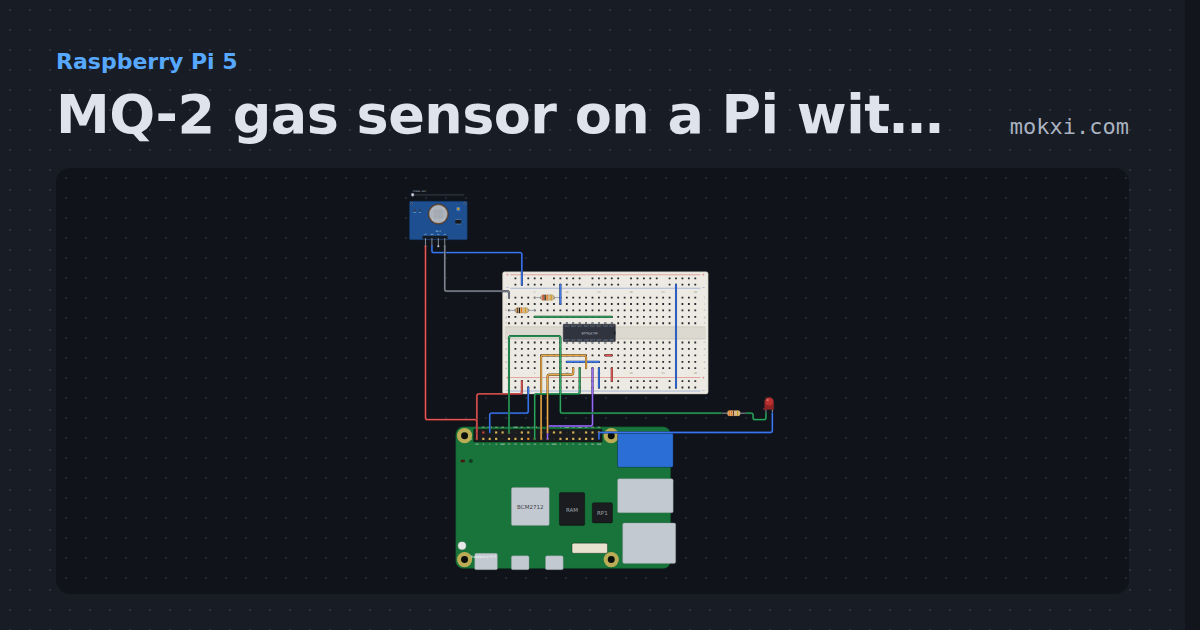
MQ-2 gas sensor on a Pi with an MCP3008
An MQ-2 on a Raspberry Pi 5: its 5 V output divided down to 3.3 V, read through an MCP3008 with gpiozero.
- Board
- Raspberry Pi 5
- Parts
- Eight-channel ADC, MQ-2 gas sensor, resistor, LED
- Level
- Intermediate
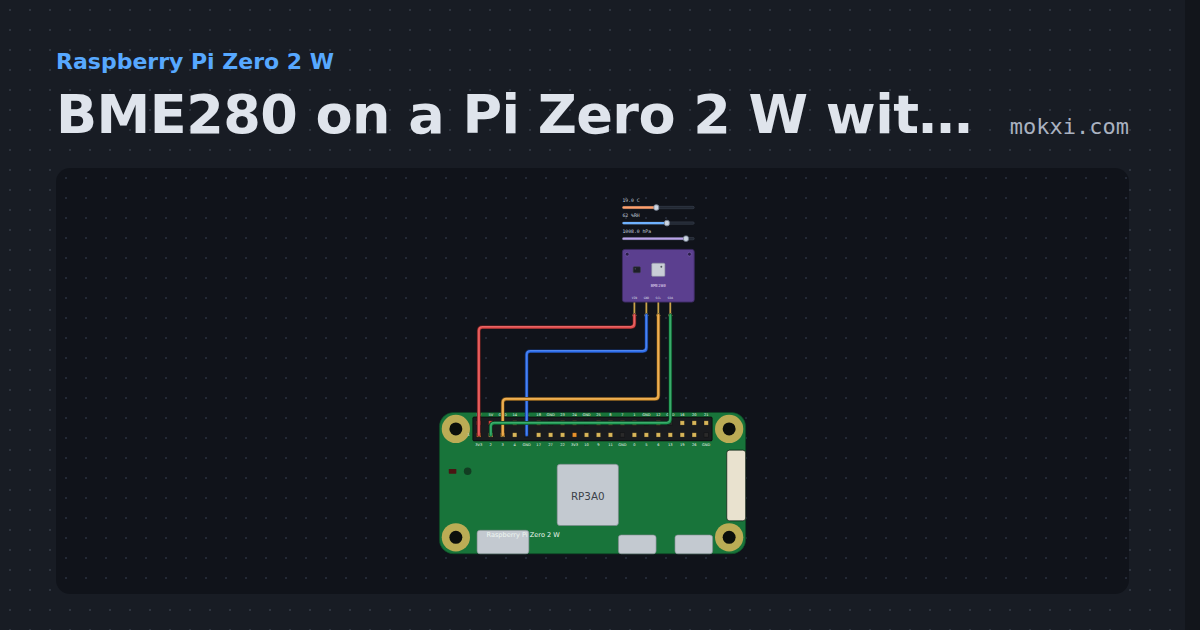
BME280 on a Pi Zero 2 W with smbus2
A Raspberry Pi Zero 2 W reads a BME280 over I2C with smbus2 and the datasheet formulas: temperature, pressure and humidity every two seconds.
- Board
- Raspberry Pi Zero 2 W
- Parts
- BME280 weather sensor
- Level
- Intermediate
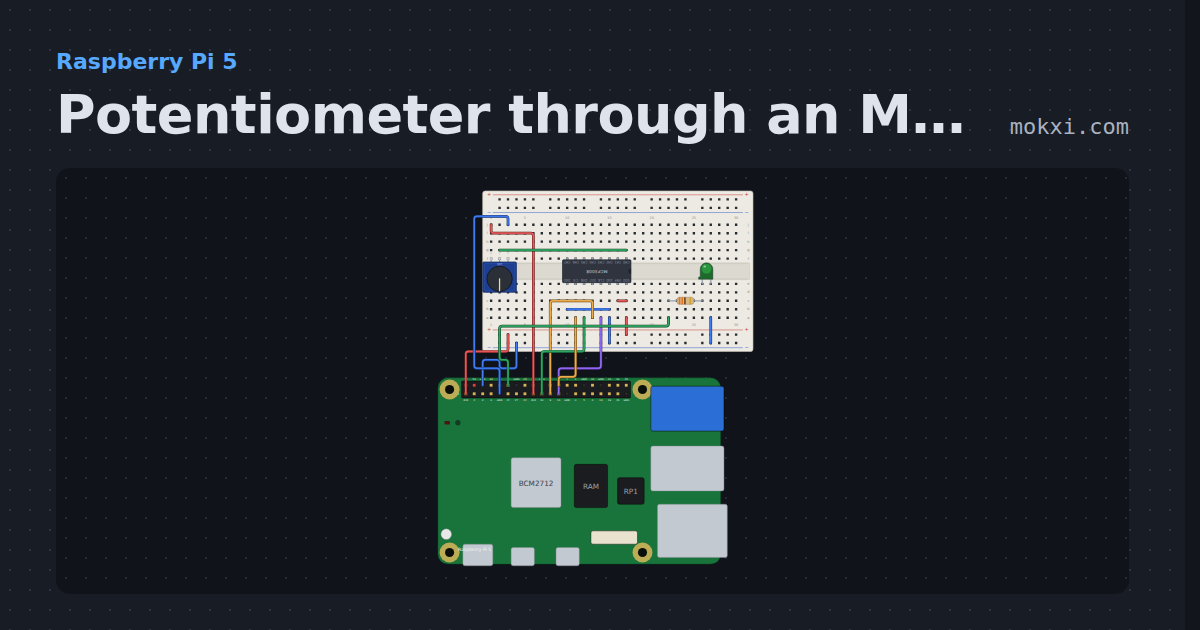
Potentiometer through an MCP3008 on a Pi
gpiozero MCP3008 on a Raspberry Pi 5: a knob read through the ADC on SPI0 sets the brightness of an LED on GPIO18.
- Board
- Raspberry Pi 5
- Parts
- Eight-channel ADC, potentiometer, resistor, LED
- Level
- Intermediate
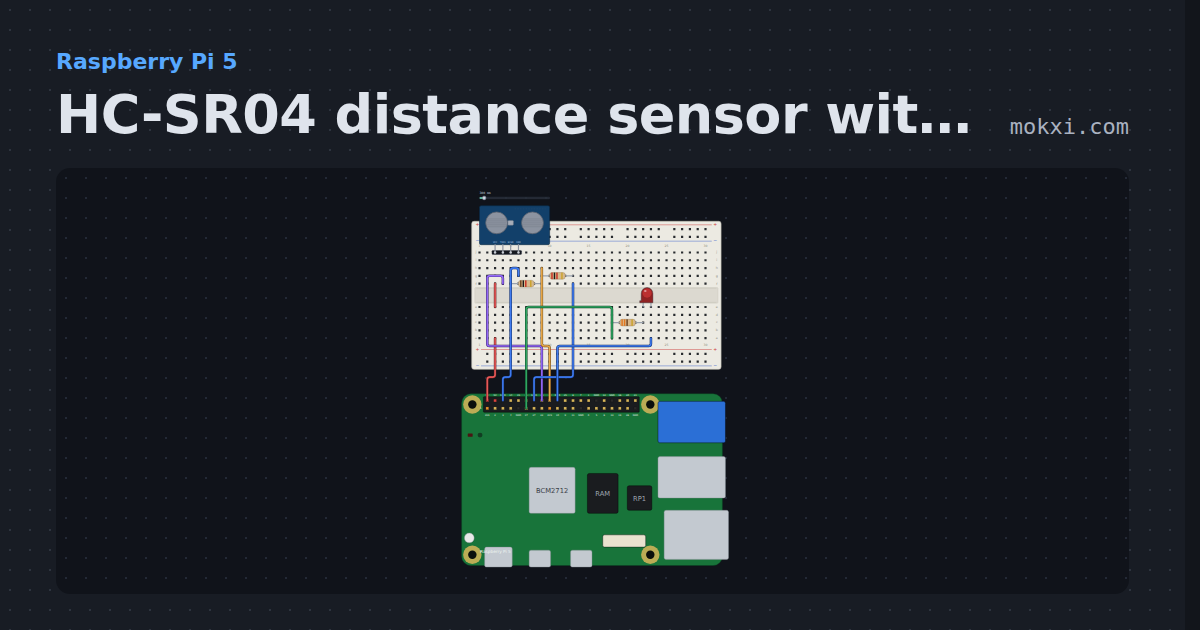
HC-SR04 distance sensor with gpiozero
gpiozero DistanceSensor on a Raspberry Pi 5: an HC-SR04 with its echo divided down to 3.3 V.
- Board
- Raspberry Pi 5
- Parts
- HC-SR04 ultrasonic sensor, resistor, LED
- Level
- Intermediate
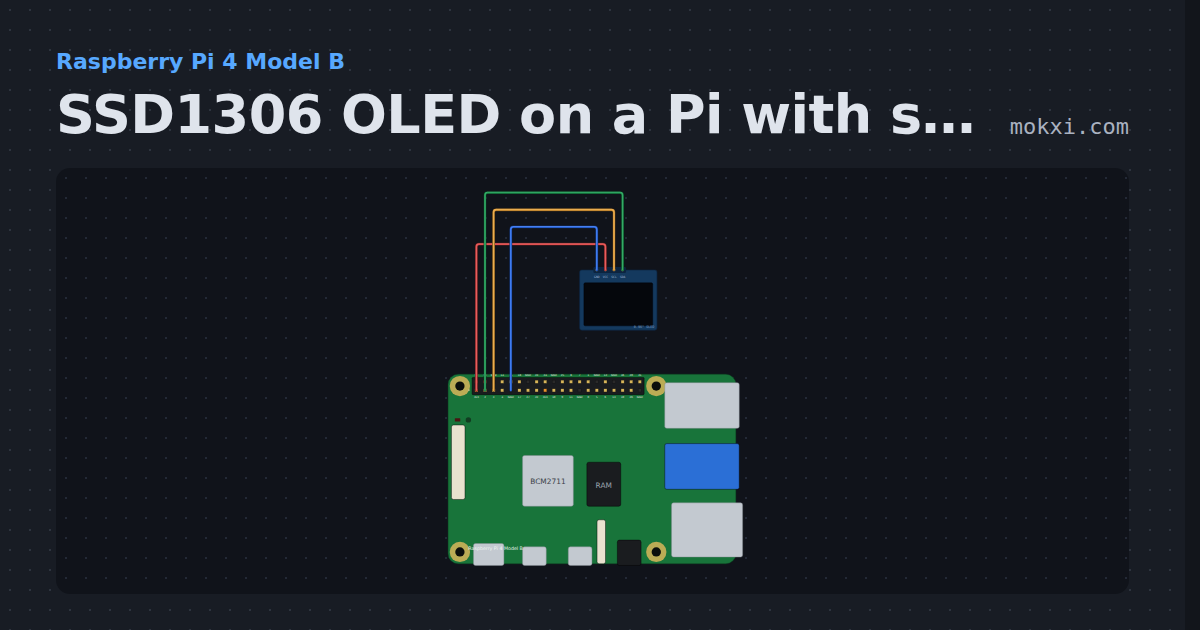
SSD1306 OLED on a Pi with smbus2
A Raspberry Pi 4 draws text on an SSD1306 OLED over I2C bus 1 with smbus2: an uptime counter each second, and how long each frame takes at 100 kHz.
- Board
- Raspberry Pi 4 Model B
- Parts
- SSD1306 OLED display
- Level
- Intermediate