Projects with an nRF24L01 radio
5 Mokxi projects use an nRF24L01 radio, all advanced. They run on Arduino Uno boards. Here are all of them, from “nRF24L01 sensor network with RF24Network” to “Send a heartbeat”. Each card says what the project does, the board and parts it needs and its level, and Open in the simulator runs it in your browser in one click, with no account.
How to pick your first one
- Start with “nRF24L01 sensor network with RF24Network”, an advanced project that needs an nRF24L01 radio, an I2C LCD and a DS18B20 sensor.
- All of them run on an Arduino Uno, so that is the one board you need.
- The parts used most here are the LED (2 projects), the push button (2) and the 2WD robot car chassis (1). With those on hand, most of this list is open to you.
- Before you build one on a real bench, open the nRF24L01+ 2.4 GHz radio part page for its pins and what each one does.
5 projects ready to run
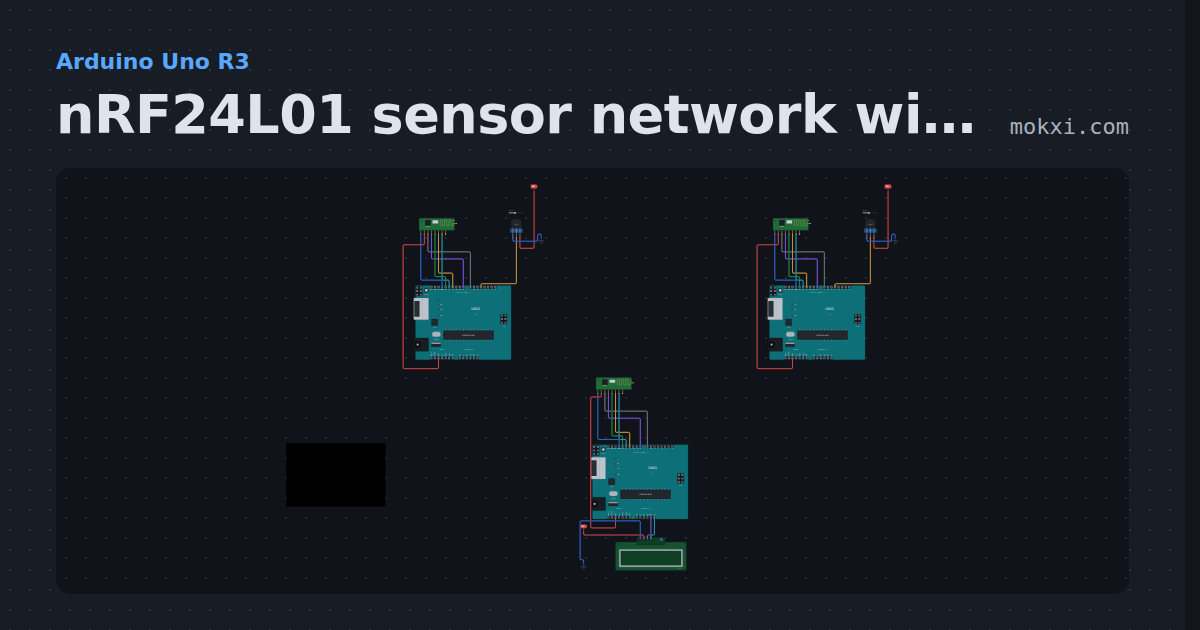
nRF24L01 sensor network with RF24Network
Two nRF24L01 sensor nodes send DS18B20 temperatures to a base node every 2 seconds, and the base shows each one on an LCD.
- Board
- Arduino Uno R3
- Parts
- NRF24L01+ 2.4 GHz radio, I2C LCD, DS18B20 temperature sensor
- Level
- Advanced
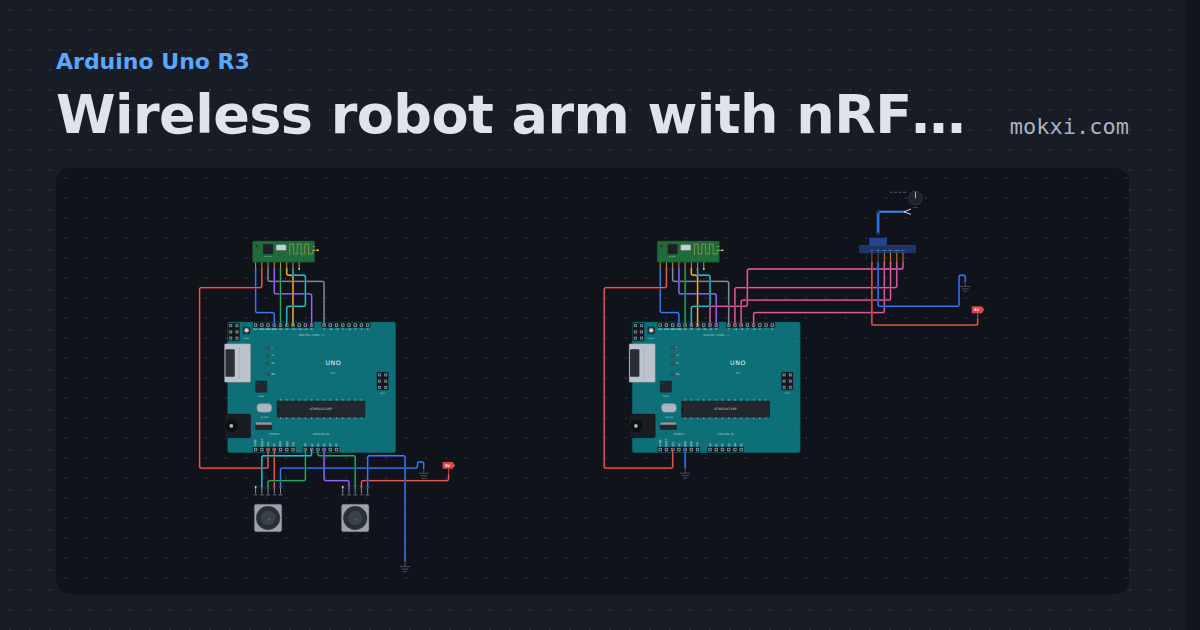
Wireless robot arm with nRF24L01
Two Unos and two nRF24L01 radios: joysticks on one board steer a four-servo arm on the other, with a failsafe that holds the arm when the link drops.
- Board
- Arduino Uno R3
- Parts
- NRF24L01+ 2.4 GHz radio, four-servo robot arm, joystick
- Level
- Advanced
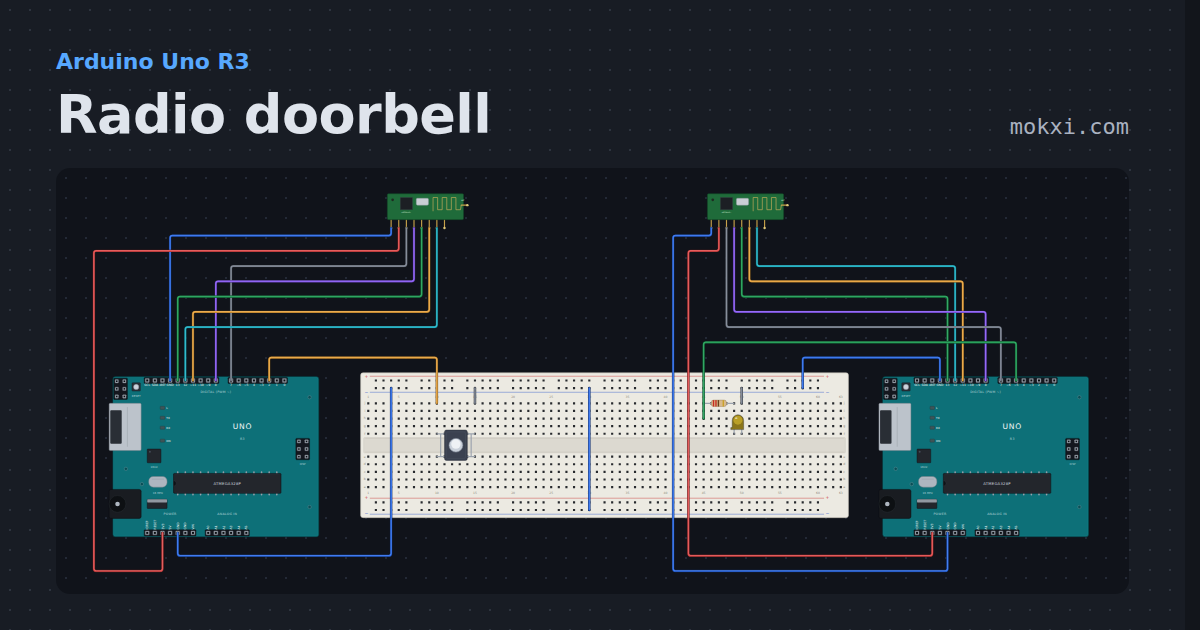
Radio doorbell
Two Unos, an nRF24L01 radio each and no wire between them: the button on one rings the lamp on the other, and the sender knows it arrived.
- Board
- Arduino Uno R3
- Parts
- NRF24L01+ 2.4 GHz radio, push button, resistor, LED
- Level
- Advanced
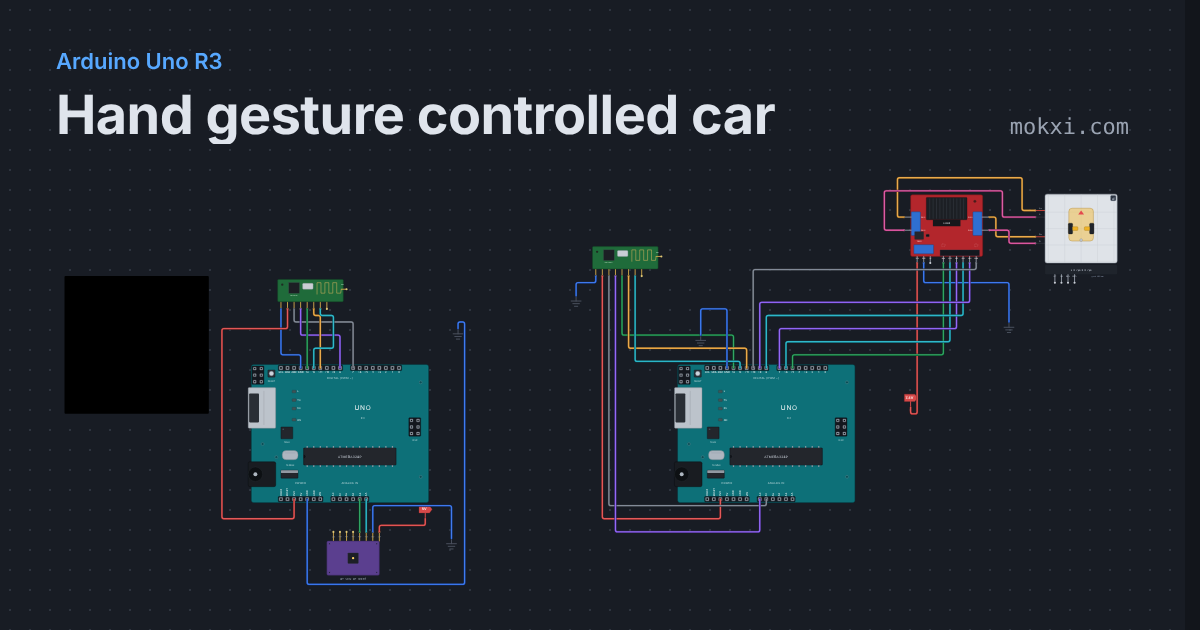
Hand gesture controlled car
Tilt an MPU6050 on your hand and a 2WD car follows over nRF24L01 radios: forward, reverse, left, right, and it stops when the signal is lost.
- Board
- Arduino Uno R3
- Parts
- NRF24L01+ 2.4 GHz radio, MPU6050 accelerometer and gyro, L298N motor driver, 2WD robot car chassis
- Level
- Advanced
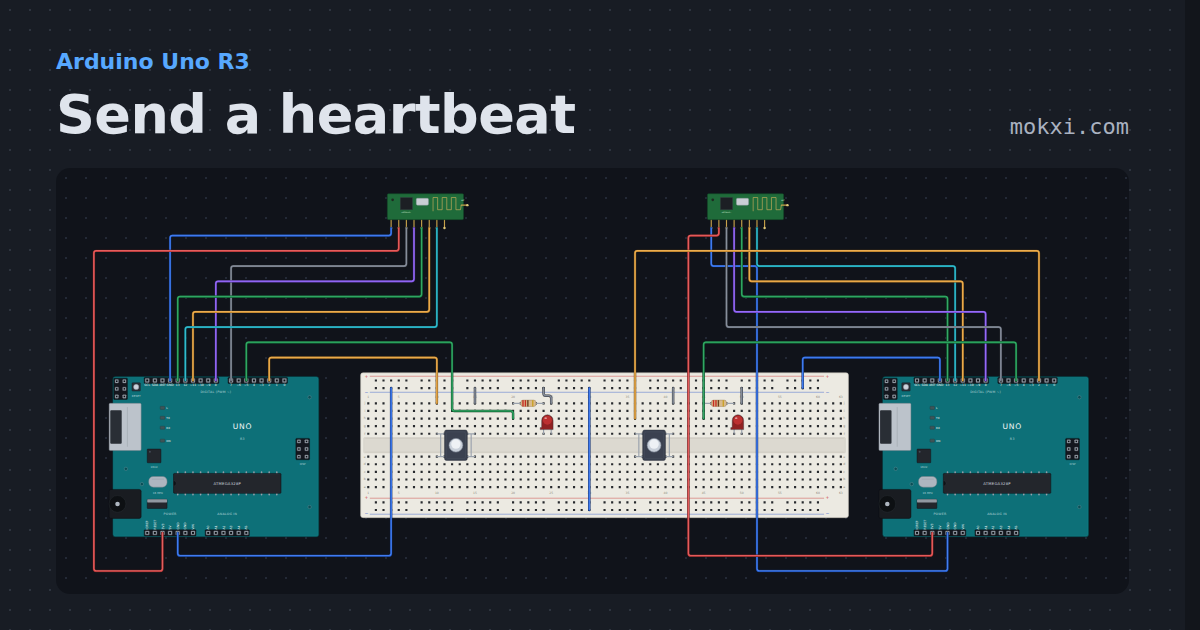
Send a heartbeat
Two Unos, each with an nRF24L01 radio, a button and a red LED: press the button on one and the heart on the other beats lub-dub.
- Board
- Arduino Uno R3
- Parts
- NRF24L01+ 2.4 GHz radio, push button, resistor, LED
- Level
- Advanced