Projects with an INA219 current sensor
6 Mokxi projects use an INA219 current sensor (4 intermediate and 2 advanced). They run on Arduino Uno and ESP32 boards. Here are all of them, from “Current and voltage” to “Bench supply monitor”. Each card says what the project does, the board and parts it needs and its level, and Open in the simulator runs it in your browser in one click, with no account.
How to pick your first one
- Start with “Current and voltage”, an intermediate project that needs a resistor, a sixteen-bit ADC and an INA219 current sensor.
- Arduino Uno runs 5 of them and ESP32 1. Start on the board you have, or on an Arduino Uno if you are buying one.
- The parts used most here are the push button (4 projects), the LED (3) and the I2C LCD (2). With those on hand, most of this list is open to you.
- Before you build one on a real bench, open the INA219 current monitor part page for its pins and what each one does.
6 projects ready to run
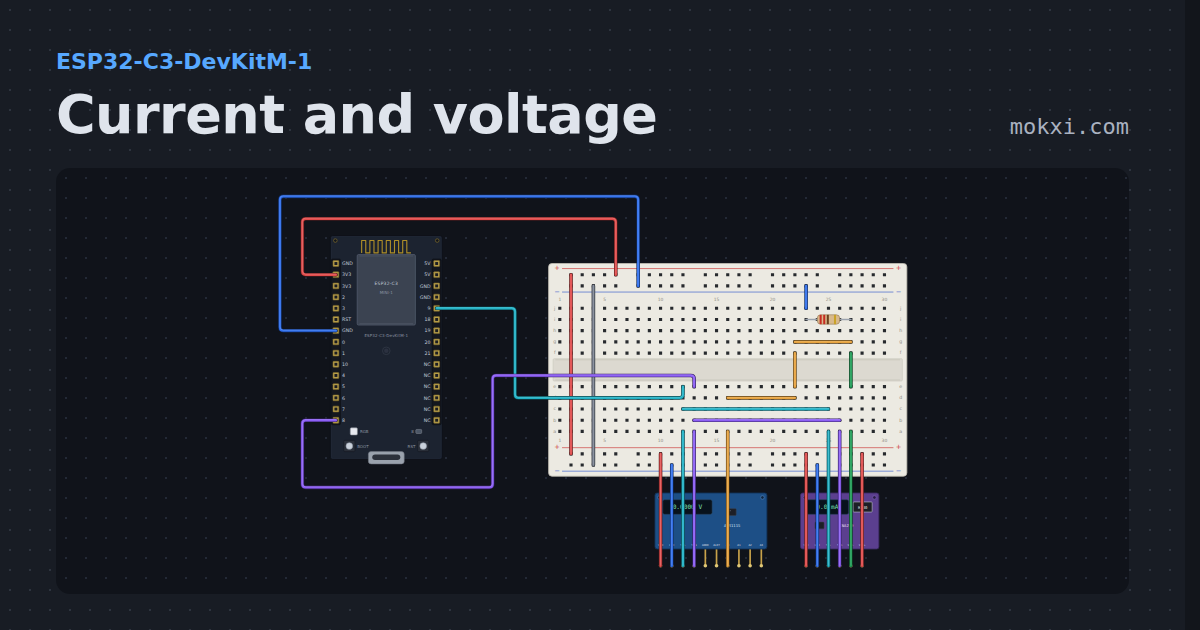
Current and voltage
An INA219 in series with a 220 ohm load and an ADS1115 on the same node, both on I2C: milliamps through a real shunt.
- Board
- ESP32-C3-DevKitM-1
- Parts
- Resistor, sixteen-bit ADC, INA219 current monitor
- Level
- Intermediate
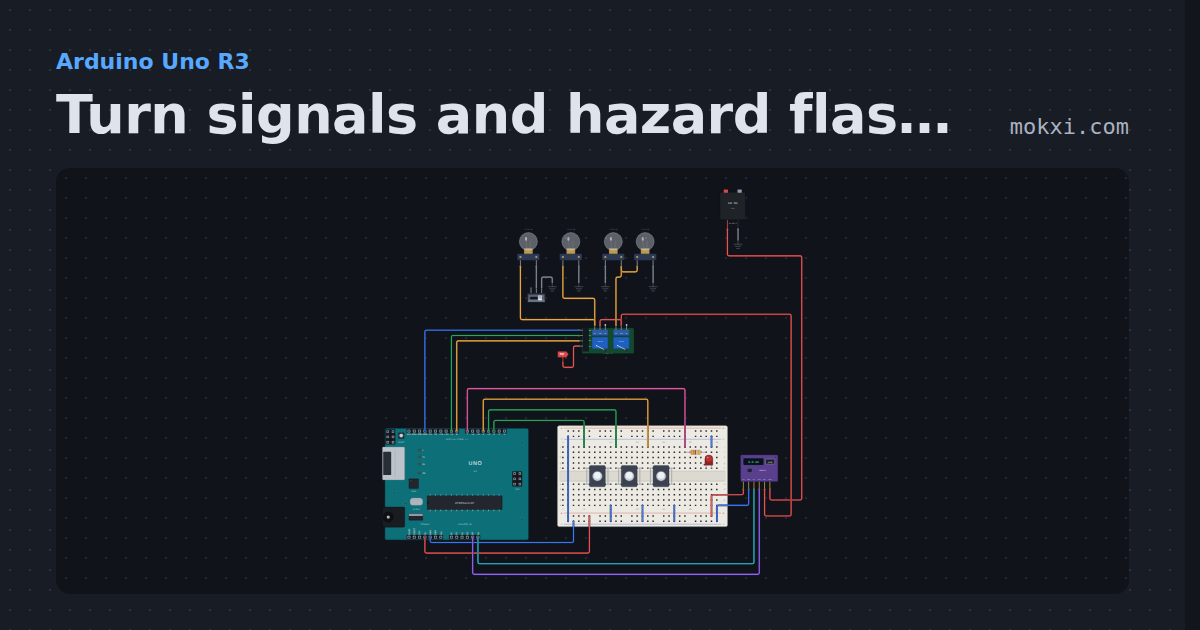
Turn signals and hazard flasher
Left, right and hazard buttons flash two 12 V bulbs a side through a relay board at 90 a minute.
- Board
- Arduino Uno R3
- Parts
- Push button, resistor, LED, two-channel relay board, INA219 current monitor, +3 more
- Level
- Intermediate
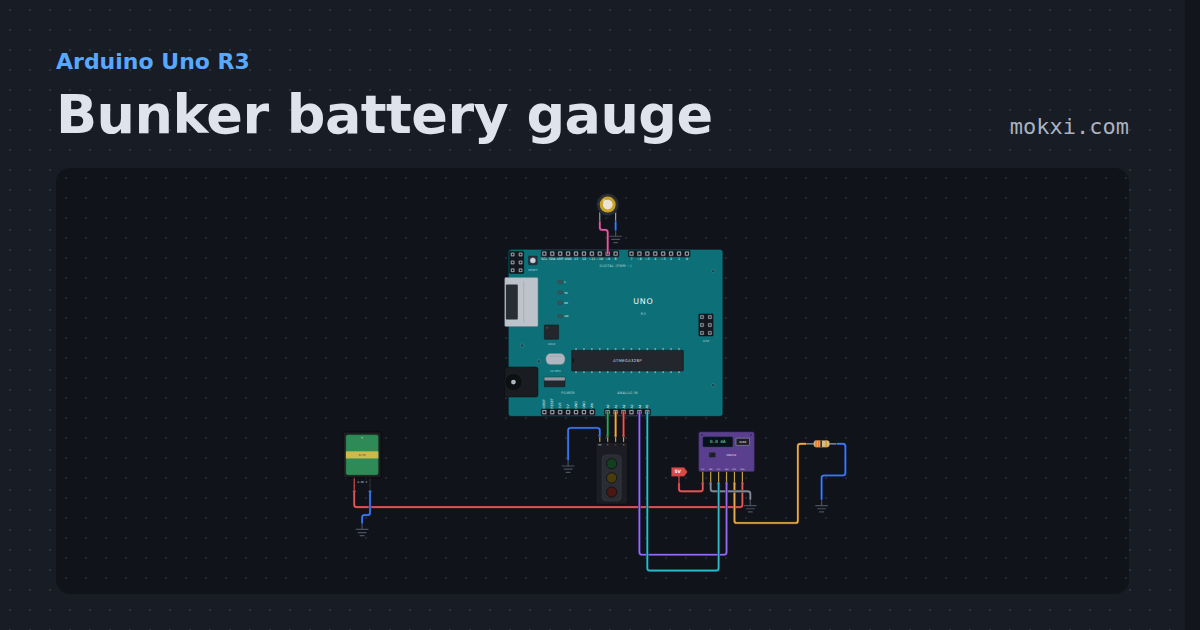
Bunker battery gauge
An INA219 measures a battery under load.
- Board
- Arduino Uno R3
- Parts
- Battery: AA, INA219 current monitor, resistor, piezo speaker, traffic light module
- Level
- Intermediate
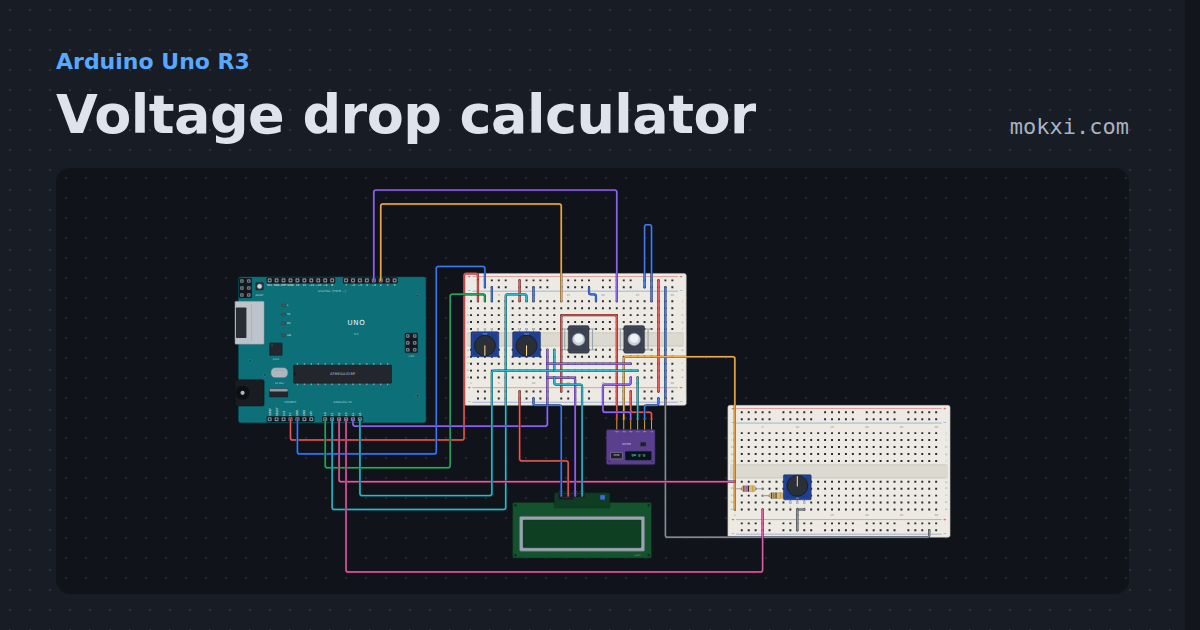
Voltage drop calculator
Pick a wire gauge, a run length and a load current: the Uno computes the round-trip voltage drop, flags 3% and 5% (NEC recommendations.
- Board
- Arduino Uno R3
- Parts
- Potentiometer, push button, INA219 current monitor, resistor, I2C LCD
- Level
- Intermediate
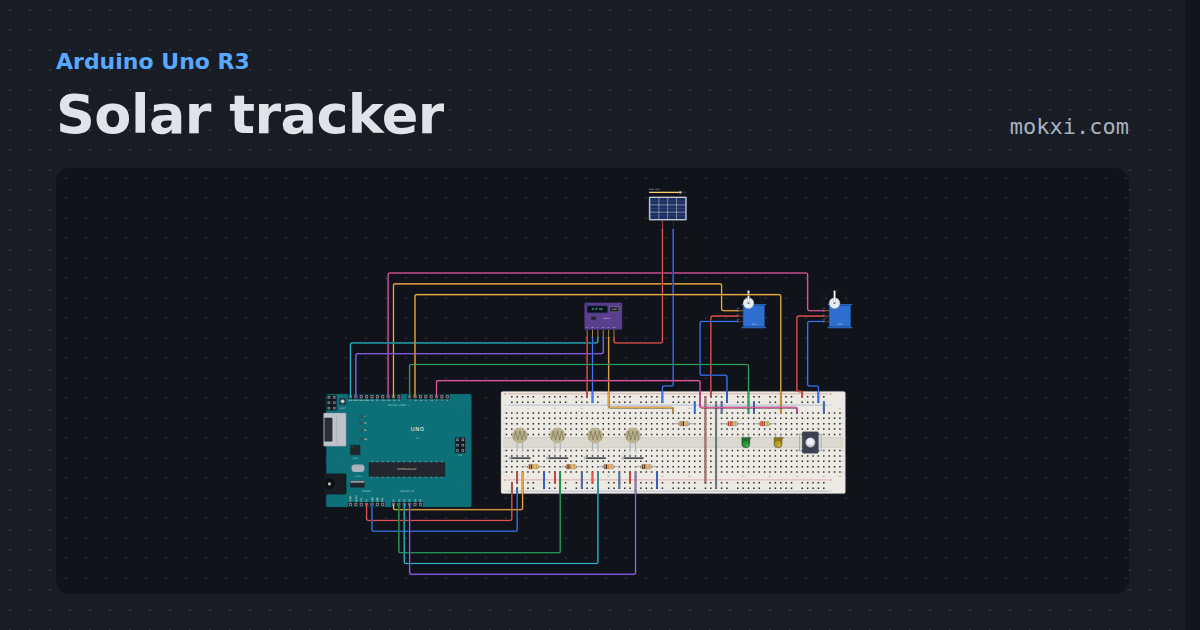
Solar tracker
Four light sensors steer a pan and tilt servo pair, an INA219 measures the panel, and the sketch alternates tracked and fixed windows.
- Board
- Arduino Uno R3
- Parts
- Photoresistor, resistor, servo motor, INA219 current monitor, solar panel, +2 more
- Level
- Advanced
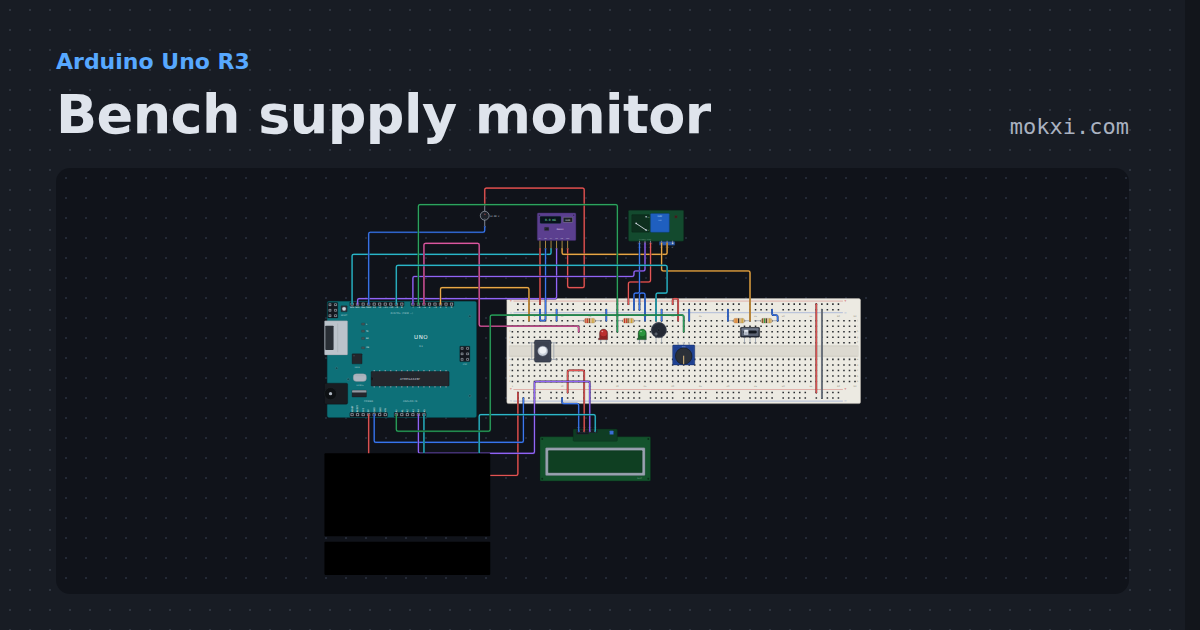
Bench supply monitor
An INA219 reads a 12 V supply’s volts, amps, watts and watt-hours on an LCD; an over-current knob trips a shutoff relay that latches, with a buzzer.
- Board
- Arduino Uno R3
- Parts
- INA219 current monitor, DC voltage source, relay module, resistor, slide switch, +5 more
- Level
- Advanced