Projects with a force sensor
4 Mokxi projects use a force sensor (1 beginner and 3 intermediate). They run on Arduino Nano and Arduino Uno boards, and 1 needs no board at all. Here are all of them, from “Squeeze and bend” to “Knock lock on the book’s pins”. Each card says what the project does, the board and parts it needs and its level, and Open in the simulator runs it in your browser in one click, with no account.
How to pick your first one
- Start with “Squeeze and bend”, a beginner project that needs a resistor, an LED, a force sensor and 2 more parts.
- Arduino Nano runs 1 of them, Arduino Uno 1 and 1 needs no board at all. Start on the board you have, or on an Arduino Nano if you are buying one.
- The parts used most here are the LED (3 projects), the piezo speaker (1) and the push button (1). With those on hand, most of this list is open to you.
- Before you build one on a real bench, open the force-sensing resistor part page for its pins and what each one does.
4 projects ready to run
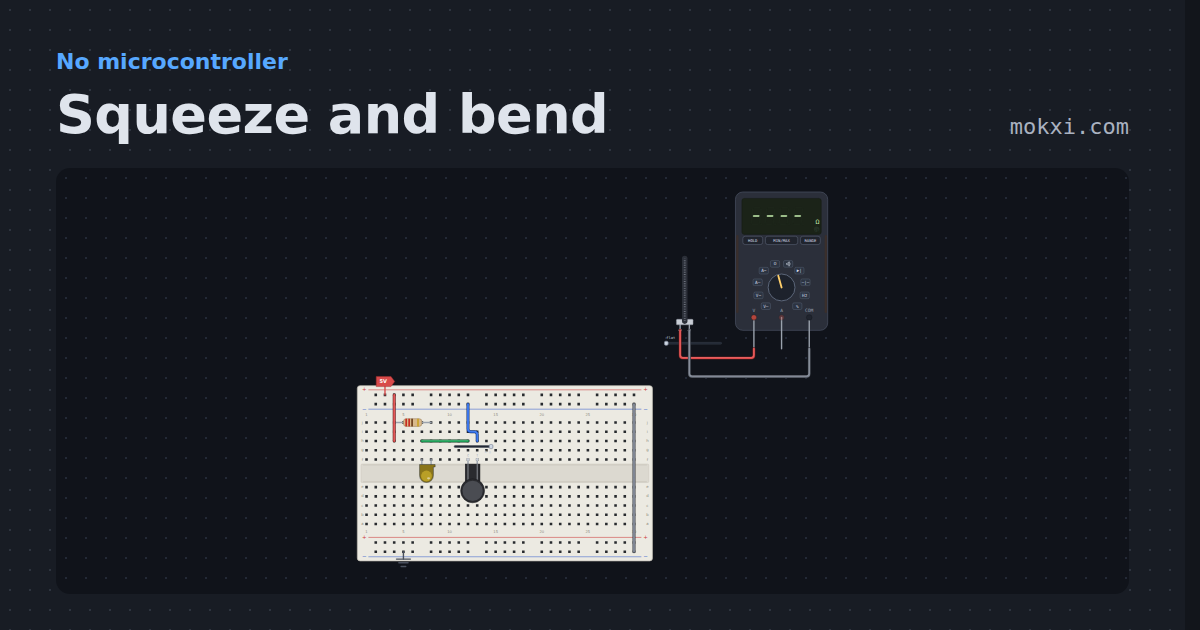
Squeeze and bend
A force-sensing resistor lights a lamp harder the harder it is pressed, and a flex sensor climbs from 25 k on a multimeter as it bends.
- Board
- No board
- Parts
- Resistor, LED, force-sensing resistor, flex sensor, multimeter
- Level
- Beginner
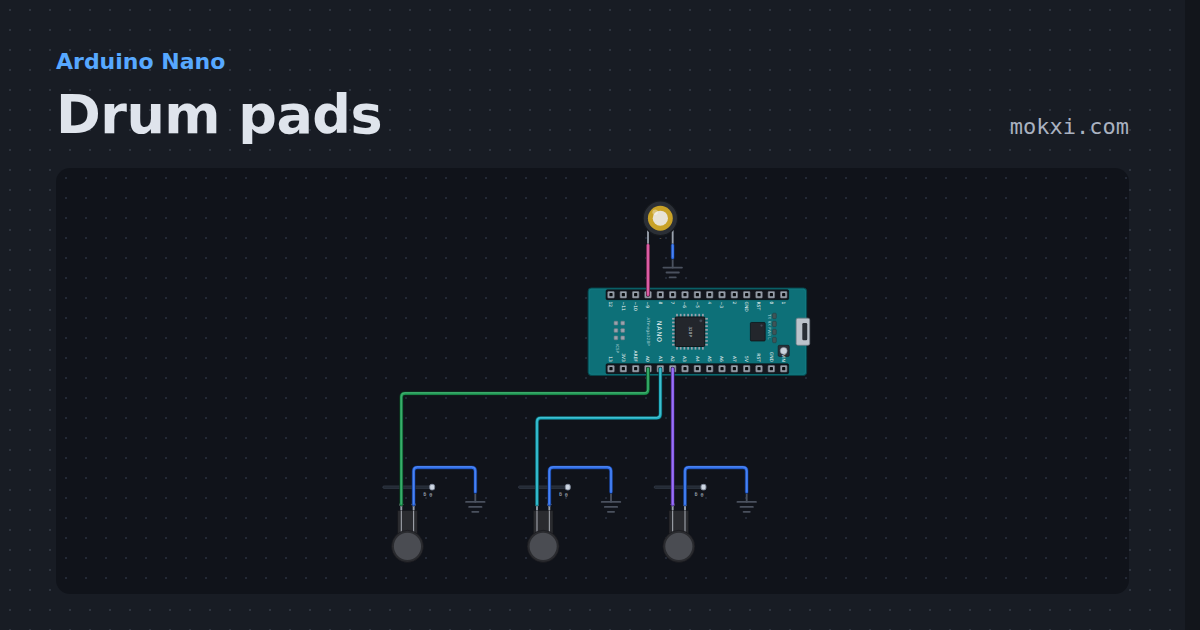
Drum pads
Arduino drum pads: three force-sensing resistors play a kick, a snare and a hi-hat on a piezo, harder hits longer.
- Board
- Arduino Nano
- Parts
- Force-sensing resistor, piezo speaker
- Level
- Intermediate
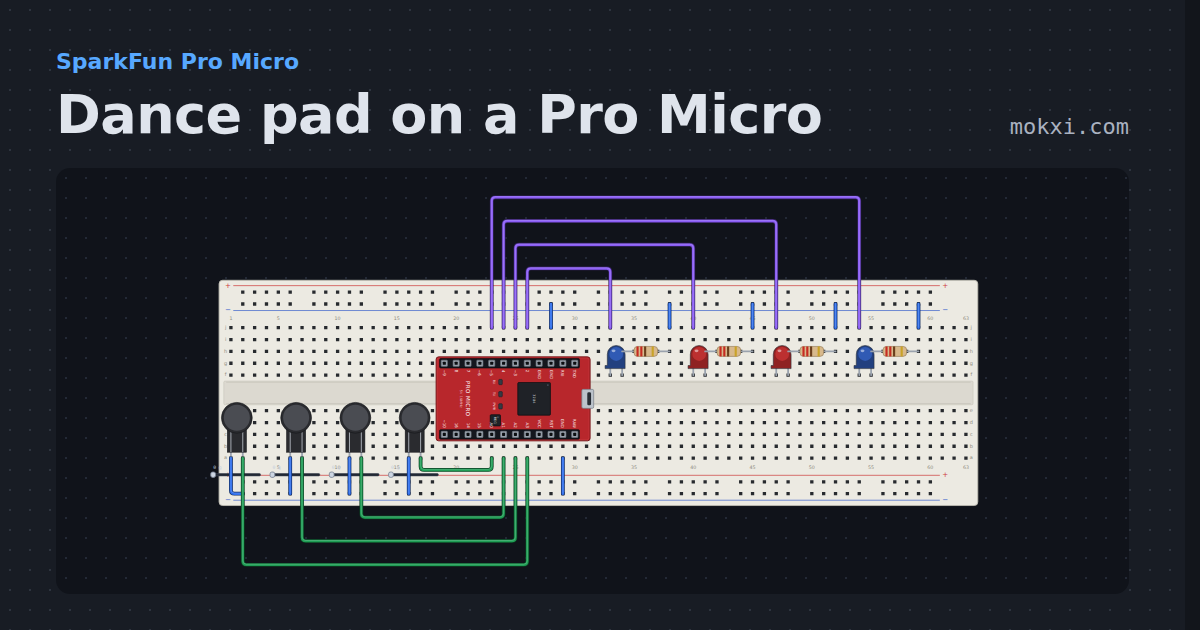
Dance pad on a Pro Micro
Four FSR panels on A0 to A3 with a press and a release threshold each, lighting a panel lamp and sent as four gamepad buttons through Joystick.h.
- Board
- SparkFun Pro Micro
- Parts
- Force-sensing resistor, LED, resistor
- Level
- Intermediate
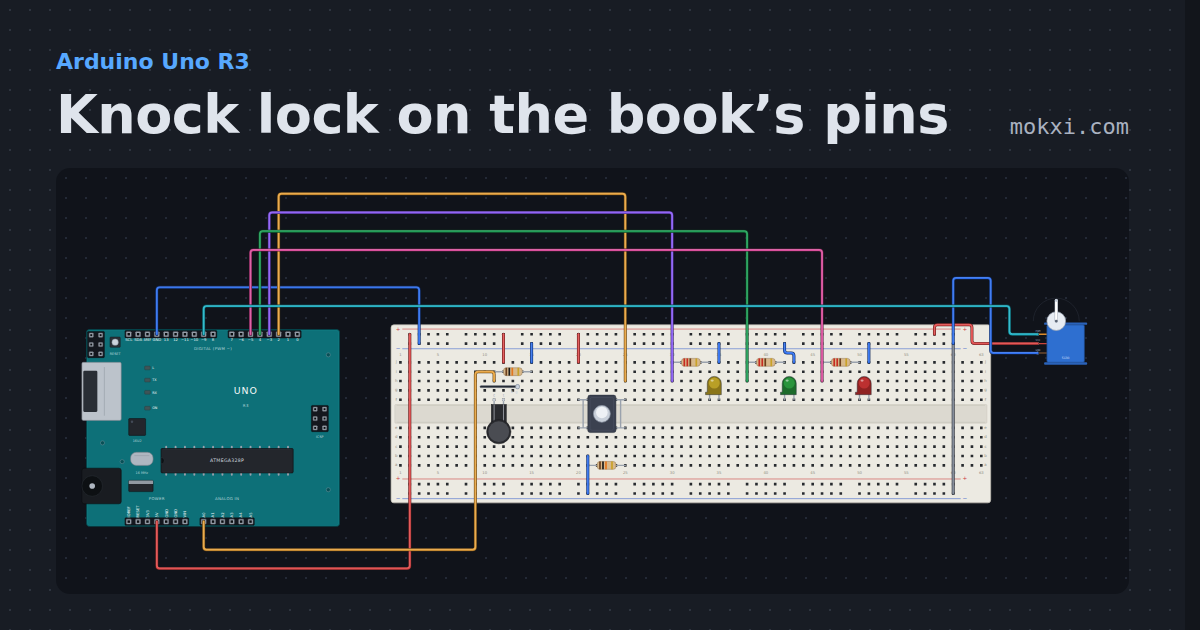
Knock lock on the book’s pins
A servo bolt on pin 9, a lock button on pin 2 and LEDs on pins 3, 4 and 5. Three presses of the knock sensor on A0 open the lock again.
- Board
- Arduino Uno R3
- Parts
- Force-sensing resistor, resistor, servo motor, push button, LED
- Level
- Intermediate