Projects with an FC-51 obstacle sensor
7 Mokxi projects use an FC-51 obstacle sensor (1 beginner, 5 intermediate and 1 advanced). They run on Arduino Uno boards, and 1 needs no board at all. Here are all of them, from “Comparator boards” to “Elevator controller”. Each card says what the project does, the board and parts it needs and its level, and Open in the simulator runs it in your browser in one click, with no account.
How to pick your first one
- Start with “Comparator boards”, a beginner project that needs an MQ-2 gas sensor, a flame sensor, a TCRT5000 line sensor and 3 more parts.
- Arduino Uno runs 6 of them and 1 needs no board at all. Start on the board you have, or on an Arduino Uno if you are buying one.
- The parts used most here are the piezo speaker (5 projects), the I2C LCD (4) and the push button (4). With those on hand, most of this list is open to you.
- Before you build one on a real bench, open the FC-51 IR obstacle sensor part page for its pins and what each one does.
7 projects ready to run
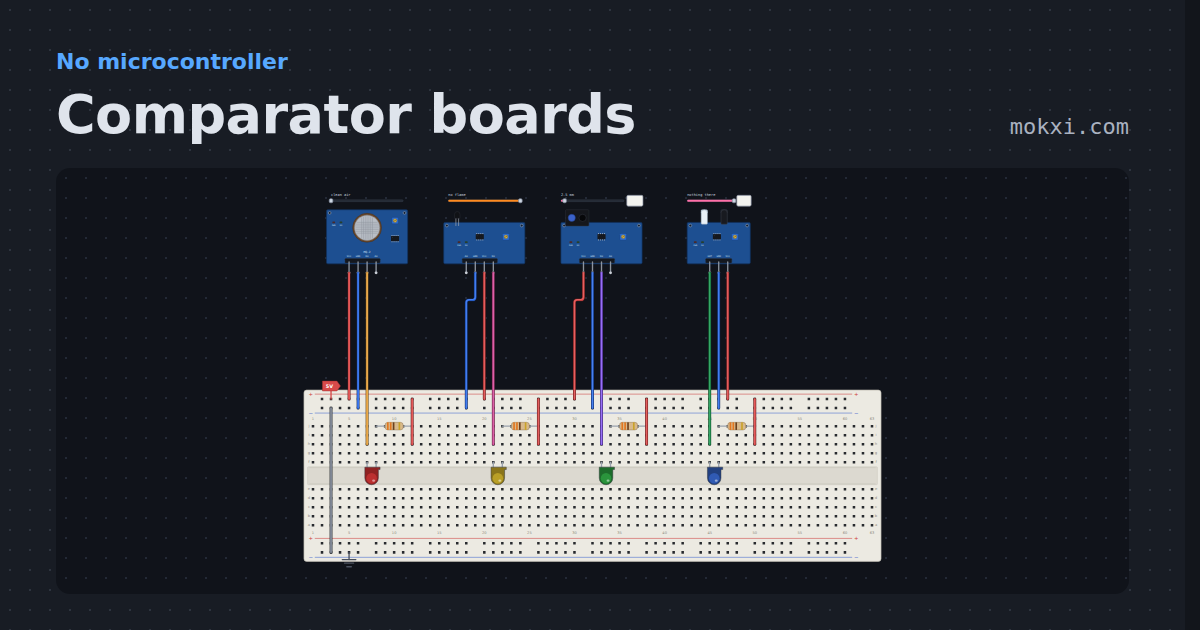
Comparator boards
An MQ-2, a flame sensor, a TCRT5000 and an FC-51, each lighting a lamp from DO with no board. The same LM393 under four sensors, and DO goes low.
- Board
- No board
- Parts
- MQ-2 gas sensor, flame sensor, TCRT5000 line sensor, FC-51 IR obstacle sensor, LED, +1 more
- Level
- Beginner
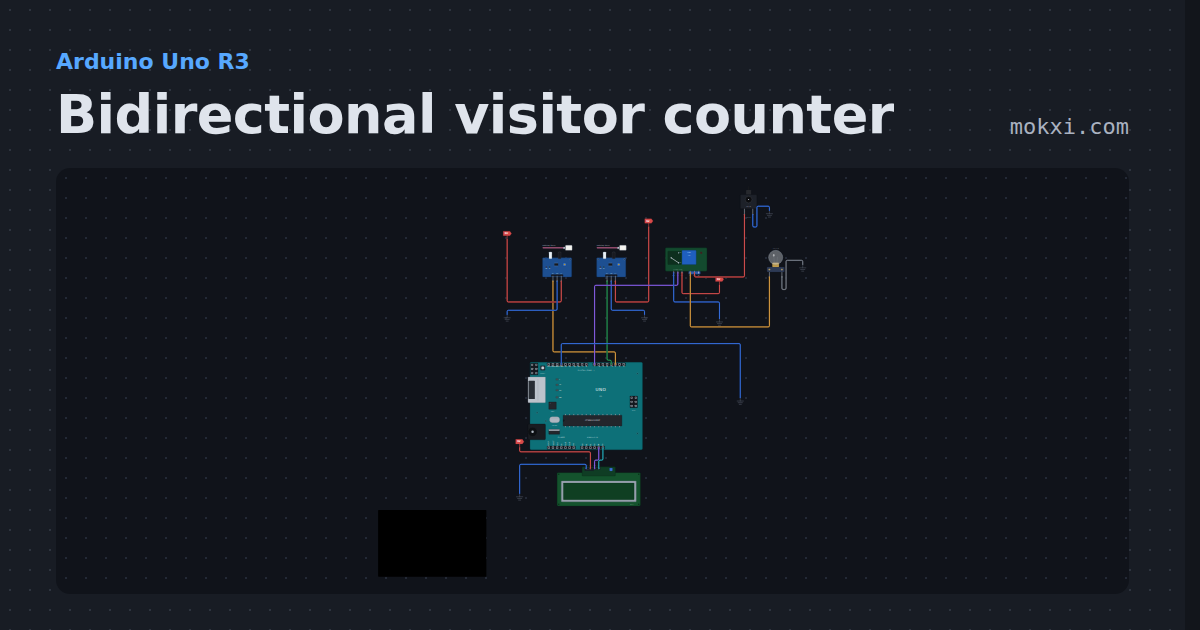
Bidirectional visitor counter
Two IR sensors at a doorway tell people coming in from going out, an I2C LCD shows IN, OUT and inside, and a relay lights the room while anyone is in.
- Board
- Arduino Uno R3
- Parts
- FC-51 IR obstacle sensor, relay module, DC jack and adapter, filament lamp, I2C LCD
- Level
- Intermediate
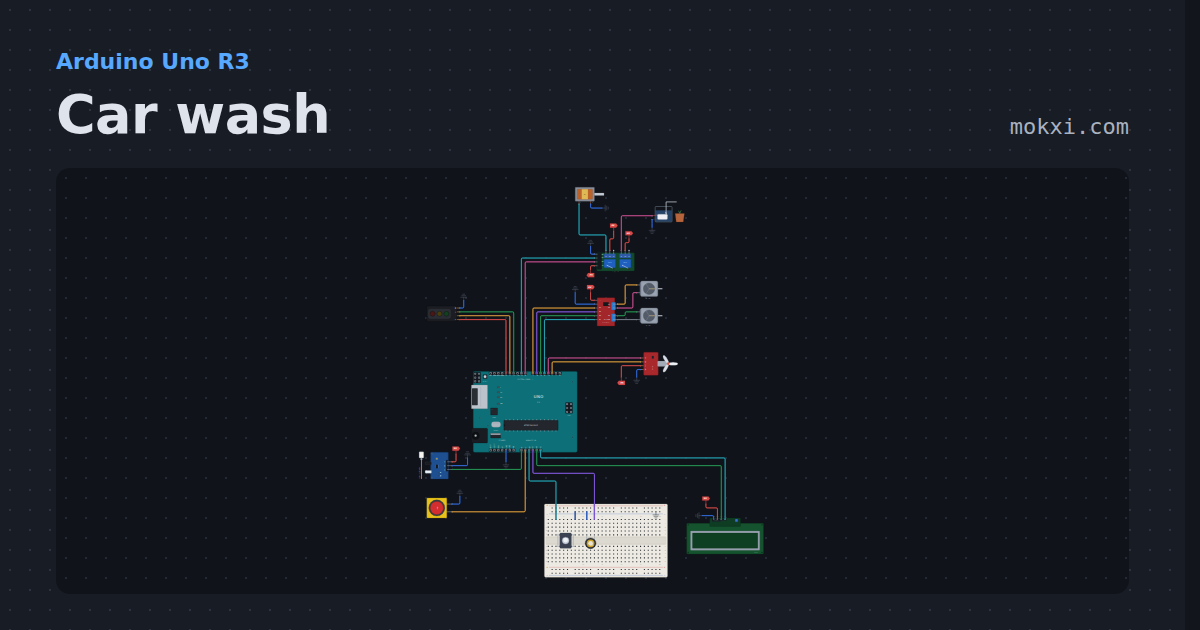
Car wash
Drive a car up to the sensor and press START: it rinses, soaps, brushes, rinses and dries on a timeline.
- Board
- Arduino Uno R3
- Parts
- Traffic light module, two-channel relay board, solenoid, mini water pump, MX1508 dual motor driver, +7 more
- Level
- Intermediate
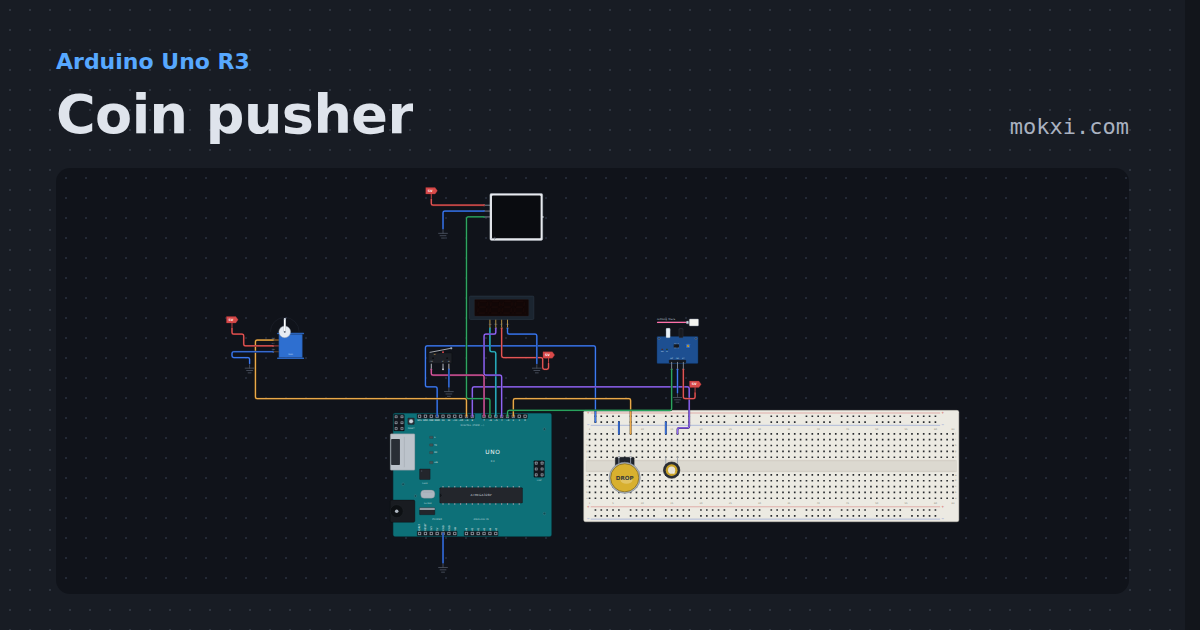
Coin pusher
Drop coins in front of a sweeping servo pusher, count the ones that fall off the front, win a jackpot light show, and watch it back out of a jam.
- Board
- Arduino Uno R3
- Parts
- Arcade button, piezo speaker, FC-51 IR obstacle sensor, TM1637 four-digit display, WS2812 NeoPixel LEDs, +2 more
- Level
- Intermediate
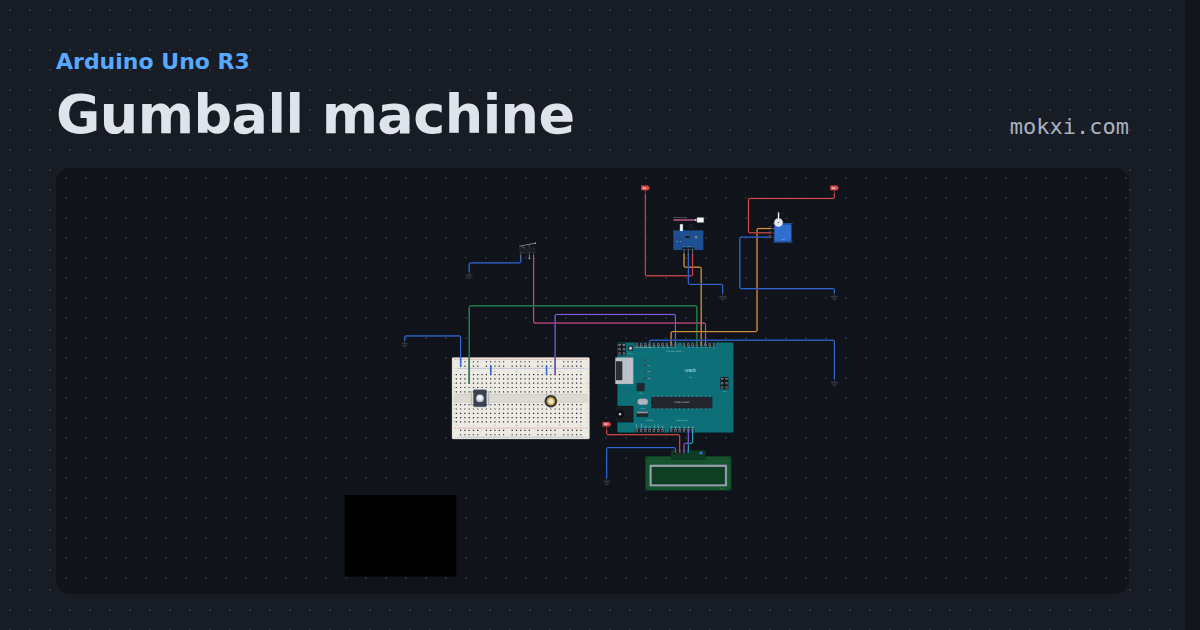
Gumball machine
Drop a coin and a servo gate lets out one gumball, with a sensor that spots jams, a coin counter and a sold-out sign on an LCD.
- Board
- Arduino Uno R3
- Parts
- Servo motor, FC-51 IR obstacle sensor, limit switch, push button, piezo speaker, +1 more
- Level
- Intermediate
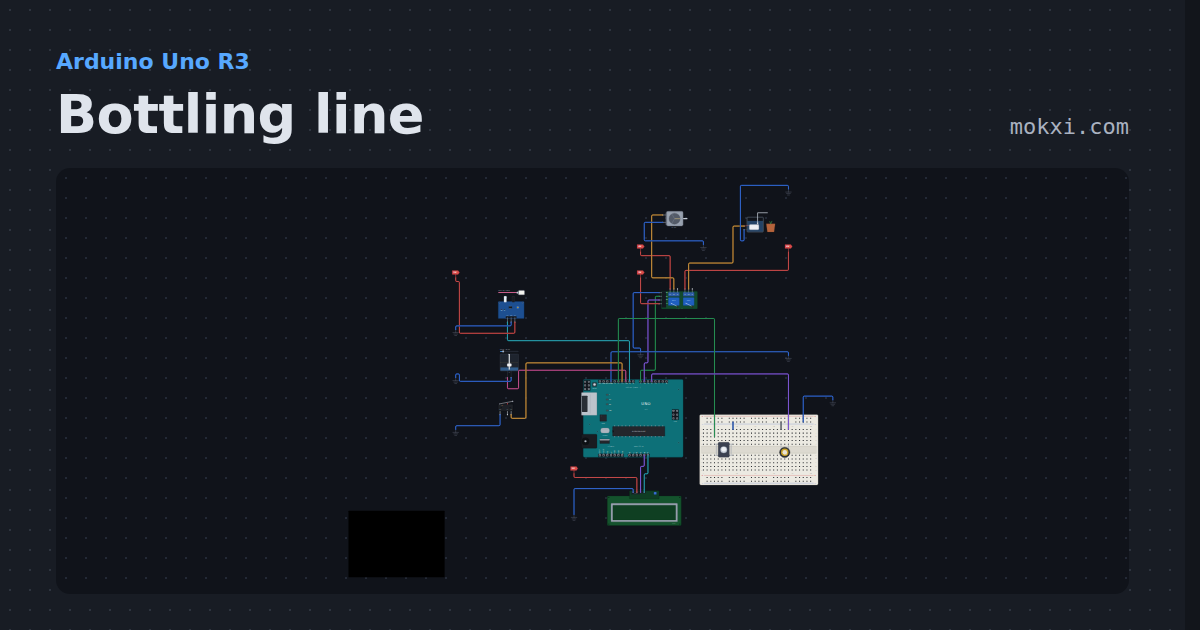
Bottling line
A belt brings each bottle to the filler, a pump fills it until the float switch trips, and the LCD counts them.
- Board
- Arduino Uno R3
- Parts
- Two-channel relay board, DC motor, mini water pump, FC-51 IR obstacle sensor, float switch, +4 more
- Level
- Intermediate
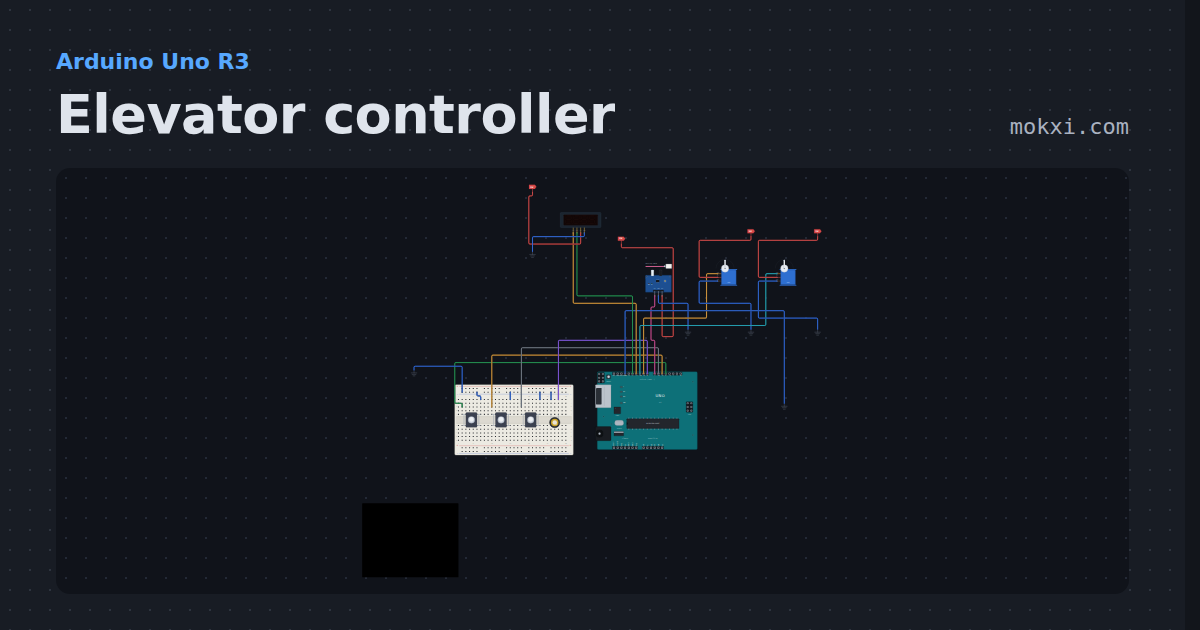
Elevator controller
A three-floor elevator with call buttons, a servo cab, a door that will not close on you, and a display that shows the floor.
- Board
- Arduino Uno R3
- Parts
- FC-51 IR obstacle sensor, servo motor, push button, piezo speaker, TM1637 four-digit display
- Level
- Advanced