Projects with an E18-D80NK sensor
7 Mokxi projects use an E18-D80NK sensor (2 beginner, 4 intermediate and 1 advanced). They run on Arduino Uno boards. Here are all of them, from “Object counter with an E18-D80NK” to “Merge jam”. Each card says what the project does, the board and parts it needs and its level, and Open in the simulator runs it in your browser in one click, with no account.
How to pick your first one
- Start with “Object counter with an E18-D80NK”, a beginner project that needs an E18-D80NK sensor, a buzzer and an I2C LCD.
- All of them run on an Arduino Uno, so that is the one board you need.
- The parts used most here are the I2C LCD (5 projects), the buzzer (3) and the DC motor (3). With those on hand, most of this list is open to you.
- Before you build one on a real bench, open the E18-D80NK IR proximity switch part page for its pins and what each one does.
7 projects ready to run
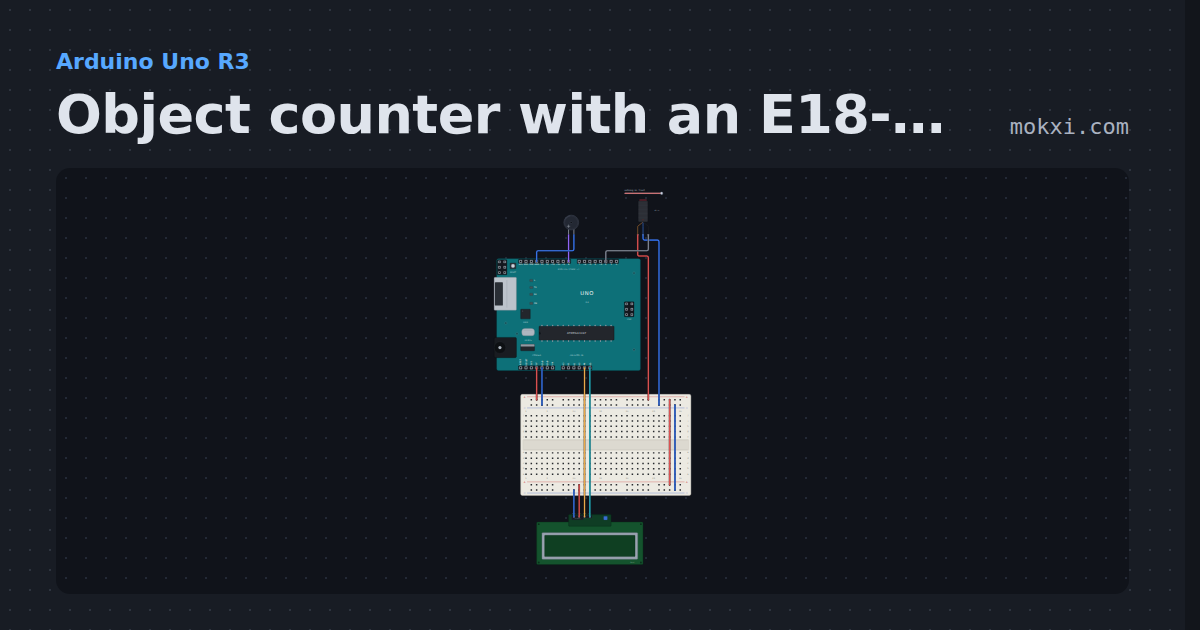
Object counter with an E18-D80NK
An E18-D80NK infrared sensor on pin 2 with the pin’s pull-up: each object that passes adds one to the count on a 16x2 I2C LCD, with a beep.
- Board
- Arduino Uno R3
- Parts
- E18-D80NK IR proximity switch, buzzer, I2C LCD
- Level
- Beginner
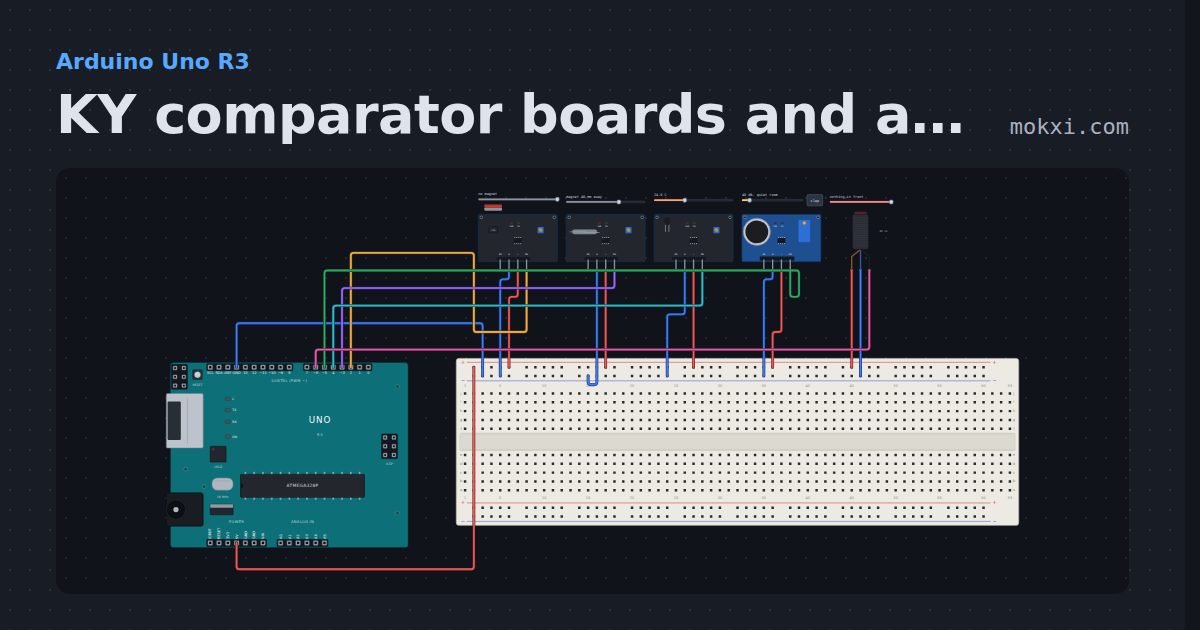
KY comparator boards and an IR switch
A KY-024 Hall, KY-025 reed, KY-028 thermistor and KY-037 sound board on pins 2 to 5, D0 high past the trimmer, and an E18-D80NK pulling pin 6 low.
- Board
- Arduino Uno R3
- Parts
- Linear Hall sensor, reed switch module, digital temperature module, big sound sensor, E18-D80NK IR proximity switch
- Level
- Beginner
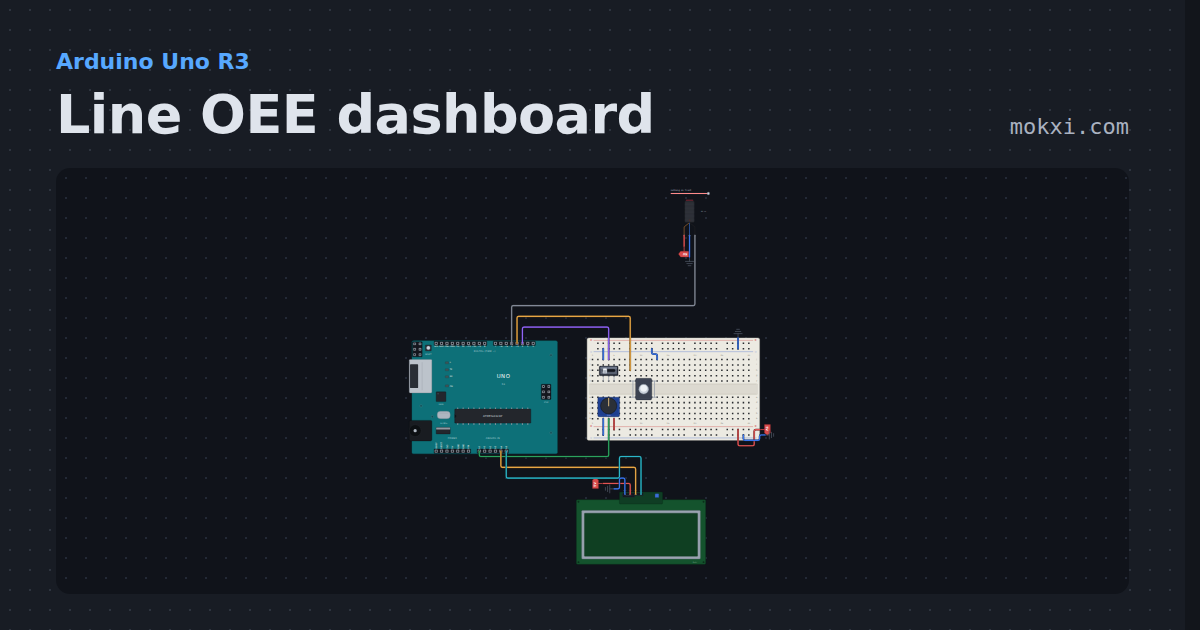
Line OEE dashboard
A 20x4 LCD shows how well a machine is doing as one number: availability, performance and quality from a part counter.
- Board
- Arduino Uno R3
- Parts
- Slide switch, push button, E18-D80NK IR proximity switch, potentiometer, 20x4 I2C LCD
- Level
- Intermediate
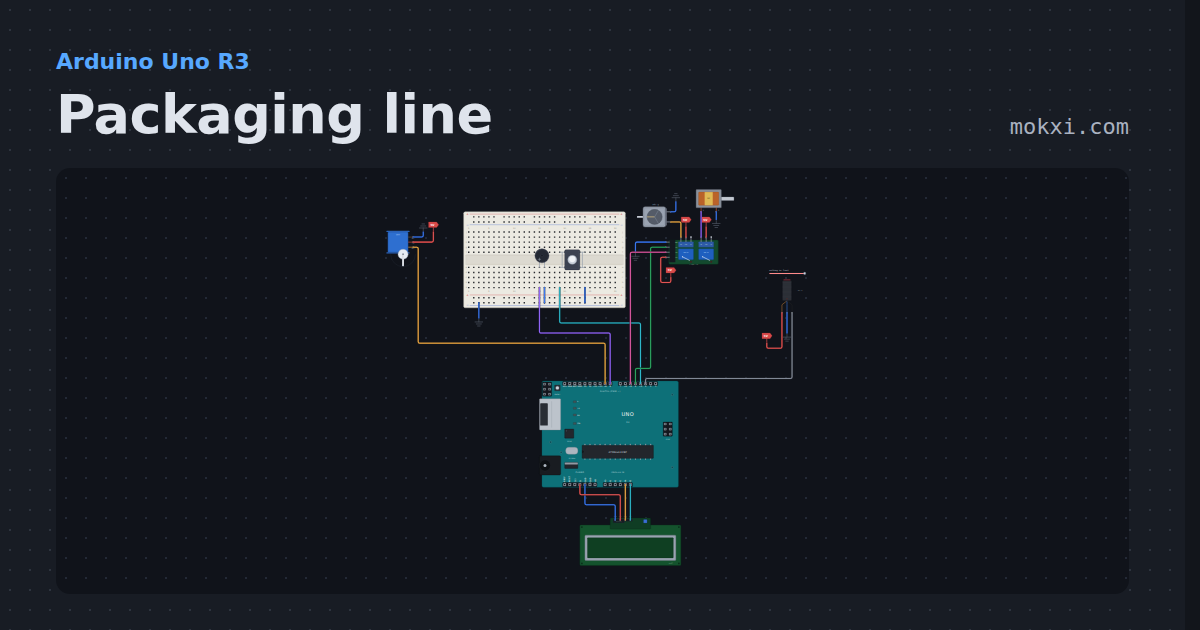
Packaging line
An E18-D80NK counts items into a box; when the count reaches the box size set with a button, the feed relay stops.
- Board
- Arduino Uno R3
- Parts
- Servo motor, buzzer, push button, two-channel relay board, DC motor, +3 more
- Level
- Intermediate
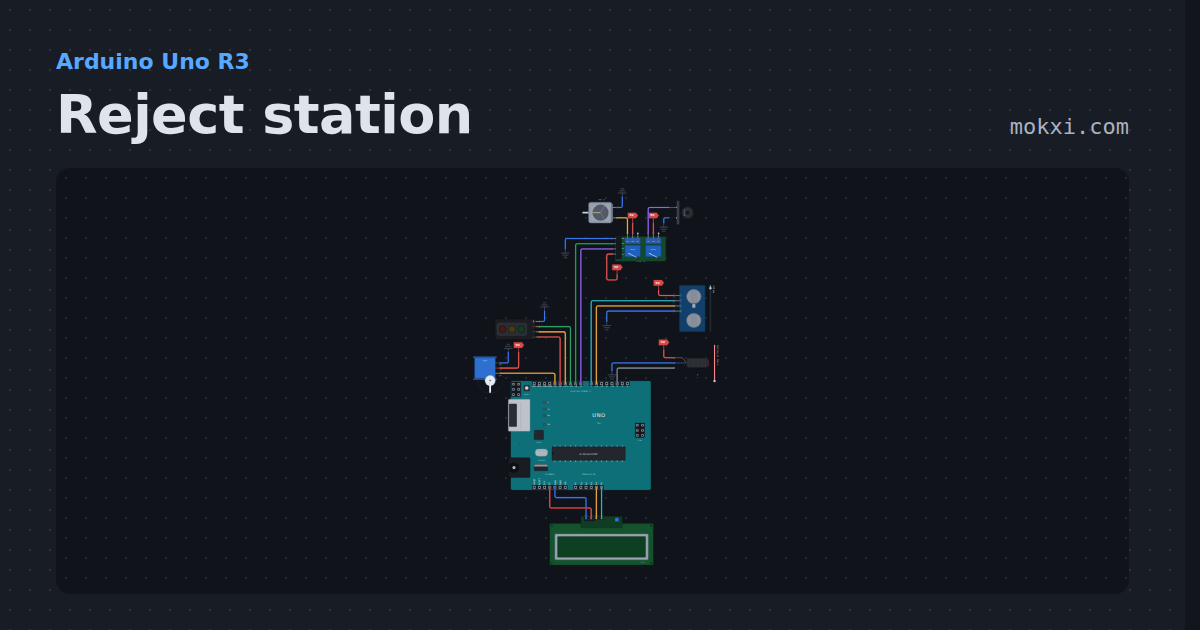
Reject station
A quality check that tracks each part: an HC-SR04 measures the part's height at the gate.
- Board
- Arduino Uno R3
- Parts
- Servo motor, traffic light module, two-channel relay board, DC motor, alarm siren, +3 more
- Level
- Intermediate
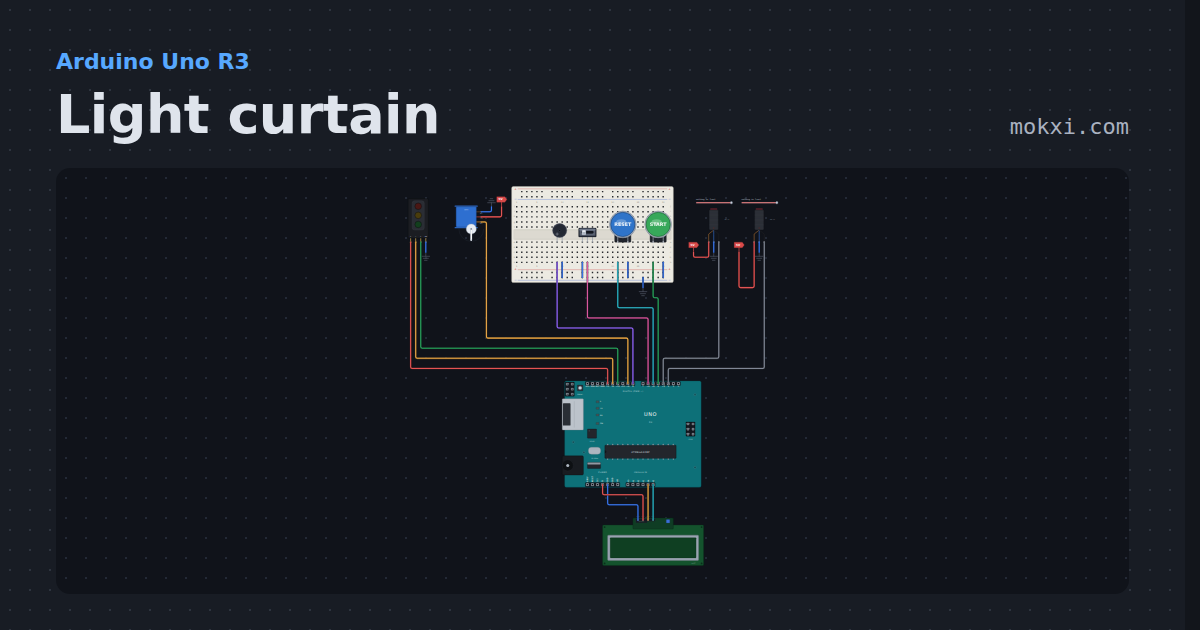
Light curtain
Two E18-D80NK beams guard a servo press: start works only with the beams clear.
- Board
- Arduino Uno R3
- Parts
- Traffic light module, servo motor, buzzer, slide switch, arcade button, +2 more
- Level
- Intermediate
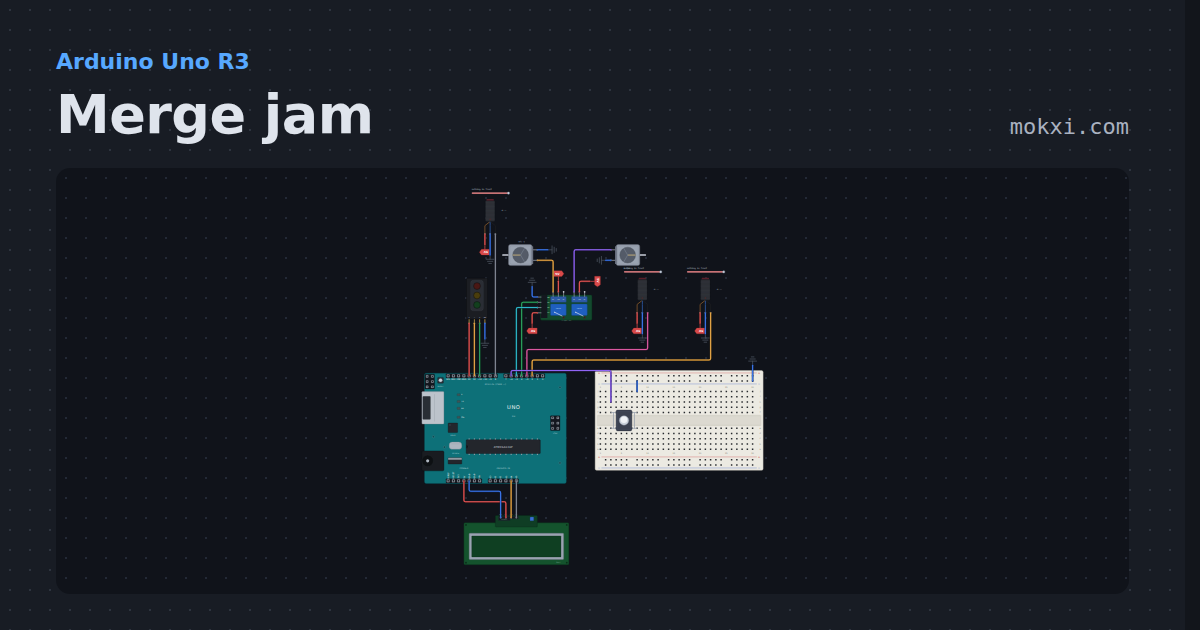
Merge jam
Two feeder conveyors take turns putting items onto one shared belt, counted by three E18-D80NK sensors.
- Board
- Arduino Uno R3
- Parts
- Traffic light module, E18-D80NK IR proximity switch, two-channel relay board, DC motor, push button, +1 more
- Level
- Advanced