Projects with a photo interrupter
5 Mokxi projects use a slot photo interrupter (1 beginner, 3 intermediate and 1 advanced). They run on Arduino Uno boards. Here are all of them, from “Heat, magnet and wheel” to “Block signals”. Each card says what the project does, the board and parts it needs and its level, and Open in the simulator runs it in your browser in one click, with no account.
How to pick your first one
- Start with “Heat, magnet and wheel”, a beginner project that needs a temperature sensor, a hall sensor and a photo interrupter.
- All of them run on an Arduino Uno, so that is the one board you need.
- The parts used most here are the piezo speaker (3 projects), the LED (2) and the A4988 stepper driver (1). With those on hand, most of this list is open to you.
- Before you build one on a real bench, open the slot photo interrupter part page for its pins and what each one does.
5 projects ready to run
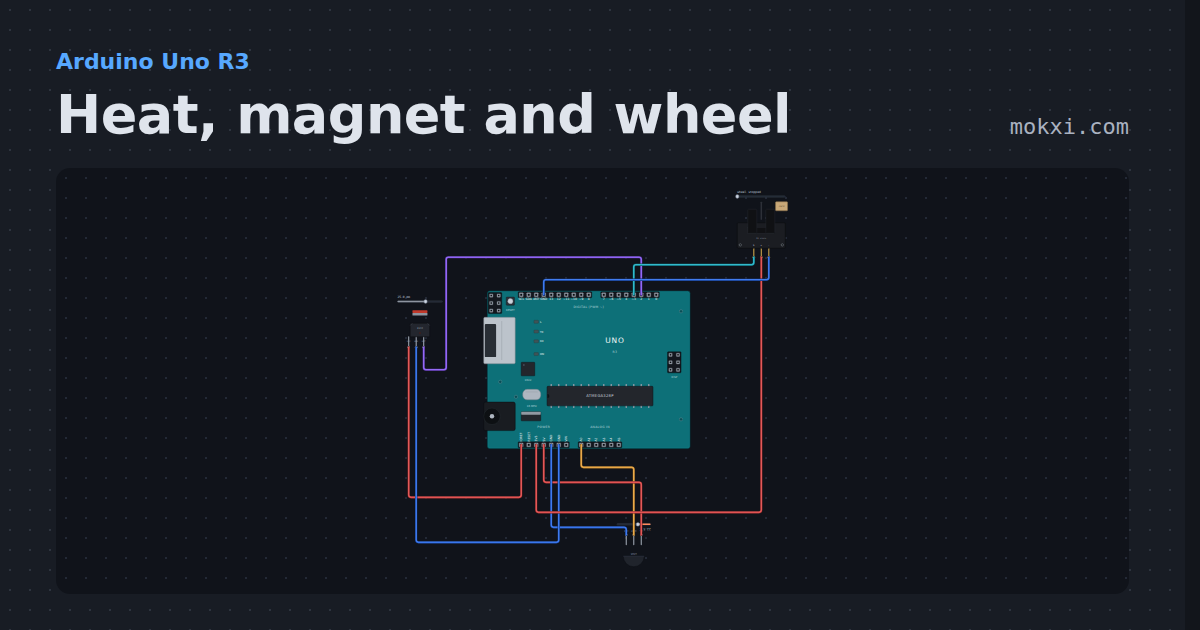
Heat, magnet and wheel
An LM35 on A0, an A3144 Hall switch on pin 2 and a slotted photo interrupter counting a 20-slot wheel on pin 3, read on the serial monitor.
- Board
- Arduino Uno R3
- Parts
- Temperature sensor, hall sensor, slot photo interrupter
- Level
- Beginner
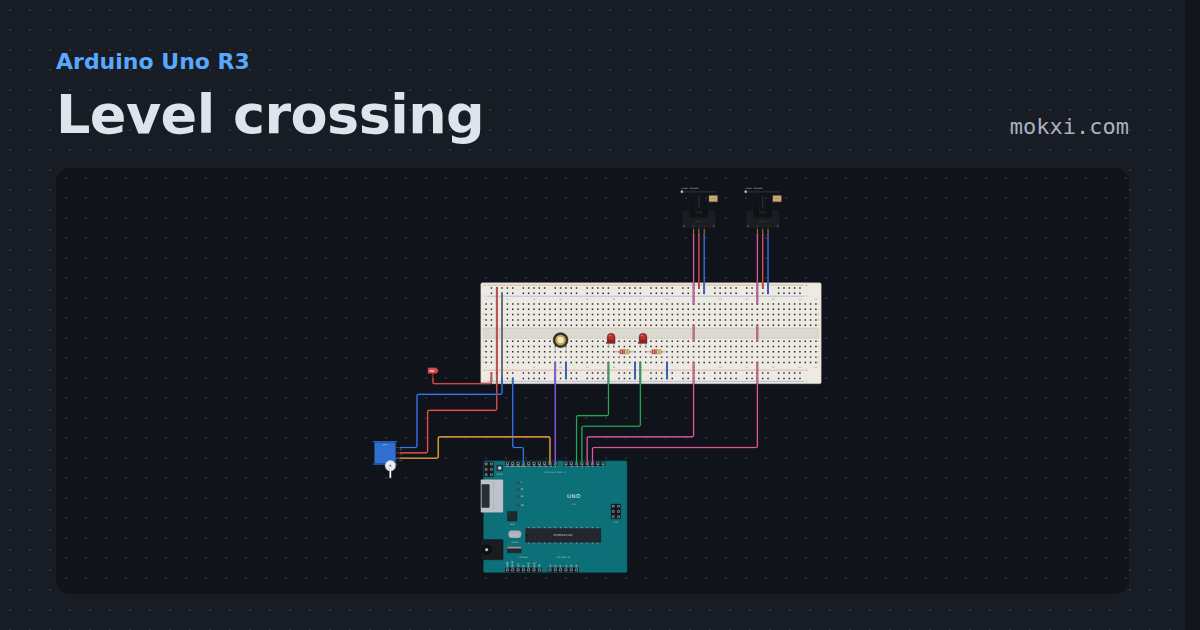
Level crossing
Two IR detectors start alternating red lamps and a bell, a gate servo comes down after a delay.
- Board
- Arduino Uno R3
- Parts
- Servo motor, slot photo interrupter, LED, resistor, piezo speaker
- Level
- Intermediate
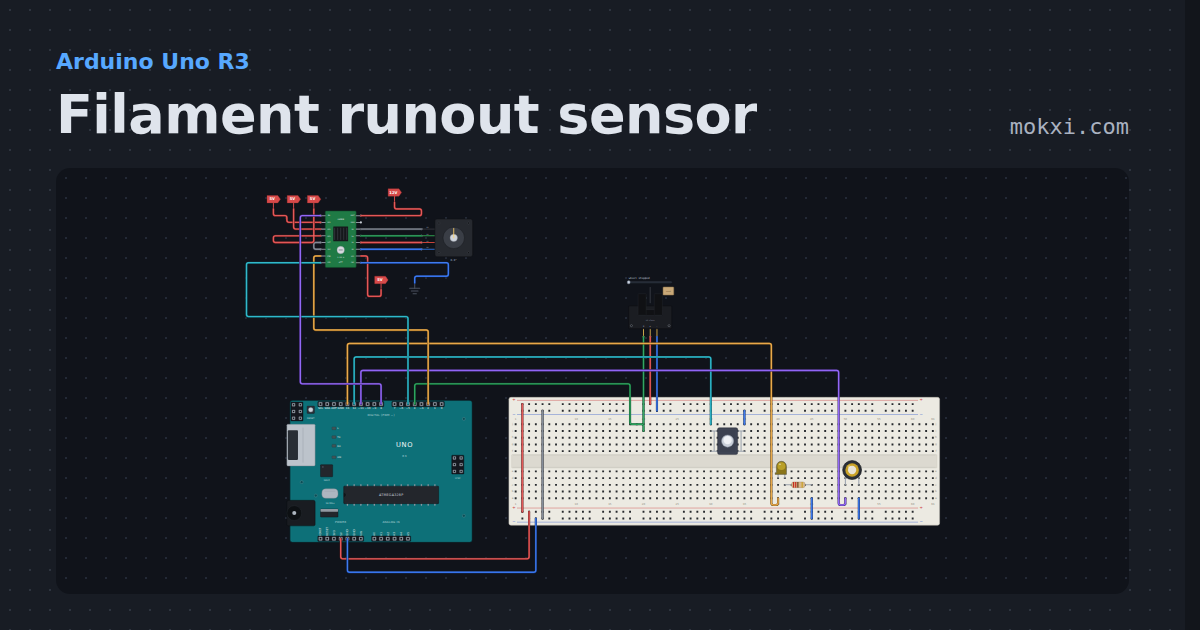
Filament runout sensor
An optical slot sensor on the filament path and an A4988 extruder: a debounced runout, 10 mm more printed from the filament still in the path.
- Board
- Arduino Uno R3
- Parts
- A4988 stepper driver, NEMA 17 stepper motor, slot photo interrupter, push button, LED, +2 more
- Level
- Intermediate
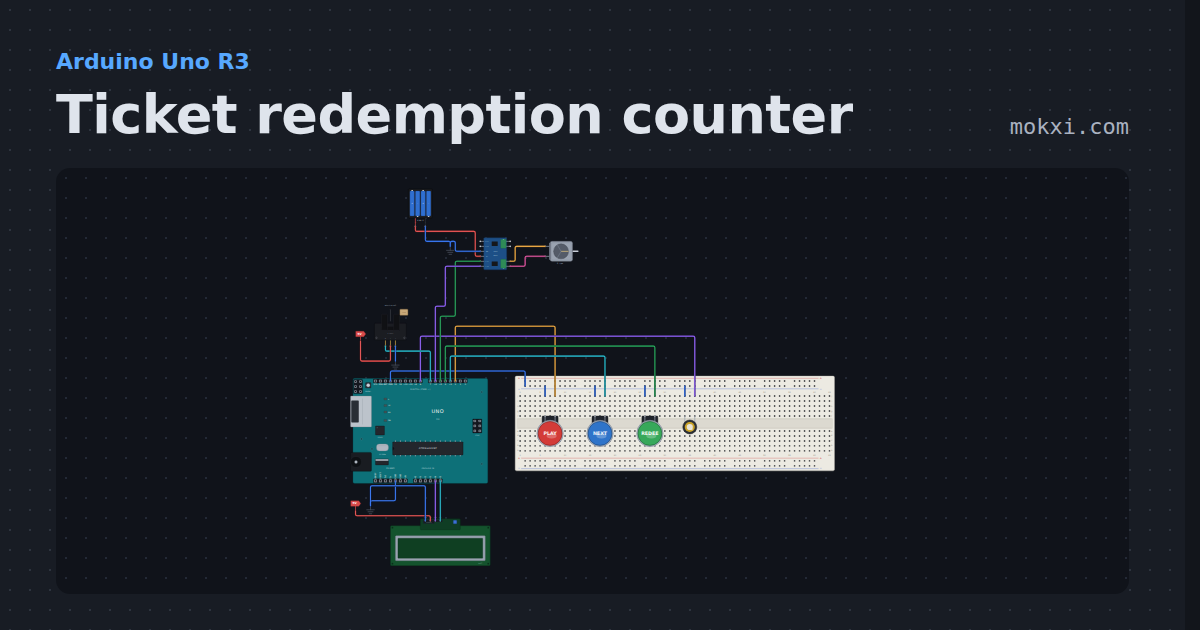
Ticket redemption counter
Stop the running light in the middle to win tickets, watch a motor pay them out one by one with a sensor counting each.
- Board
- Arduino Uno R3
- Parts
- Arcade button, piezo speaker, L9110S motor driver, DC motor, battery: AA, +2 more
- Level
- Intermediate
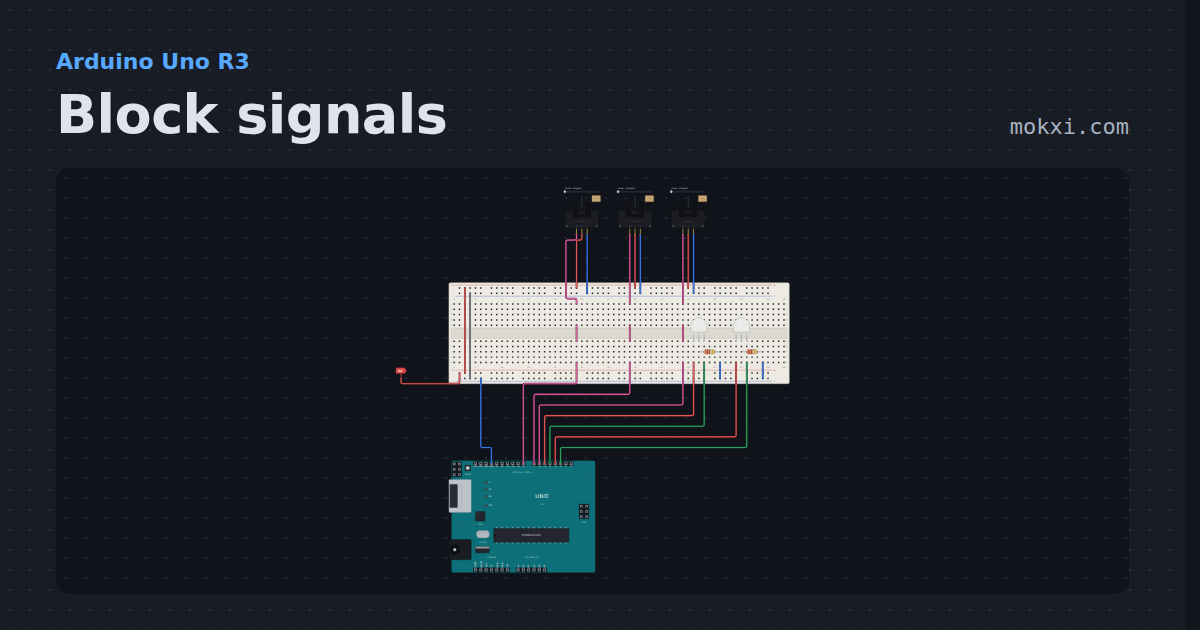
Block signals
Three IR detectors at the block boundaries and two searchlight signals that show red for an occupied block.
- Board
- Arduino Uno R3
- Parts
- Slot photo interrupter, two-color LED, resistor
- Level
- Advanced