Projects with a D4184 MOSFET module
7 Mokxi projects use a D4184 MOSFET module (4 beginner and 3 intermediate). They run on Arduino Uno boards, and 1 needs no board at all. Here are all of them, from “3 W power LED on pin 13” to “Workbench light”. Each card says what the project does, the board and parts it needs and its level, and Open in the simulator runs it in your browser in one click, with no account.
How to pick your first one
- Start with “3 W power LED on pin 13”, a beginner project that needs a D4184 MOSFET module, a resistor and a power LED.
- Arduino Uno runs 6 of them and 1 needs no board at all. Start on the board you have, or on an Arduino Uno if you are buying one.
- The parts used most here are the filament lamp (1 project), the PIR motion sensor (1) and the potentiometer (1). With those on hand, most of this list is open to you.
- Before you build one on a real bench, open the D4184 MOSFET module part page for its pins and what each one does.
7 projects ready to run
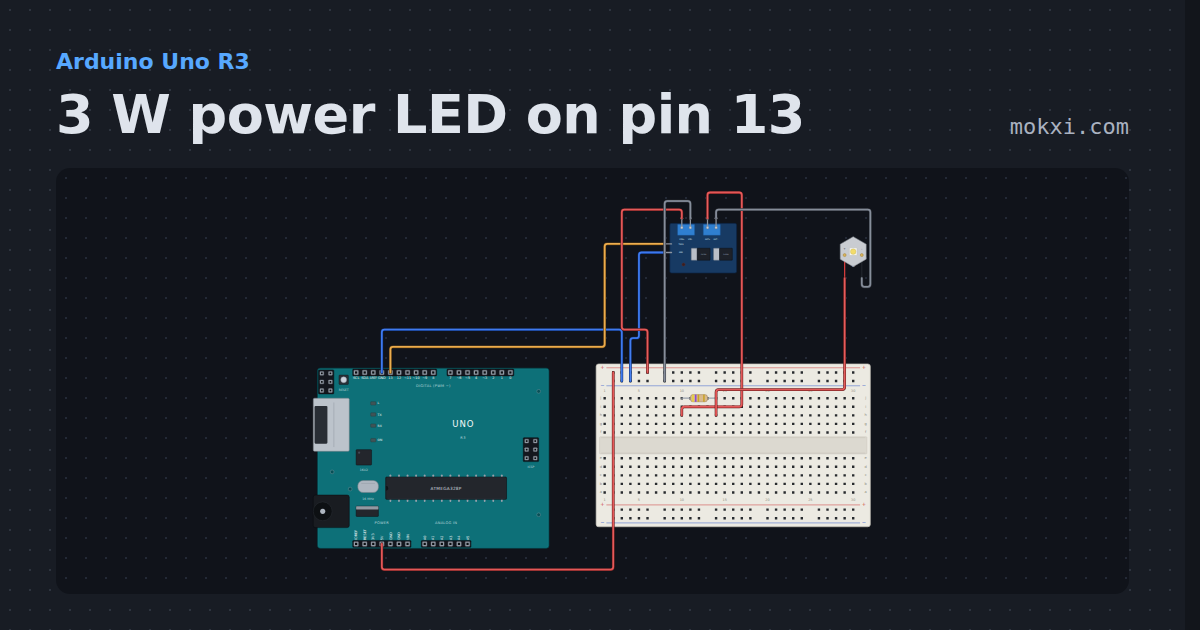
3 W power LED on pin 13
A 3 W white power LED, switched by a MOSFET module whose trigger is on pin 13, blinks once a second from the Uno’s 5 V through a 4.7 ohm resistor.
- Board
- Arduino Uno R3
- Parts
- D4184 MOSFET module, resistor, power LED
- Level
- Beginner
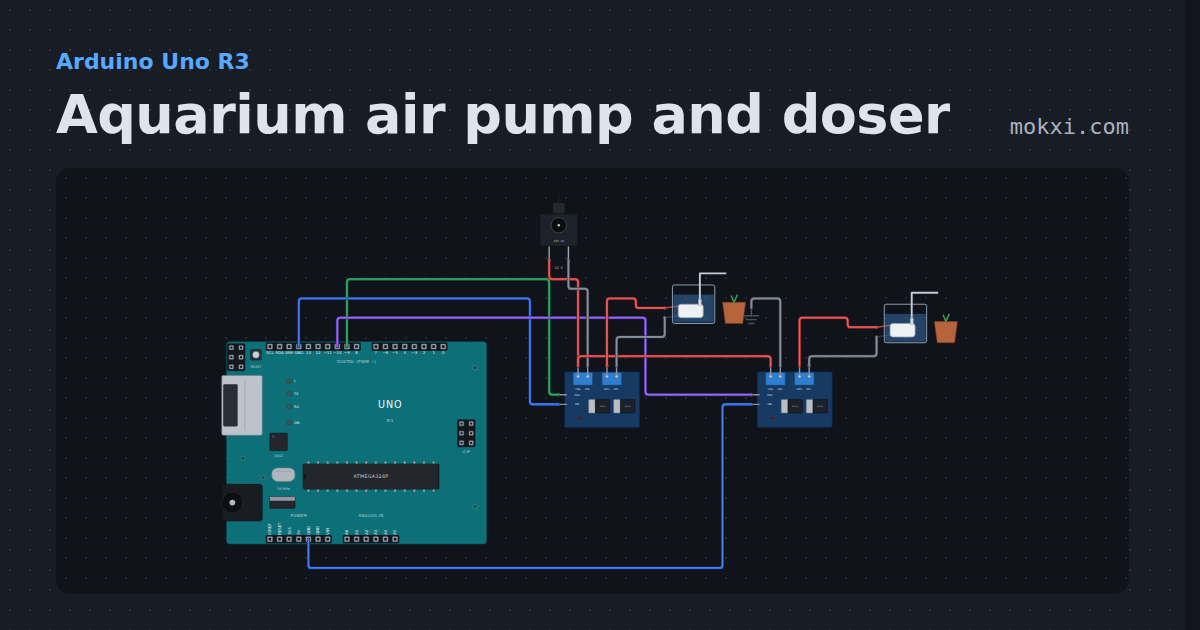
Aquarium air pump and doser
Two D4184 modules on pins 9 and 10 run a 12 V air pump all the time and a peristaltic pump for 3 s, 5 ml, every 20 s.
- Board
- Arduino Uno R3
- Parts
- DC jack and adapter, D4184 MOSFET module, mini water pump
- Level
- Beginner
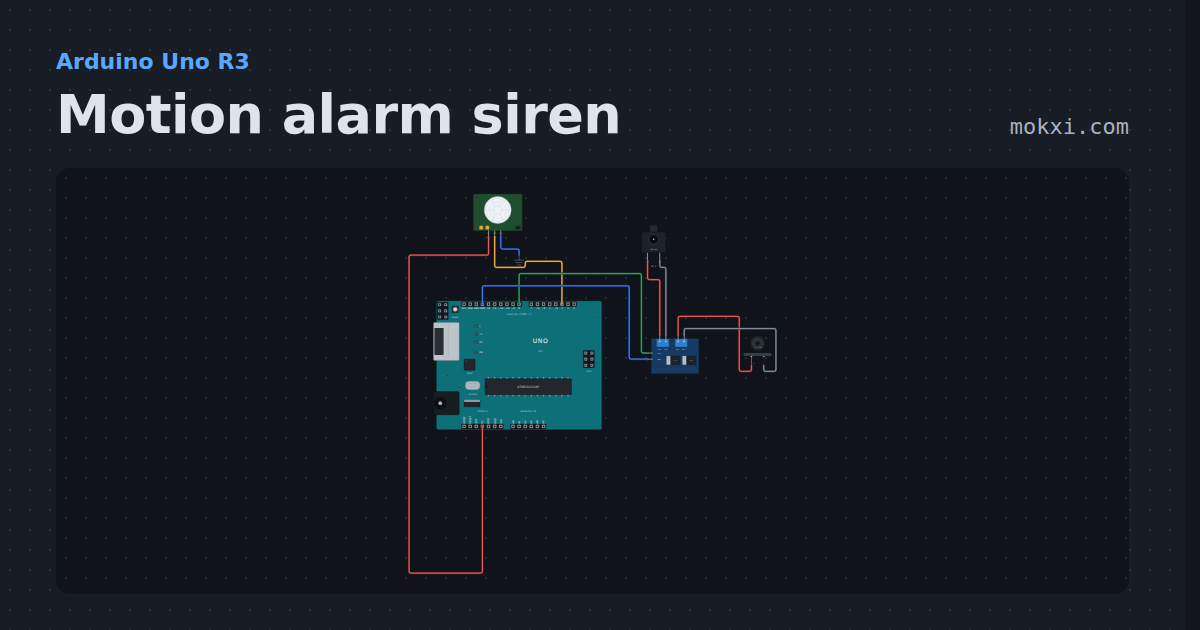
Motion alarm siren
A PIR on pin 2 trips a 12 V alarm siren on a D4184 MOSFET module for ten seconds, then the alarm waits for quiet and re-arms.
- Board
- Arduino Uno R3
- Parts
- PIR motion sensor, D4184 MOSFET module, alarm siren, DC jack and adapter
- Level
- Beginner
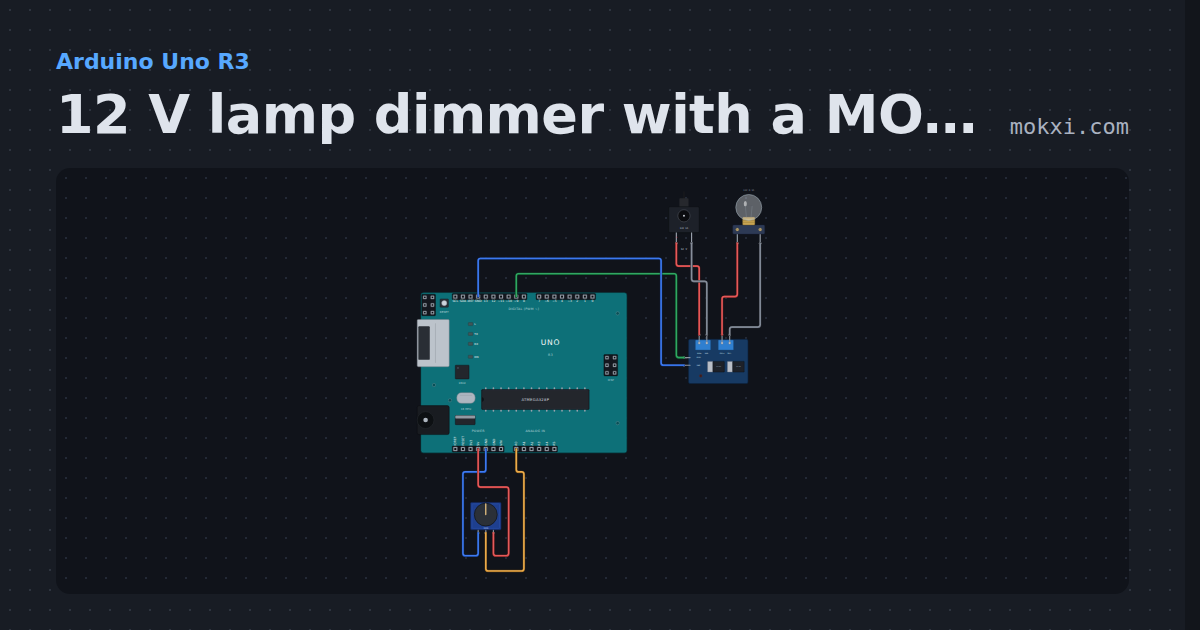
12 V lamp dimmer with a MOSFET module
A knob on A0 sets the PWM on pin 9, and a D4184 MOSFET module dims a 12 V lamp on a wall adapter with it: the pin switches the gates, not the lamp.
- Board
- Arduino Uno R3
- Parts
- Potentiometer, D4184 MOSFET module, DC jack and adapter, filament lamp
- Level
- Beginner
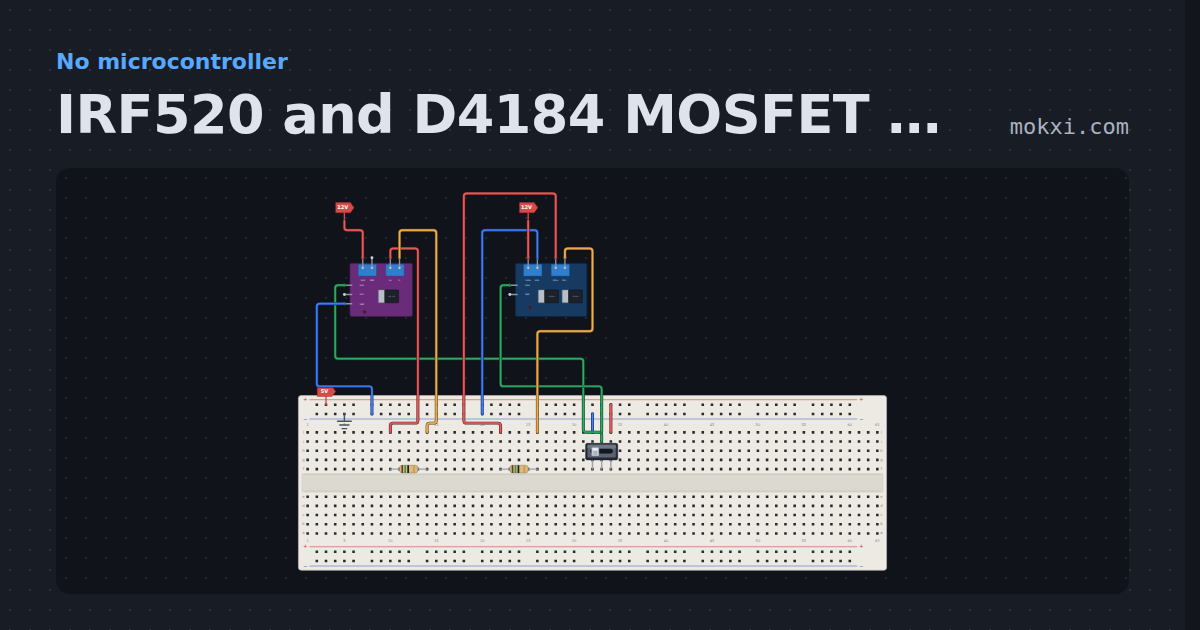
IRF520 and D4184 MOSFET modules
One switch drives an IRF520 module and a D4184 module, each on a 12 V load: the IRF520 is half on from 5 V and off from 3.3 V.
- Board
- No board
- Parts
- Resistor, slide switch, IRF520 MOSFET module, D4184 MOSFET module
- Level
- Intermediate
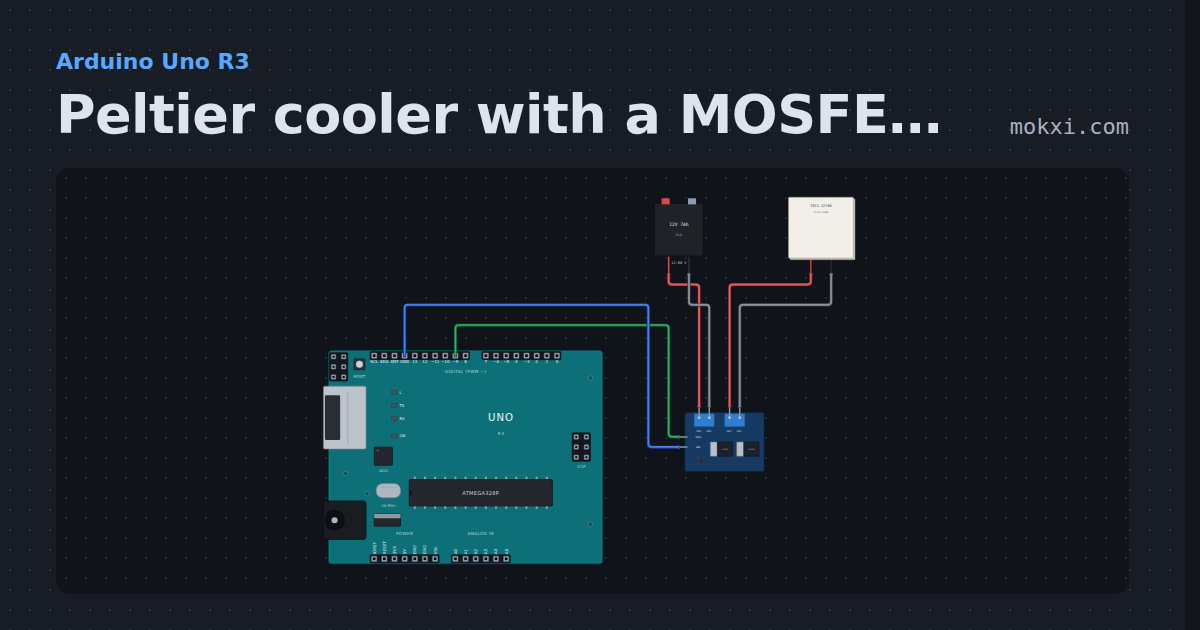
Peltier cooler with a MOSFET module
An Uno runs a TEC1-12706 Peltier module flat out for a minute through a D4184 MOSFET module on pin 9, then holds it at 60 % with PWM.
- Board
- Arduino Uno R3
- Parts
- D4184 MOSFET module, battery: AA, peltier module
- Level
- Intermediate
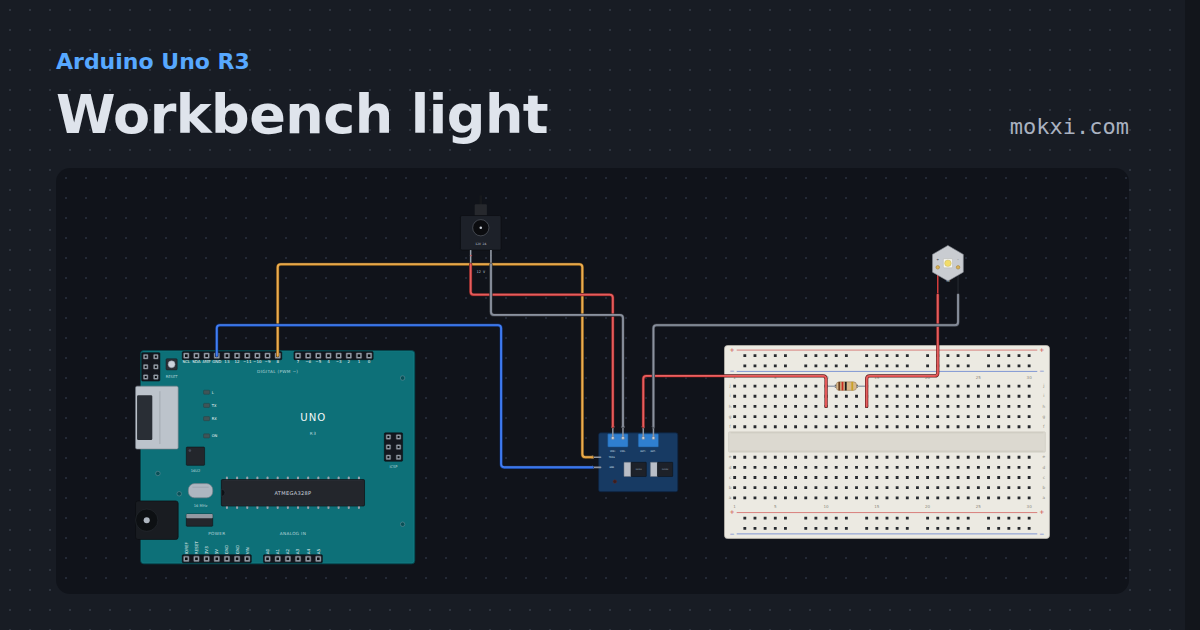
Workbench light
A 3 W power LED spot flashes on pin 8 through a D4184 module, its 700 mA set by a 12 ohm 10 W resistor on a 12 V adapter.
- Board
- Arduino Uno R3
- Parts
- D4184 MOSFET module, resistor, power LED, DC jack and adapter
- Level
- Intermediate