Arduino science fair projects
These projects are tagged science fair. Each one measures something real, so it can answer a question with numbers. Mokxi has 10 of them (4 beginner, 5 intermediate and 1 advanced). Here are all of them, from “Robotic hand with flex sensors” to “Orbit simulator”. Each card says what the project does, the board and parts it needs and its level, and Open in the simulator runs it in your browser in one click, with no account.
How to pick your first one
- Start with “Laser ruler”, a beginner project that needs a VL53L0X time-of-flight sensor.
- Most of them are intermediate projects. Pick one a level below what you think you can do, finish it, then move up.
- The parts used most here are the I2C LCD (3 projects), the DHT11 or DHT22 sensor (1) and the 16x2 character LCD (1). With those on hand, most of this list is open to you.
- A science fair project needs a question and a measurement, so pick the build that measures the thing your question is about, then log readings over time.
10 projects ready to run
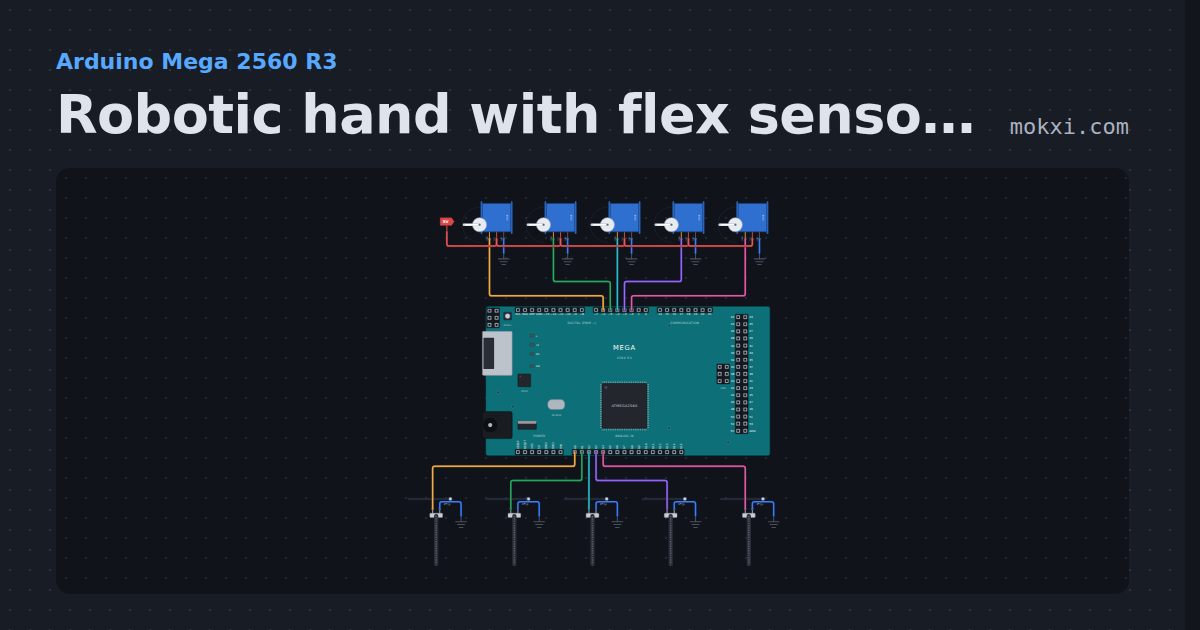
Robotic hand with flex sensors
Robotic hand with flex sensors on an Arduino Mega: five flex sensors on a glove move five servo fingers, and the Serial Monitor names the gesture.
- Board
- Arduino Mega 2560 R3
- Parts
- Servo motor, flex sensor
- Level
- Beginner
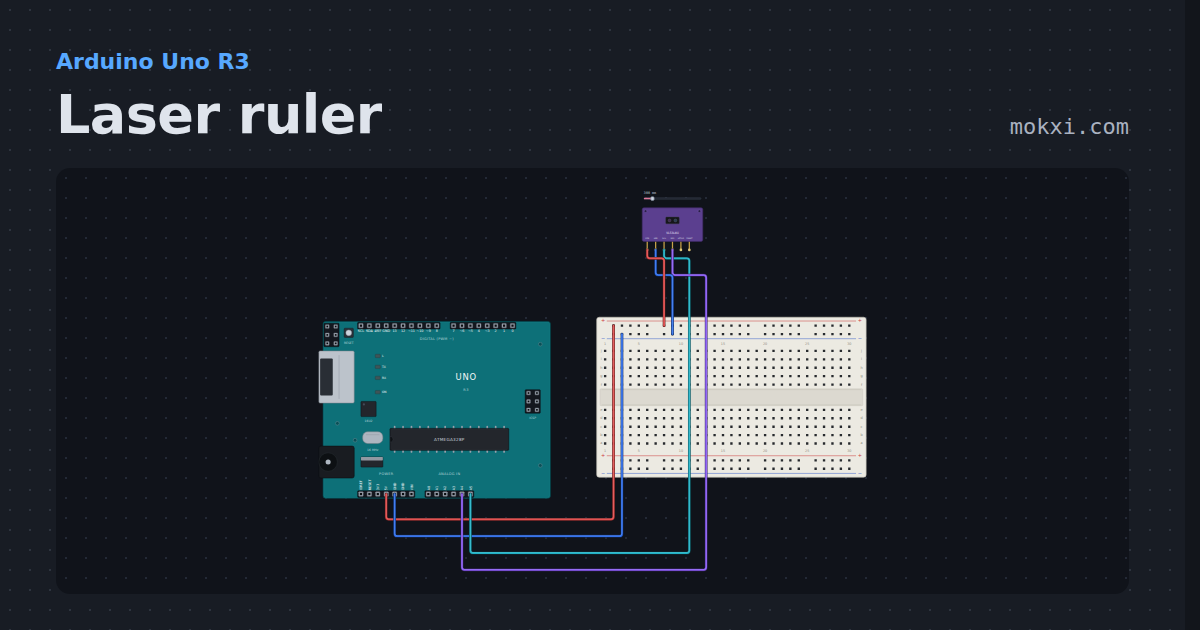
Laser ruler
A VL53L0X time-of-flight sensor over I2C, read with Pololu’s library: millimeters to the target, and “out of range” past about 1.2 m.
- Board
- Arduino Uno R3
- Parts
- VL53L0X time-of-flight sensor
- Level
- Beginner
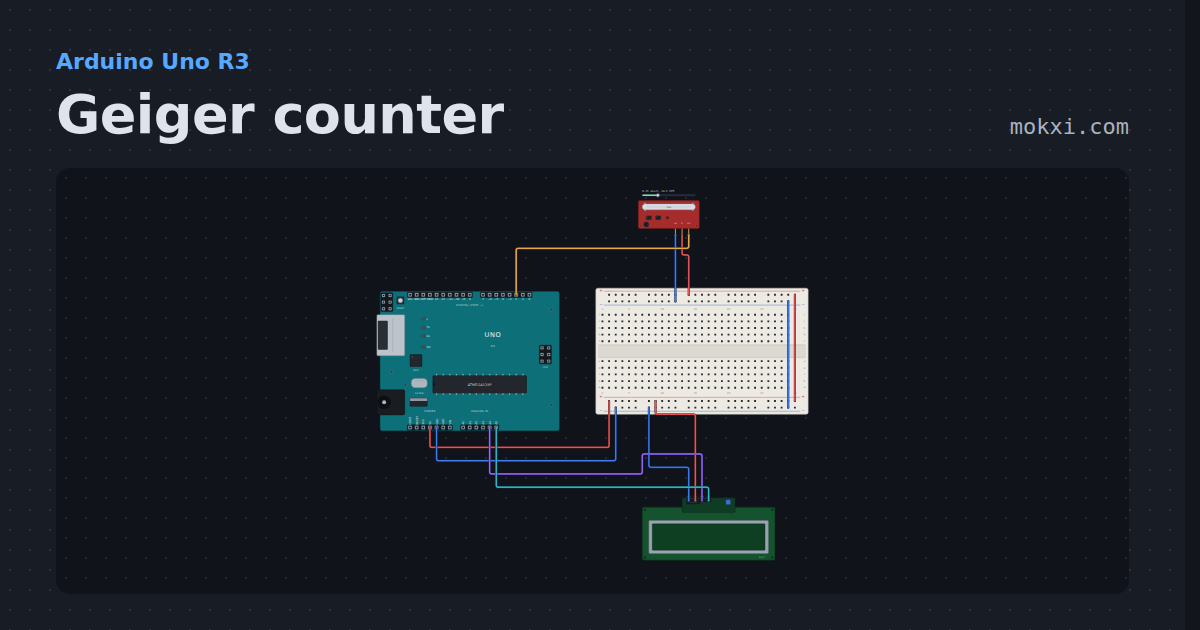
Geiger counter
A RadiationD-v1.1 Geiger counter board on an Uno: the clicks counted on an interrupt, a running minute of counts.
- Board
- Arduino Uno R3
- Parts
- Geiger counter, I2C LCD
- Level
- Beginner
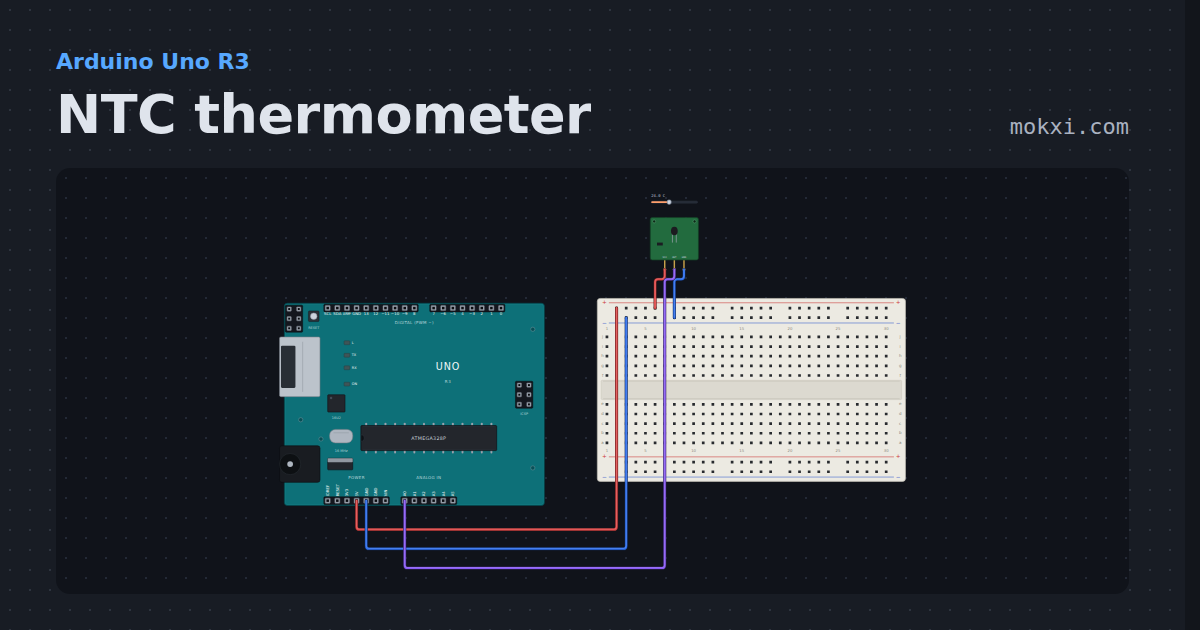
NTC thermometer
The NTC temperature sensor module on A0, worked out in degrees with the beta equation every tutorial for it uses.
- Board
- Arduino Uno R3
- Parts
- NTC temperature sensor module
- Level
- Beginner
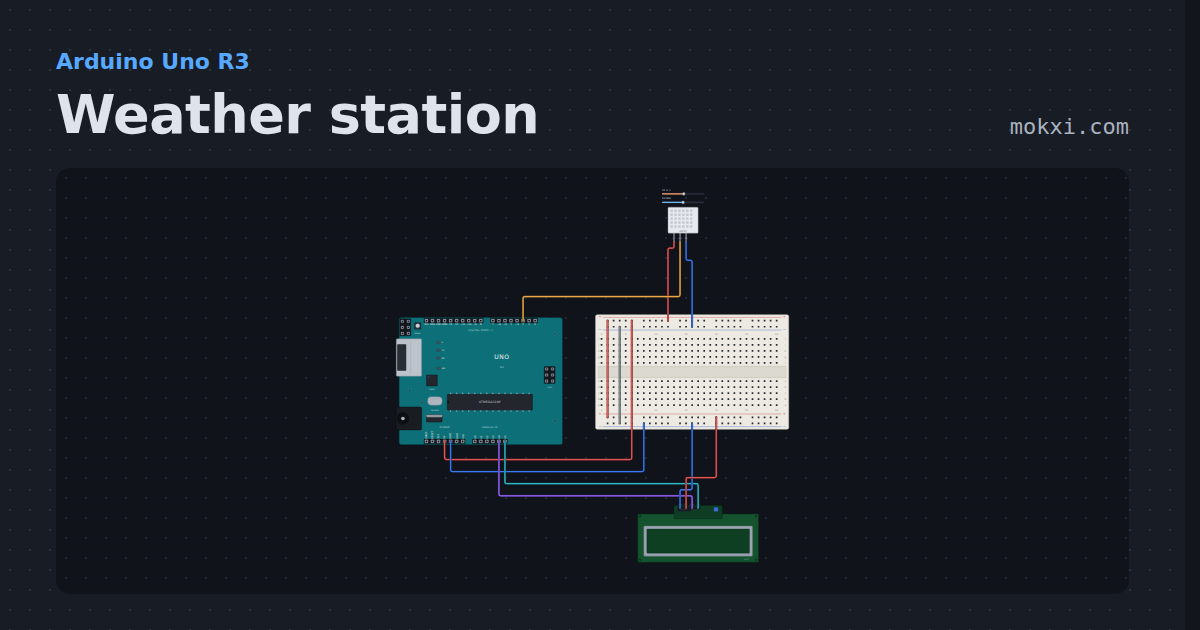
Weather station
A DHT22 on one wire and a 16x2 I2C display on two. Forty bits and a checksum, a first reading that fails, and a sensor that will not be hurried.
- Board
- Arduino Uno R3
- Parts
- DHT11 or DHT22 sensor, I2C LCD
- Level
- Intermediate
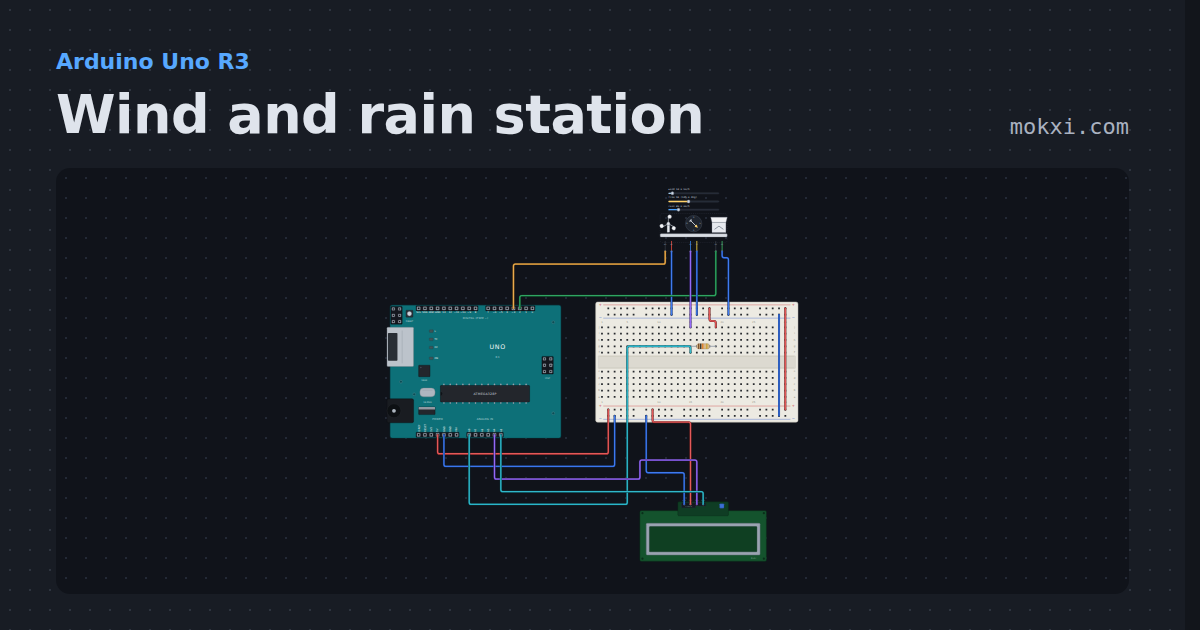
Wind and rain station
The SparkFun weather meter kit on an Uno: wind speed from the anemometer, direction from the vane and rain from the bucket, on an I2C LCD.
- Board
- Arduino Uno R3
- Parts
- Weather meter kit, resistor, I2C LCD
- Level
- Intermediate
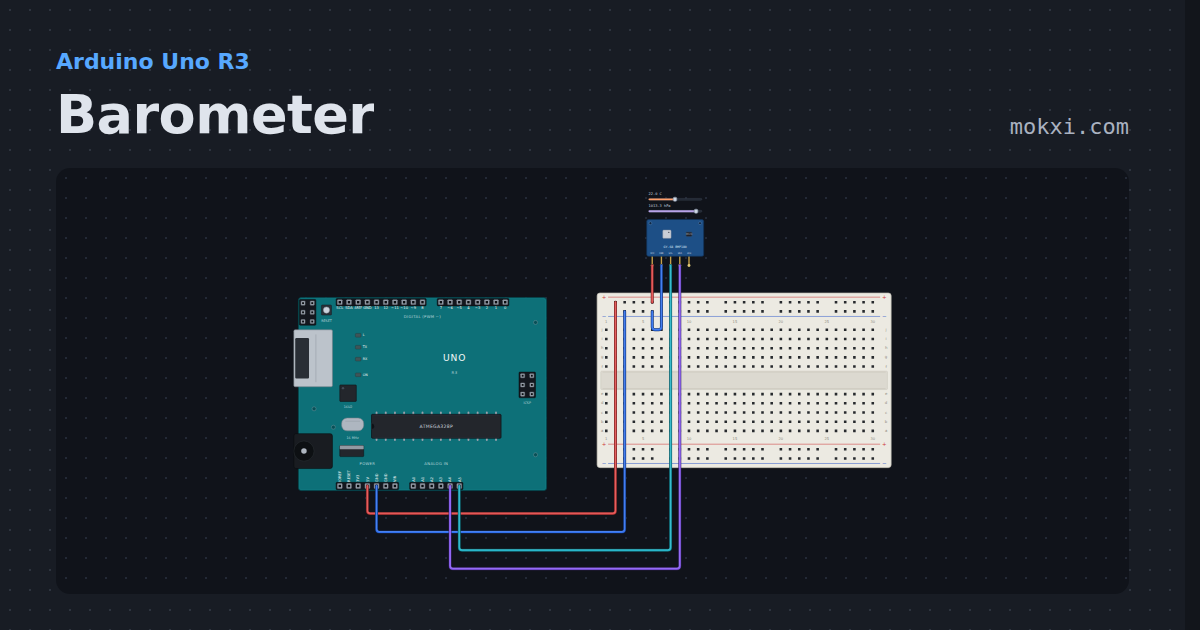
Barometer
A BMP180 read with the Adafruit BMP085 library: temperature to a tenth of a degree, pressure to a pascal, and the altitude that pressure means.
- Board
- Arduino Uno R3
- Parts
- BMP180 pressure sensor
- Level
- Intermediate
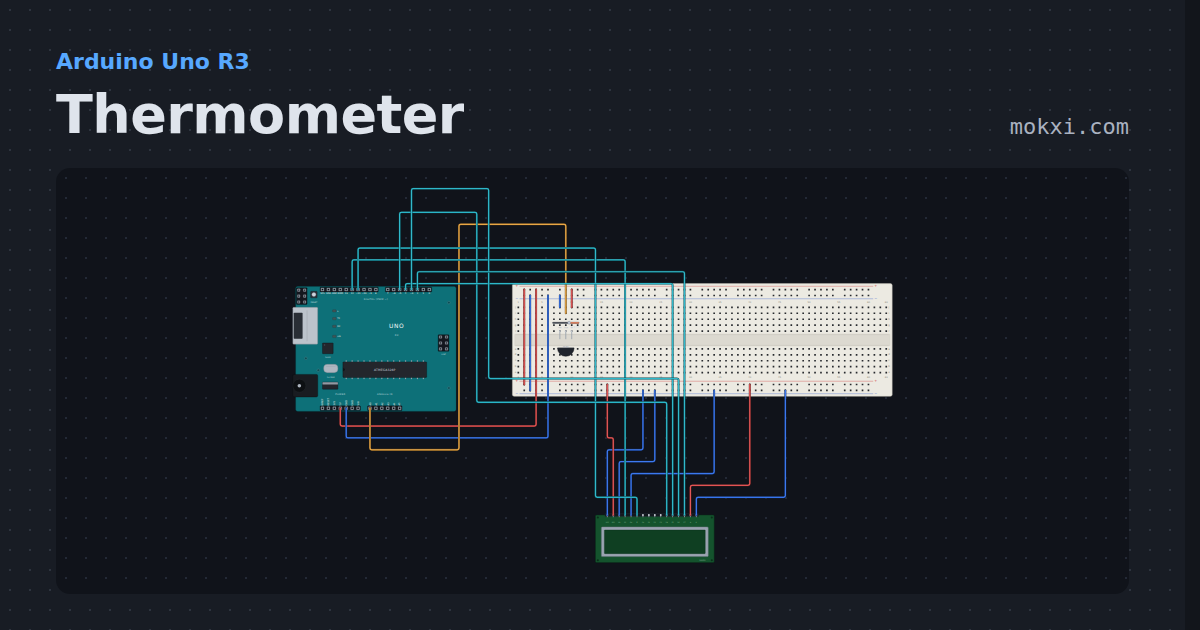
Thermometer
A TMP36 on A0 and the temperature on a 16x2 LCD in four-bit mode, with the high and low on the second row.
- Board
- Arduino Uno R3
- Parts
- TMP36 temperature sensor, 16x2 character LCD
- Level
- Intermediate
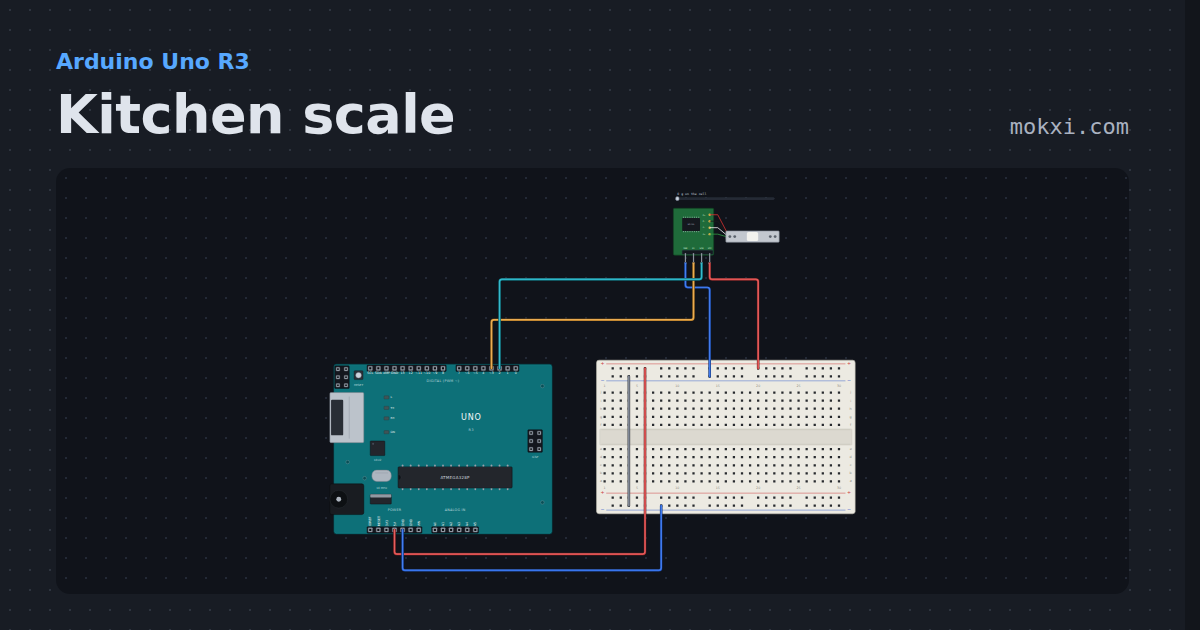
Kitchen scale
A bar load cell on an HX711, read with the HX711 library: tare, a scale in counts per gram, and grams on the serial monitor.
- Board
- Arduino Uno R3
- Parts
- Load cell with HX711
- Level
- Intermediate
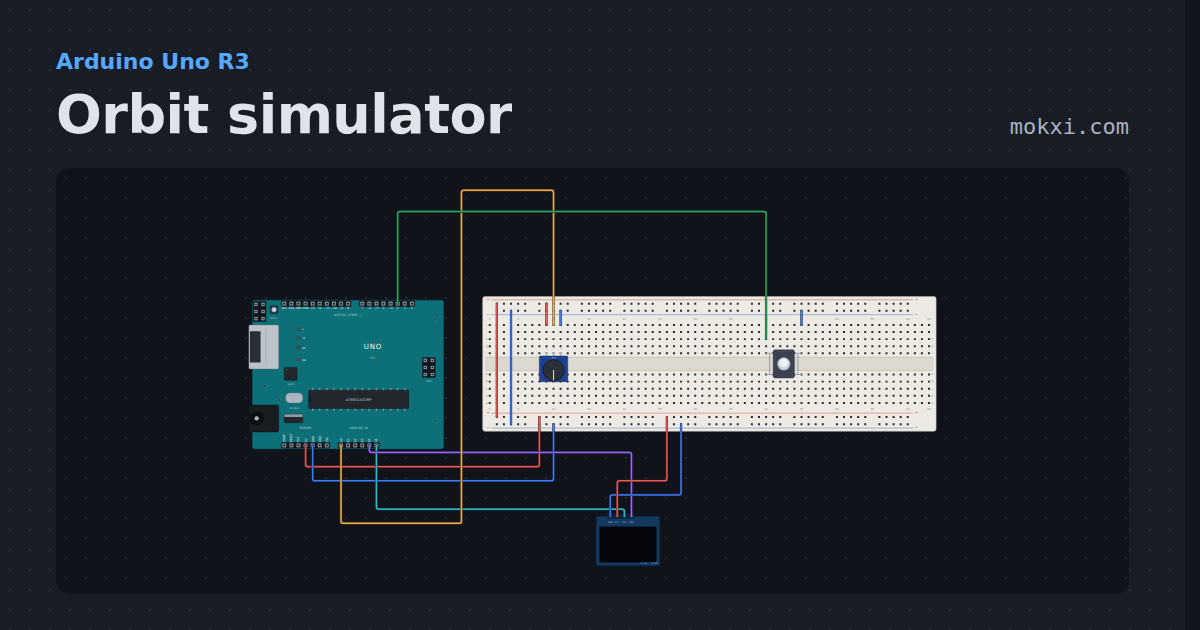
Orbit simulator
A planet and its moon pull on each other on a 128x64 OLED, and a knob turns gravity up and down: round orbits, ovals, crashes and escapes.
- Board
- Arduino Uno R3
- Parts
- SSD1306 OLED display, potentiometer, push button
- Level
- Advanced