Projects with a robot arm
5 Mokxi projects use a four-servo robot arm (1 intermediate and 4 advanced). They run on Arduino Uno boards. Here are all of them, from “Robot arm with joysticks” to “Robot arm record and playback”. Each card says what the project does, the board and parts it needs and its level, and Open in the simulator runs it in your browser in one click, with no account.
How to pick your first one
- Start with “Robot arm with joysticks”, an intermediate project that needs a robot arm and a joystick.
- All of them run on an Arduino Uno, so that is the one board you need.
- The parts used most here are the joystick (2 projects), the potentiometer (2) and the nRF24L01+ 2.4 GHz radio (1). With those on hand, most of this list is open to you.
- Before you build one on a real bench, open the four-servo robot arm part page for its pins and what each one does.
5 projects ready to run
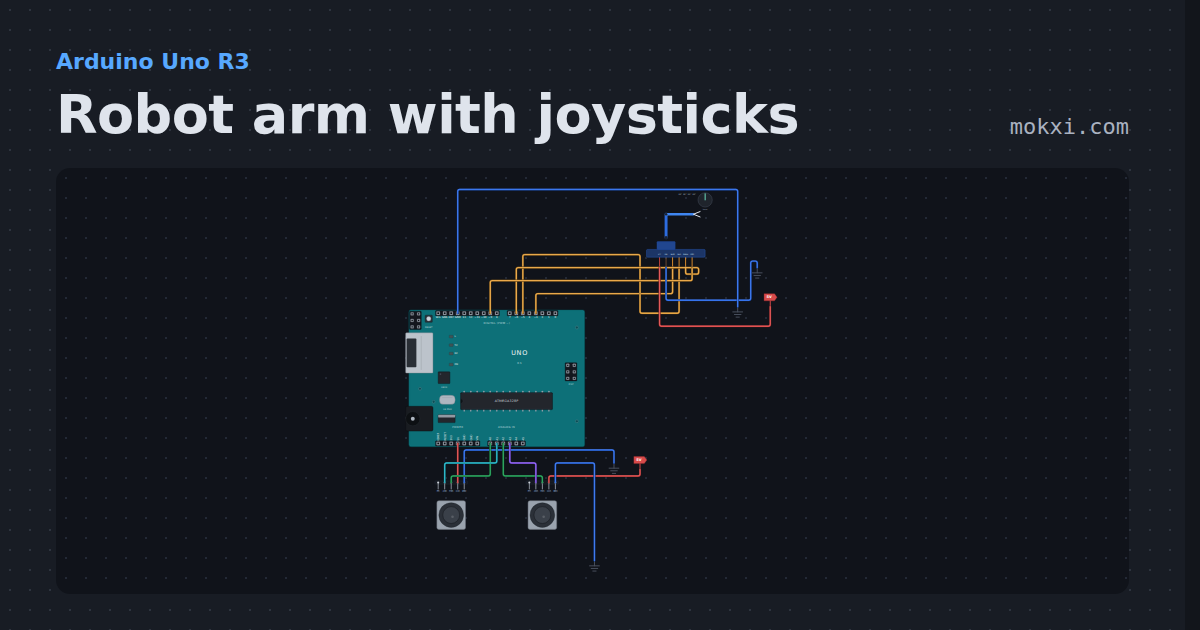
Robot arm with joysticks
A four-servo desktop arm on four Uno pins, steered by two joysticks with the Servo library: base and shoulder on one stick.
- Board
- Arduino Uno R3
- Parts
- Four-servo robot arm, joystick
- Level
- Intermediate
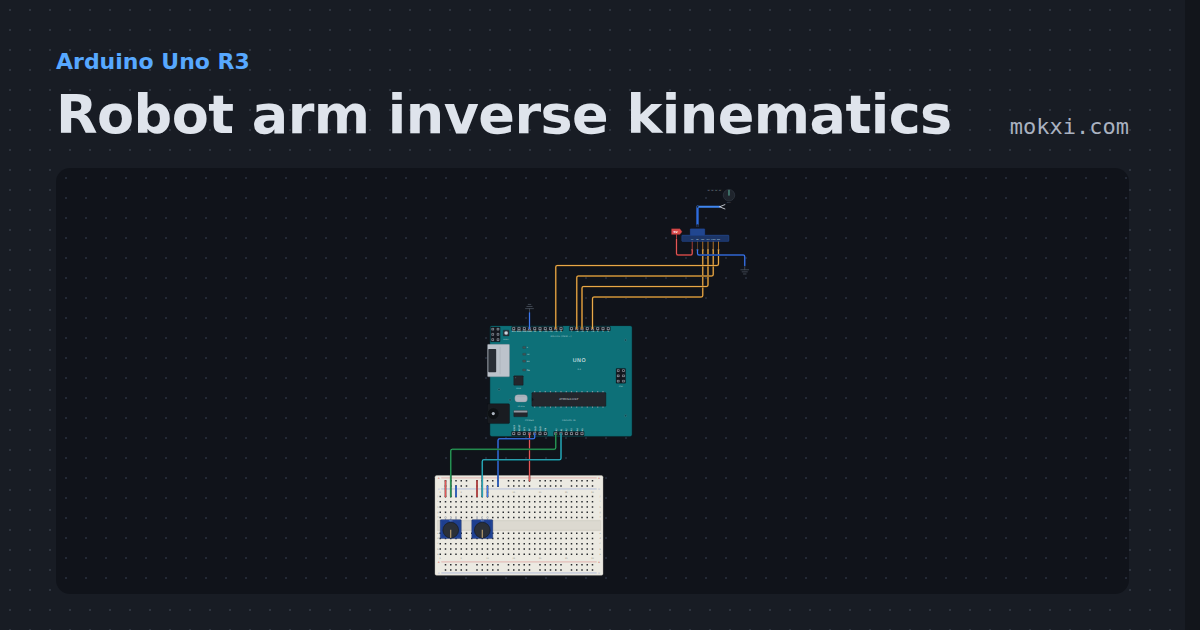
Robot arm inverse kinematics
Two knobs set where the claw should be in millimeters, and the Uno solves the shoulder and elbow angles with the law of cosines.
- Board
- Arduino Uno R3
- Parts
- Four-servo robot arm, potentiometer
- Level
- Advanced
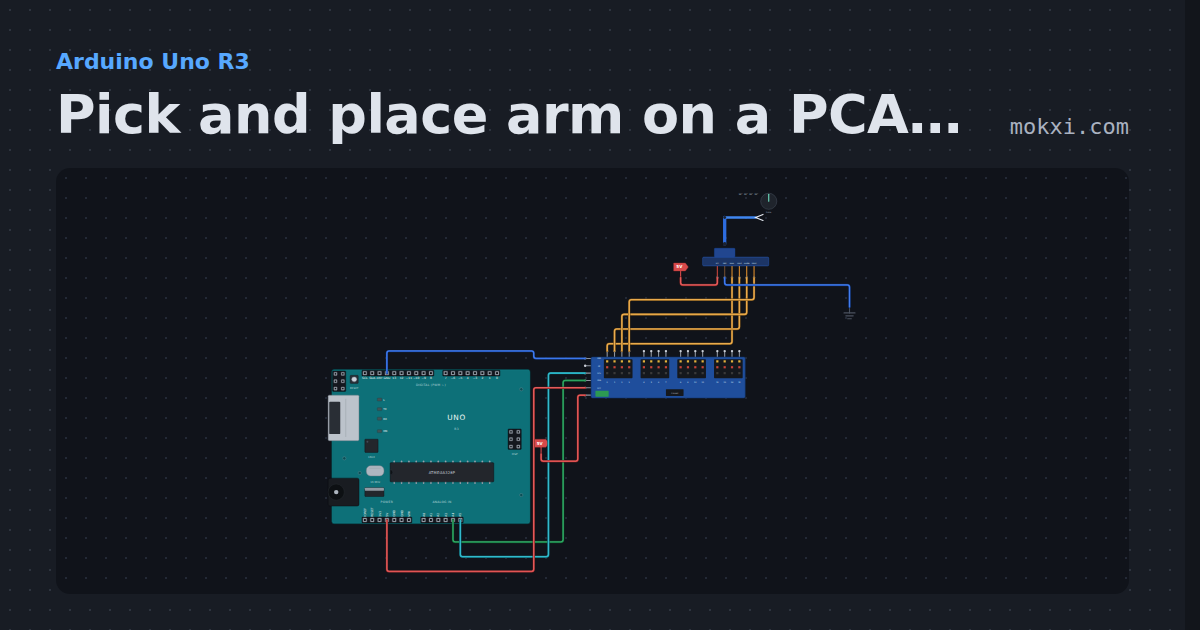
Pick and place arm on a PCA9685
A four-servo arm on a PCA9685 servo board with the Adafruit library: it picks a part up on one side, sets it down on the other and goes home.
- Board
- Arduino Uno R3
- Parts
- Servo driver, four-servo robot arm
- Level
- Advanced
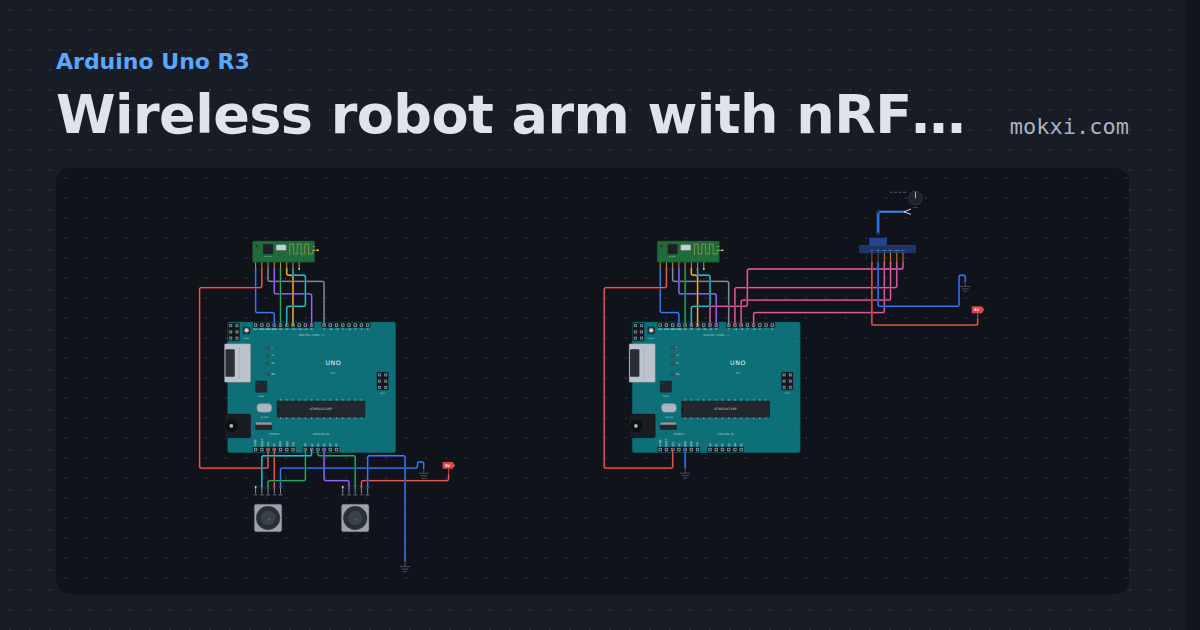
Wireless robot arm with nRF24L01
Two Unos and two nRF24L01 radios: joysticks on one board steer a four-servo arm on the other, with a failsafe that holds the arm when the link drops.
- Board
- Arduino Uno R3
- Parts
- NRF24L01+ 2.4 GHz radio, four-servo robot arm, joystick
- Level
- Advanced
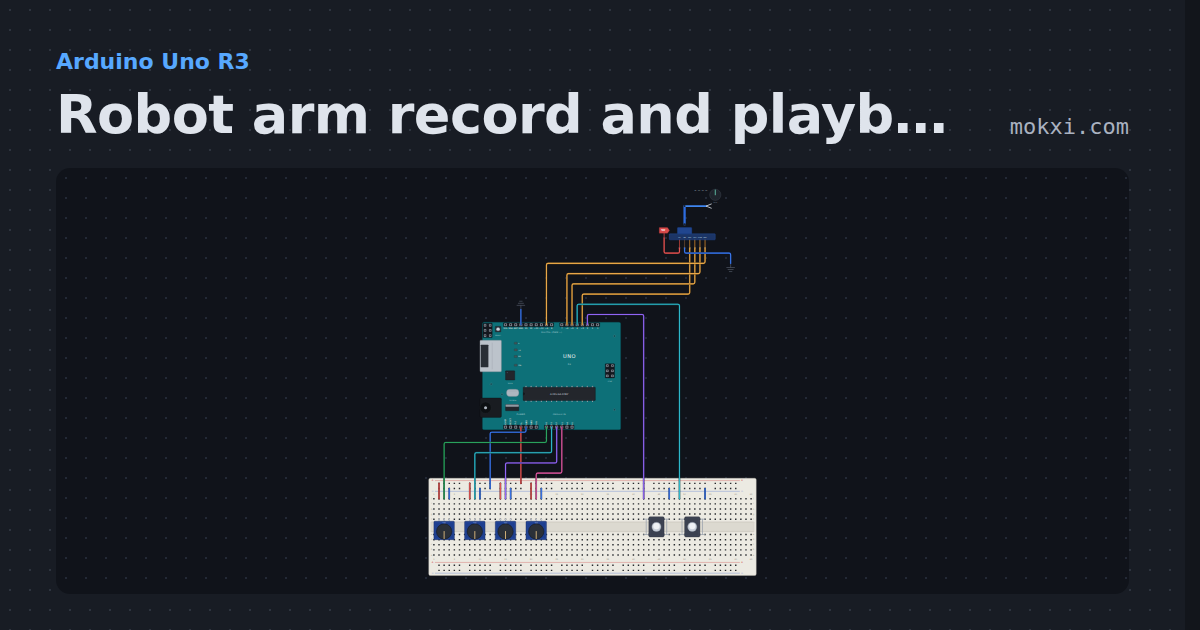
Robot arm record and playback
Teach a four-servo arm a routine with four knobs, save each pose to EEPROM with a button, then press PLAY and it glides through them on its own.
- Board
- Arduino Uno R3
- Parts
- Four-servo robot arm, push button, potentiometer
- Level
- Advanced