A servo simulator you can steer by hand
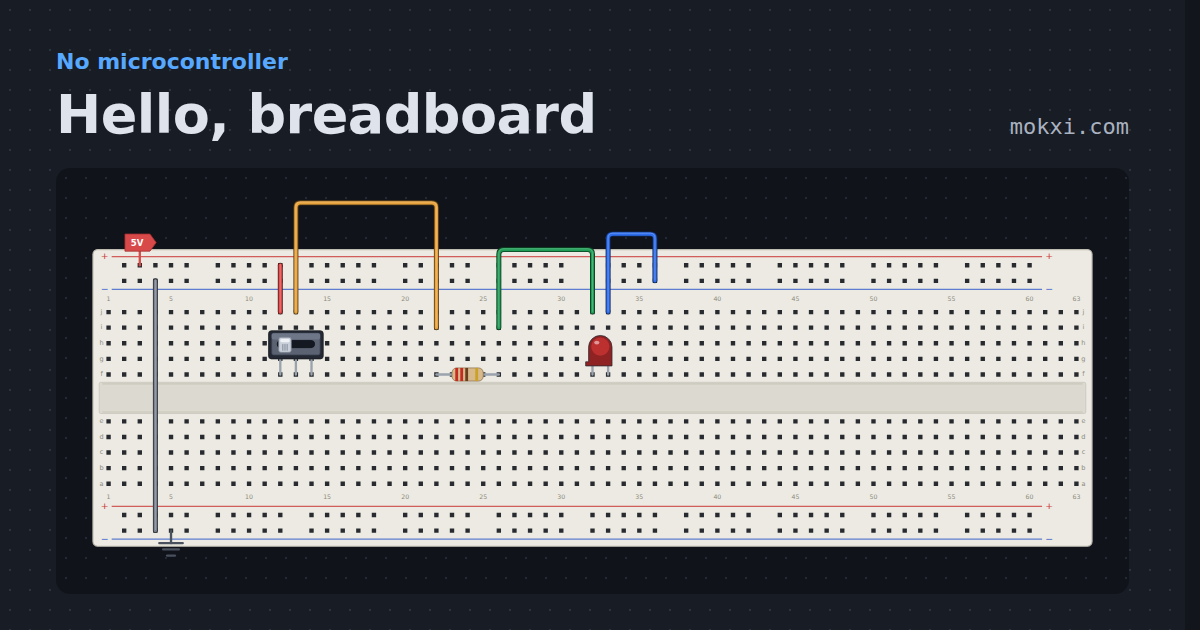
Mokxi is a free online servo motor simulator that runs in your browser, with nothing to install and no account needed. An Arduino Uno reads a slide potentiometer and sends a servo the matching pulse fifty times a second. Drag the fader and the horn walks after it, at the speed a real SG90 turns.
- 505parts on the bench
- 45boards running now
- 1.00xreal time, on every board
What you can do here
In the circuit above, or in the editor it opens.
- Drag the fader and watch the horn turn from 0 to 180 degrees
- Read every angle the sketch sends in the serial monitor
- Change the pulse widths, the range or the turning speed in the properties panel
- Switch the servo to continuous rotation and drive it as a wheel
- Run the same idea on an ESP32 with ESP32Servo
- Edit the Arduino code and press Run again
What the running circuit shows
A pulse width in, an angle out.
A servo does not take PWM the way an LED does. It takes a pulse every 20 ms, and the width of that pulse is the angle: 544 microseconds is one end of its travel and 2400 is the other, the Arduino Servo library’s numbers. The sketch reads the fader on A0, maps 0 to 1023 onto 0 to 180 degrees and prints each new angle.
In the engine the fader at the bottom gives 0 degrees and at the top gives 180, and the serial monitor says “fader 1023 -> 180 degrees”. Pull the fader from the top to the bottom and the horn does not jump: it turns at 600 degrees a second, the tenth of a second per 60 degrees an SG90’s datasheet gives, so it is still on its way about 150 ms later and gets to 0 within half a second.
The servo part
Every number a real servo has, in the properties panel.
The minimum and maximum pulse, the range in degrees (180 by default, up to 360) and the turning speed are all properties, so a servo that wants 1000 to 2000 microseconds, or a 270 degree one, is a change of two numbers. In continuous mode the same part is a continuous-rotation servo: a 1500 microsecond pulse stops it, and narrower or wider pulses turn it one way or the other up to its rated rpm. There is an MG996R in the parts bin too, and a PCA9685 board for driving sixteen at once.
What it leaves out: the horn has no load on it and the servo draws no stall current, so a project that browns out a real Uno when the servo starts will run here. On a real bench, give a servo its own 5 V supply once it carries any load, and join the grounds.
Three steps from a blank tab to a running circuit.
Open the editor
It runs in your browser tab. Nothing to install, and you need no account to start.
Your first projectWire it and write the code
Drag parts onto a breadboard, run each wire from pin to pin, and write the sketch beside it.
WiringPress Run
Your sketch compiles in the tab and runs on a model of the chip, with the Serial Monitor beside it.
Run and serial
Open a project and press Run.
Every one runs in the editor exactly as it is drawn, ready to change.
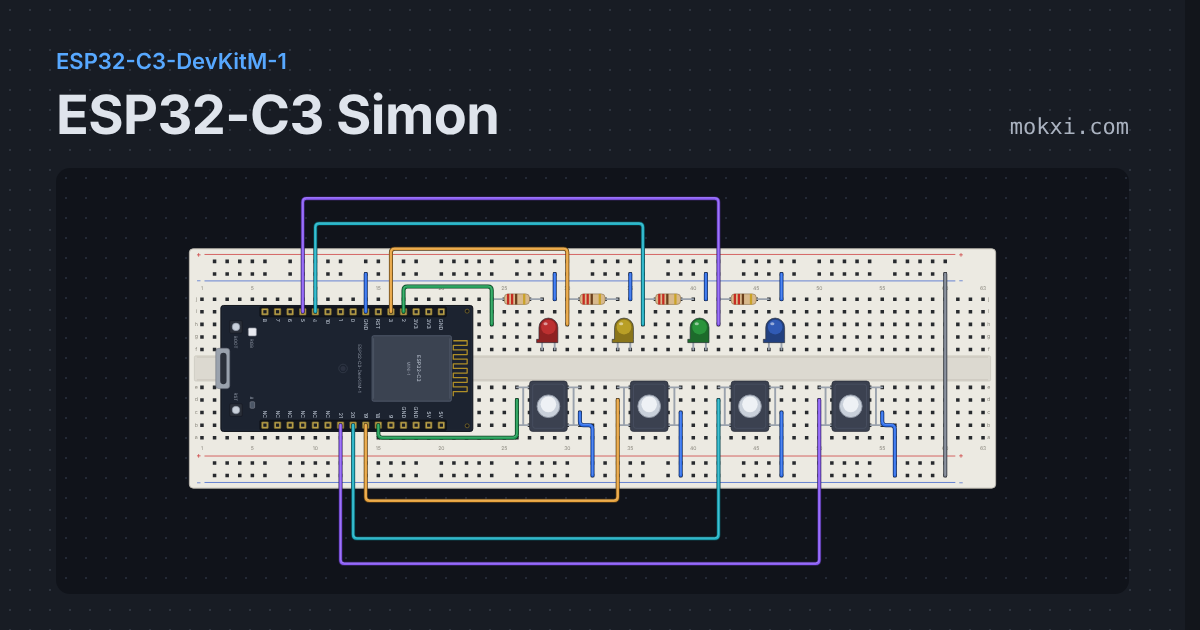
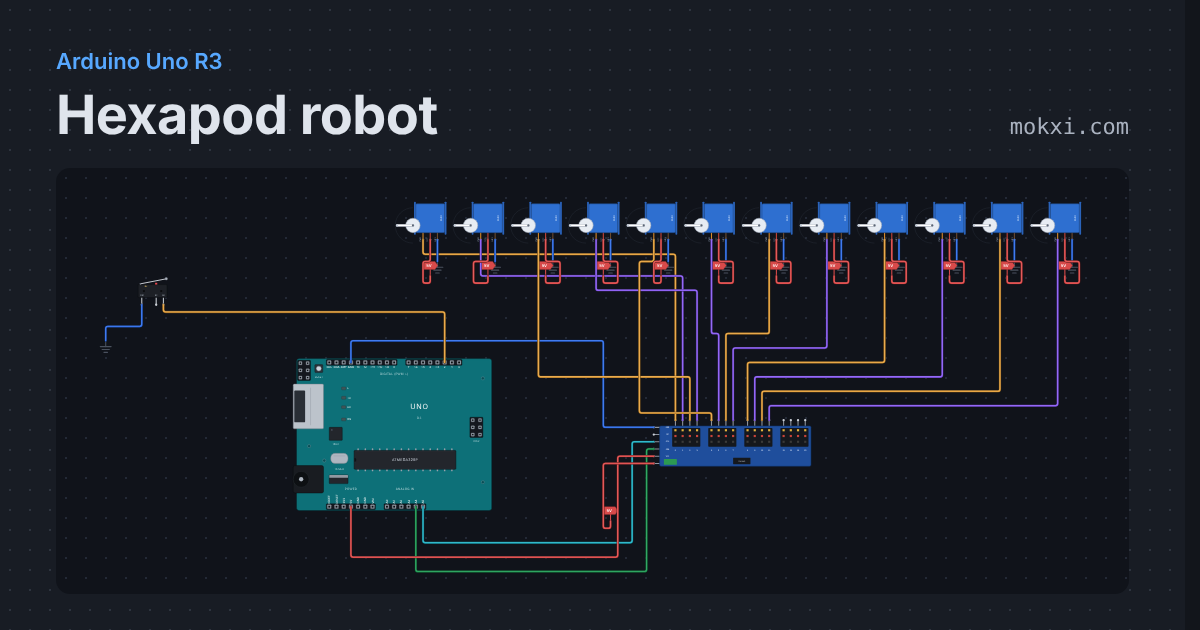
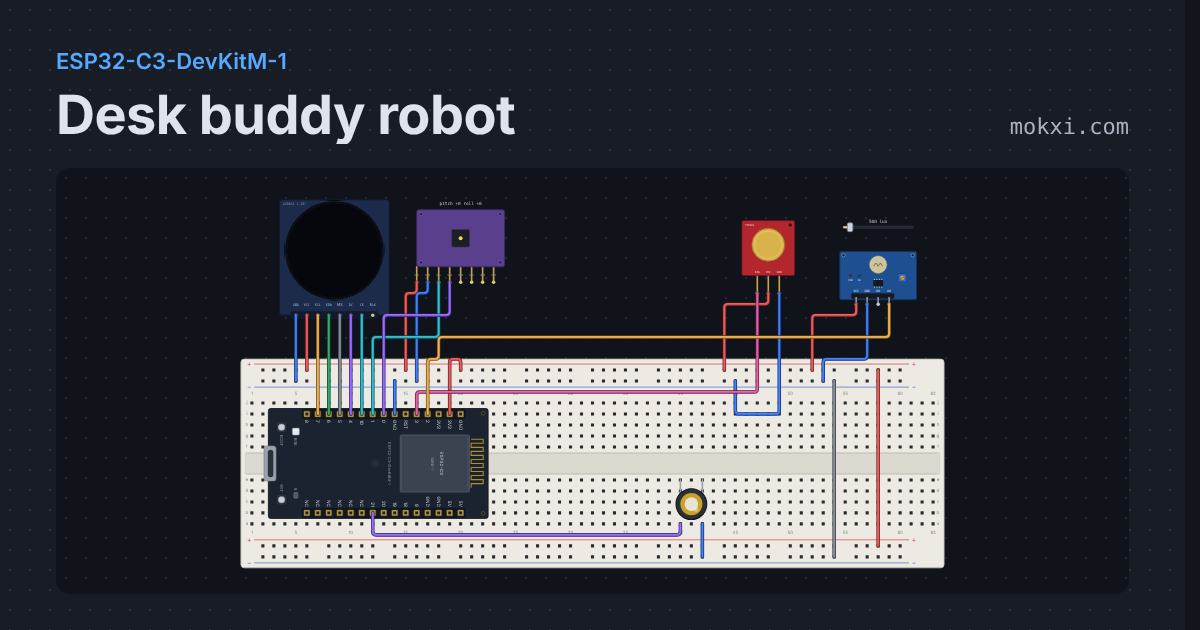
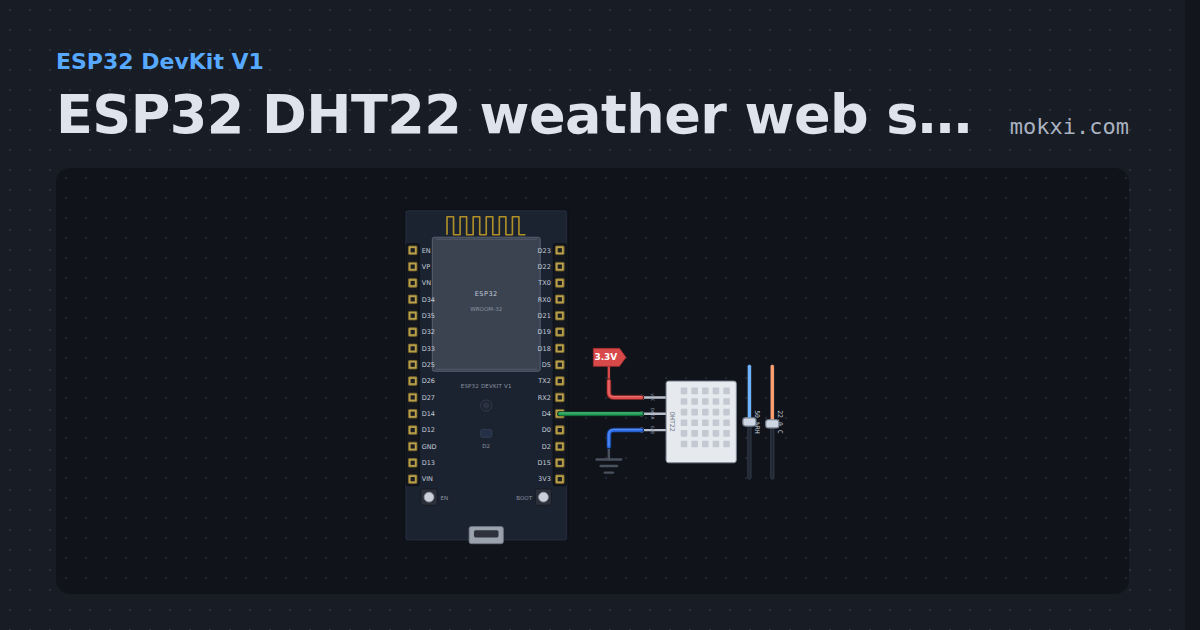
What makers say about Mokxi.
“The AI checker helps check and correct my circuits, and it has way more components than Tinkercad. As a student I really appreciate the tool.”
“I’d been looking for a real online electronic simulator that was intuitive and complete when I found Mokxi. I was able to quickly import a Fritzing file and my Arduino sketch and start testing. Mokxi has all of the makings for the best online Arduino simulator I have been able to find!”
“I’m using Mokxi to develop and simulate an STM32-based four-wheel-drive robot car before building the actual hardware. It allows me to experiment with DC motor control, PWM, RPM measurement using photointerrupters, and different acceleration, braking, and reversing strategies, helping me understand and refine the system before implementing it in real life.”
Questions, answered.
Is it free?
Yes. The circuit on this page, every part in it and the editor it opens in are on the free plan, with no card.
Do I need an account?
No. The circuit runs the moment the page does, and the editor opens without one. A free account is only for saving a project to the cloud and sharing it by link.
Does it use the real Servo library?
The sketch on this page uses Mokxi’s small servo helper, which makes the pulse the same way. Sketches you write with #include <Servo.h> and myservo.write() compile in the editor too.
Can I simulate a continuous rotation servo?
Yes. Set the servo’s mode to continuous in the properties panel. A 1500 microsecond pulse stops it, and the further the pulse is from that, the faster it turns, up to its rpm setting.
Can I control a servo with an ESP32?
Yes. The ESP32 boards run ESP32Servo, and the ESP32 servo tutorial has a circuit ready to open.
Do I need an account at all?
No. The editor, the templates, the gallery, the compiler and Run all work without signing in. Your browser keeps your work as you go. An account saves your projects online, so they follow you to any computer. It also gives you a link to share.
Which boards are supported?
Forty-five, all on the free plan. Arduino: the Uno R3, Uno R4 Minima and Uno R4 WiFi, Nano, Nano ESP32, Nano RP2040 Connect, Mega 2560, Leonardo, Micro, the Pro Mini in its 5 V and 3.3 V builds, and the SparkFun Pro Micro. ESP32: the classic DevKit V1, the ESP32-S3, the ESP32-C3 and C6 DevKits, the Espressif DevKitC V4, the Freenove ESP32-WROVER, the Wemos LOLIN32 Lite, the Wemos D1 R32, the Cheap Yellow Display, the TTGO T-Display, the ESP32-C3 SuperMini and the Seeed XIAO ESP32-C3, C6 and S3. ESP8266: the NodeMCU, the Wemos D1 mini and the ESP-01S. Also the Raspberry Pi Pico and Pico W, the Seeed XIAO RP2040, the Waveshare RP2040-Zero, the Seeed XIAO SAMD21, the WCH CH32V003, the STM32F411 Black Pill, the STM32 Nucleo-F411RE and the STM32F103 Blue Pill, the BBC micro:bit V2, and the ATtiny85 and the ATmega328P in its 16 MHz and 8 MHz builds, which plug straight into the breadboard as bare chips. Your own code compiles in the browser for all of them. Then the Raspberry Pi 4, Pi 5 and Zero 2 W computers, which run your Python with gpiozero and RPi.GPIO, with nothing to compile. Each board page lists what it can and can’t do. For example, the WiFi boards have pretend WiFi, not a real radio, and the page says so.
Is my sketch really compiled in the browser?
Yes. A real compiler (clang, built for the web) runs in your browser. It downloads once, and your browser keeps a copy. After that, every build happens on your own computer. There is no build server and no waiting in line, so there are no build minutes to run out of.
Which browsers work?
Any up-to-date Chrome, Edge, Firefox or Safari, on a computer, a phone or a tablet. They all support WebAssembly, which Mokxi needs, and they have for years.
Does it work on a phone?
Yes. The editor works with touch, the buttons are big enough to tap, and the layout fits a small screen. The simulation runs on the phone itself.
Can I try Pro before I pay?
Yes. Every account can try Pro free for 7 days, once. It takes a card, nothing is charged for those days, and if you cancel before they end you pay nothing. It starts when you choose it.
Can I cancel anytime?
Yes, in one press from your account page. Your plan runs to the end of what you paid for.
Do you offer refunds?
Yes, once per account. Write to us within 14 days of a payment and we refund all of it. Lifetime Pro is refunded in full within 14 days of buying it.
Is there a student discount?
Yes. Students get Pro at half price with a school email.
Do students need accounts?
No. The simulator works signed out, so your class starts from one link with nothing to sign up for. An account only adds cloud saving and sharing, and a student can make one later, or never.
Does it work on a Chromebook?
Yes. Everything runs on the machine in front of the student, so a Chromebook works as well as a lab PC.
What does it cost for a class?
Nothing, if your students only need to open and run circuits: the whole simulator is on the free plan. The class tools (a roster, starter projects, auto-graded checks, the gradebook) come with Pro and Classroom. Classroom is $9.99 a student a year, from 5 students, so at least $49.95 for the year. Your own seat is free, and from 50 students each one costs less. Your students get Pro’s room while they are in your classes. Pay by card, invoice or purchase order. Pro on its own runs classes for up to 10 students in all. To try the class tools with real students first, start the free 30-day trial from your class page: one class of up to 20 students, no card.
Is student work private?
Yes. A student’s projects in a class are always private: they cannot be opened by link or put in the gallery. One exception, and only for reading: a teacher may open, and never write, a project owned by somebody in a class they teach, which is what a card on the class wall does. What we store about a student, who processes it, how a school has it deleted, and how we handle COPPA consent for students under 13 and FERPA as a school official are all on the student data privacy page at /privacy/students.
Is Mokxi AI free?
Every signed-in account gets questions: 5 a day on a free account, 700 for the 7 days on the Pro trial, 3,000 every month on Pro and the other paid plans, and 25 a day on Lifetime Pro.
Does Mokxi AI work with ESP32 and Raspberry Pi Pico sketches?
Yes. It knows which board the project is on and answers for that board, from an Uno to an ESP32, an ESP8266, a Pico or an STM32.
Can Mokxi AI change my code without asking?
No. It proposes a change as a card. Accept is yours, and only appears once the changed code compiles; Ctrl+Z undoes it.
What does Mokxi AI send with a question?
Your project text, the matching help articles and the last six messages of the chat, never your name or account. "What is sent" shows exactly what went.
Latest arrivals in Mokxi.
More simulators
Each one opens on a circuit that is already running.
Make a servo move
Open the circuit, drag the fader and press Run. Nothing to install, and no account needed.