Mokxi is a free electronics simulator for Arduino, ESP32, Pico and STM32, in your browser.


Students at 210 schools build with Mokxi

“I’d been looking for a real online electronic simulator that was intuitive and complete when I found Mokxi. I was able to quickly import a Fritzing file and my Arduino sketch and start testing. Mokxi has all of the makings for the best online Arduino simulator I have been able to find!”
505 parts
On 45 boards, from Arduino to STM32.
makers
Students, teachers and tinkerers building on Mokxi, free to start.
977 projects
Built in and ready to open, from a first blink to a game console.
From the first wire to a board on your desk.
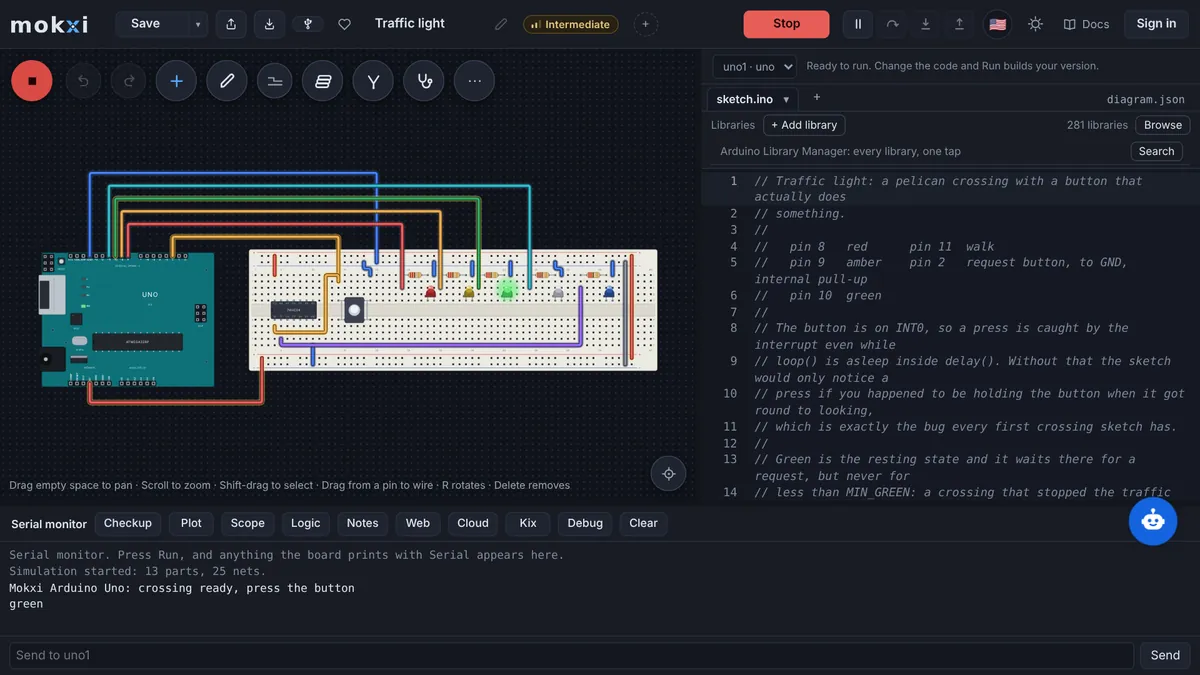
Wire it the way you would on the bench.
Drag parts onto a breadboard and run each wire from pin to pin. Every part is drawn by the same code that simulates it.
Learn more![A traffic light circuit wired on a breadboard beside an Arduino Uno.]()
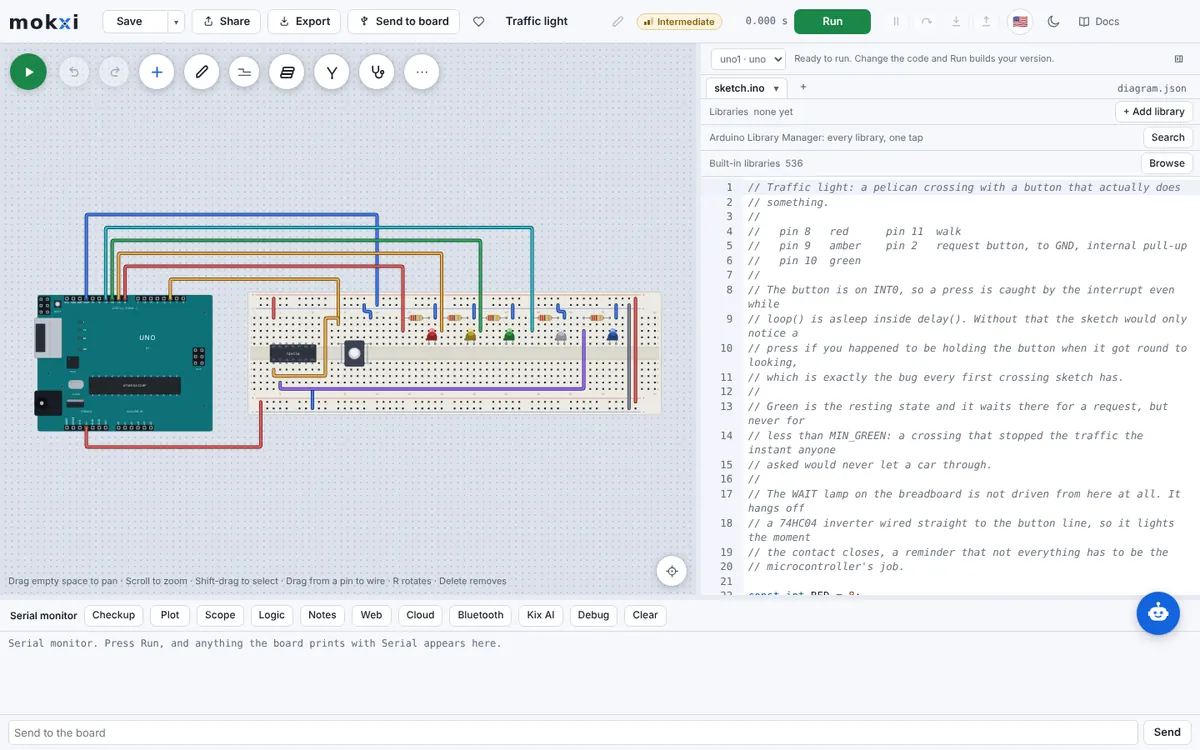
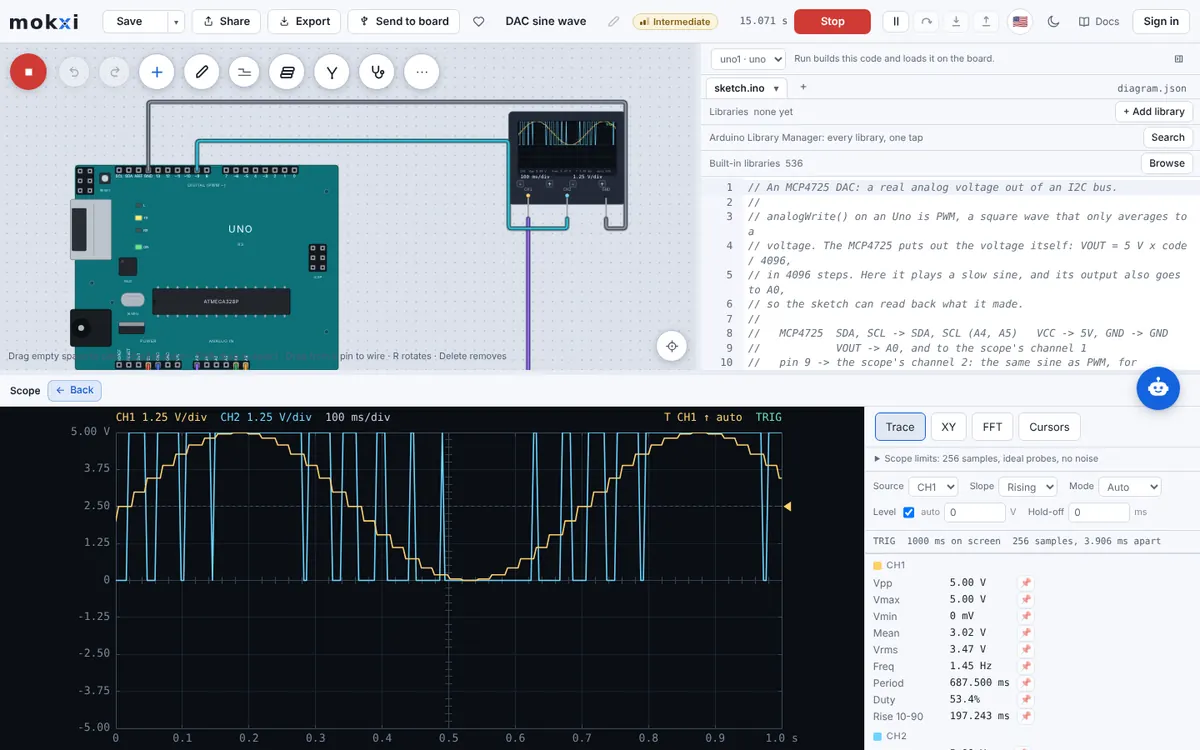
Press Run and watch the real firmware.
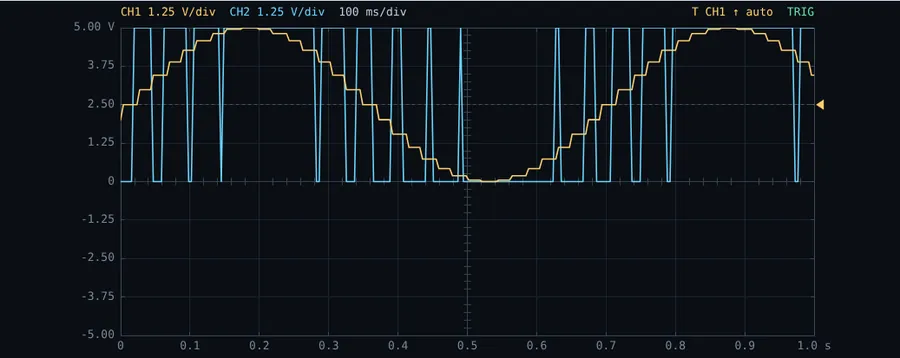
Your sketch compiles in the tab and runs on a model of the chip, with a serial monitor, a plotter and a scope.
Learn more![A DAC sine wave running, with the scope open under the circuit.]()
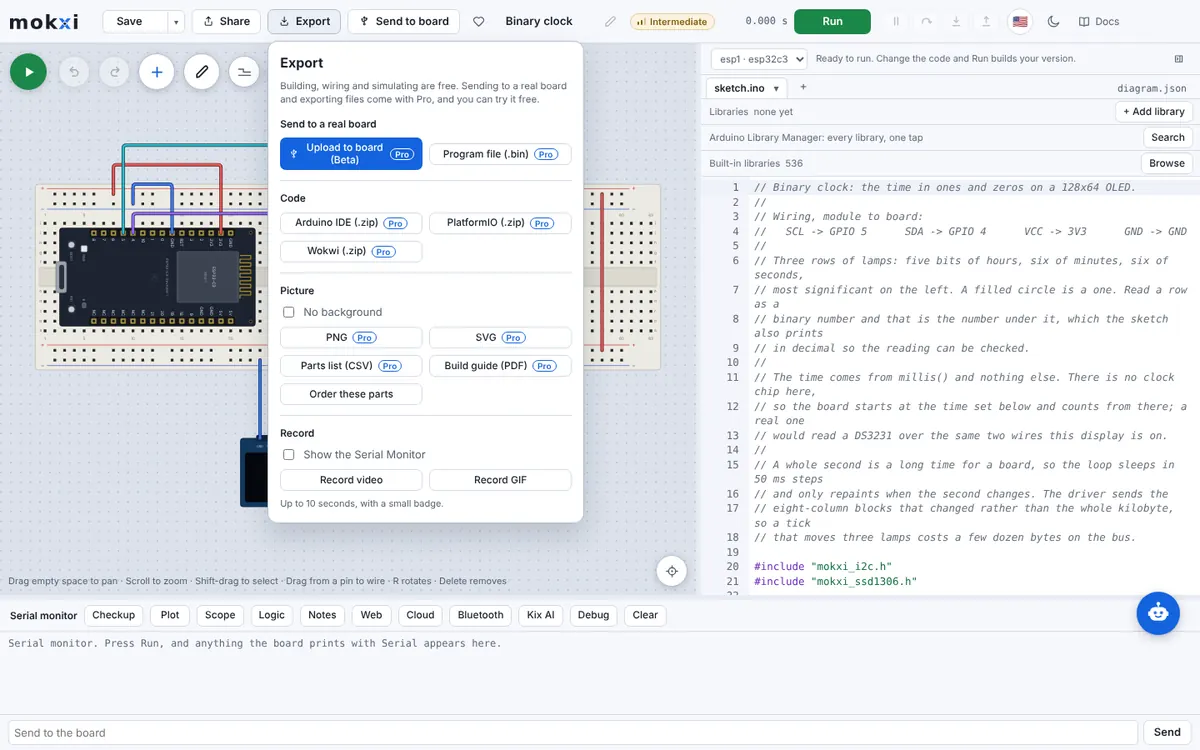
Take it off the screen.
Send the sketch to a real board, or lay the circuit out as a PCB with its Gerbers and parts list. Those come with Pro, and the trial has them.
Learn more![The Export menu open over a binary clock: send it to a board, the code as a zip, a picture or a parts list.]()
“The AI checker helps check and correct my circuits, and it has way more components than Tinkercad. As a student I really appreciate the tool.”
Your circuit isn’t failing
because of you.
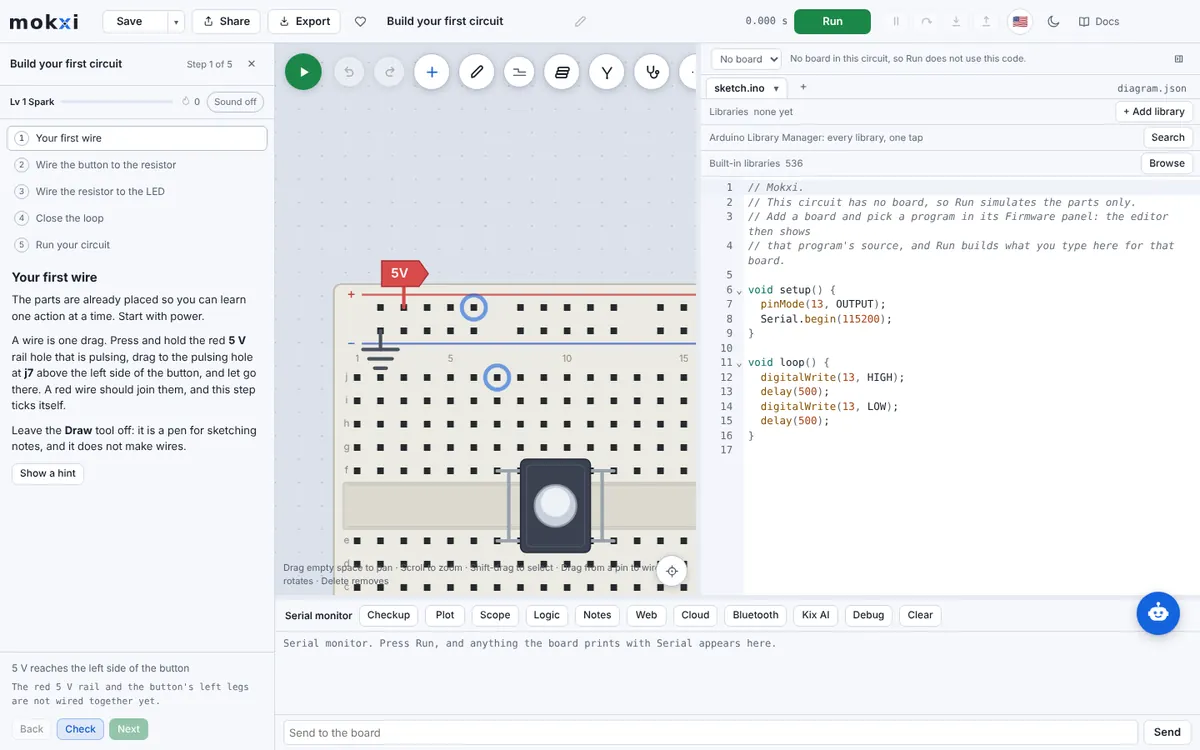
Most first circuits fail on the bench for small reasons: an LED with no resistor, a pin that is never set, a button left floating, a short to ground. Mokxi’s Checkup and Mokxi AI check read your circuit and your code and name each one, with the fix, before you buy a single part.
 Problem found
- Supply not shorted to groundOK
- Grounds joinedOK
- pinMode setOK
- Serial.begin calledOK
- LED has a resistorNo resistor on pin 13
Mokxi AI Add a 220 Ω resistor: real LEDs burn out without one, and they can take the pin with them.
- Button pin pulledPin 2 floats
Mokxi AI Use INPUT_PULLUP; then the pin reads LOW while the button is pressed.
Parts OK
Arduino UnoBreadboardPushbuttonFix these
LED on pin 13Button on pin 2Runs on Arduino Uno · ESP32 · Raspberry Pi Pico · STM32 · ATtiny85
Everything in the parts bin
Here's every part waiting for you, each one drawn by the very code the editor runs.
Real boards, built from the datasheets
Each board has its own memory map. Open its page to see what runs here, what transfers to hardware, and what the model does not cover yet.
A RISC-V chip at 160 MHz, on the real memory map.
The classic Arduino, with an ATmega328P running at 16 MHz.
The Uno’s chip on a small board that fits a breadboard.
The big Arduino, with 54 digital pins and four serial ports.
An Uno-shaped board whose chip does its own USB serial.
A second RISC-V board, with 31 pins and simulated WiFi.
The classic ESP32 at 240 MHz, with simulated WiFi.
The ESP32-S3 at 240 MHz, with USB serial and an RGB LED.
Compiles in your browser. No build queue. How fast, measured
Start free, go Pro when you build for real.
Every board, every part and the simulator are free. Pro adds sending to a real board, clean pictures, unlimited projects and more of Mokxi AI every month.
Compare all plans“I’m using Mokxi to develop and simulate an STM32-based four-wheel-drive robot car before building the actual hardware. It allows me to experiment with DC motor control, PWM, RPM measurement using photointerrupters, and different acceleration, braking, and reversing strategies, helping me understand and refine the system before implementing it in real life.”
For when you build it for real.
- Everything in Free, plus:
- Upload to a real board
- KiCad export
- Unlimited projects
- Unlimited MCP builds
- Mokxi CLI
For anyone learning electronics.
- Unlimited simulation
- Every board and part
- 10 projects, private
- Share a link free
- 5 AI questions a day
Open a project and press Run.
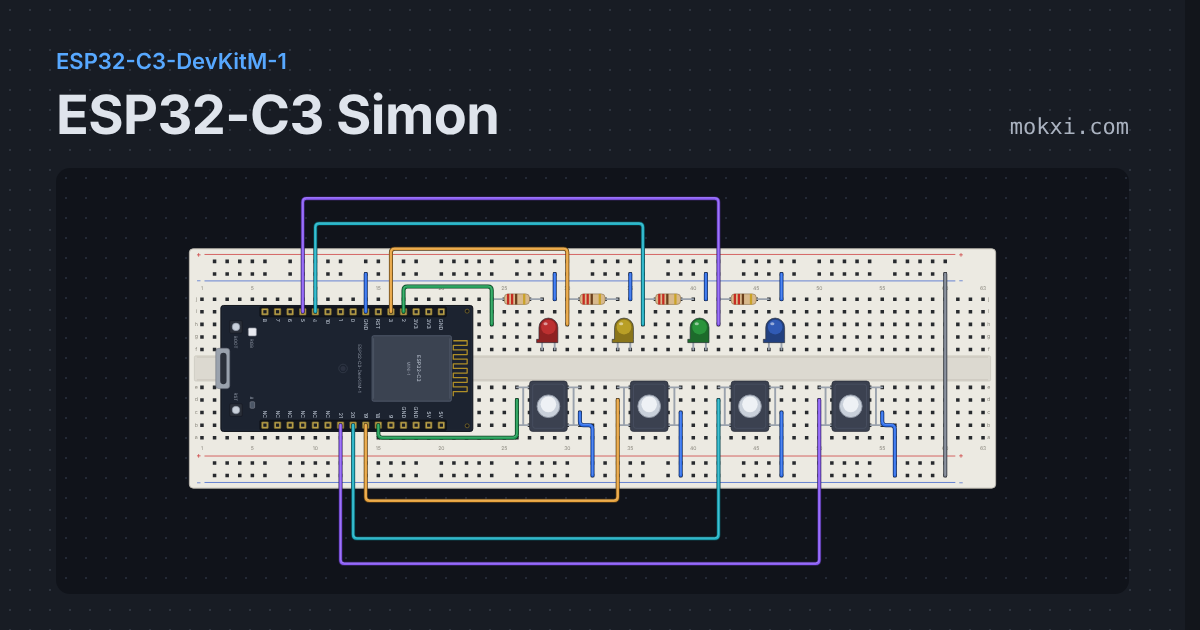
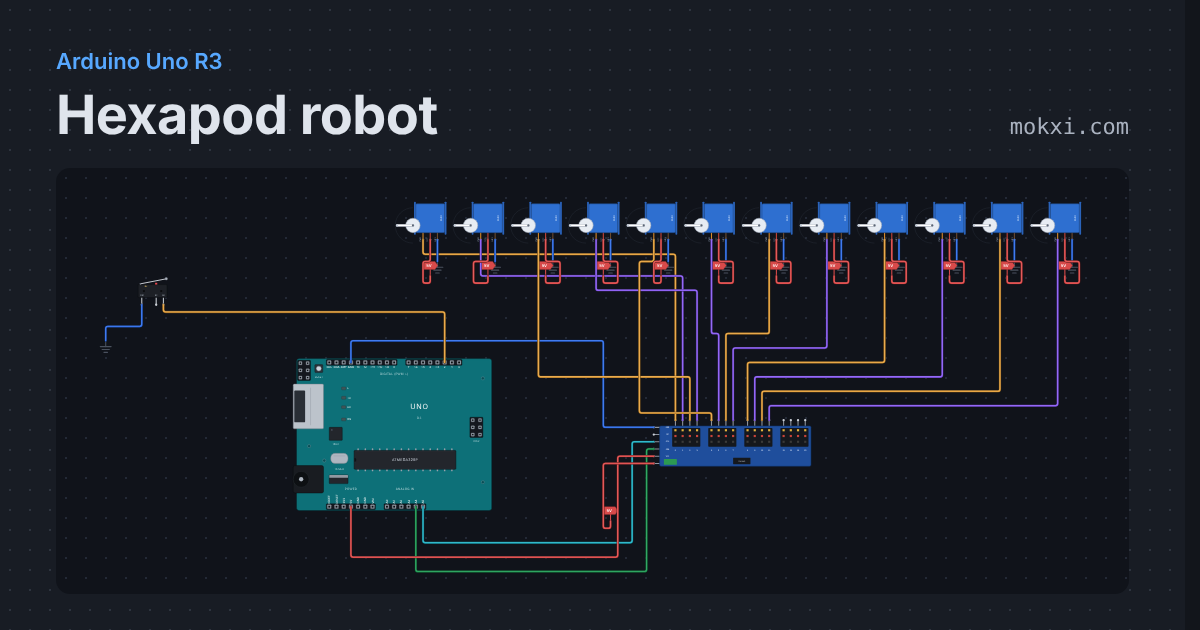
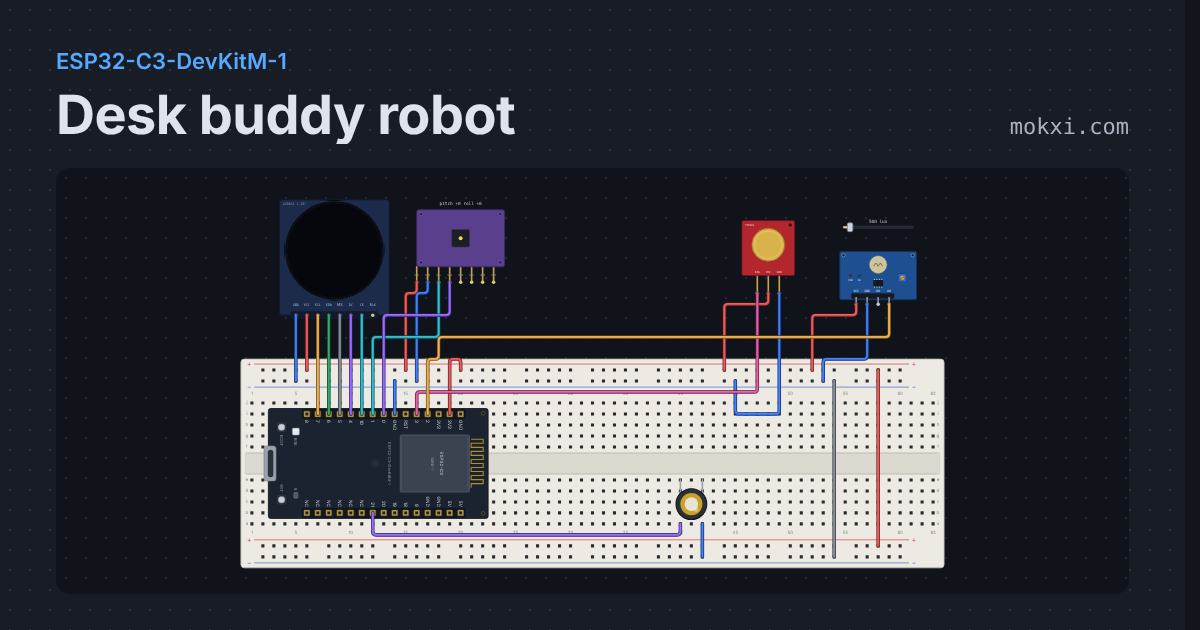
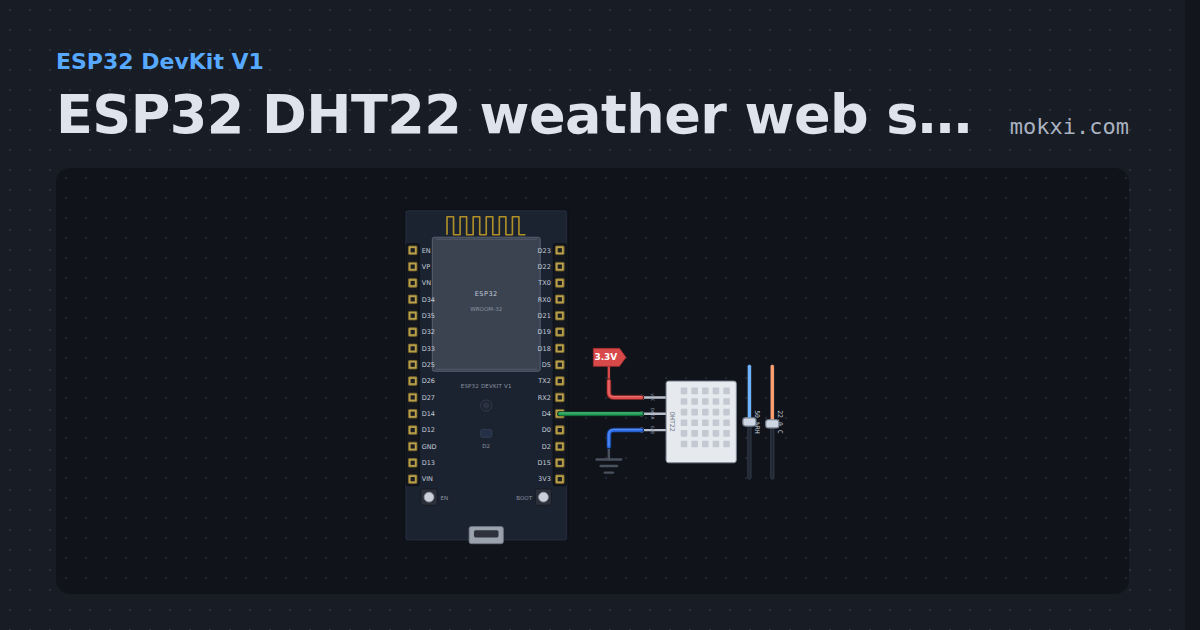
Every one runs in the editor exactly as it is drawn, ready to change.
“The AI checker helps check and correct my circuits, and it has way more components than Tinkercad. As a student I really appreciate the tool.”
Simulate any board, from an Uno to an ESP32-S3.
Each board runs its own compiled firmware on a model built from the datasheet, with its own memory map, timers and pins.
Learn moreAsk Mokxi AI when it will not behave.
Mokxi AI reads your circuit and your code, explains what it does, and suggests a fix you can apply in a press.
Learn more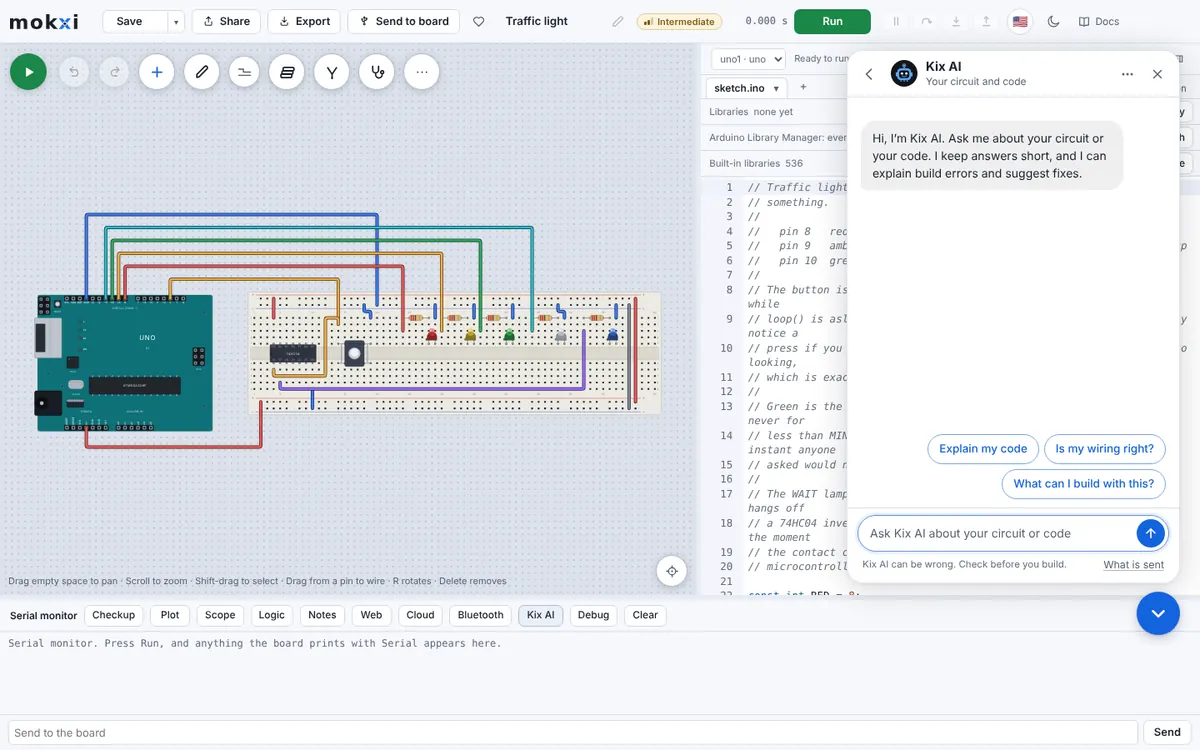
Export a real PCB when it works.
Lay the circuit out as a board, route it and check it, then export the Gerber, drill and parts files.
Learn more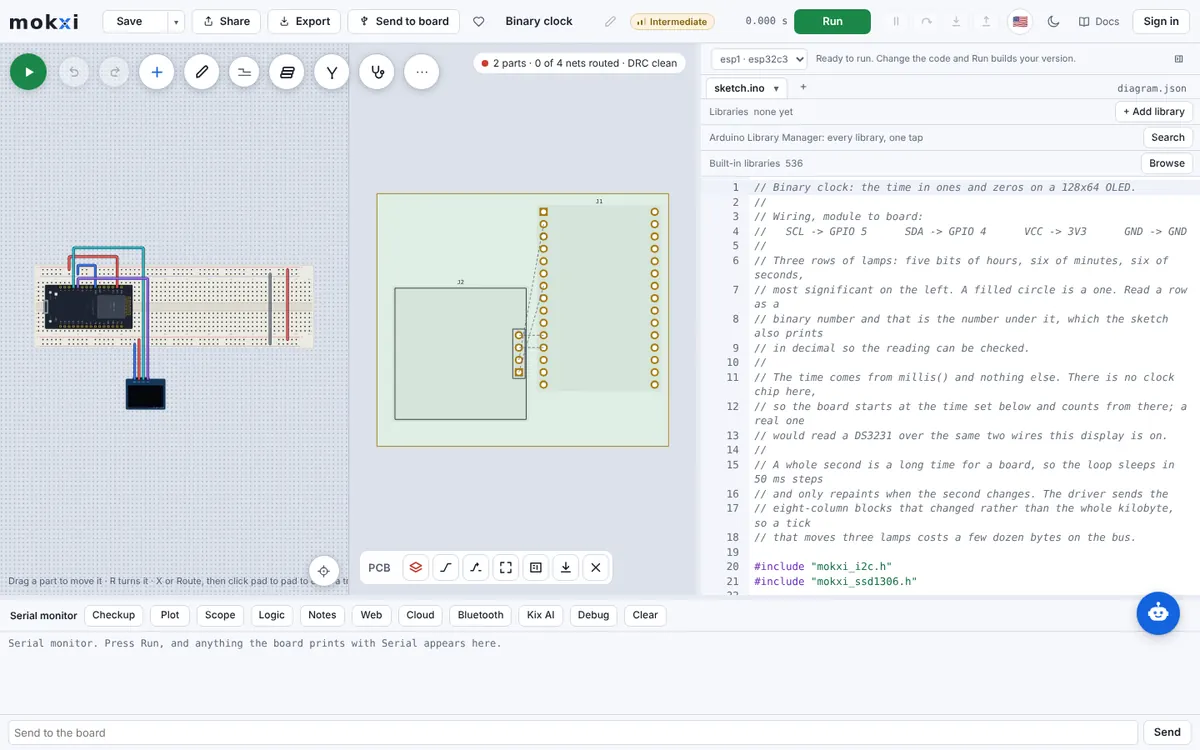
Teach a class with lessons that check themselves.
Give a class starter circuits and step-by-step lessons the simulator checks as students wire, and see who is stuck.
Learn moreWhat makers say about Mokxi
“The AI checker helps check and correct my circuits, and it has way more components than Tinkercad. As a student I really appreciate the tool.”
“I’d been looking for a real online electronic simulator that was intuitive and complete when I found Mokxi. I was able to quickly import a Fritzing file and my Arduino sketch and start testing. Mokxi has all of the makings for the best online Arduino simulator I have been able to find!”
“I’m using Mokxi to develop and simulate an STM32-based four-wheel-drive robot car before building the actual hardware. It allows me to experiment with DC motor control, PWM, RPM measurement using photointerrupters, and different acceleration, braking, and reversing strategies, helping me understand and refine the system before implementing it in real life.”
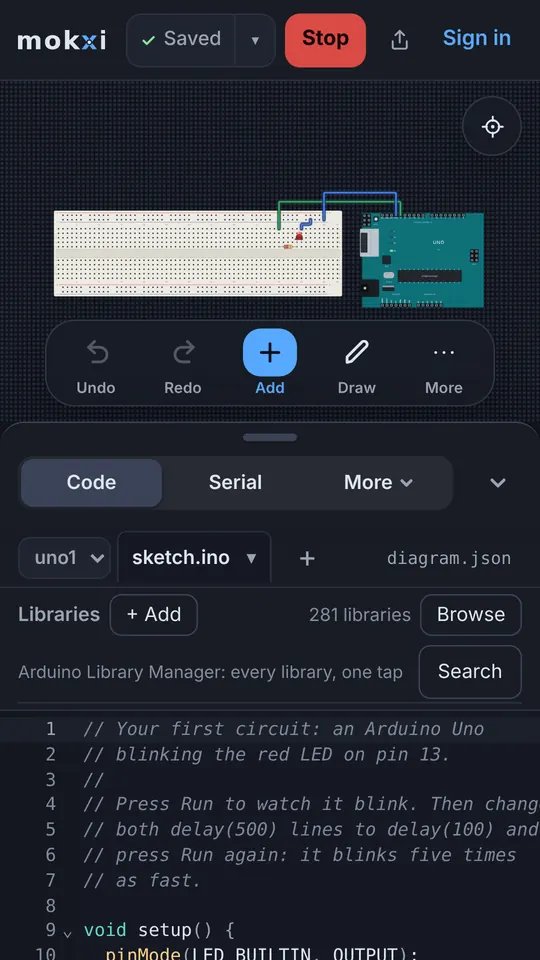
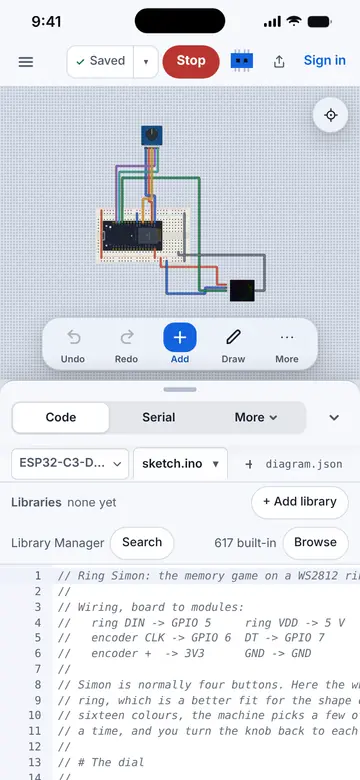
The same editor, in your pocket.
Drag a part, run a wire and hold a button with one finger. Mokxi runs right in your phone’s browser, with the same account and projects.
What Mokxi is
Mokxi is a free electronics simulator that runs in your web browser. Wire a breadboard, write C++ firmware and press Run, even on a school Chromebook.
- Runs in your browser
- No install, no account to start
- Every board and part free
Mokxi is a good fit for
Simulators
Teachers and schools
Every board (45)
Compare all boards- Arduino
- 12 boards
- ESP32 and ESP8266
- 17 boards
- Raspberry Pi
- 7 boards
One circuit, already running
The online circuit simulatorDisplays and lights
8Sensors and inputs
22- Ultrasonic sensor simulator
- Potentiometer simulator
- DHT11 simulator
- RFID simulator
- Accelerometer simulator
- Thermistor simulator
+16 moreShow fewer
- PIR sensor simulator
- Soil moisture sensor simulator
- Load cell simulator
- IR sensor simulator
- LM35 simulator
- MQ-2 gas sensor simulator
- Keypad simulator
- Joystick simulator
- LDR simulator
- DS18B20 simulator
- ACS712 current sensor simulator
- Water level sensor simulator
- Touch sensor simulator
- Heart rate sensor simulator
- Fingerprint sensor simulator
- Sound sensor simulator
Motors and robots
9- Servo simulator
- Stepper motor simulator
- Motor driver simulator
- Relay simulator
- DC motor simulator
- PID simulator
+3 moreShow fewer
Power and analog
18Communication
7Questions, answered.
What is Mokxi?
Mokxi is a free electronics and microcontroller simulator that runs in your web browser. Wire a circuit on a breadboard, write the firmware in C++ as you would for the real board (or MicroPython on a Raspberry Pi Pico or a classic ESP32), and press Run: the microcontroller and the circuit are simulated together in the tab, with nothing to install.
Is Mokxi free?
Yes. The Free plan has every board and every part with no time limit on simulating, and the editor opens and runs a circuit without an account. A free account saves 10 projects, private by default, and sharing a link is free. Pro adds unlimited projects, sending a sketch to a real board and more, and starts with a 7-day trial: a card is needed, and nothing is charged if you cancel before it ends.
Which boards and parts does Mokxi simulate?
45 boards: 42 compile your own sketch in the browser (Arduino boards from the Uno to the Uno R4, ESP32 and ESP8266 boards, the Raspberry Pi Pico, STM32 boards, the micro:bit V2 and the ATtiny85), and the Raspberry Pi computers run Python. There are 505 parts on a real 0.1 inch breadboard, from LEDs and sensors to displays, motors and bench instruments such as an oscilloscope and a logic analyzer.
Can I put the code on a real board?
Yes. The sketch is ordinary Arduino code, so the same sketch builds for the real board. With Pro, Send to board uploads it from Chrome or Edge to an Arduino Uno, Nano, Mega or Leonardo over USB, and a Pico or a micro:bit gets a file to drag onto it. Every board’s Arduino IDE steps are free on every plan.
Does Mokxi work on a Chromebook?
Yes. Mokxi runs in Chrome on a school Chromebook with nothing to install, because the simulation and the compiler run on the device in the browser tab.
What is Mokxi AI?
Mokxi AI is the assistant built into the editor: it answers questions about the circuit and code in front of you, explains compile errors and offers a fix. A Free account gets 5 questions a day and Pro 3,000 a month at the full price. A teacher decides whether a class has it, and children under 13 never see it.
How does Mokxi compare with Wokwi and Tinkercad Circuits?
They are built for different people. Tinkercad Circuits is the better first tool for young beginners who need block coding. Wokwi covers the most ESP32 chips and ESP-IDF, Rust and custom chips. Mokxi fits teacher-led classes, circuits where analog parts must behave like real ones beside the firmware, and several boards in one simulation. Its comparison pages source every claim.
Can a teacher run a class on Mokxi?
Yes. A class has a roster, starter projects, checks that grade each submission, feedback and a gradebook export, and a teacher on Free can try it with a free 30-day class trial.
Do I need an account at all?
No. The editor, the templates, the gallery, the compiler and Run all work without signing in. Your browser keeps your work as you go. An account saves your projects online, so they follow you to any computer. It also gives you a link to share.
Is my sketch really compiled in the browser?
Yes. A real compiler (clang, built for the web) runs in your browser. It downloads once, and your browser keeps a copy. After that, every build happens on your own computer. There is no build server and no waiting in line, so there are no build minutes to run out of.
Which browsers work?
Any up-to-date Chrome, Edge, Firefox or Safari, on a computer, a phone or a tablet. They all support WebAssembly, which Mokxi needs, and they have for years.
Does it work on a phone?
Yes. The editor works with touch, the buttons are big enough to tap, and the layout fits a small screen. The simulation runs on the phone itself.
Can I try Pro before I pay?
Yes. Every account can try Pro free for 7 days, once. It takes a card, nothing is charged for those days, and if you cancel before they end you pay nothing. It starts when you choose it.
Can I cancel anytime?
Yes, in one press from your account page. Your plan runs to the end of what you paid for.
Do you offer refunds?
Yes, once per account. Write to us within 14 days of a payment and we refund all of it. Lifetime Pro is refunded in full within 14 days of buying it.
Is there a student discount?
Yes. Students get Pro at half price with a school email.
Do students need accounts?
No. The simulator works signed out, so your class starts from one link with nothing to sign up for. An account only adds cloud saving and sharing, and a student can make one later, or never.
What does it cost for a class?
Nothing, if your students only need to open and run circuits: the whole simulator is on the free plan. The class tools (a roster, starter projects, auto-graded checks, the gradebook) come with Pro and Classroom. Classroom is $9.99 a student a year, from 5 students, so at least $49.95 for the year. Your own seat is free, and from 50 students each one costs less. Your students get Pro’s room while they are in your classes. Pay by card, invoice or purchase order. Pro on its own runs classes for up to 10 students in all. To try the class tools with real students first, start the free 30-day trial from your class page: one class of up to 20 students, no card.
Is student work private?
Yes. A student’s projects in a class are always private: they cannot be opened by link or put in the gallery. One exception, and only for reading: a teacher may open, and never write, a project owned by somebody in a class they teach, which is what a card on the class wall does. What we store about a student, who processes it, how a school has it deleted, and how we handle COPPA consent for students under 13 and FERPA as a school official are all on the student data privacy page at /privacy/students.
Is Mokxi AI free?
Every signed-in account gets questions: 5 a day on a free account, 700 for the 7 days on the Pro trial, 3,000 every month on Pro and the other paid plans, and 25 a day on Lifetime Pro.
Does Mokxi AI work with ESP32 and Raspberry Pi Pico sketches?
Yes. It knows which board the project is on and answers for that board, from an Uno to an ESP32, an ESP8266, a Pico or an STM32.
Can Mokxi AI change my code without asking?
No. It proposes a change as a card. Accept is yours, and only appears once the changed code compiles; Ctrl+Z undoes it.
What does Mokxi AI send with a question?
Your project text, the matching help articles and the last six messages of the chat, never your name or account. "What is sent" shows exactly what went.